Wi-Fi password sign with a QR code guests scan to join
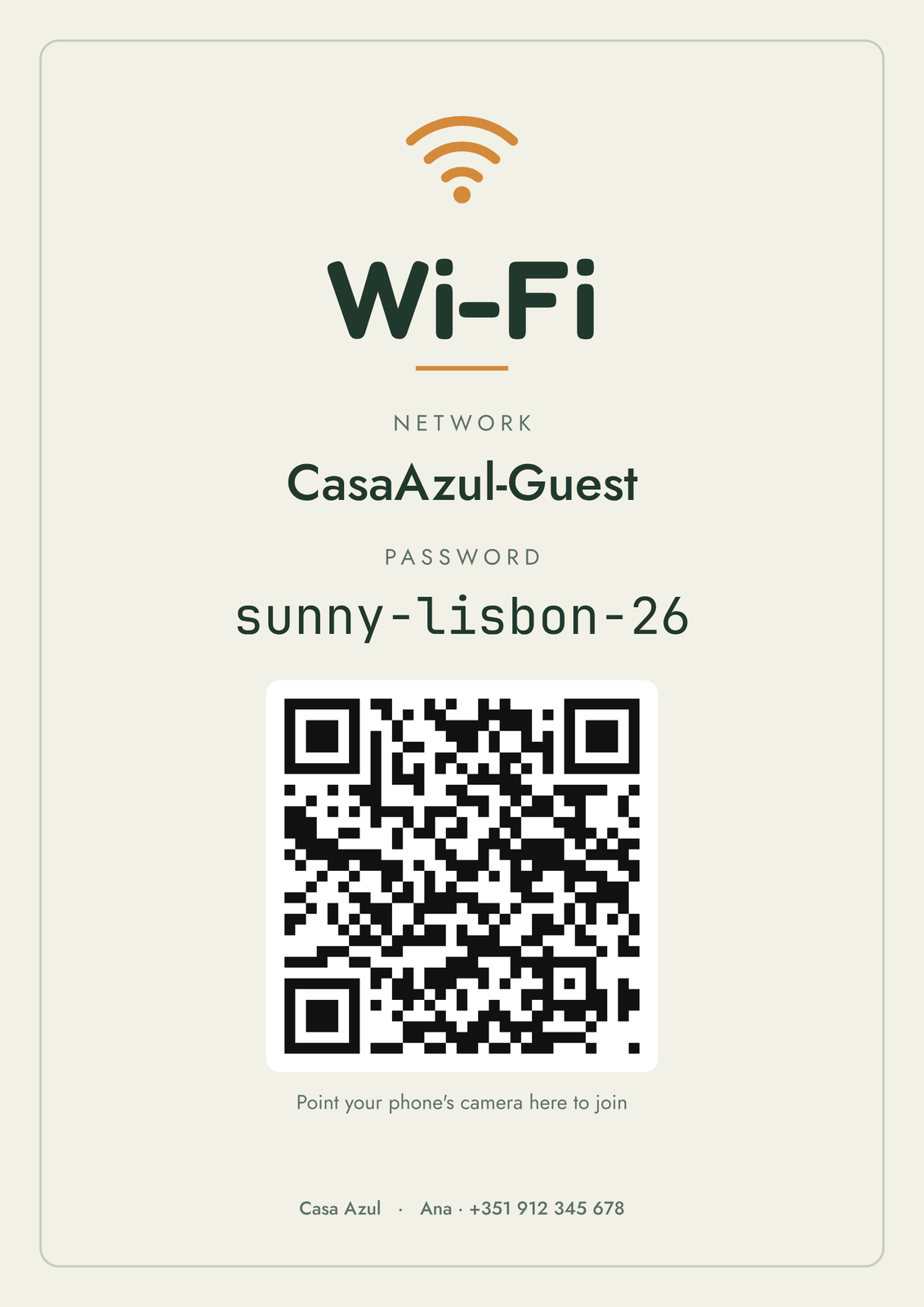
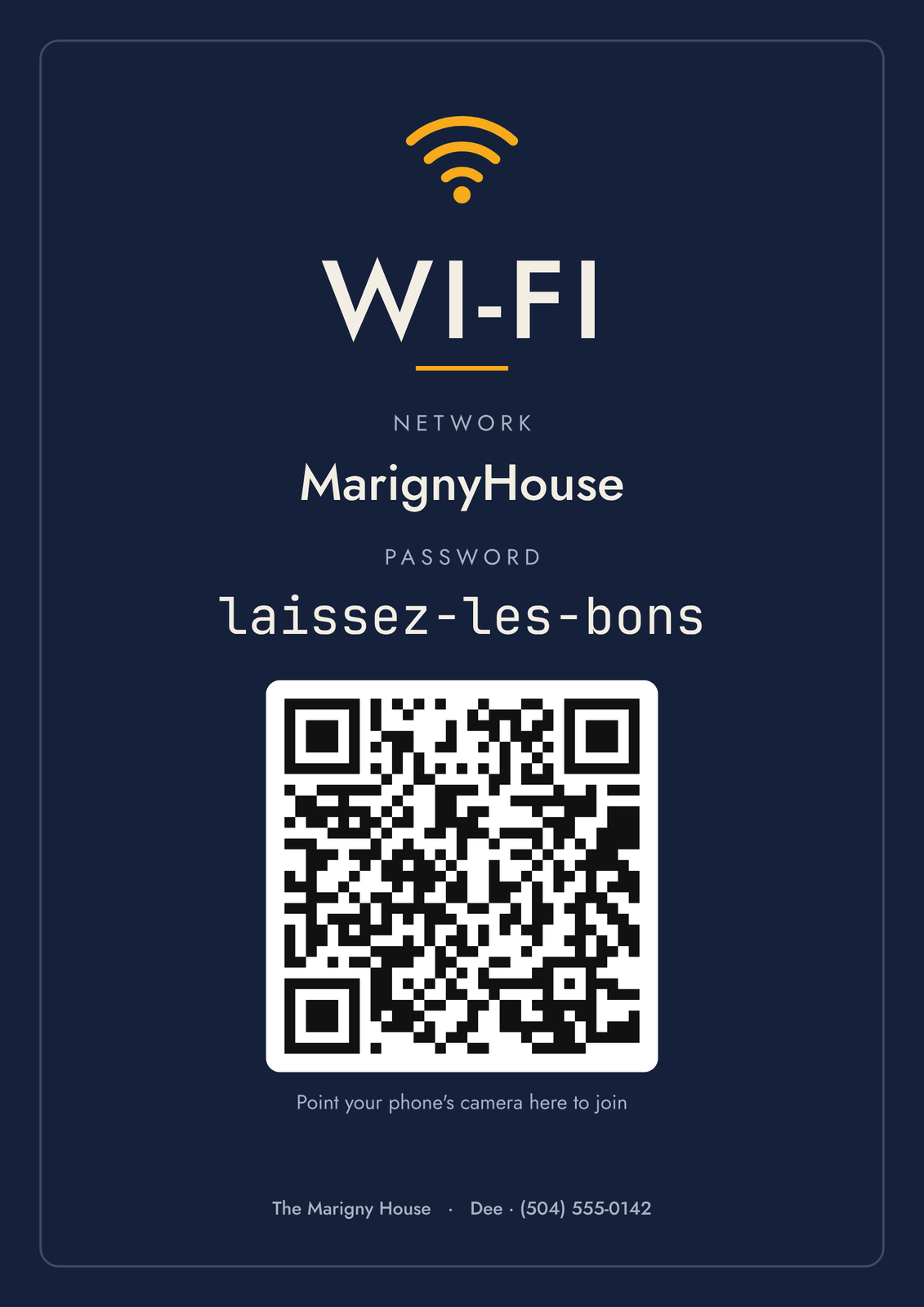
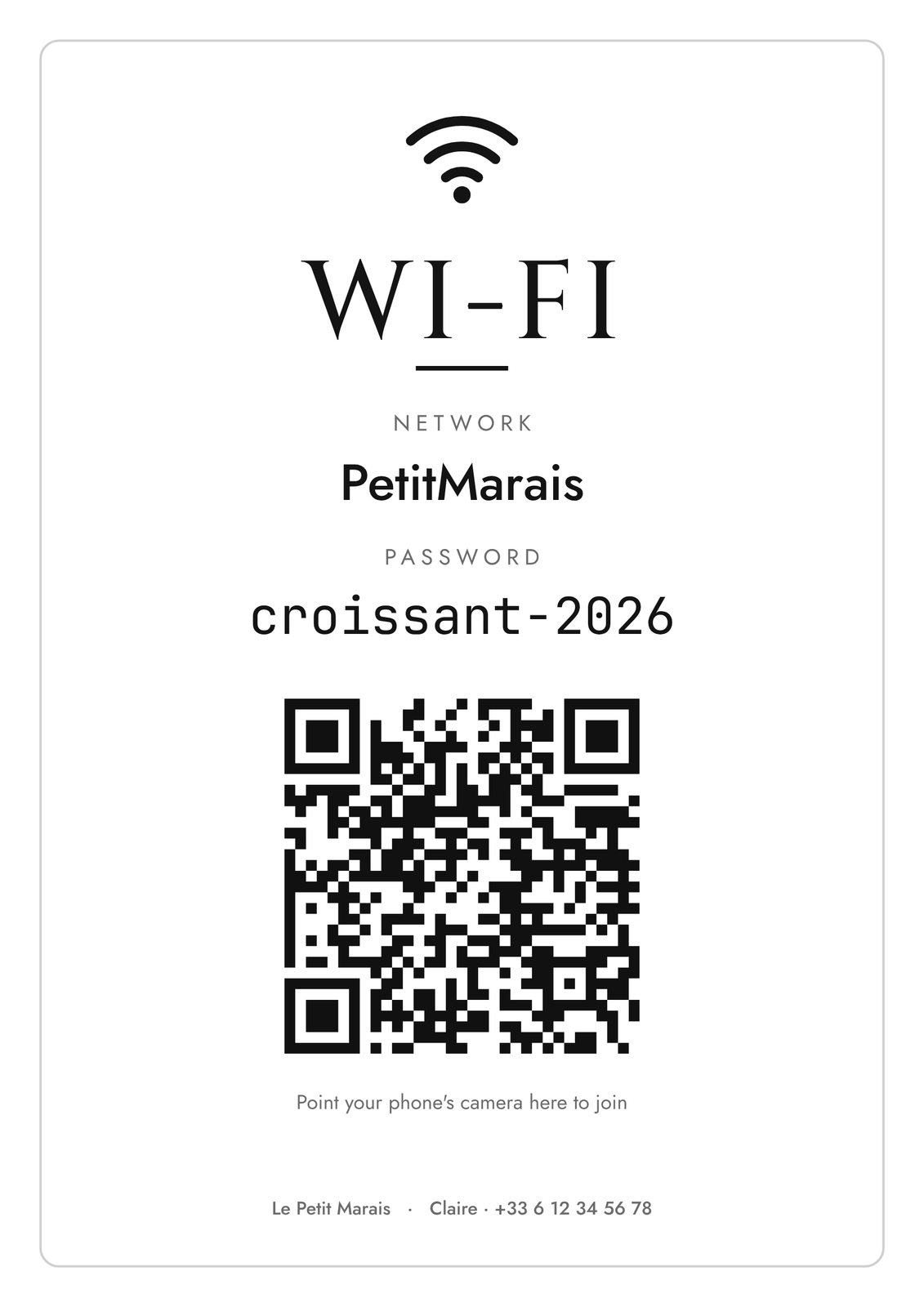
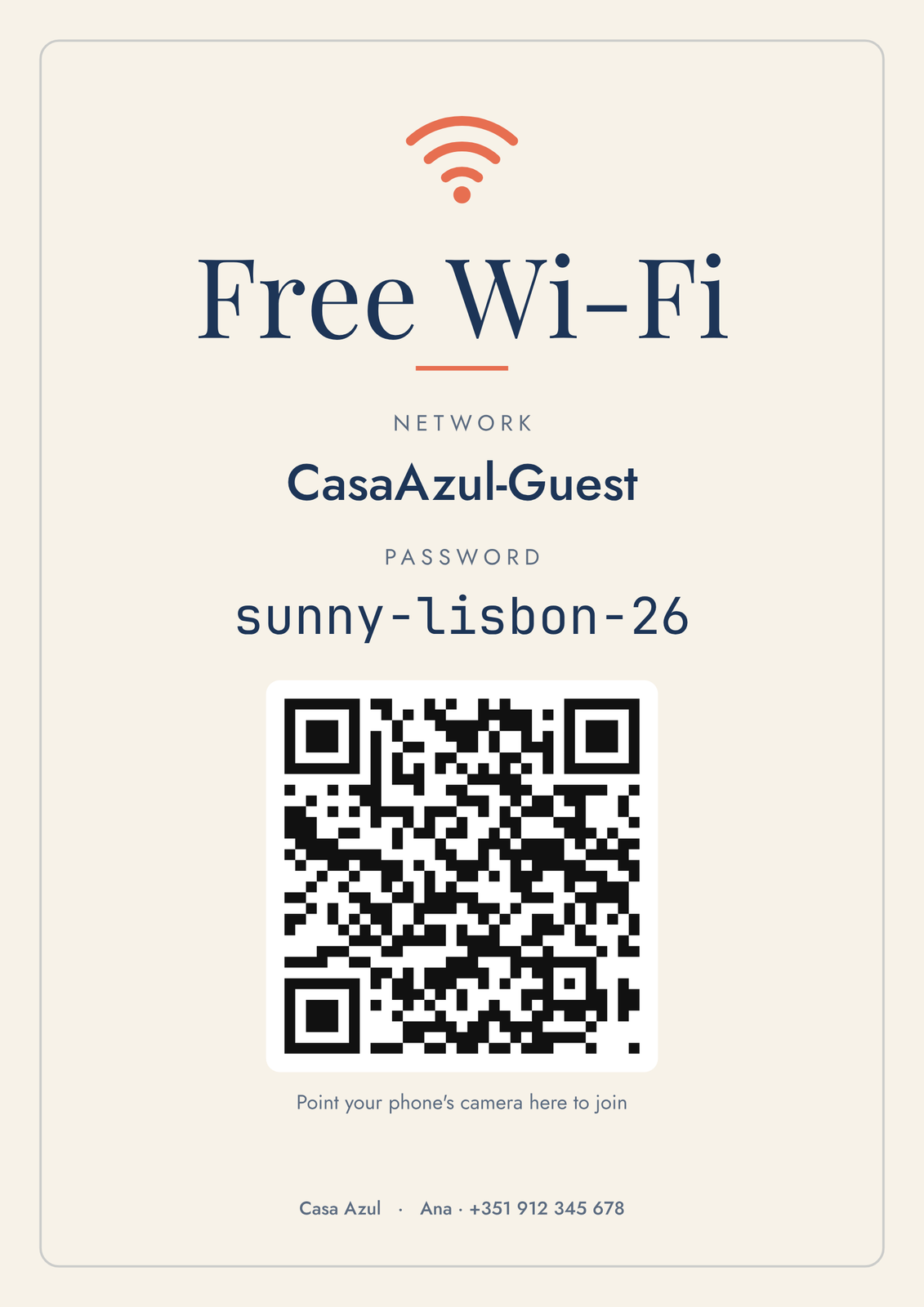
Type your network and password once. The sign prints them big enough to read across the room, with a QR code phones scan to connect without typing anything.
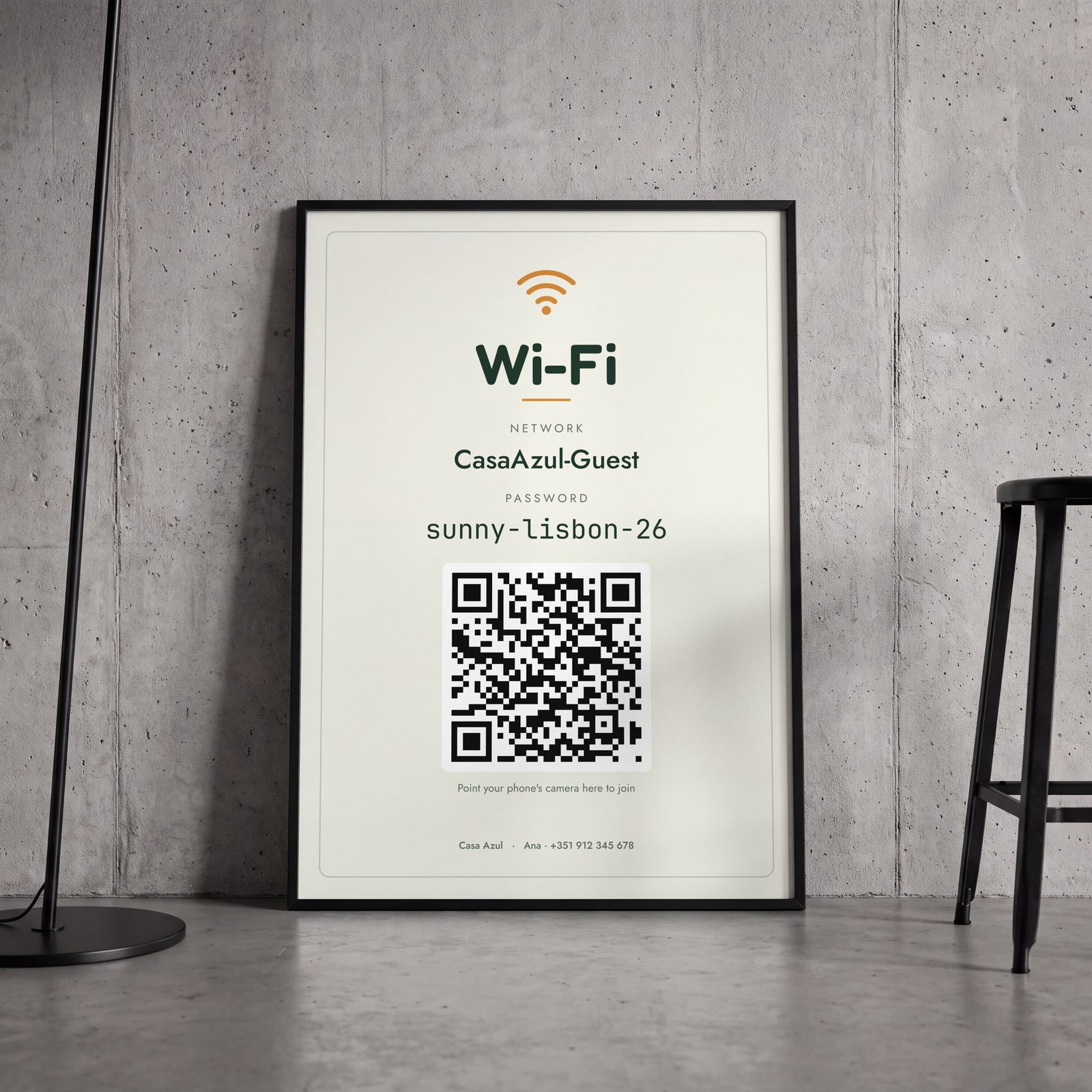
On the wall
A few of them framed at home. Open any one to make it yours.
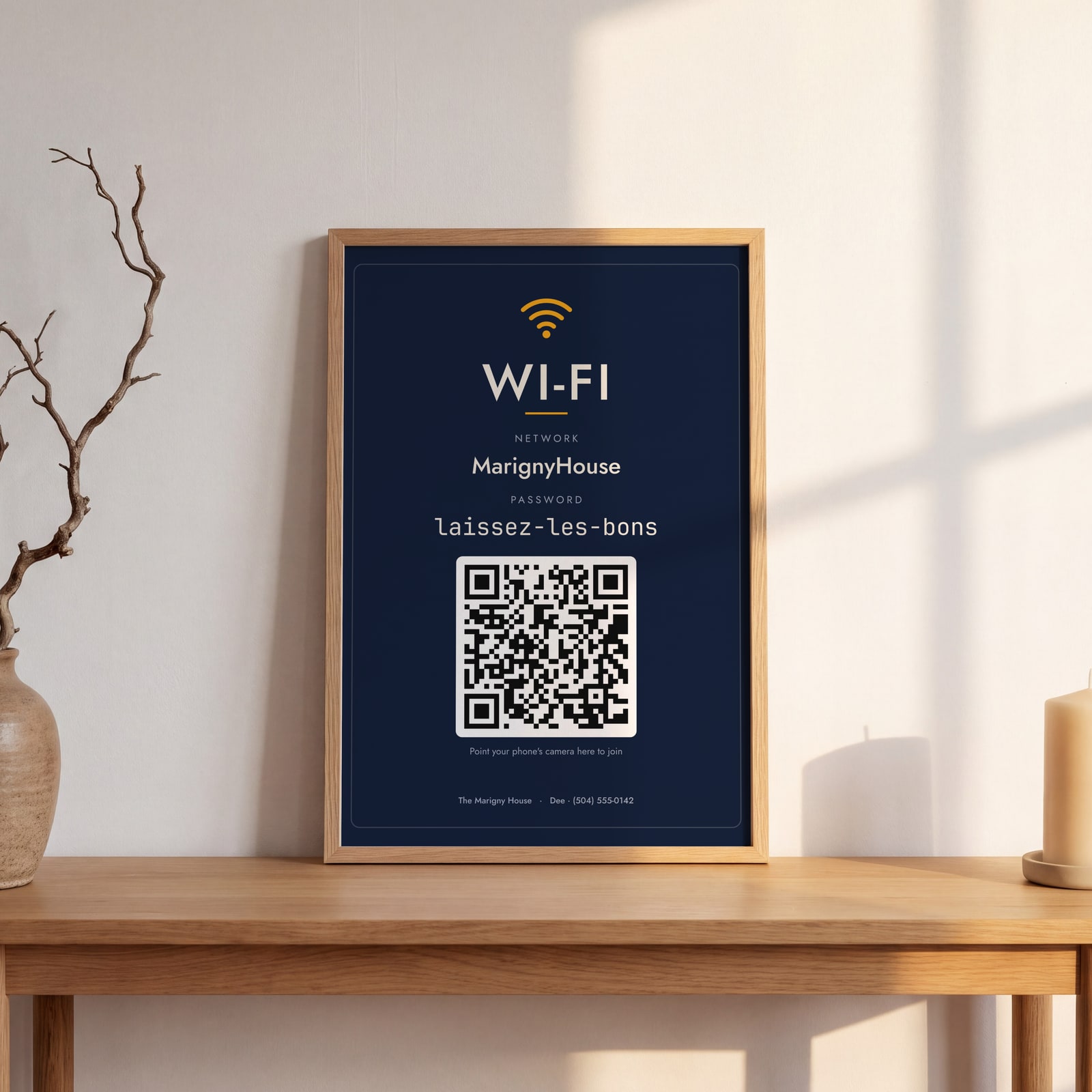
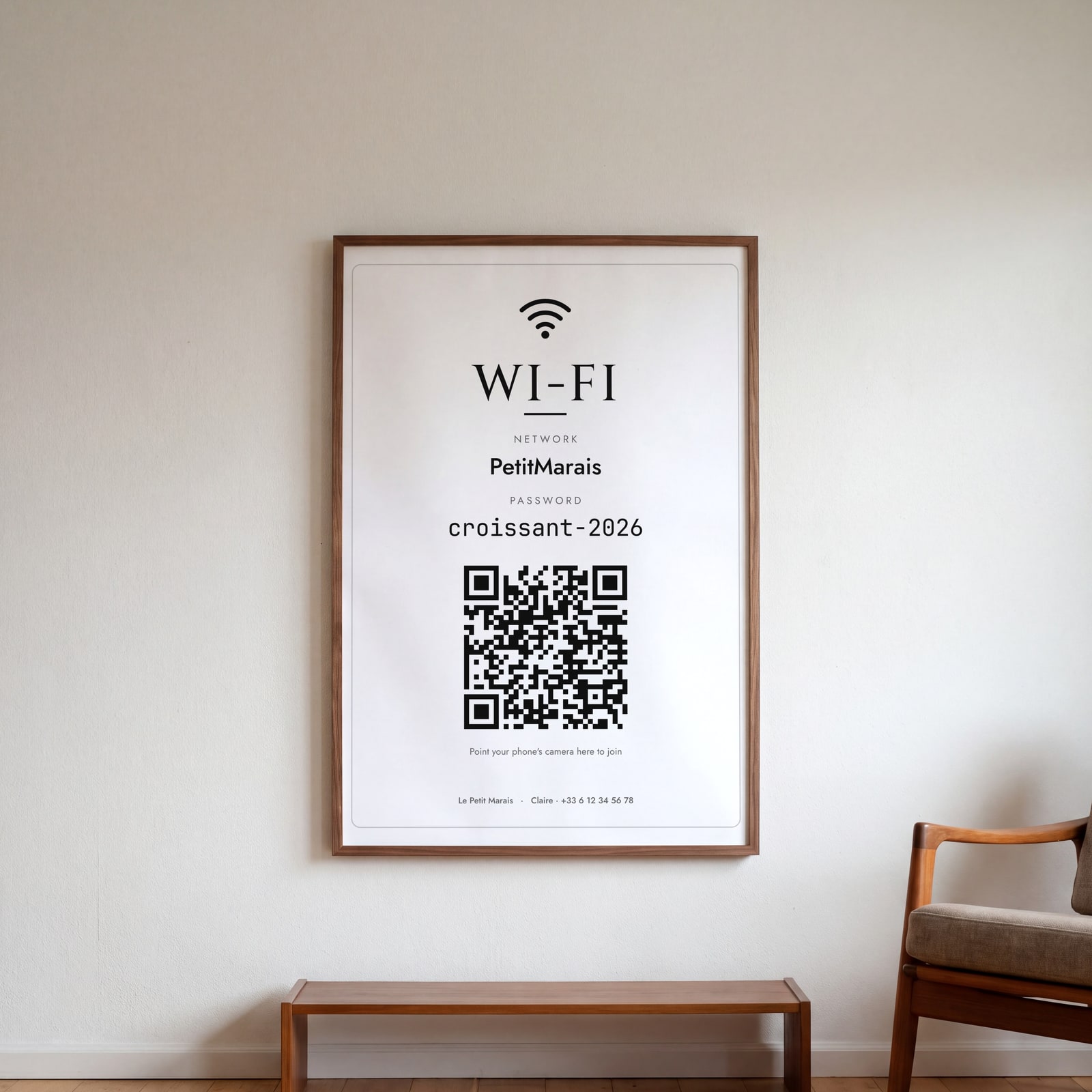
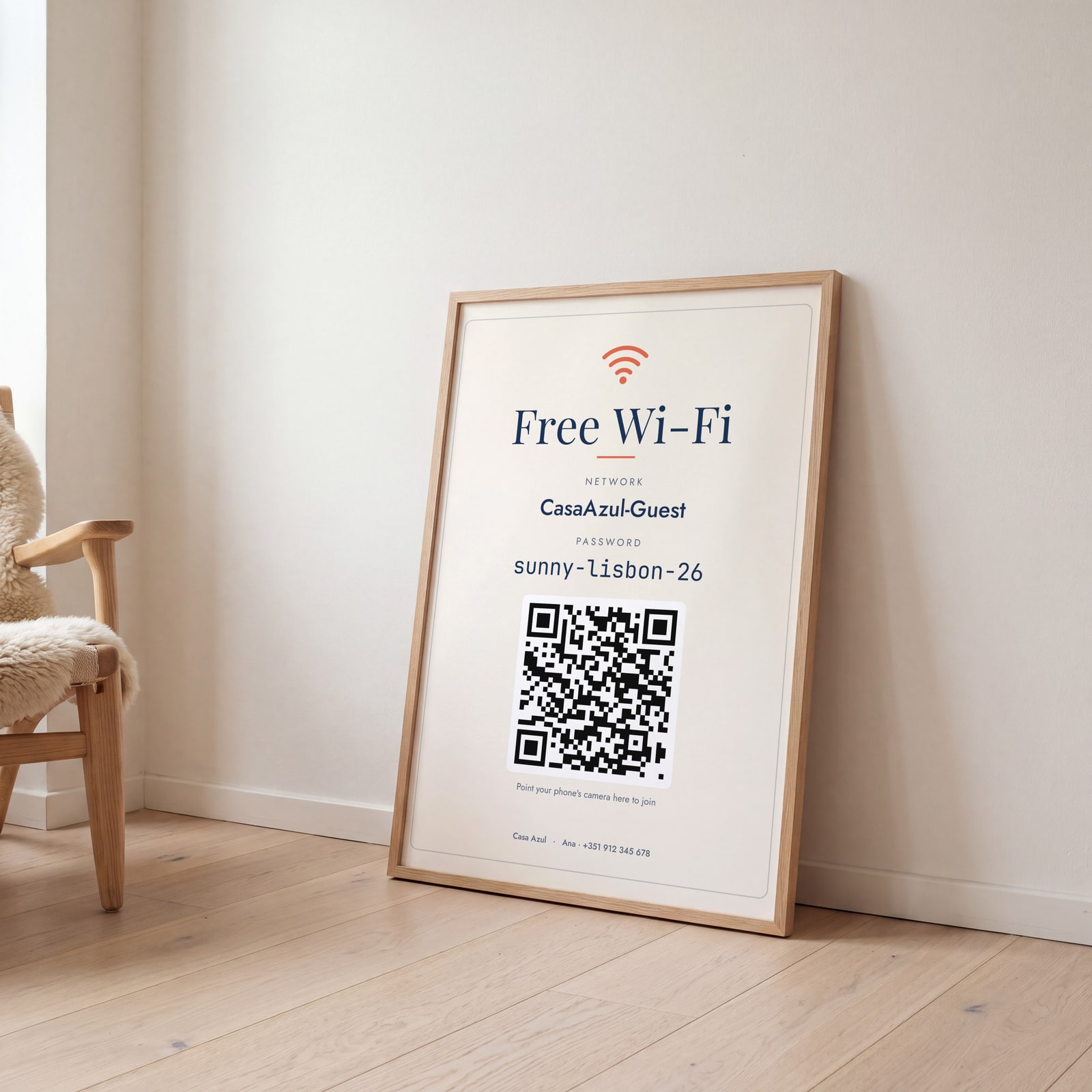
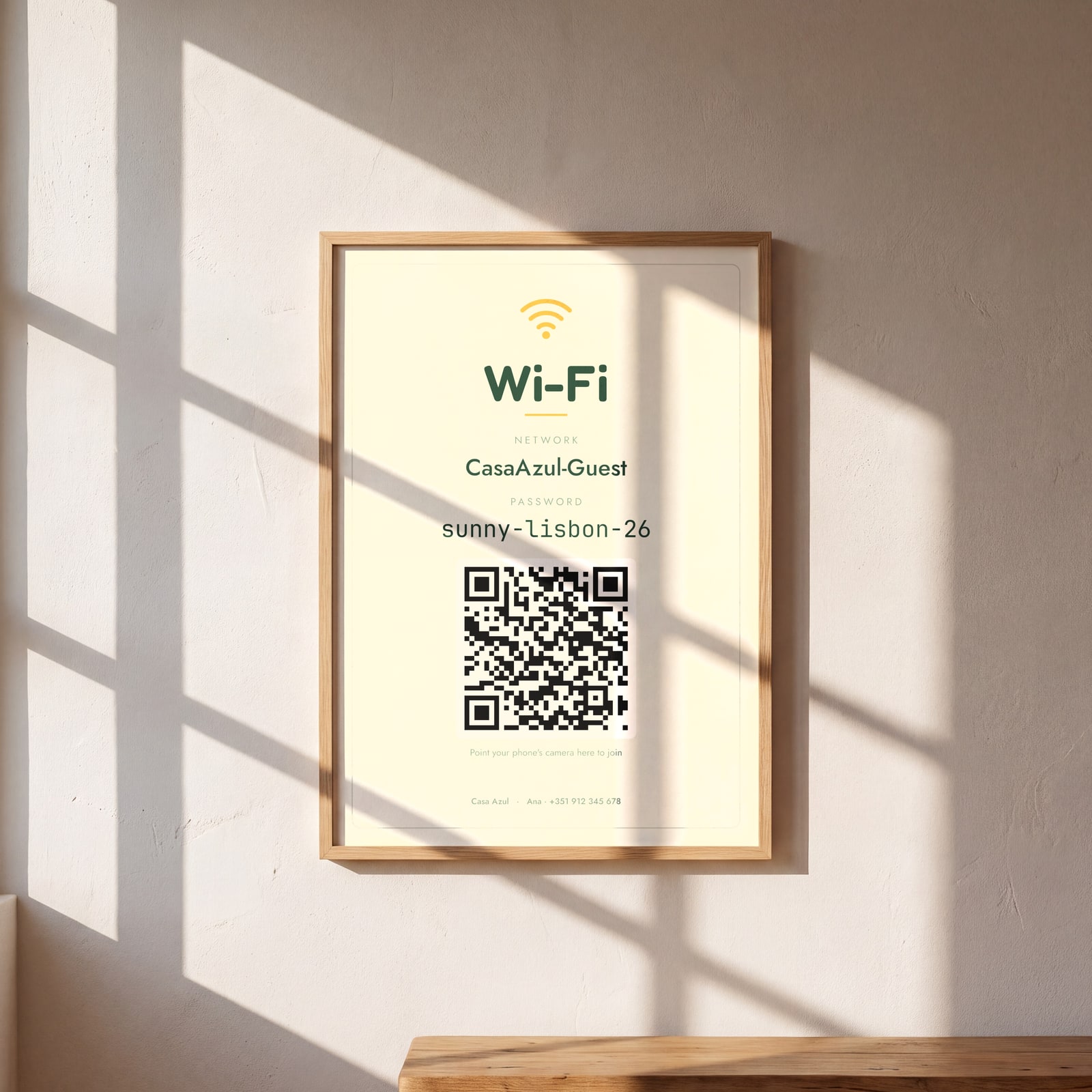
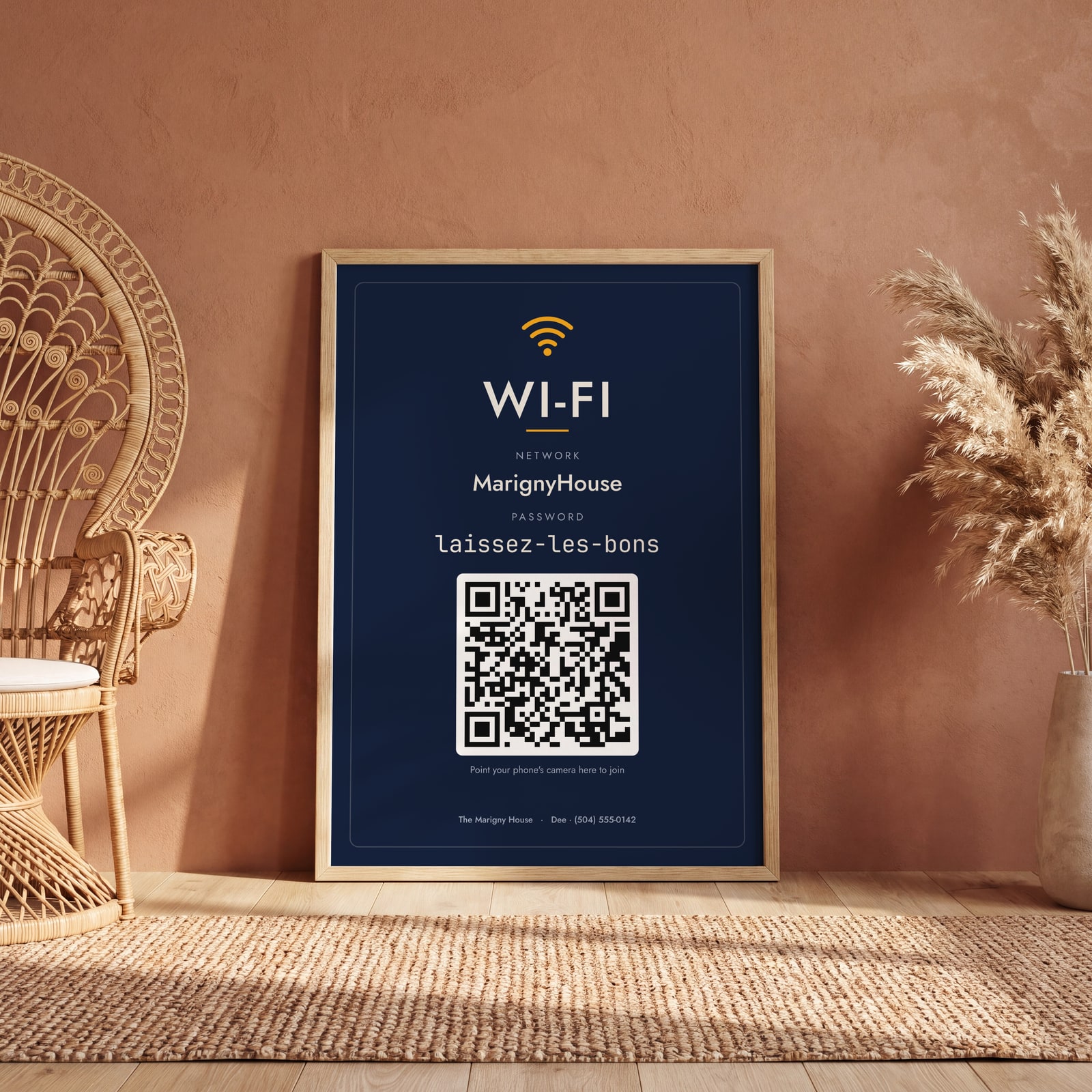
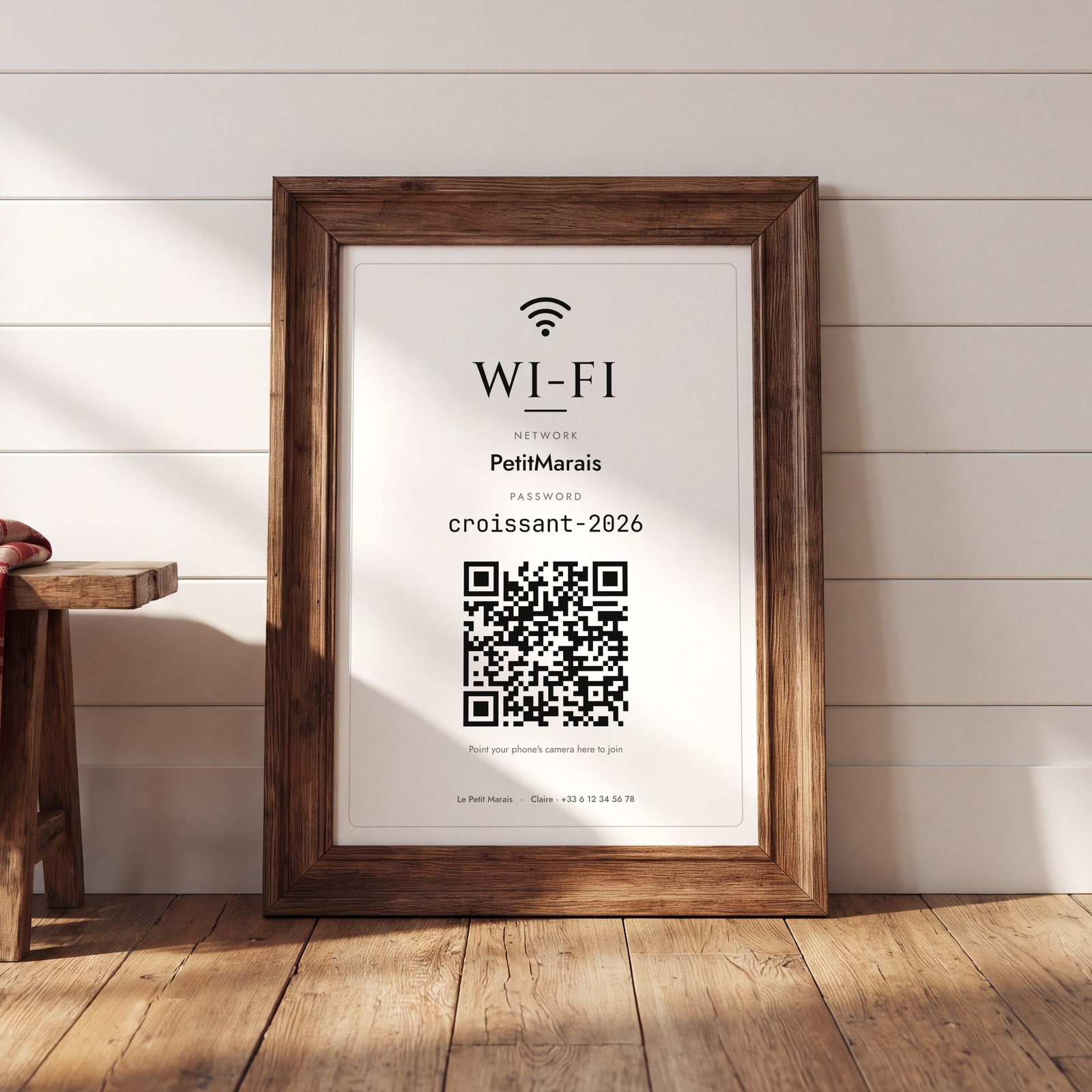
Examples
Open any of them to change the words, the place, the date and the style, then download the print file.
How the QR code works
Phones read a standard Wi-Fi code with the camera: point, tap the notice, and the phone joins. The code holds your network name, the password and the security type, nothing else, and it's made on the page from what you type.
If your network is open, choose None under Security and the sign leaves the password out.
Where to put it
By the router, on the fridge or in a frame on the desk: wherever guests unpack their phones. A4 or letter size reads from a couple of meters away.
Questions
Is the QR code safe?
It only holds what you typed: the network name, the password and the security type. Anyone who can see the sign can join your Wi-Fi, which is the point, so use a guest network if your router has one.
Can I change the heading?
Yes: “Wi-Fi”, “Free Wi-Fi”, “Guest Wi-Fi”, or anything up to 30 characters.
Is this made by Airbnb?
No. Posterage isn't affiliated with Airbnb. The posters and signs work for any short-term rental: Airbnb, Vrbo, Booking.com or your own bookings.
Related
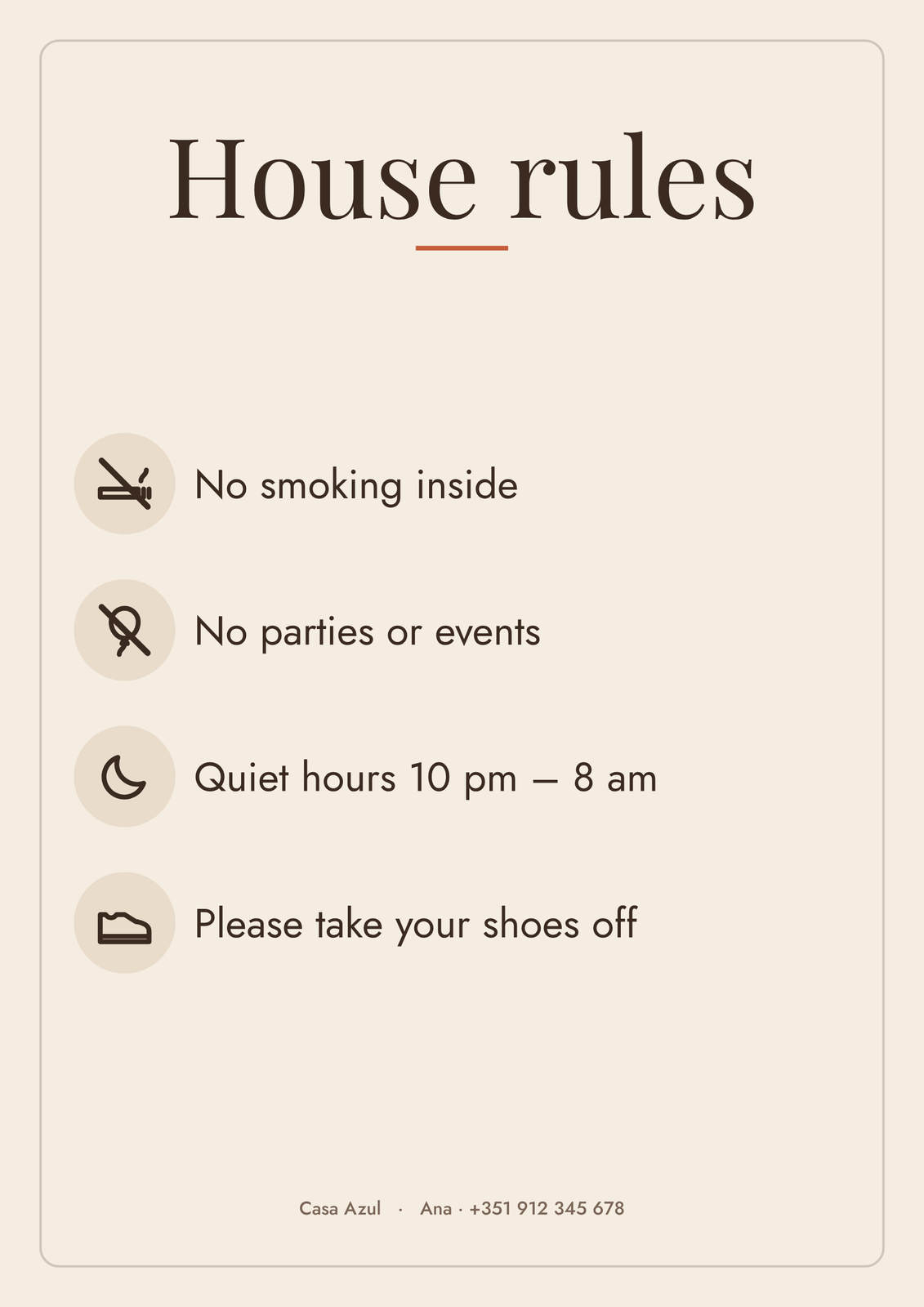
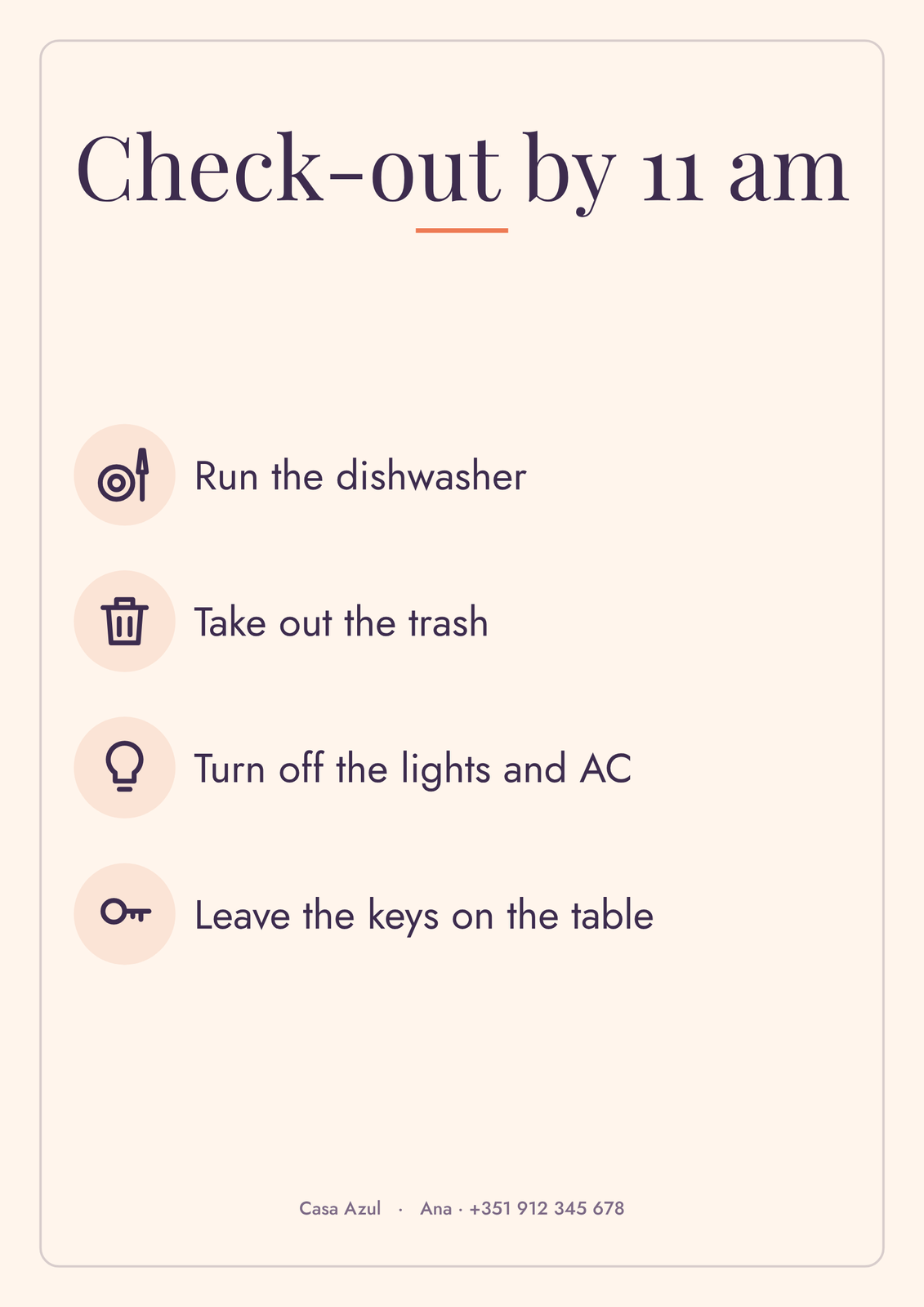
Gift ideas by occasion

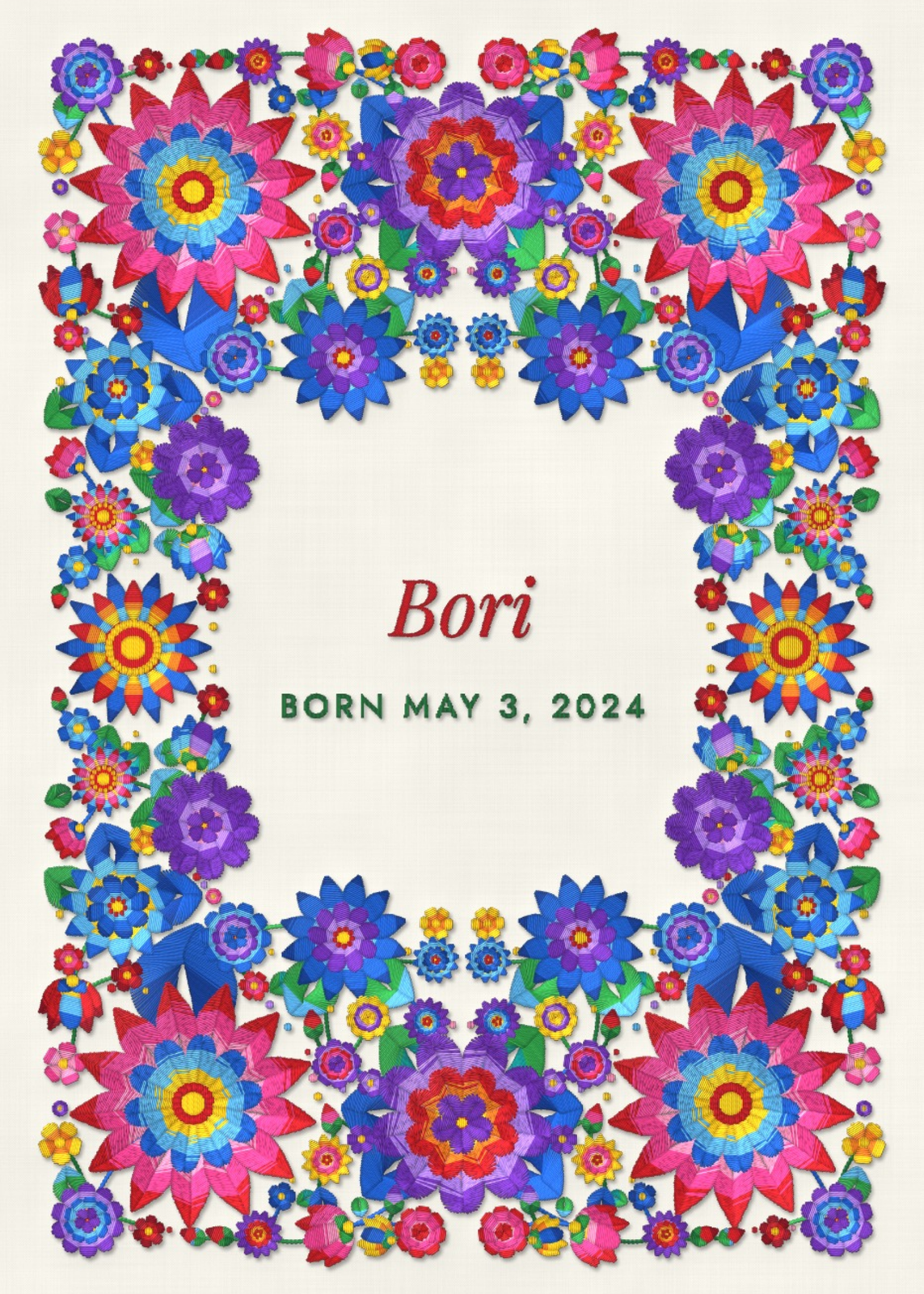
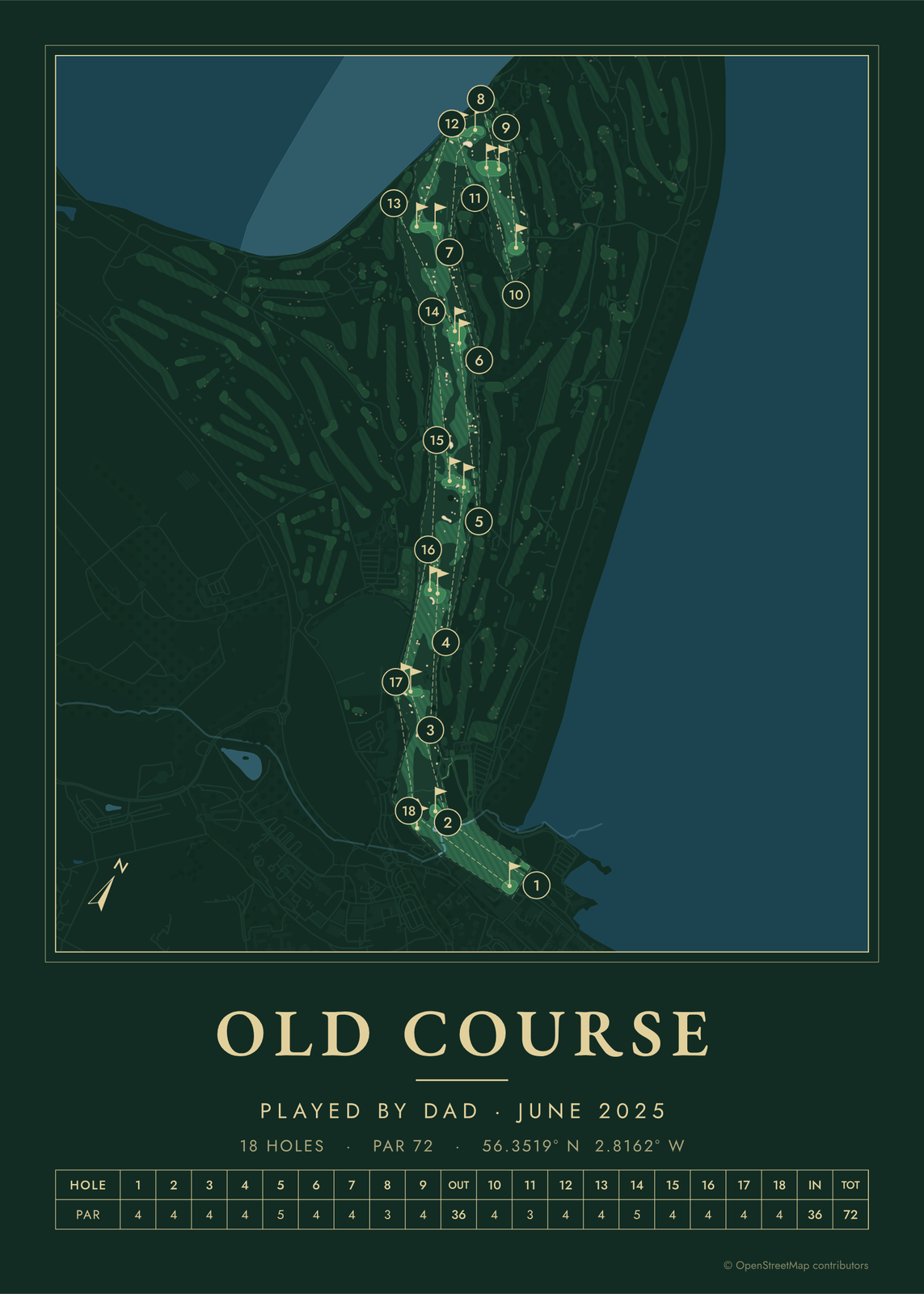
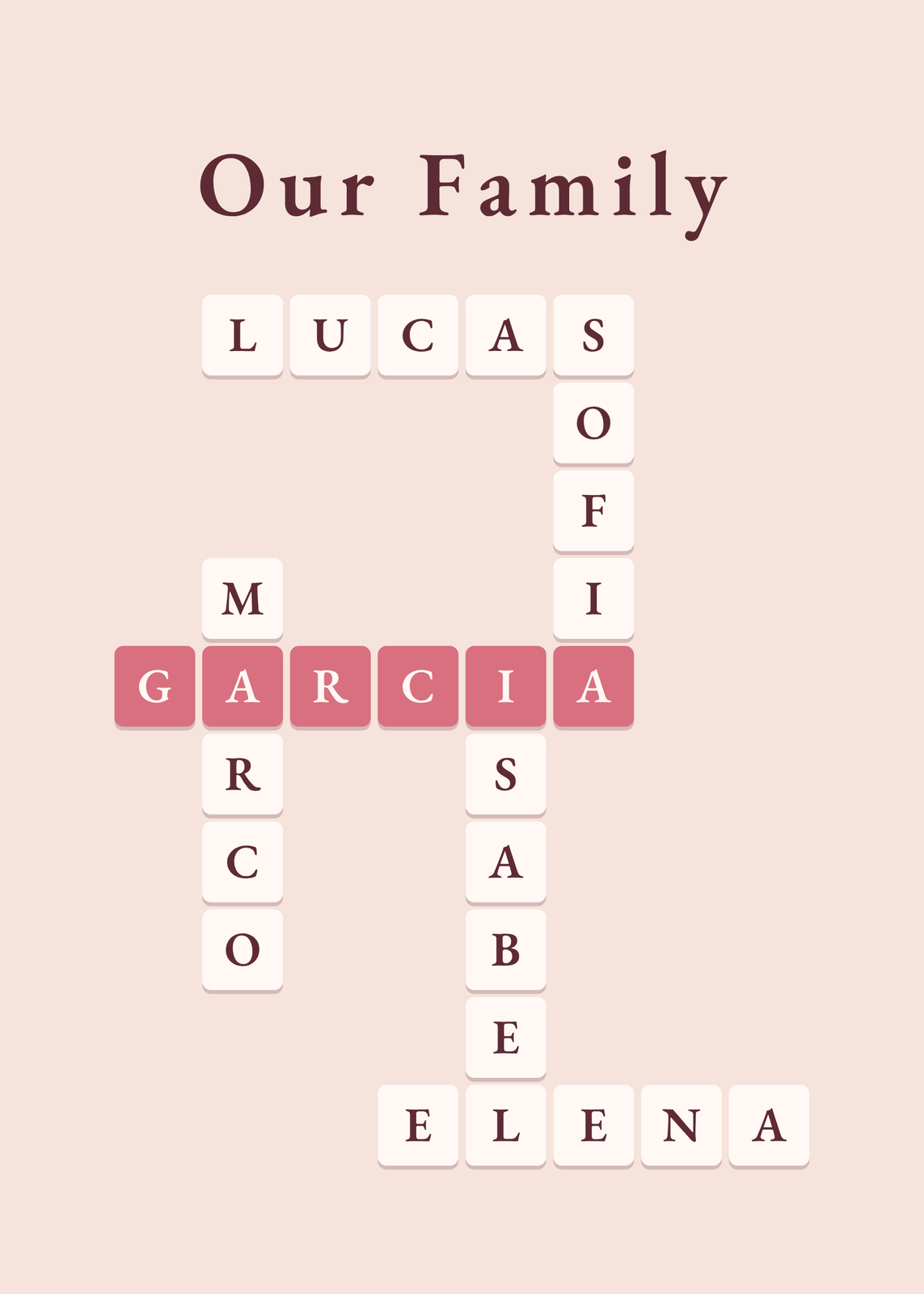
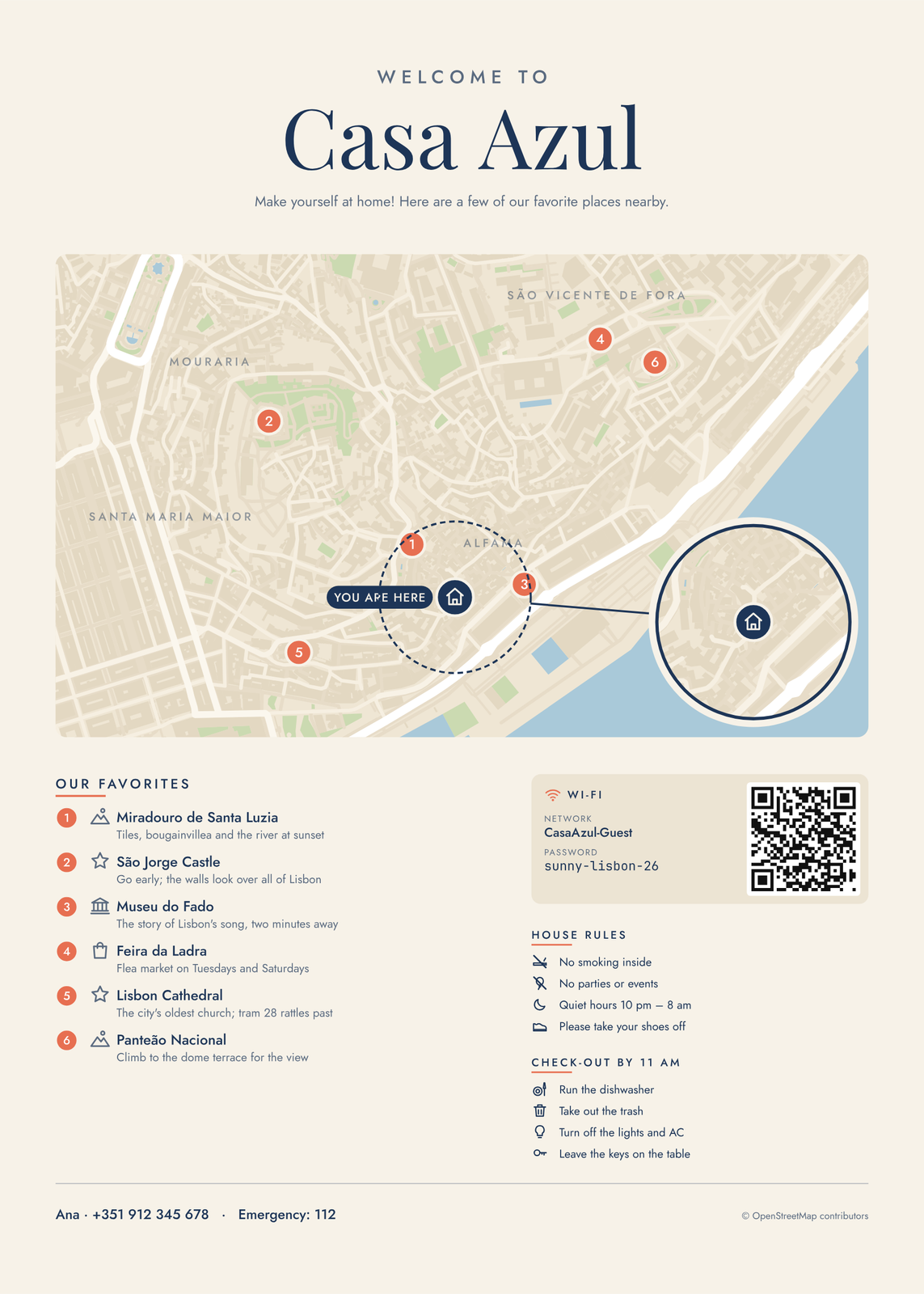
Every example is made with the Posterage generators. Change anything, then download it as a 300 DPI JPEG.