Pop art your photo as a silkscreen grid, a comic panel or a WPAP portrait
Three ways to turn a photo into pop art. Silkscreen it panel after panel in flat, clashing colors, the way Warhol printed his stars. Print it like a 1960s comic, in halftone dots with bold outlines and a speech bubble. Or cut it into straight-edged facets of bold color, in the WPAP style from Indonesia. Faces work best, and pets and birds too: upload yours, pick the colors and download a file ready to print.
Comics, WPAP and print looks
 Comic book artyour photo as a vintage comic panel, dots, bubble and all
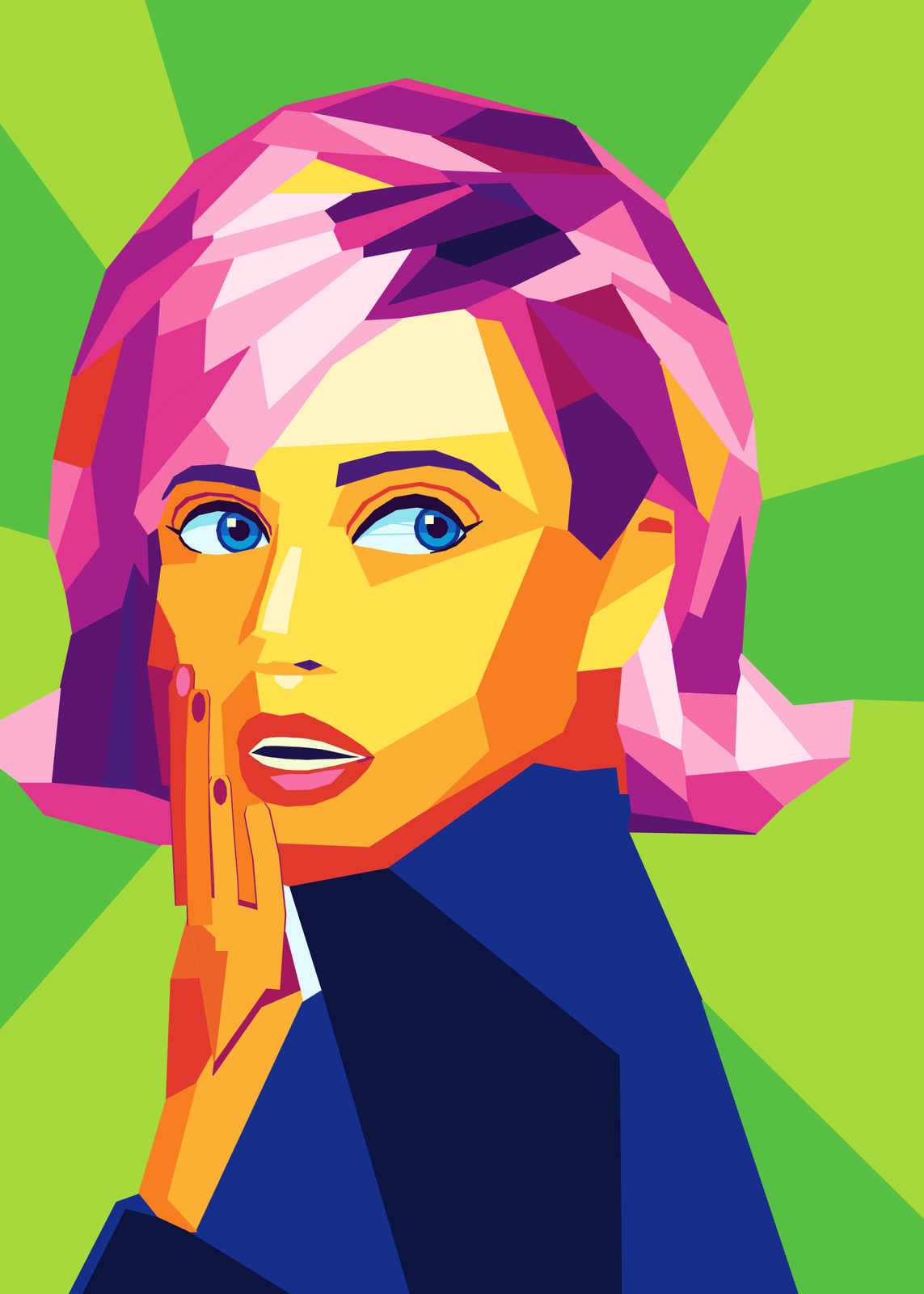 WPAP artyour photo cut into straight-edged facets of bold color
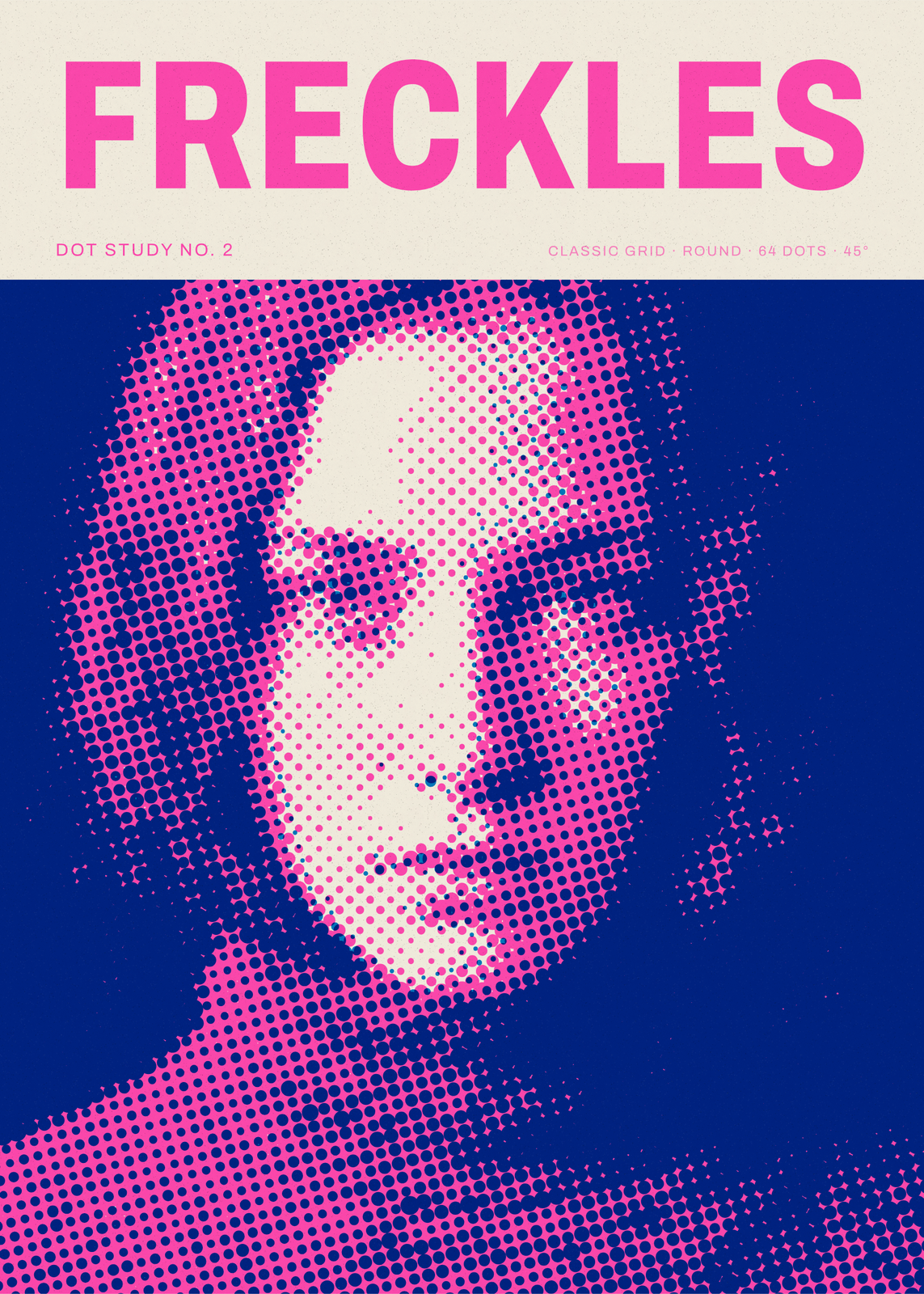 Halftone generatorany photo as big printed dots, in one ink or four
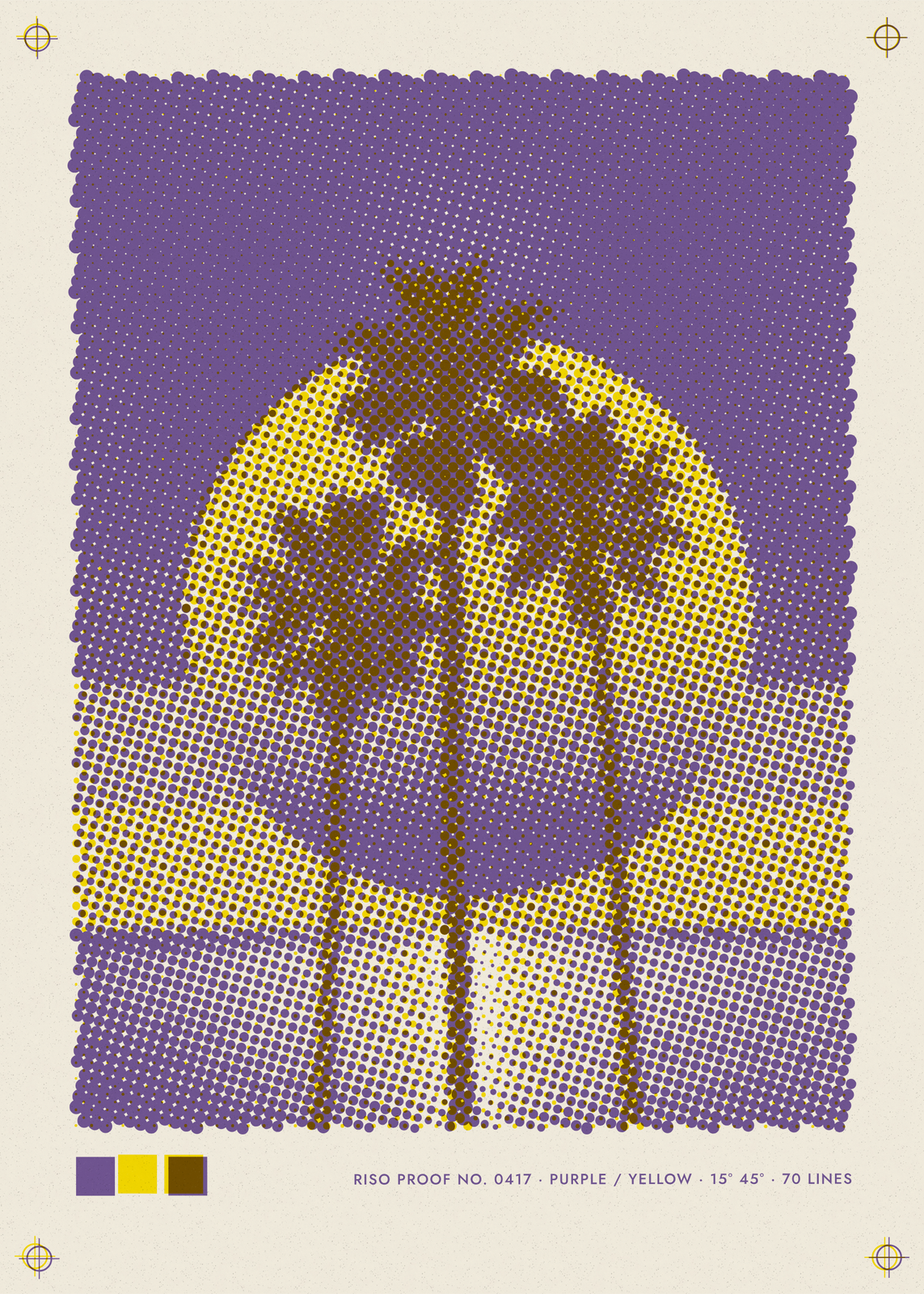 Risograph printyour photo in two or three spot inks, dot by dot
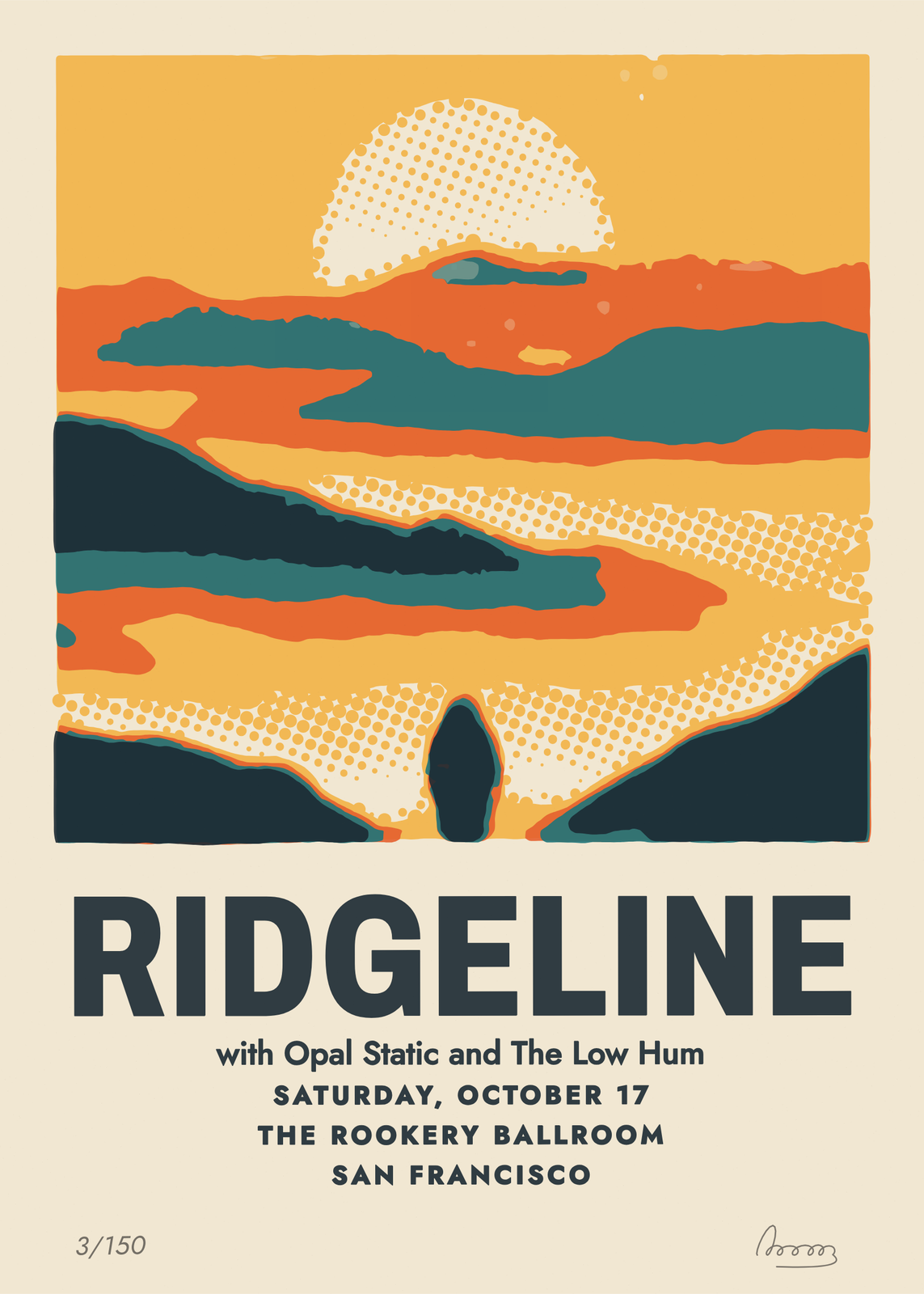 Gig posteryour photo pulled as a silkscreen, with the show's lettering
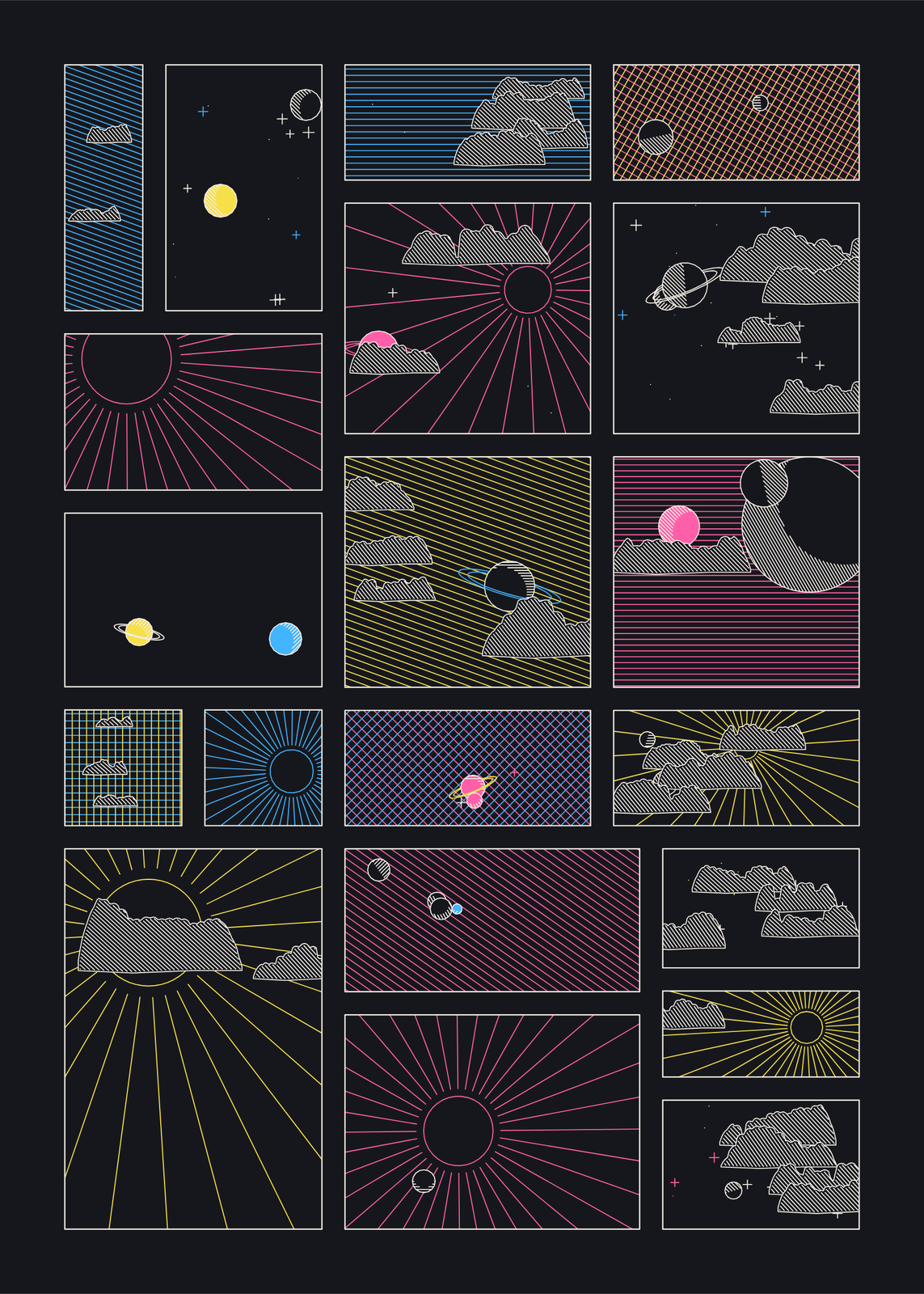 Space comic arta comic page of tiny skies, every one drawn in pen lines
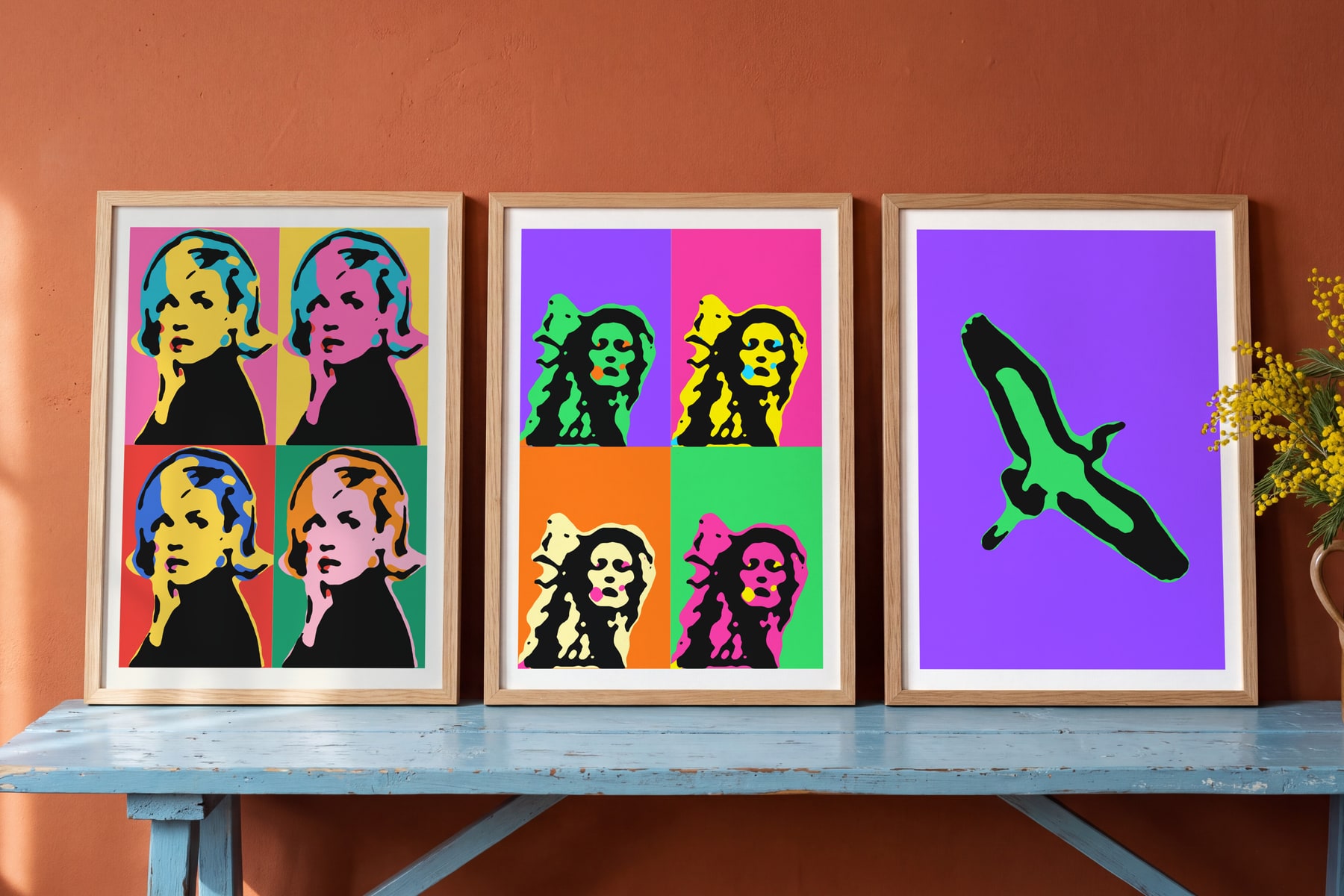
On the wall
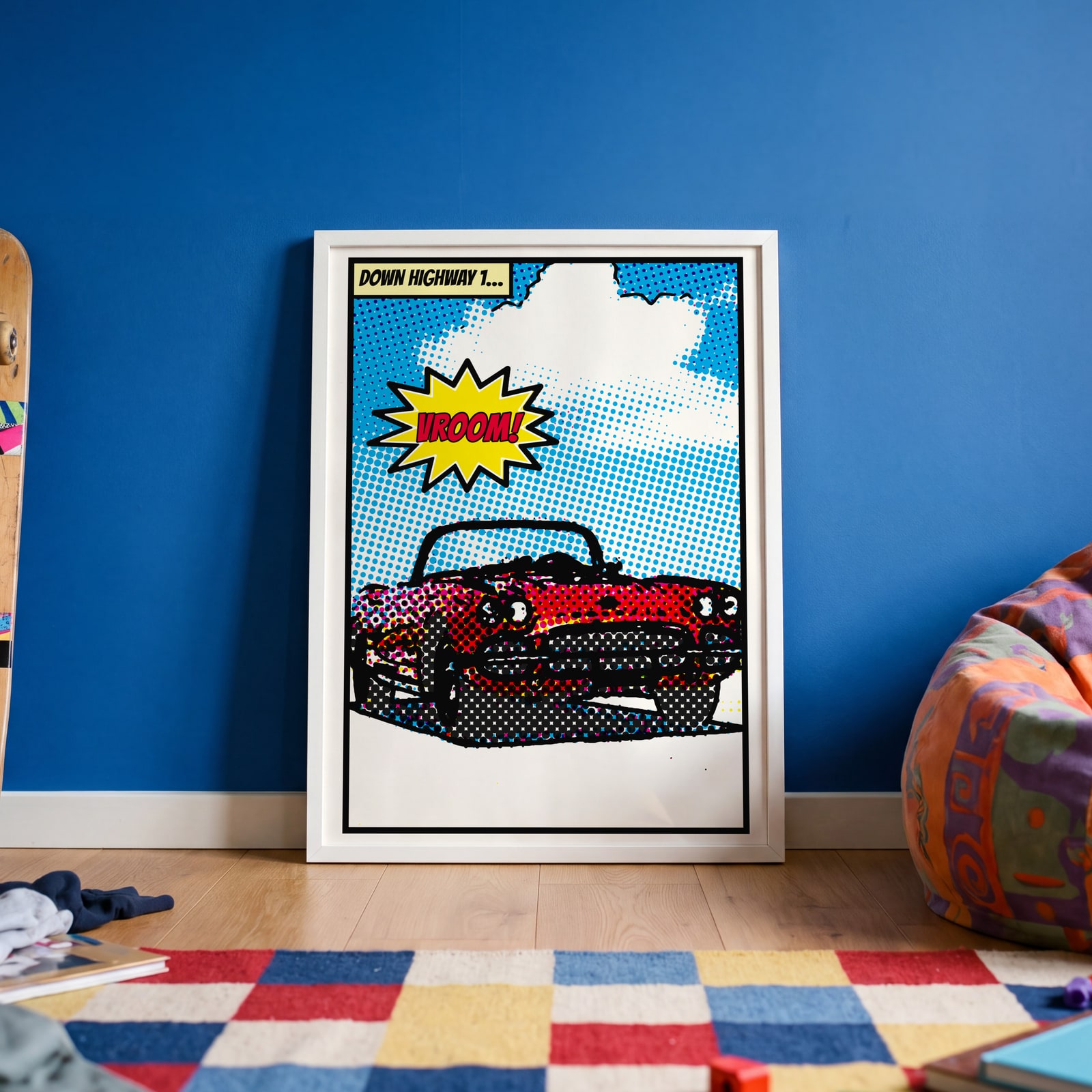
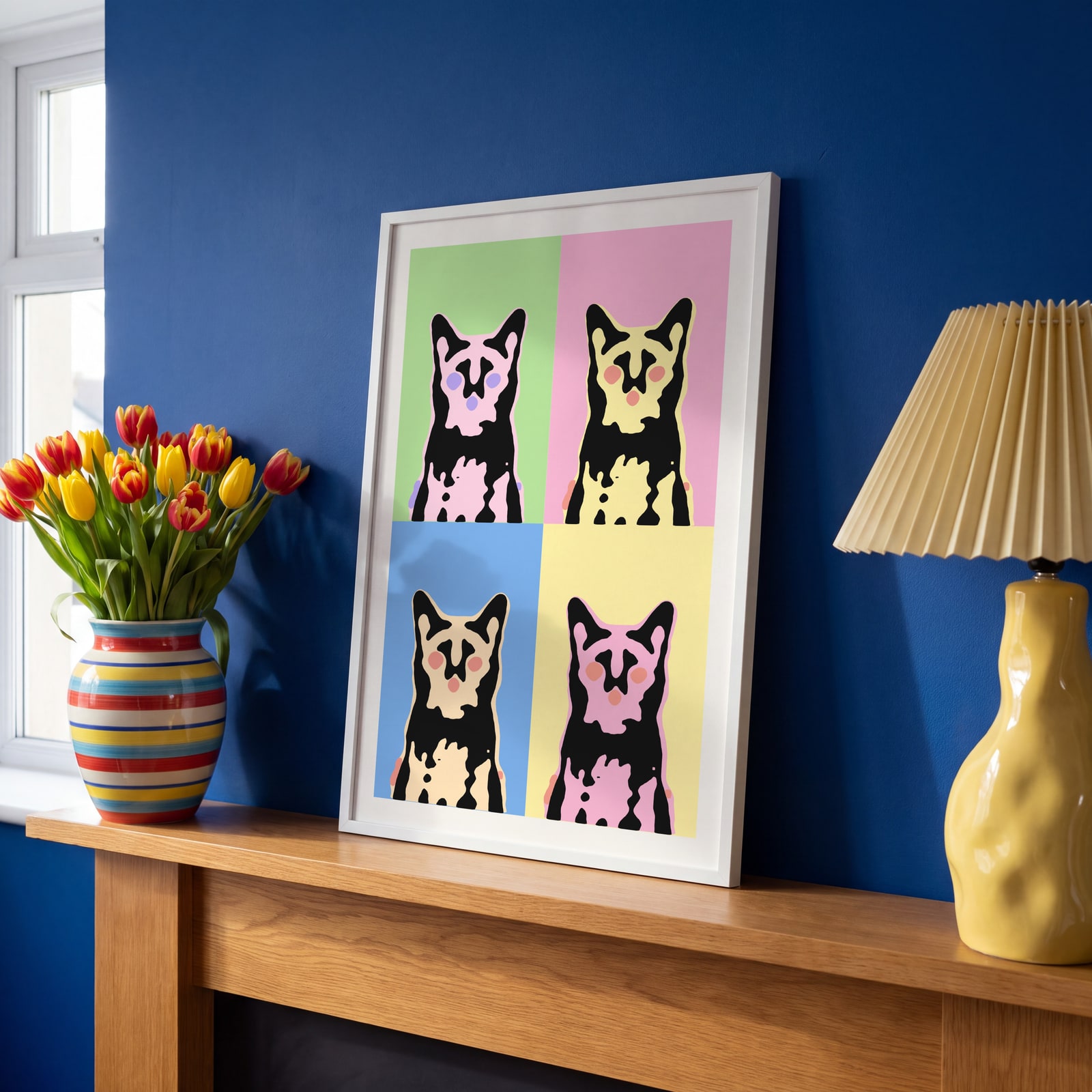
A few of them framed at home. Open any one to make it yours.
Examples
Open any of them to change the words, the place, the date and the style, then download the print file.
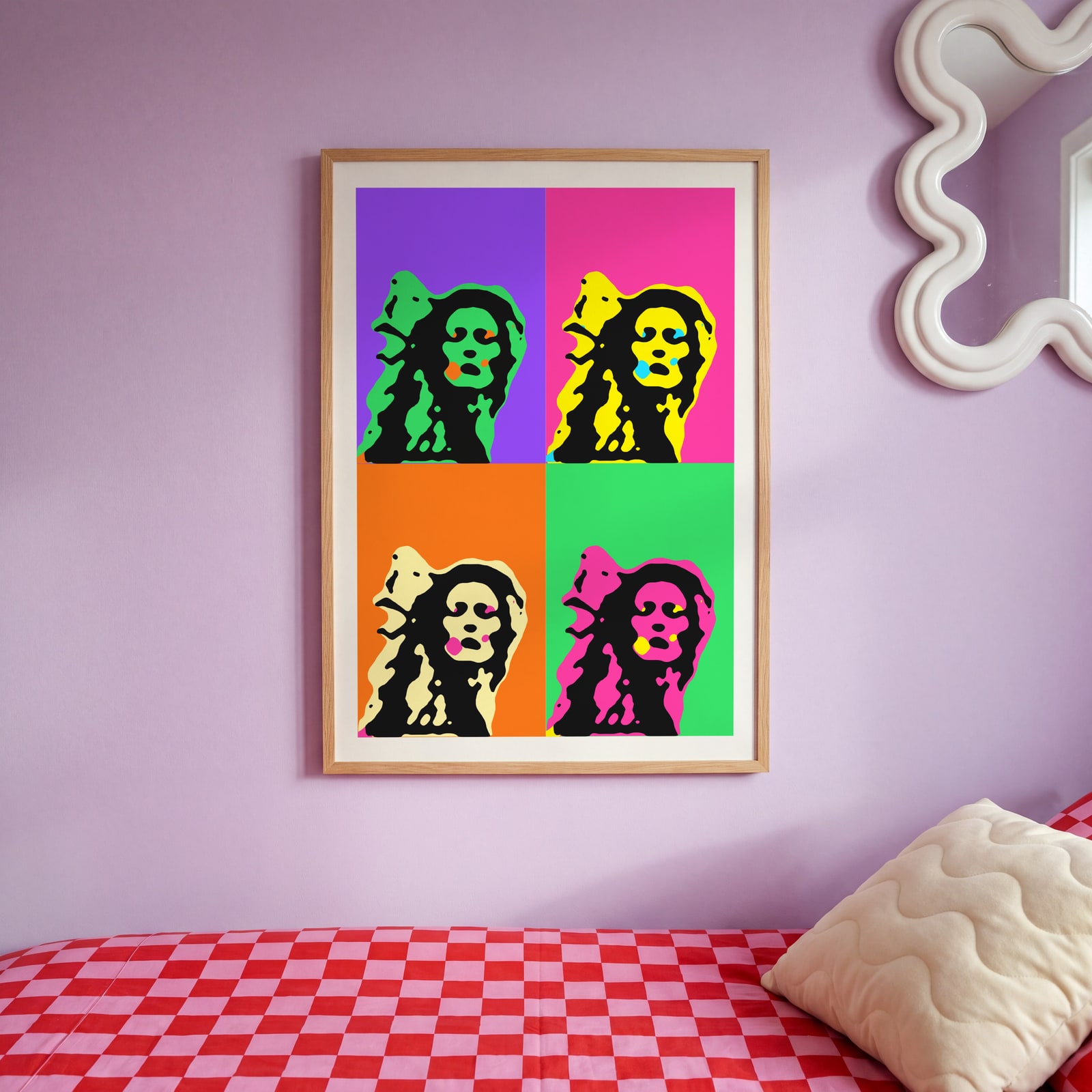
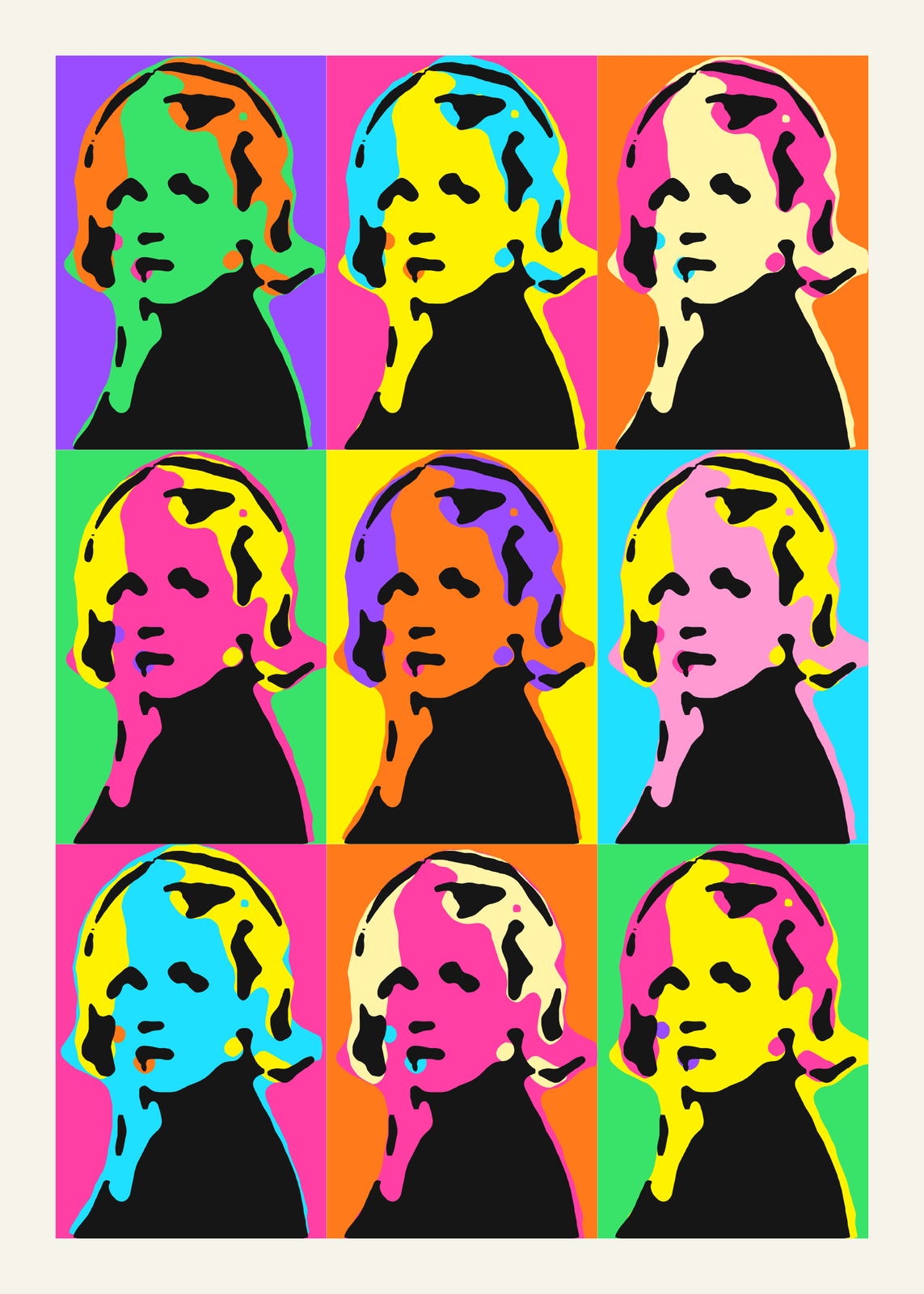
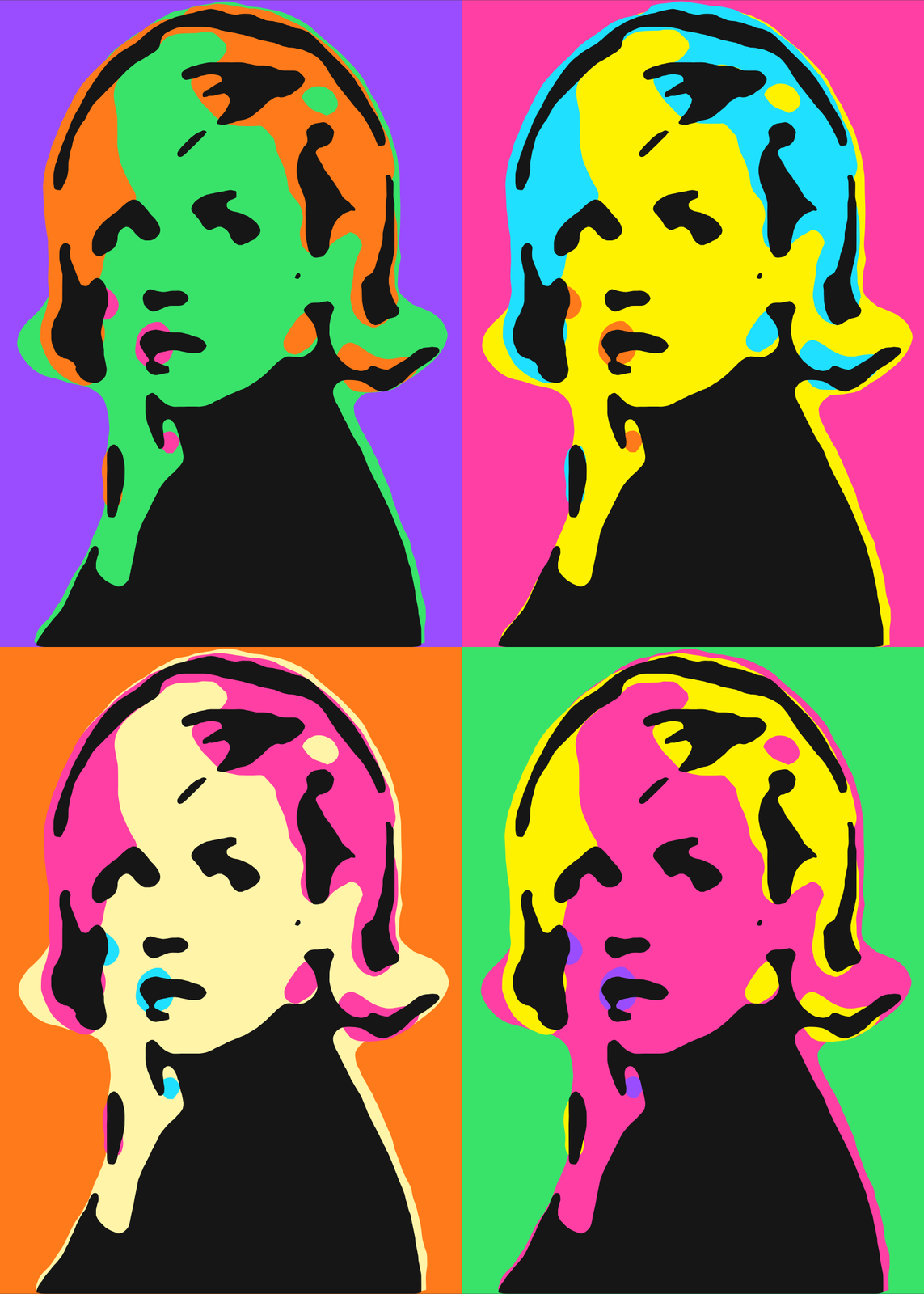
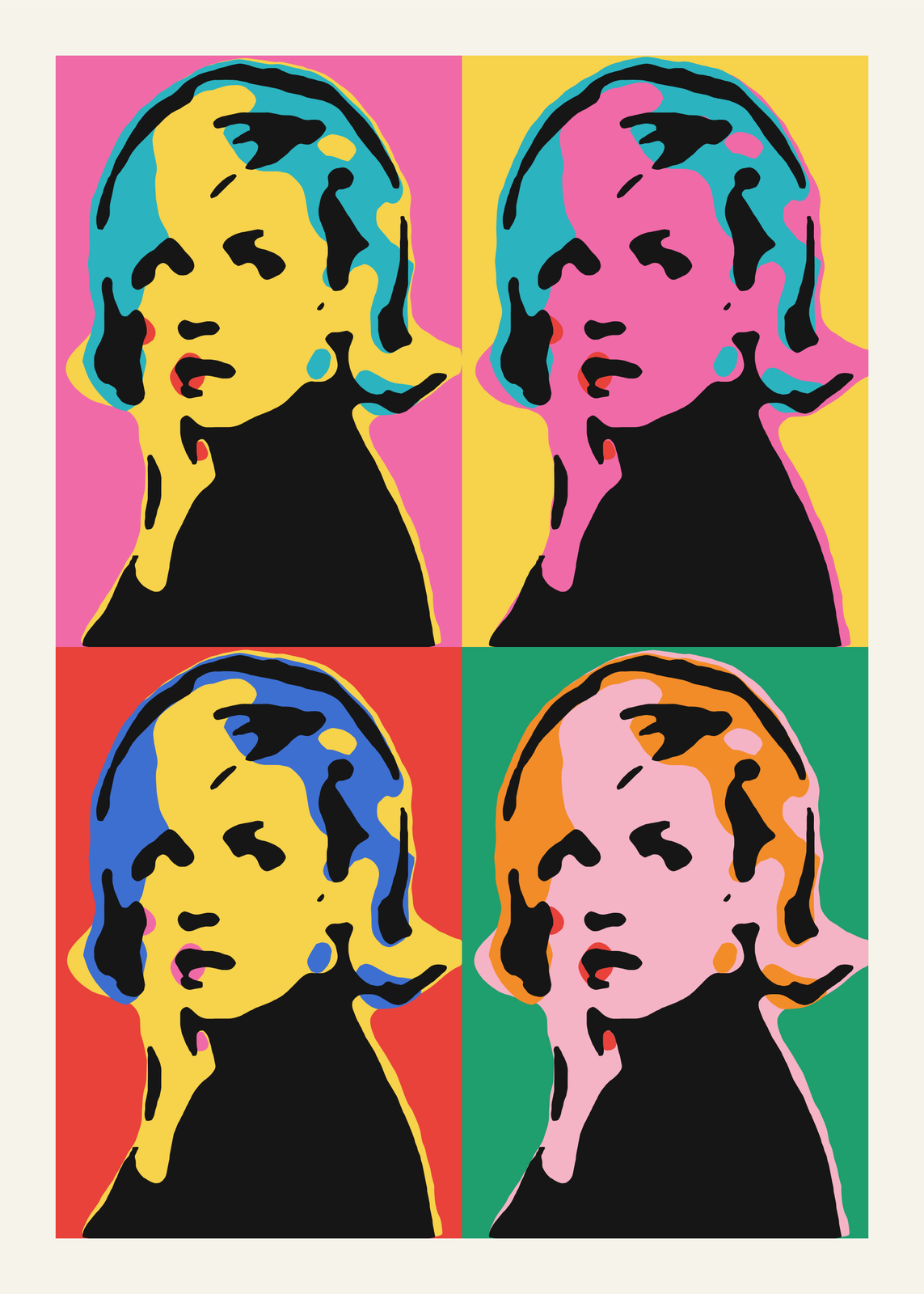 Pop art portrait of a woman silkscreened four times in sixties pink, yellow, red and greenEdit this →
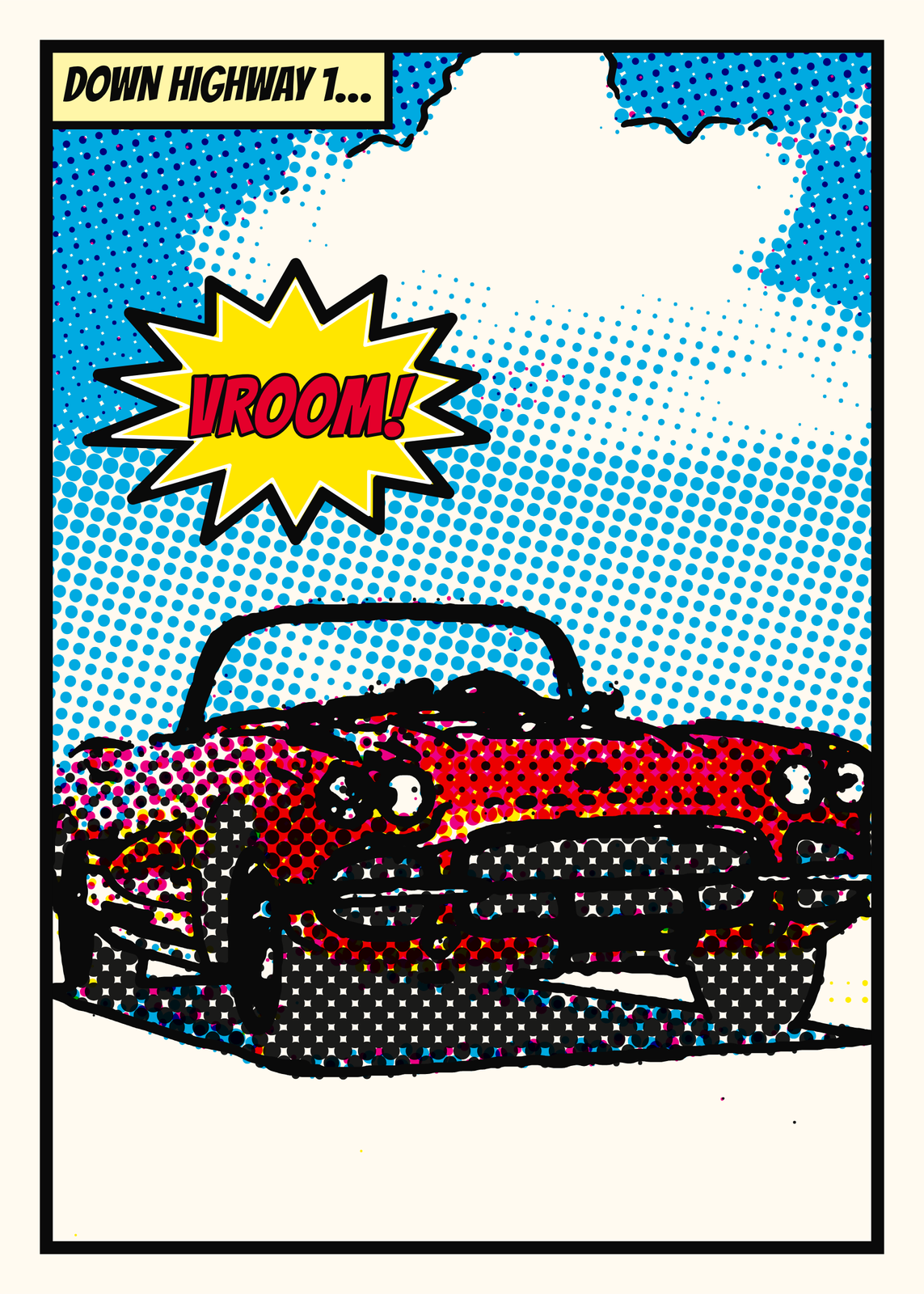 Comic book art of a red convertible in halftone dots, with a Vroom! burstEdit this →More comic book art →
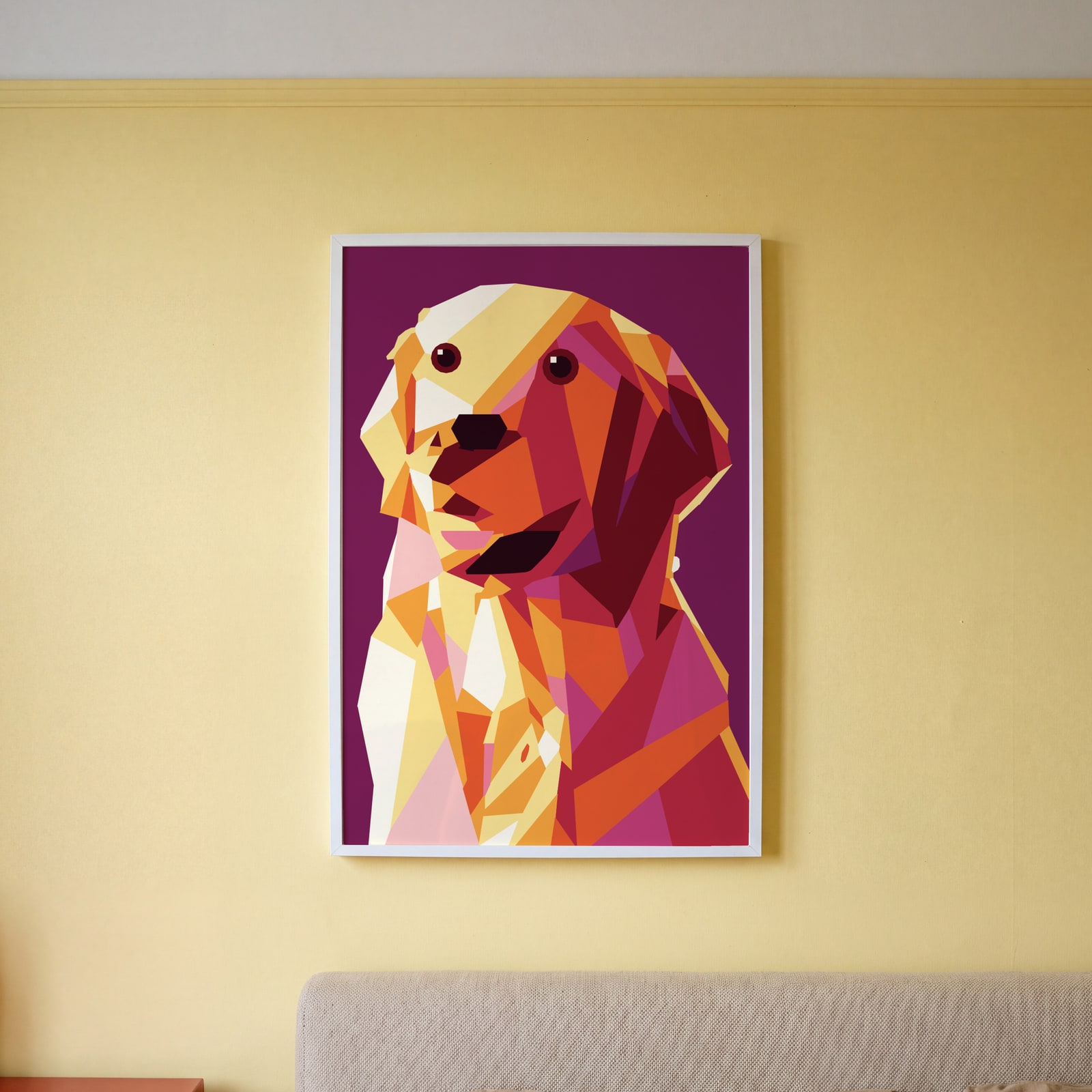
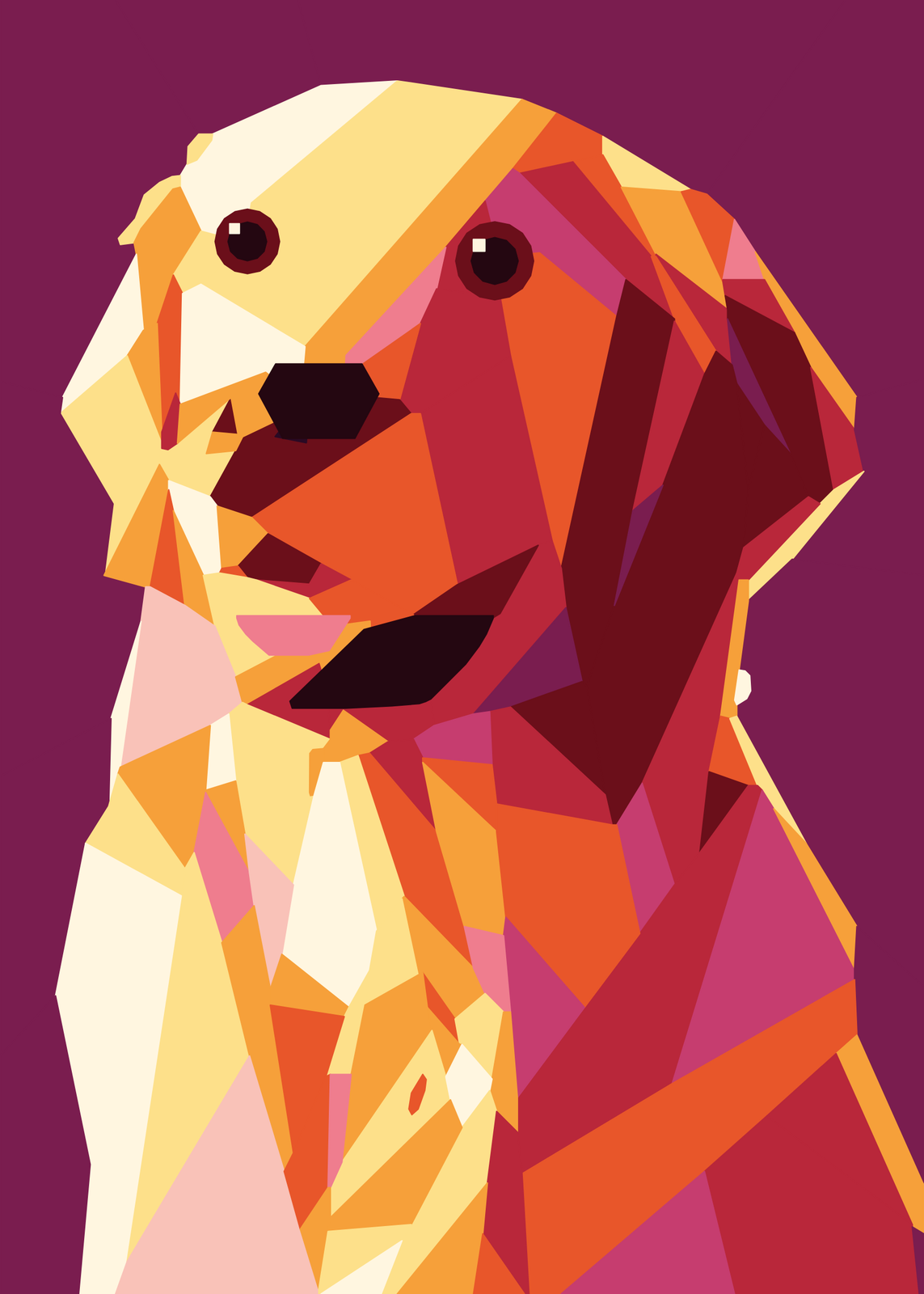 WPAP portrait of a dog cut into warm facetsEdit this →More wpap art →
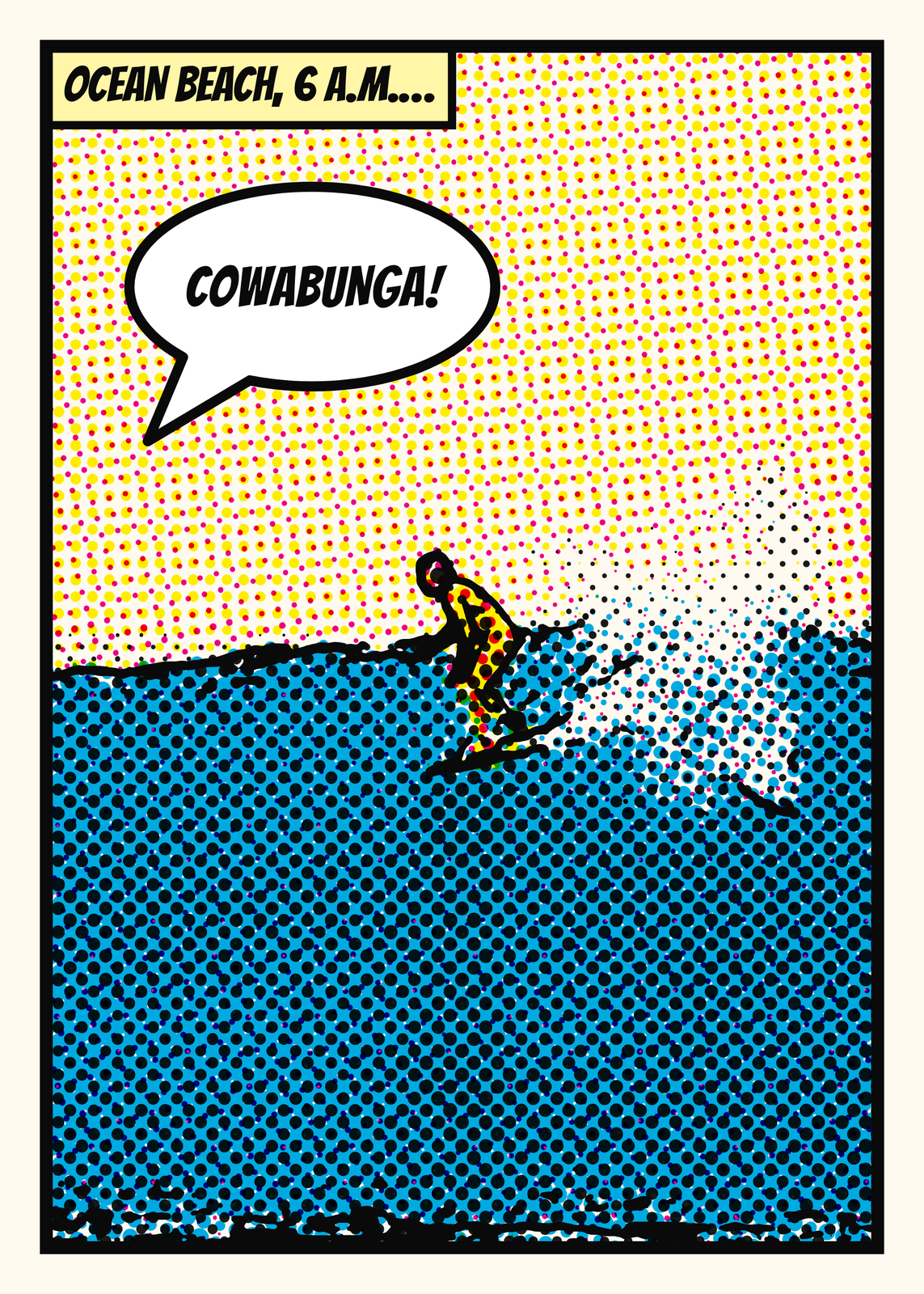 Comic panel of a surfer on a wave, with a Cowabunga! speech bubbleEdit this →More comic book art →
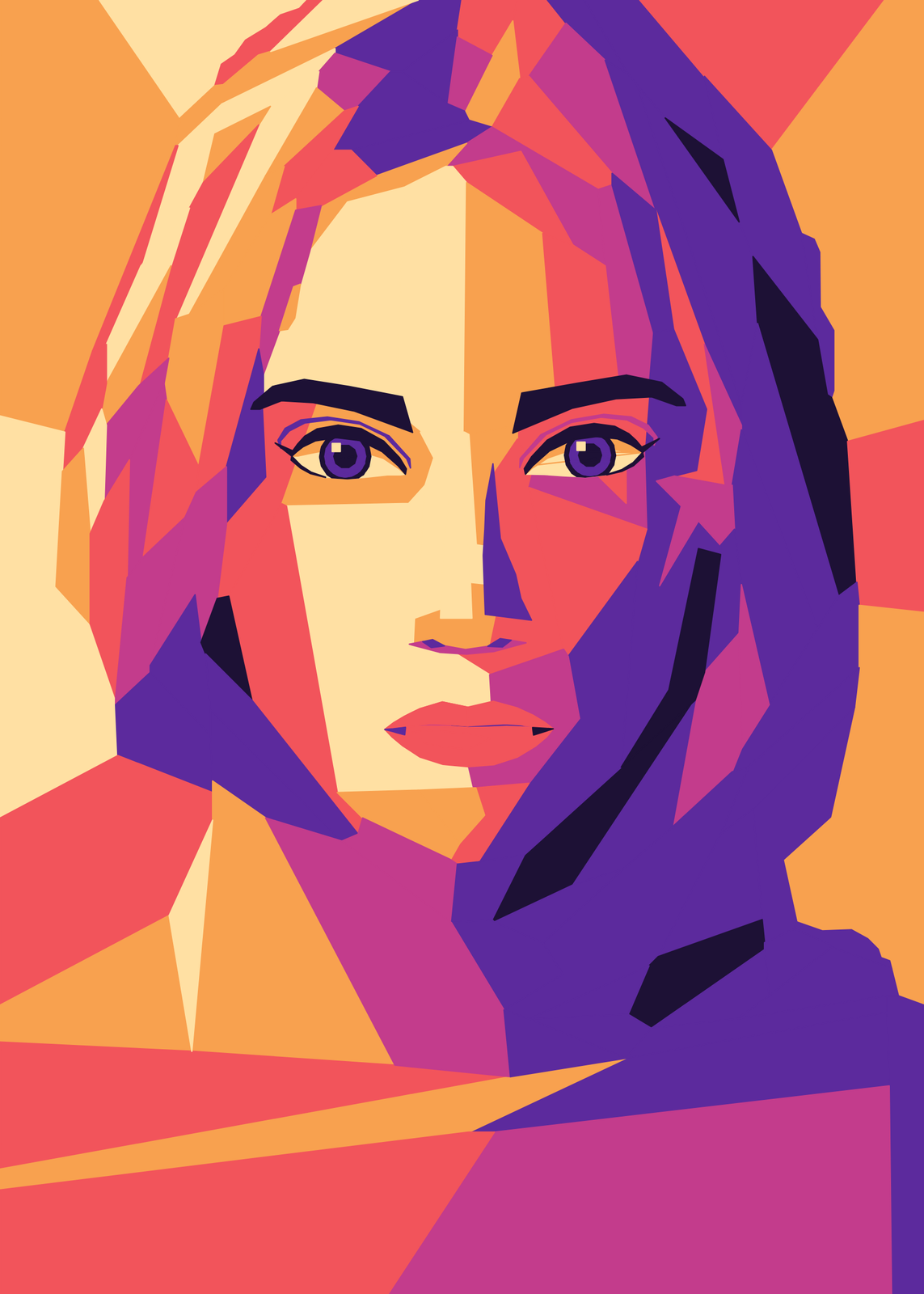 WPAP portrait of a woman in fine facets of orange, pink and violetEdit this →More wpap art →
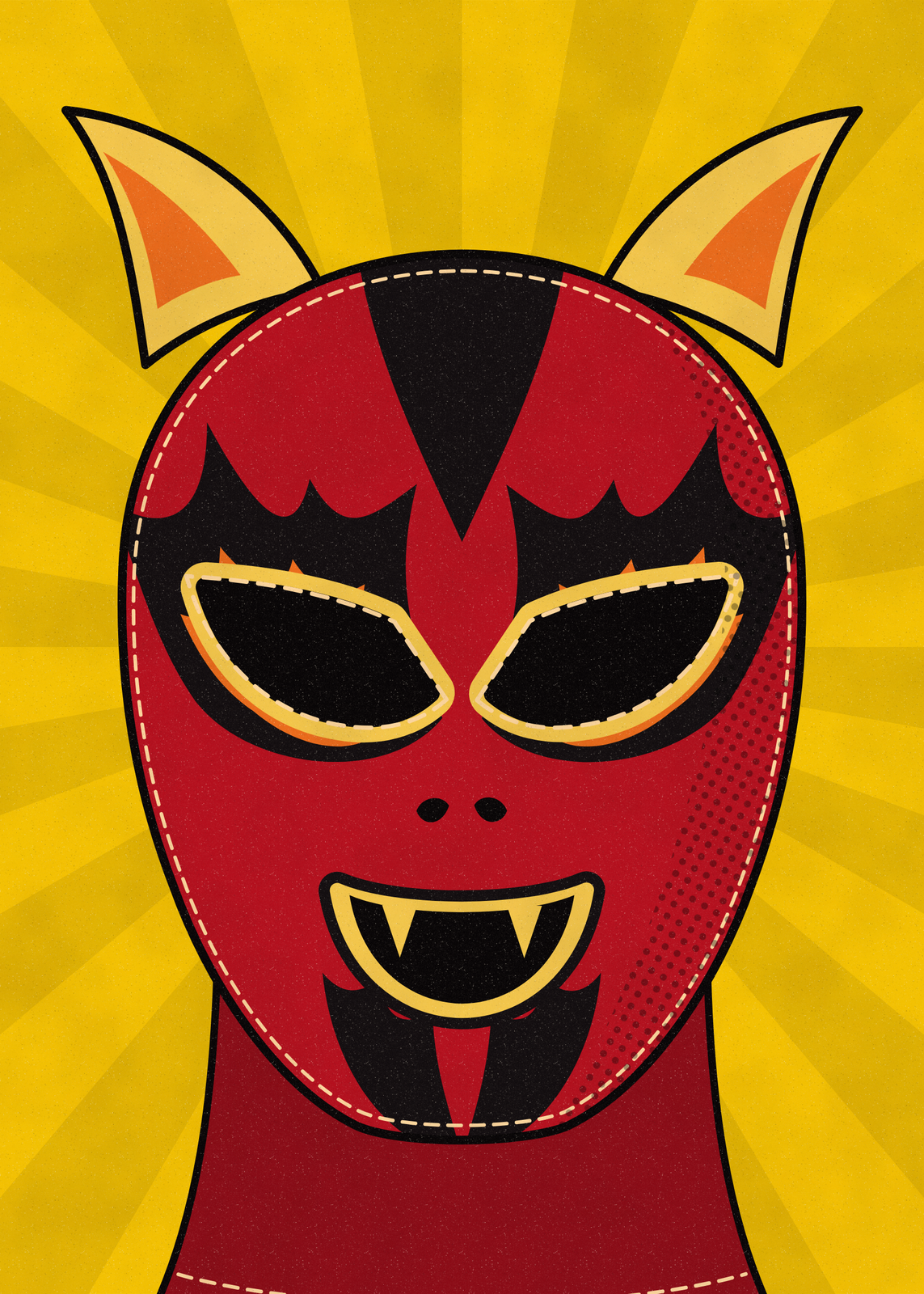 A lucha libre devil mask in flat screenprint inks and halftone on yellow raysEdit this →More lucha libre posters →
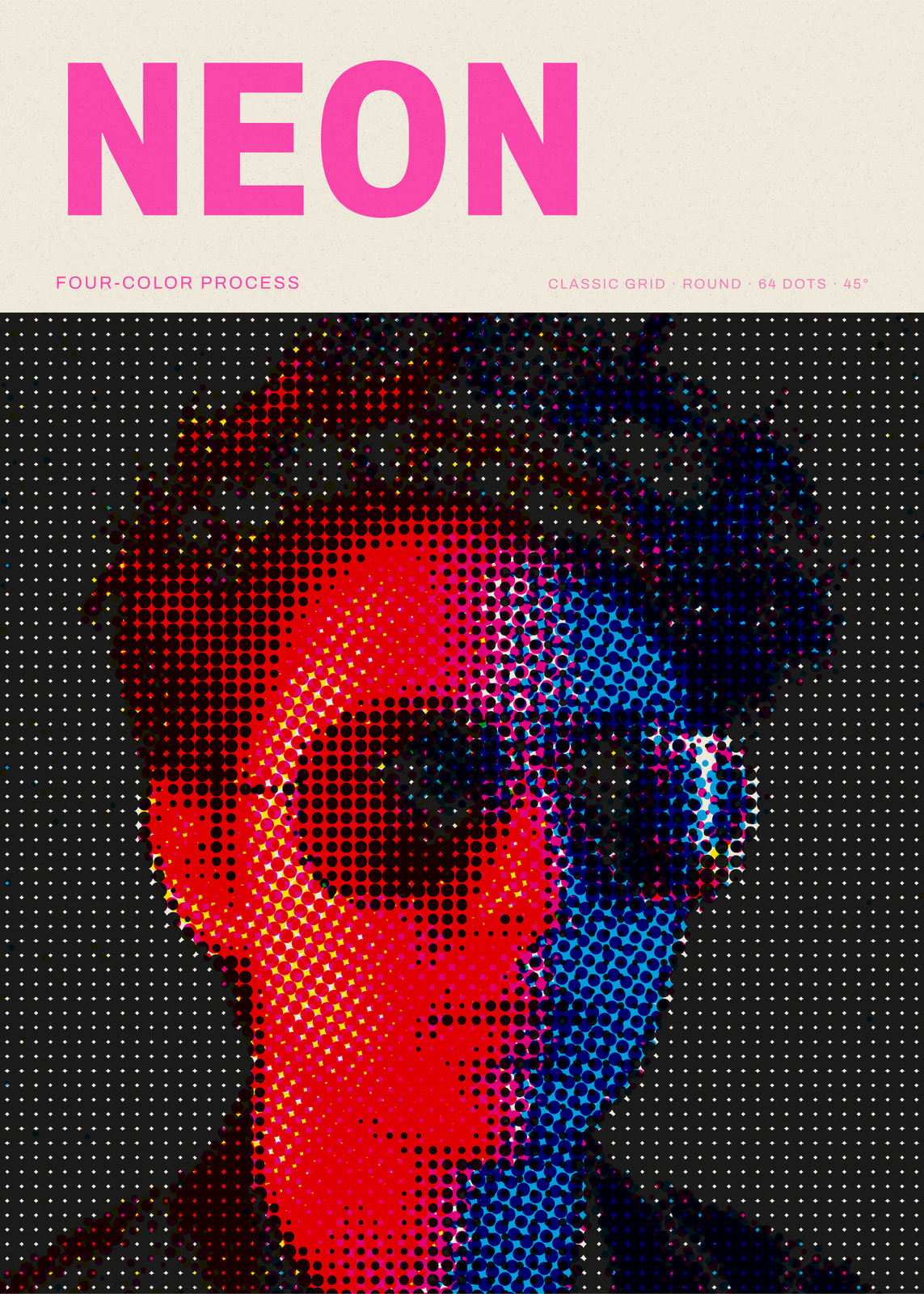 Portrait in sunglasses screened as full-color CMYK dotsEdit this →More halftone generator →
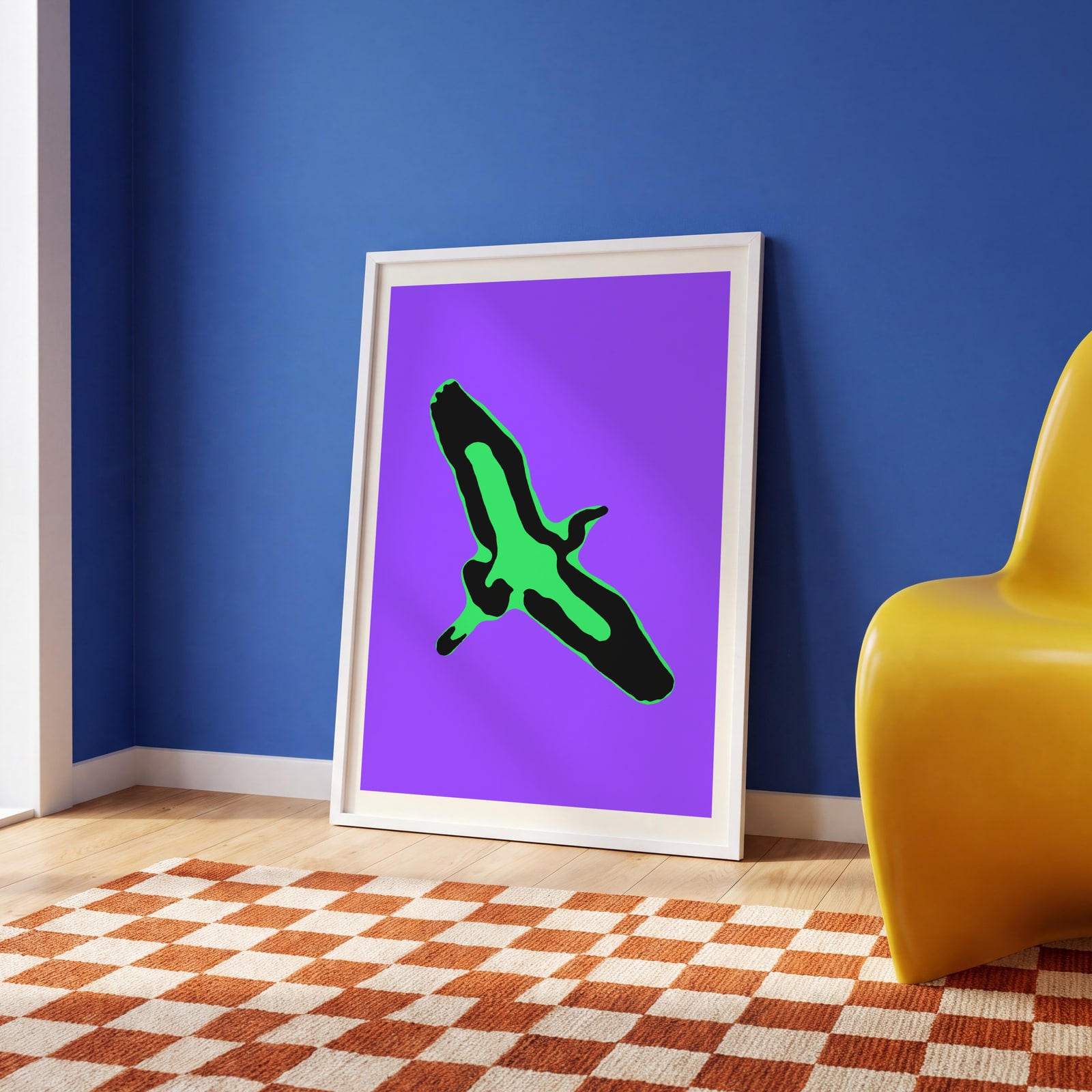
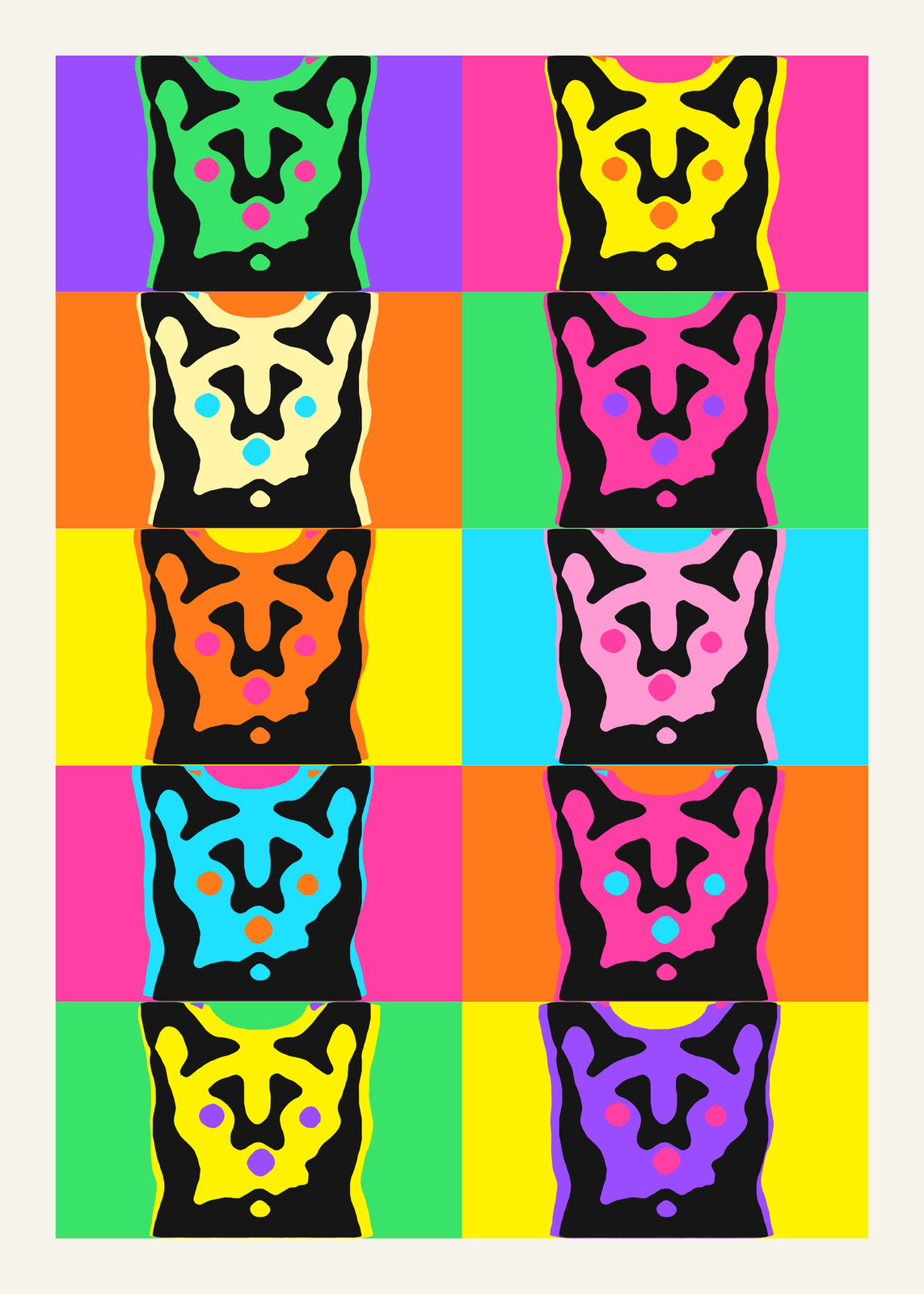
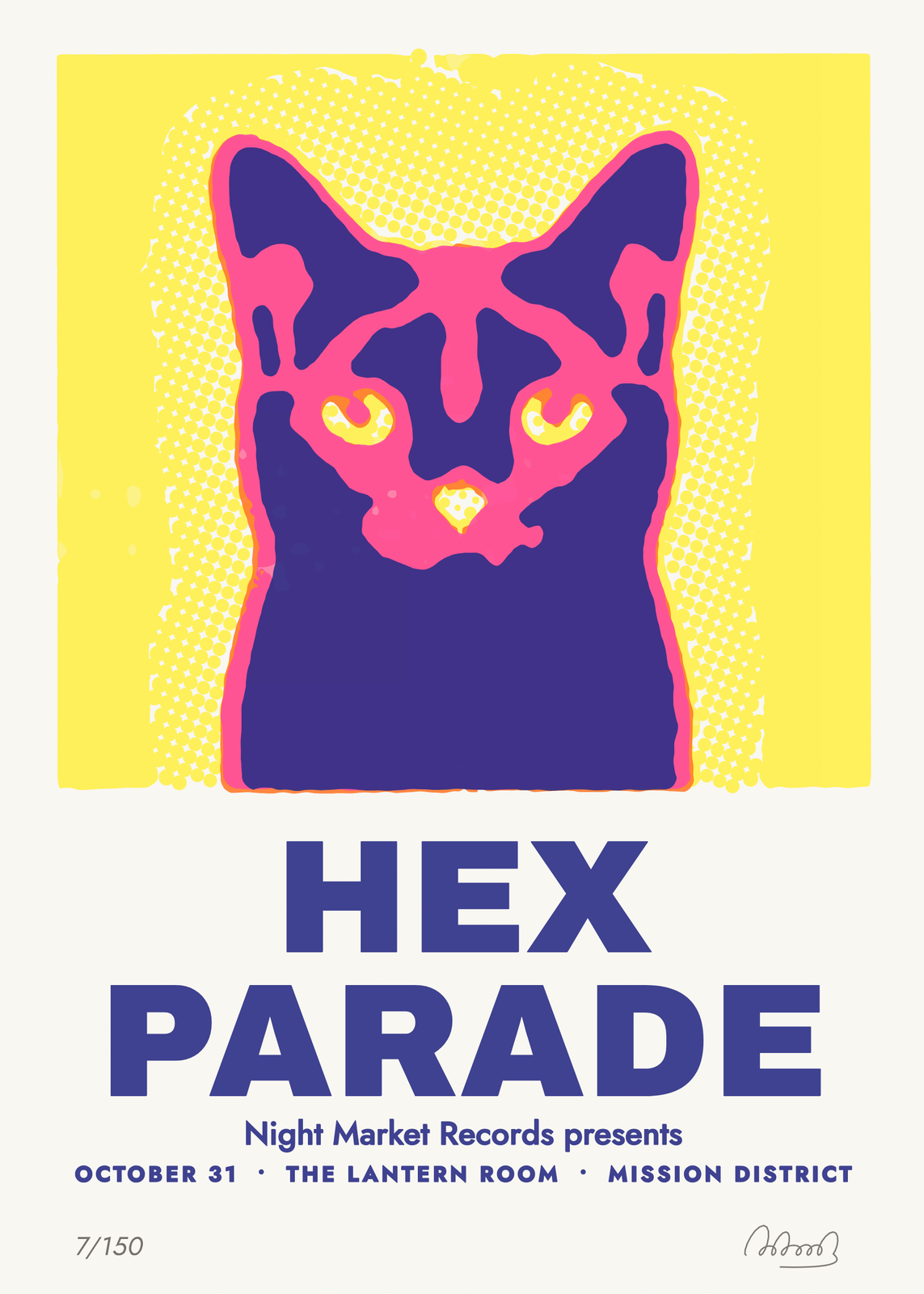 Silkscreen gig poster of a black cat in fluorescent inksEdit this →More gig poster →
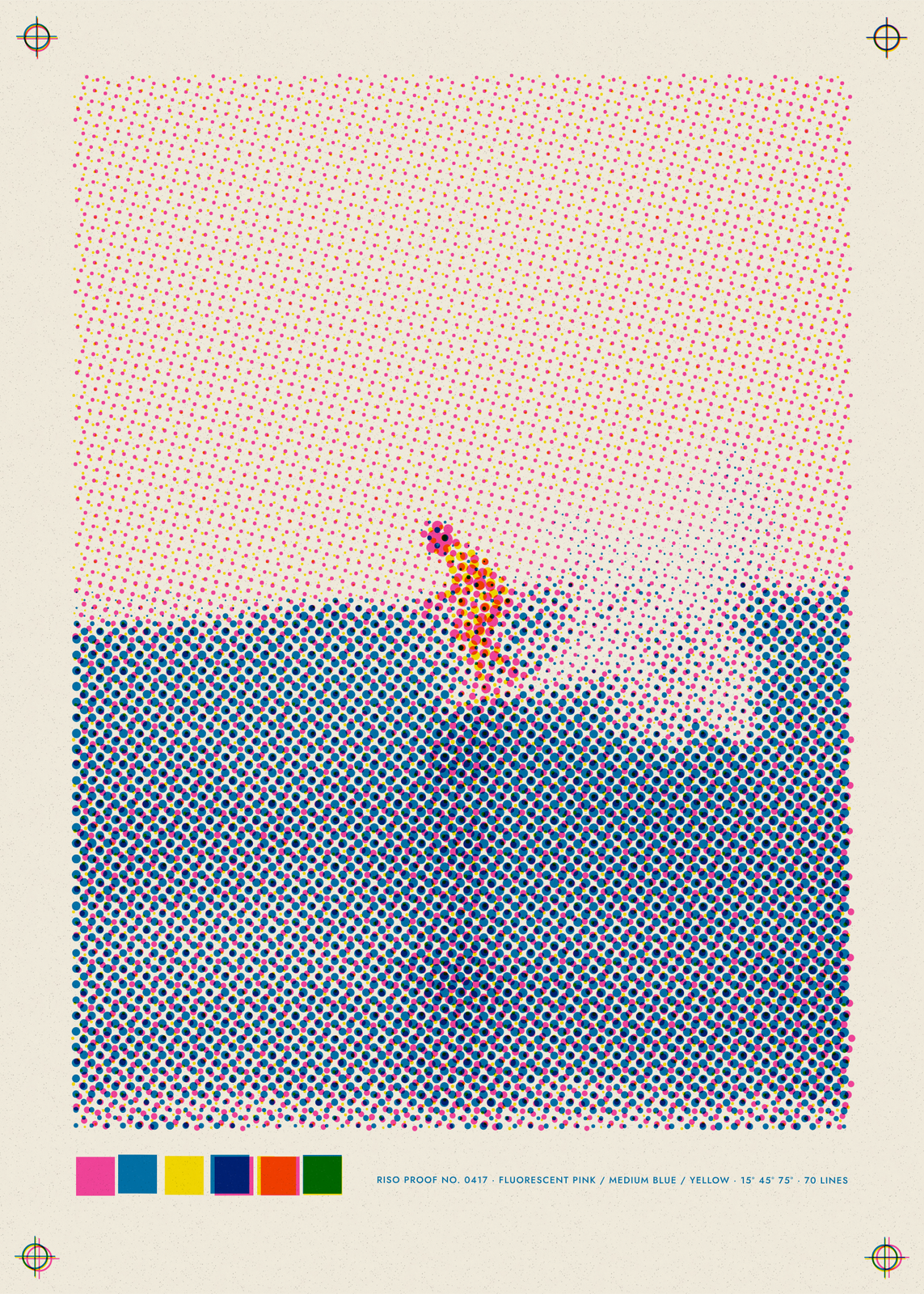 Surfer printed in pink, blue and yellow risograph inksEdit this →More risograph print →
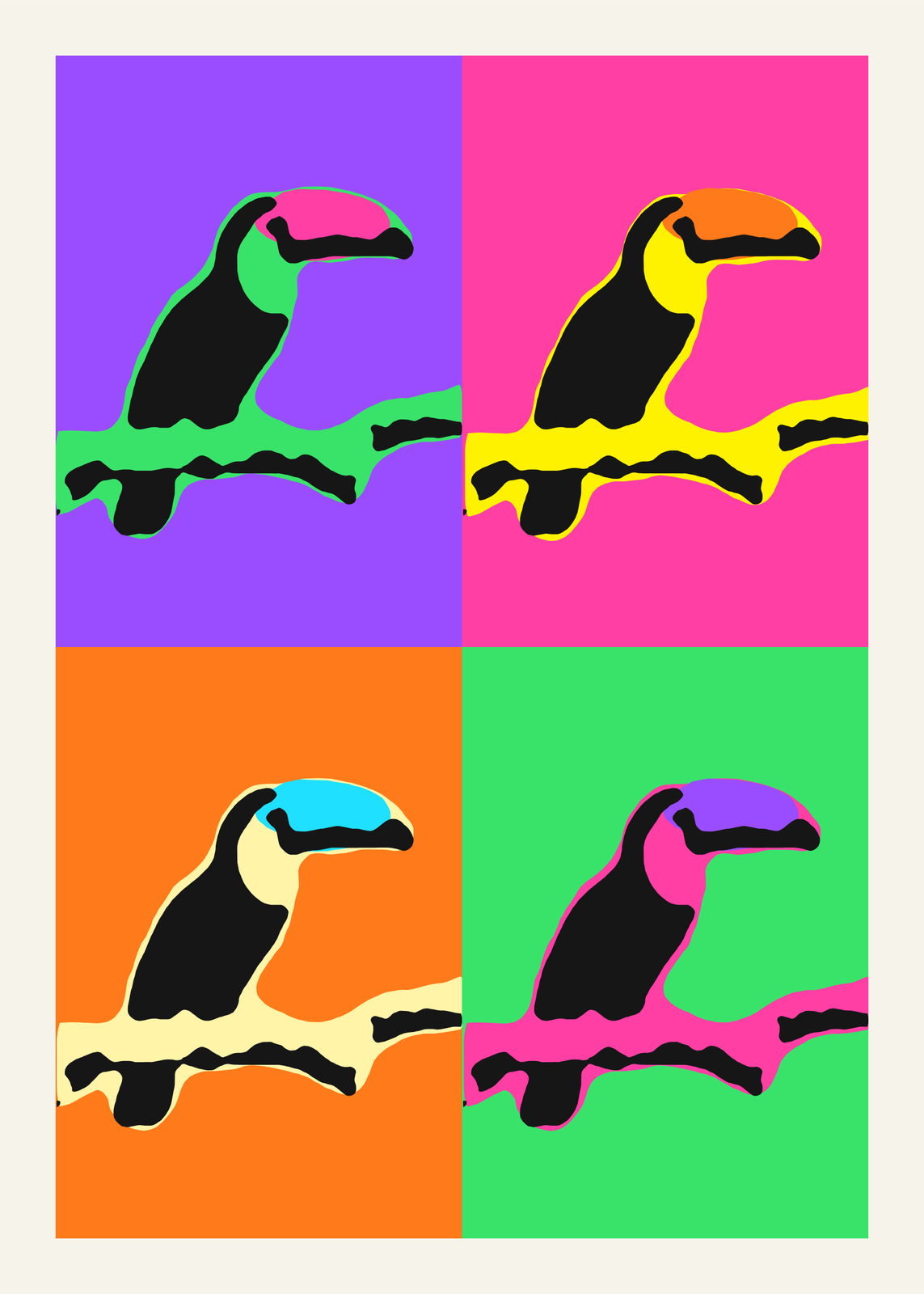
Colors
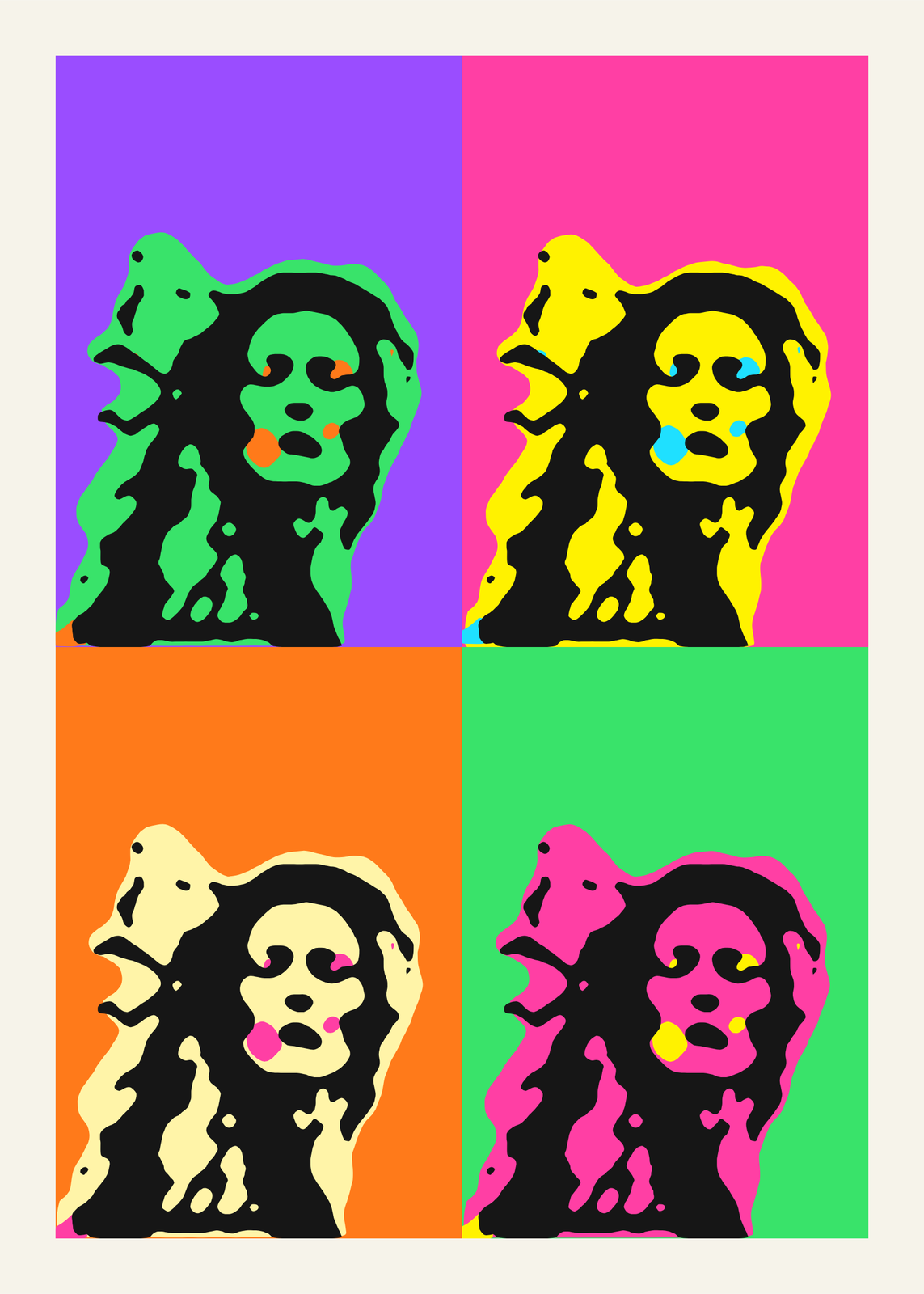
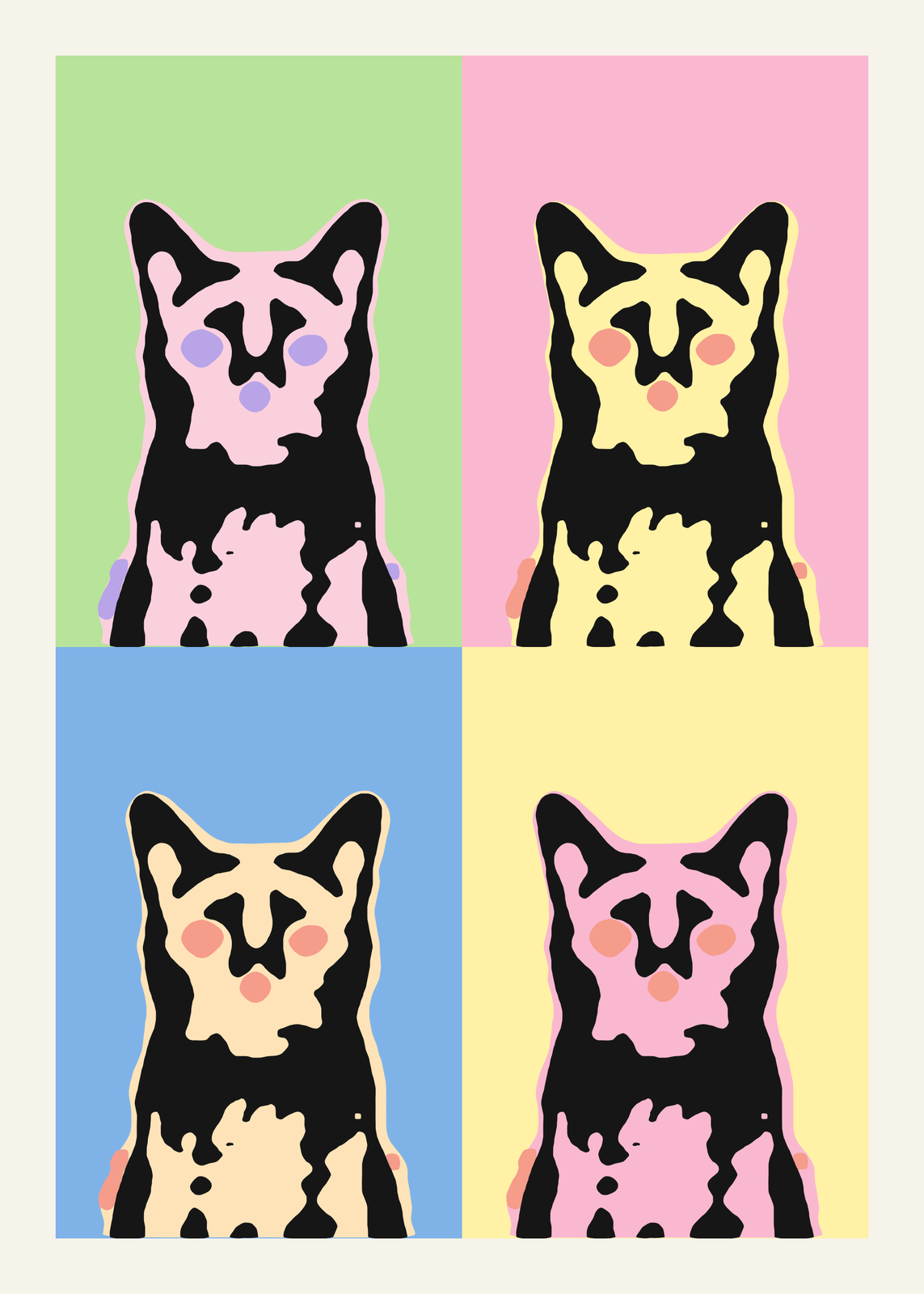
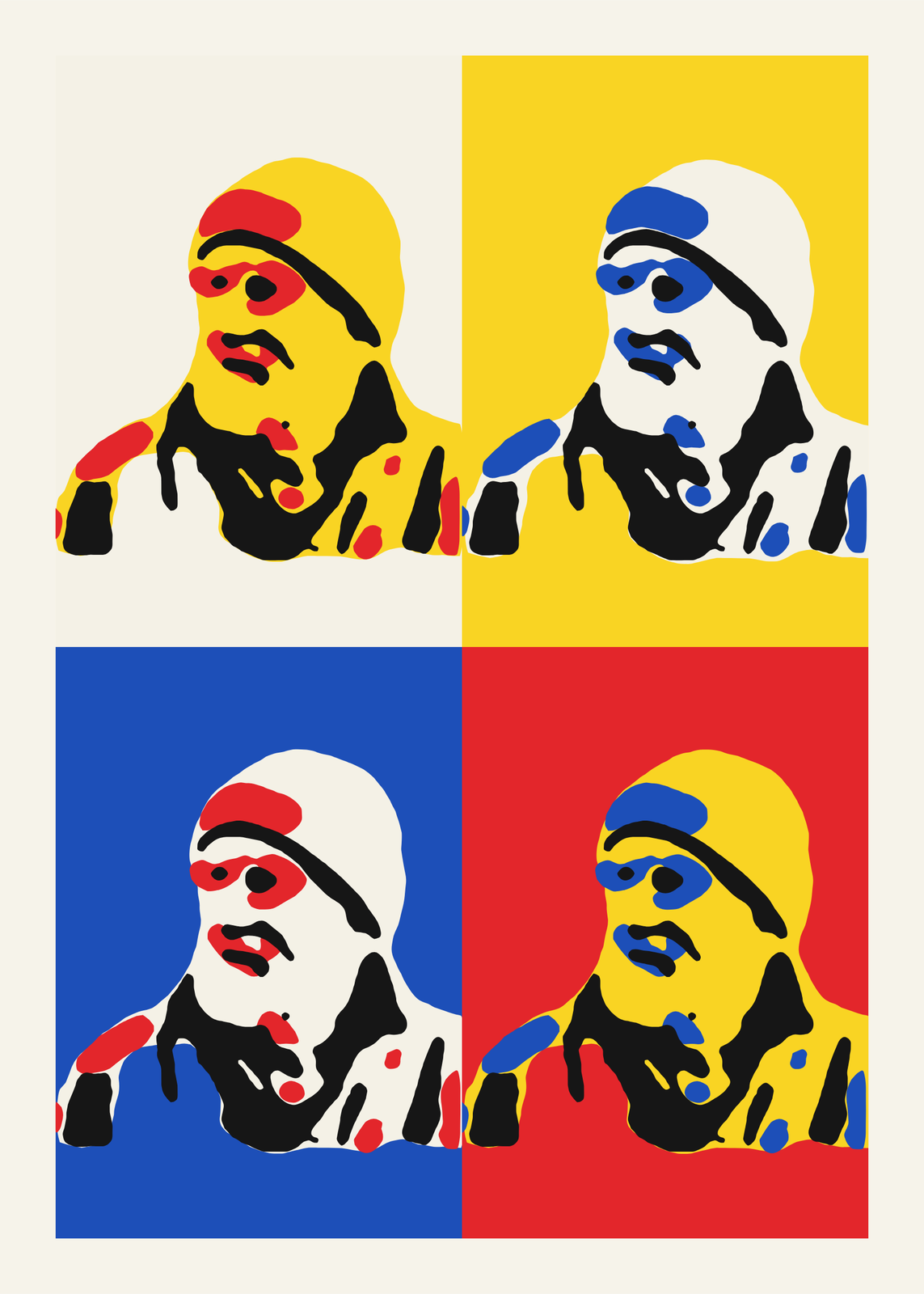
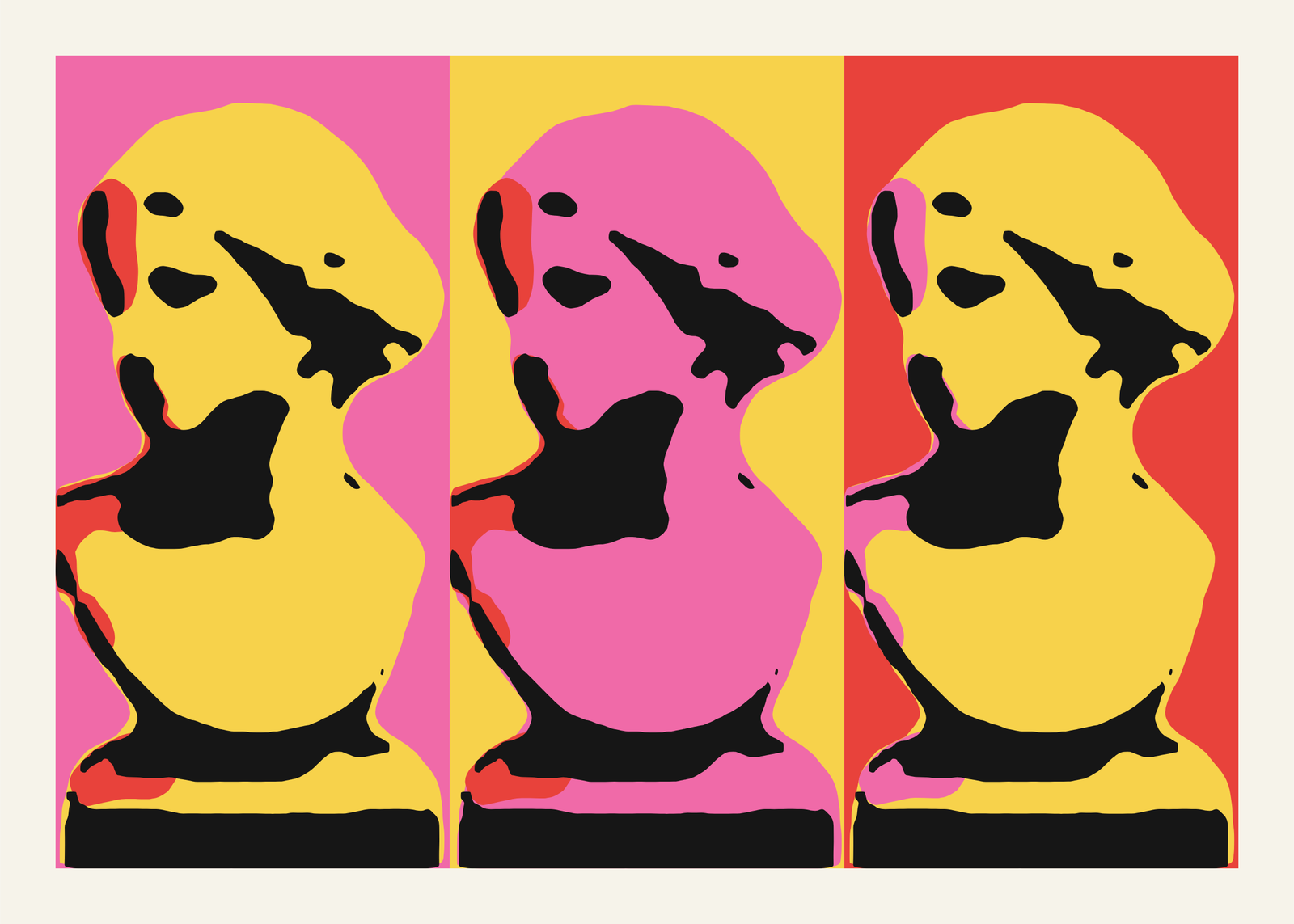
Panels
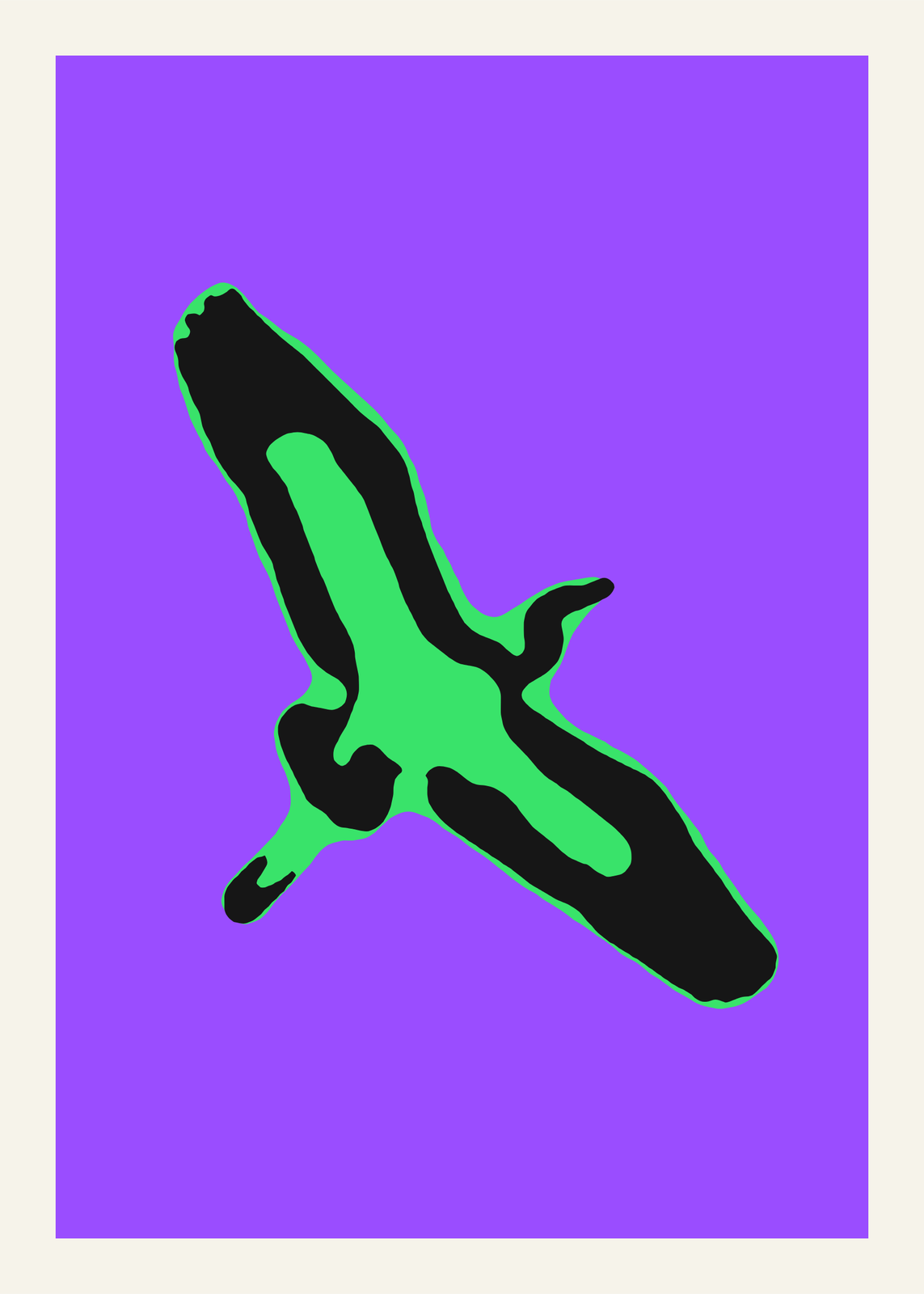
Print finish
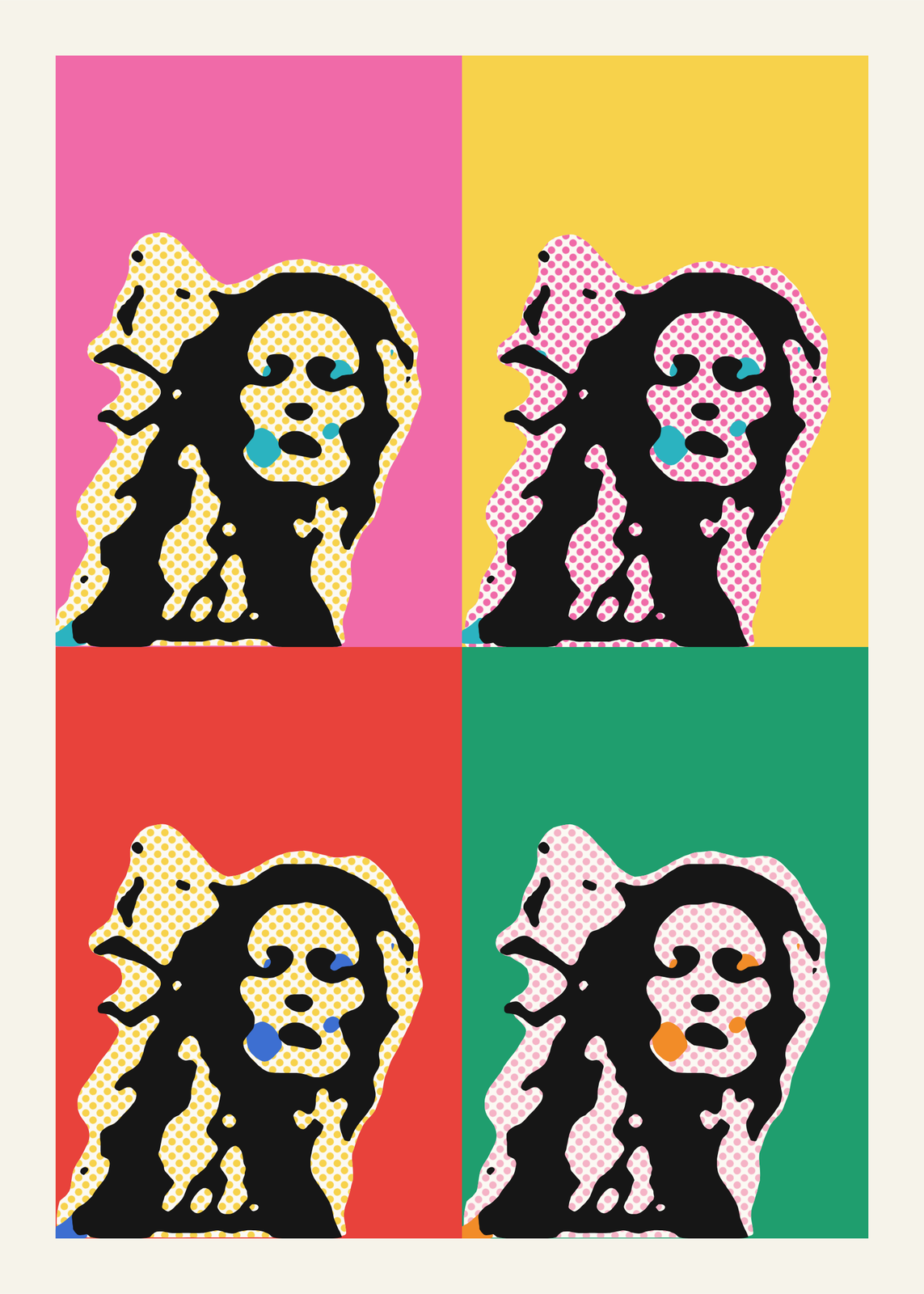
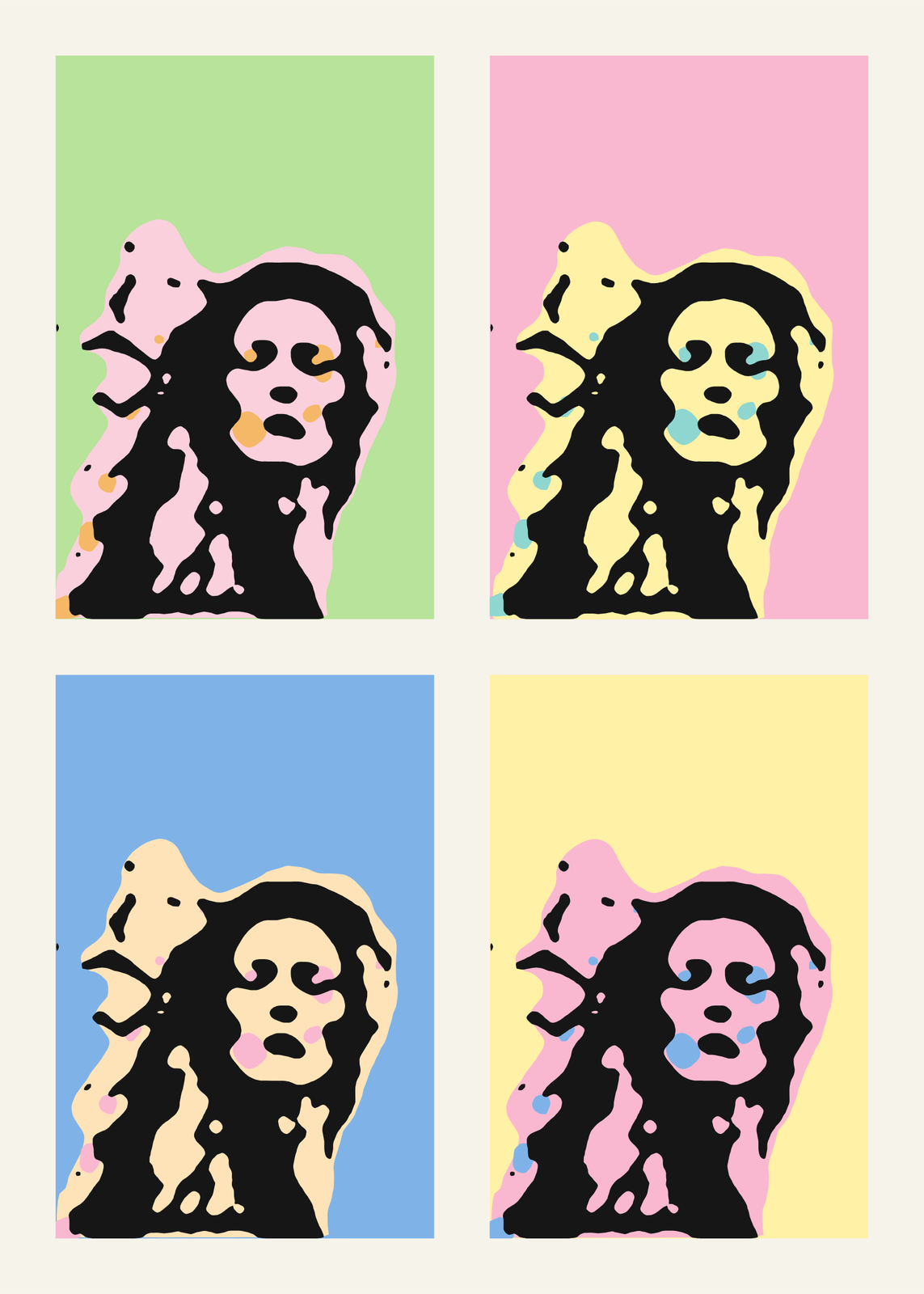
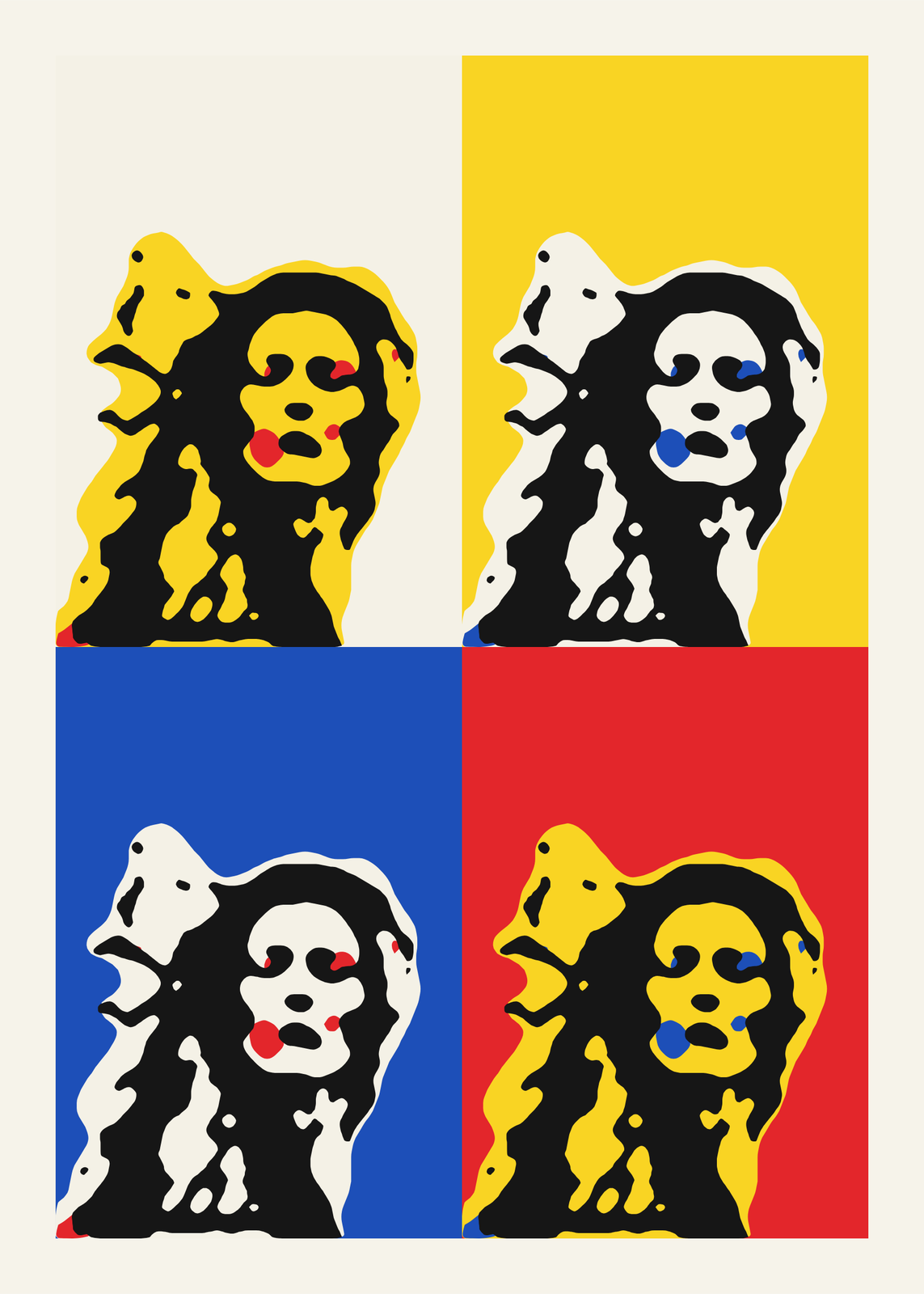
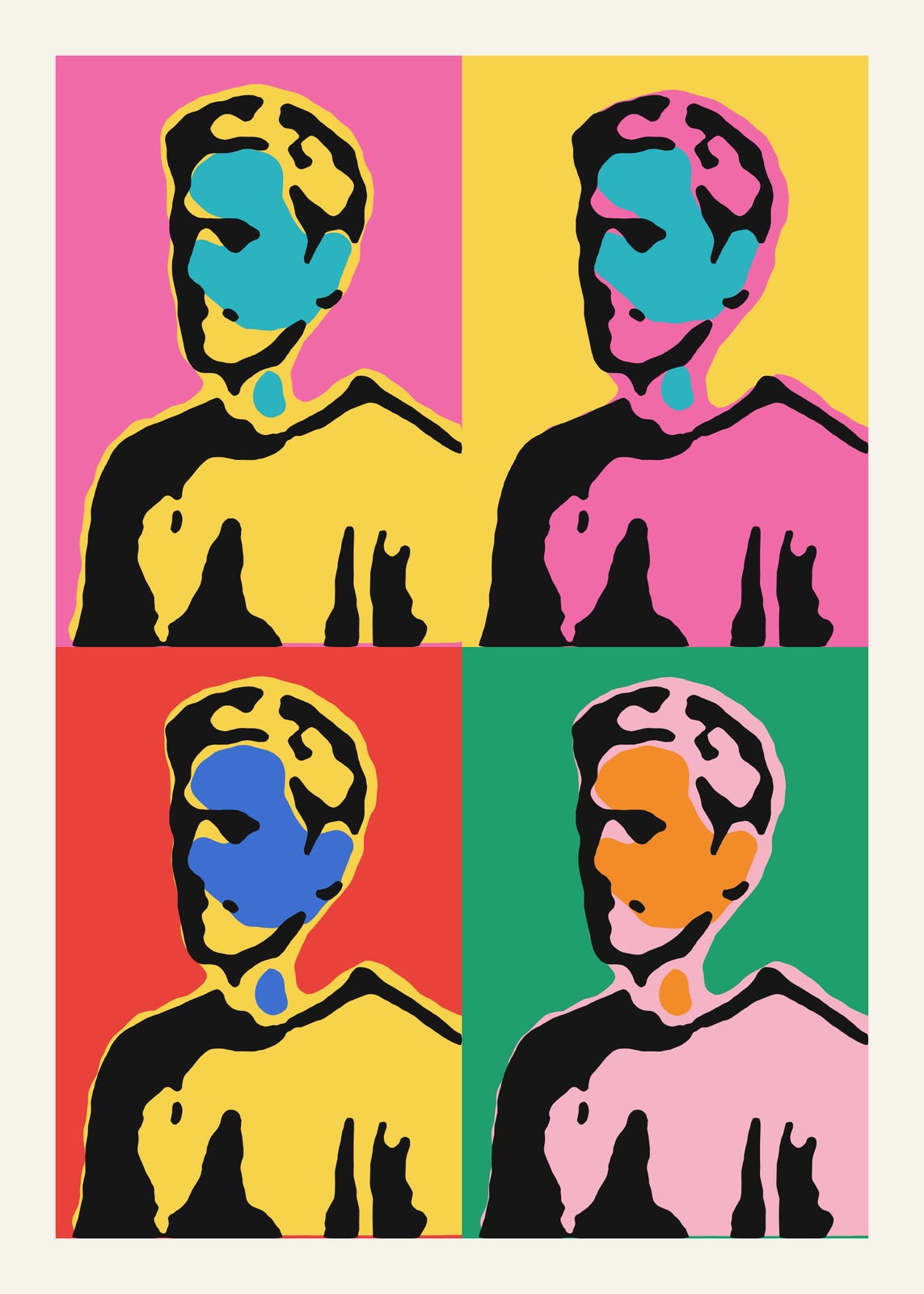
Comic dots and panels
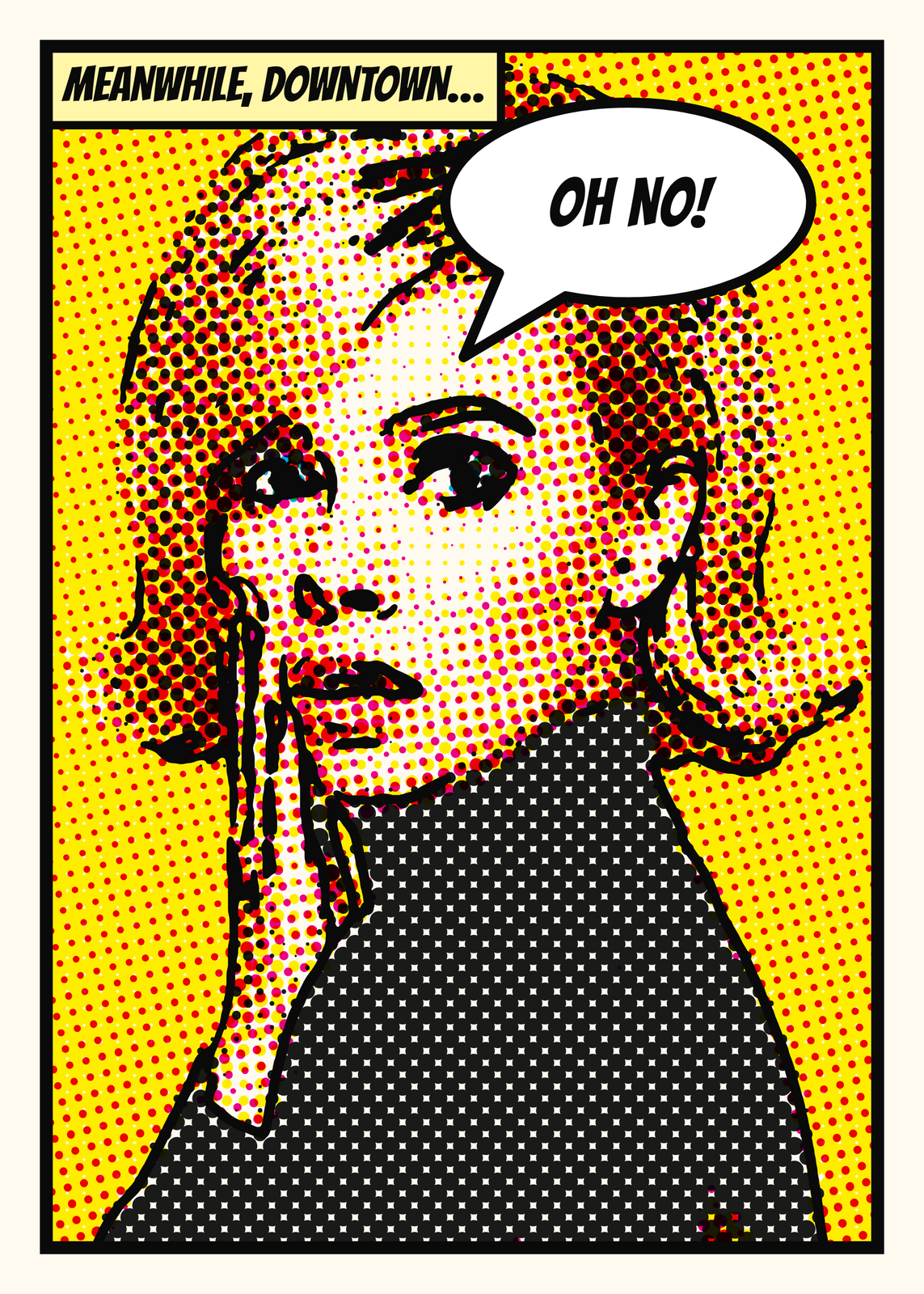
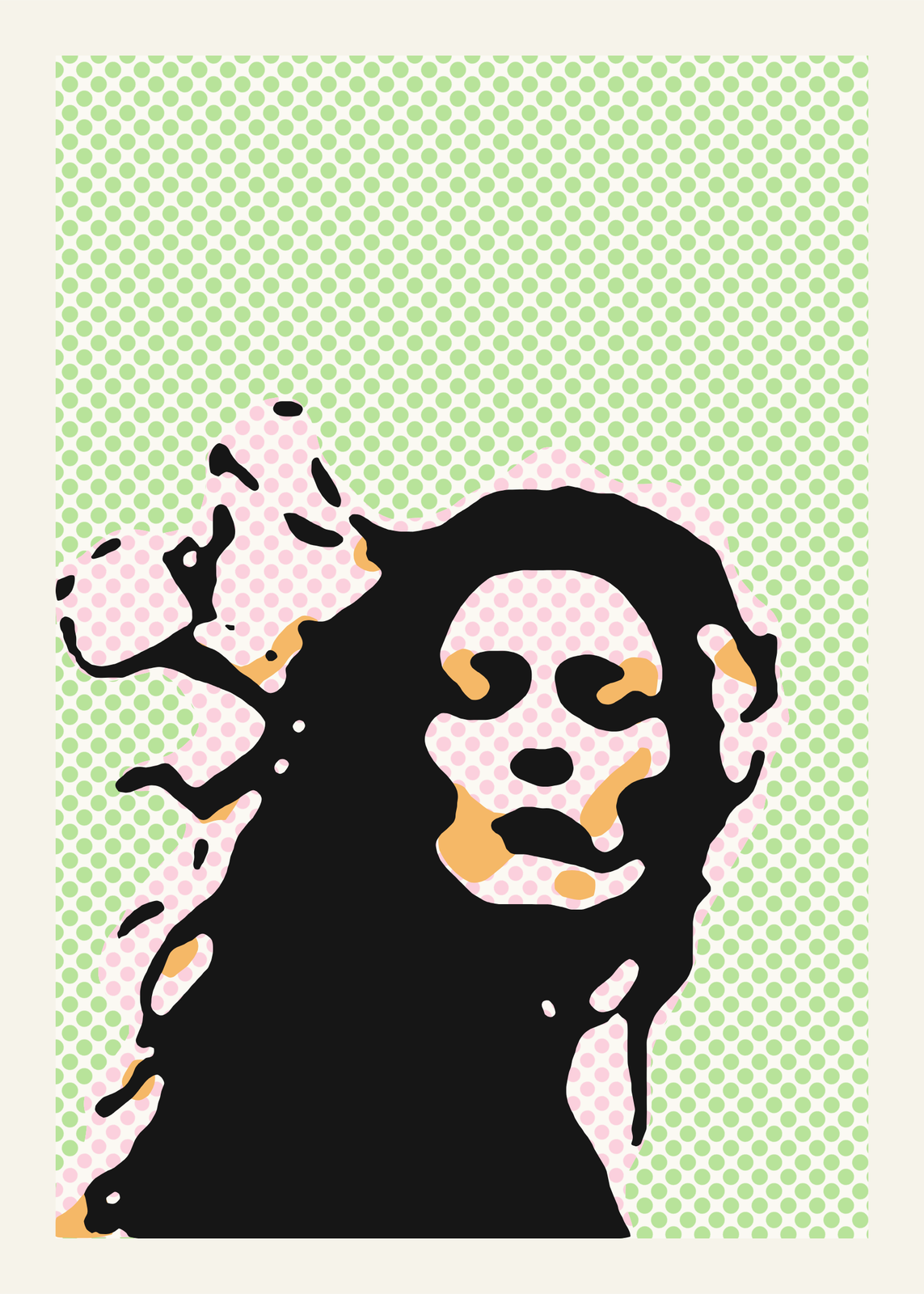
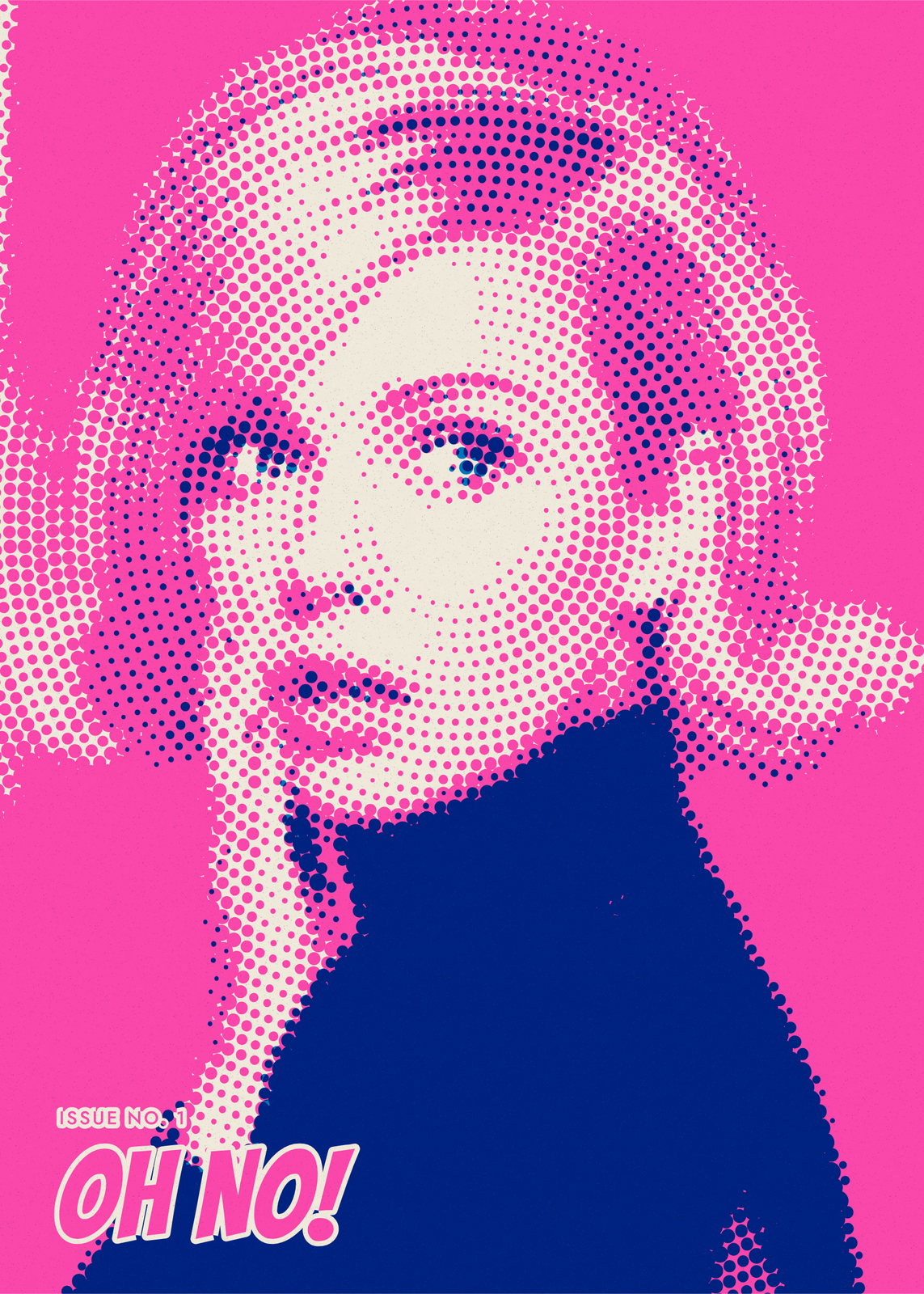 Pop art comic portrait: a blond woman with a finger to her lips in navy and pink halftone dots on hot pink, OH NO! in comic lettering at the footEdit this →More halftone generator →
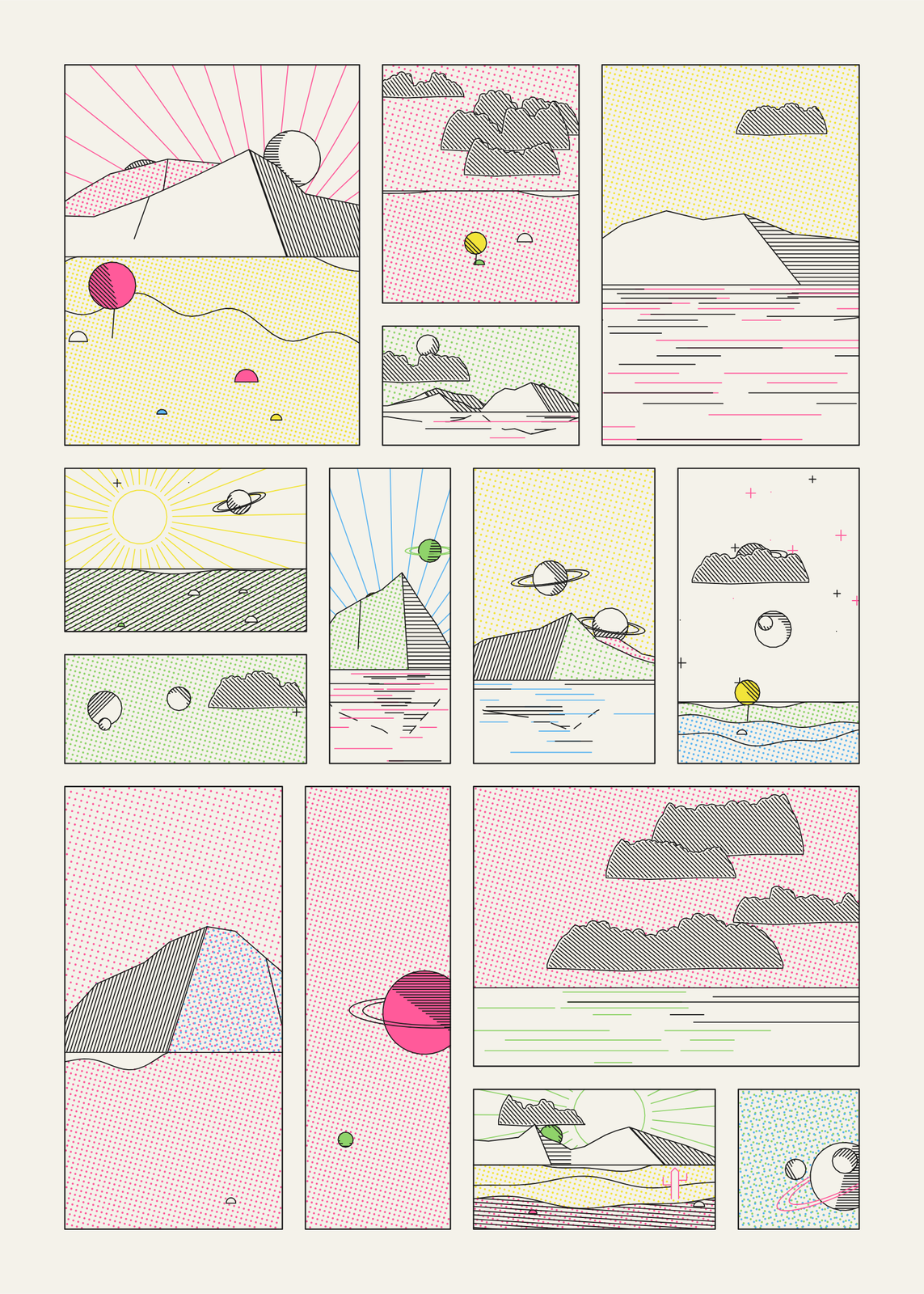 A page of comic panels in Ben-Day dots: hatched mountains and clouds, ringed planets, suns and lakes in pink, yellow, blue and green on creamEdit this →More space comic art →
Three kinds of pop art
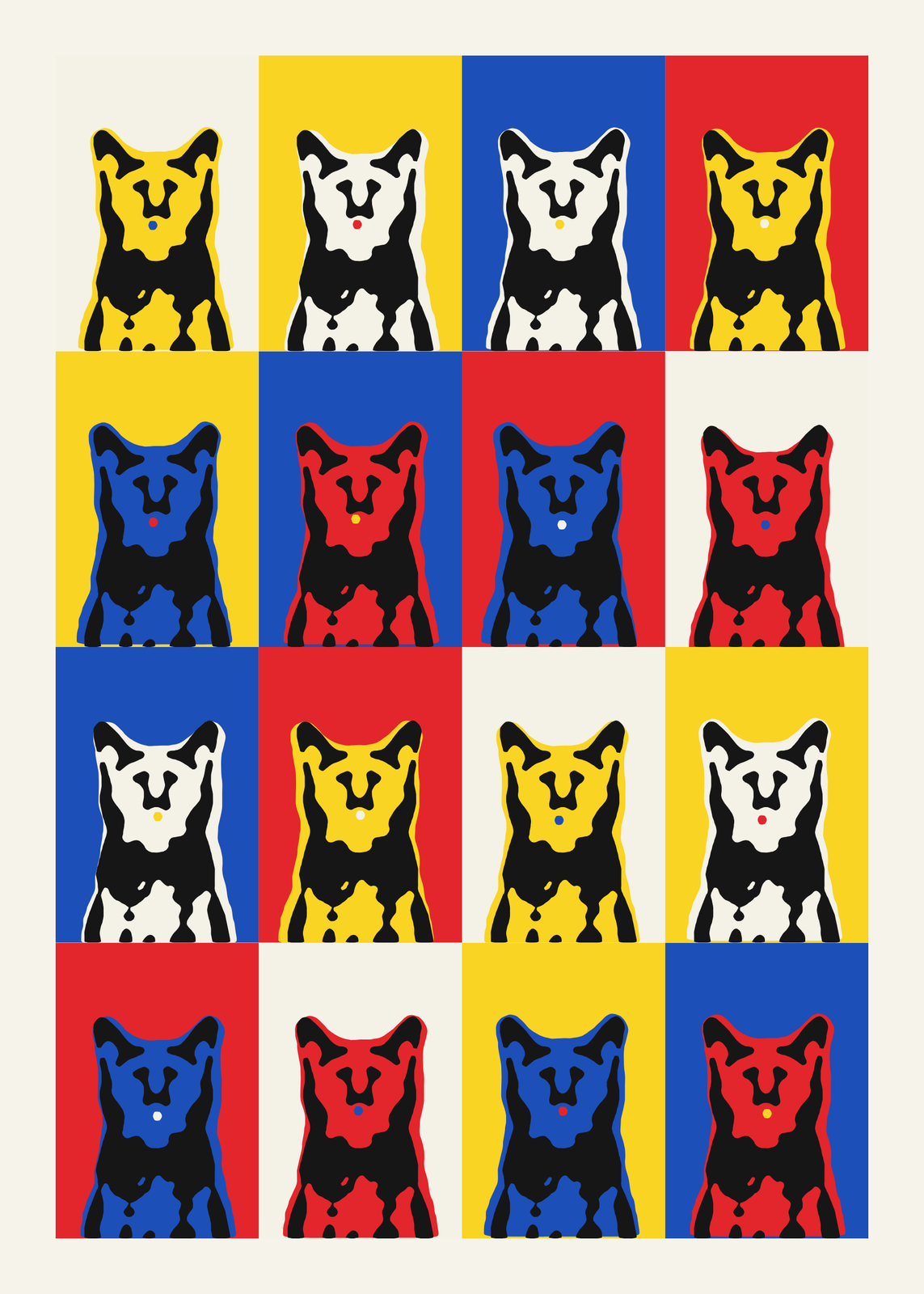
- Pop Portrait: one photo silkscreened again and again, from 1 to 16 panels, each in its own flat inks under the same black, slipped a little off register like a hand-pulled print. Sixties silkscreen, fluorescent, candy pastel or primary colors, with Ben-Day dots if you like.
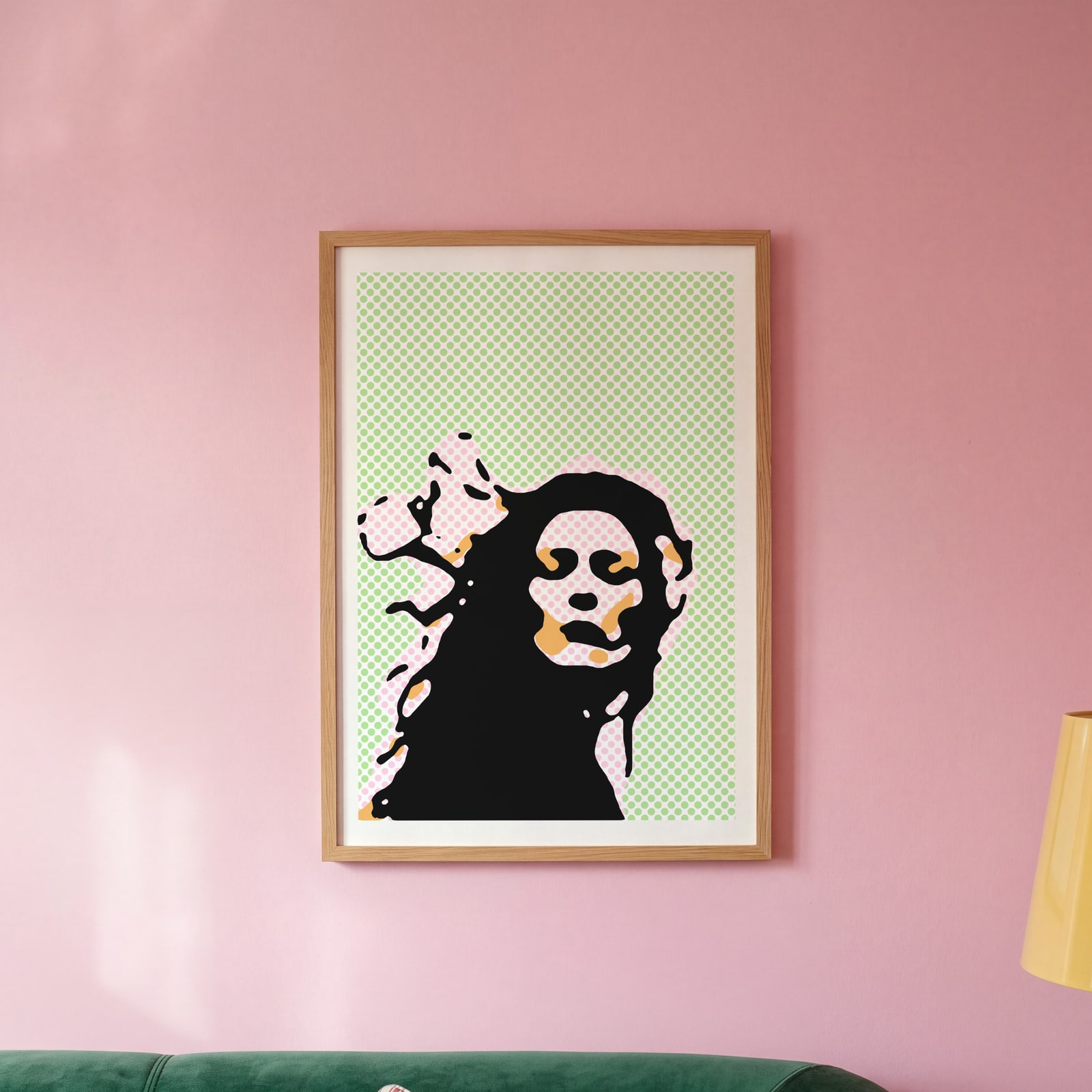
- Comic Book: the photo separated into comic inks and screened as dots at classic angles, traced in bold black outlines, with a POW burst or a speech bubble and a caption box. Classic comic, neon screenprint, newsprint or duotone.
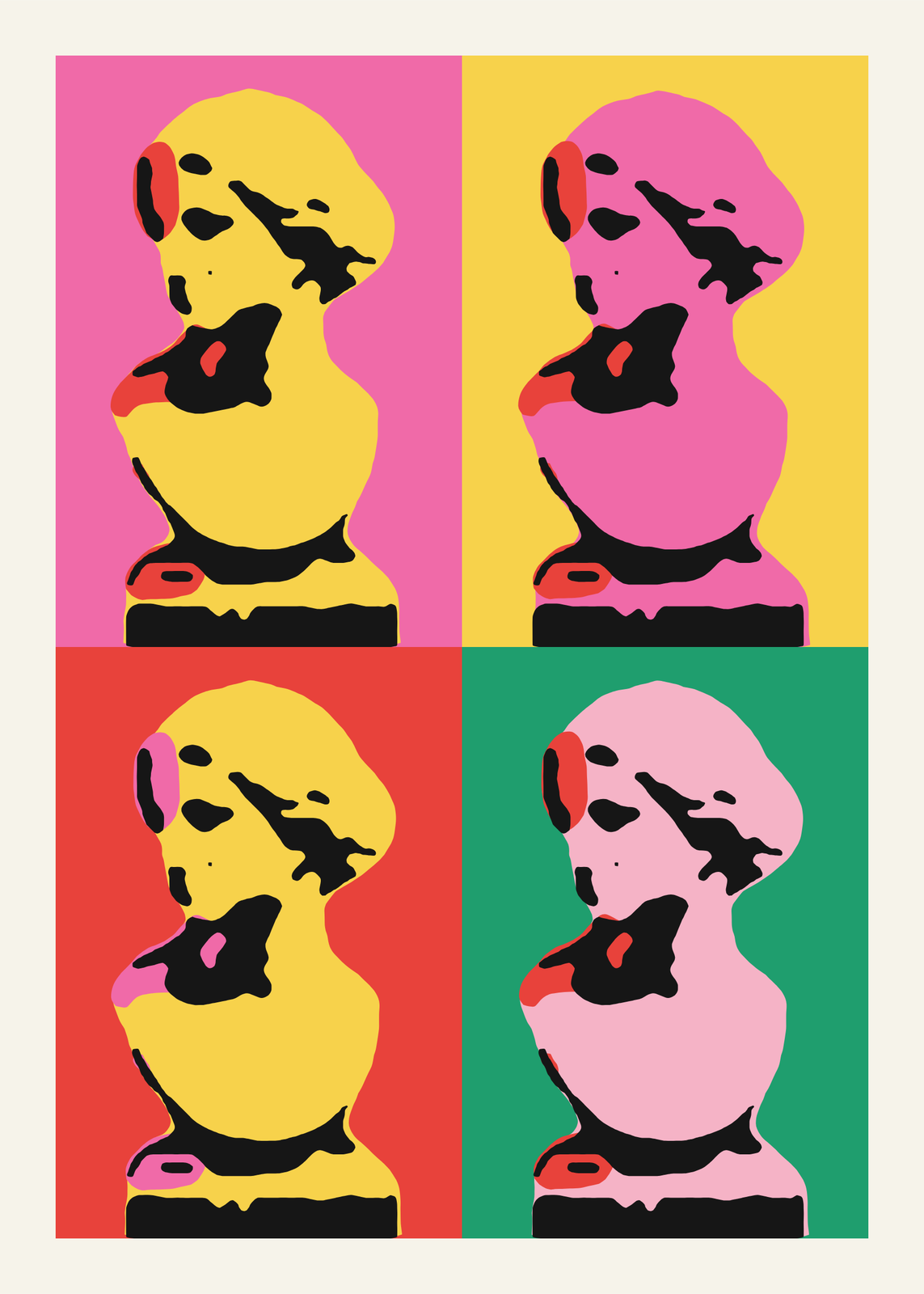
- WPAP portrait: the face rebuilt from flat planes cut by long straight lines, each lit plane a warm step of color and each shadow a cool one, over a sunburst. Pop, neon, warm, cool, bold or sunset colors.
Other print looks for a photo
- Halftone: any photo as a screen-printed dot poster, in patterns from grids and lines to sunbursts, with full-color CMYK or a single ink.
- Screenprint: your image pulled as a hand-printed gig poster, in flat inks with rough edges, slipped off register.
- Riso: an image in two or three risograph inks, dot by dot, on white, gray or kraft paper.
- Comic Skies: no photo needed, a page of comic panels, each a little sky of suns, ringed planets, hatched clouds and mountains, in Ben-Day dots or overprinted inks.
How to make pop art from a photo
- Open the example closest to the look you want.
- Upload your photo, or start from one of the sample pictures. One face close to the camera works best: a selfie, a pet looking at you, a bird on a branch.
- Pick the colors, then the details: how many panels and how much black, the dot size and the words in the bubble, or the size of the facets.
- Pick the paper size and download a 300 DPI JPEG.
Which photos work
Pop art throws away most of a photo and keeps its shapes, so it needs a clear subject with strong light and shadow. A face filling most of the frame, front or three-quarter, is the safest choice; a pet looking at the camera comes next. A busy background turns into blobs: in Pop Portrait and Comic Book, cut the subject out and set it on a flat color.
WPAP looks for the face, hair, hands and pets in your photo with small detection models that run in your browser, then cuts the planes around them. It needs one face, or one animal, clearly in view.
Pop art as a gift
A portrait in loud colors is easier to hang than a plain photo, and easier to give: the person in it looks like a print, not a snapshot. For a mom, a partner or a best friend, use a photo they already like of themselves. For a dad, the family dog in four sixties colors. For a couple, the two of you as a comic panel, with your own words in the bubble.
Questions
What is pop art?
An art movement of the late 1950s and the 1960s, in Britain and the US, that borrowed from ads, comics and celebrity photos. Andy Warhol silkscreened the same photo of a star again and again in flat, clashing colors; Roy Lichtenstein painted comic panels by hand, Ben-Day dots and all. The makers here borrow both looks, and WPAP, a later style from Indonesia.
Can I use my own photo?
Yes. Upload it in the editor: every example here starts from a sample photo you can replace. A sharp photo with one face or one animal filling most of the frame works best.
What are Ben-Day dots?
The small, evenly spaced dots that printed flat color in cheap comics, which Lichtenstein copied by hand. In Pop Portrait, print the background, the light tones or both as dots. Comic Book prints the whole picture in dots, at the size and angle you choose.
What is WPAP?
Wedha's Pop Art Portrait, a style created by the Indonesian artist Wedha Abdul Rasyid: a face cut into flat facets by straight lines, in bold color. The WPAP maker draws in that style; it isn't affiliated with him.
What sizes can I print?
US Letter, 8 × 10, 11 × 14, 12 × 16 and 12 × 18 in, A4 and A3, free. You download a 300 DPI JPEG drawn at the size you pick. Larger prints, up to 24 × 36 in, are coming soon.
Related
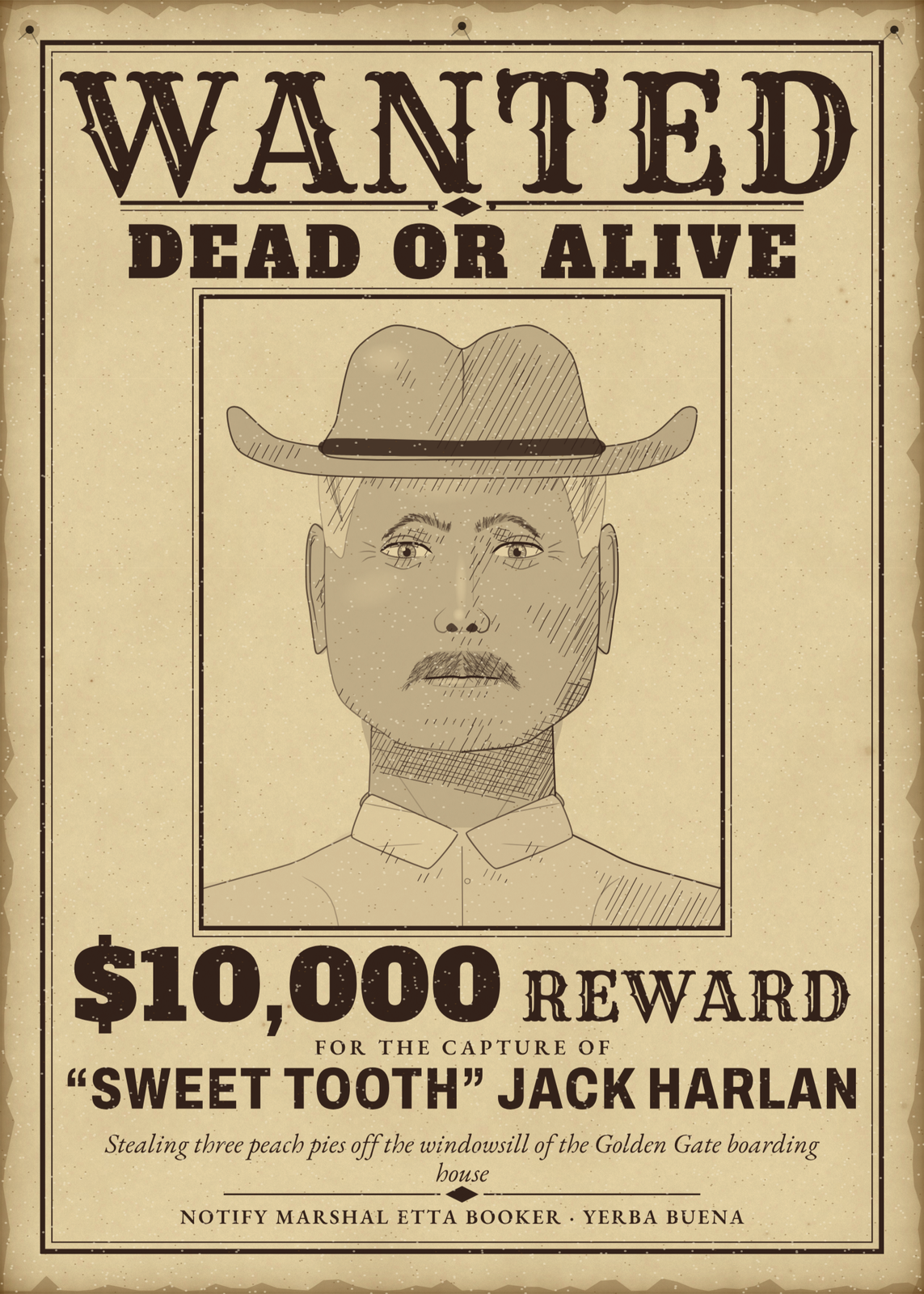 Wanted postera police sketch of a friend, on an Old West handbill or a 1970s bulletin
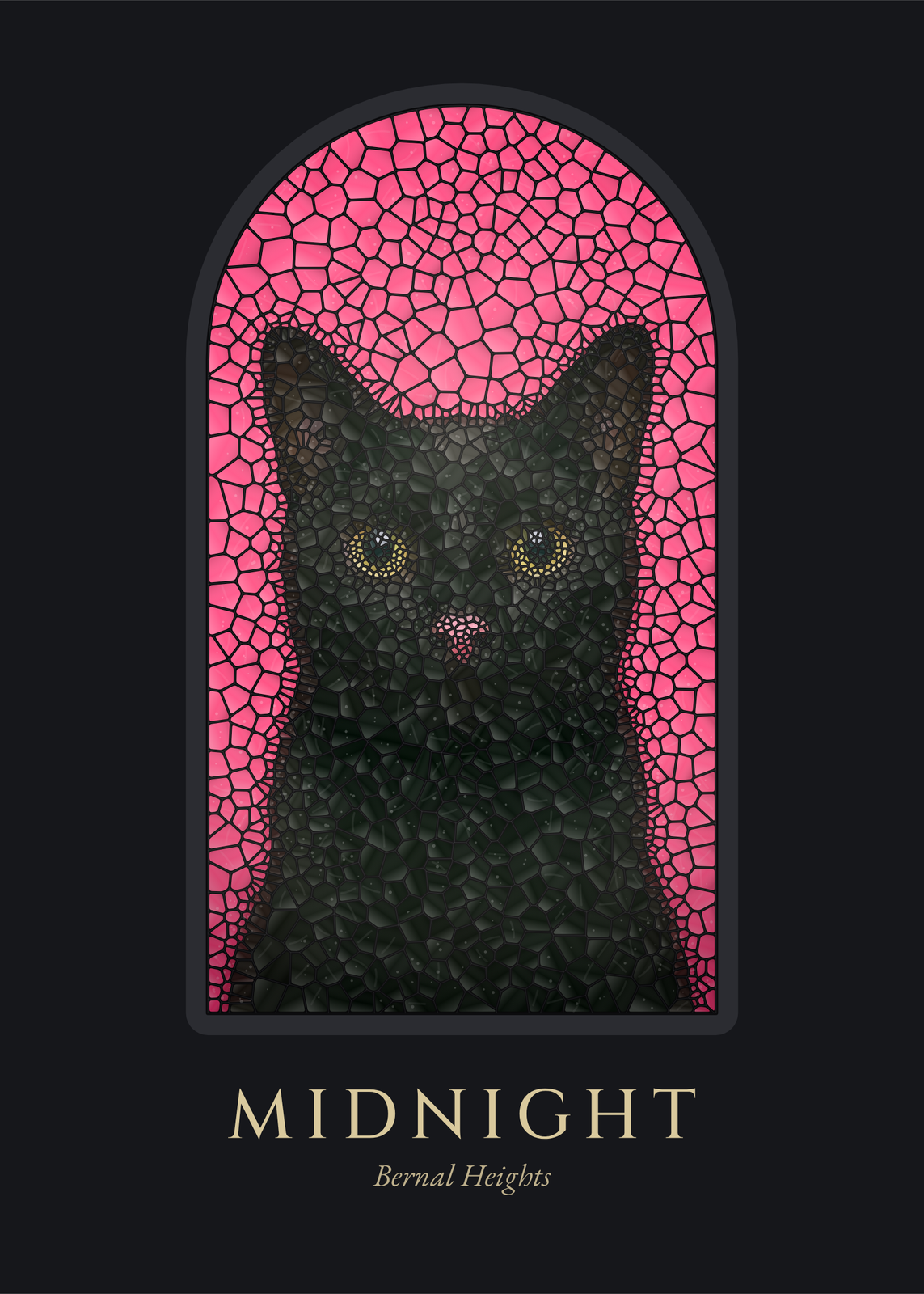 Stained glass artyour photo cut into panes of colored glass and set in a window
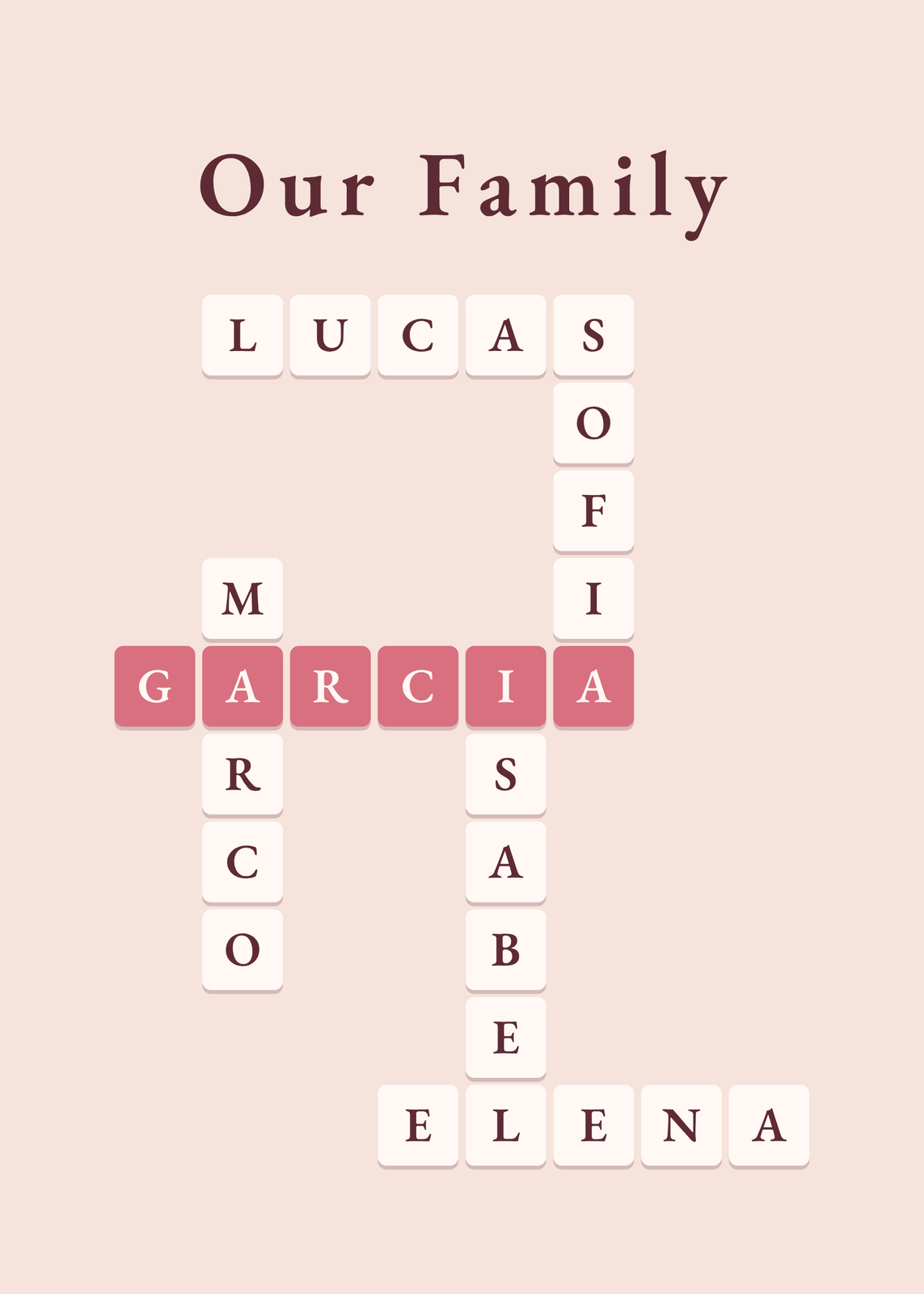 Mother's Day gift ideaspersonalized posters for mom
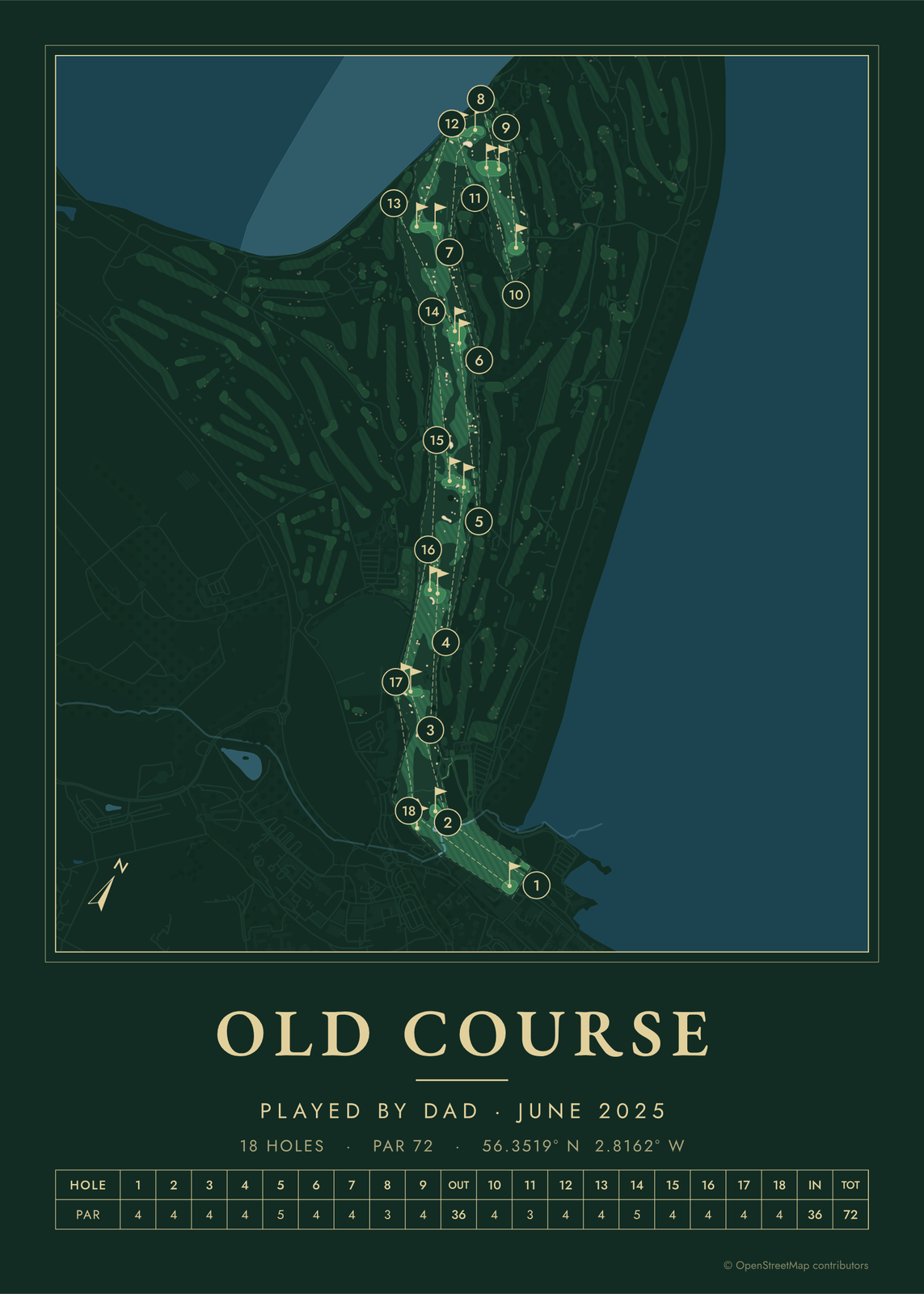 Father's Day gift ideaspersonalized posters for dad
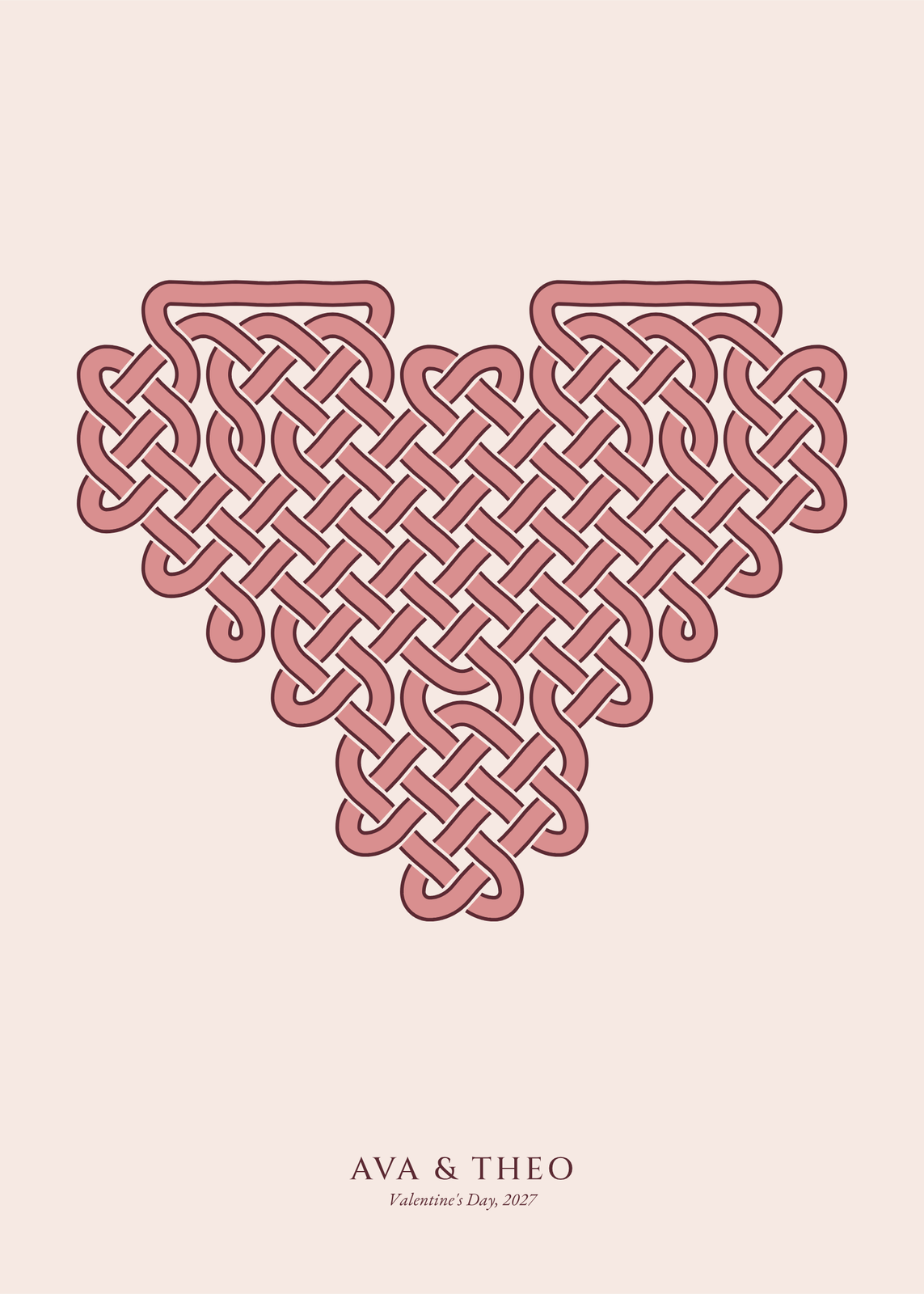 Valentine's Day gift ideaspersonalized gifts for him and for her
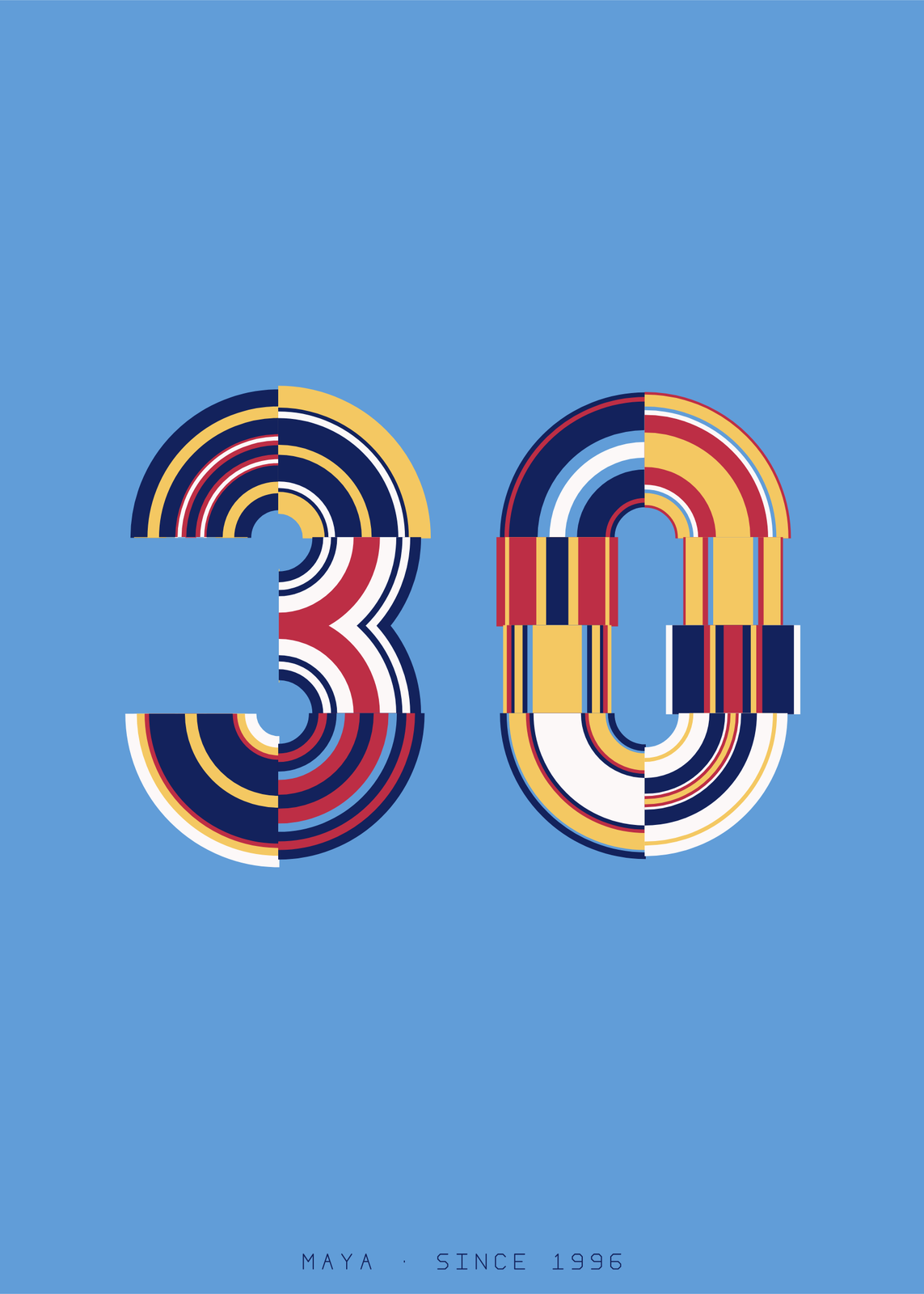 30th birthday gift ideasfor the end of their twenties
Gift ideas by occasion
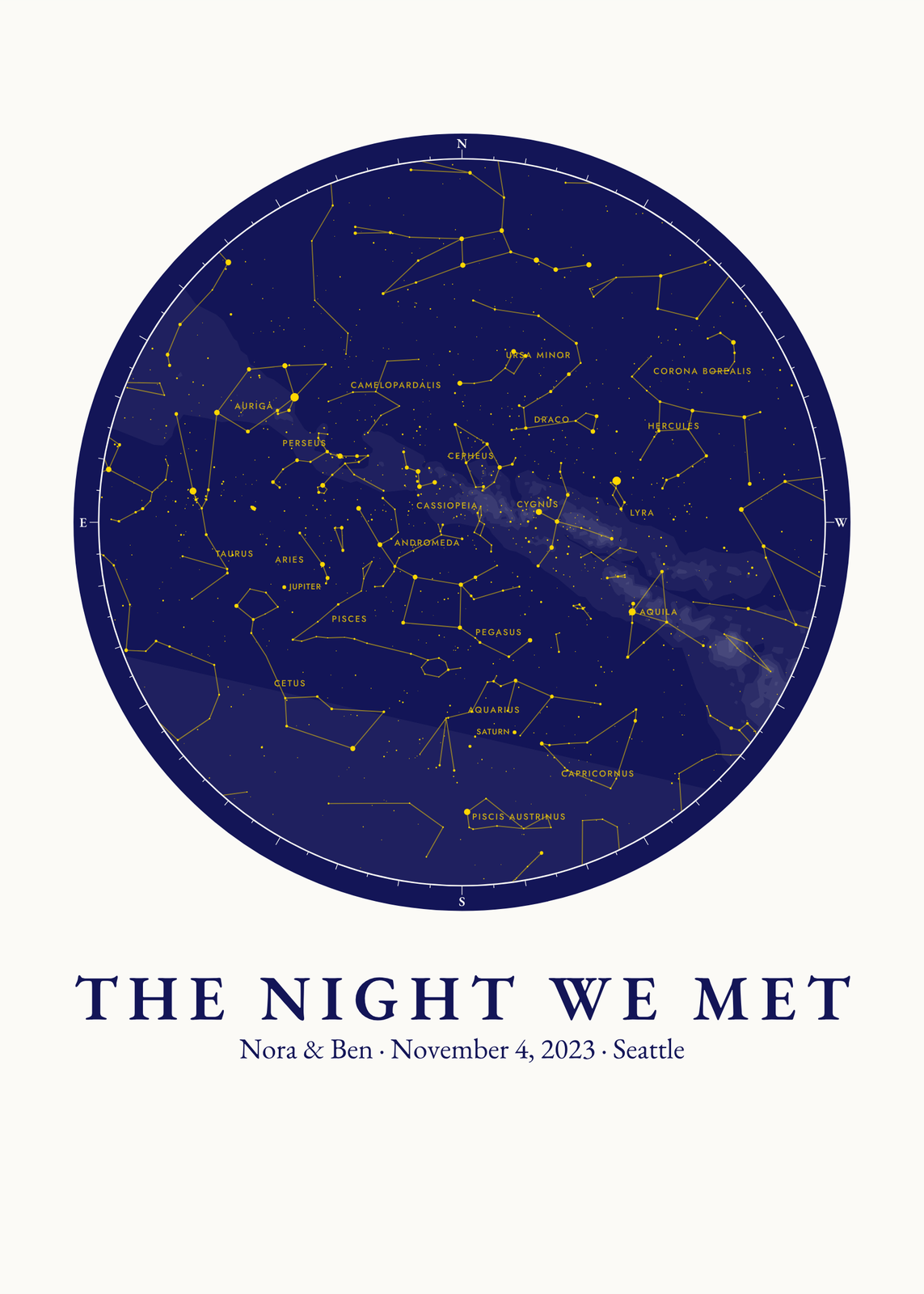
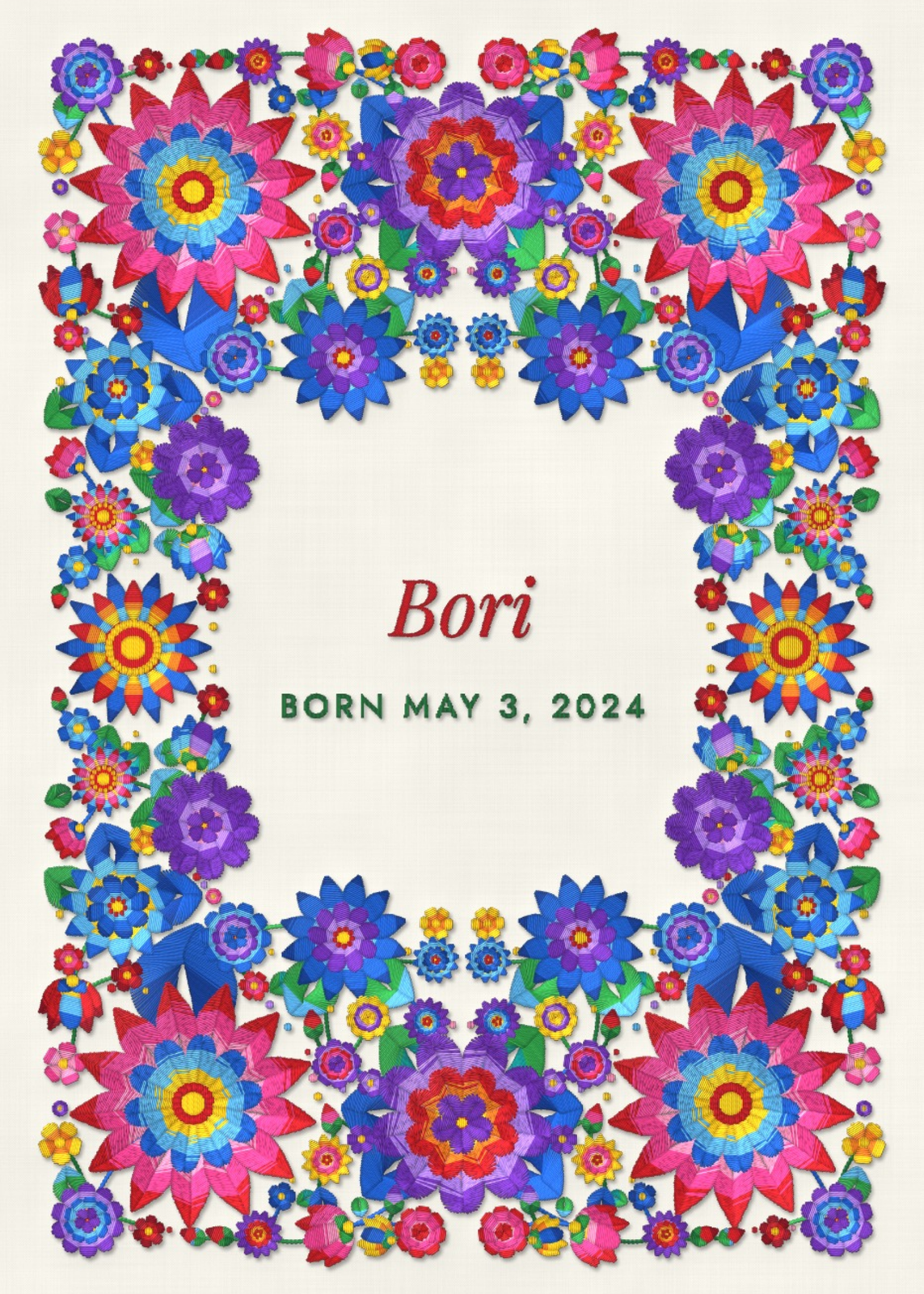
Every example is made with the Posterage generators. Change anything, then download it as a 300 DPI JPEG.