Mosaic art bold tiles that join into curves, composed by chance or rebuilt from your photo
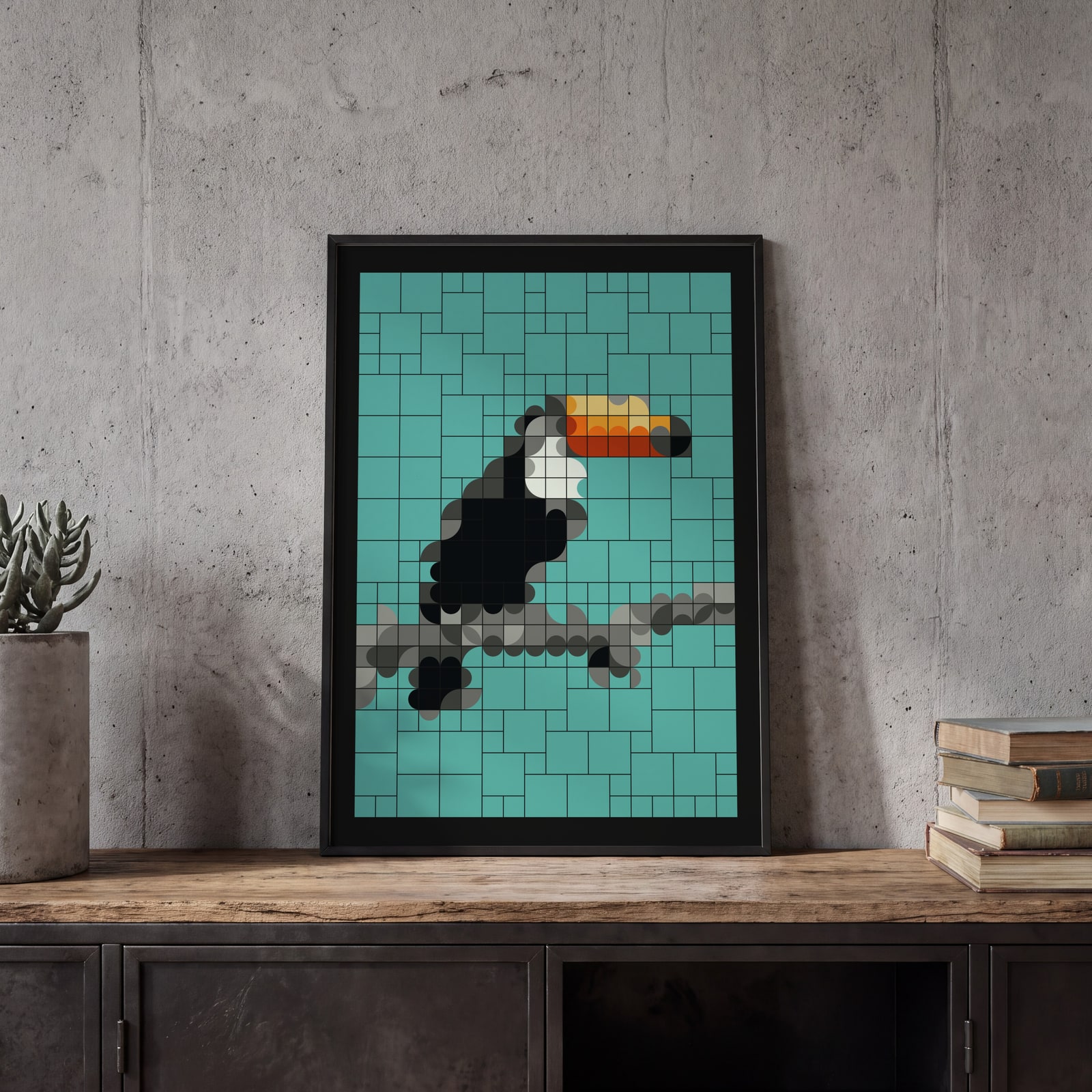
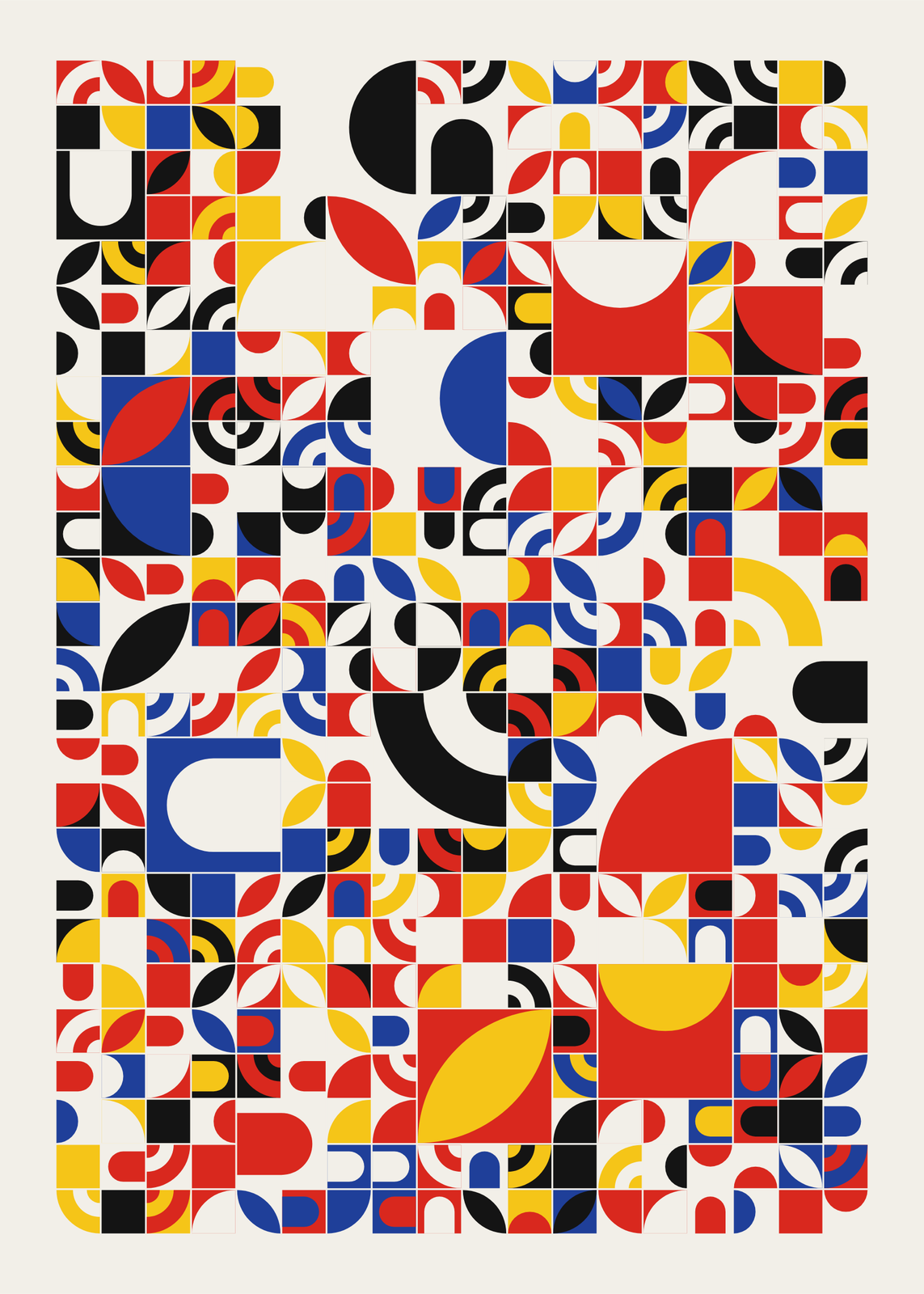
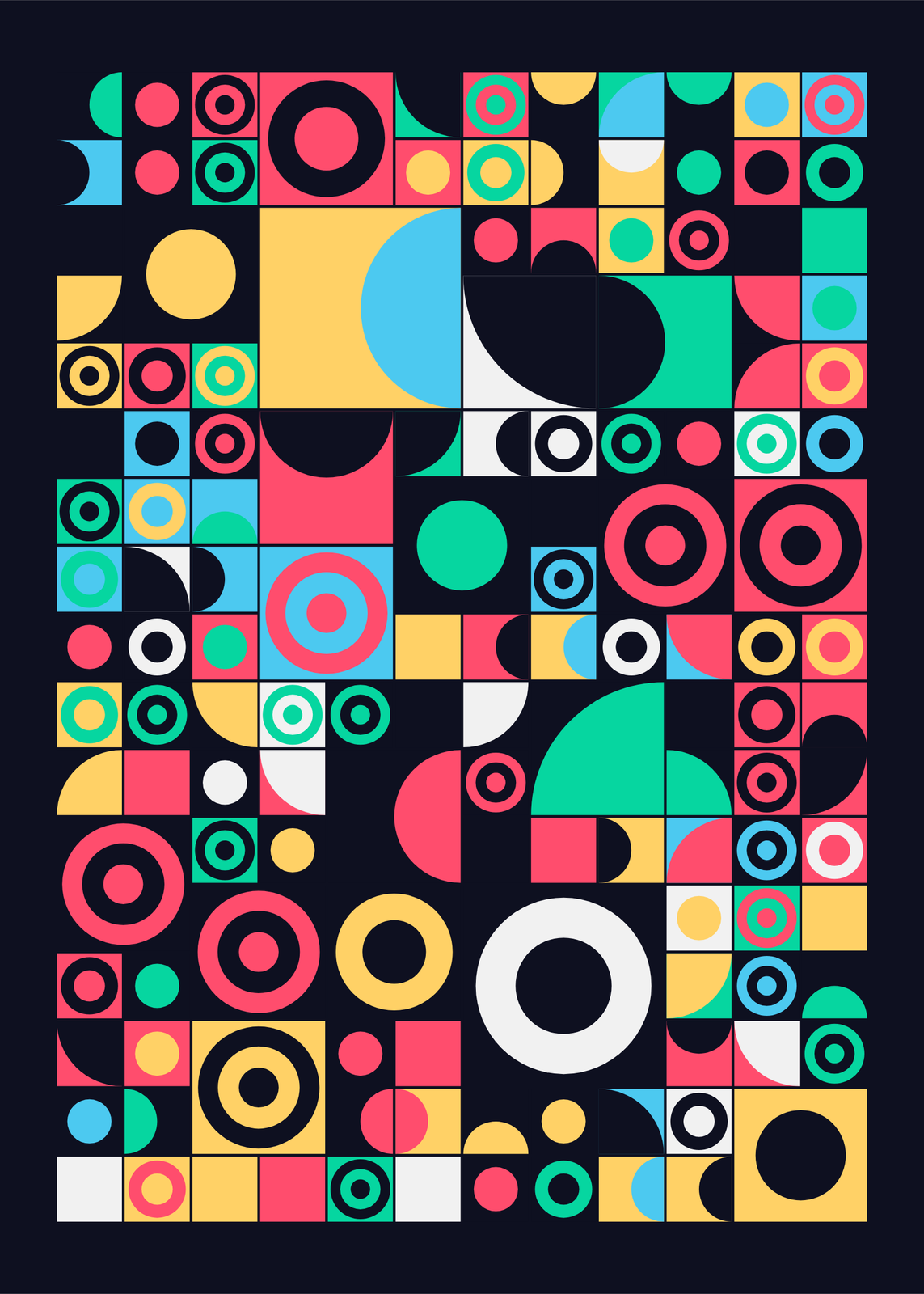
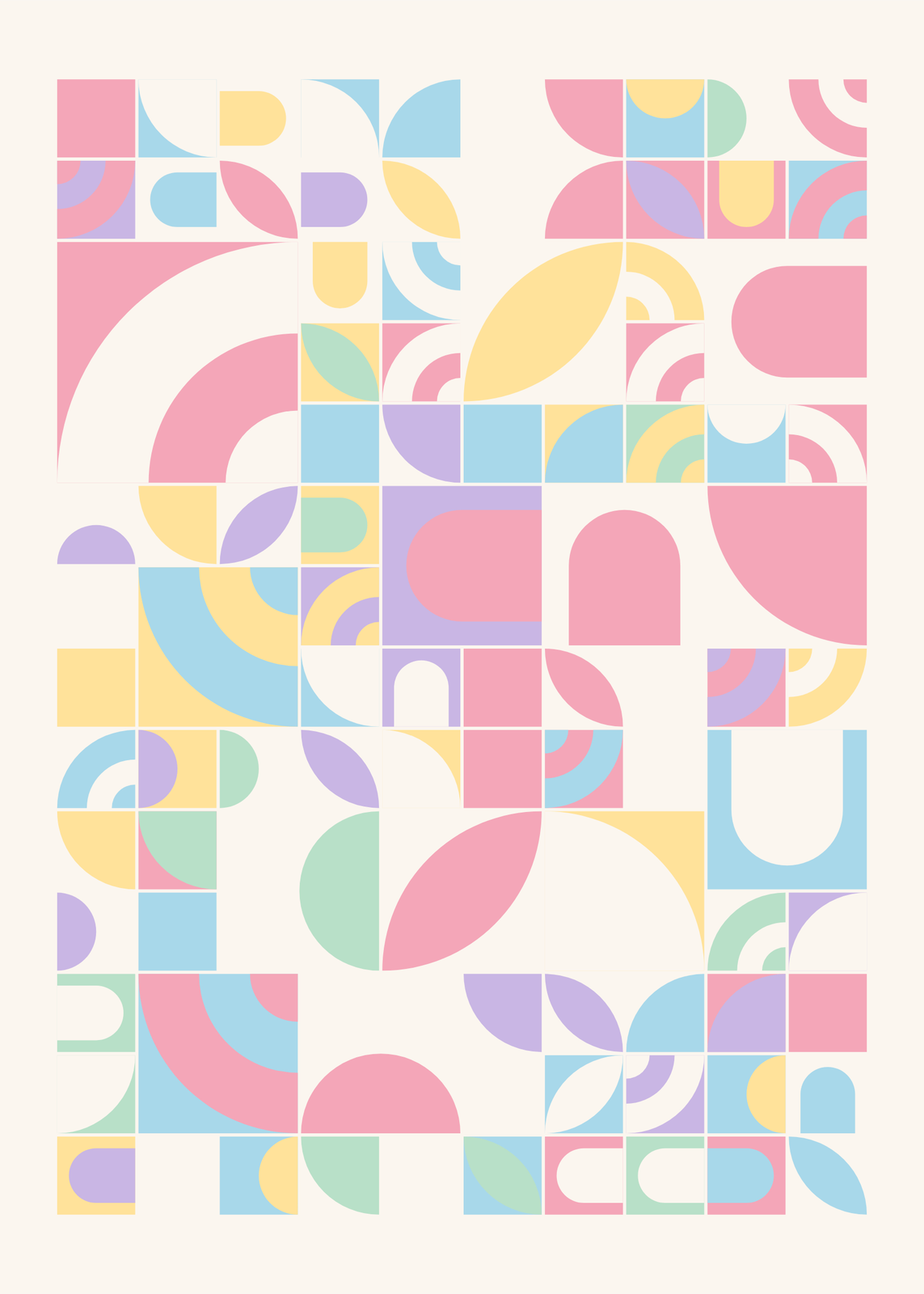
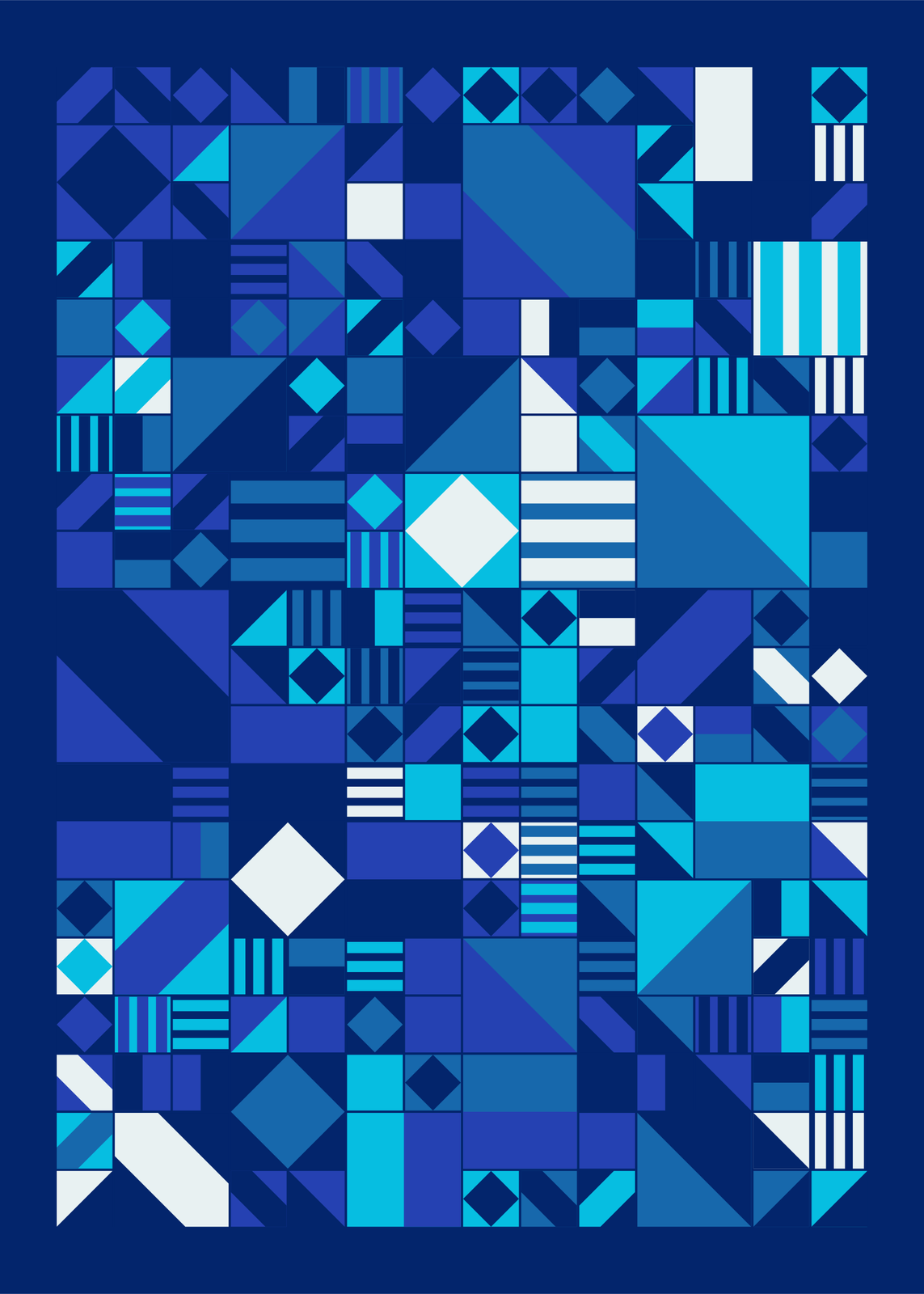
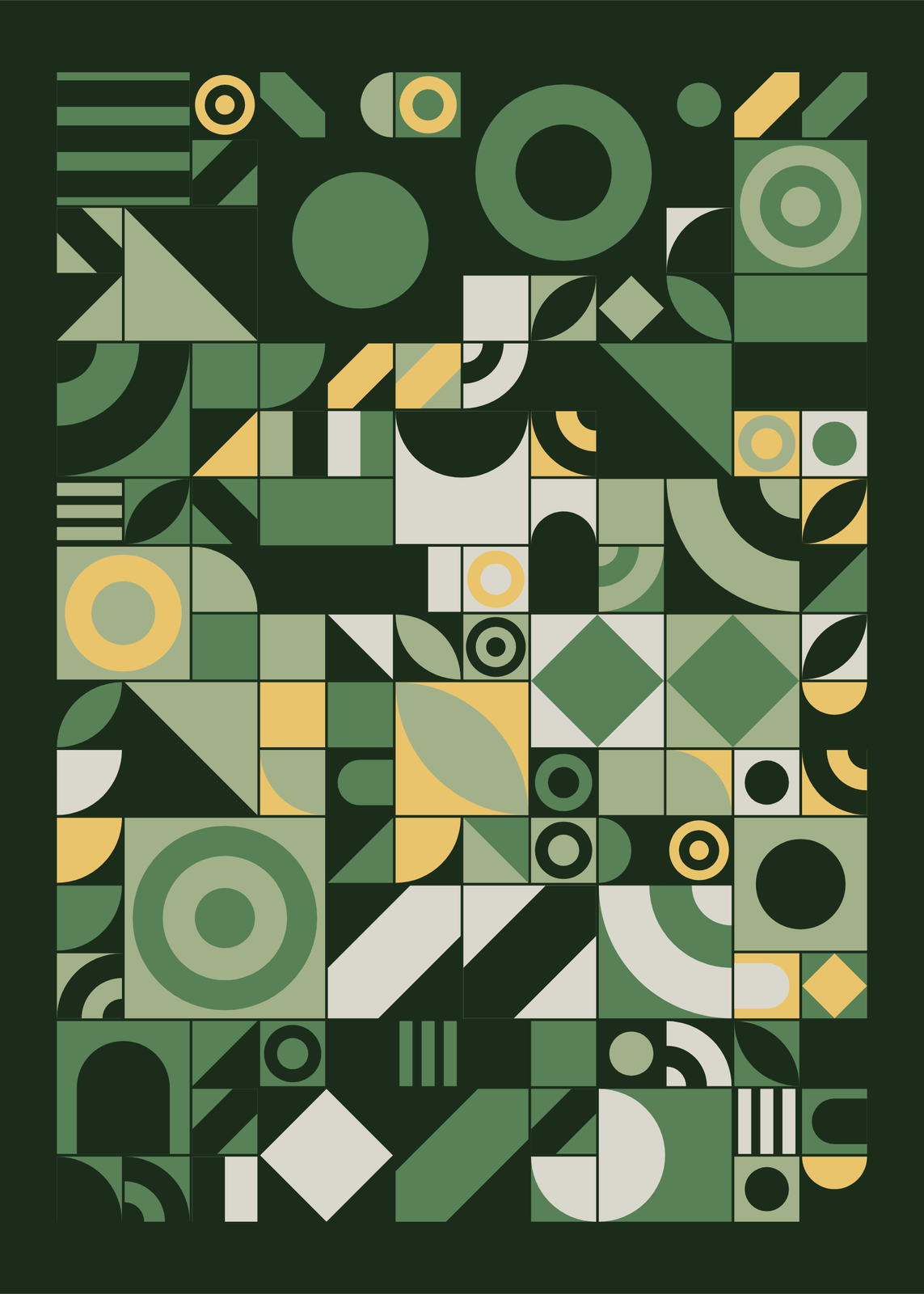
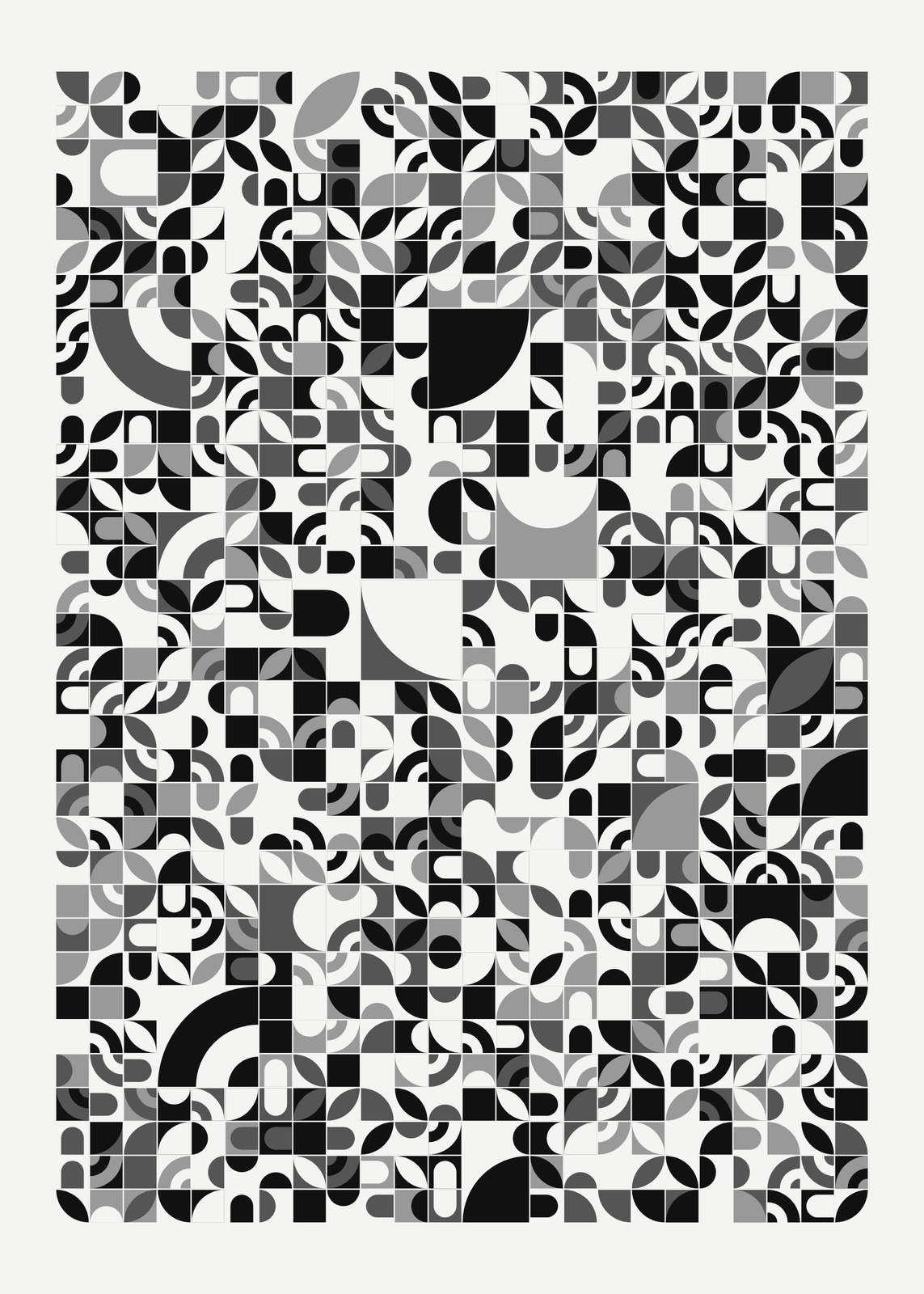
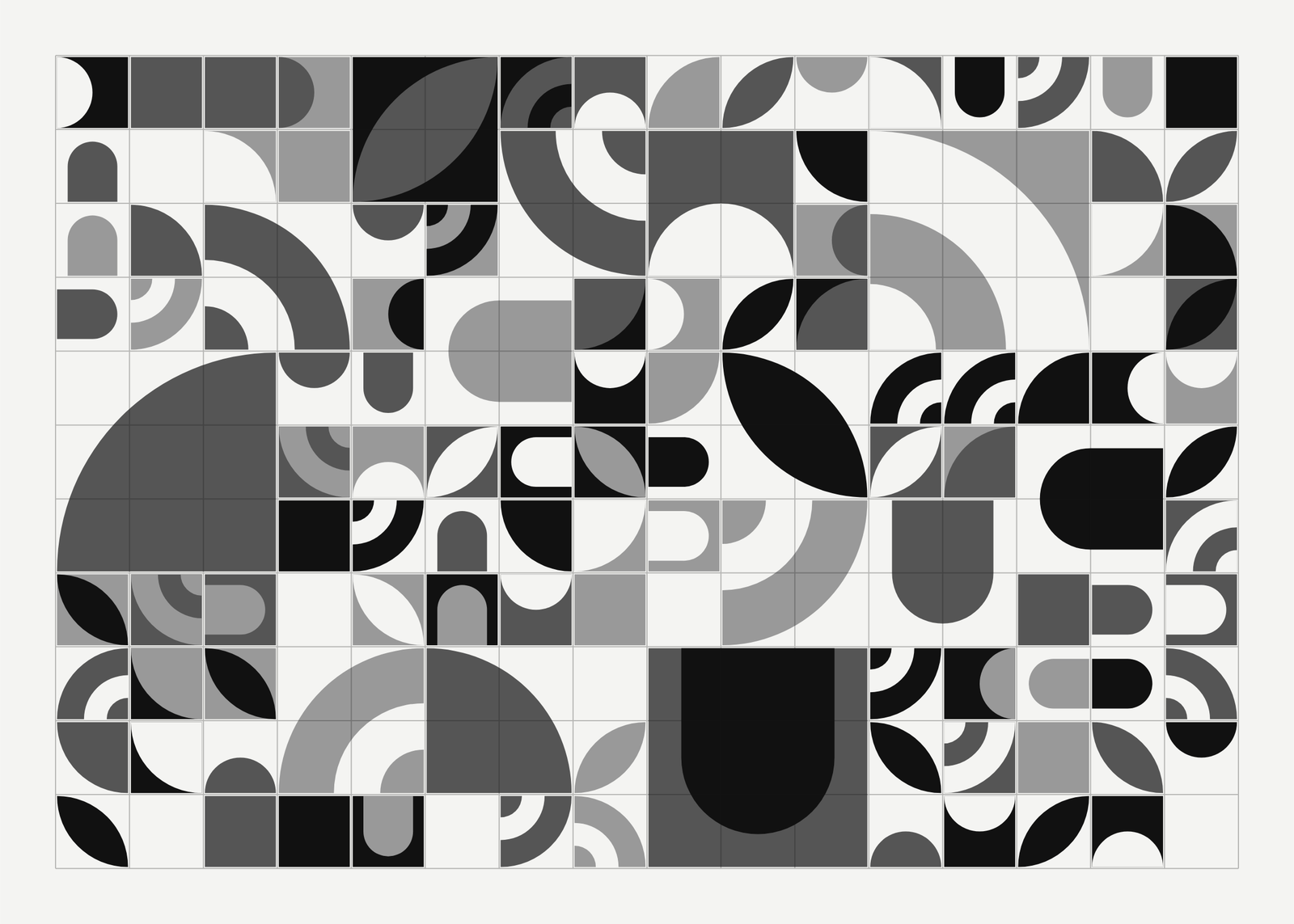
A grid of square tiles, each a ground and one shape: a quarter circle, a half disc, a leaf, an arch, a diagonal. Turned in quarter steps, neighbors join into curves and paths, the old trick of Truchet tiles, and some merge into bigger tiles. Let the seed compose it in one of six palettes, or rebuild a photo tile by tile, in its own colors or in a palette. Or scatter blocks, spheres, rings, triangles and crosses over the grid instead. Download it ready to print as mosaic wall art.
Mosaic art ideas
On the wall
A few of them framed at home. Open any one to make it yours.
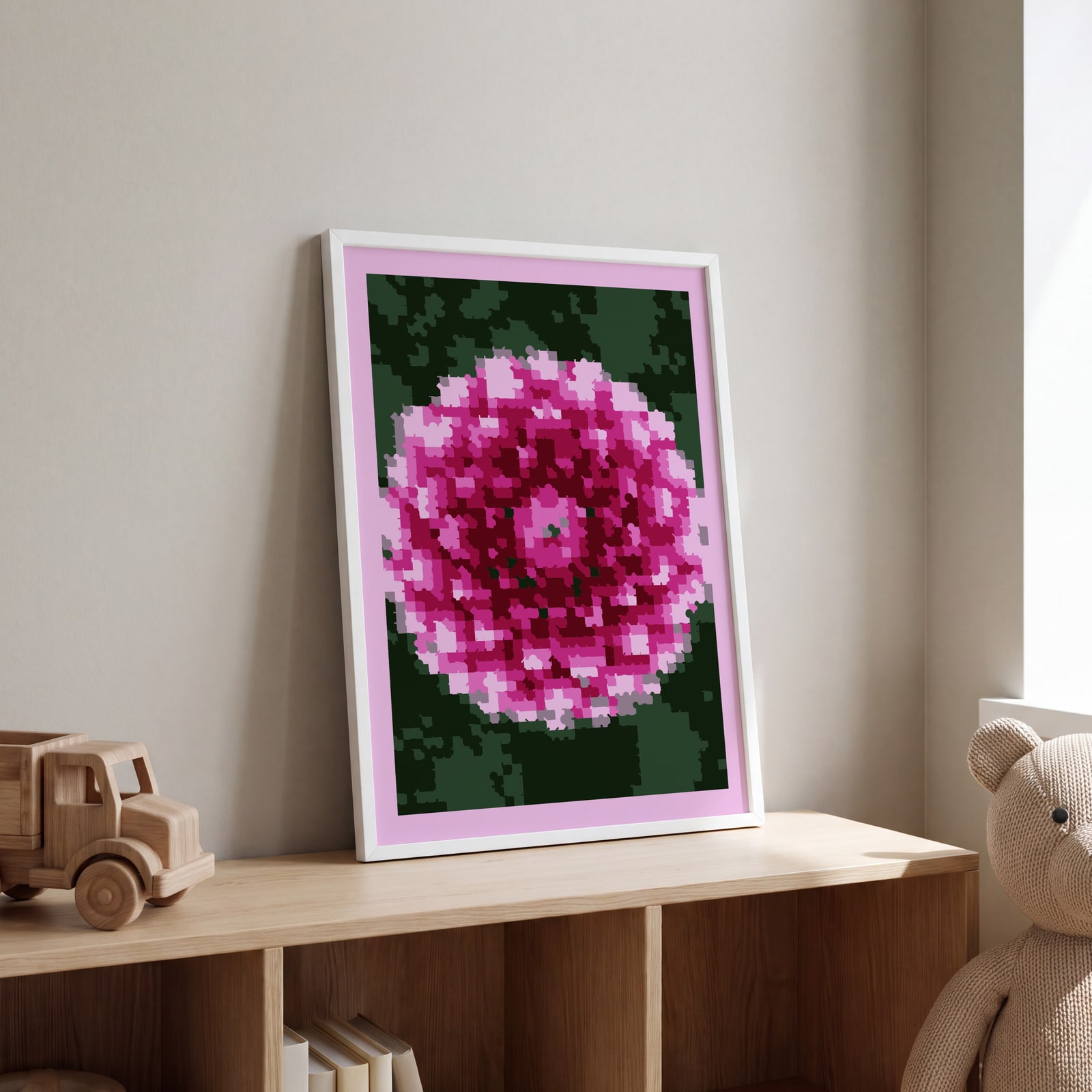 A dahlia rebuilt as a tile mosaic in small posterized cellsEdit this →
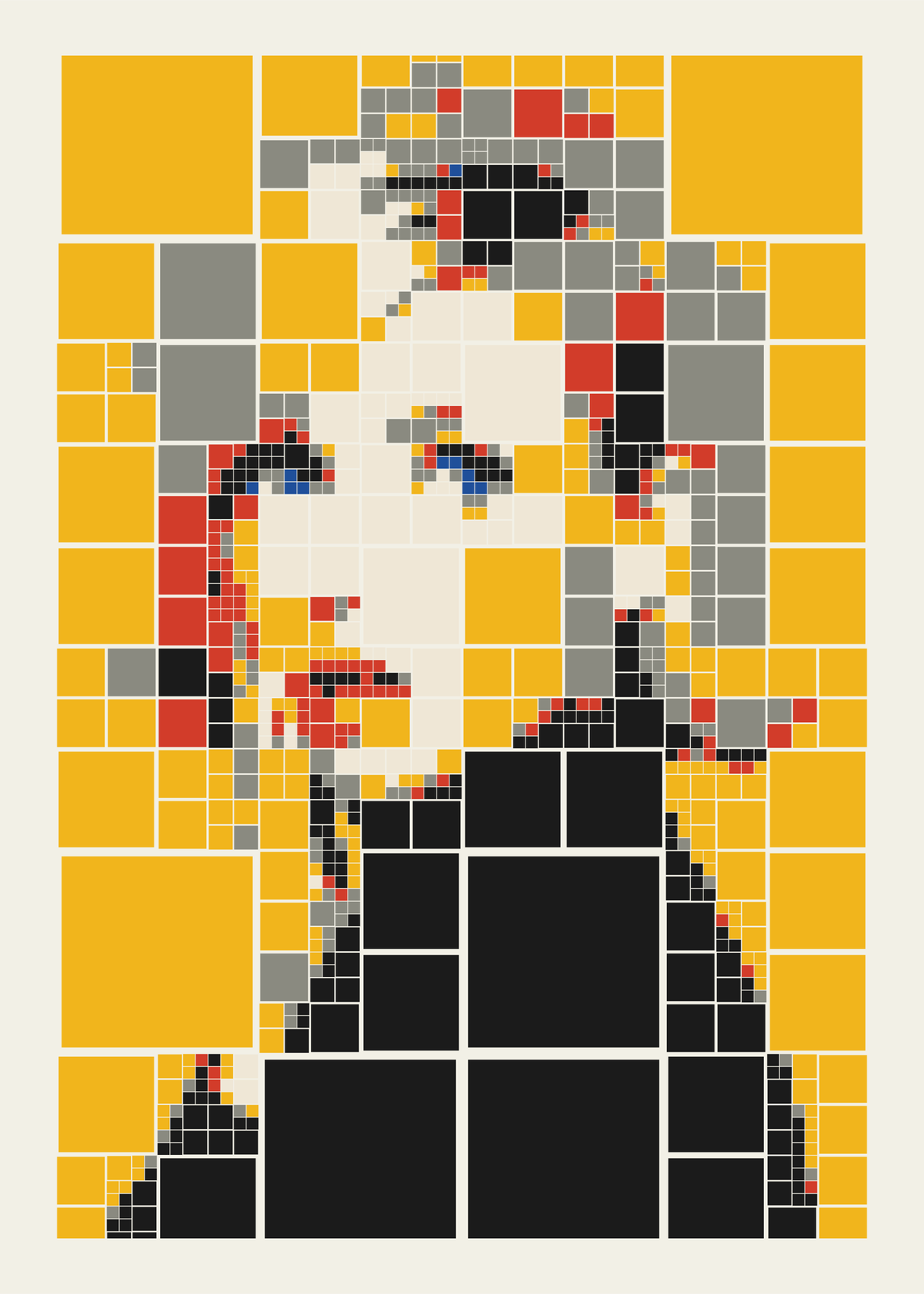
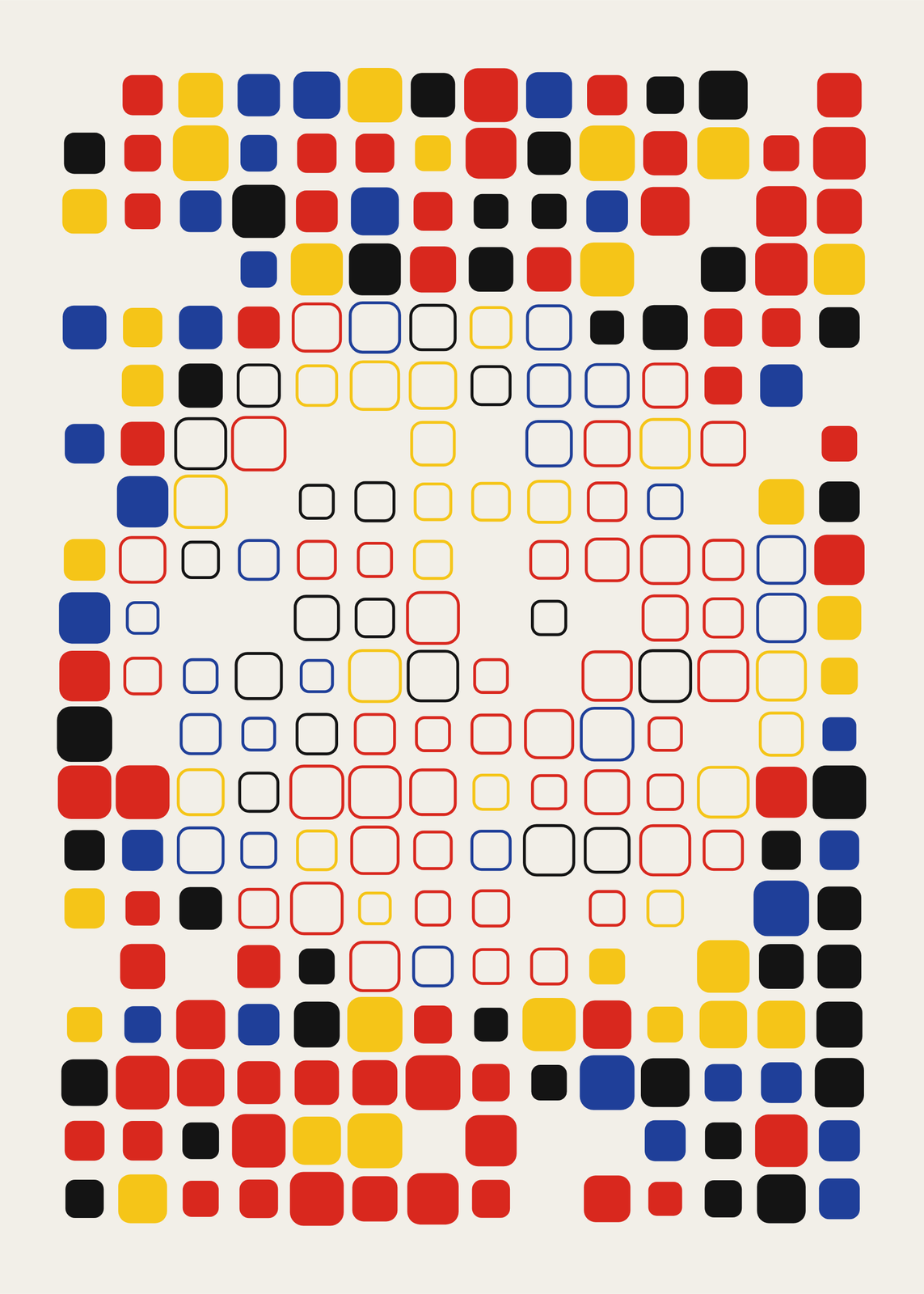
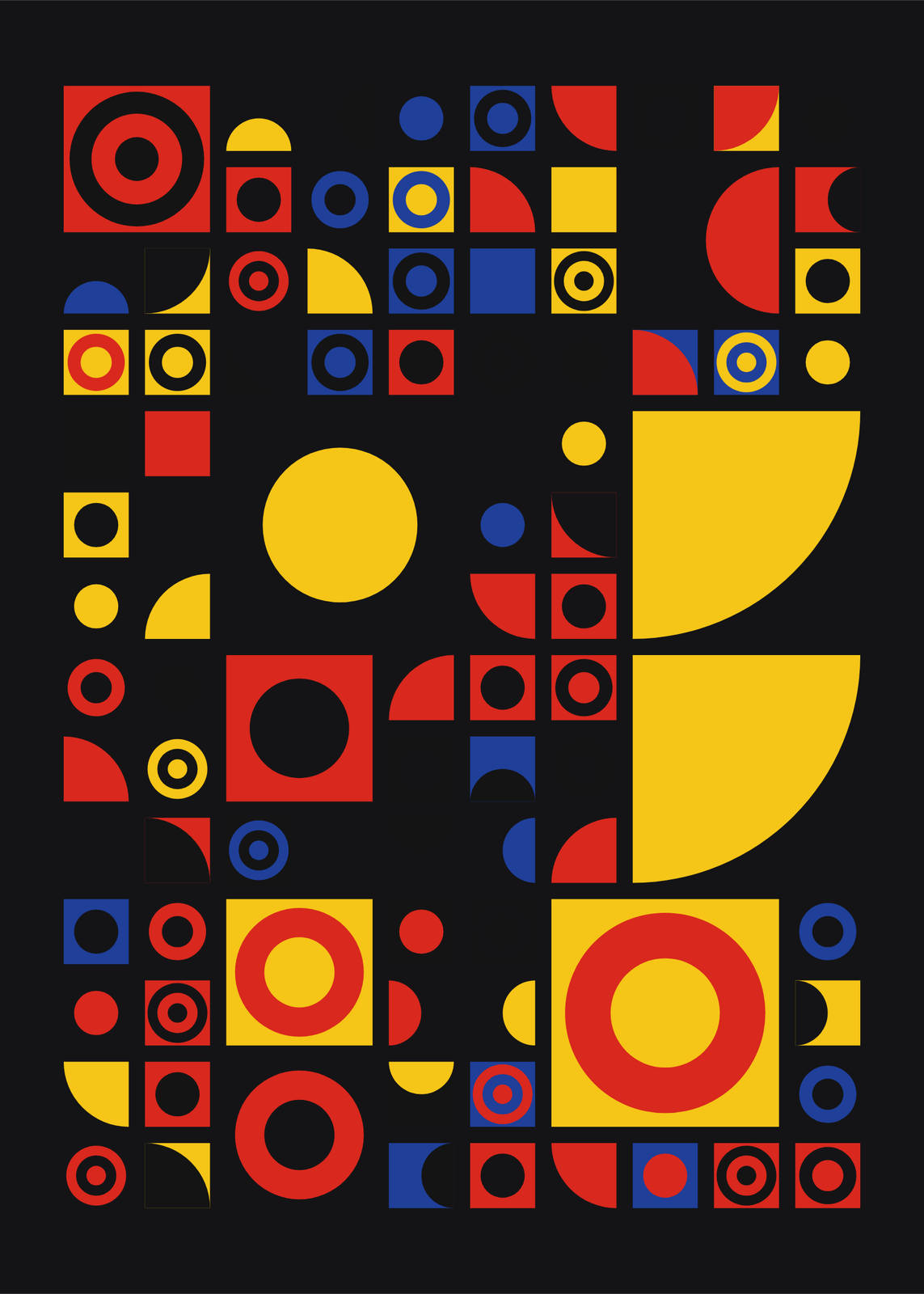
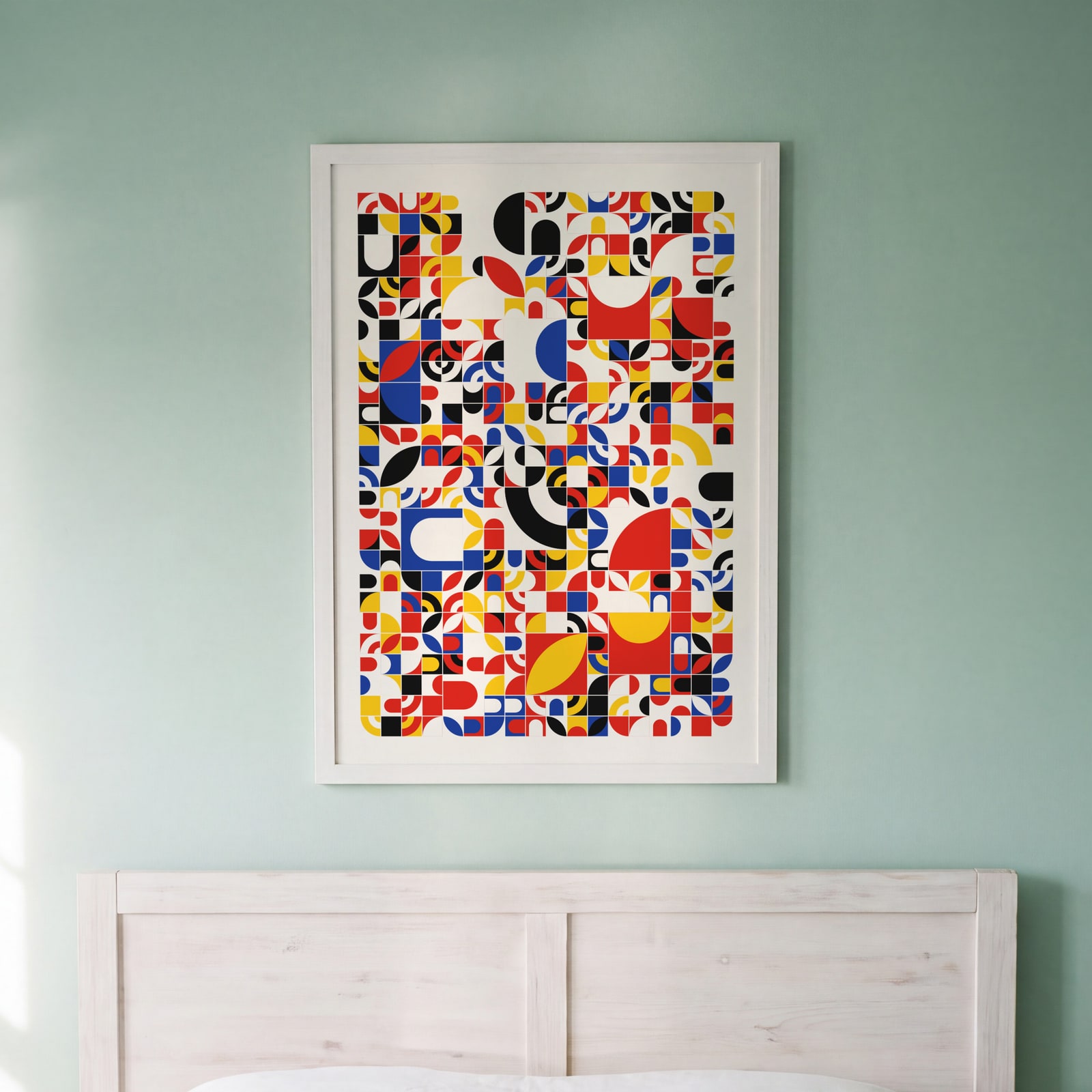 Swiss red, blue and yellow tilesEdit this →
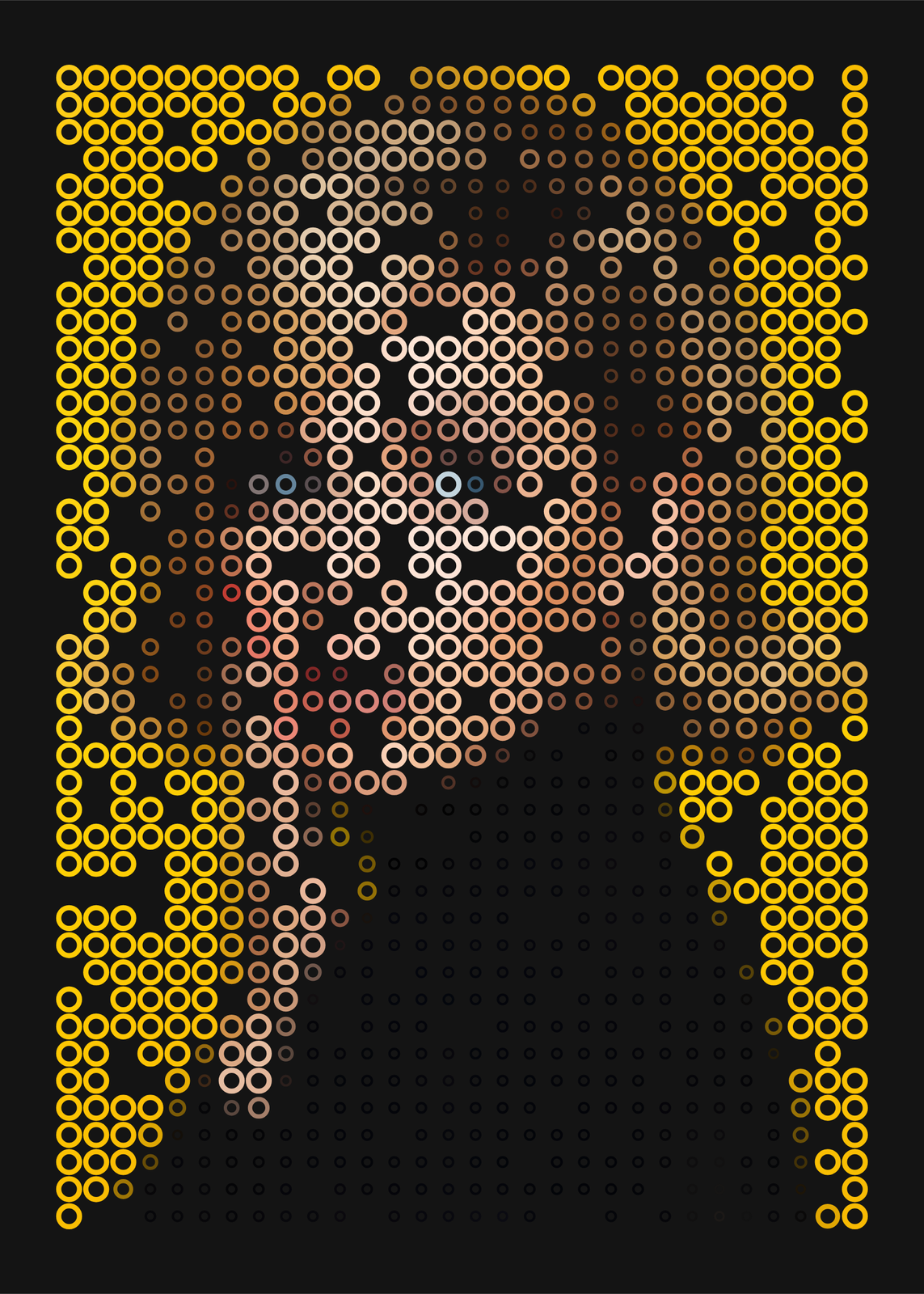
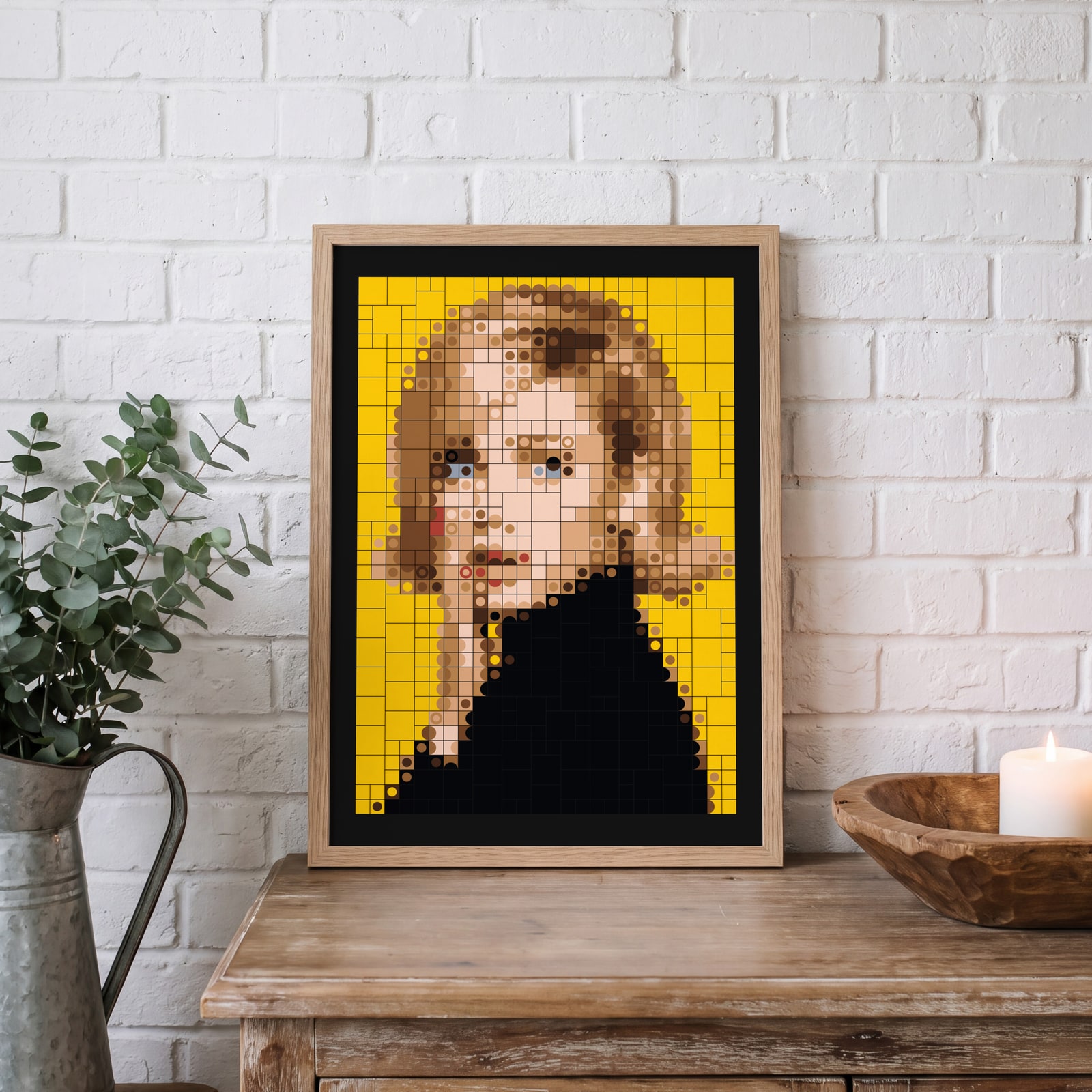 Portrait in dots and ringsEdit this →
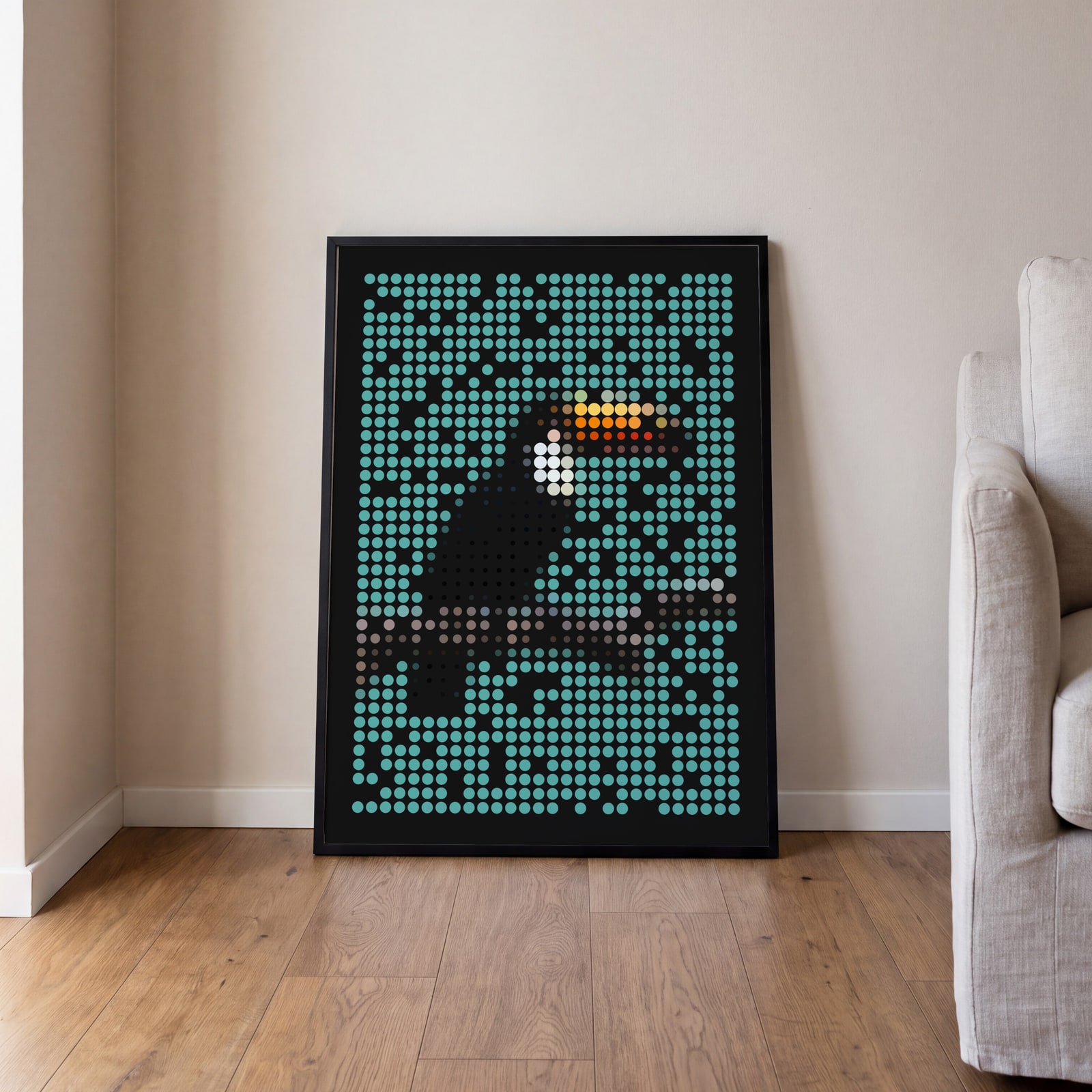 Toucan in shaded spheresEdit this →
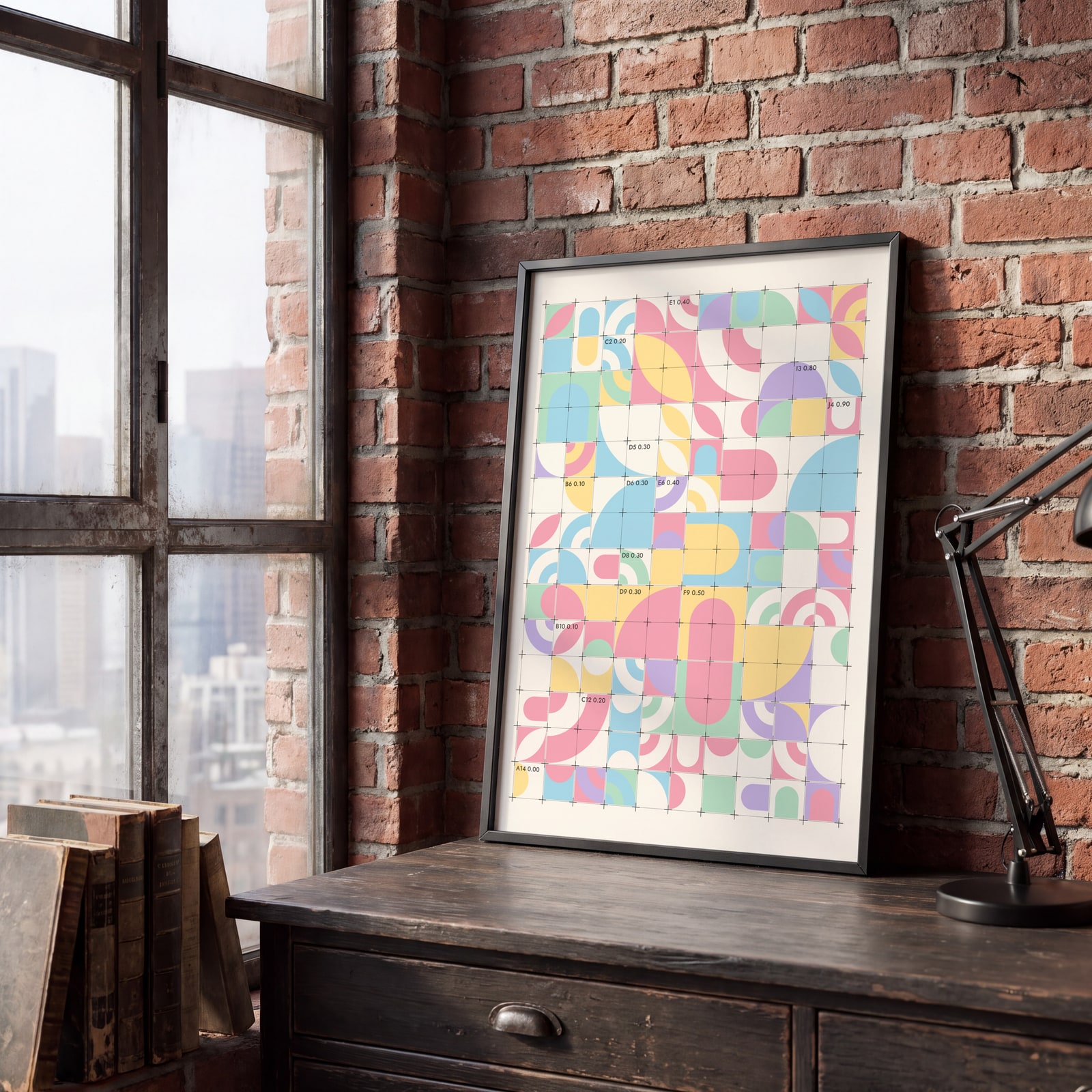 Grid lines, crosses and coordinatesEdit this →
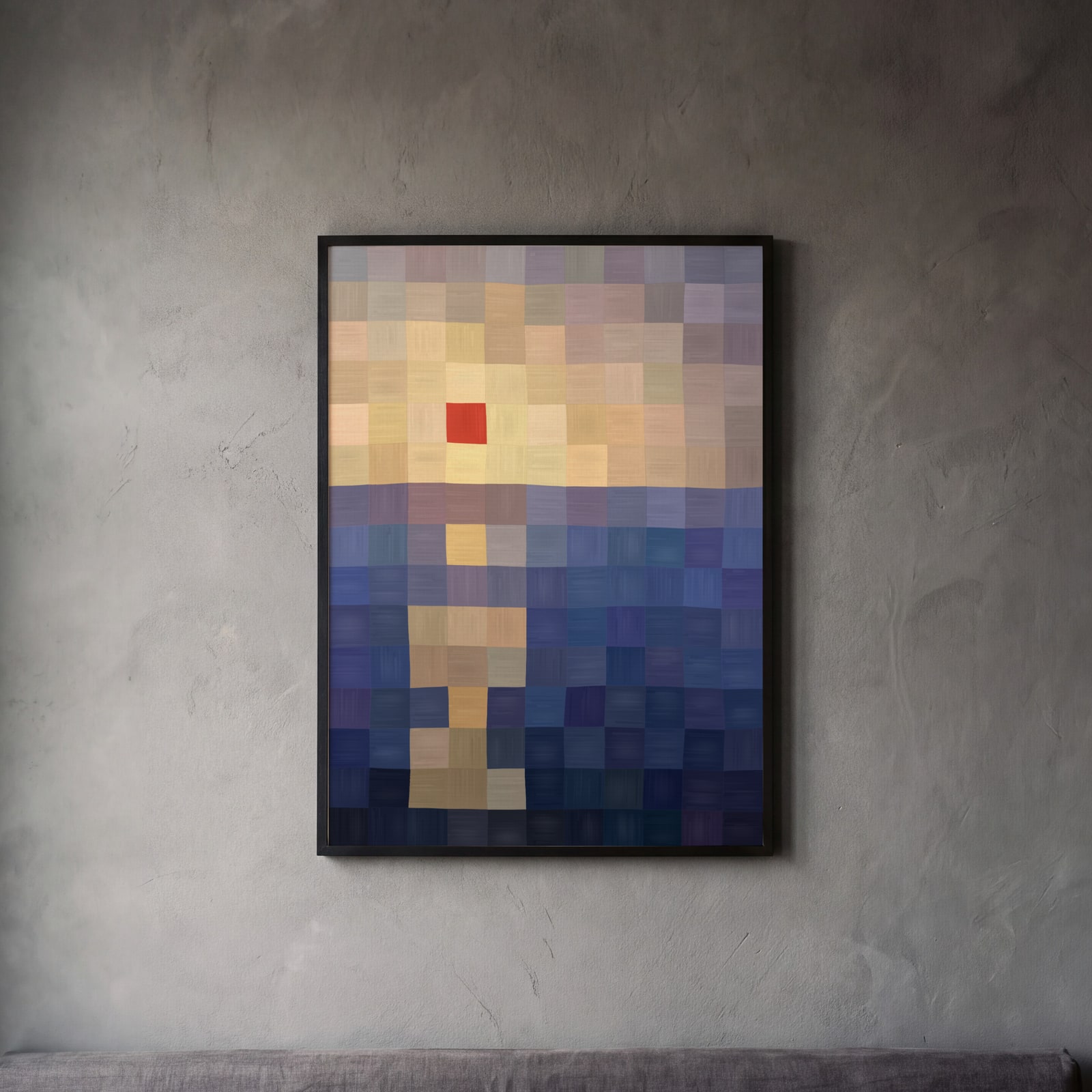 A sunset over the sea painted as a coarse grid of squares on canvas, one red square for the sunEdit this →
Examples
Open any of them to change the words, the place, the date and the style, then download the print file.
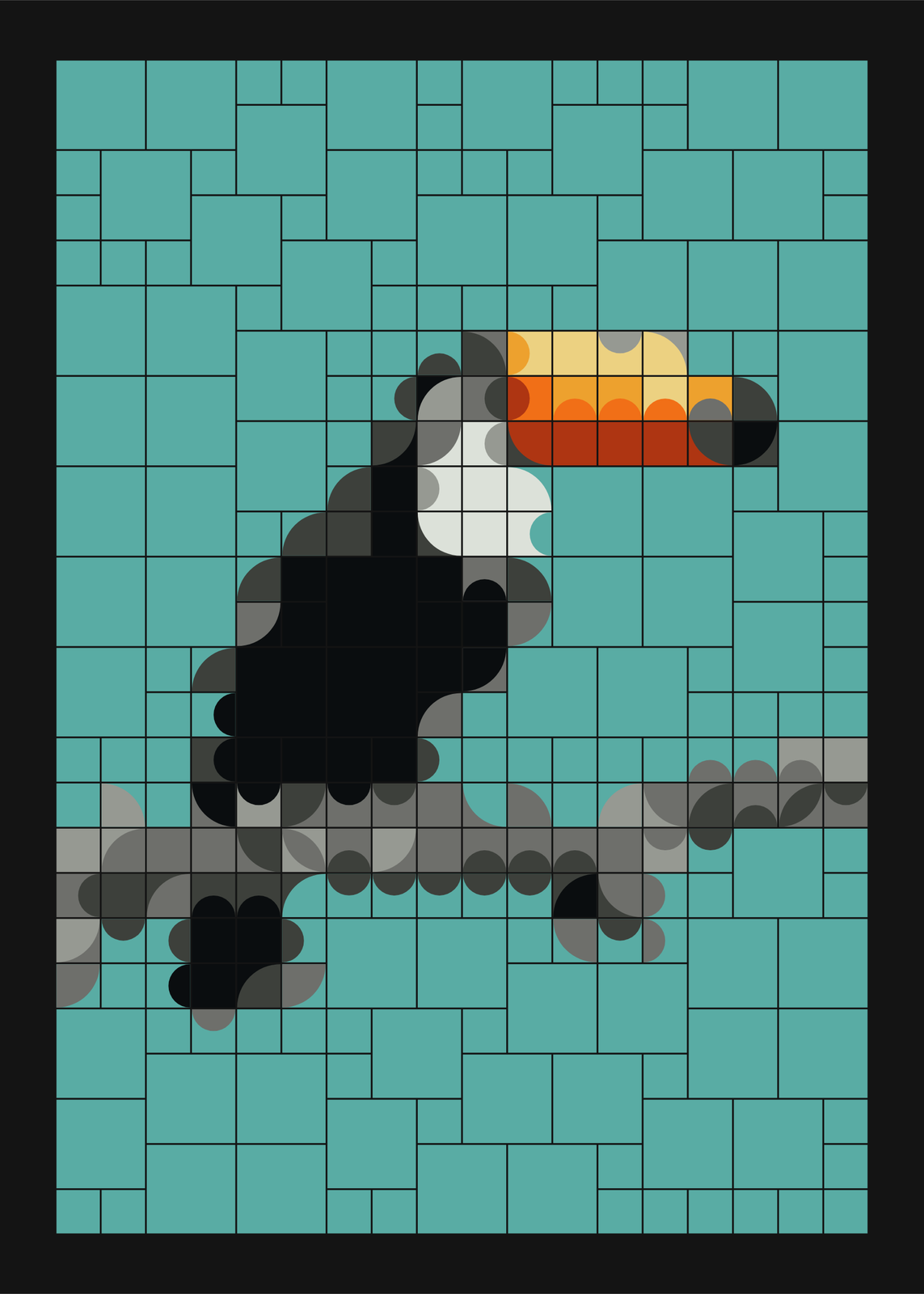 Mosaic art of a toucan on a branch in curved square tiles, over a teal skyEdit this →
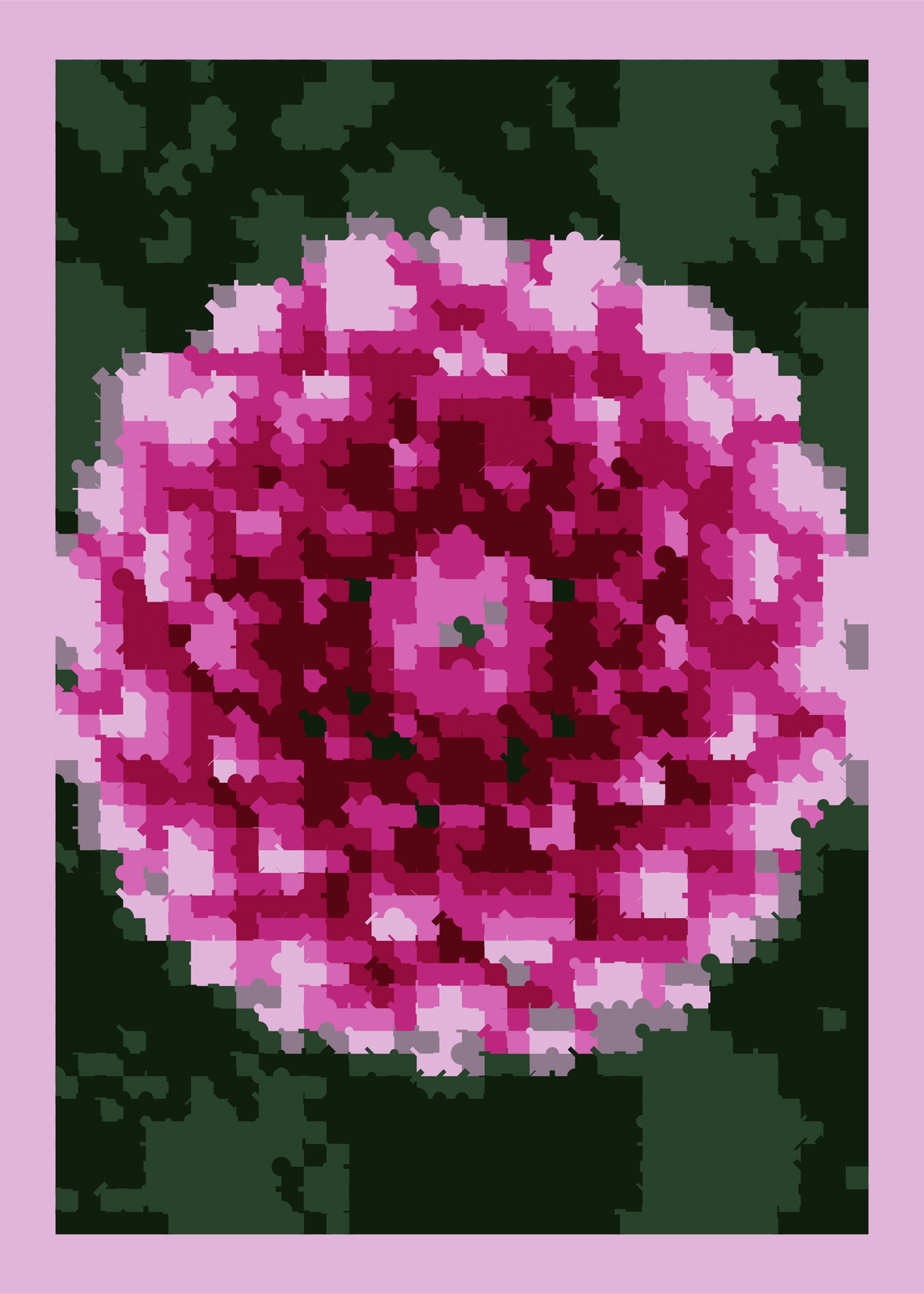 A dahlia rebuilt as a tile mosaic in small posterized cellsEdit this →More pixel art generator →
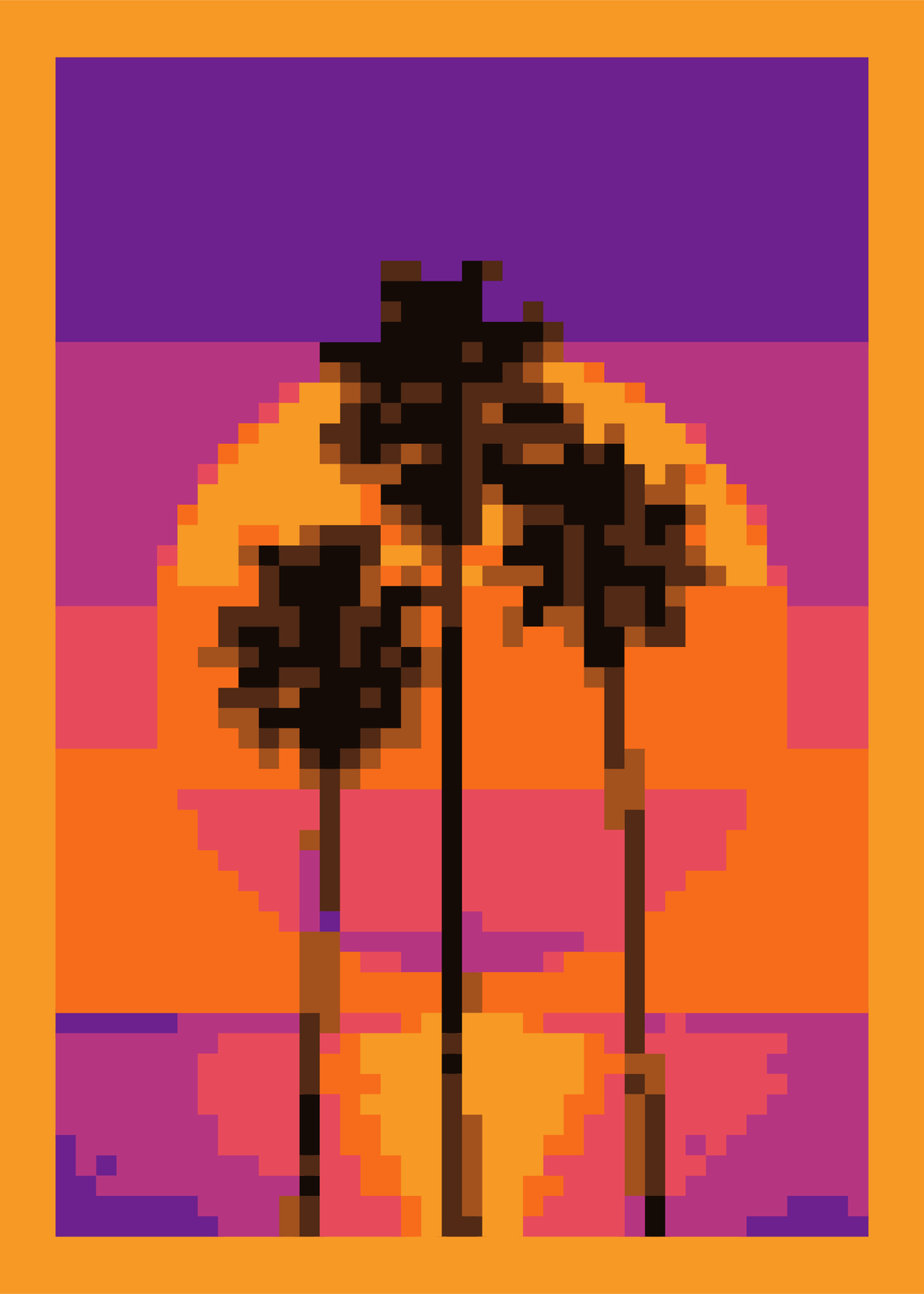
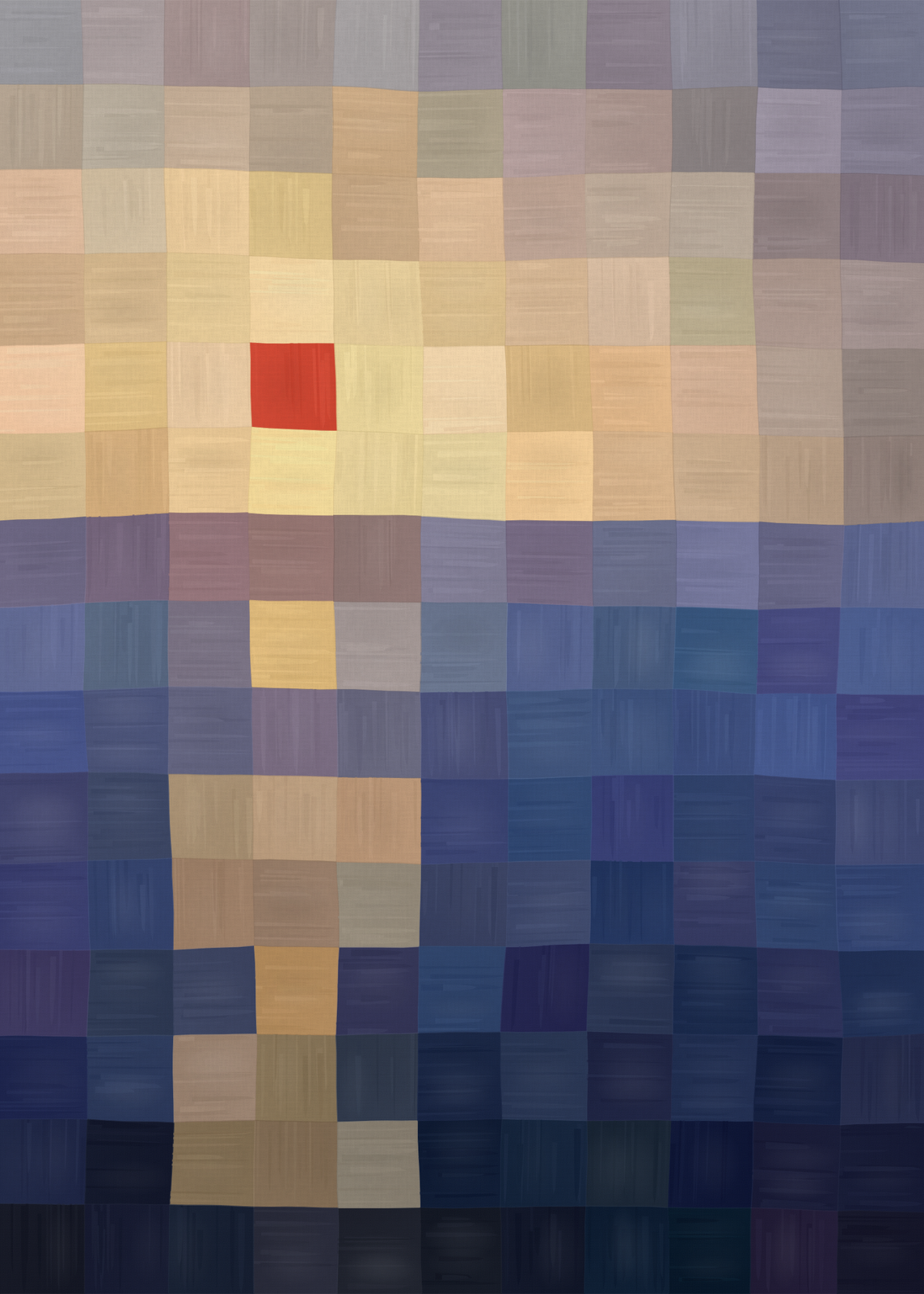 A sunset over the sea painted as a coarse grid of squares on canvas, one red square for the sunEdit this →More sunset art →
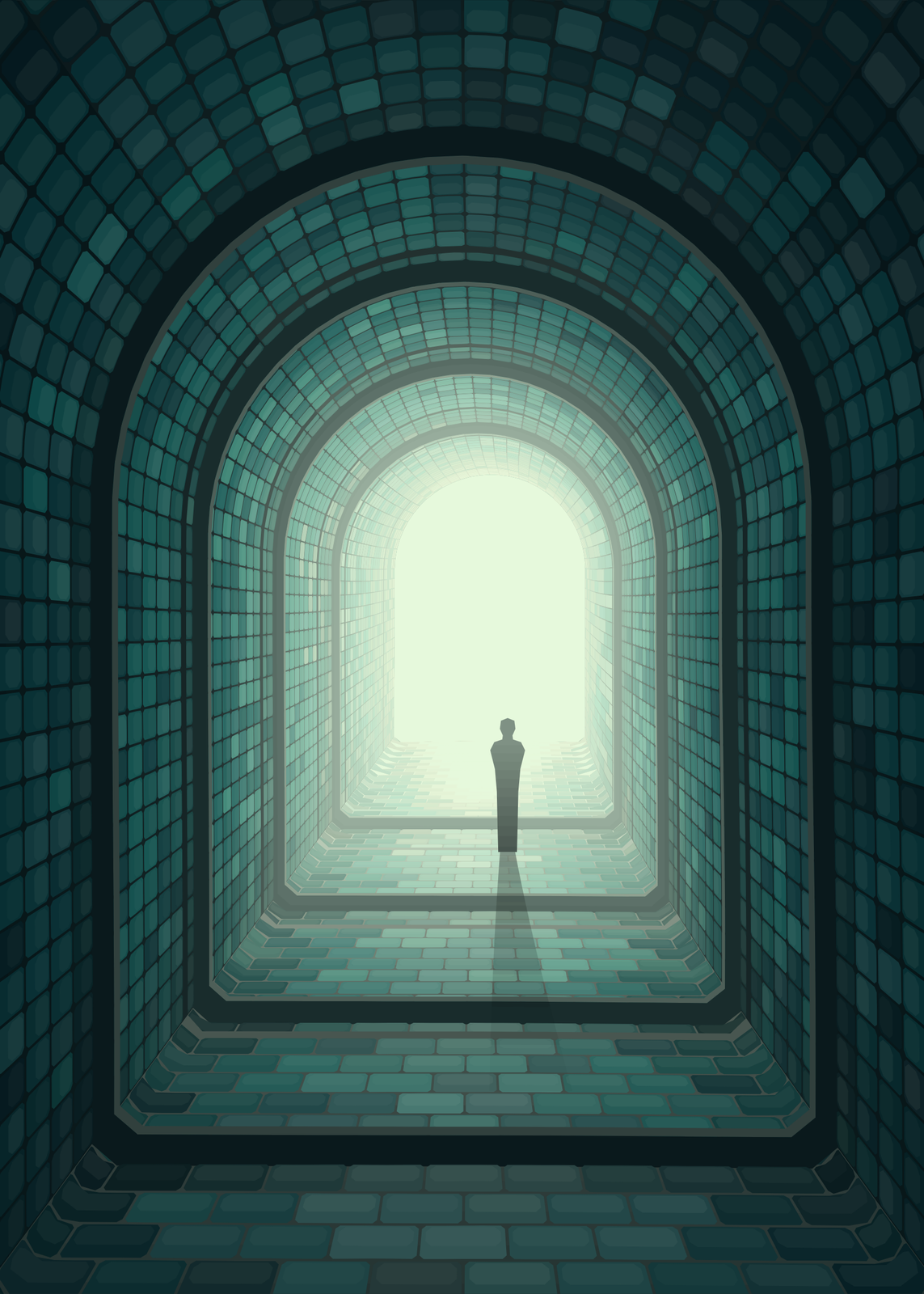
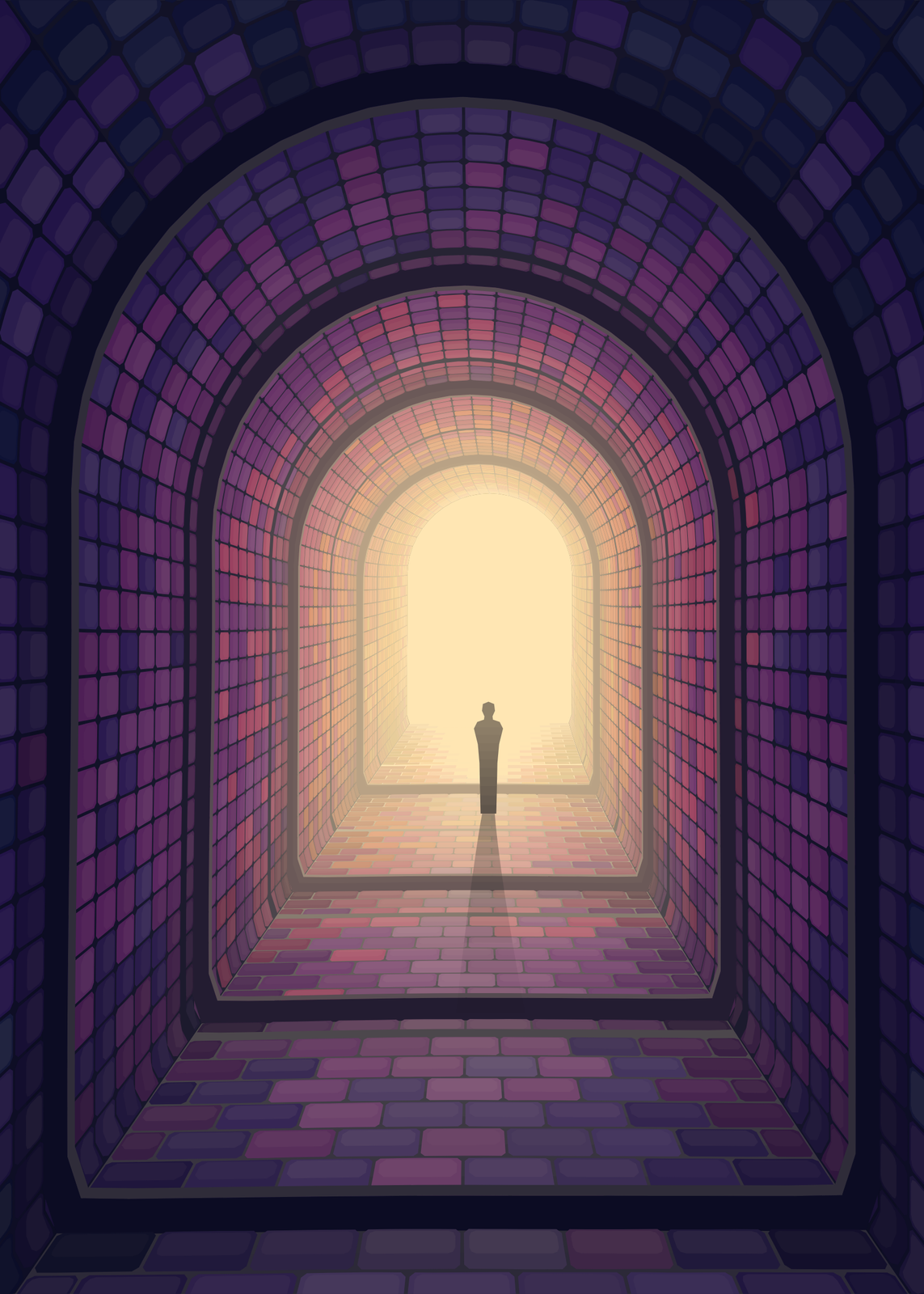 A long tiled corridor under stone arches, lit from its far end, with one small figure standing in the lightEdit this →More mosaic corridor →
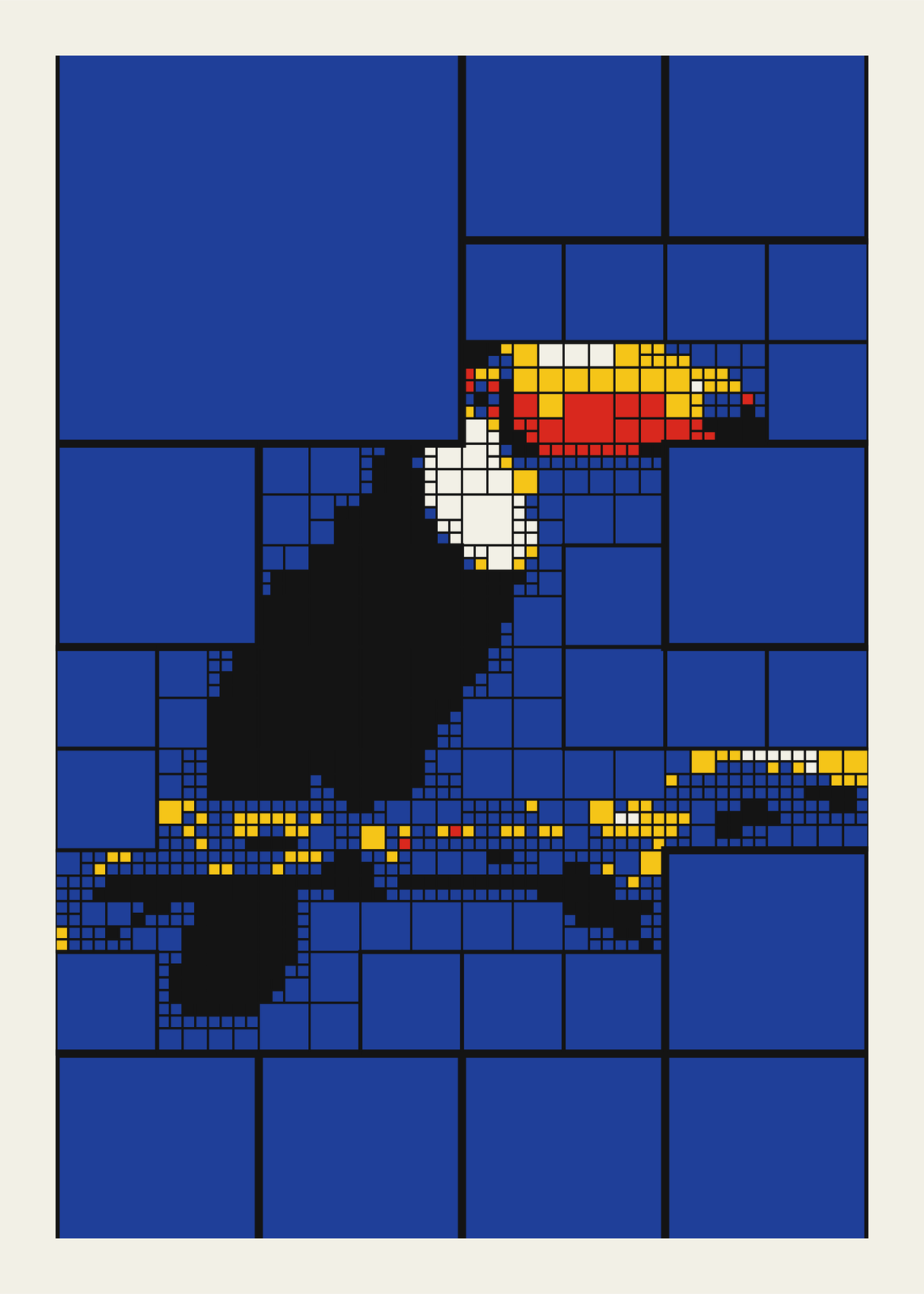 A toucan rebuilt from squares that split where the detail is, in Mondrian's colorsEdit this →More quadtree art →
Generated tiles
From a picture
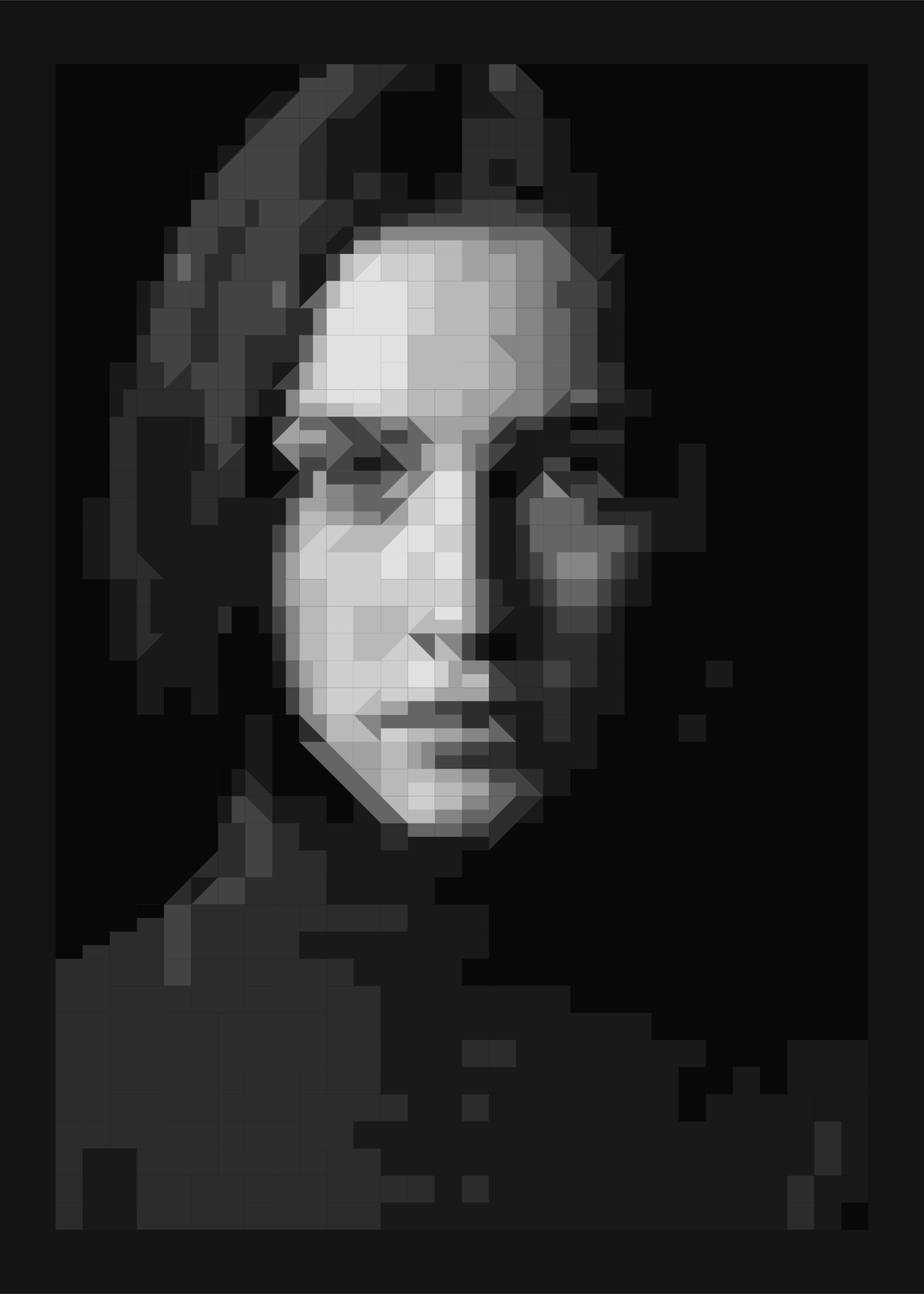
Scatter
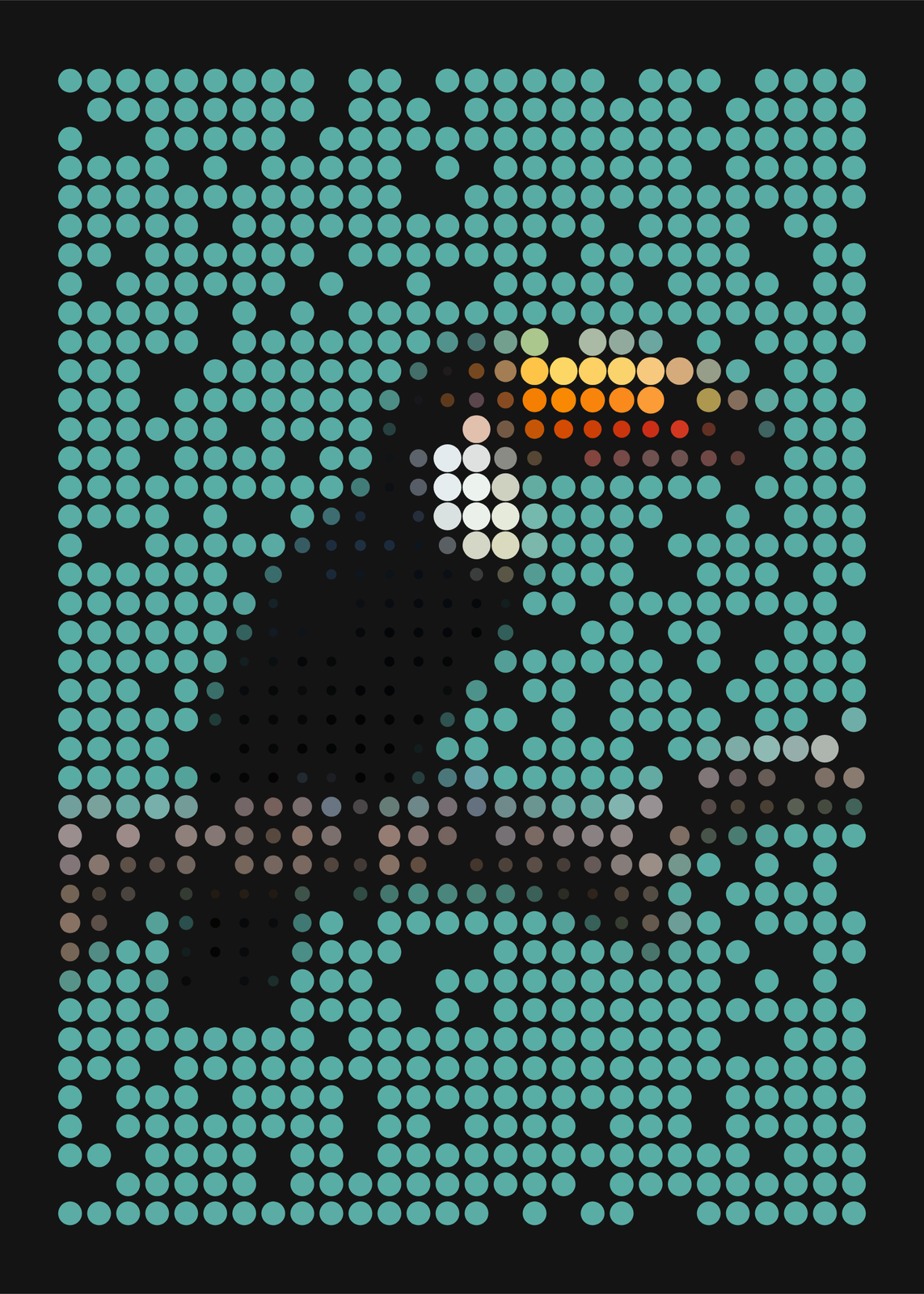
Grid and margins
Pictures and letters in tiles
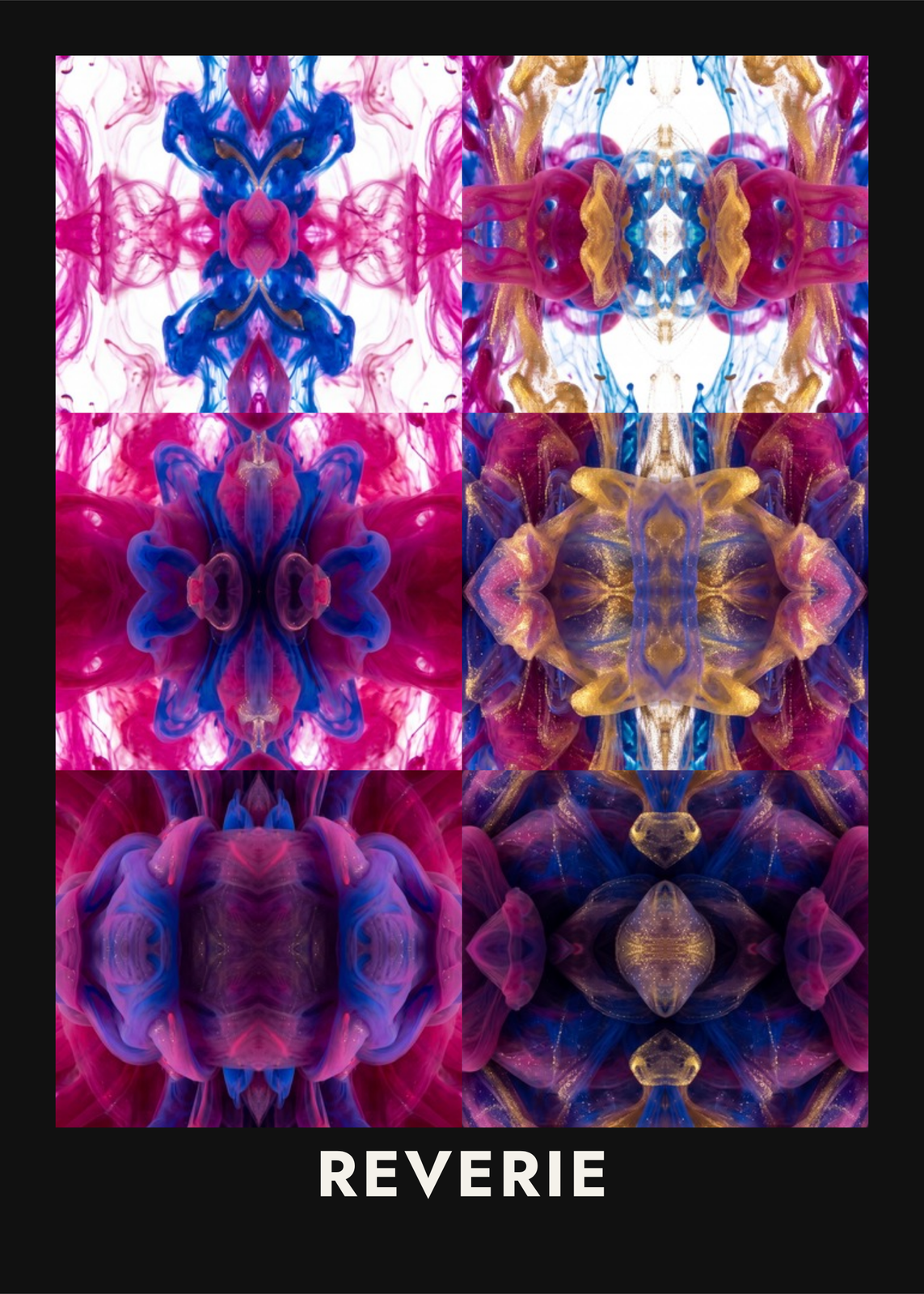
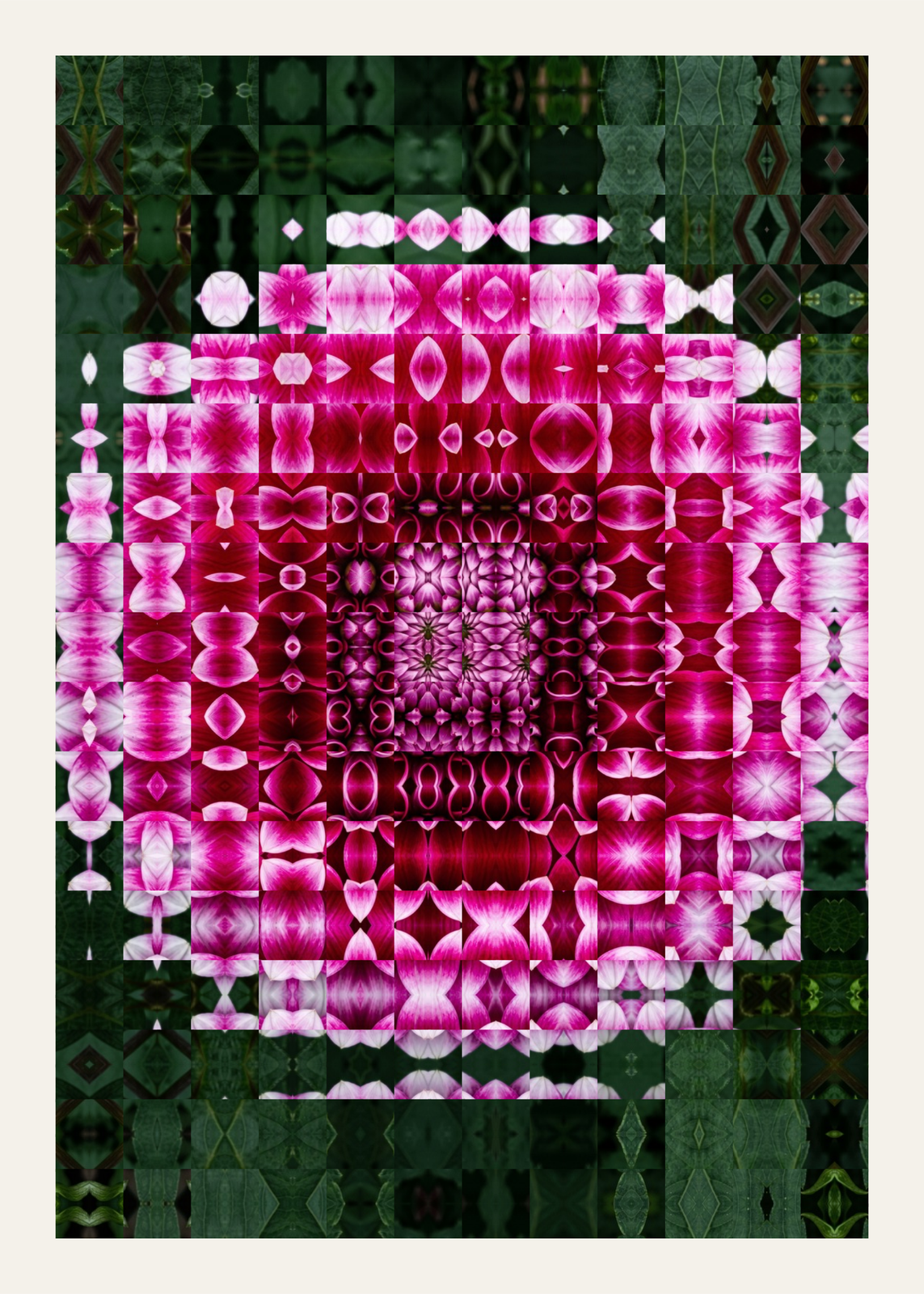 A magenta dahlia cut into twelve glass blocks and mirrored like a kaleidoscope, over dark green leavesEdit this →More kaleidoscope art →
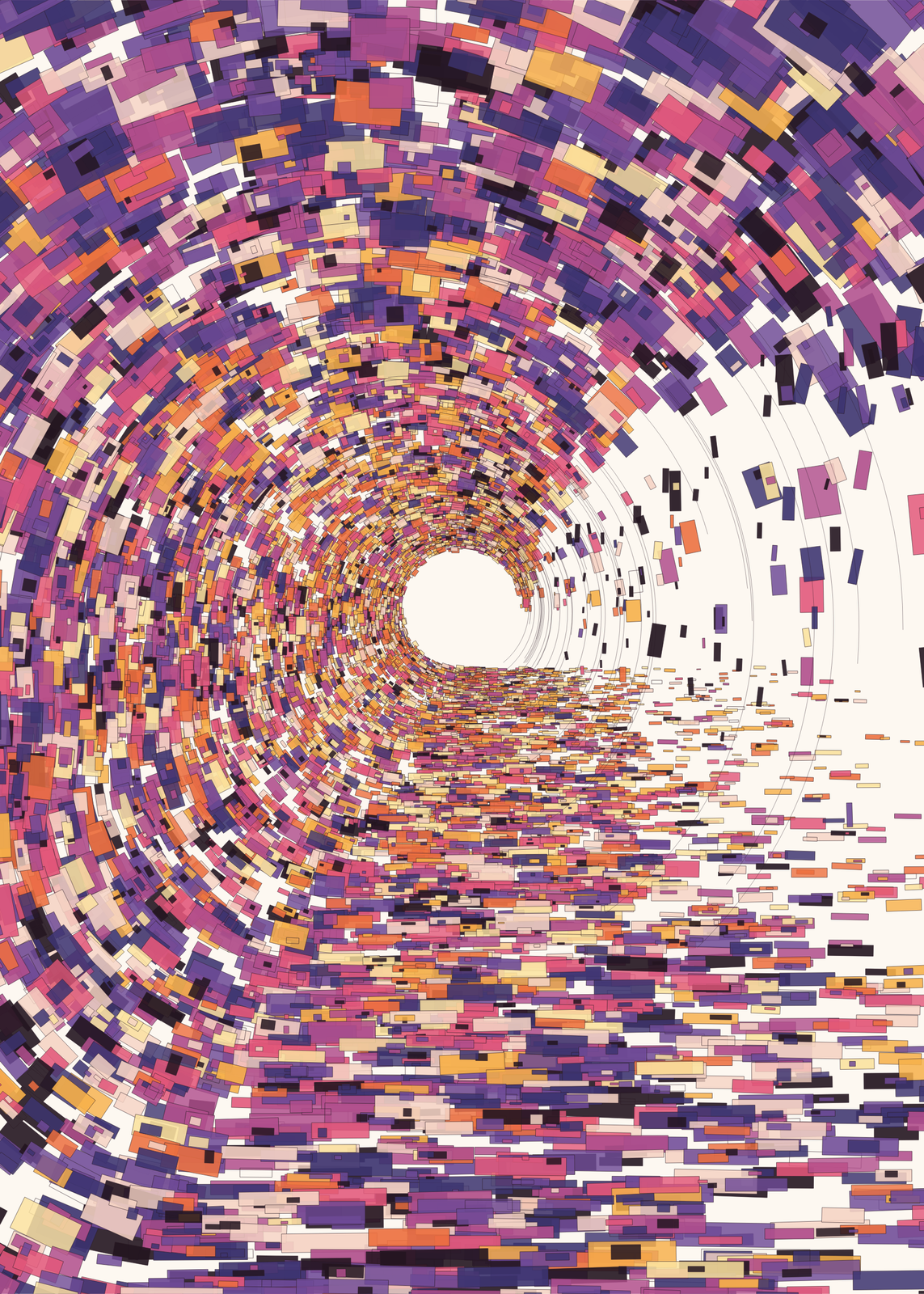 Mosaic of a breaking wave: thousands of small purple, pink, orange and cream pieces swirling round a bright eye at the end of the tubeEdit this →More surf art →
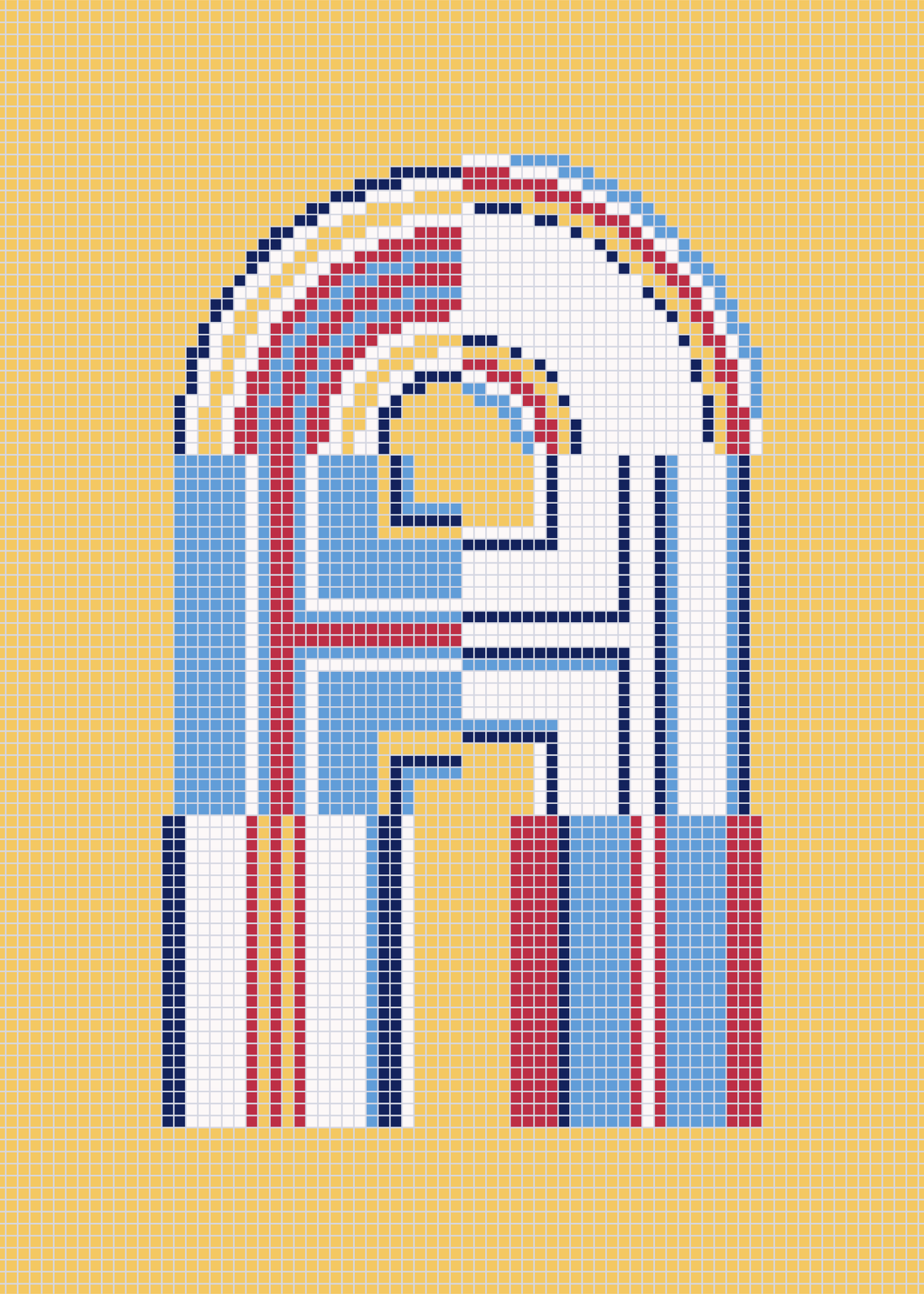 A letter A laid in small square mosaic tiles, its stripes and arches in sky blue, red, navy and white, on a yellow tiled groundEdit this →More letter art →
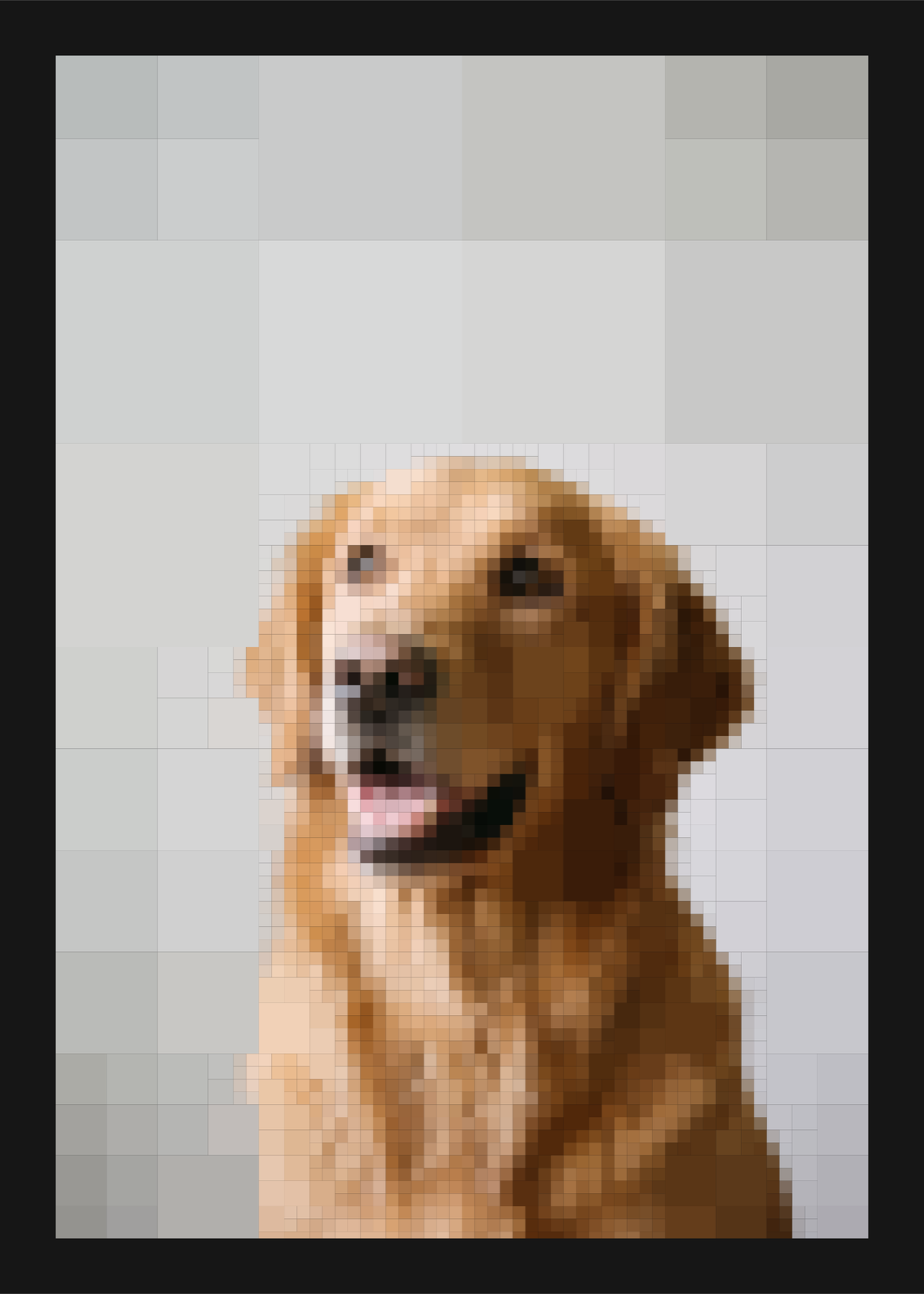 A golden retriever rebuilt from thousands of tight square tiles, finer where its face has detail, inside a black borderEdit this →More quadtree art →
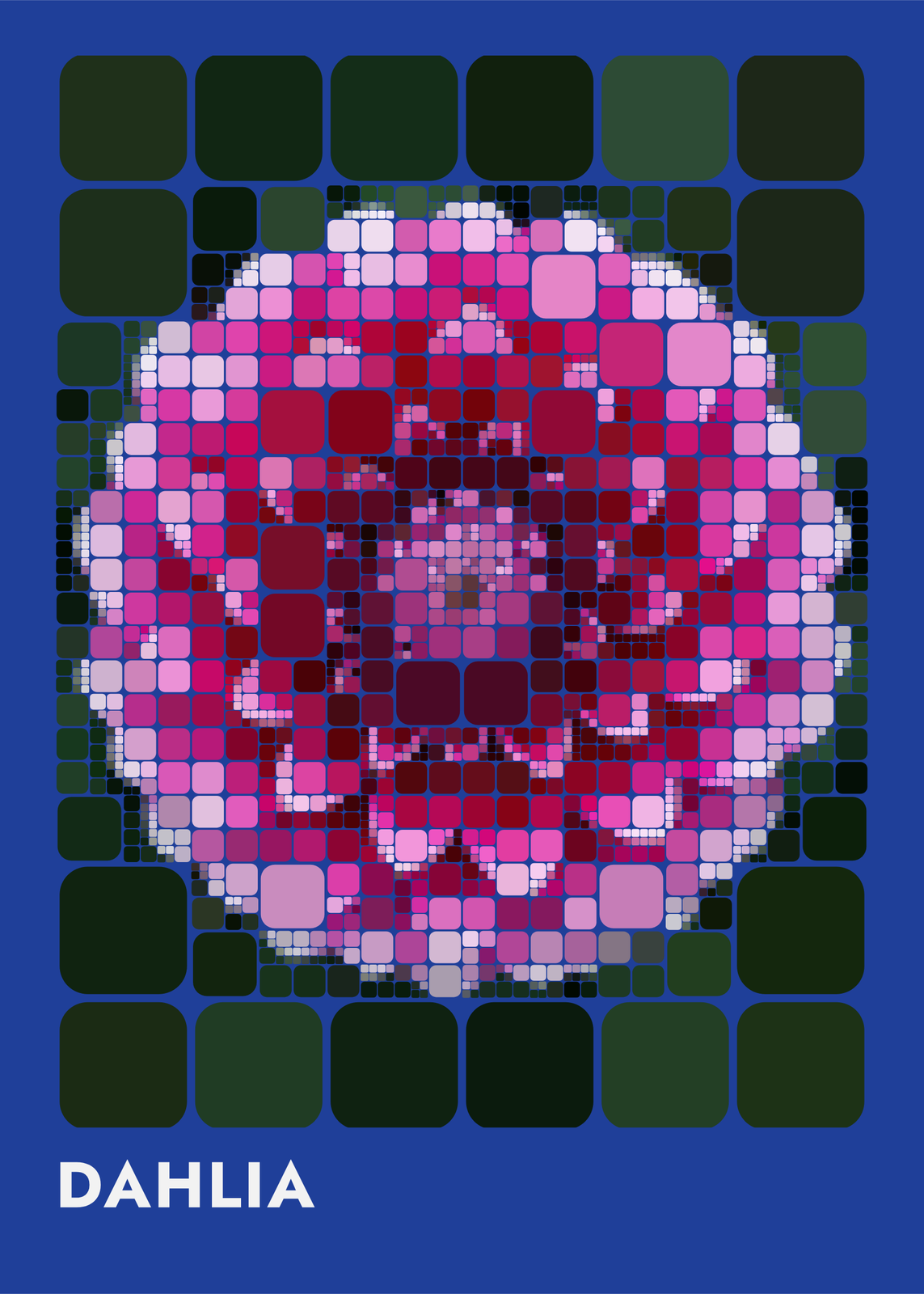 A pink dahlia made of rounded tiles, small over the petals and large in the dark green corners, on a cobalt blue sheet titled DahliaEdit this →More quadtree art →
Truchet tiles and tile patterns
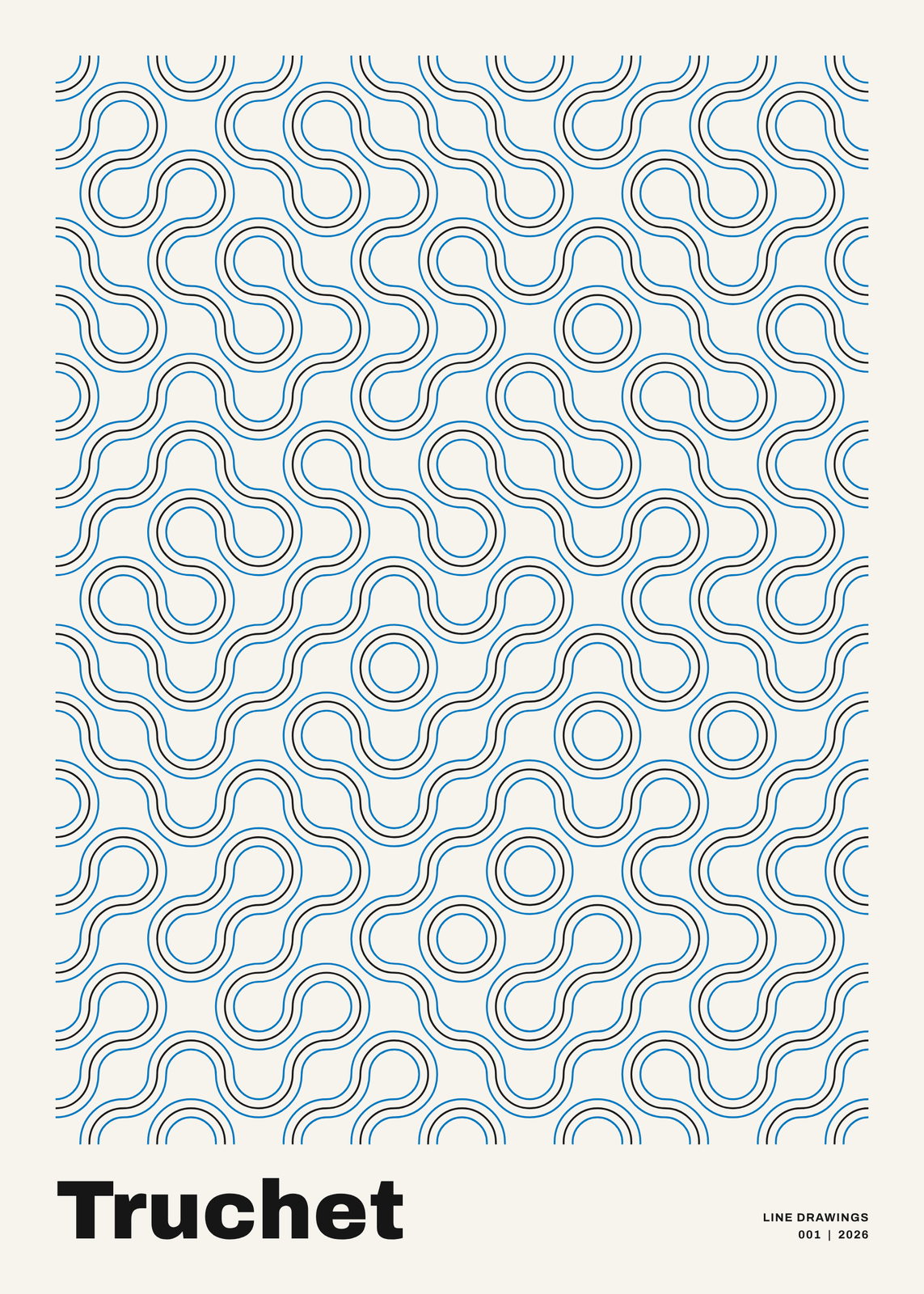 Truchet tiles of quarter-circle arcs in pale blue strands, joining into loops and paths across the sheet, titled TruchetEdit this →More generative art →
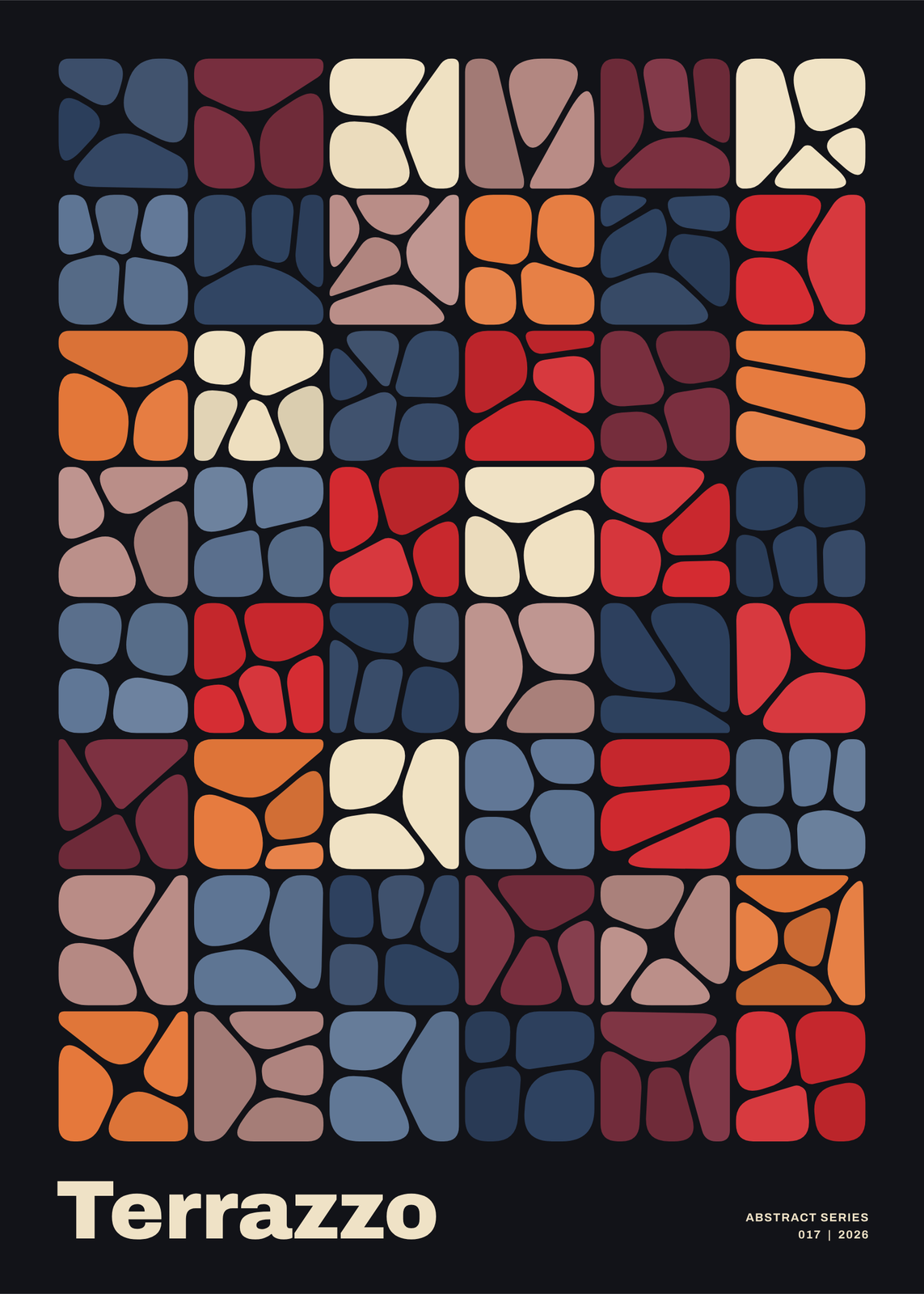 Terrazzo of rounded pebbles packed into square tiles in red, orange, cream, mauve and slate blue on black, titled TerrazzoEdit this →More abstract art →
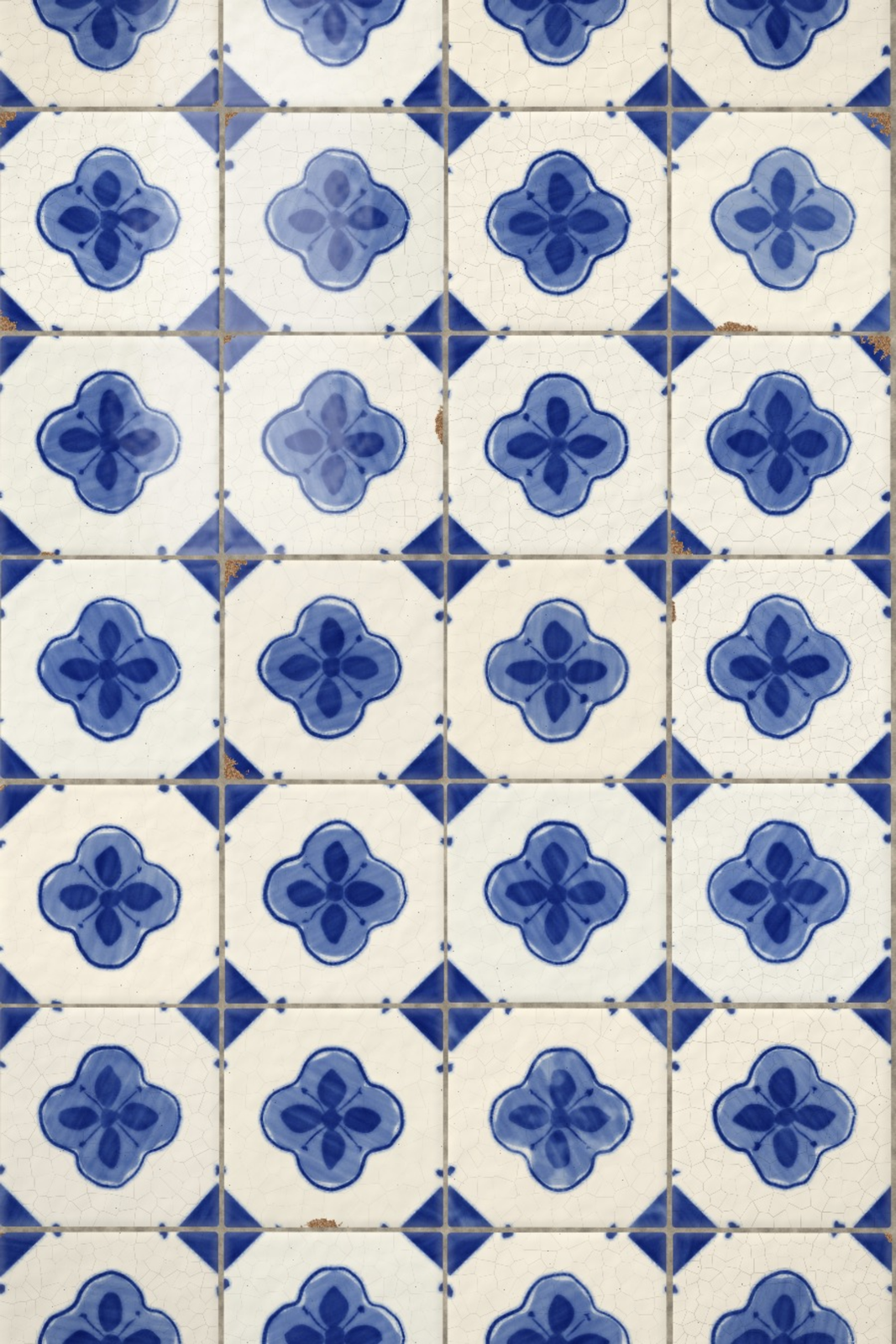 A wall of blue and white Portuguese tiles, each a quatrefoil and diamond, the glaze crackled and wornEdit this →More portuguese tile art →
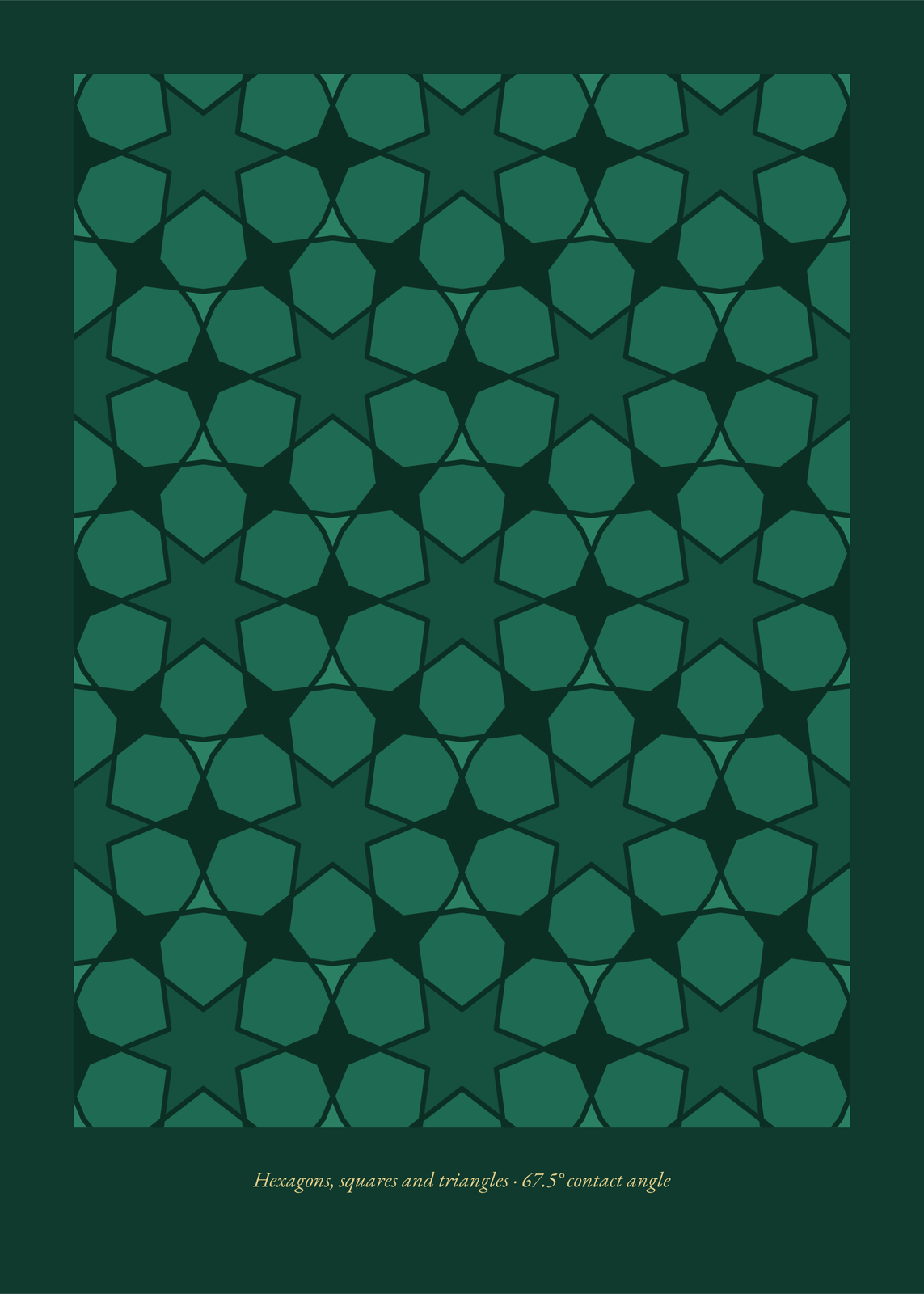 Star pattern of cut tiles in emerald: dark six-pointed stars set among green polygon tiles, fitted edge to edge on dark green and captioned belowEdit this →More islamic geometric patterns →
Tiles or scatter
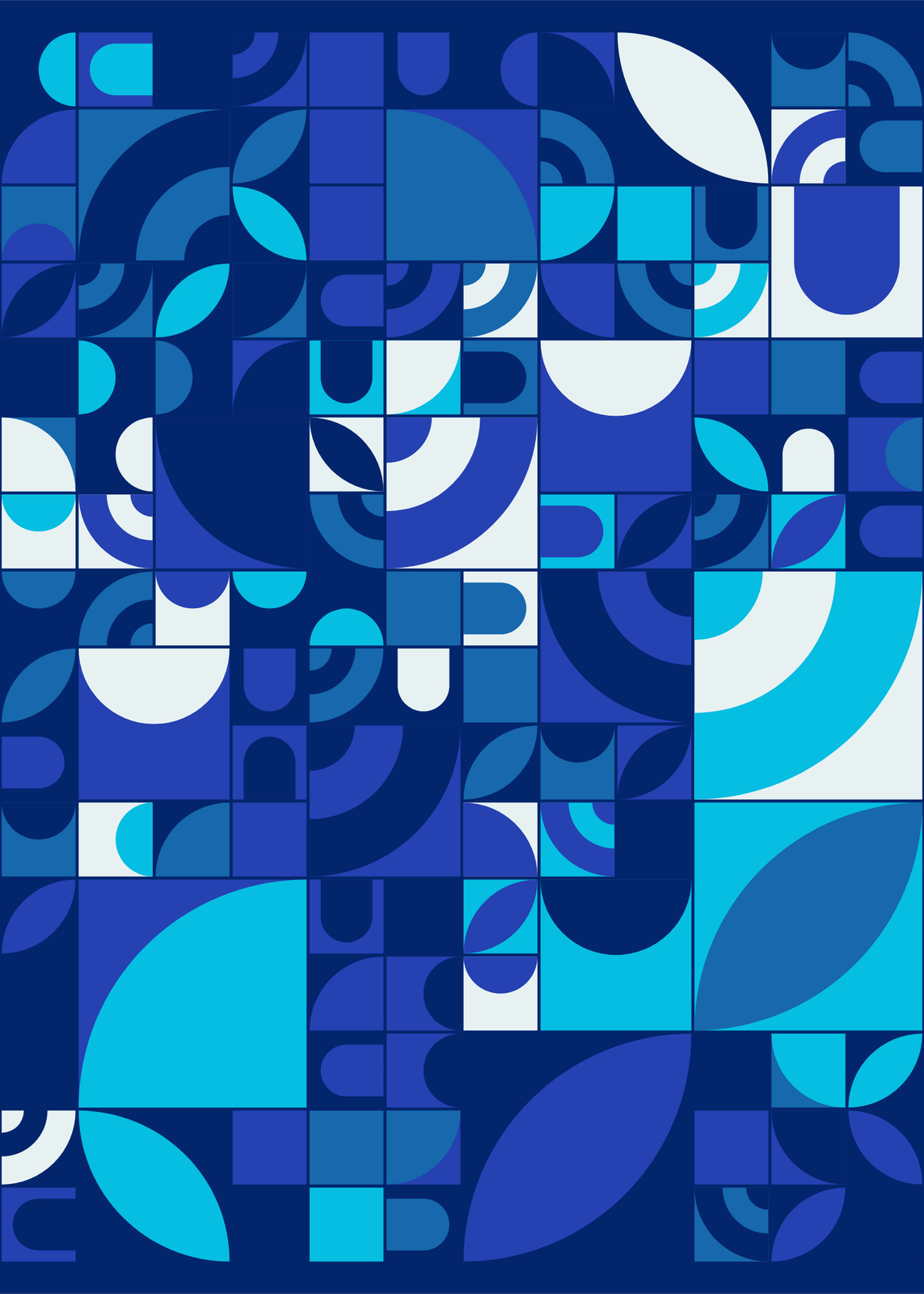
- Tiles: a grid of two-color tiles with no gaps, each with one shape from a family: curves, angles, dots, all of them mixed, or a family the seed picks. Up to 80% of the grid joins into bigger tiles, two or three cells wide.
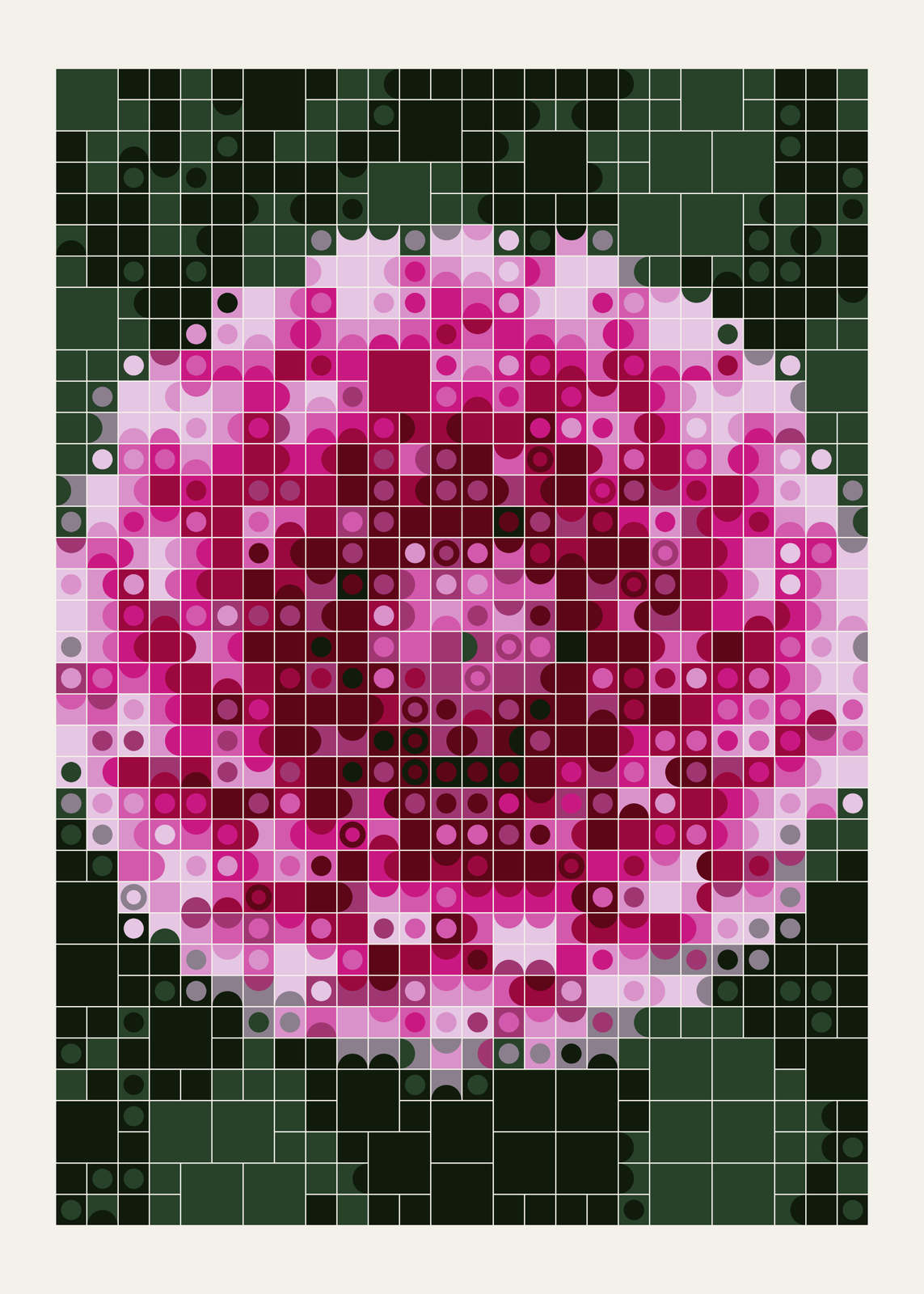
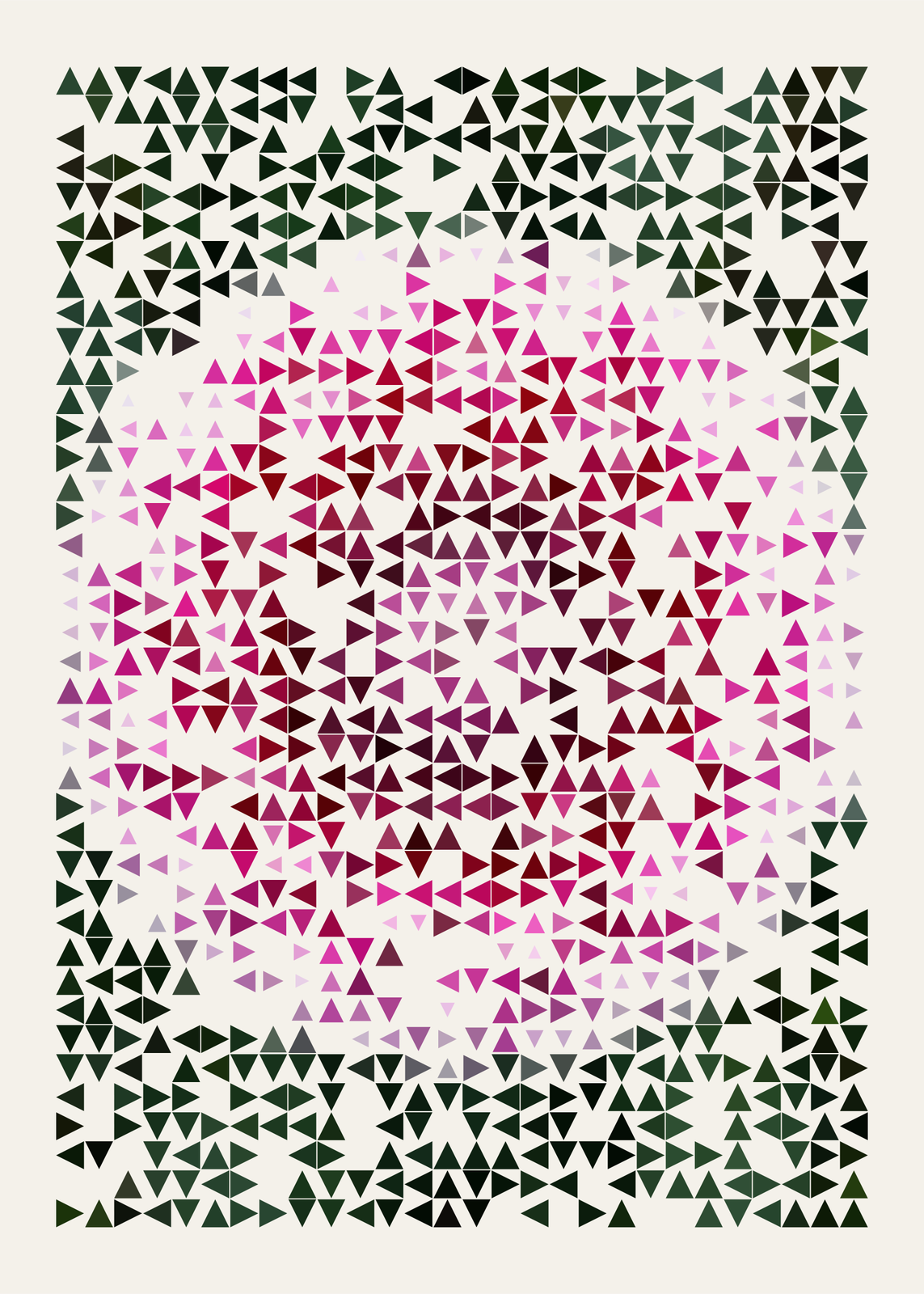
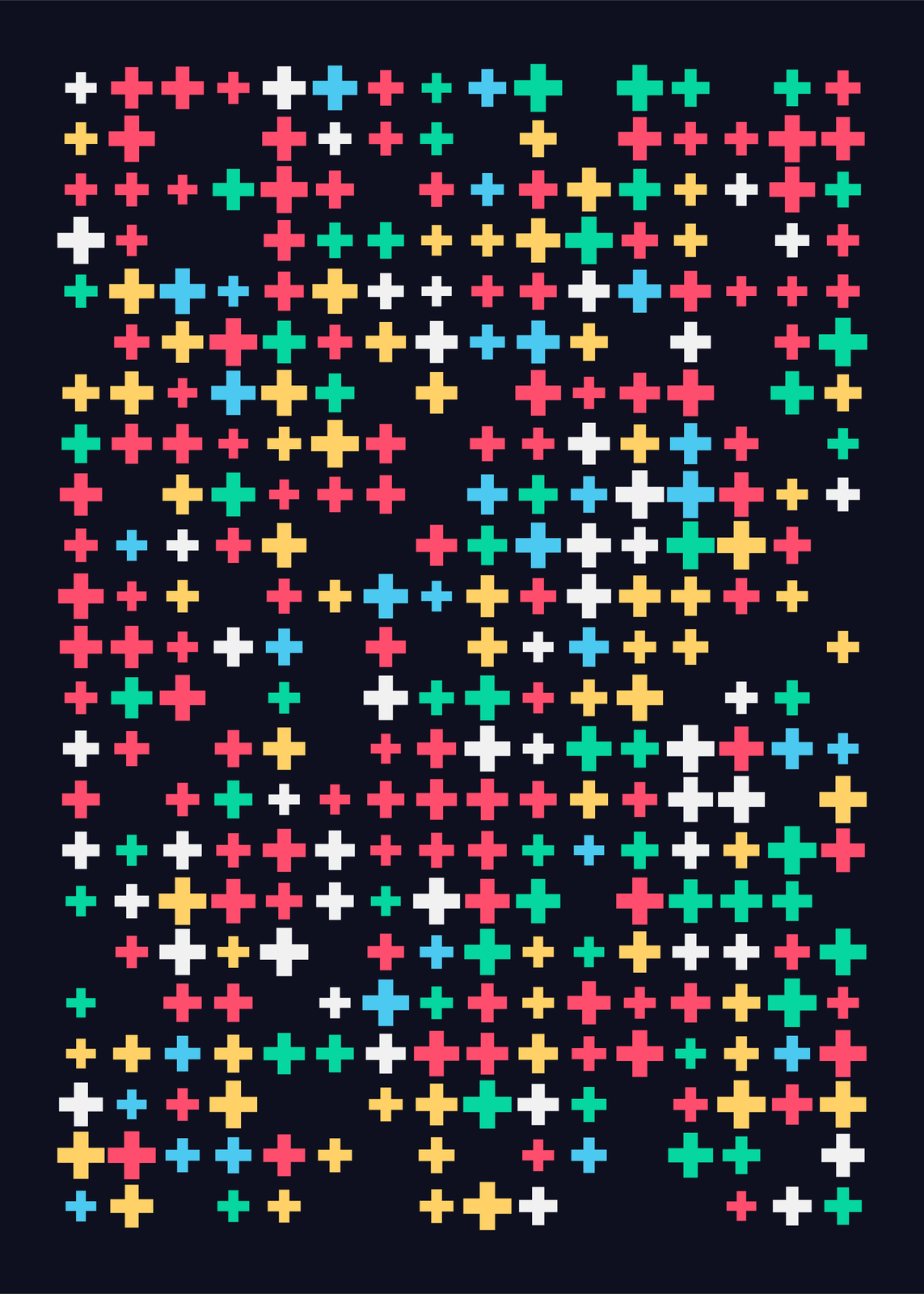
- Scatter: one separate shape in each cell, blocks, spheres, rings, triangles, crosses or a mix, sized by the picture's light and dark. Round the blocks' corners, and outline the cells in the middle for a wireframe center.
By chance or from a picture
With no picture, the seed composes the grid: which shapes, which colors, which tiles join up. Press “Surprise me” for another, and pick a palette: Swiss red, blue and yellow, Night, Pastel, Ocean, Forest or Mono.
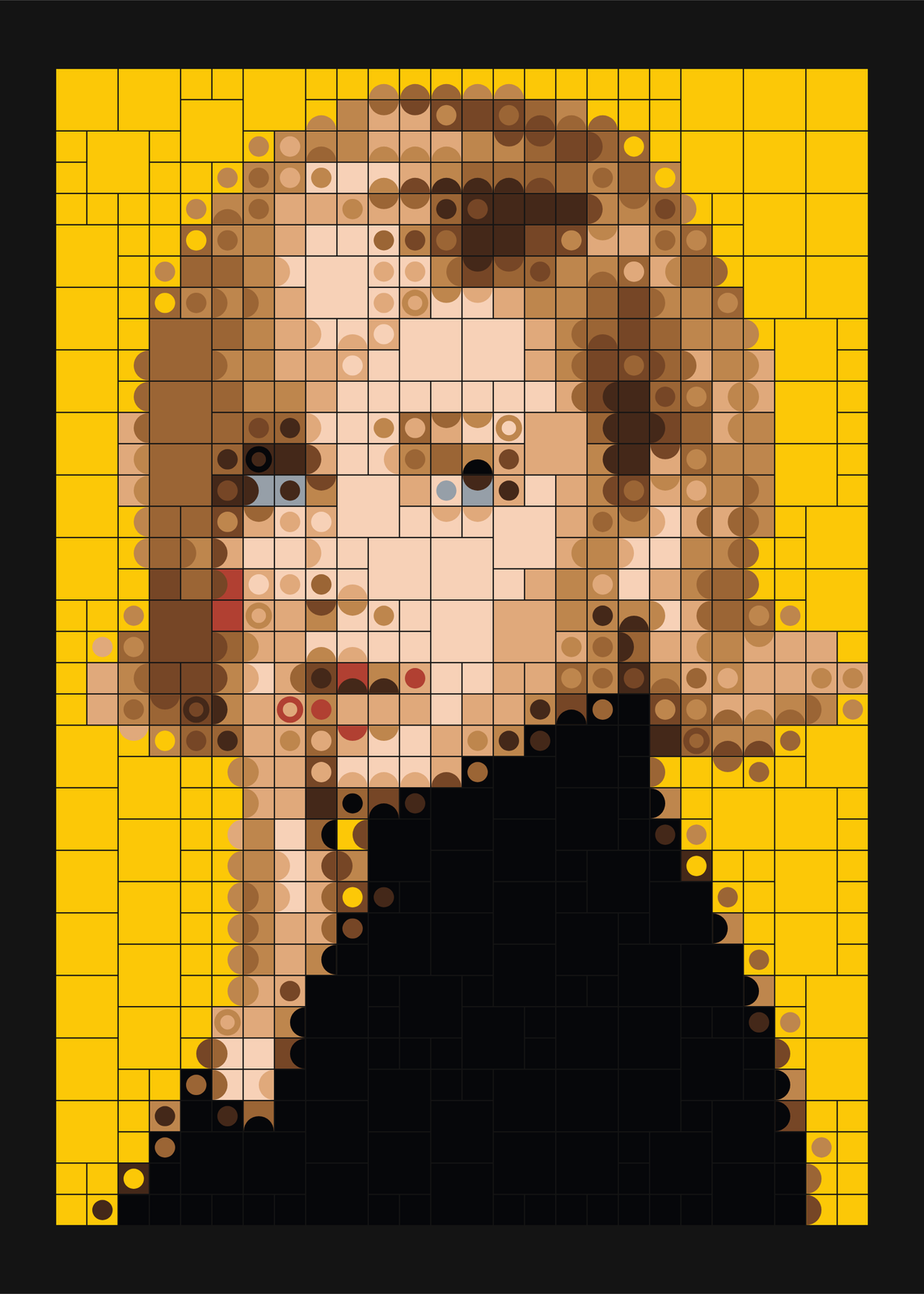
With a picture, every tile follows it: a dark corner becomes a quarter circle there, a dark side a half disc, so the picture's edges turn into curves. Faces, birds and flowers with strong light and dark work best. About 26 tiles across is enough for a face; up to 40 keeps more detail, and fewer make it bolder.
How to make mosaic art
- Open the example closest to what you want.
- Keep it generated, or upload a photo, or start from one of the sample pictures.
- Pick tiles or scatter, then the shapes and the colors.
- Set how many tiles across, from 4 to 40, and how much of the grid joins into bigger tiles.
- Pick the paper size and download a 300 DPI JPEG.
Other mosaic looks
More makers build a picture from tiles. Pixel Painting paints a sunset, moonlight or northern lights as a coarse grid of squares on canvas. Pixel turns any image into posterized cells, set as tiles, studs, stitches or letters. Quadtree rebuilds it from squares or rounded tiles that split where the detail is. Corridor needs no picture: a long tiled hall under stone arches, lit from its far end. Tile Shift cuts a photo into glass blocks and mirrors it like a kaleidoscope, Barrel builds a breaking wave from small pieces, and Sixty-Eight can set a letter in mosaic tiles. For pattern, Line Drawing lays Truchet arcs, Abstract Studio packs terrazzo, Azulejo covers a wall in Portuguese tiles, and Star Pattern cuts its stars from tiles.
Grid lines, gaps and margins
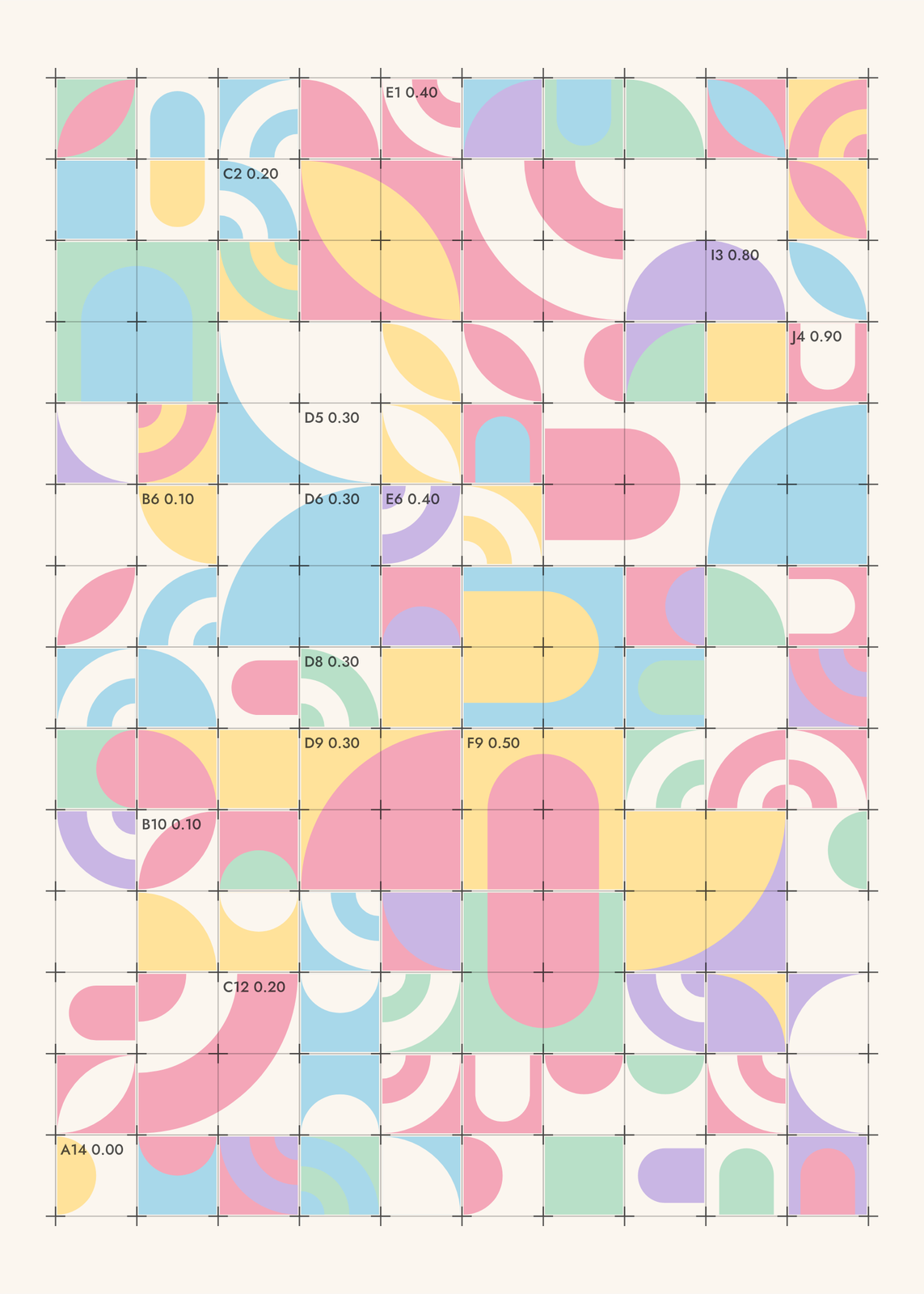
Under Details, draw grid lines, crosses at the corners and coordinate labels over the tiles, like a designer's working sheet. Widen the gaps between tiles to let the ground show, close them for a solid surface, or turn the margin off so the grid runs edge to edge.
Questions
What are Truchet tiles?
Square tiles with one simple shape, such as a quarter circle or a diagonal, that join their neighbors into curves and paths however they're turned. They're named after Sébastien Truchet, a French priest who studied their patterns in 1704.
Is this a photo mosaic?
No. A photo mosaic rebuilds a picture from many small photos. This one rebuilds it from tiles of flat color with one shape in each, so the photo turns into bold, graphic tiles you can read from across the room.
Can I use my own photo?
Yes. Upload it in the editor, or start from a sample picture. One clear subject with strong light and dark works best: a face, a bird, a flower.
Can I pick my own colors?
Not one by one. Pick Auto, which keeps a picture's own colors, or one of six palettes: Swiss, Night, Pastel, Ocean, Forest and Mono. Then set the background to the palette's own, paper or ink.
What sizes can I print?
US Letter, 8 × 10, 11 × 14, 12 × 16 and 12 × 18 in, A4 and A3, free. You download a 300 DPI JPEG drawn at the size you pick. Larger prints, up to 24 × 36 in, are coming soon.
Related
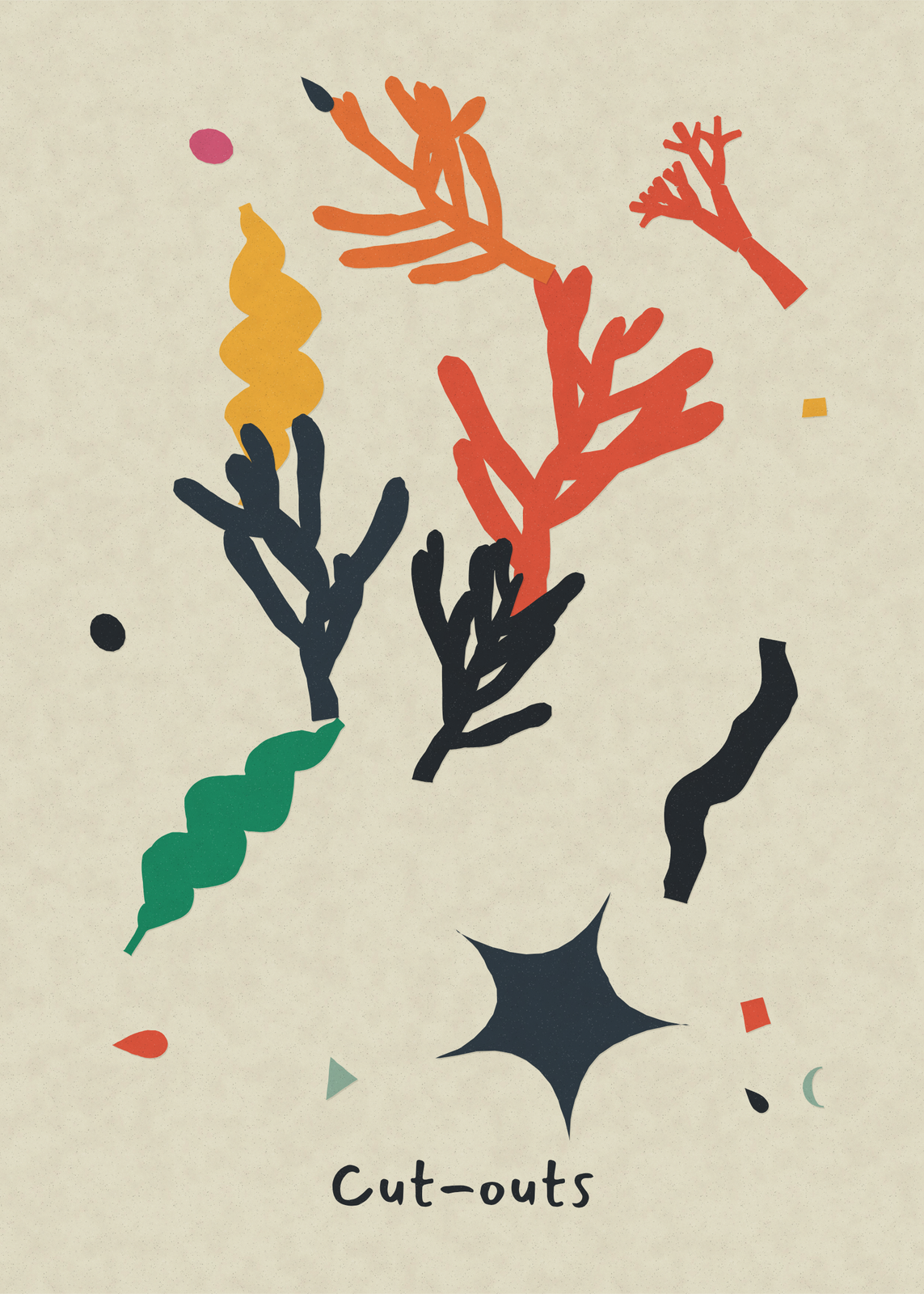 Abstract artwall art from mid-century shapes, op art, cut paper and long color fades
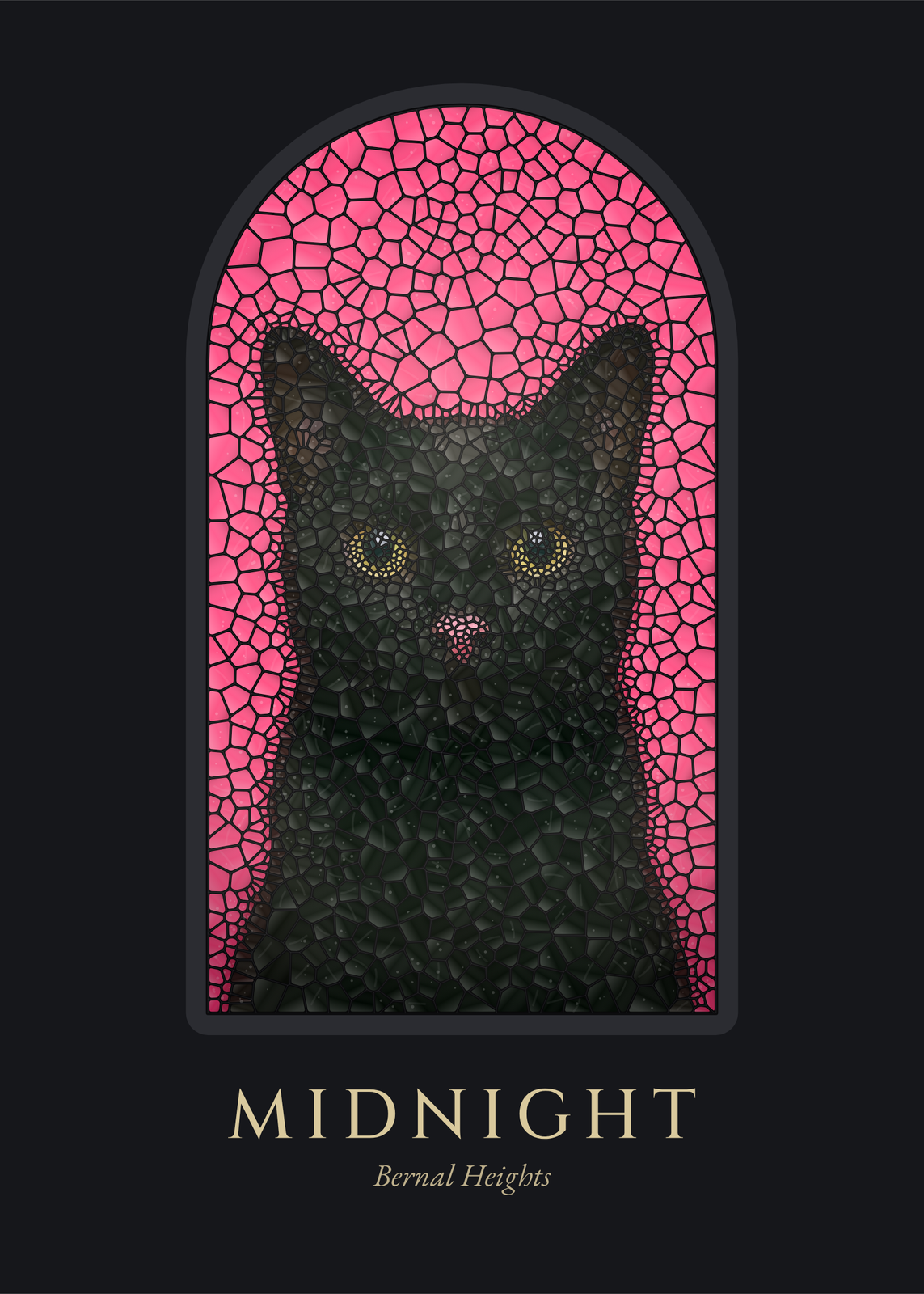 Stained glass artyour photo cut into panes of colored glass and set in a window
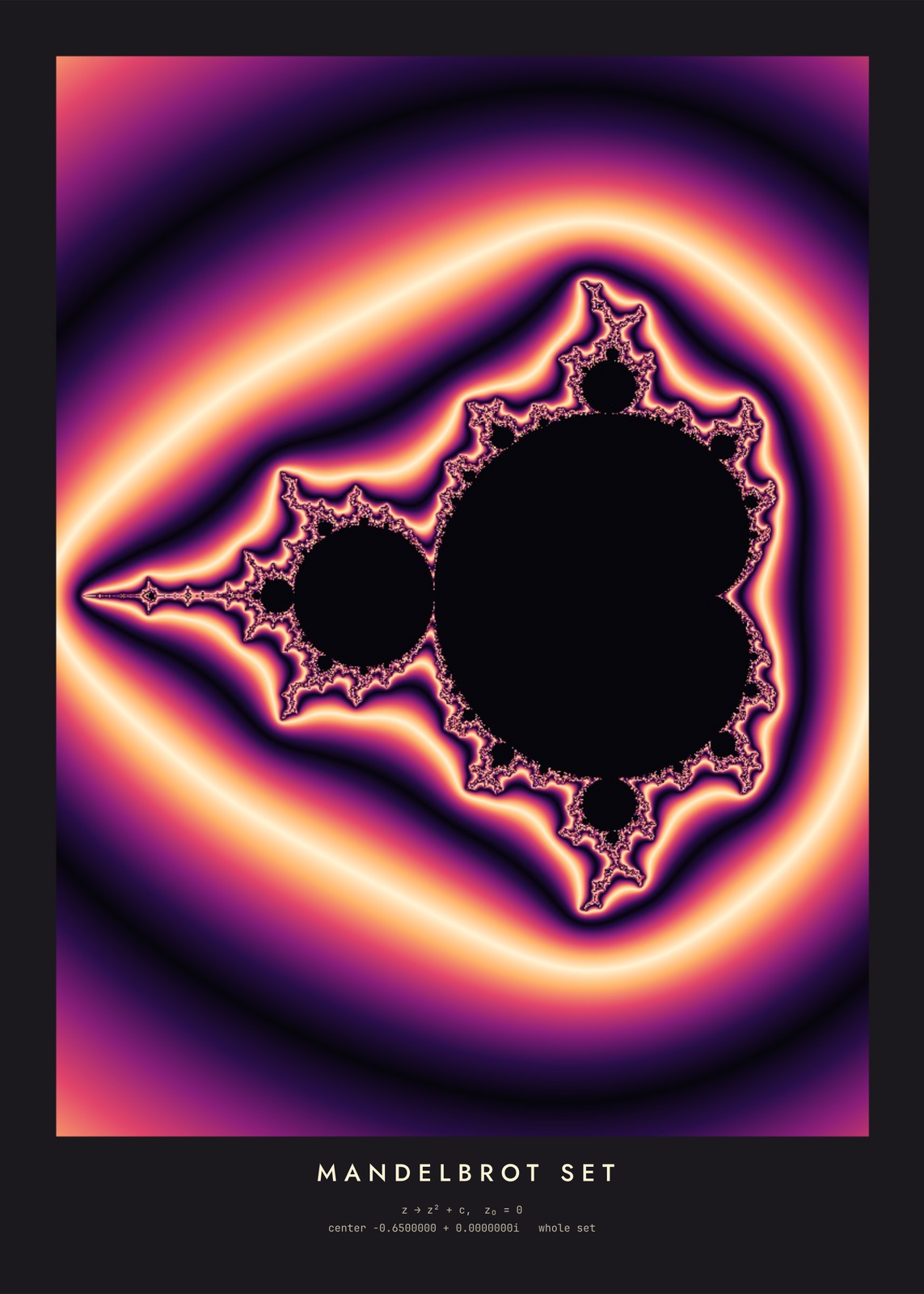 Math postersfractals, chaos and geometry, drawn from the formulas
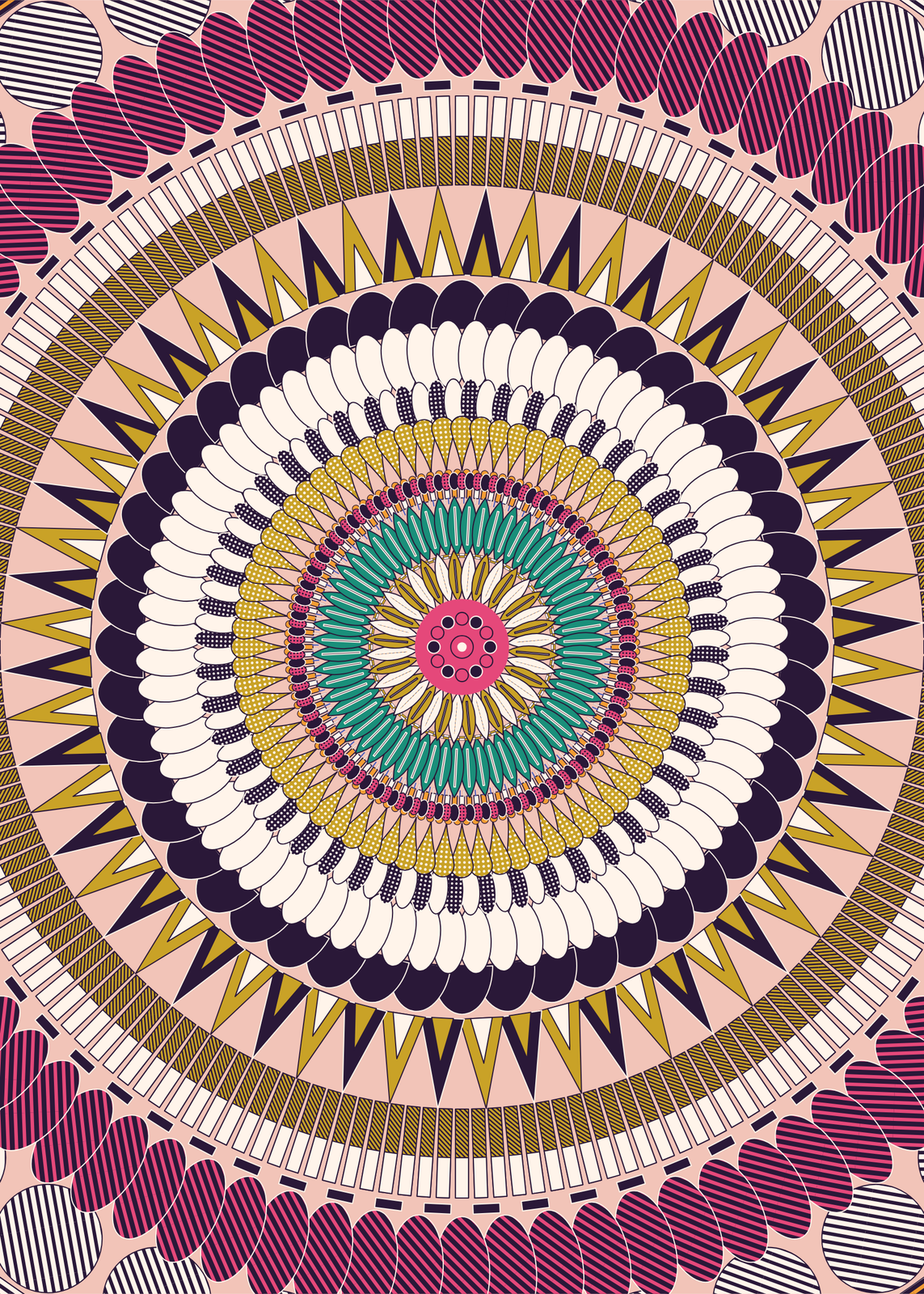 Mandala arta new mandala design with every seed, drawn ring by ring
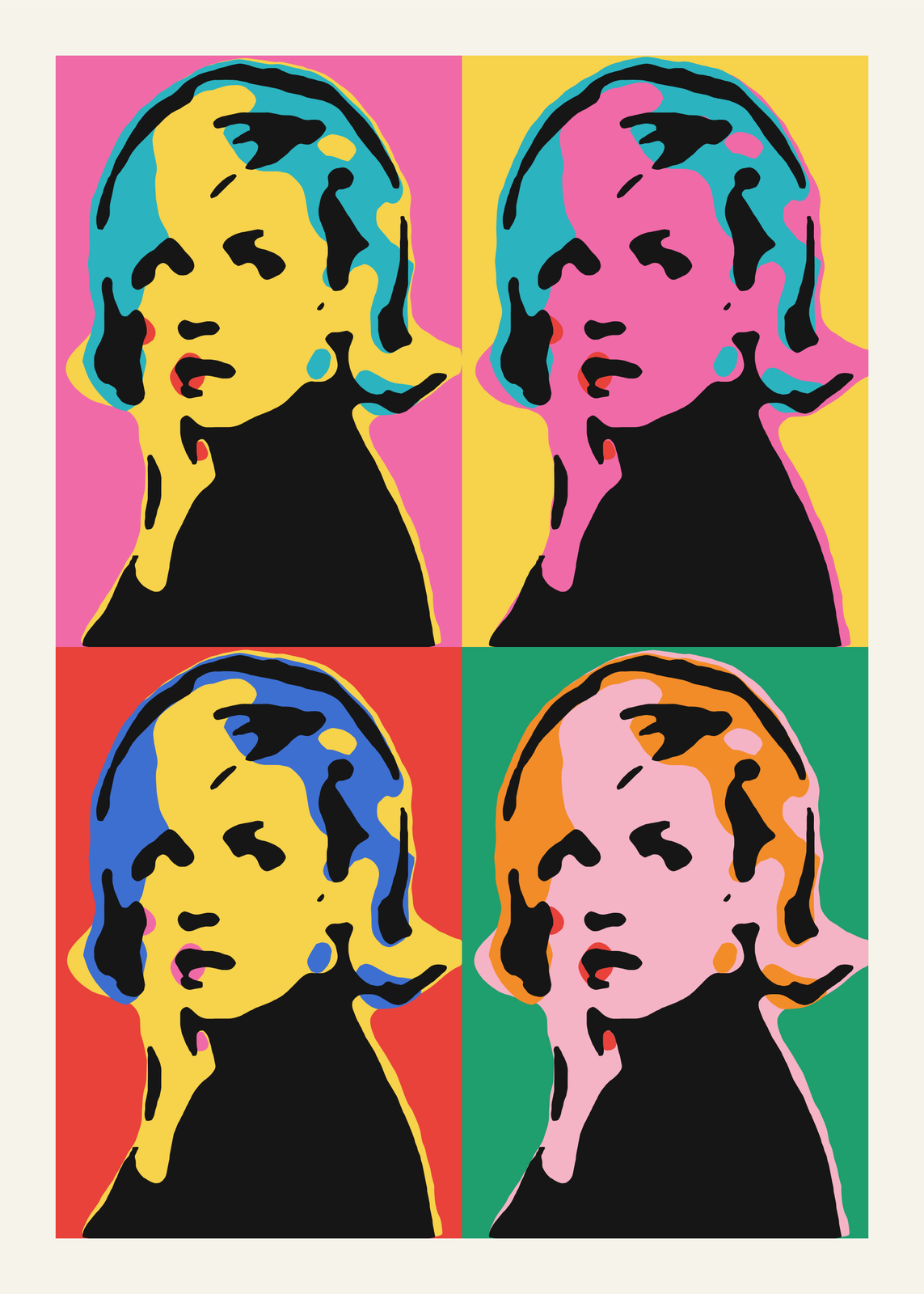 Pop artyour photo as a silkscreen grid, a comic panel or a WPAP portrait
Gift ideas by occasion
Every example is made with the Posterage generators. Change anything, then download it as a 300 DPI JPEG.