Name art a name as a neon sign, a typeface, a crossword, a seal or wooden blocks
Put the whole family in one grid, crossing at shared letters, bend a name into neon tubes, present it as a typeface of its own, or carve it into a red seal. You type the names, pick the colors and letters, and download a file ready to print.
Name art ideas
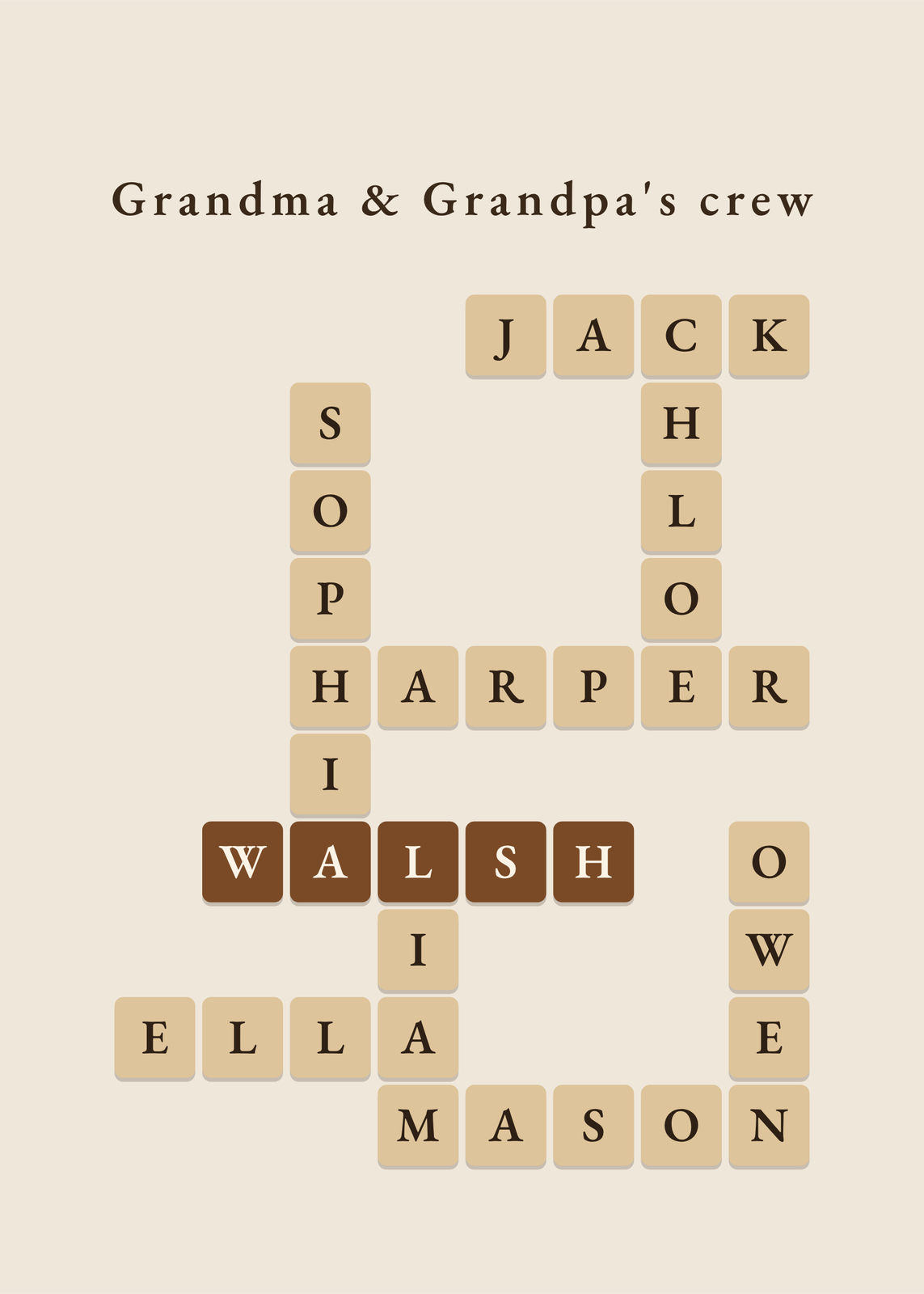 Family crosswordeveryone's names, crossing at shared letters
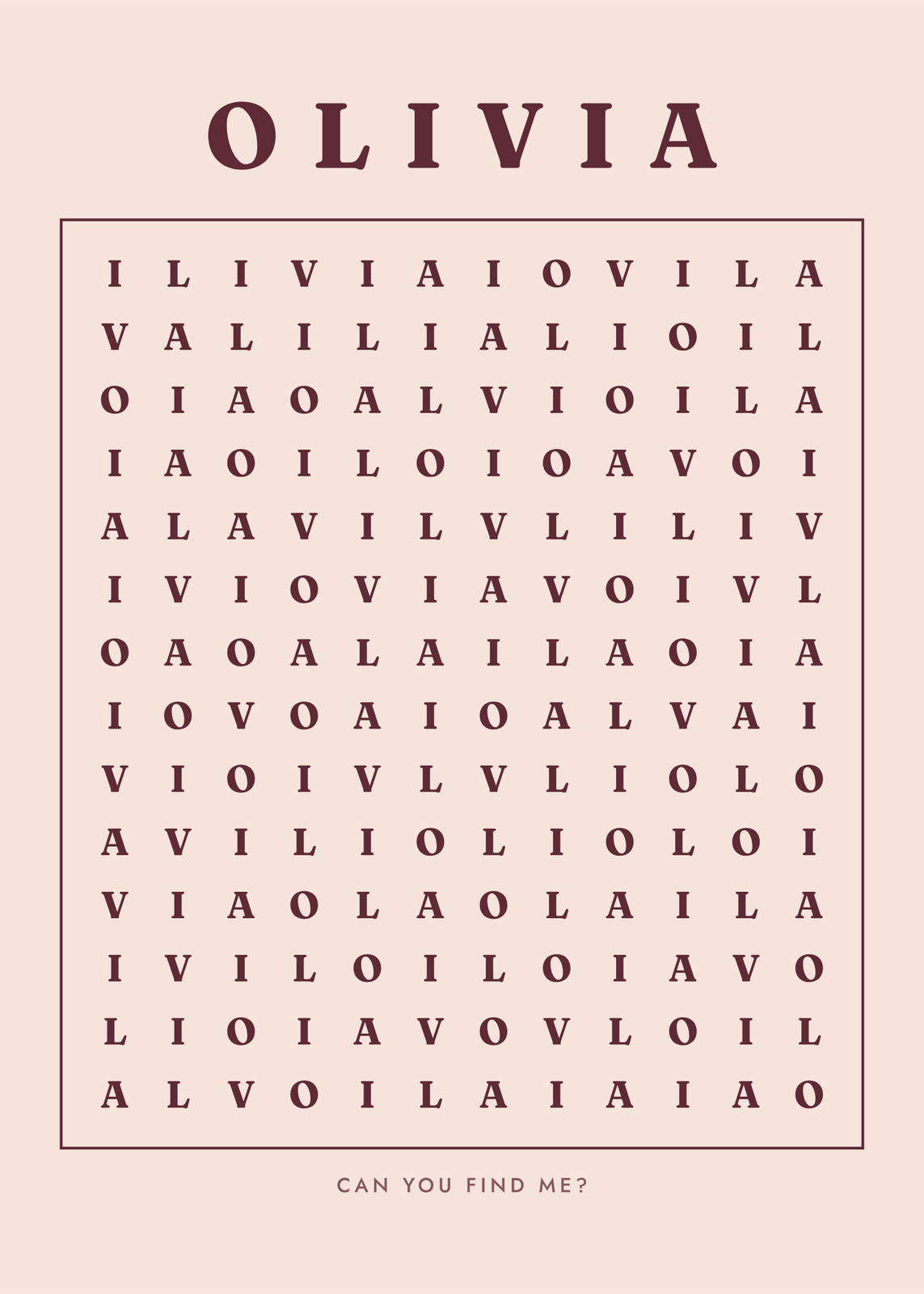 Name word searchone name, hidden exactly once
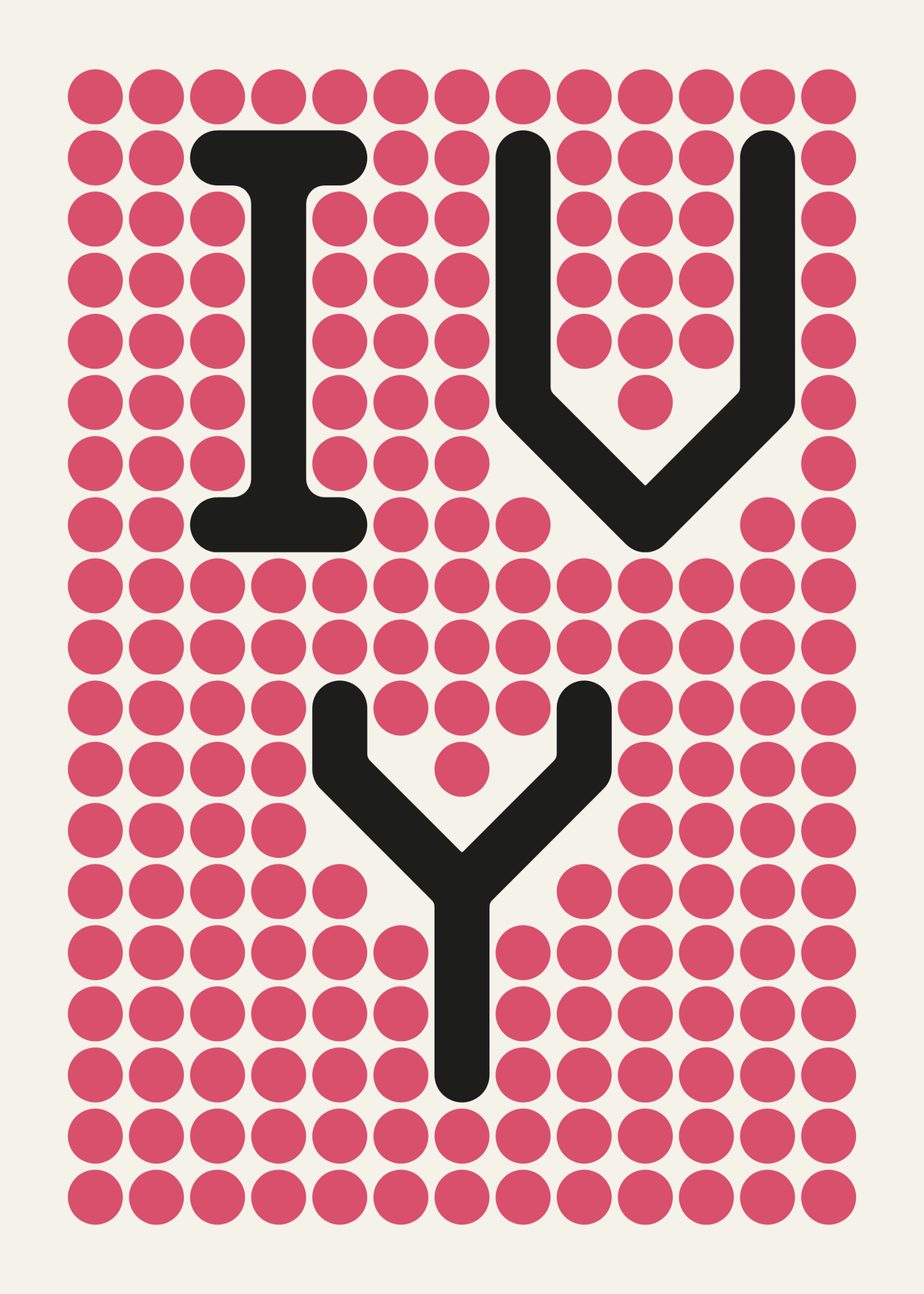 Dot arta name or initials on a calm grid of dots
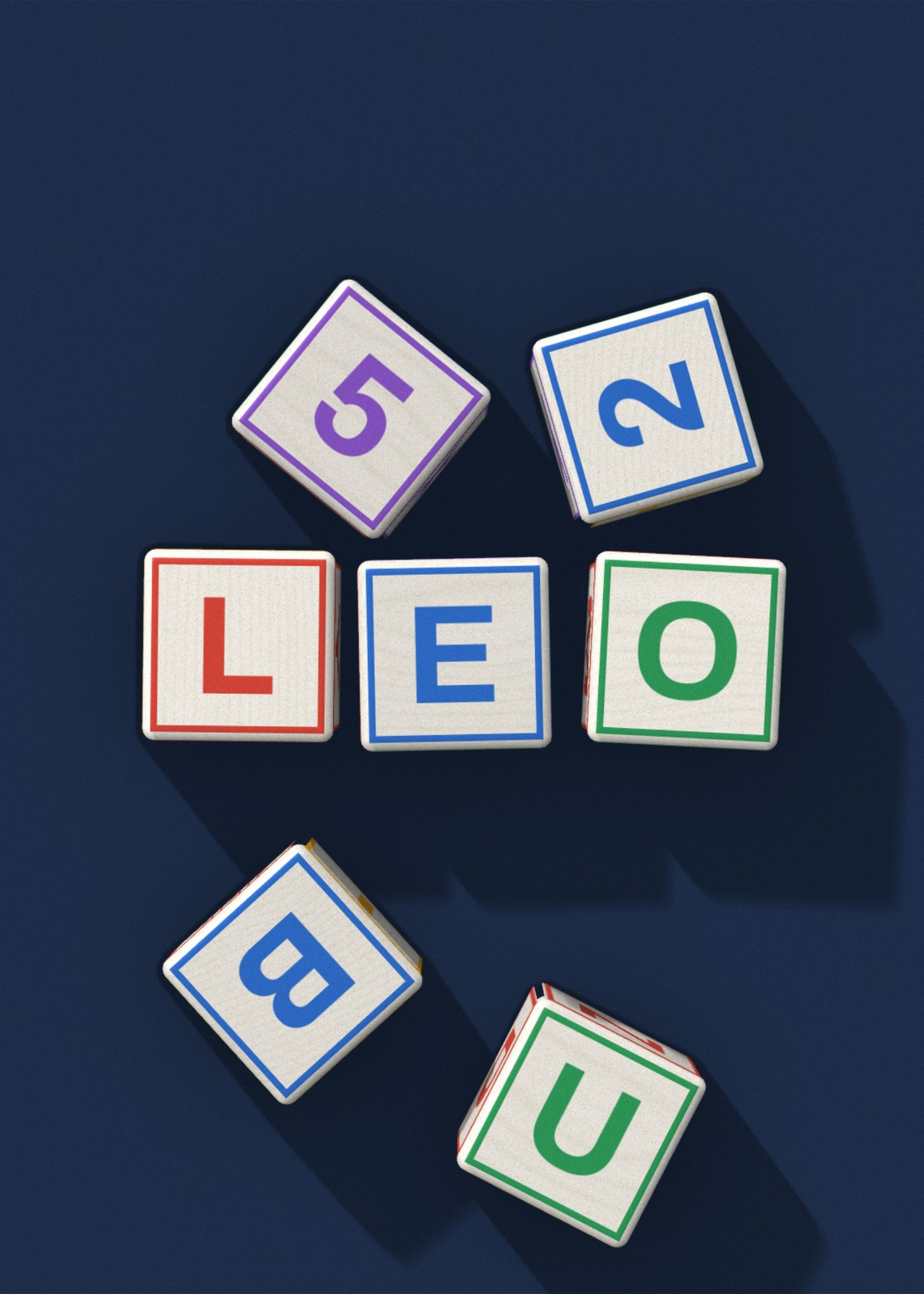 Alphabet blocksa child's name spelled in wooden blocks, as a print to frame
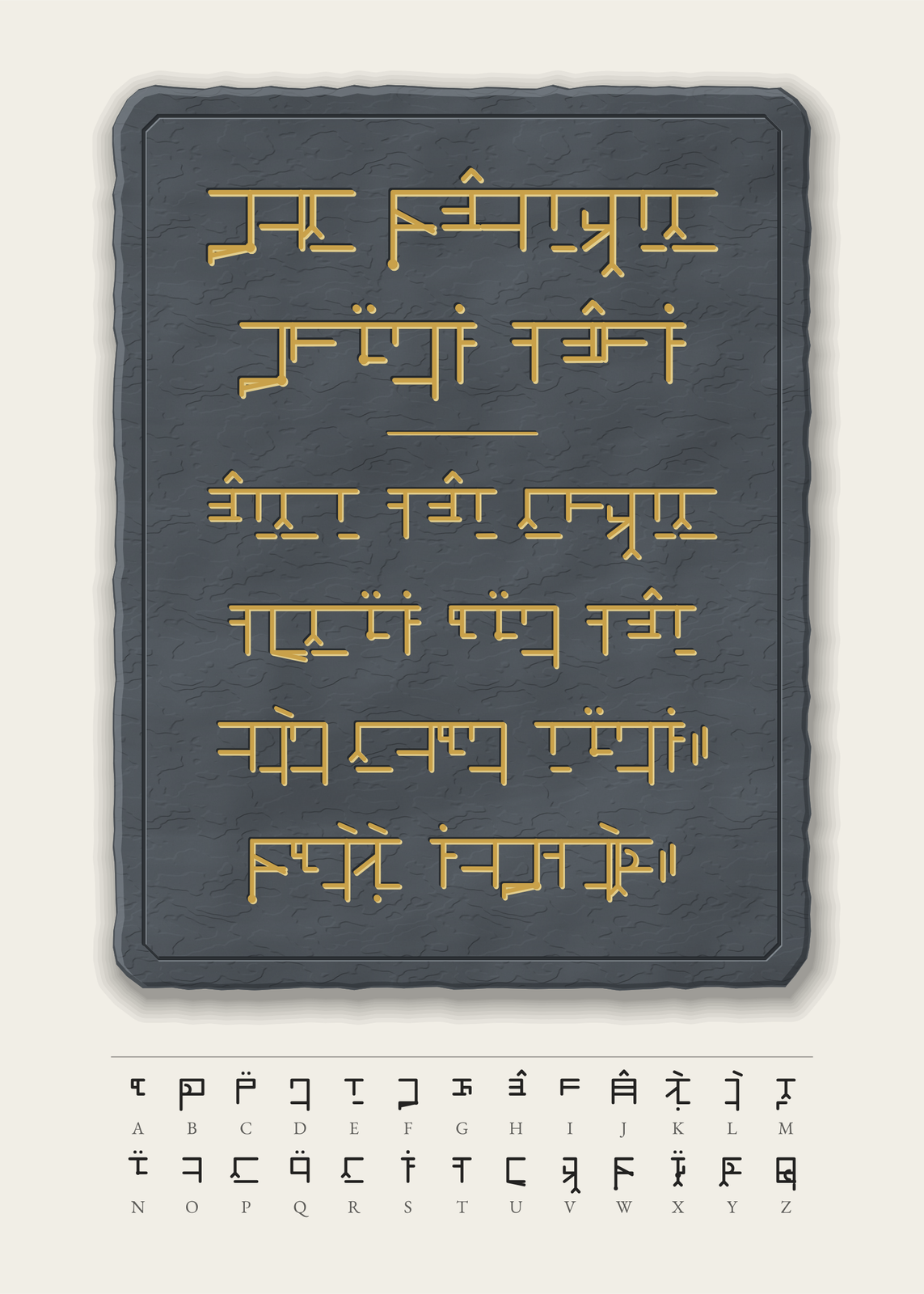 Secret alphabetyour words in a script invented for the poster, with the key to read them
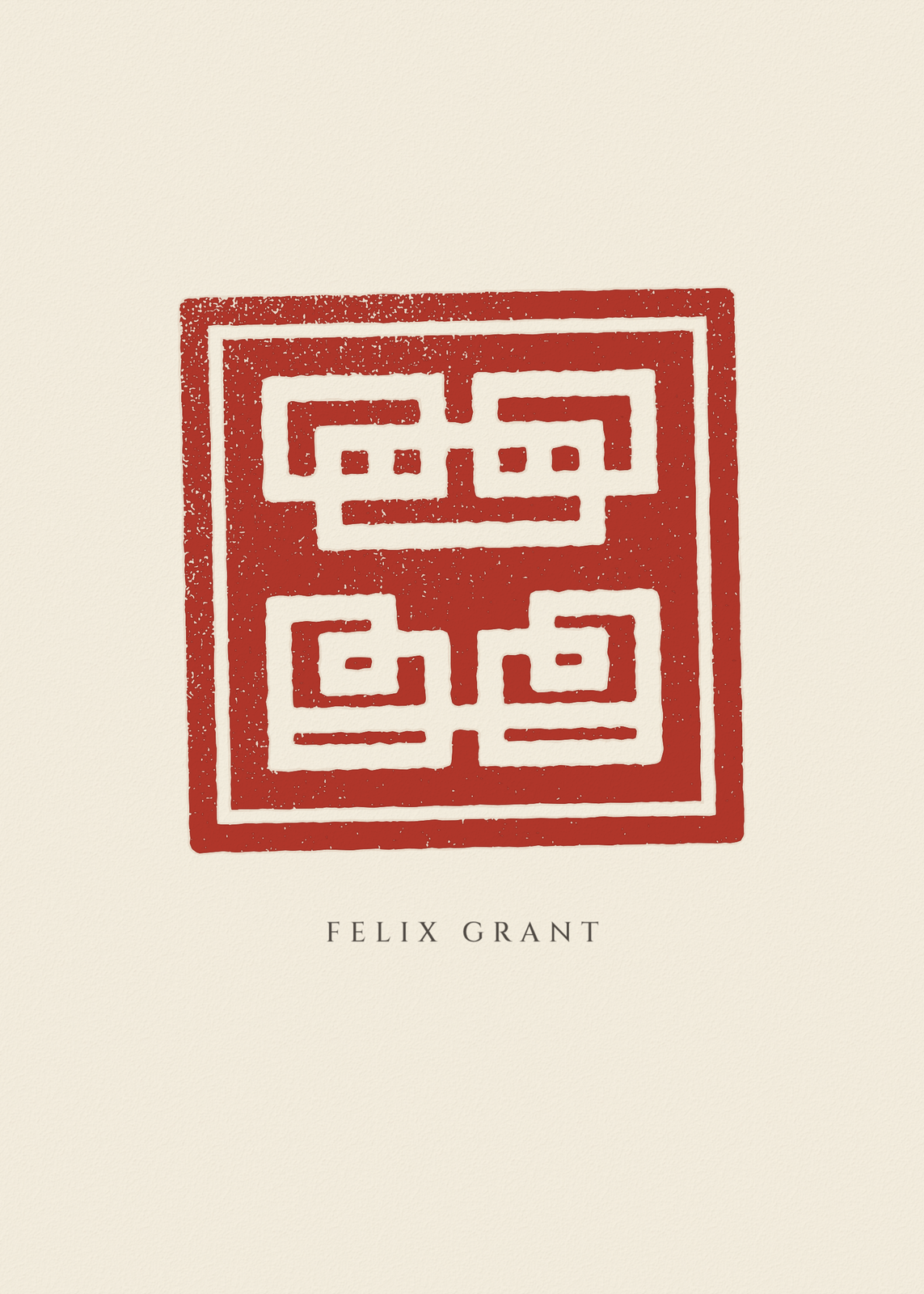 Chinese name stampyour name carved into a red seal, each word a character of its own
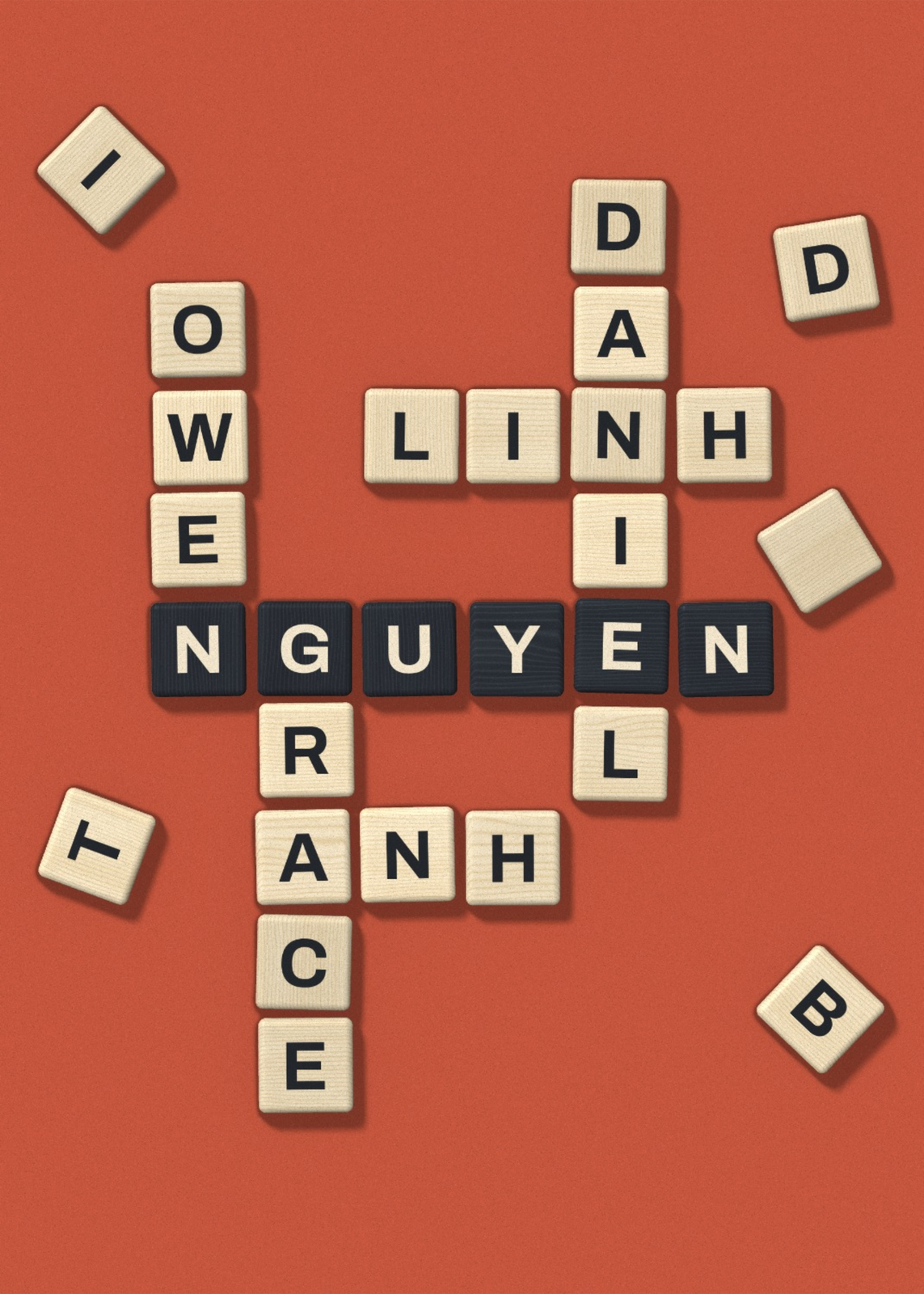 Letter tile arteveryone's names crossed in wooden tiles on a table, drawn in 3D
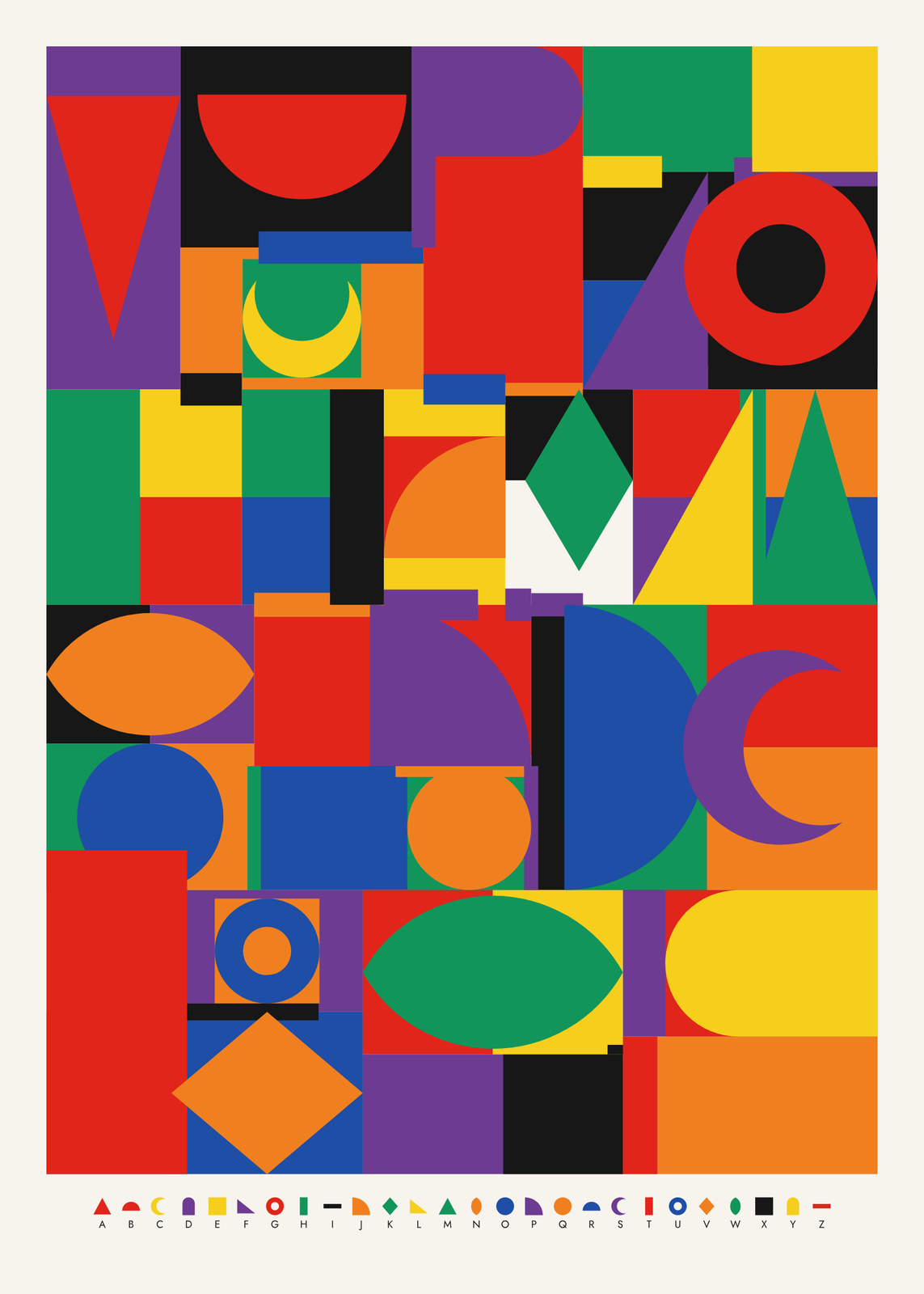 Alphabet postereach letter A to Z always the same flat shape and color: the whole ABC, or a name
On the wall
A few of them framed at home. Open any one to make it yours.
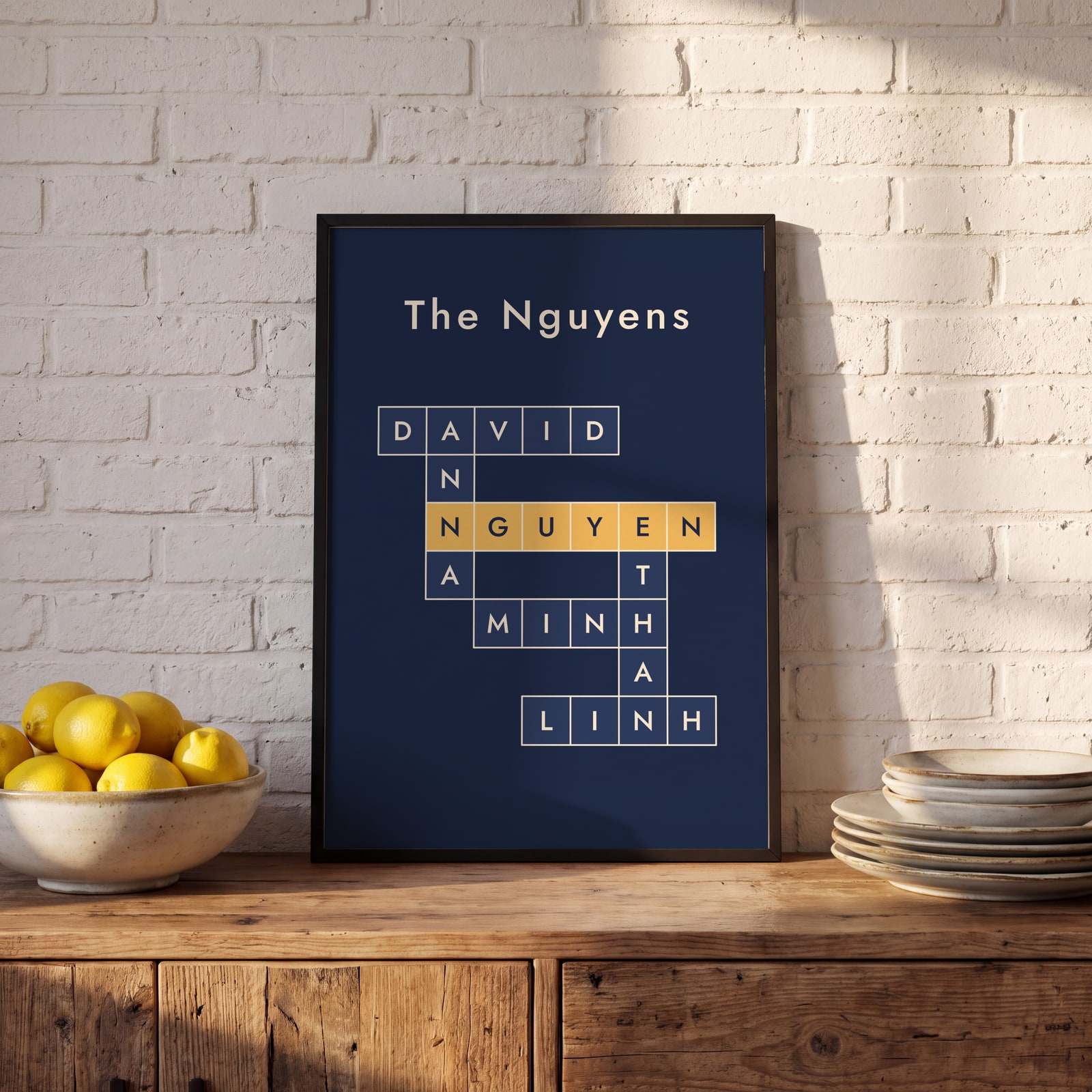 Navy and gold family crossword in crossword boxesEdit this →
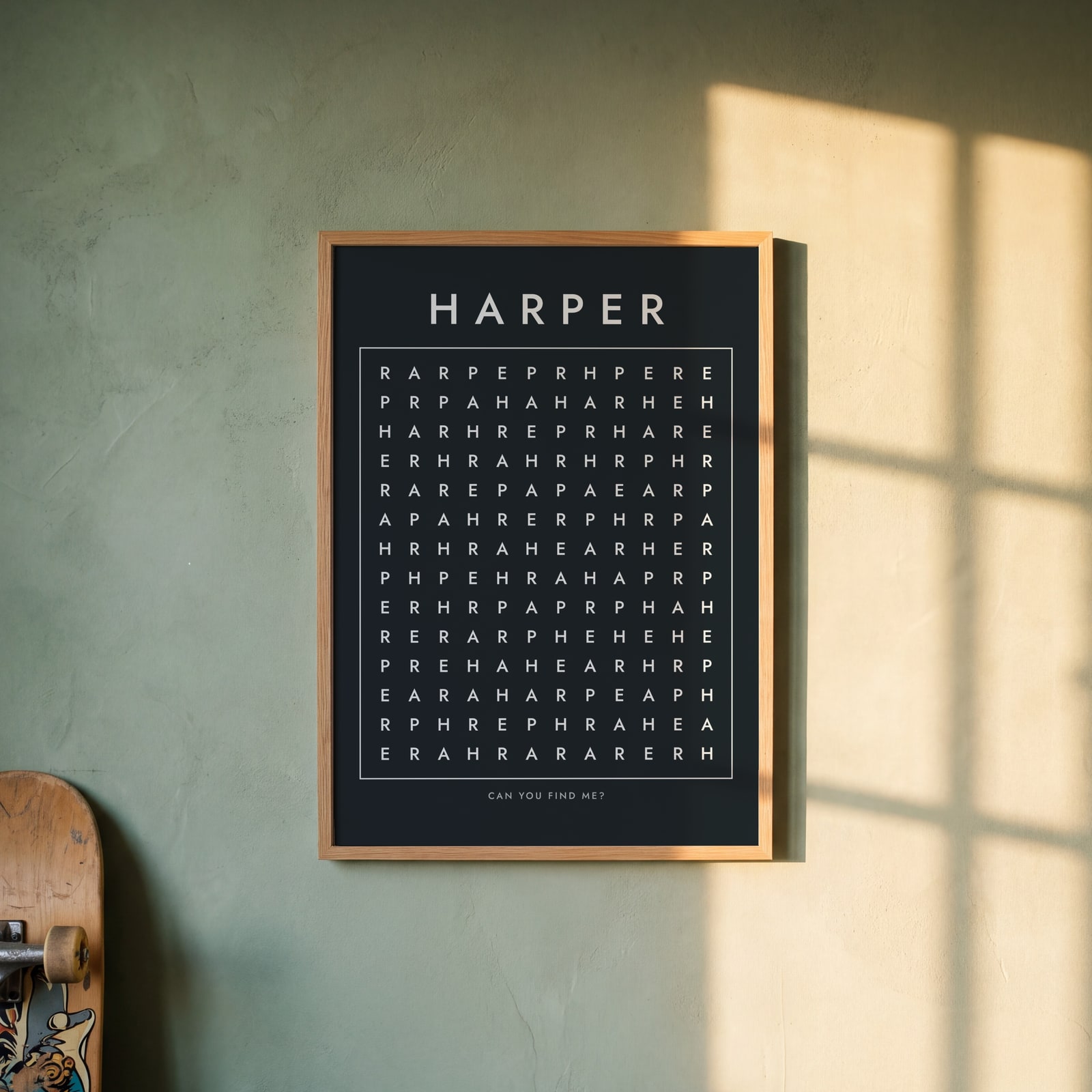 Chalkboard word search hiding the name Harper onceEdit this →
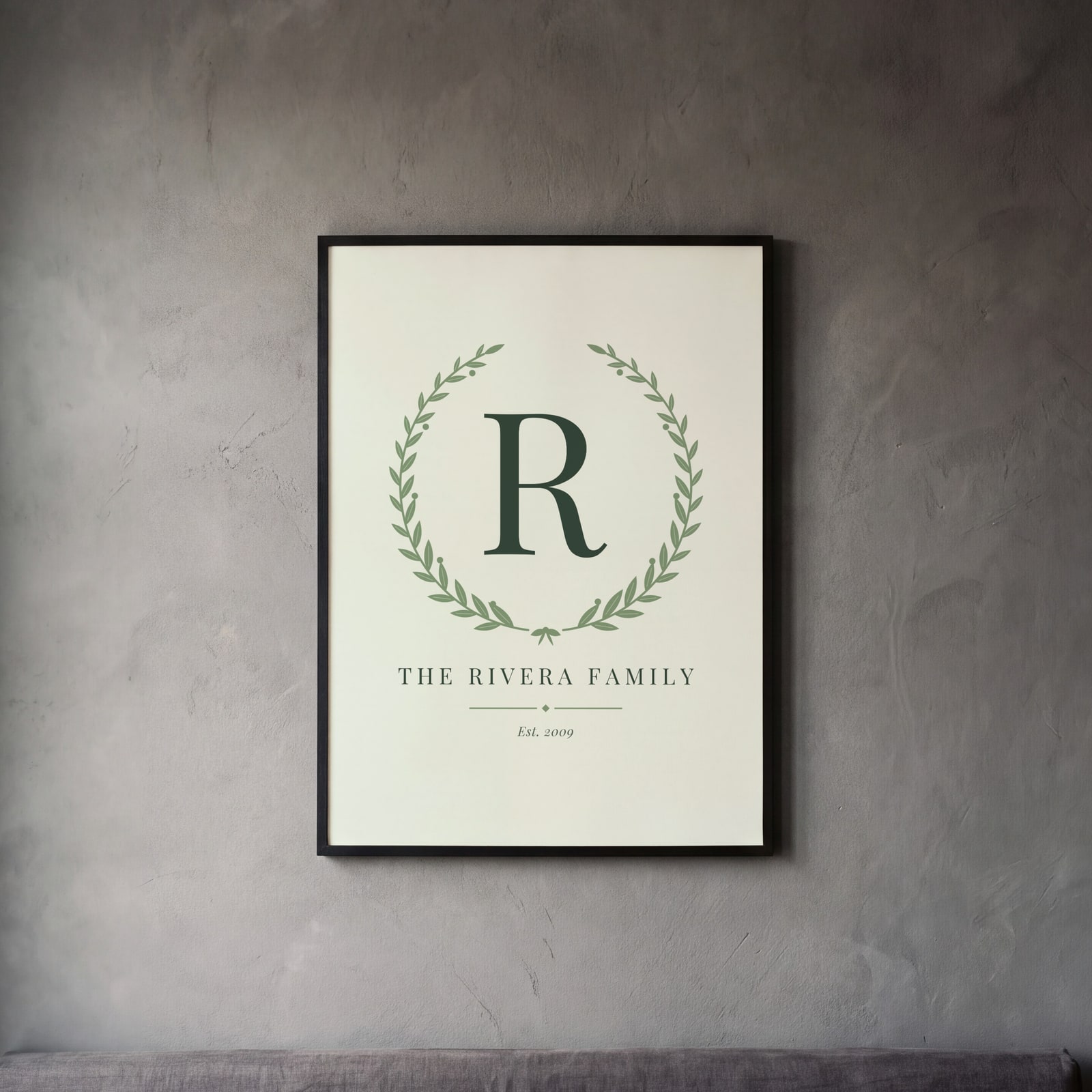 Single-letter family monogram with the family name and yearEdit this →
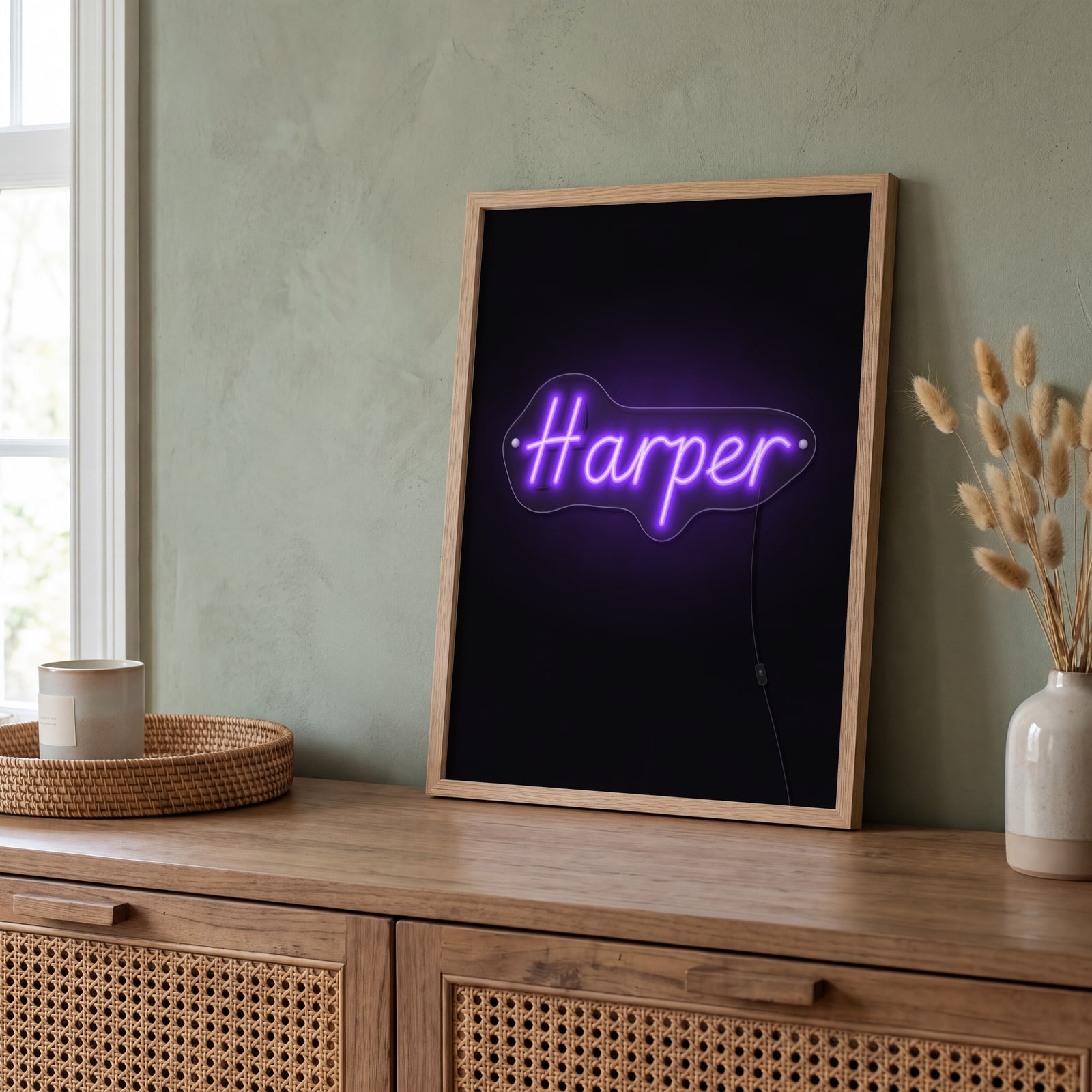 The name Harper in purple neon tubes on a dark wallEdit this →
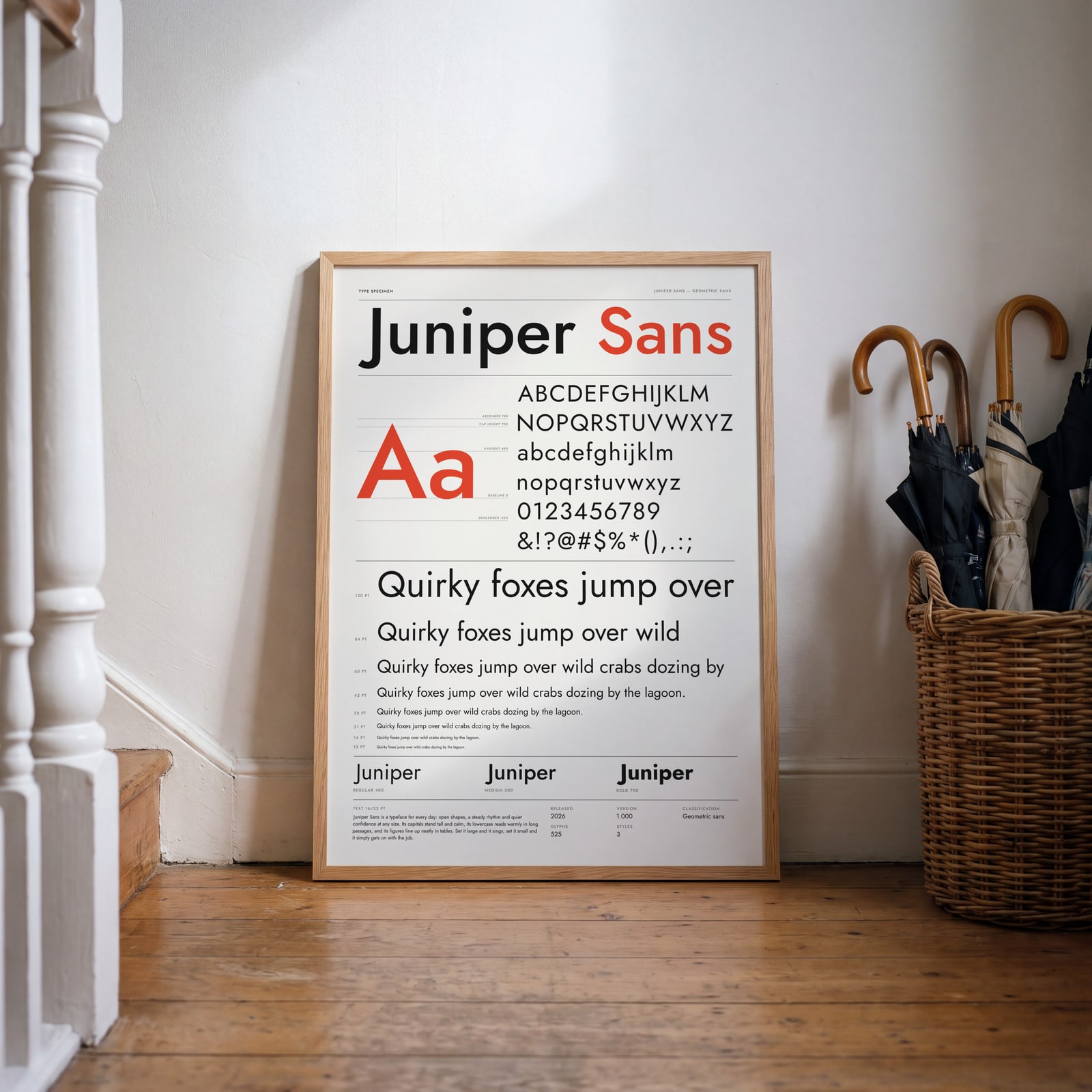 Type specimen poster presenting the name Juniper as a typefaceEdit this →
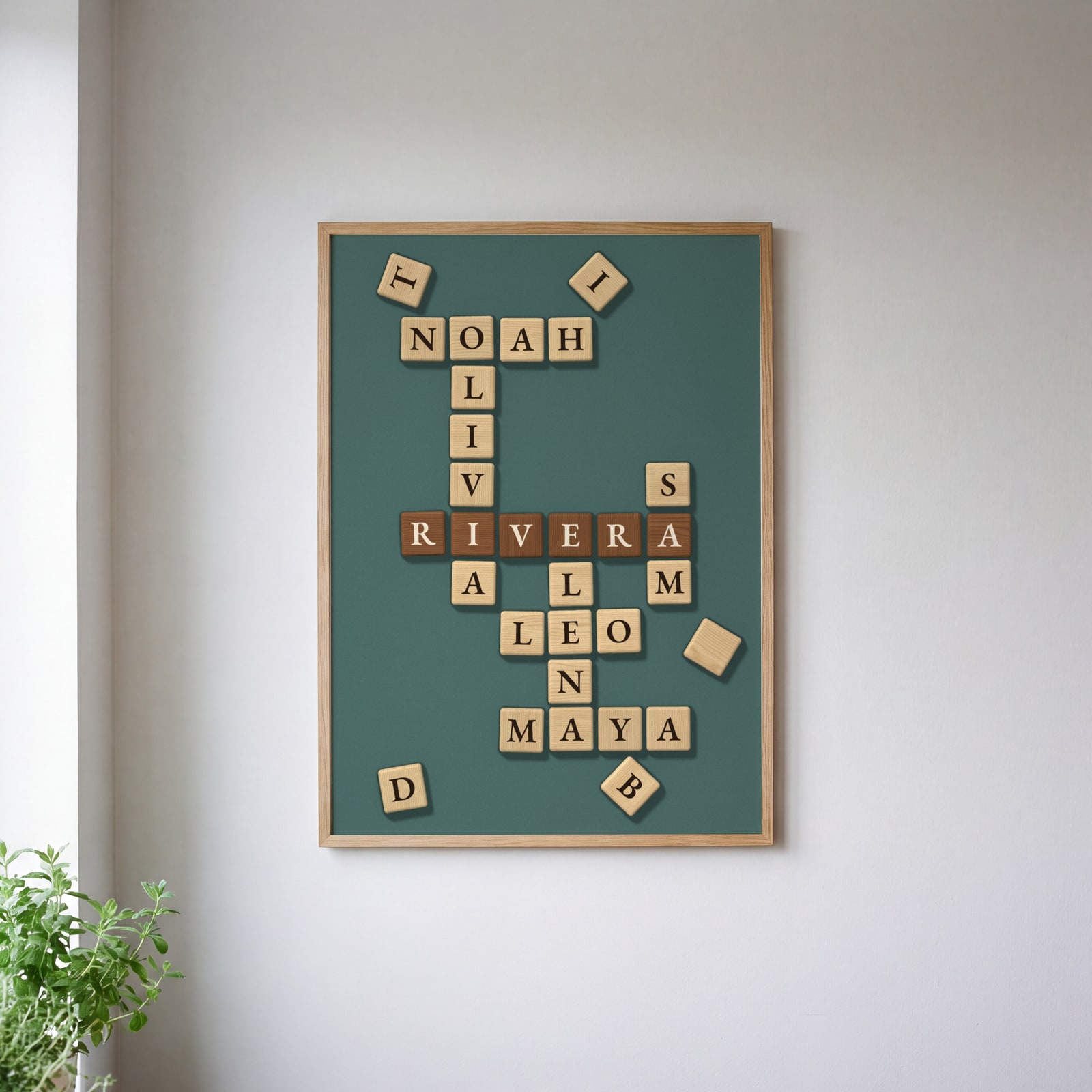 A family's names interlocked in wooden letter tiles on a table, in 3DEdit this →
Examples
Open any of them to change the words, the place, the date and the style, then download the print file.
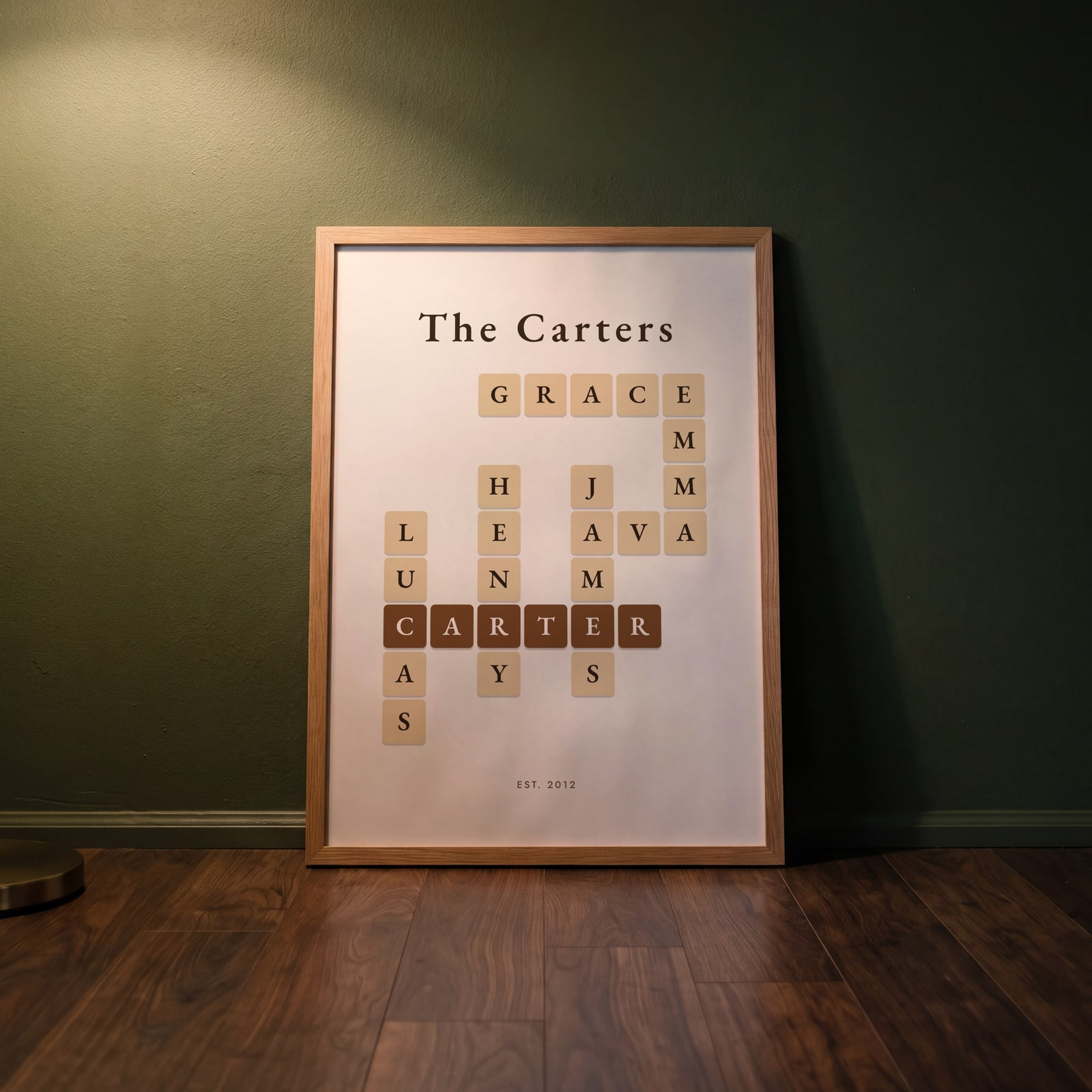
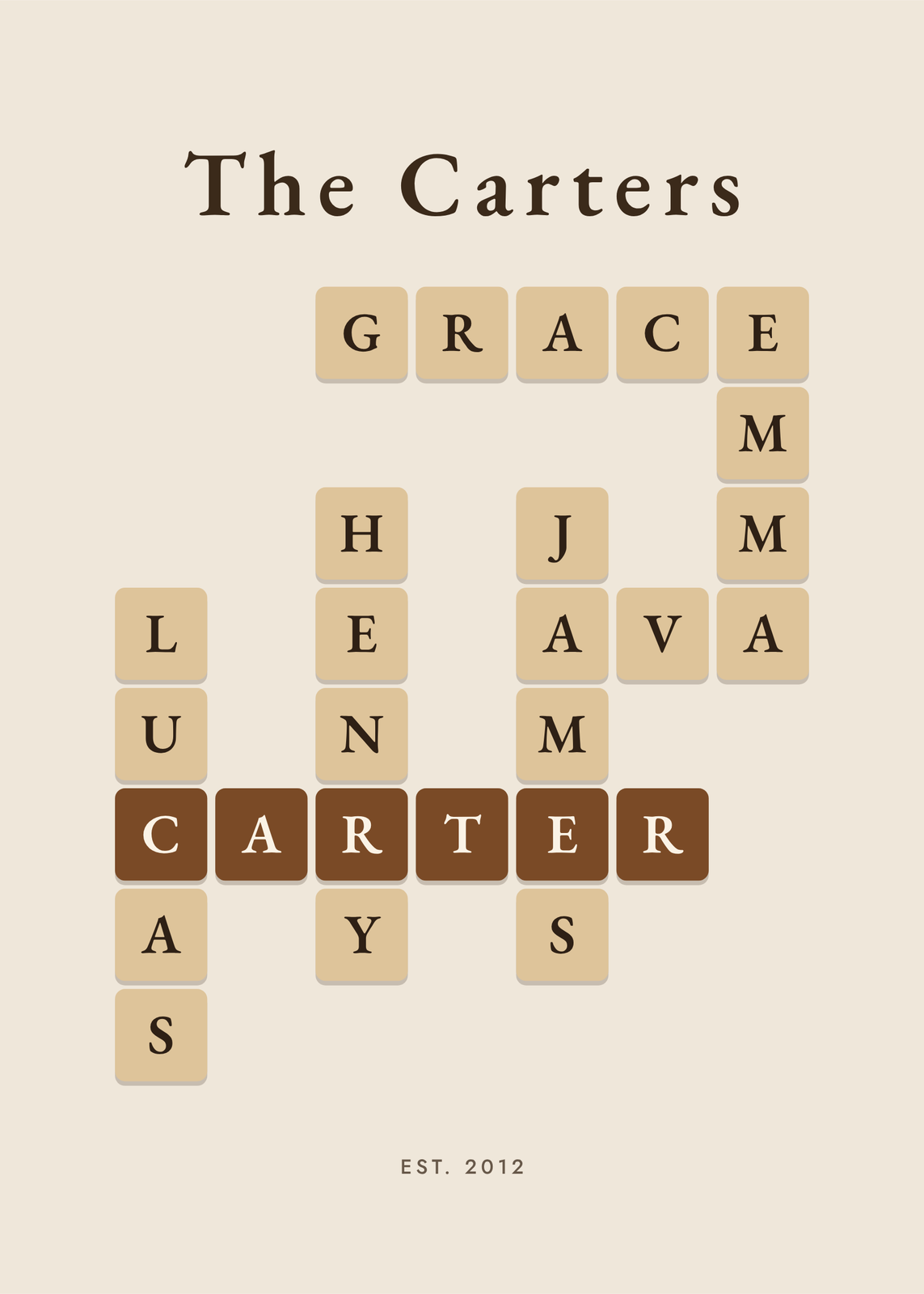 Family crossword in wood letter tiles with the Carter family name across the middleEdit this →More family crossword →
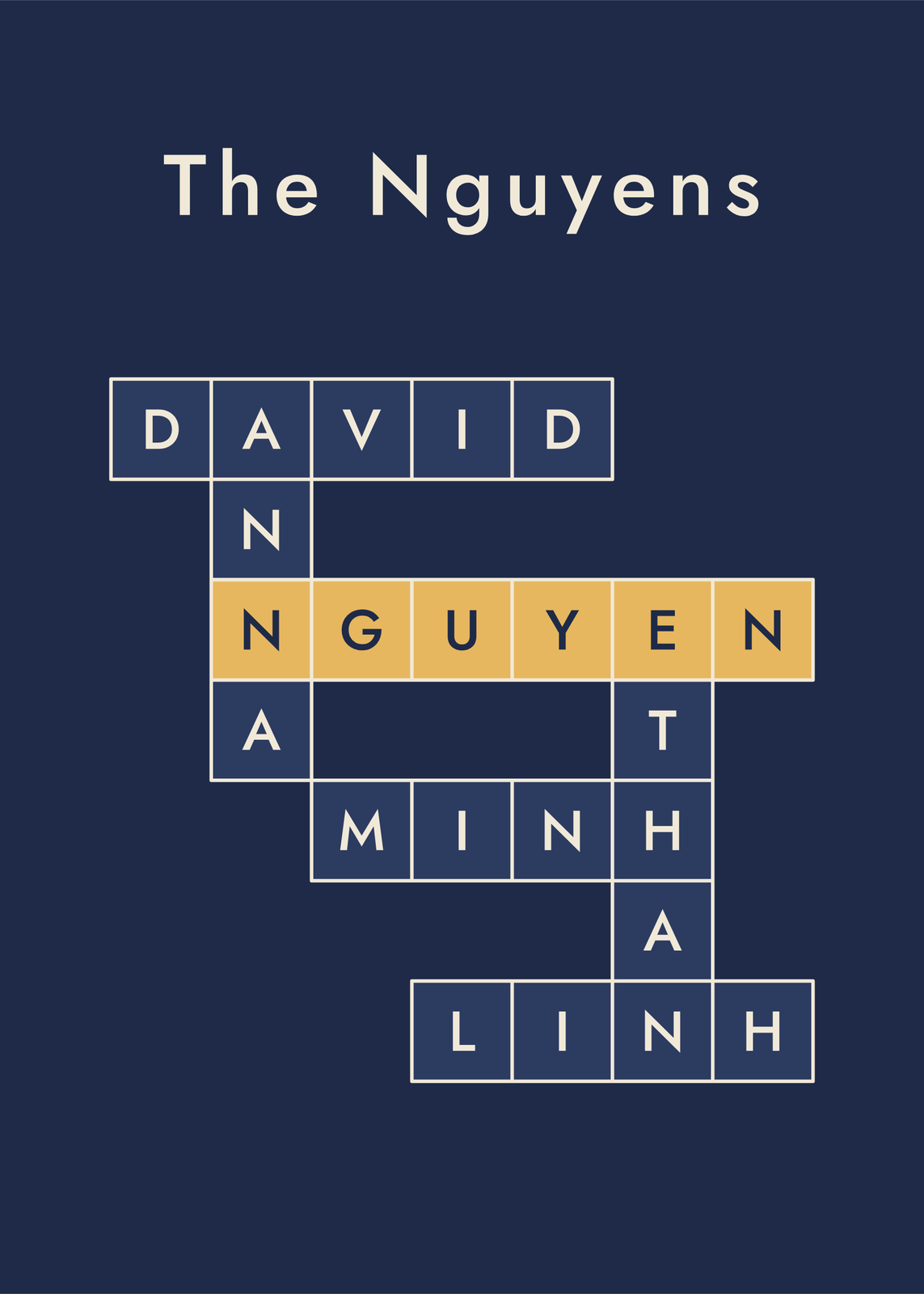 Navy and gold family crossword in crossword boxesEdit this →More family crossword →
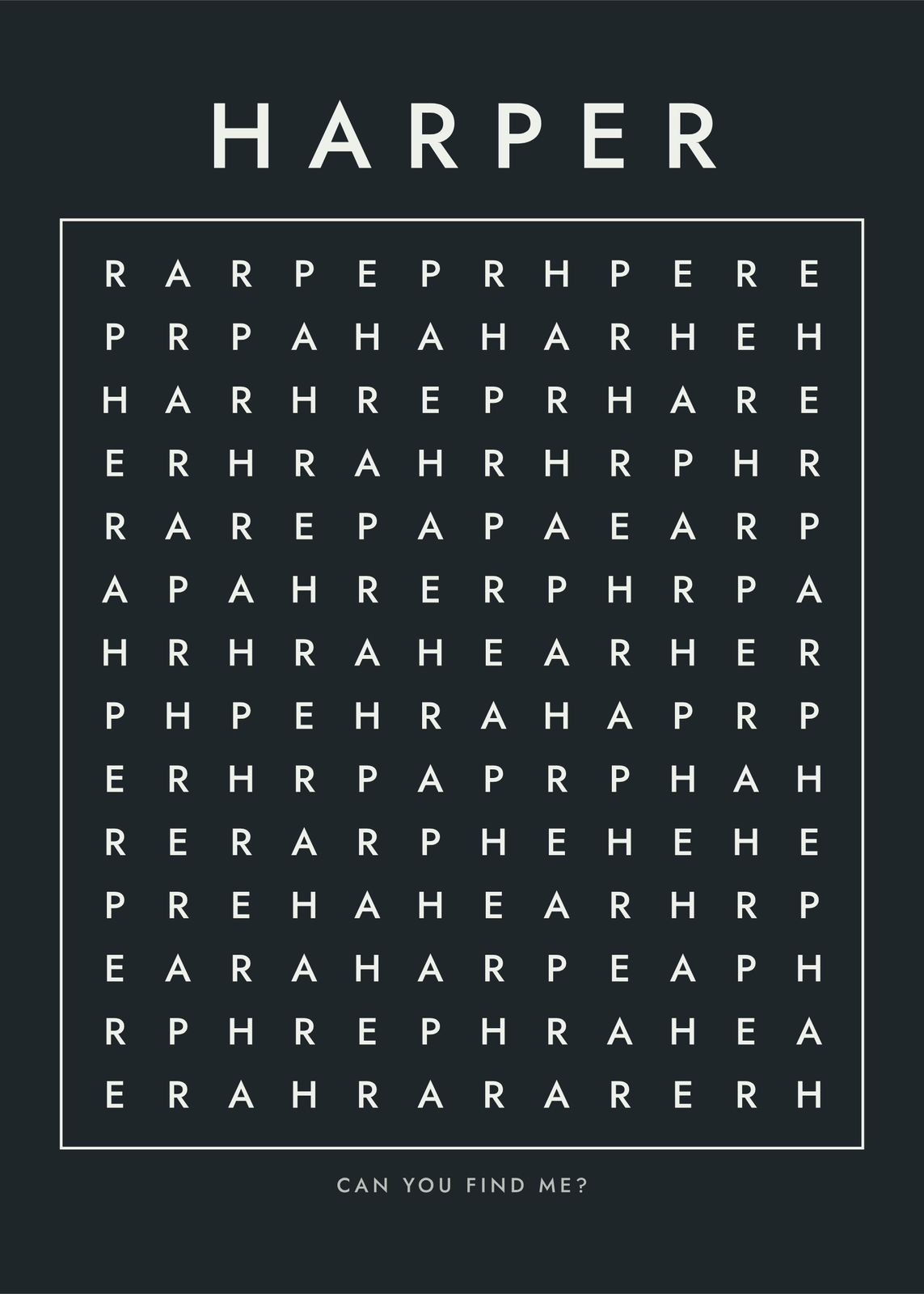 Chalkboard word search hiding the name Harper onceEdit this →More name word search →
 Single-letter family monogram with the family name and yearEdit this →More monograms →
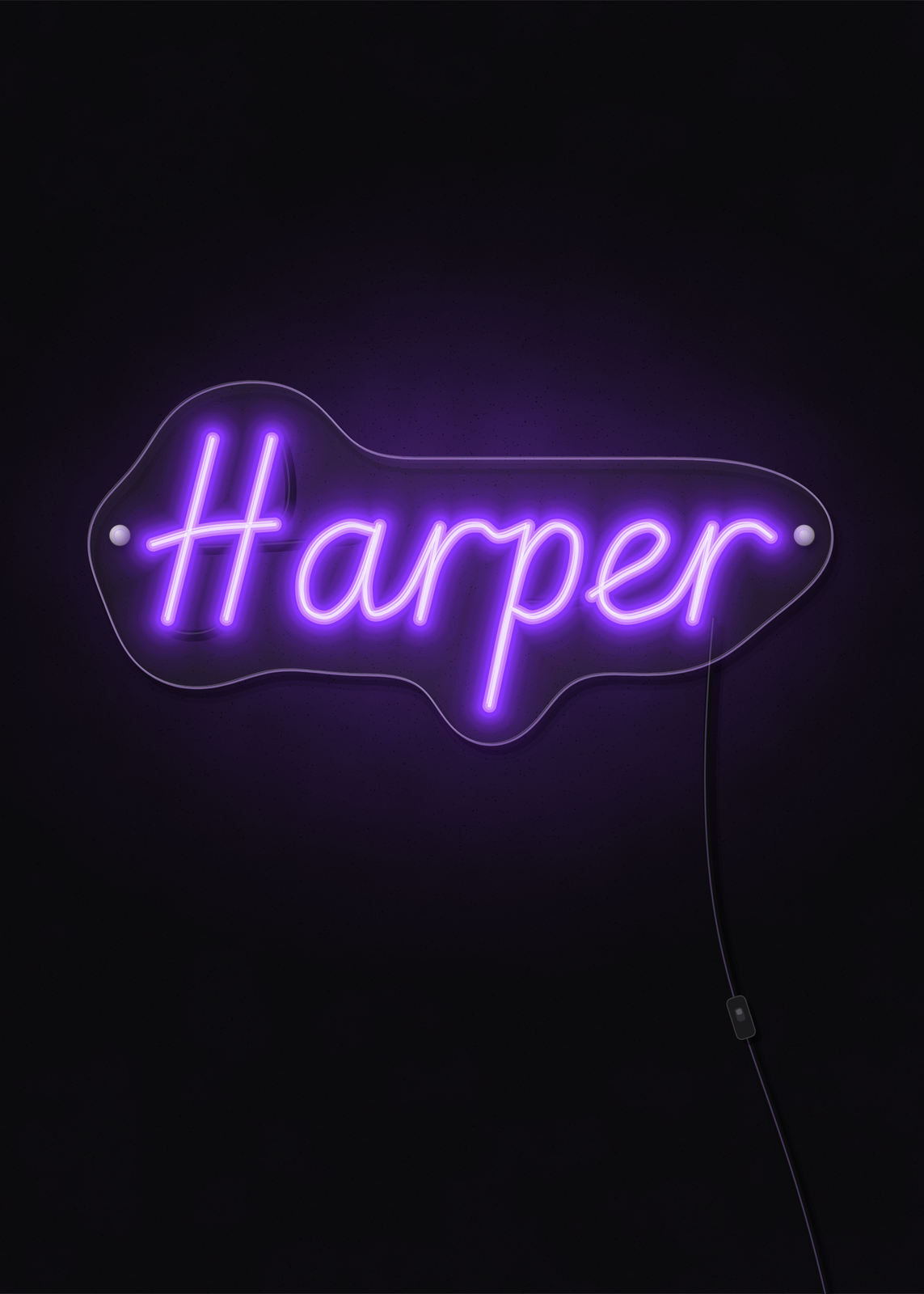 The name Harper in purple neon tubes on a dark wallEdit this →More neon sign posters →
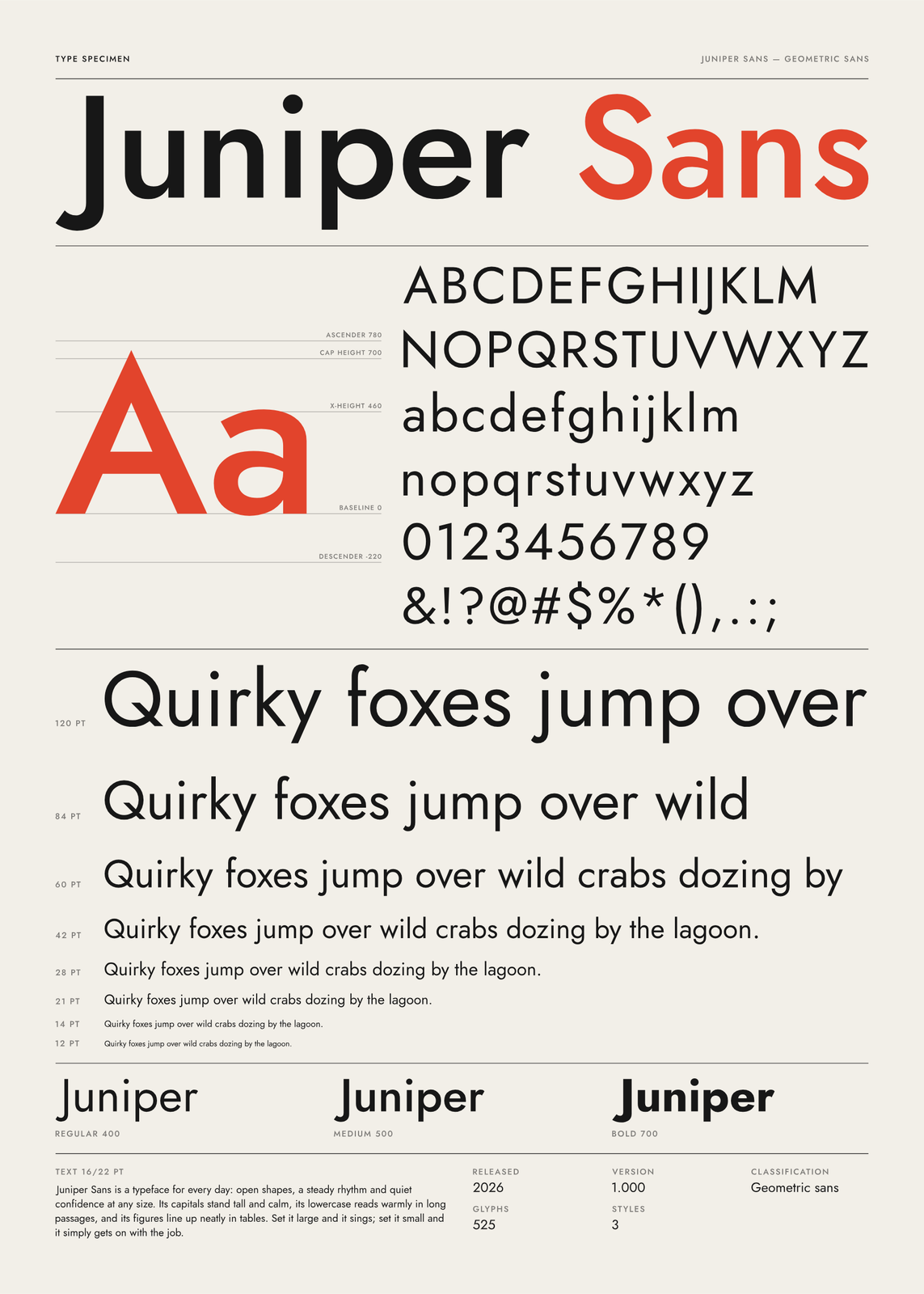 Type specimen poster presenting the name Juniper as a typefaceEdit this →More type specimen poster →
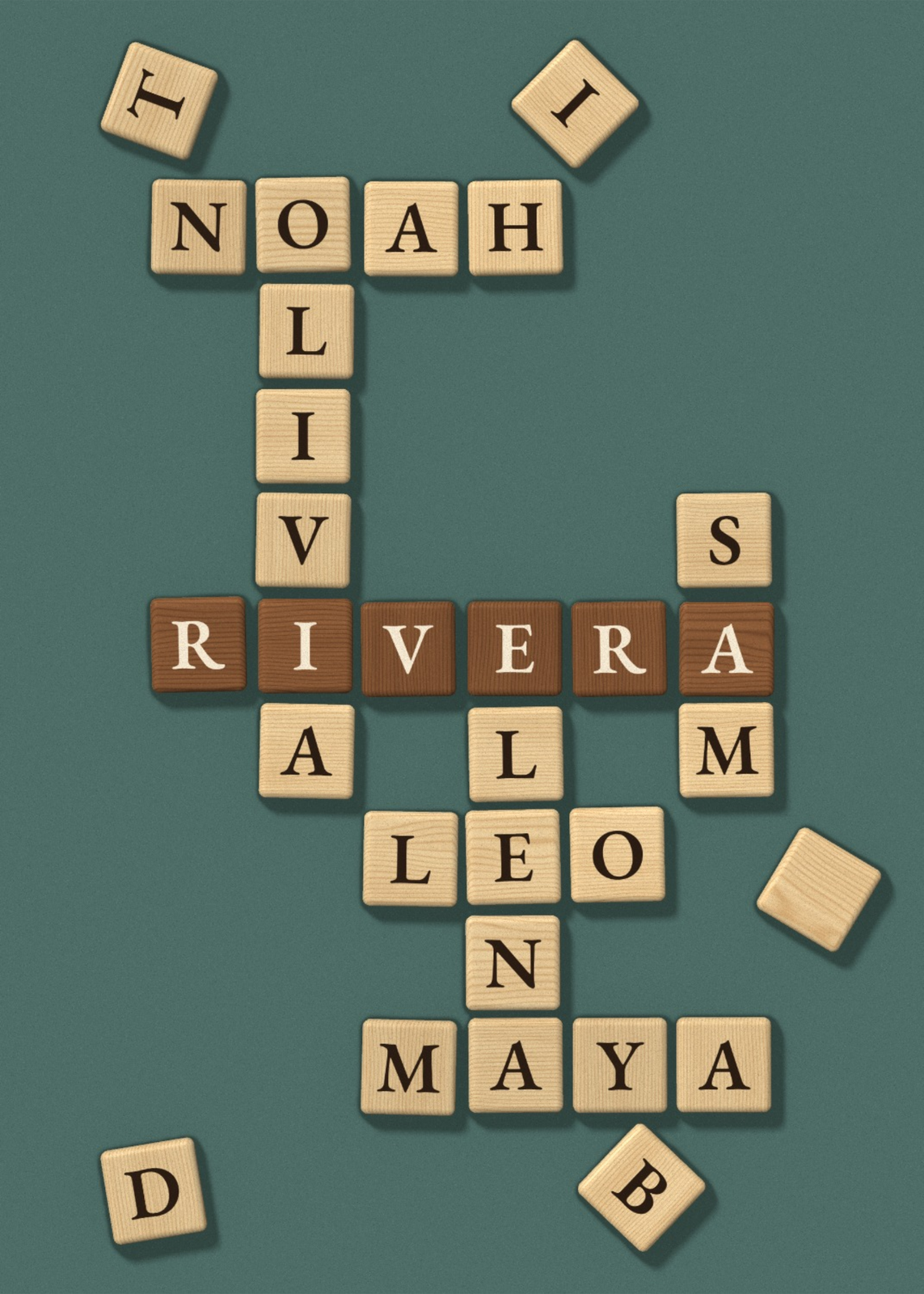 A family's names interlocked in wooden letter tiles on a table, in 3DEdit this →More letter tile art →
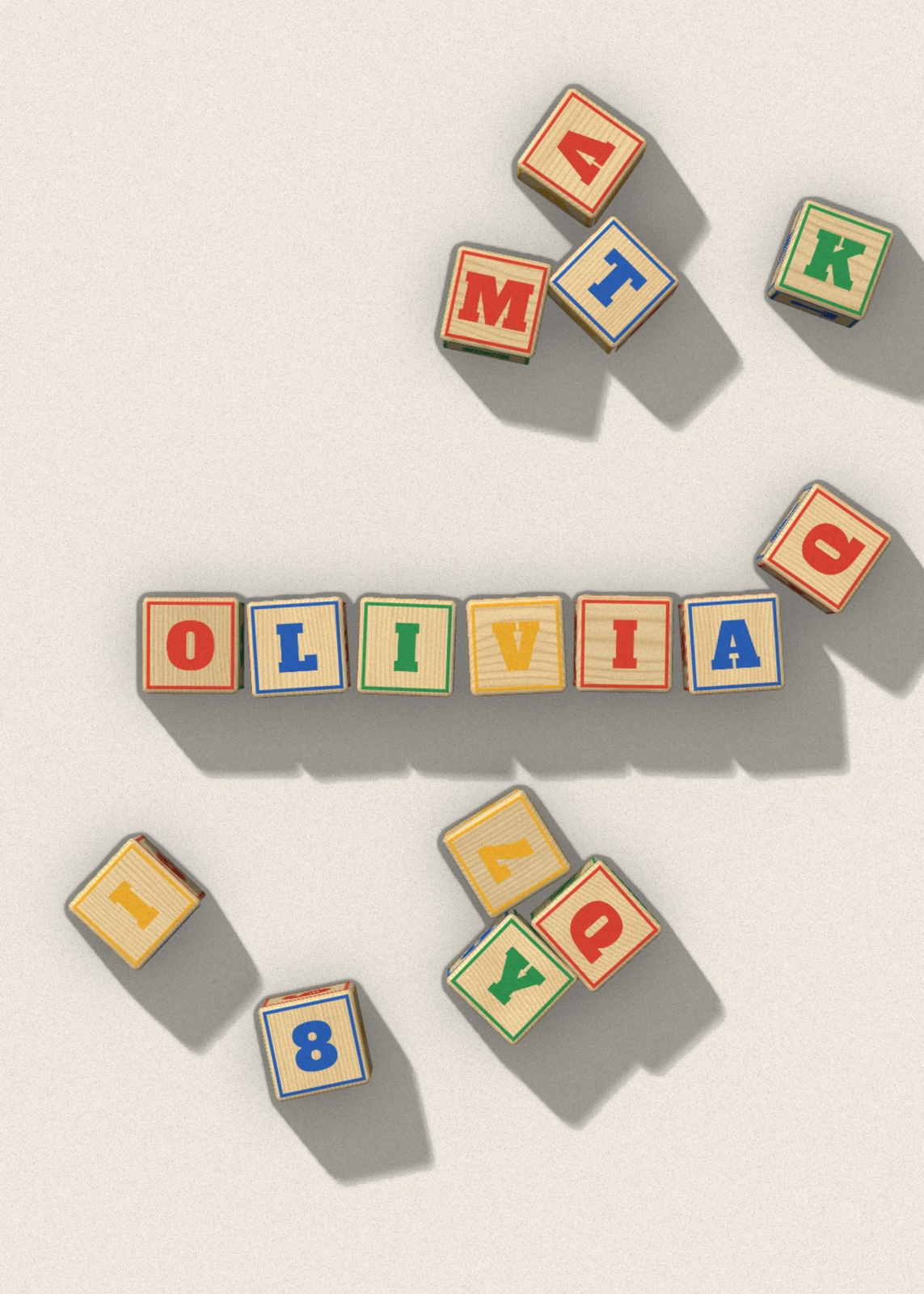 A name spelled in natural wooden alphabet blocks with colored lettersEdit this →More alphabet blocks →
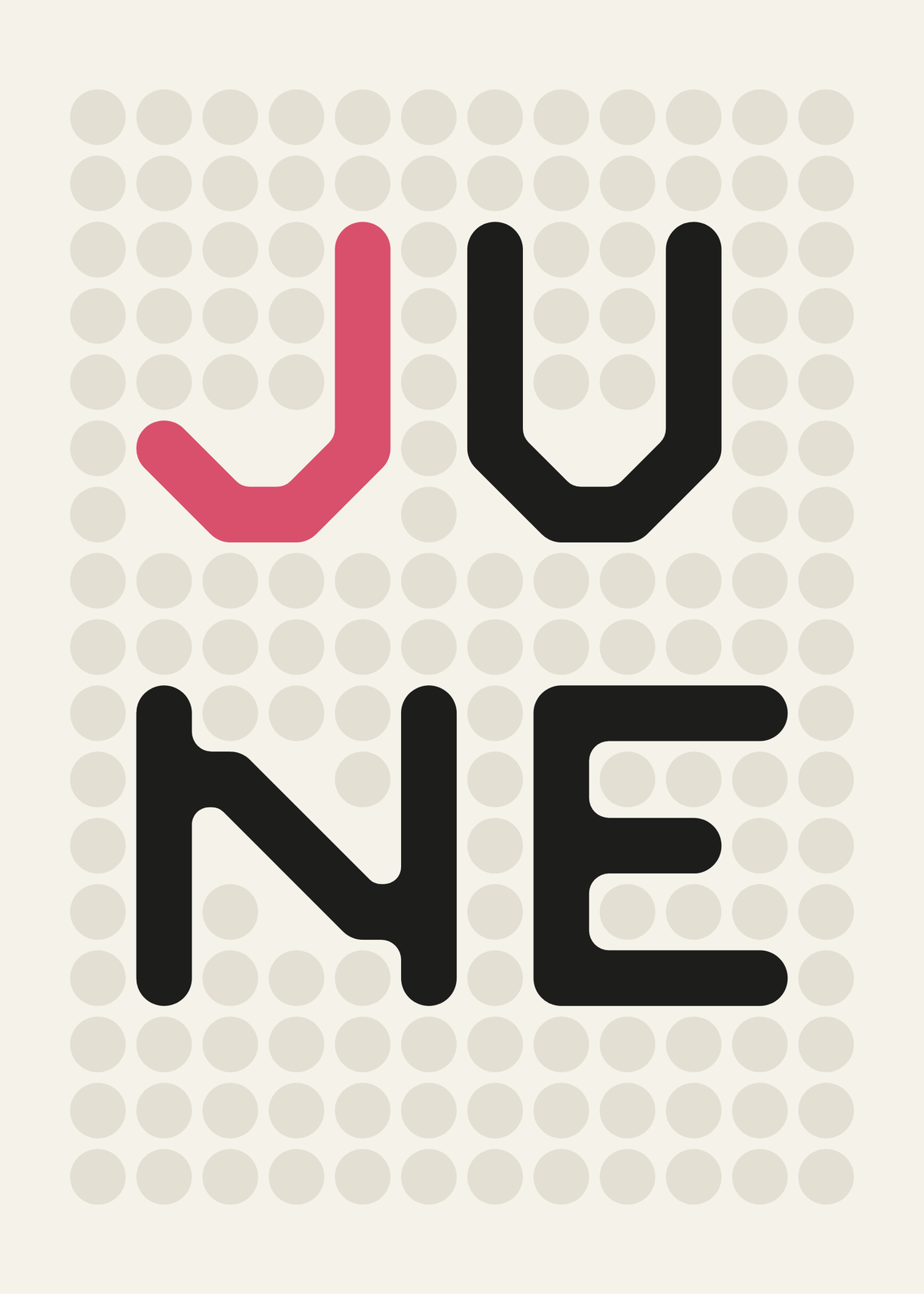 The name June on a calm grid of dots fused by soft bridgesEdit this →More dot art →
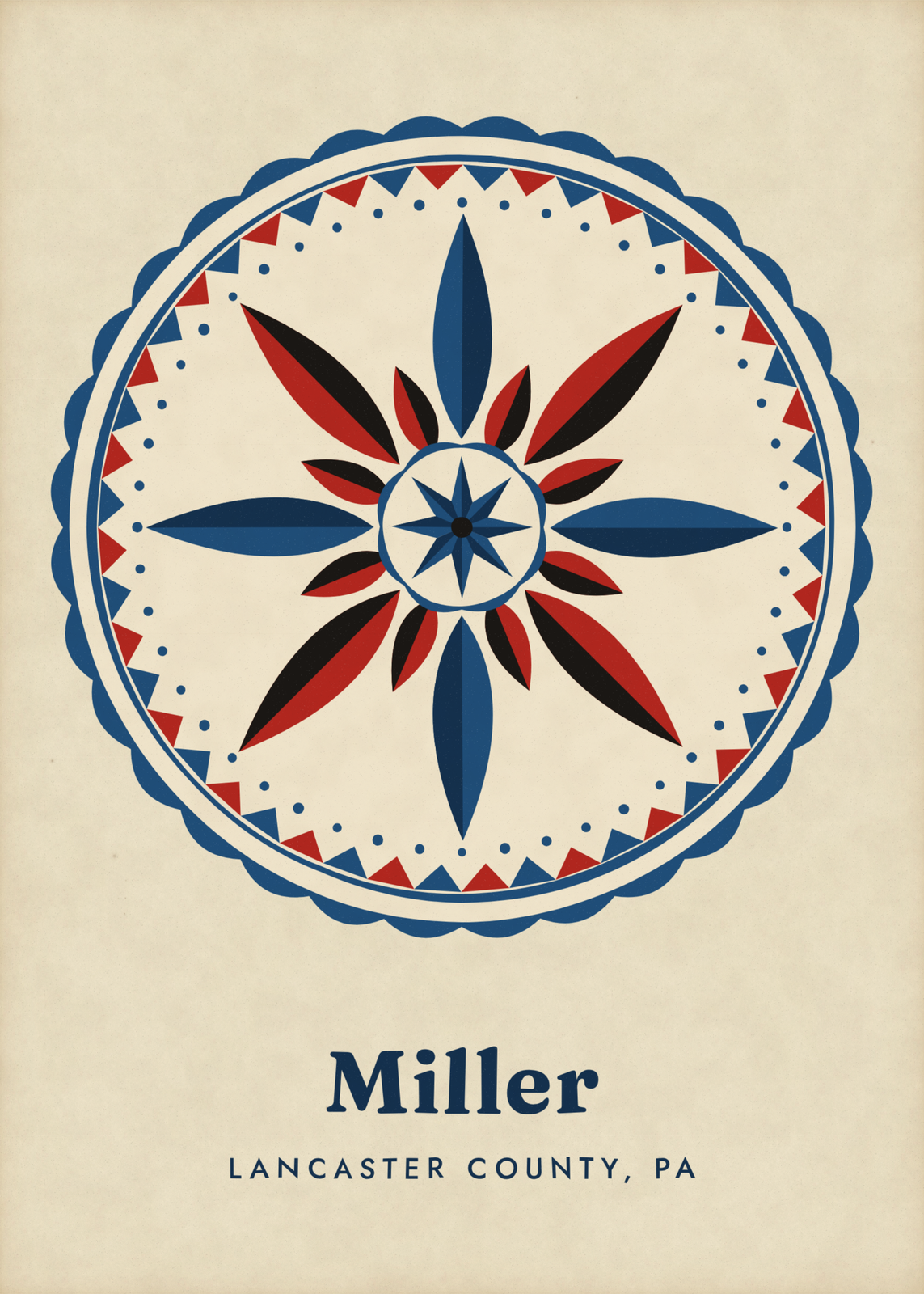 A Pennsylvania Dutch hex sign in blue and red over the name MillerEdit this →More pennsylvania dutch hex signs →
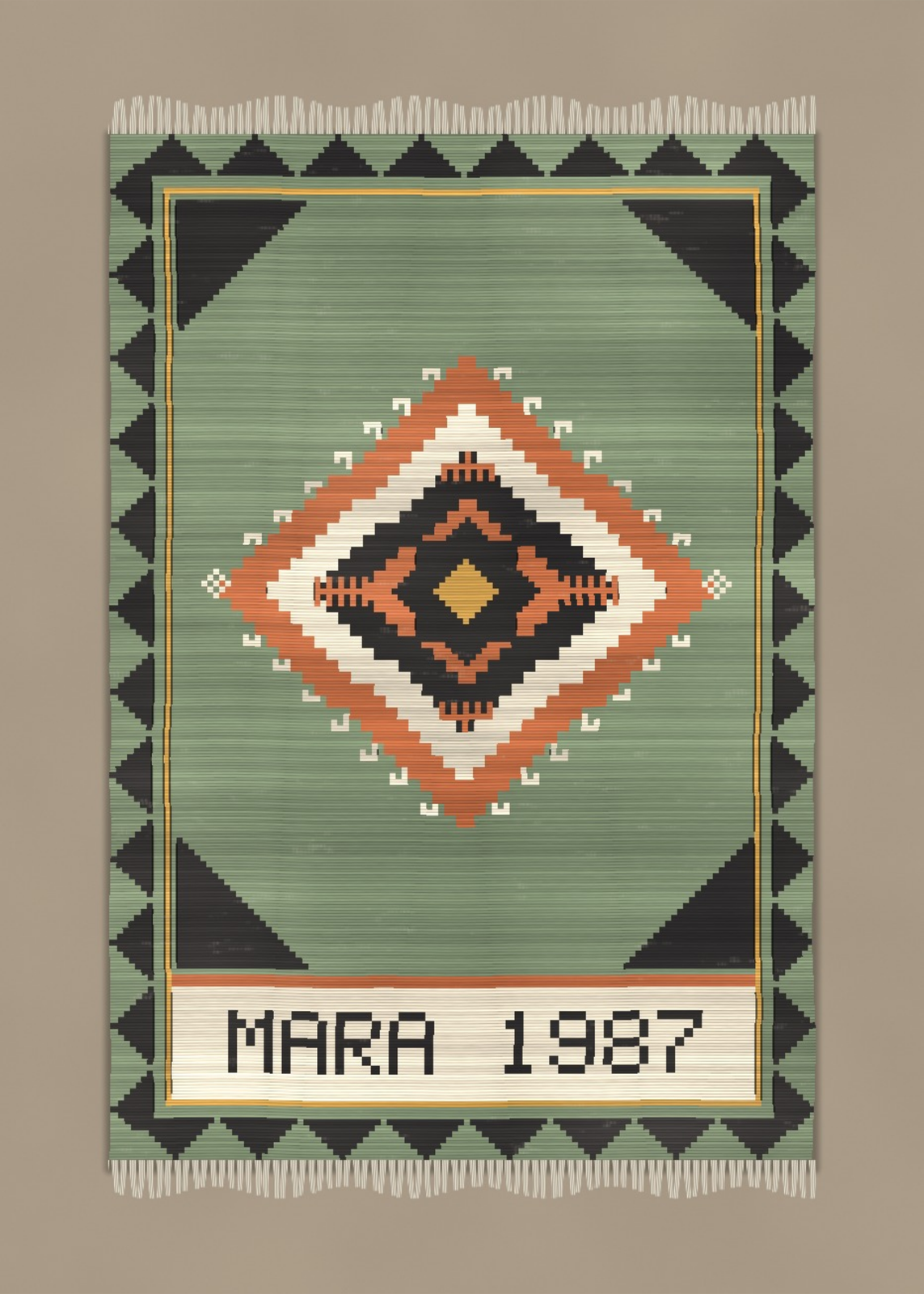 A print of a made-up kilim with the name Mara and a year woven into a panelEdit this →More kilim print →
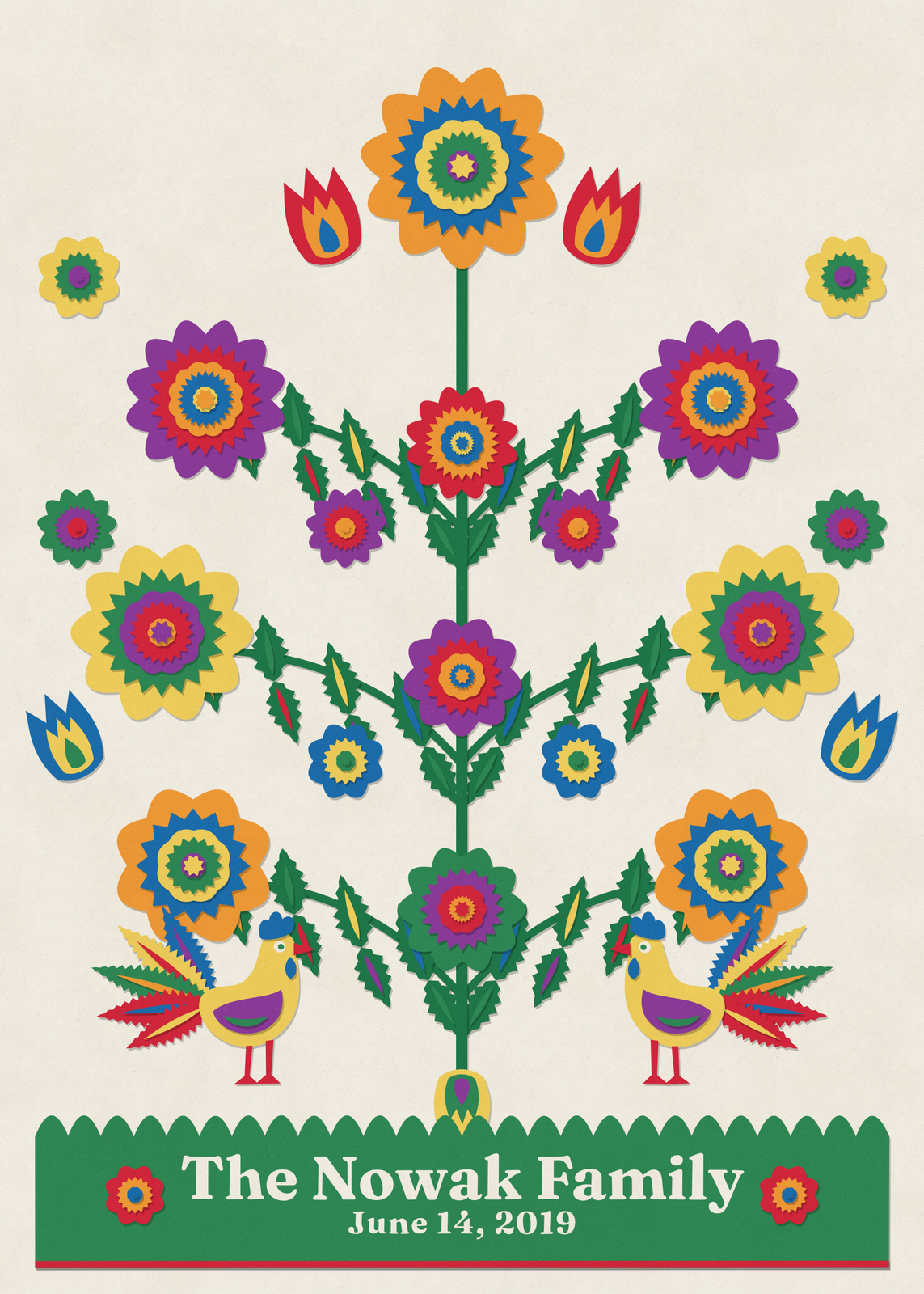 A Polish paper cutout tree over a green banner reading The Nowak FamilyEdit this →More polish folk art →
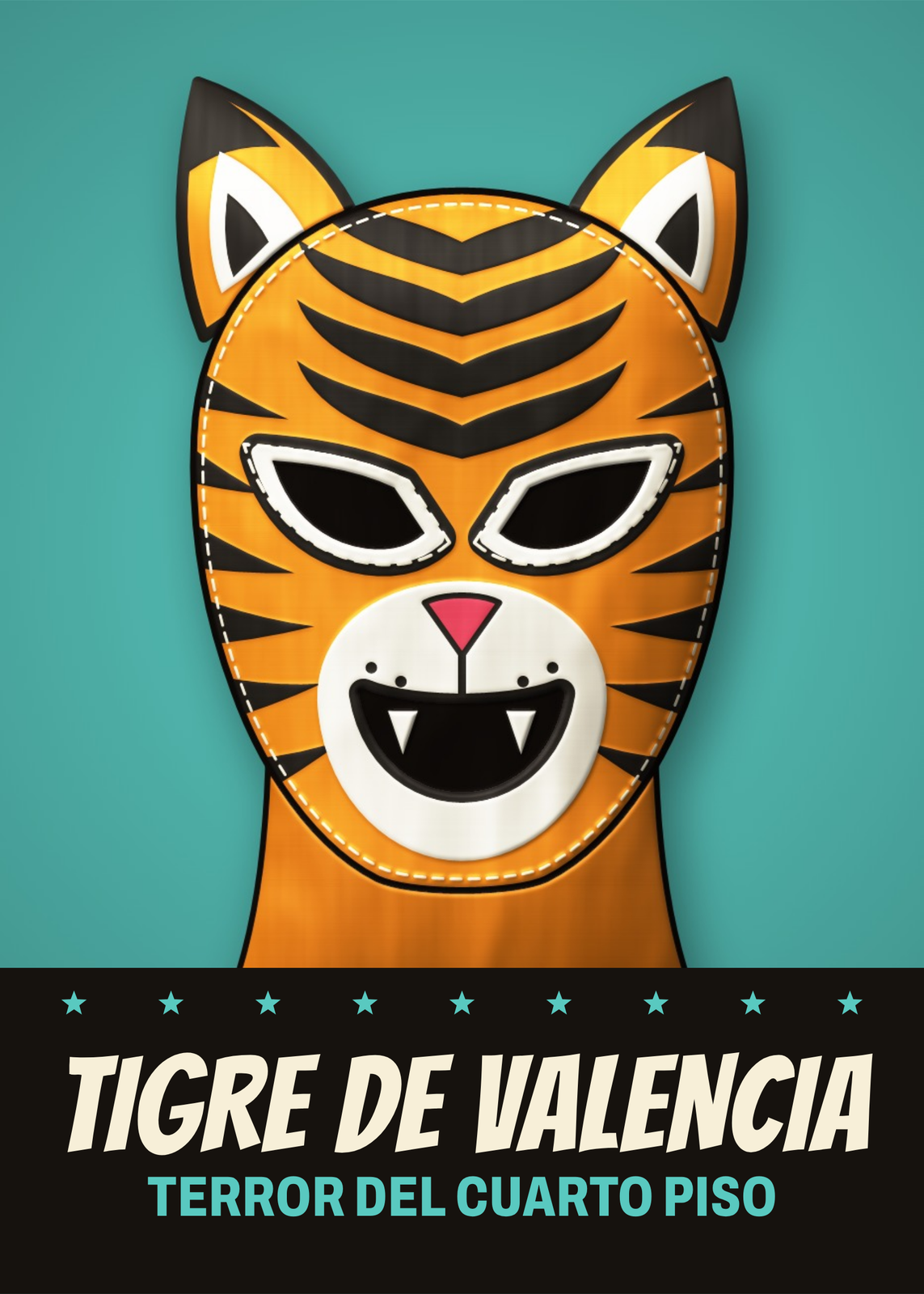 A made-up tiger mask over the wrestler name Tigre de ValenciaEdit this →More lucha libre posters →
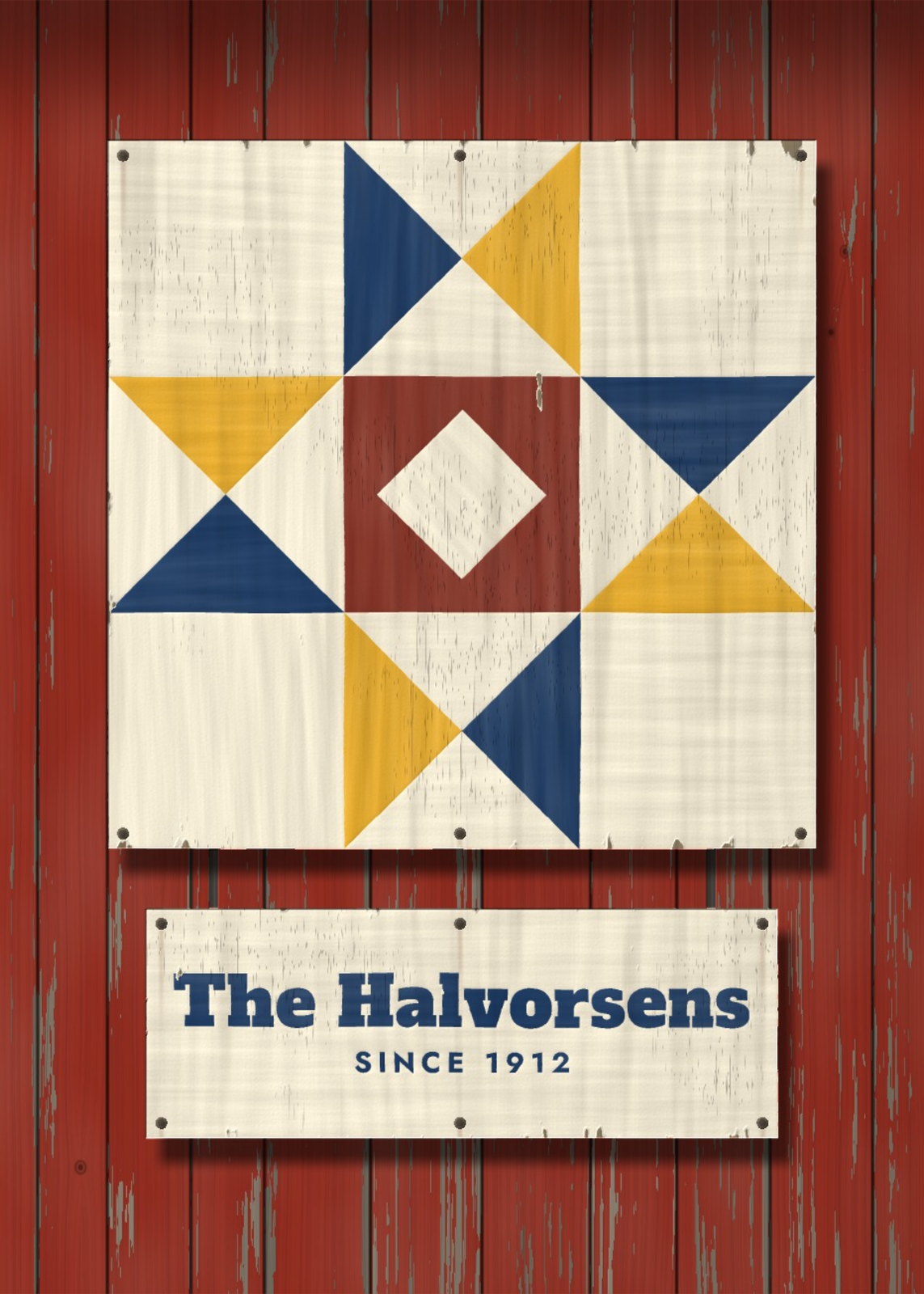 A painted quilt block on a barn wall with the name The Halvorsens on a signEdit this →More barn quilts →
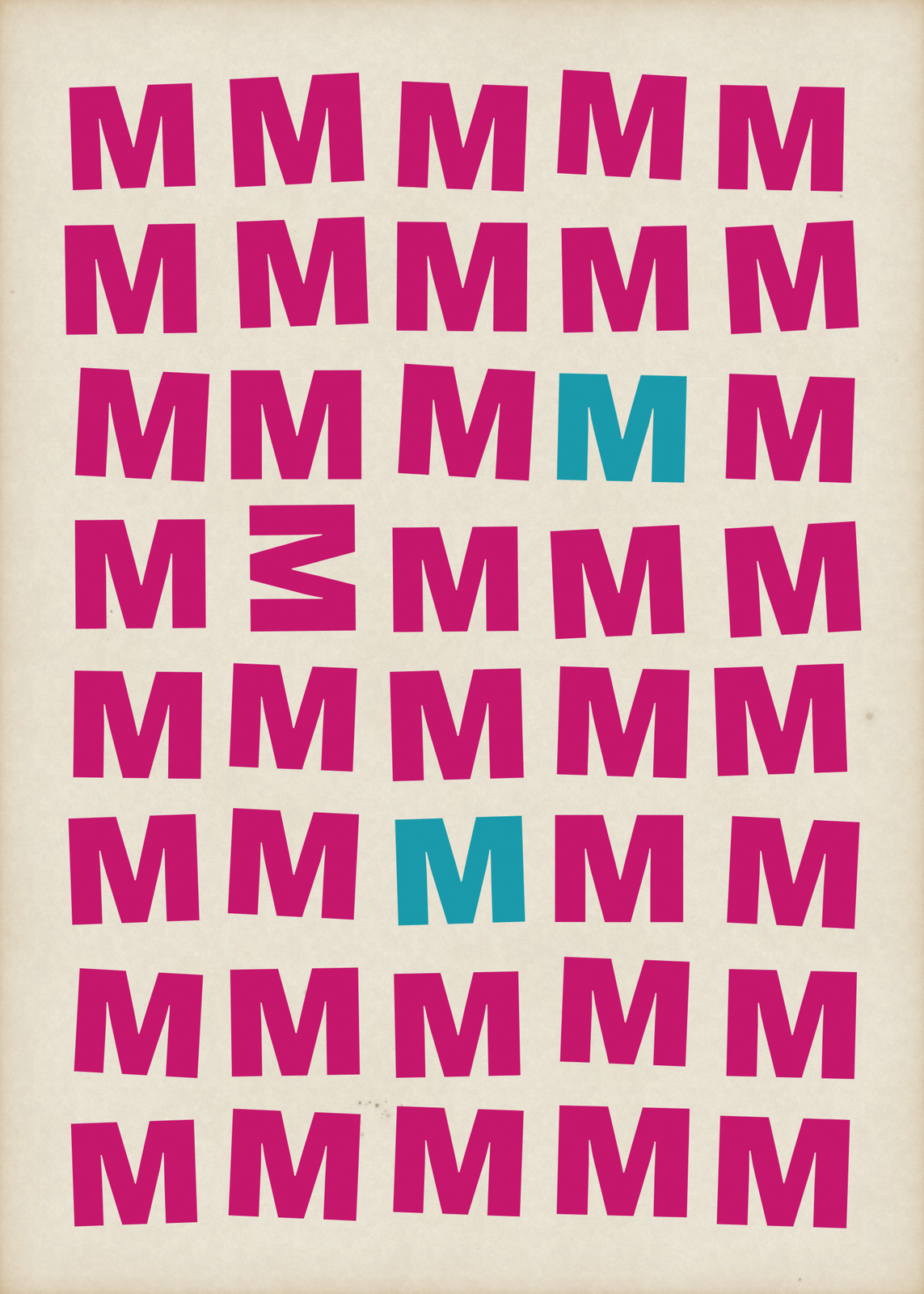 A hand-cut letter M repeated in rows of magenta, with two copies in tealEdit this →More pattern art →
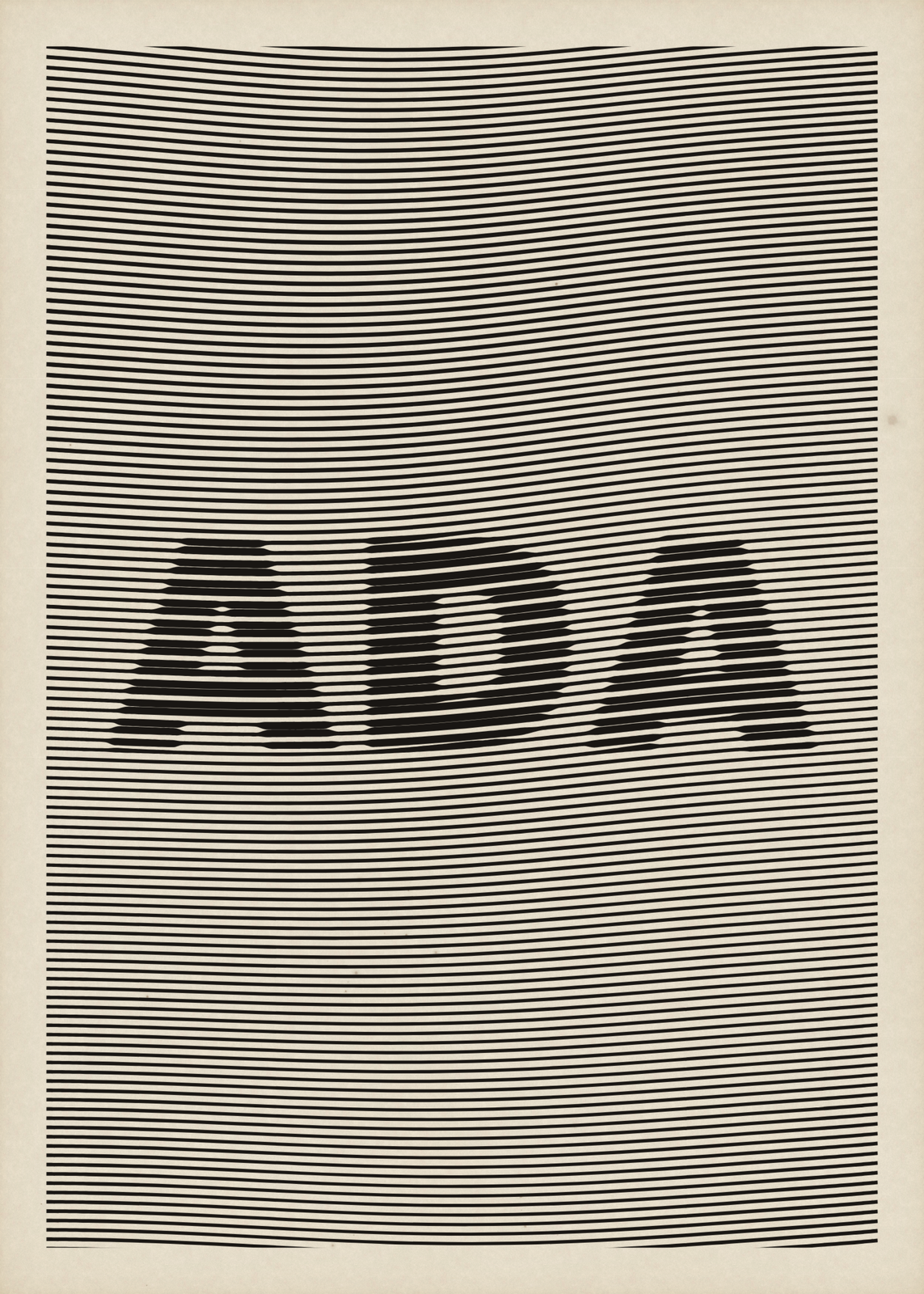 The name Ada appearing as a thickening in level ruled black linesEdit this →More op art →
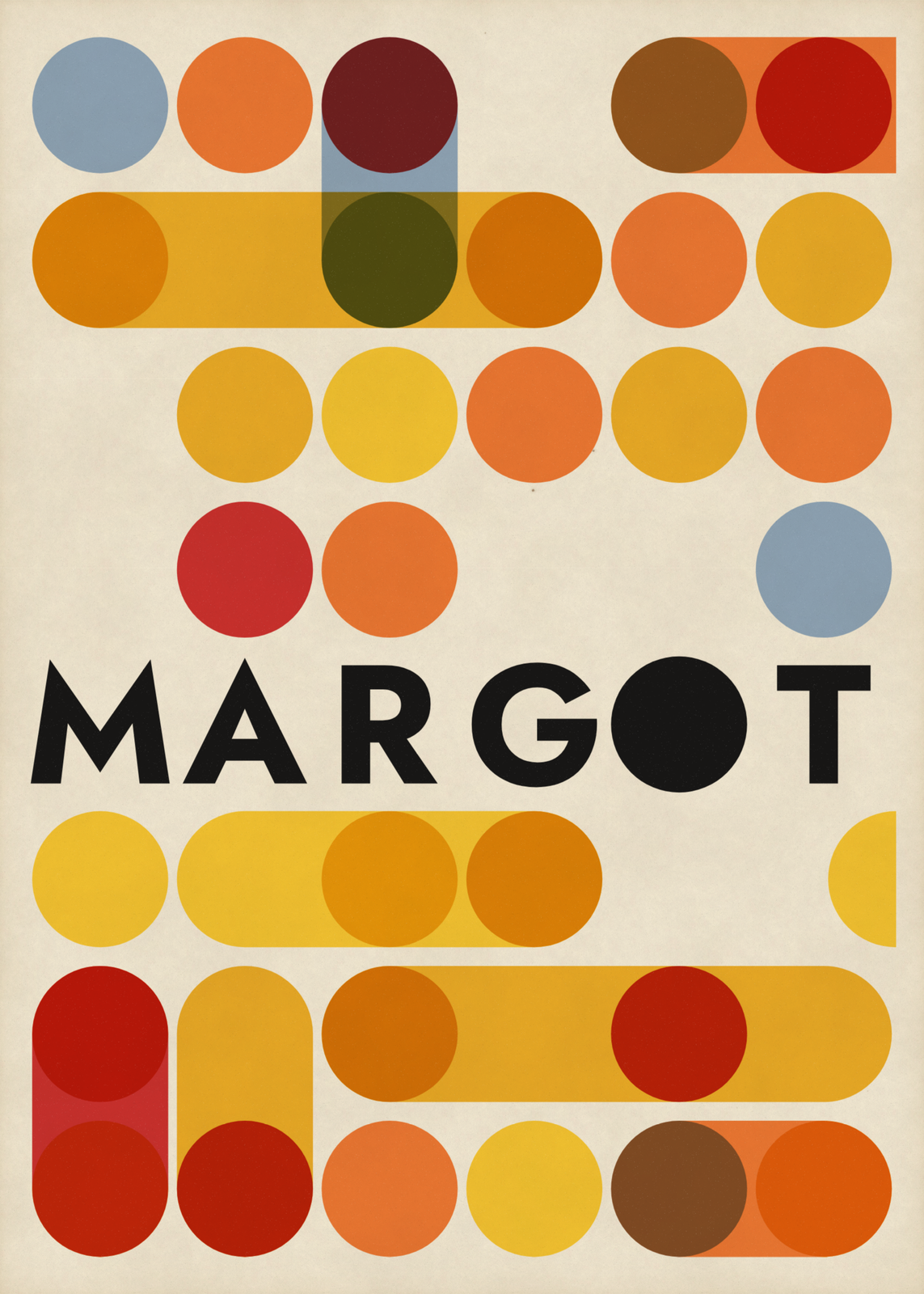 The name Margot in black capitals, its O a black circle, among overprinted circles and capsules in mustard, orange and redEdit this →More mid century modern poster →
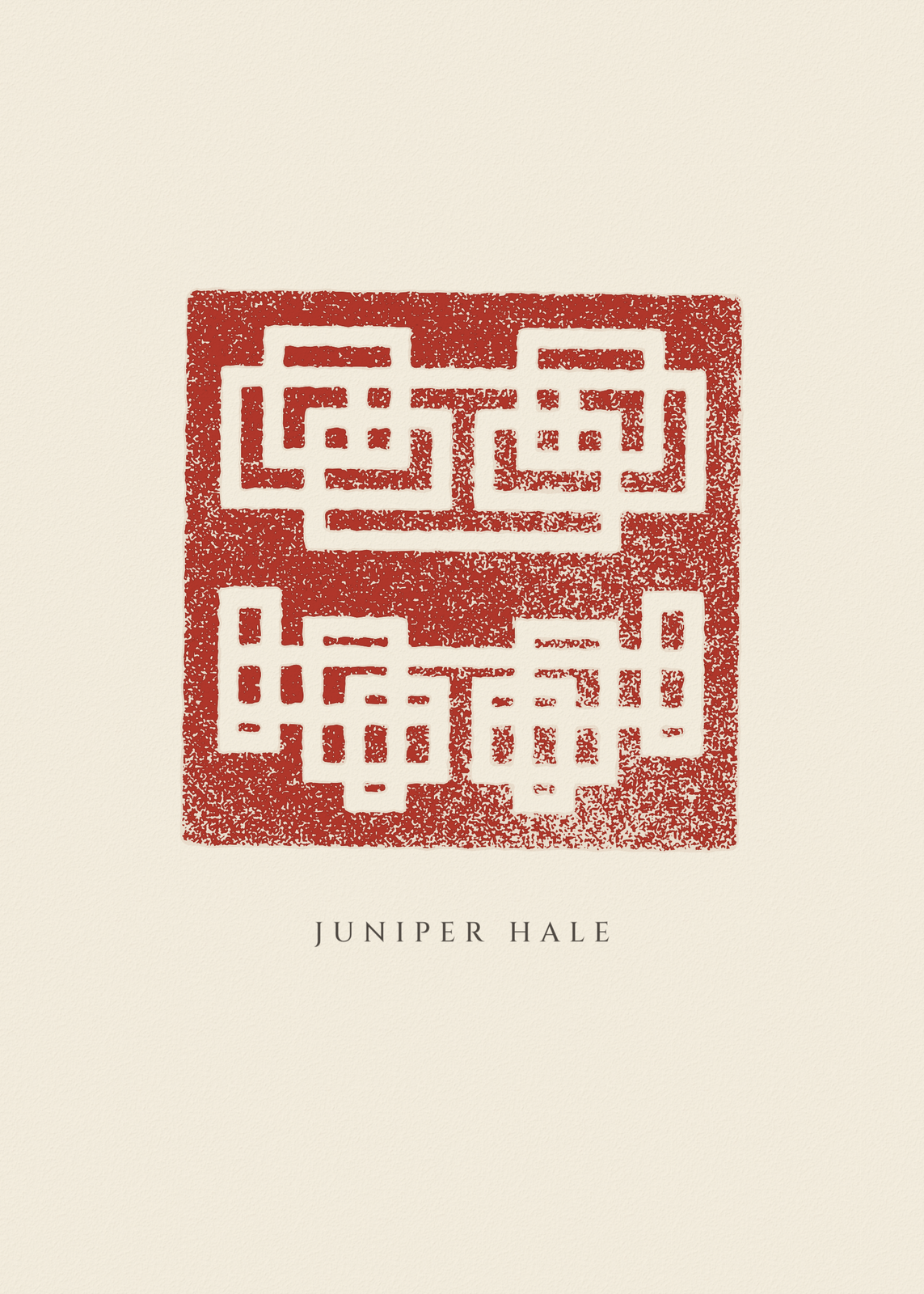 A red seal carved from a name, white lines cut into cinnabarEdit this →More chinese name stamp →
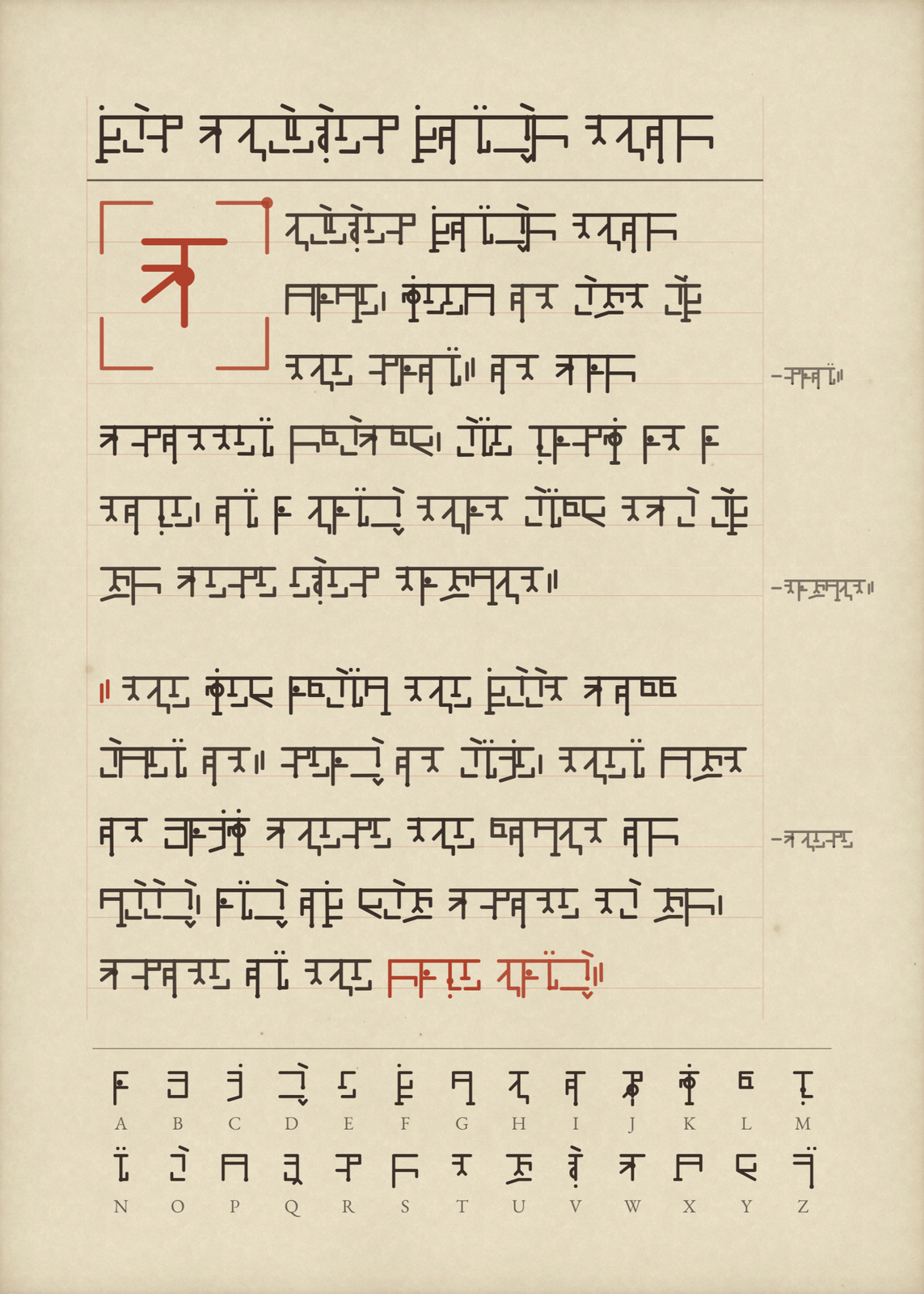 A name written in an invented alphabet on a manuscript page, with its key along the footEdit this →More secret alphabet →
Family names in folk art
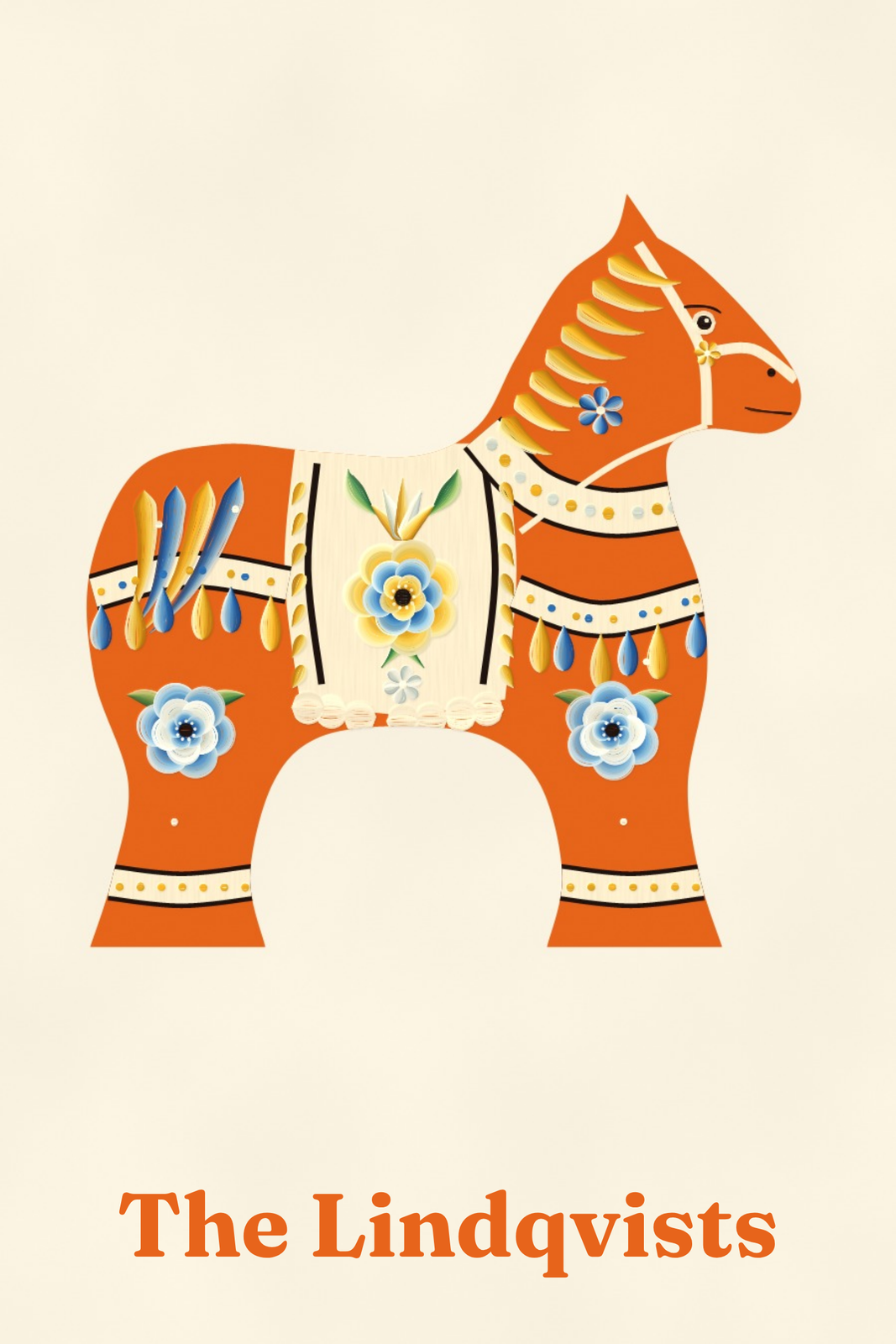 An orange Dala horse painted with blue flowers and a white harness, over The Lindqvists in orange on creamEdit this →More scandinavian folk art →
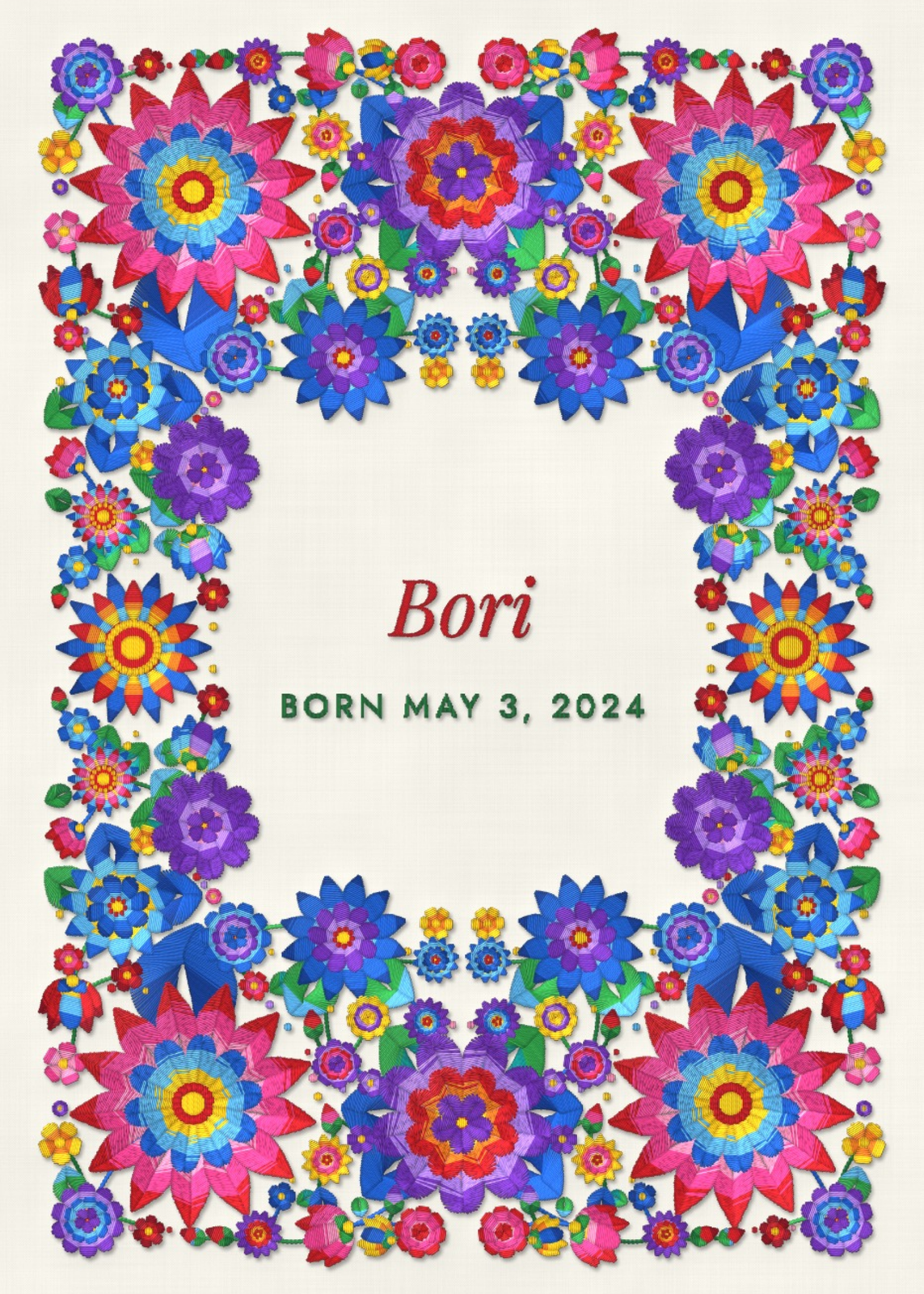
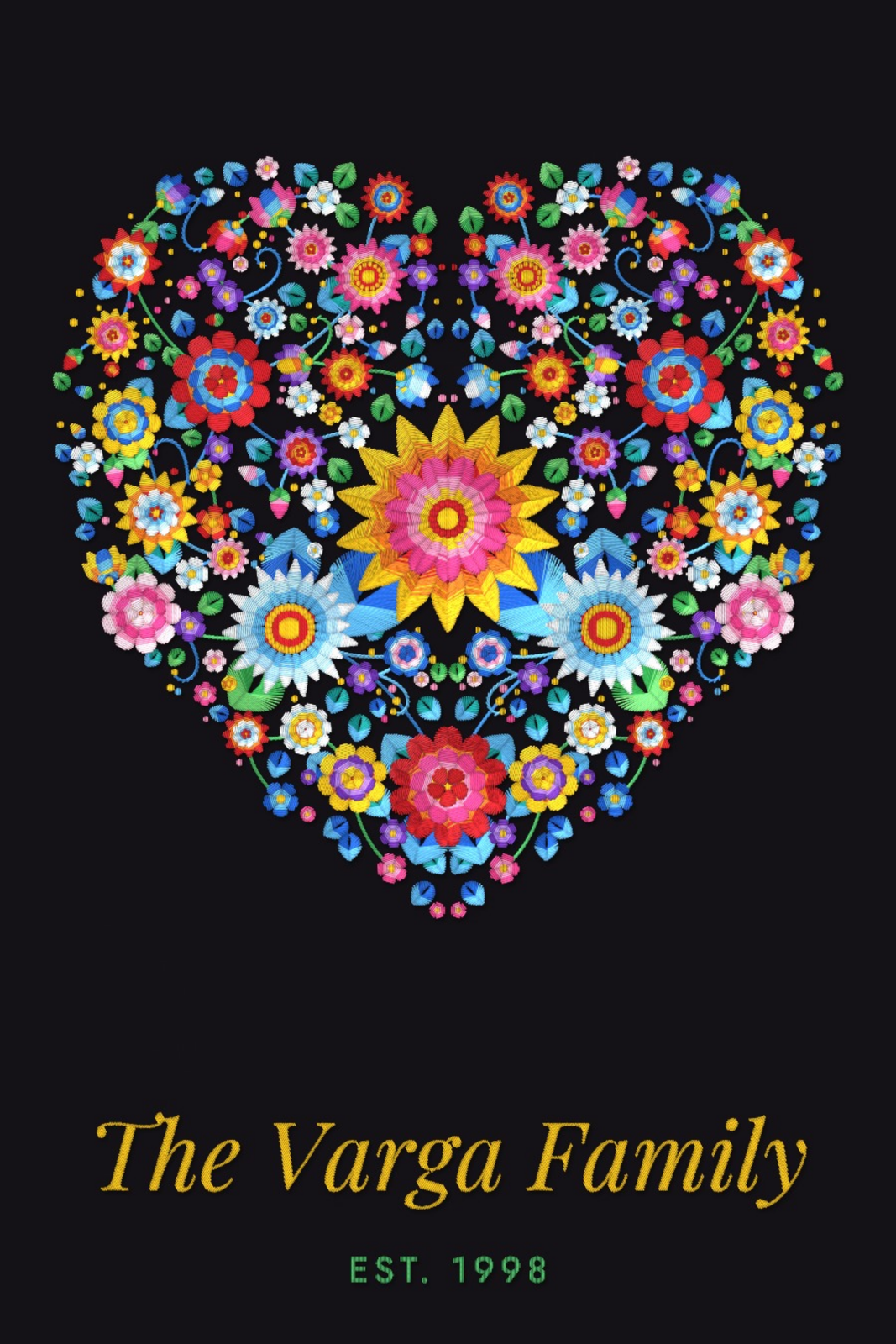 Kalocsa embroidery heart of bright satin-stitch flowers on black, over The Varga Family in gold script and Est. 1998Edit this →More hungarian folk art →
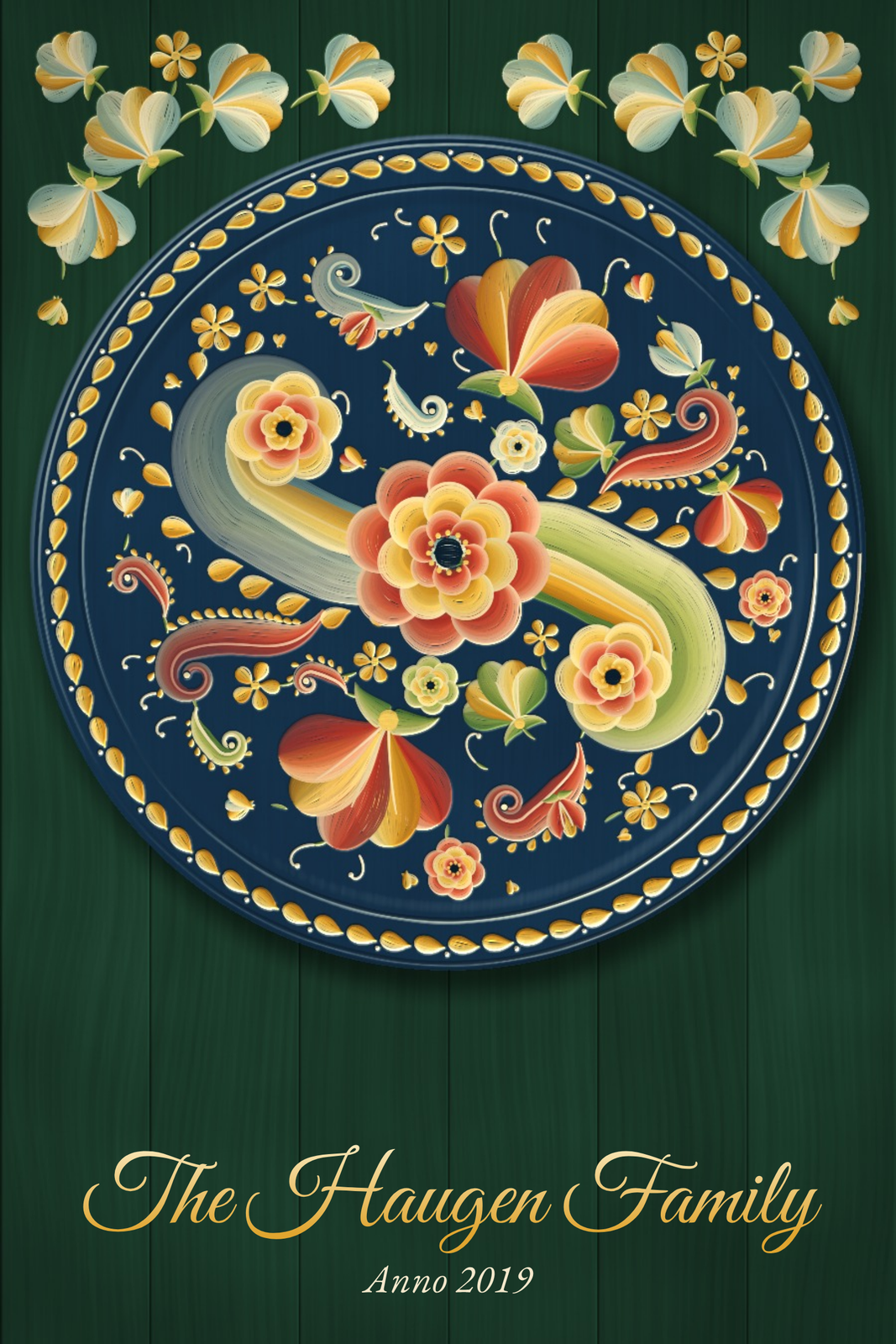 A rosemaled plate of red and gold flowers and scrolls on deep blue, on dark green boards under painted flowers, with The Haugen Family in gold script and Anno 2019Edit this →More rosemaling →
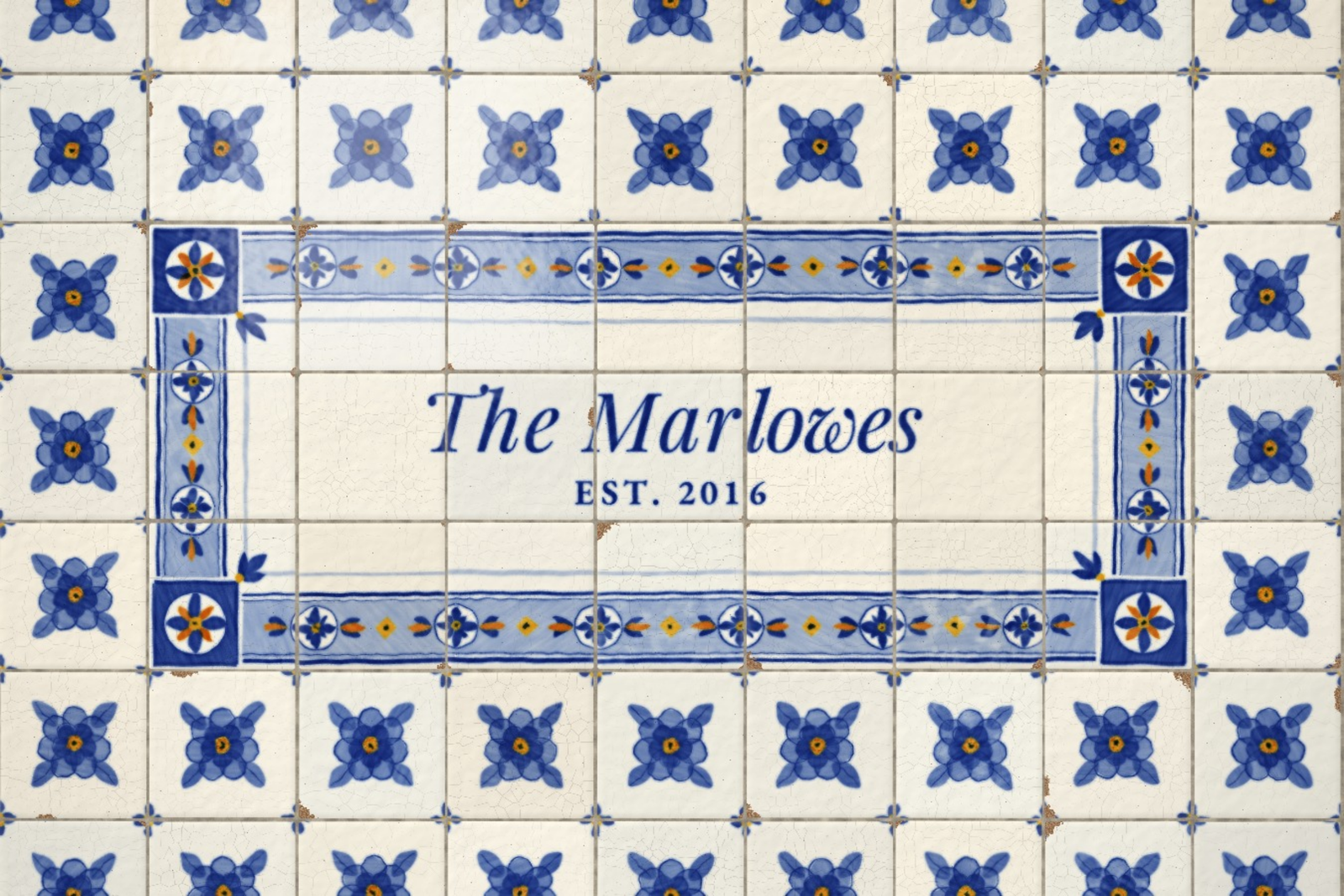 Blue and white azulejo tiles framing a plain panel lettered The Marlowes, Est. 2016, in blueEdit this →More portuguese tile art →
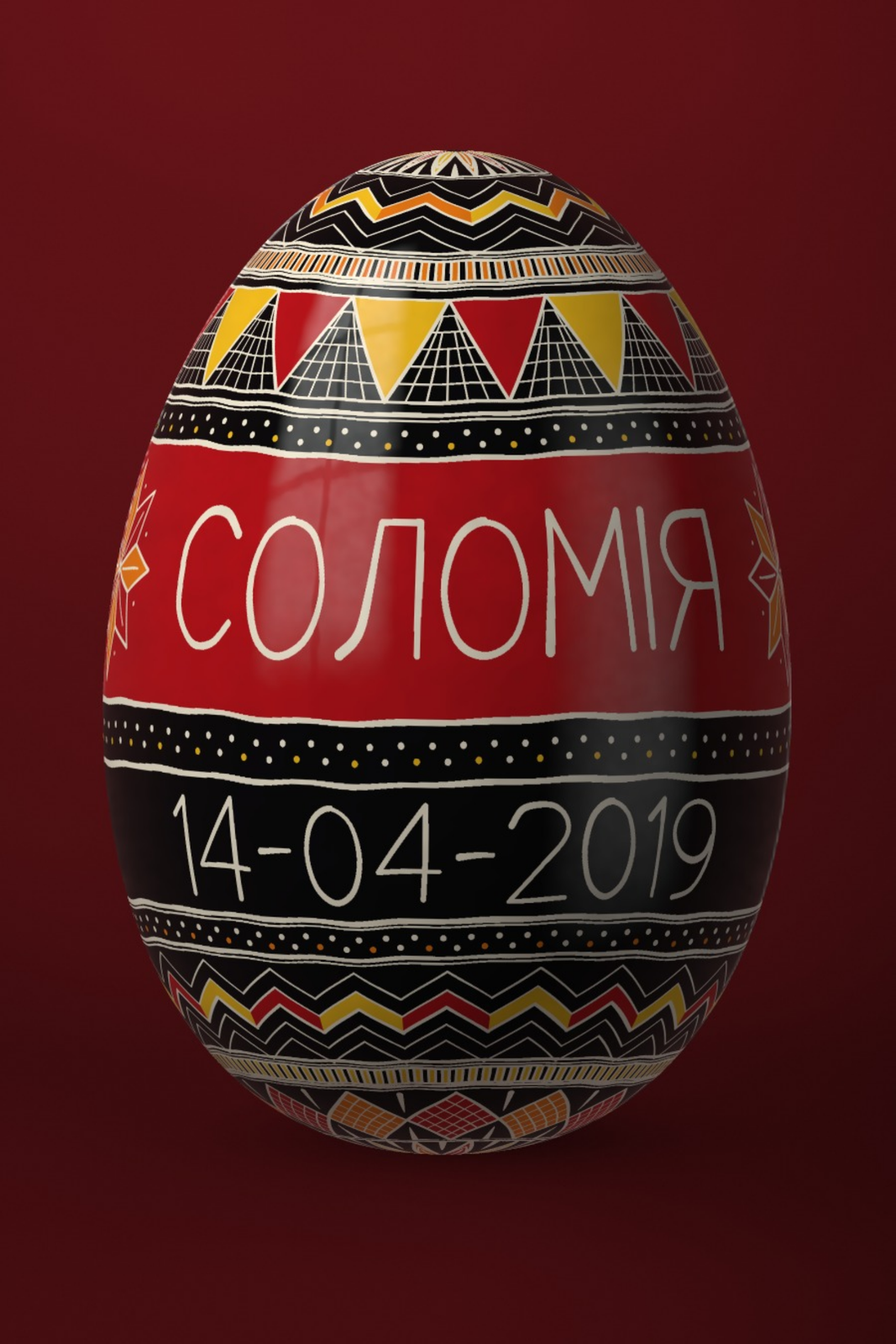 A Ukrainian pysanka egg in red, black and gold with the name Соломія and the date 14-04-2019 written round its belt, on dark redEdit this →More ukrainian folk art →
A name in letters, signs and type
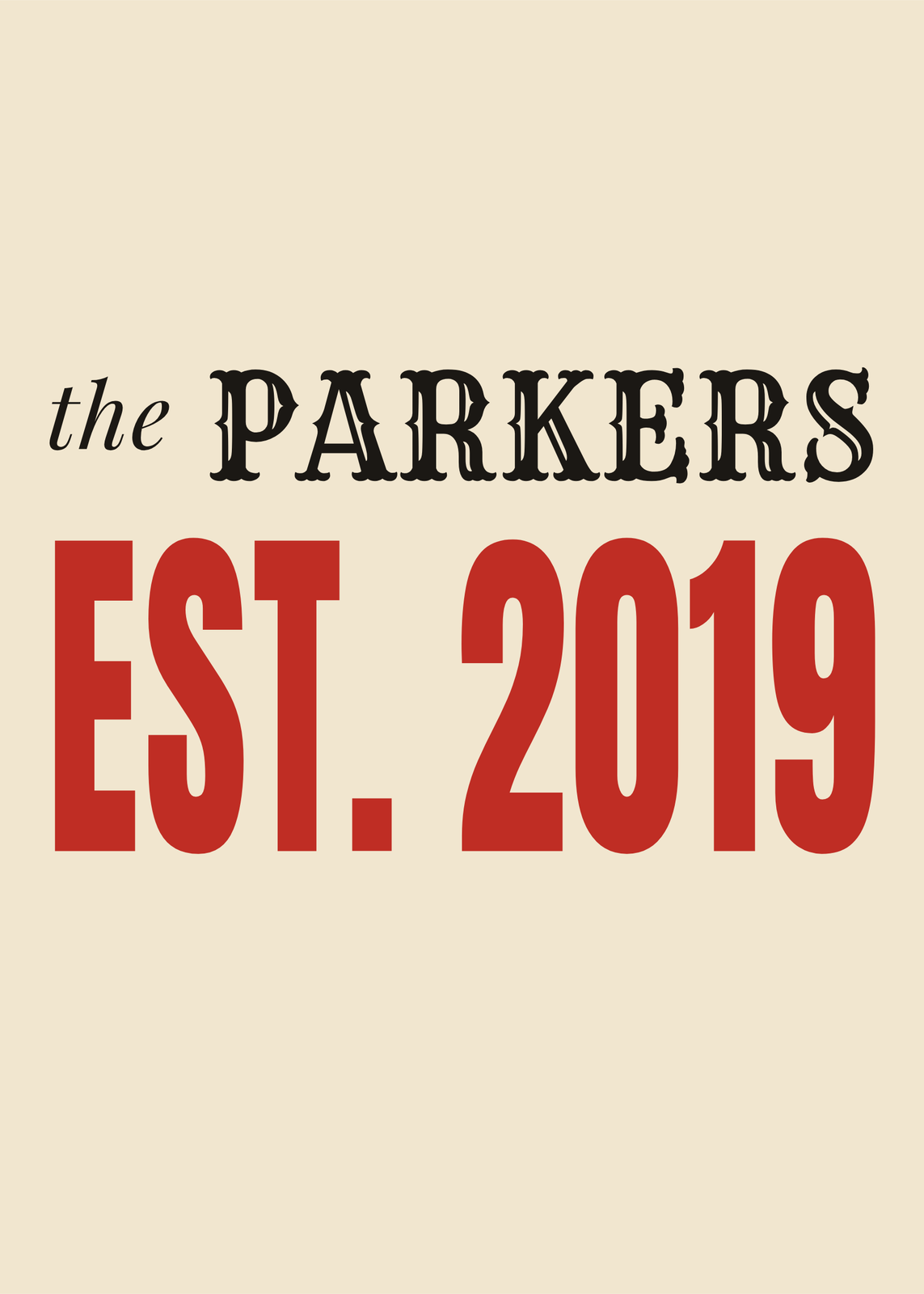 Letterpress family name sign: the Parkers in black wood type over a huge red Est. 2019, on creamEdit this →More letterpress poster →
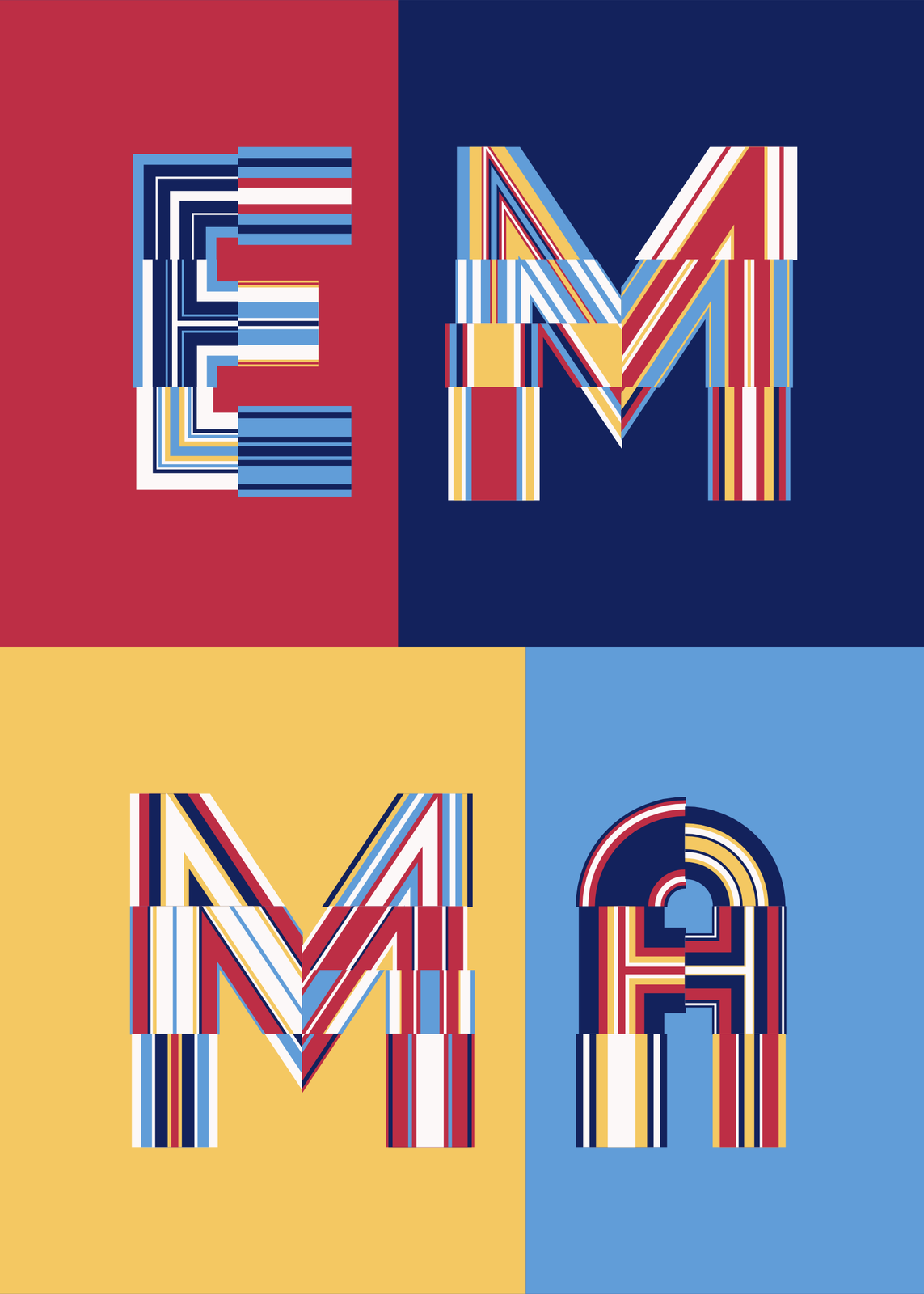 The name Emma in big striped letters, each on its own block of red, navy, yellow or blueEdit this →More letter art →
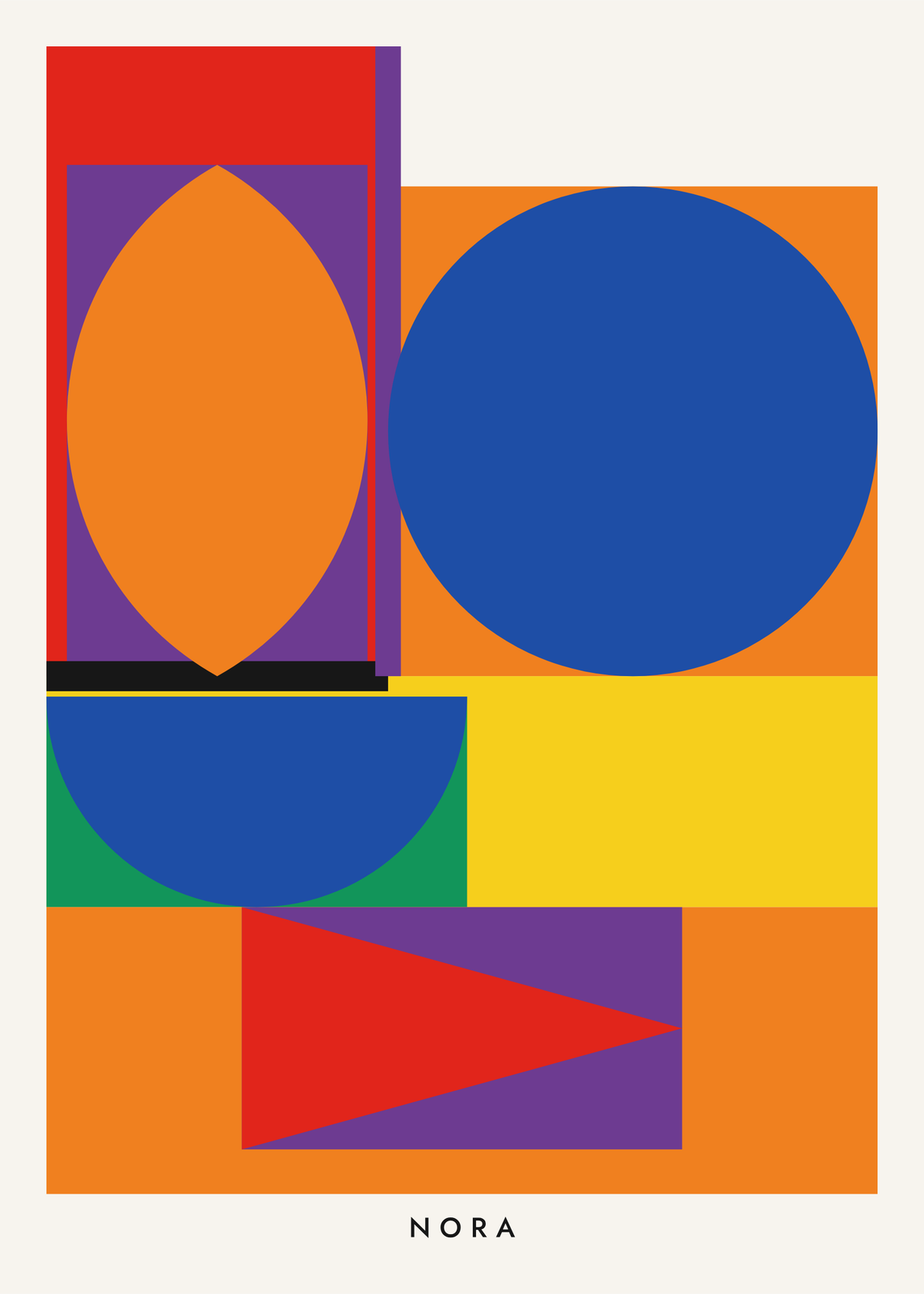 The name Nora in a shape alphabet: each letter a block of flat shapes, an orange leaf on purple, a blue circle on orange, a blue half disc on green and yellow, a red triangle on purple, NORA small belowEdit this →More alphabet poster →
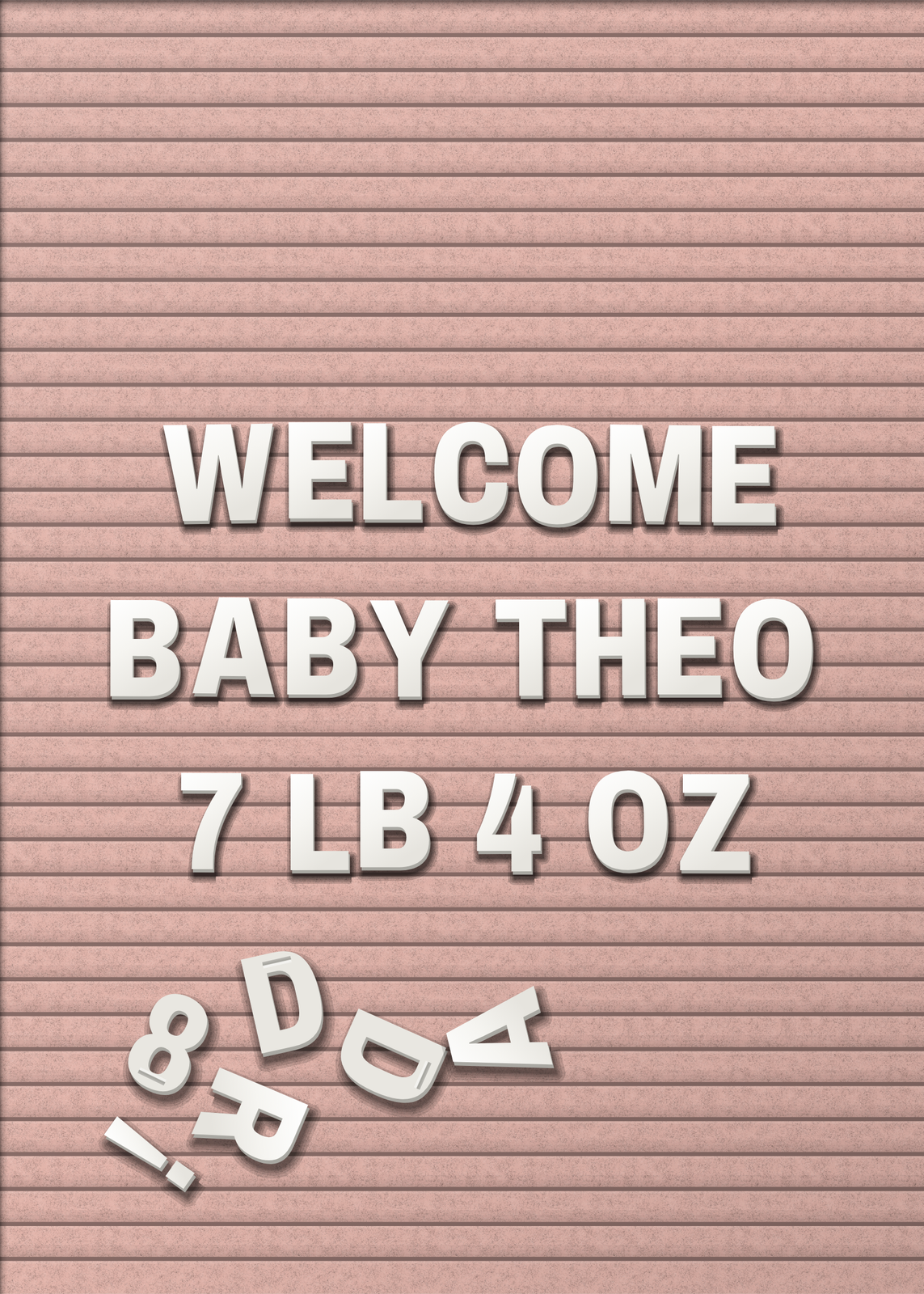 Letter board of white letters on pink felt reading Welcome Baby Theo, 7 lb 4 oz, spare letters tumbled belowEdit this →More letter board posters →
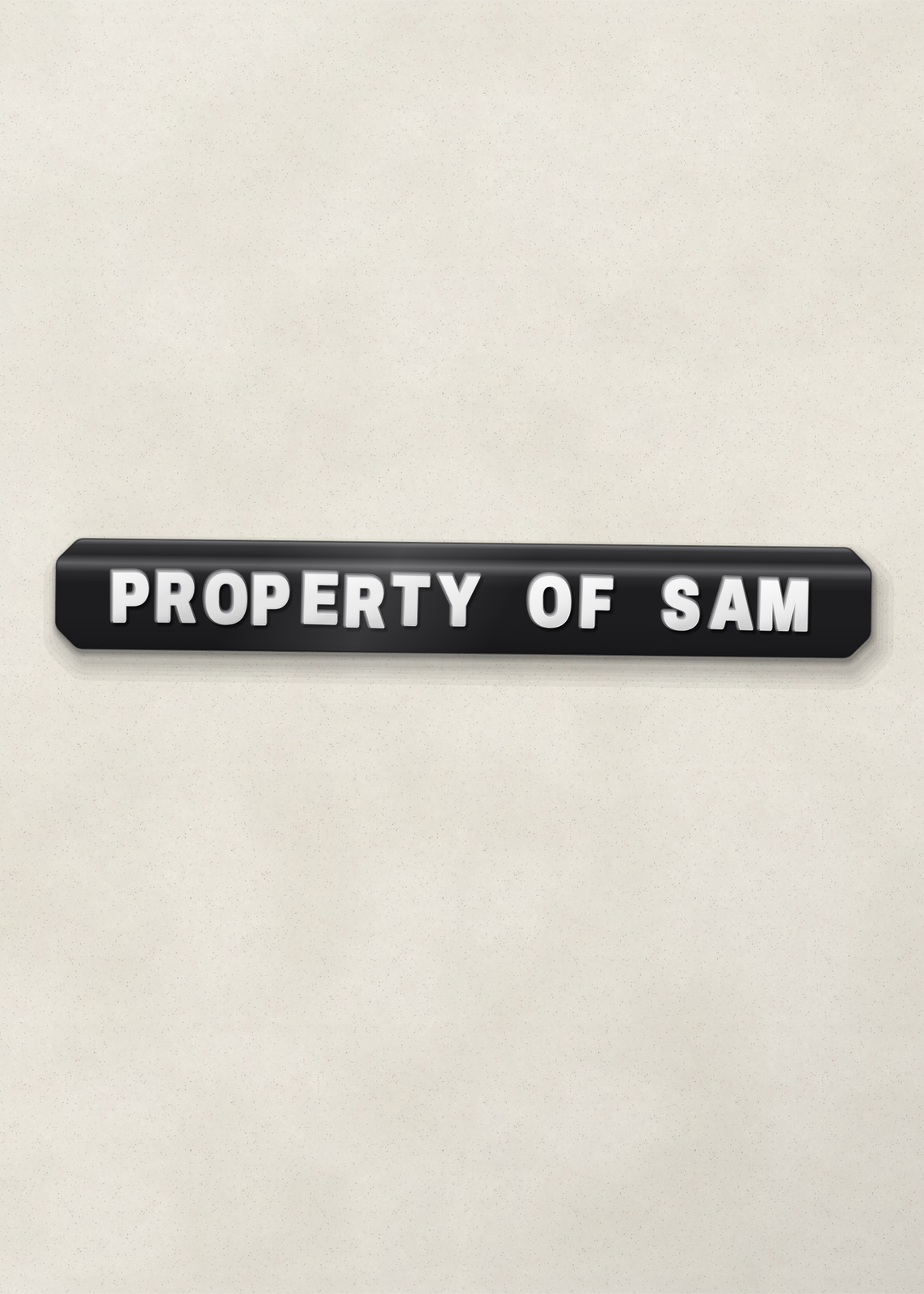 One strip of black embossed label tape reading Property of Sam on a pale wallEdit this →More embossing label poster →
A name woven into a pattern
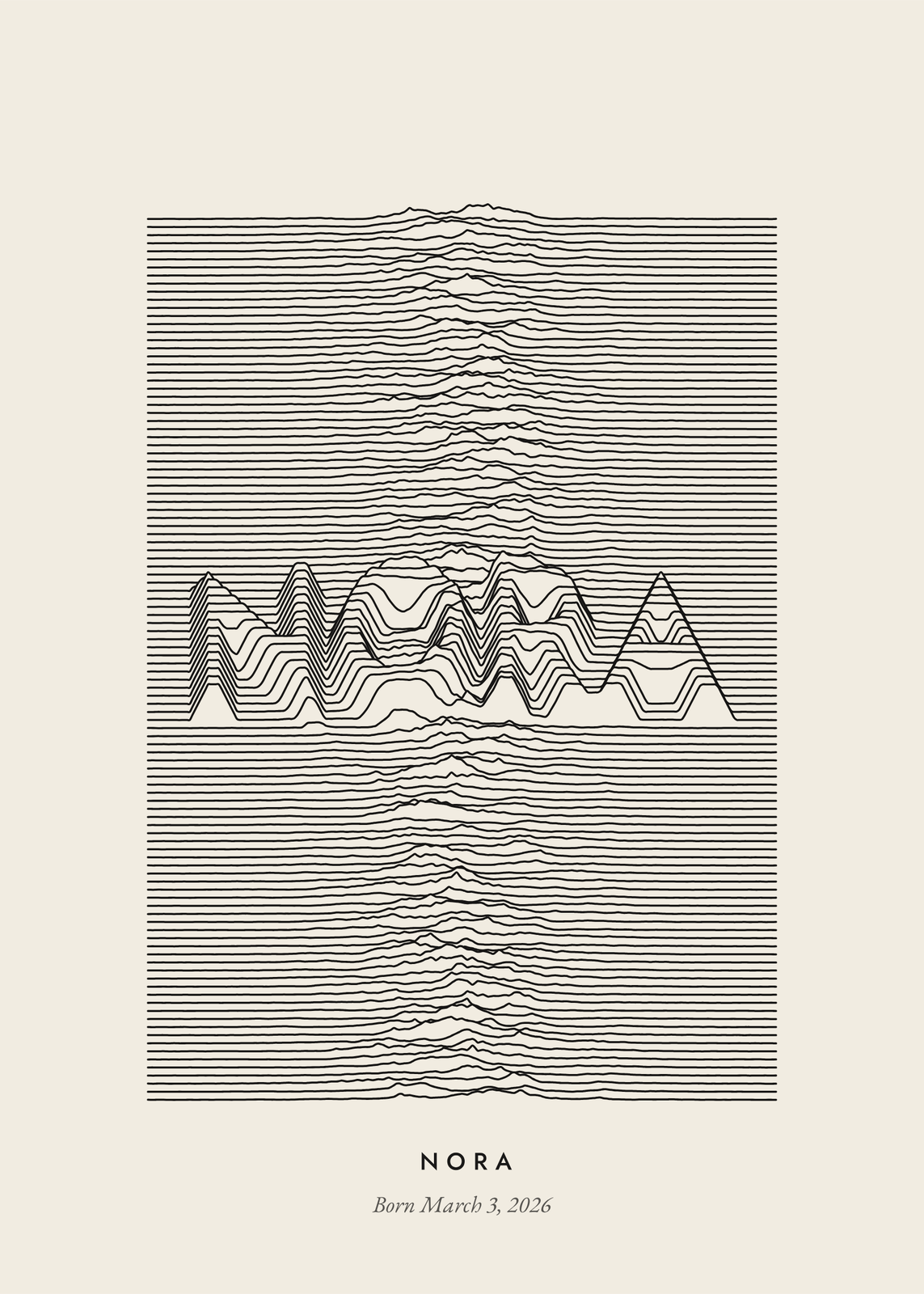 The name Nora rising out of stacked black ridgelines on cream, with Born March 3, 2026 belowEdit this →More ridgeline poster →
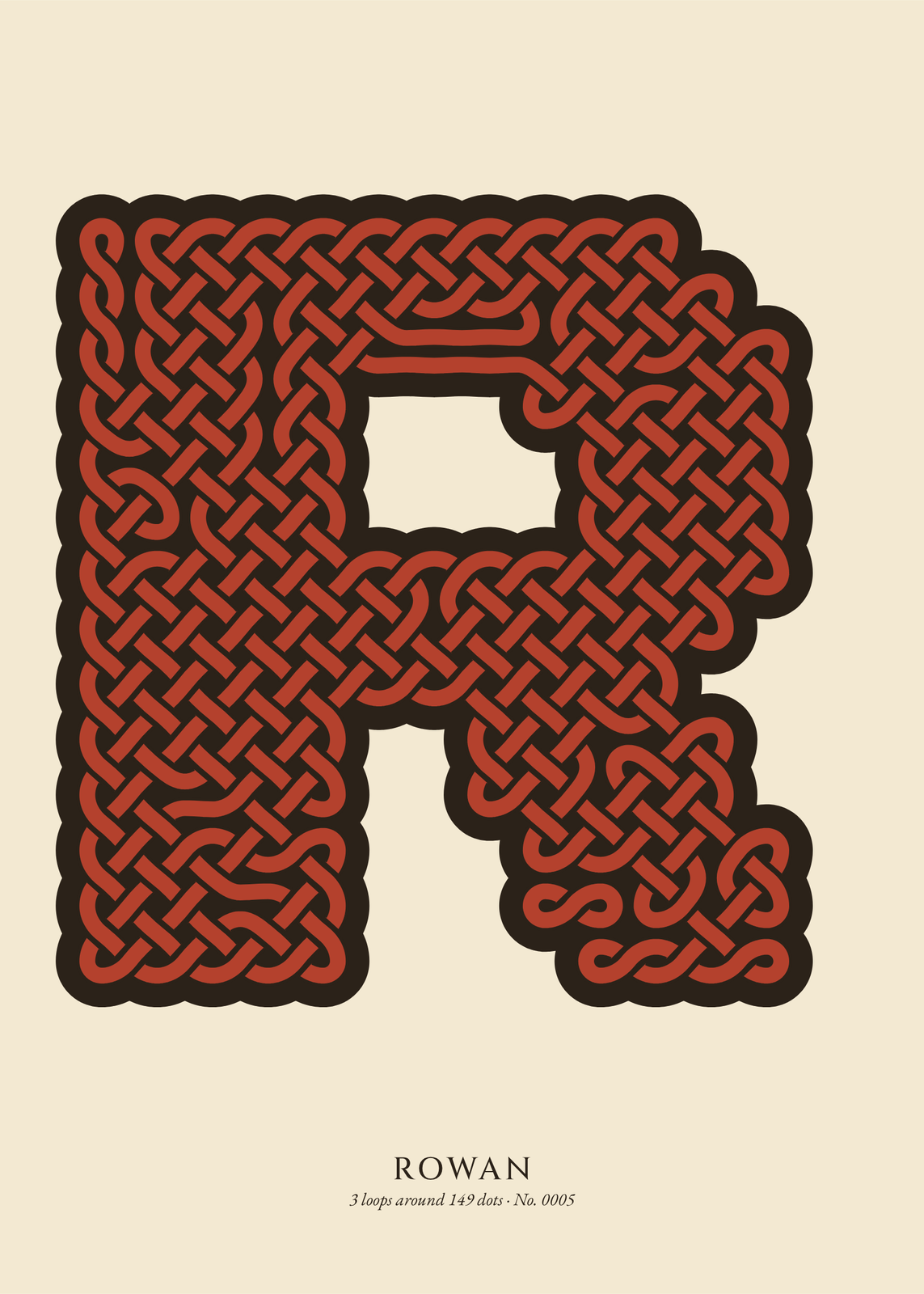 The initial R filled with rust red Celtic knotwork in a black outline, the name Rowan below on creamEdit this →More celtic knot art →
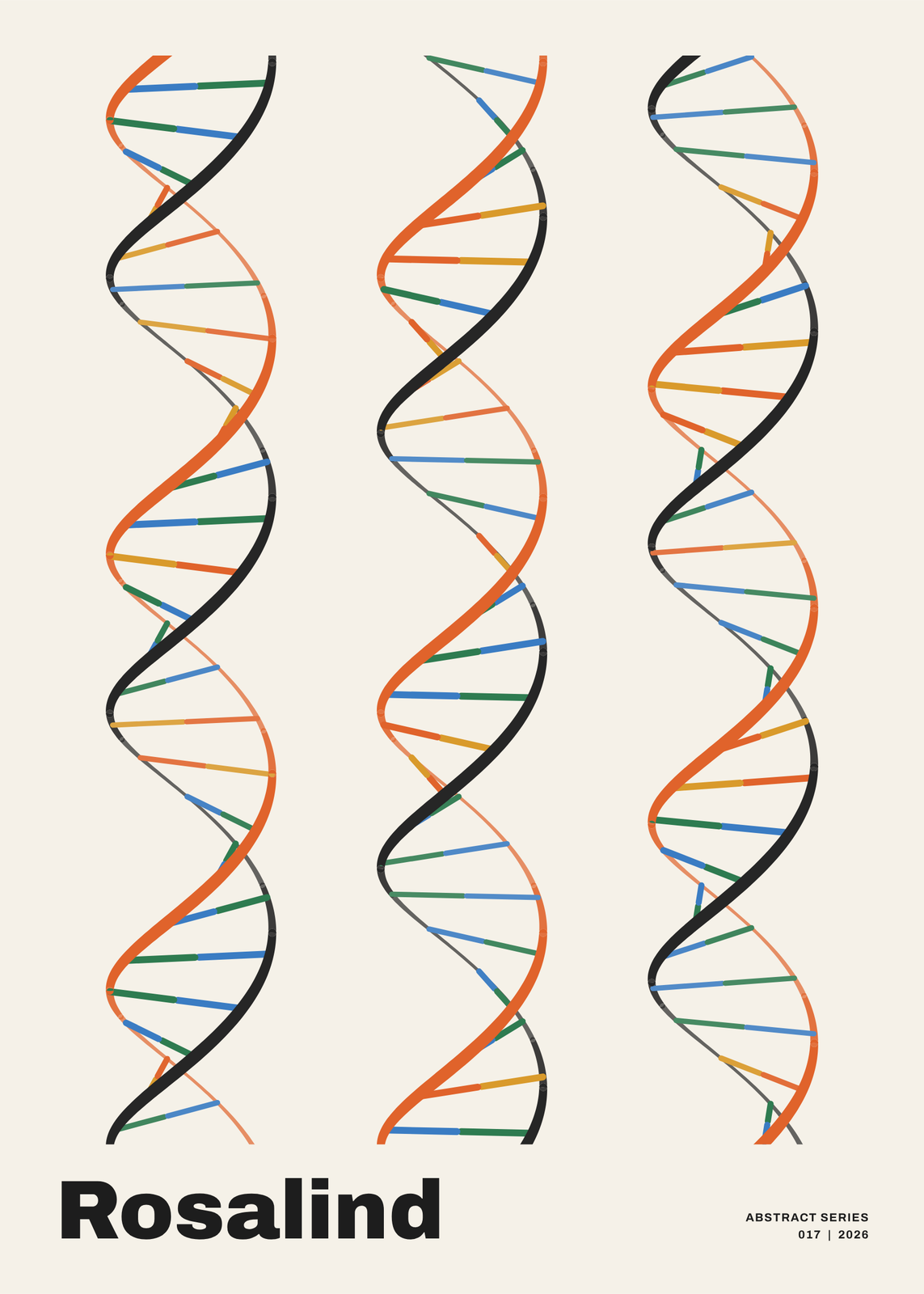 Three DNA double helixes in orange and black, their base pairs in blue, green, yellow and orange spelling a name, titled RosalindEdit this →More abstract art →
Ten ways to turn names into art
- Family Crossword: everyone's names interlocked like a filled-in crossword, with the family name across the middle. Every square is filled in; it's a picture of the family, not a puzzle.
- Name word search: one name hidden exactly once in a grid made only of its own letters. A real puzzle that kids can solve on the wall.
- Monogram: one to three initials drawn as a crest, with the names and a date underneath.
- Neon Sign: a name or initials bent into glowing tubes on a brick, plaster or concrete wall. It's a print of a neon sign, glow and all.
- Type Specimen: your name presented as a typeface, on a foundry's sheet with a giant glyph, the character set and a waterfall of sizes.
- Letter Tiles: everyone's names interlocked in wooden tiles on a table, rendered in 3D with spare tiles scattered around.
- Alphabet Blocks: a name spelled in wooden blocks, natural or painted, with more blocks tumbled around it.
- Dot Art: a name or initials on a calm grid of dots, the letters' dots fused into one shape.
- Name Seal: a red seal carved from your name, like a hanko or a Chinese name chop.
- Secret Script: a name or a short letter in an invented alphabet, with the key along the foot so it can be read.
How to make family name wall art
- Type the family name and then the names, one per line: parents, kids, grandkids, even the dog.
- Pick a style: letter tiles, crossword boxes or plain letters.
- Choose the colors and the typeface, and add a title or a line such as “Est. 2012”.
- Pick the paper size and download the print file.
Where it fits
A family name sign by the front door or in the hallway, a gallery wall of names in the living room, a kid's own name over the bed. Name art also makes an easy personal gift: a crossword of the grandkids for grandparents, a word search for a birthday, a monogram for a wedding.
Folk makers paint a family name too: under a Dala horse, a Kalocsa heart or a rosemaled plate, in a panel of Portuguese tiles or round a Ukrainian egg. Others set it in wood type, on a letter board or in label tape, or hide it in ridgelines, a knot or a strand of DNA.
Questions
What is name art?
Wall art built from names rather than pictures: a family's names set in a grid, a name hidden in a puzzle, or initials drawn as a monogram. The names are the design.
How many names fit on a family crossword?
Up to 16 names in all, the family name included. Each name needs 2 to 14 letters.
Can I use it as a family name sign?
Yes. Put the family name as the spine, add a title and a line like “Est. 2012”, and print it at the size you want to hang.
What do I get?
You design the poster in the editor and download a 300 DPI JPEG, free in US Letter, 8 × 10, 11 × 14, 12 × 16 and 12 × 18 in, A4 and A3. Larger prints are coming soon.
Related
- Family crosswordeveryone's names, crossing at shared letters
- Name word searchone name, hidden exactly once
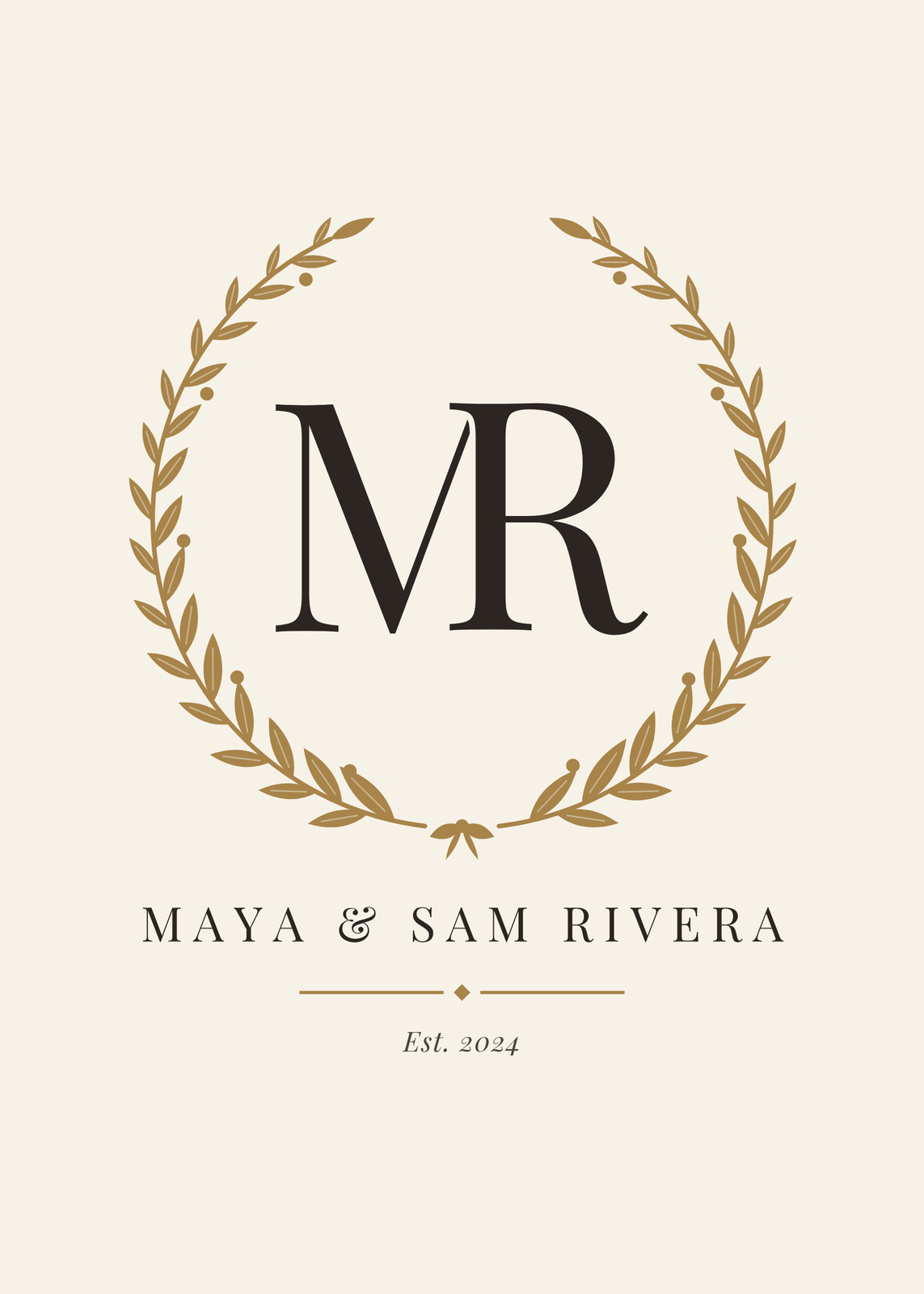 Monogram makeryour initials, set like a crest
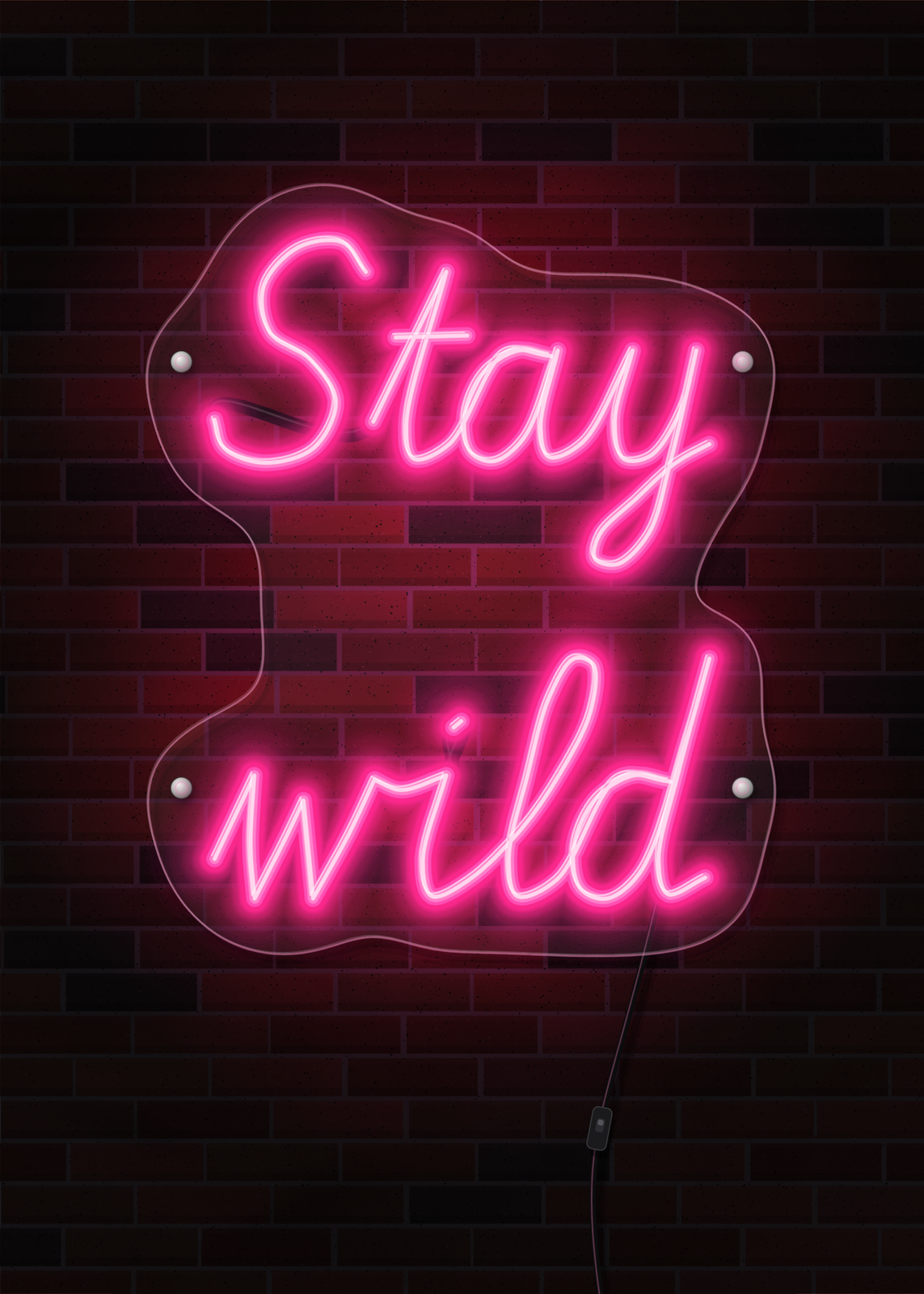 Custom neon sign posteryour words in glowing tubes, as a print with nothing to wire up
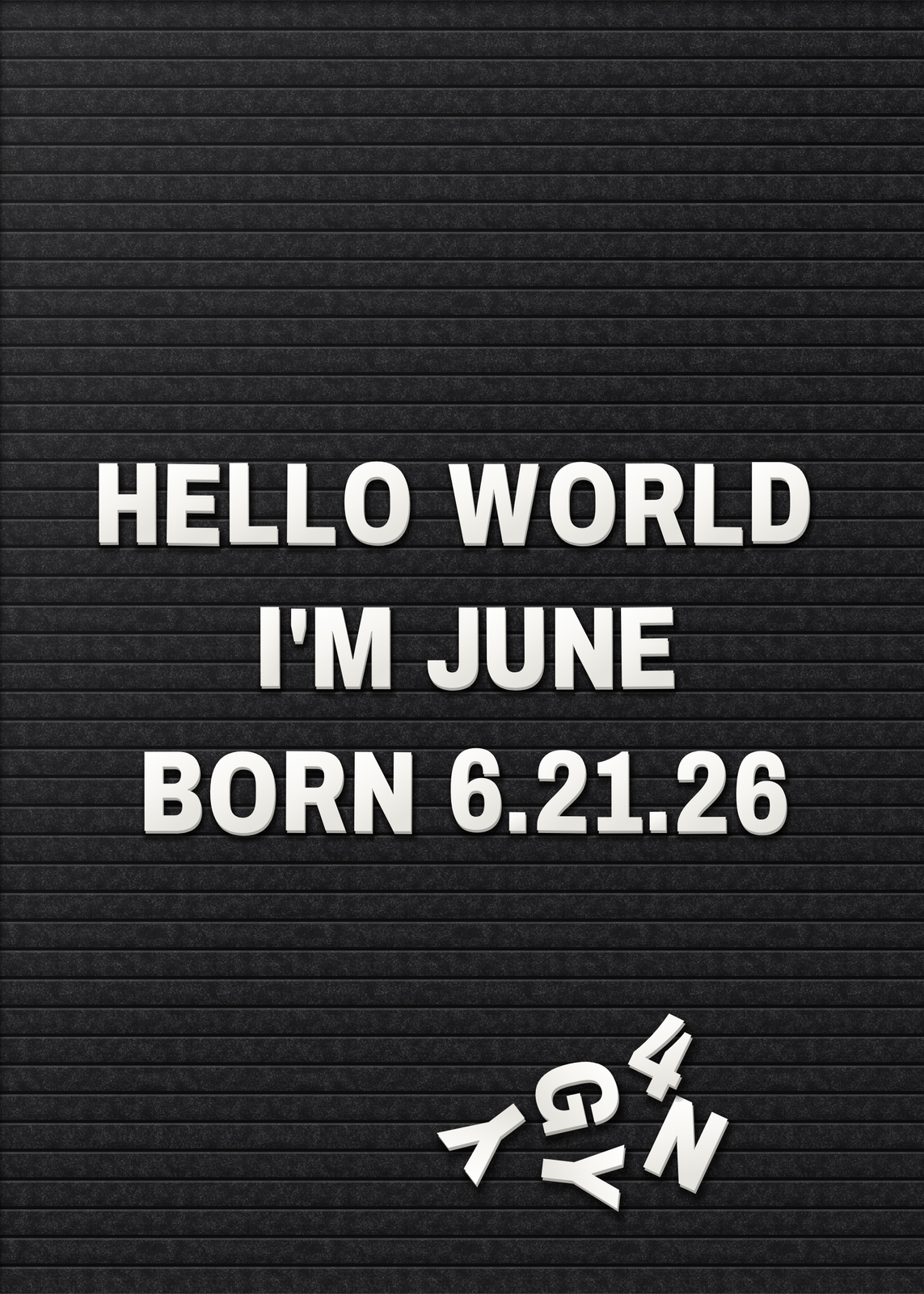 Letter board posterthe look of a felt letter board, with no letters to lose
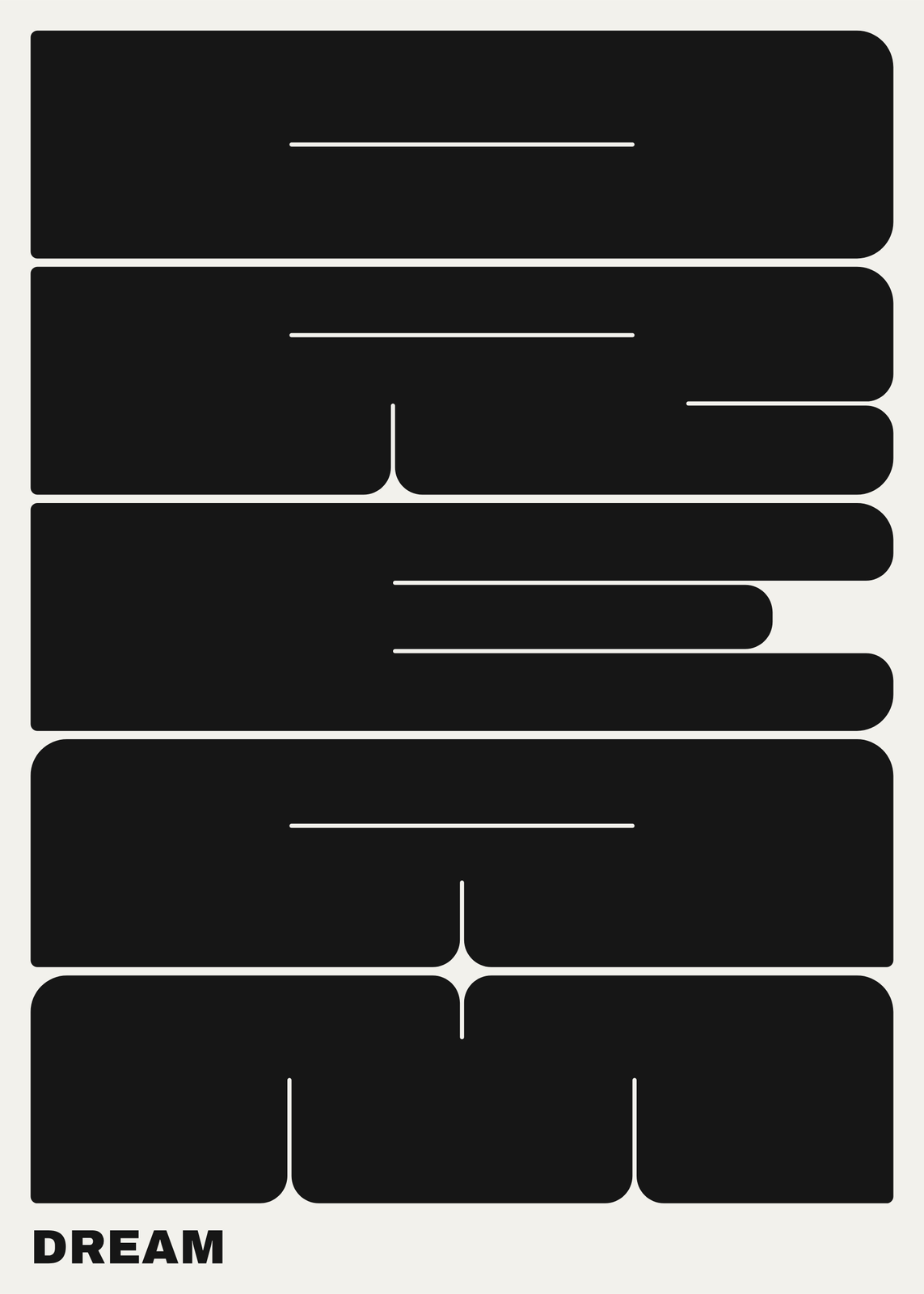 Typography posterone word in giant slabs, a wood-type bill or a typeface named after you
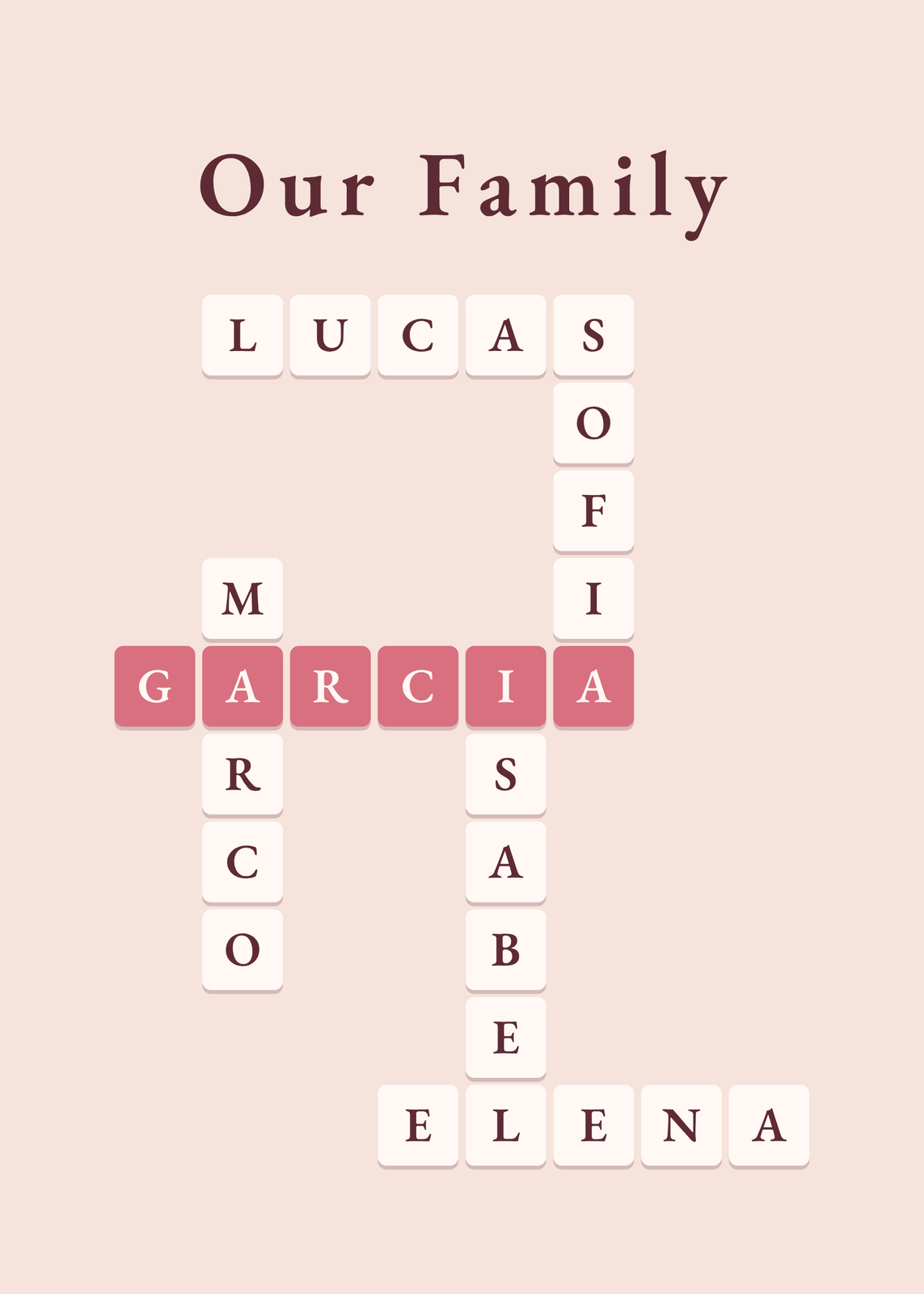 Mother's Day gift ideaspersonalized posters for mom
Gift ideas by occasion
Every example is made with the Posterage generators. Change anything, then download it as a 300 DPI JPEG.