Photo to art your picture redrawn in ink dots, characters, thread, pen lines or carved blocks
Upload a photo and choose how to redraw it: in thousands of ink dots, in keyboard characters, in a single pen line, in thread wound between nails, as a carved linoleum block, in columns of plotter marks, in a few hundred translucent shapes, through digital glitches or as a loop of colored light. Each maker reads the light, the dark and the color of your picture and rebuilds it from its own marks. Then pick the ink and paper, add a name or a date, and download a file ready to print. Further down, more makers take a photo too: pop art and halftone, WPAP, stained glass, mosaic, pixel and quadtree tiles, fluted glass, and rows of lines that rise with the light.
Nine ways to turn a photo into art
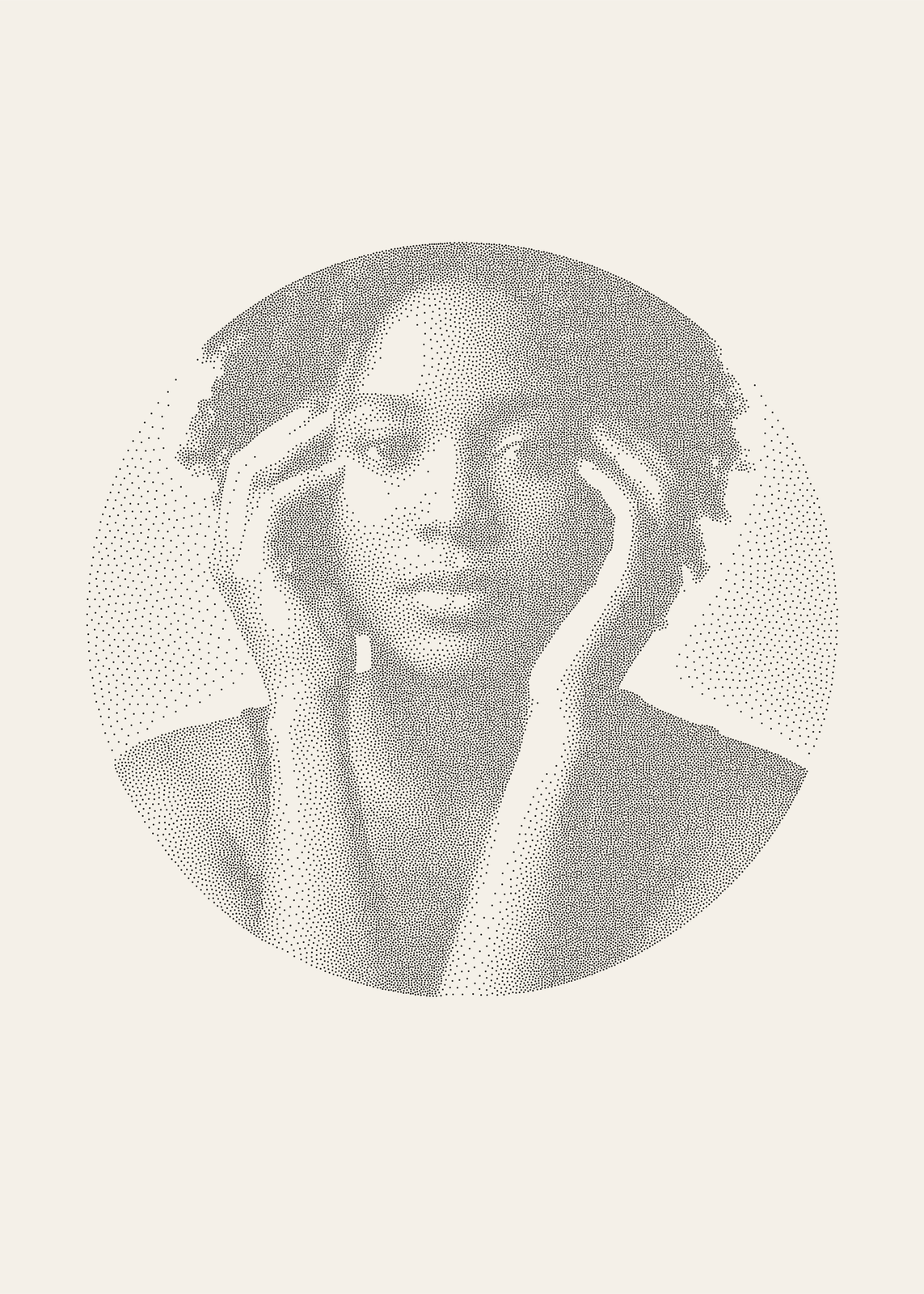 Stippling artyour photo in thousands of ink dots, crowded in the shadows and sparse in the light
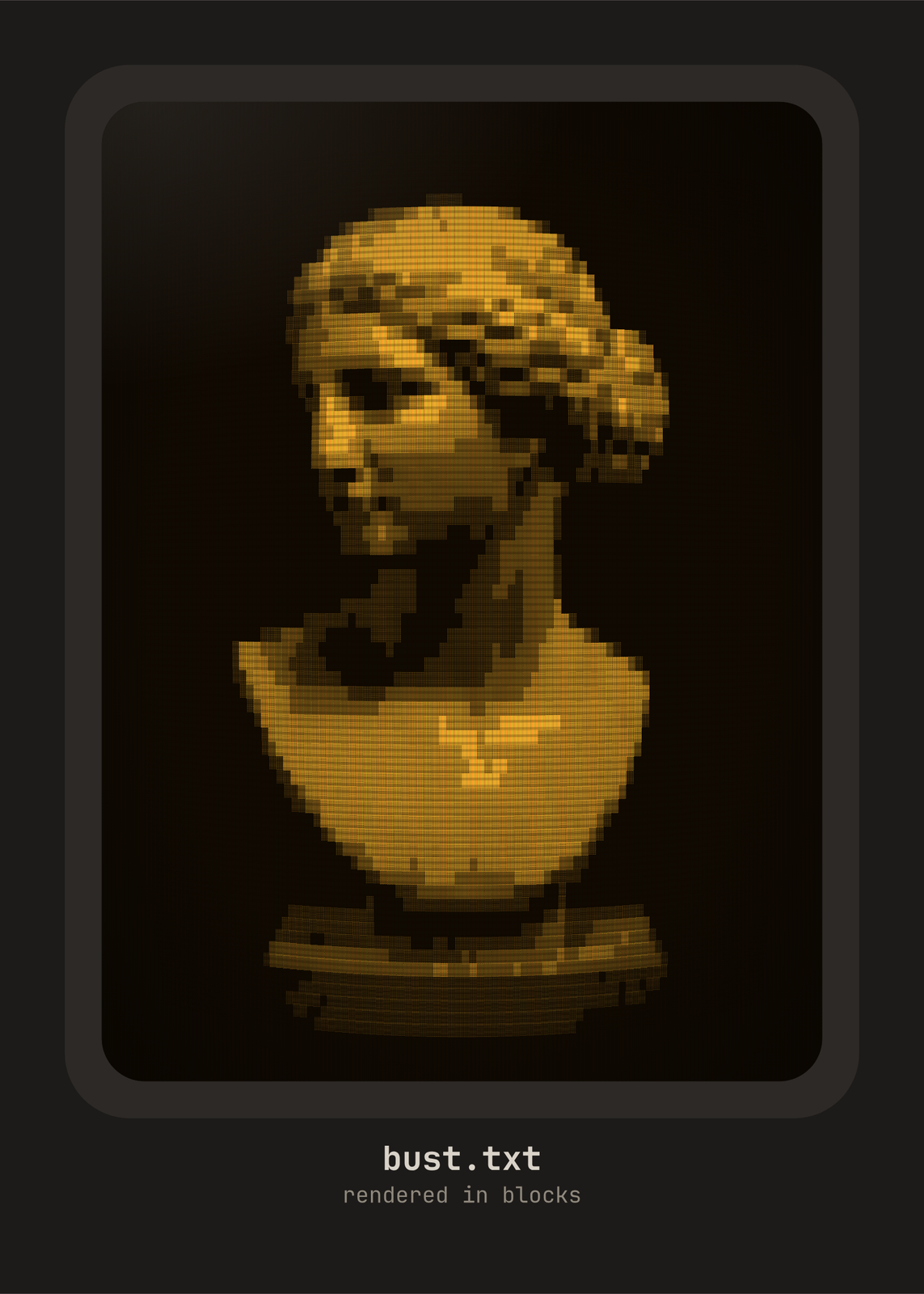 ASCII art generatoryour photo typed in letters, digits and blocks, on an old screen or plain paper
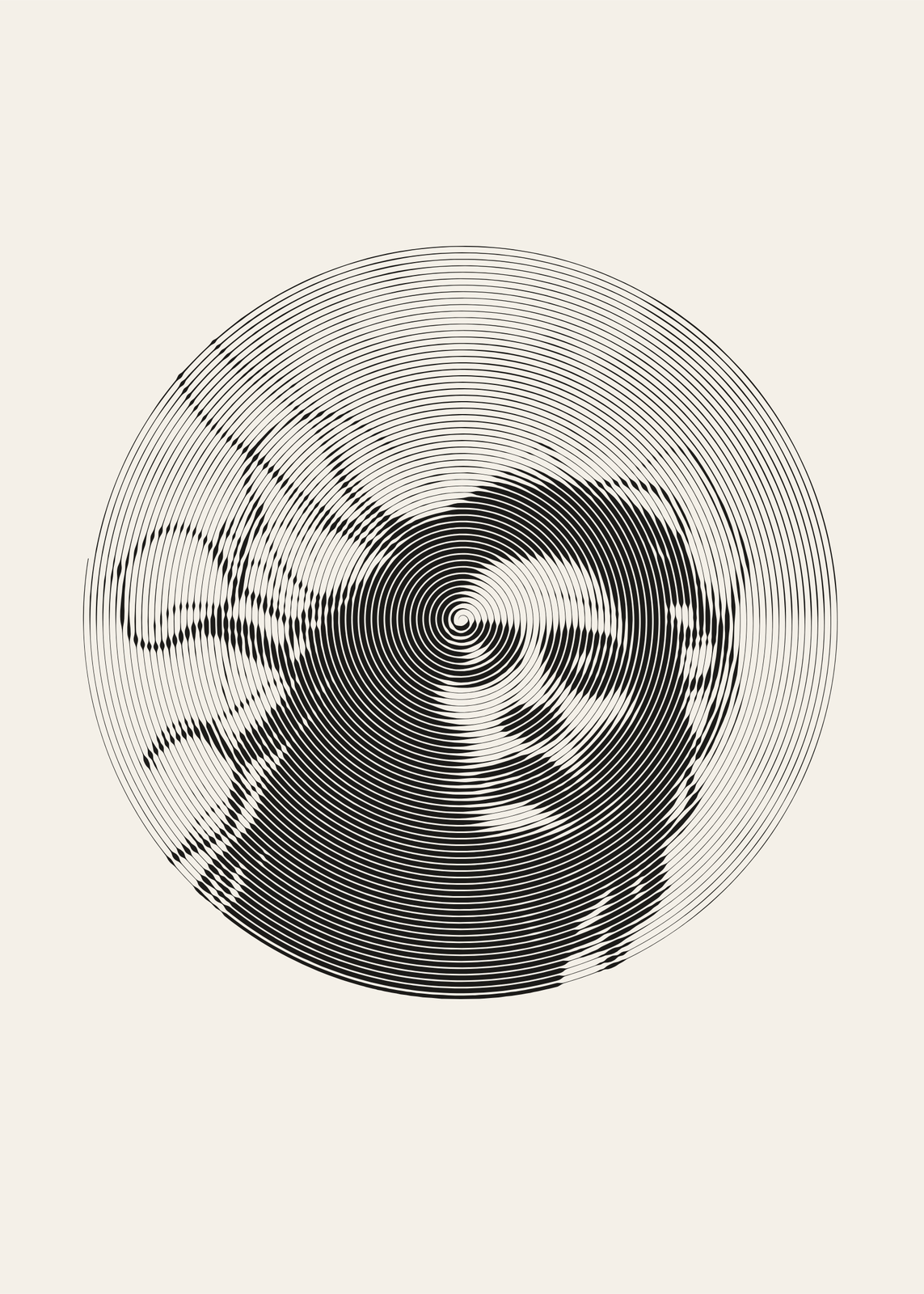 One line drawingyour photo drawn in a single pen line: a spiral, a scribble or waves
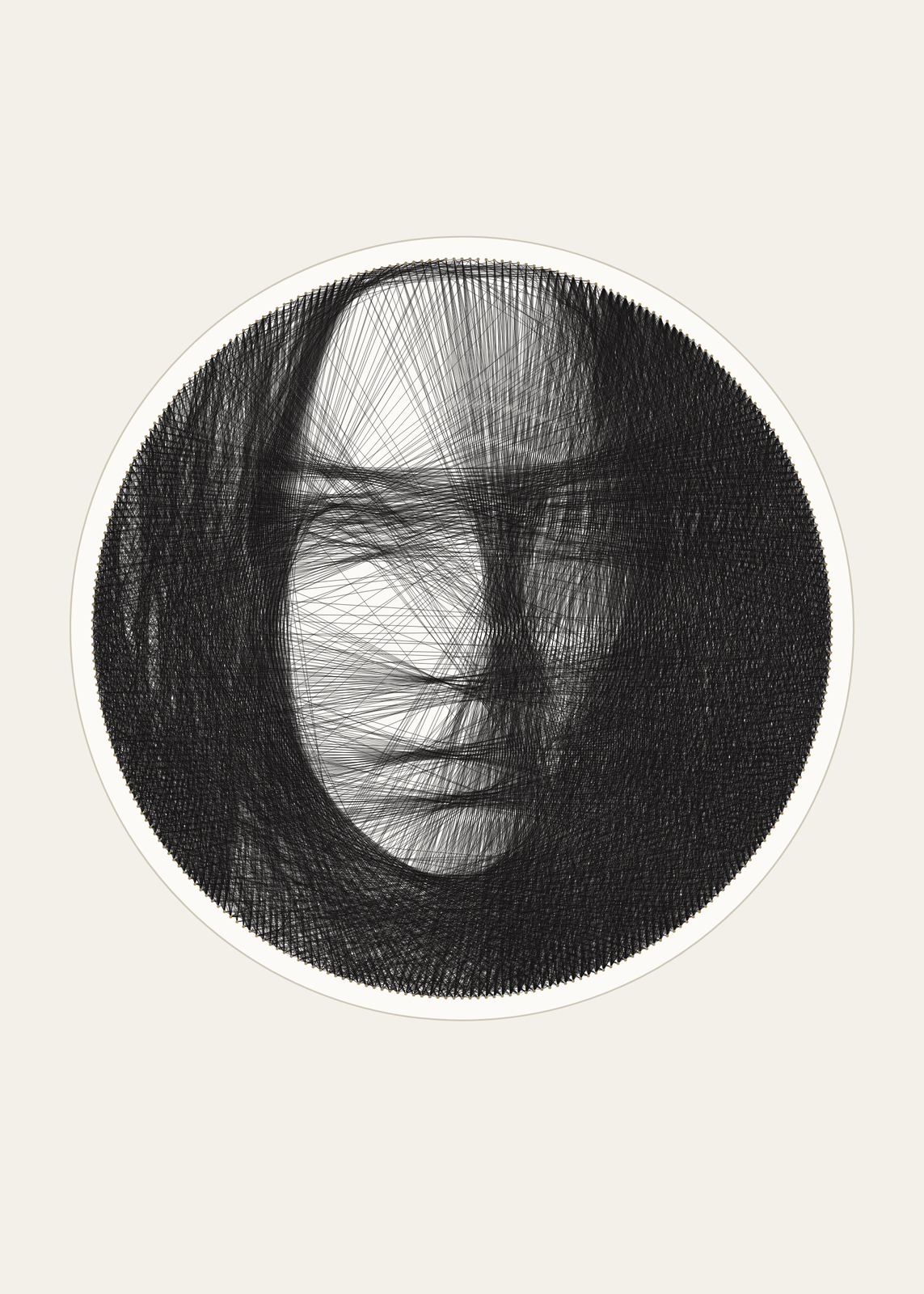 String art generatoryour photo as one thread wound thousands of times between nails
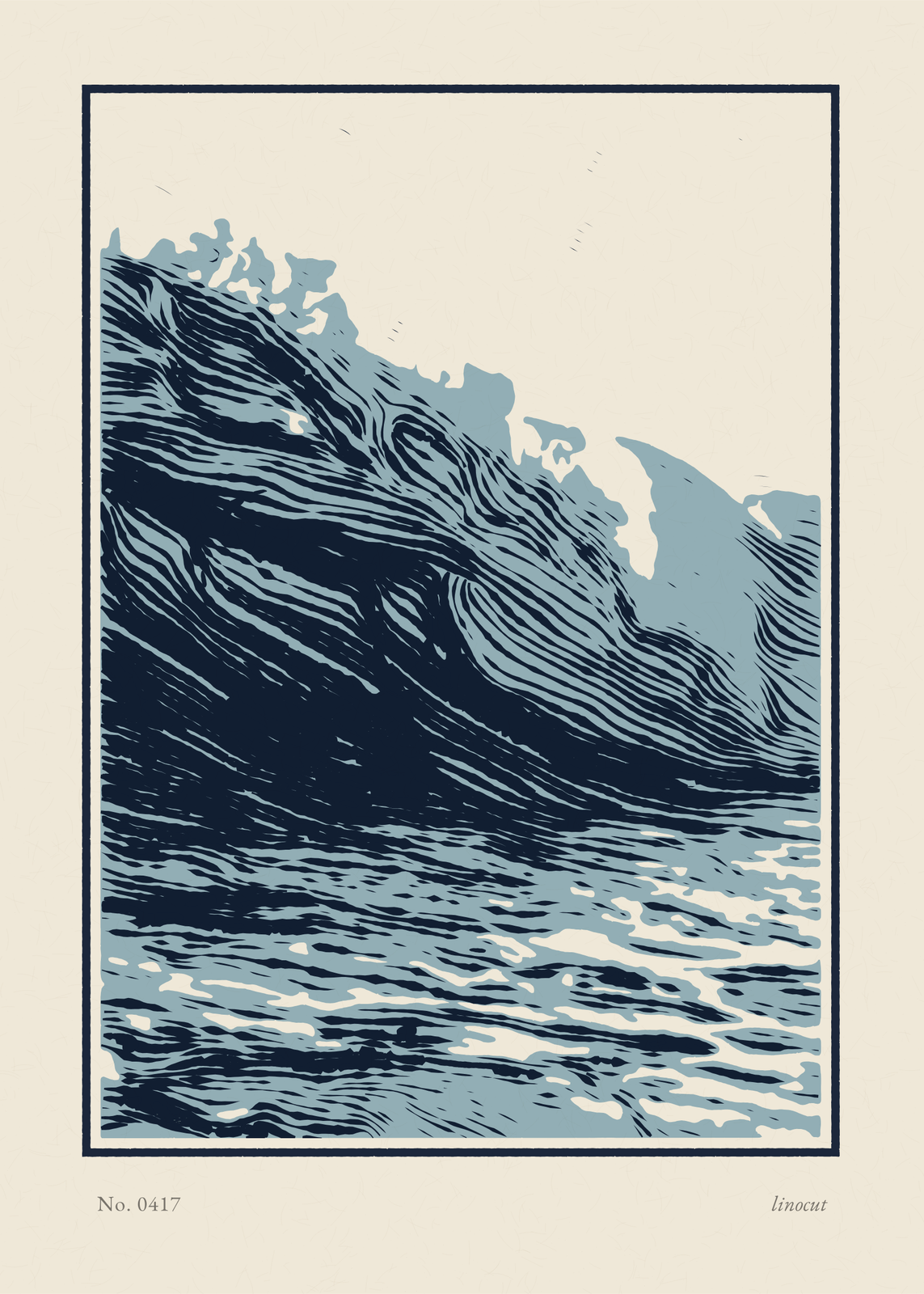 Linocut printyour photo carved into a key block and one or two flat colors, gouge marks and all
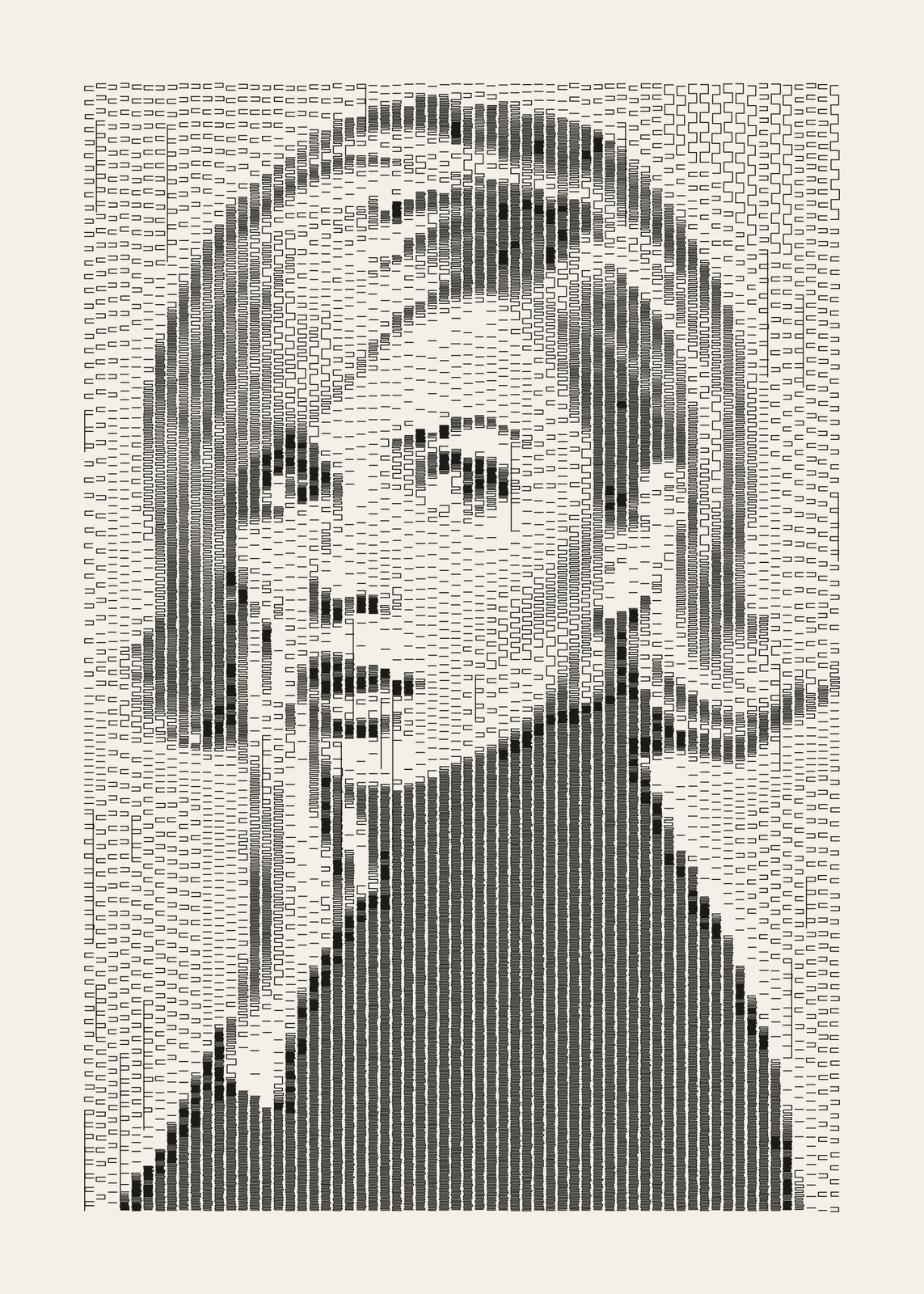 Plotter artyour photo drawn like a 1960s plotter print, in columns of pen marks
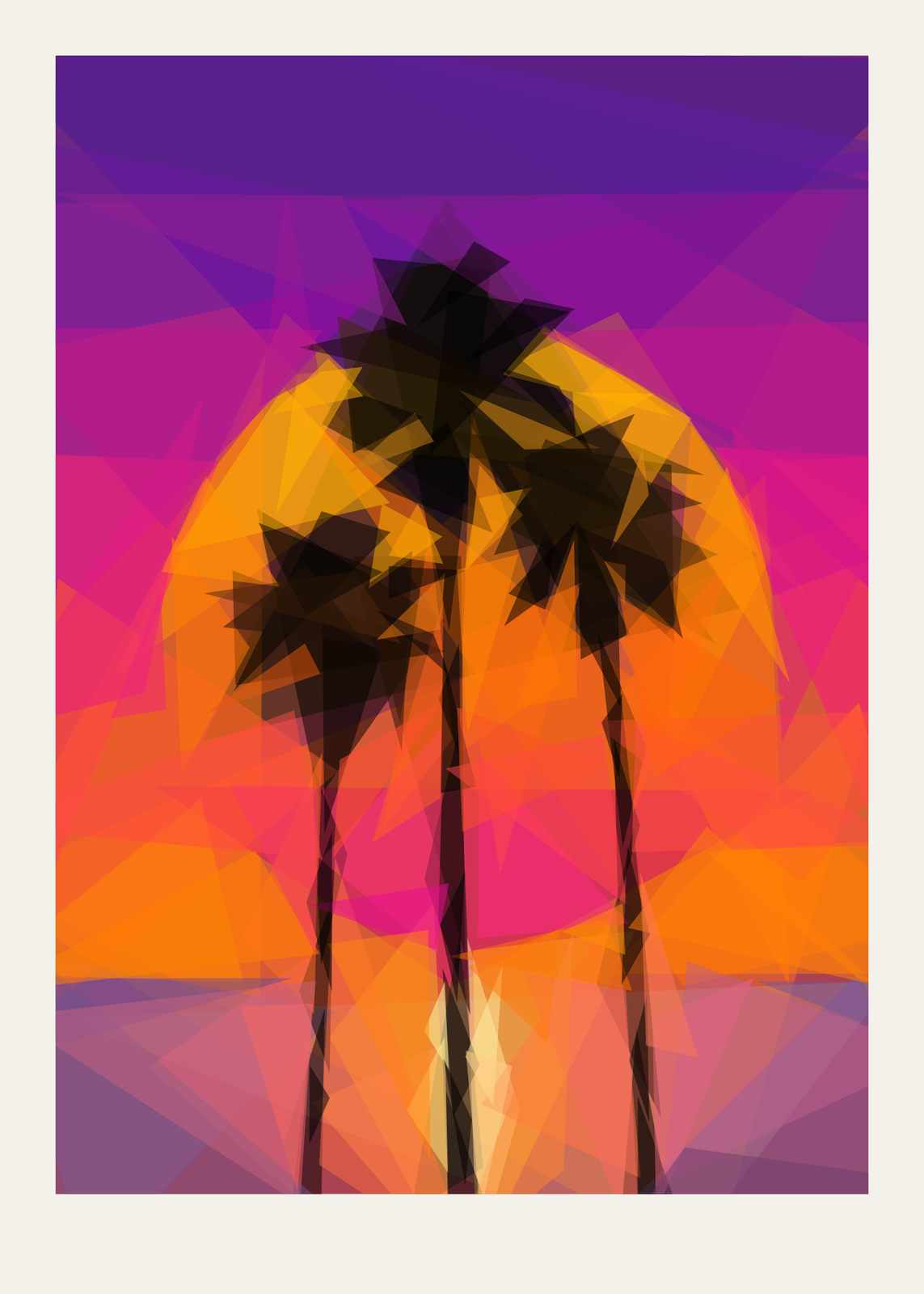 Low poly artyour photo rebuilt from a few hundred translucent triangles, shards or circles
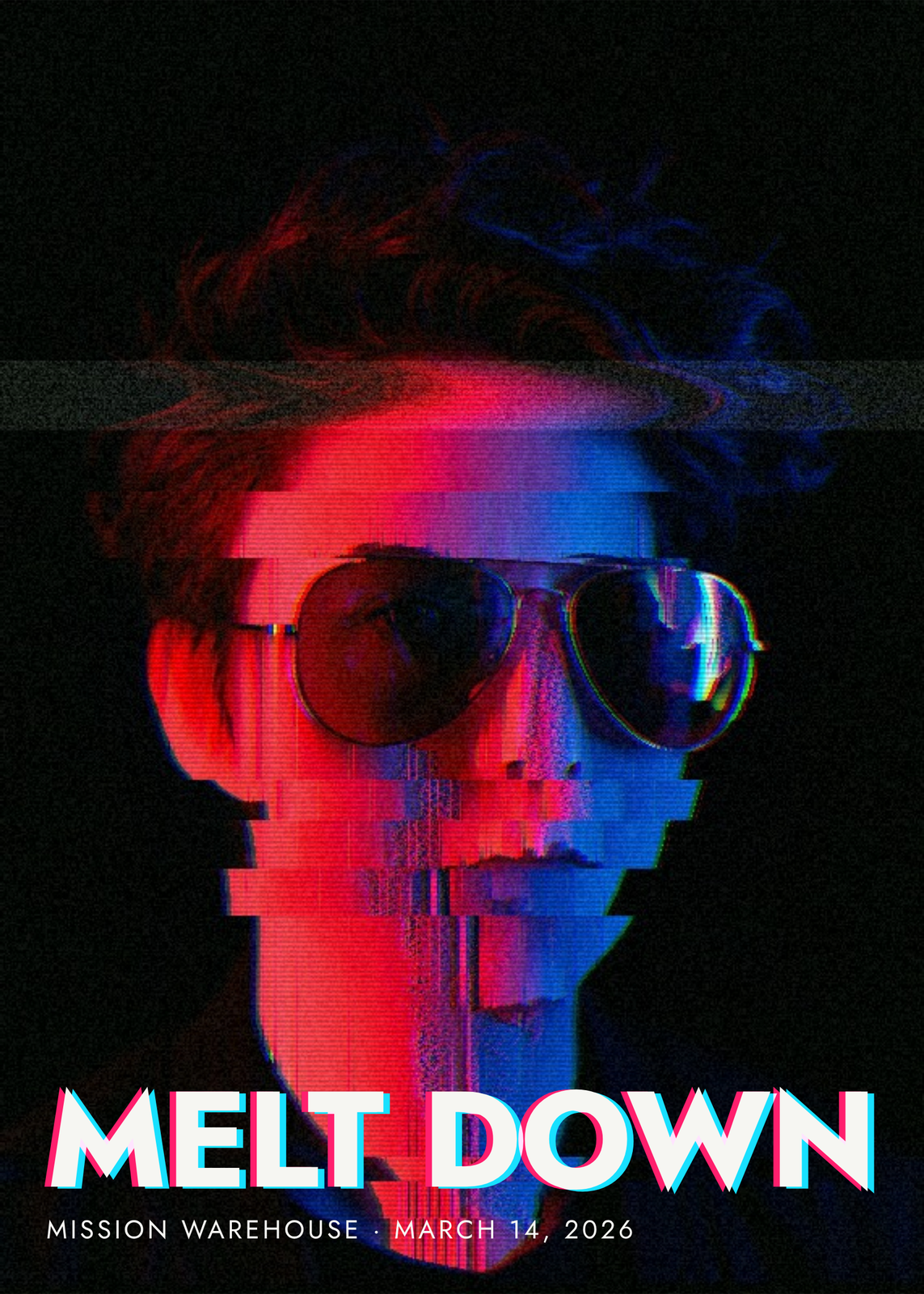 Glitch artyour photo sliced, sorted, split and scrambled, under a title that glitches too
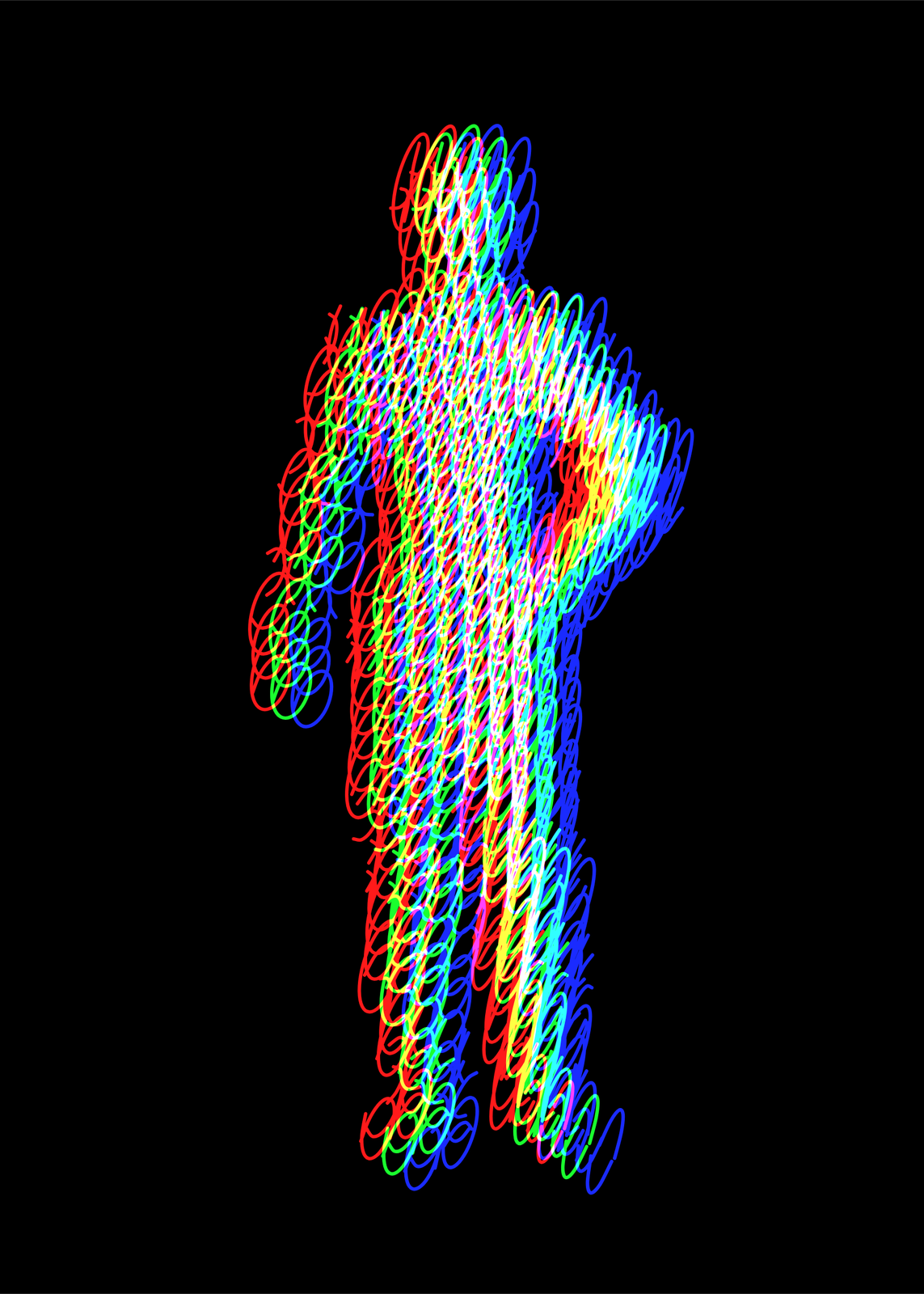 Light painting arta silhouette filled with one looping line, printed off register in colored light
On the wall
A few of them framed at home. Open any one to make it yours.
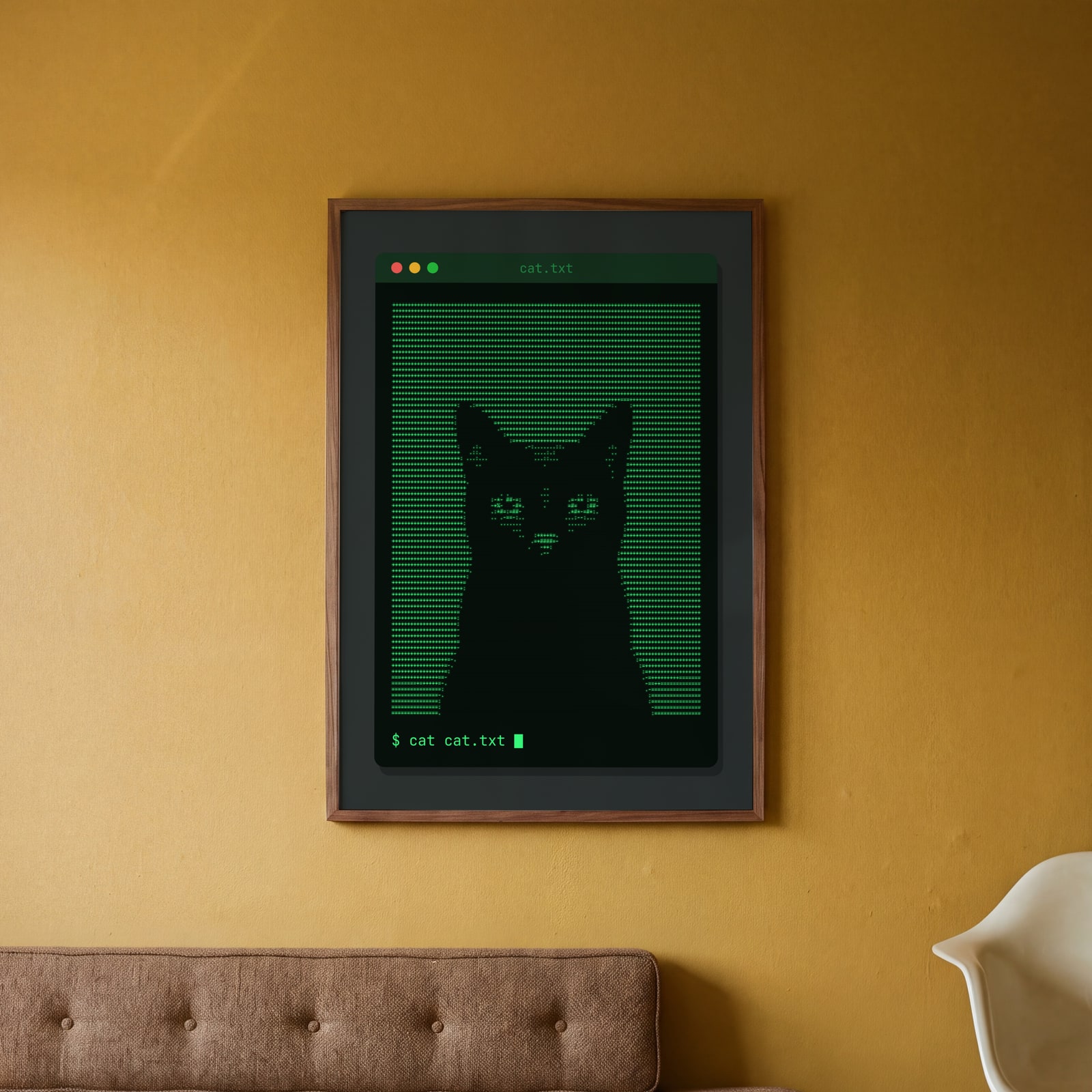 ASCII art of a black cat typed in green characters in a terminal windowEdit this →
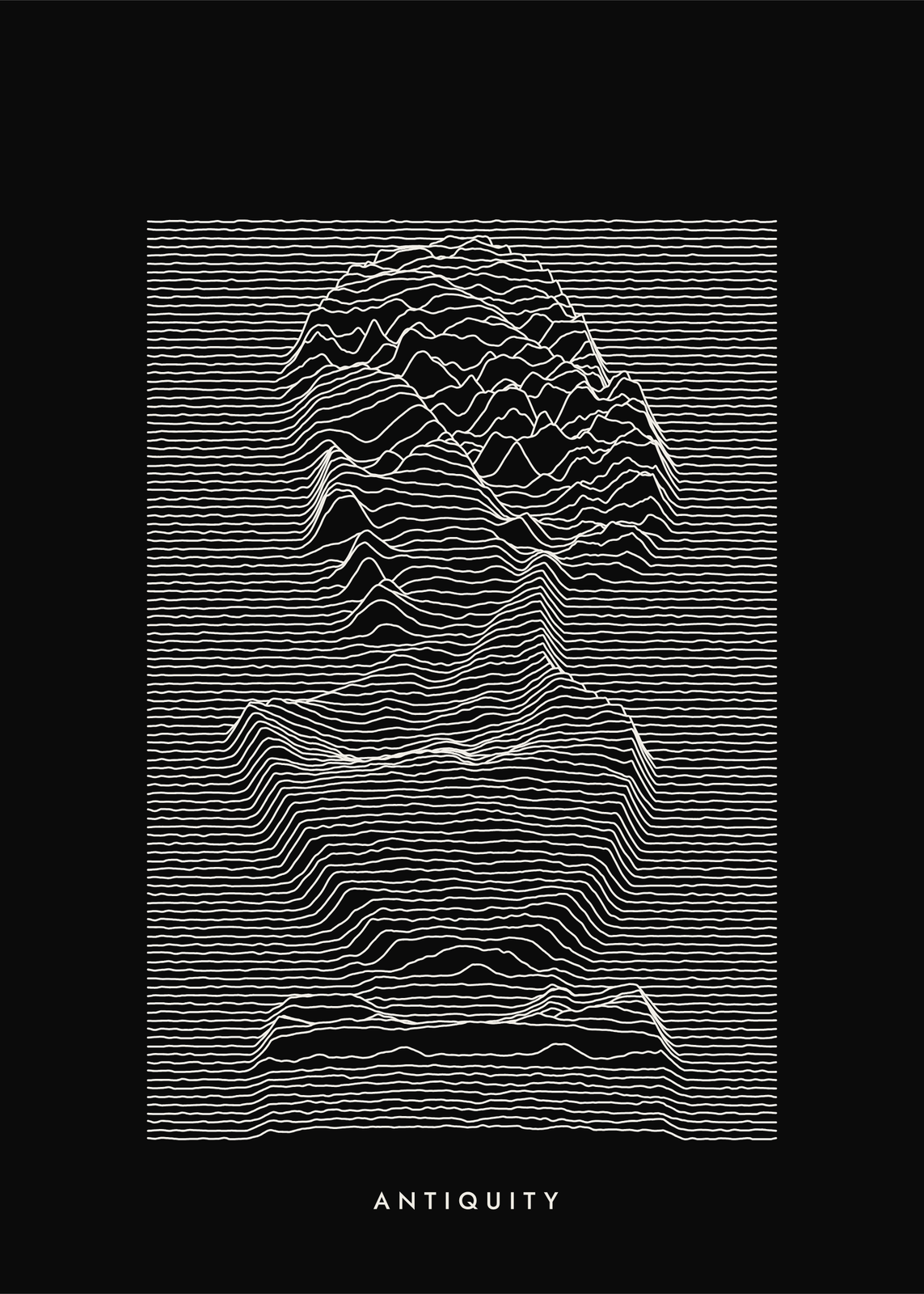
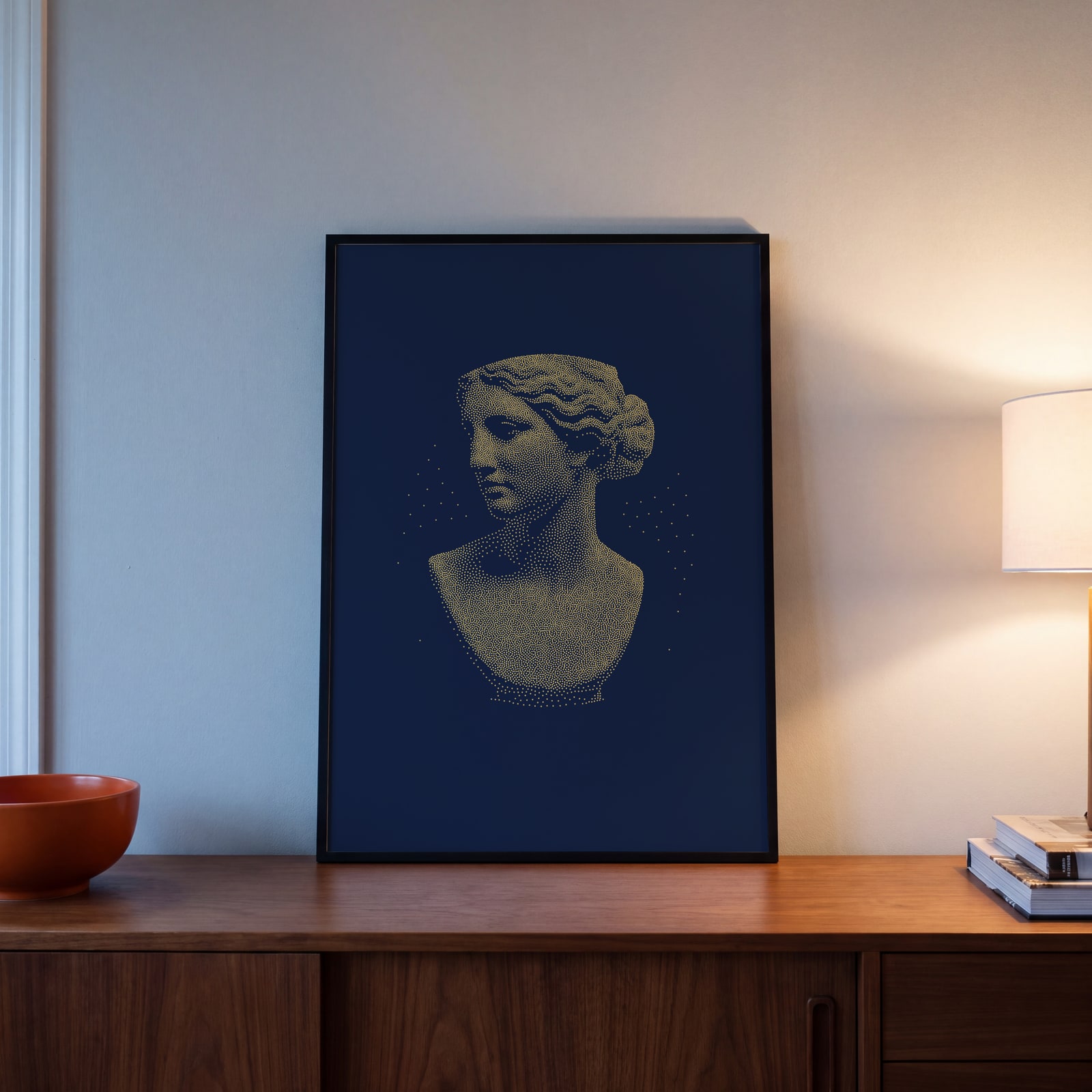 A marble bust stippled in gold dots on navy paperEdit this →
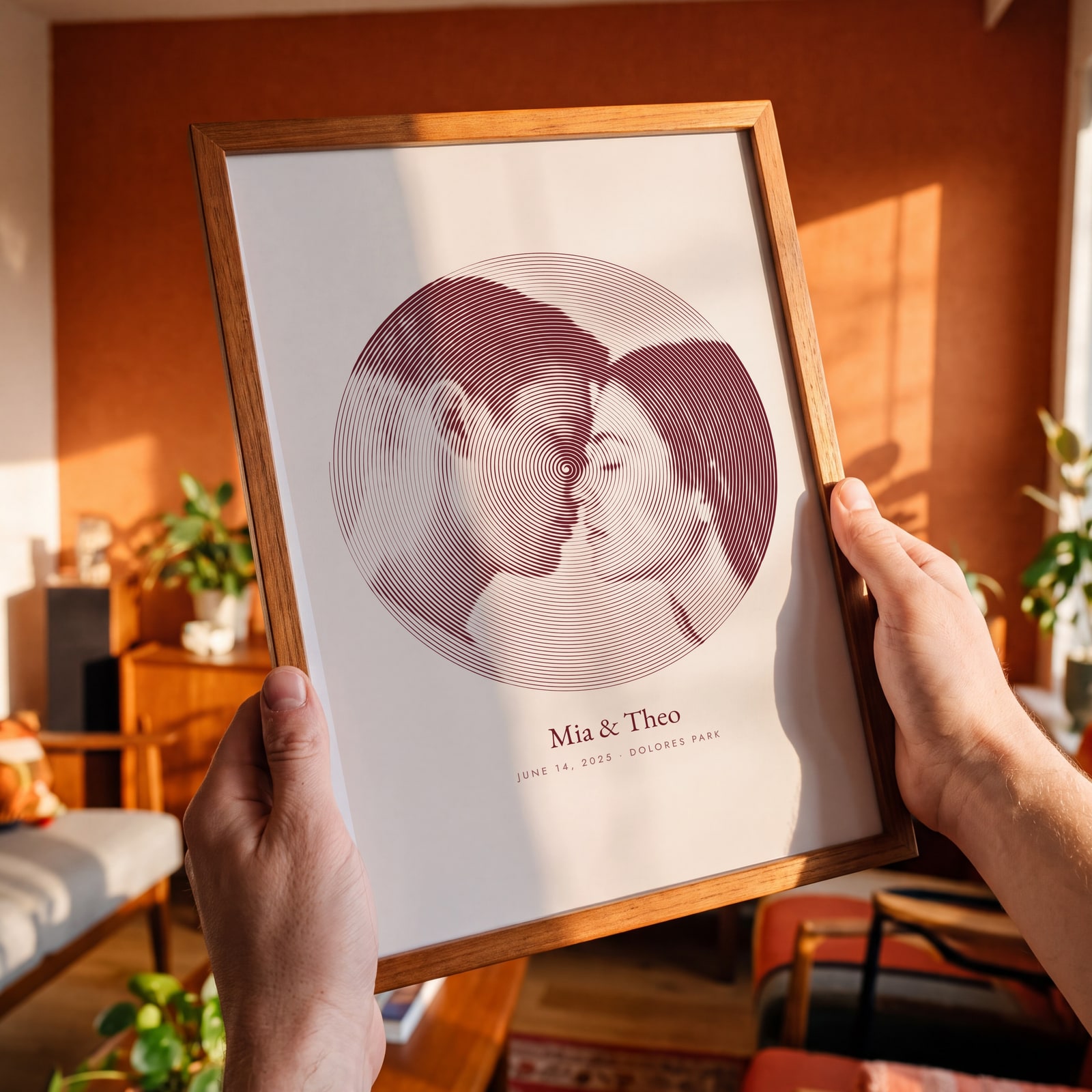 One line drawing of a couple about to kiss, a single oxblood spiral in a circle, with their names and the date belowEdit this →
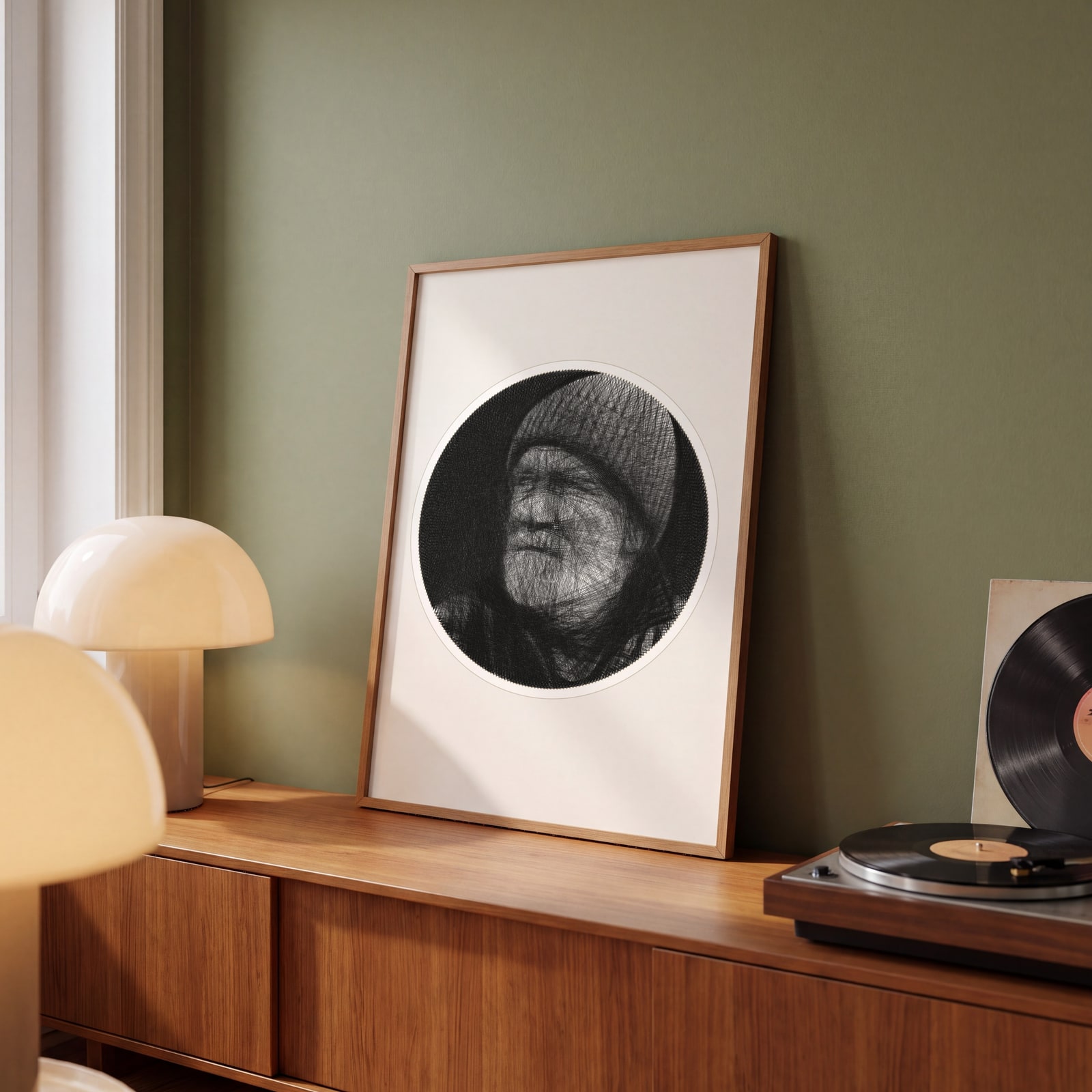 String art of an old fisherman in a knit cap, 7,000 lines of black thread across a round board of nailsEdit this →
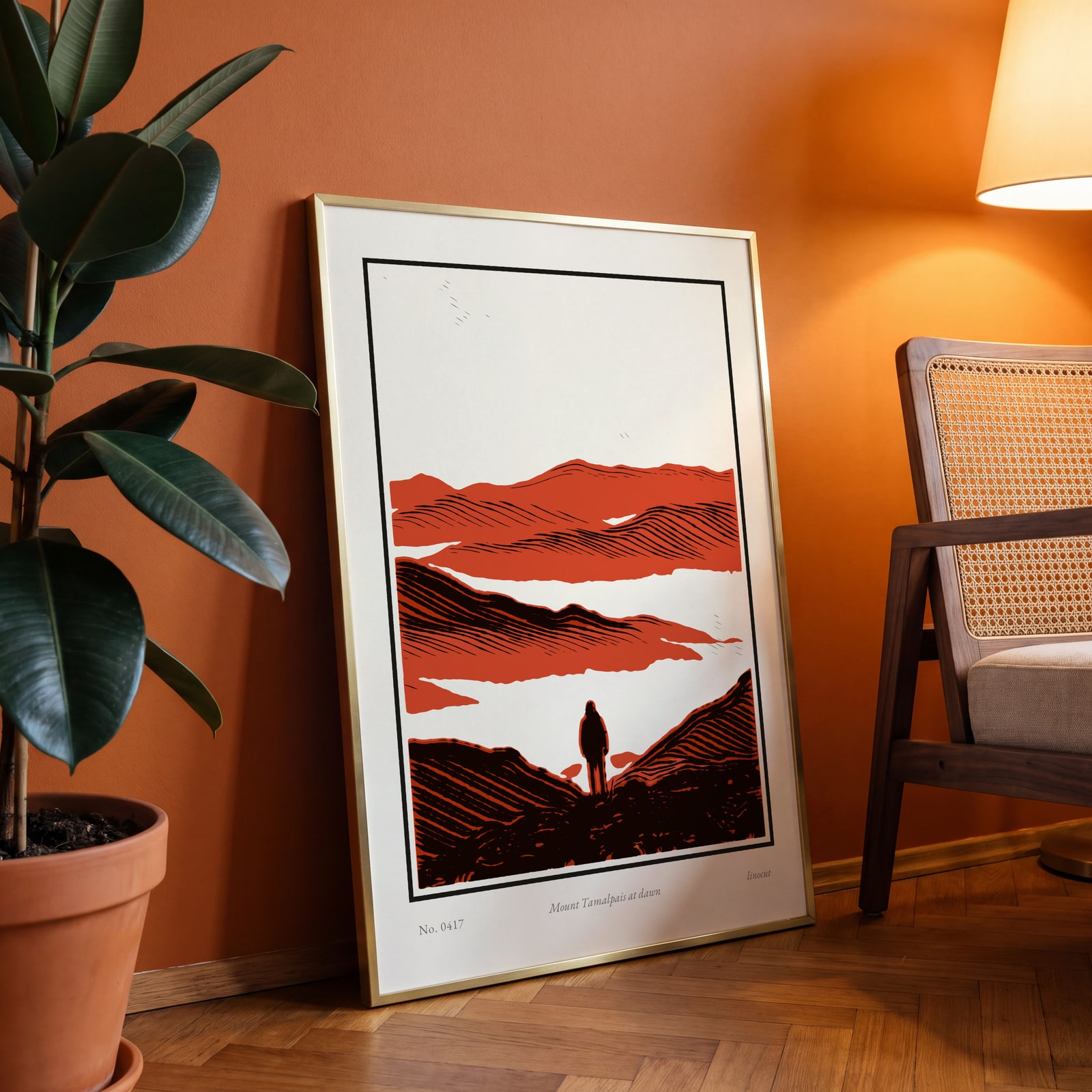 Linocut print of a hiker below layered hills in black, vermilion and ocher, titled in pencil Mount Tamalpais at dawnEdit this →
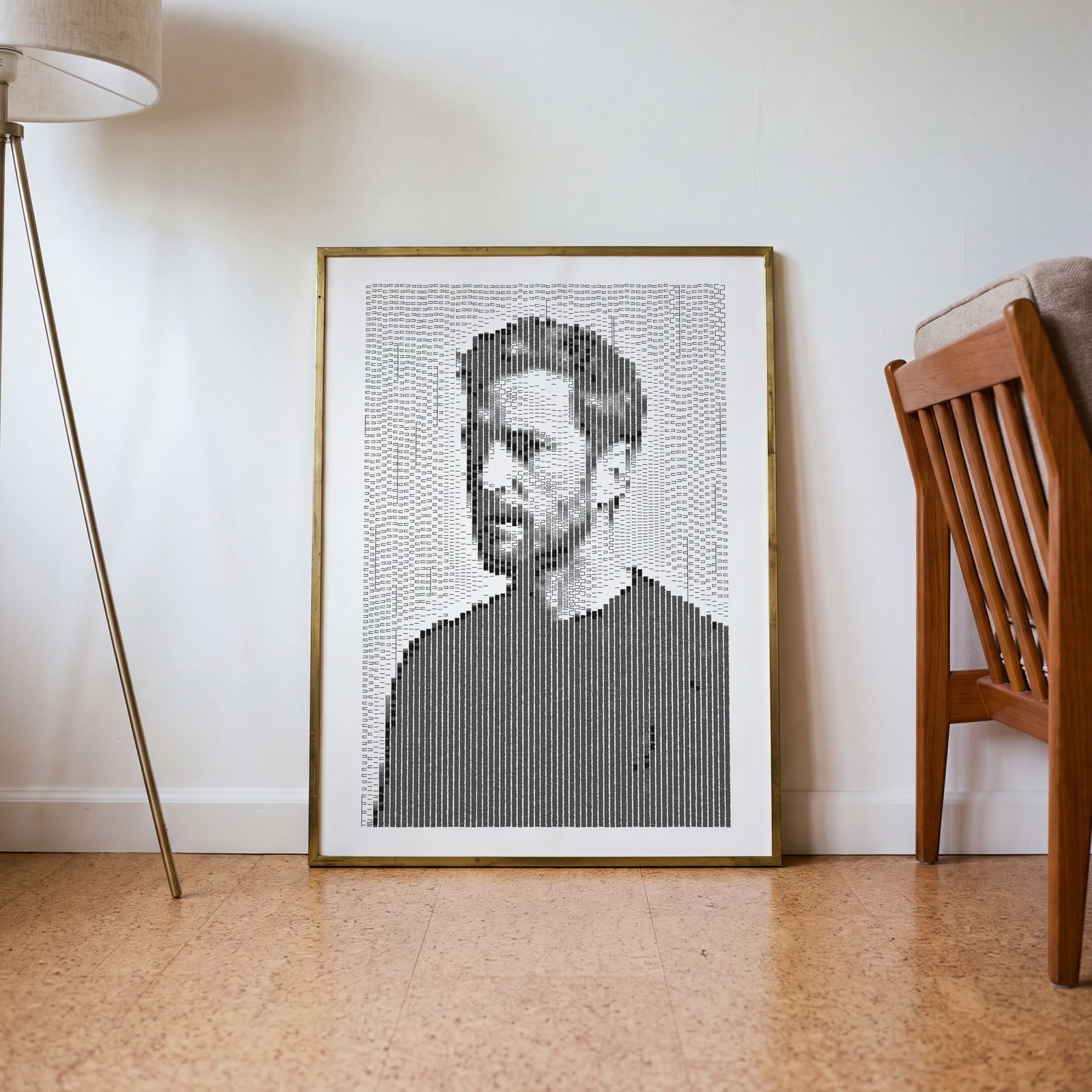 Plotter art of a side-lit man in columns of black pen dashes, his shadowed side in tight serpentinesEdit this →
Examples
Open any of them to change the words, the place, the date and the style, then download the print file.
A poster from each maker
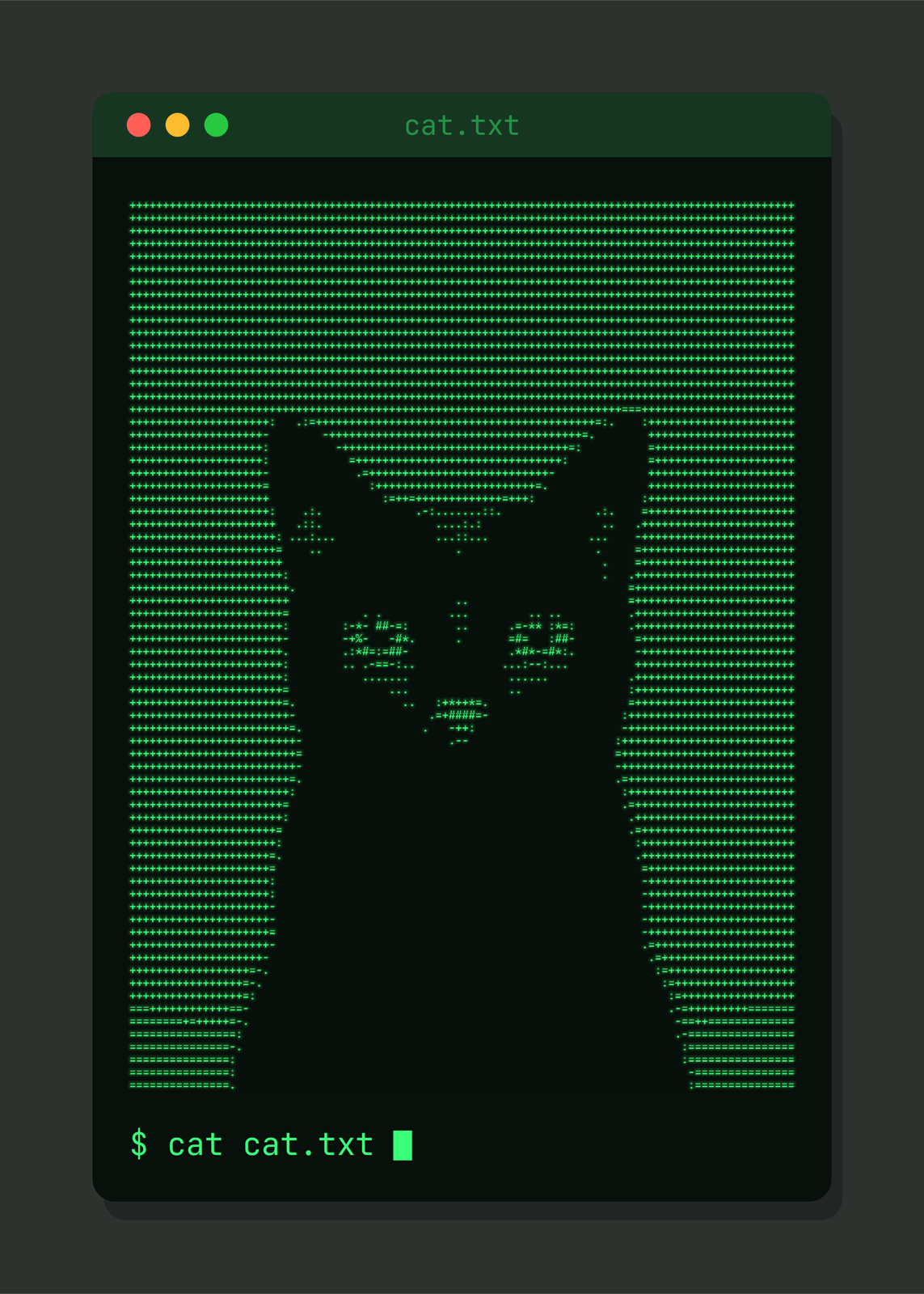 ASCII art of a black cat typed in green characters in a terminal windowEdit this →More ascii art generator →
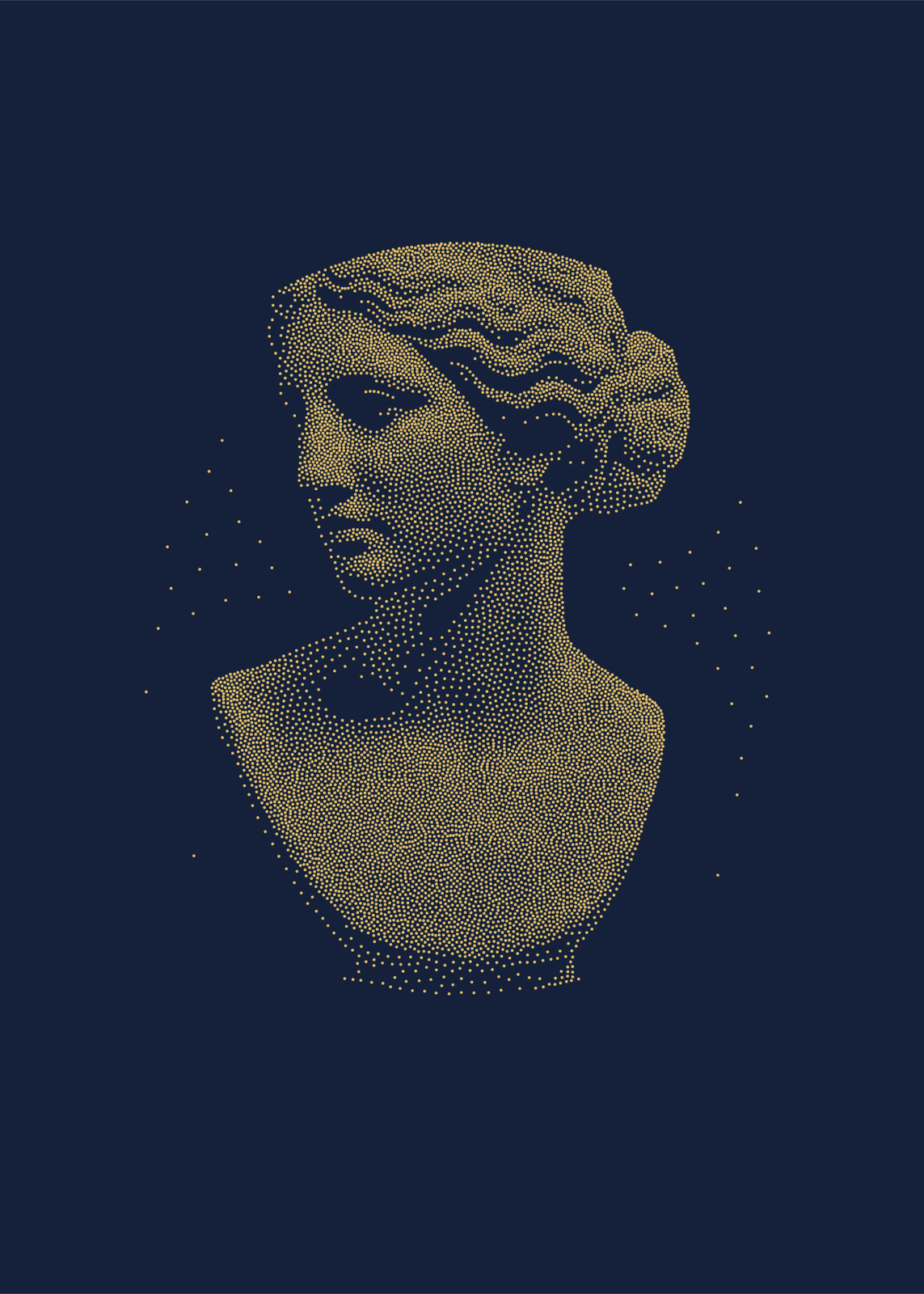 A marble bust stippled in gold dots on navy paperEdit this →More stippling art →
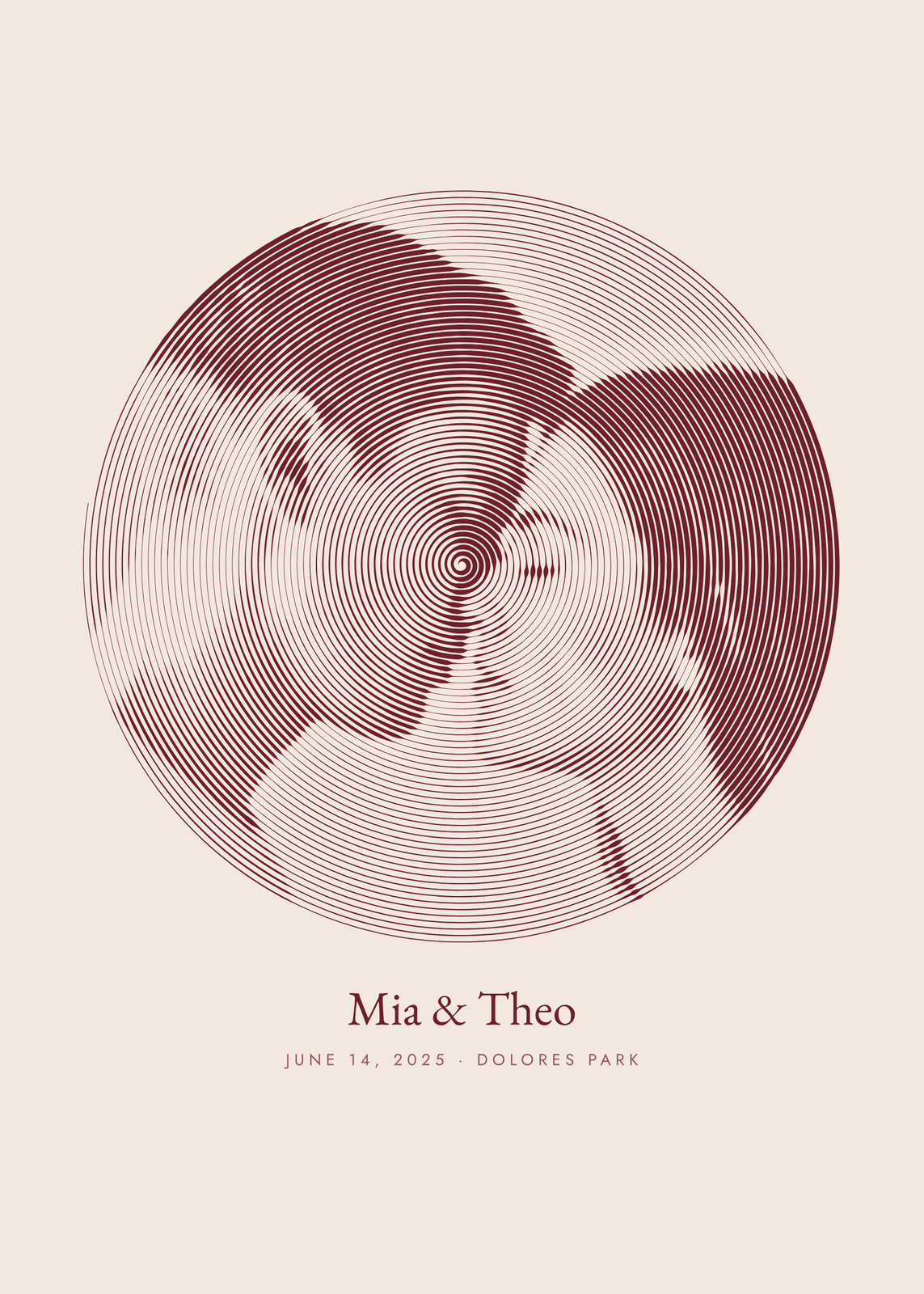 One line drawing of a couple about to kiss, a single oxblood spiral in a circle, with their names and the date belowEdit this →More one line drawing →
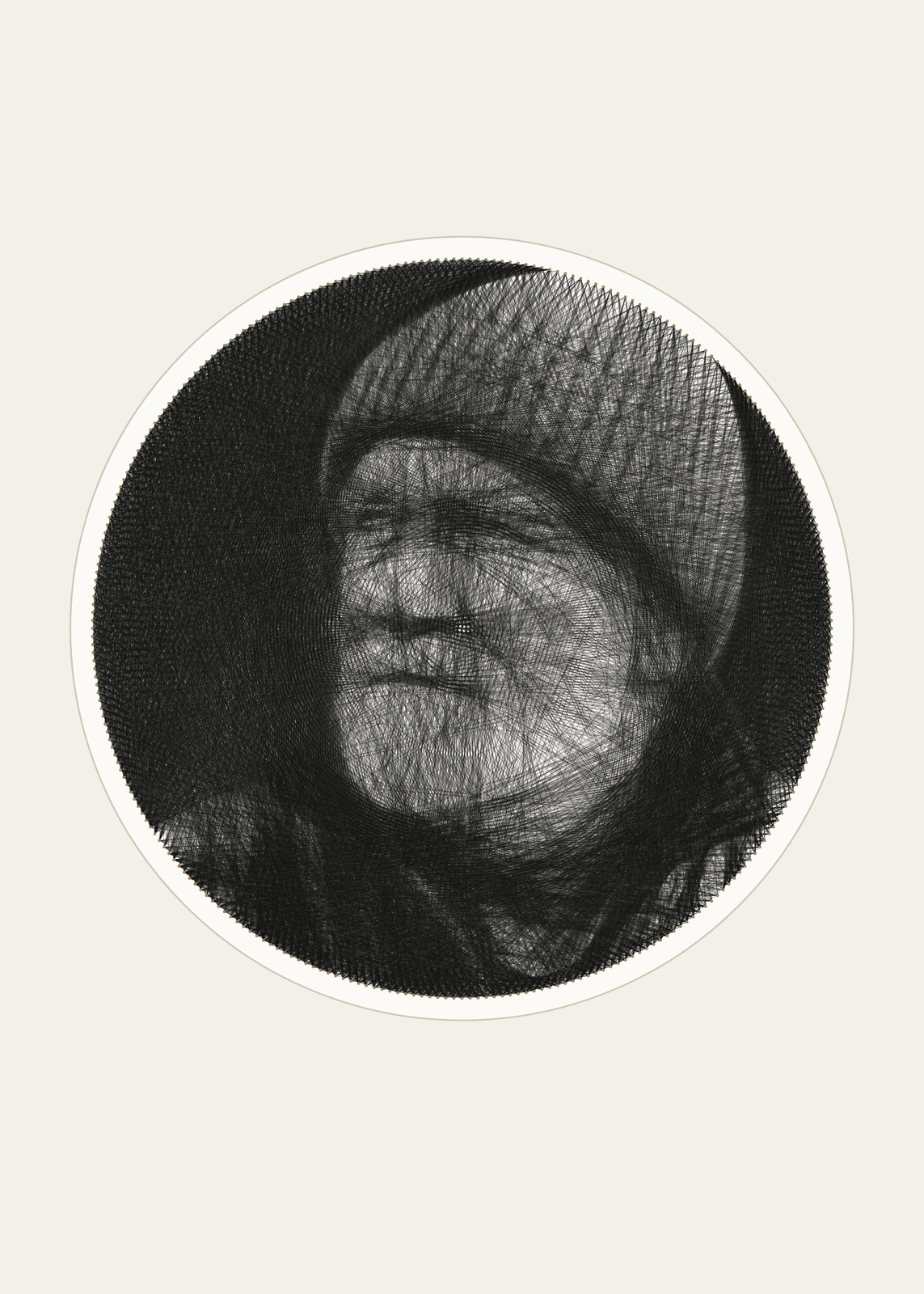 String art of an old fisherman in a knit cap, 7,000 lines of black thread across a round board of nailsEdit this →More string art generator →
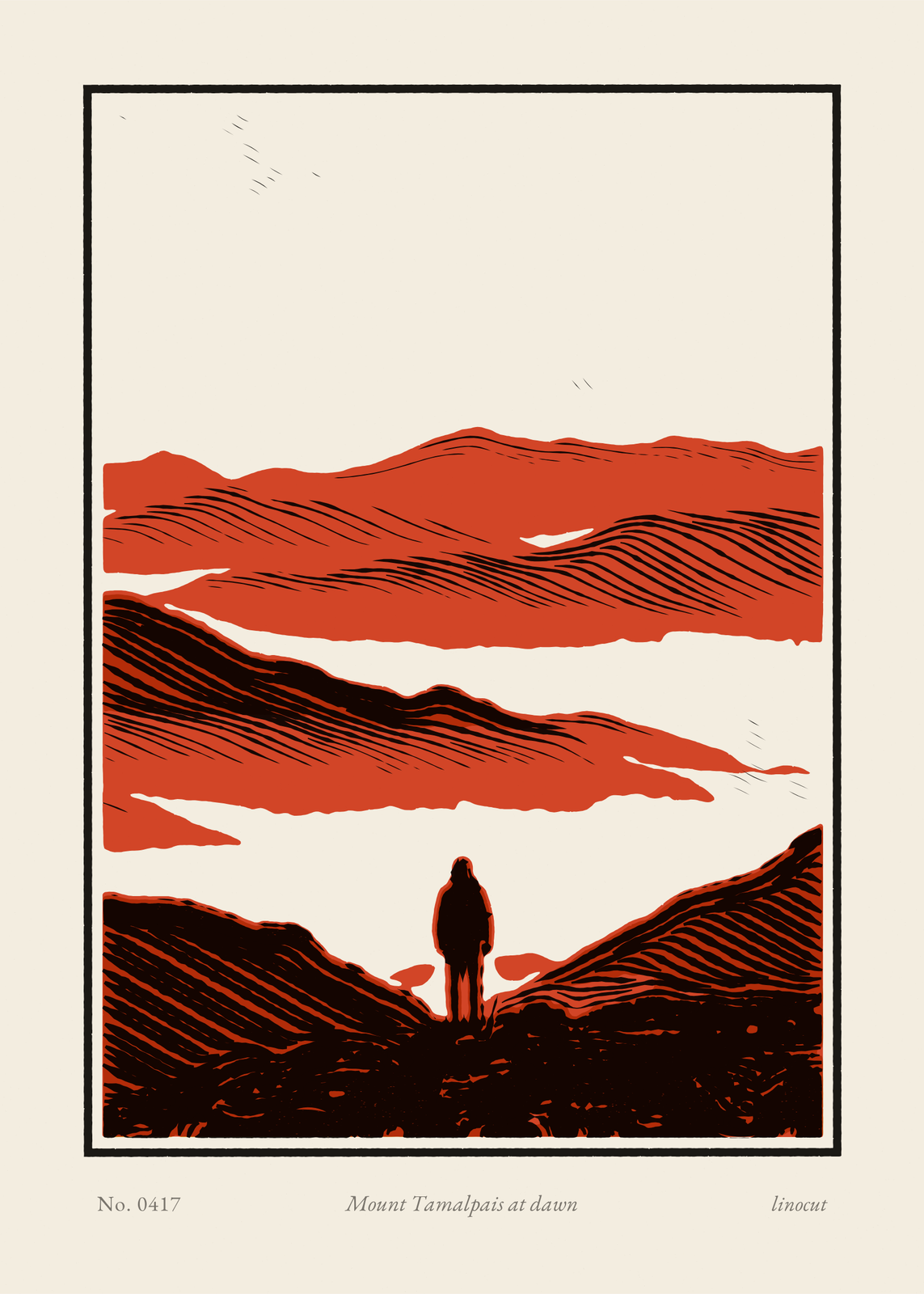 Linocut print of a hiker below layered hills in black, vermilion and ocher, titled in pencil Mount Tamalpais at dawnEdit this →More linocut print →
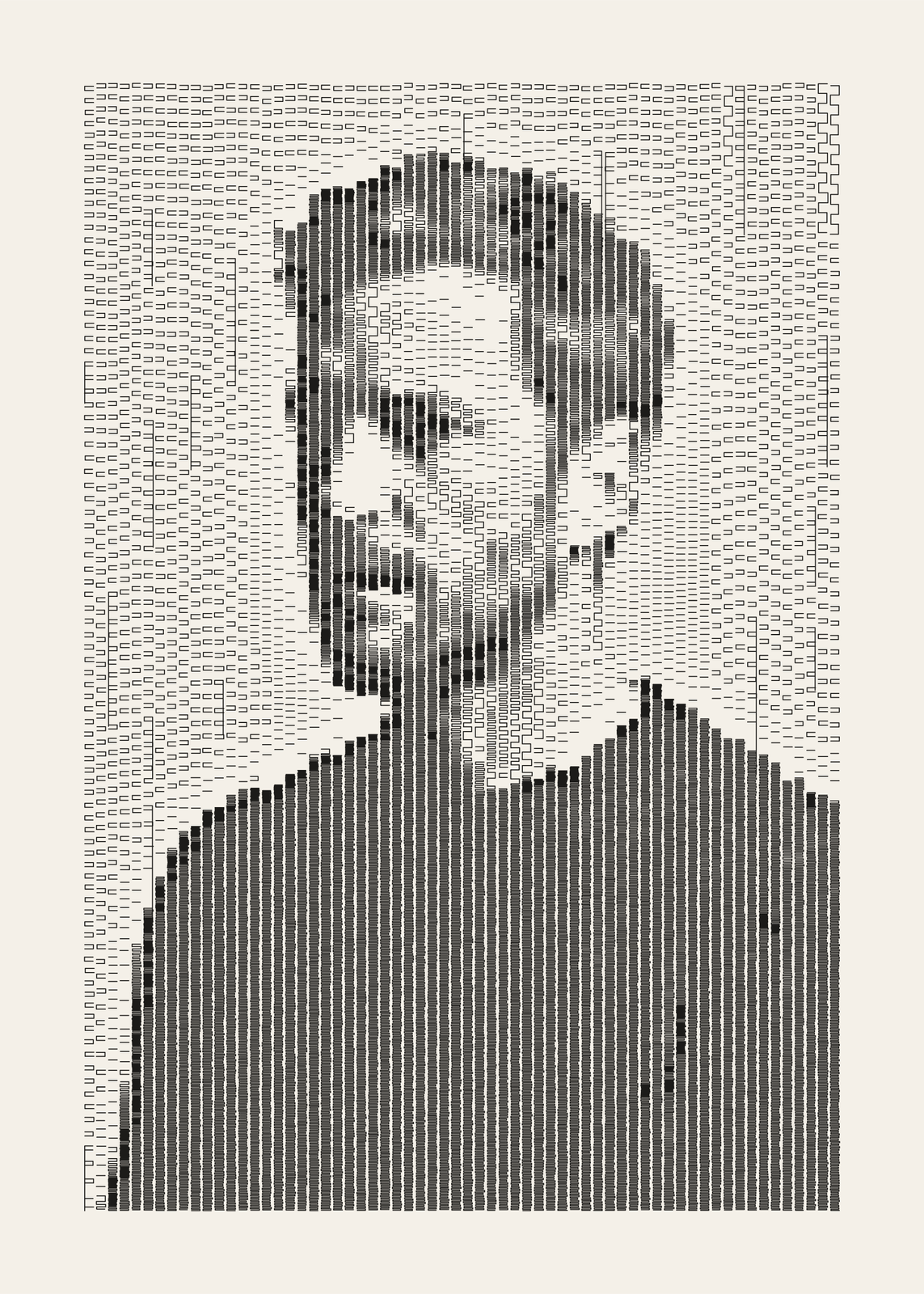 Plotter art of a side-lit man in columns of black pen dashes, his shadowed side in tight serpentinesEdit this →More plotter art →
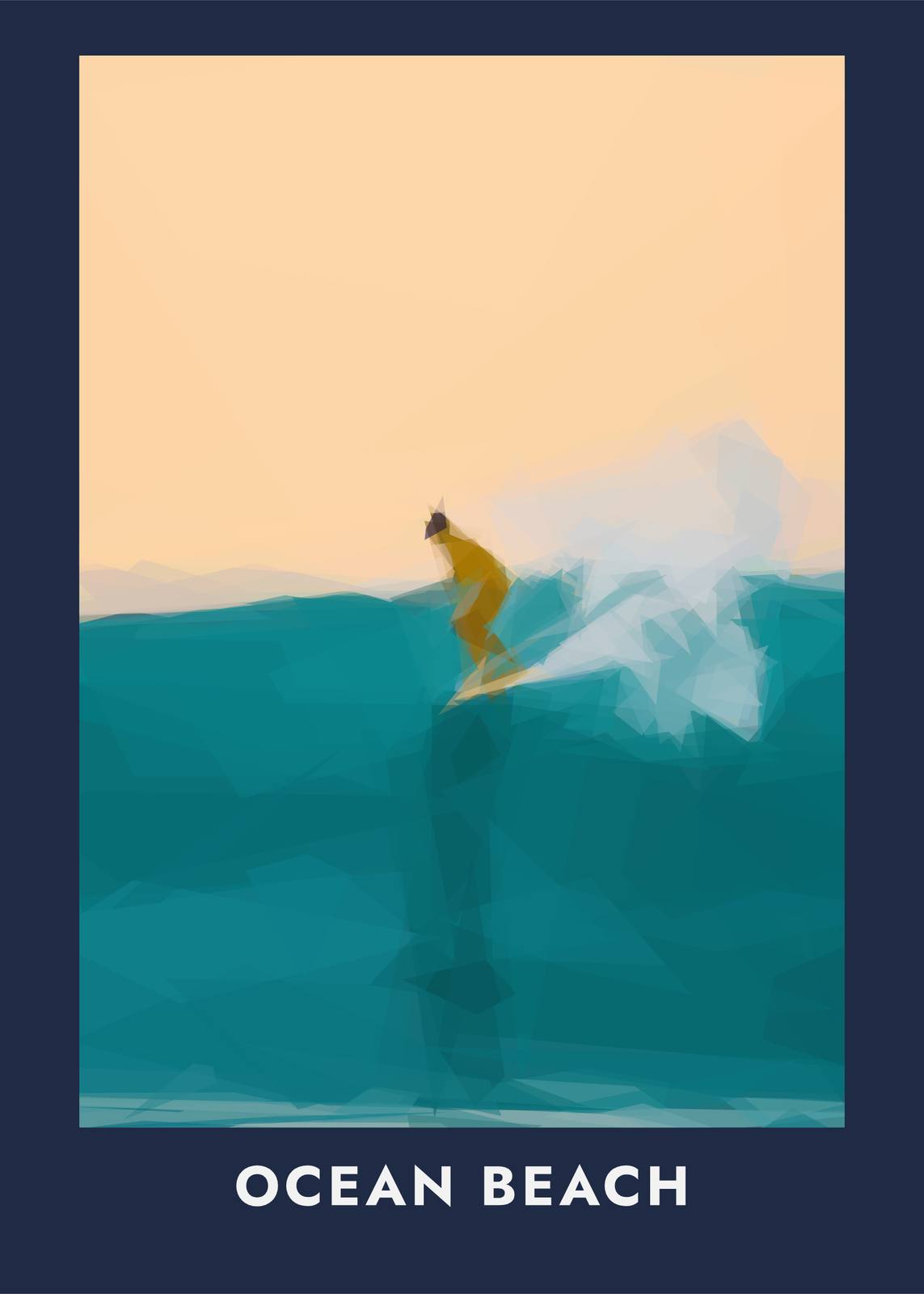 Low poly art of a surfer on a teal wave built from translucent shards, on navy paper titled Ocean BeachEdit this →More low poly art →
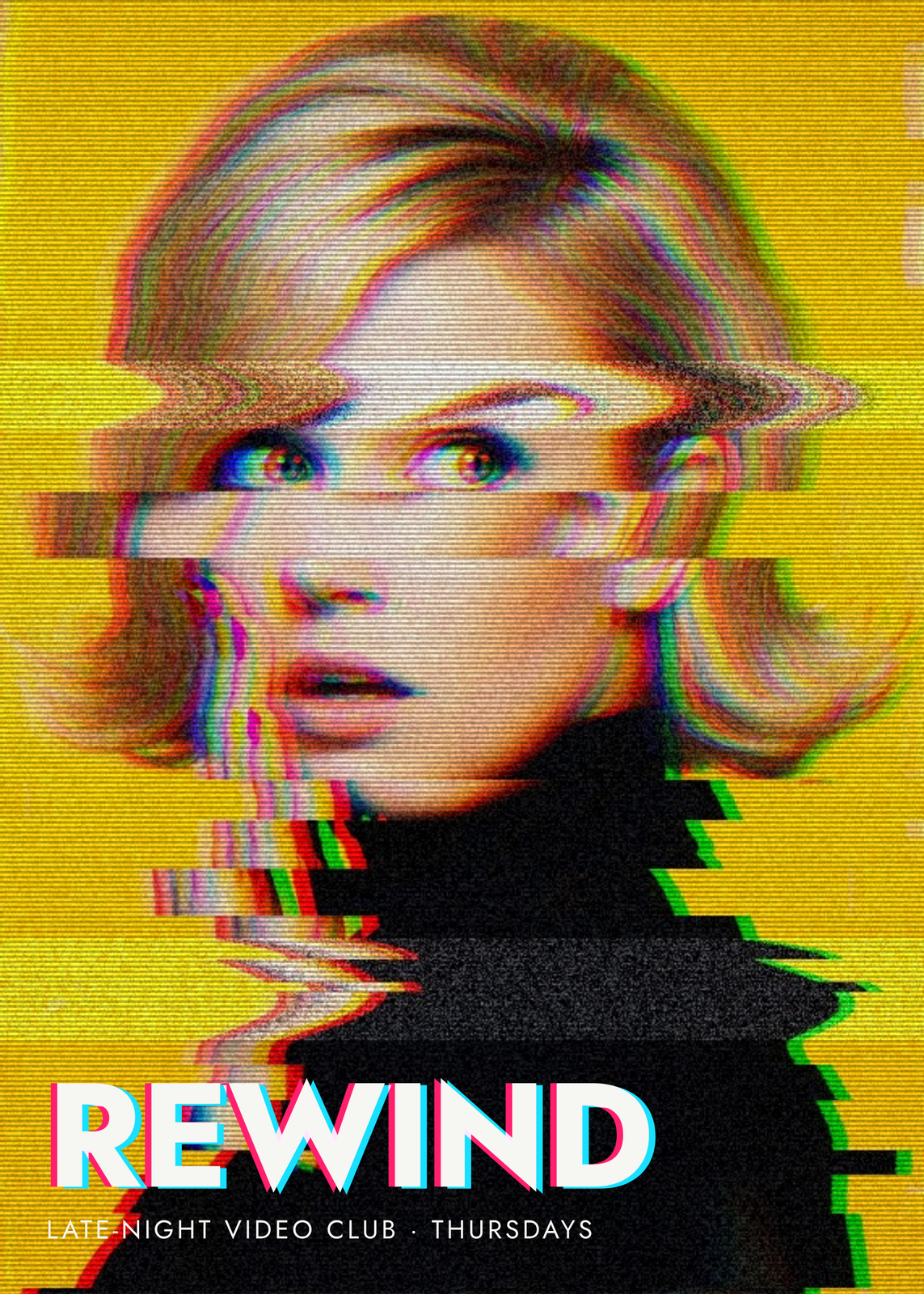 Glitch art of a surprised woman torn by VHS tracking bands and a red and blue split, titled RewindEdit this →More glitch art →
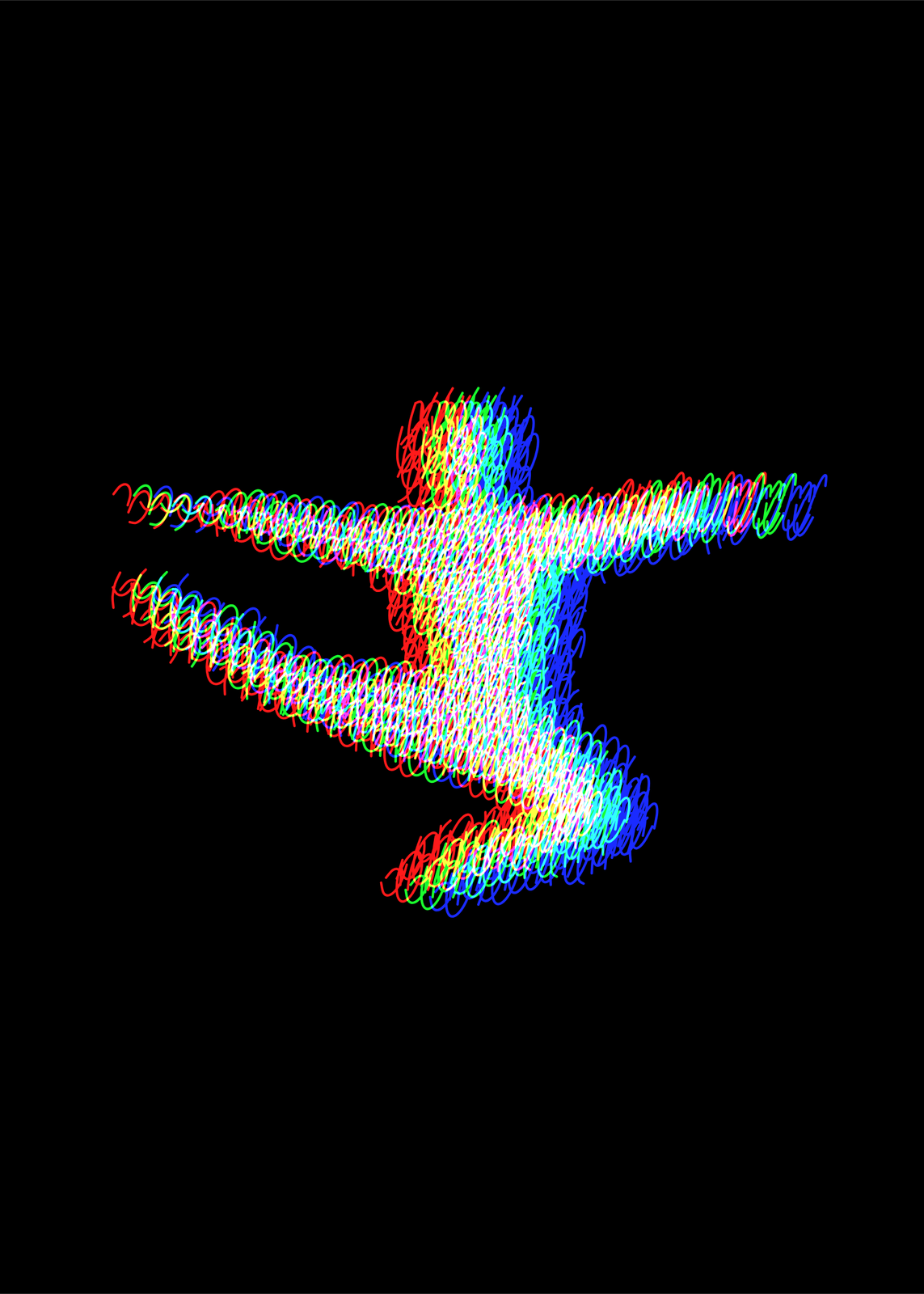 A leaping dancer filled with one looping line, printed a little apart in red, green and blue light on blackEdit this →More light painting art →
Pop art from a photo
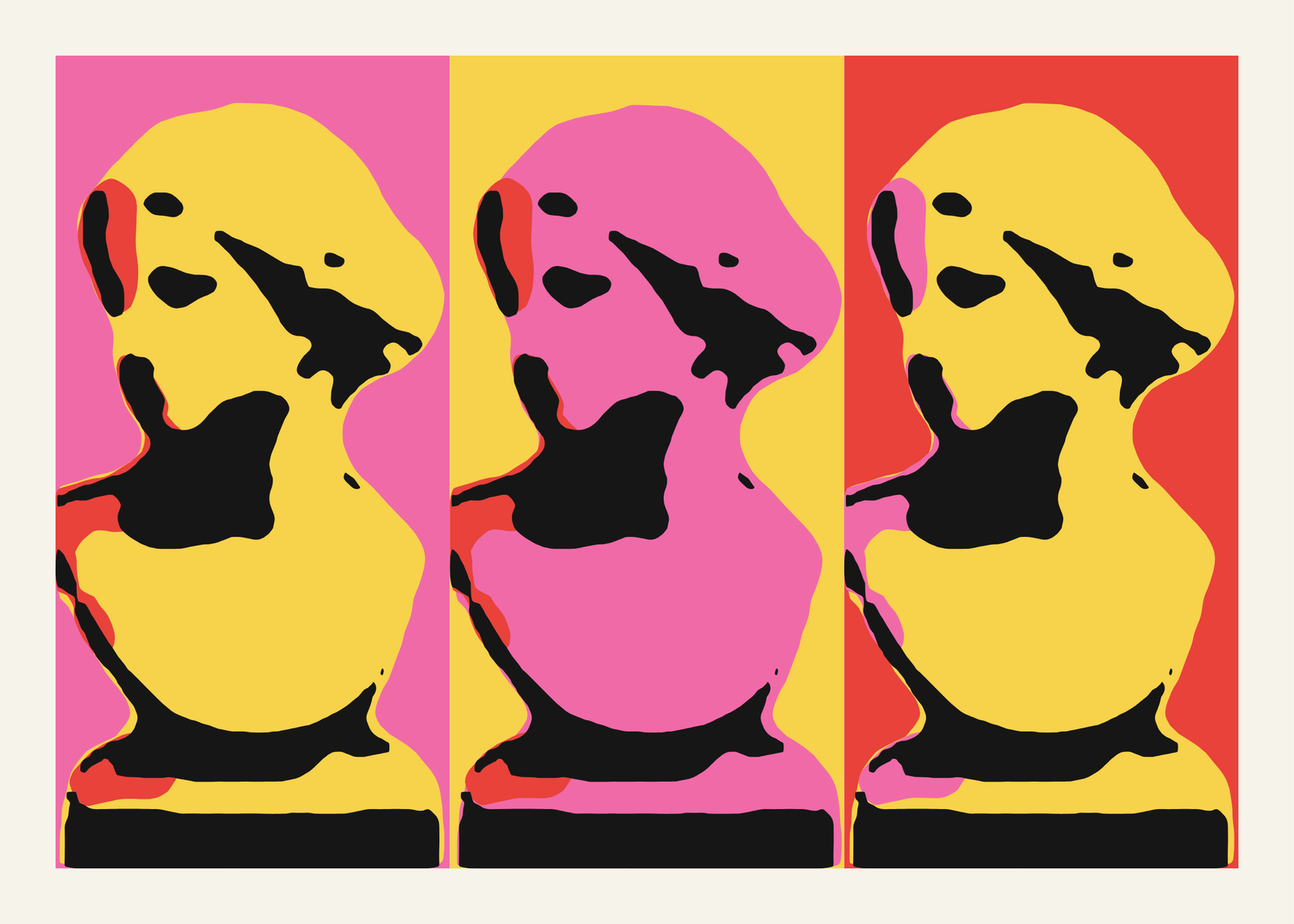 Pop art from a photo: a marble bust silkscreened three times in yellow and black on pink, yellow and red panelsEdit this →More pop art →
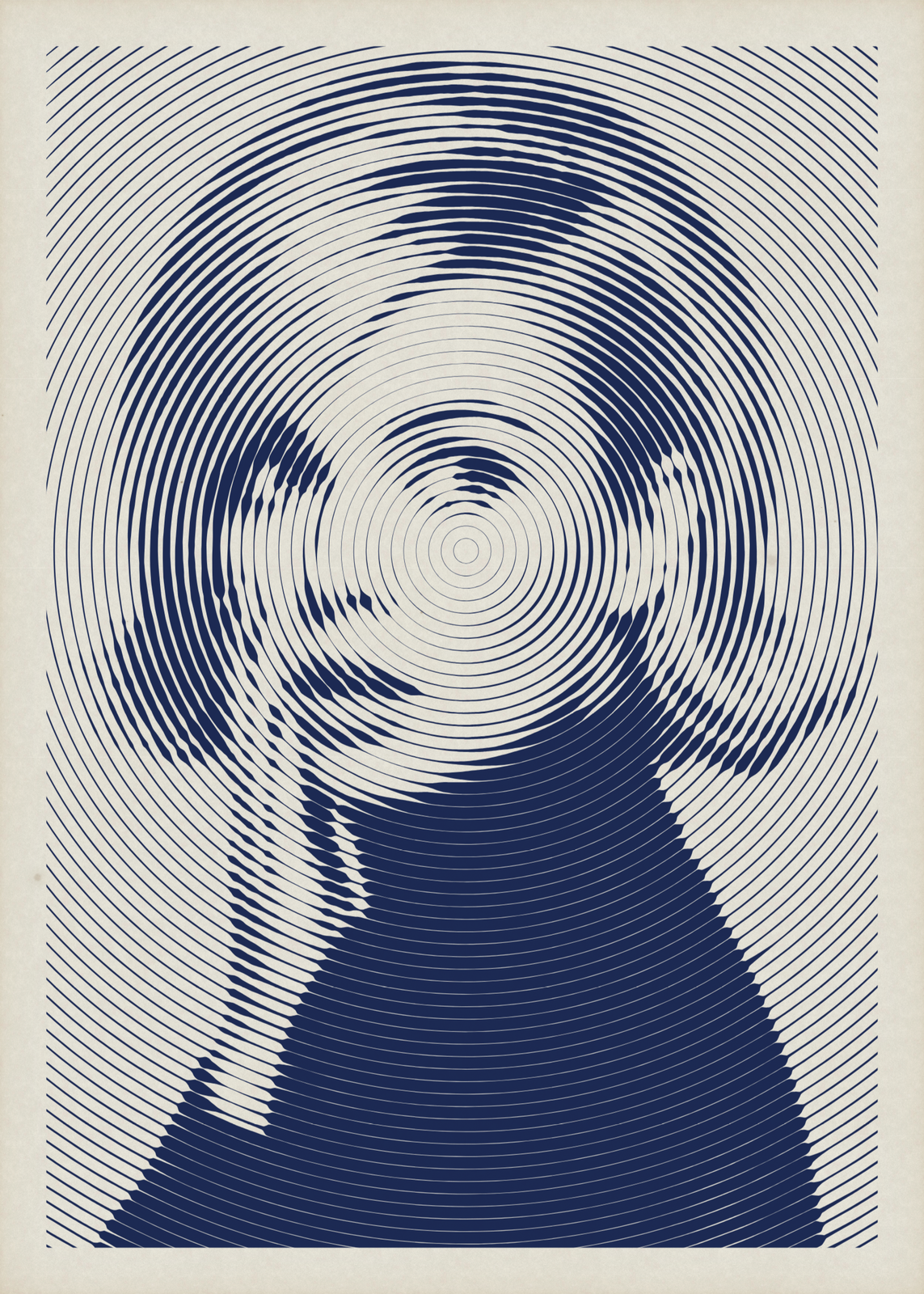
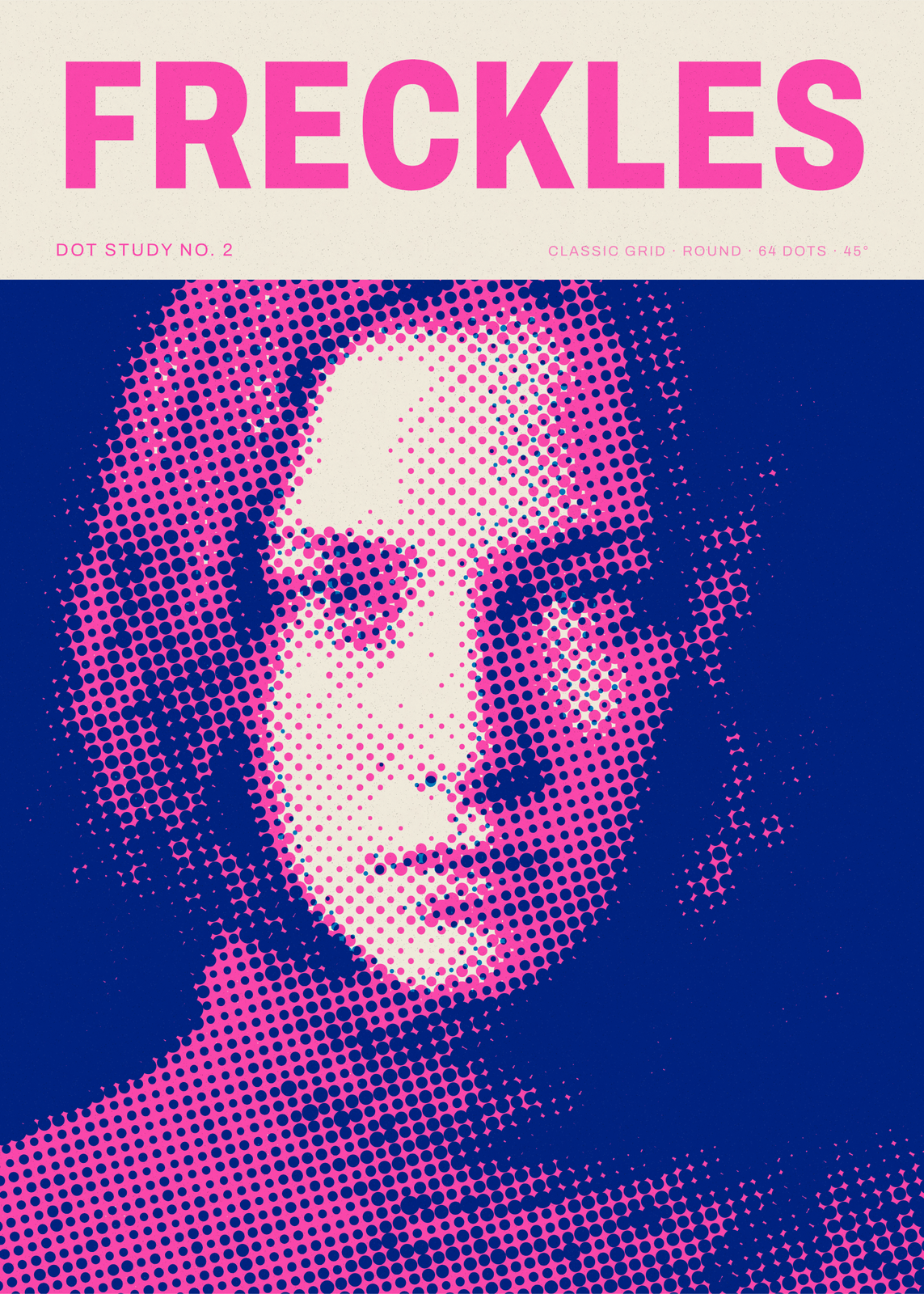 Halftone poster of a freckled woman's face screened in pink dots on blue, titled Freckles in pink capitalsEdit this →More halftone generator →
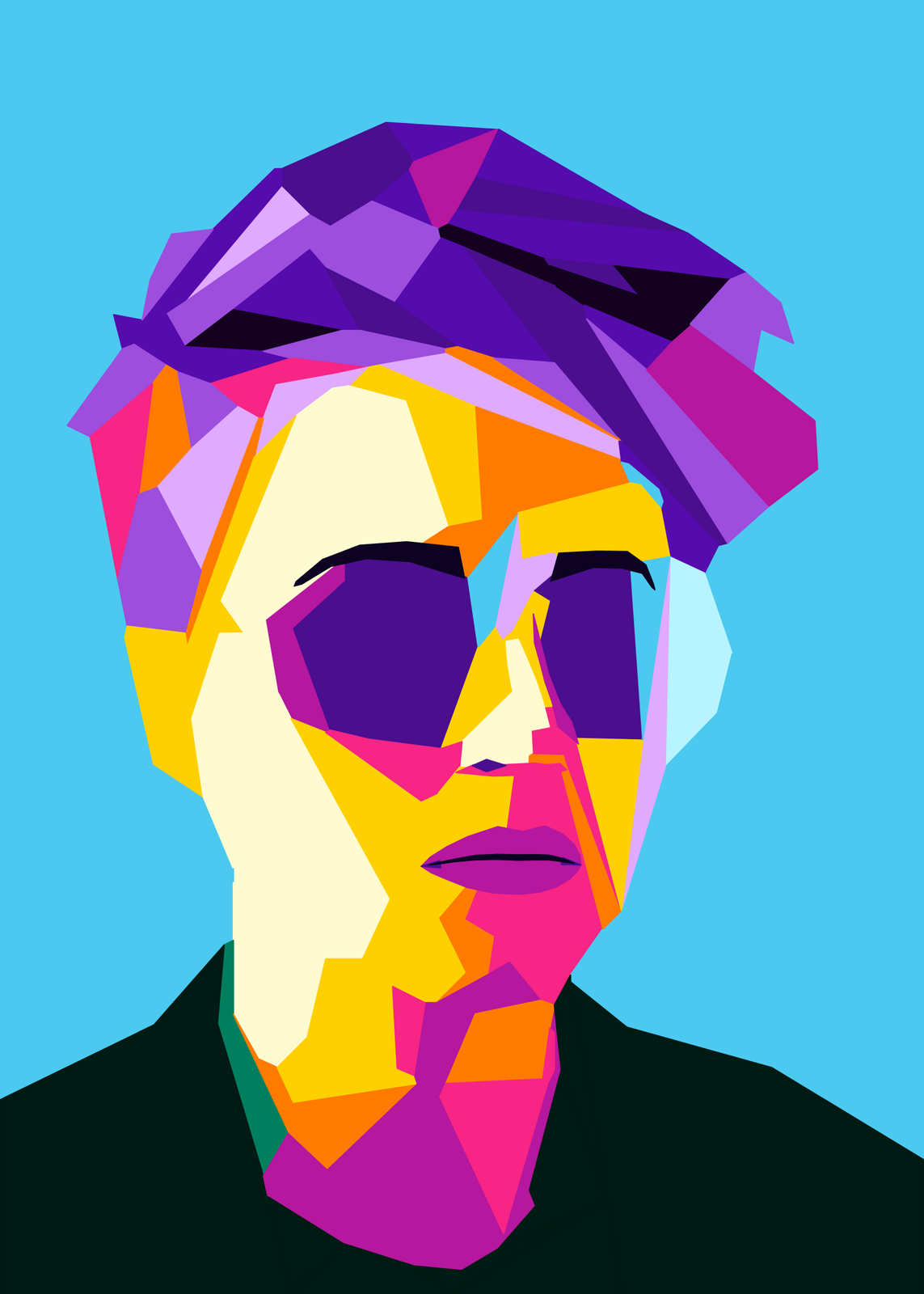 WPAP portrait of a face in sunglasses cut into straight-edged facets of purple, pink, yellow and white on sky blueEdit this →More wpap art →
Glass, tiles and pixels
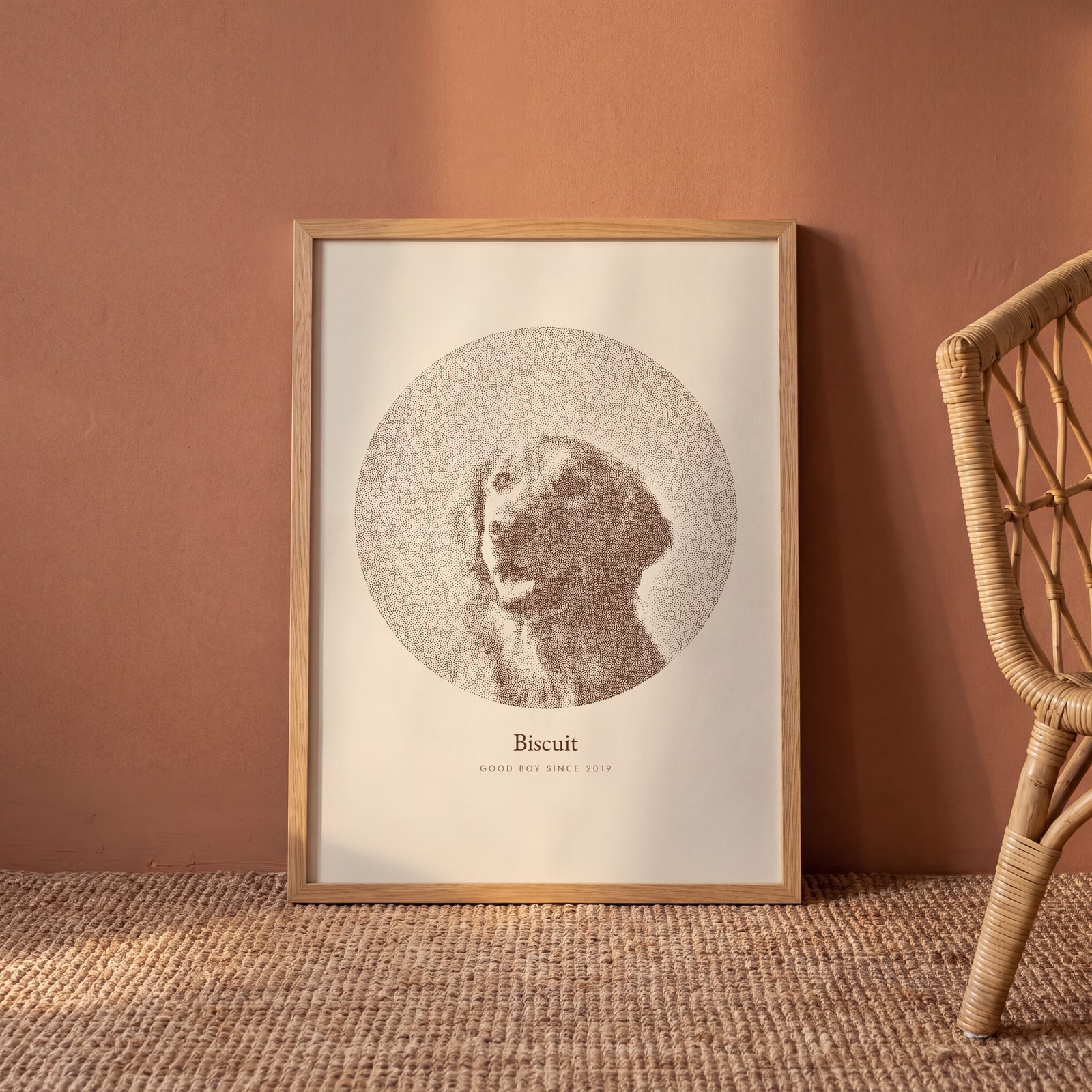
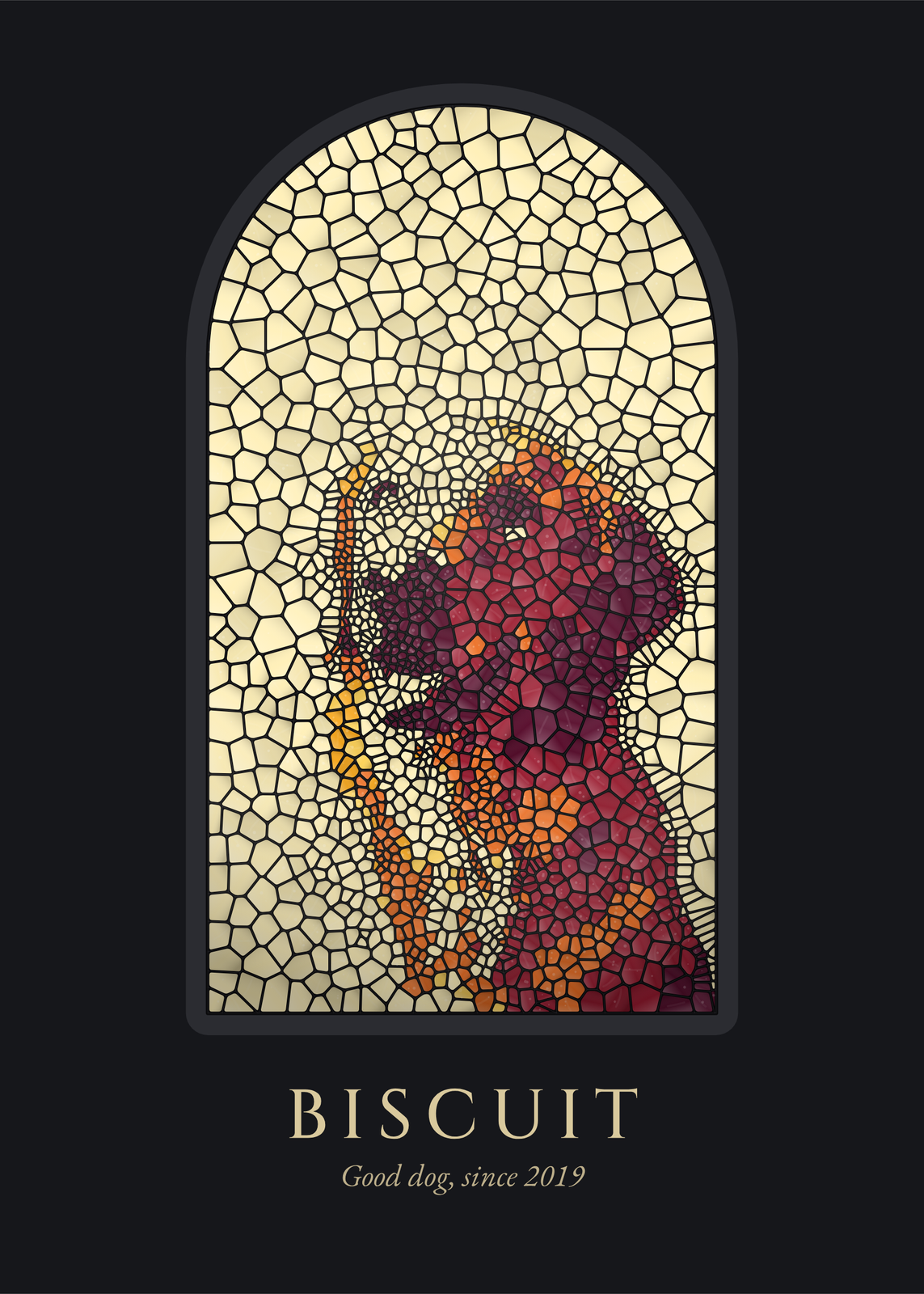 A golden retriever in sunset stained glass, set in a round-arched window on a dark wall, titled BiscuitEdit this →More stained glass art →
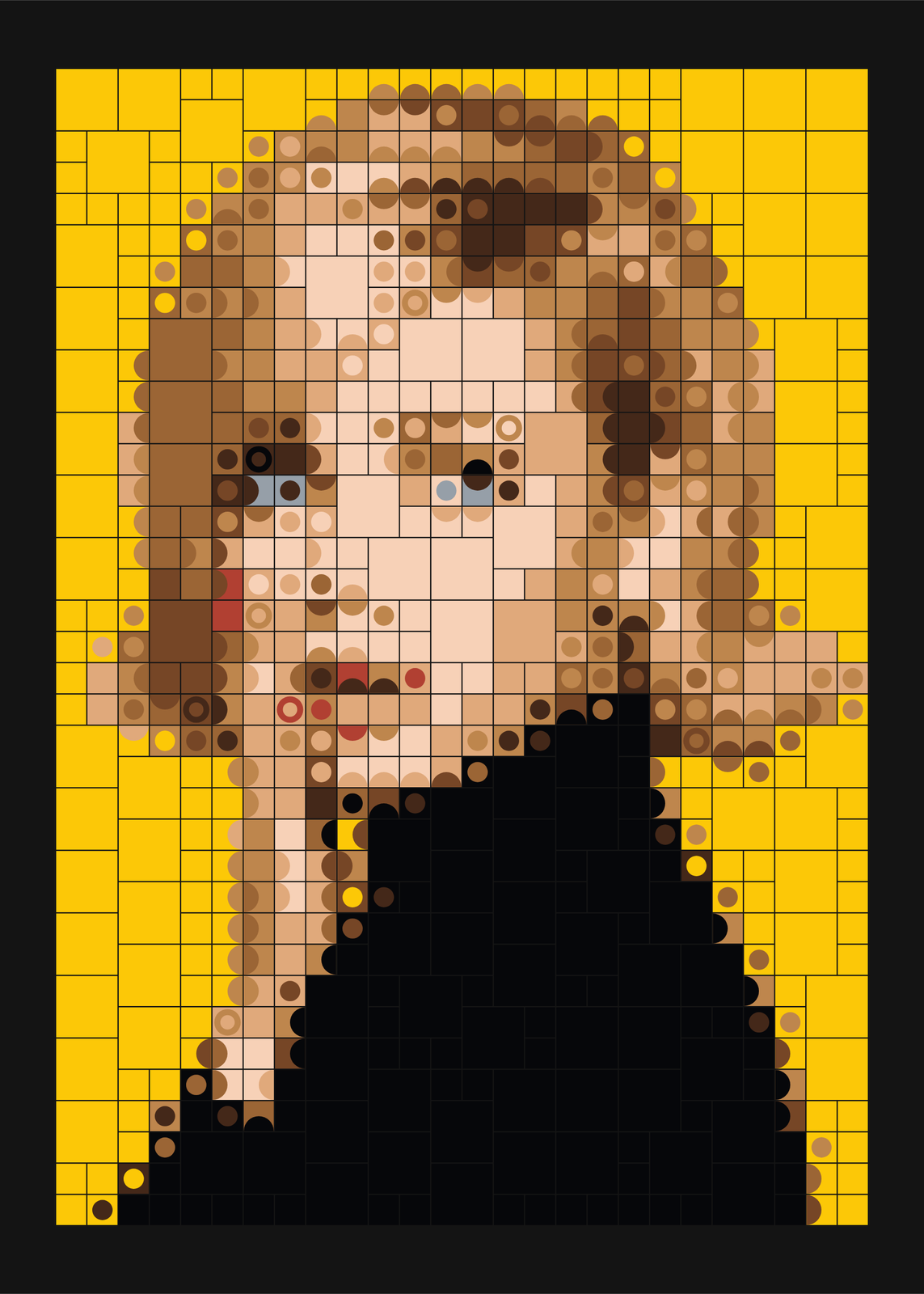 Mosaic portrait of a blond woman rebuilt from square tiles of dots and rings, on yellow and blackEdit this →More mosaic art →
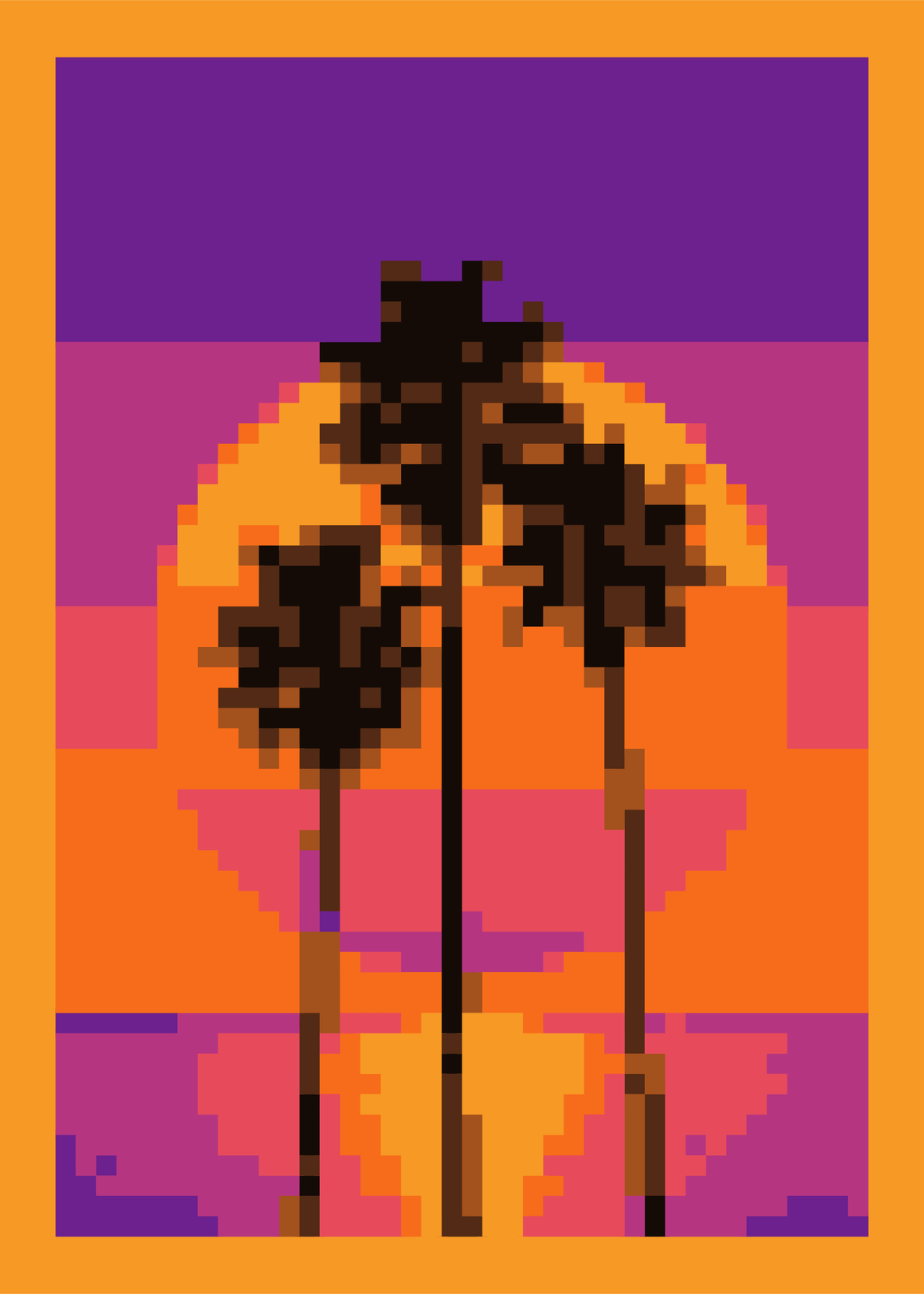 Pixel art of palm trees against a setting sun, in big square pixels of orange, purple and pink inside an orange borderEdit this →More pixel art generator →
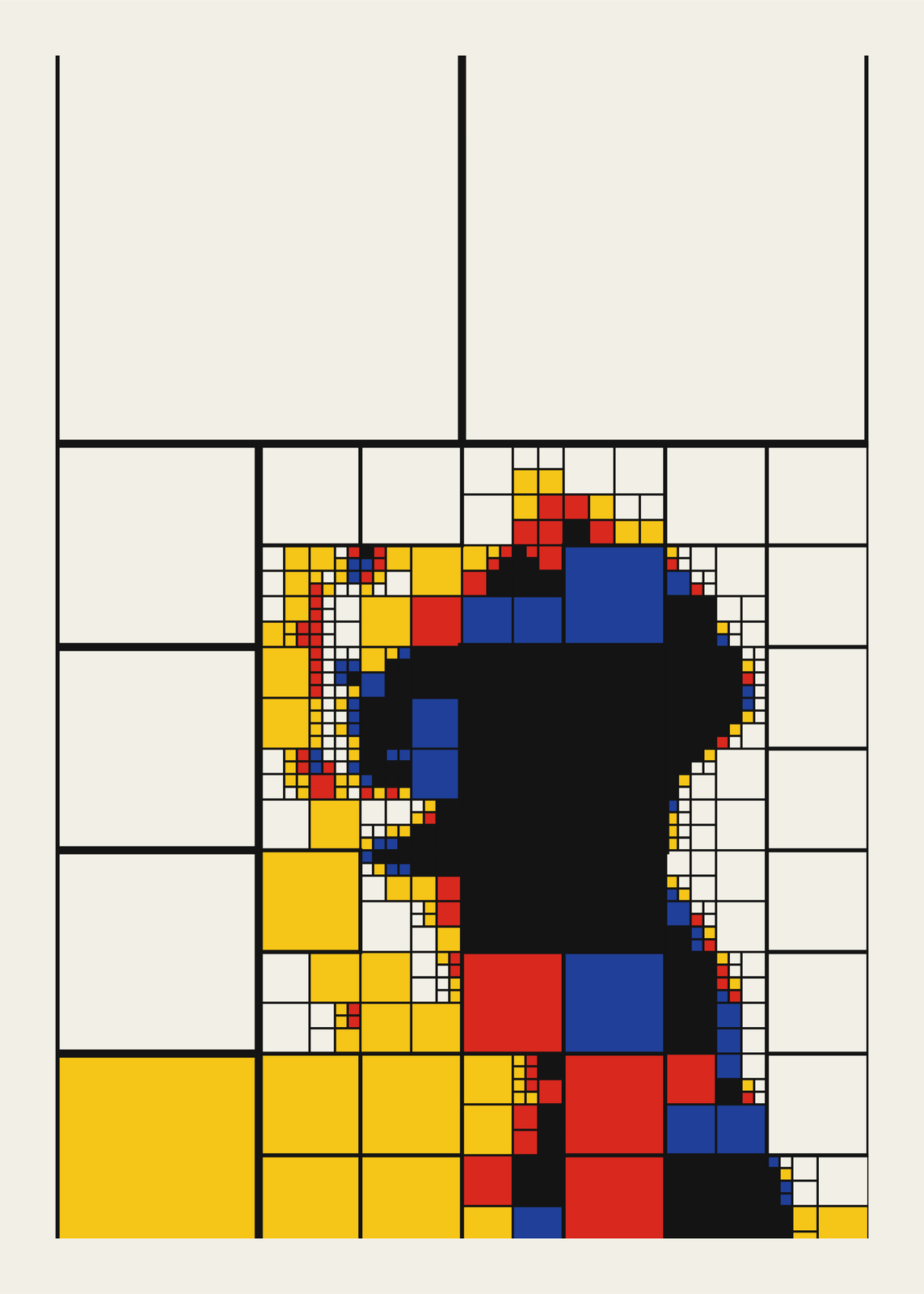 A golden retriever rebuilt from squares that split where the detail is, in Mondrian's red, yellow, blue and black with black lines, on creamEdit this →More quadtree art →
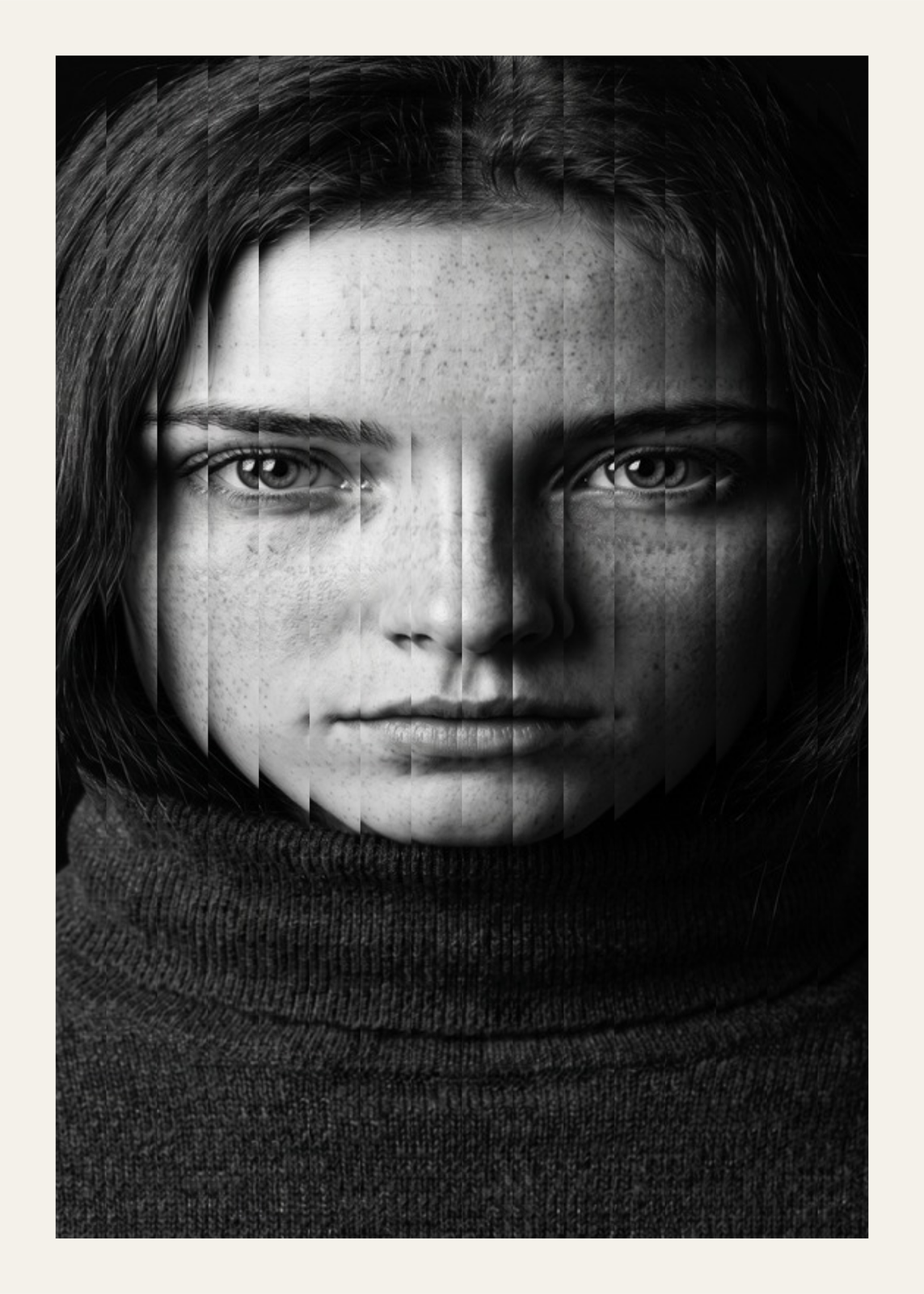 Black and white portrait of a freckled woman seen through fluted glass, her face broken into slim upright stripsEdit this →More kaleidoscope art →
What each maker does to a photo
- Stippling art: thousands of ink dots, crowded in the shadows and spread thin in the light, like an engraving.
- ASCII art: the picture typed in letters, digits or blocks, on an amber monitor, a green terminal or plain paper.
- One line drawing: a single pen line that spirals, scribbles or waves across the face, or a quick pen sketch.
- String art: one dark thread pulled thousands of times between nails on a round or square board.
- Linocut print: a key block of gouge marks over one or two flat colors, printed a little off register.
- Plotter art: columns of pen dashes and serpentines, solid black only at the eyes, brows and deepest shadows.
- Low poly art: a few hundred translucent triangles, shards or circles, each placed where it brings the poster closest to the photo.
- Glitch art: pixels sorted, sliced, split into color and scrambled, from a tape wobble to a full melt.
- Light painting art: a silhouette filled with one looping line, printed in red, green and blue like a long exposure.
Which photos work best
Most of these makers keep only the light and dark of a photo, so they need one clear subject in strong light. A face filling most of the frame, lit from one side, suits stippling, string art, plotter art and one line drawings best, and a plain background keeps the paper clean around it. A linocut wants bold lights and darks. Low poly art and glitch art keep the photo's colors, so a colorful picture pays off there.
Light painting art fills a shape, so it wants a silhouette: a dancer, a bird, a tree or a logo on a plain ground. In the stippling, ASCII, plotter and light painting makers, “Remove the background” cuts the subject out in your browser and leaves bare paper behind it.
A name, a date, a title
The stippling, one line, plotter and string art posters take a title and a line under the picture: a name and a year, two names and a wedding date, a place and the day you were there. The linocut numbers the print in pencil and adds your title in italics, as printmakers do. The ASCII poster labels itself like a file, self_portrait.txt, and the glitch poster sets its title like a flyer, the letters split into color like the picture.
Questions
Can I use my own photo?
Yes. Every example here starts from a sample photo: open it and upload yours in its place. The editor draws the poster from your photo and redraws it as you change the settings.
How do I keep a face recognizable?
Most makers have a setting for how much of the photo they keep: Detail for stippling and one line drawings, Columns for plotter art, Lines of thread for string art, How many for low poly art, Characters across for ASCII art and Cut density for a linocut. Turn it up for a likeness, down for something bolder and more abstract.
Can I draw it with a pen plotter?
Yes, for plotter art, string art, light painting art, and one line drawings in the Scribble or Sketch style or with the Plotter pen line. The editor offers a Plotter SVG next to the JPEG: pen strokes only, one layer per ink.
What sizes can I print?
US Letter, 8 × 10, 11 × 14, 12 × 16 and 12 × 18 in, A4 and A3, free. You download a 300 DPI JPEG drawn at the size you pick. Larger prints, up to 24 × 36 in, are coming soon.
Related
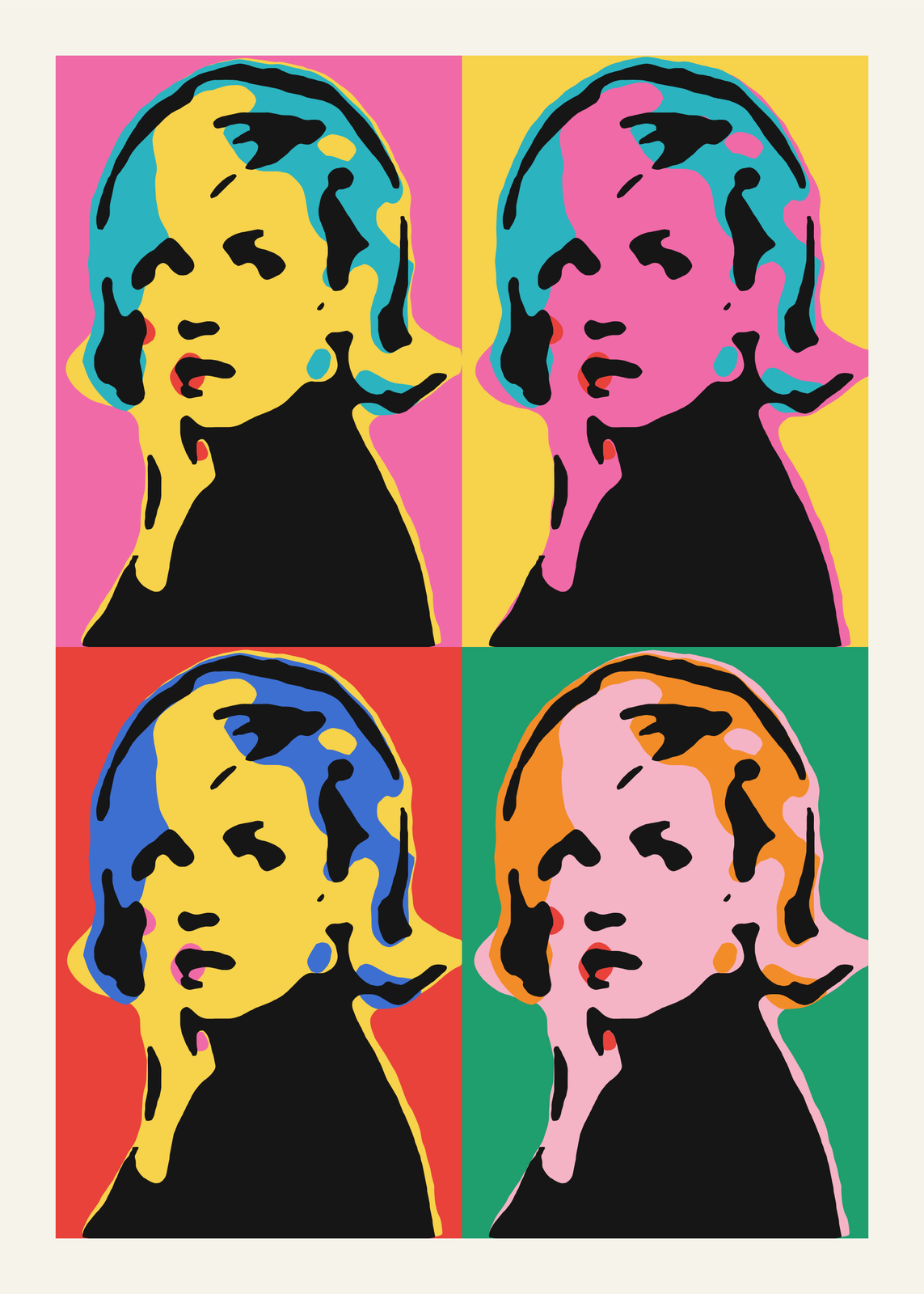 Pop artyour photo as a silkscreen grid, a comic panel or a WPAP portrait
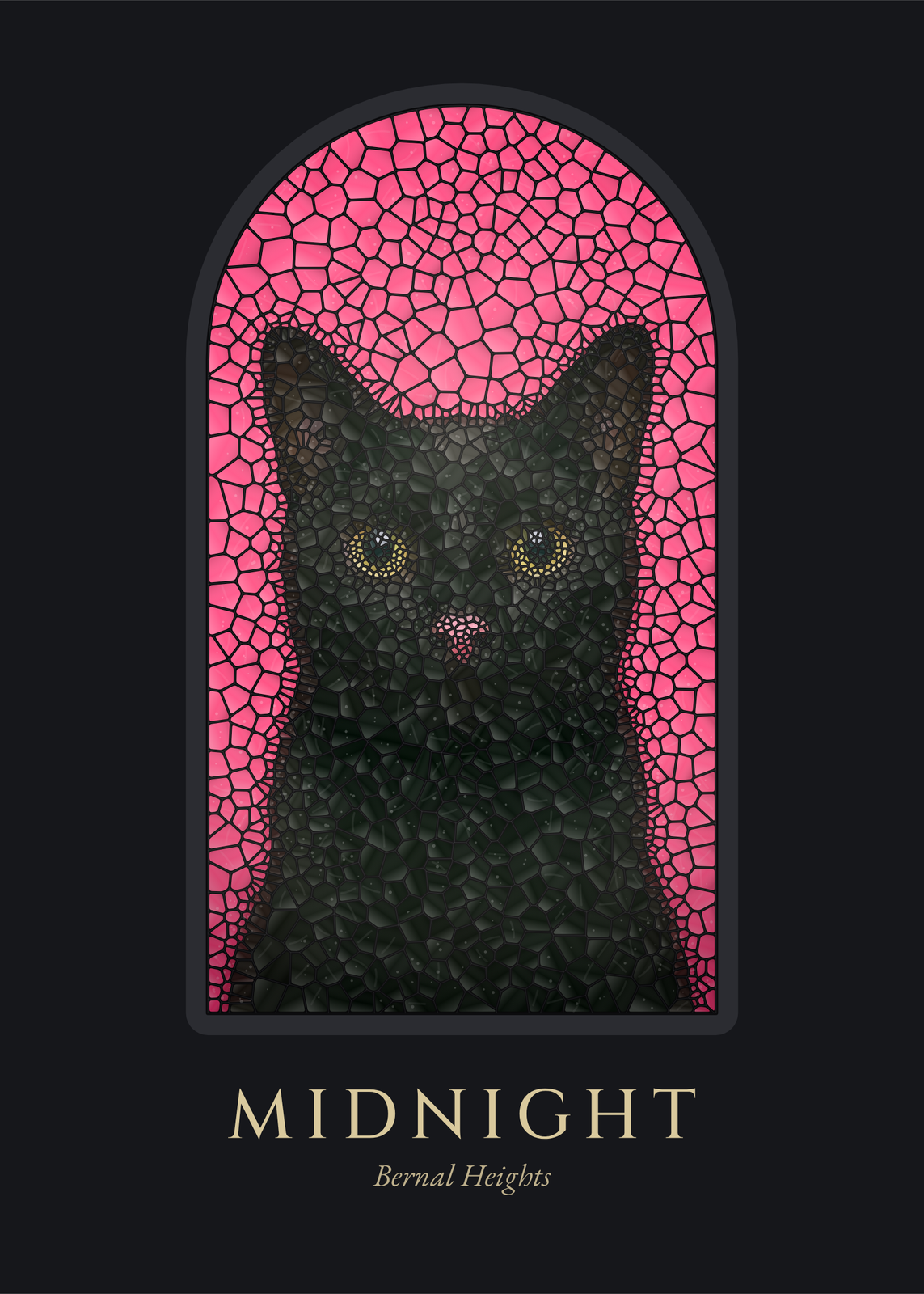 Stained glass artyour photo cut into panes of colored glass and set in a window
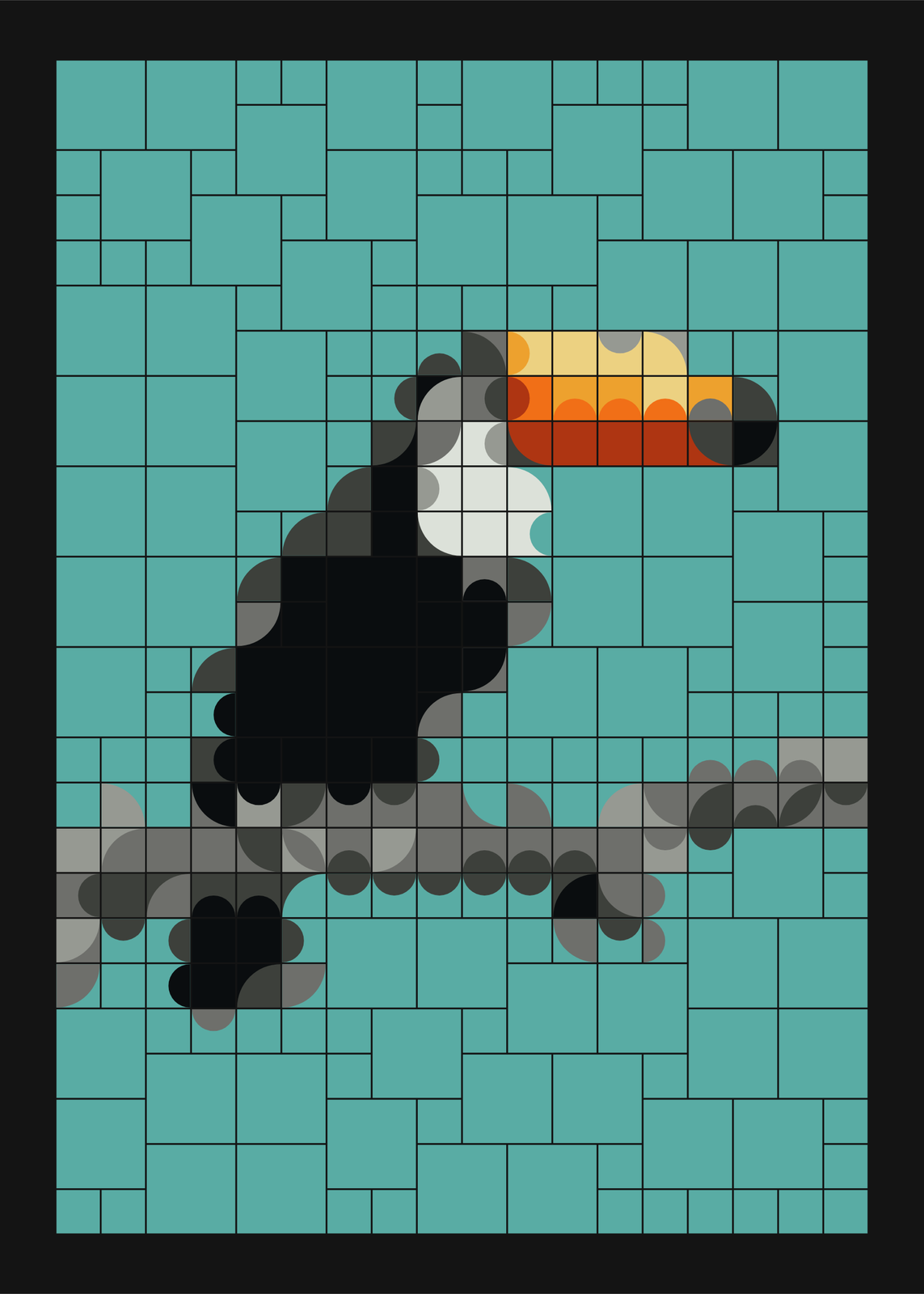 Mosaic artbold tiles that join into curves, composed by chance or rebuilt from your photo
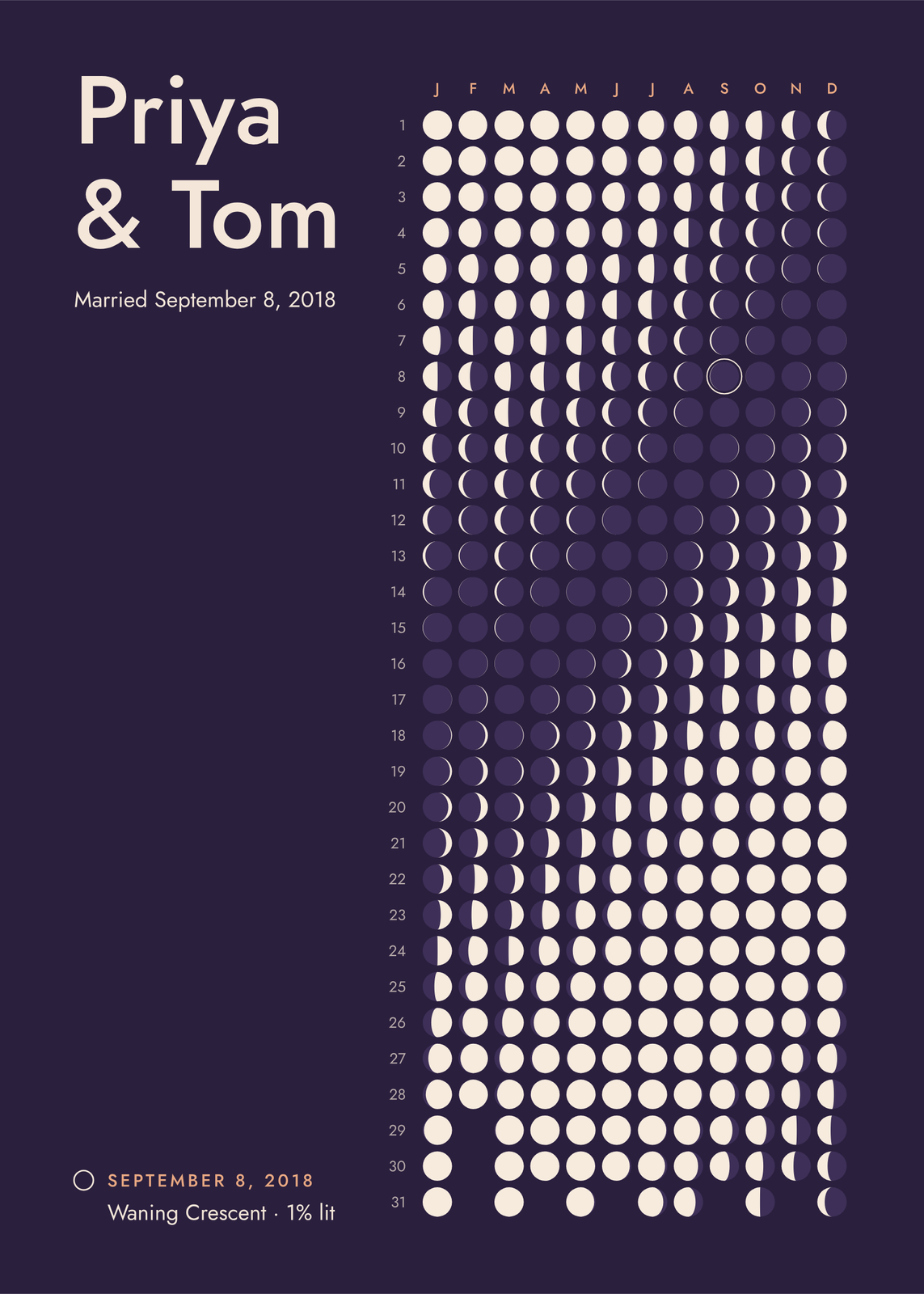 Anniversary gift ideaspersonalized gifts for any year together
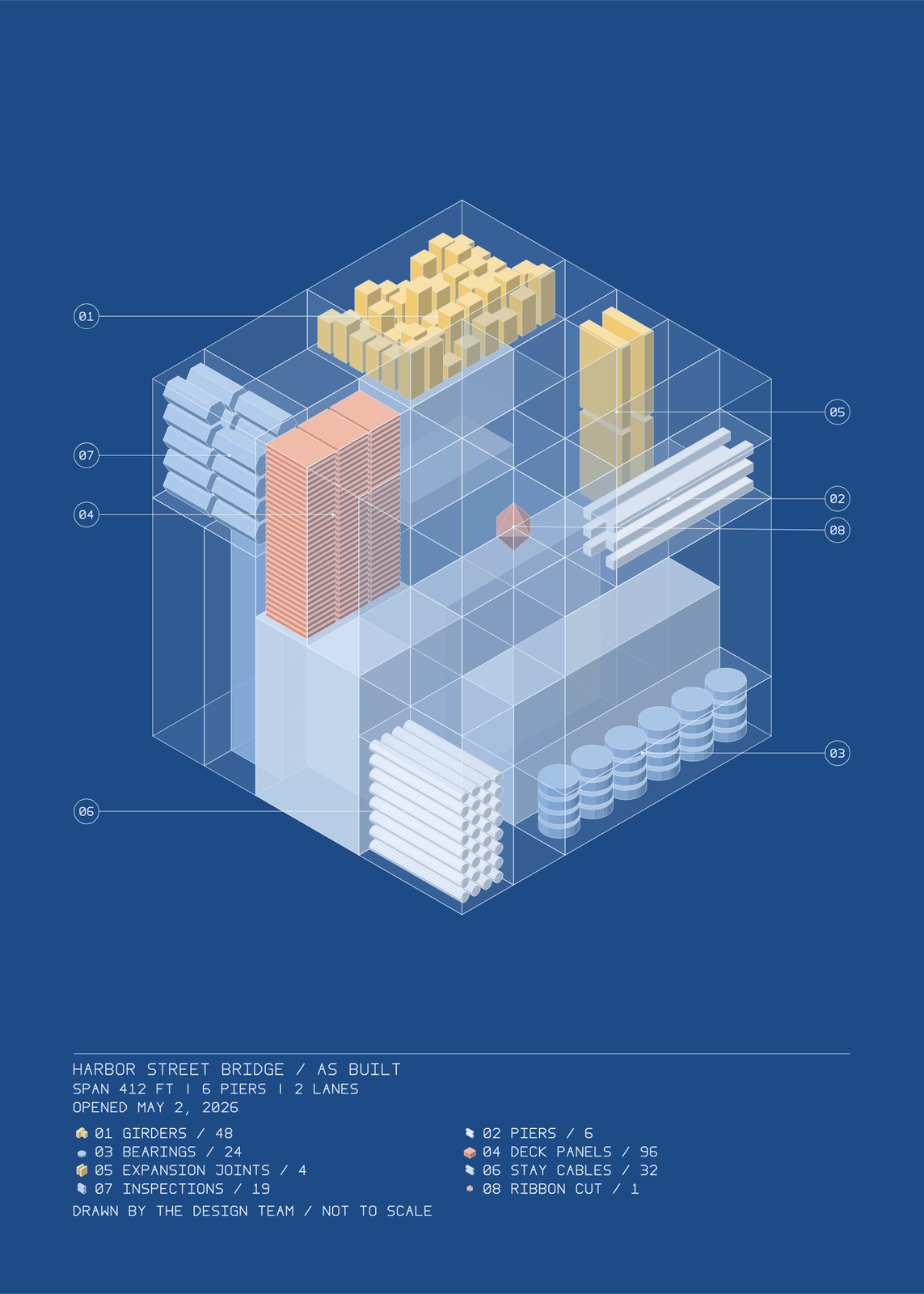 Gifts for engineerscivil, mechanical, electrical and software
Gift ideas by occasion
Every example is made with the Posterage generators. Change anything, then download it as a 300 DPI JPEG.