Airbnb welcome sign your neighborhood, your Wi-Fi and your rules on one sheet
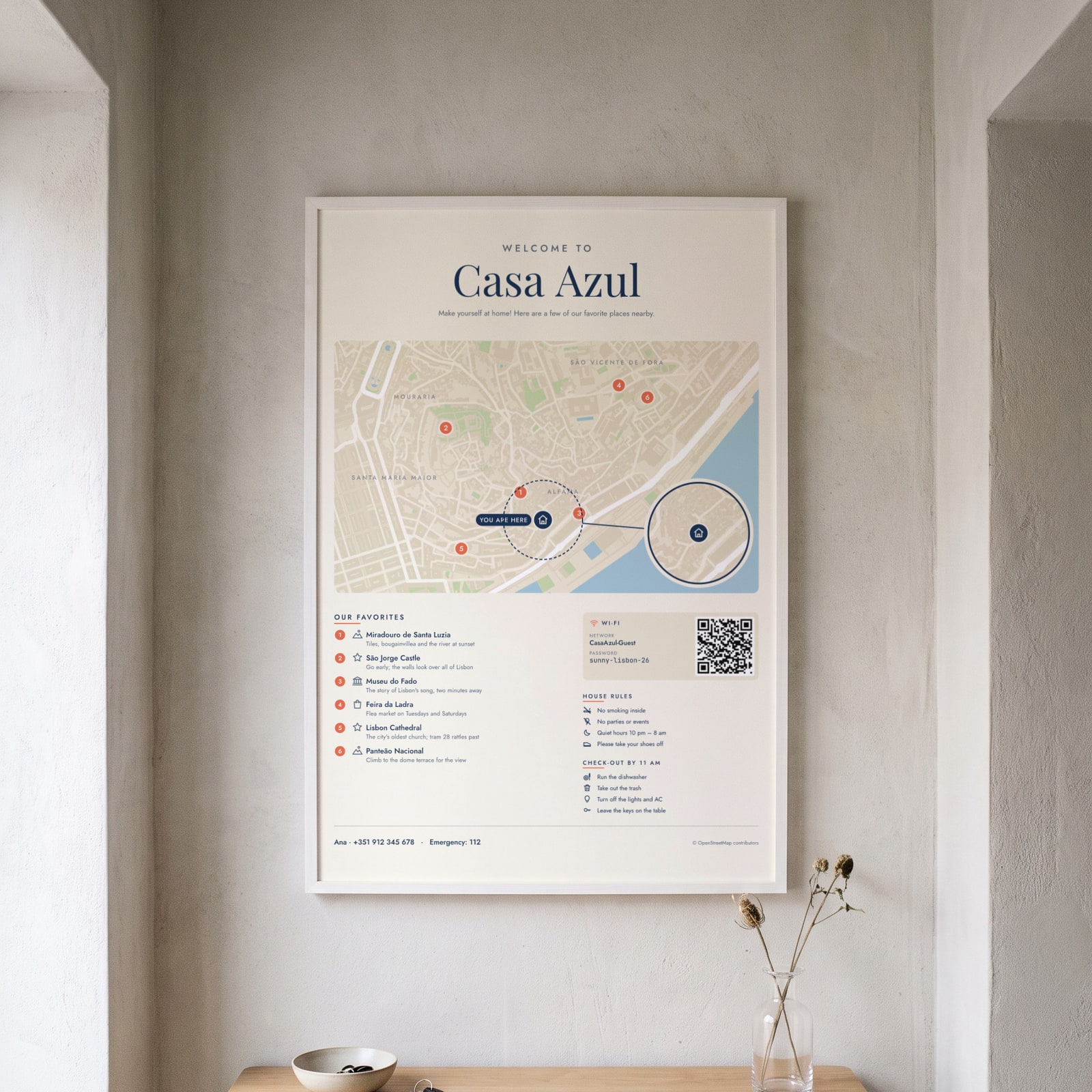
Guests ask the same things in their first hour: where to eat, the Wi-Fi password, what time to check out. Put all of it on one framed welcome sign, with a map of the neighborhood, your favorite places on it and a QR code that joins the Wi-Fi.
More signs for your rental
On the wall
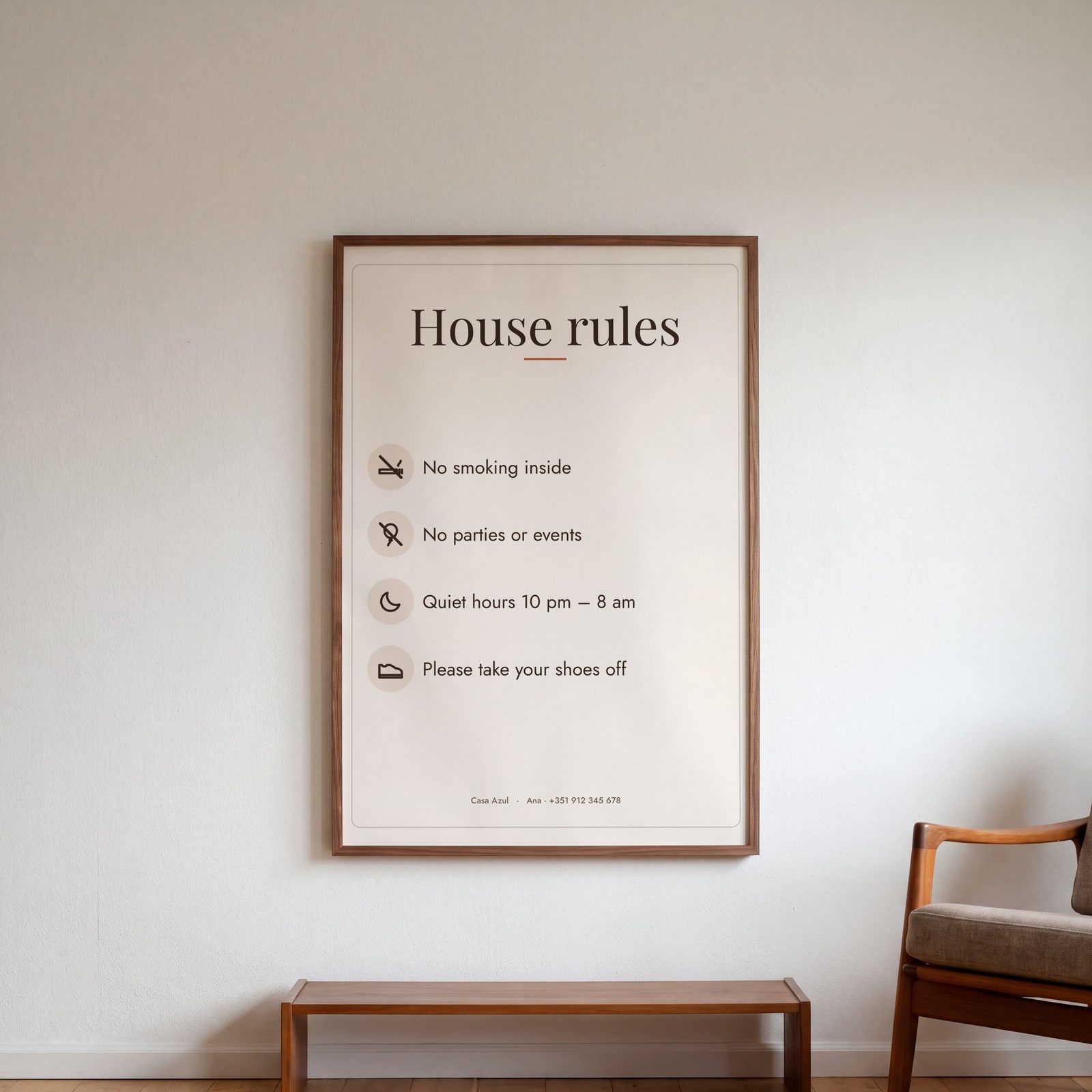
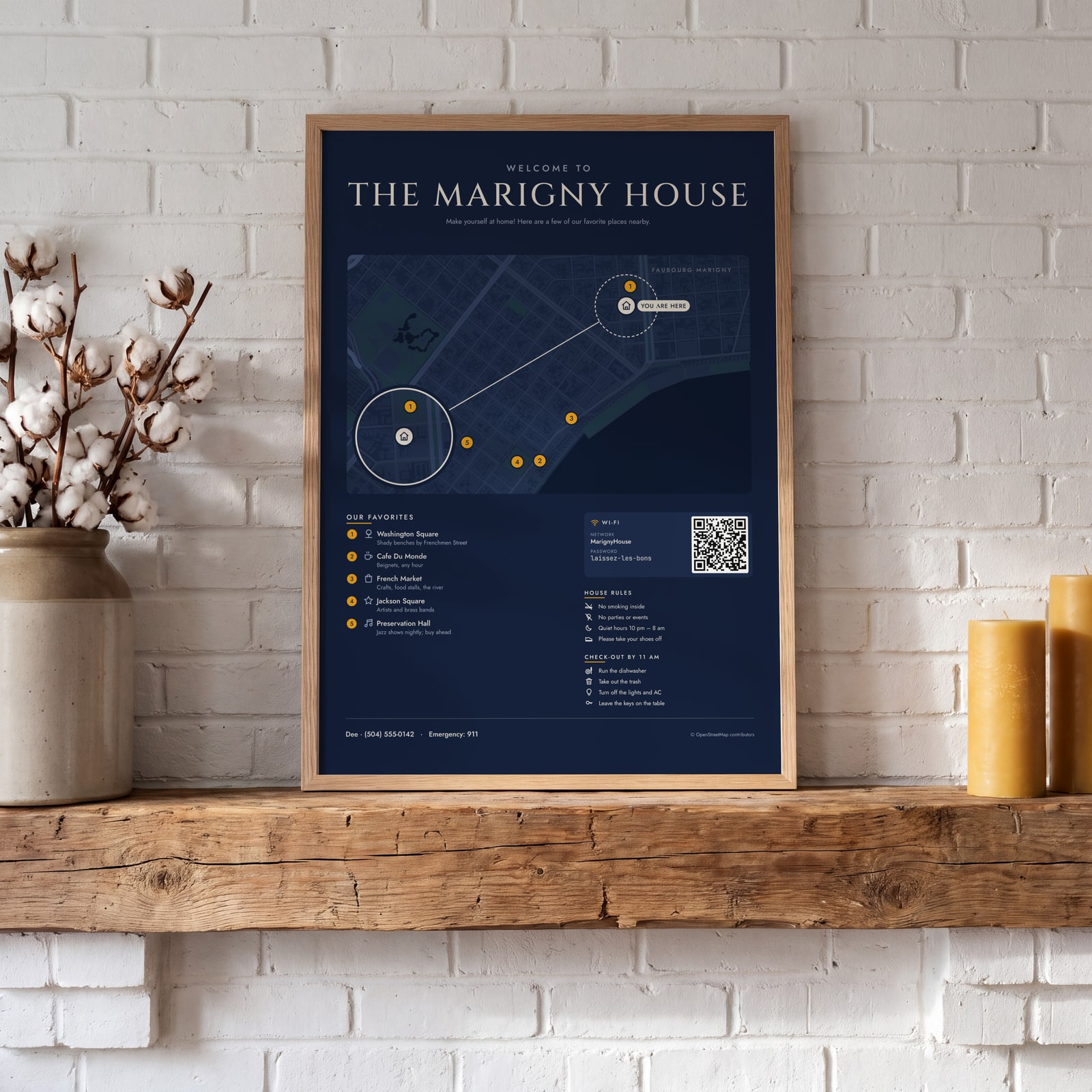
A few of them framed at home. Open any one to make it yours.
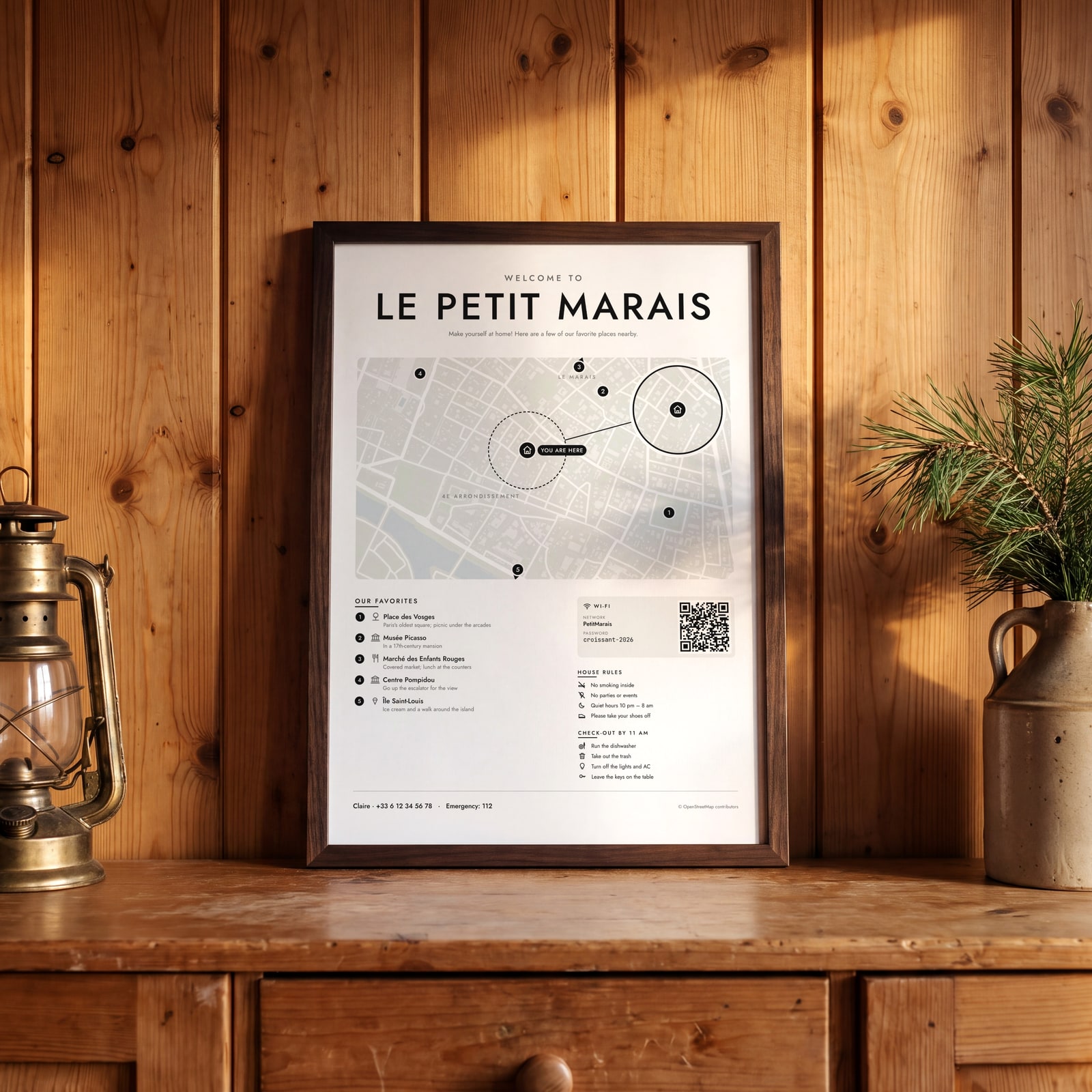
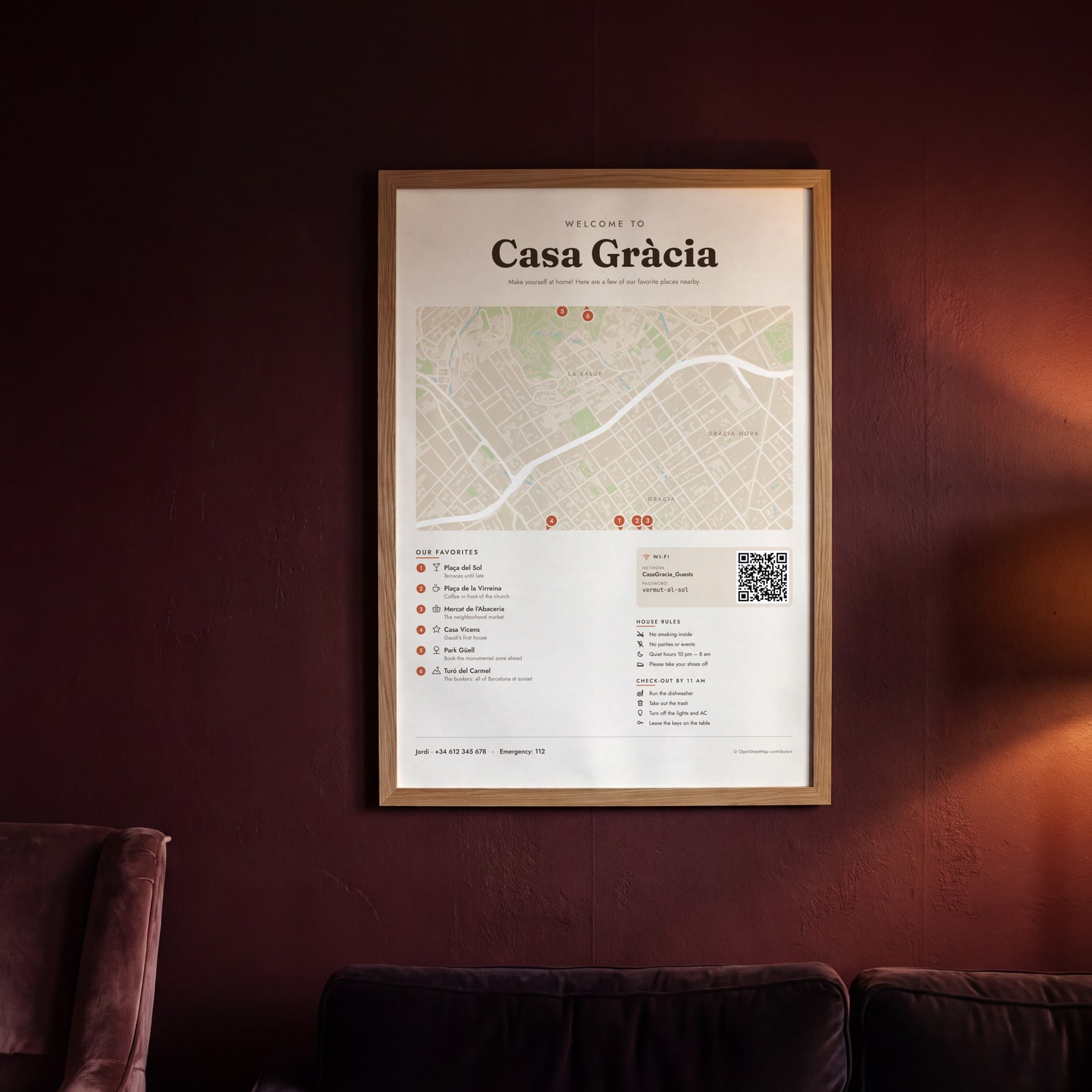
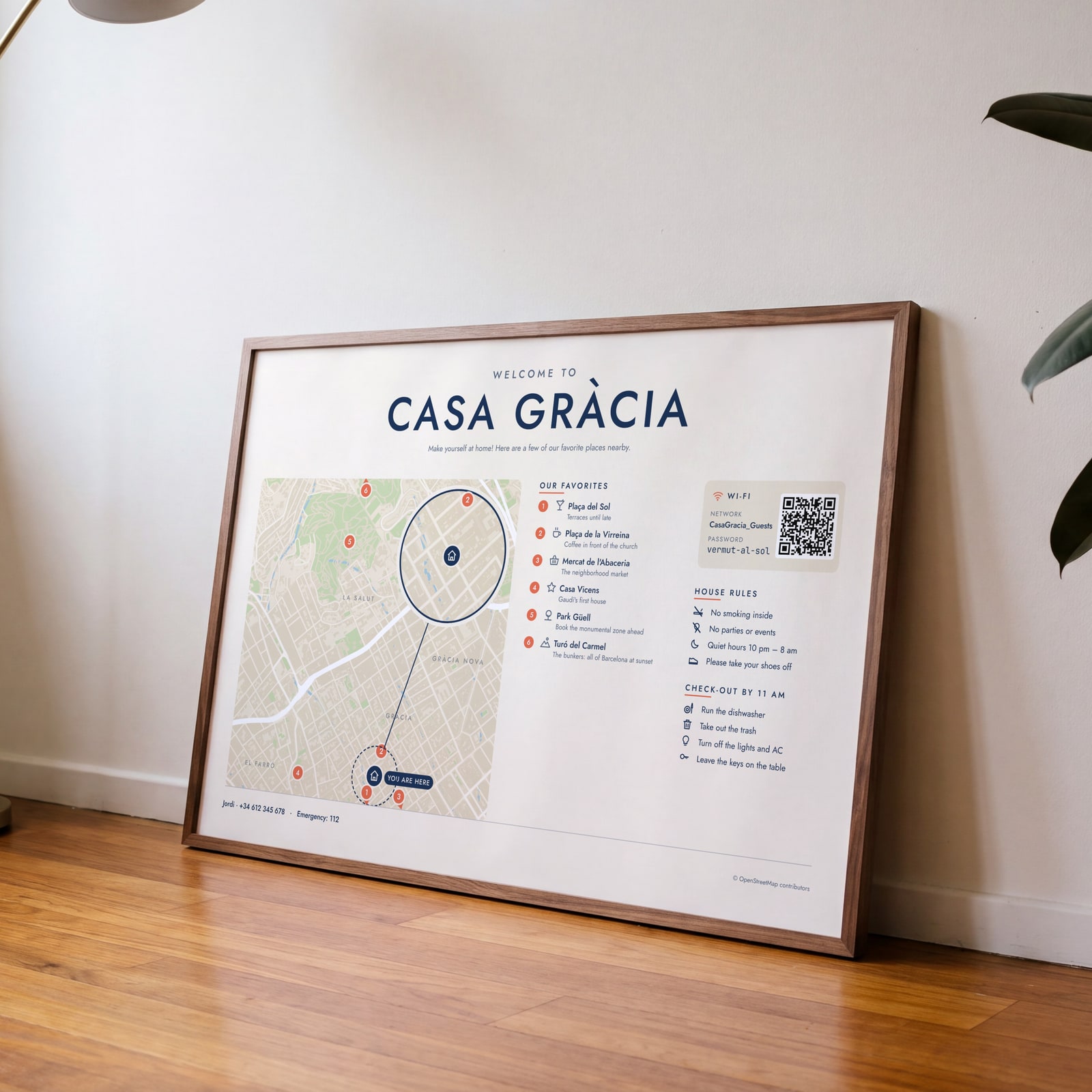
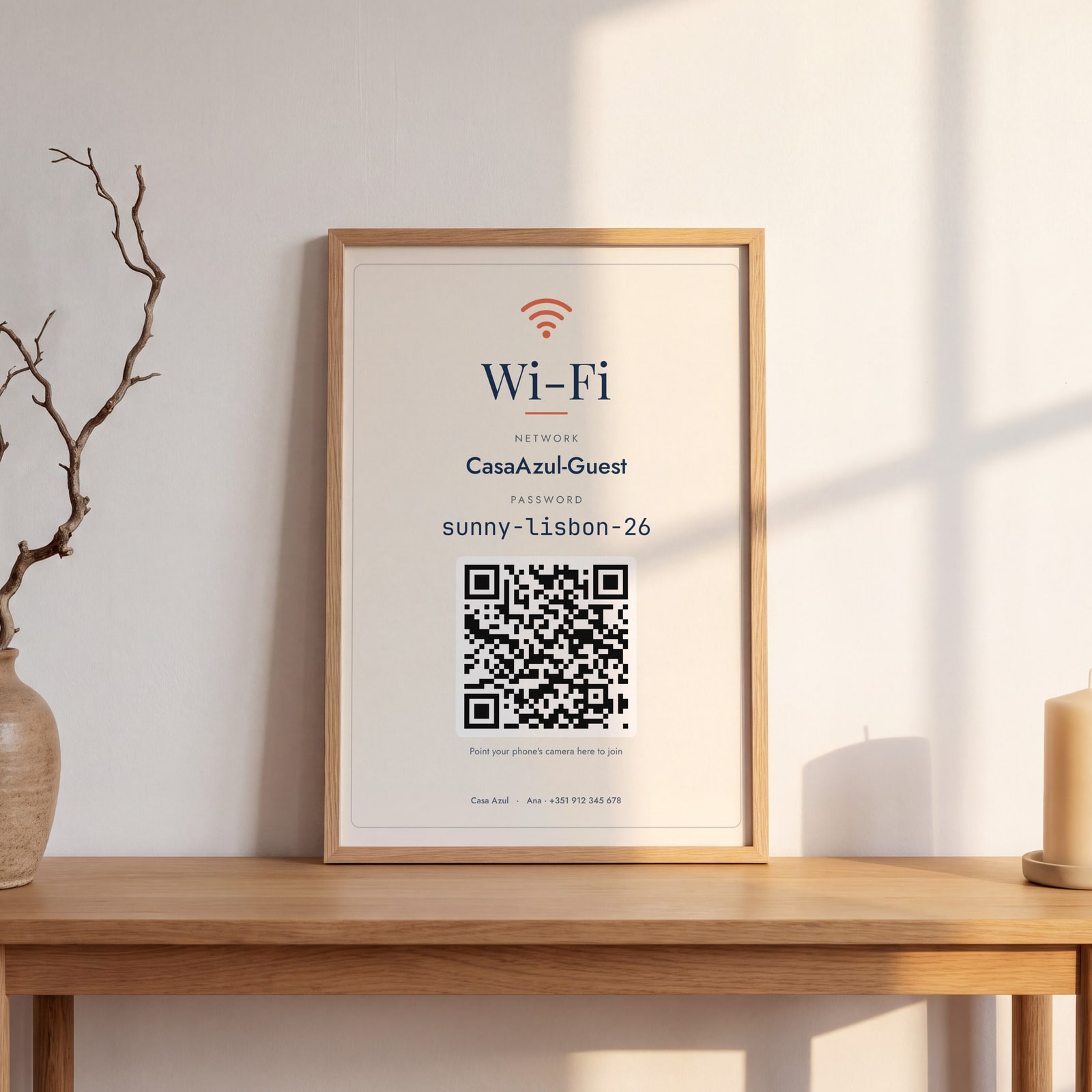
Examples
Open any of them to change the words, the place, the date and the style, then download the print file.
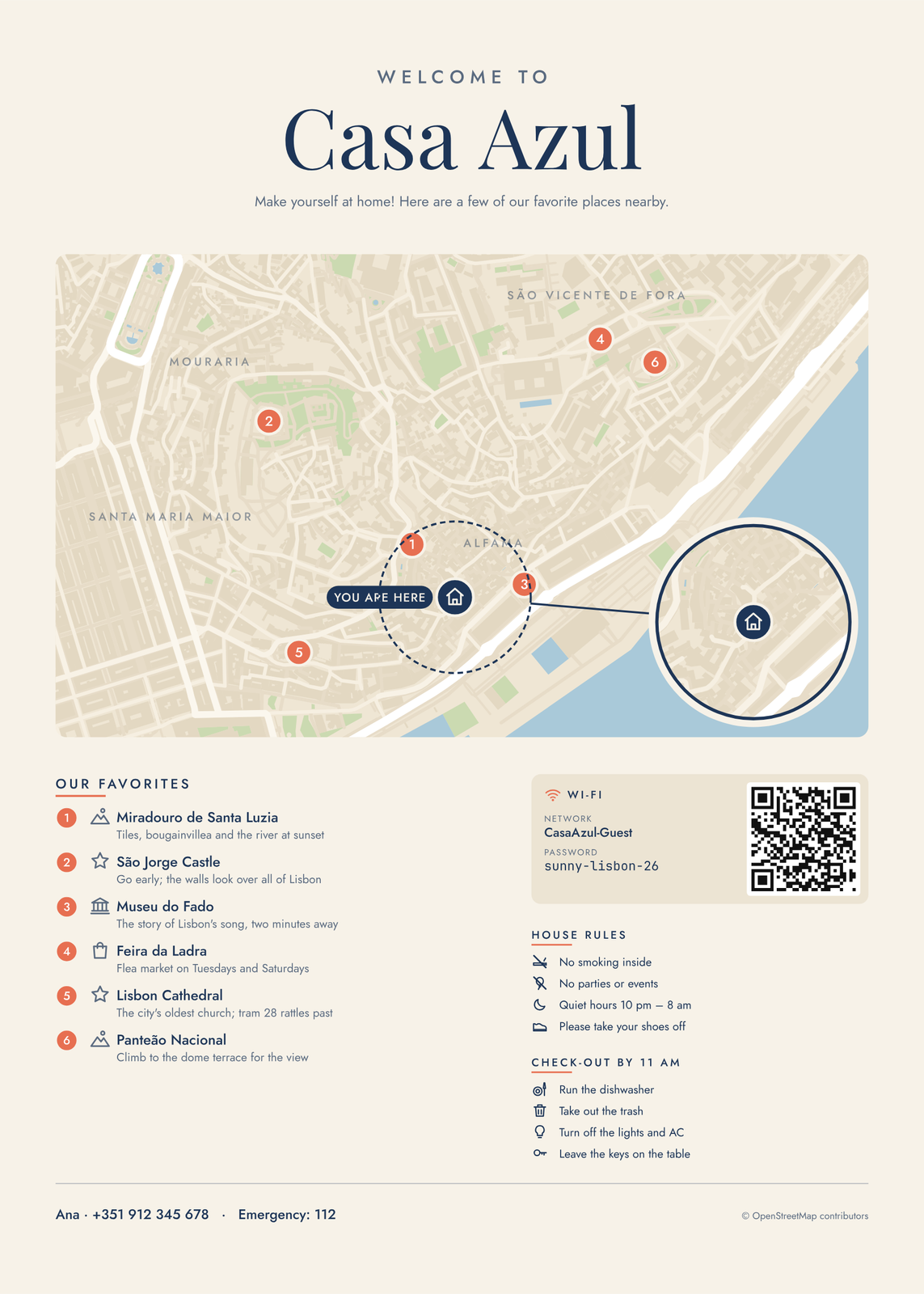 Welcome poster for a Lisbon rental: Alfama map, favorites, Wi-Fi and rulesEdit this →
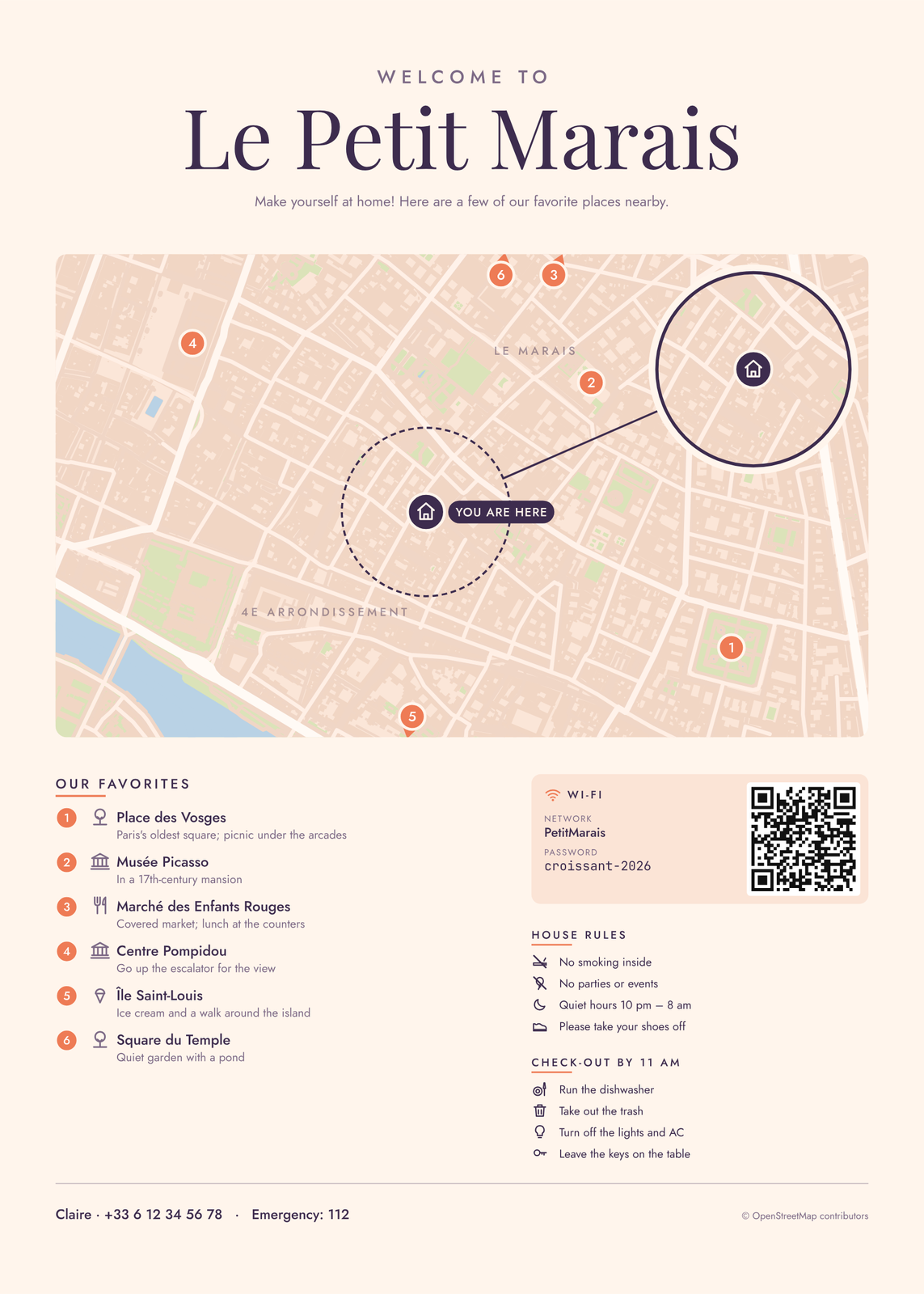
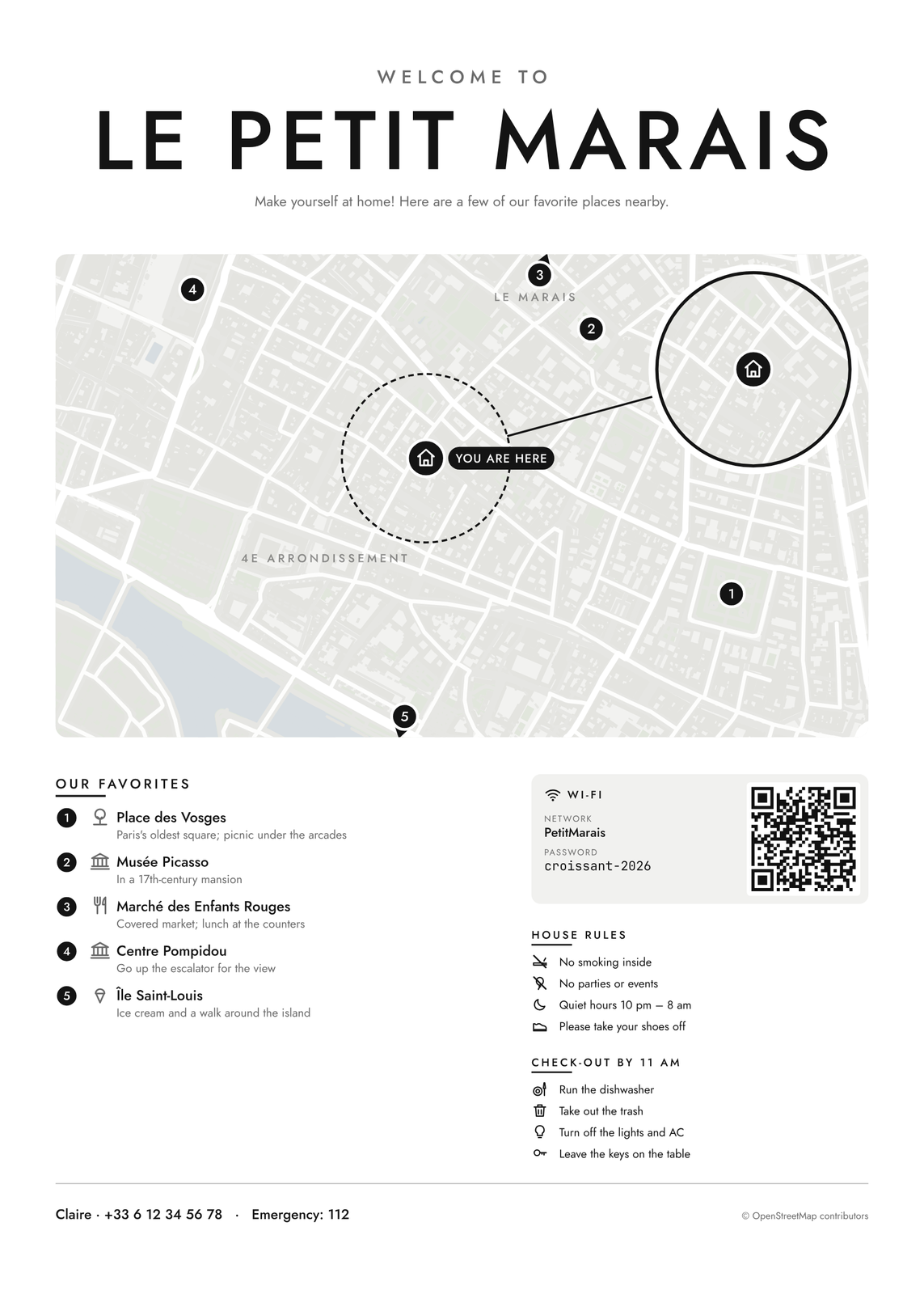 Minimal welcome poster for a Paris apartment in Le MaraisEdit this →
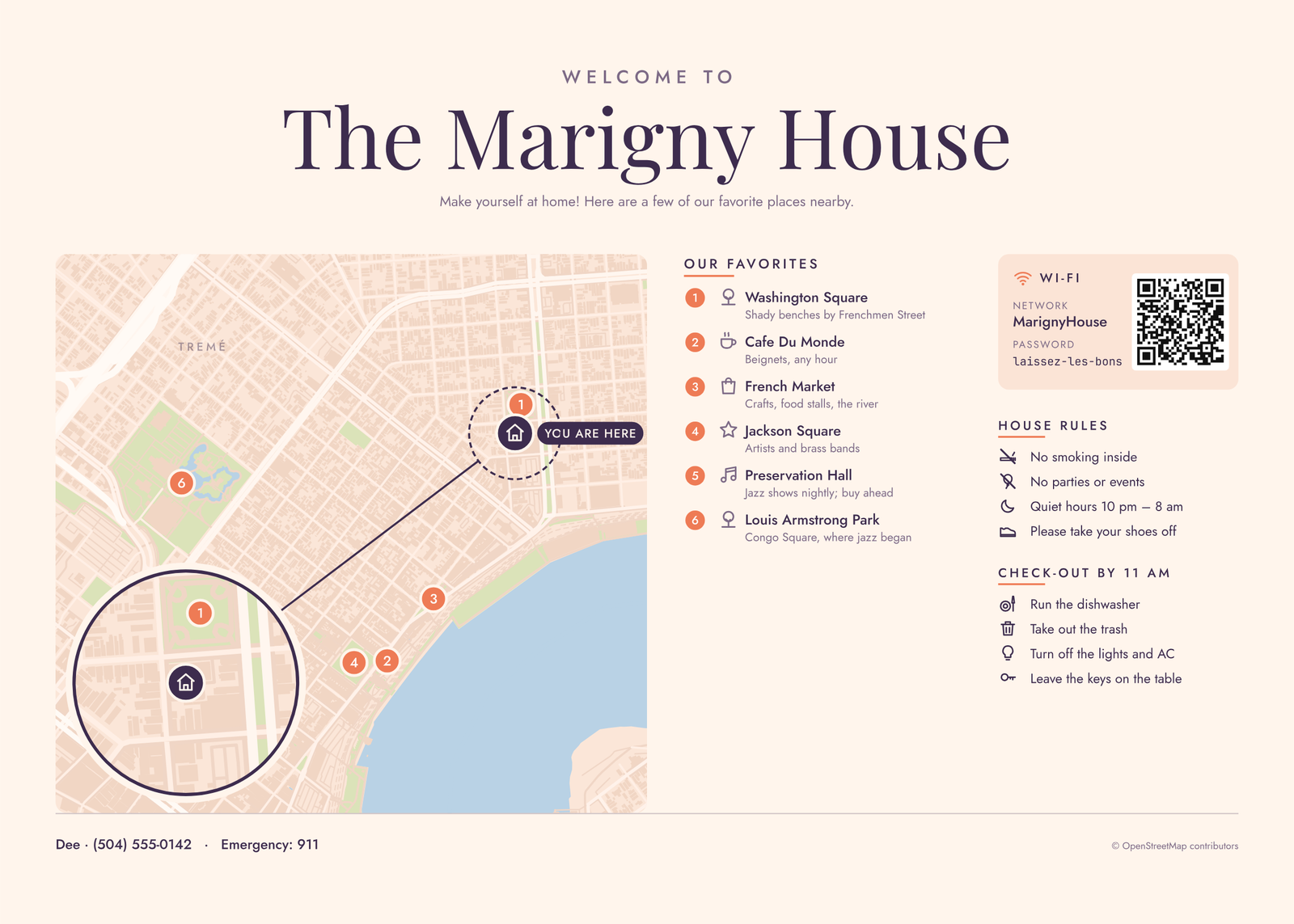
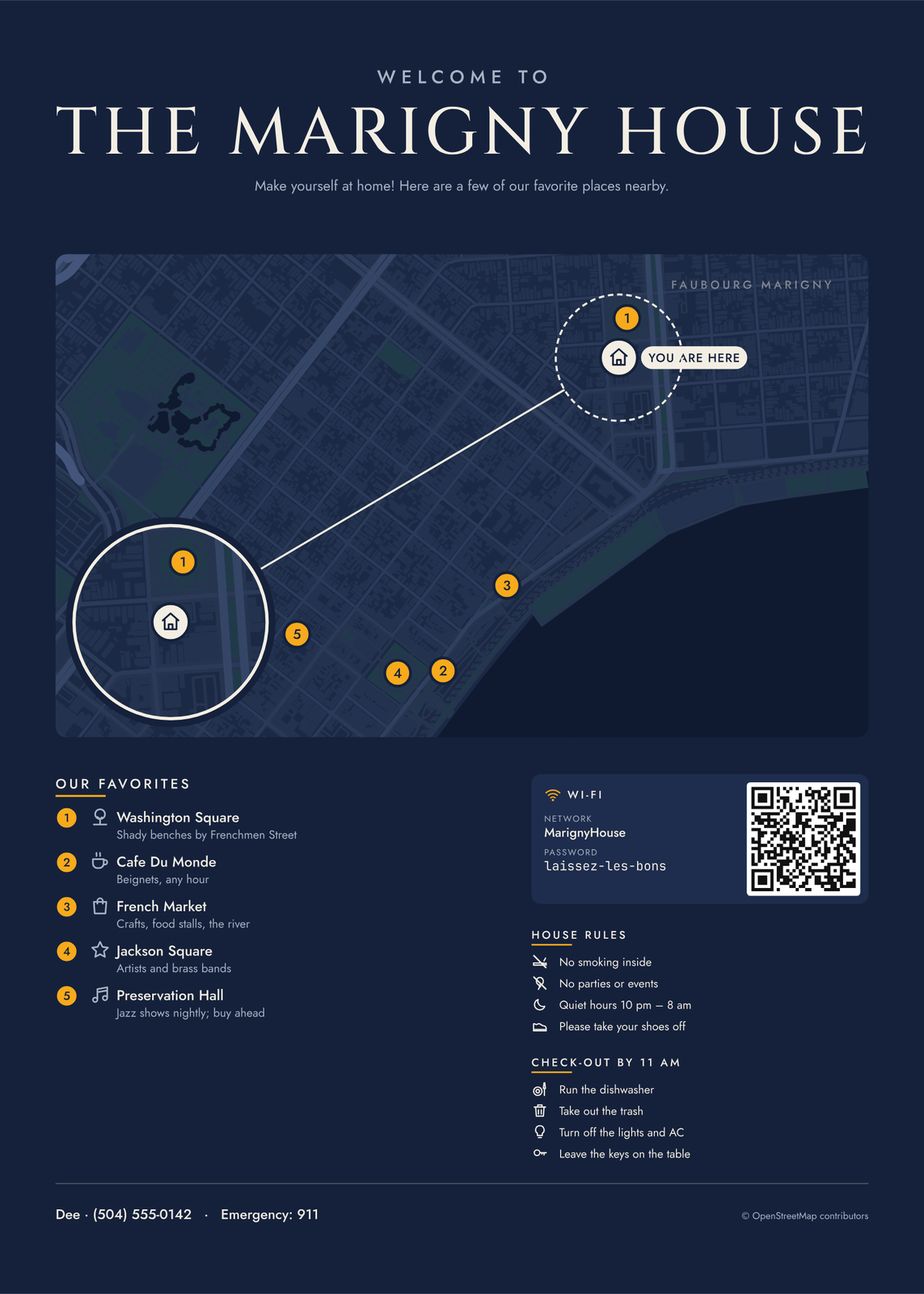 Midnight welcome poster for a New Orleans house in the MarignyEdit this →
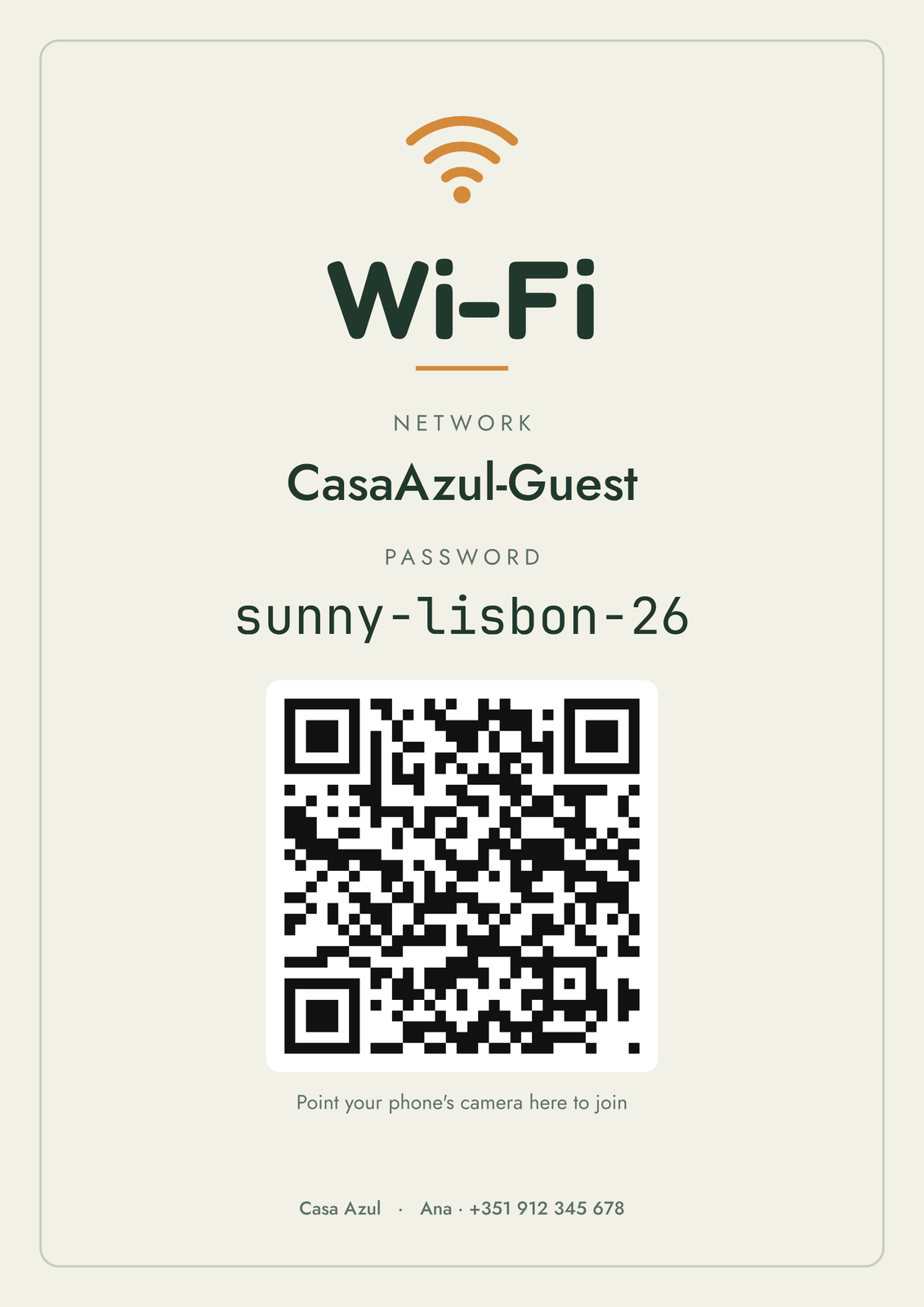
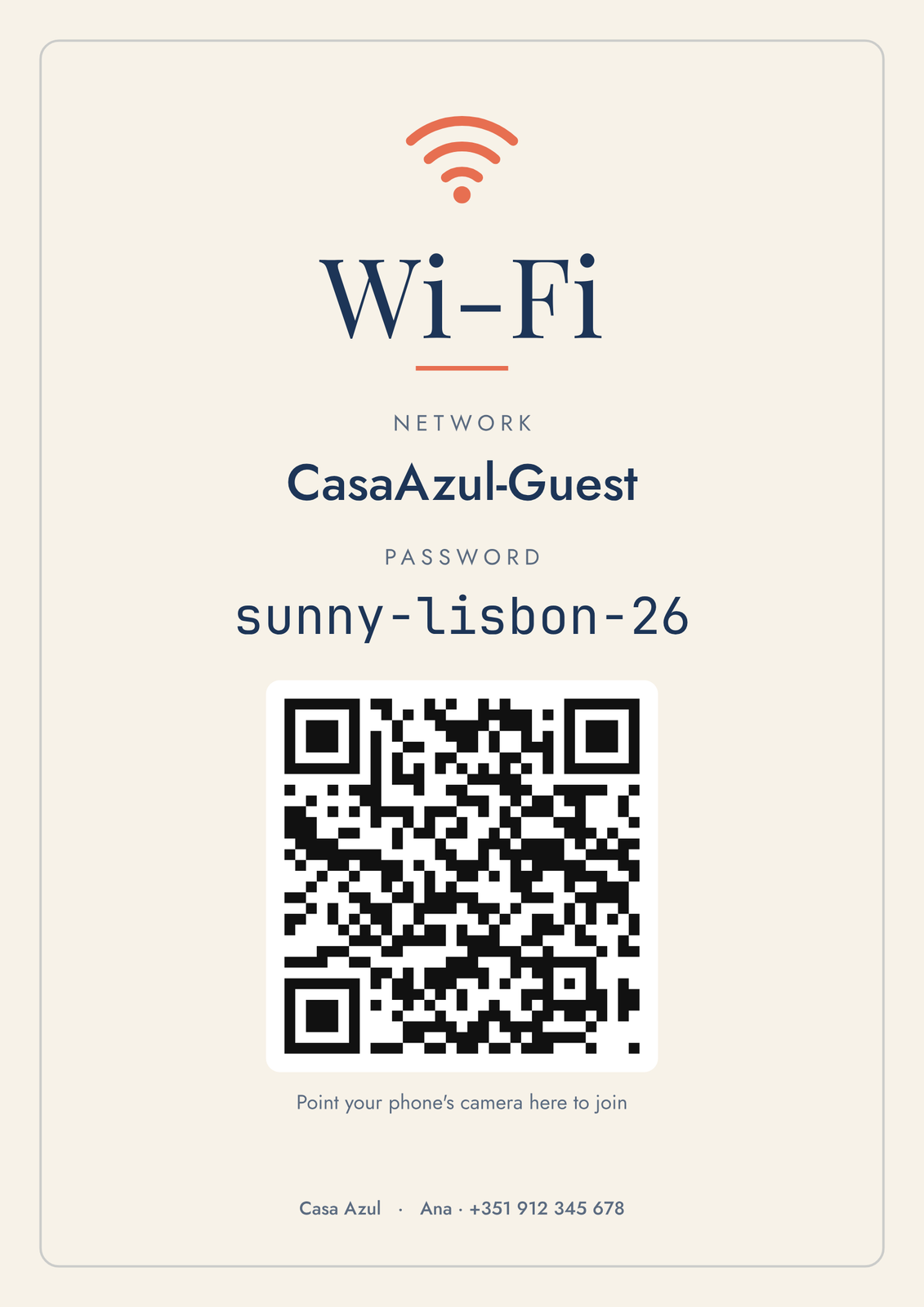
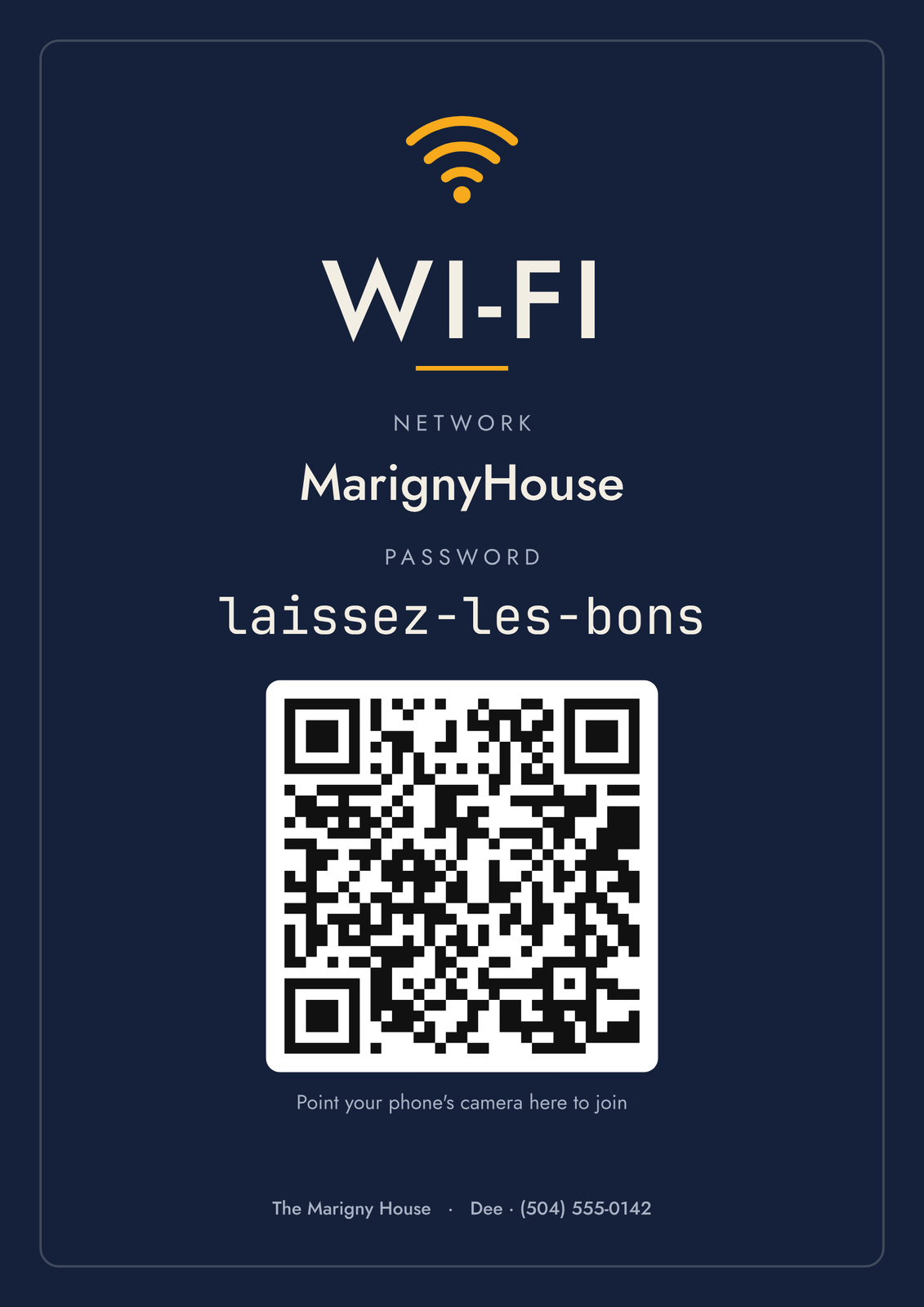
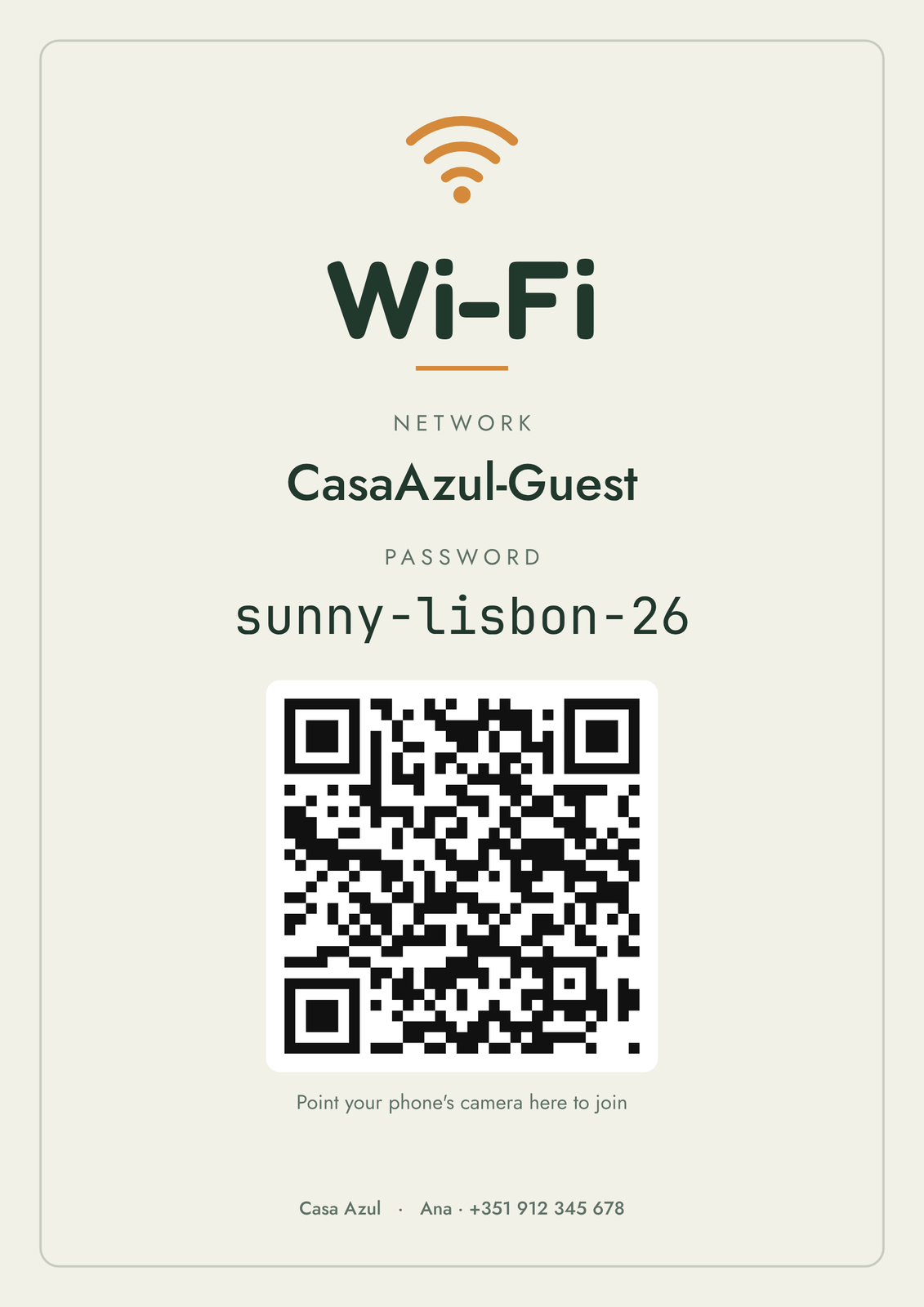 Wi-Fi sign with a QR code to joinEdit this →
Welcome posters
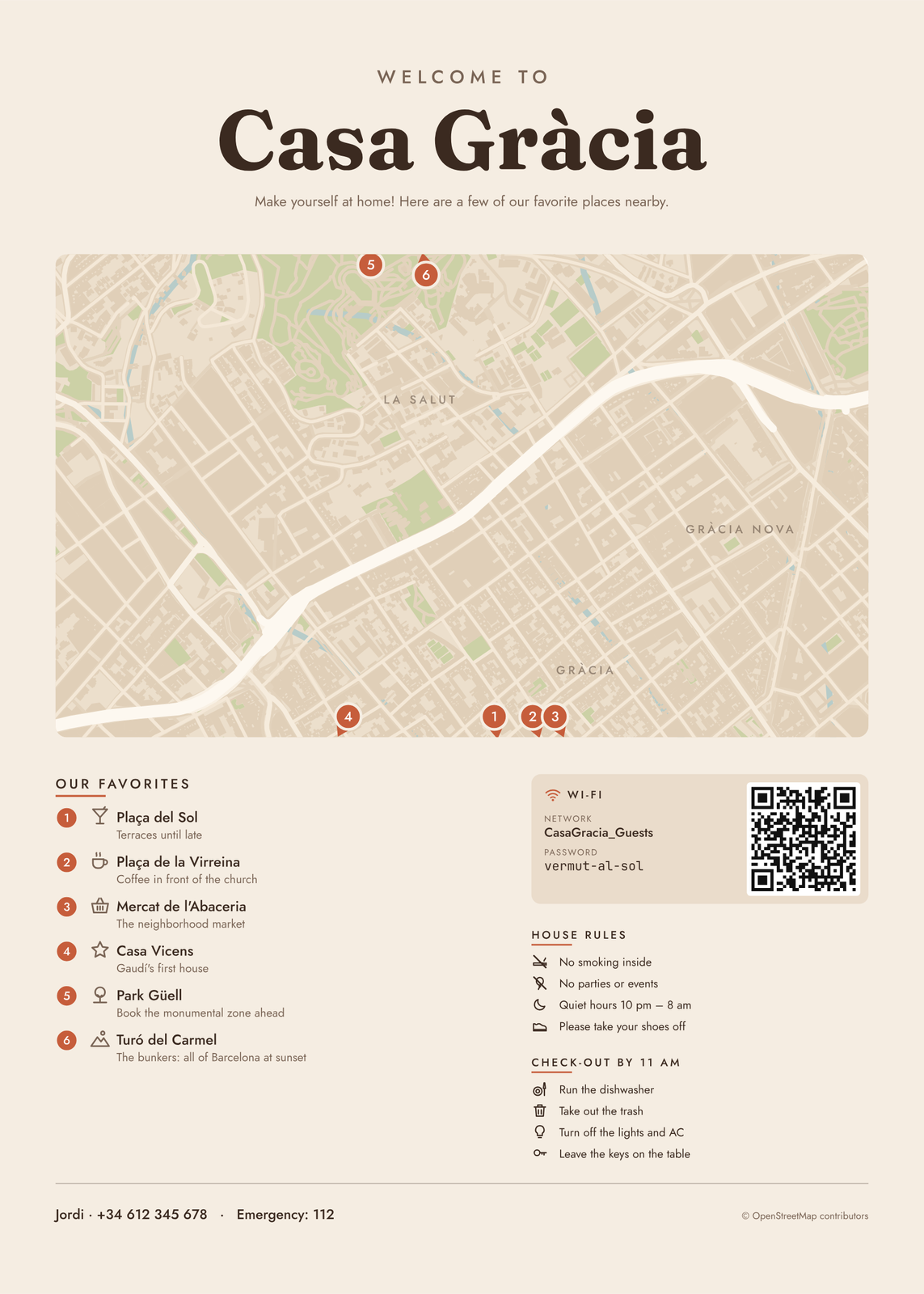
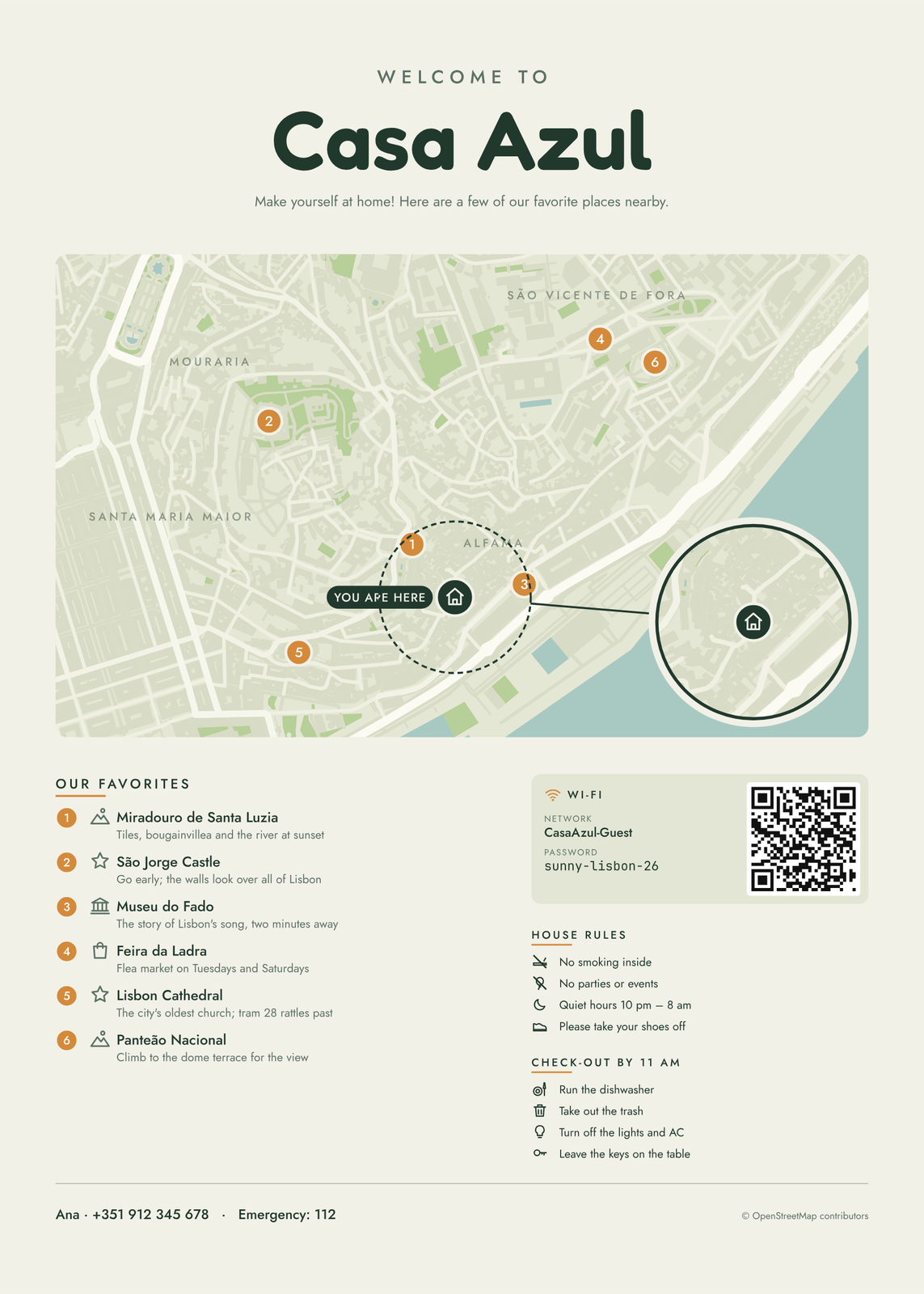
What's on the poster
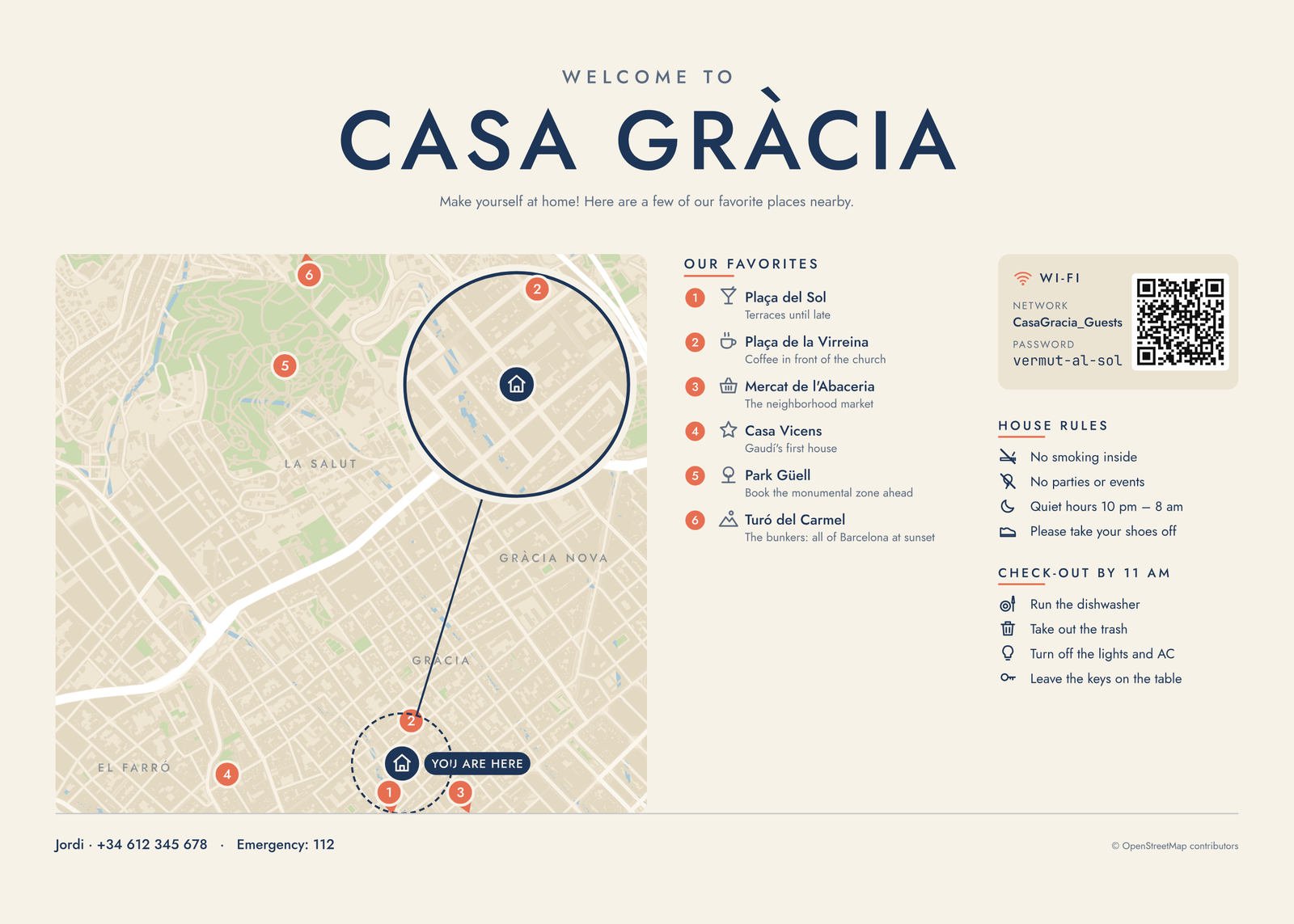
- A street map of the neighborhood, with a “you are here” pin on your door and a close-up circle of your street.
- Your favorite places, numbered on the map and listed with a short note each: the bakery, the beach, the view at sunset.
- The Wi-Fi network and password, with a QR code guests point their camera at to connect.
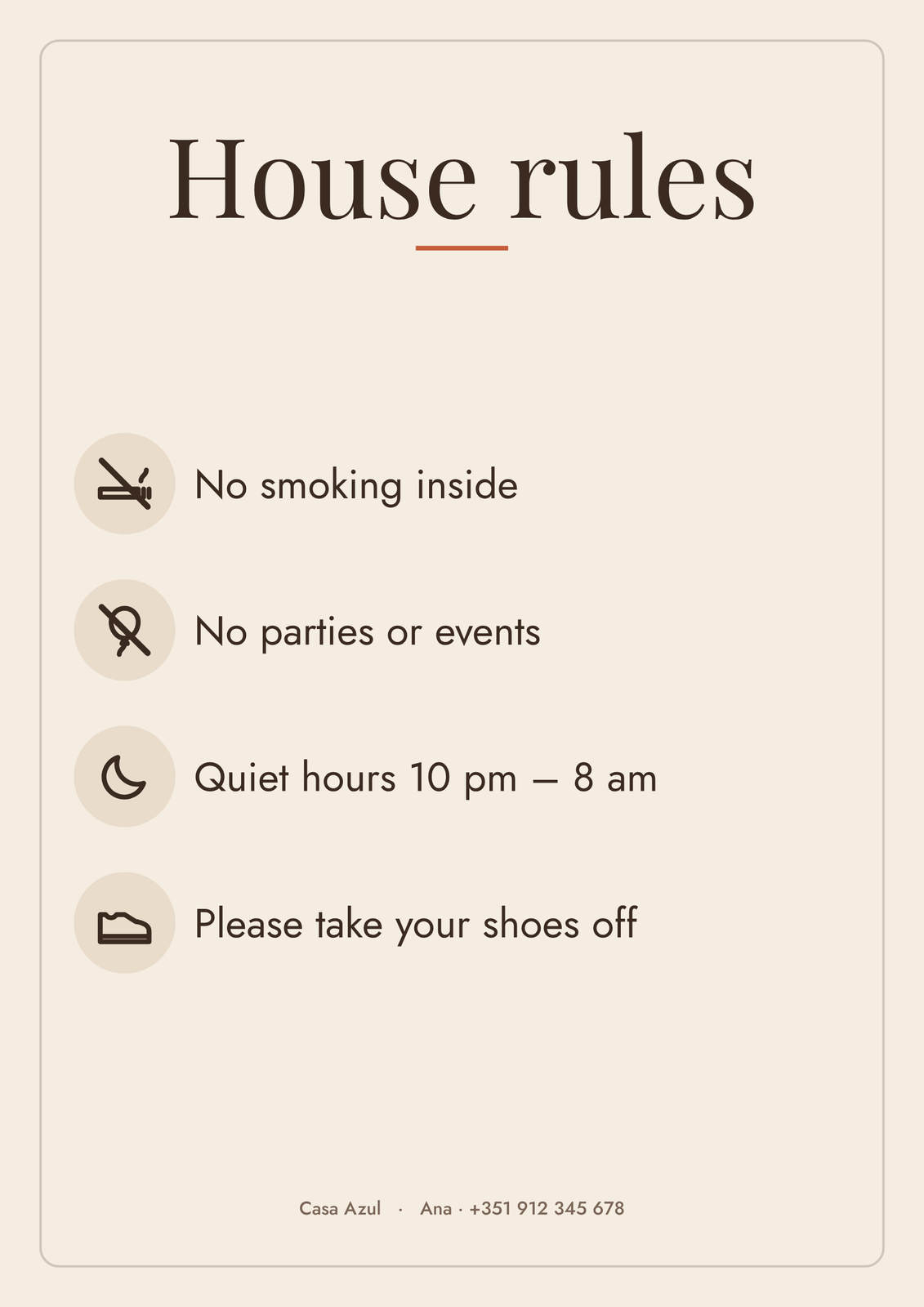
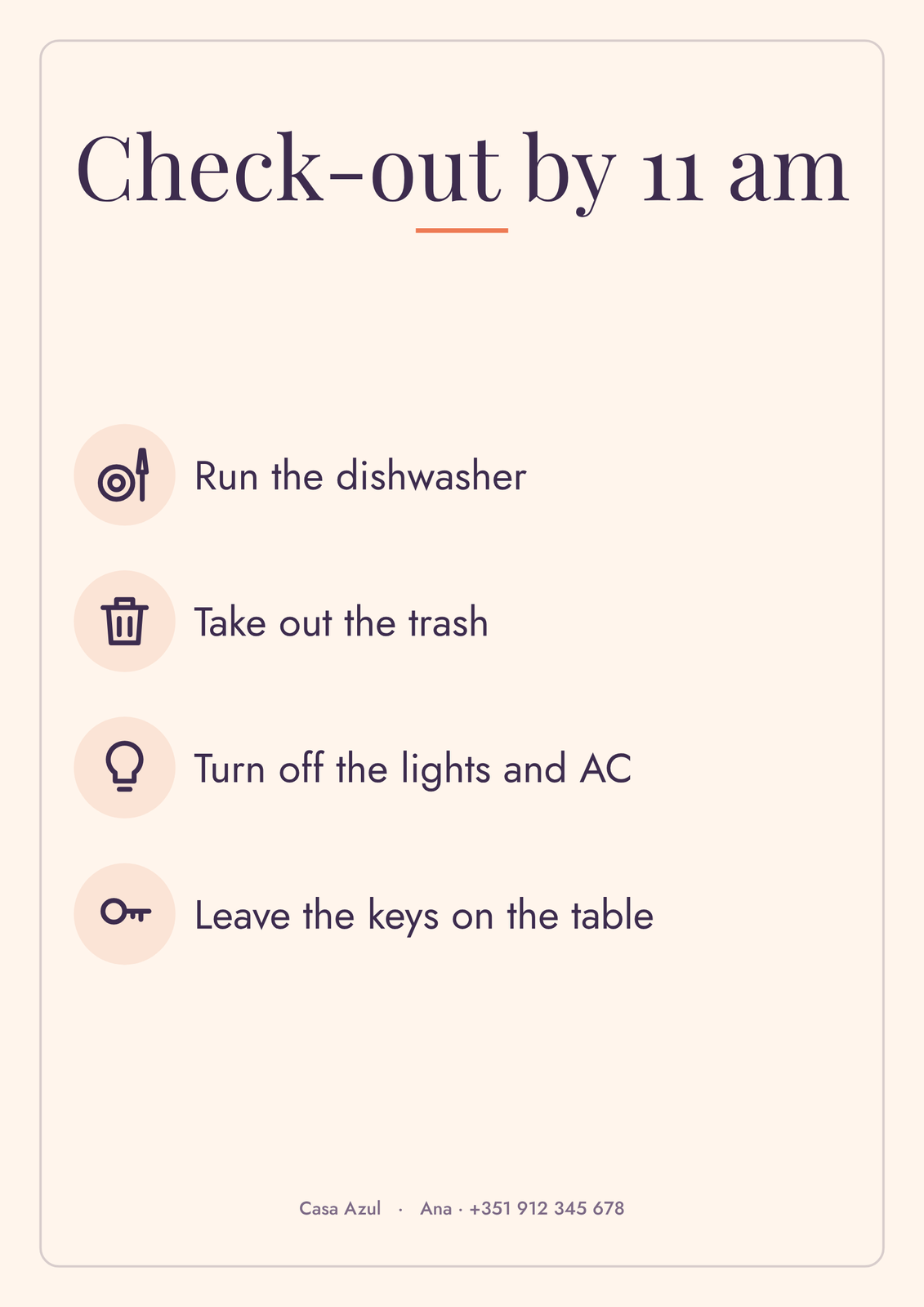
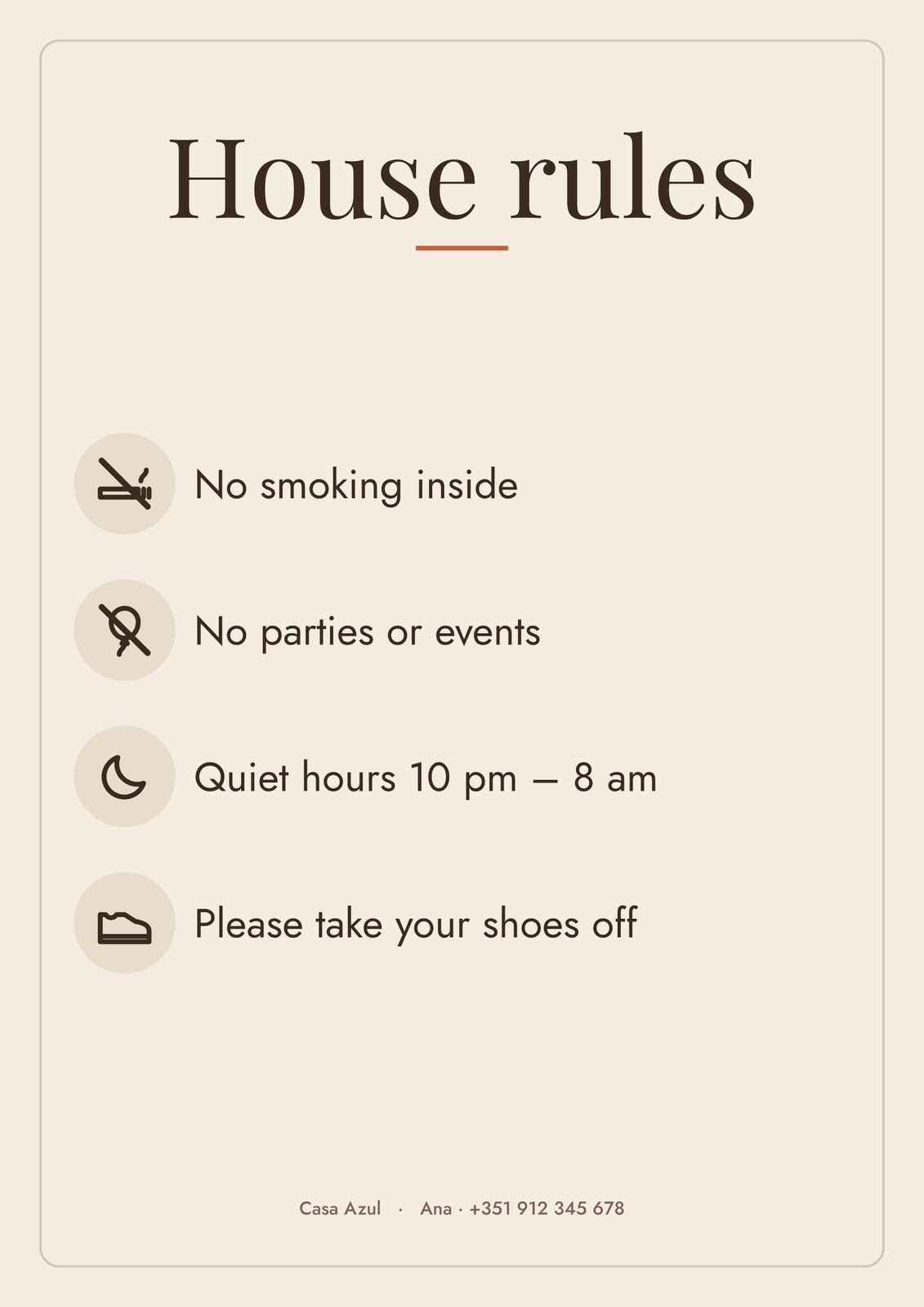
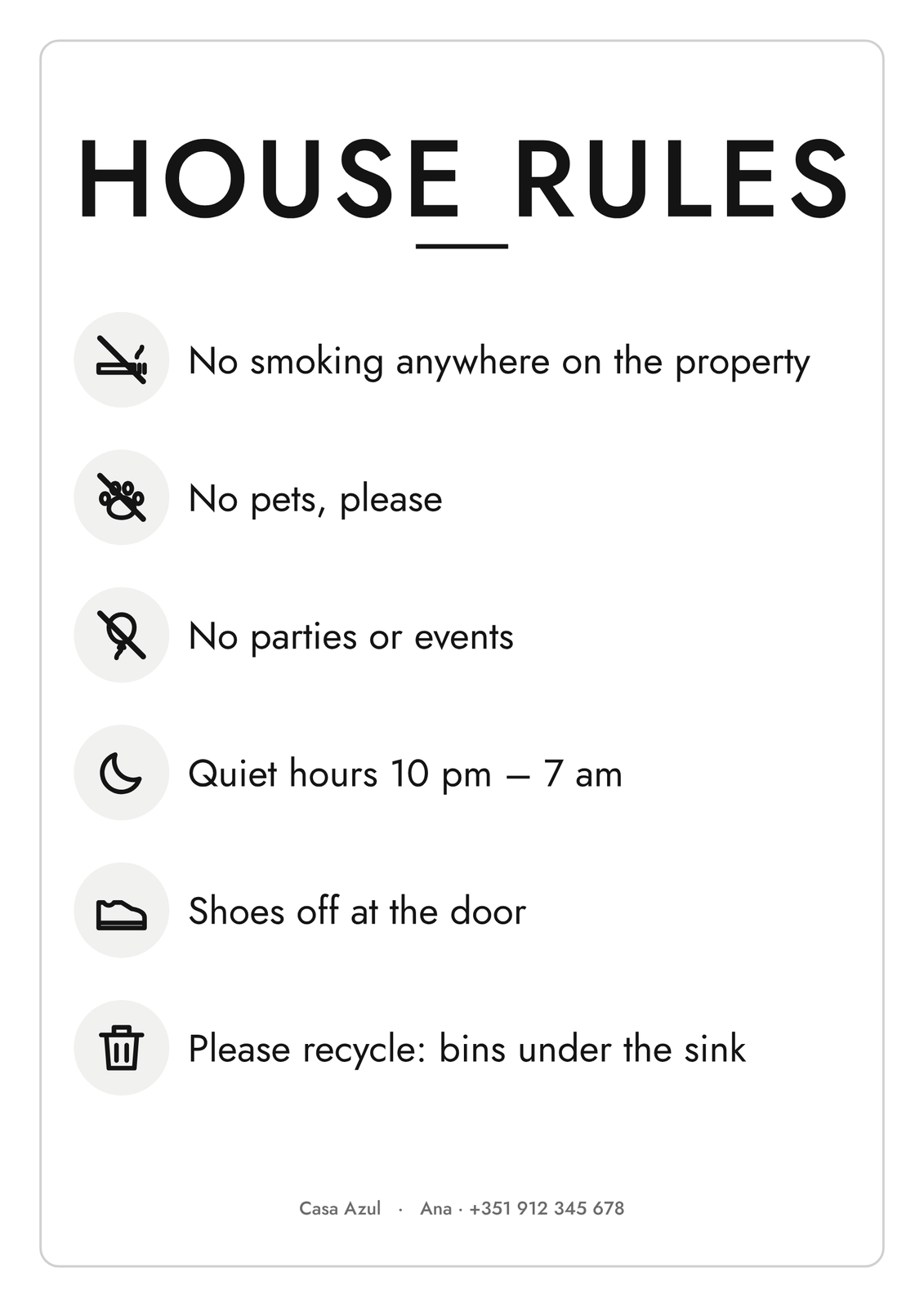
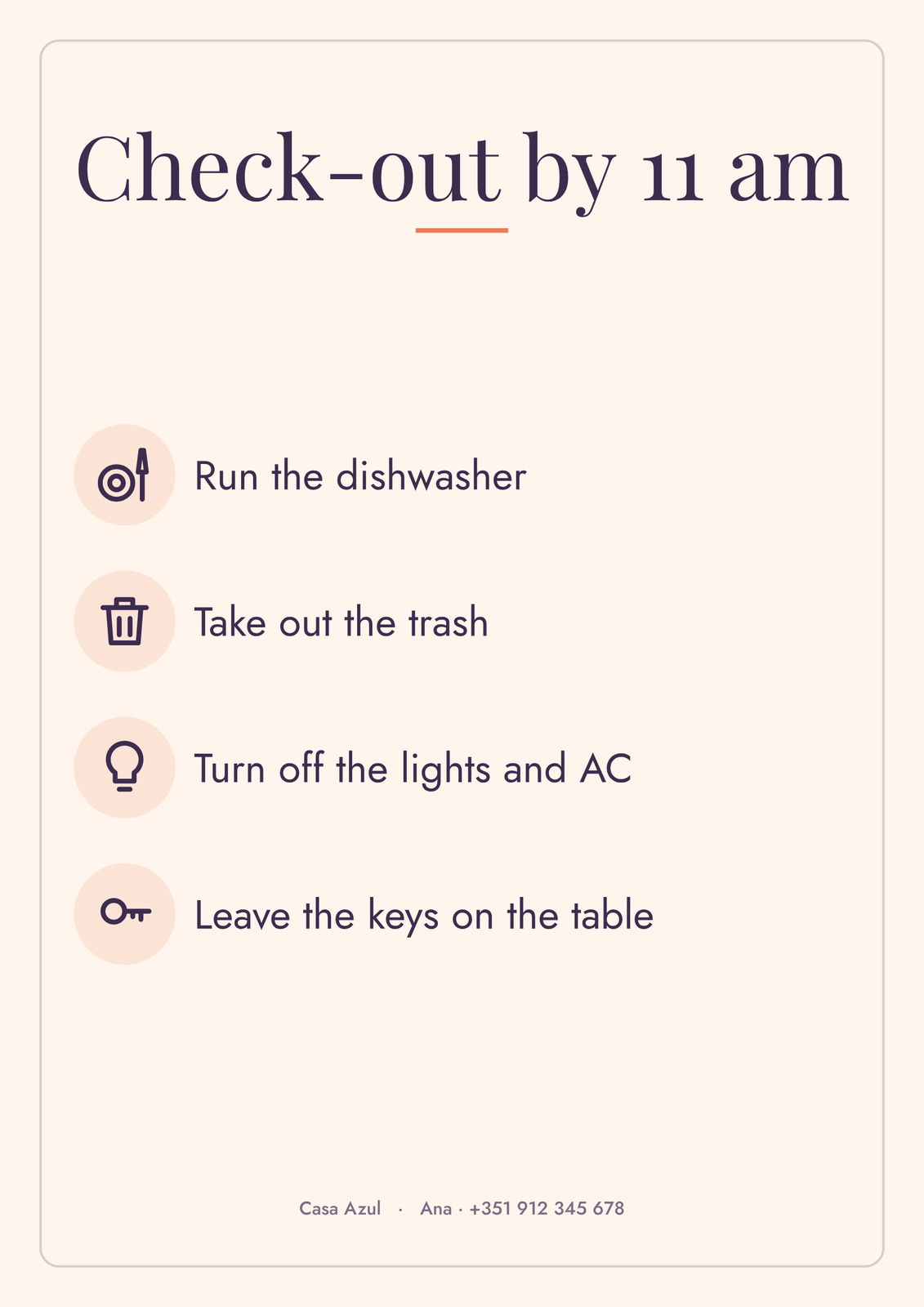
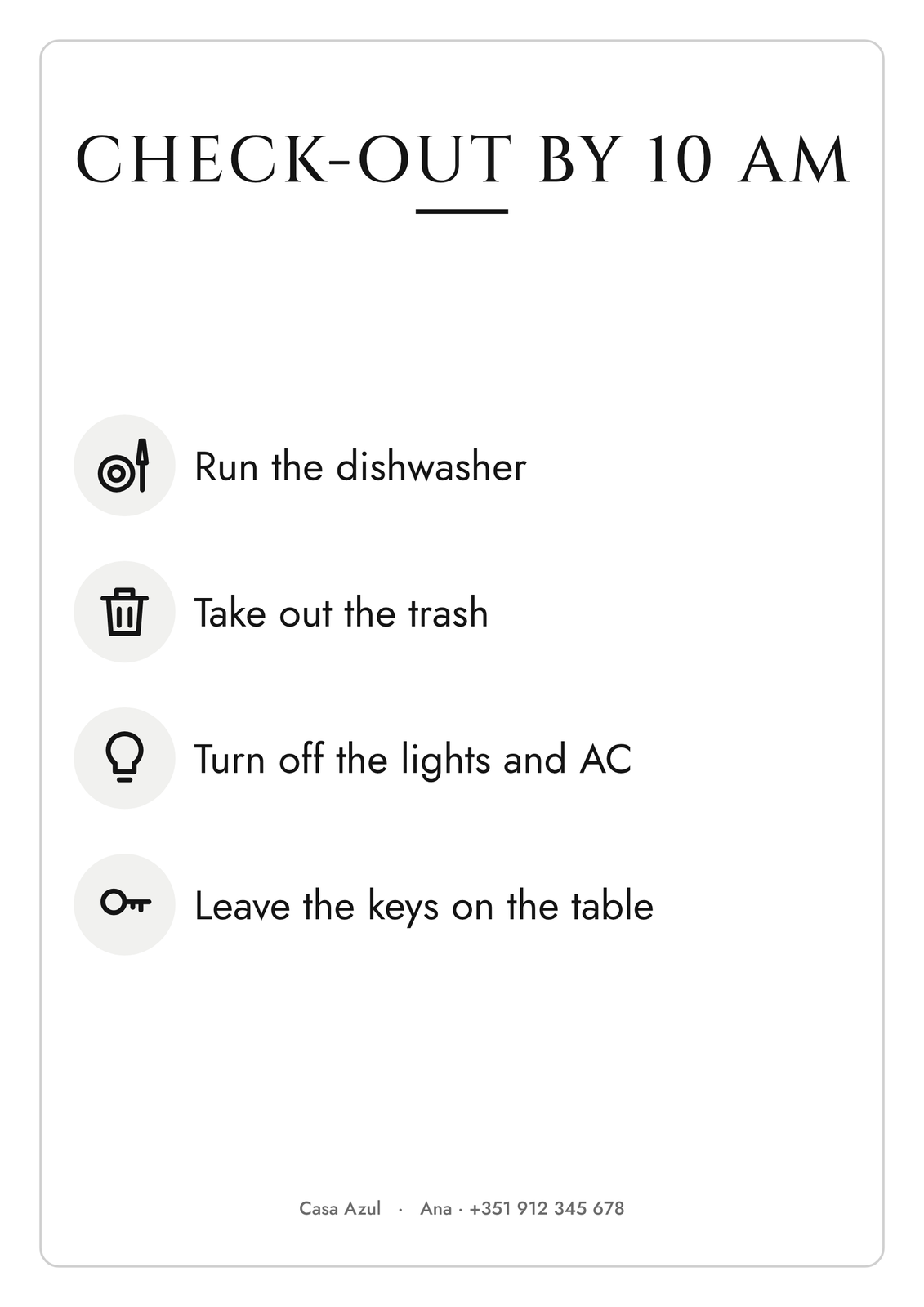
- House rules and check-out steps, each with a small icon.
- Your contact and the local emergency number.
How to make it
- Search your street, then tap the map to put the pin on your door.
- Add your favorite places: search them by name, or pick from the suggestions near you. Give each a line of advice.
- Fill in the Wi-Fi, your house rules and the check-out steps.
- Pick colors and lettering that suit your place, then download the print file and frame it by the door.
Signs too
The same editor makes single signs for the rooms where guests need them: a Wi-Fi sign with a big QR code for the living room, house rules for the hallway, and a check-out list for the kitchen.
Questions
Where do the favorite places come from?
From you: search any café, beach or museum by name, or tap one of the suggestions the map finds near your door. You write the notes.
Does the Wi-Fi QR code really work?
Yes. It's the standard Wi-Fi code phones read with their camera: guests point it at the code and tap to join, no typing. It encodes exactly the network and password you enter.
What size should I print?
A3 or 12 × 18 in reads well in a hallway, and signs print well at A4 or letter size. Bigger prints for a big wall, like A2 or 18 × 24 in, are coming soon.
Is this made by Airbnb?
No. Posterage isn't affiliated with Airbnb. The posters and signs work for any short-term rental: Airbnb, Vrbo, Booking.com or your own bookings.
Related
Gift ideas by occasion
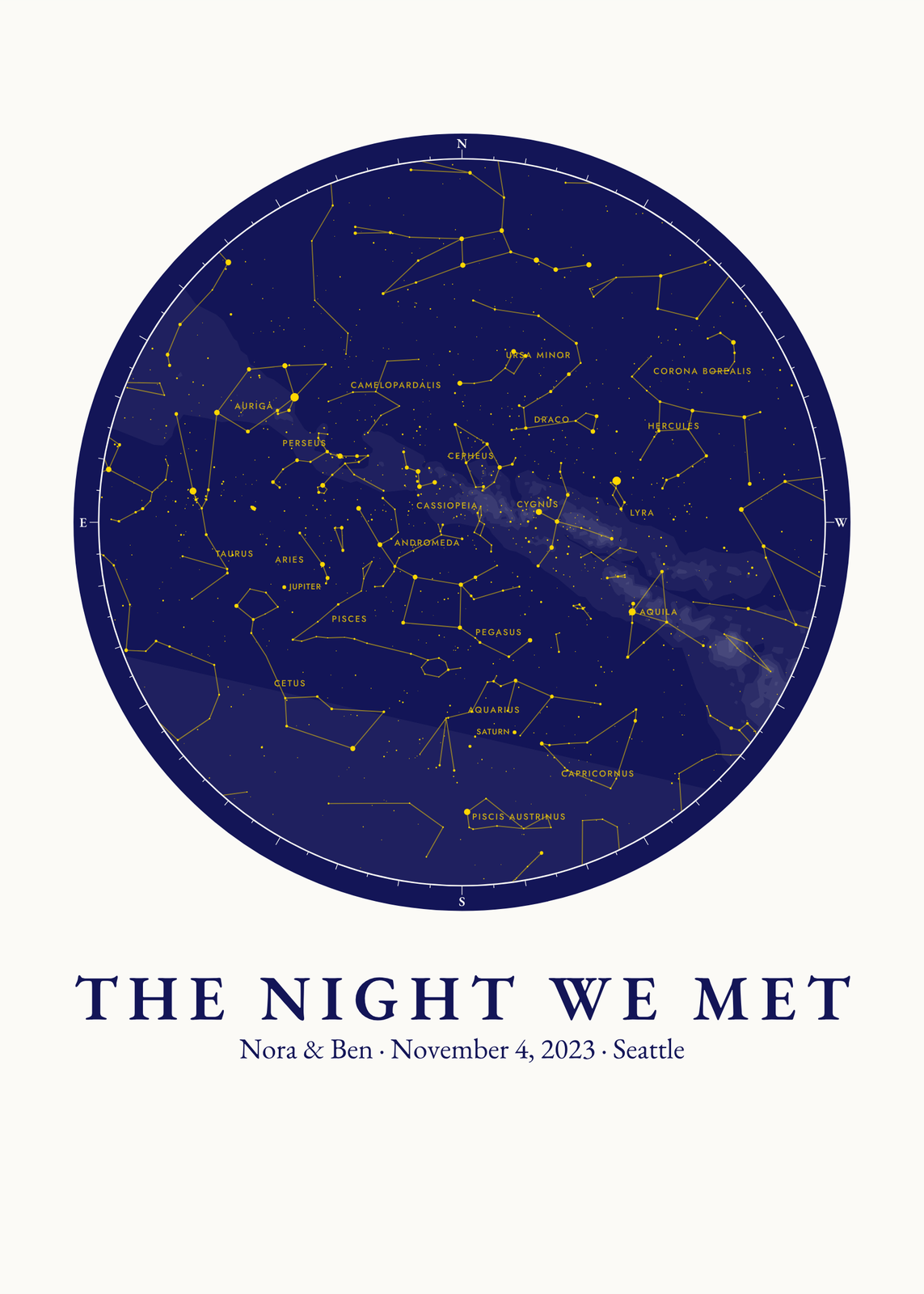
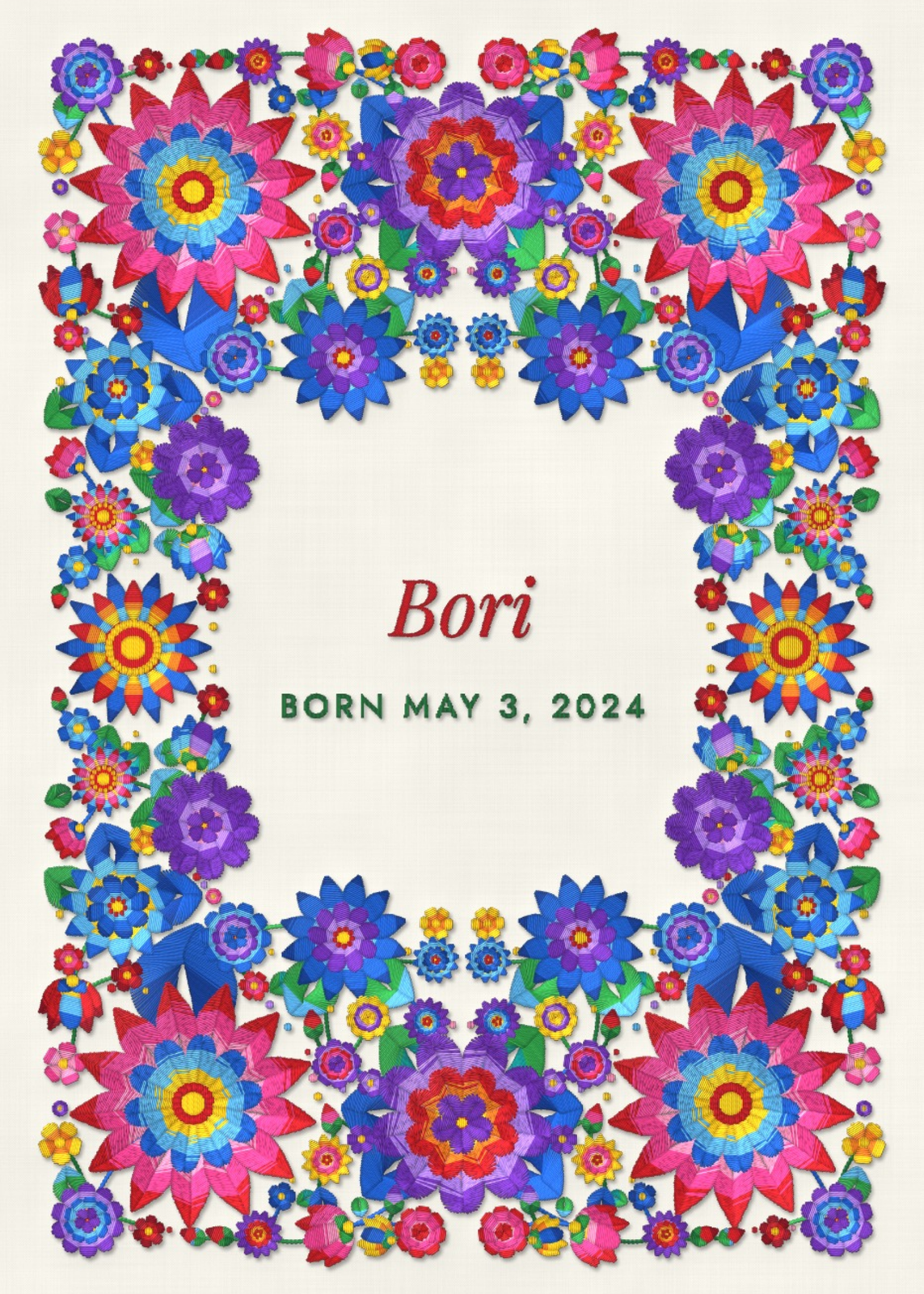
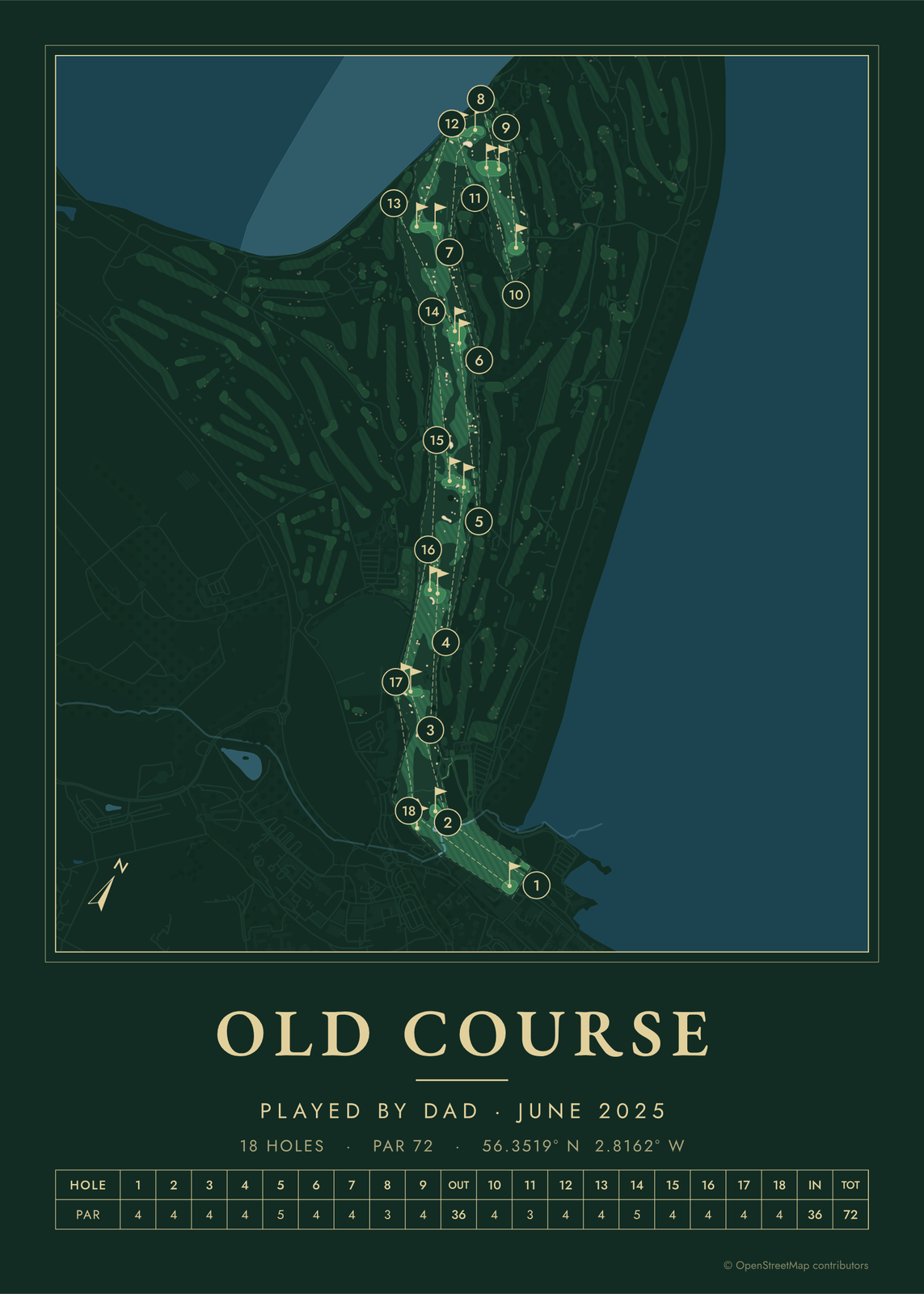
Every example is made with the Posterage generators. Change anything, then download it as a 300 DPI JPEG.