3D chess pieces a still life of the board, in low light
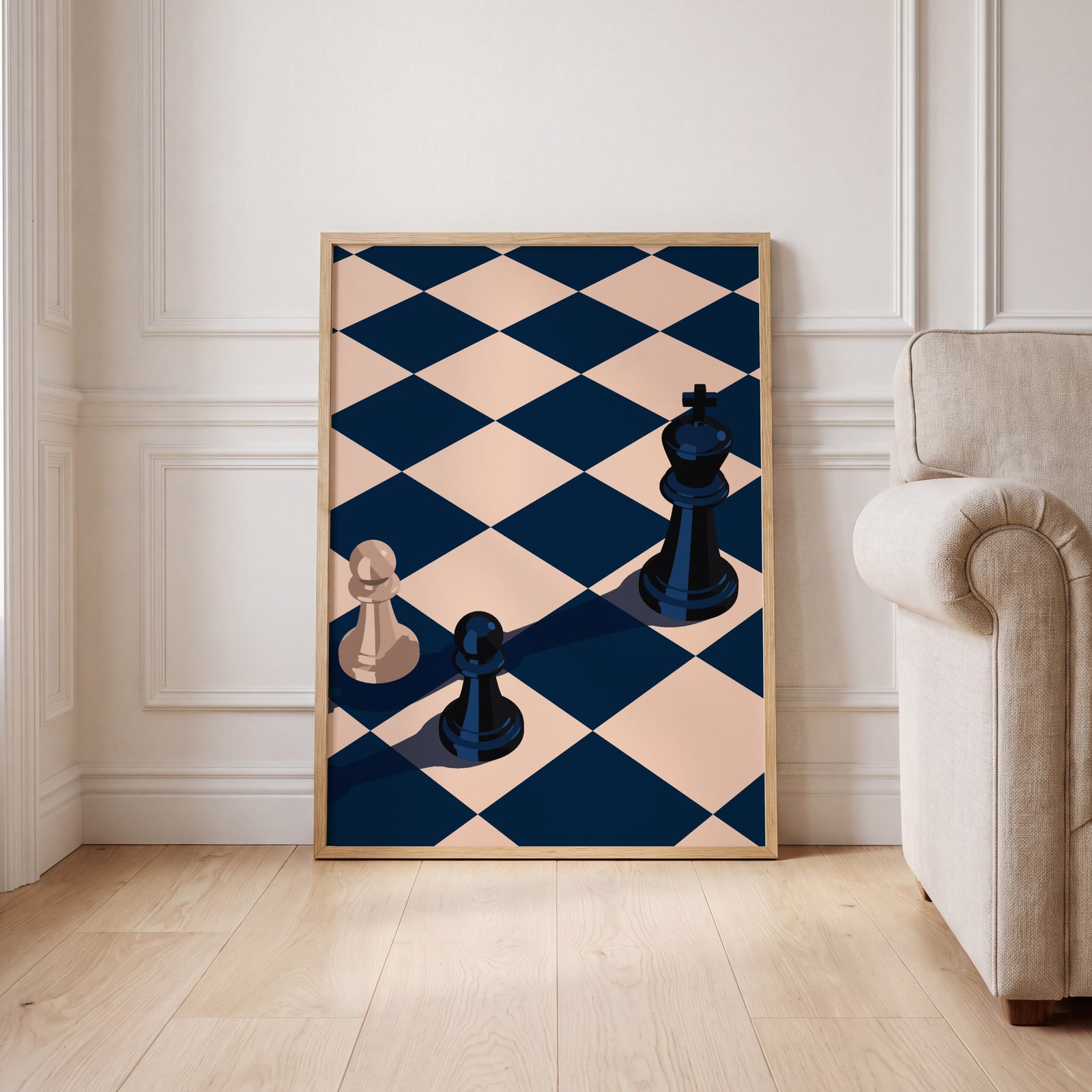
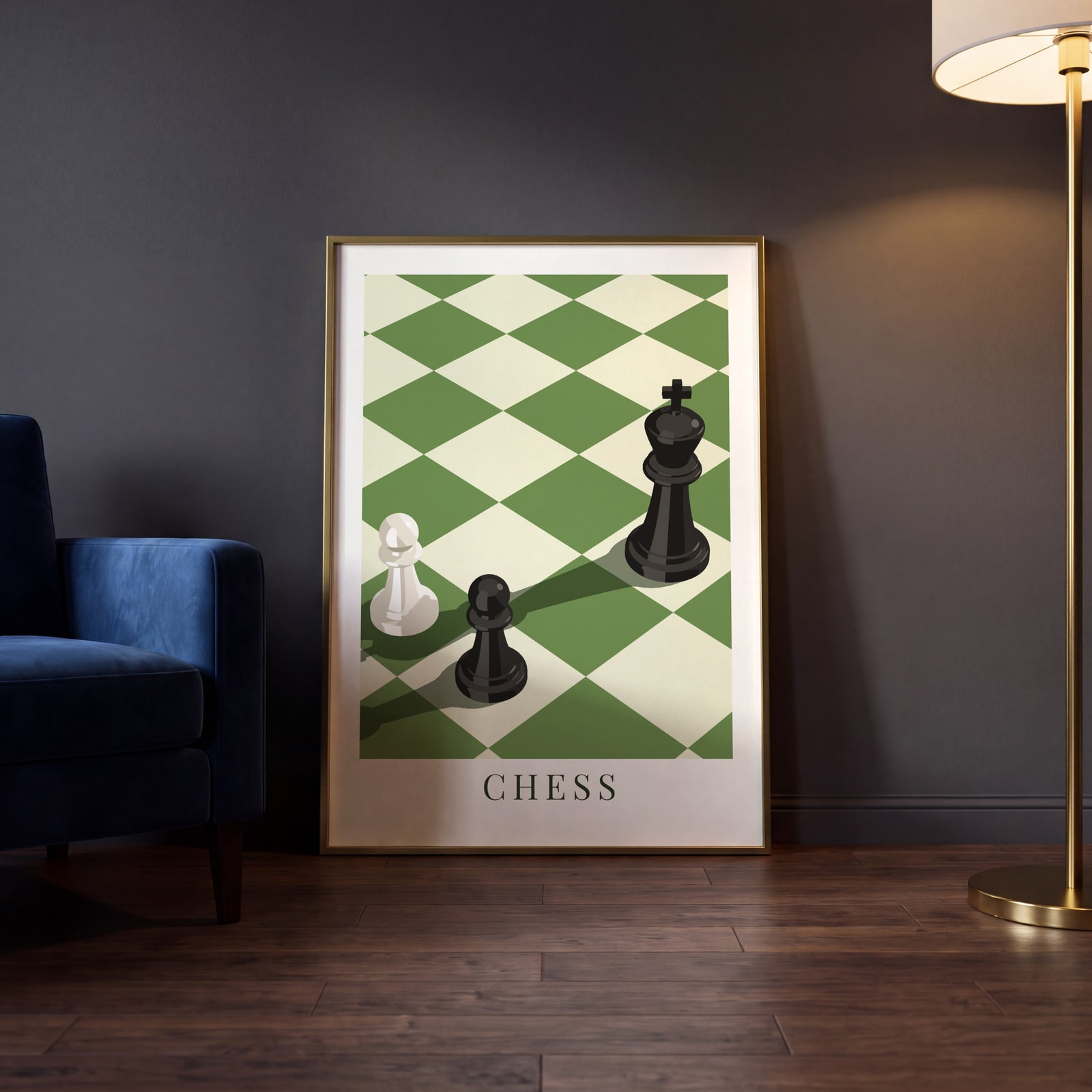
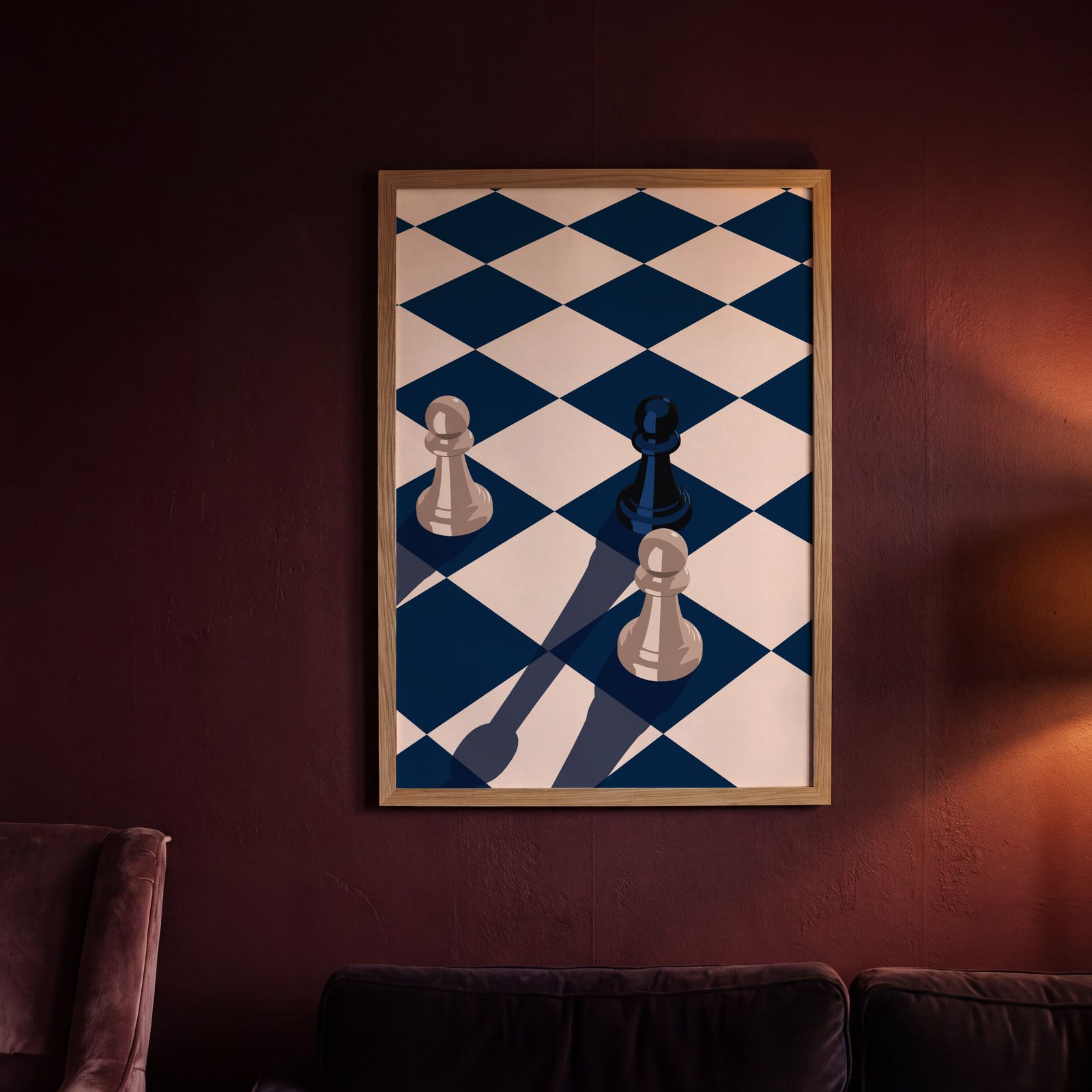
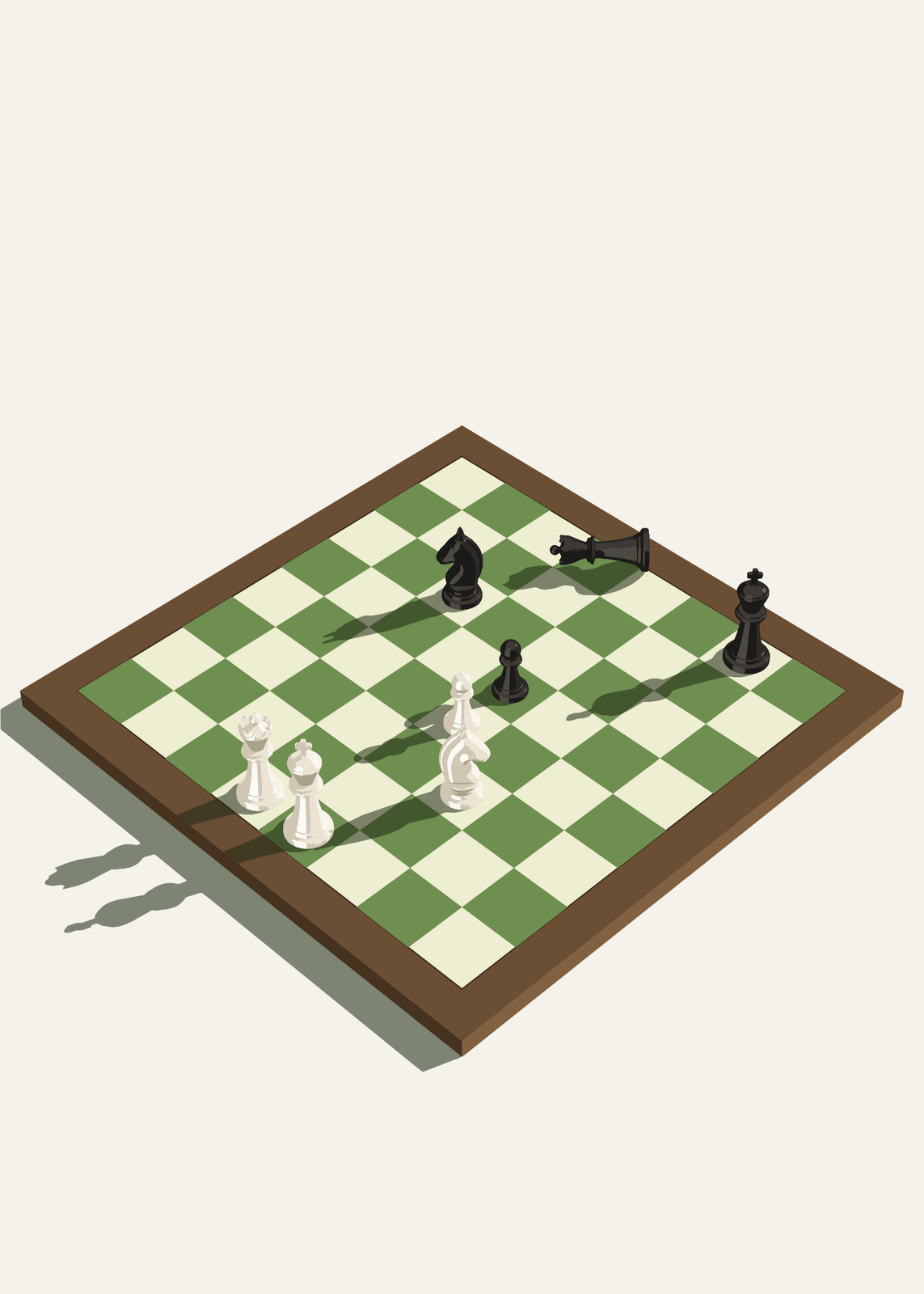
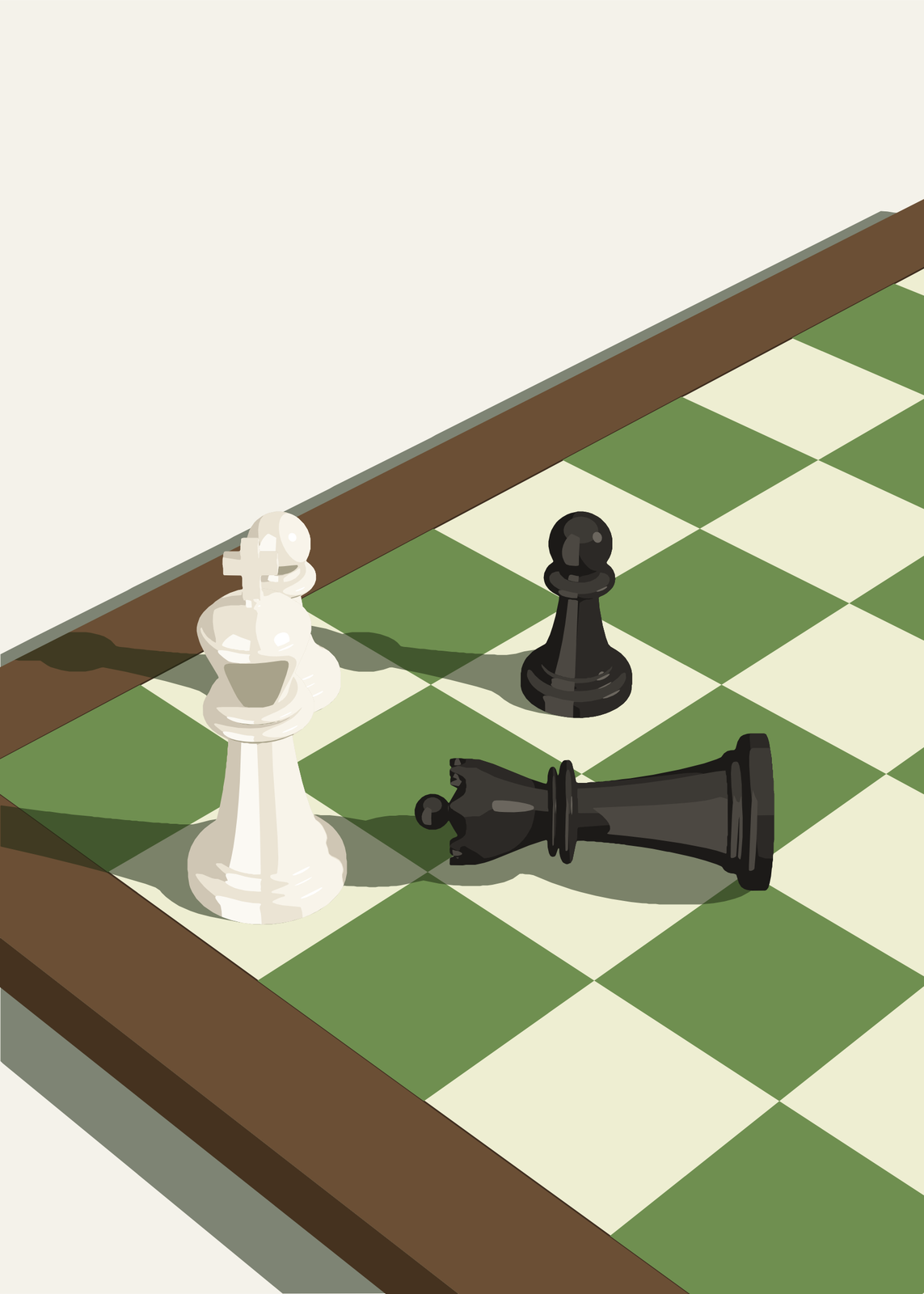
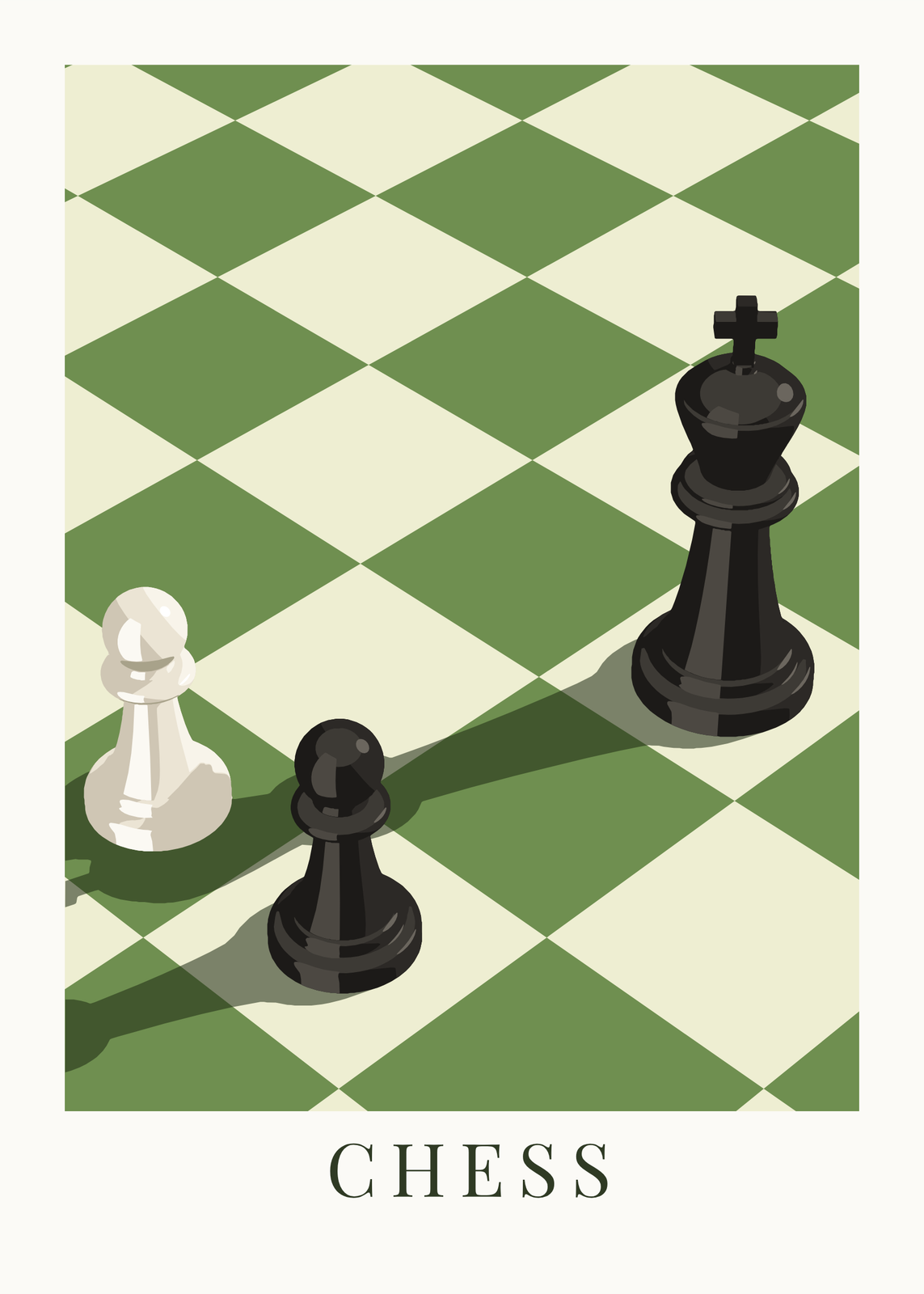
Place a few pieces on the board, white or black, standing or knocked over, and the poster draws them in 3D: glossy, in bold tones, lit from low on the board so they cast long shadows. Drag the poster to turn the camera, scroll to zoom and move the light until the shadows fall right. Add a title, and a white border if you like.
On the wall
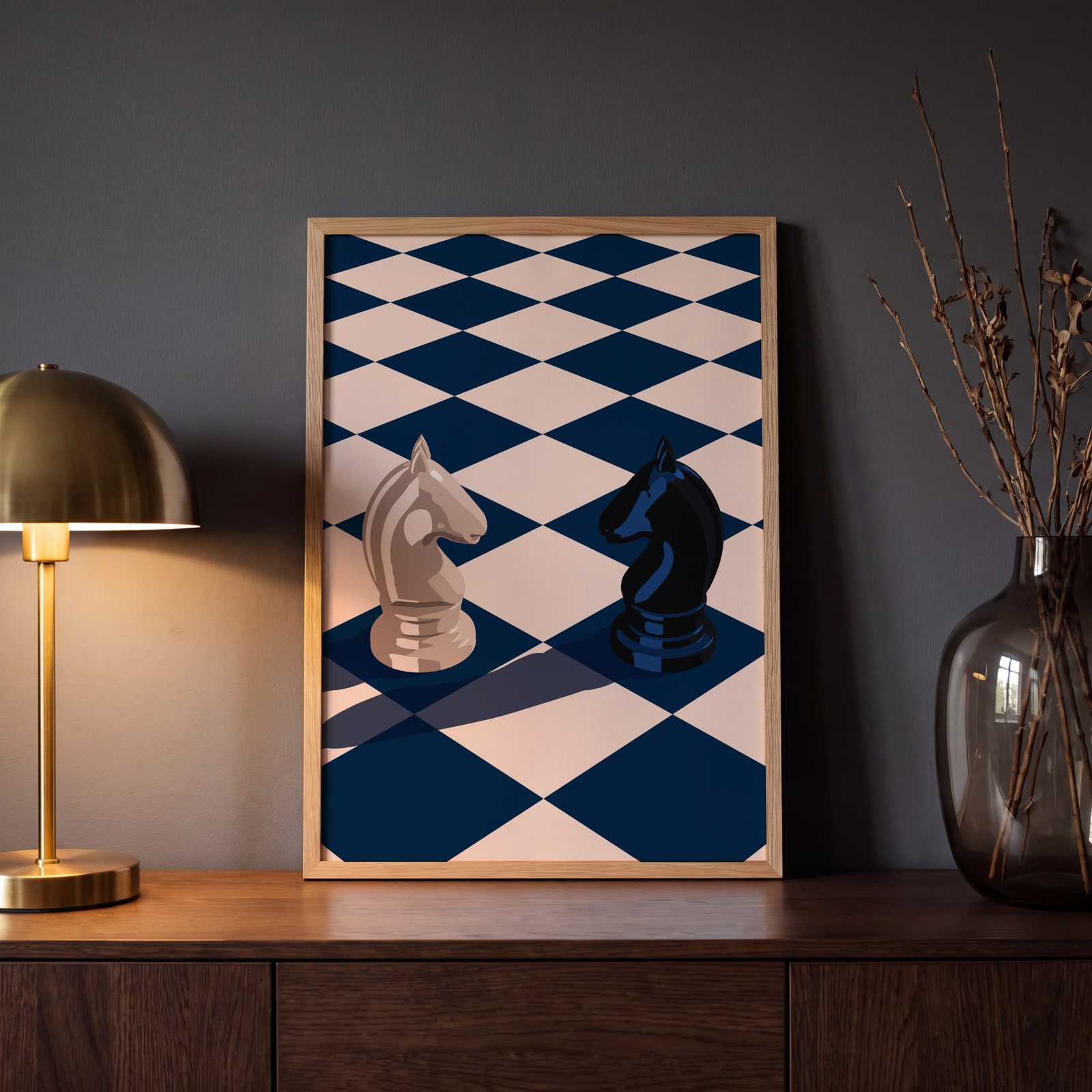
A few of them framed at home. Open any one to make it yours.
Examples
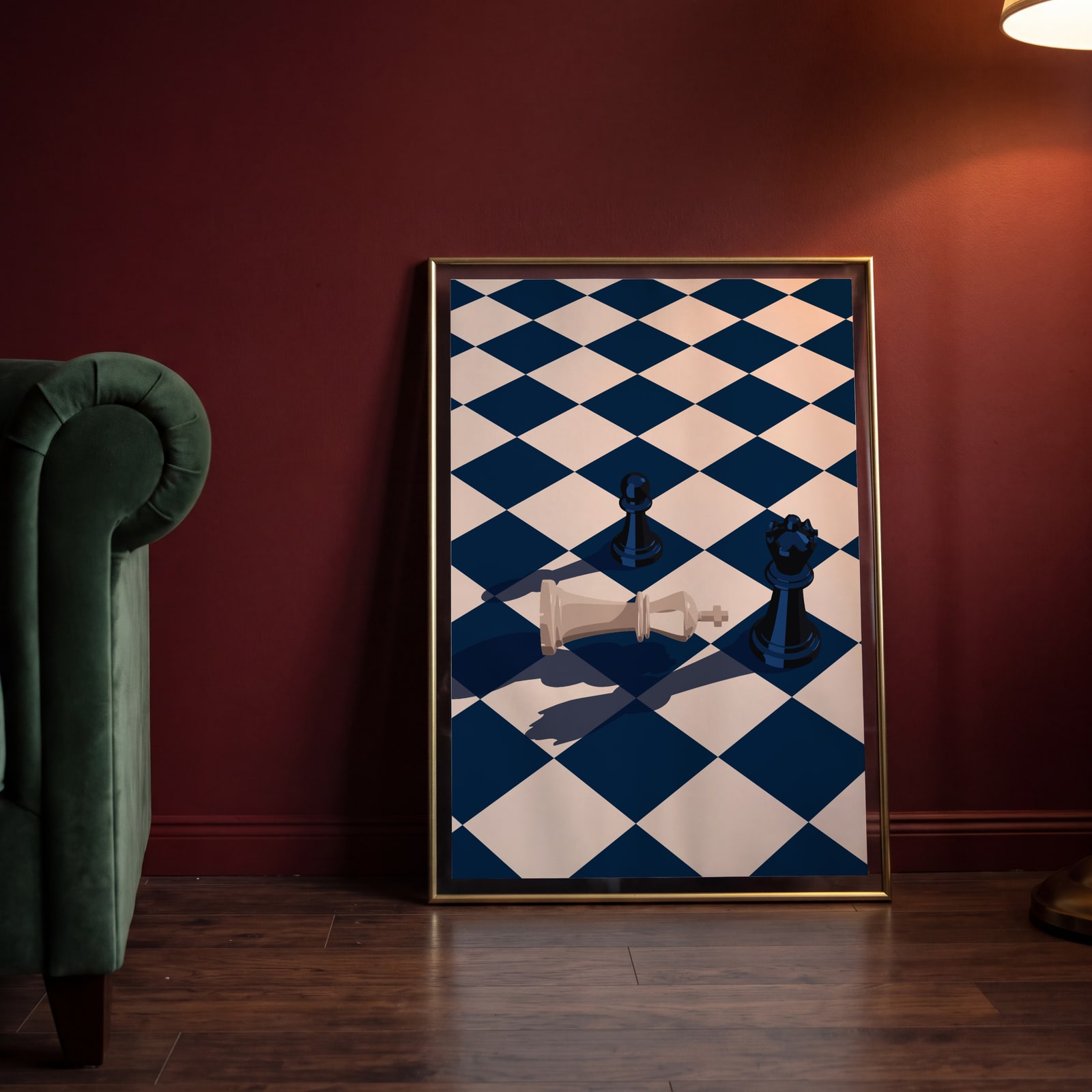
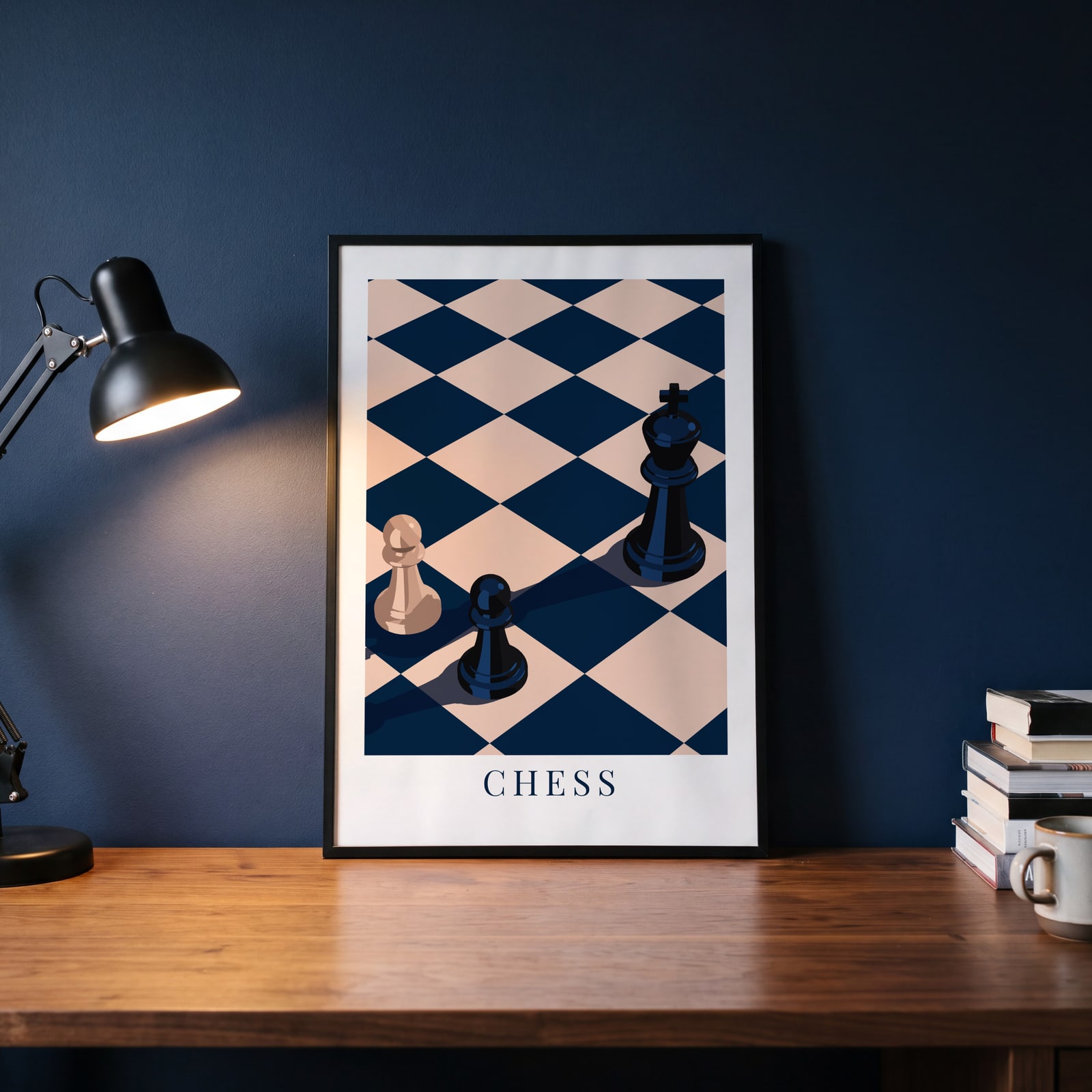
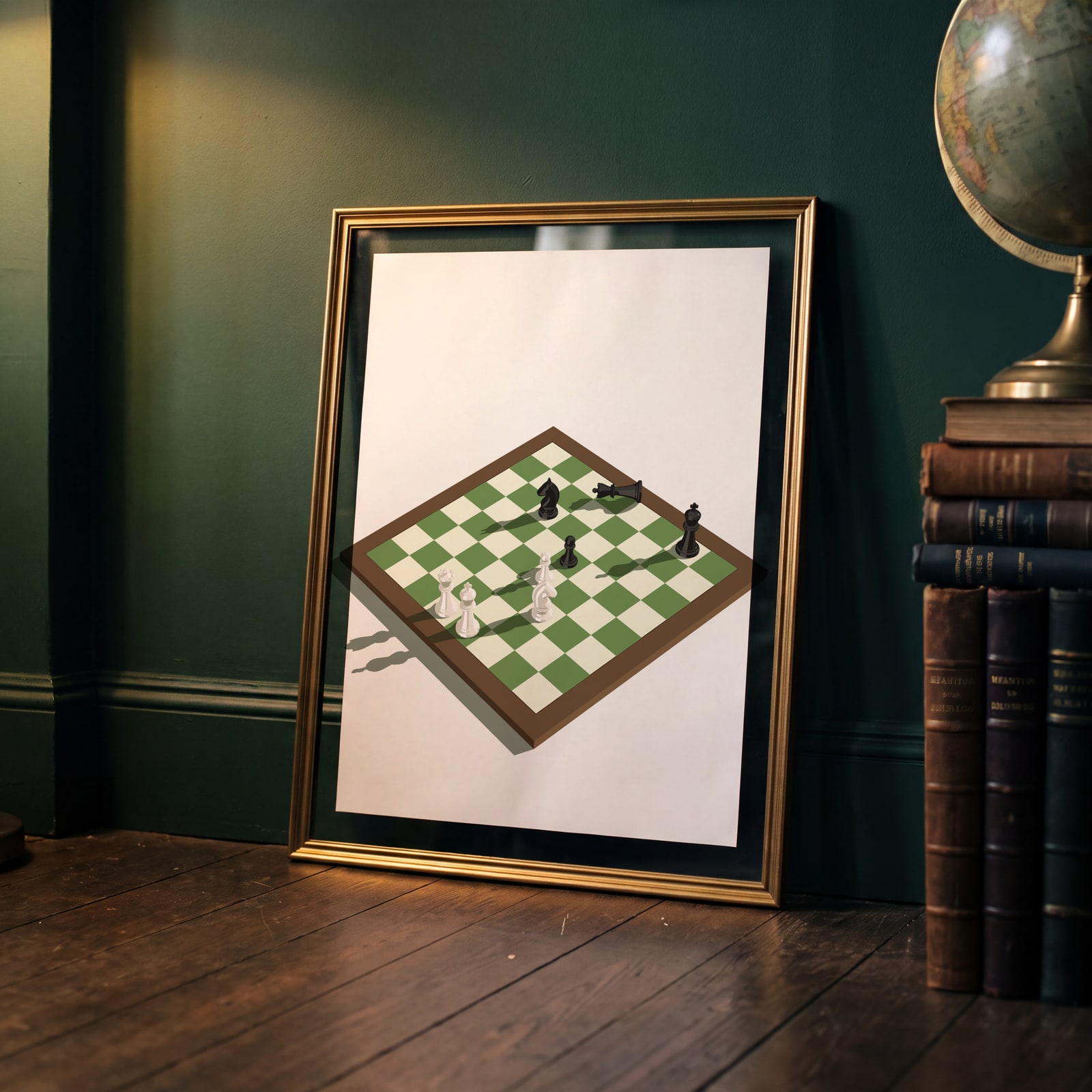
Open any of them to change the words, the place, the date and the style, then download the print file.
Moments
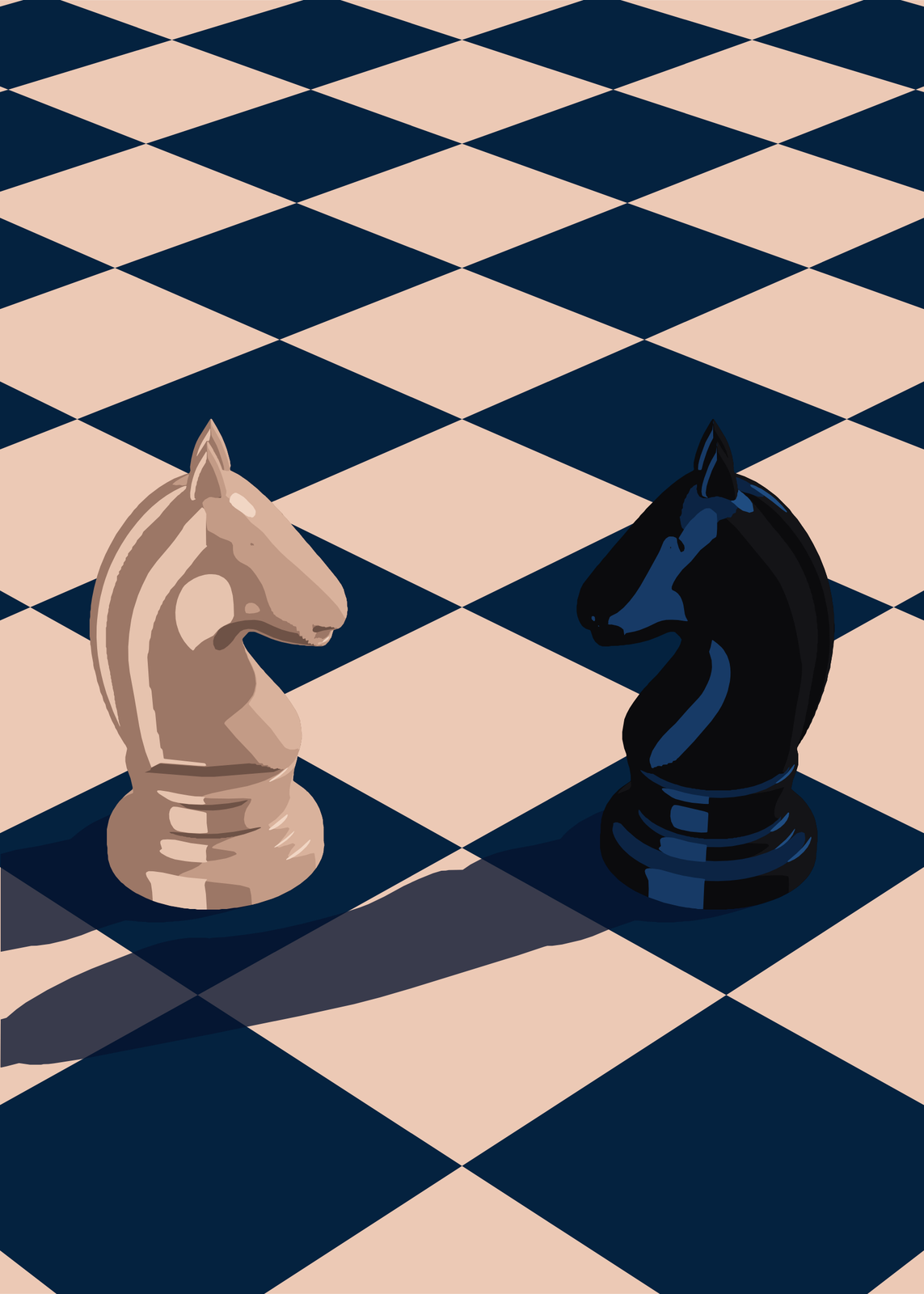
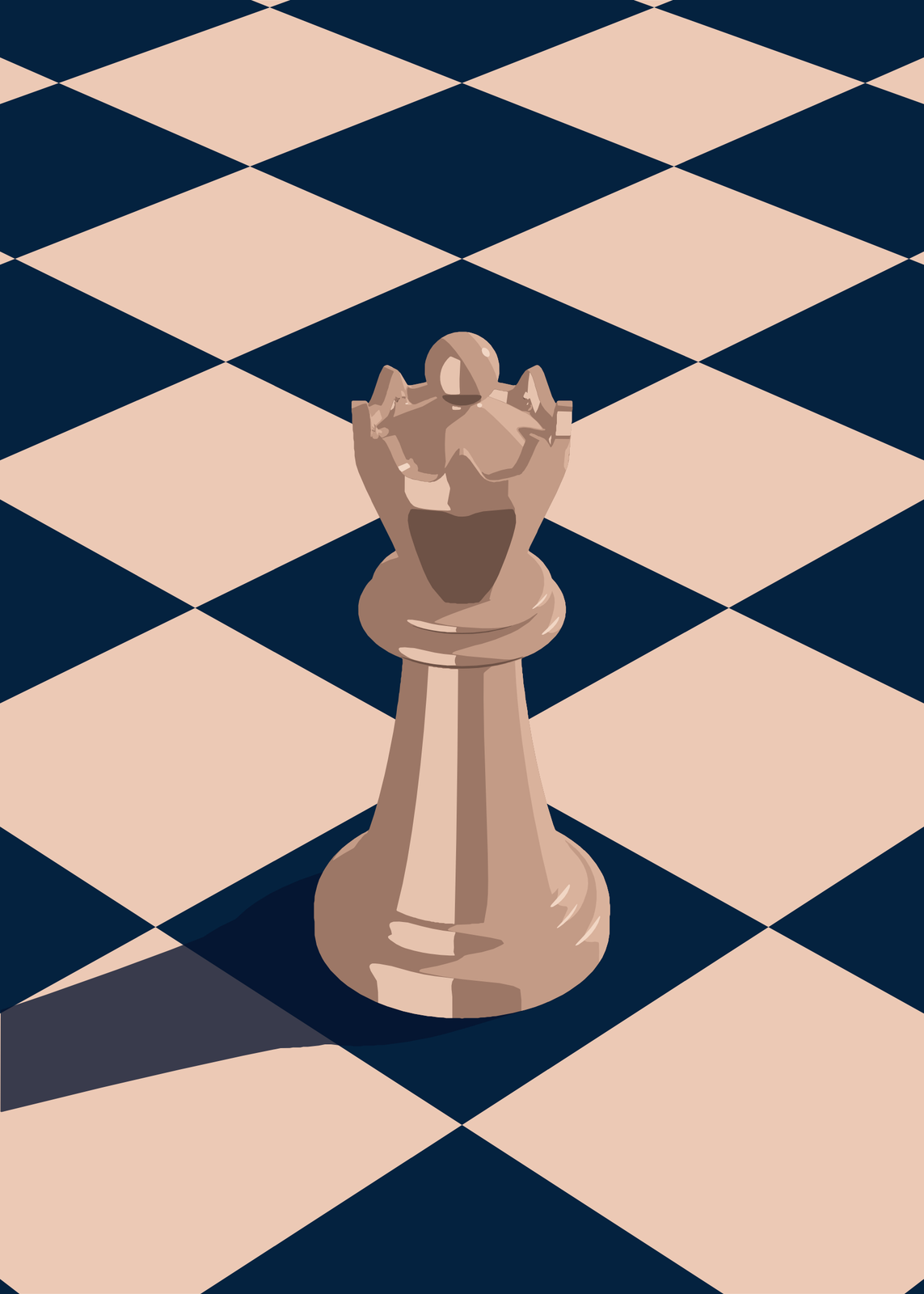
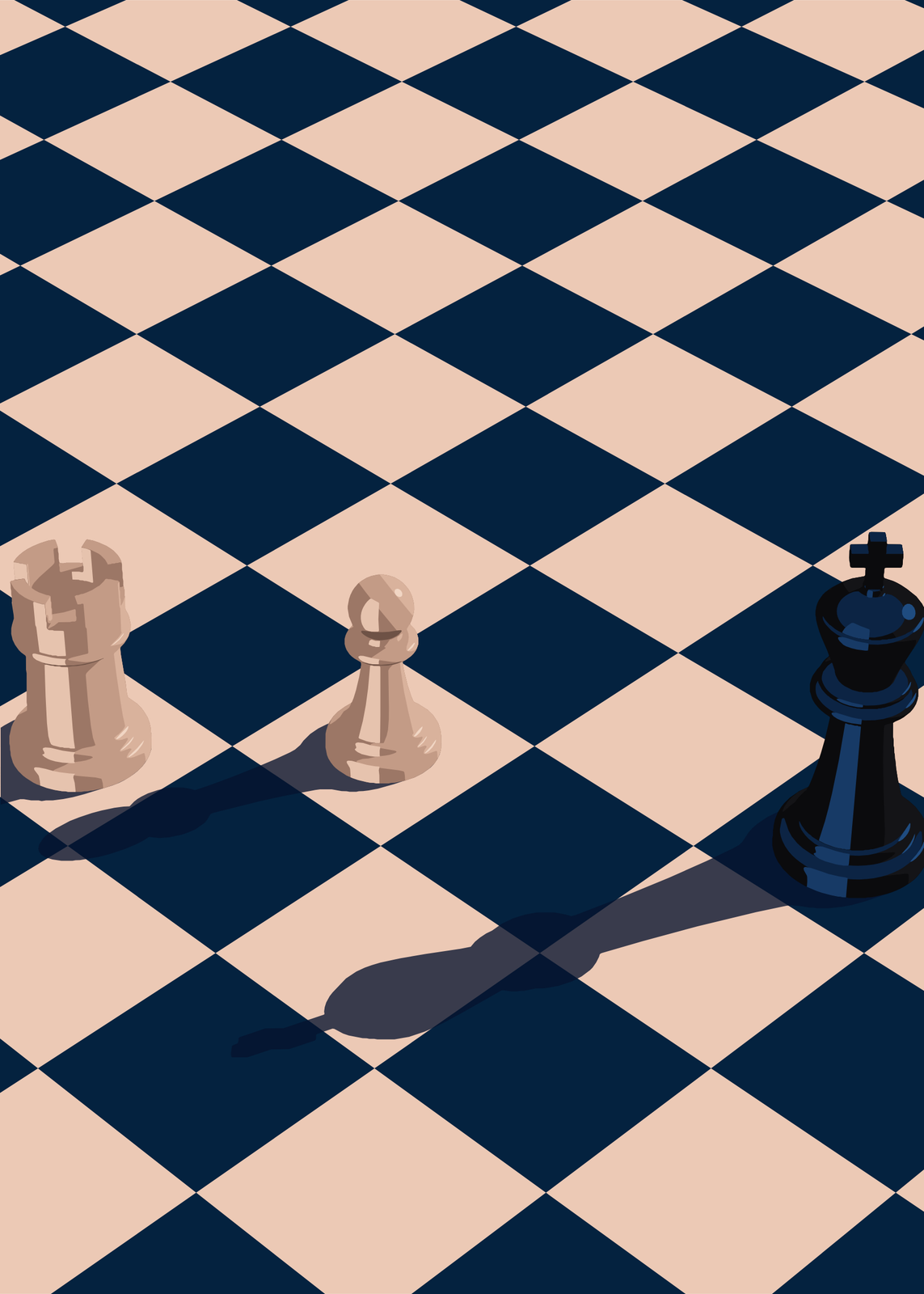
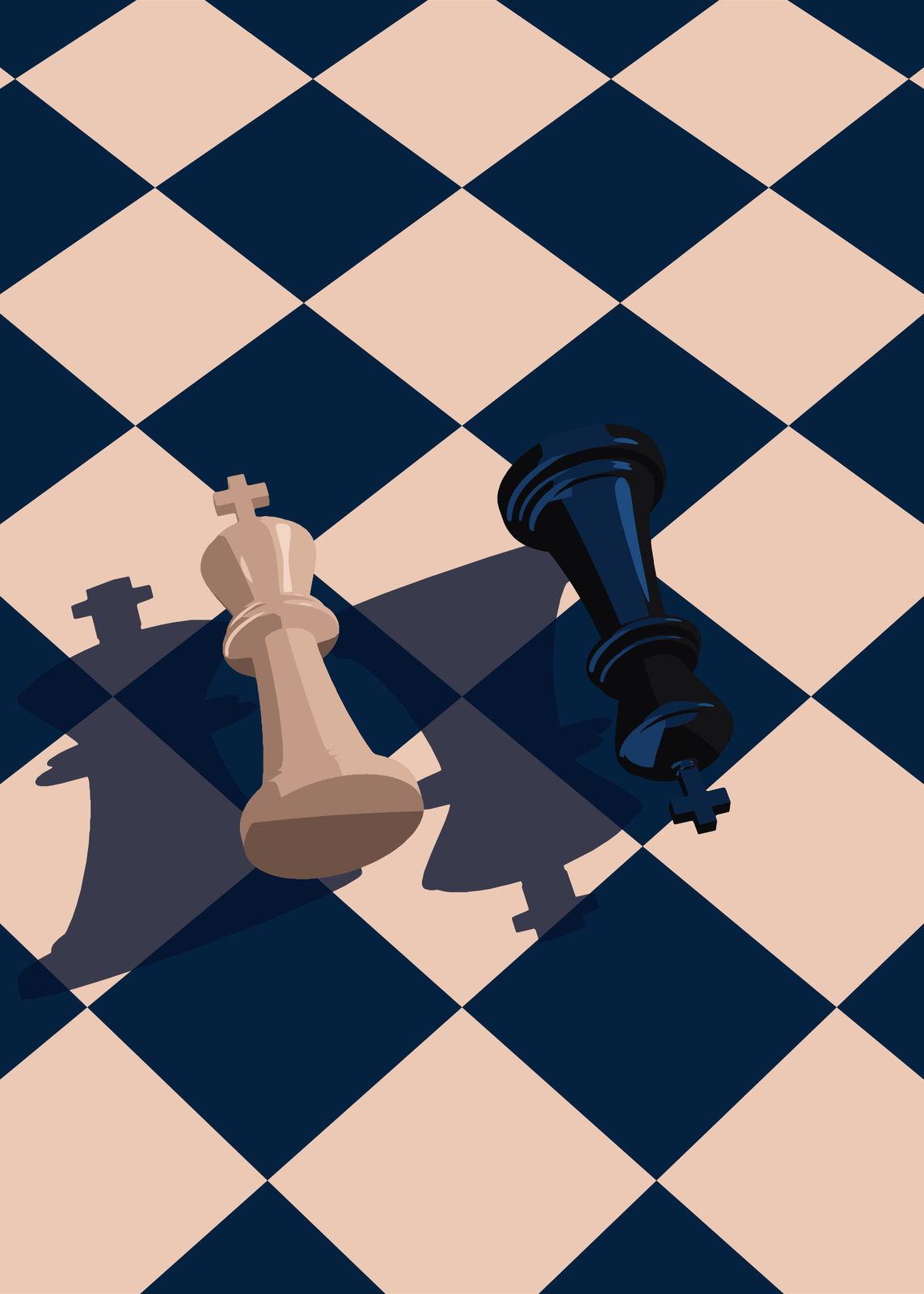
With a title
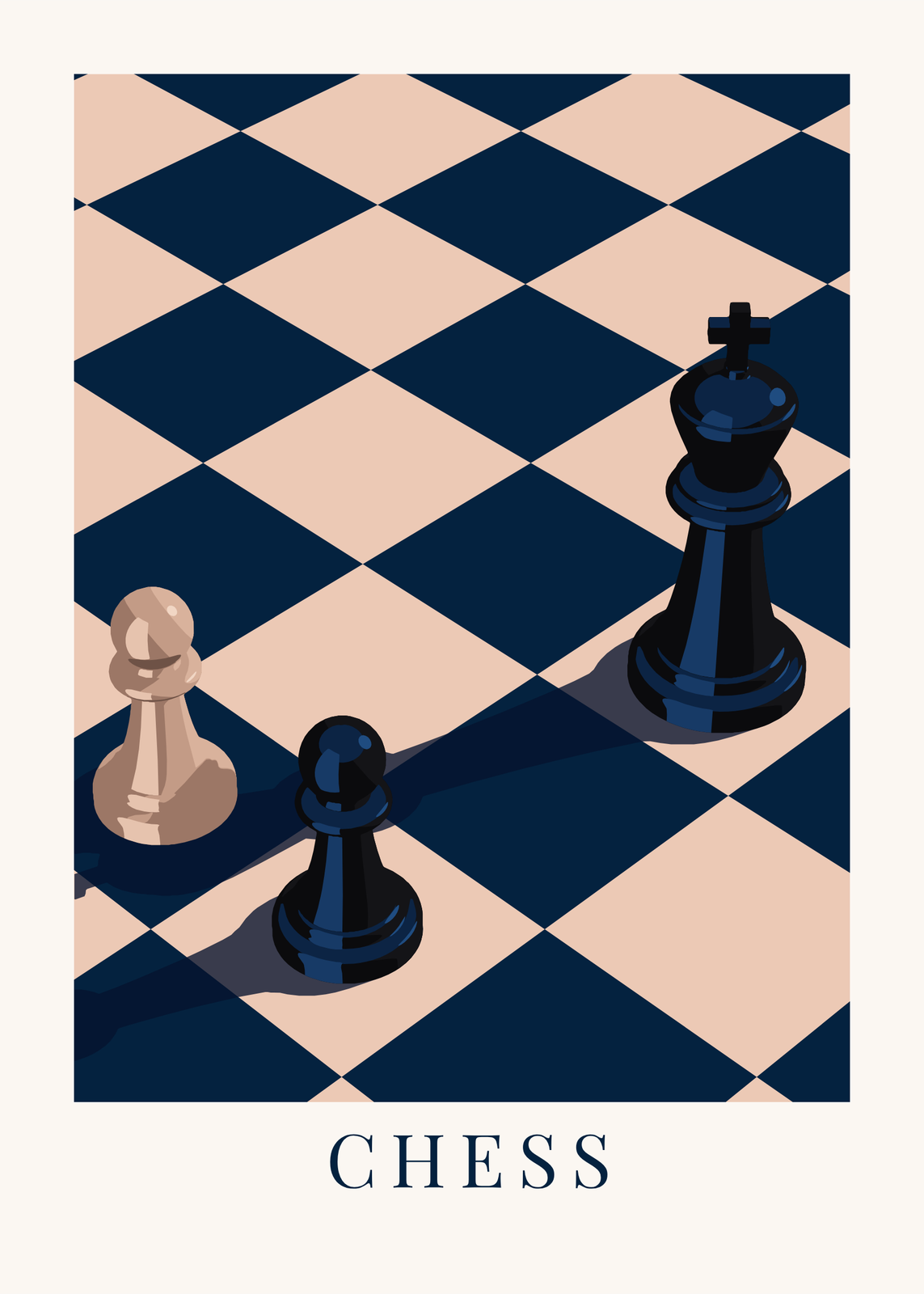
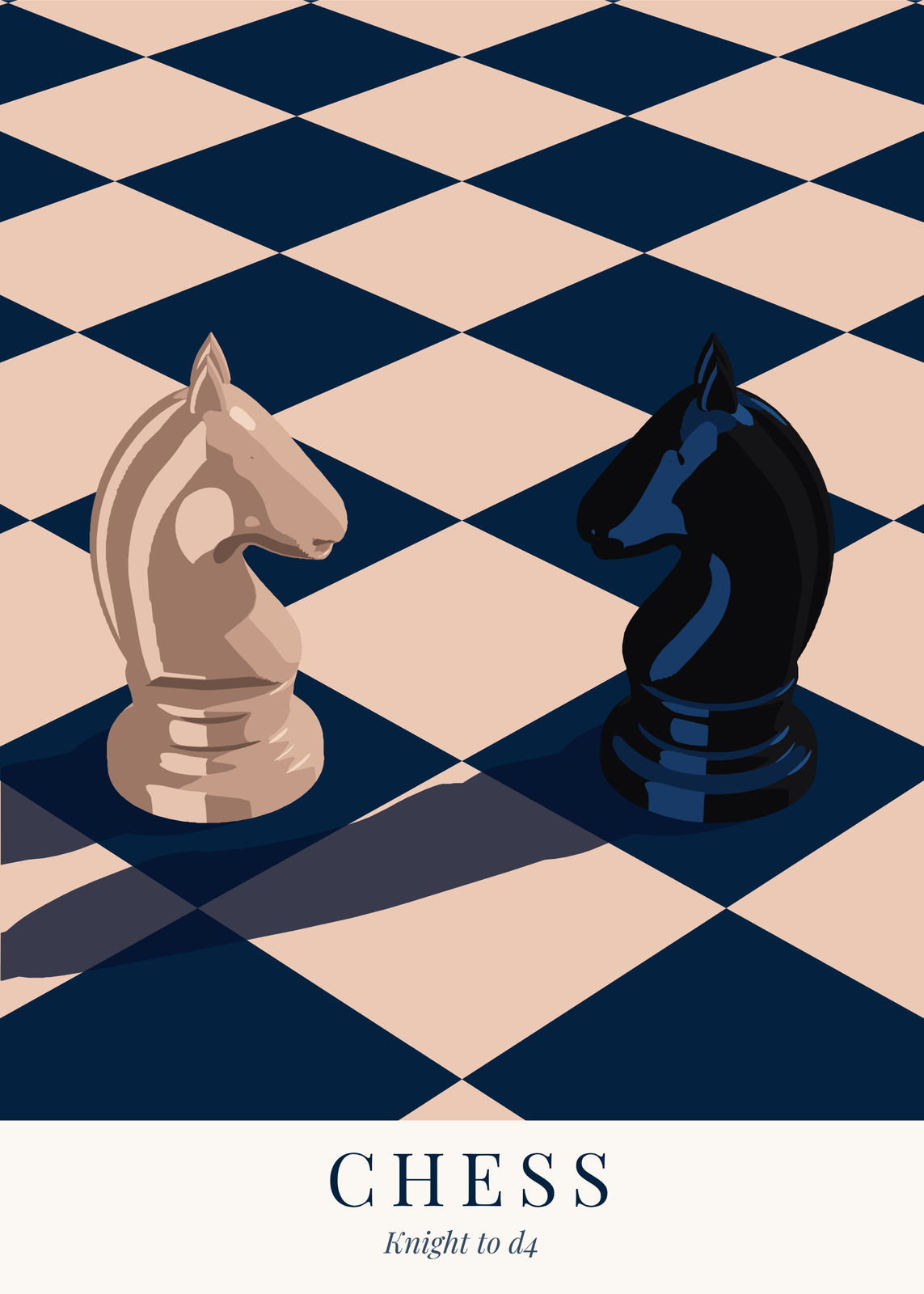
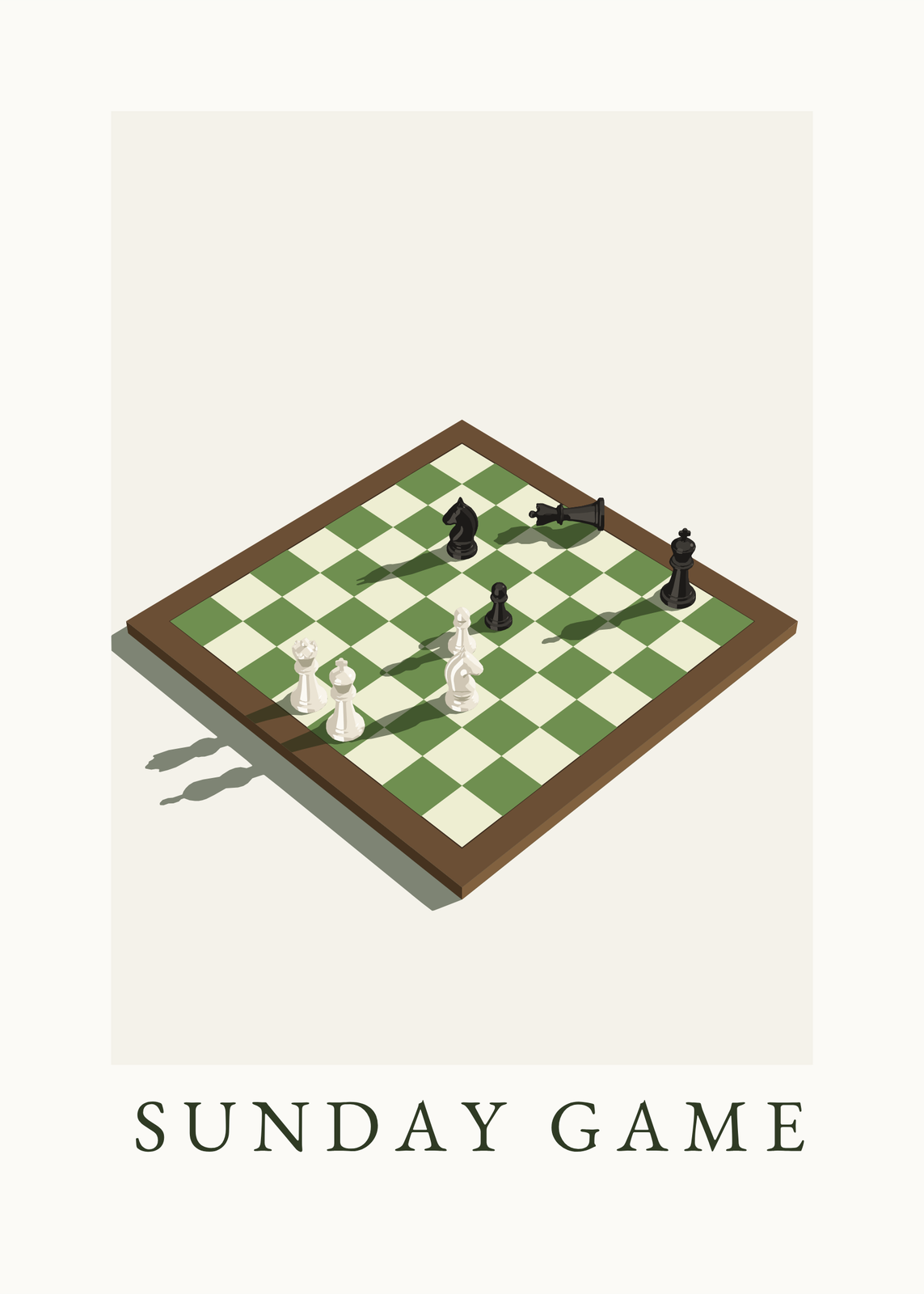
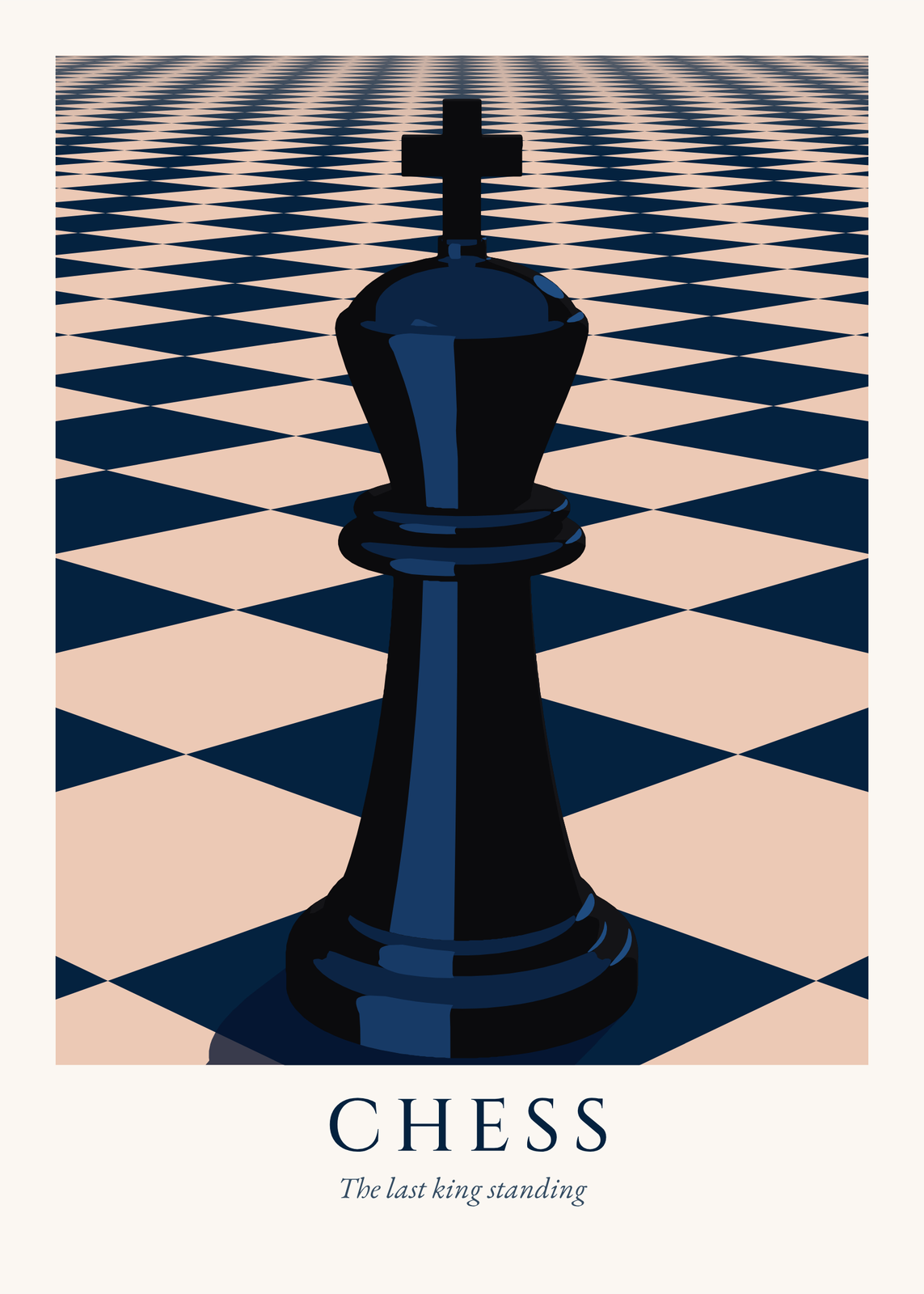
Boards
Colors
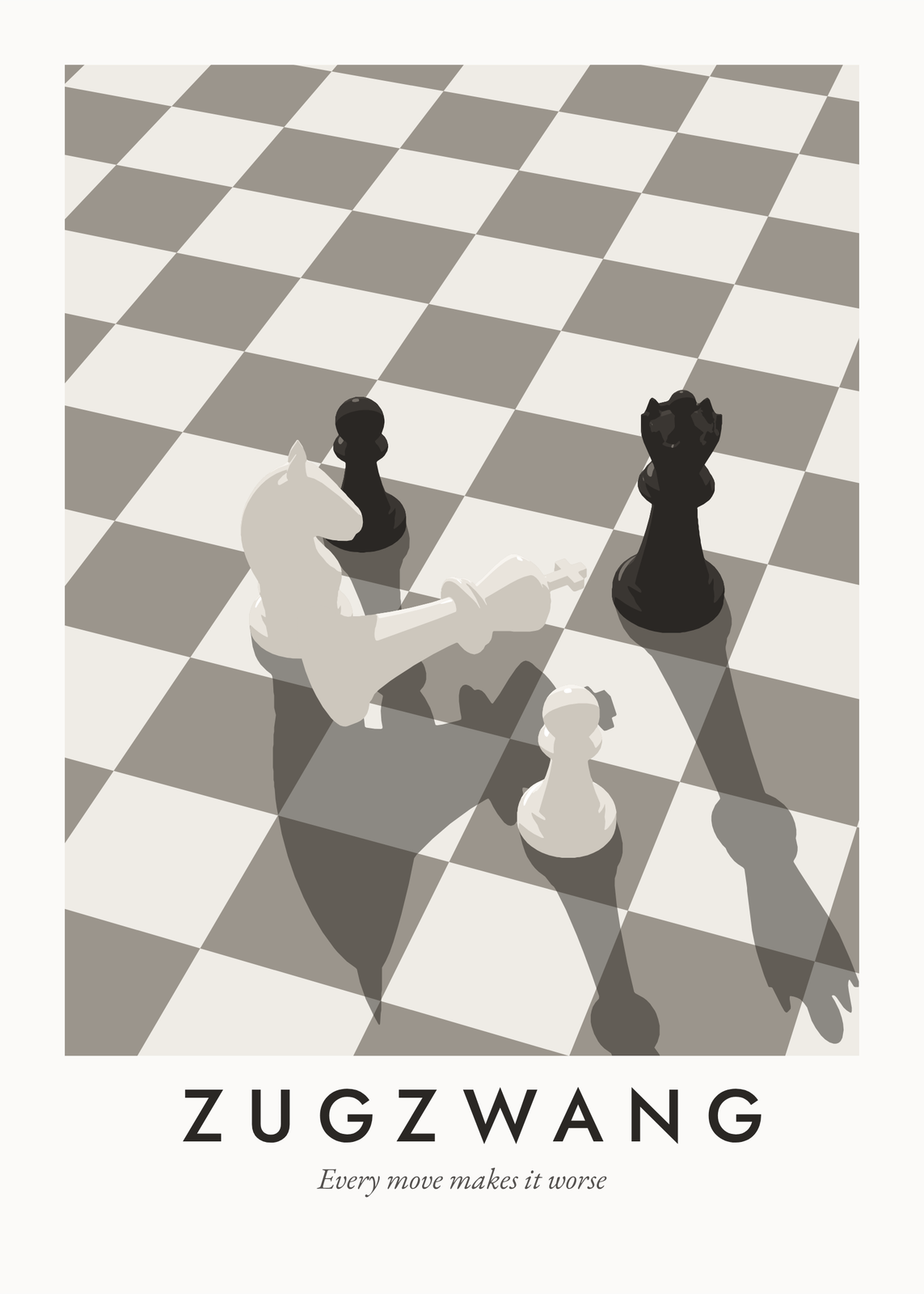
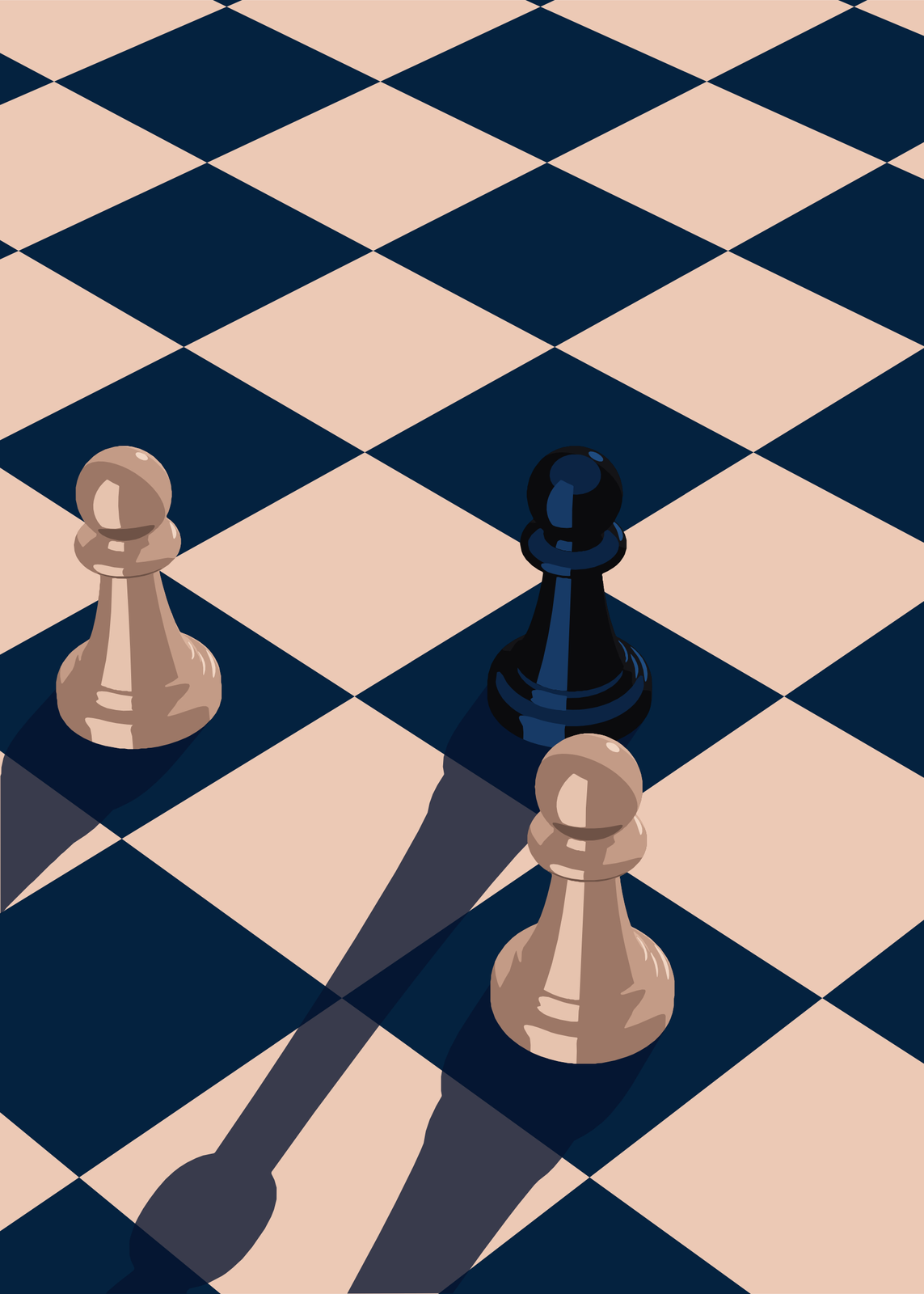
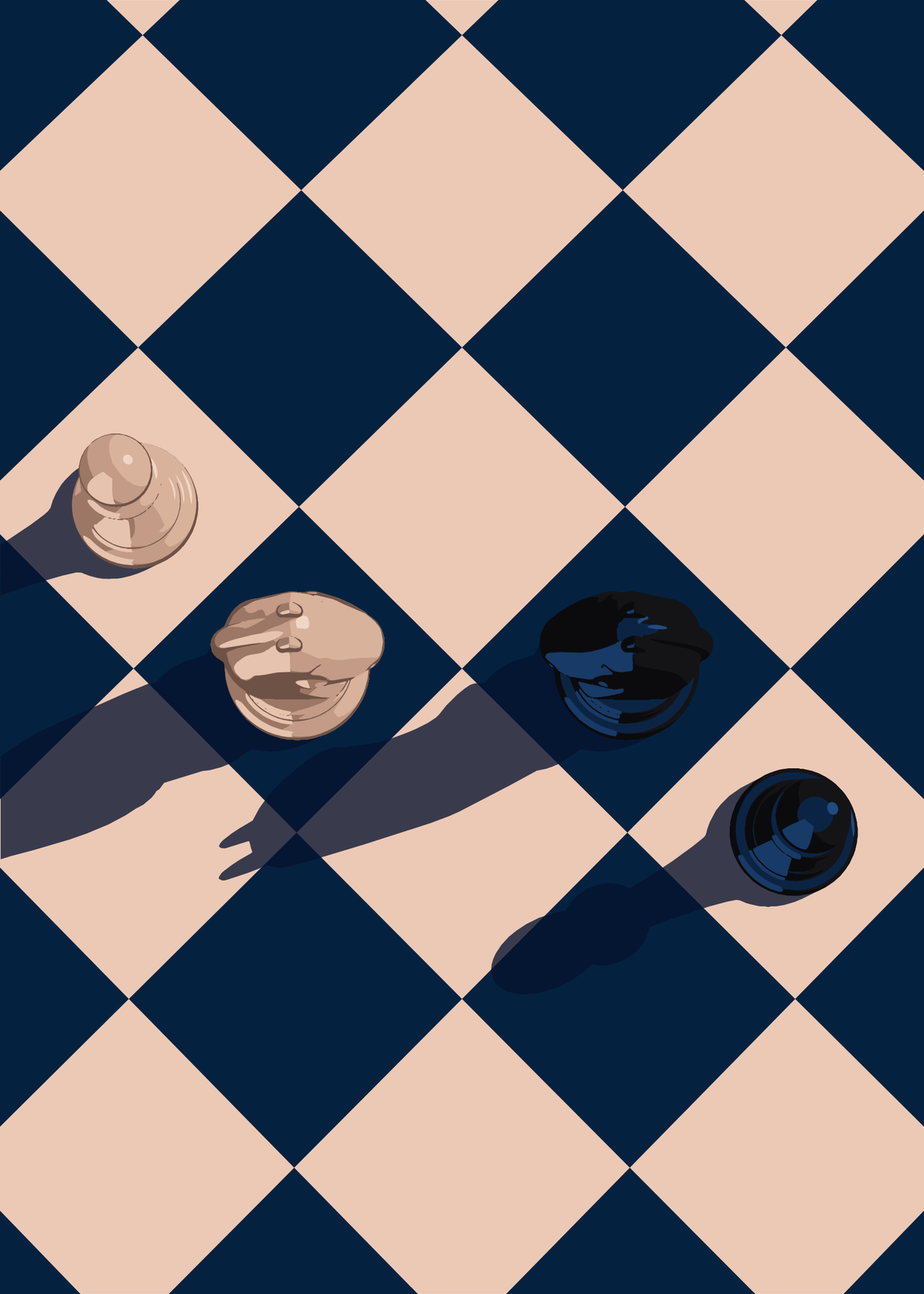
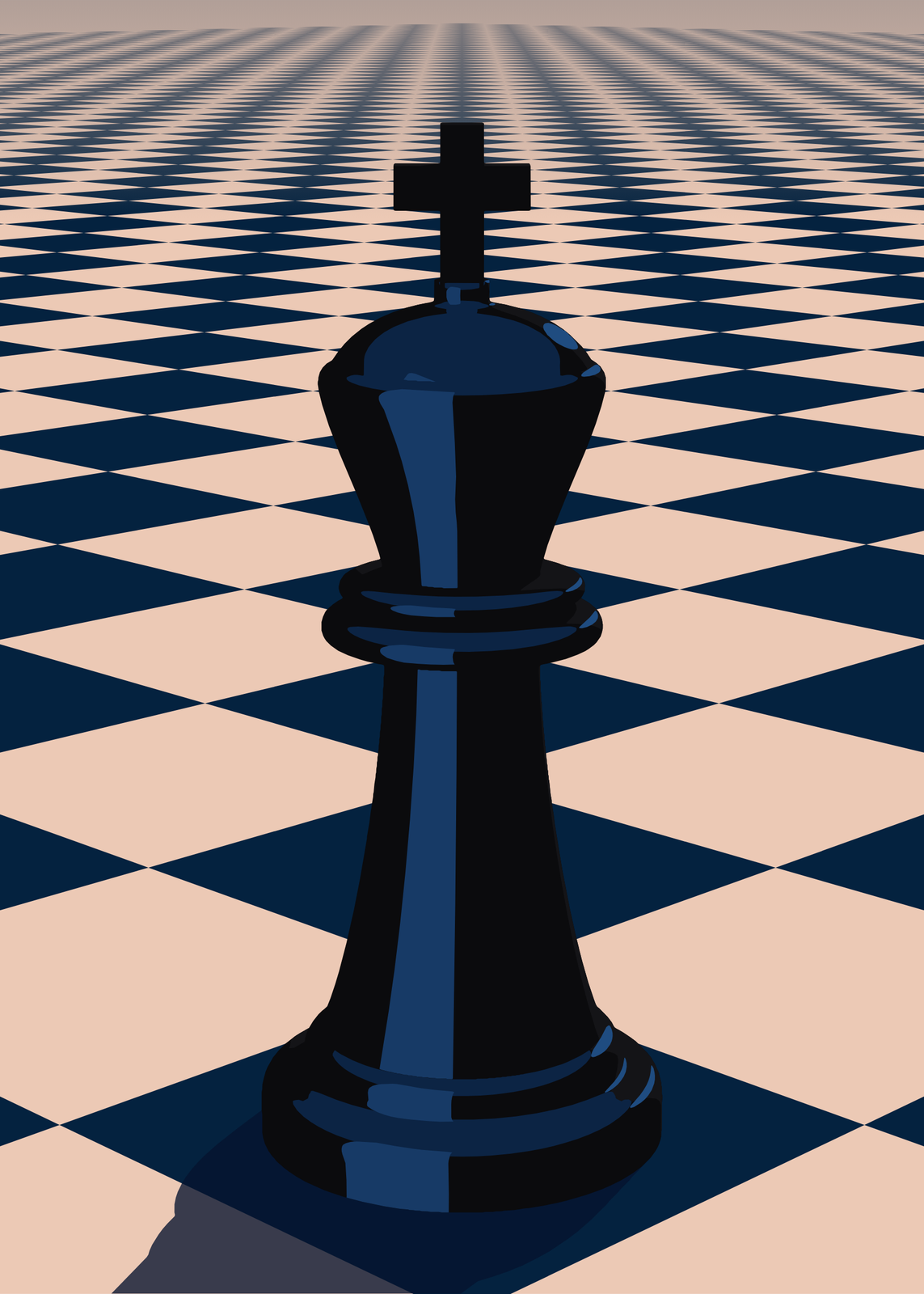
How to set up the board
- Pick a piece and a color, then click a square to place it. Knock a piece over, turn it or take it off.
- Drag the poster to turn the camera, shift-drag to move it and scroll to zoom. Alt-drag moves the light.
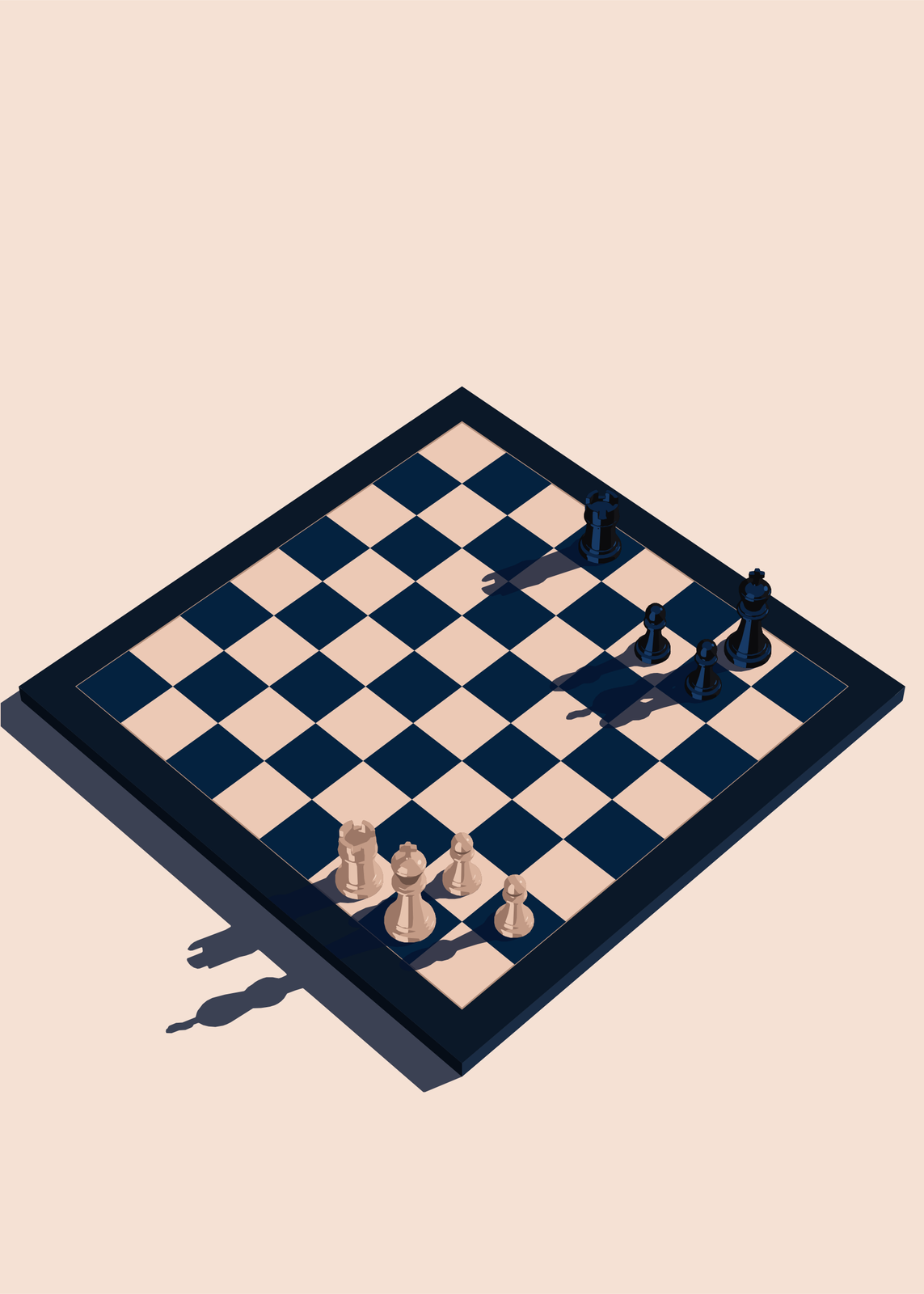
- Choose the colors and the board: squares running off into the distance, or a framed board on a table.
- Add a title and a line under it, pick the paper size and download the print file.
Ideas
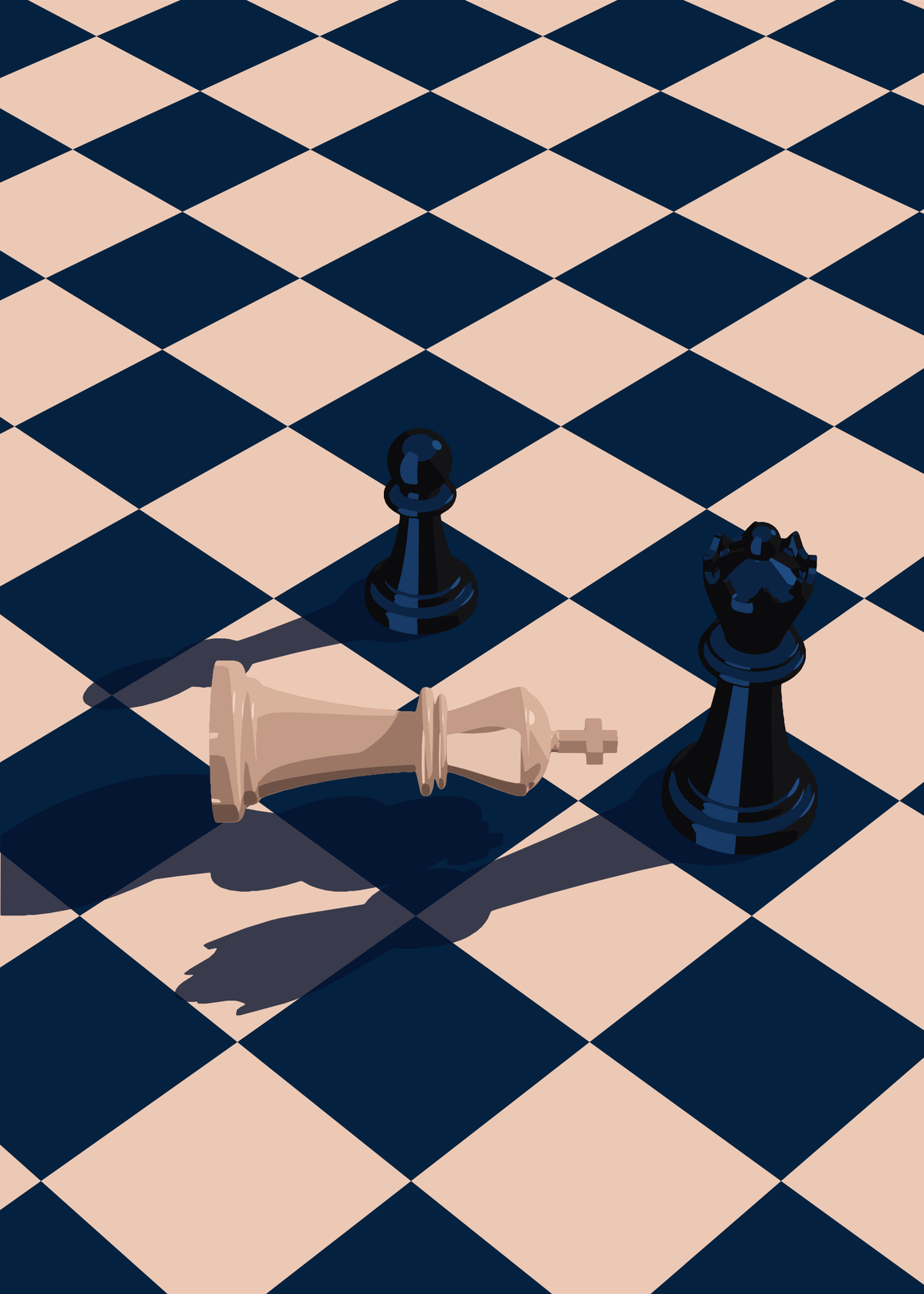
- Checkmate: the losing king knocked over beside the queen that caught it, captioned 0–1.
- Two knights face to face, for two players who always play each other.
- A lone queen in low light, or the last king standing out to the horizon.
- A framed board with a game in progress, titled Sunday Game.
- Both kings down, for a draw.
Colors, boards and lettering
Navy and blush, tournament green and cream, or white and gray marble. The board runs off into the distance, or sits framed on a table with the whole board in view. Set the title in elegant, Roman, classic or modern lettering, and add a white border to frame it like a print.
Questions
Can I set up a position from a real game?
Yes, piece by piece: put any piece on any square. To show the final position of a whole game straight from its moves, use Chess Endgame, which reads a PGN.
Why are the shadows so long?
The light sits low over the board, as on a table late in the afternoon. Raise it for short shadows or lower it for very long ones, and turn it to change where they fall.
Can I add a title?
Yes: a title of up to 40 characters and a line under it of up to 70, with or without a white border around the picture.
What sizes can I print?
US Letter, 8 × 10, 11 × 14, 12 × 16 and 12 × 18 in, A4 and A3, free. You download a 300 DPI JPEG drawn at the size you pick. Larger prints, up to 24 × 36 in, are coming soon.
Related
Gift ideas by occasion
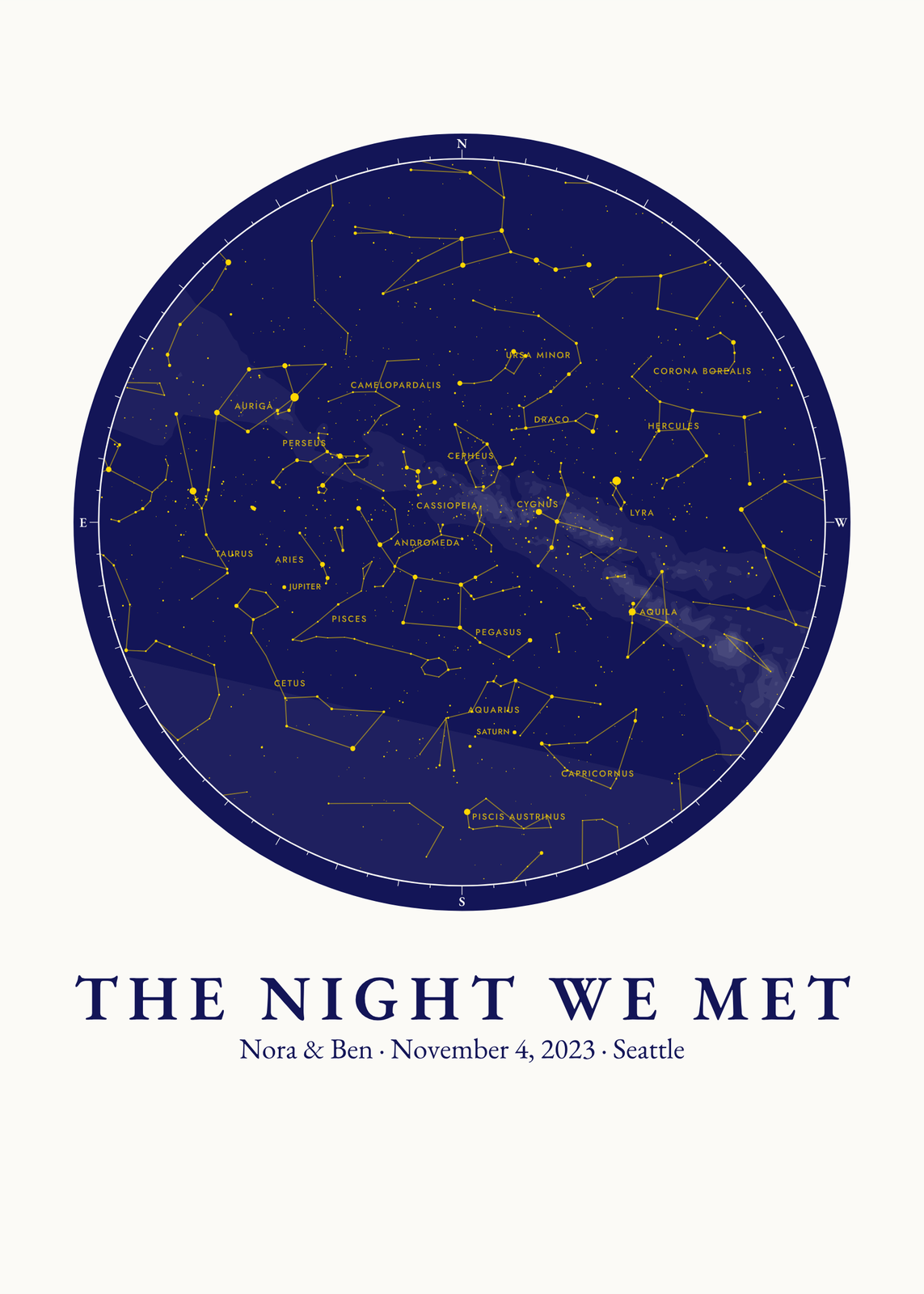
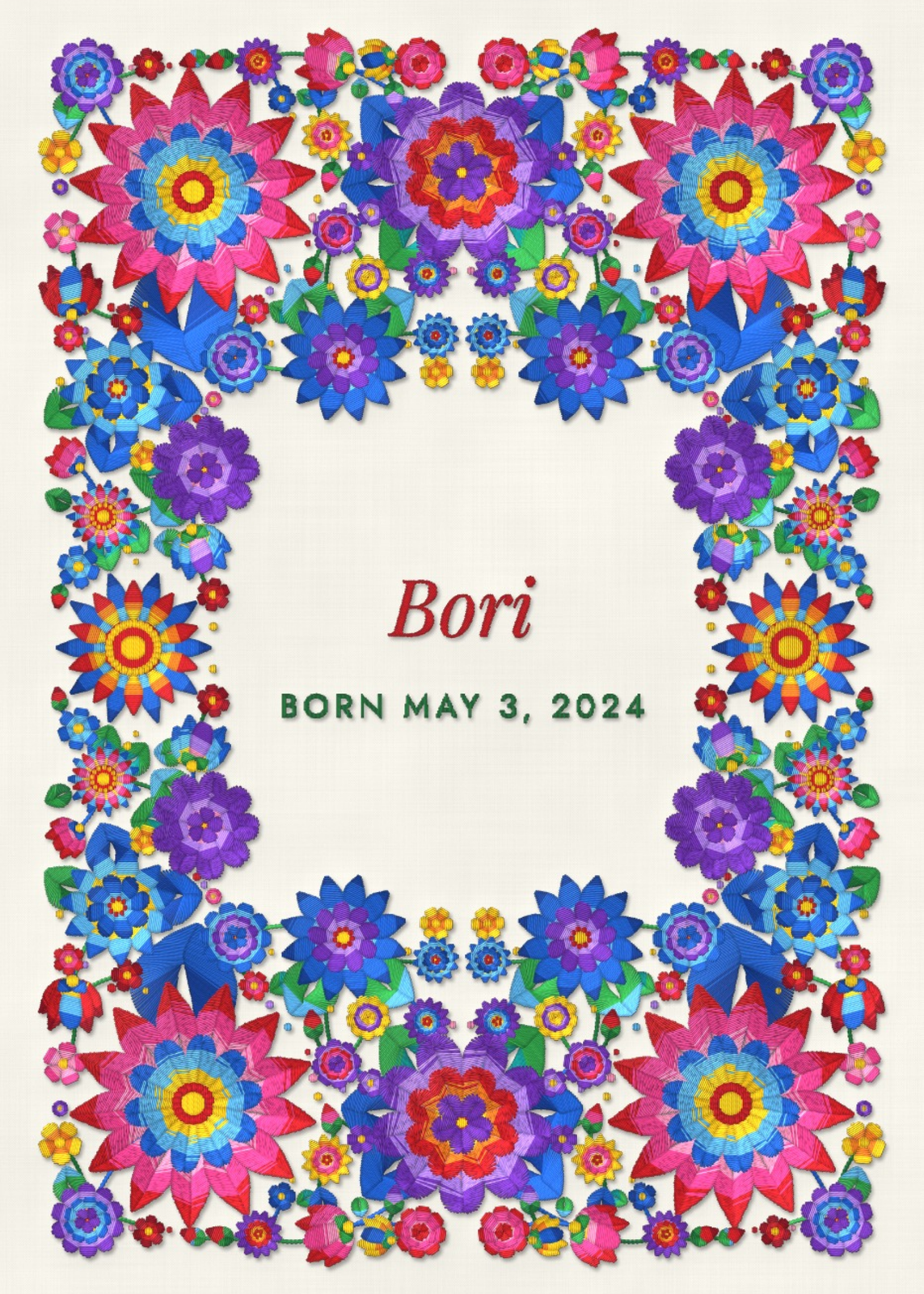
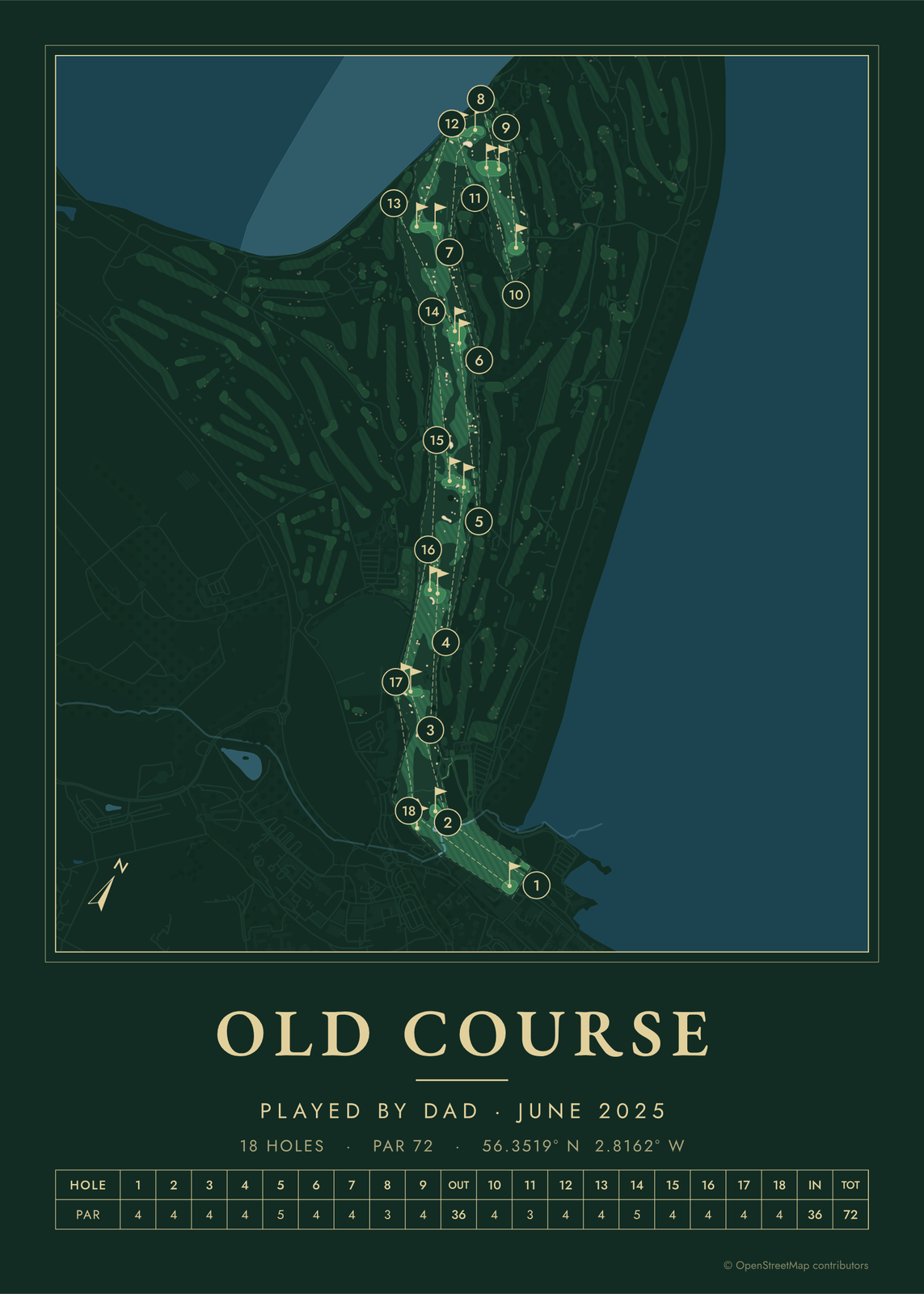
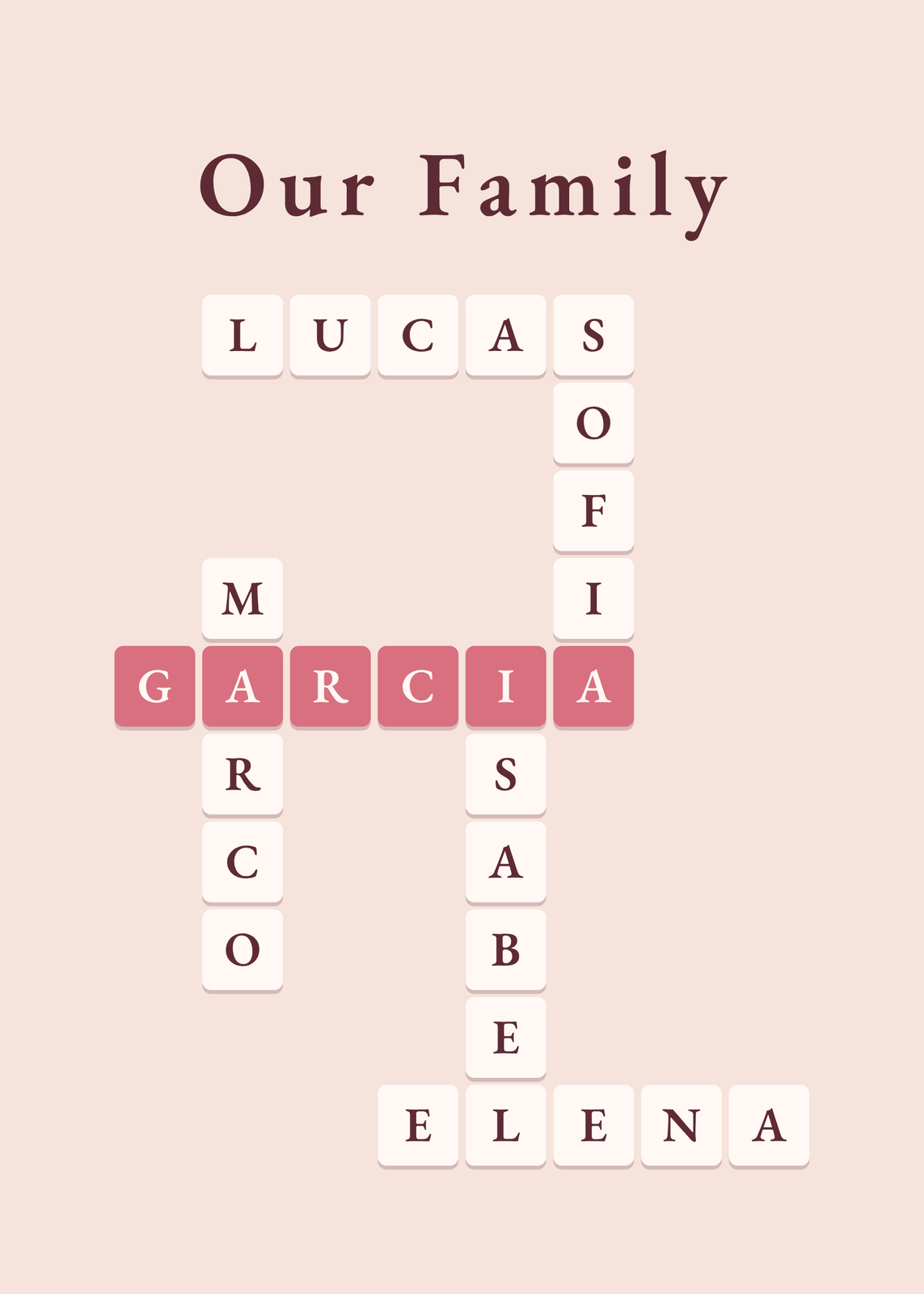
Every example is made with the Posterage generators. Change anything, then download it as a 300 DPI JPEG.