Plotter art your photo drawn like a 1960s plotter print, in columns of pen marks
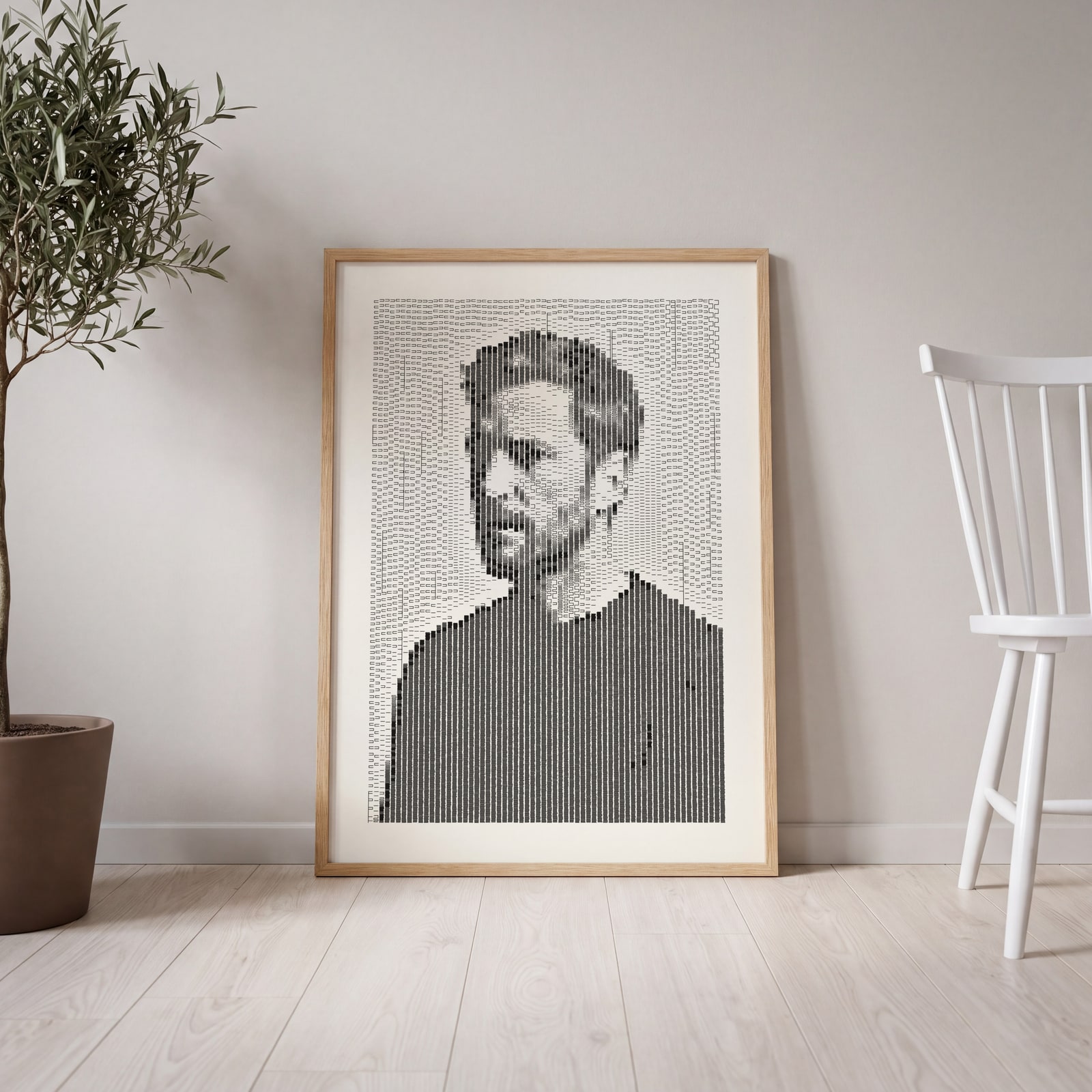
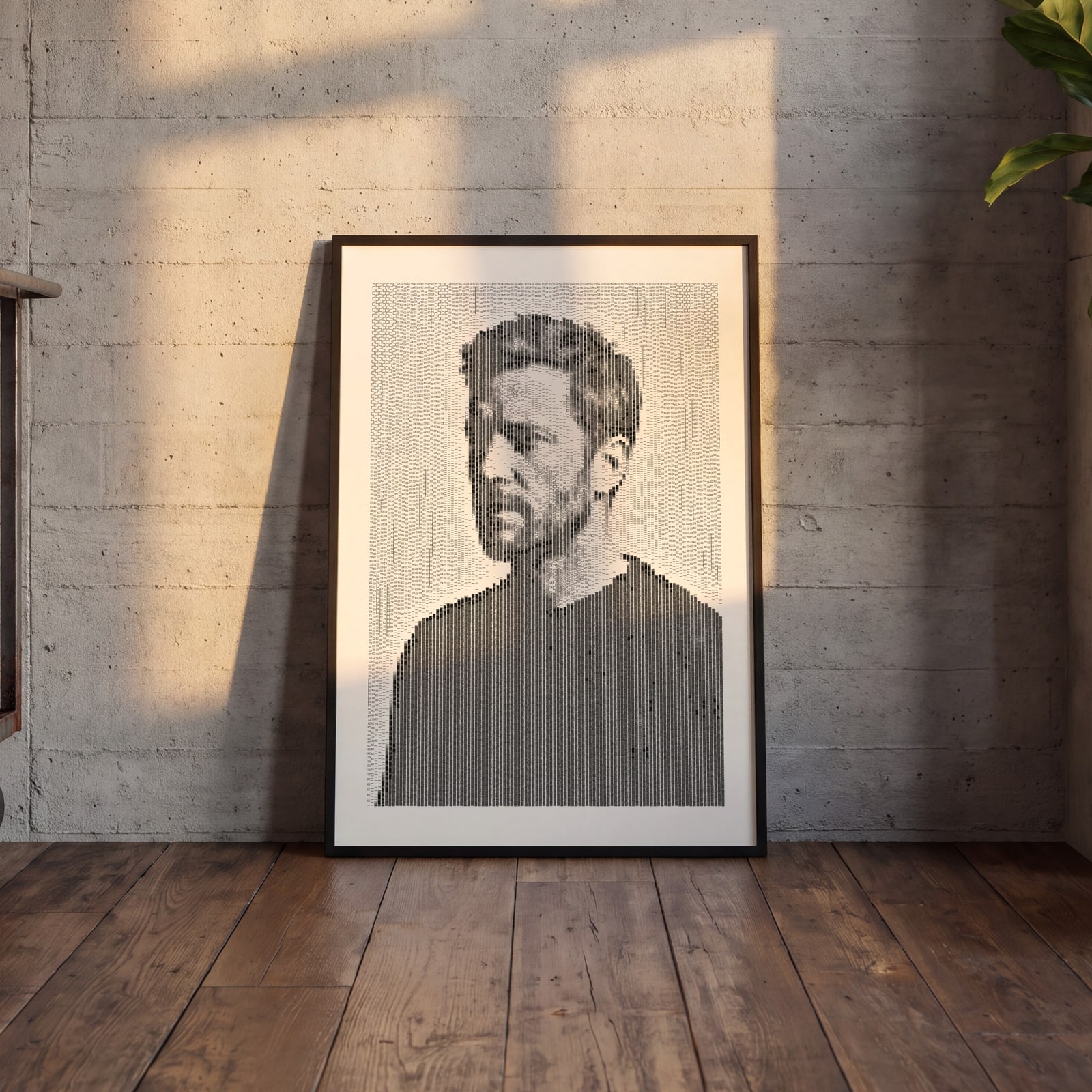
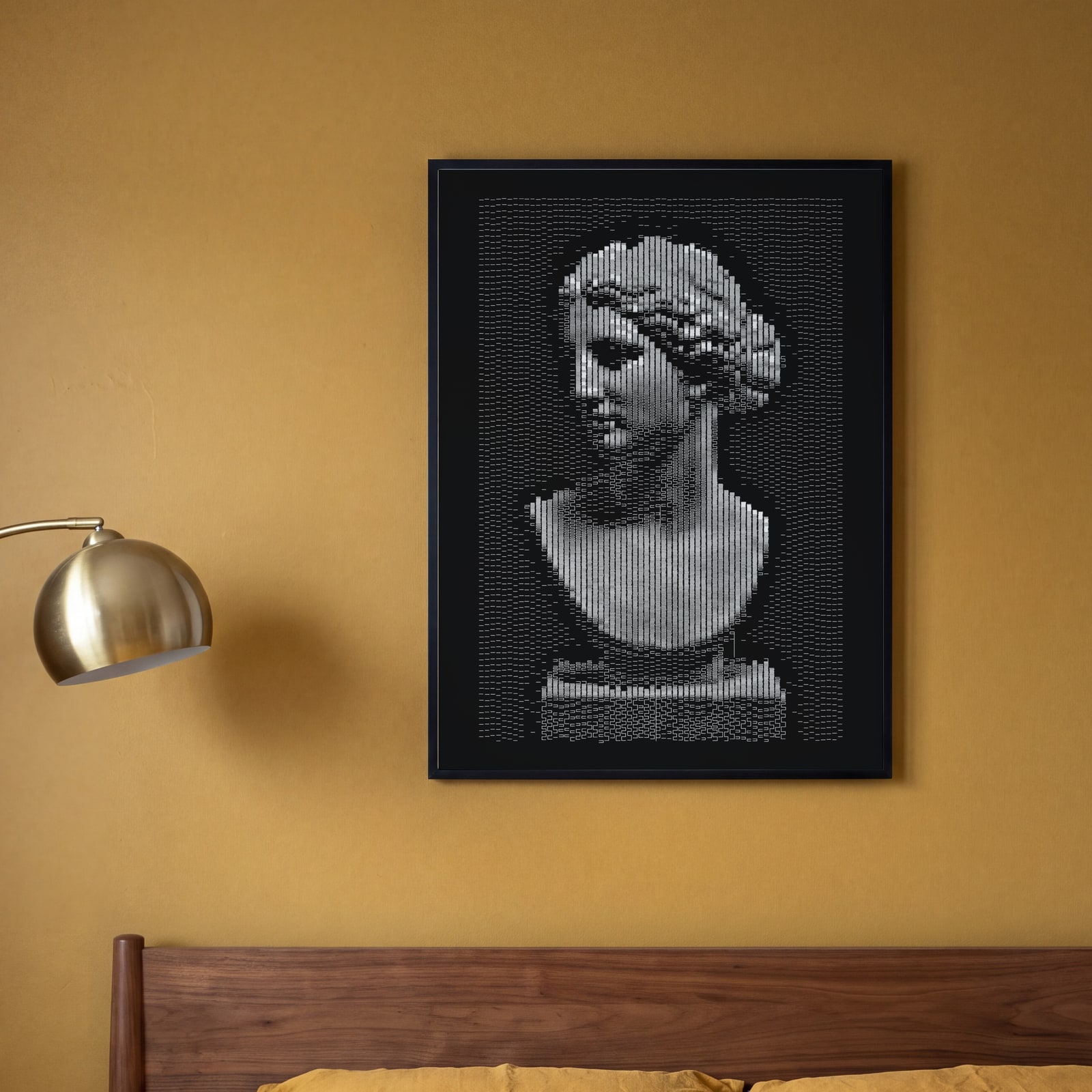
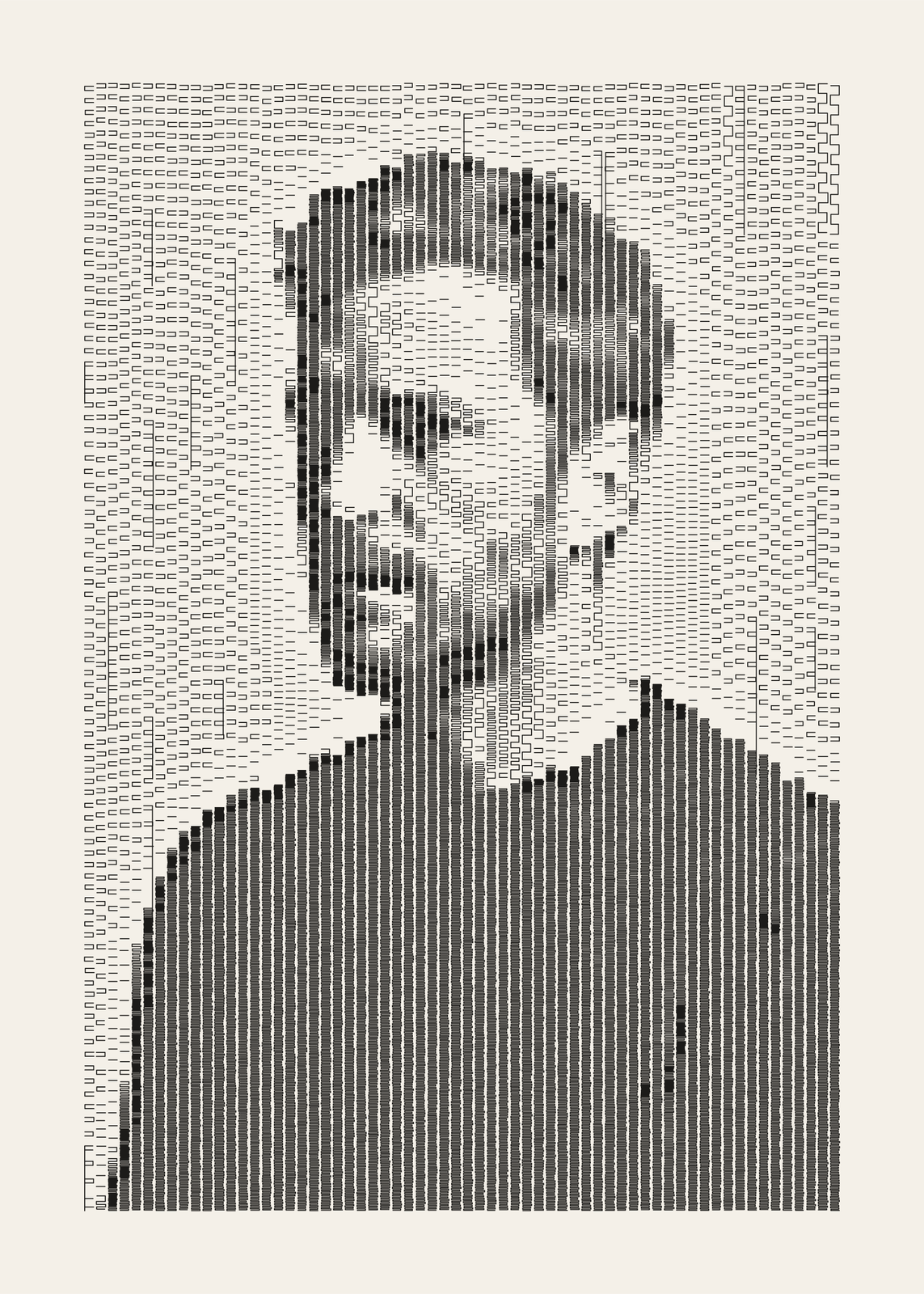
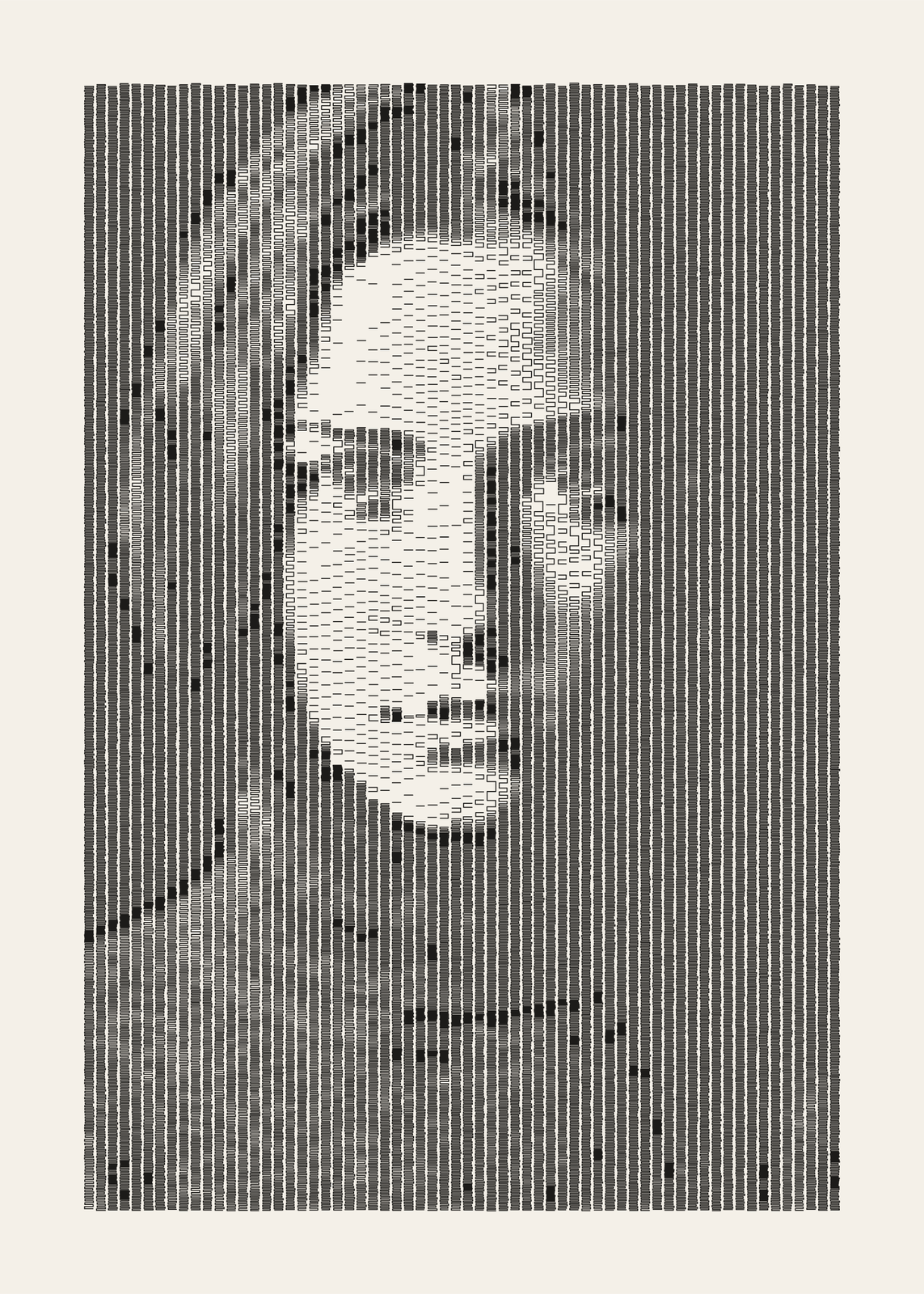
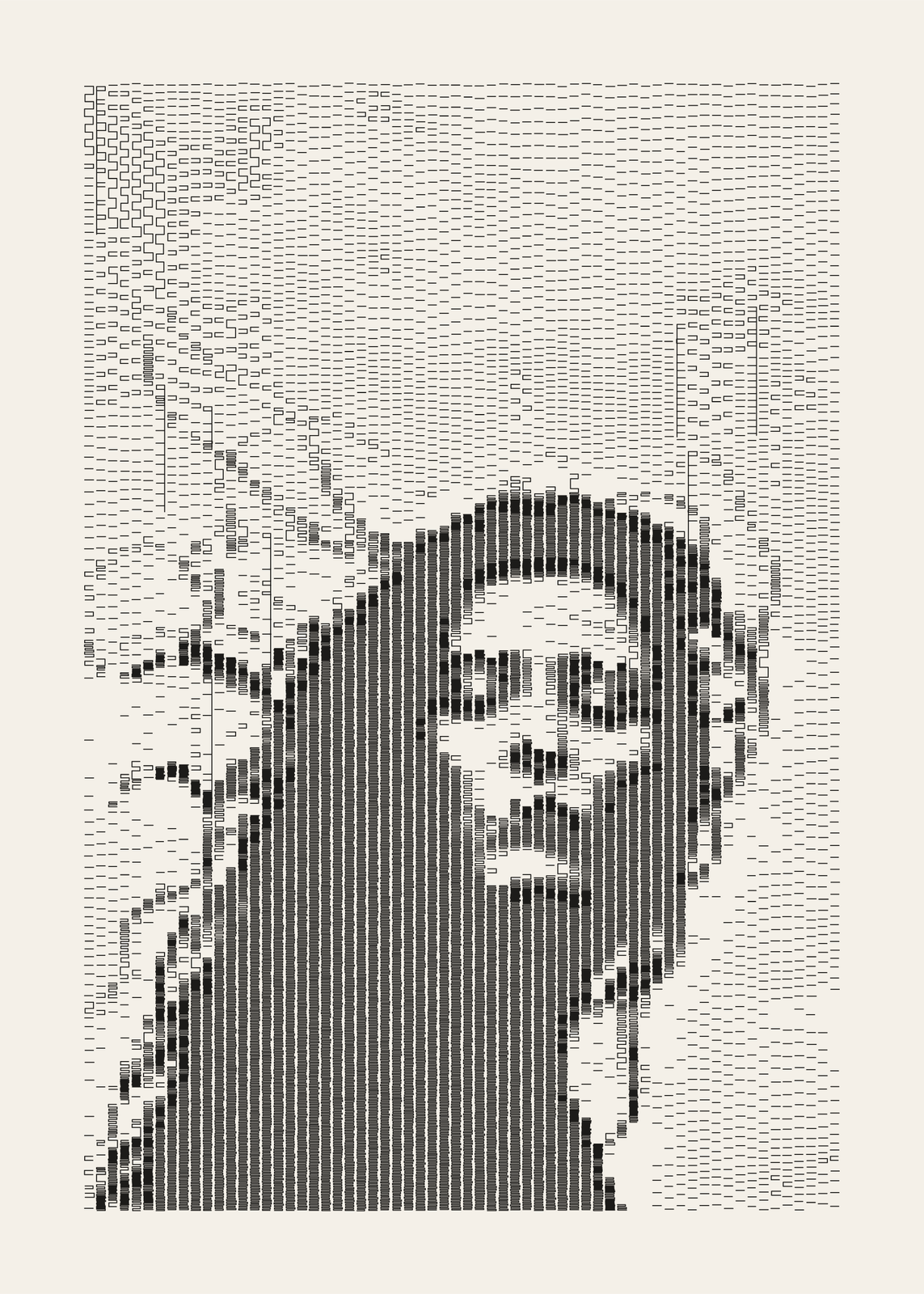
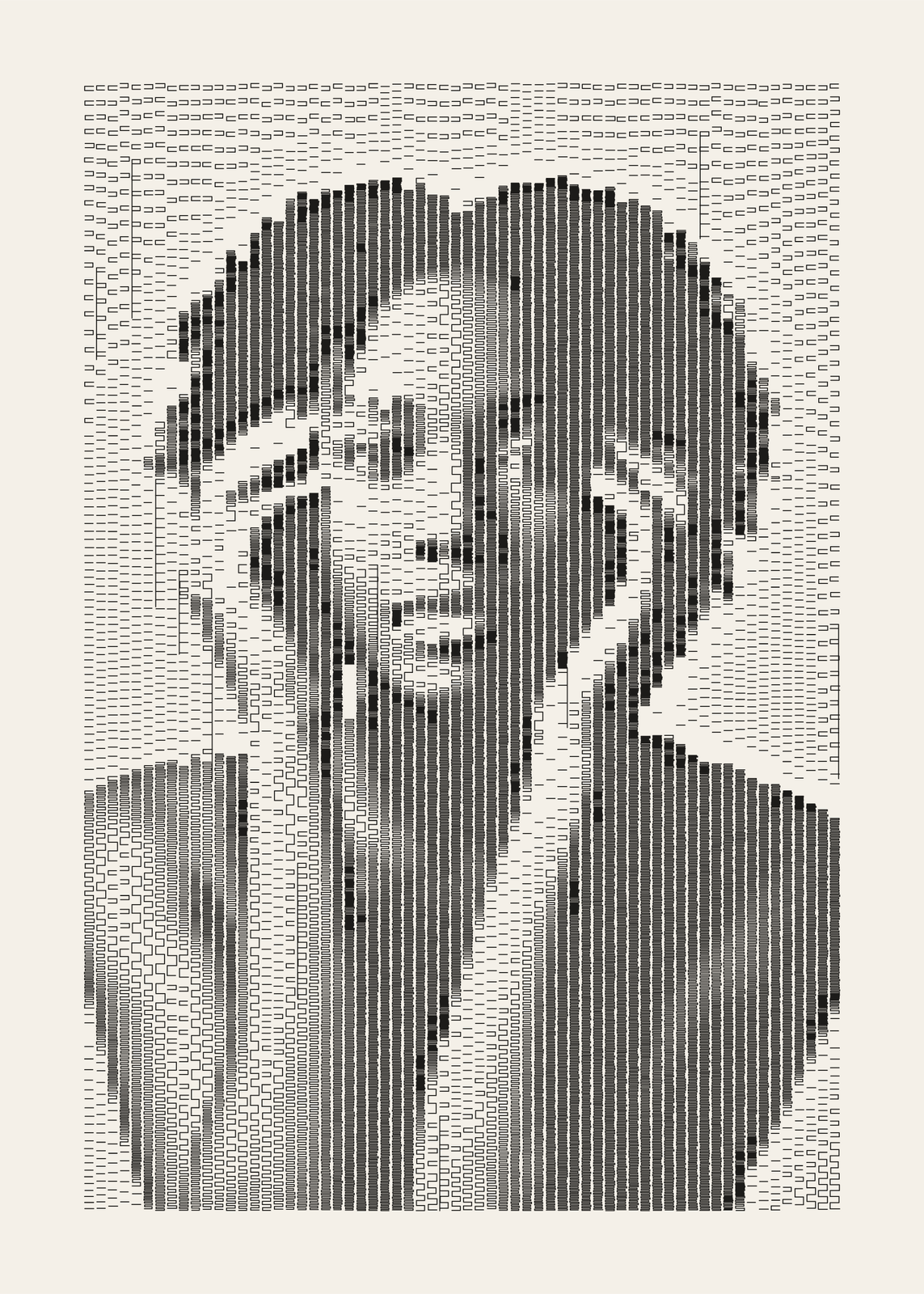
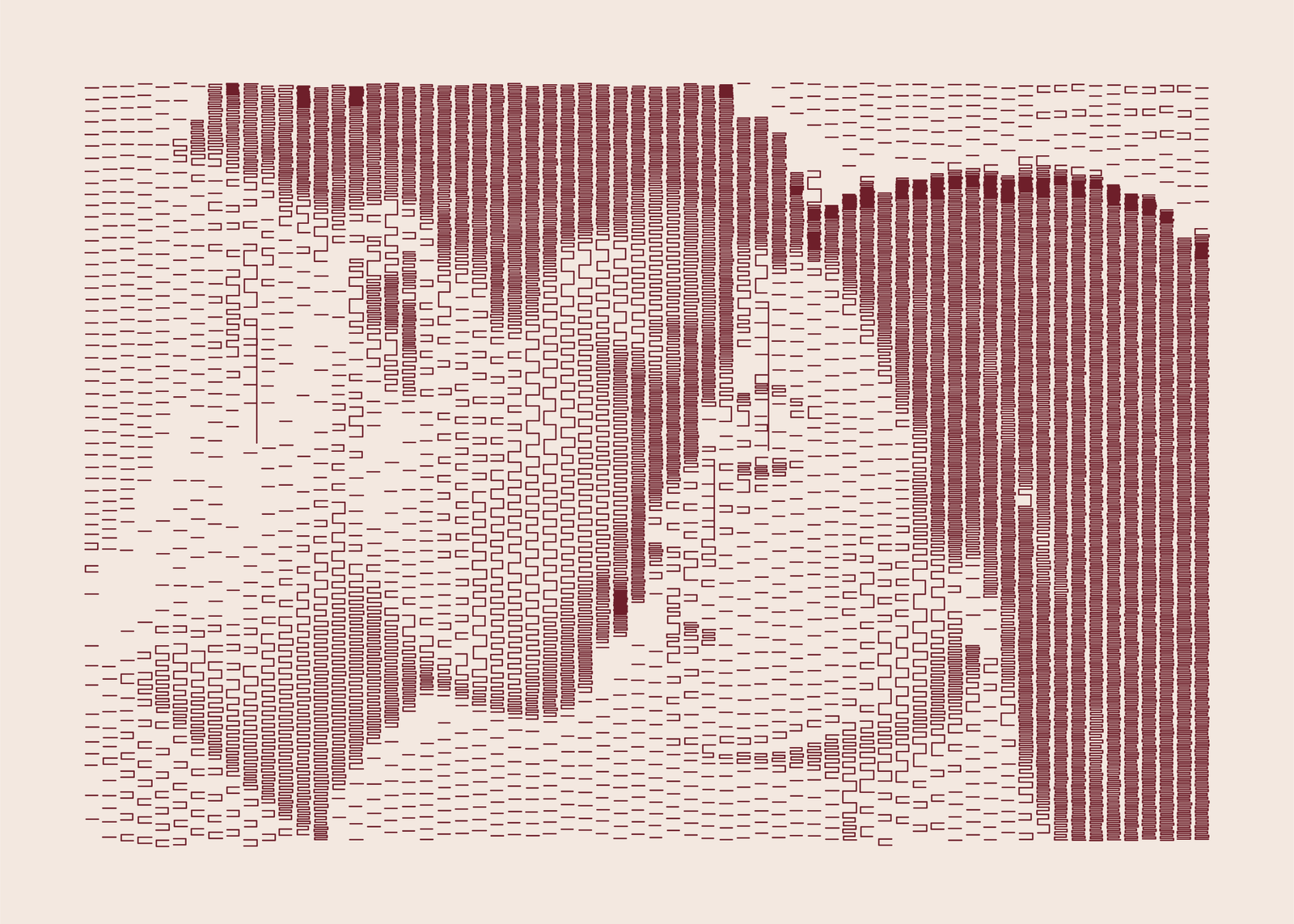
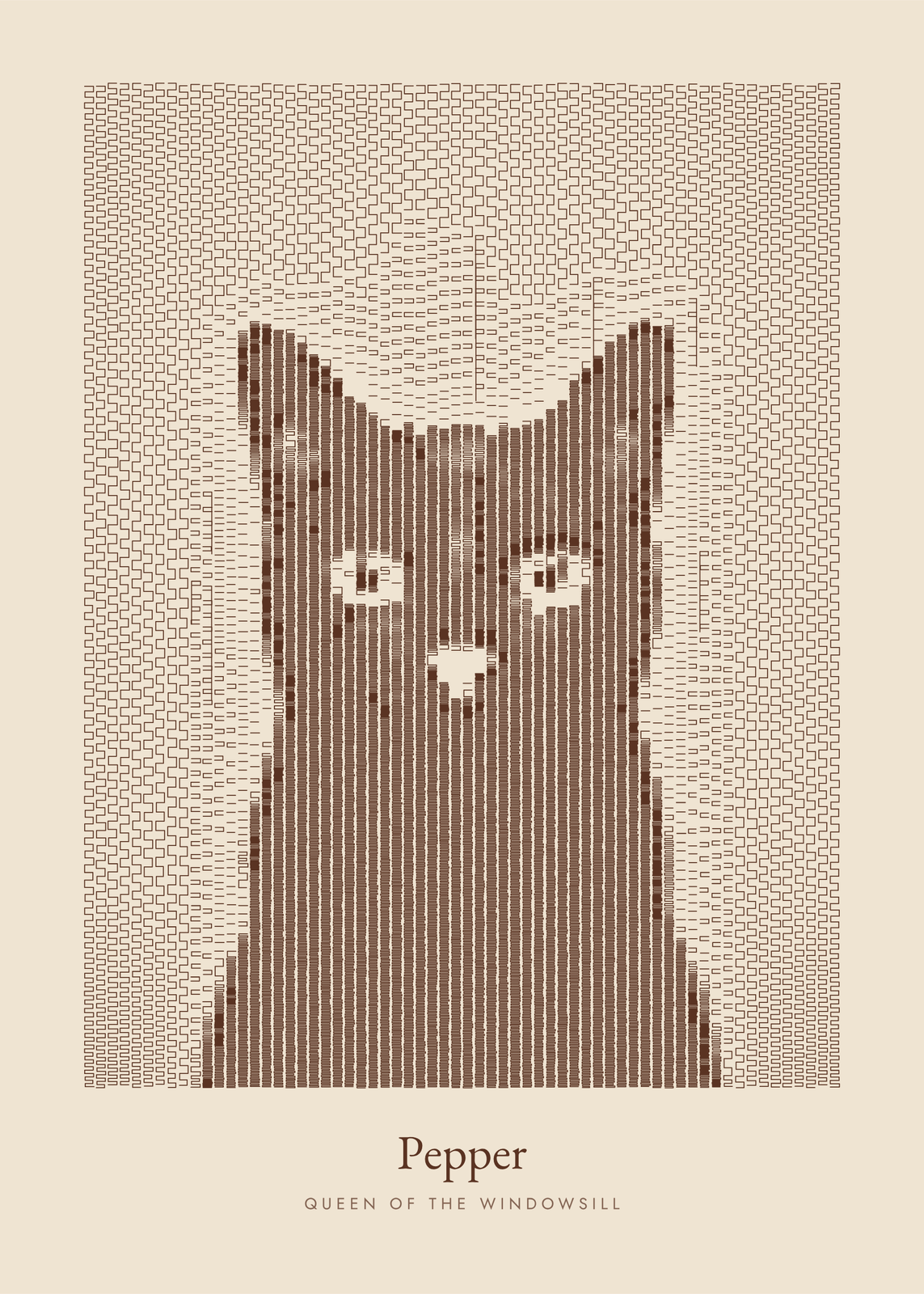
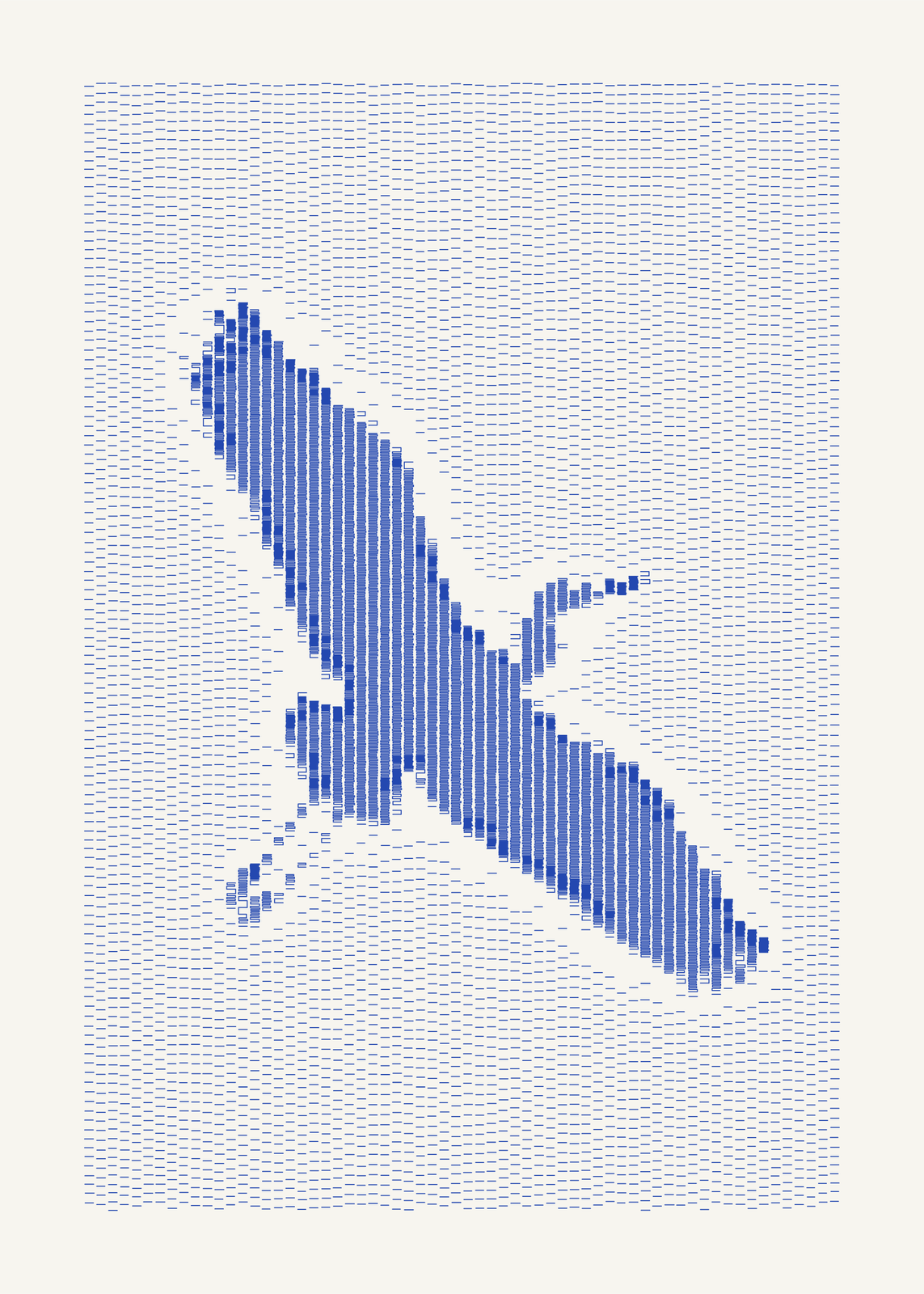
Some of the first computer art was drawn by pen plotters in the 1960s, machines that moved a pen over paper line by line. This maker draws your photo in that spirit: columns of marks walked top to bottom, scattered dashes in the highlights, hairpins in the midtones and tightening serpentines in the shadows, with solid black only at the eyes, the brows and the deepest shadows. Every mark is a pen stroke, so the file can go to a real plotter too.
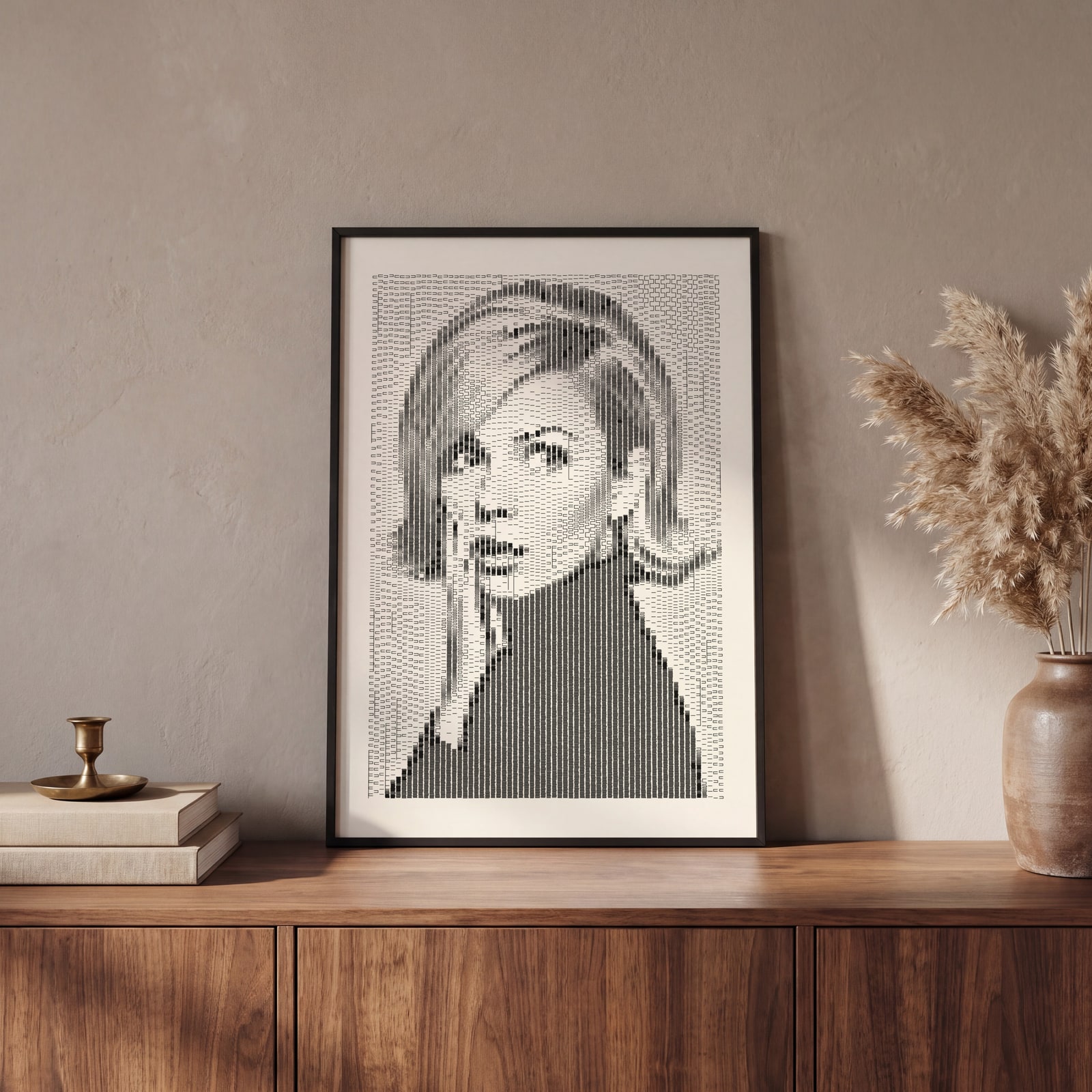
On the wall
A few of them framed at home. Open any one to make it yours.
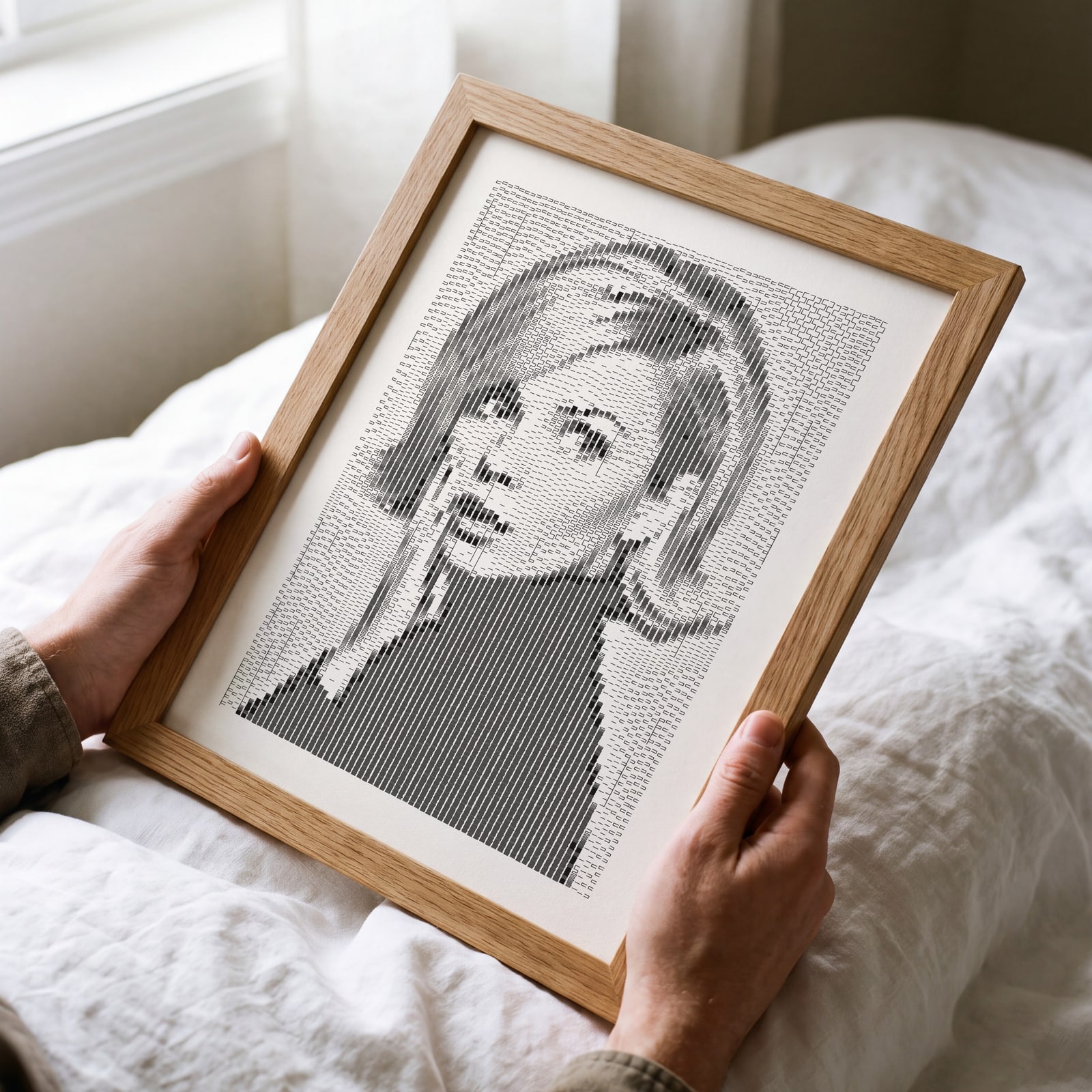
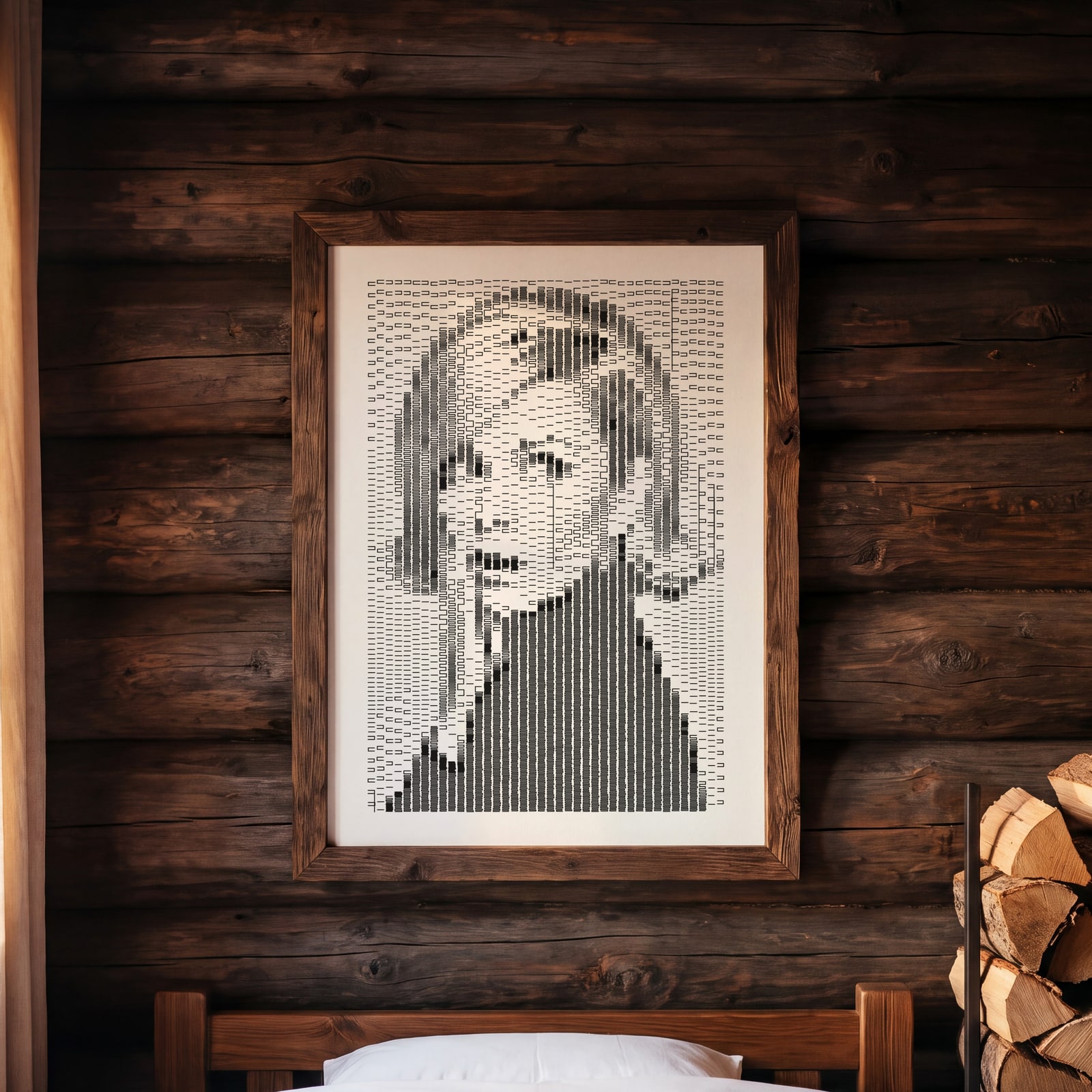
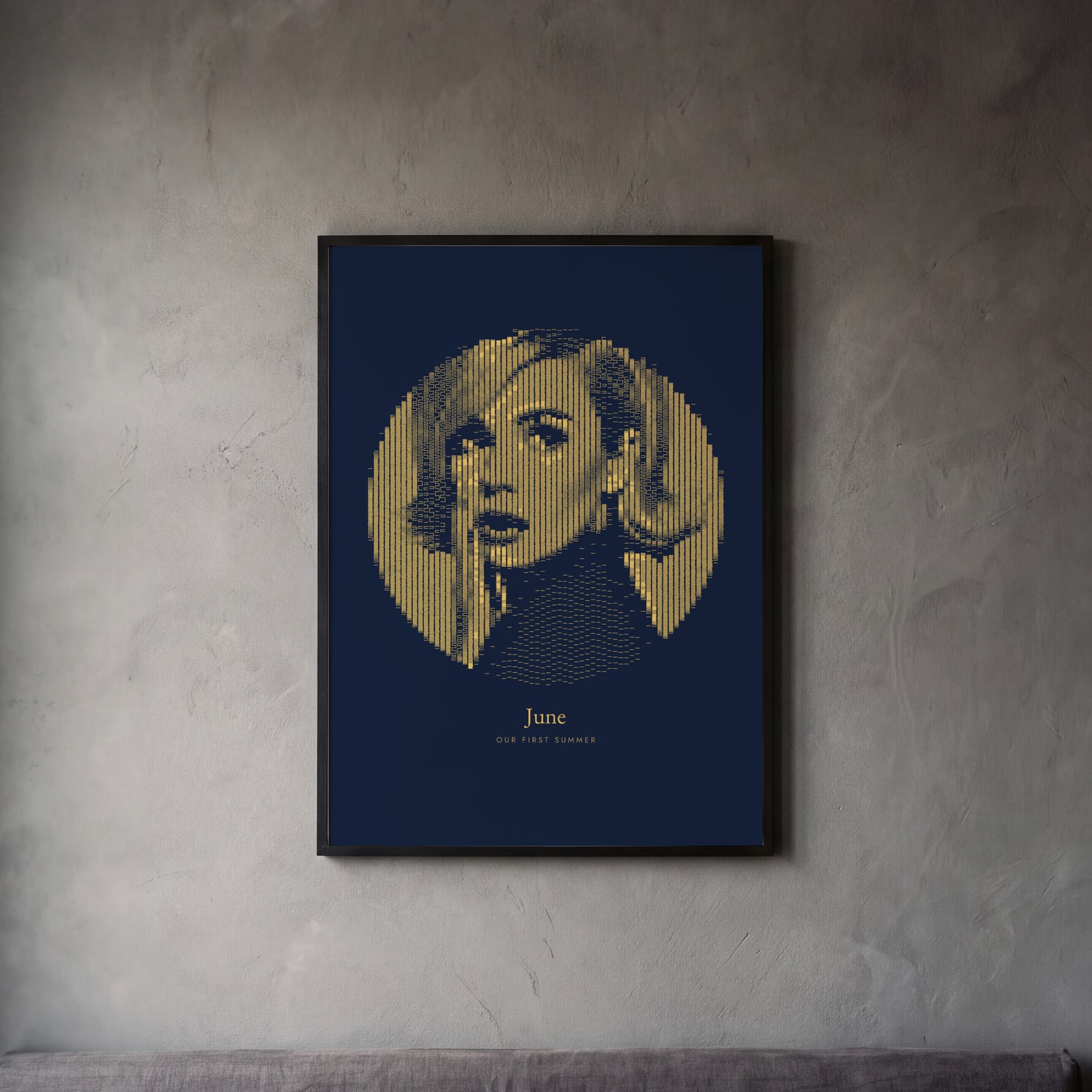
Examples
Open any of them to change the words, the place, the date and the style, then download the print file.
Faces
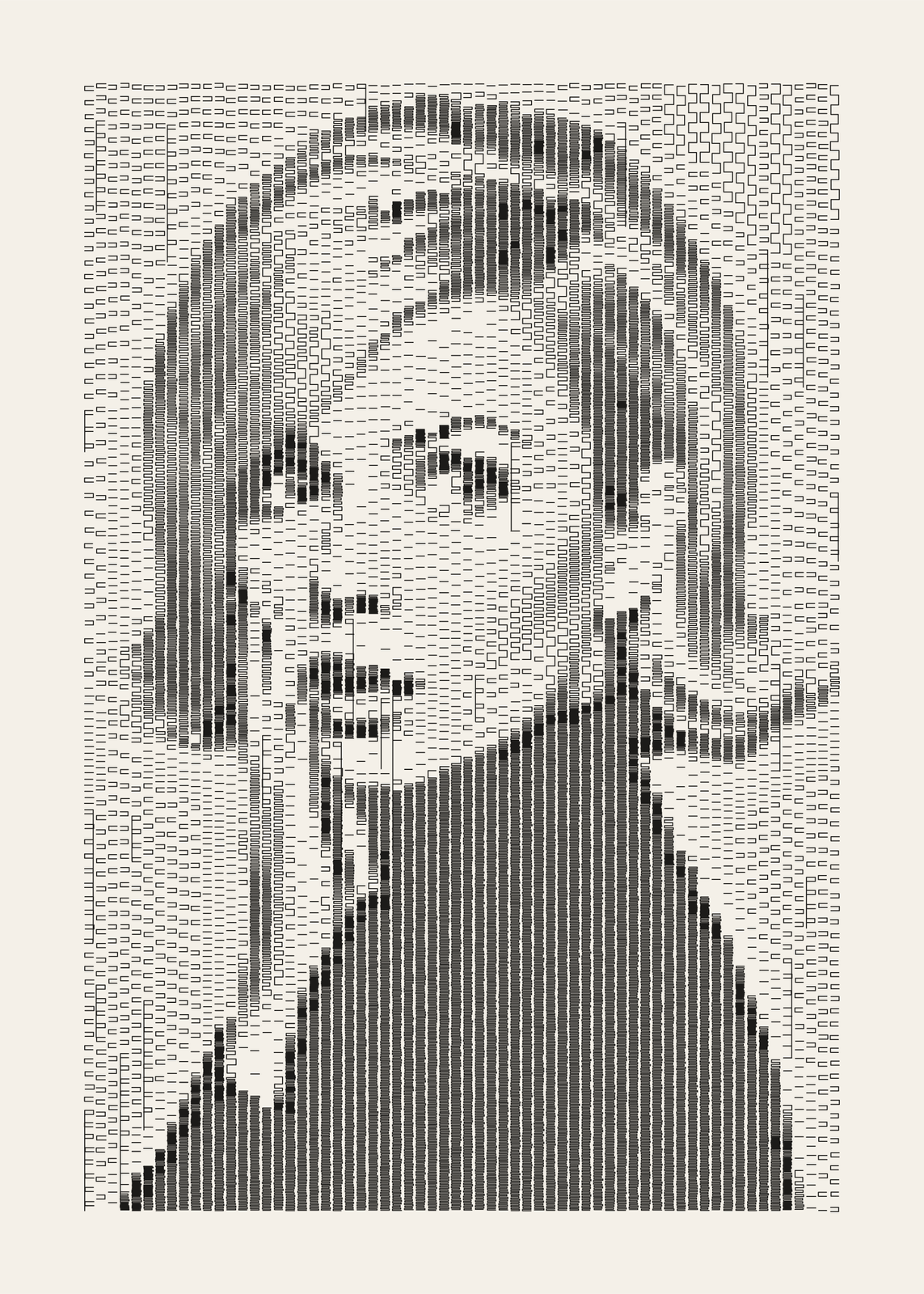
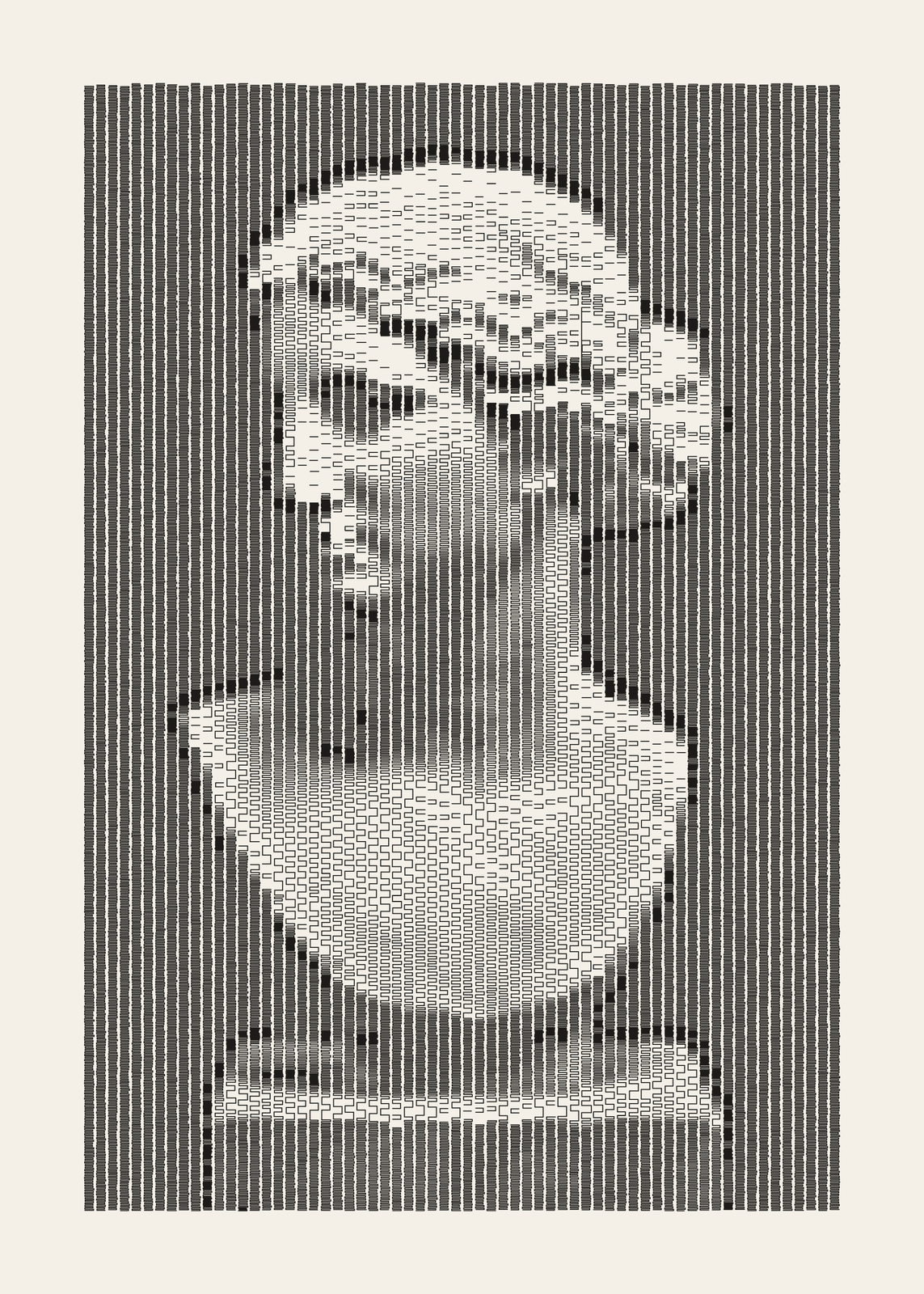
Columns and marks
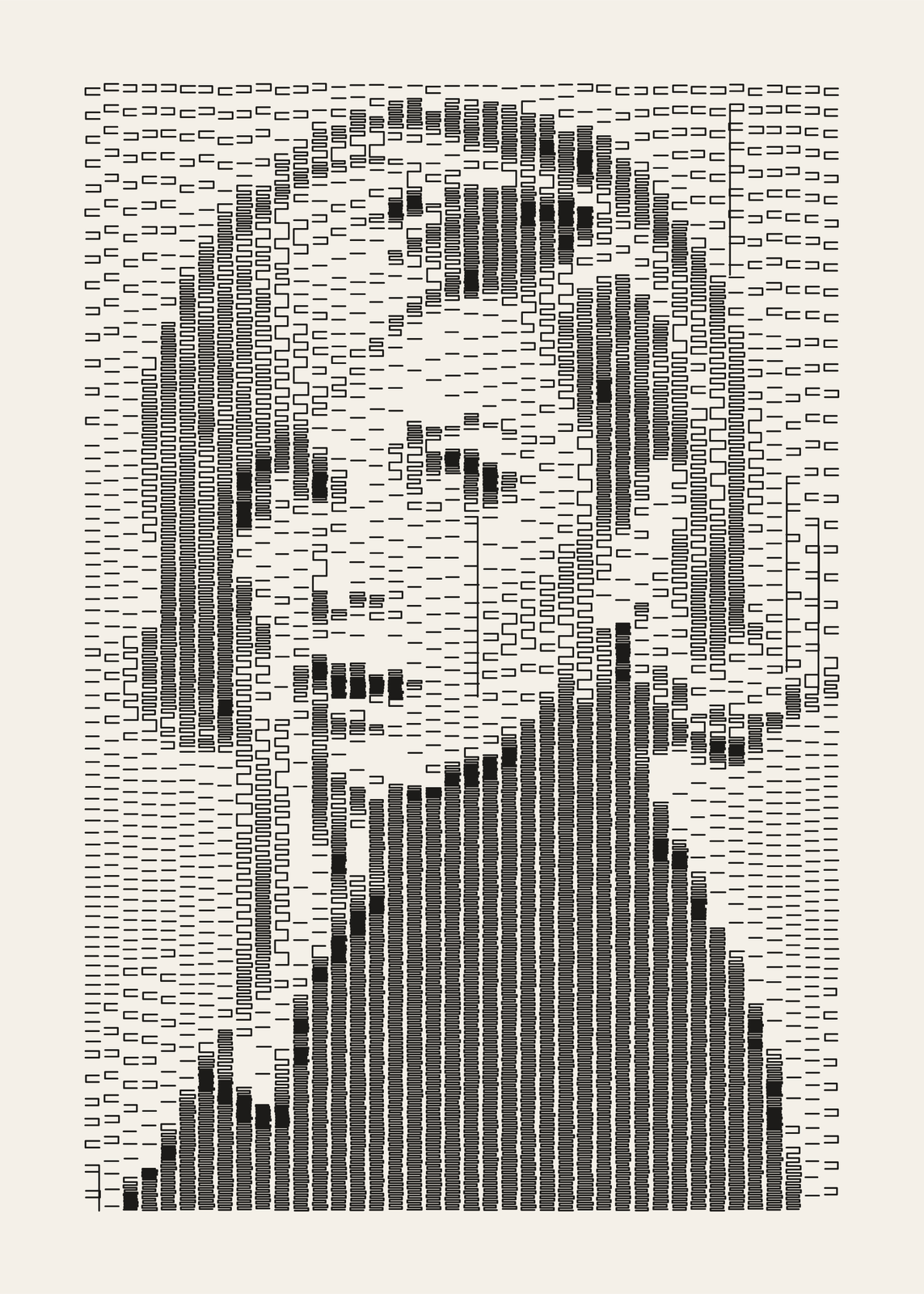
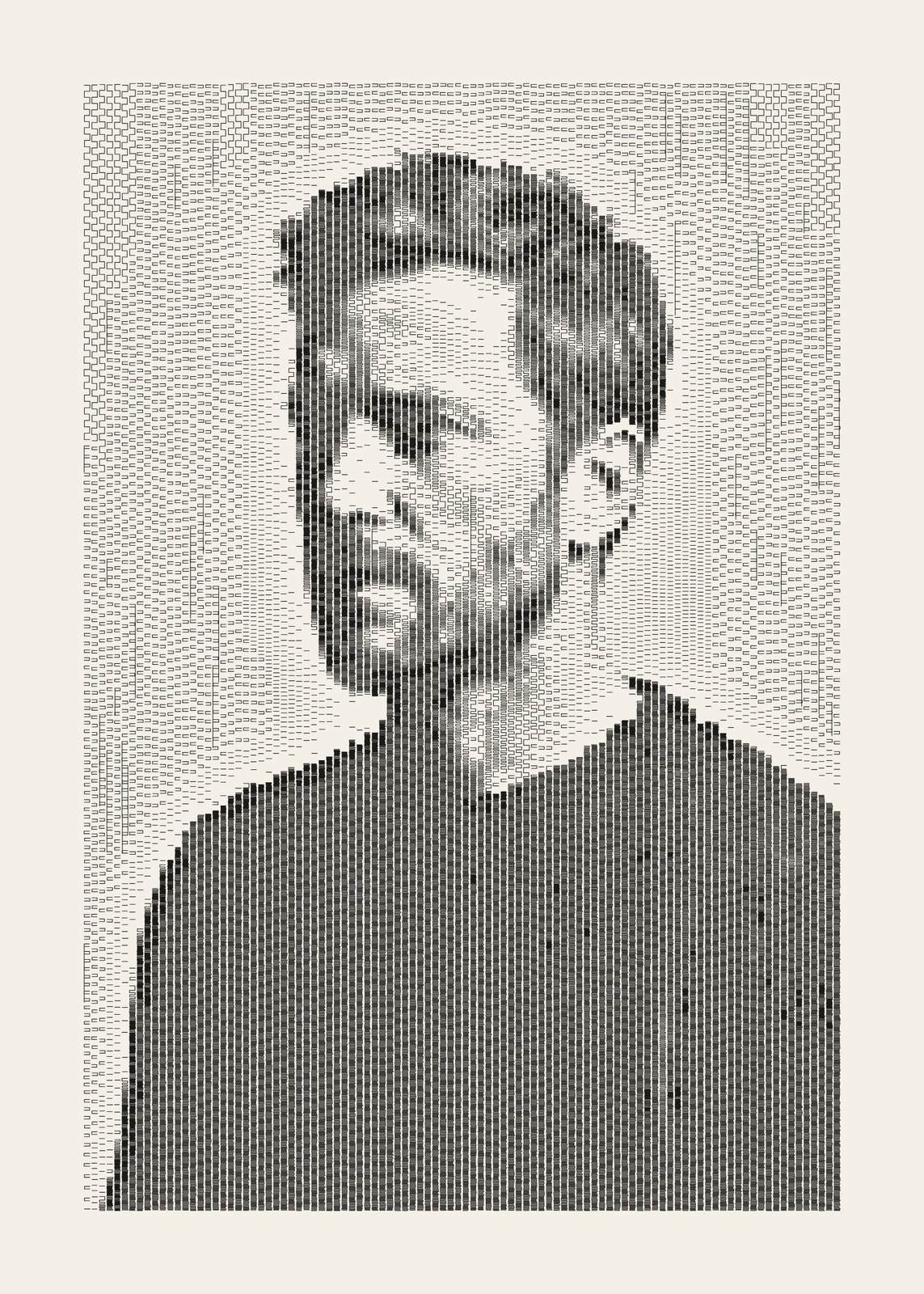
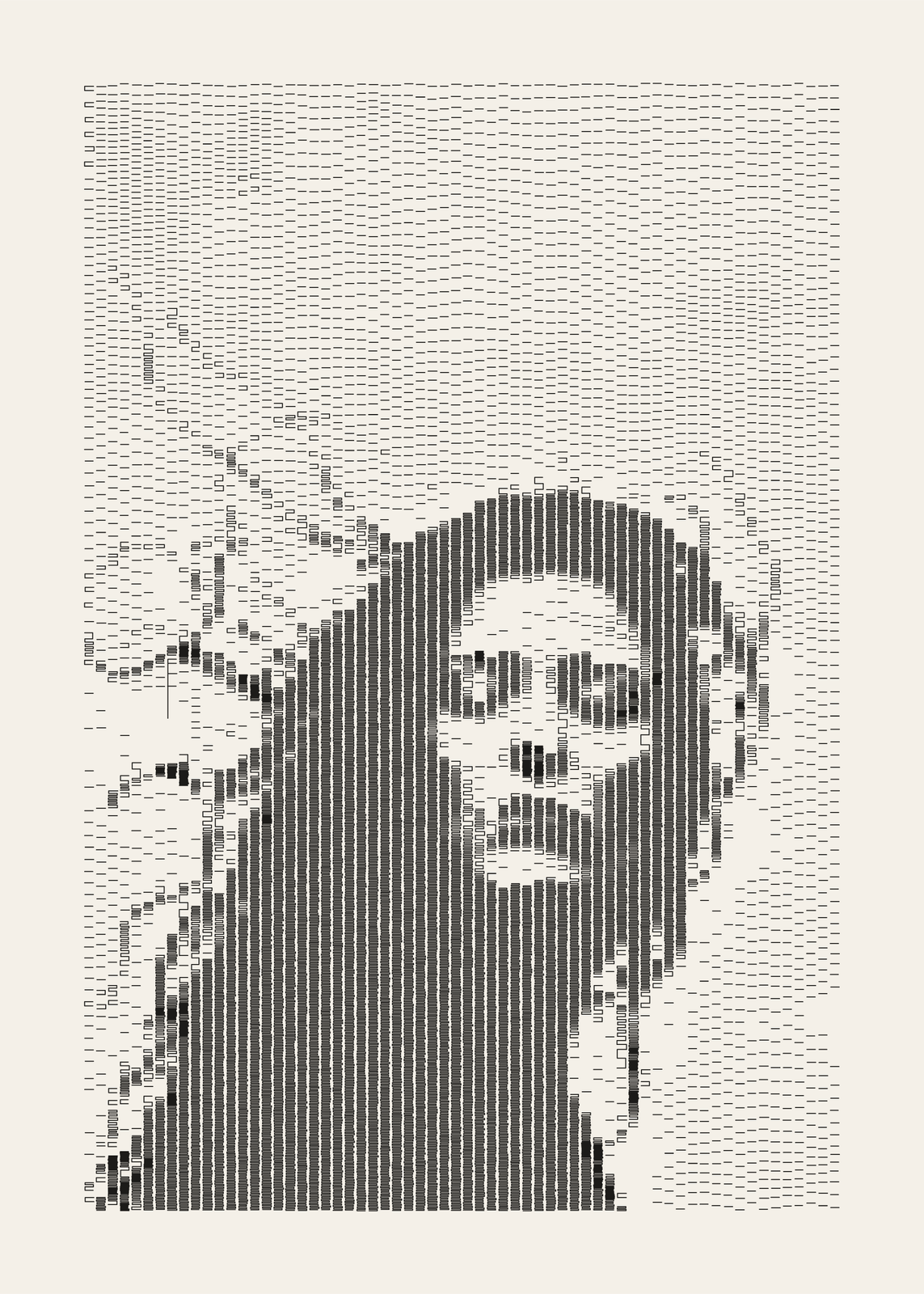
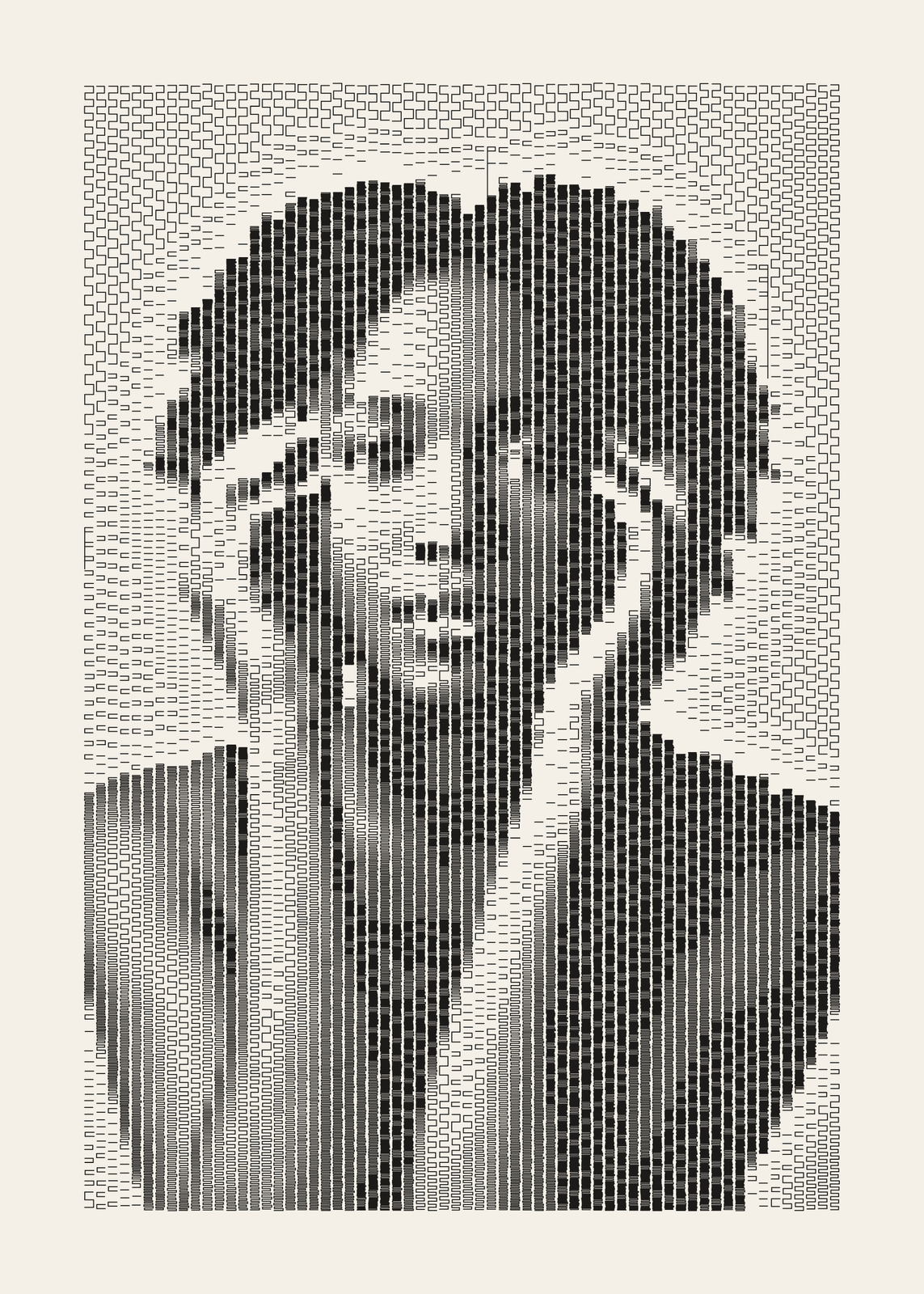
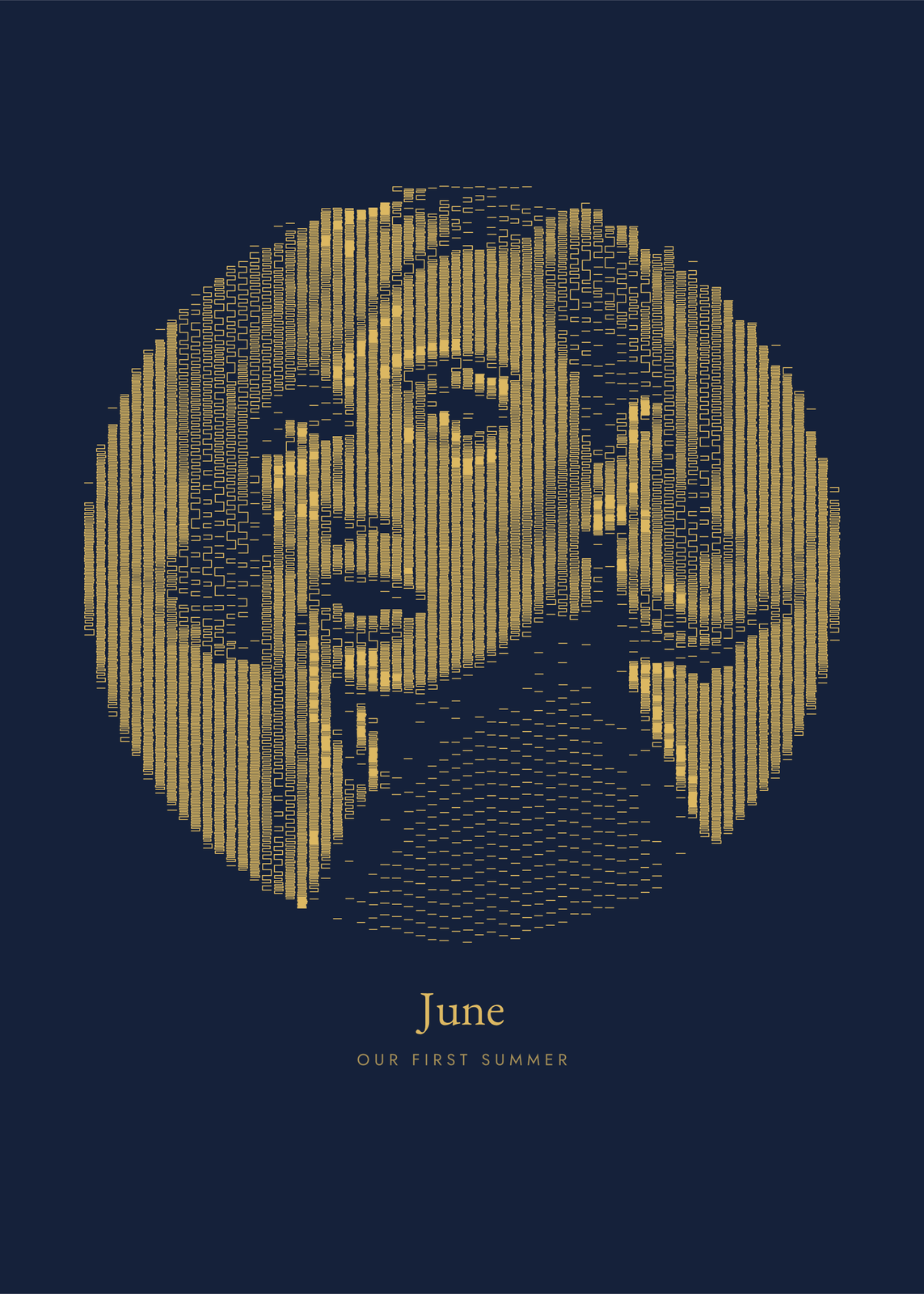
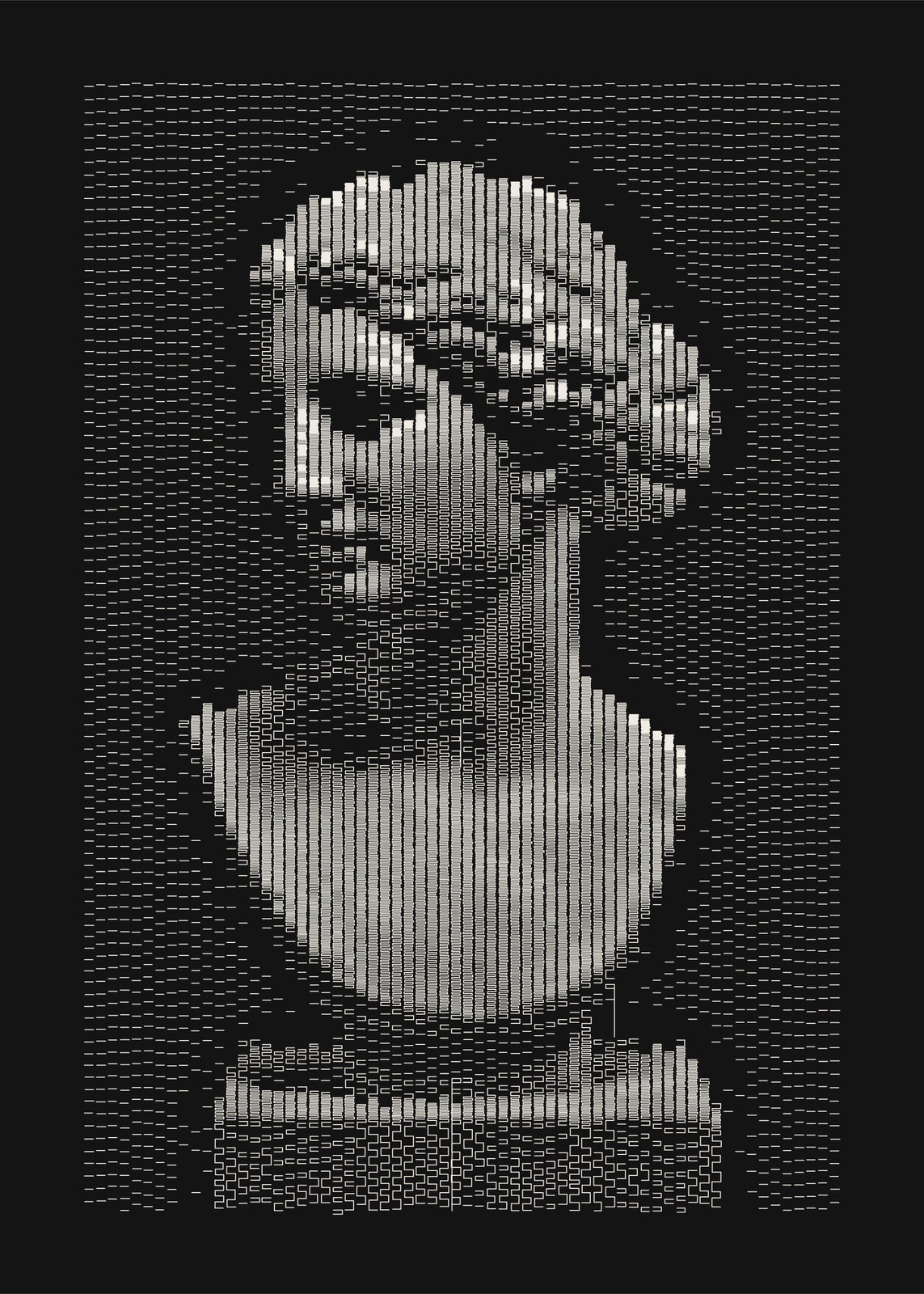
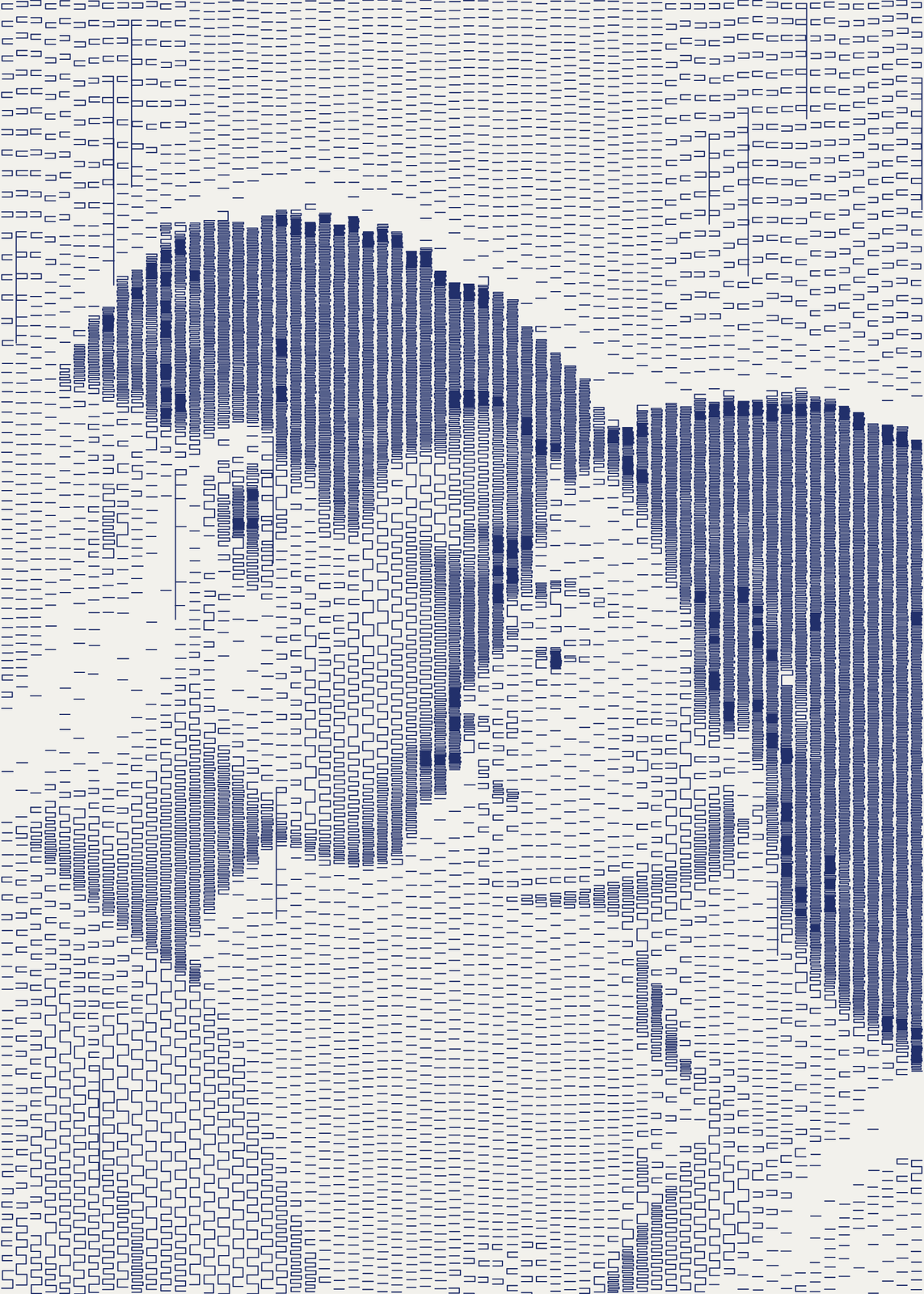
Marks that follow the tone
Each spot of the photo picks one kind of mark by how dark it is, then how close to pack it: a dash here and there, dashes in a row, hairpins of two dashes joined at one end, serpentines that wind tighter and tighter. There's no dithering, so a gray cheek stays an even field of one mark rather than a speckle of two. The edges between marks wander a little from column to column, as a plotter's would.
Columns, shading and black
Columns runs from 36, bold, to 110, close to a photo. Shading moves the balance: airy leaves more paper in the lights, heavy fills the shadows with tight serpentines. Black accents sets how many solid blocks land on the darkest features. Under More options, Pen runs from fine to broad, Long lines adds the odd long vertical stroke of a dragging pen, and Marks on the paper scatters a dash or two around the subject.
Ink, paper and shape
Eleven ink and paper pairs, from black ink on cream to ballpoint blue, oxblood, gold on navy and white on black. Frame the drawing as a rectangle or a circle, with a title and a line under it, or run it edge to edge. “Remove the background” leaves bare paper, or a few faint marks, around the subject.
Questions
Can I draw it on my own pen plotter?
Yes. Next to the JPEG, the editor offers a Plotter SVG: pen strokes only, one layer per ink. Even the black blocks are tight serpentines of one pen, so the plotted drawing matches the poster.
Which photos work best?
Strong light and shadow: a face lit from one side, a couple close together, a black cat on a pale ground. A flat, evenly lit photo comes out as an even field of dashes. Black-and-white photos work as well as color ones, since only the tone counts.
Why is there no “Surprise me”?
The seed only jitters the marks a little, so it would change nothing you'd notice. The same photo and settings always give the same drawing.
What sizes can I print?
US Letter, 8 × 10, 11 × 14, 12 × 16 and 12 × 18 in, A4 and A3, free. You download a 300 DPI JPEG drawn at the size you pick. Larger prints, up to 24 × 36 in, are coming soon.
Related
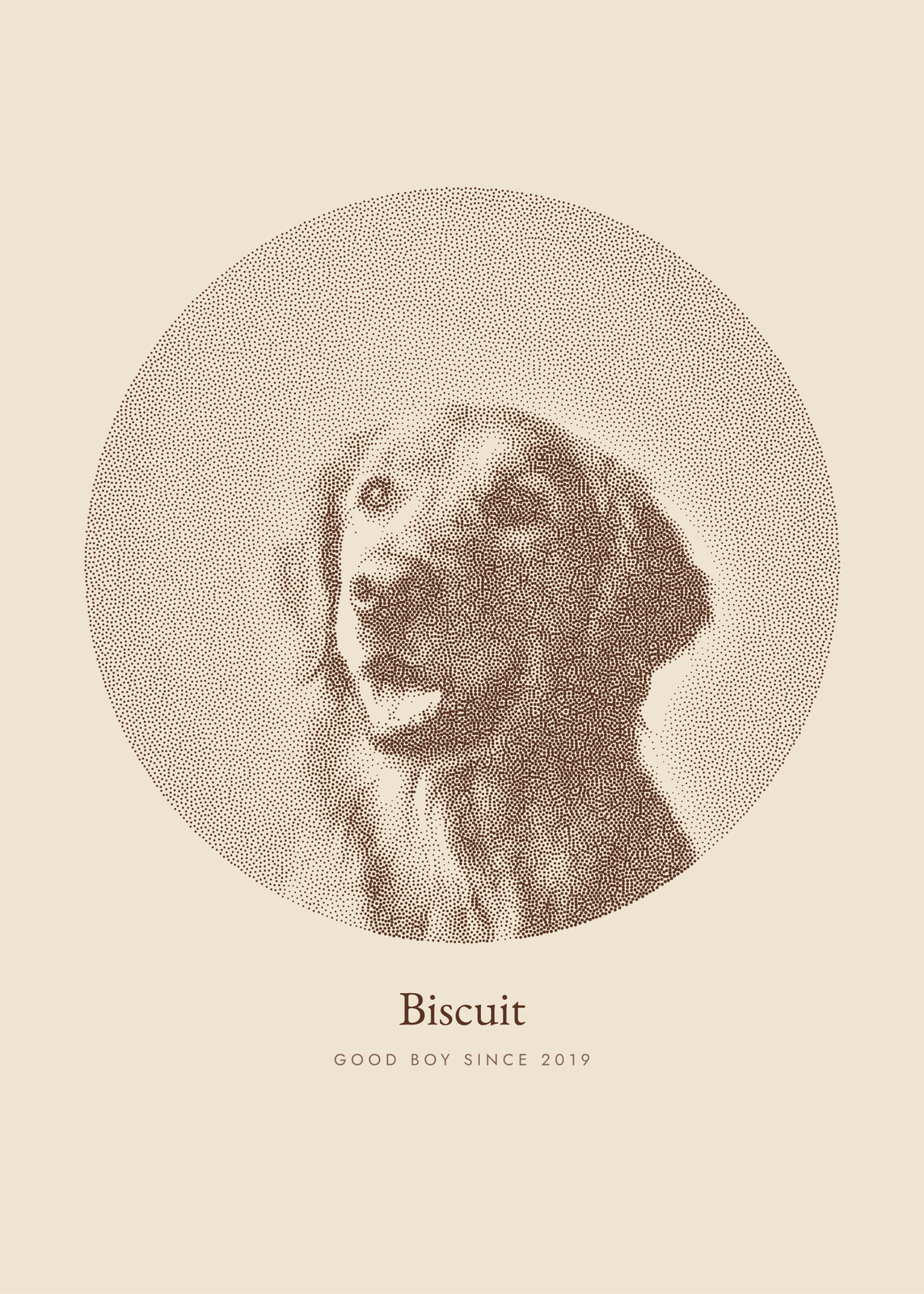 Photo to artyour picture redrawn in ink dots, characters, thread, pen lines or carved blocks
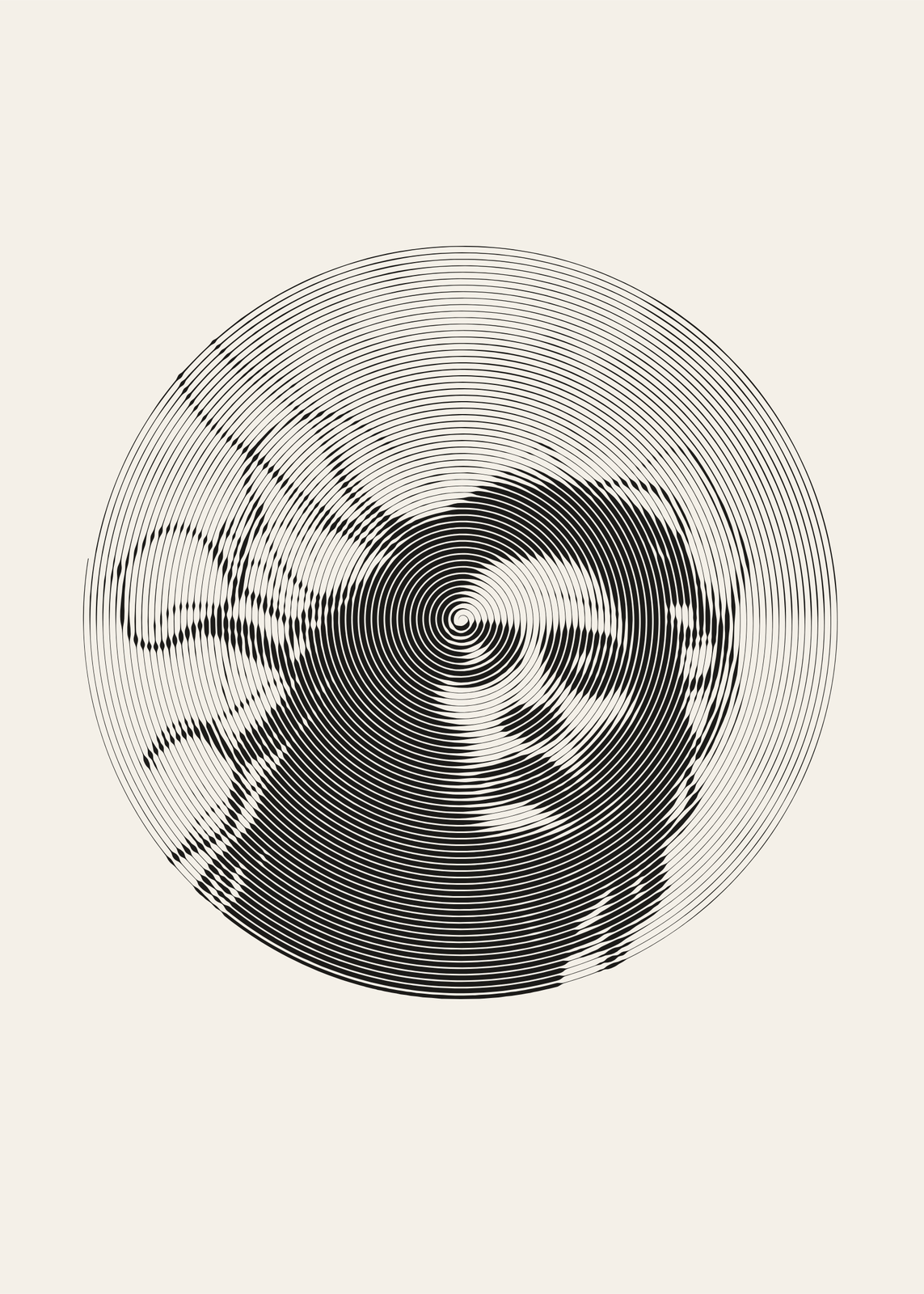 One line drawingyour photo drawn in a single pen line: a spiral, a scribble or waves
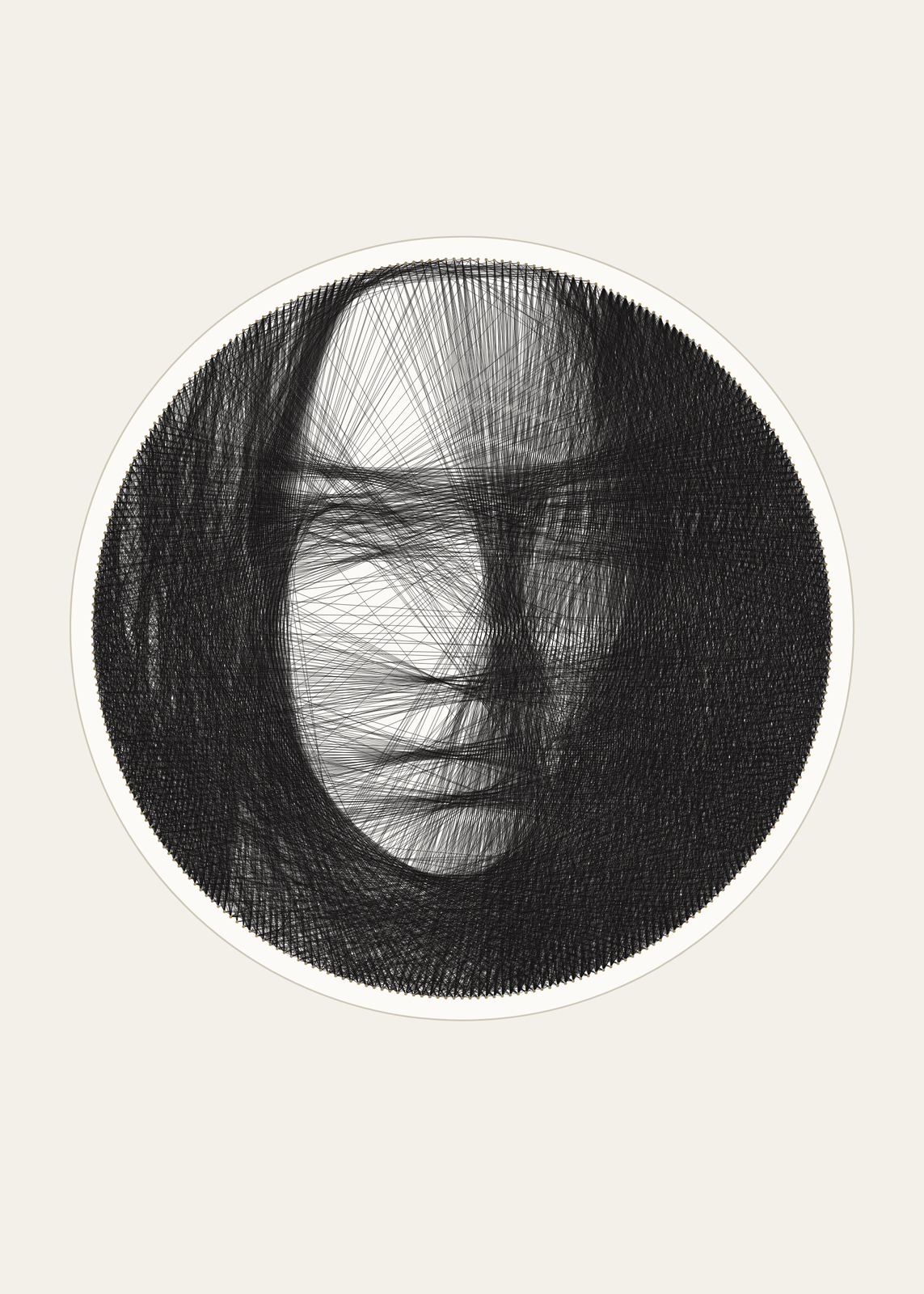 String art generatoryour photo as one thread wound thousands of times between nails
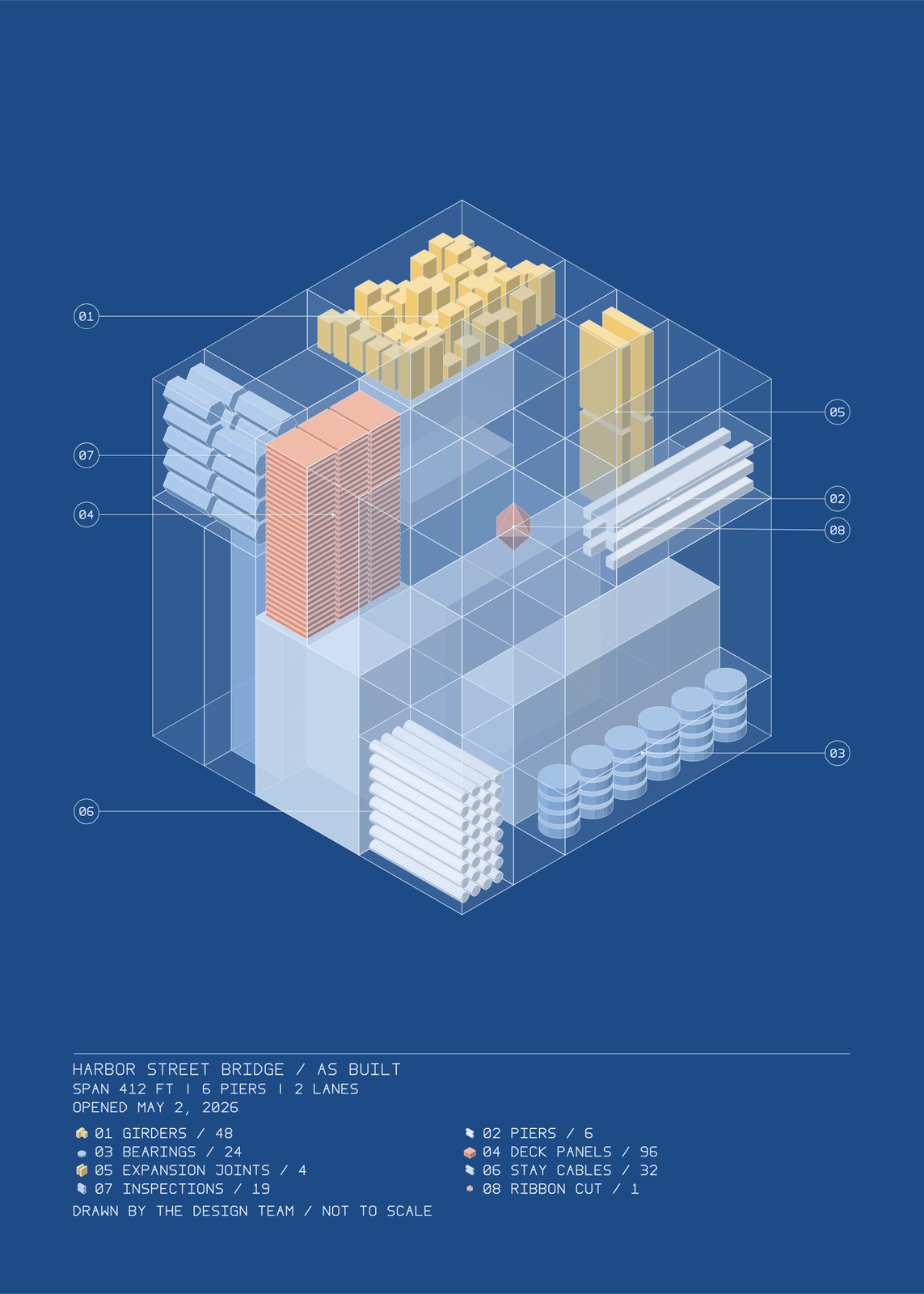 Gifts for engineerscivil, mechanical, electrical and software
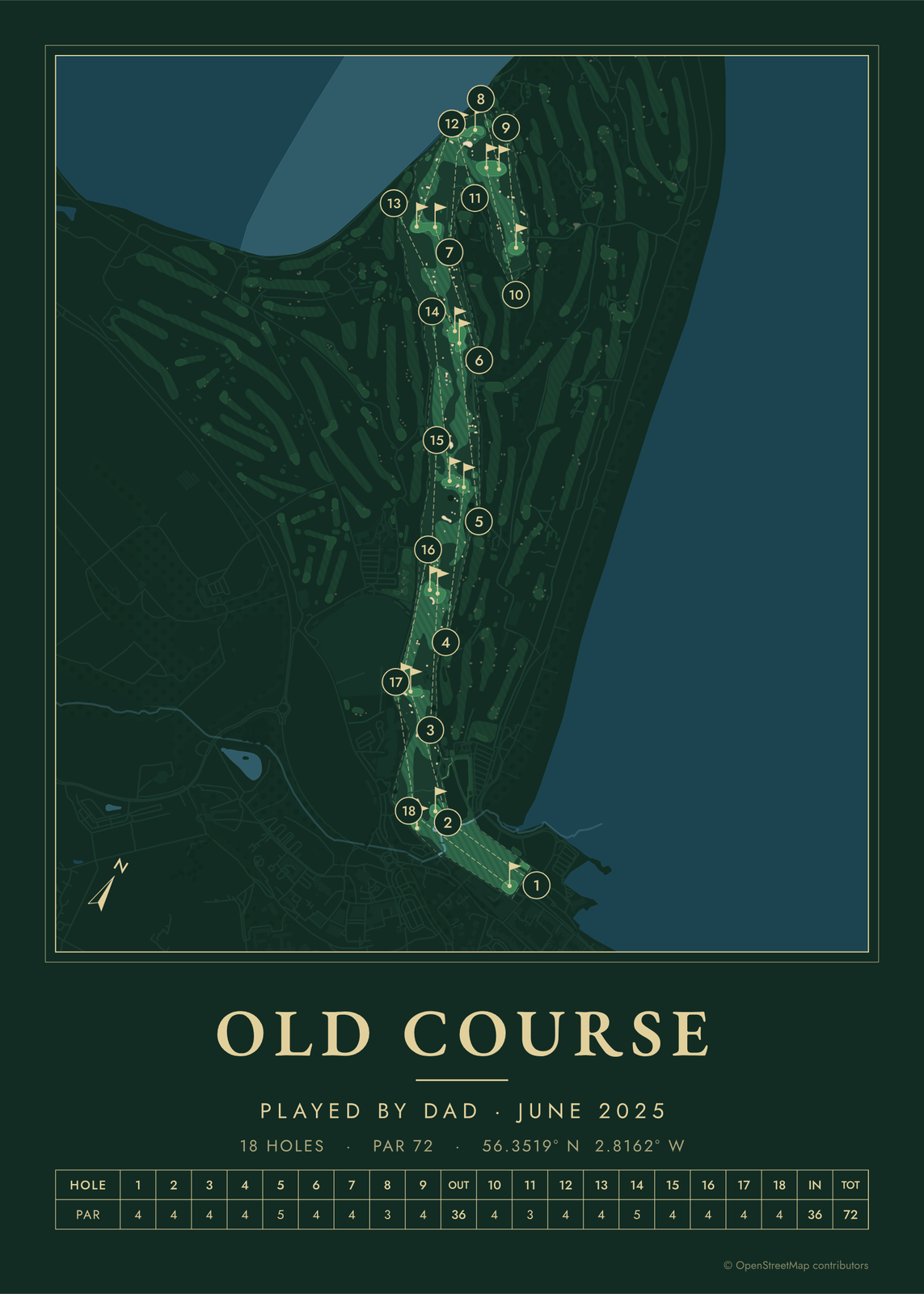 Father's Day gift ideaspersonalized posters for dad
Gift ideas by occasion
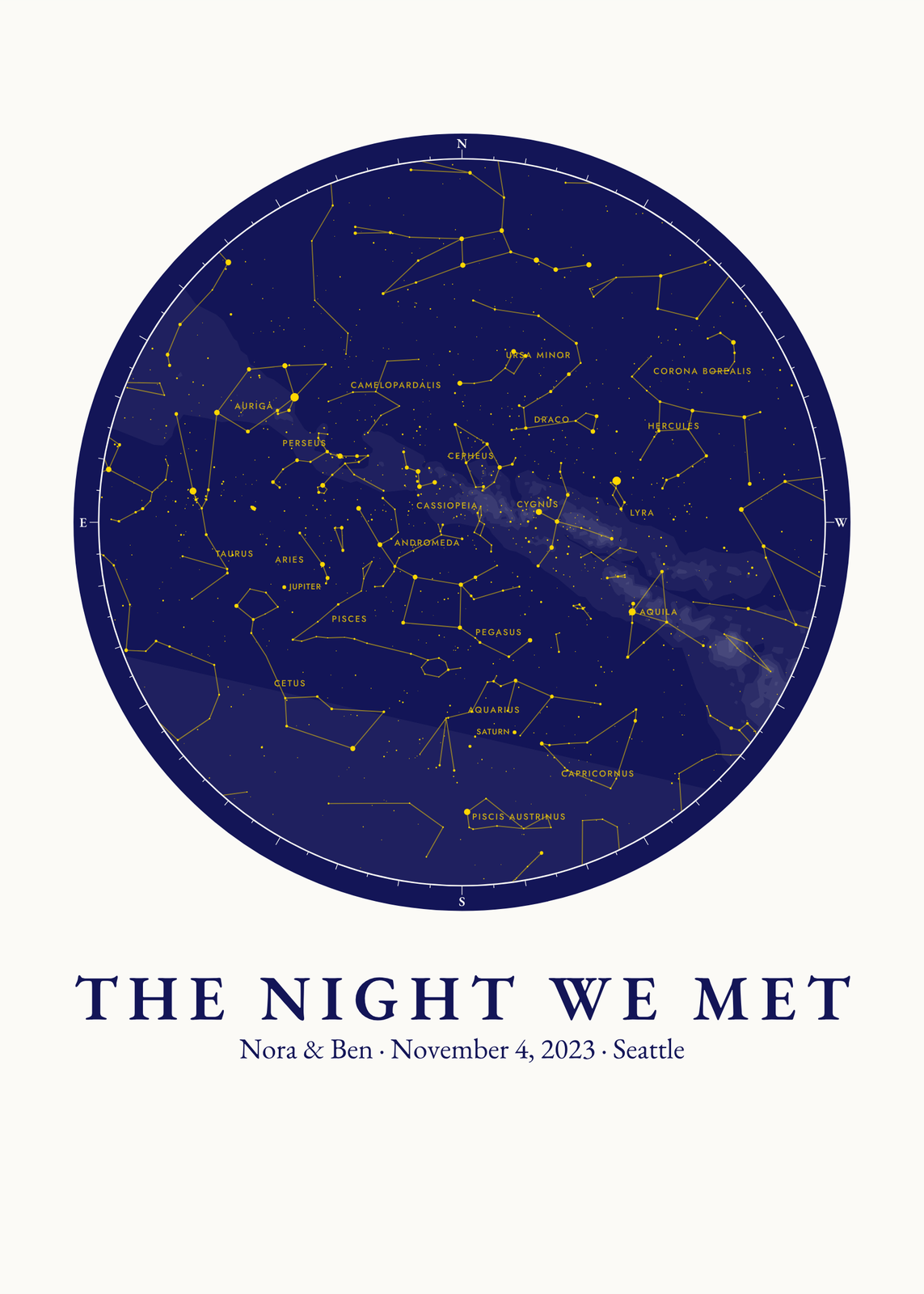
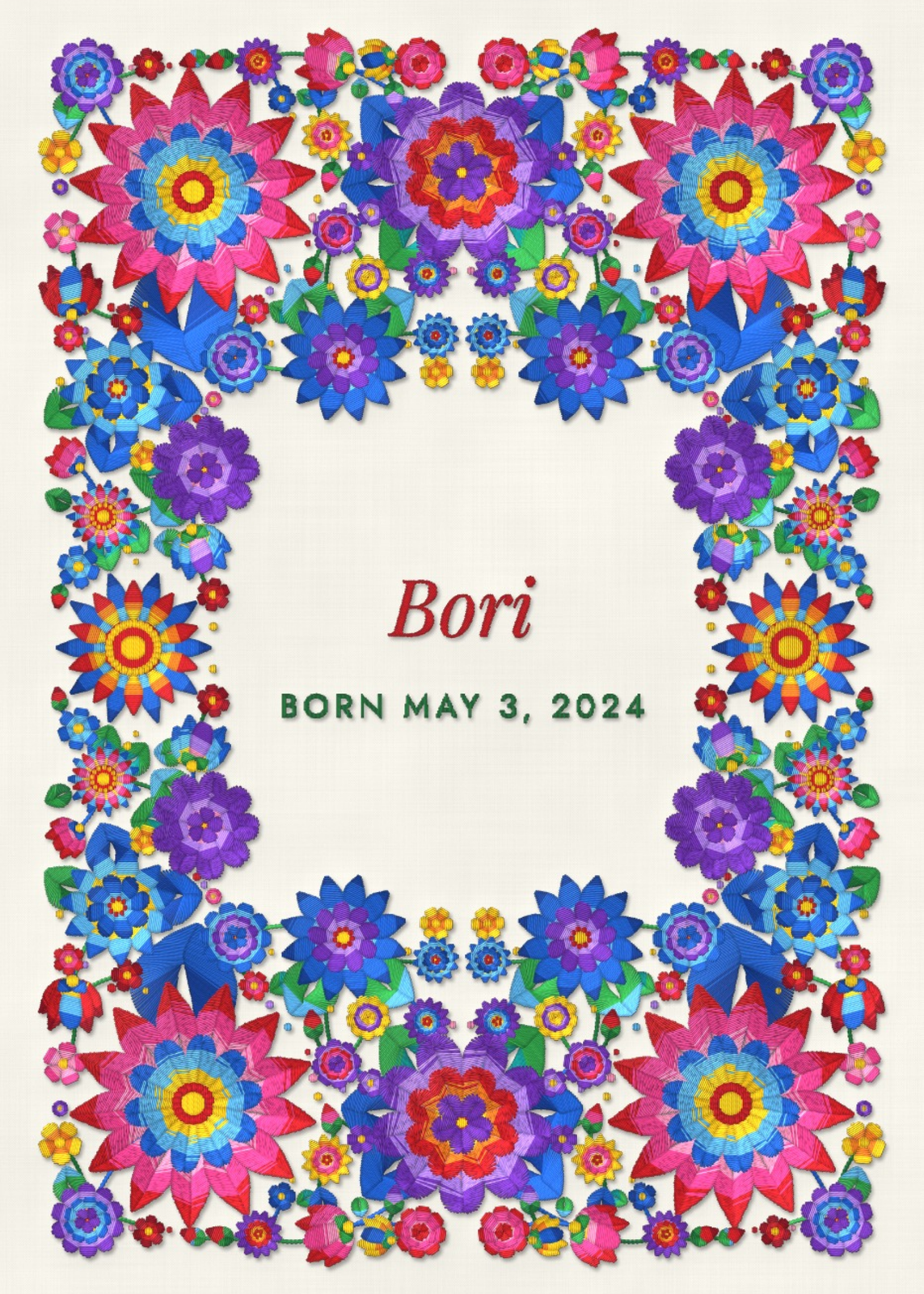
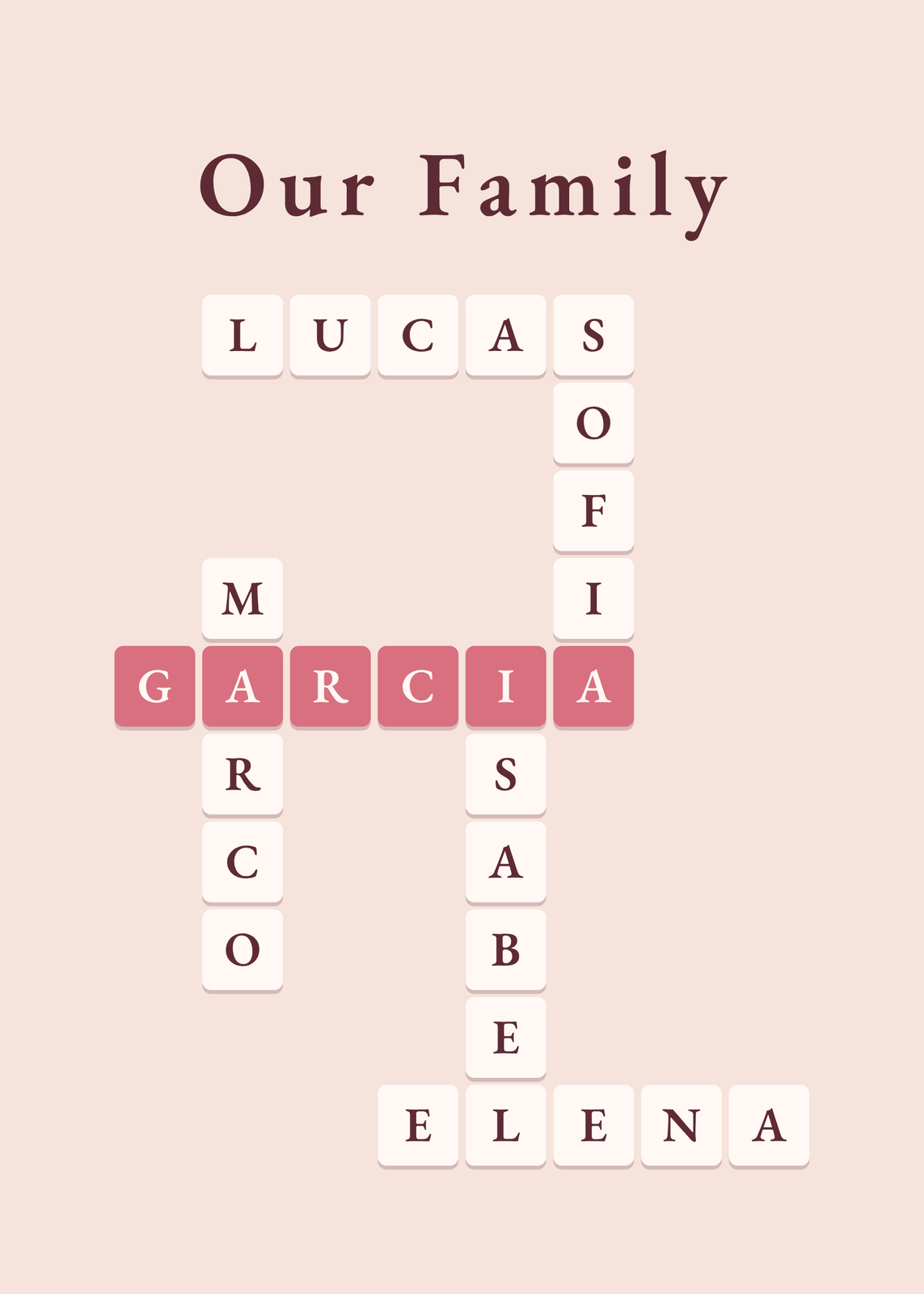
Every example is made with the Posterage generators. Change anything, then download it as a 300 DPI JPEG.