Pixel art generator your photo rebuilt from a grid of pixels in a few colors
Upload a photo, or start from one of 18 pictures, and it's sampled onto a grid of 8 to 120 pixels across, each cell one flat color. Keep the picture's own colors, cut down to as few as two, or snap them to an 8-bit palette, with dithering to fake the shades between. Then pick how each pixel is drawn, from plain squares to beads, brick studs and cross-stitch, and set a title in a pixel font on the same grid.
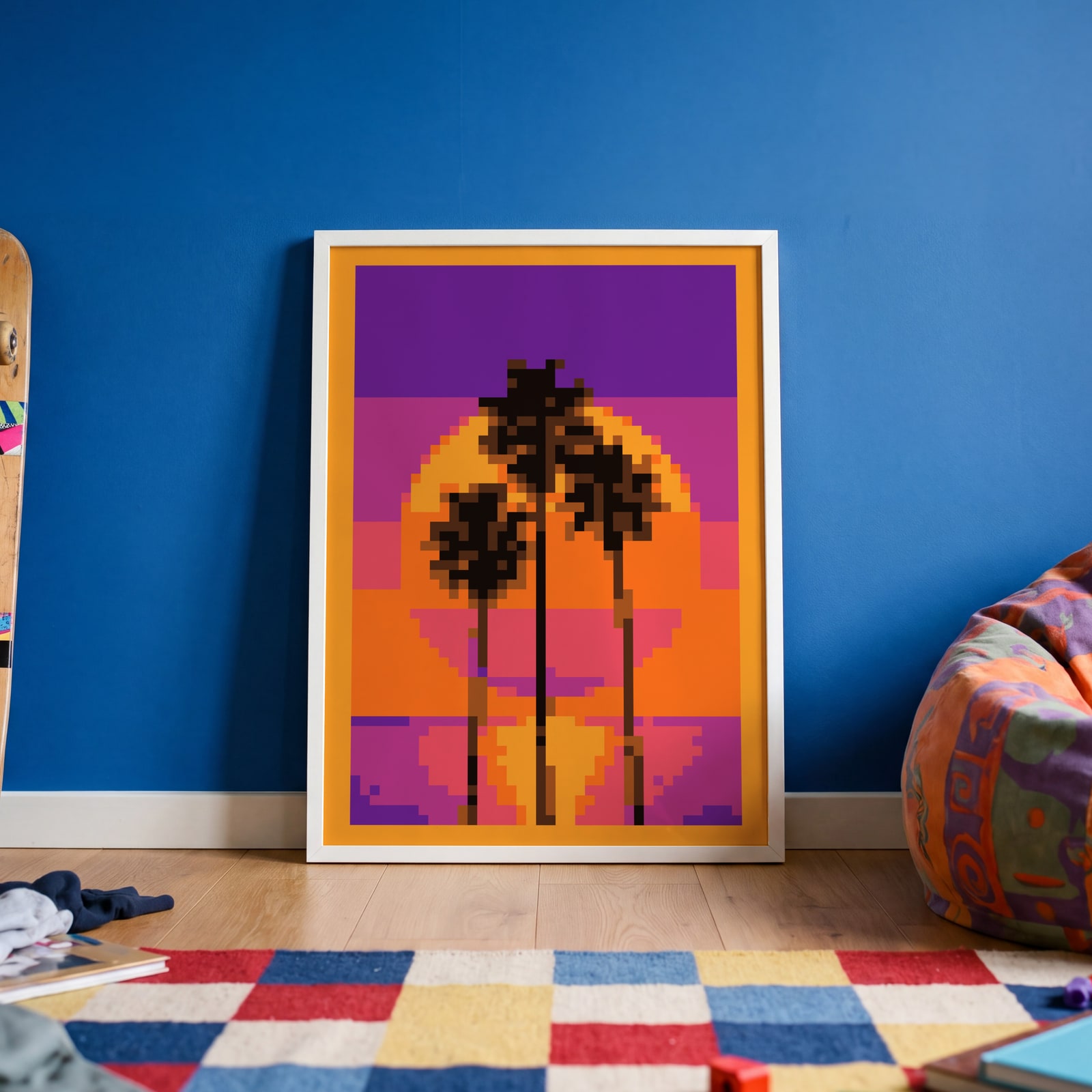
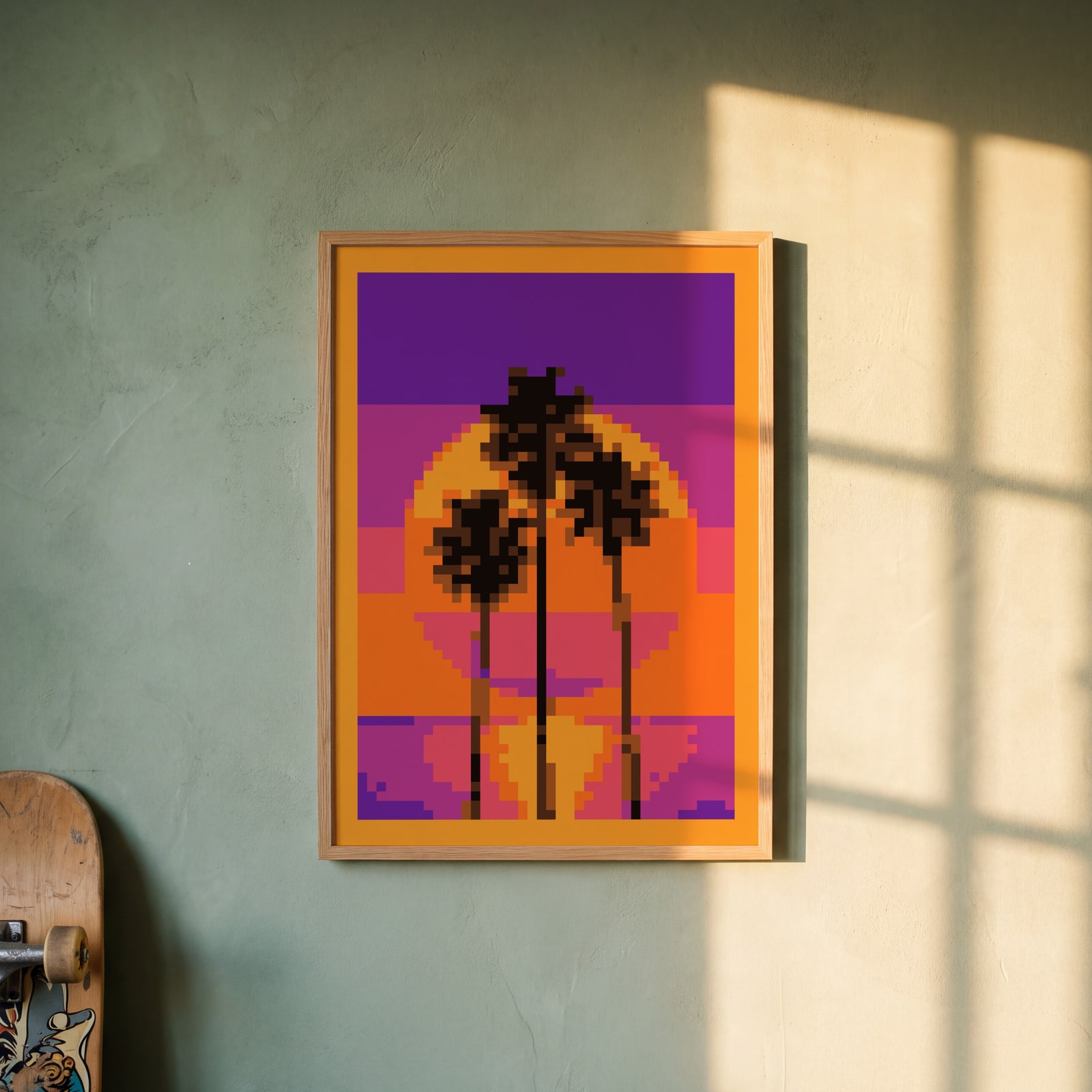
On the wall
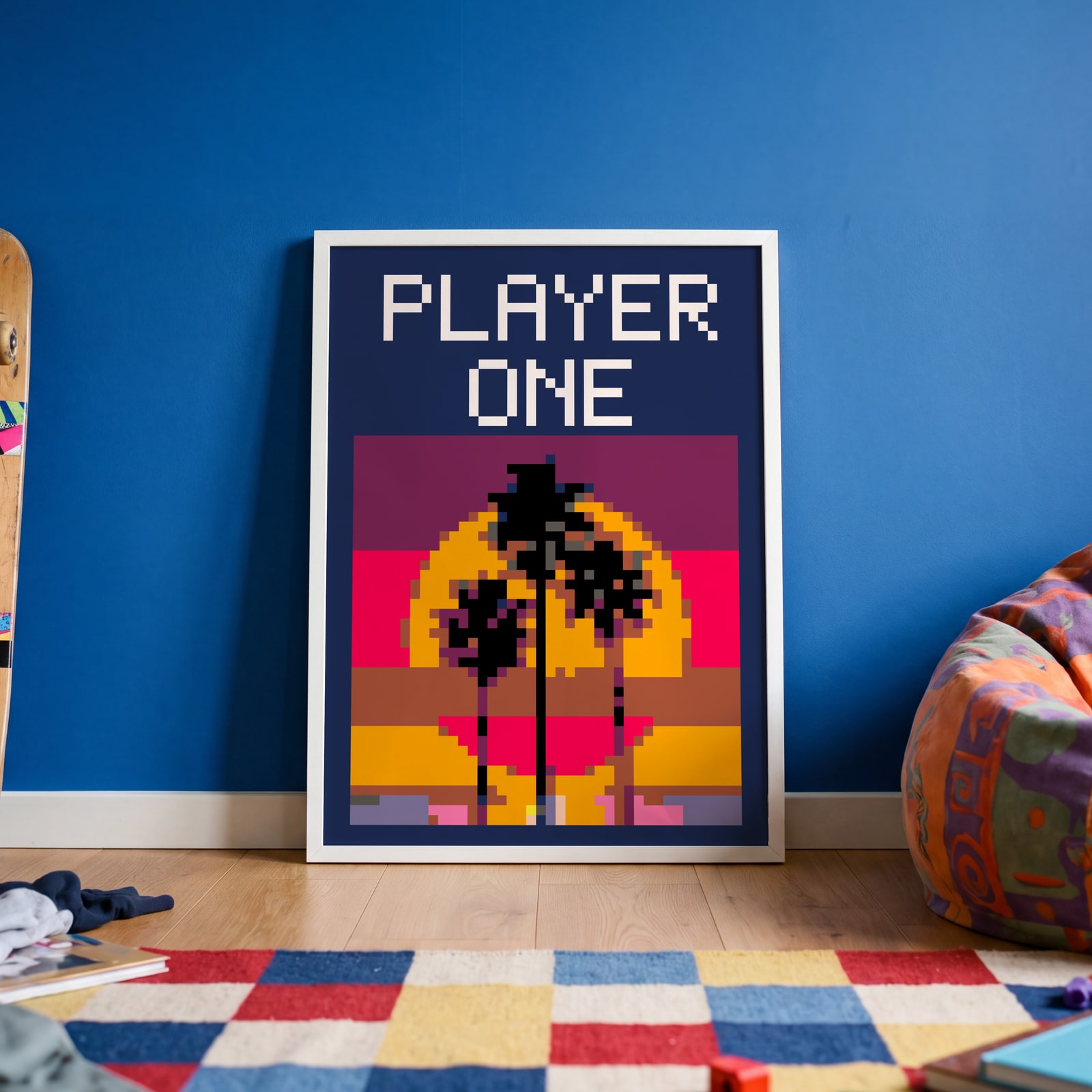
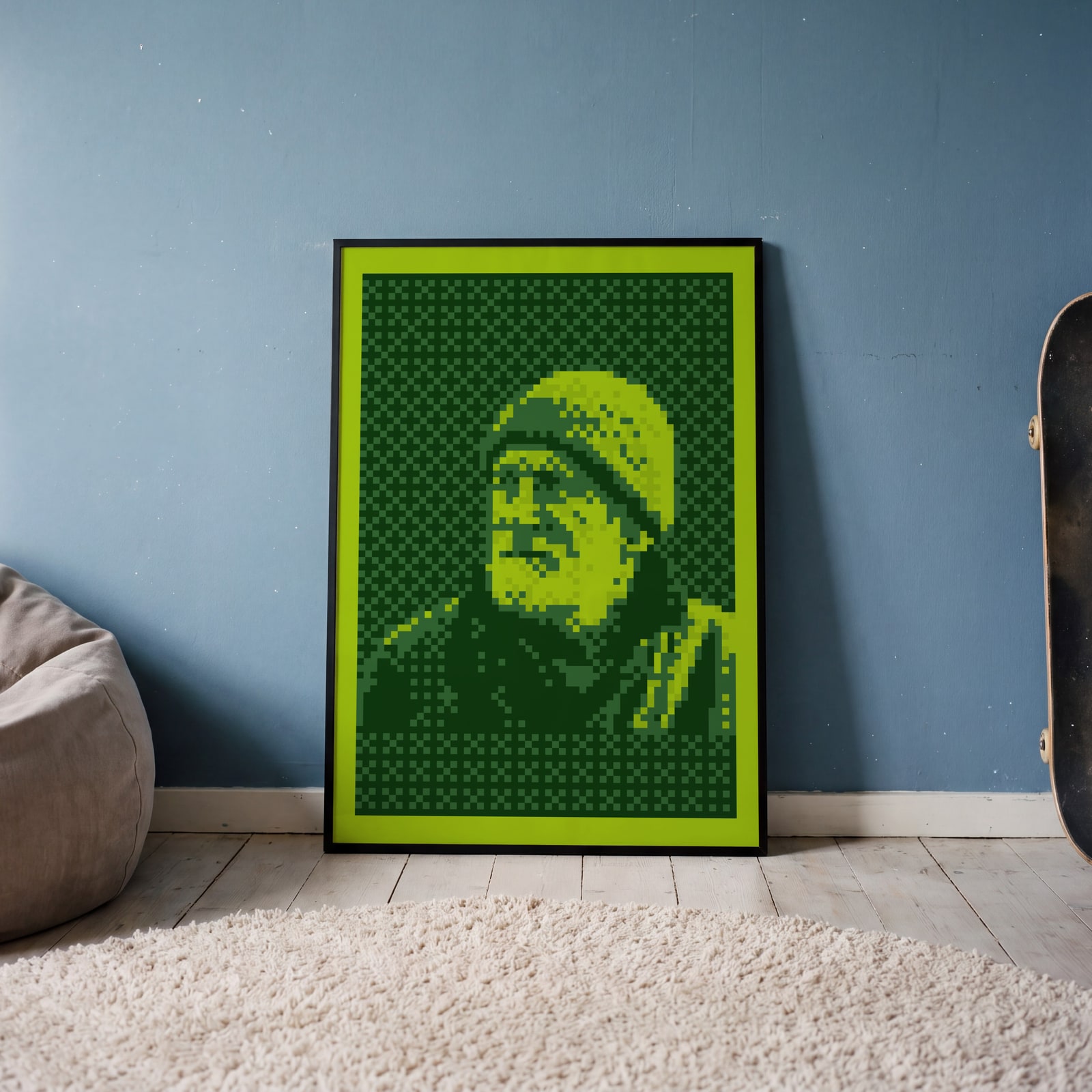
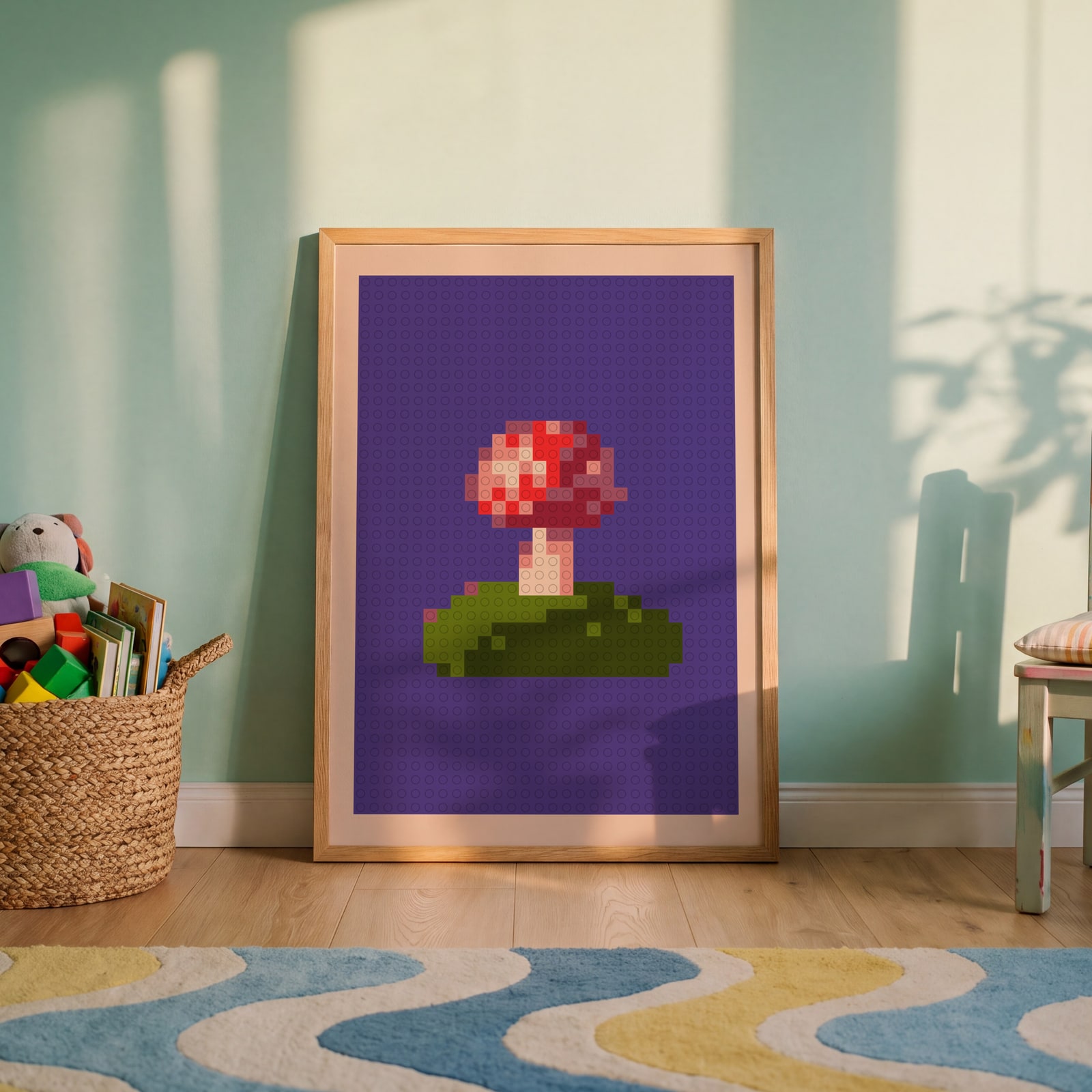
A few of them framed at home. Open any one to make it yours.
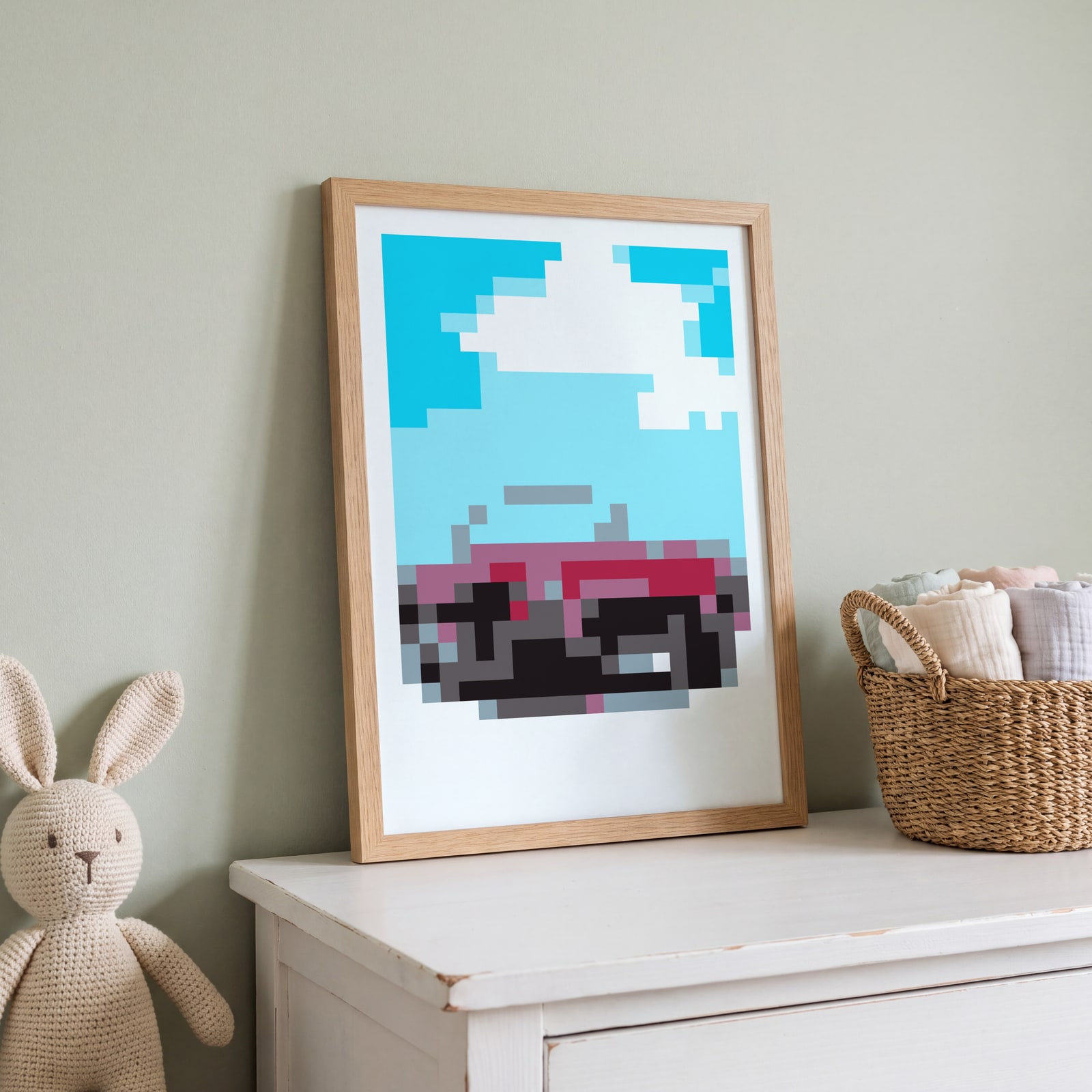
Examples
Open any of them to change the words, the place, the date and the style, then download the print file.
Colors
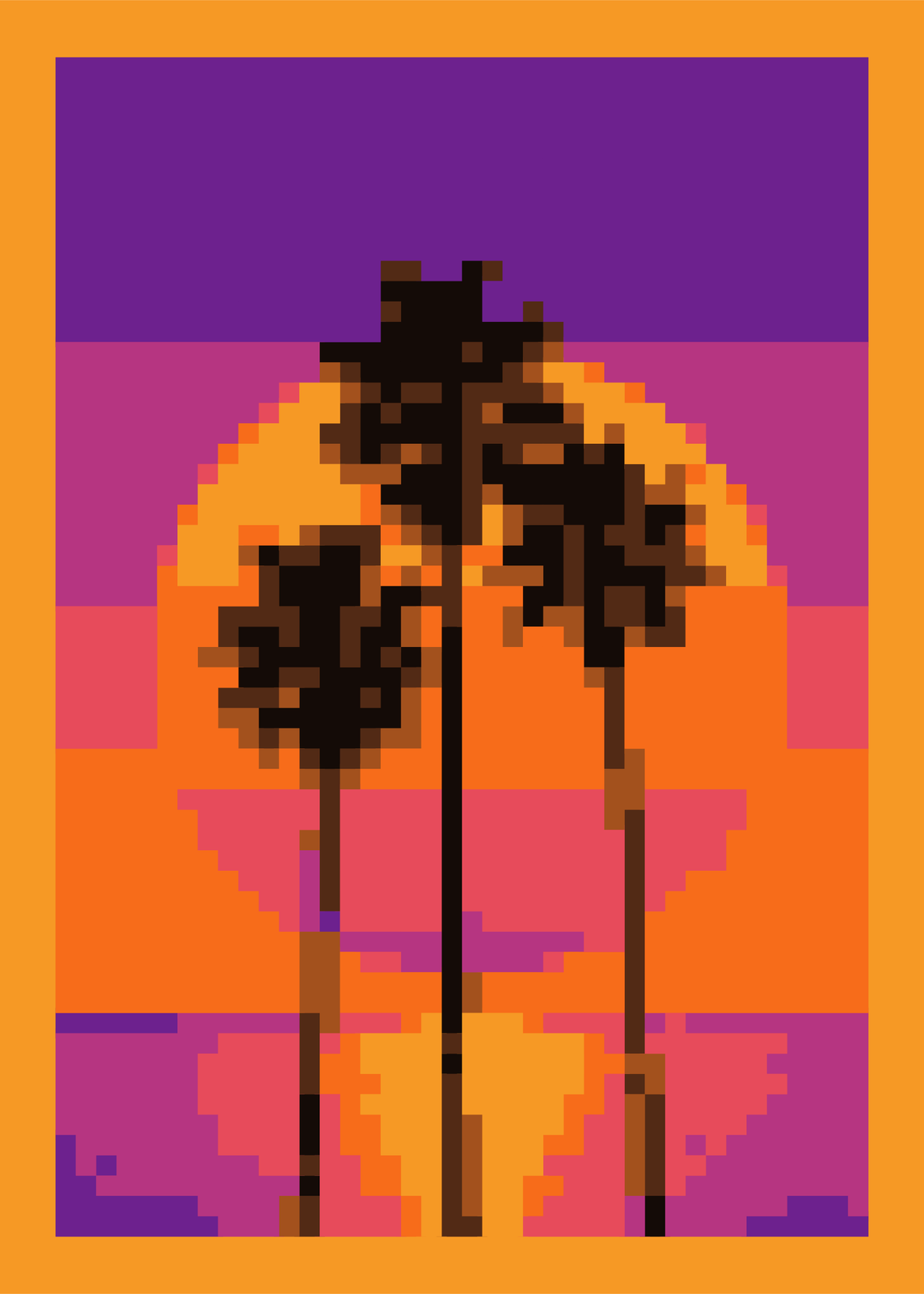 Palm sunset in its own eight colorsEdit this →
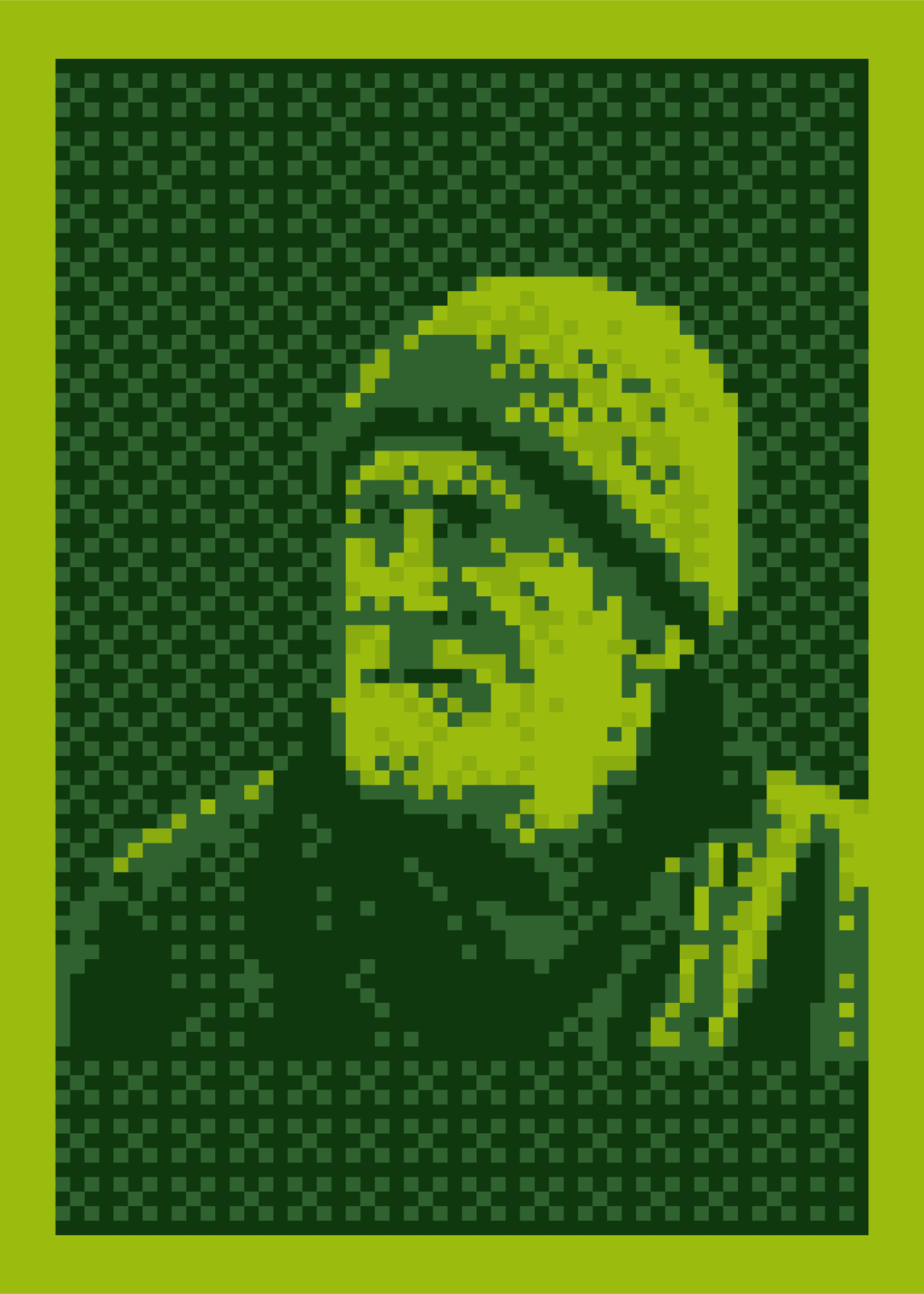 Fisherman in Game Boy greensEdit this →
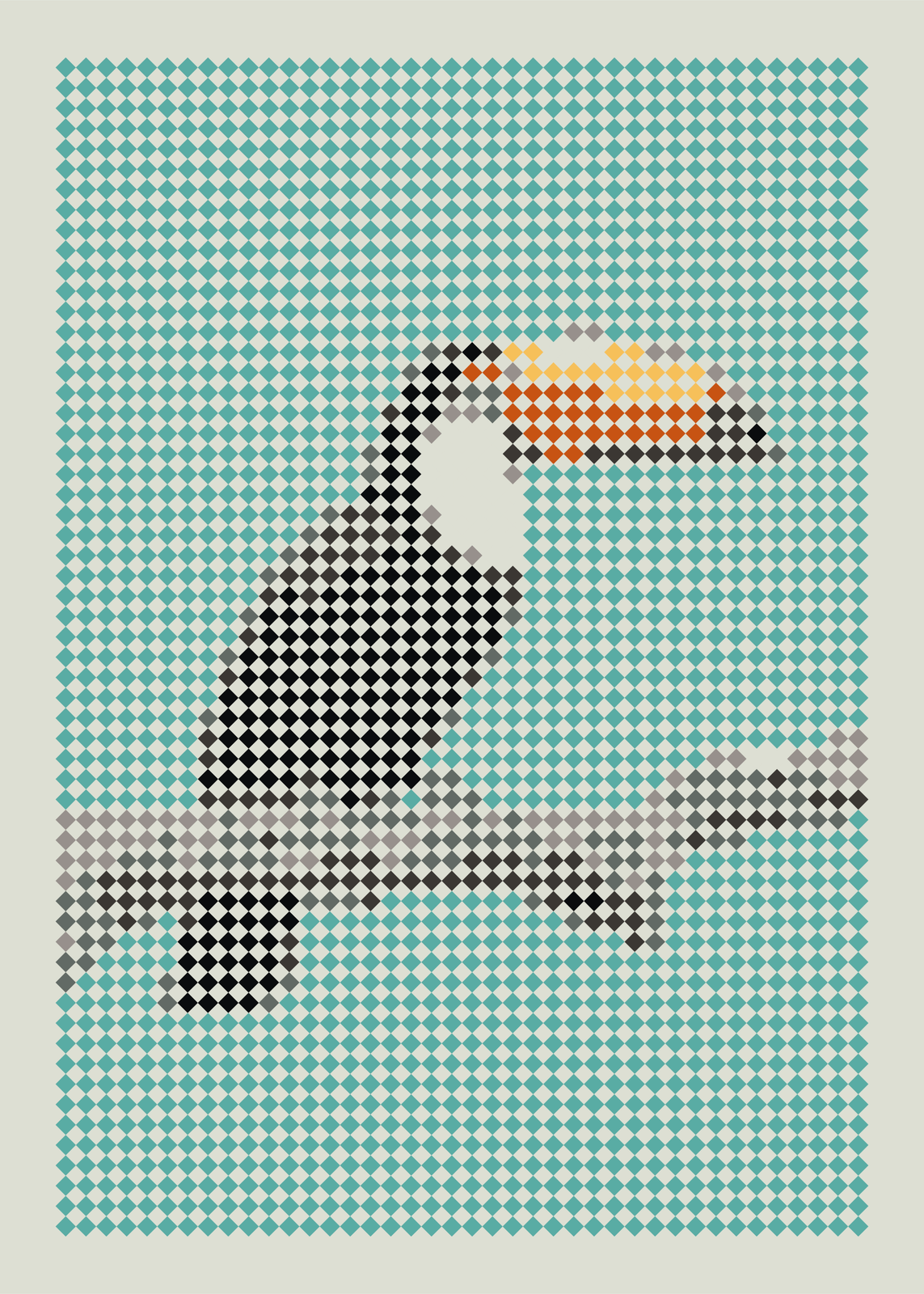
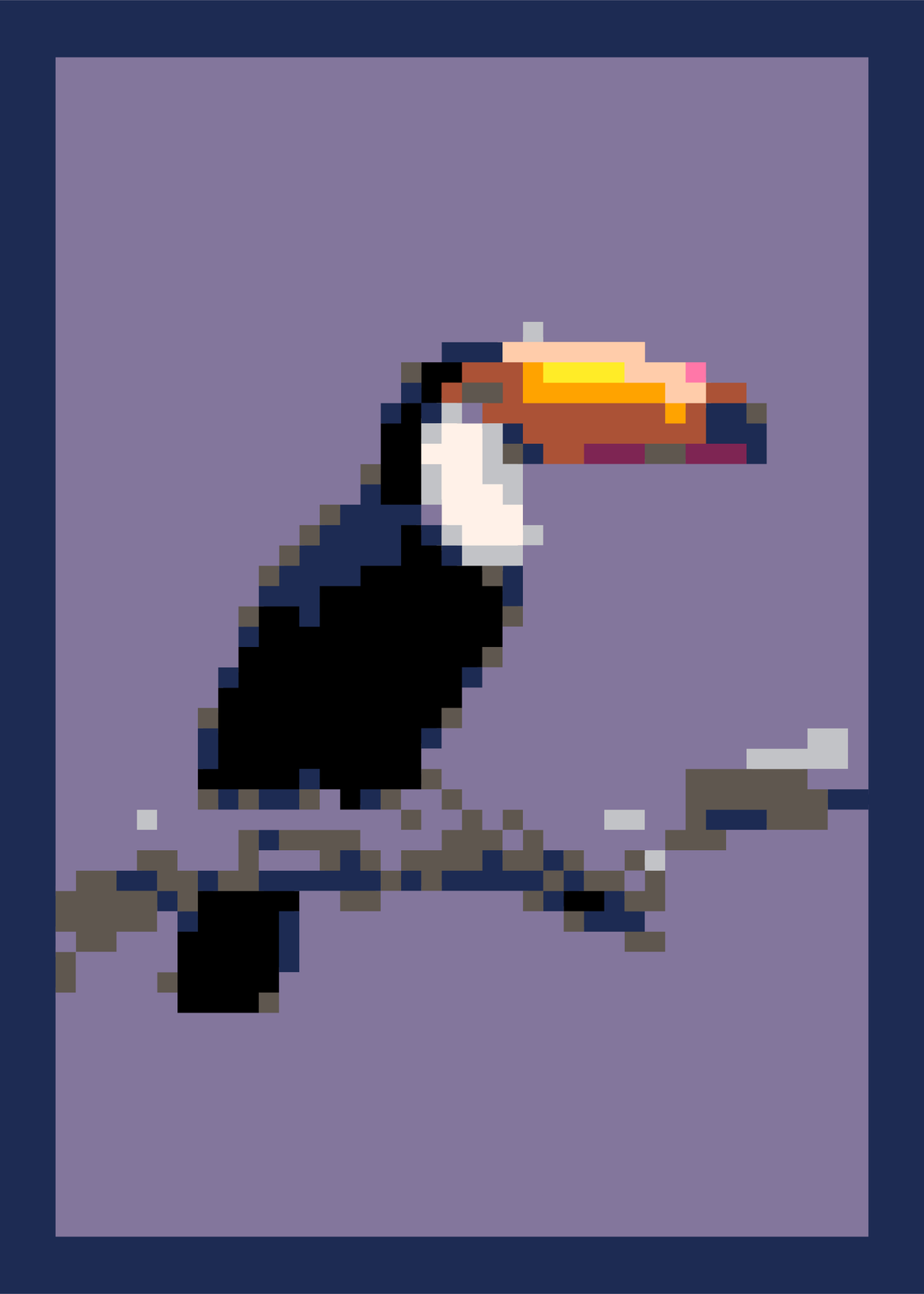 Toucan in the PICO-8 paletteEdit this →
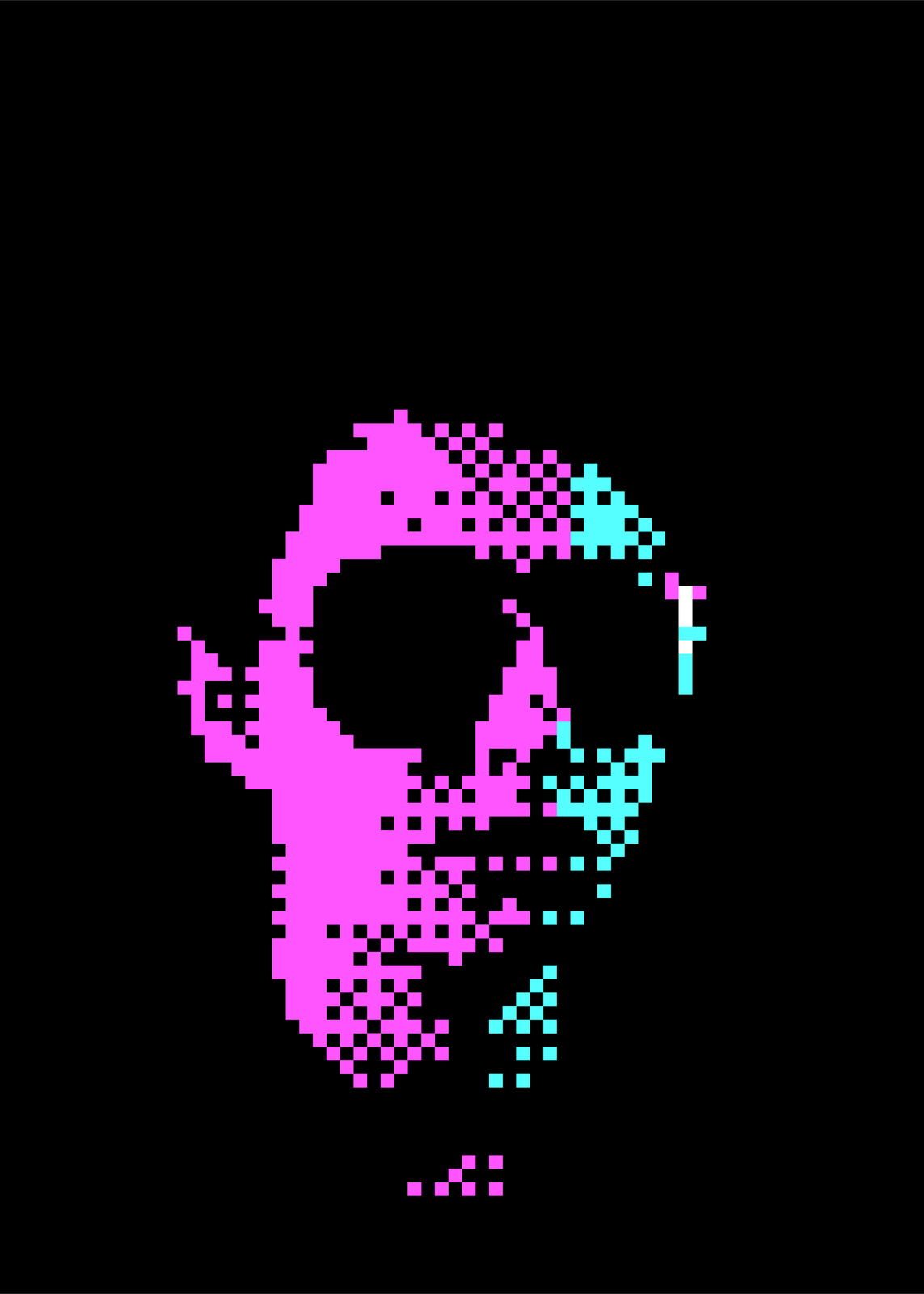 Neon portrait in CGA colorsEdit this →
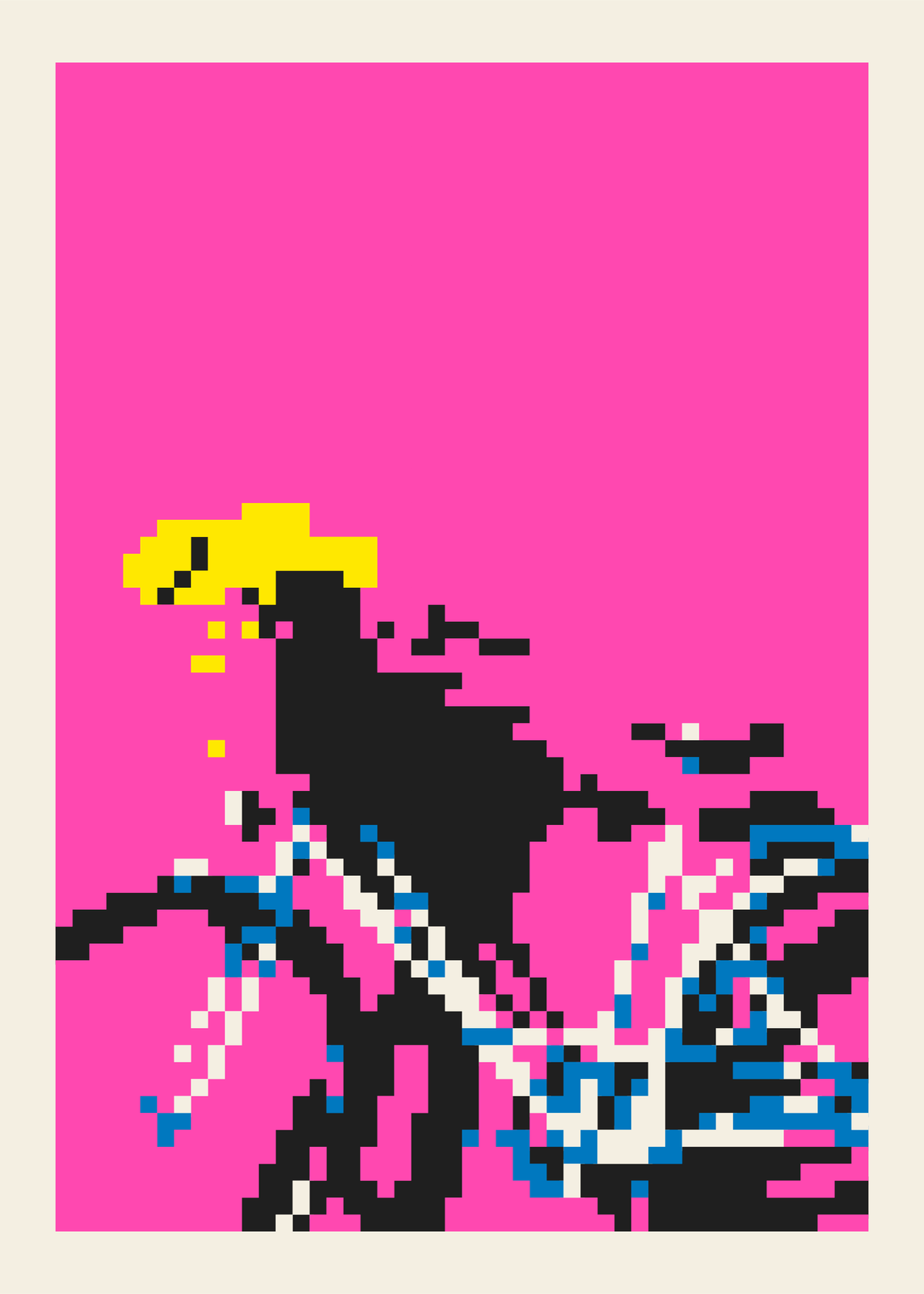 Bicycle in riso inksEdit this →
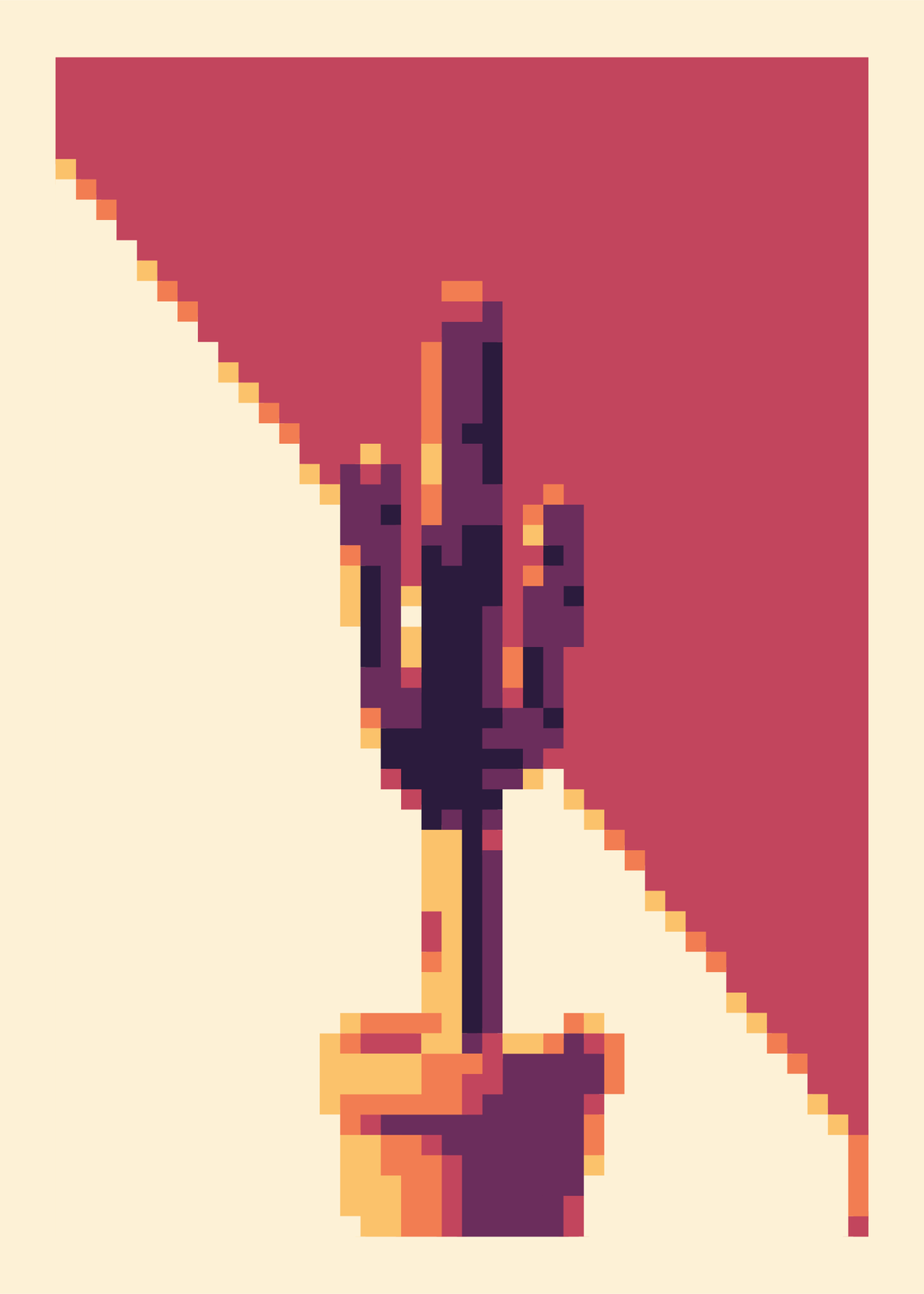 Cactus in sunset colorsEdit this →
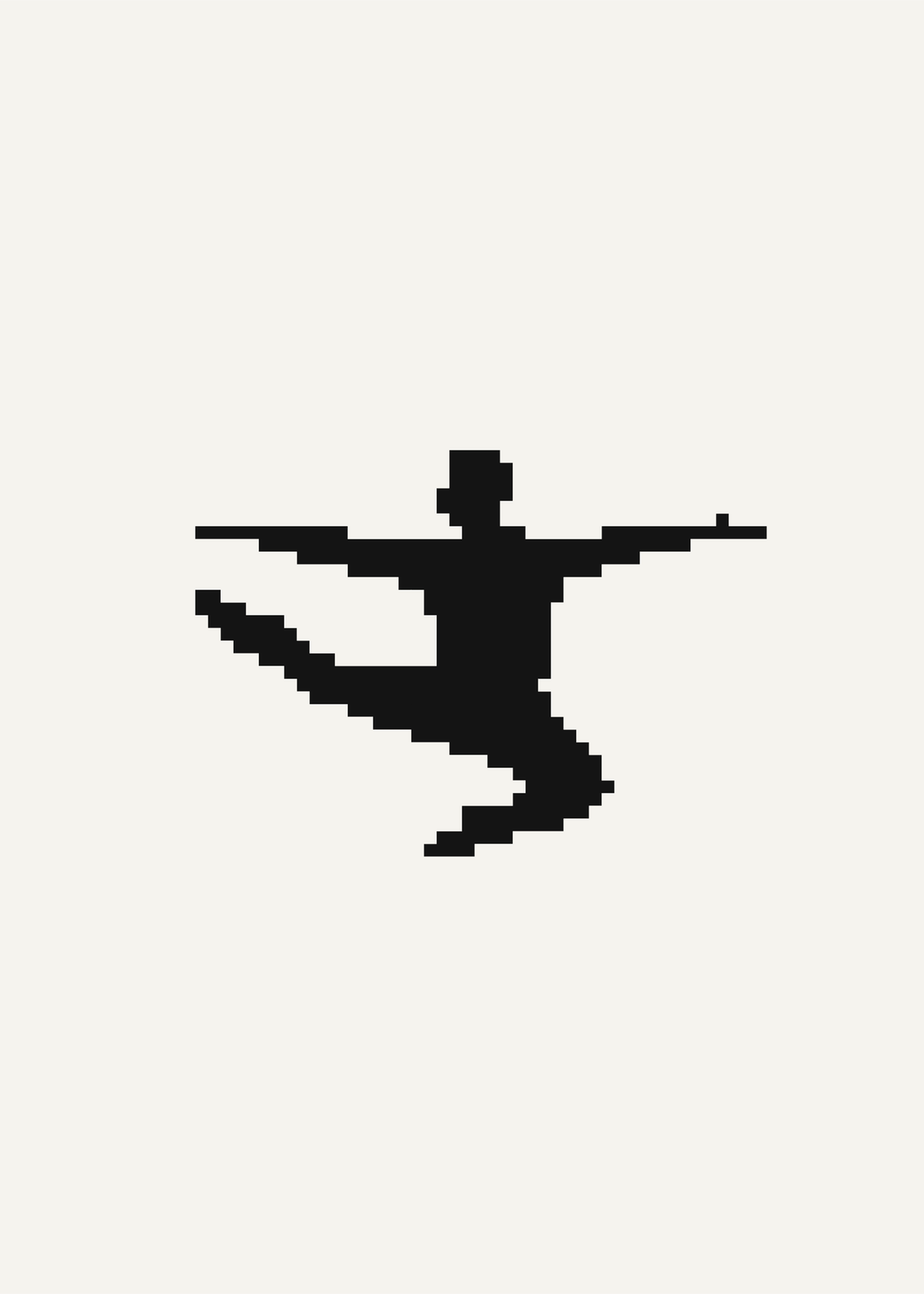 Leaping dancer in black and whiteEdit this →
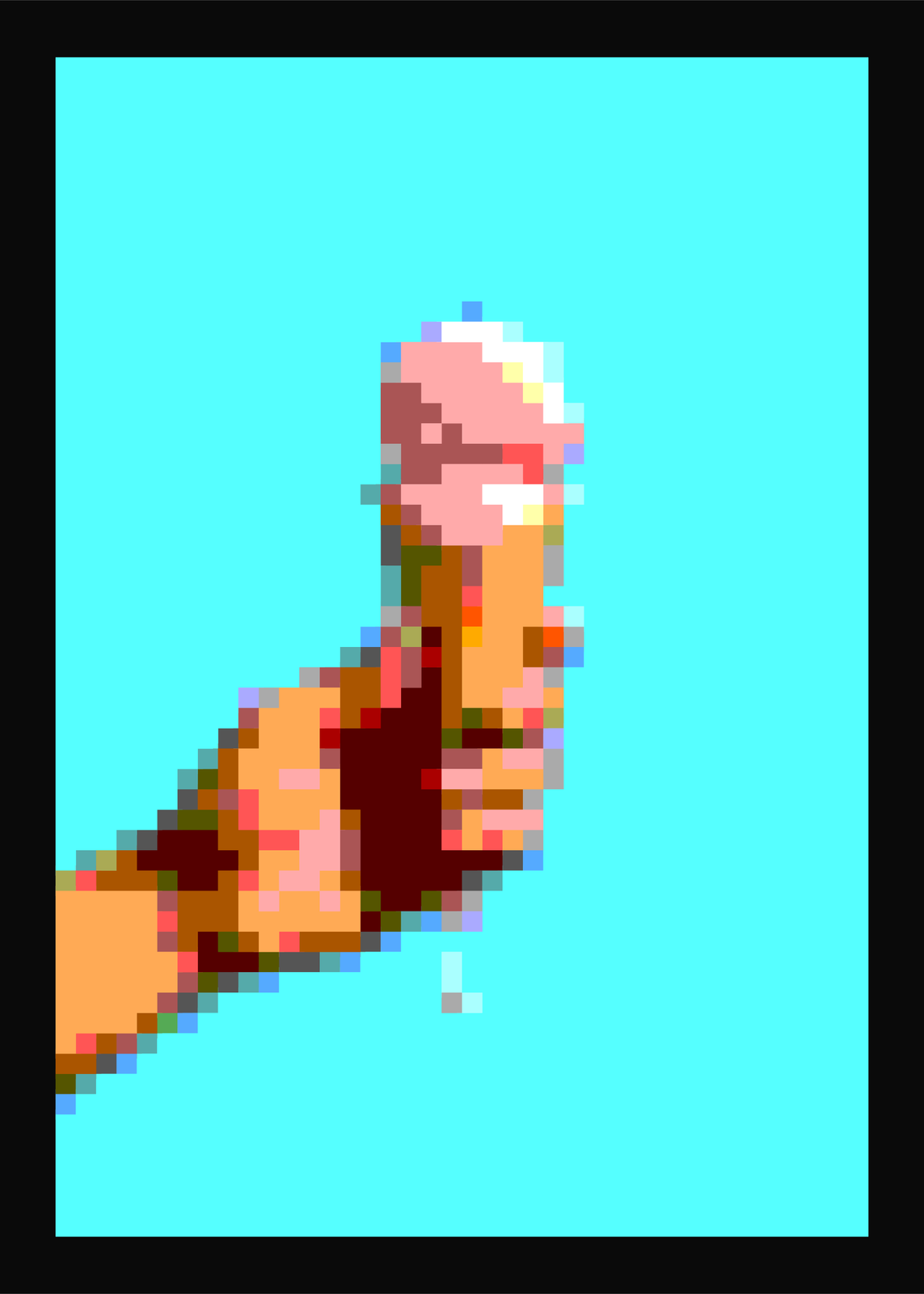 Ice cream, posterizedEdit this →
Pixel shapes
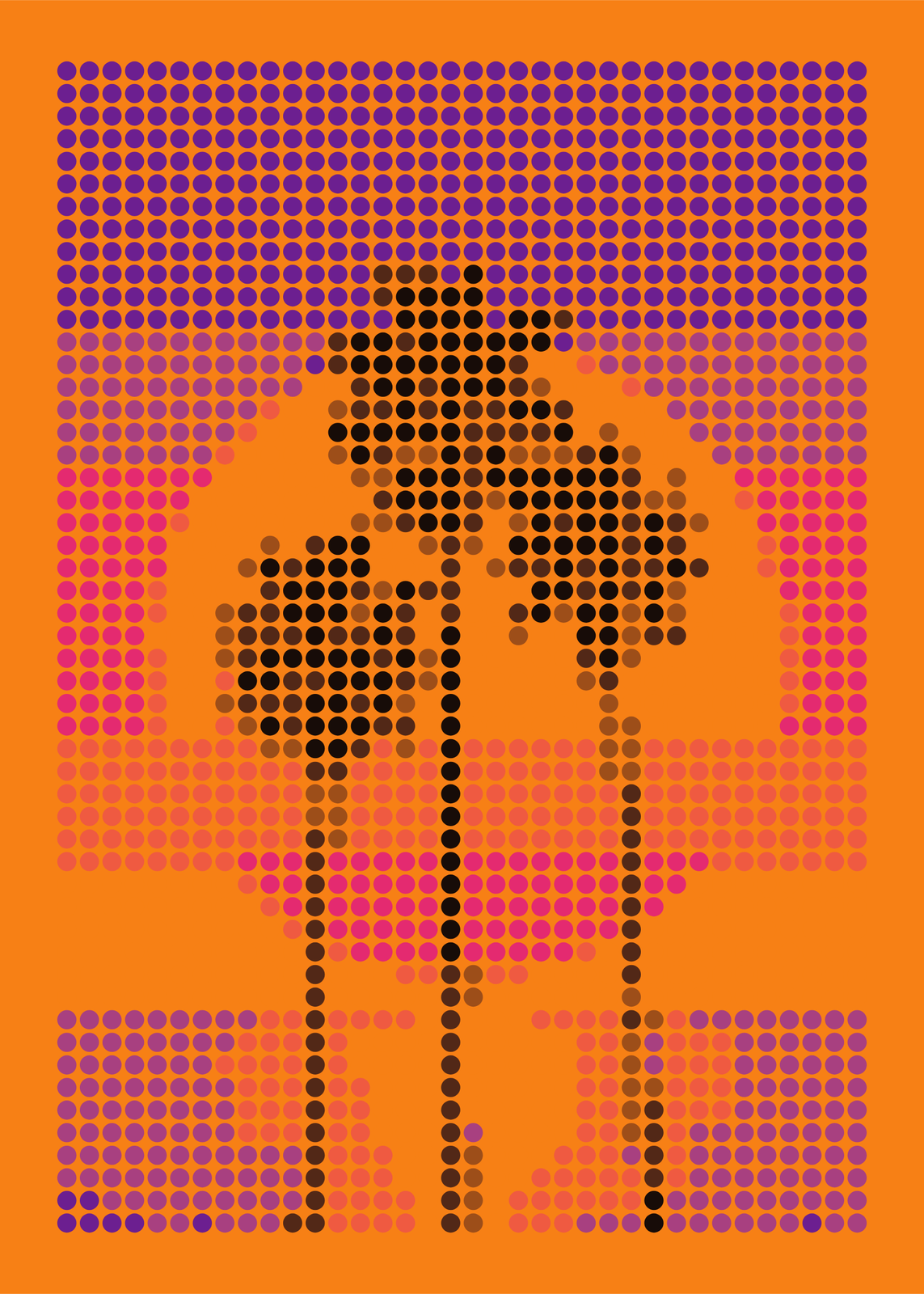
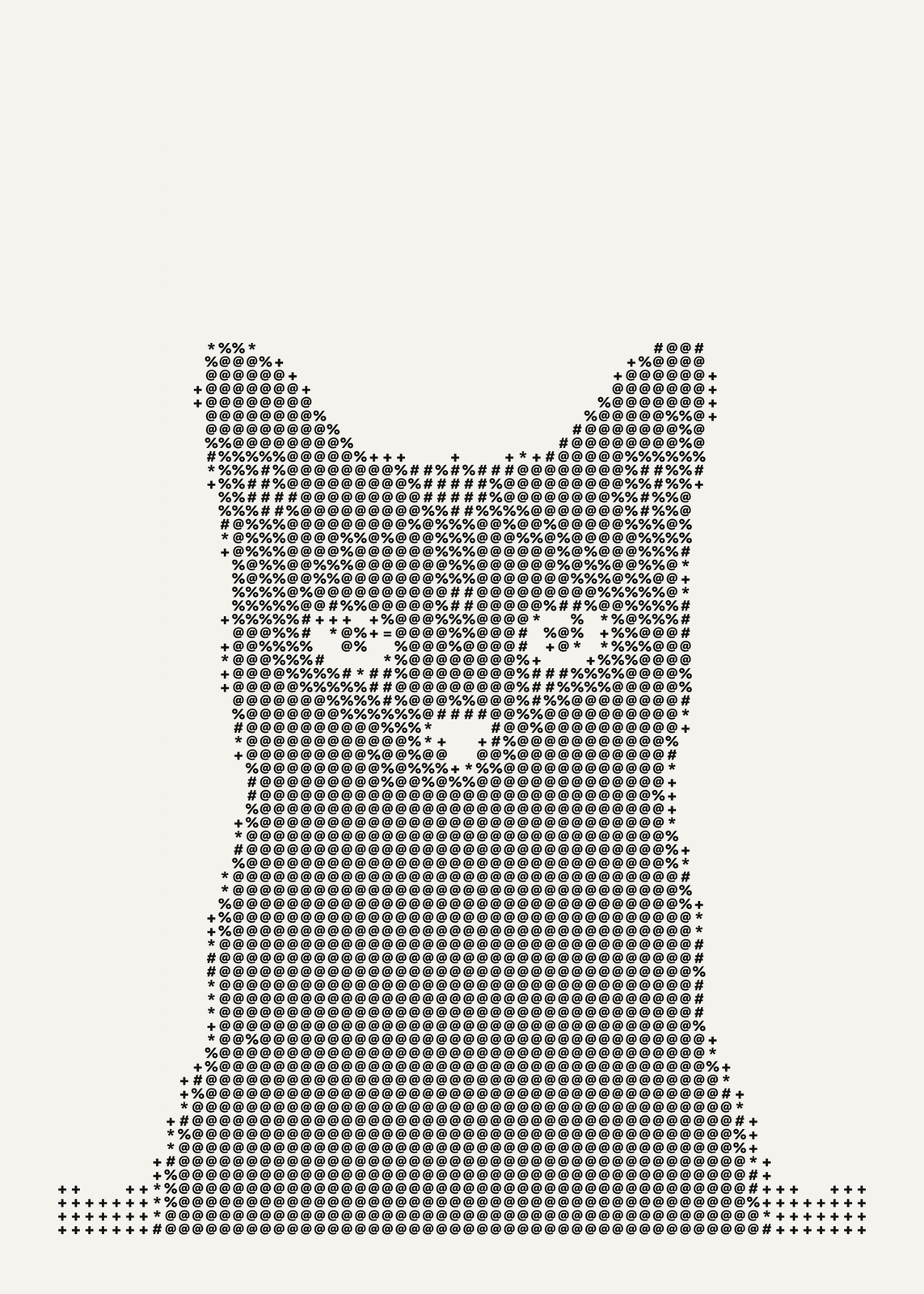
Grid size and dithering
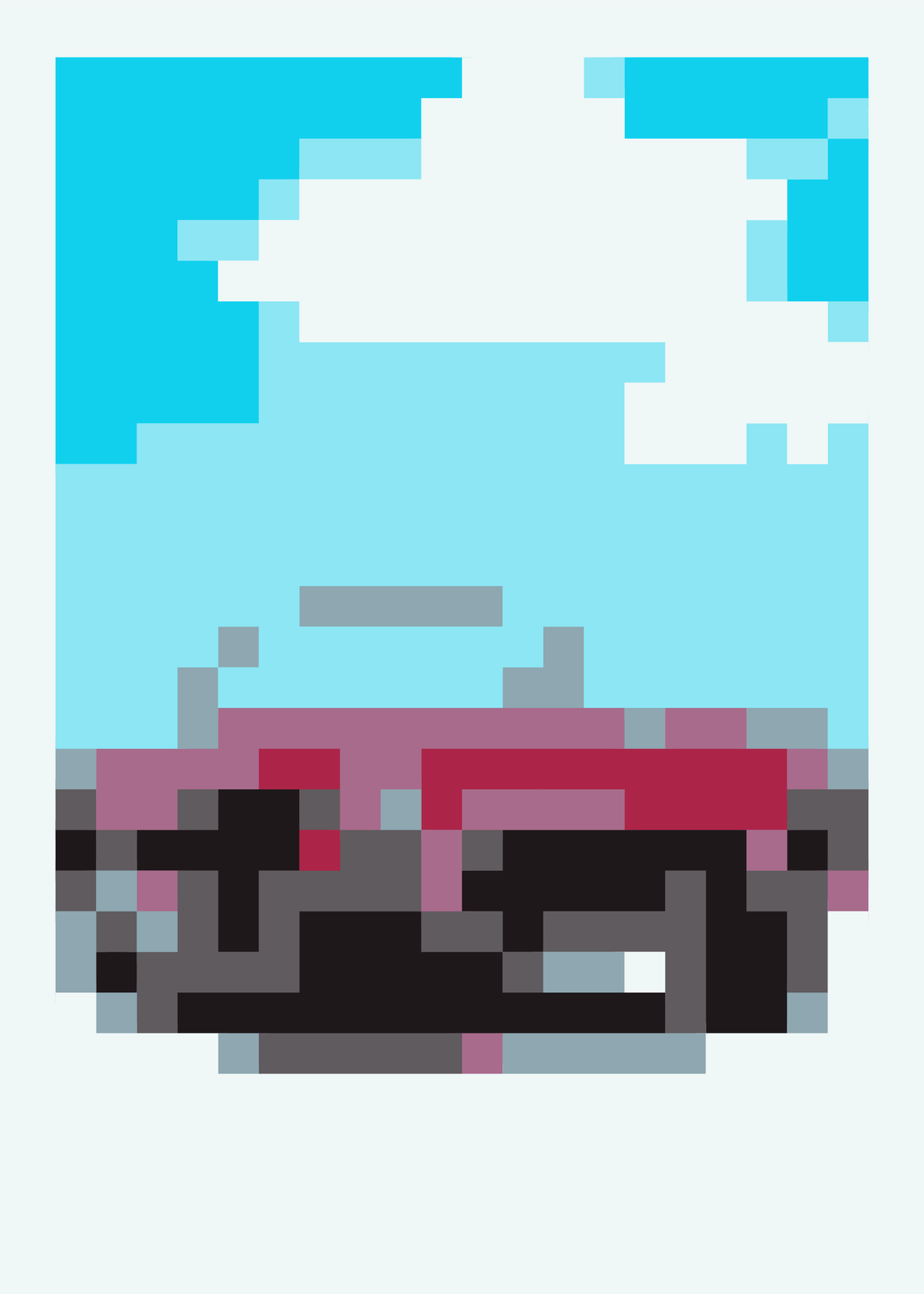
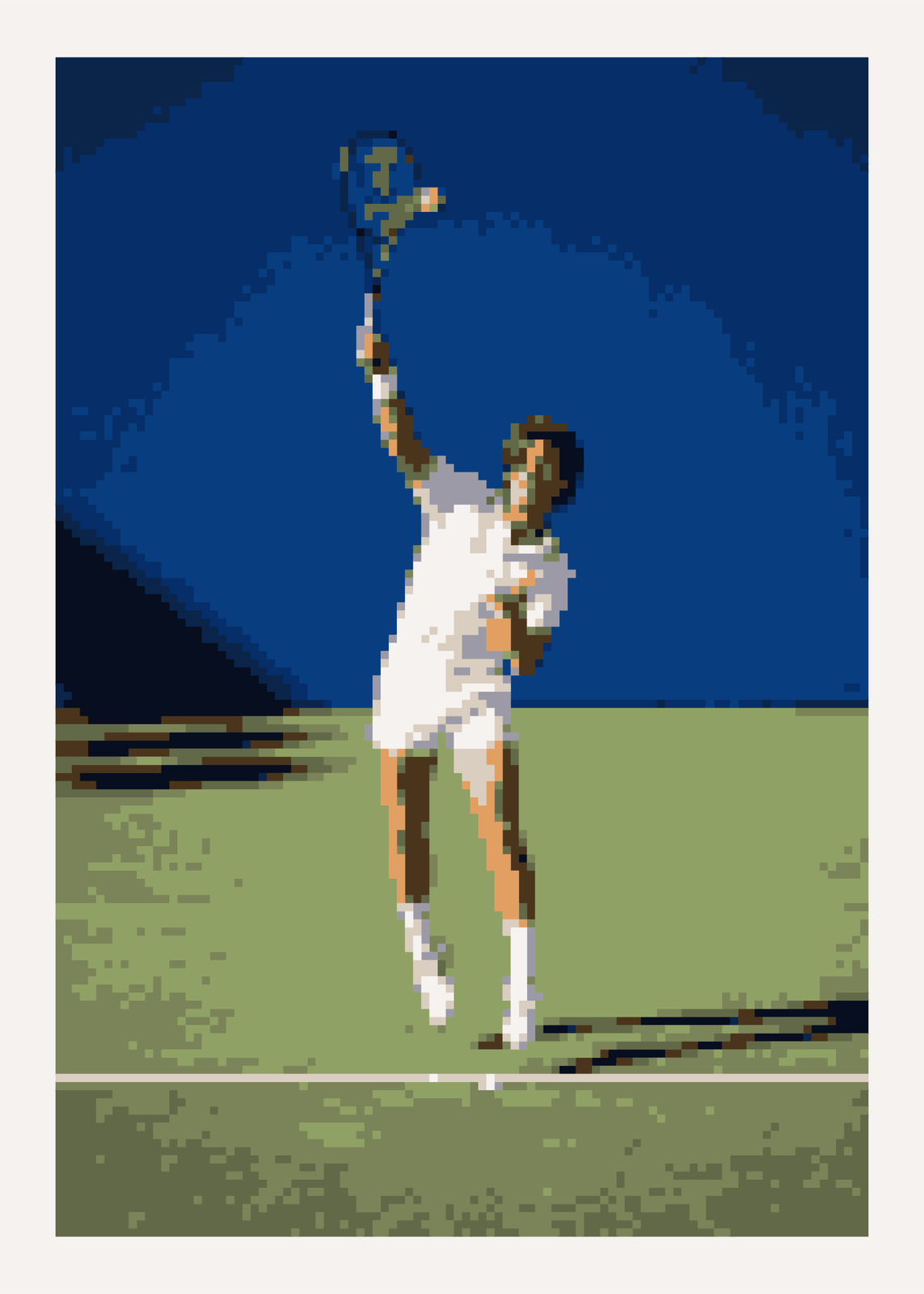
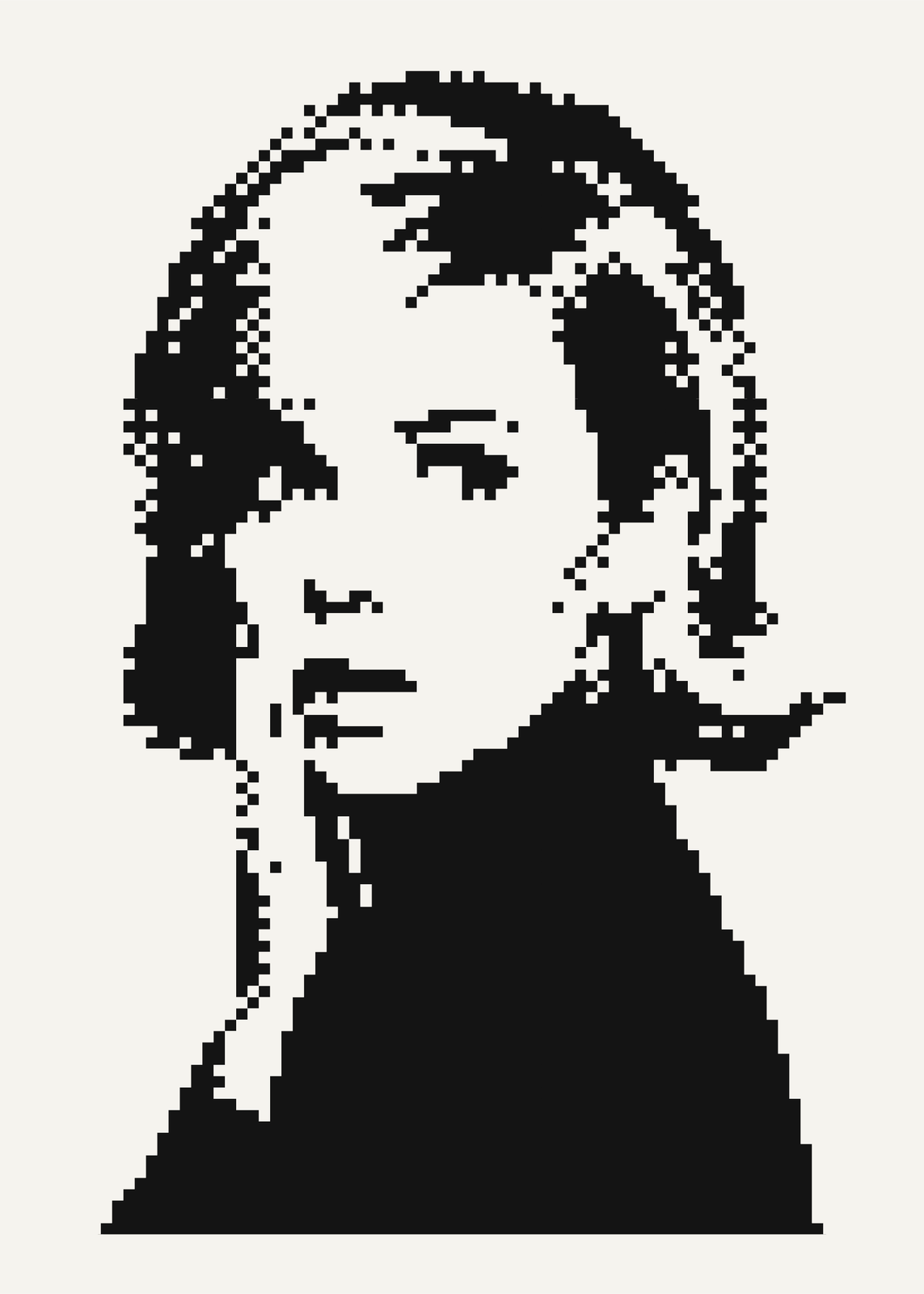
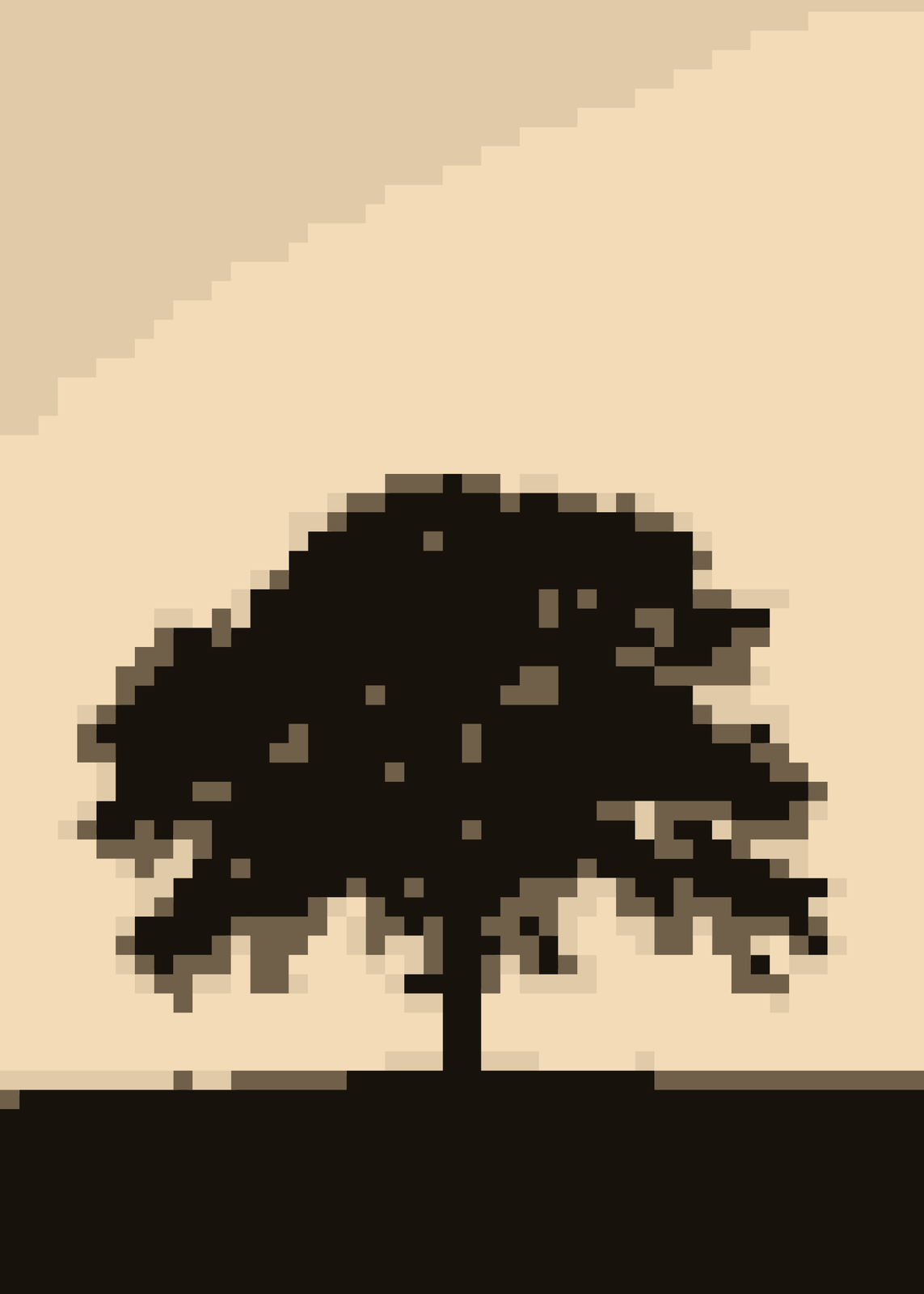
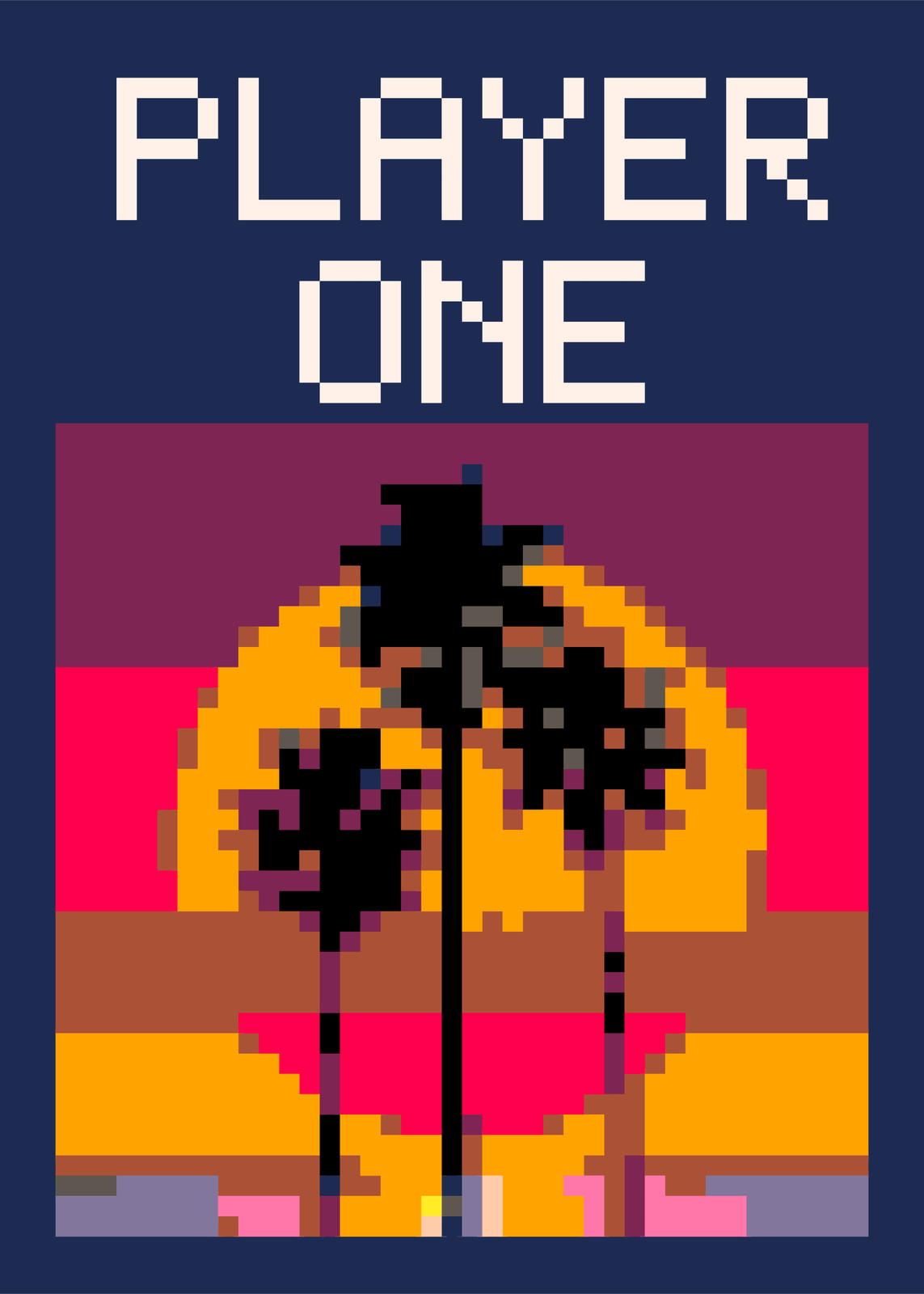
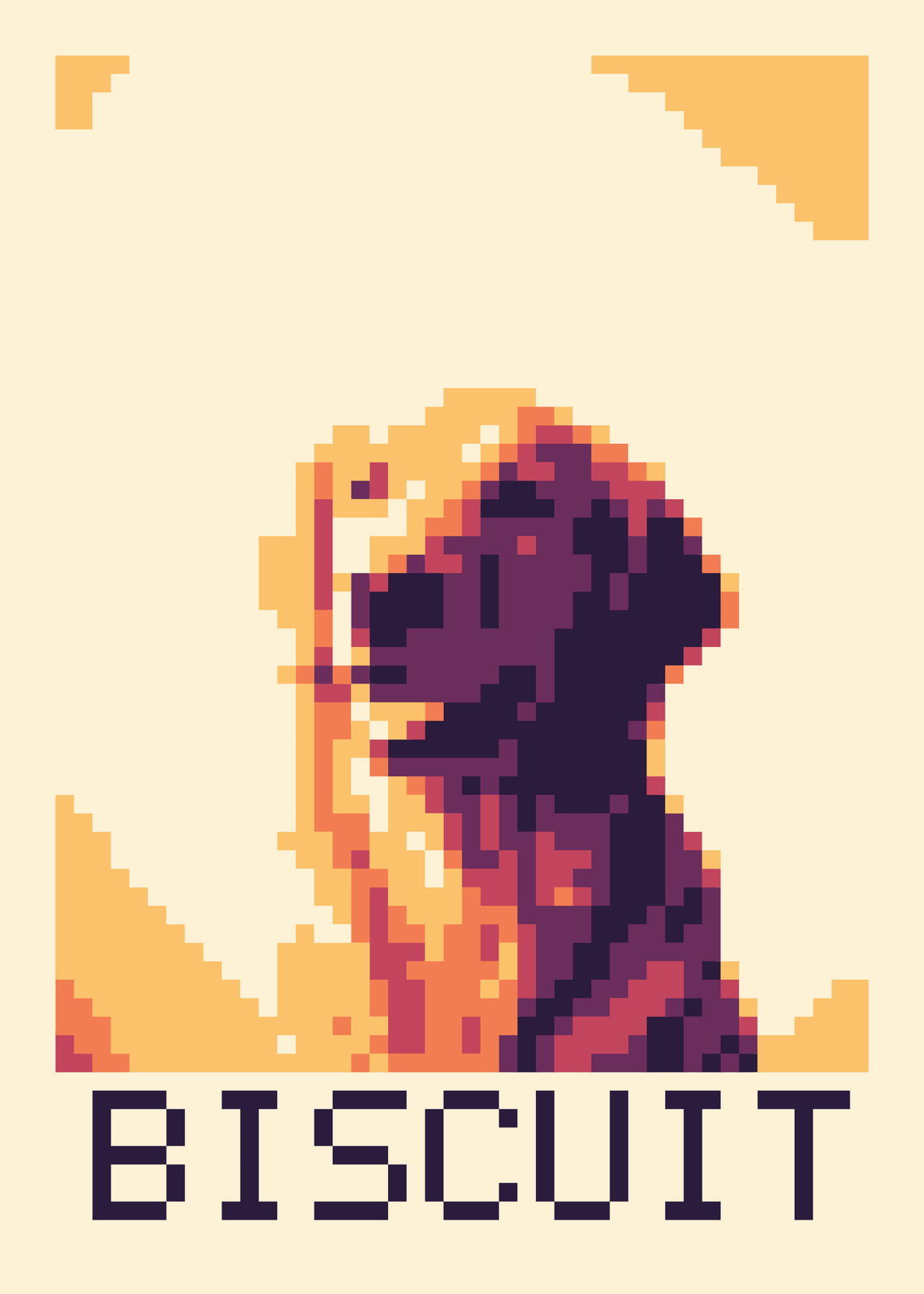
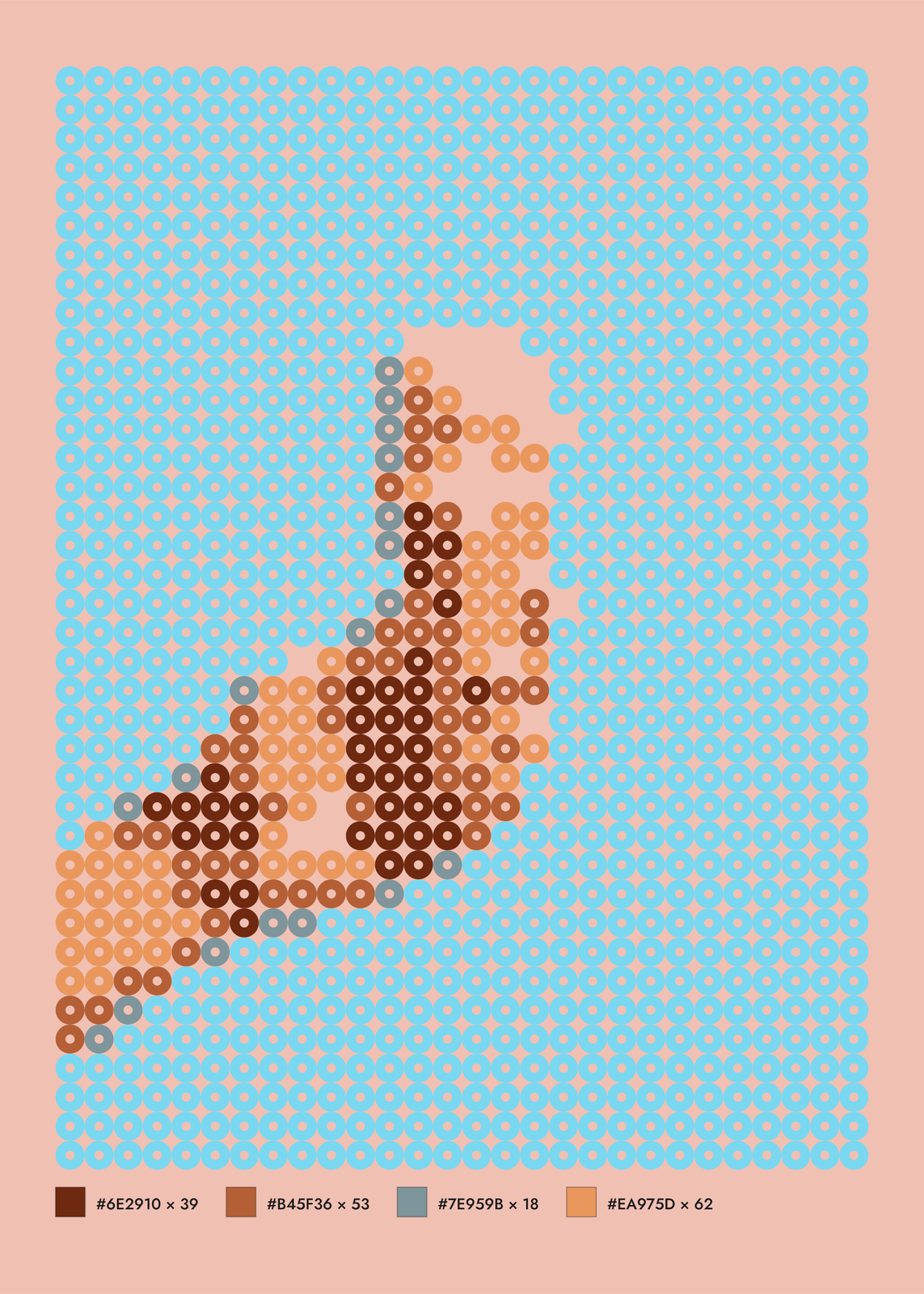
Colors and dithering
Image colors finds the photo's own few colors, from 2 to 16; fewer give flatter, bolder blocks. Posterized keeps every pixel's own color, rounded to a few shades. Or snap the picture to one of six palettes, among them classic 8-bit sets, Riso inks, Sunset and Black and white. Dithering mixes neighboring colors to fake the shades in between, as a regular Pattern or Diffuse.
Eight pixel shapes
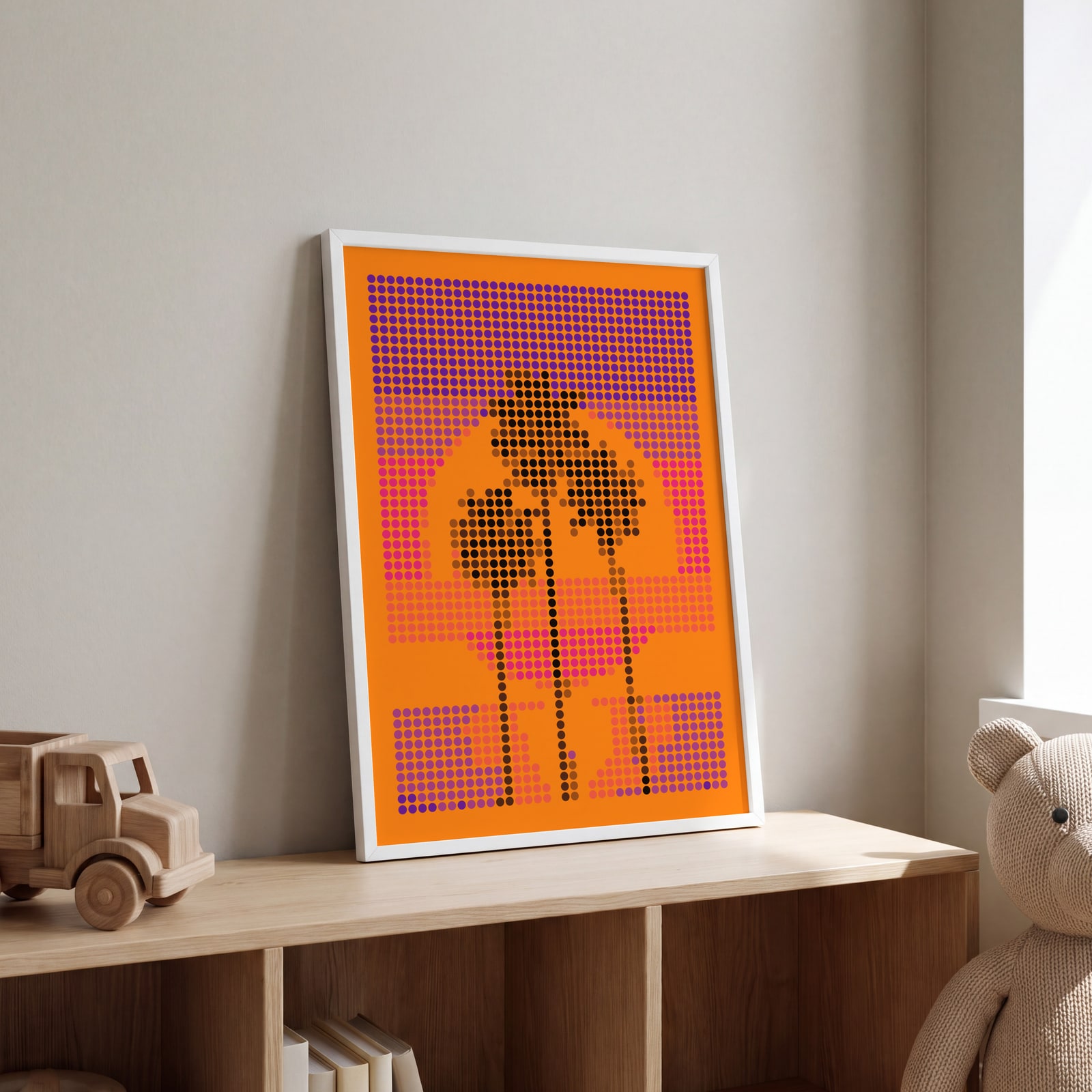
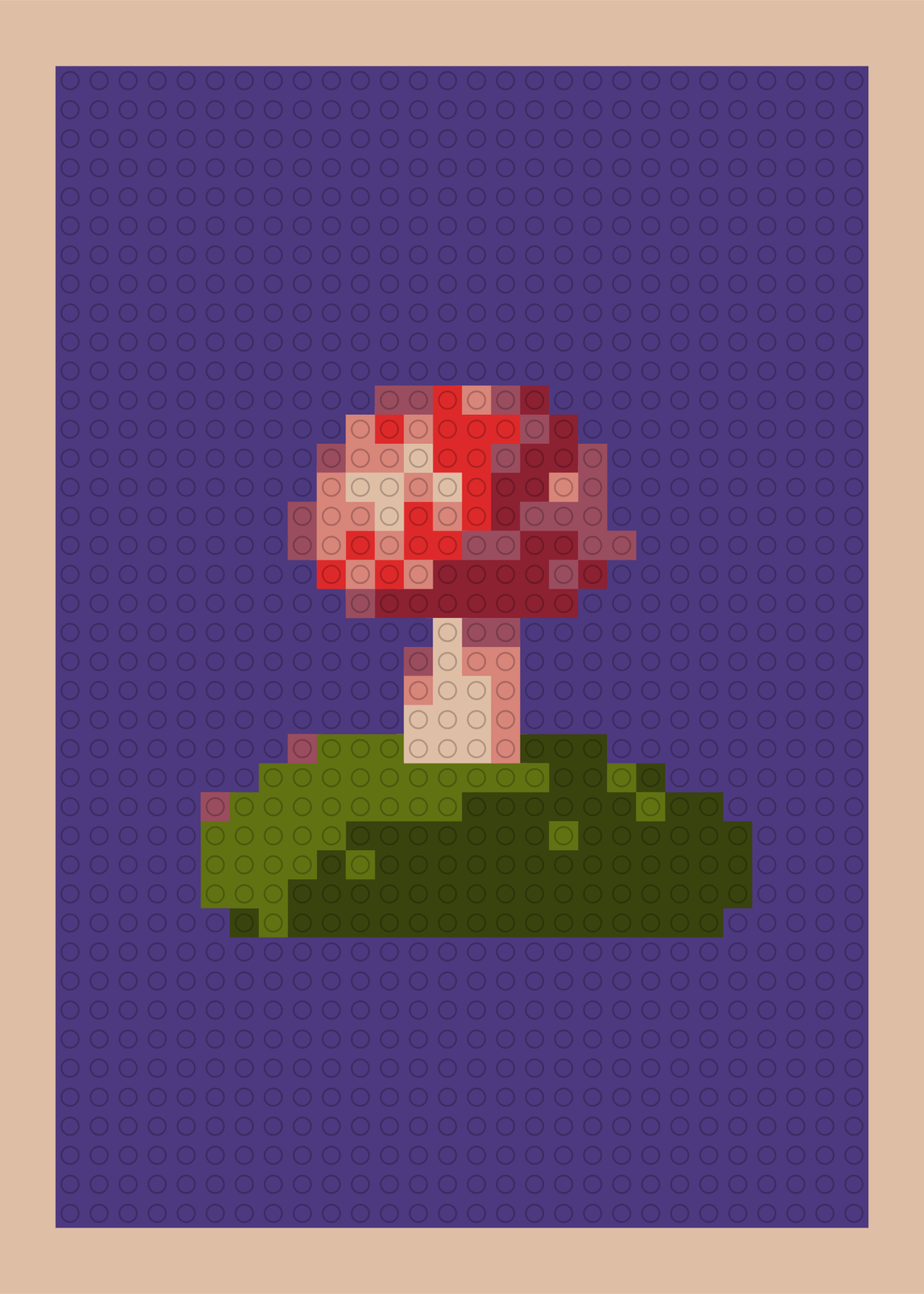
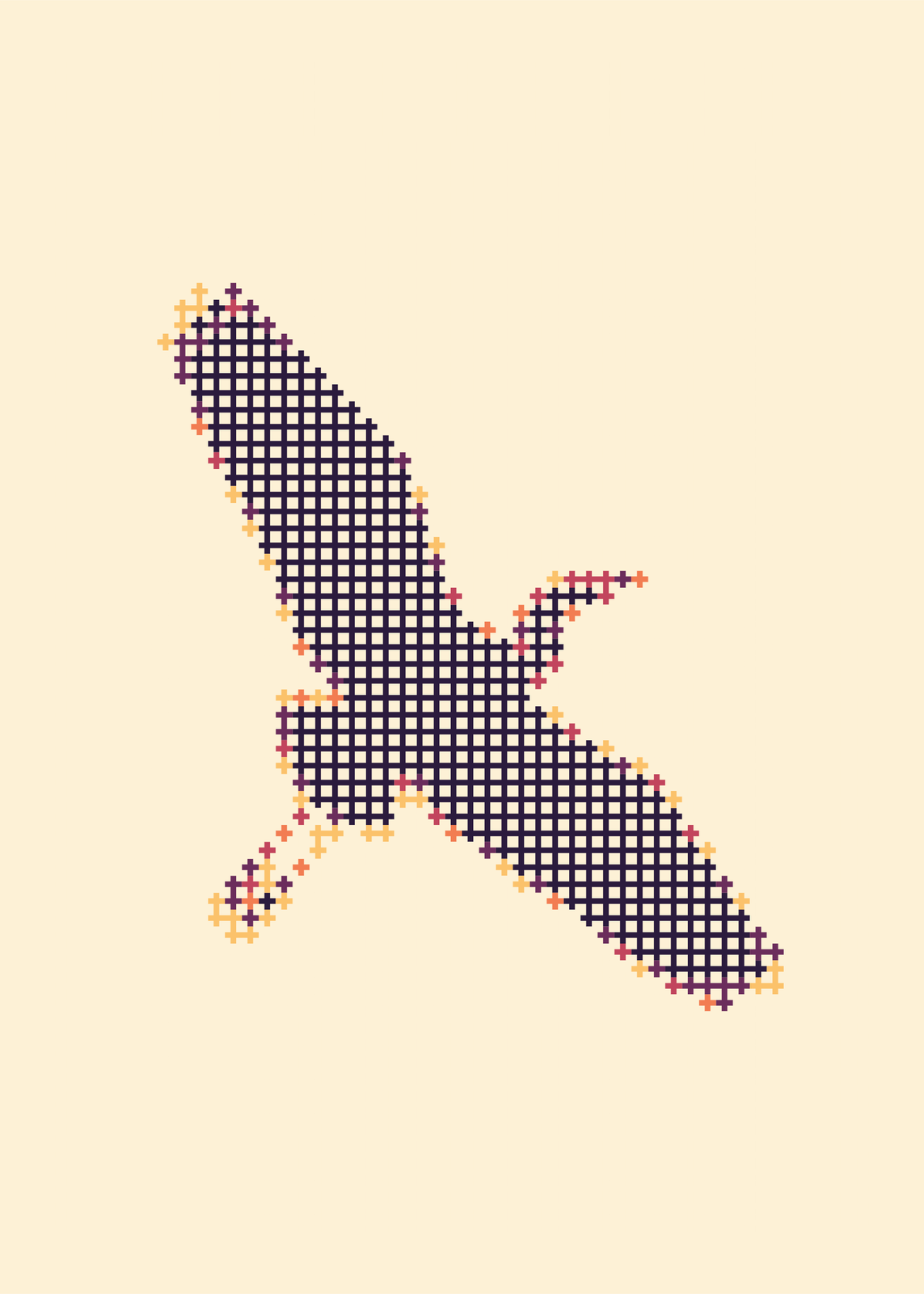
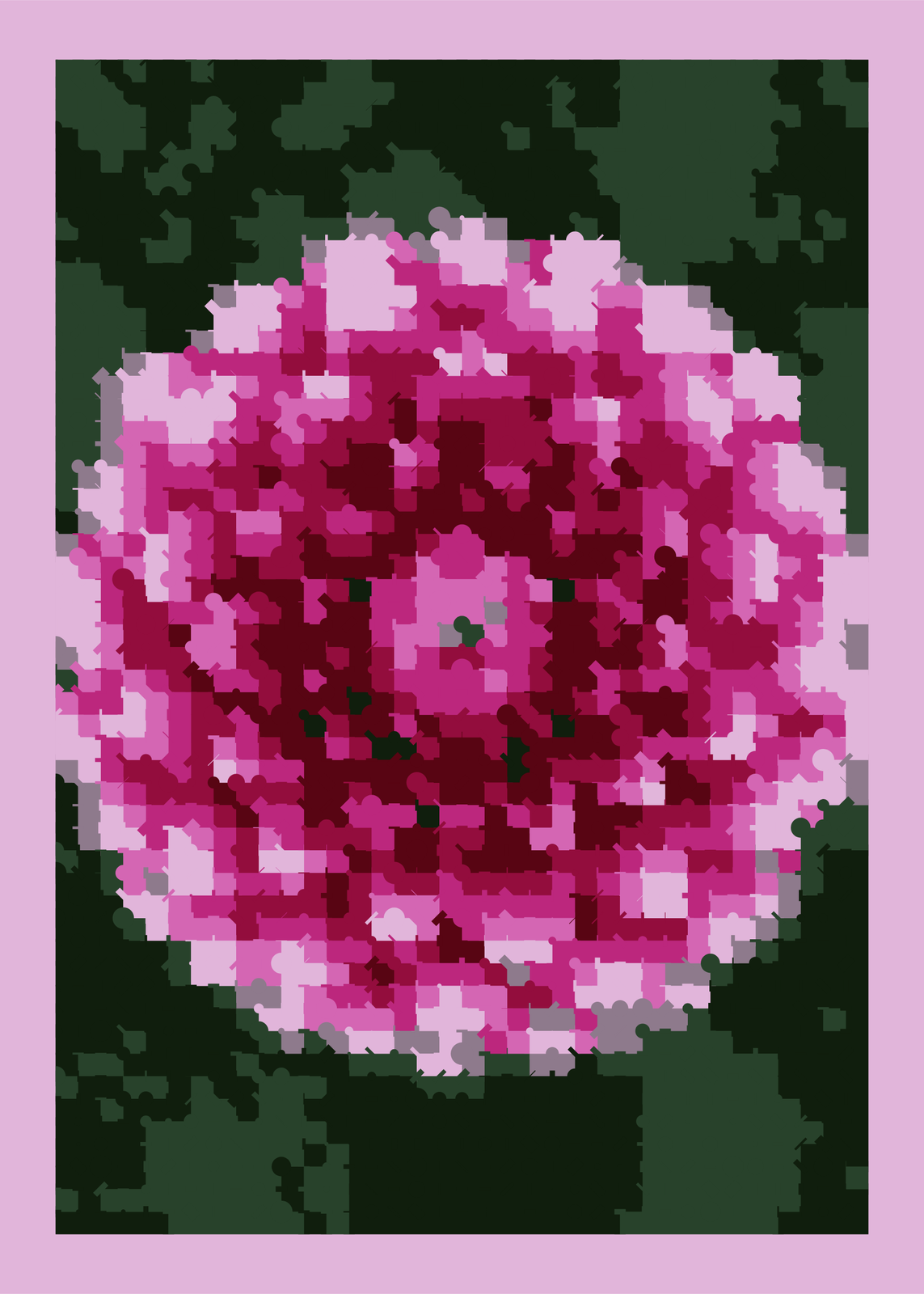
Square, Circle, Bead, Brick stud, Diamond, Cross-stitch, Mosaic and Letters. Bead draws each pixel as a disc with a hole, Brick stud as a block with a round stud on top, and Mosaic adds a dot, bar or diagonal that spills into the neighbors. Letters draws the picture in characters picked by brightness, or in your own words repeated. Widen the gap between pixels, or leave background cells as bare paper.
A chart to make it by hand
Turn on the Color key and a strip under the picture lists every color's hex code and how many cells use it, like a bead chart. With Bead or Cross-stitch, a few colors and Cell outlines on, the poster doubles as a pattern to follow.
Questions
Can I use my own photo?
Yes. Upload it in the editor, or start from one of 18 pictures: palms at sunset, a toucan, a black cat, a dog, a dahlia and more. Raise Grid size for faces and fine detail, lower it for chunky pixels.
Can I add a name?
Yes. Type a title and it's set in a 5 × 7 pixel font on the same grid as the picture, at the top or the bottom.
Is it made of real beads?
No, it's a print that looks like beads, studs or stitches. With the Color key on, though, it lists each color and how many cells use it, so you could make it for real.
What sizes can I print?
US Letter, 8 × 10, 11 × 14, 12 × 16 and 12 × 18 in, A4 and A3, free. You download a 300 DPI JPEG drawn at the size you pick. Larger prints, up to 24 × 36 in, are coming soon.
Related
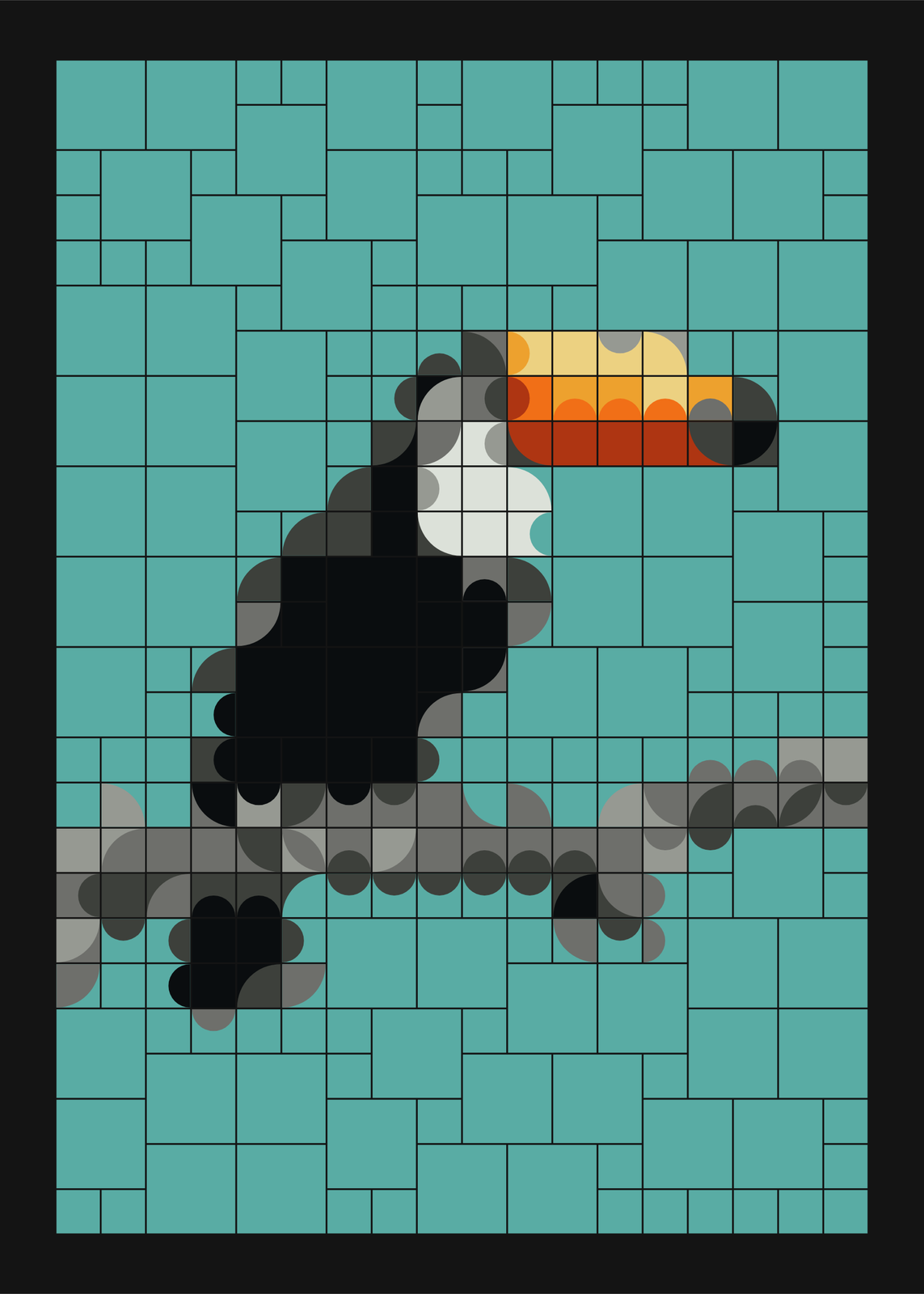 Mosaic artbold tiles that join into curves, composed by chance or rebuilt from your photo
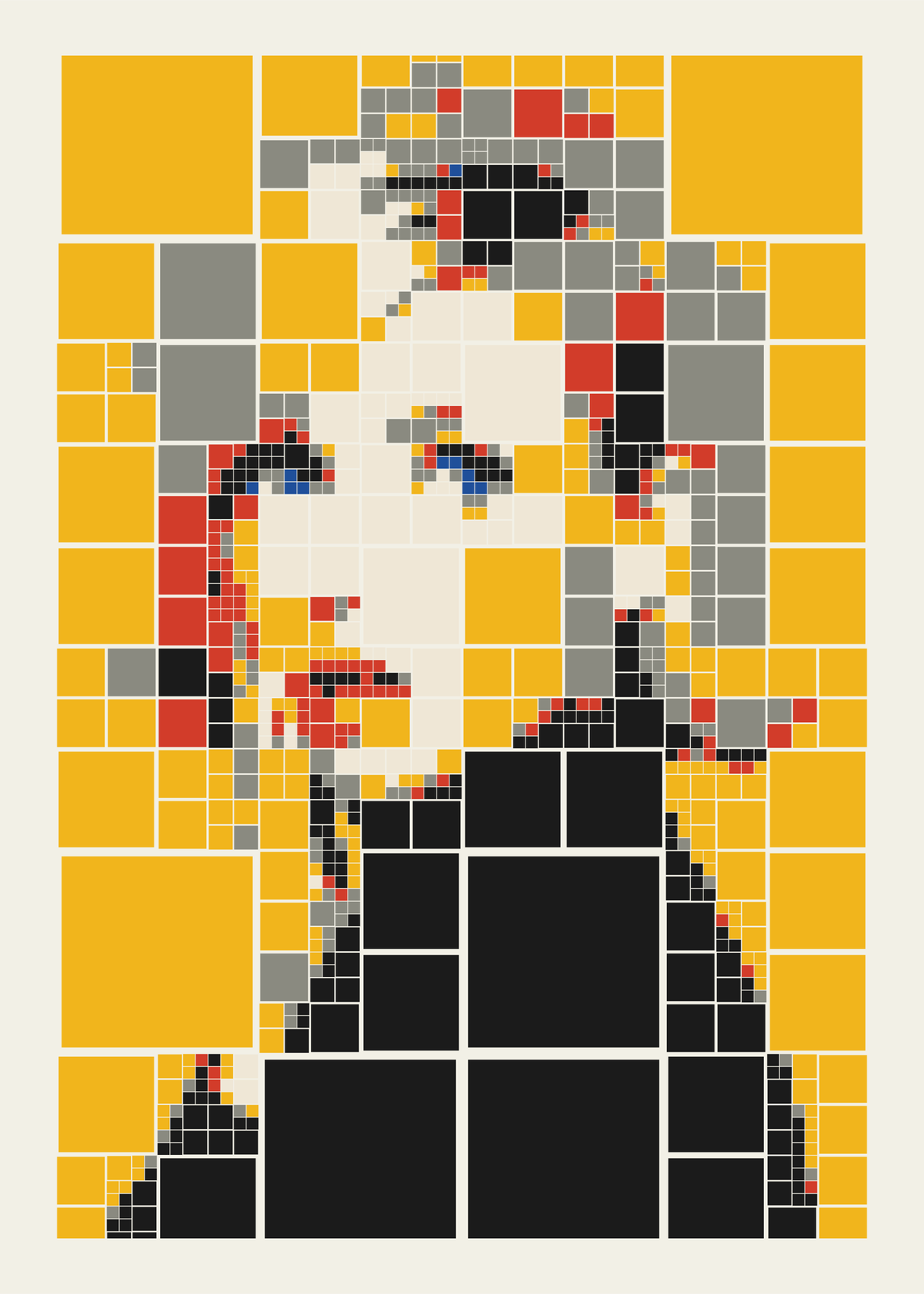 Quadtree artyour photo rebuilt from squares that split where the detail is
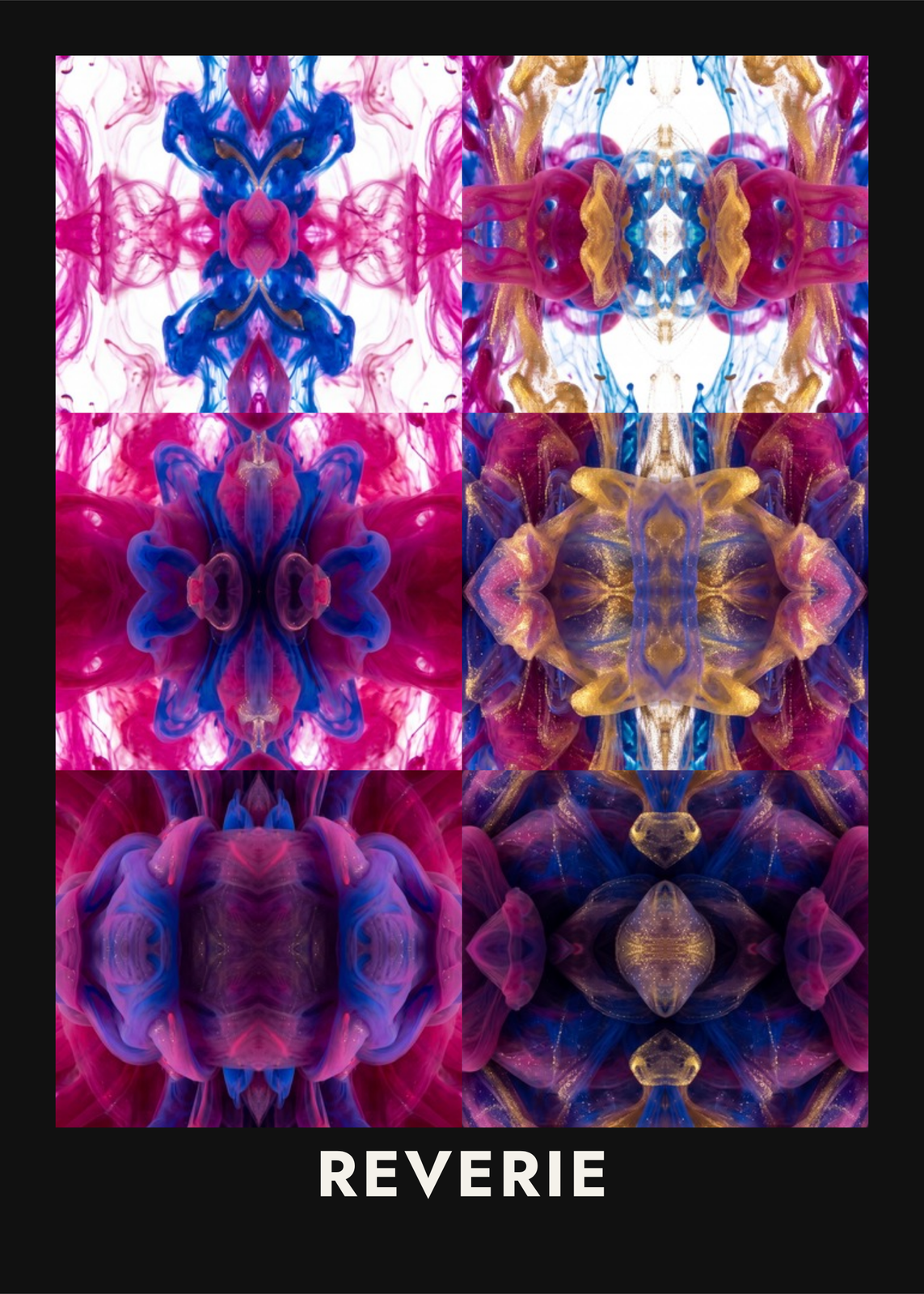 Kaleidoscope arta photo or a word mirrored four ways, or seen through glass blocks
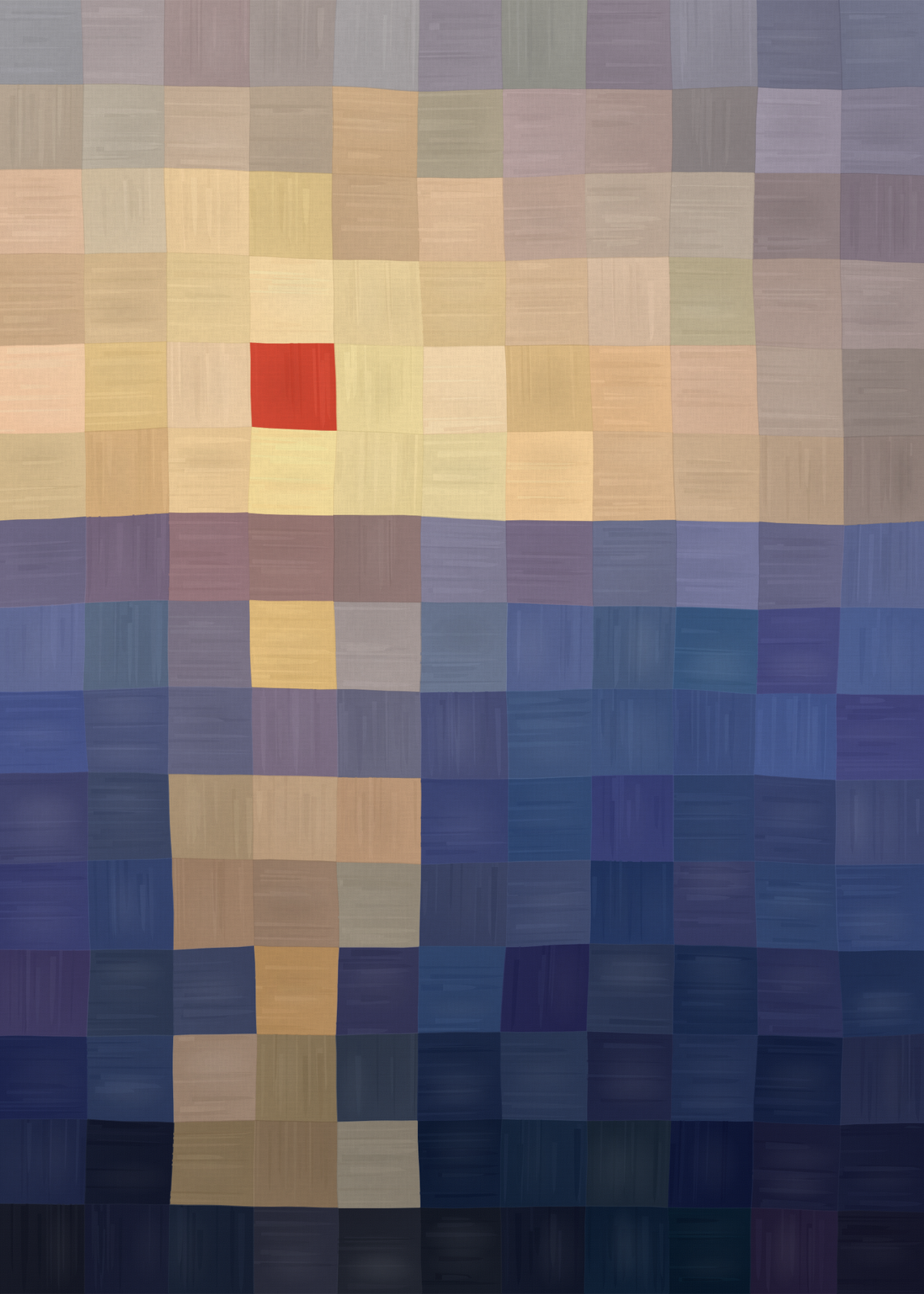 Sunset artthe sea and sky as a grid of hand-laid squares, one bright square for the sun
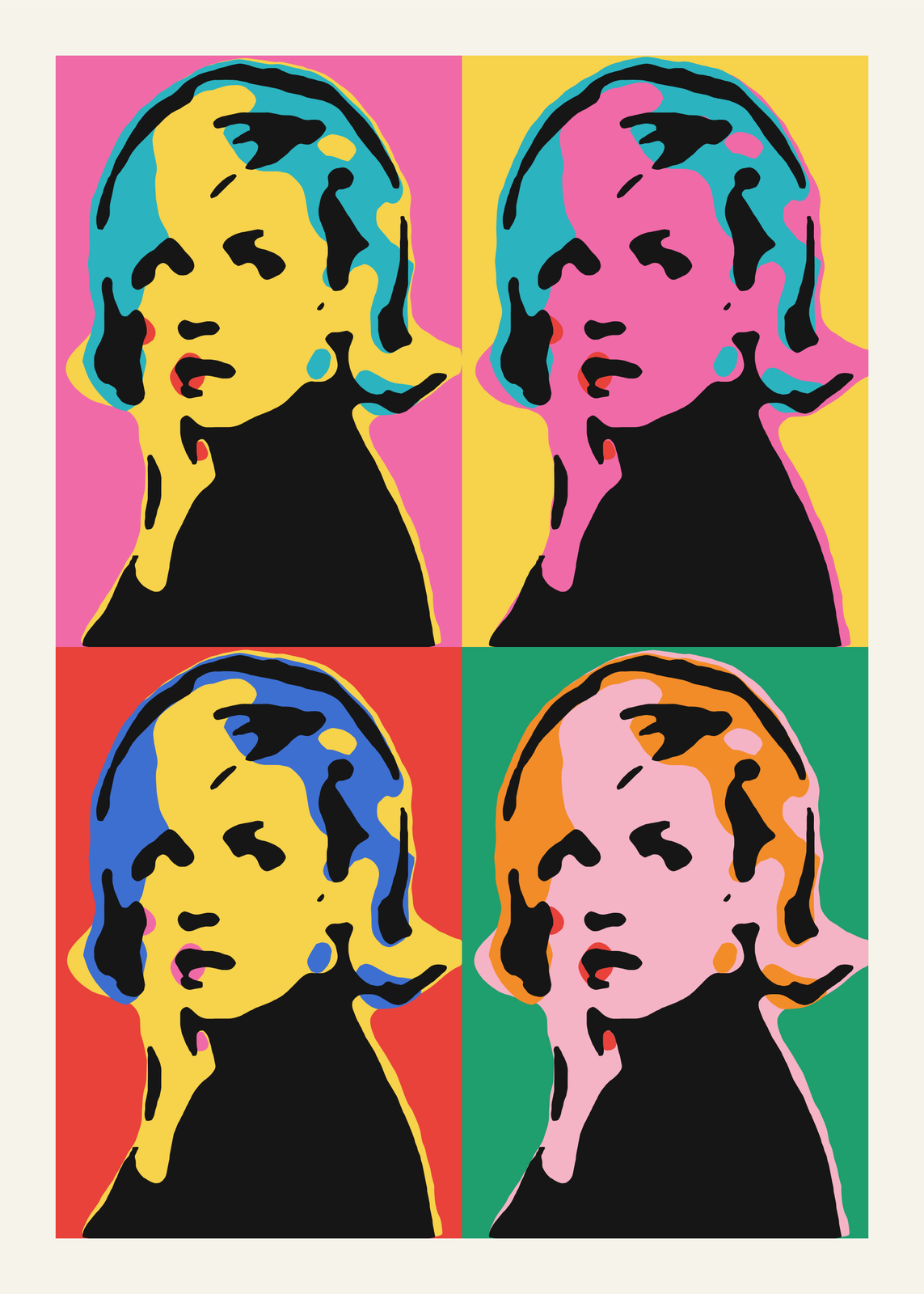 Pop artyour photo as a silkscreen grid, a comic panel or a WPAP portrait
Gift ideas by occasion
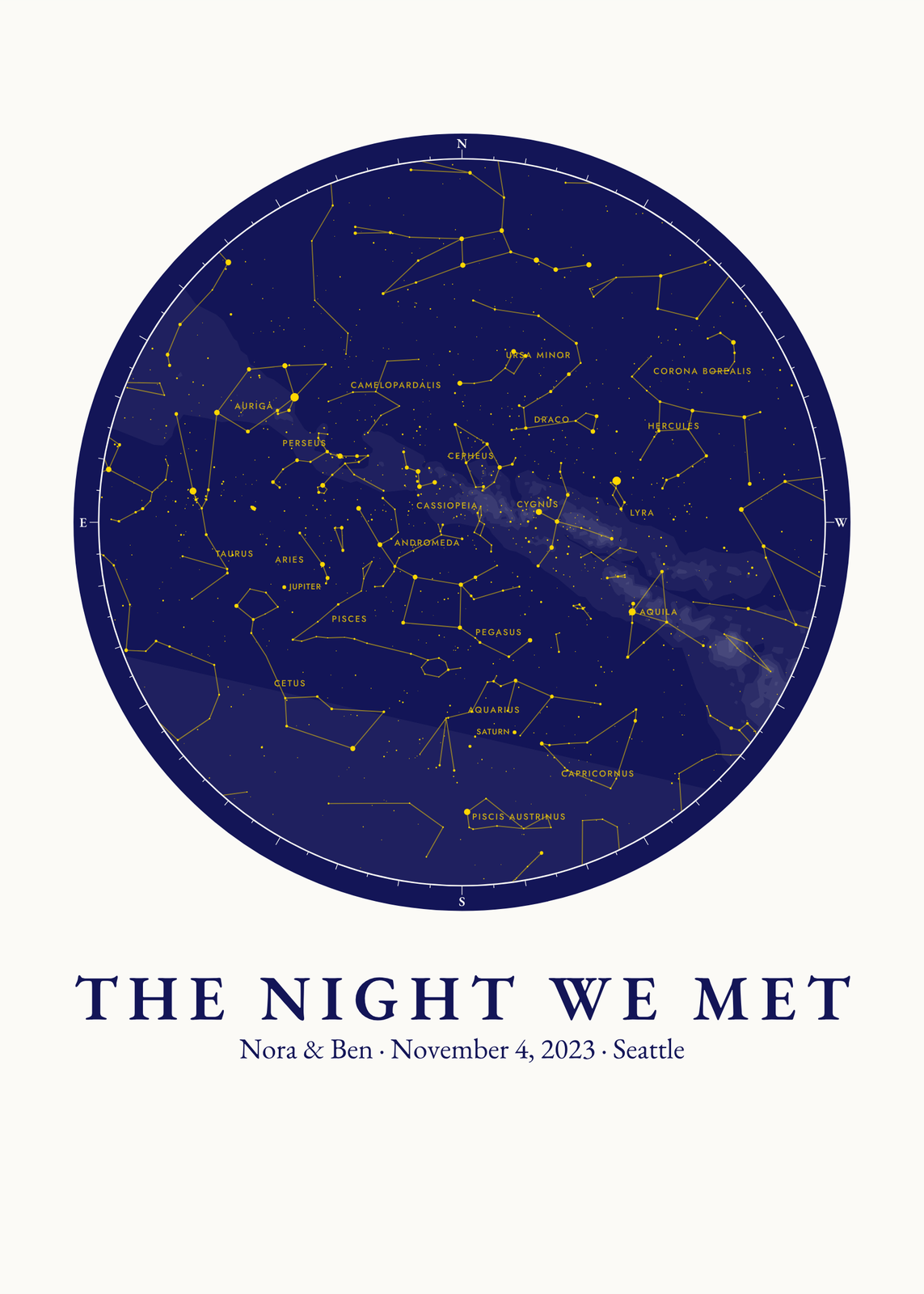
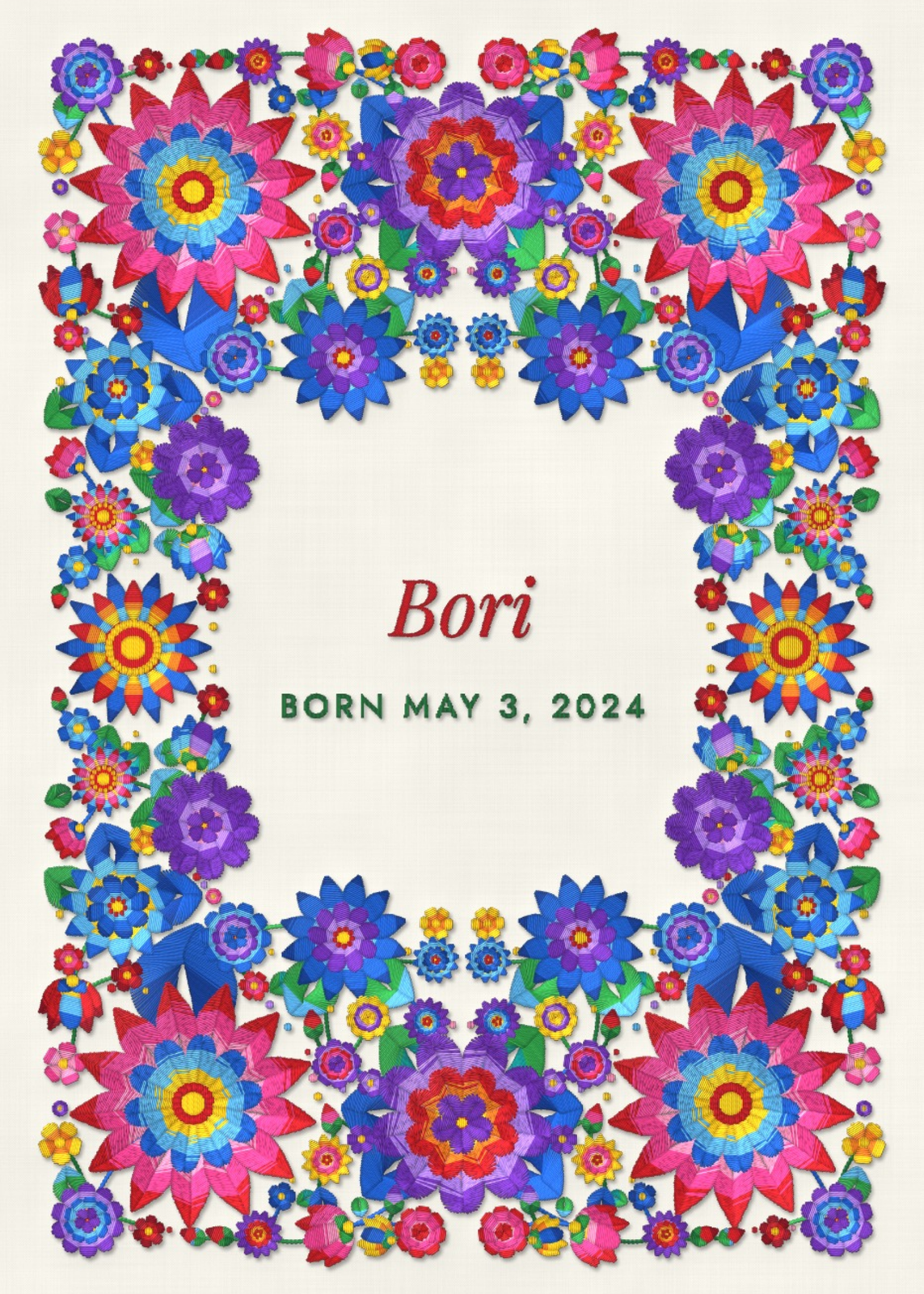
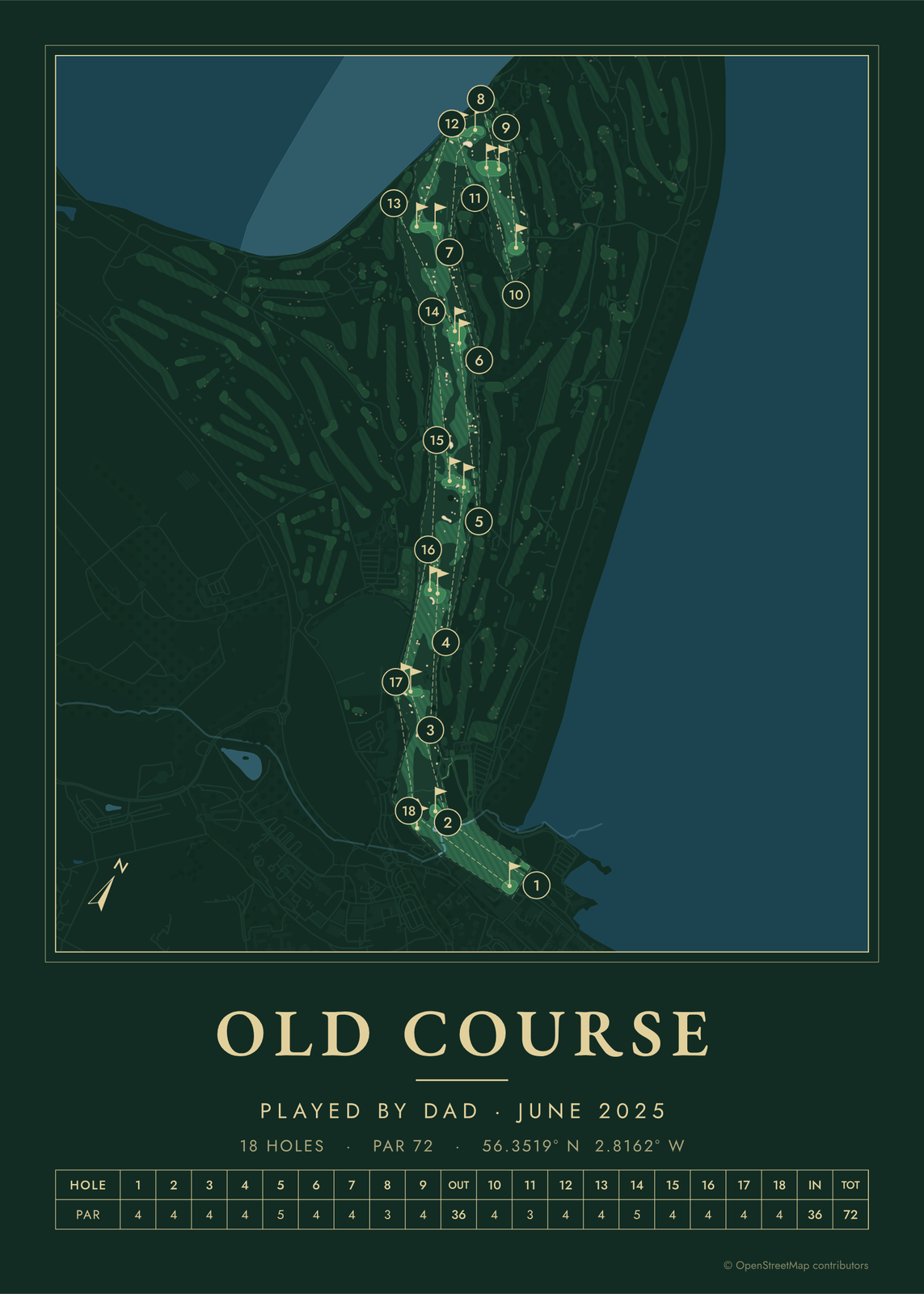
Every example is made with the Posterage generators. Change anything, then download it as a 300 DPI JPEG.