Quadtree art your photo rebuilt from squares that split where the detail is
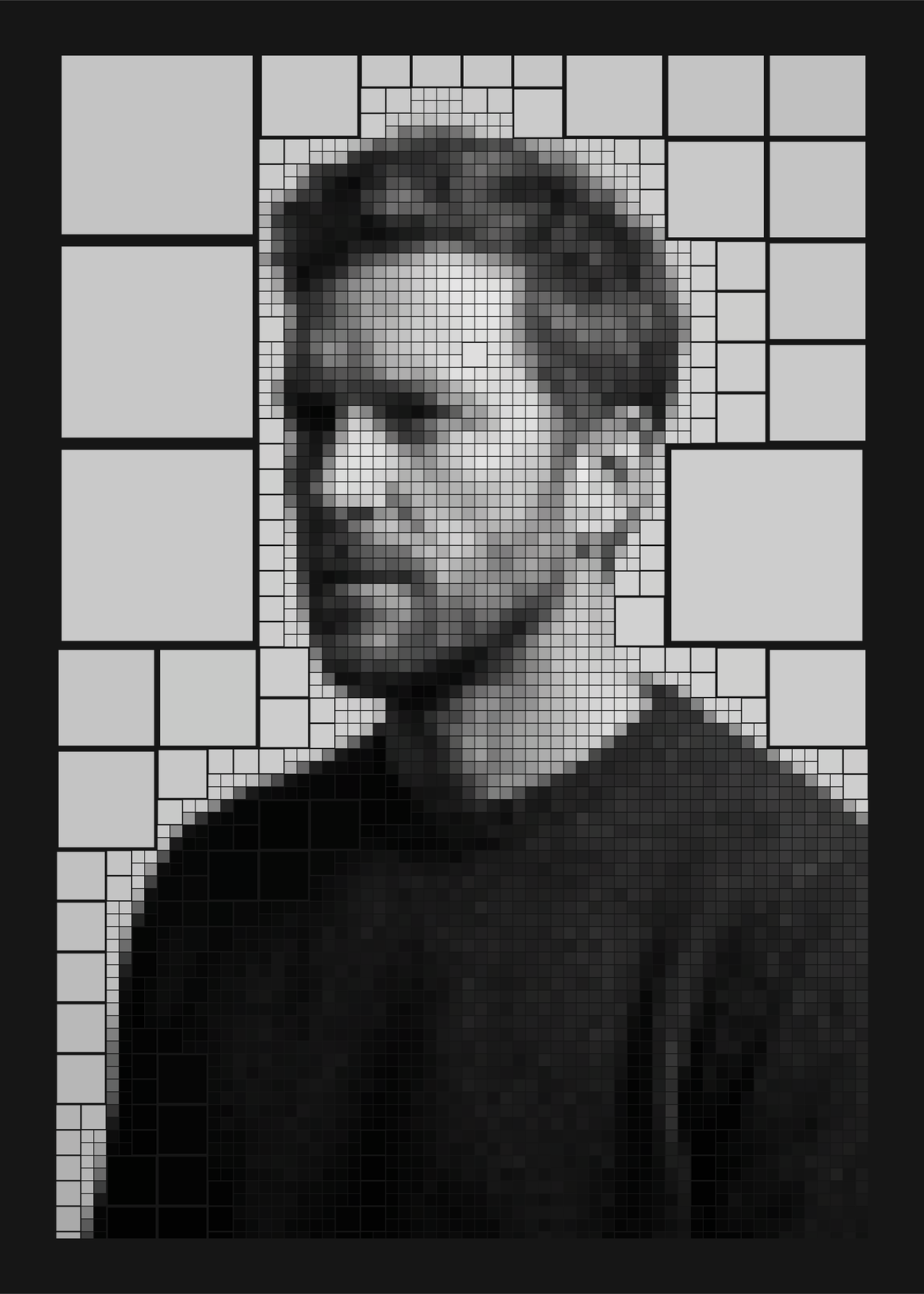
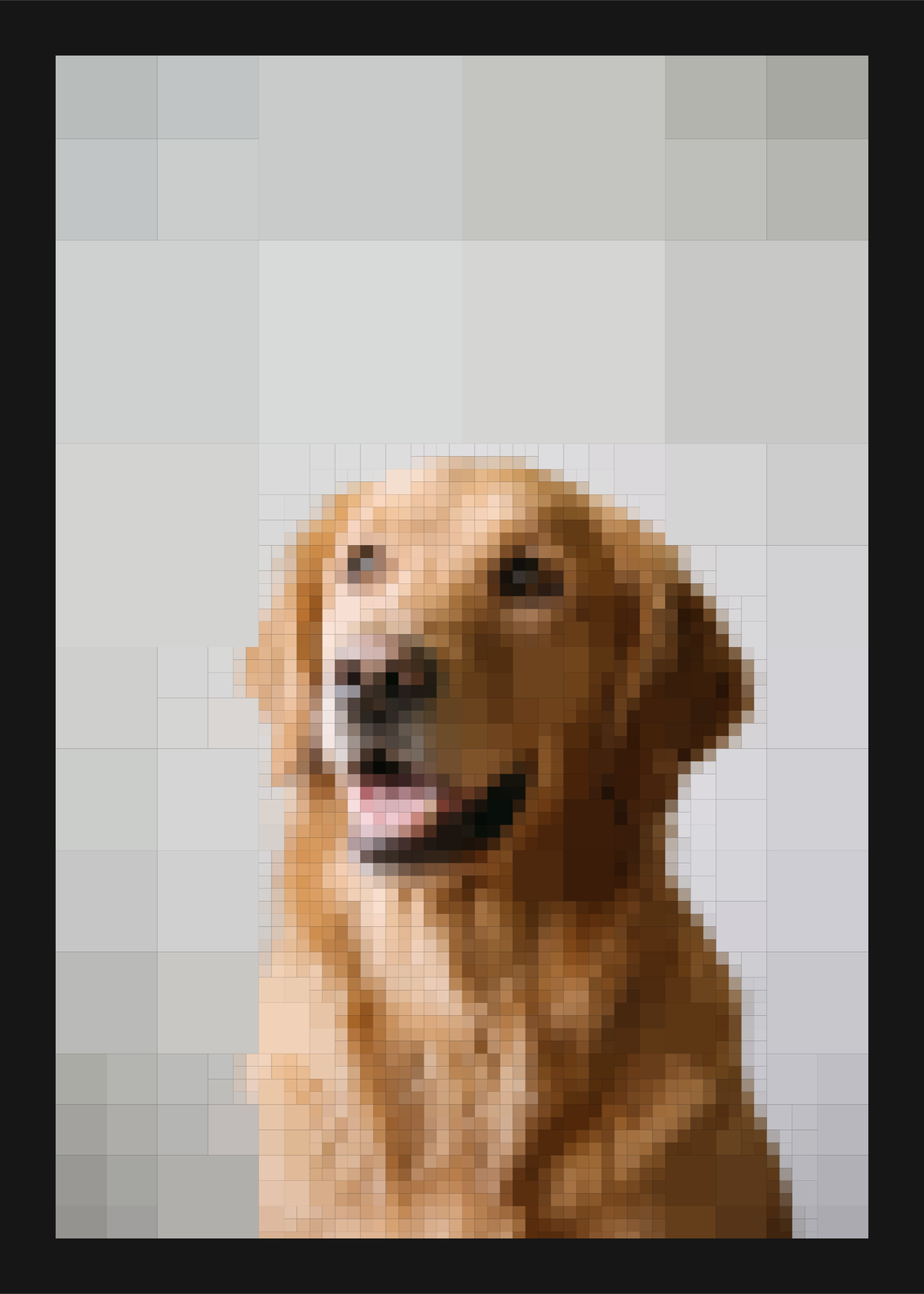
A quadtree splits a square into four, then splits again wherever there's more to see. Here it rebuilds a photo that way: the cell whose colors vary most is cut into quarters, again and again, until the cells run out, so a calm sky stays in big blocks and an eye or a beak breaks into fine ones. Pick the shape, how many cells and the colors; the same photo and settings always make the same tree.
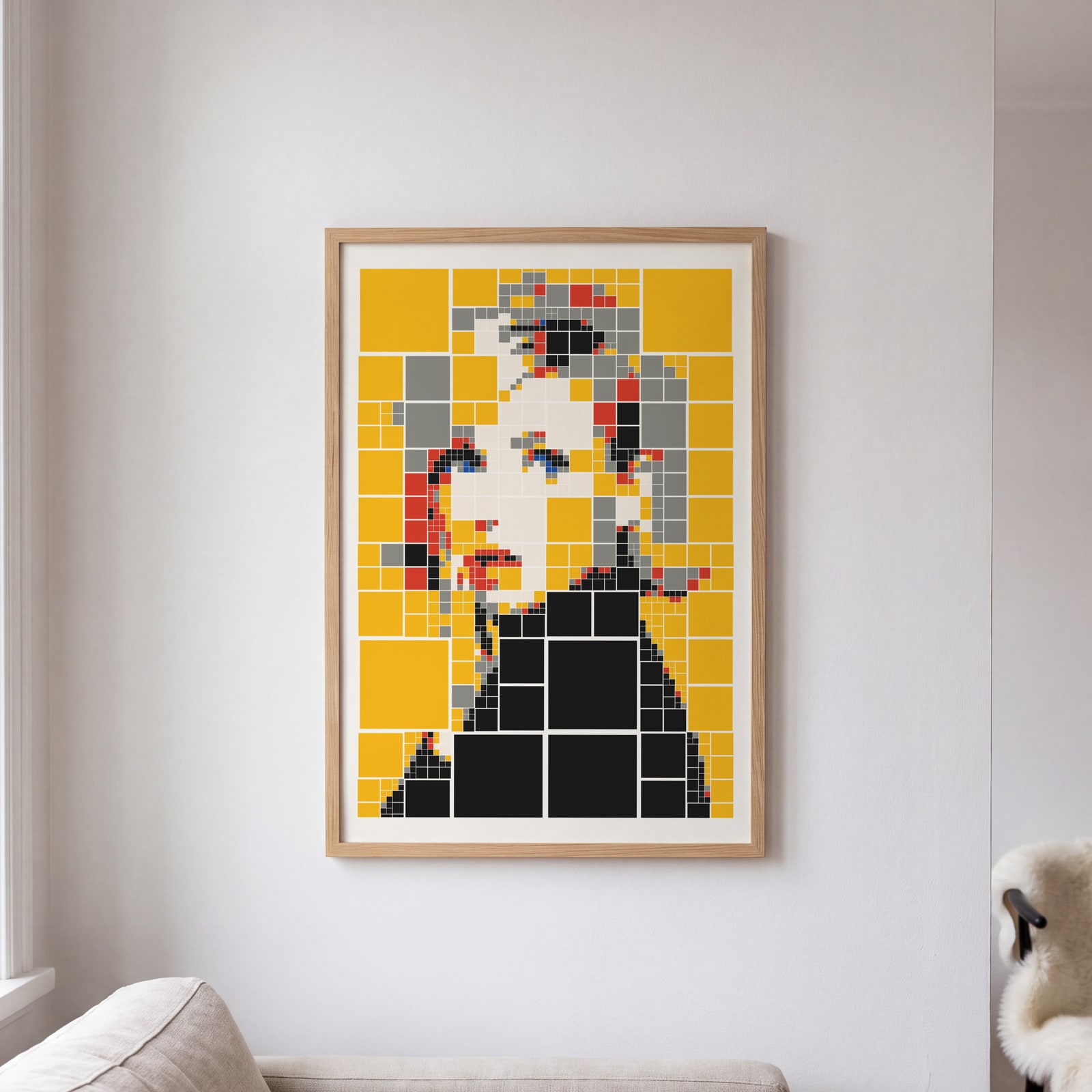
On the wall
A few of them framed at home. Open any one to make it yours.
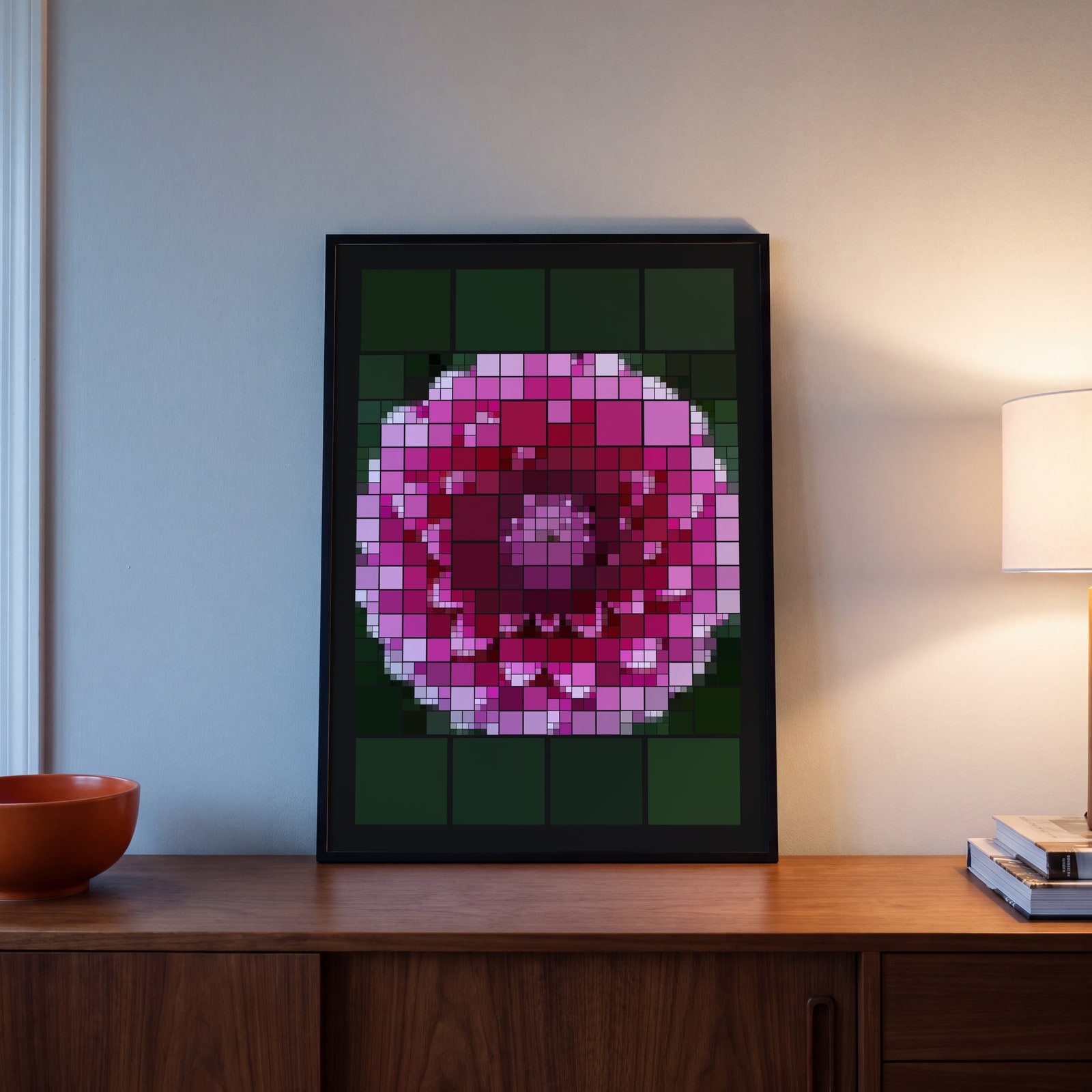
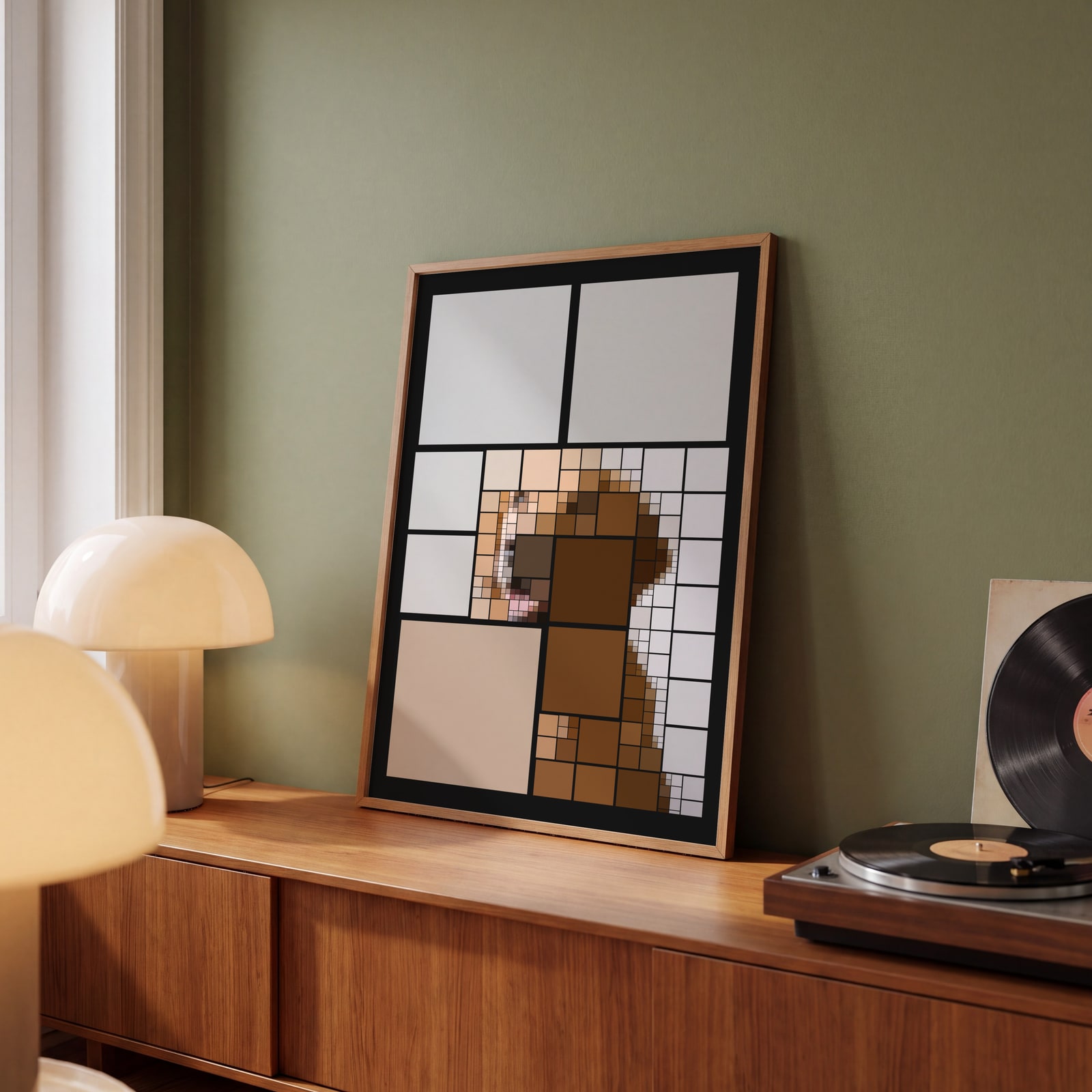
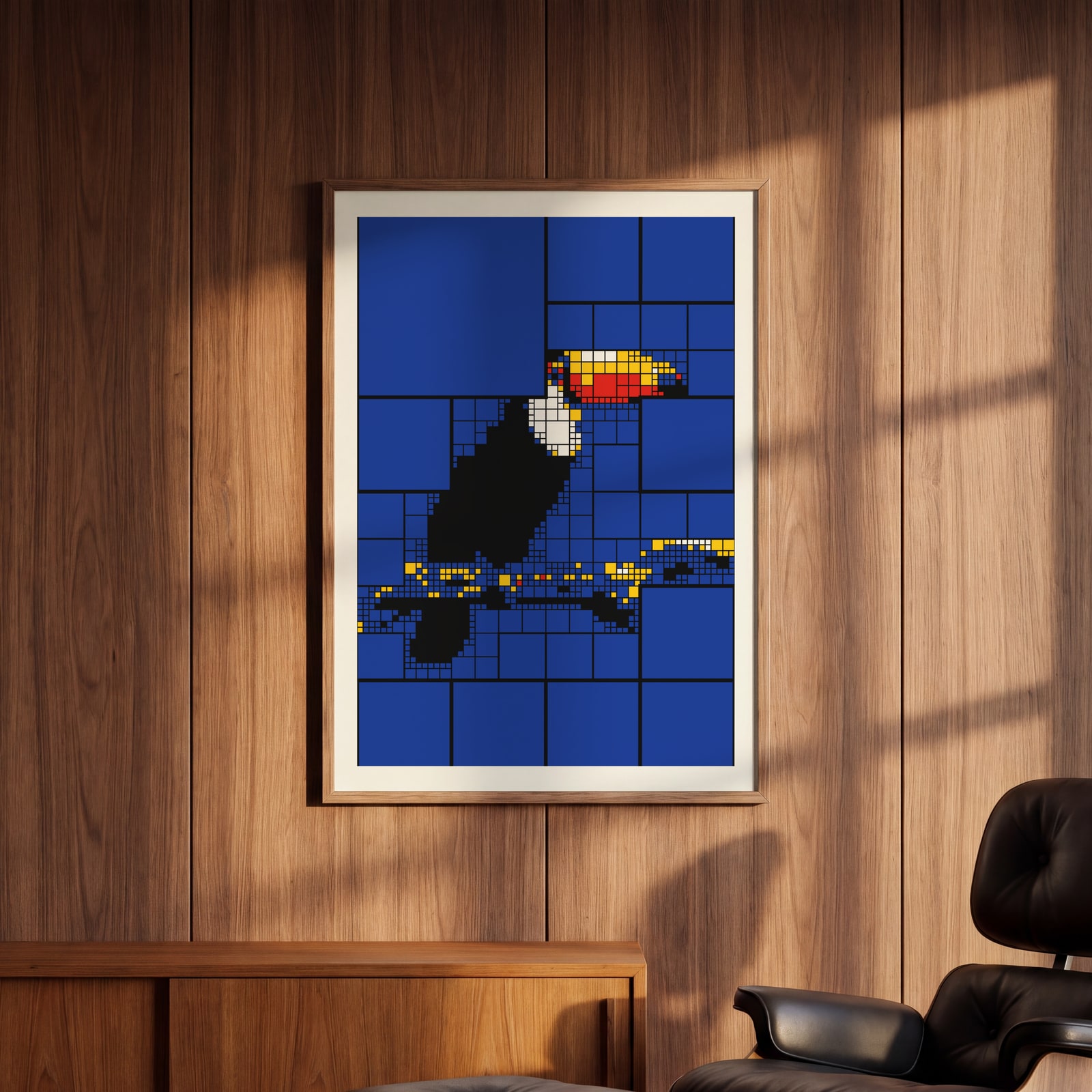
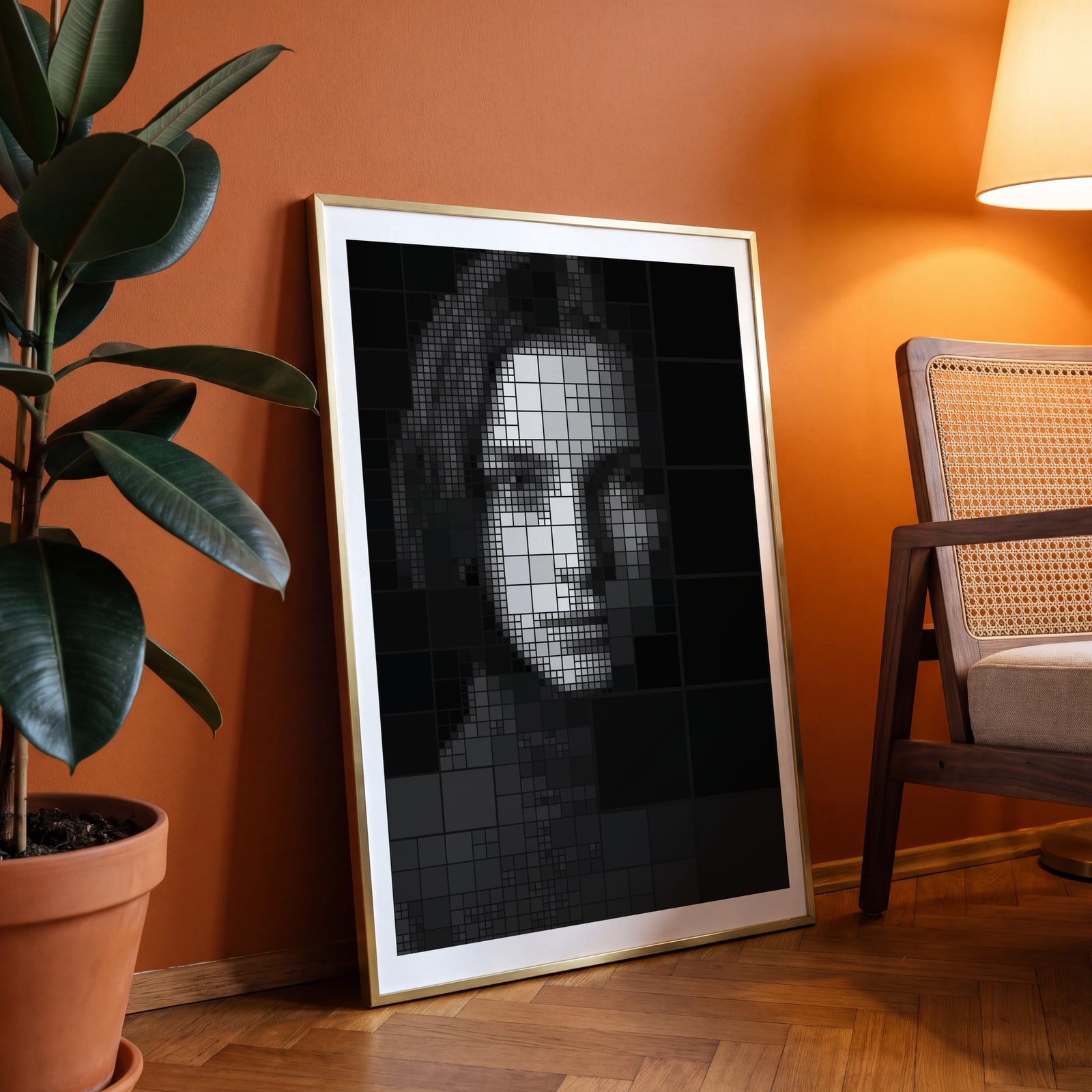
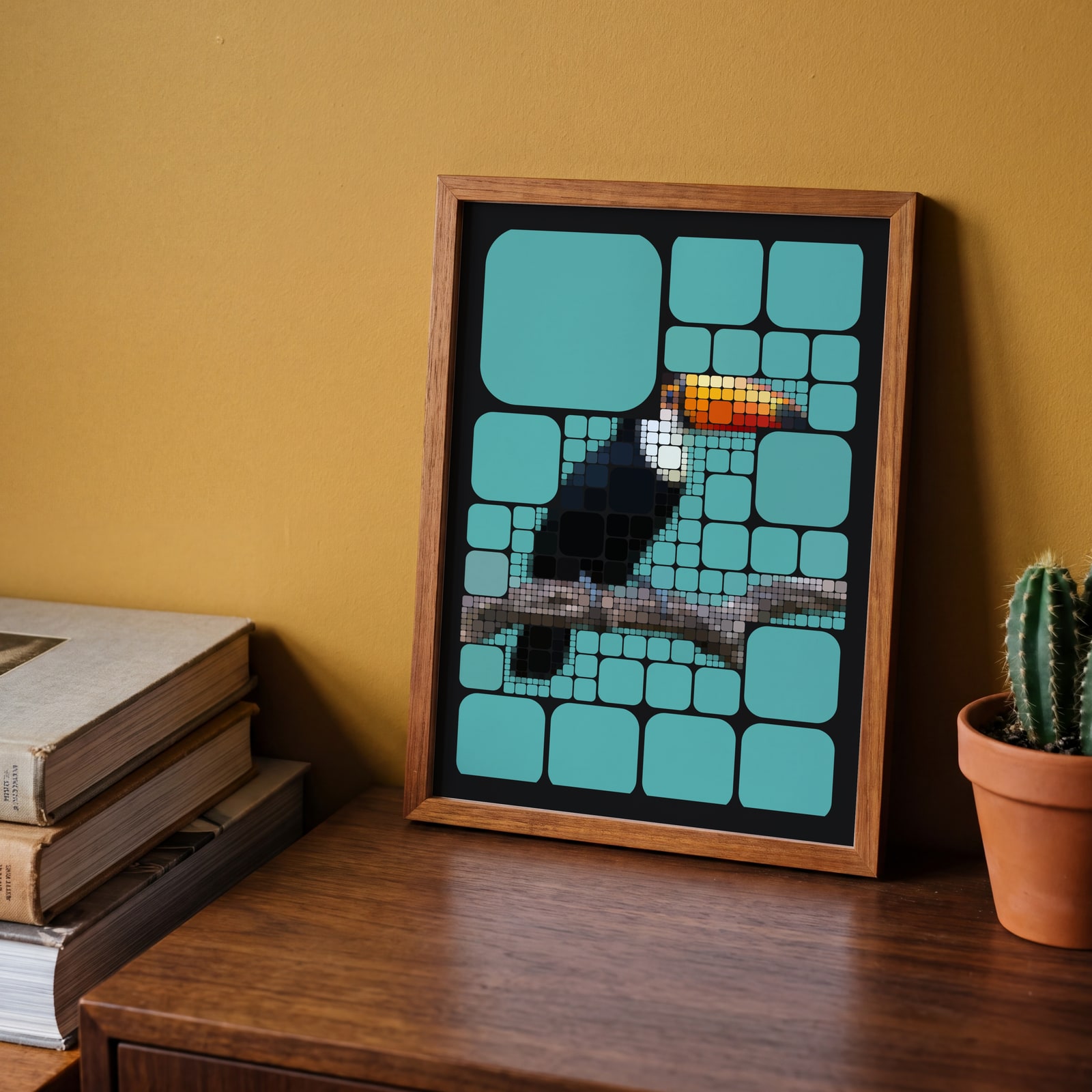
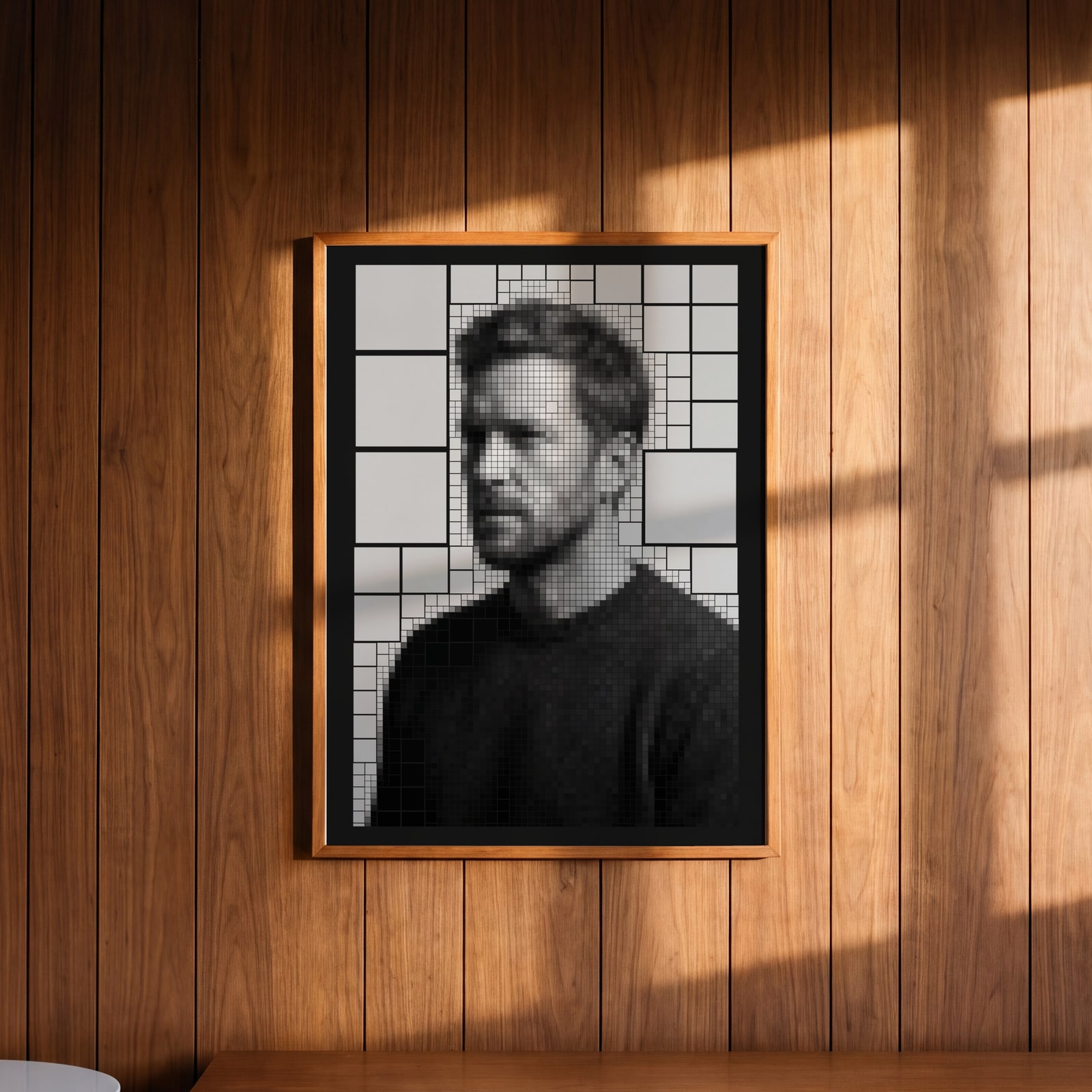
Examples
Open any of them to change the words, the place, the date and the style, then download the print file.
Cell shapes
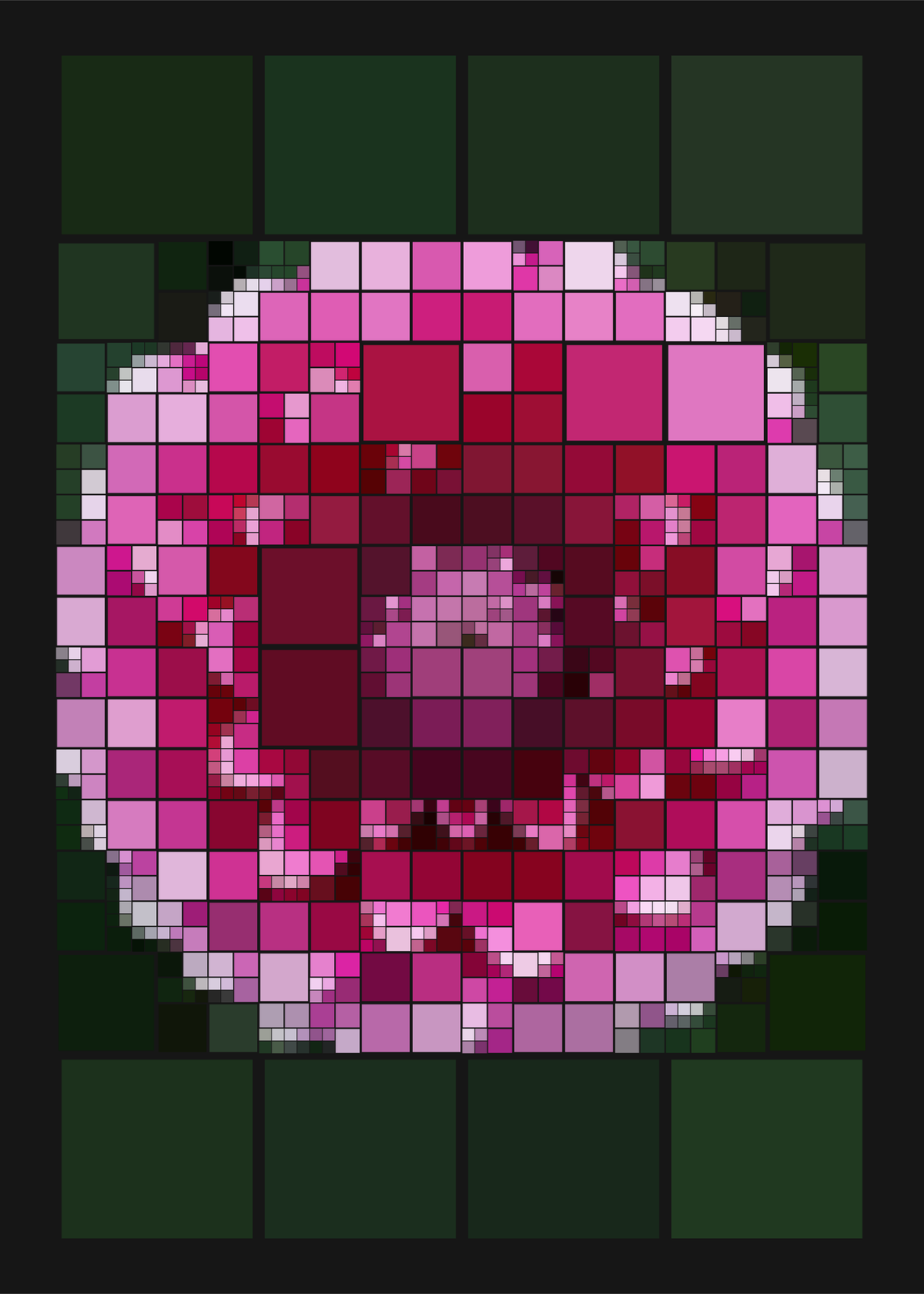
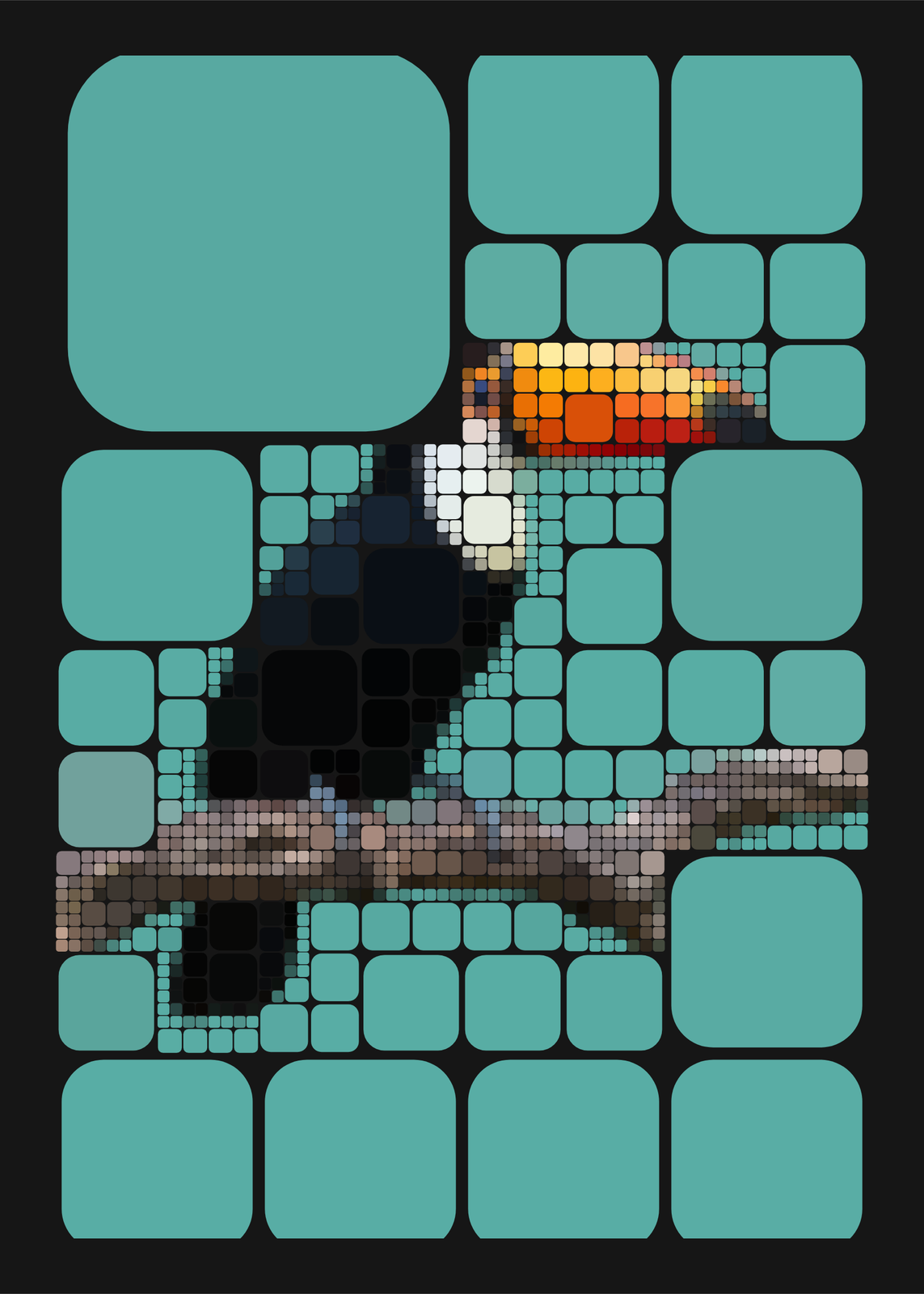
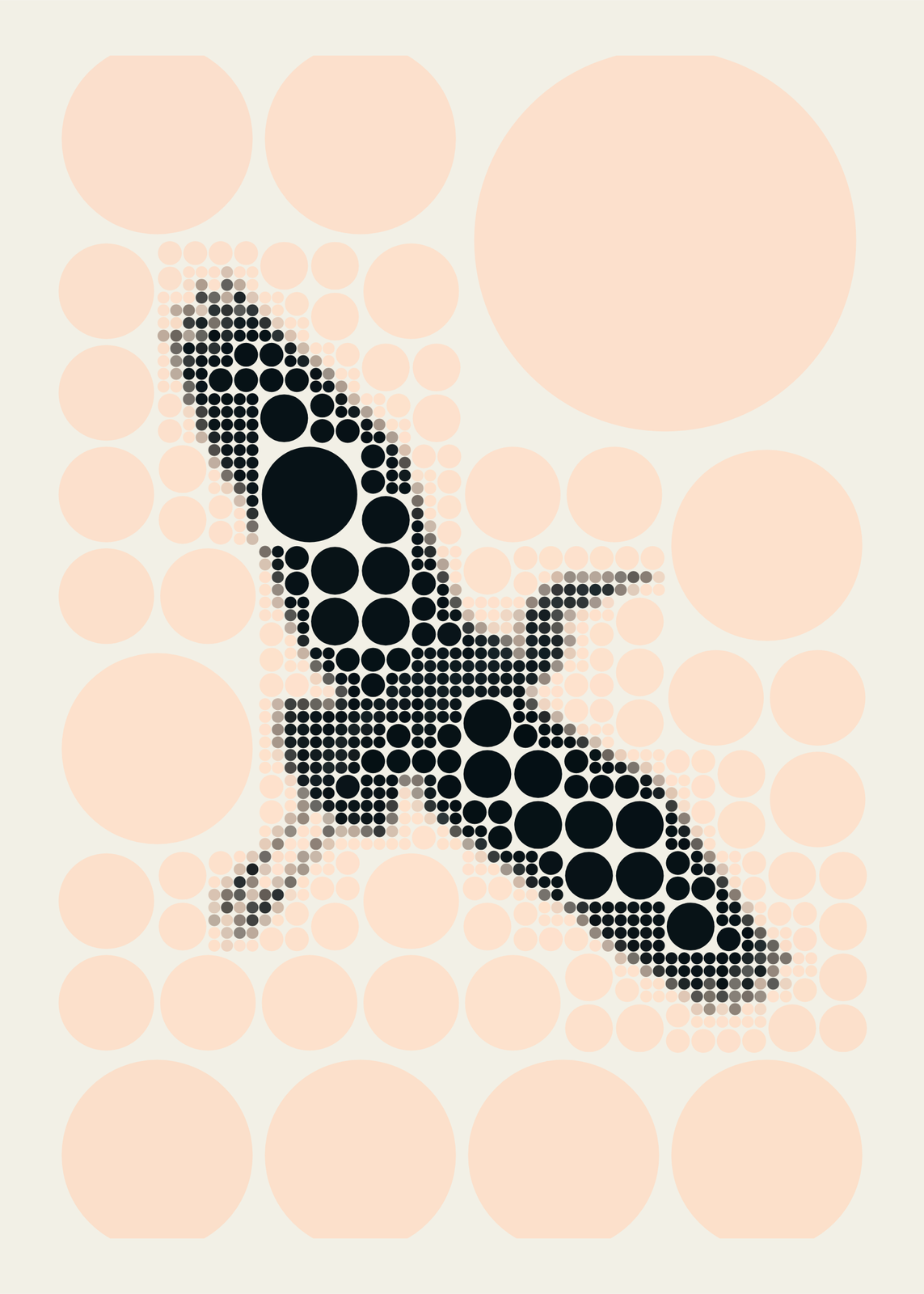
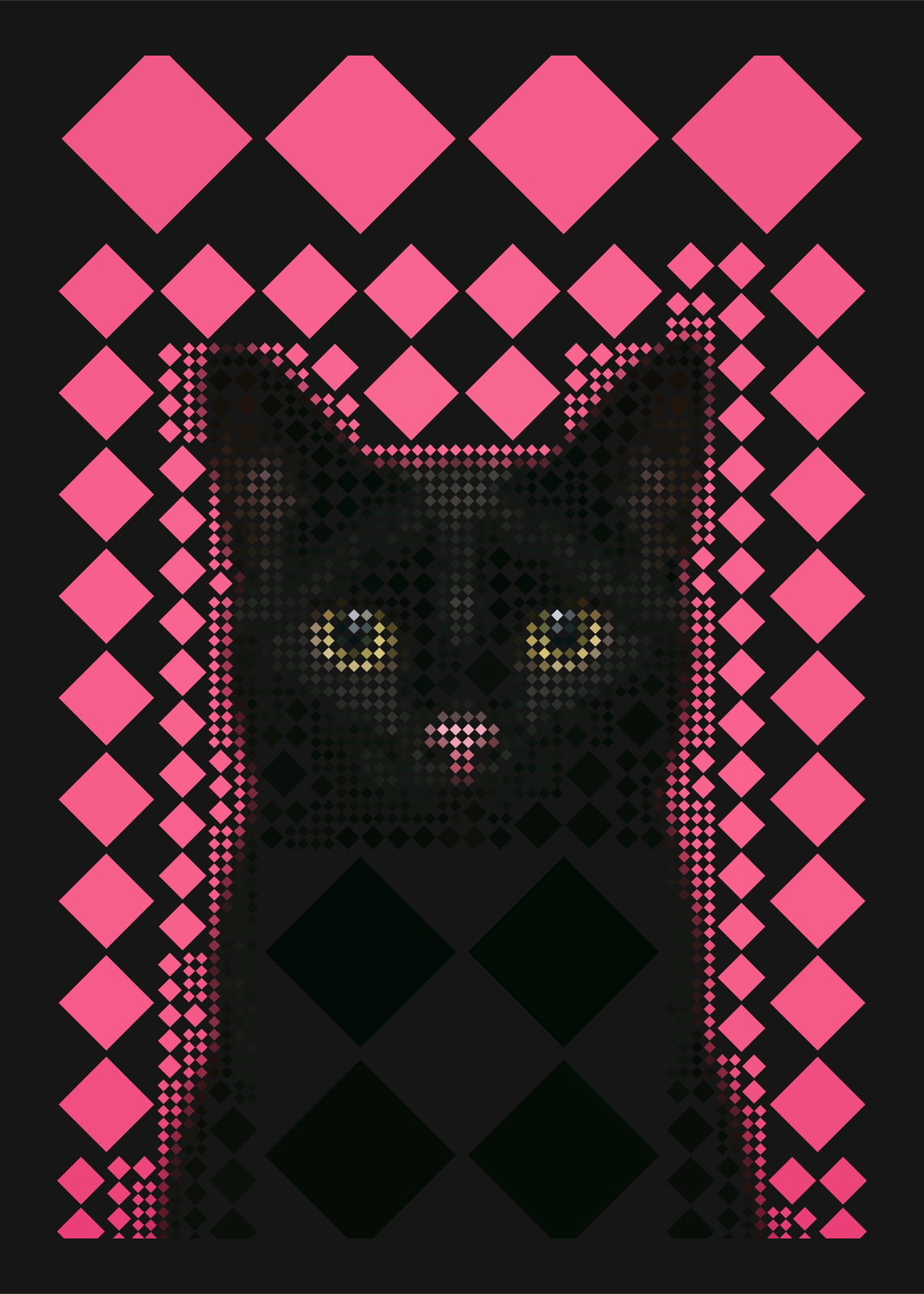
Detail
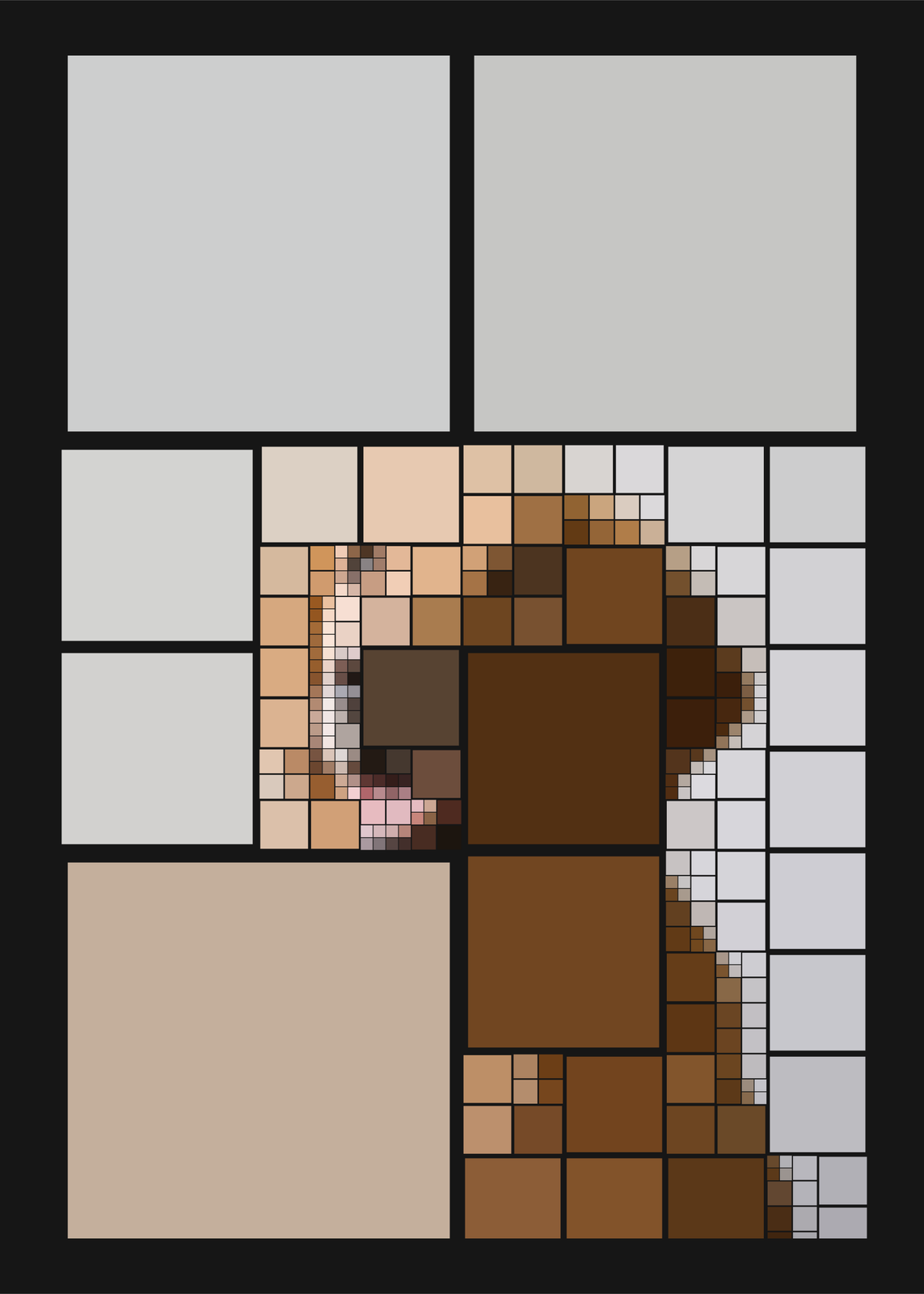
Colors
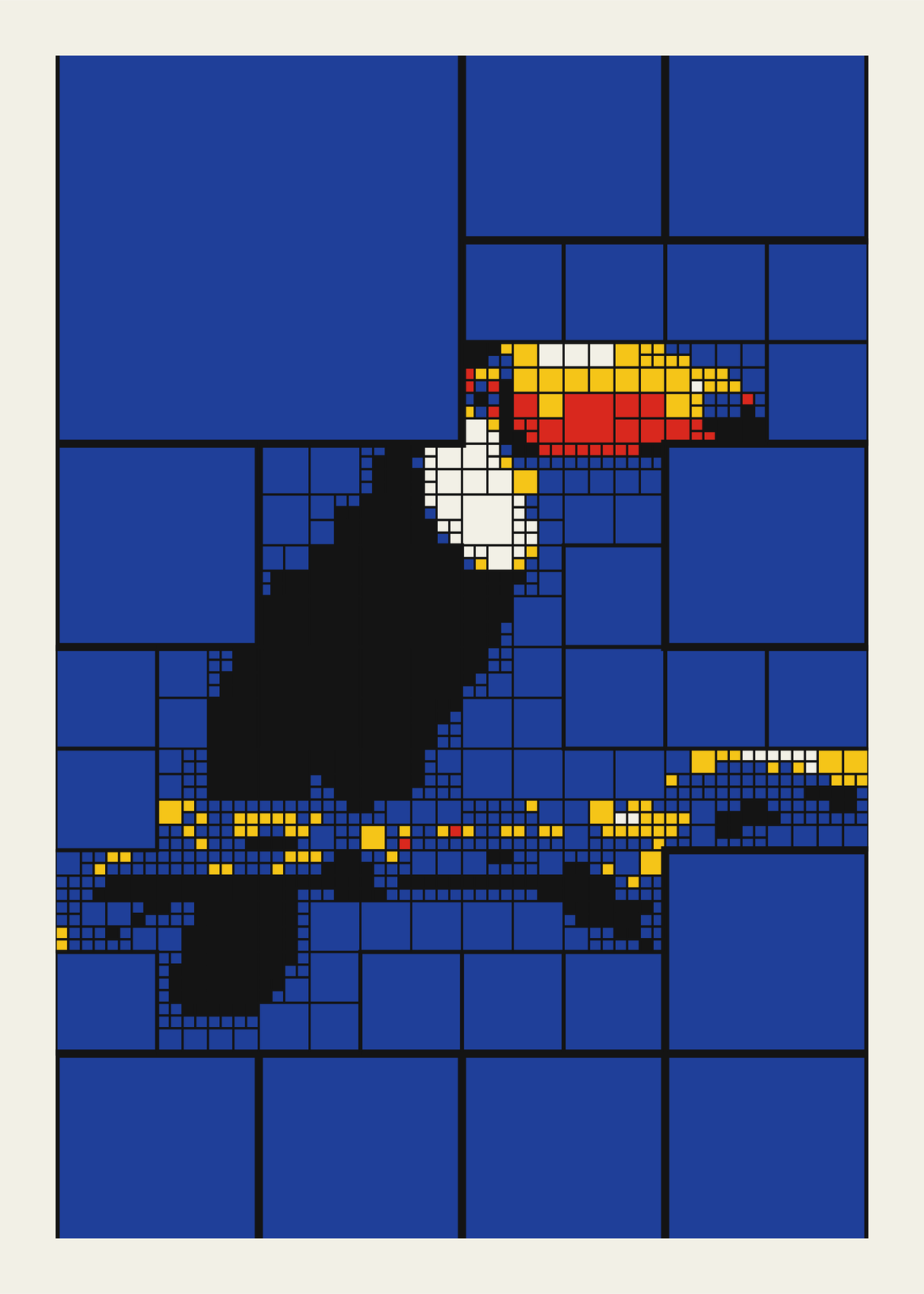
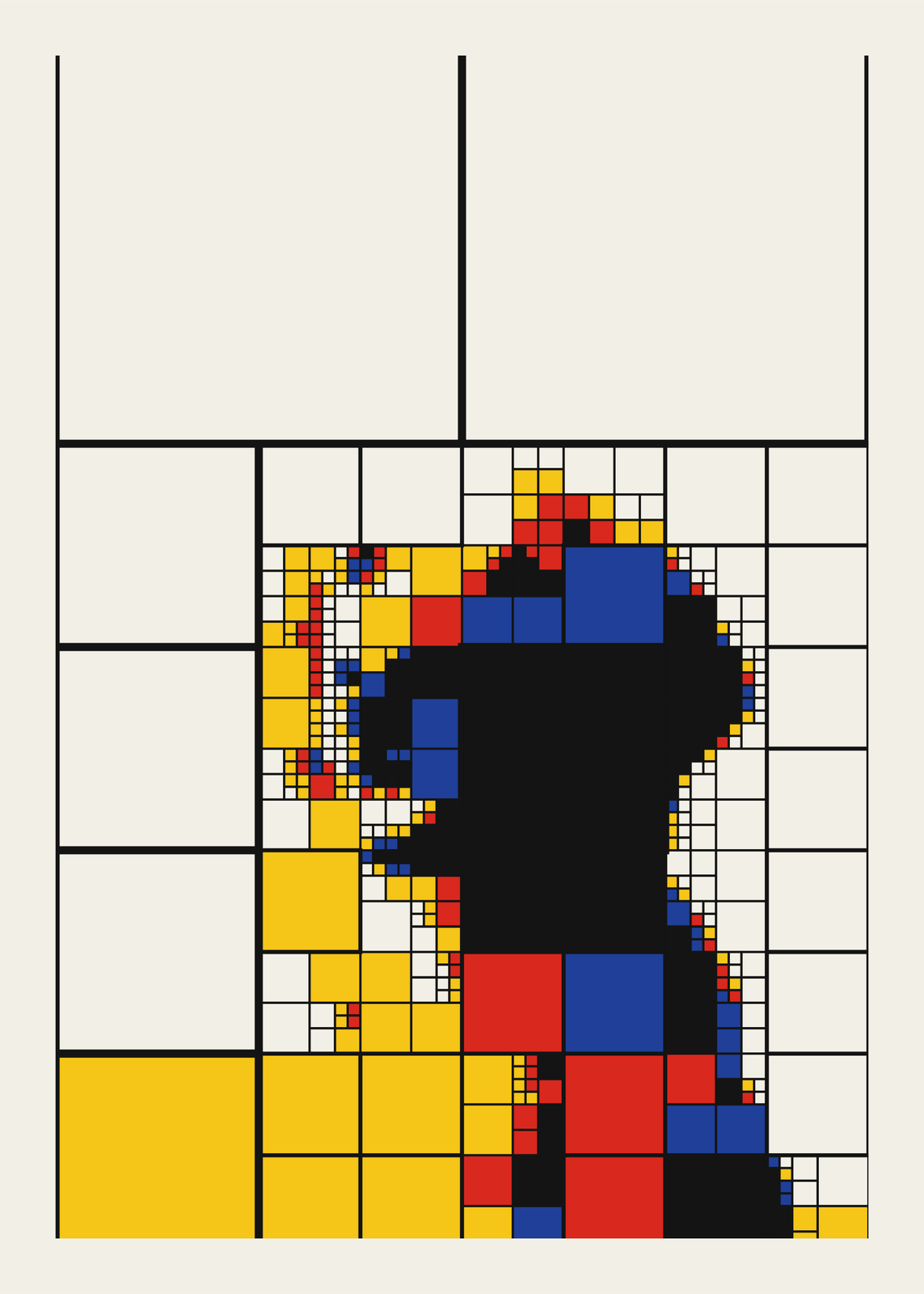
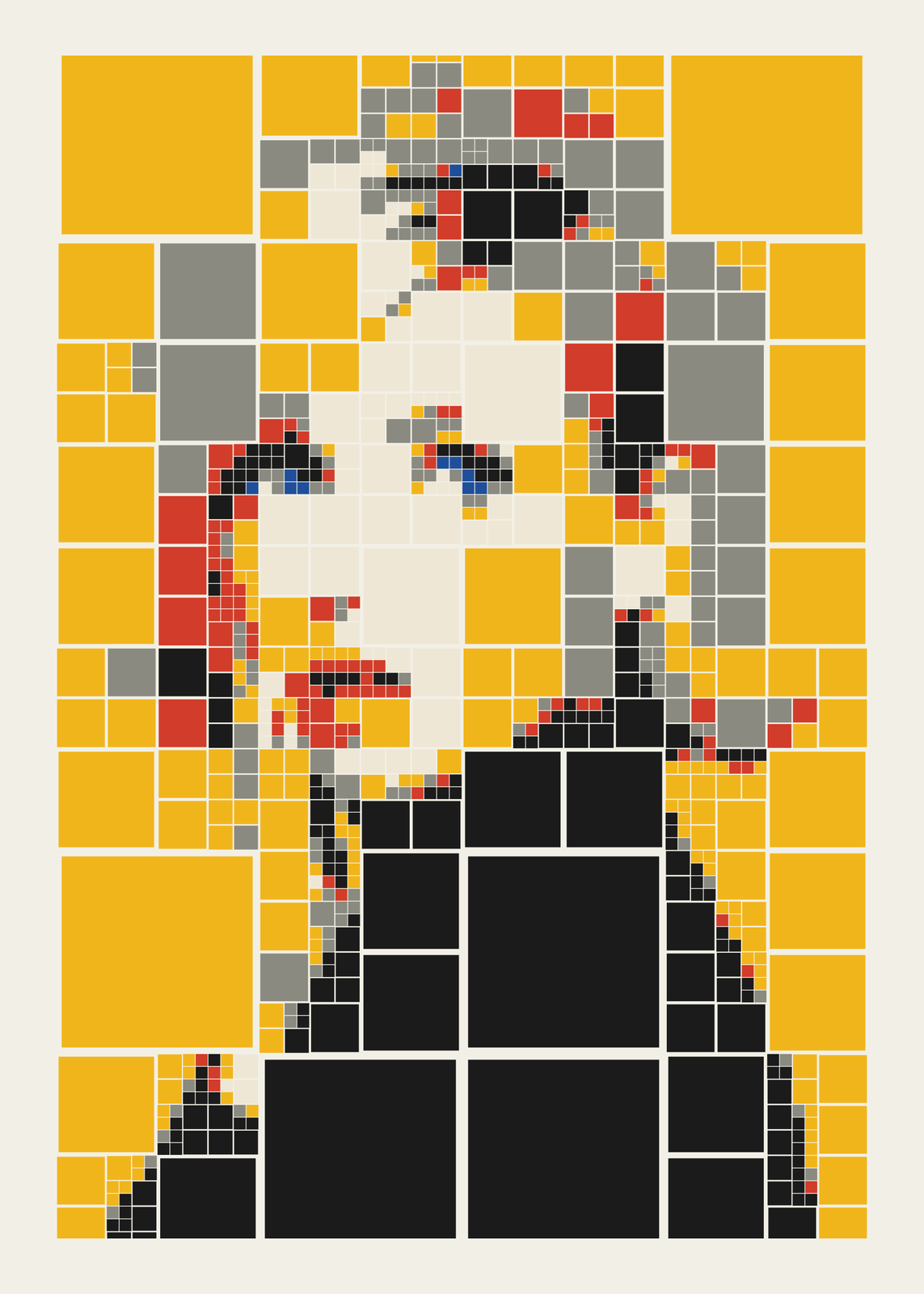
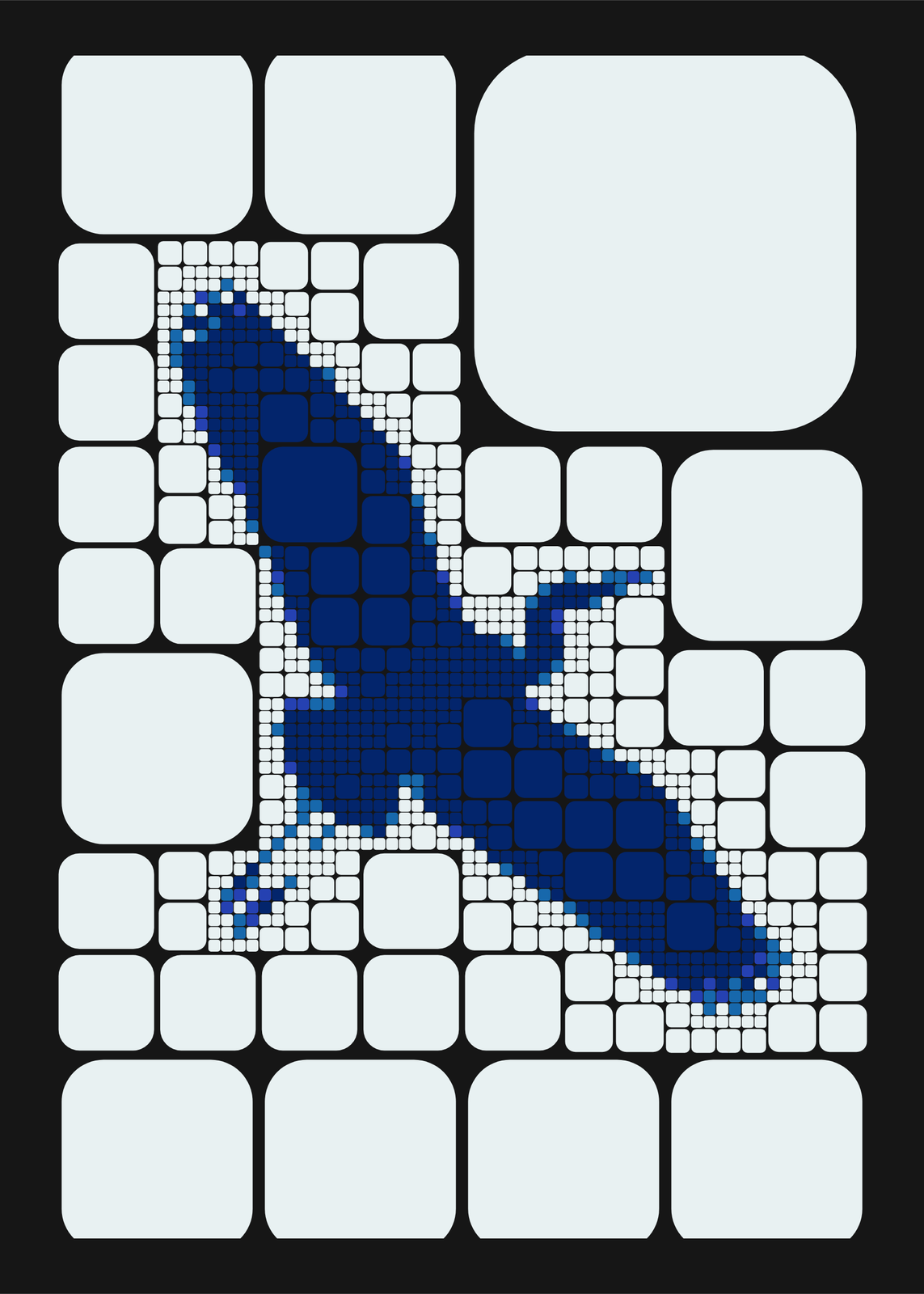
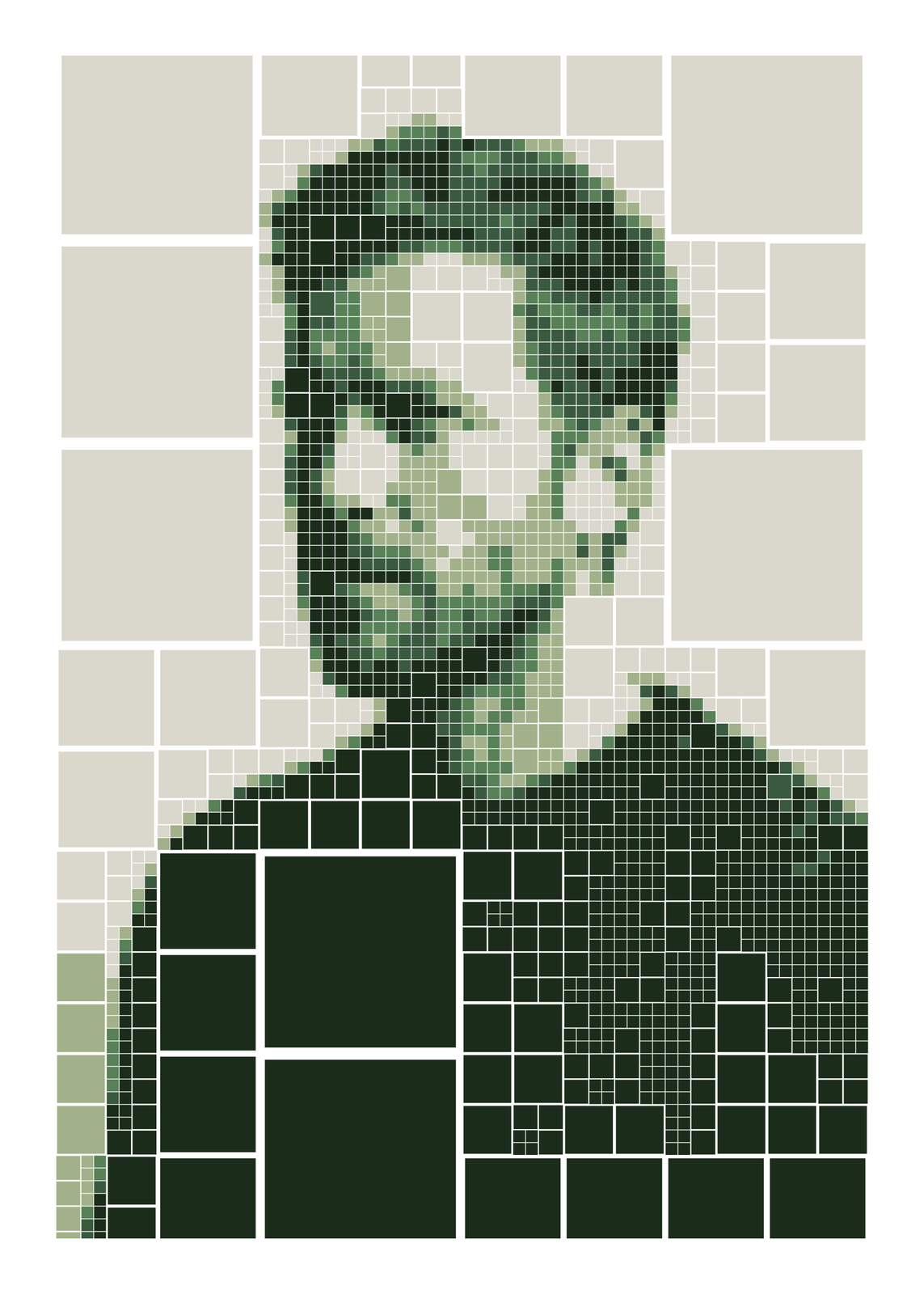
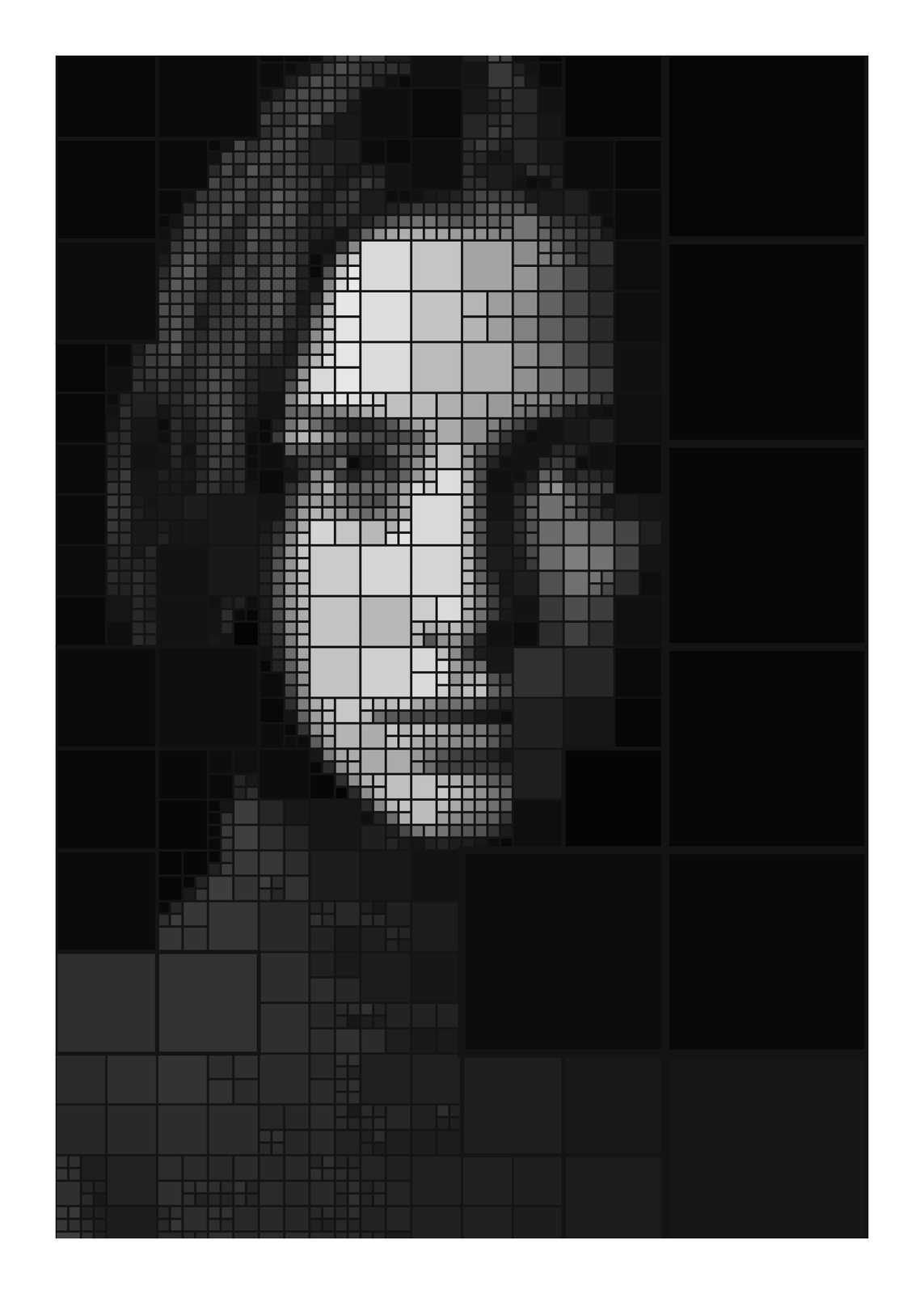
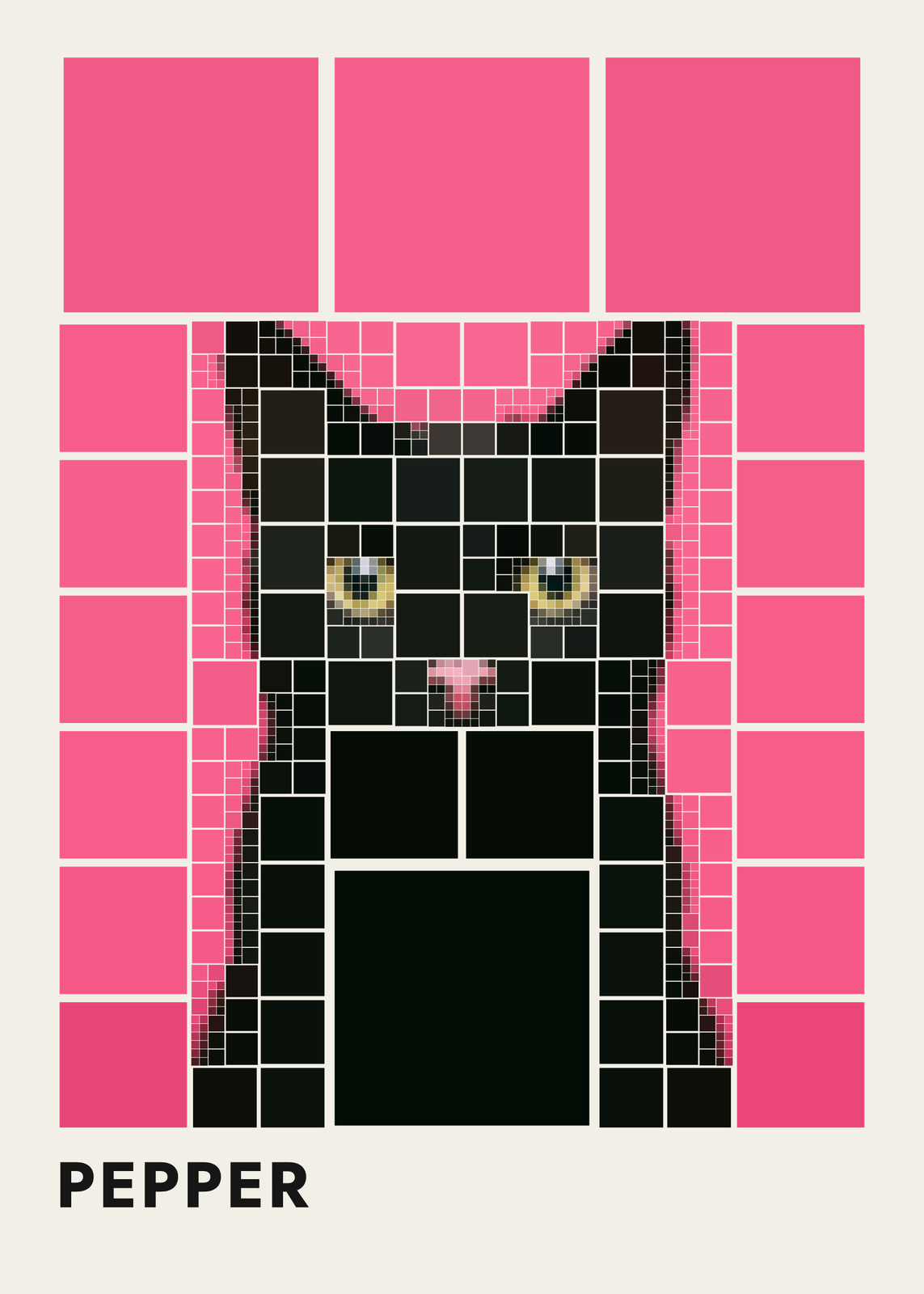
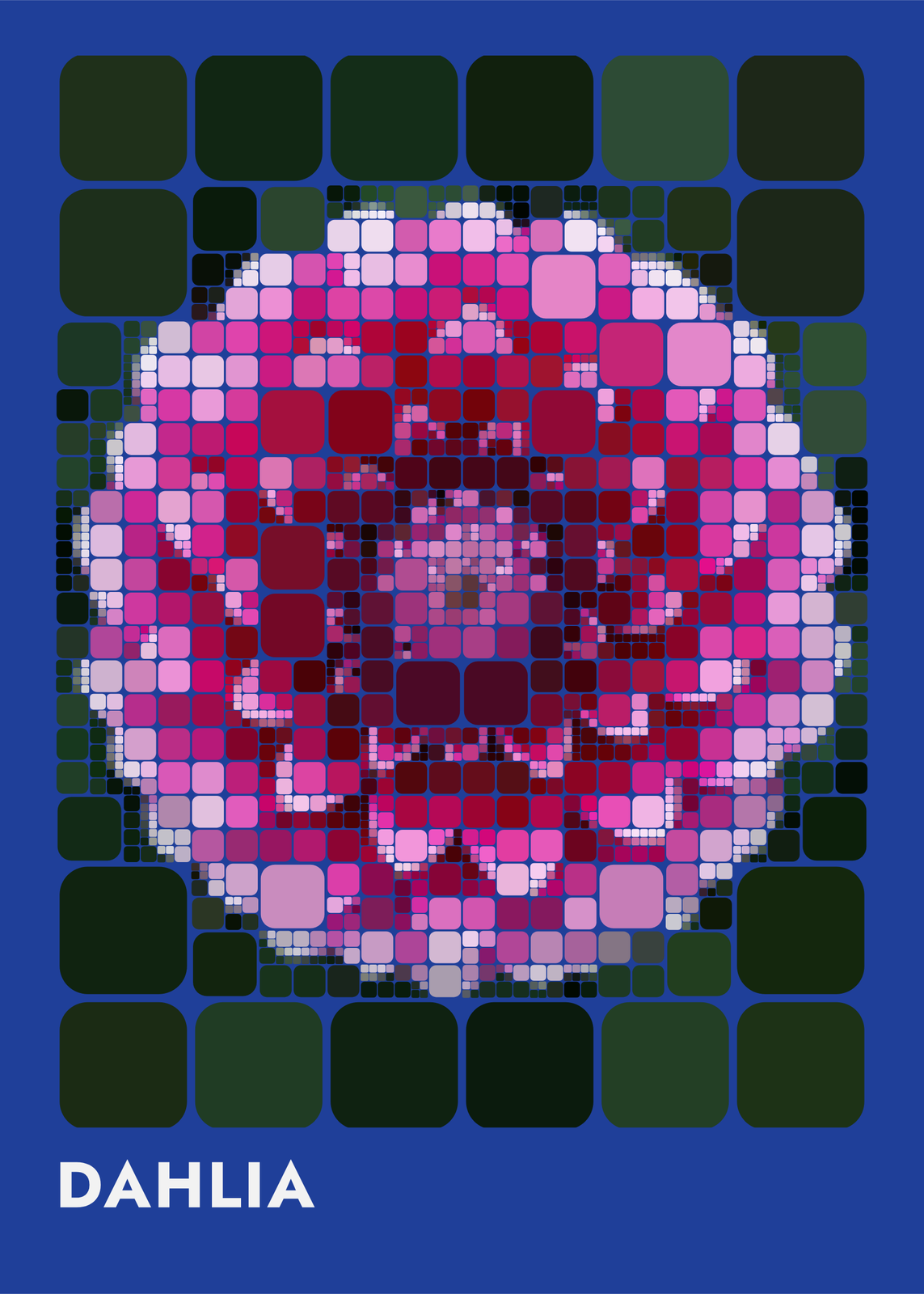
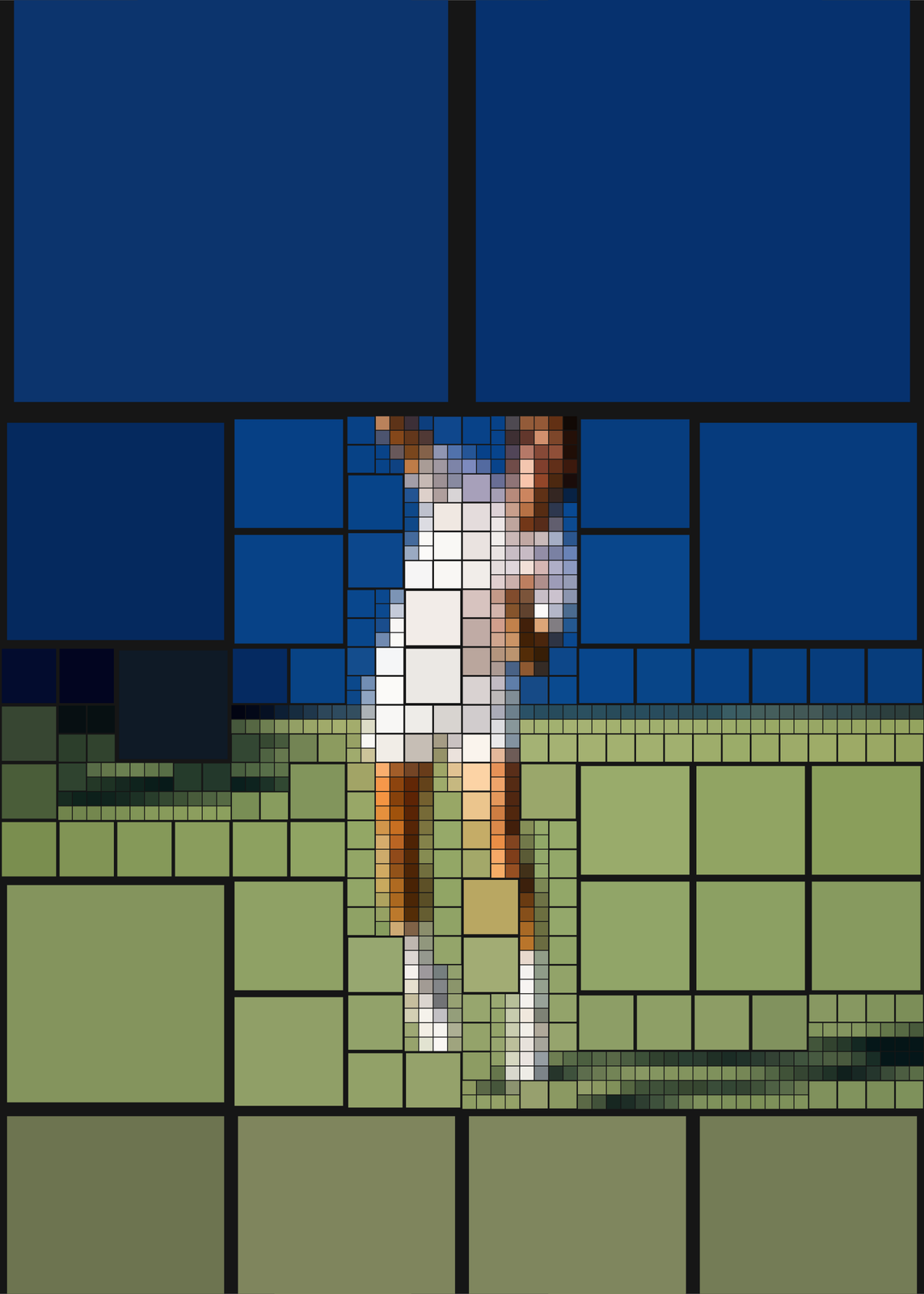
Detail and cell shapes
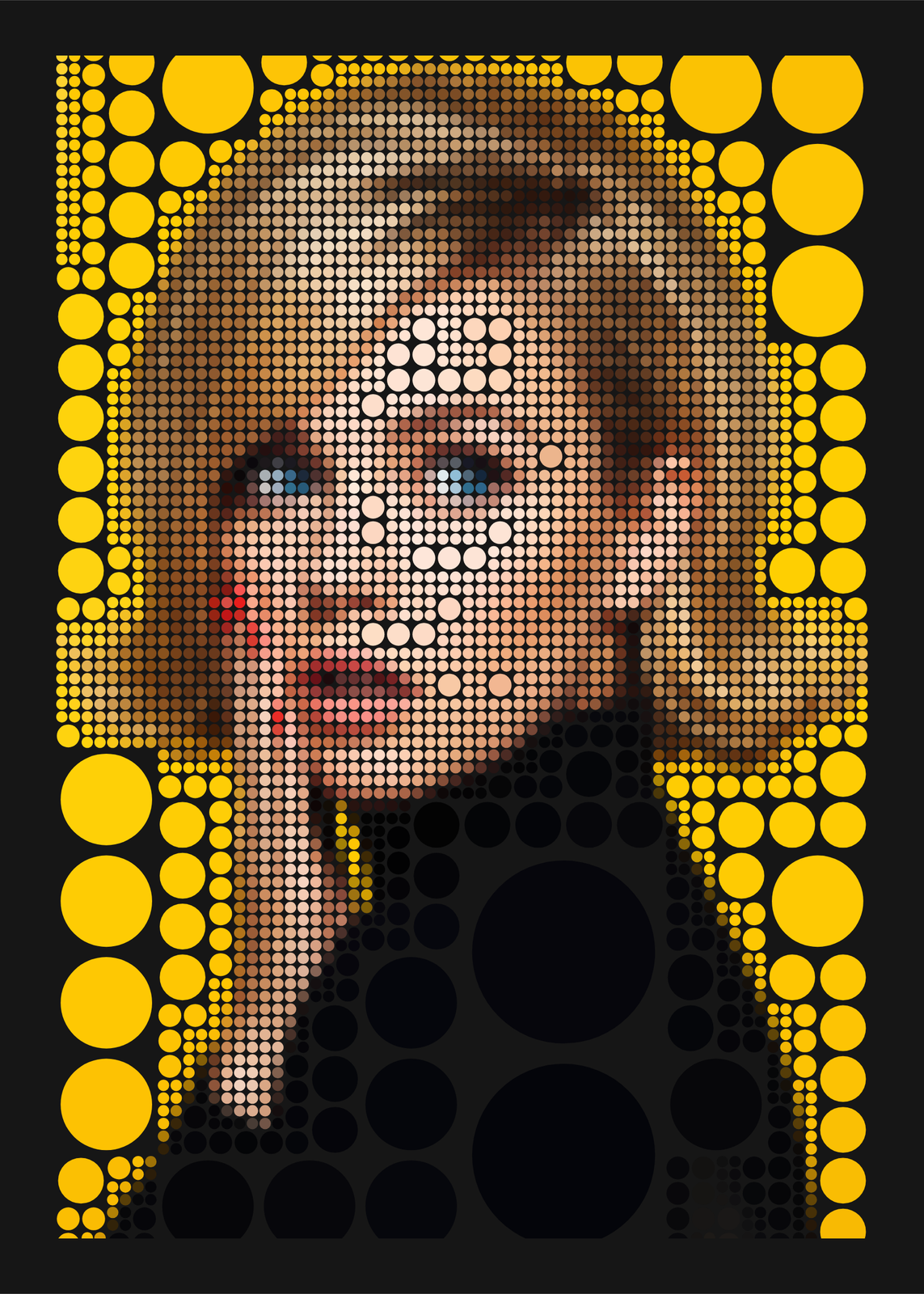
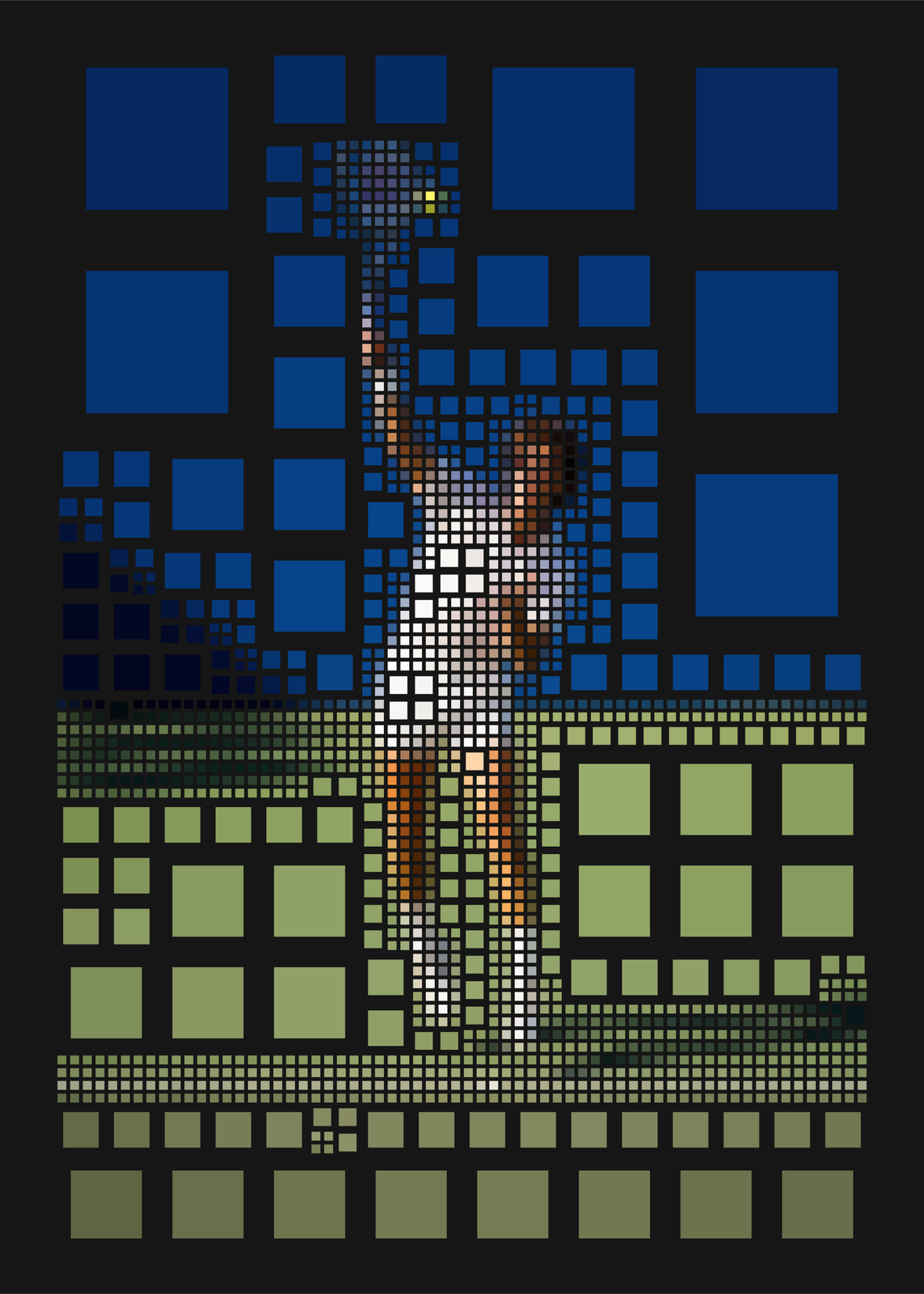
Detail sets how many cells the photo gets, from 100 for a bold, blocky picture to 5,000 for a fine one. Cells come as Square, Rounded, Circle or Diamond; every cell is a square underneath, so circles and diamonds still tile edge to edge. Gap opens the space between them, and Cell outlines draws the tree's lines, heavier round the bigger cells, as in a Mondrian.
Colors
Original keeps each cell the photo's own average color. Mondrian, Bauhaus, Ocean and Forest snap every cell to the palette's nearest color; Mondrian also squares the cells, closes the gaps, draws the black lines and lays it on cream. Paper sets the ground: near-black by default, or cream, white, blue or a color of your own.
Pets, faces and favorite things
One clear subject works best: the splits gather where the detail is, so eyes and edges come out sharp while the background stays calm. Put a pet's name in the title under the picture, or turn the margin off and let the cells run edge to edge.
Questions
What is a quadtree?
A way of dividing a picture: split a square into four, then split each part that still has too much going on, and so on. Image compression and maps use it to spend detail only where it's needed; here every split shows.
Can I use my own photo?
Yes. Upload it in the editor, or start from one of ten pictures: a dahlia, portraits, a heron, a toucan, a dog, a black cat, records and a tennis serve.
Will it come out differently each time?
No. The same photo and settings always split the same way. Change Detail, the shape or the colors for a different picture.
What sizes can I print?
US Letter, 8 × 10, 11 × 14, 12 × 16 and 12 × 18 in, A4 and A3, free. You download a 300 DPI JPEG drawn at the size you pick. Larger prints, up to 24 × 36 in, are coming soon.
Related
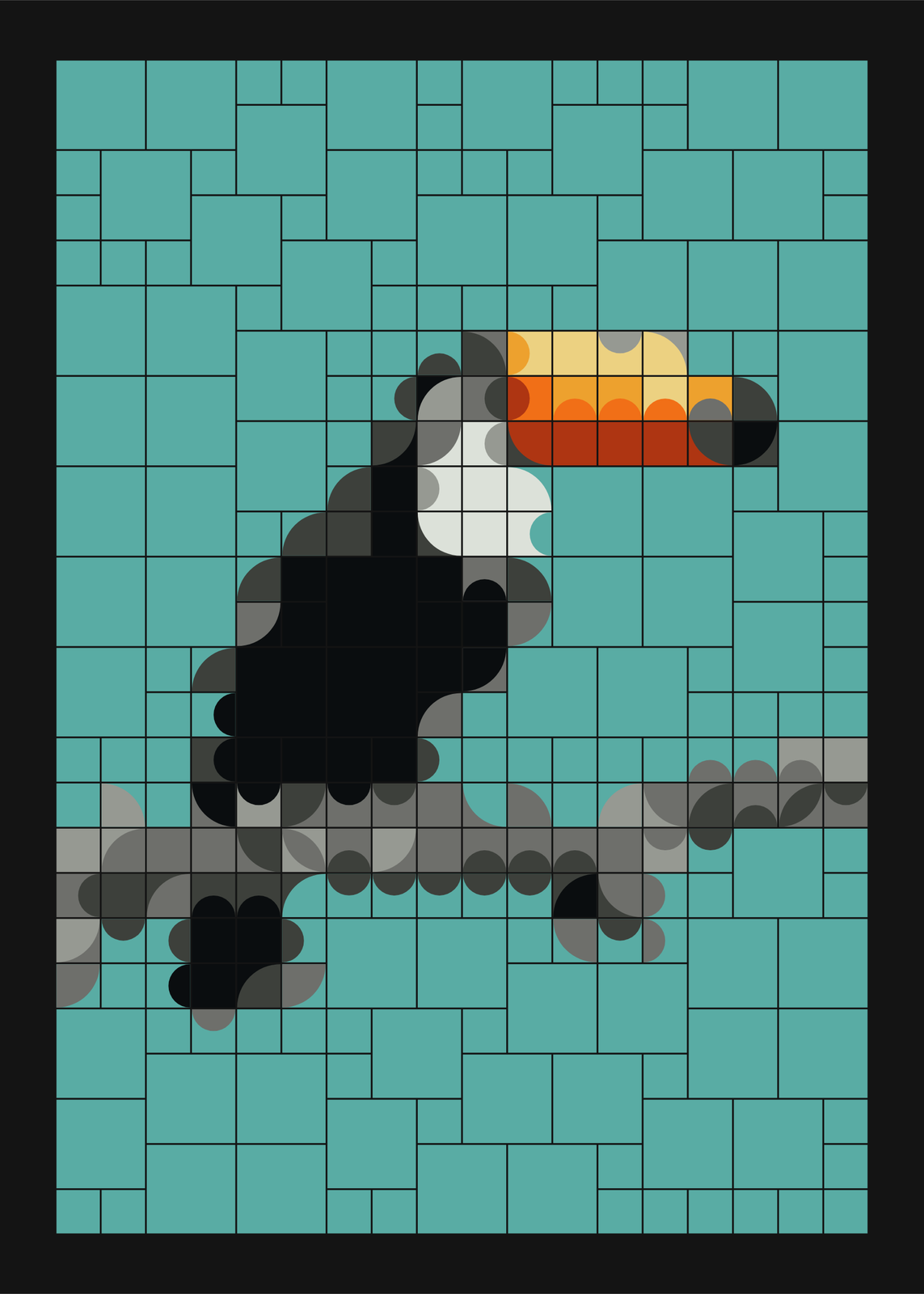 Mosaic artbold tiles that join into curves, composed by chance or rebuilt from your photo
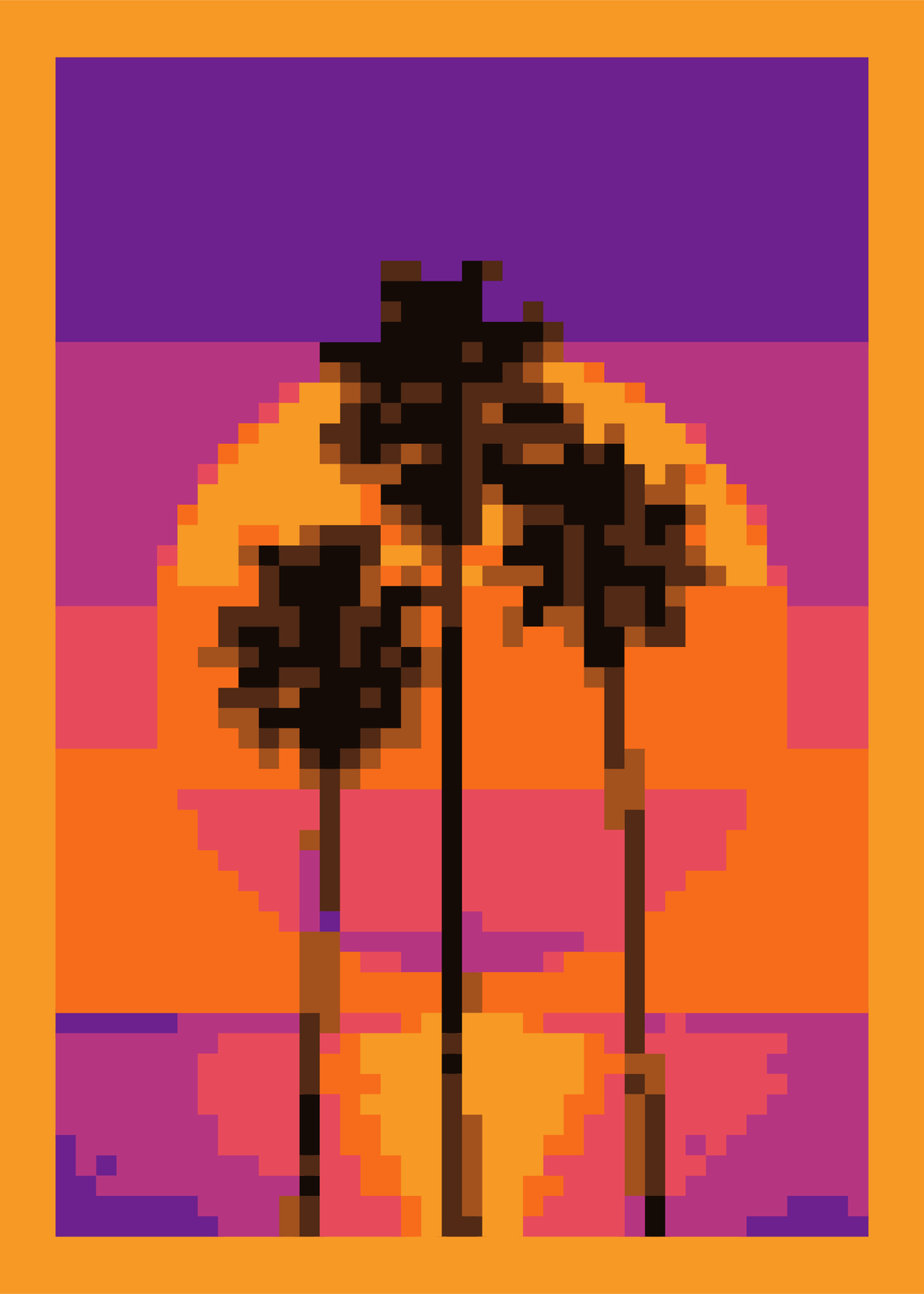 Pixel art generatoryour photo rebuilt from a grid of pixels in a few colors
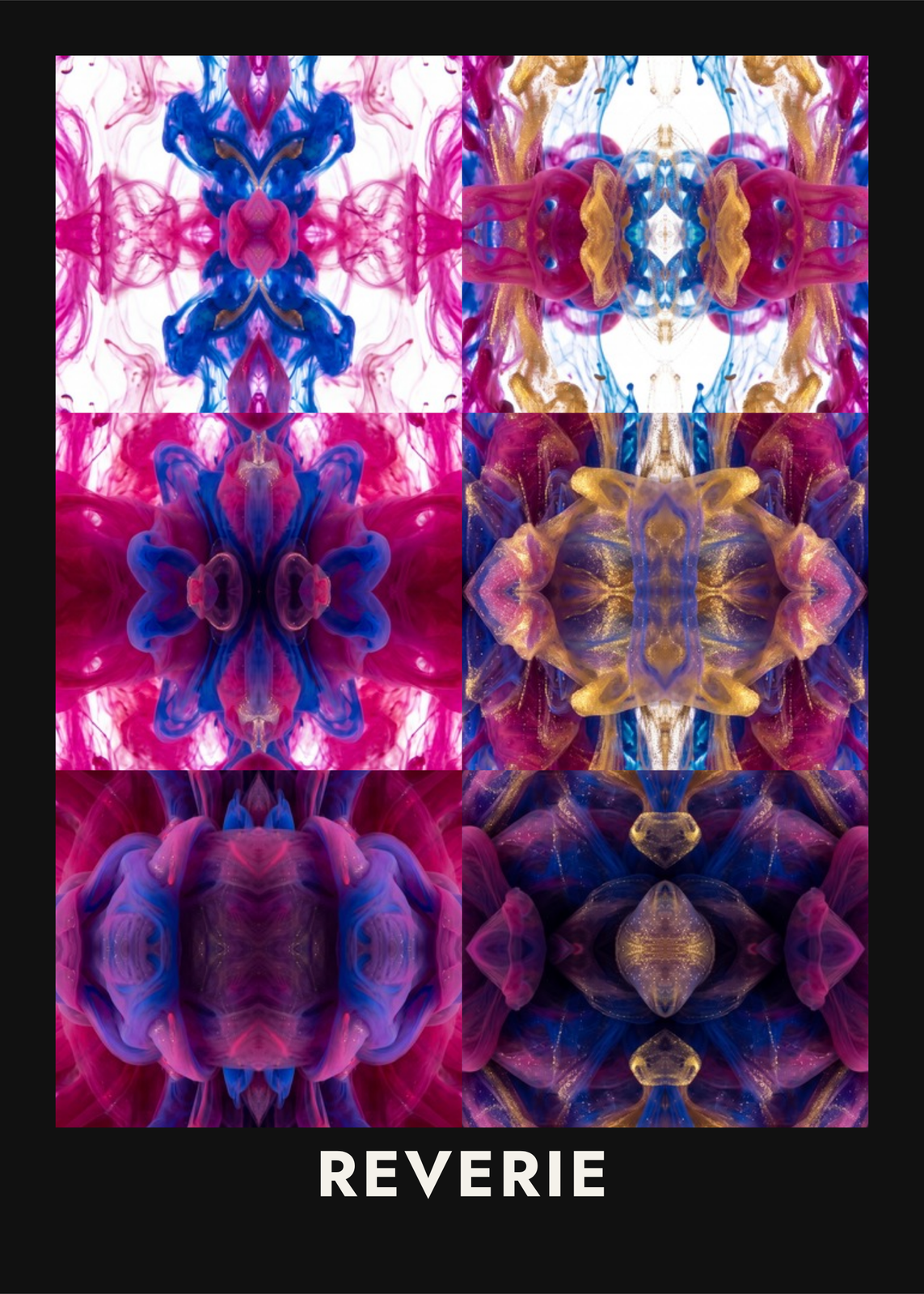 Kaleidoscope arta photo or a word mirrored four ways, or seen through glass blocks
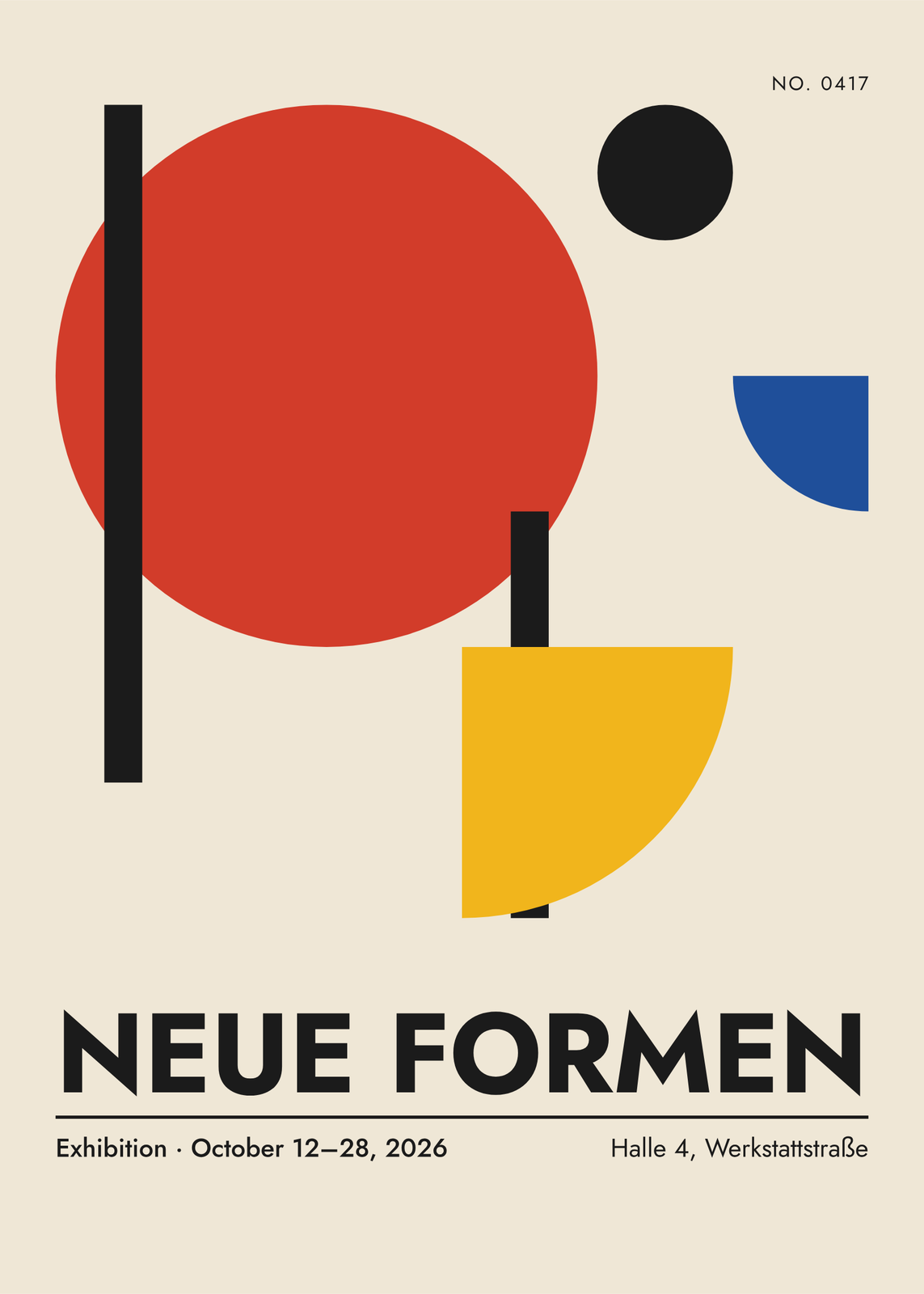 Bauhaus art and postersprimary shapes composed for you, then yours to drag, turn and recolor
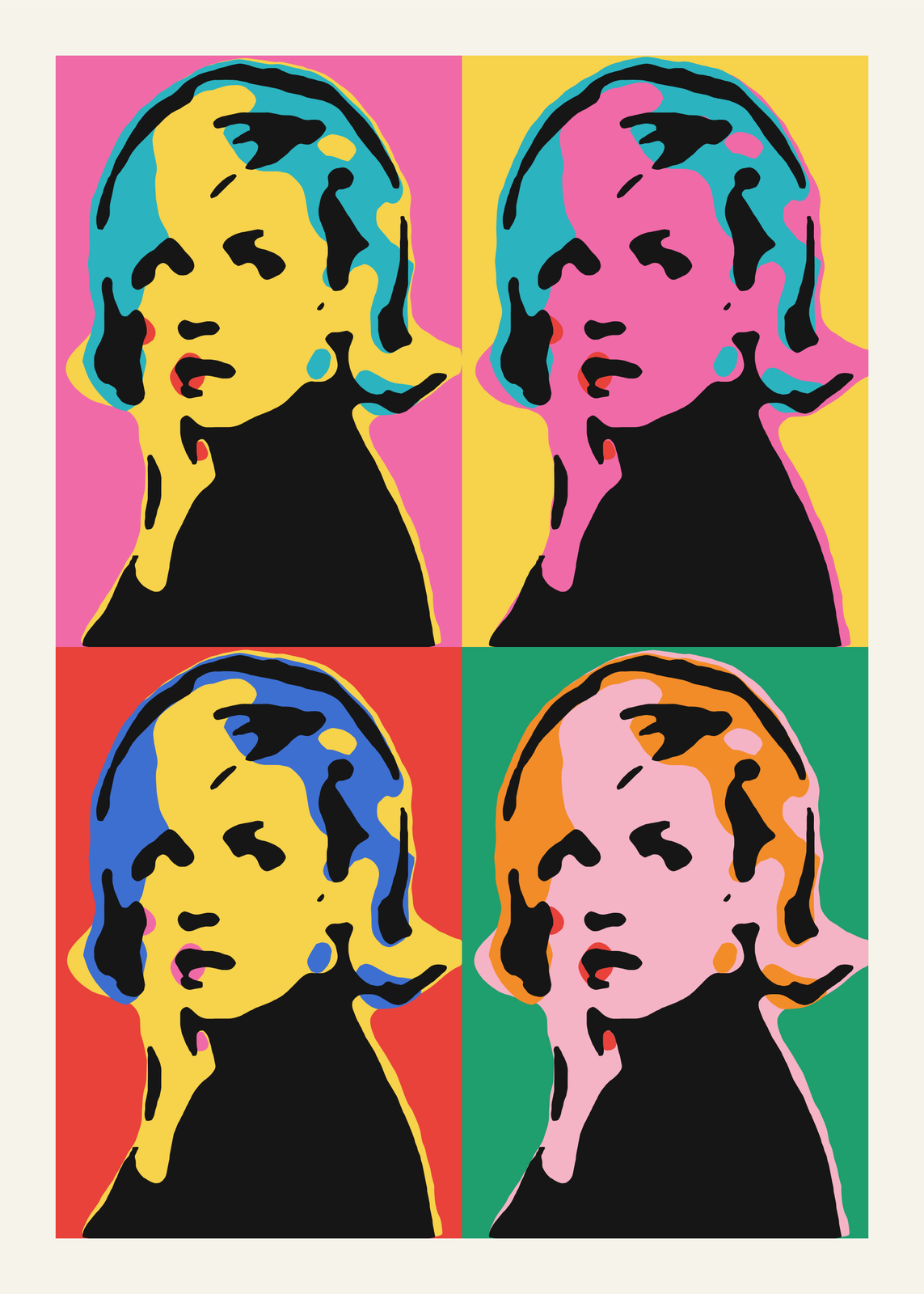 Pop artyour photo as a silkscreen grid, a comic panel or a WPAP portrait
Gift ideas by occasion
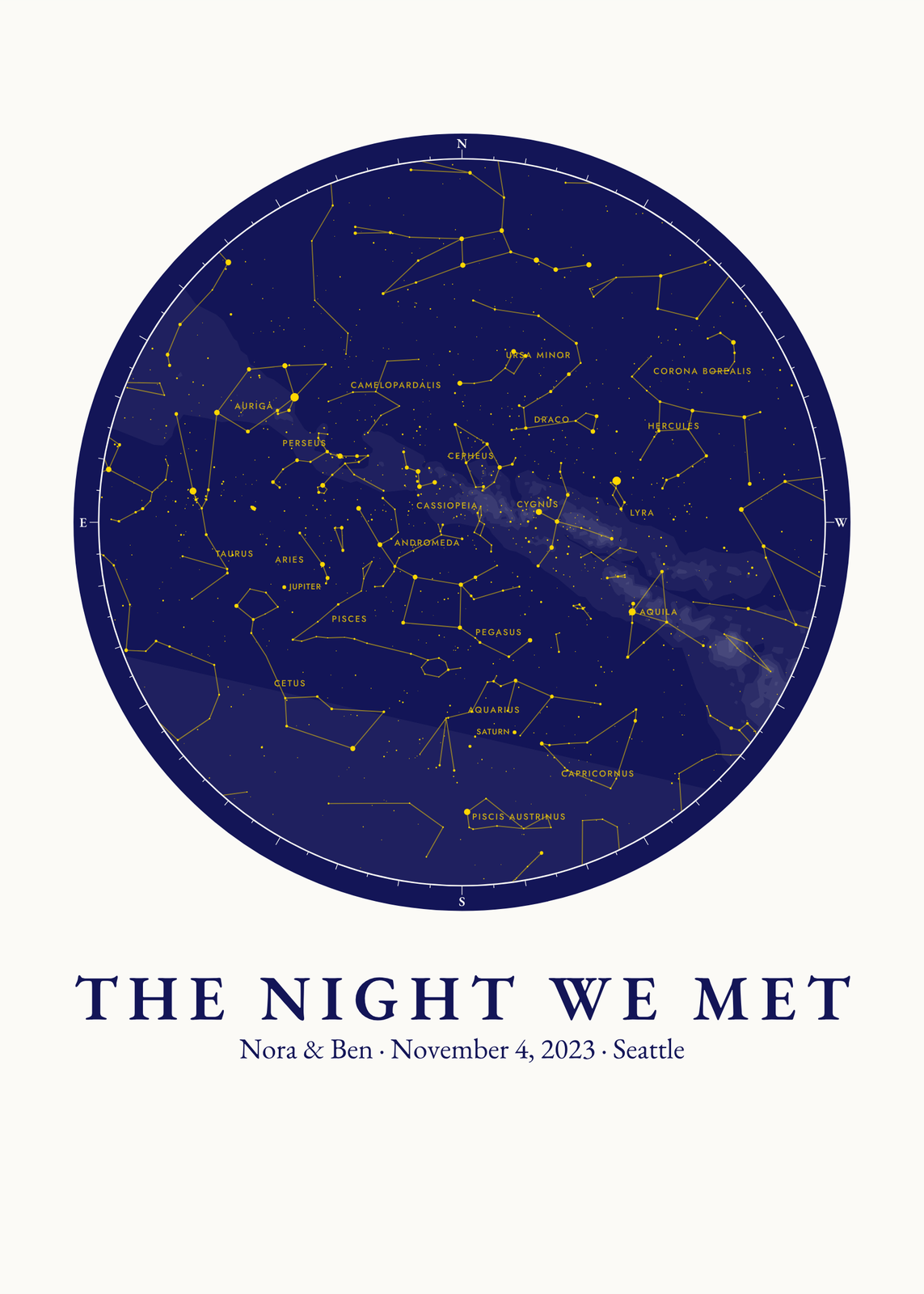
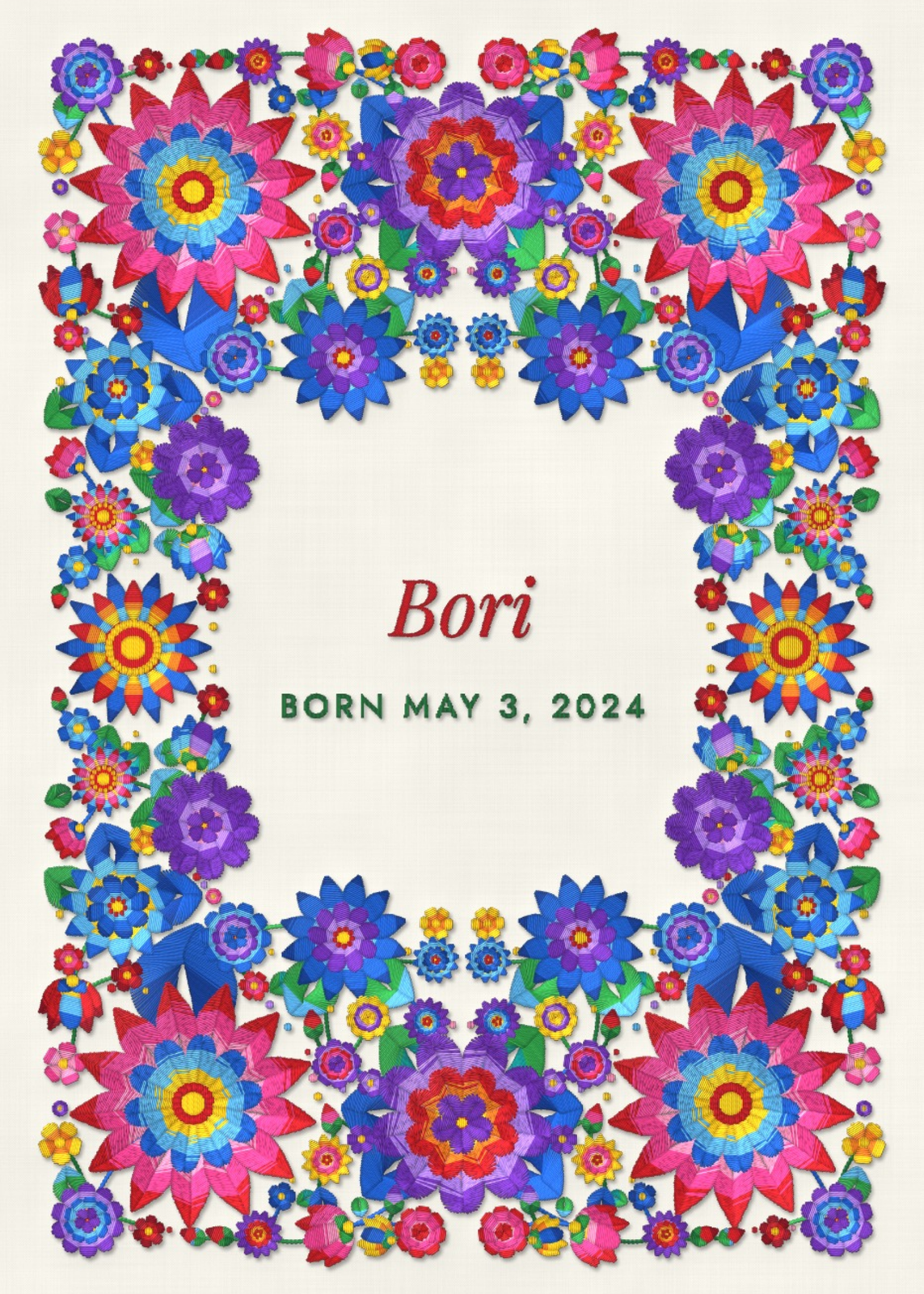
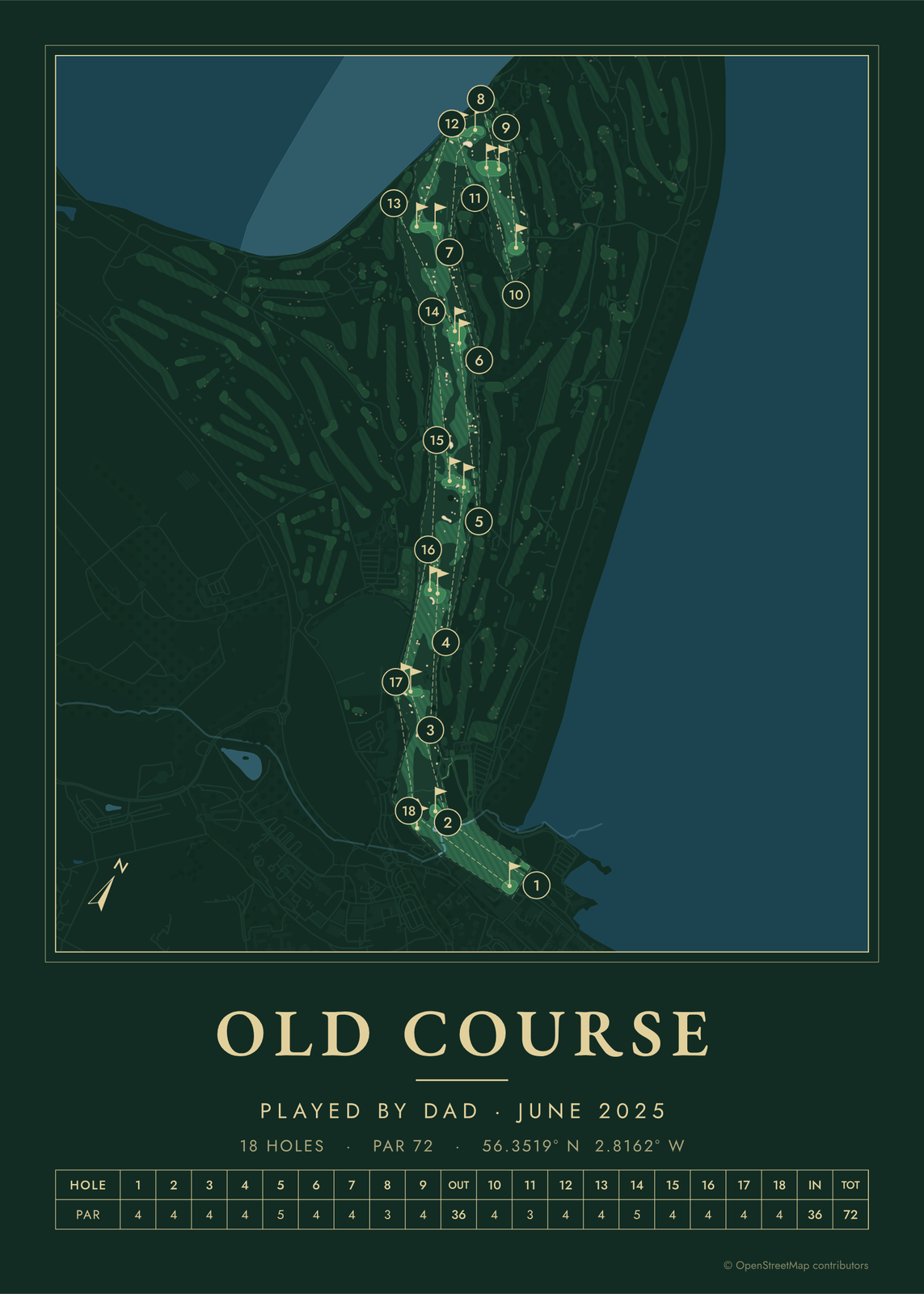
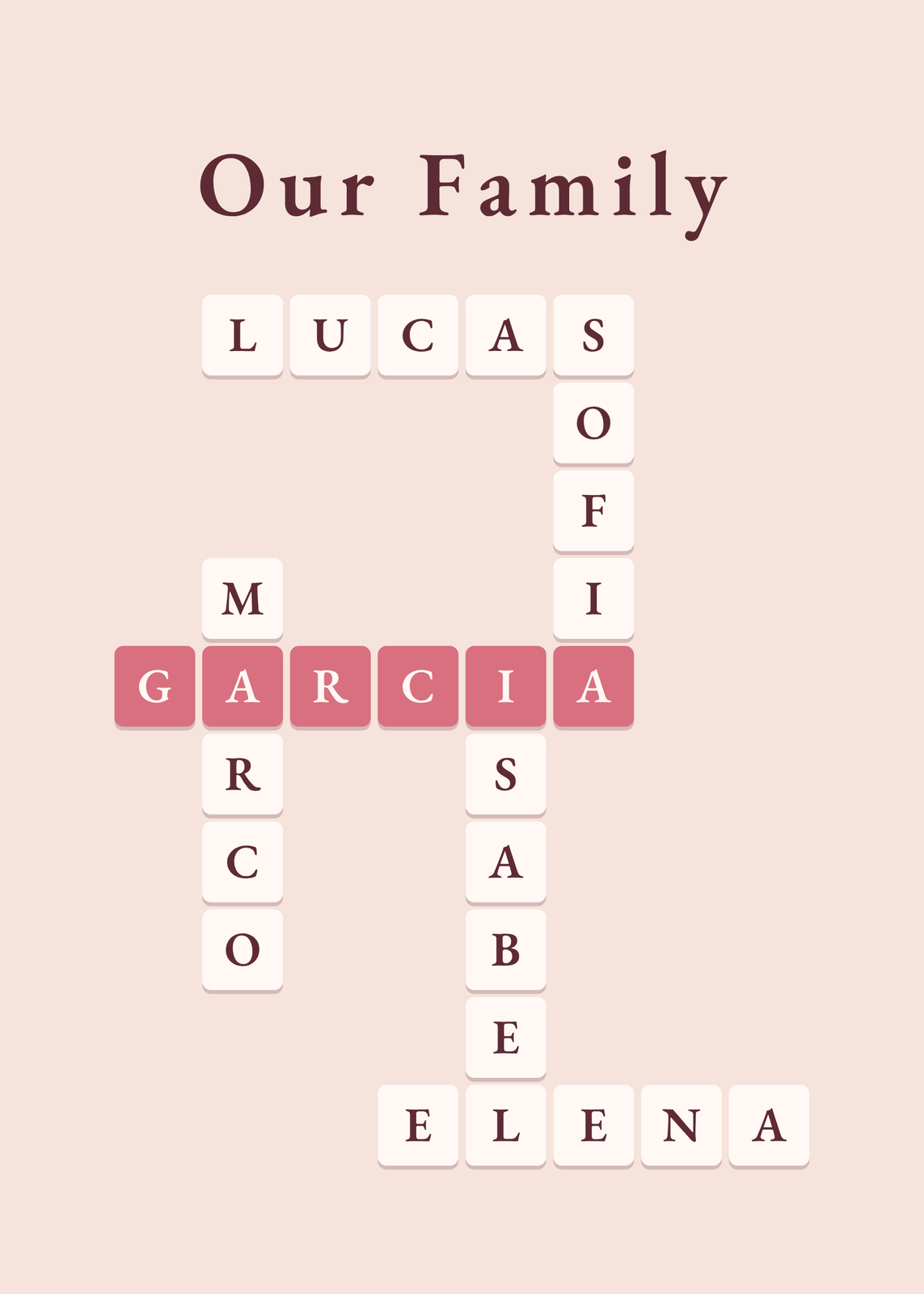
Every example is made with the Posterage generators. Change anything, then download it as a 300 DPI JPEG.