Glitch art your photo sliced, sorted, split and scrambled, under a title that glitches too
Glitch art makes a picture out of digital damage: a corrupted file, a worn videotape, a signal breaking up. Here the damage is done on purpose, to your photo, in a fixed order: waves, pixel sorting, slices, shifted bands, corrupted blocks, an RGB split, tape tracking, then color. Pick one of eight looks to set the whole stack, press “Surprise me” to move the glitches, and put a title on it that splits into color like the picture.
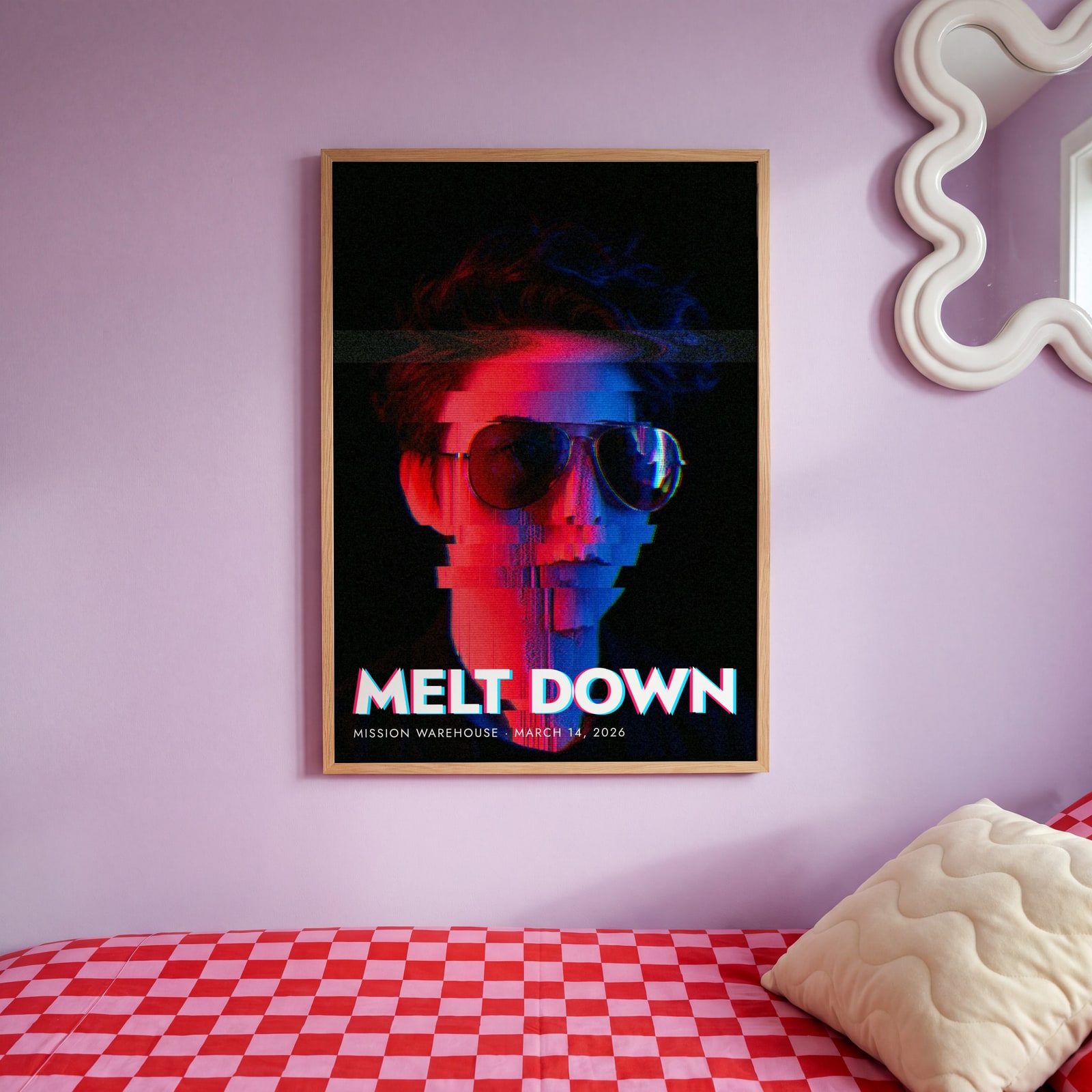
On the wall
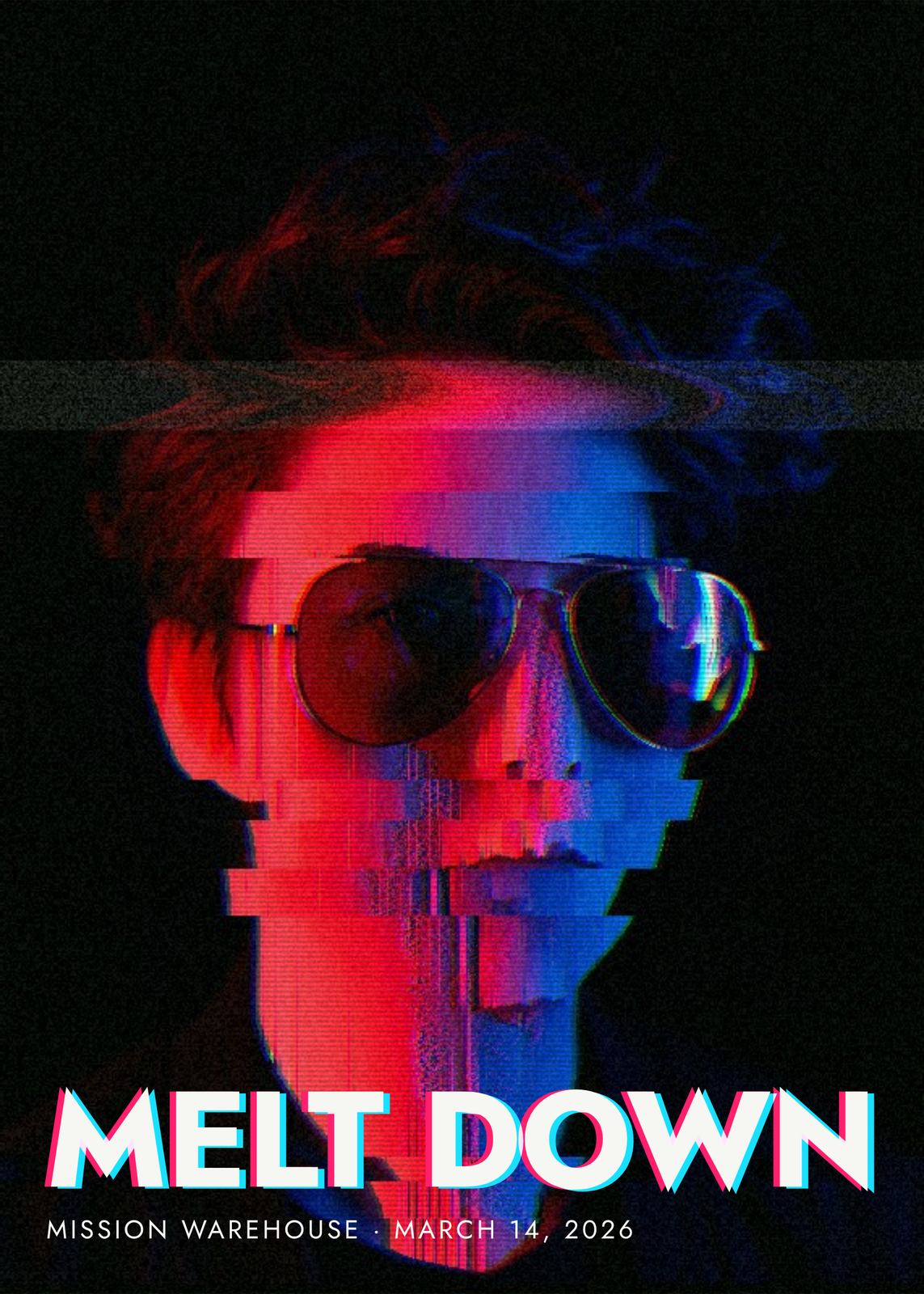
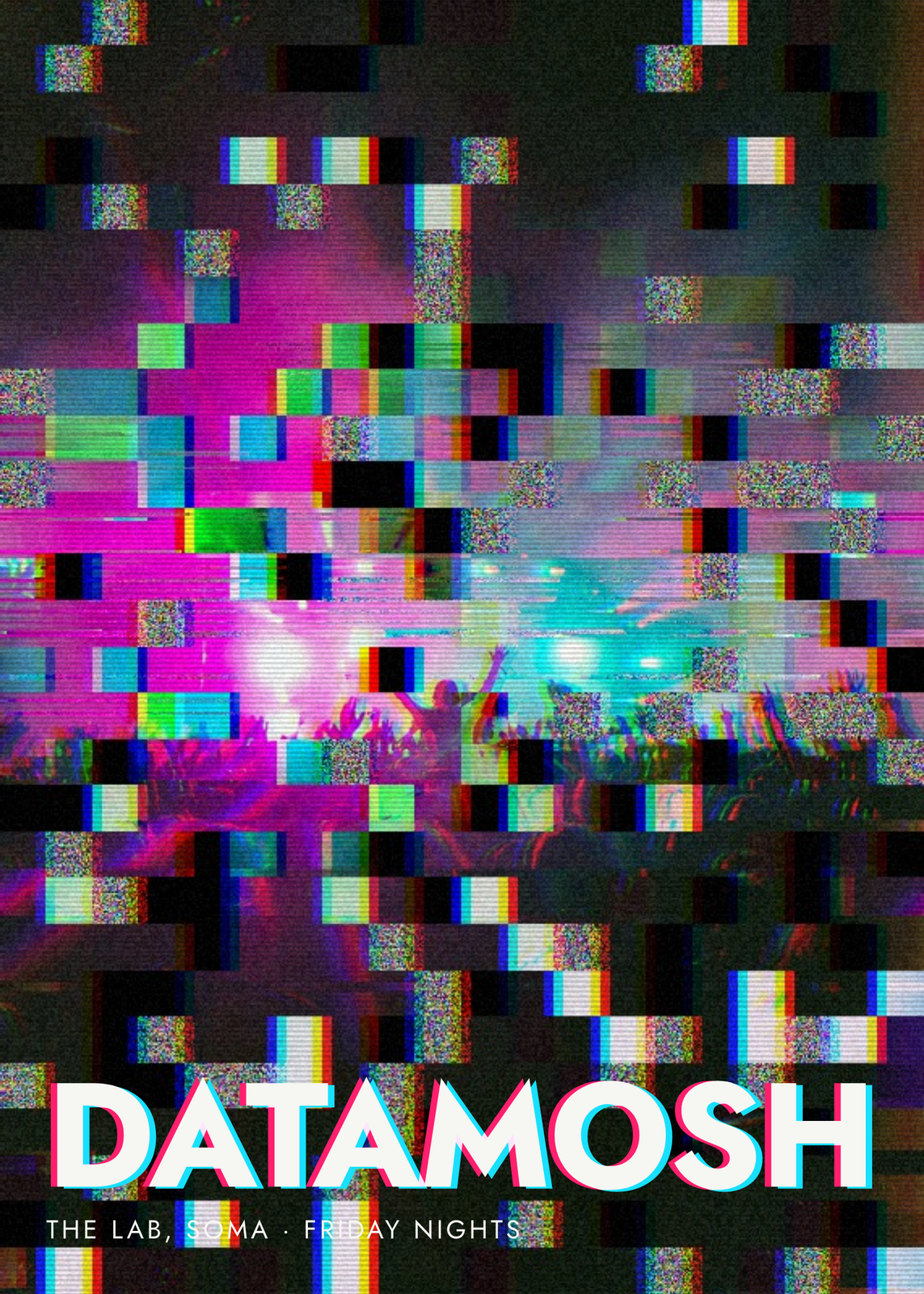
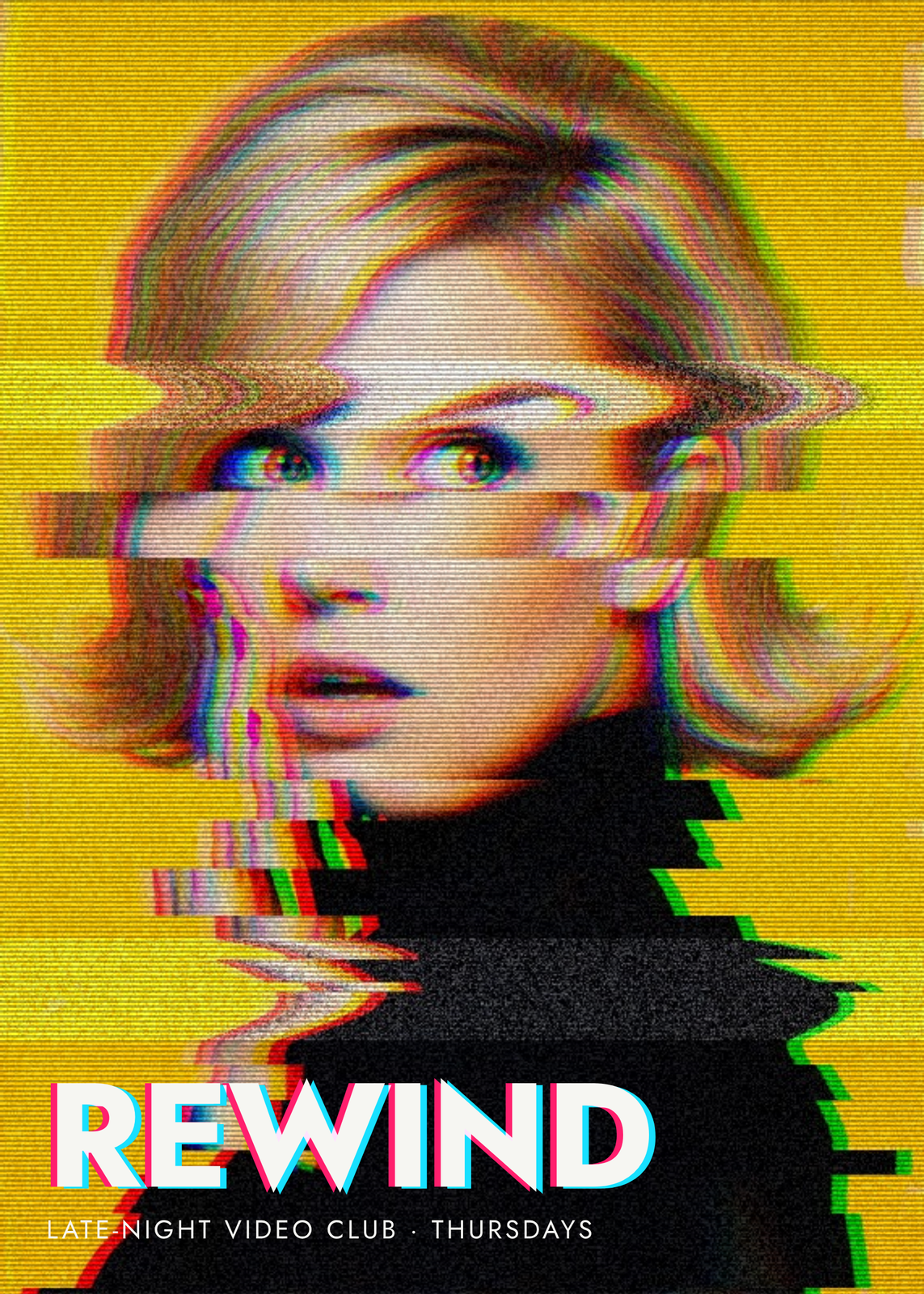
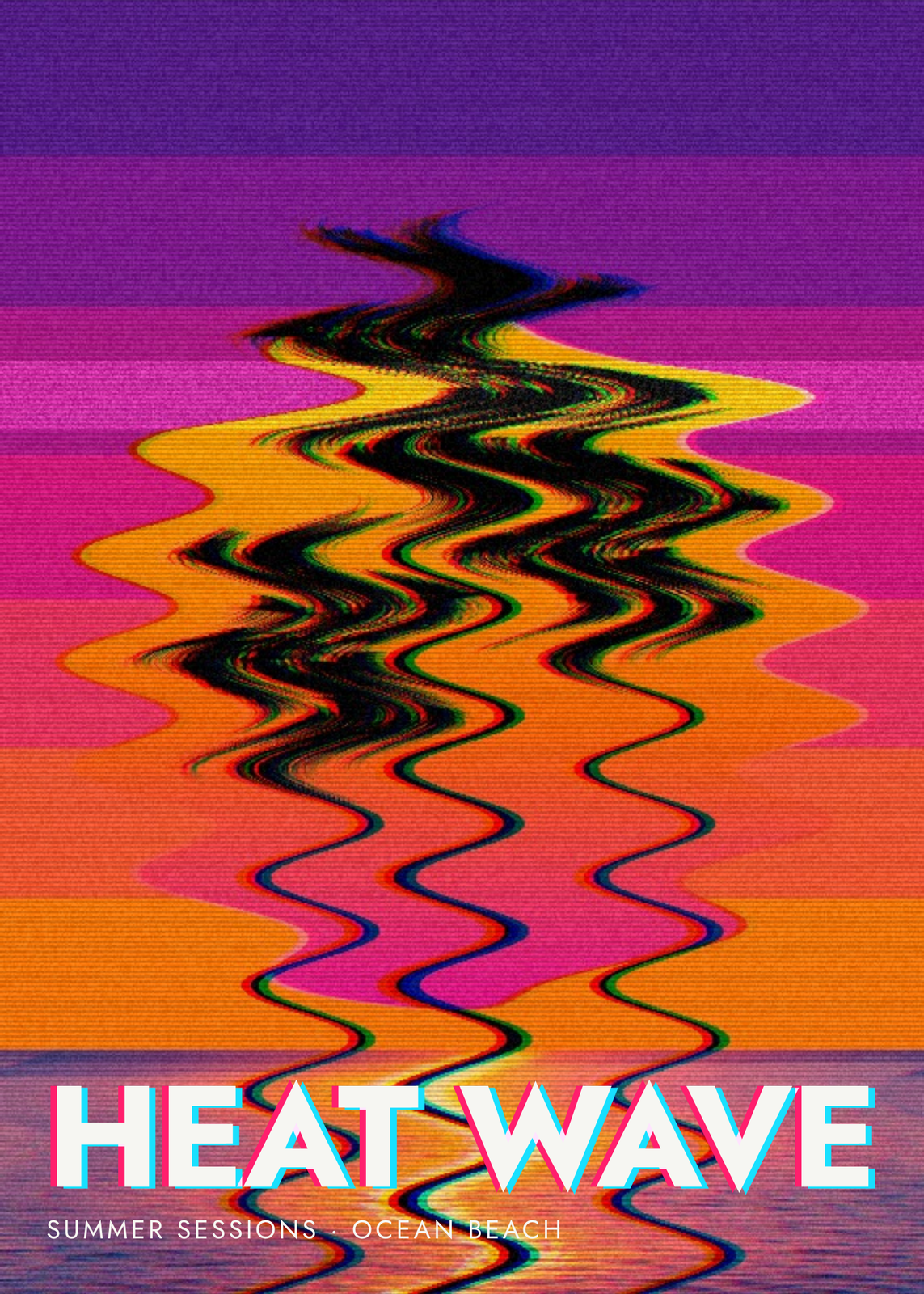
A few of them framed at home. Open any one to make it yours.
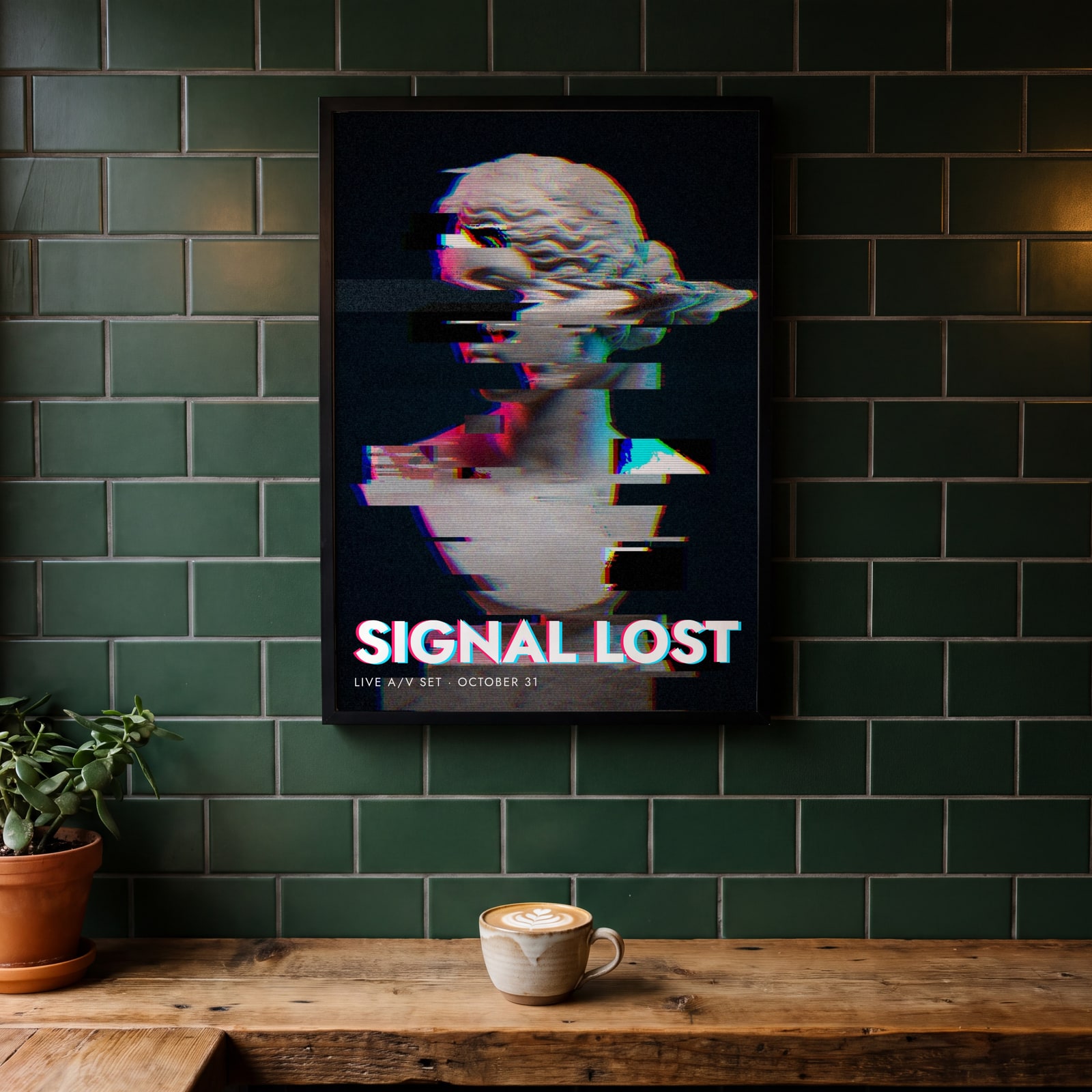
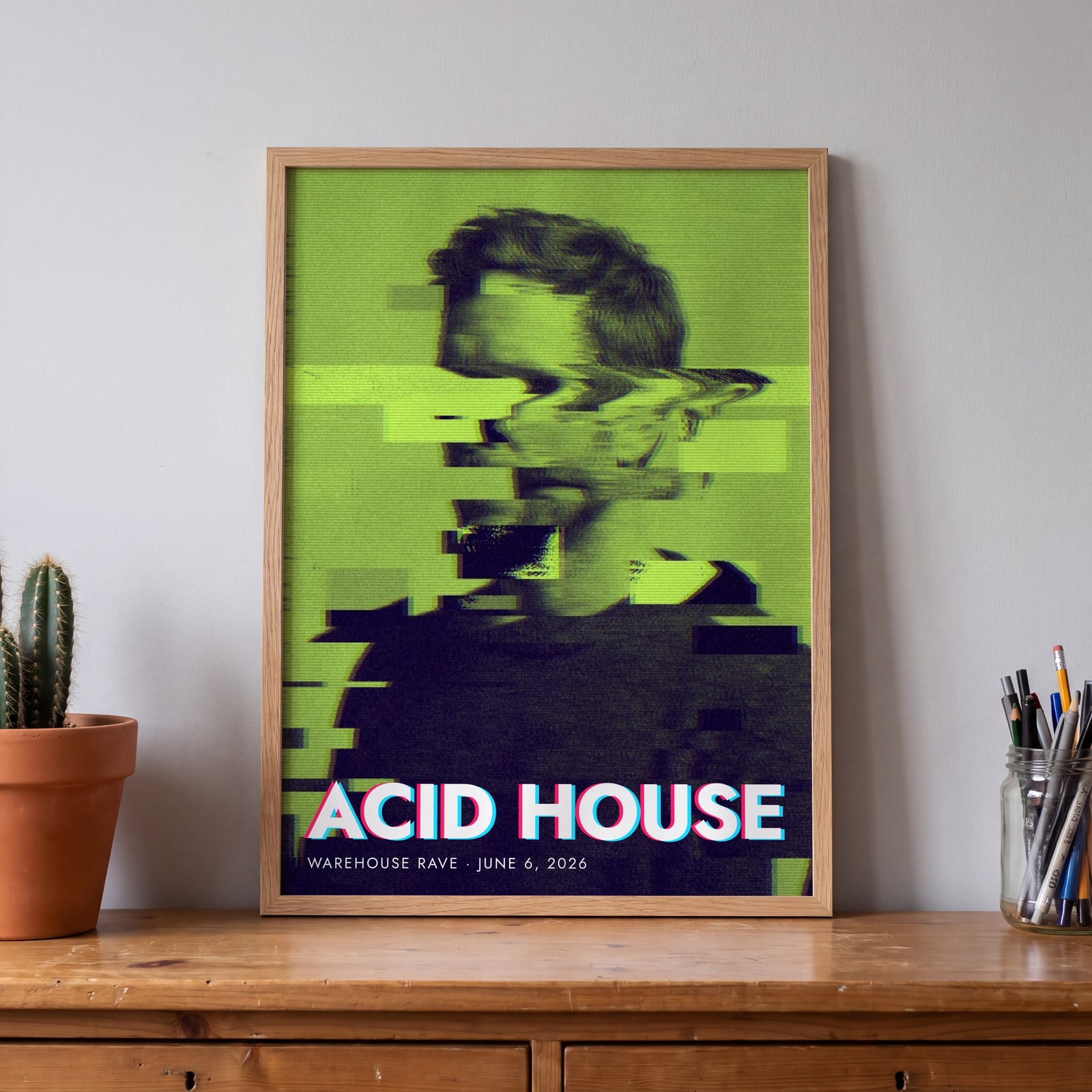
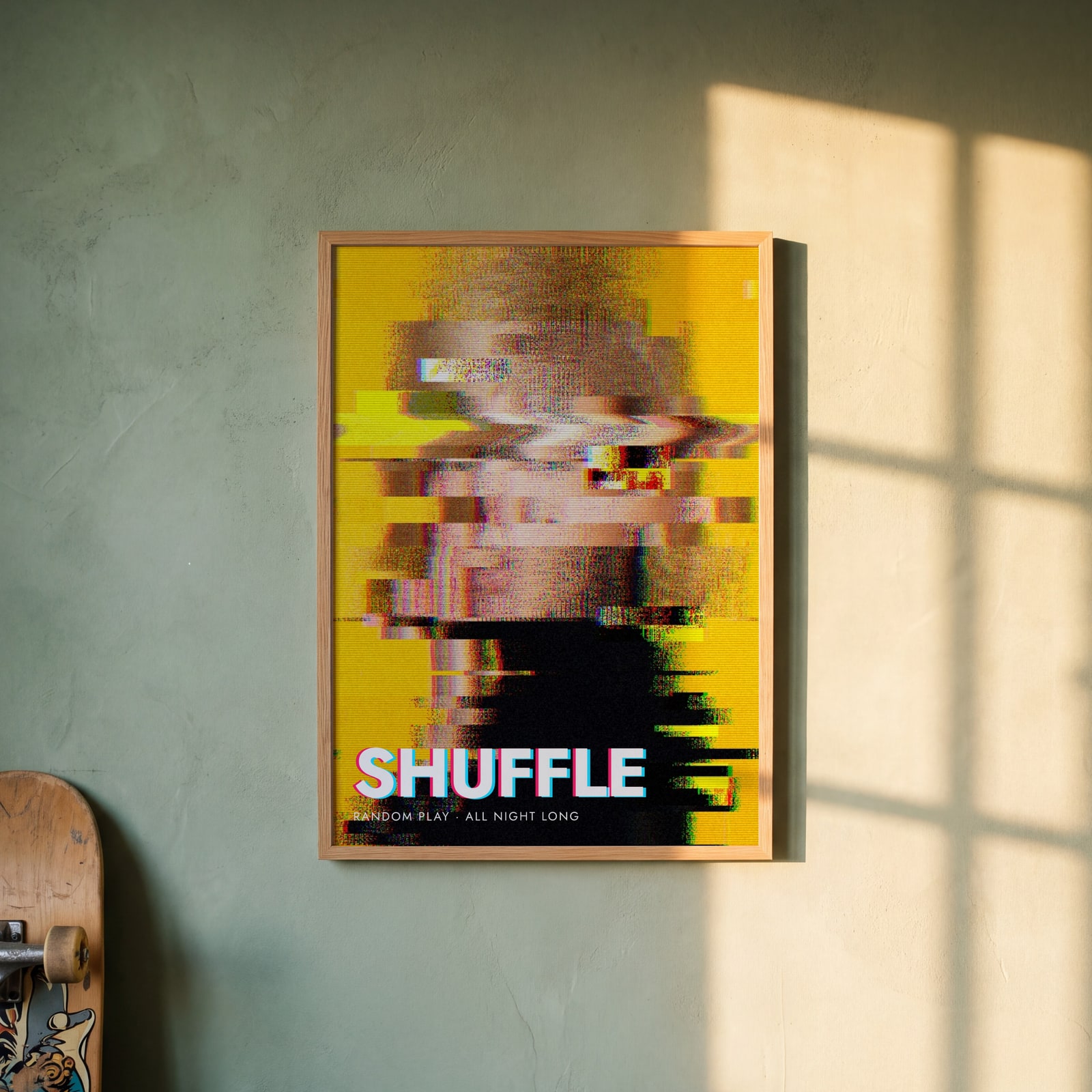
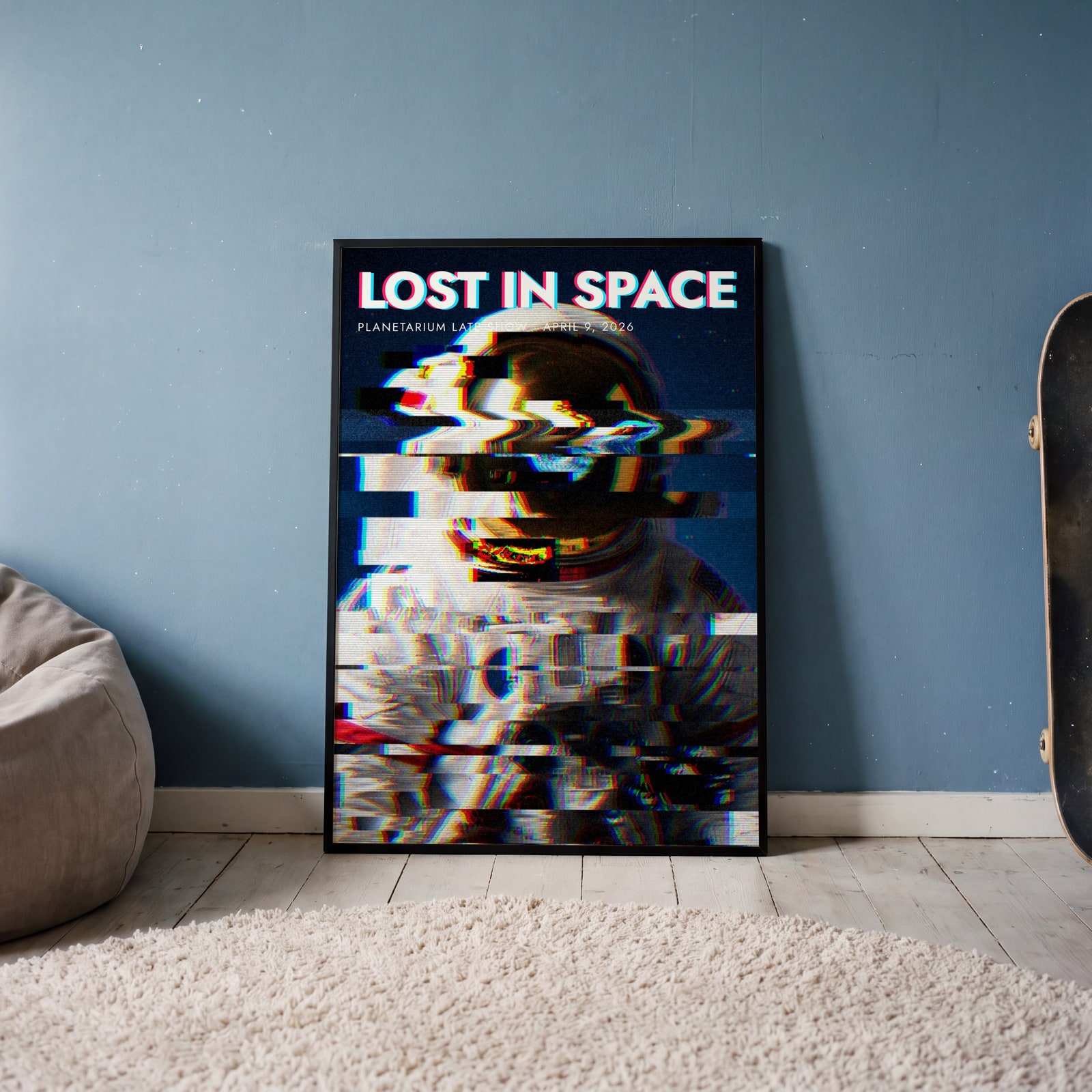
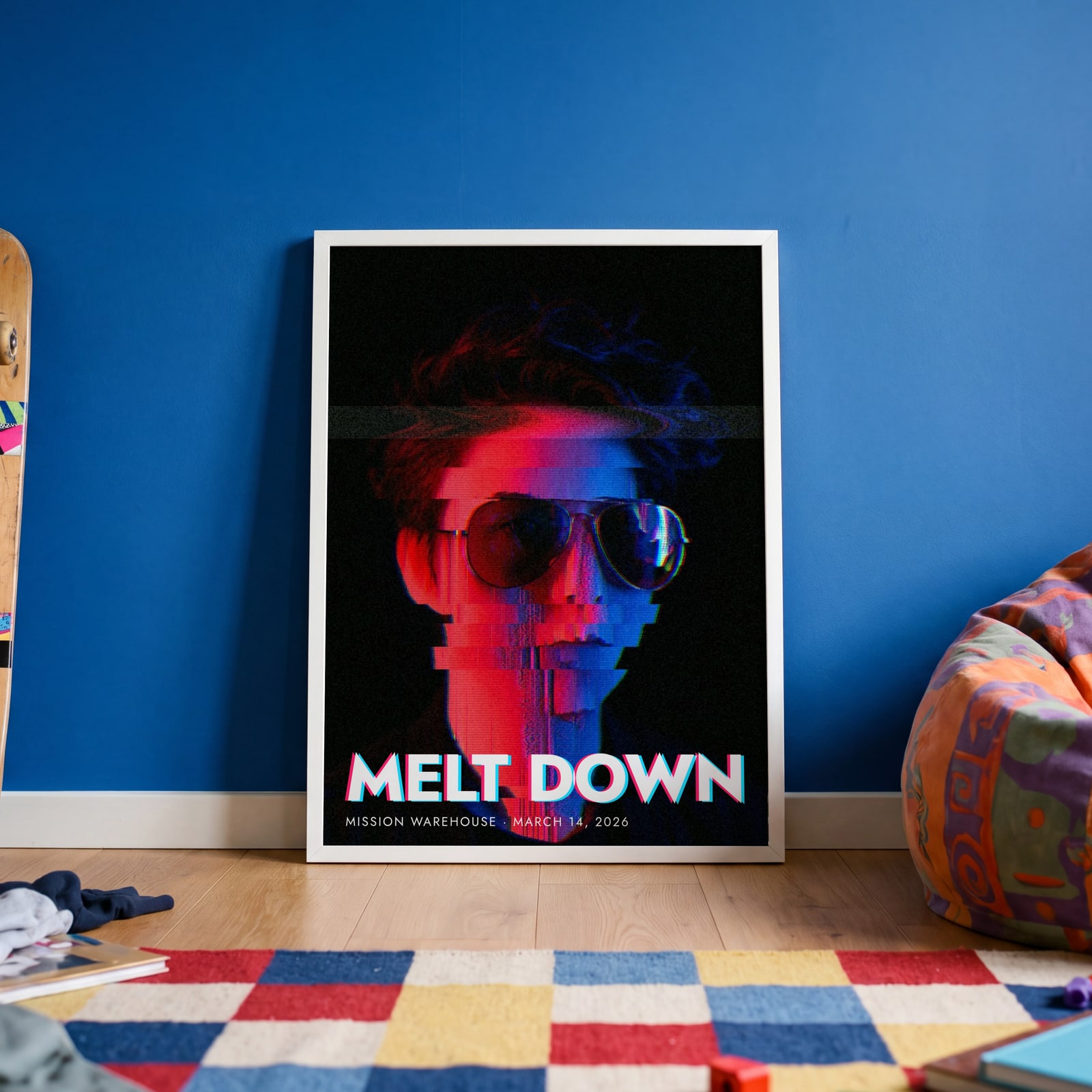
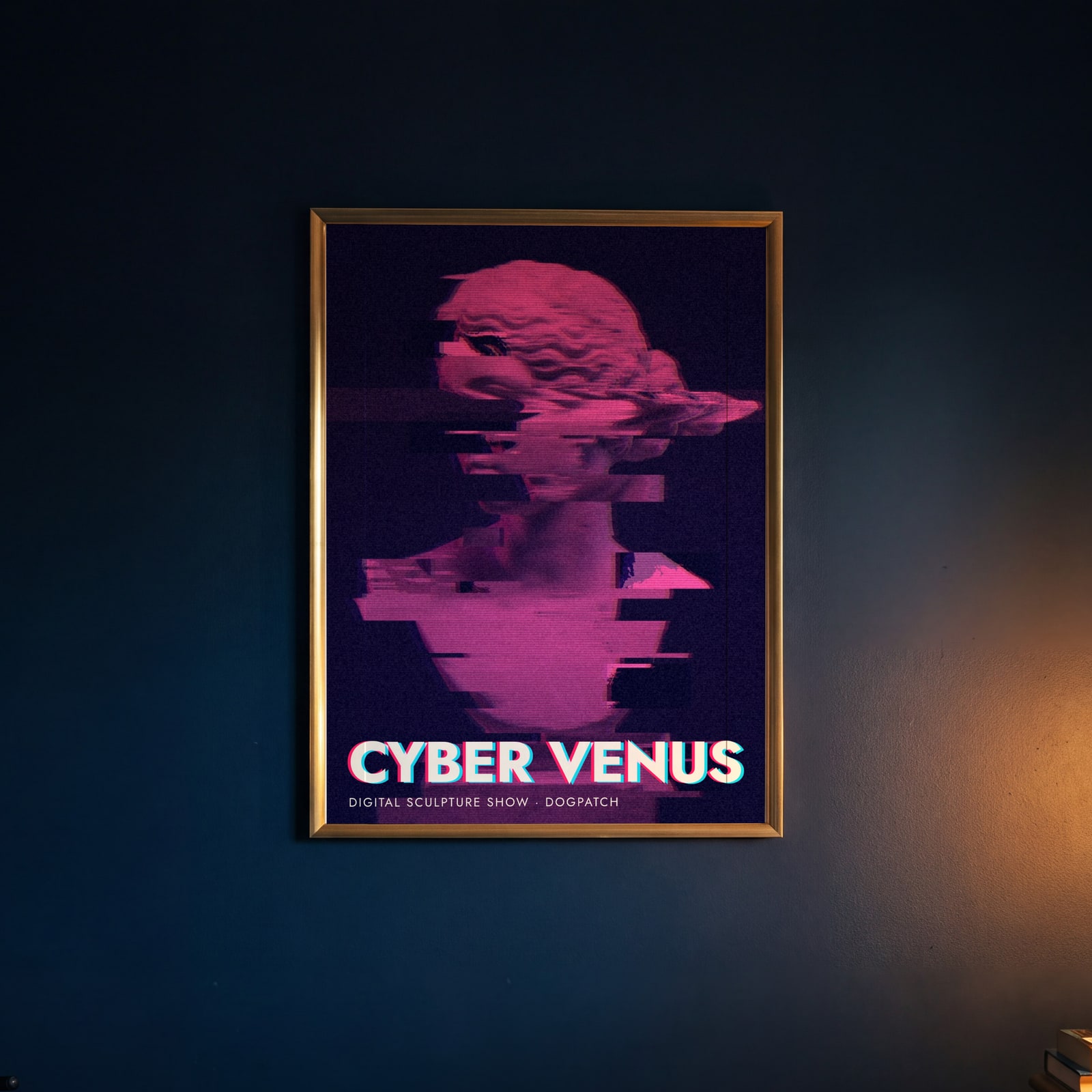
Examples
Open any of them to change the words, the place, the date and the style, then download the print file.
Looks
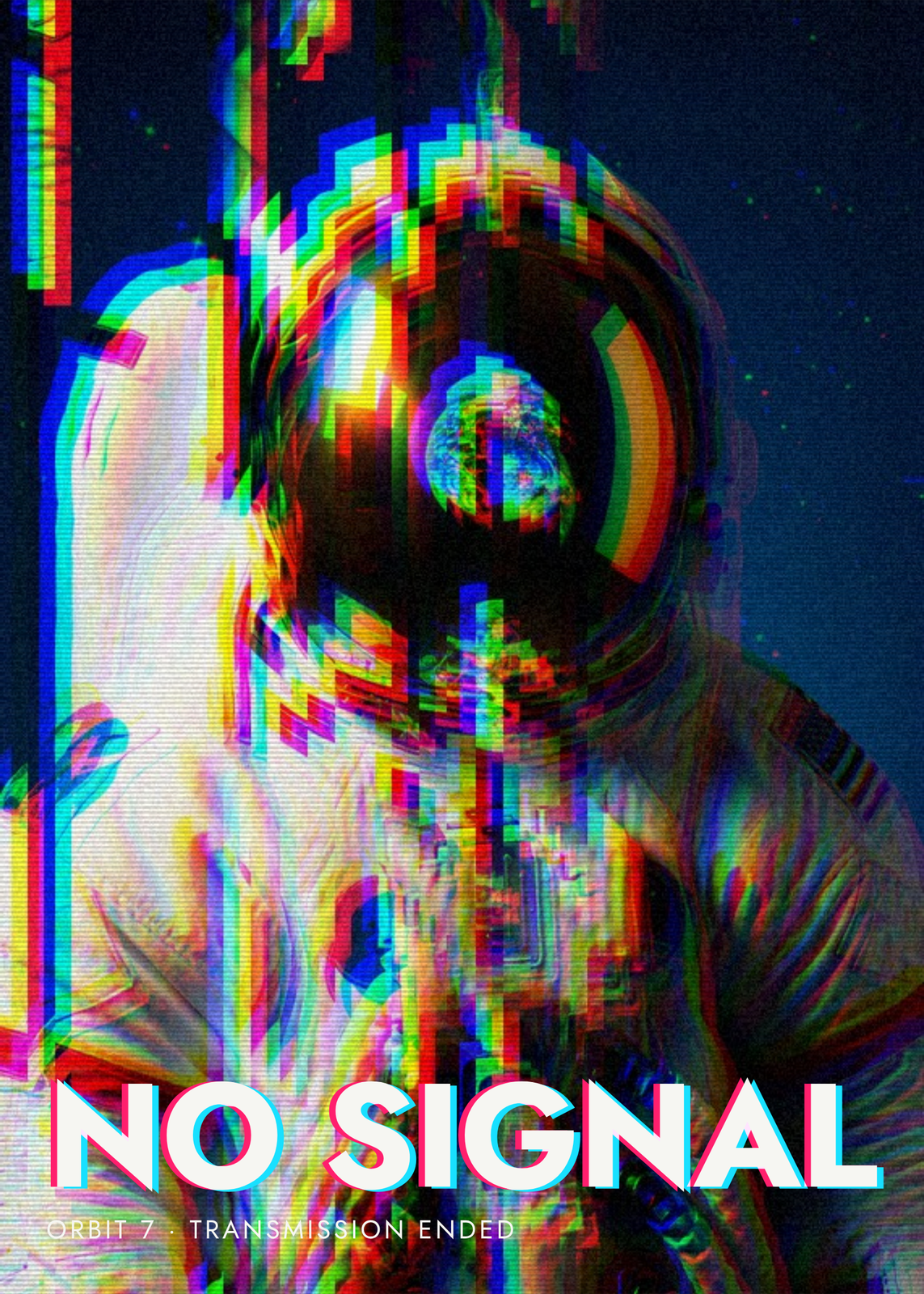
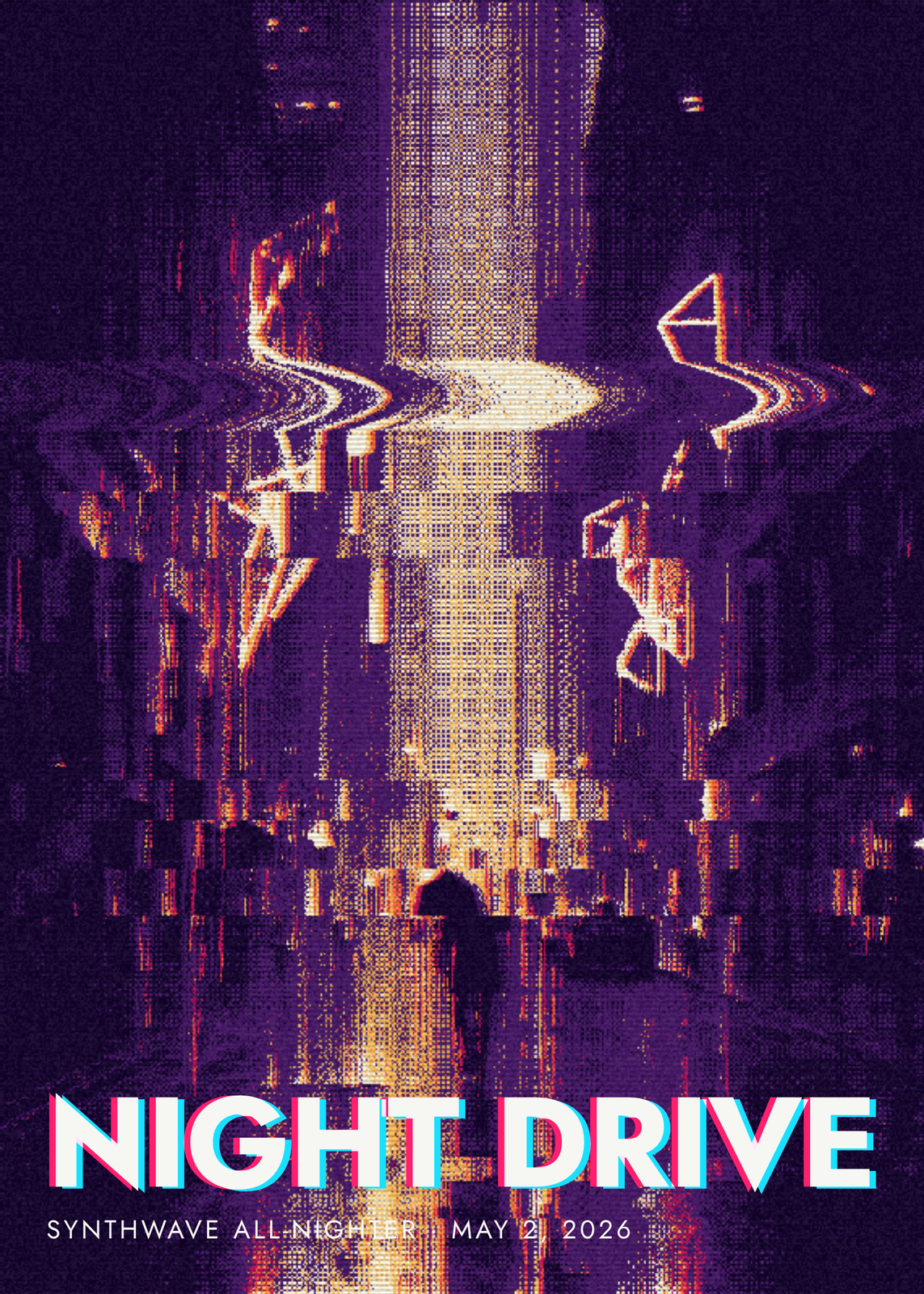
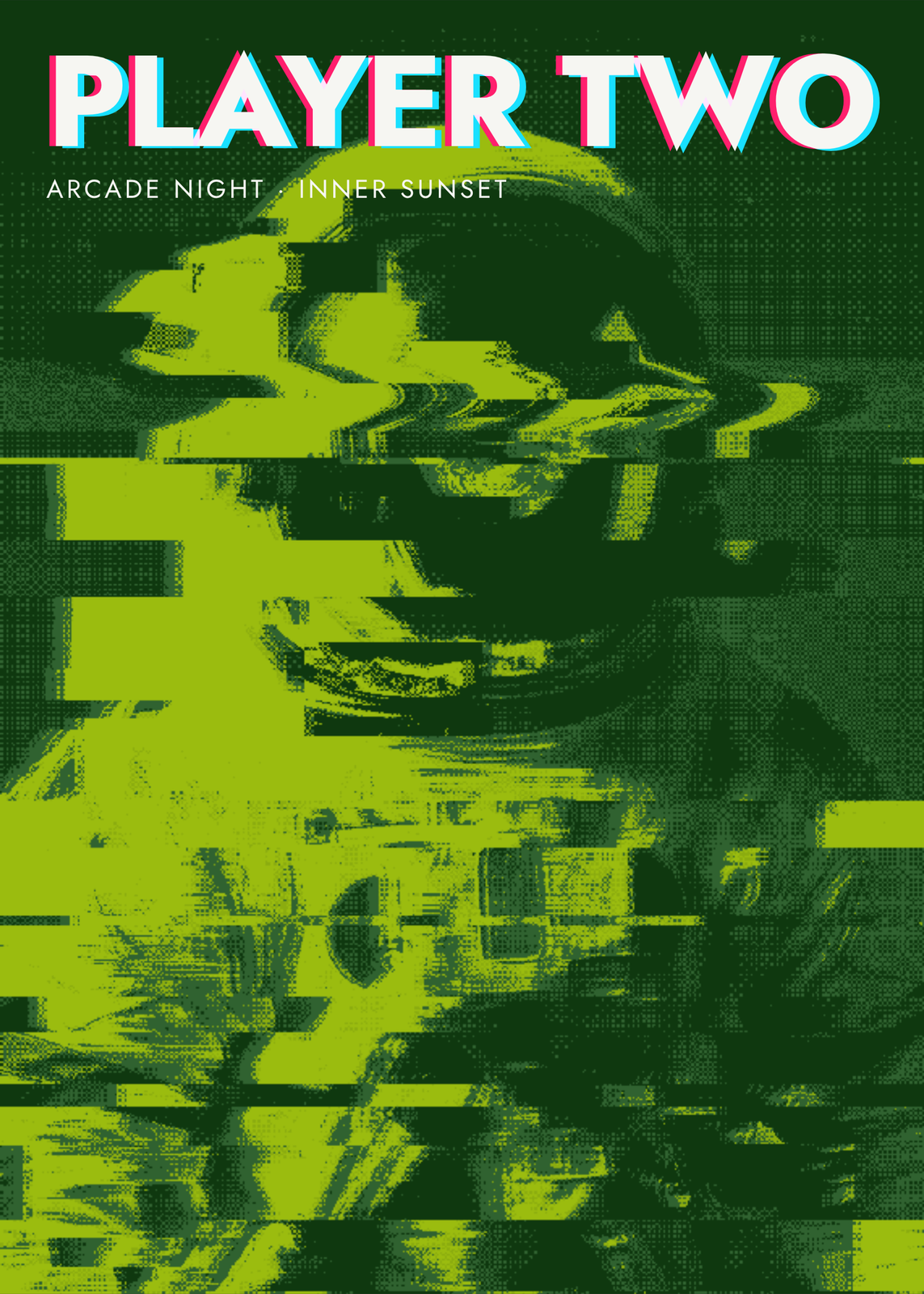
Duotones and retro palettes
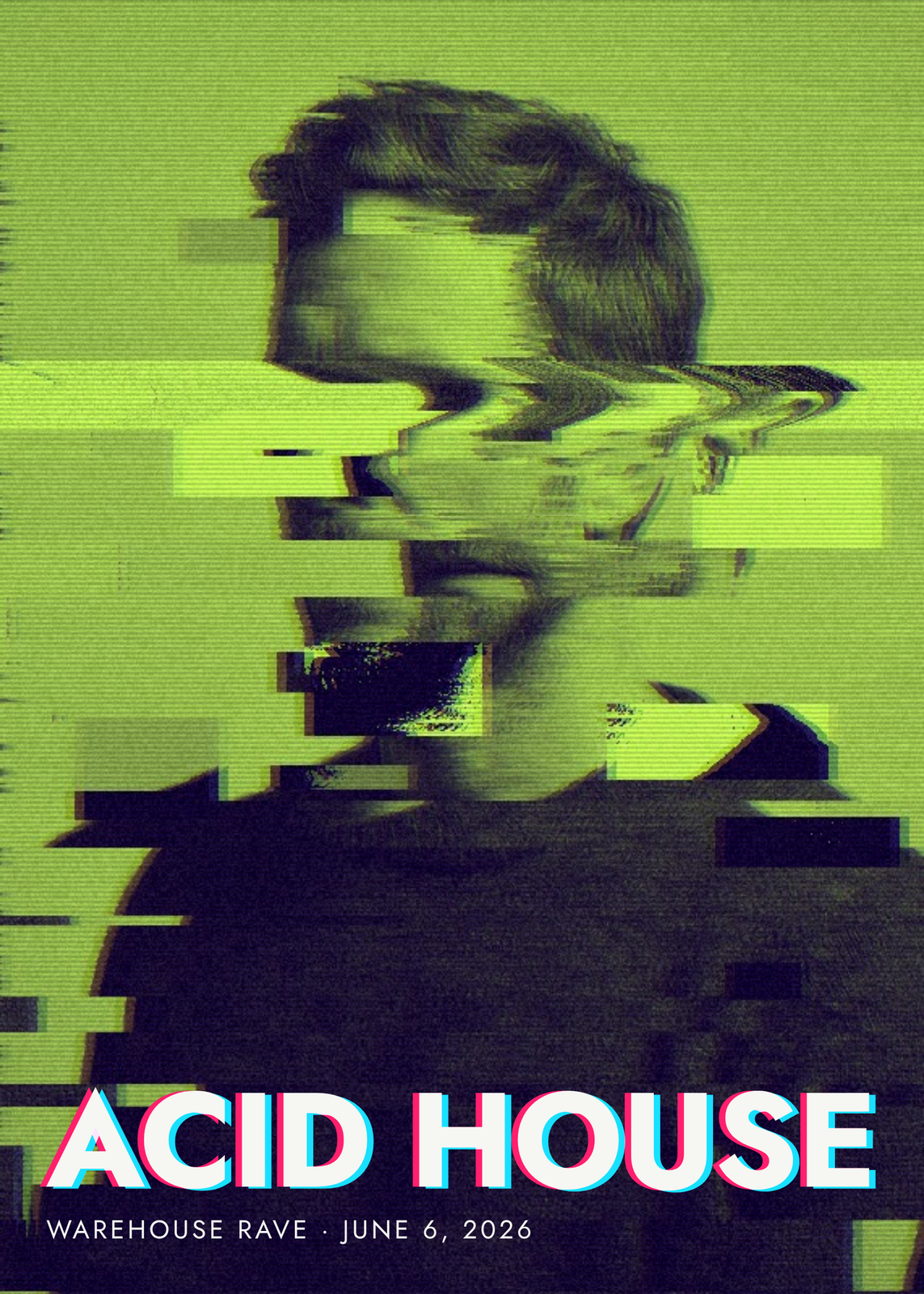
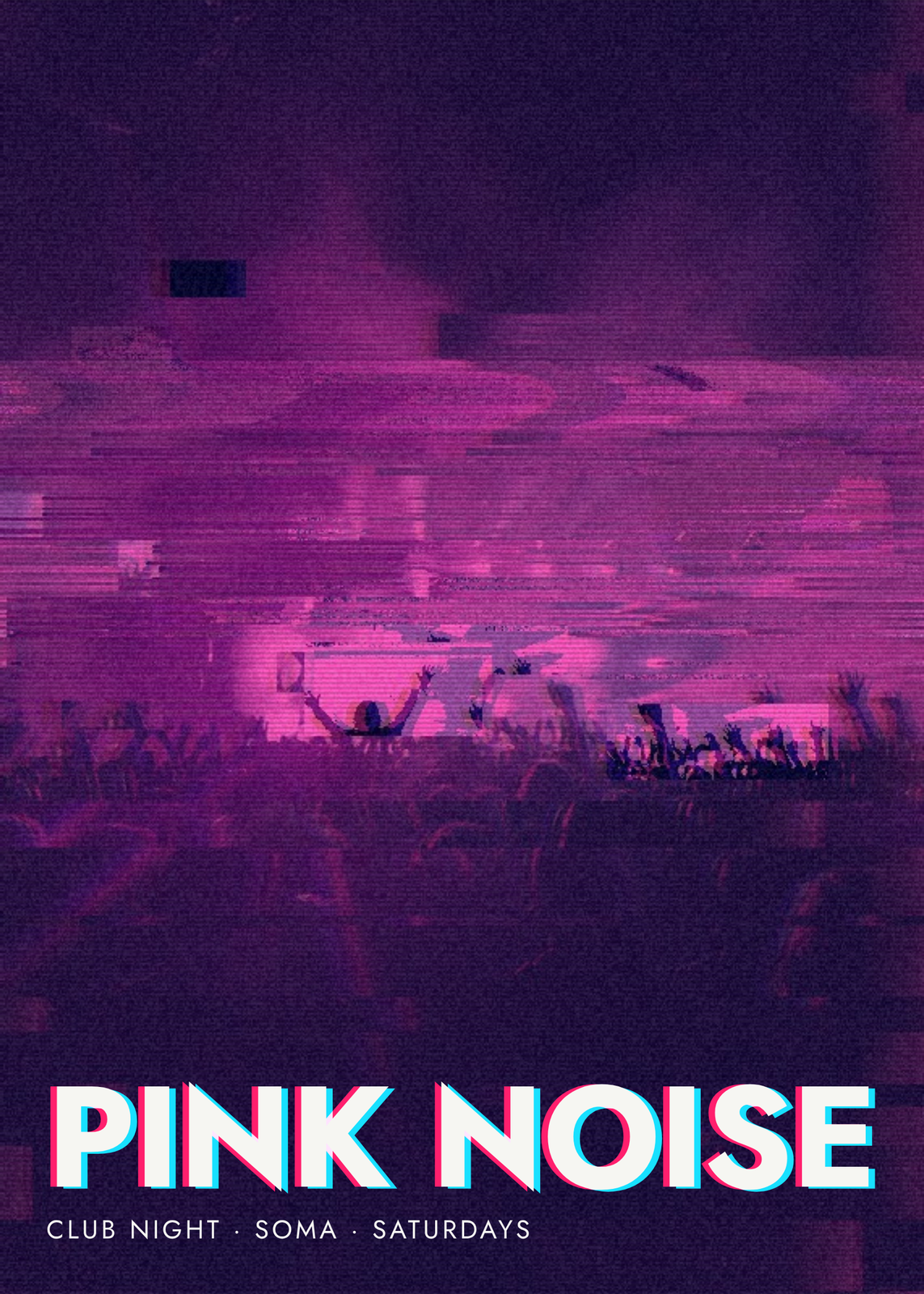
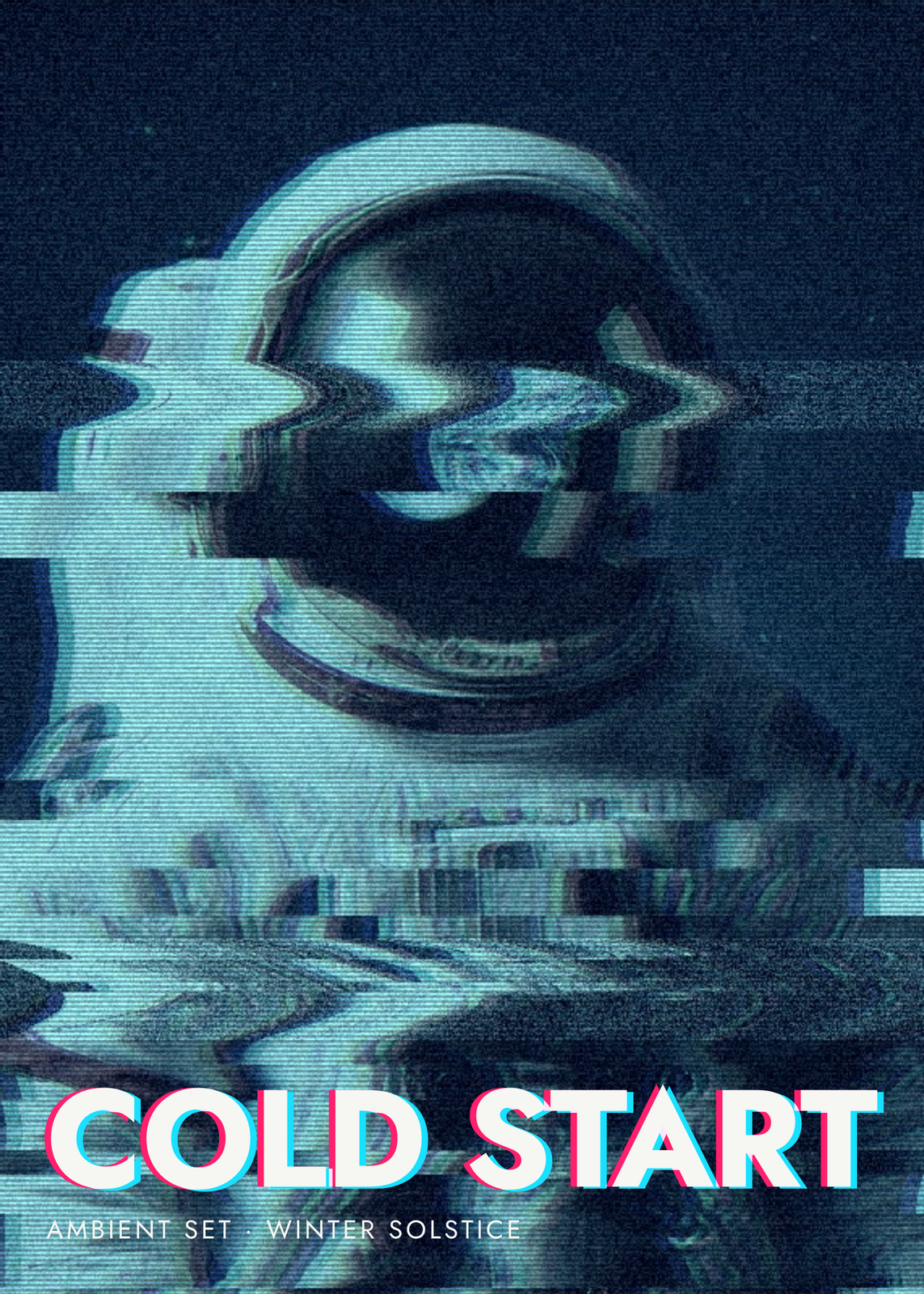
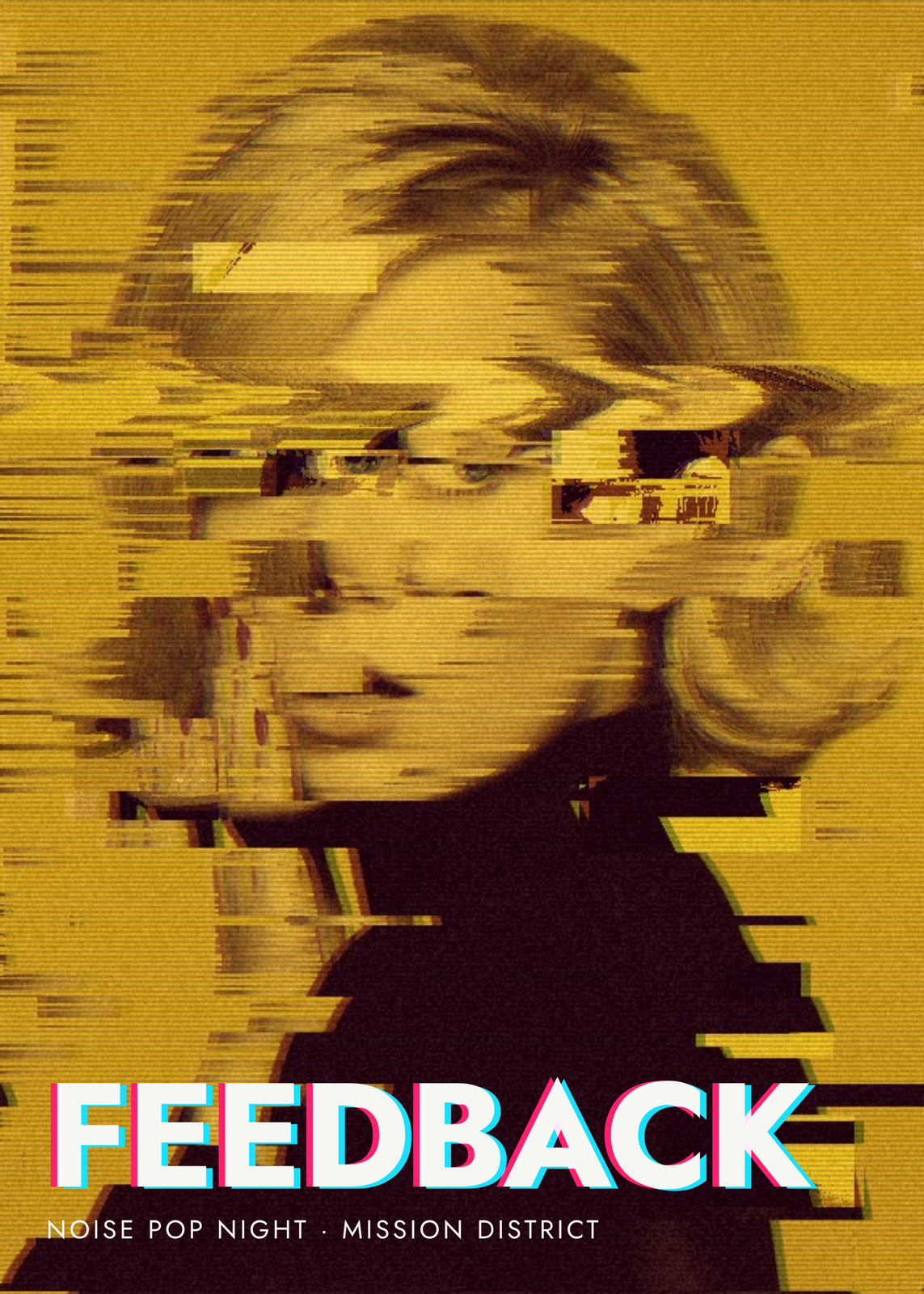
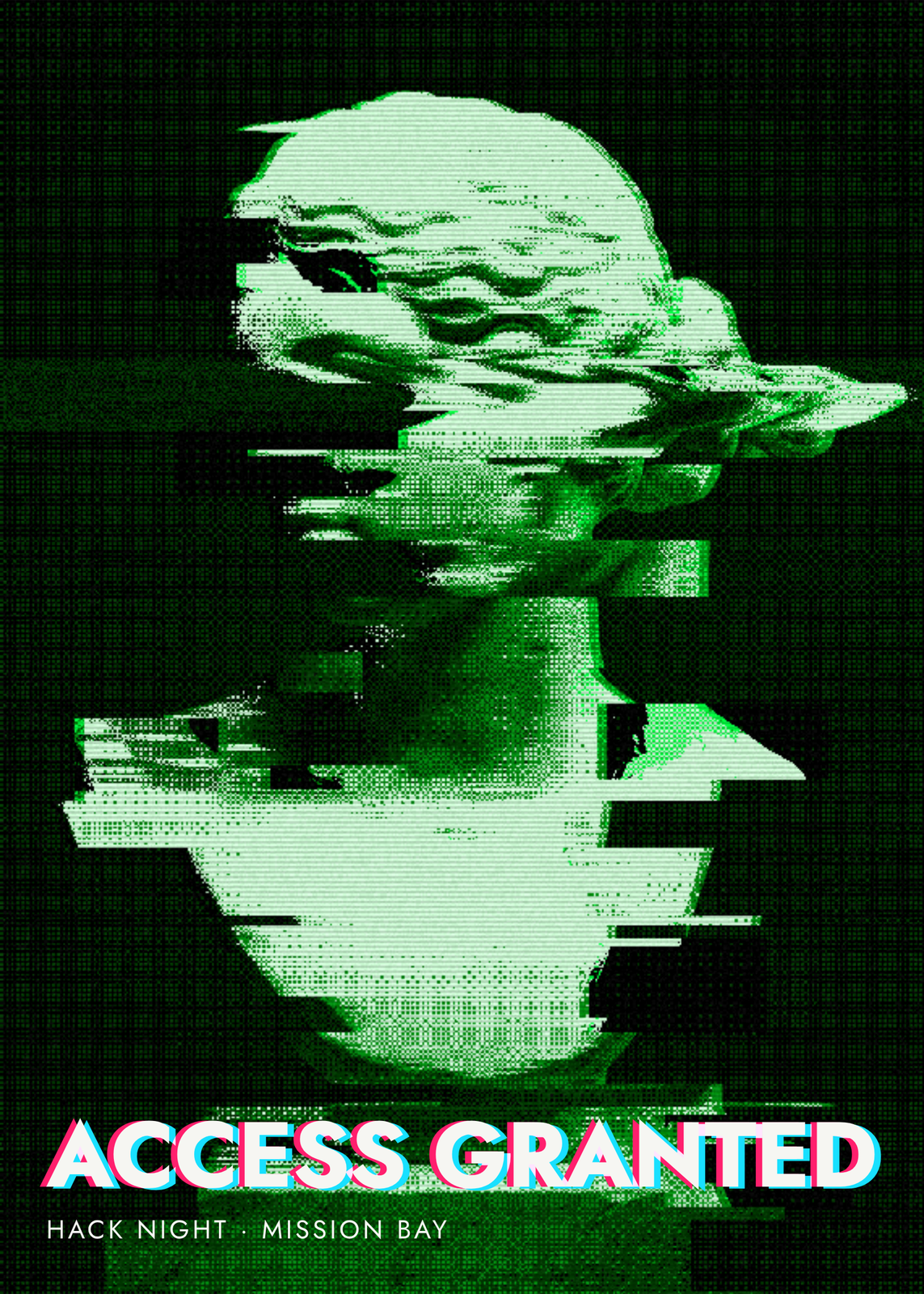
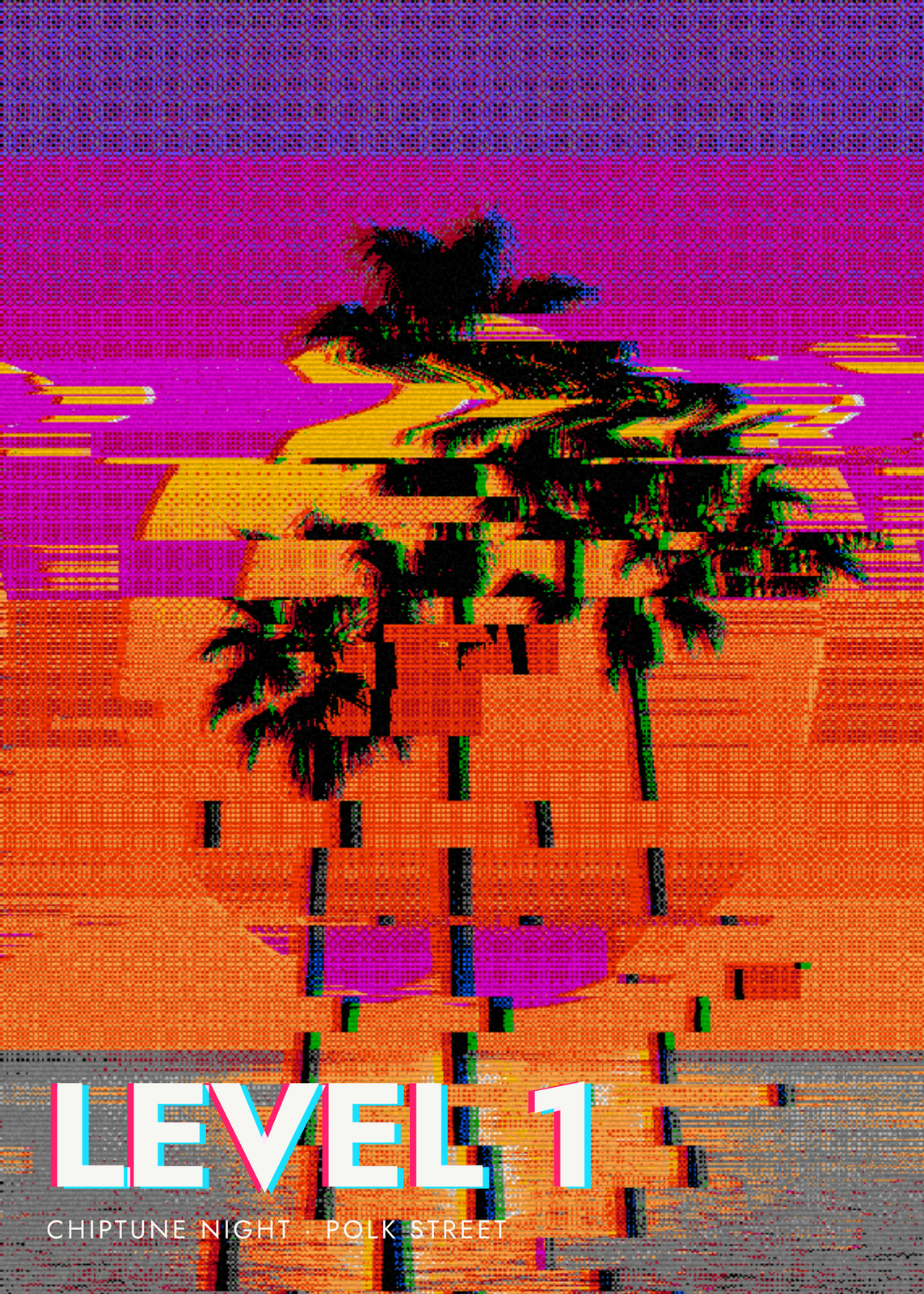
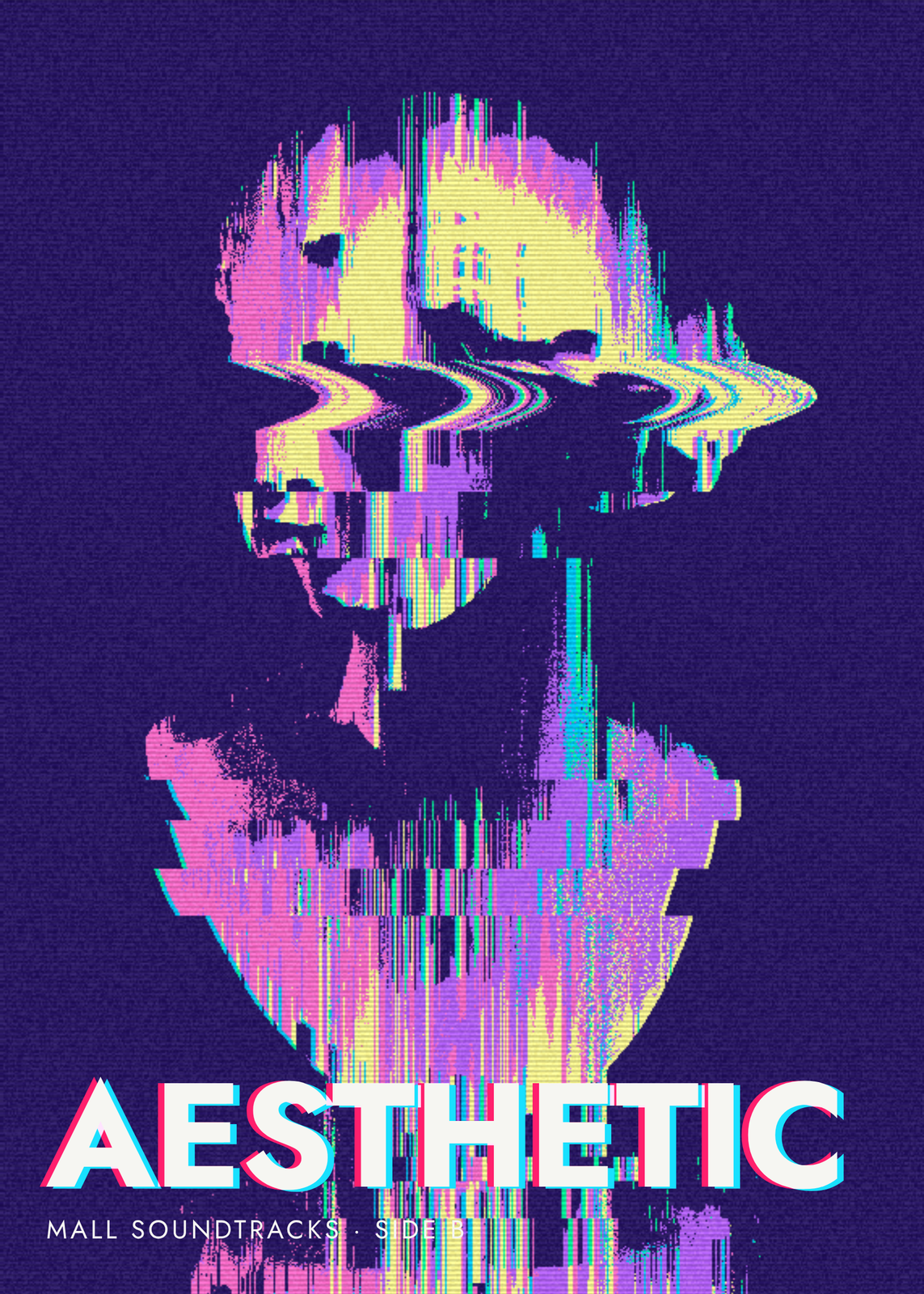
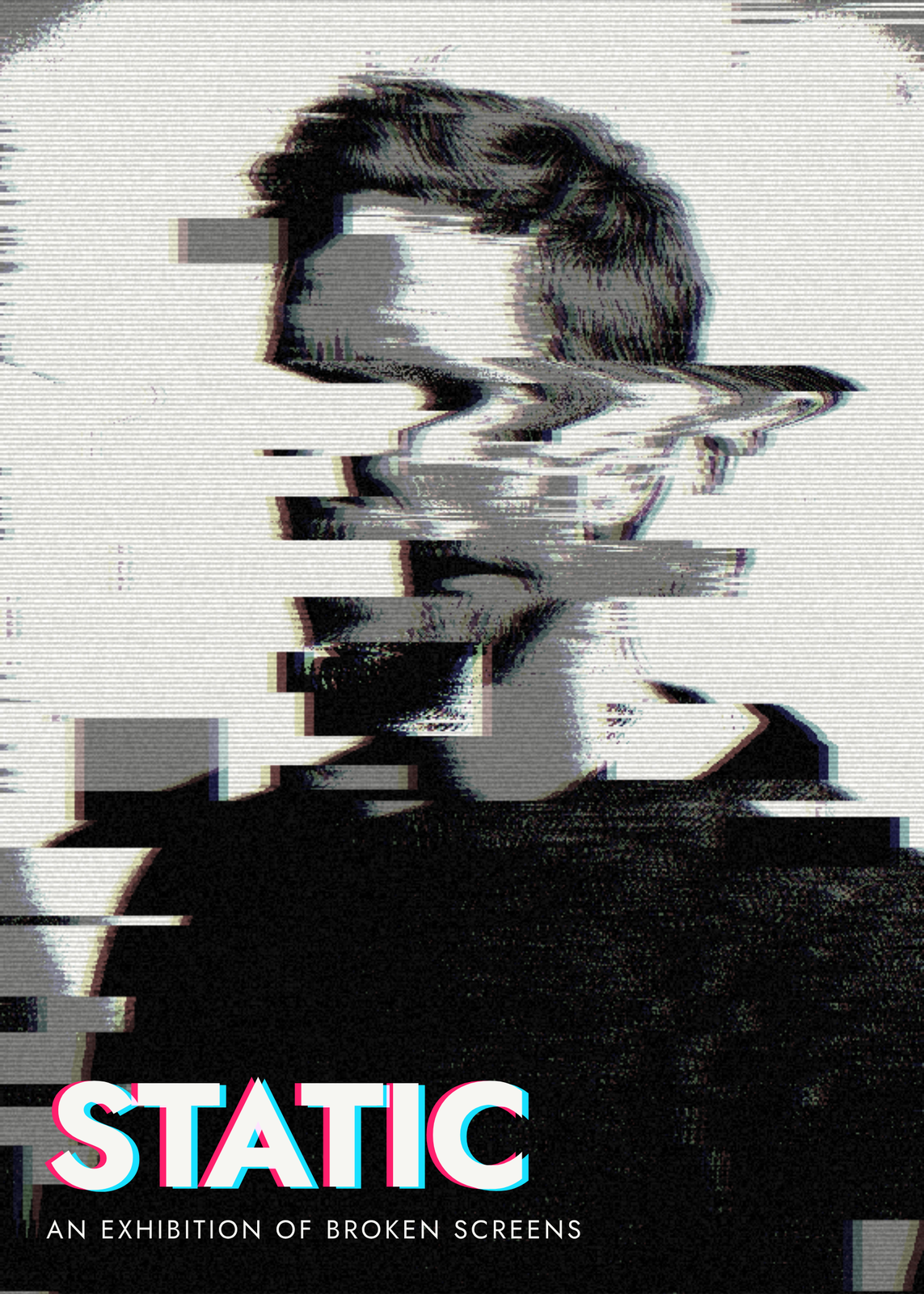
Damage up close
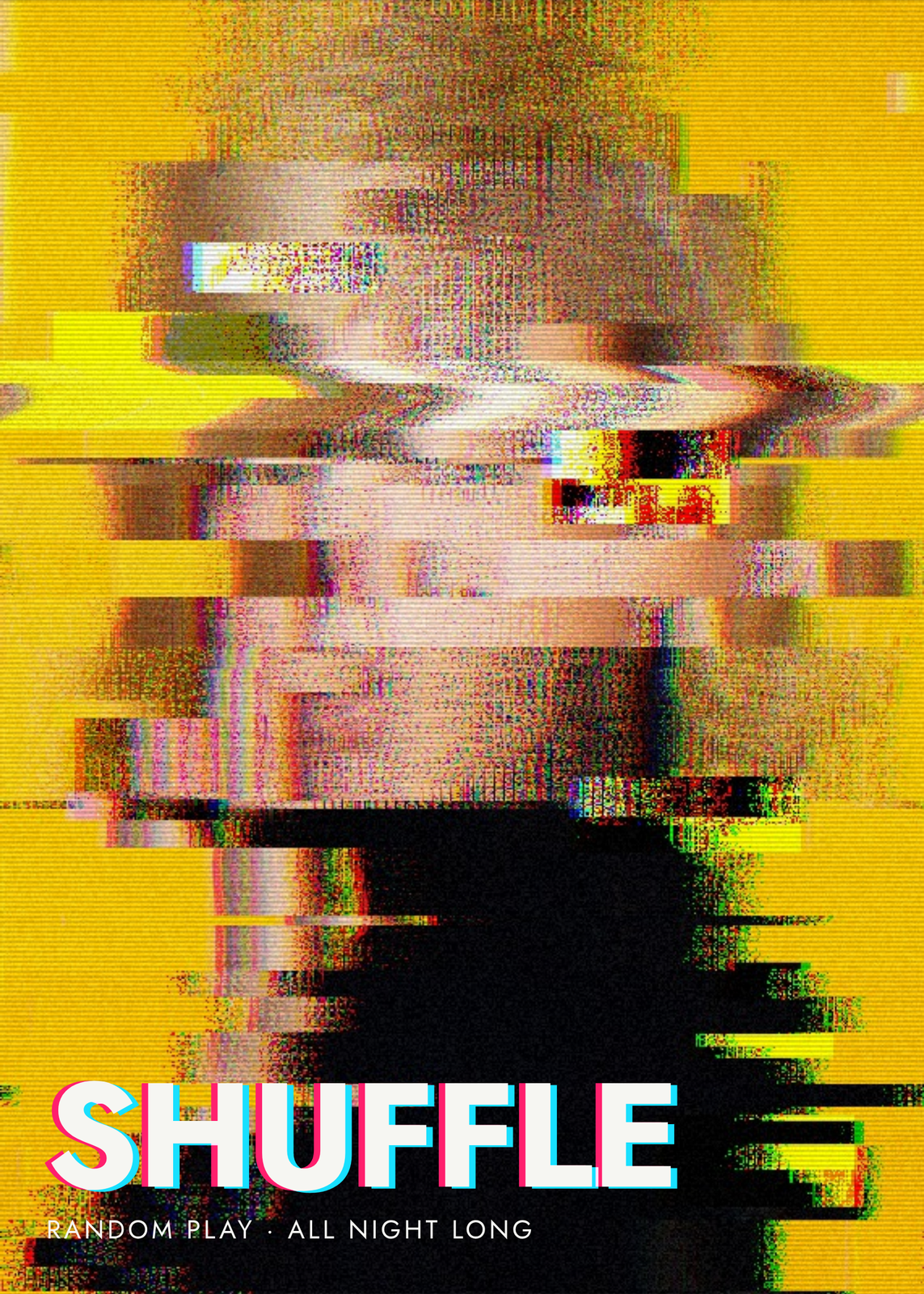
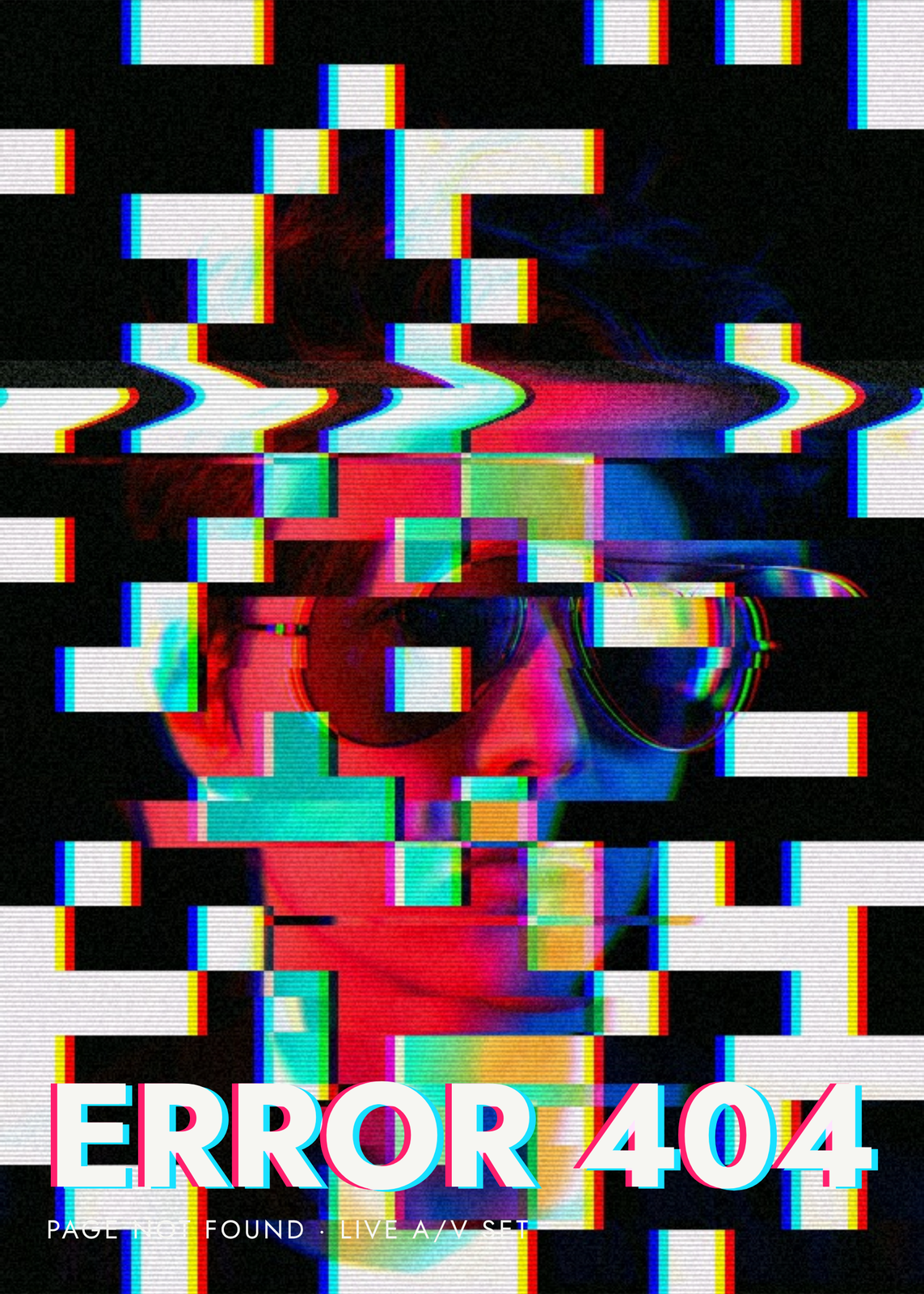
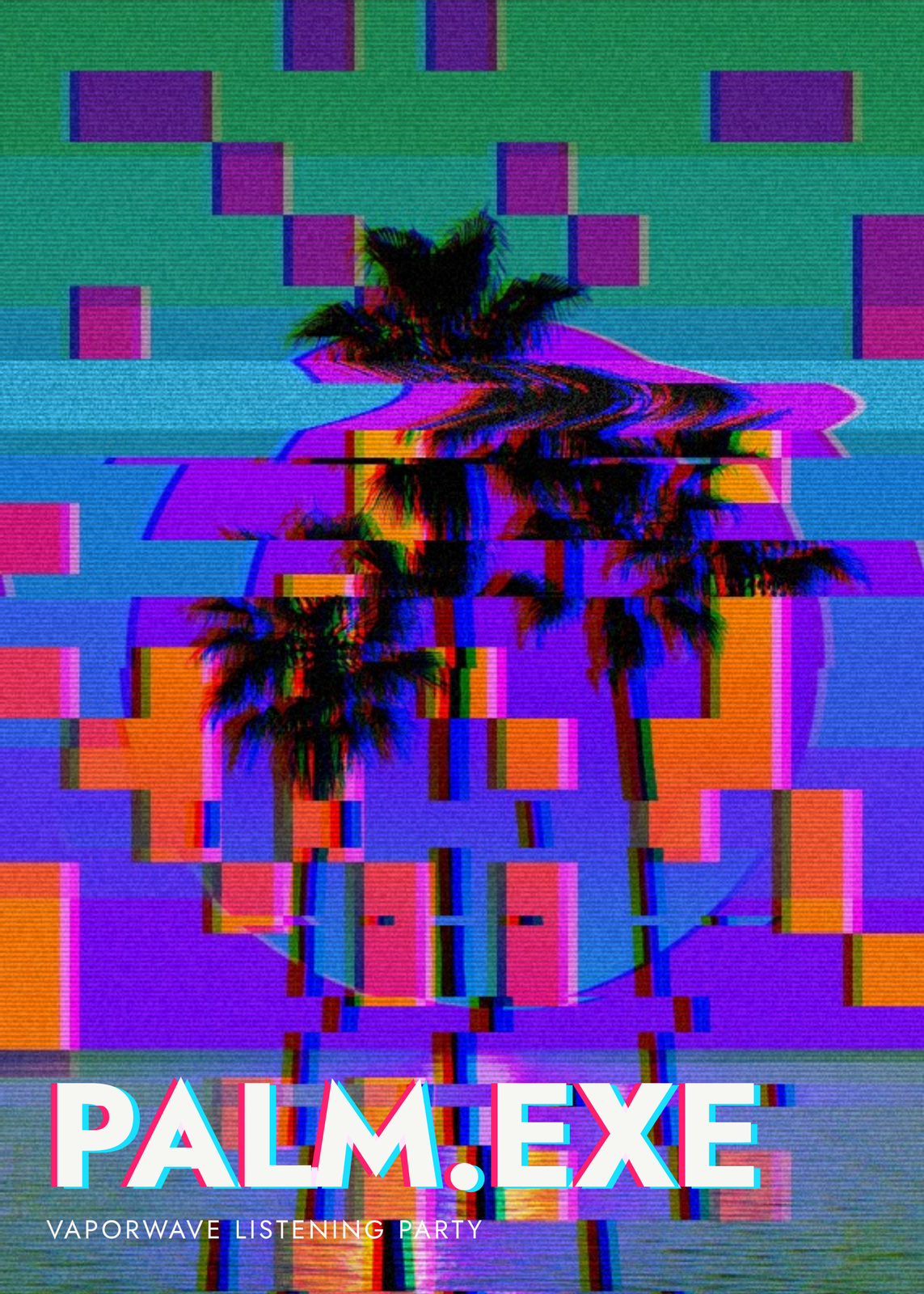
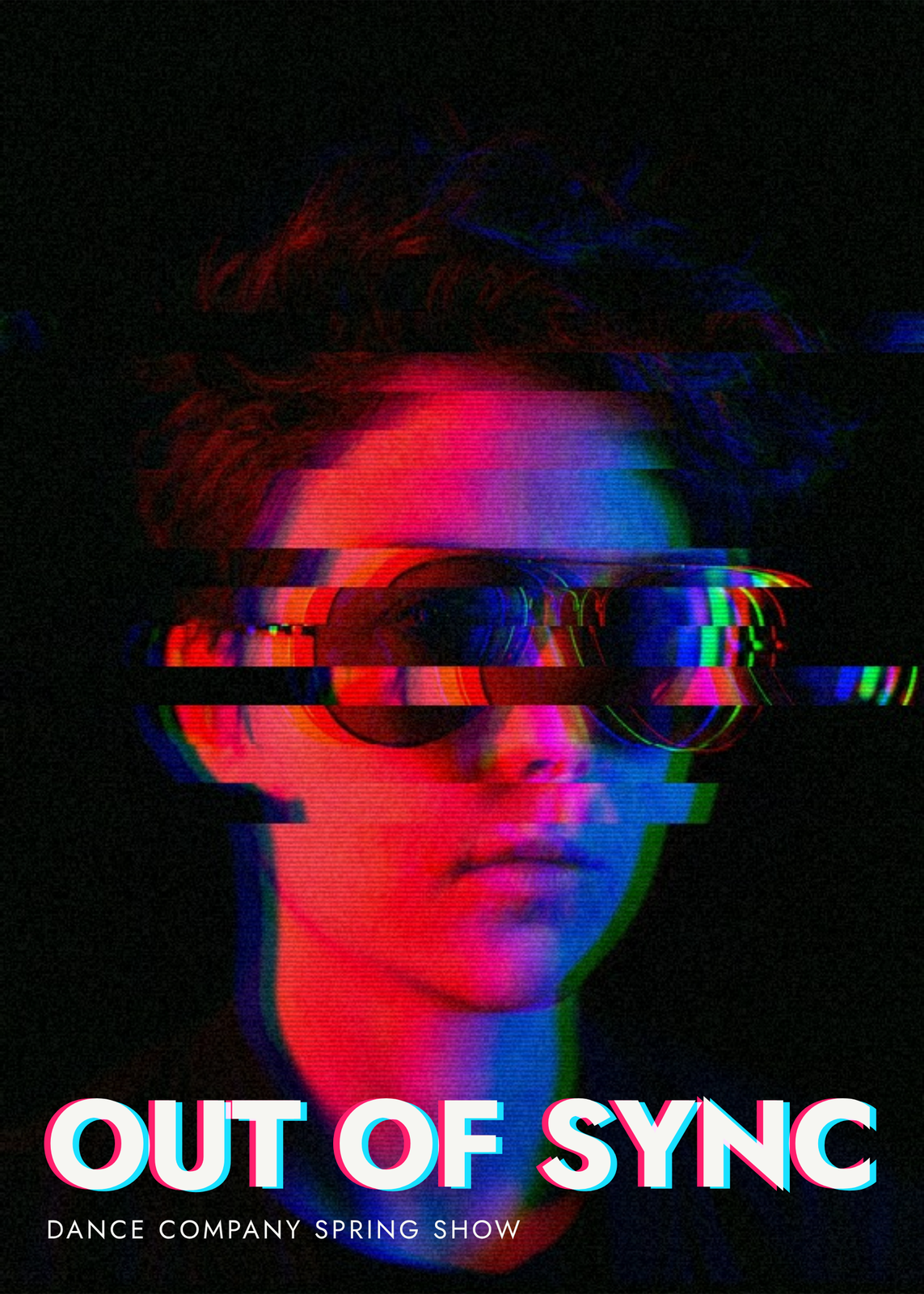
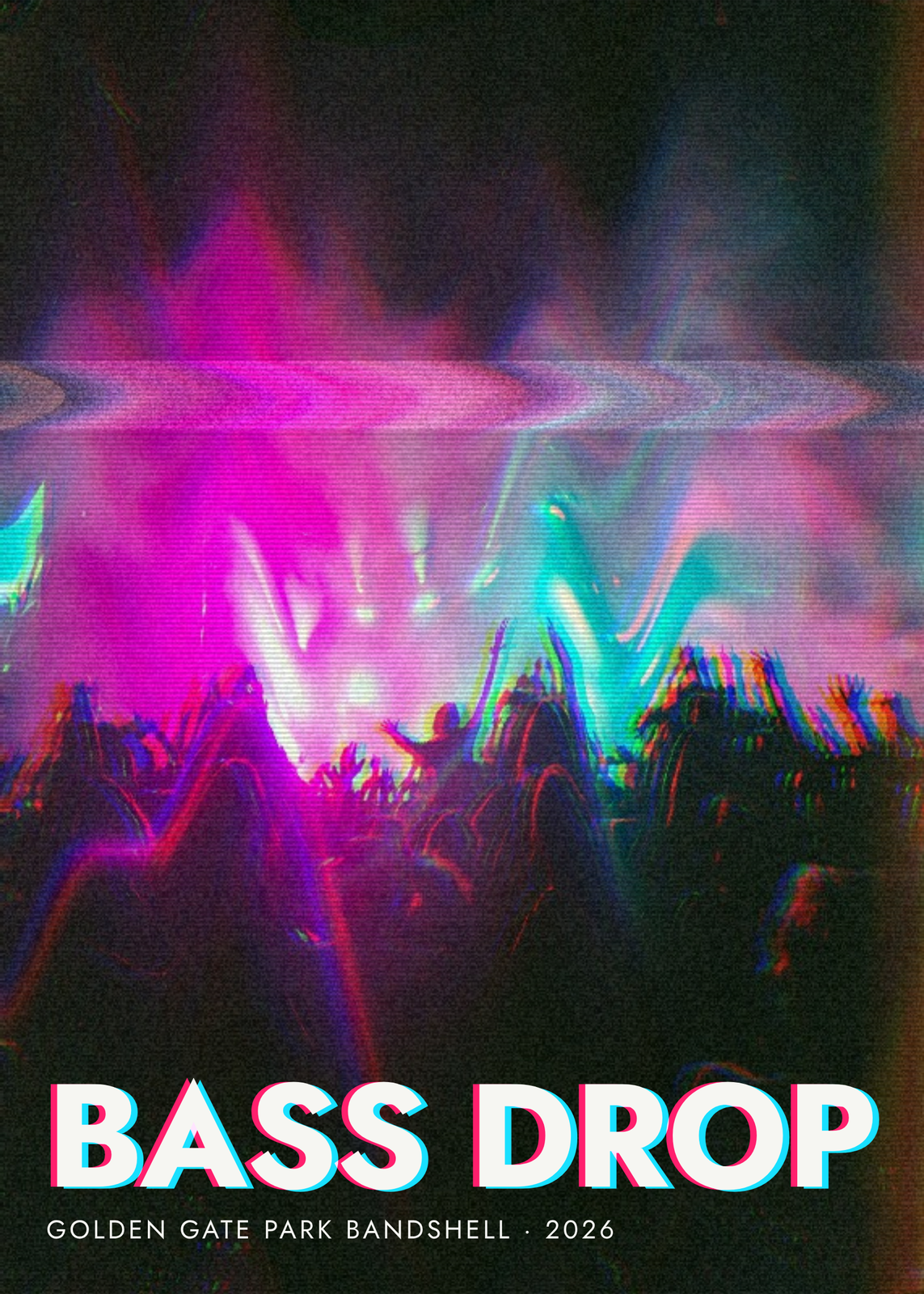
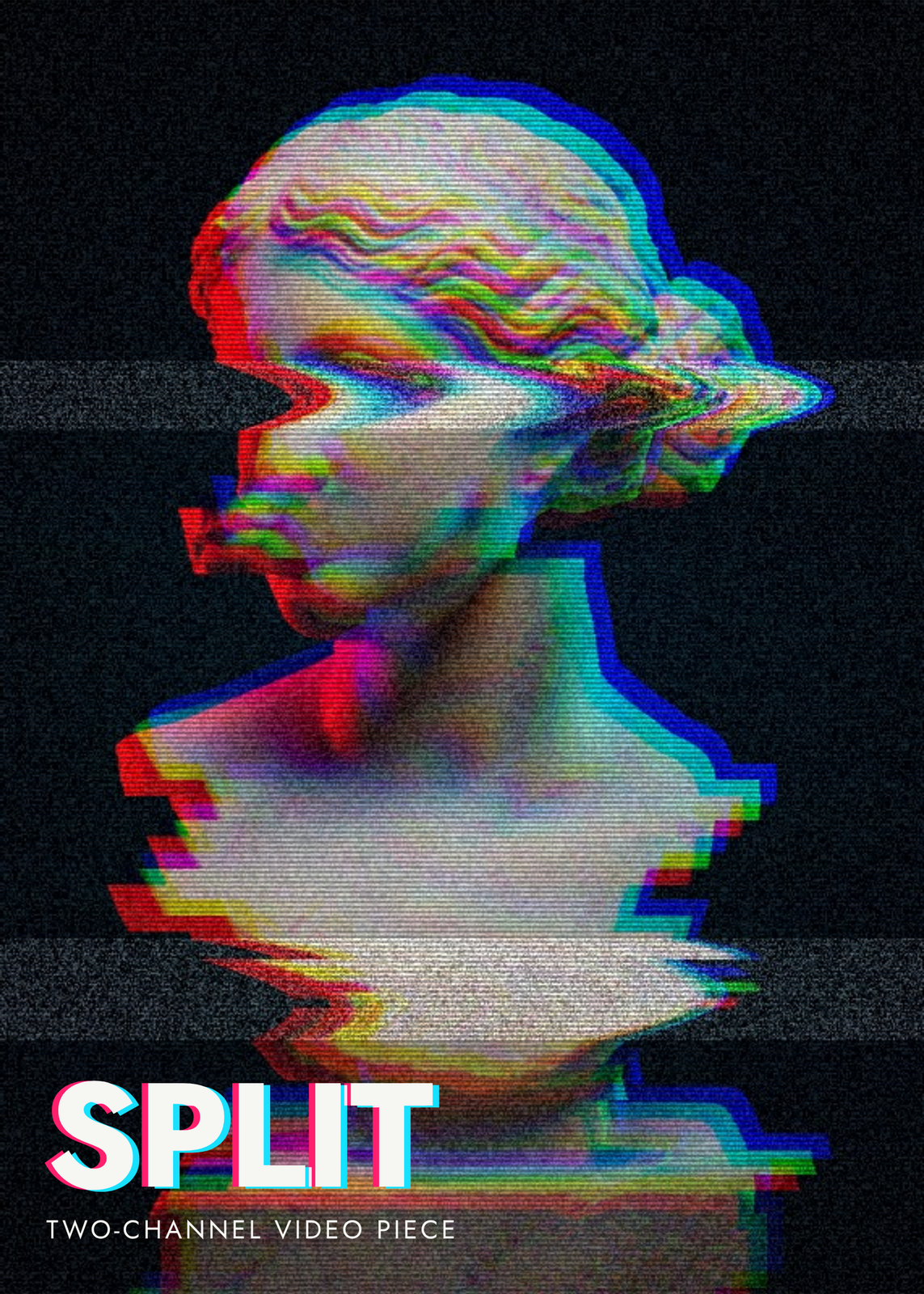
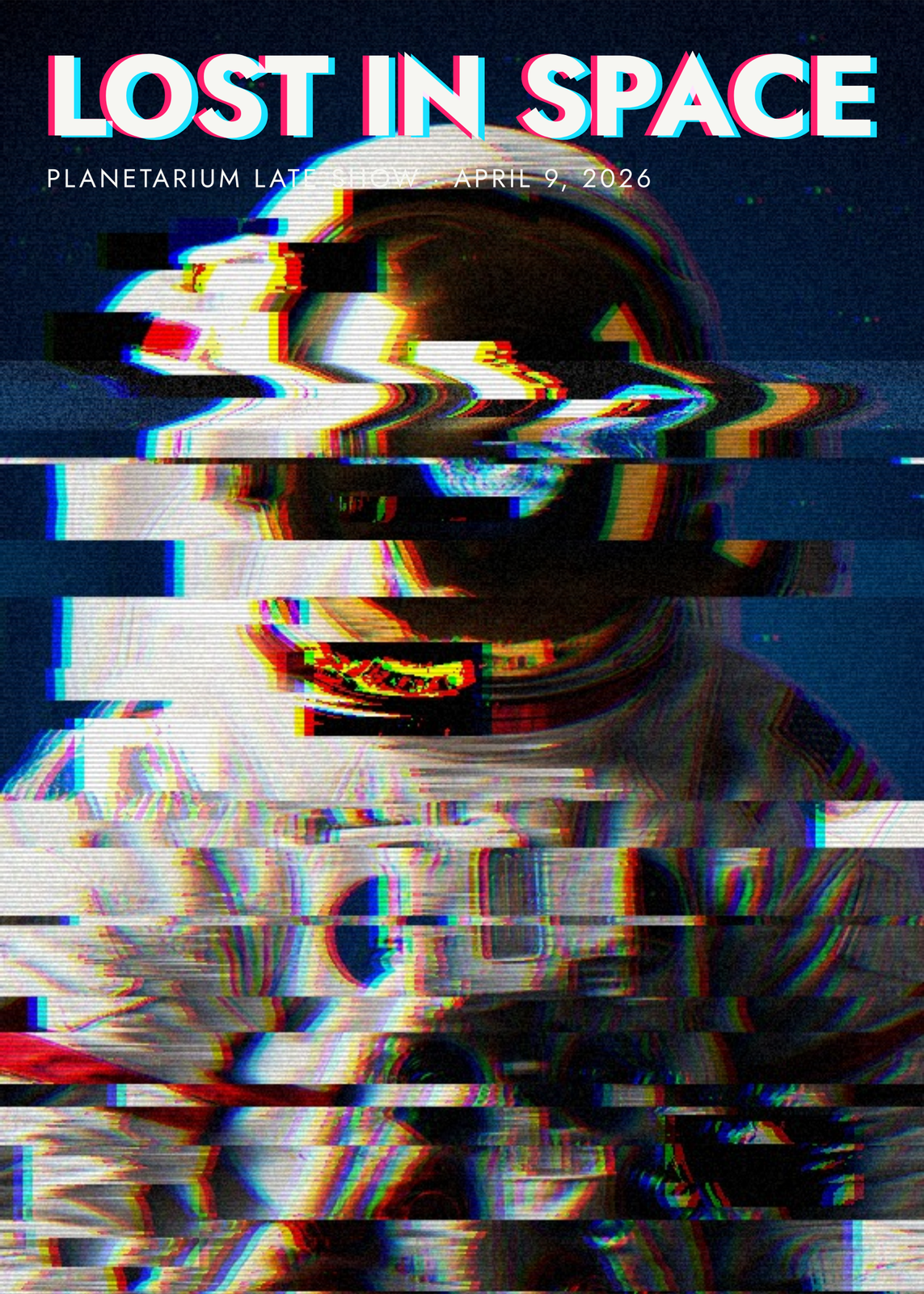
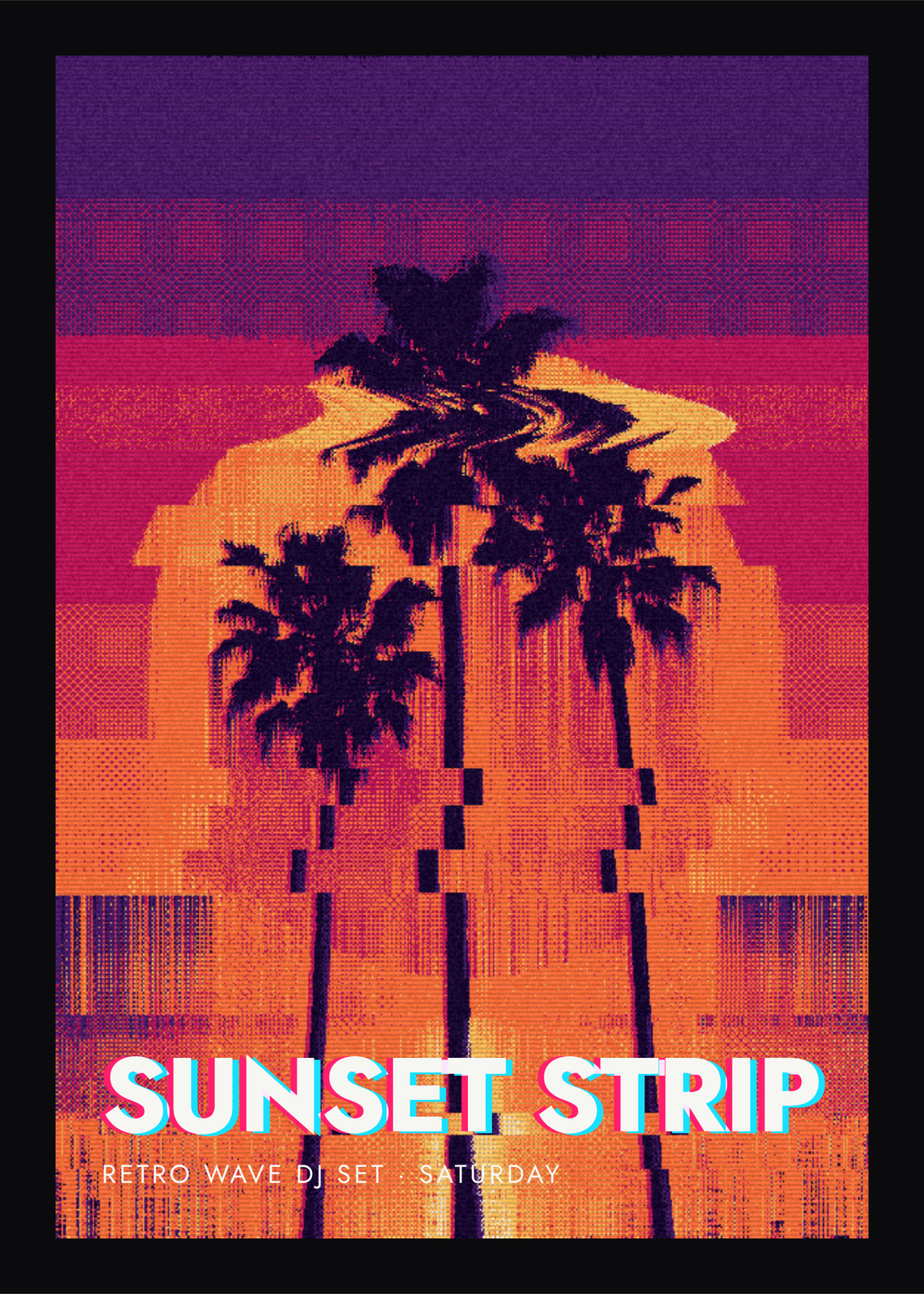
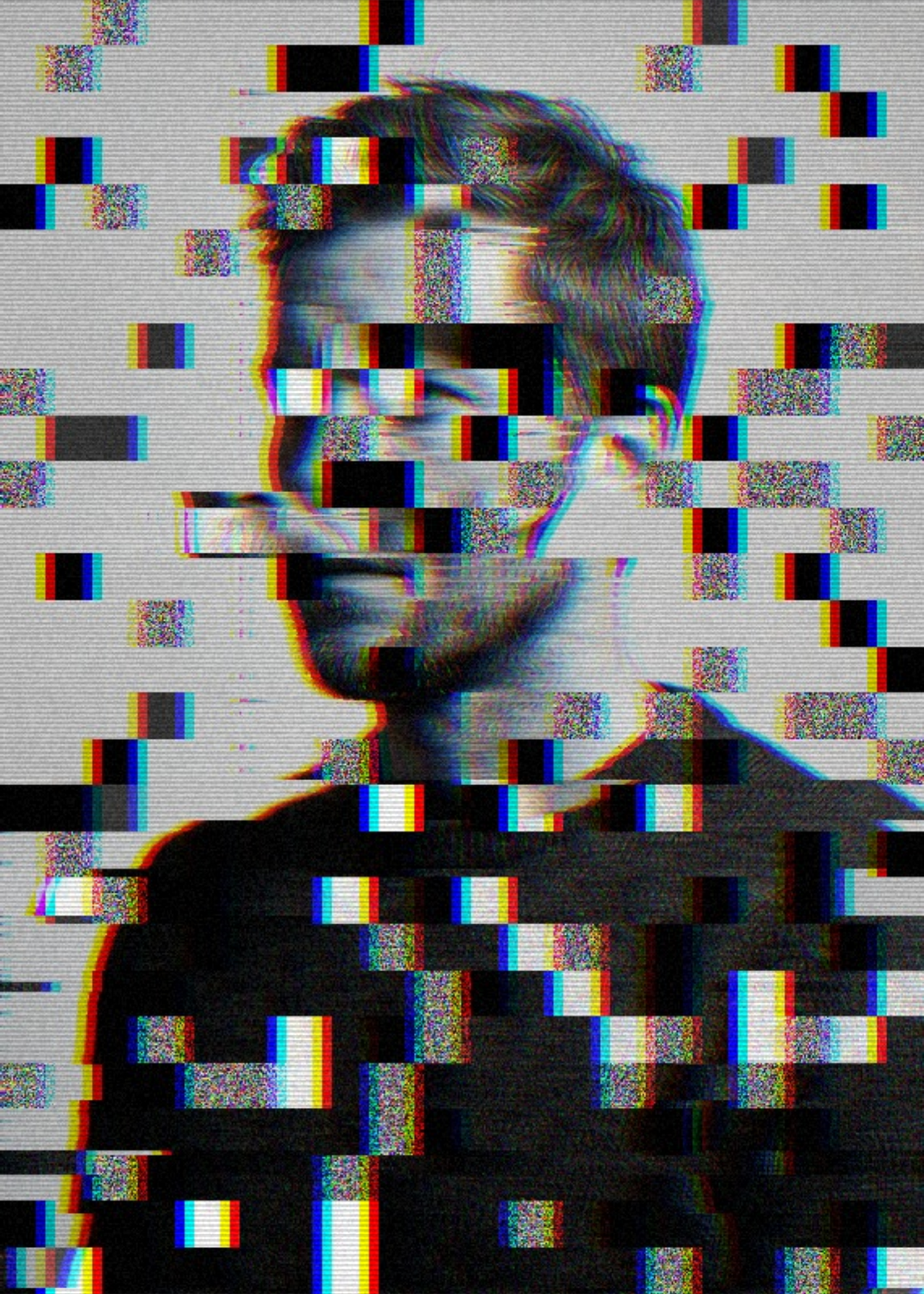
Eight looks
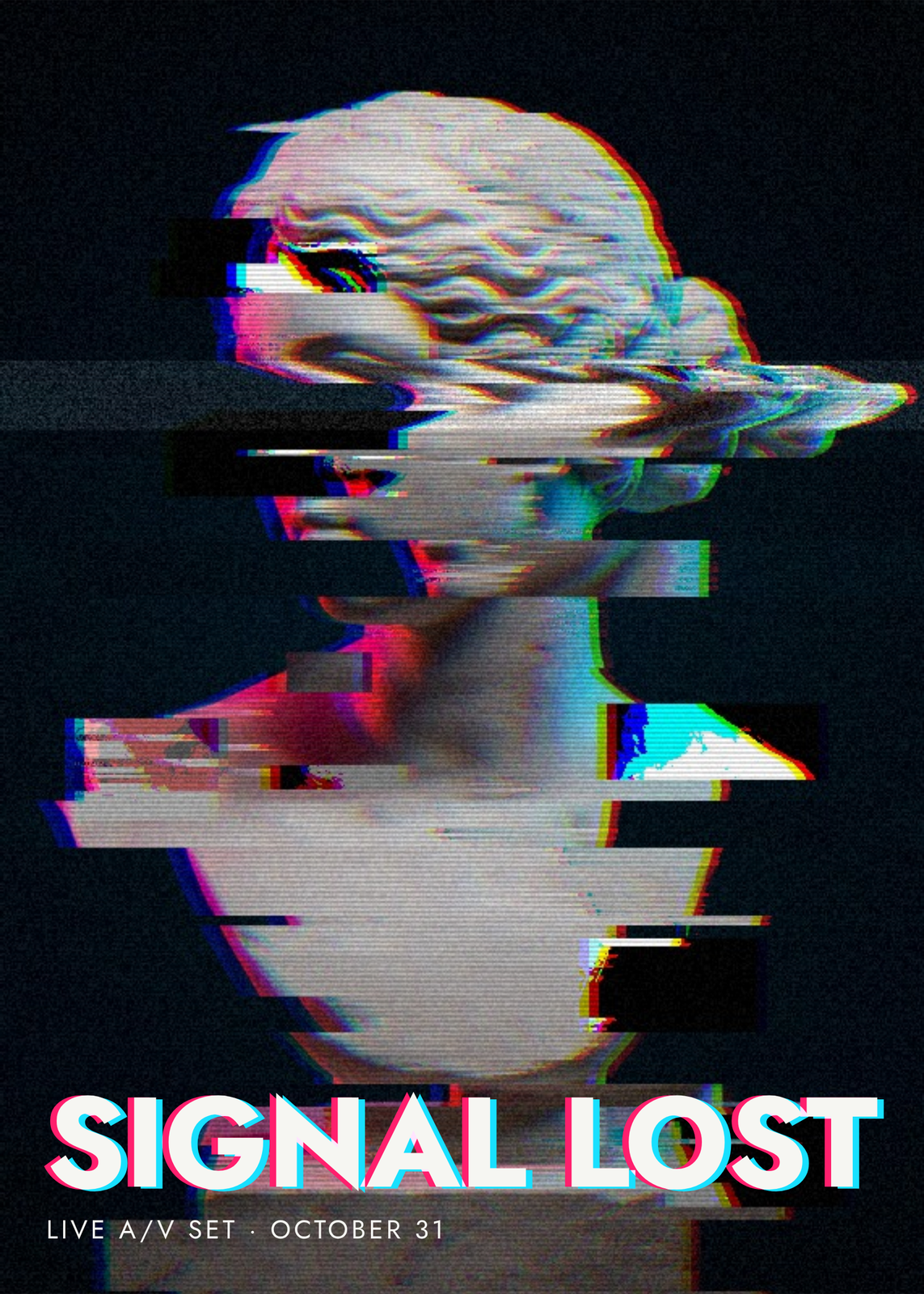
- Signal lost: a light pixel sort, shifted slices, copied blocks, an RGB split and tape tracking.
- Pixel melt: pixels sorted down the picture across almost every tone, so the photo drips.
- Datamosh: corrupted blocks, some copied from elsewhere in the picture, as in a broken video file.
- VHS tape: tracking bands, wavy lines, wide color fringes, scanlines and heavy noise.
- Liquid: the whole photo rippled in strong waves, with no sorting or slices.
- Shredded: bands of the picture shifted up and down, with a wide diagonal RGB split.
- Outrun: a pixel melt in a dithered palette of purple, magenta, orange and gold.
- And a look in four greens, dithered like an old handheld game screen.
Colors and fine-tuning
Duotone washes the picture in two colors, Acid, Cyber pink, Ice, Mono or Heat, at any strength. Retro palette cuts it to a few fixed colors instead, twelve sets from 8-bit console to Lavender, and Dither mixes them in pixel patterns like an old game screen. Every effect has its own slider under Fine-tune effects: slice shift, band shift, wave, RGB split and its angle, six kinds of corruption, VHS tracking, posterize, scanlines and noise.
A title that glitches
The title sits at the top or the bottom of the poster, or nowhere, in bold capitals whose pink and cyan copies slide apart like the picture's colors; Title RGB split sets how far. With a subtitle under it, the poster reads as a flyer for a club night, a show or a game night. Add a black border to close it in.
Questions
What is pixel sorting?
Sorting the pixels of a row or a column by brightness, so the tones run in smooth streaks. Here only the pixels inside a tone band are sorted, set by Brightness from and Brightness to, across or down the picture; a wider band melts more of it. Fixed blocks sorts or shuffles even lengths instead.
Which photos work best?
Photos with strong color and contrast: a neon street, a face in sunglasses, a concert crowd. Corrupted blocks land where the picture is busiest, so flat backgrounds and empty corners stay calmer. Crop your photo to fill the sheet, or show the whole of it on near-black.
Will the print match the screen?
Yes. Every glitch is placed by the seed and sized as a share of the picture, not in pixels, so the print file has the same slices and blocks in the same places as the preview.
What sizes can I print?
US Letter, 8 × 10, 11 × 14, 12 × 16 and 12 × 18 in, A4 and A3, free. You download a 300 DPI JPEG drawn at the size you pick. Larger prints, up to 24 × 36 in, are coming soon.
Related
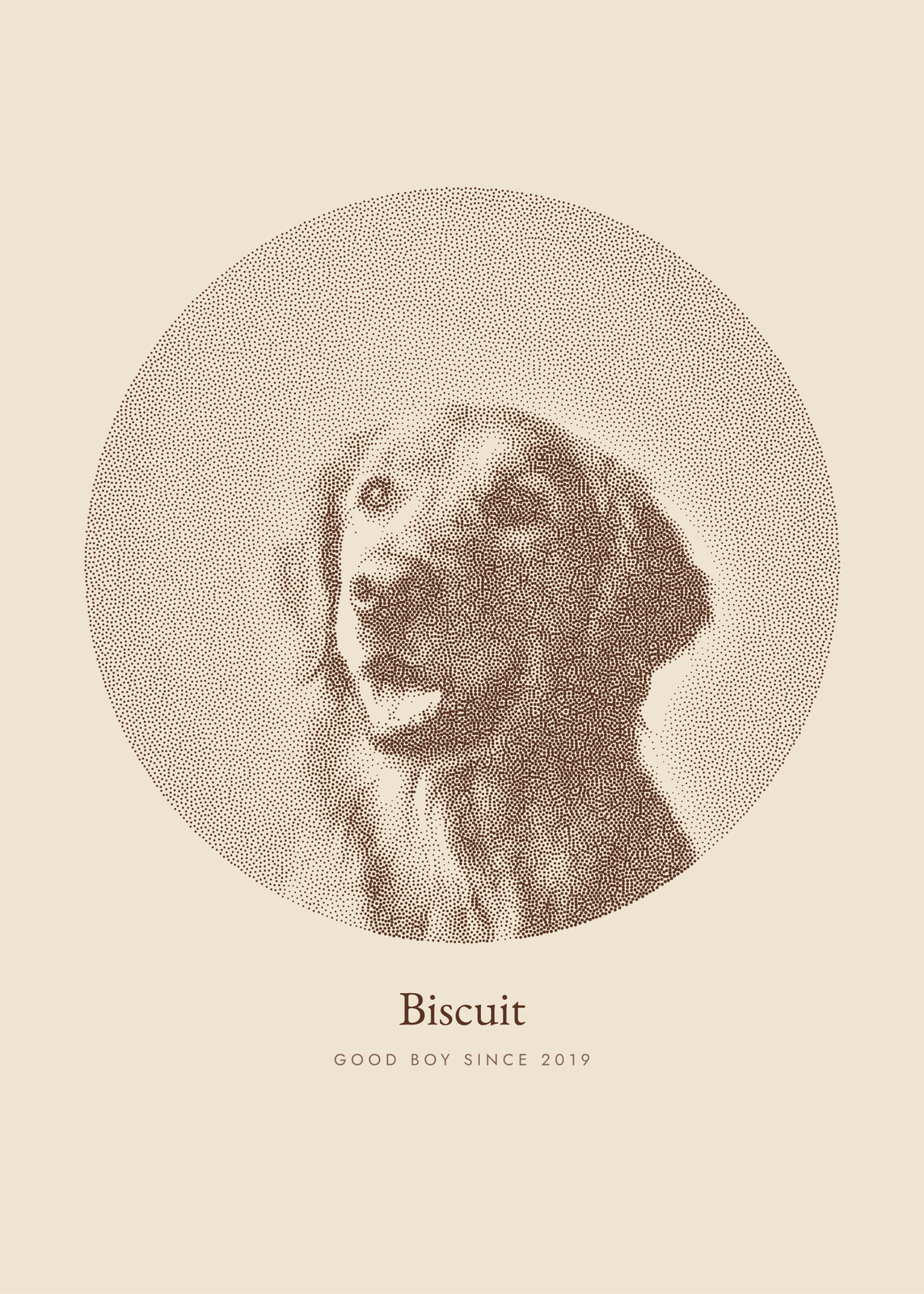 Photo to artyour picture redrawn in ink dots, characters, thread, pen lines or carved blocks
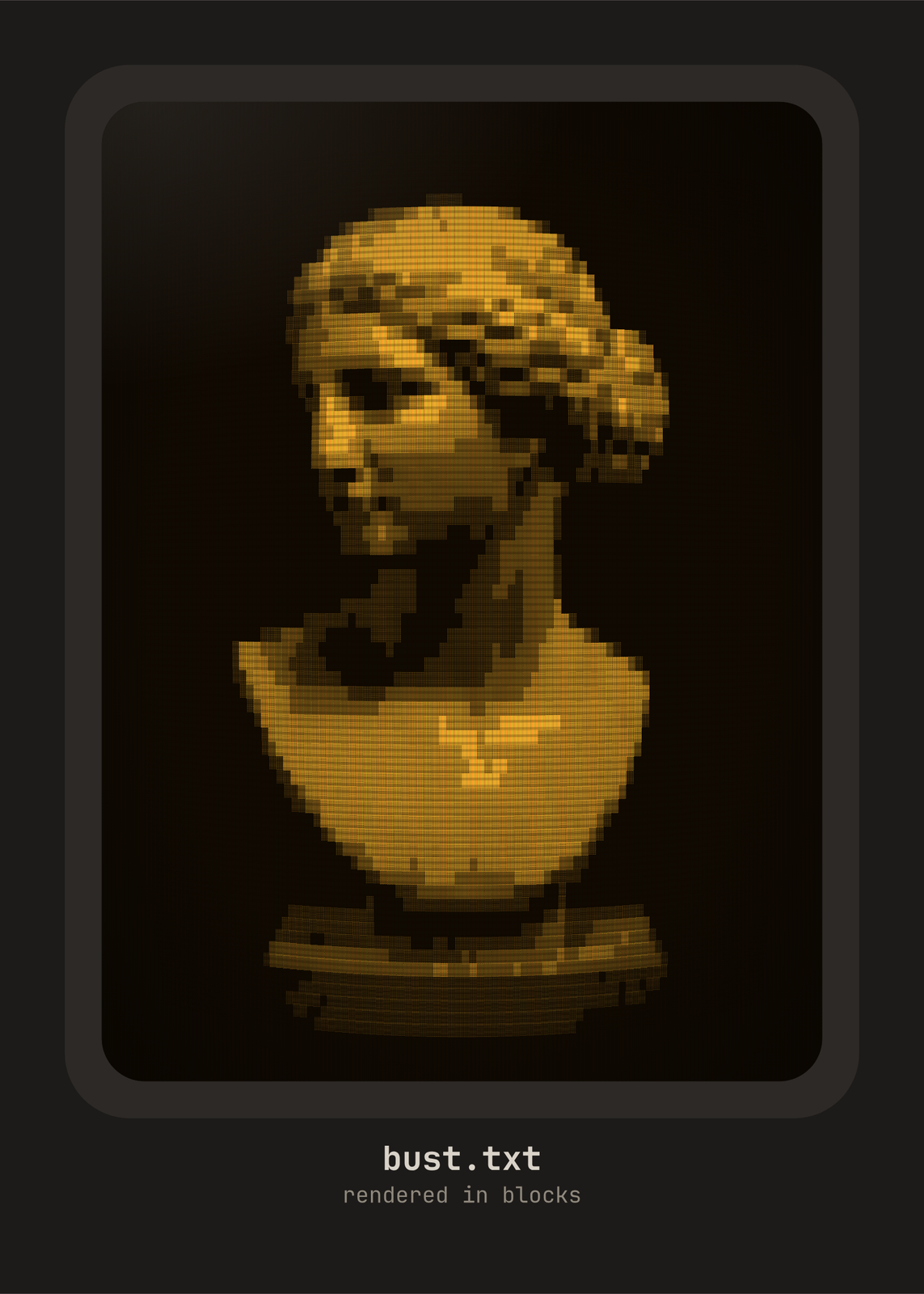 ASCII art generatoryour photo typed in letters, digits and blocks, on an old screen or plain paper
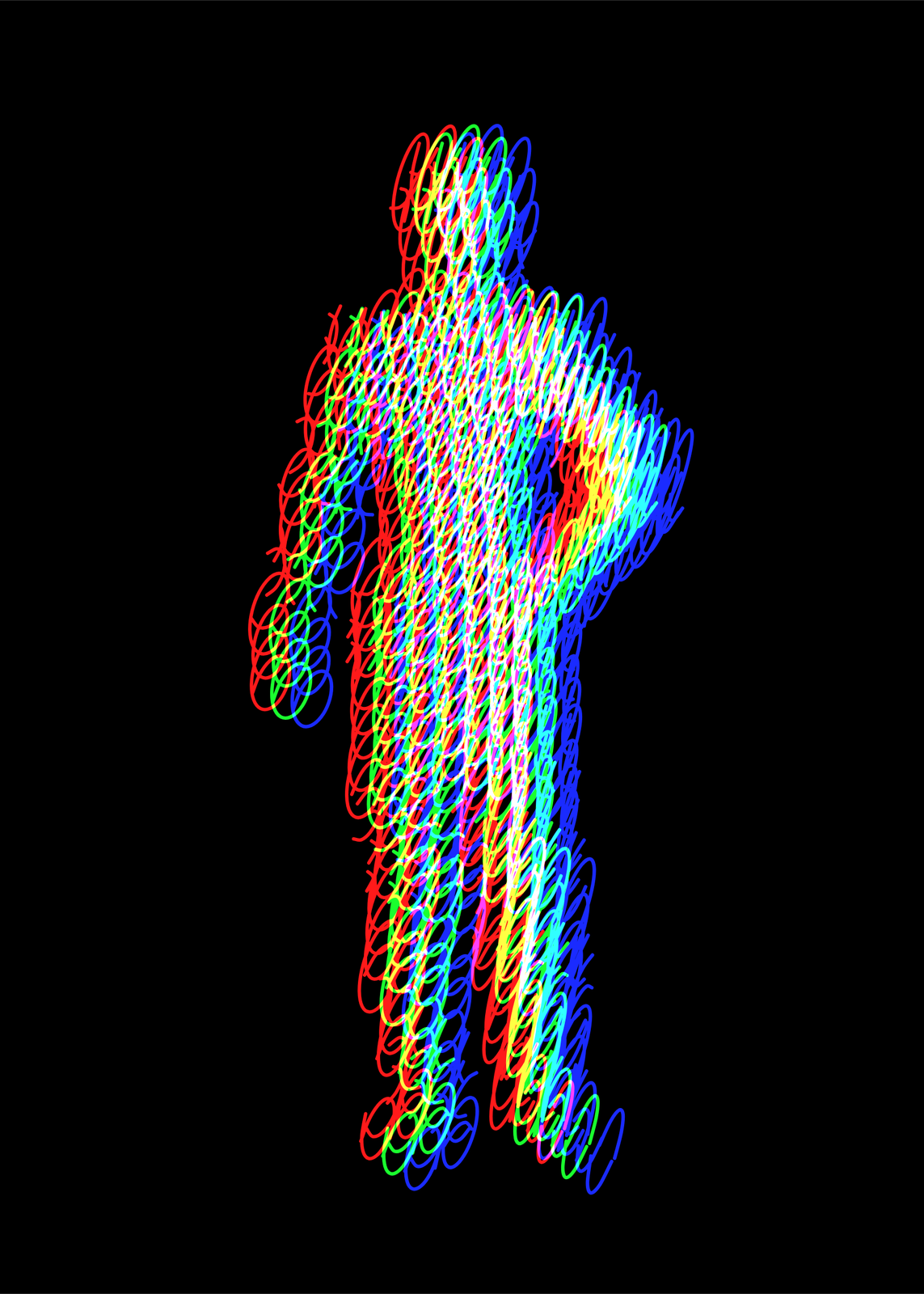 Light painting arta silhouette filled with one looping line, printed off register in colored light
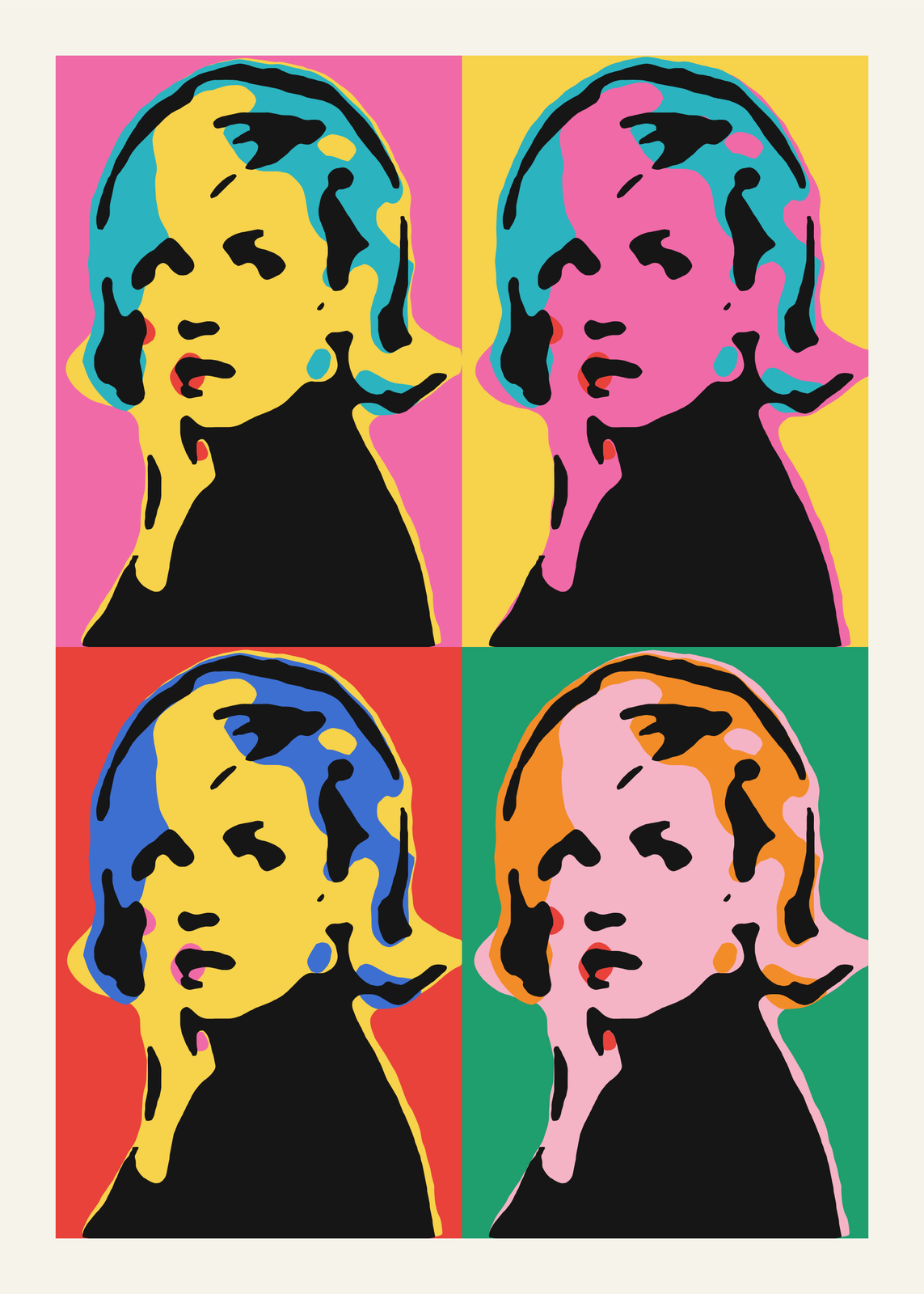 Pop artyour photo as a silkscreen grid, a comic panel or a WPAP portrait
Gift ideas by occasion
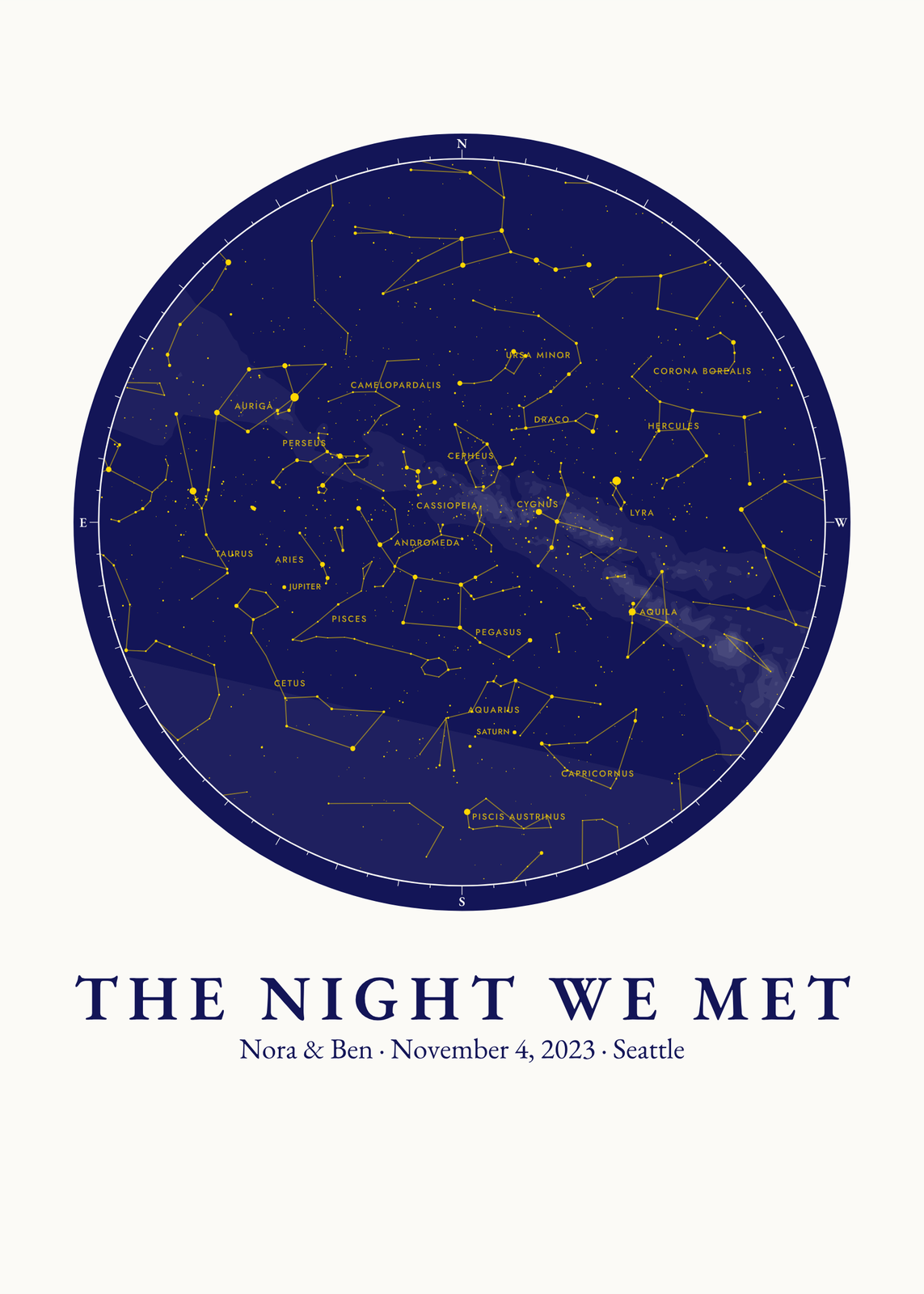
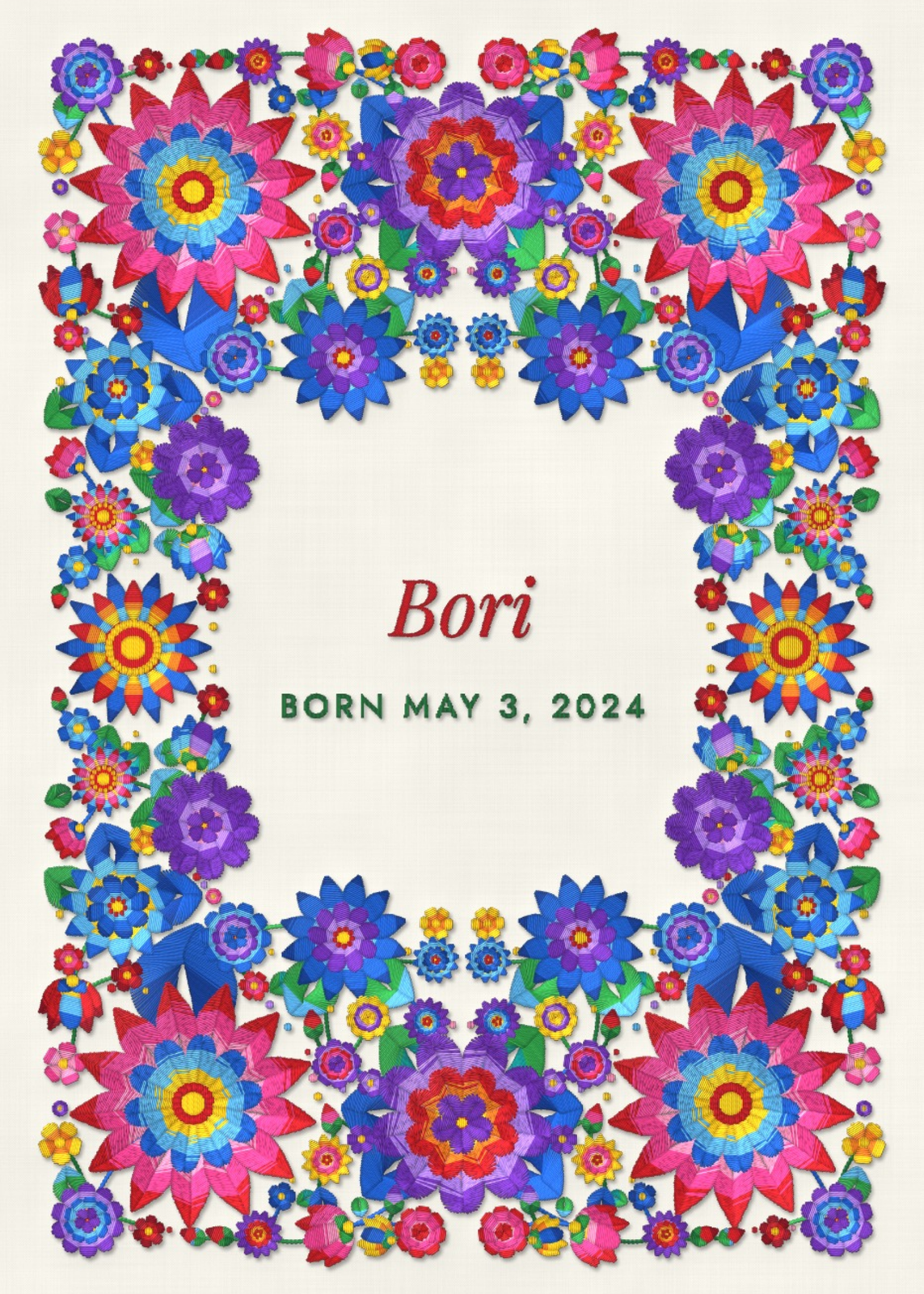
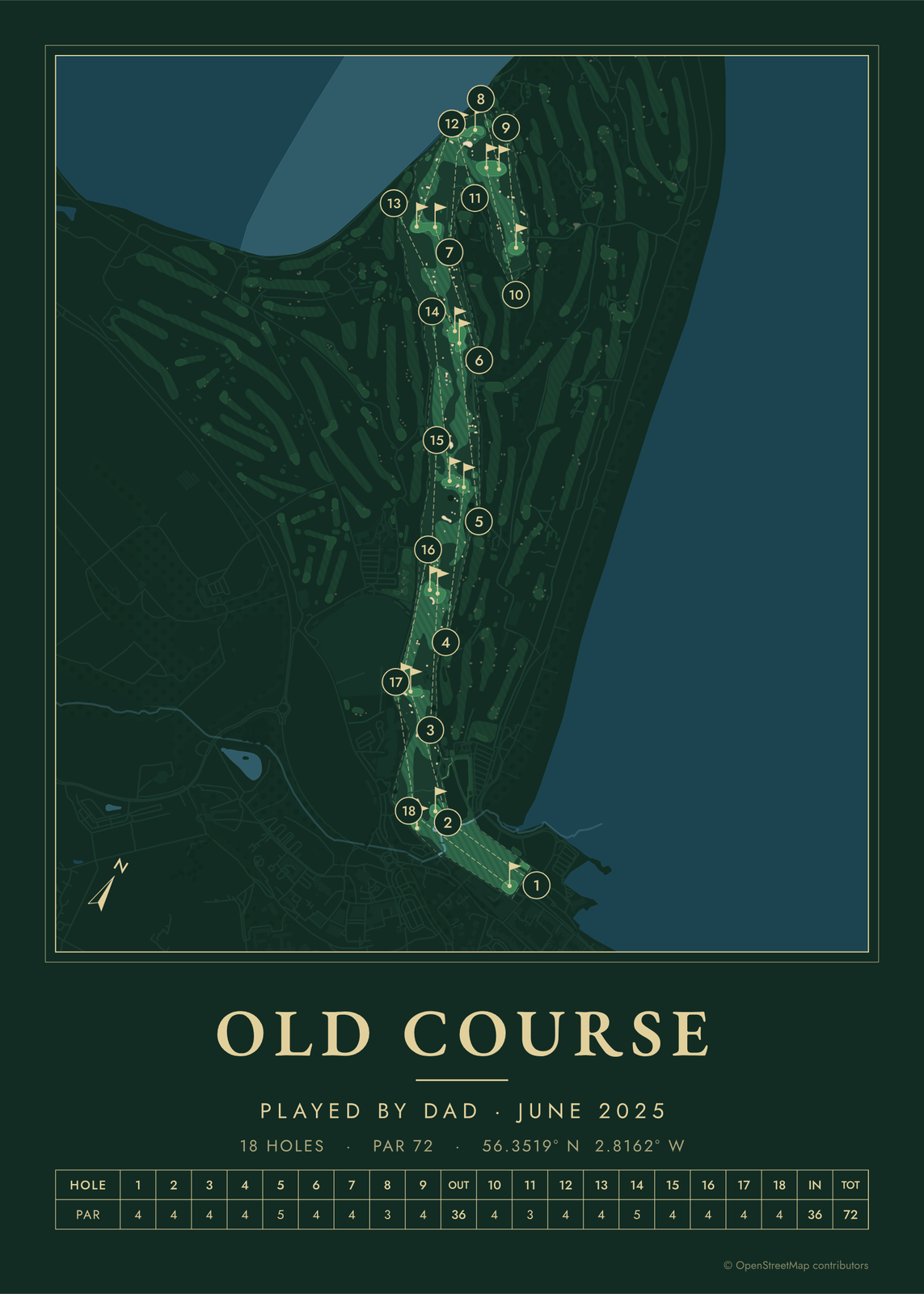
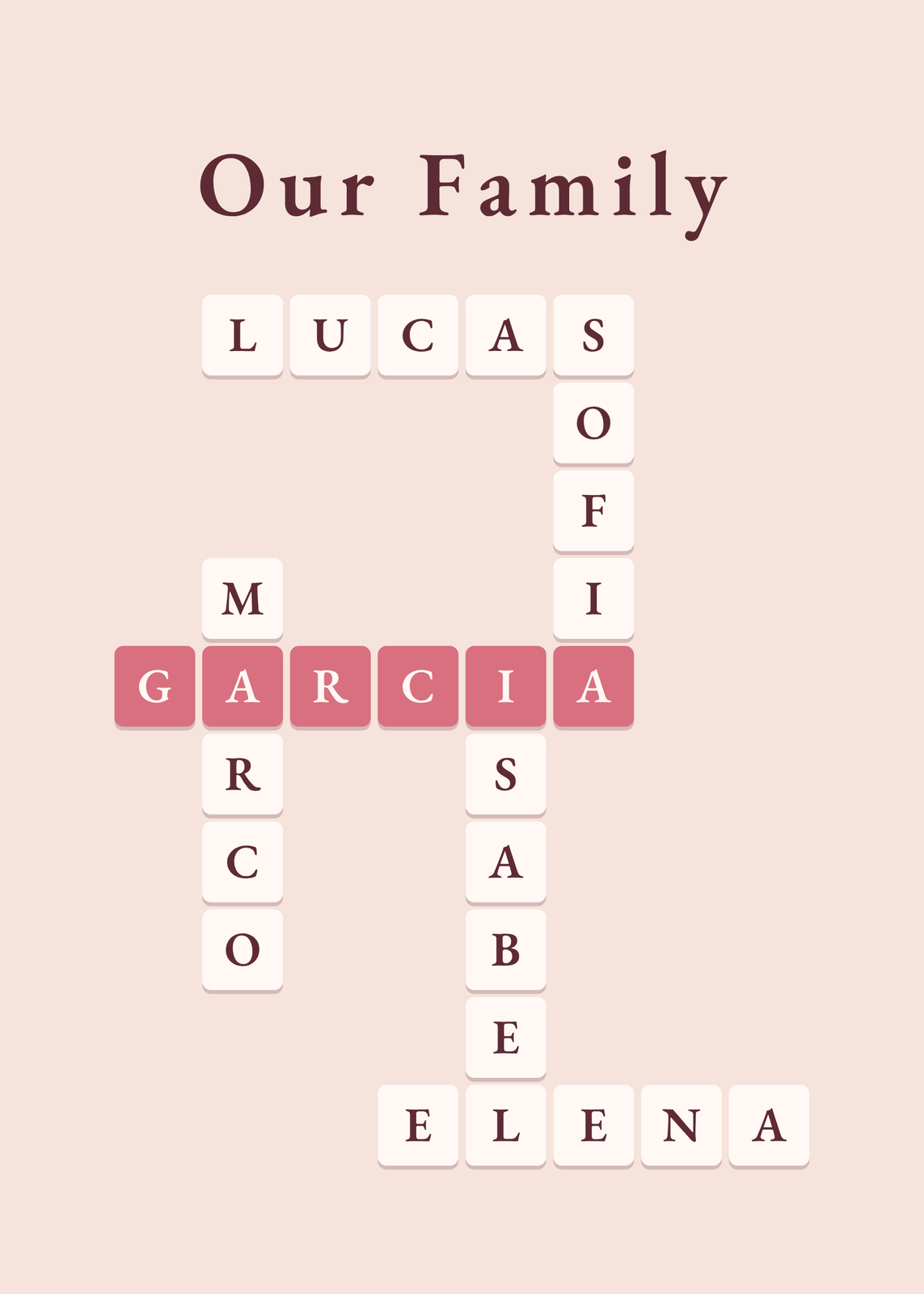
Every example is made with the Posterage generators. Change anything, then download it as a 300 DPI JPEG.