ASCII art generator your photo typed in letters, digits and blocks, on an old screen or plain paper
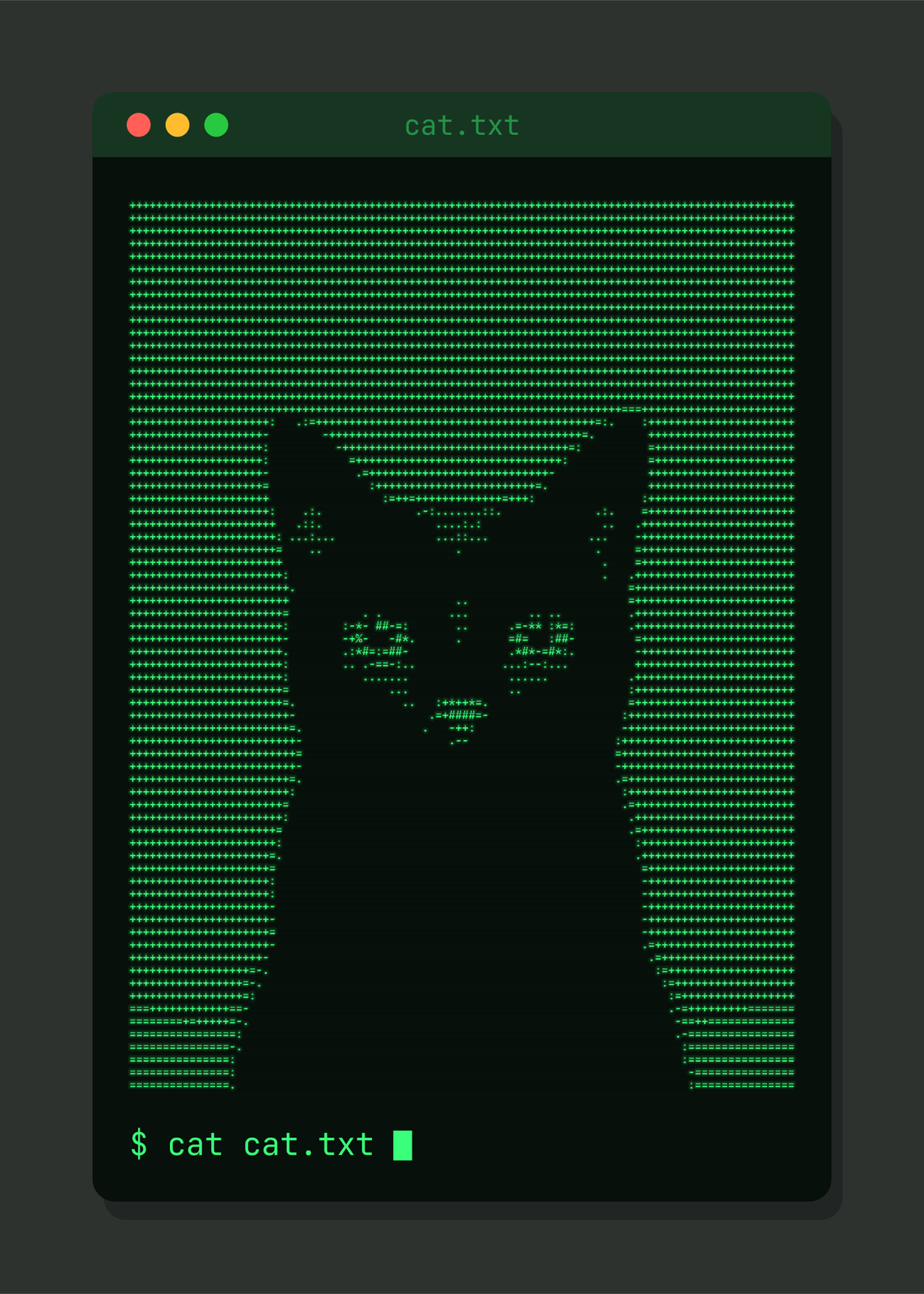
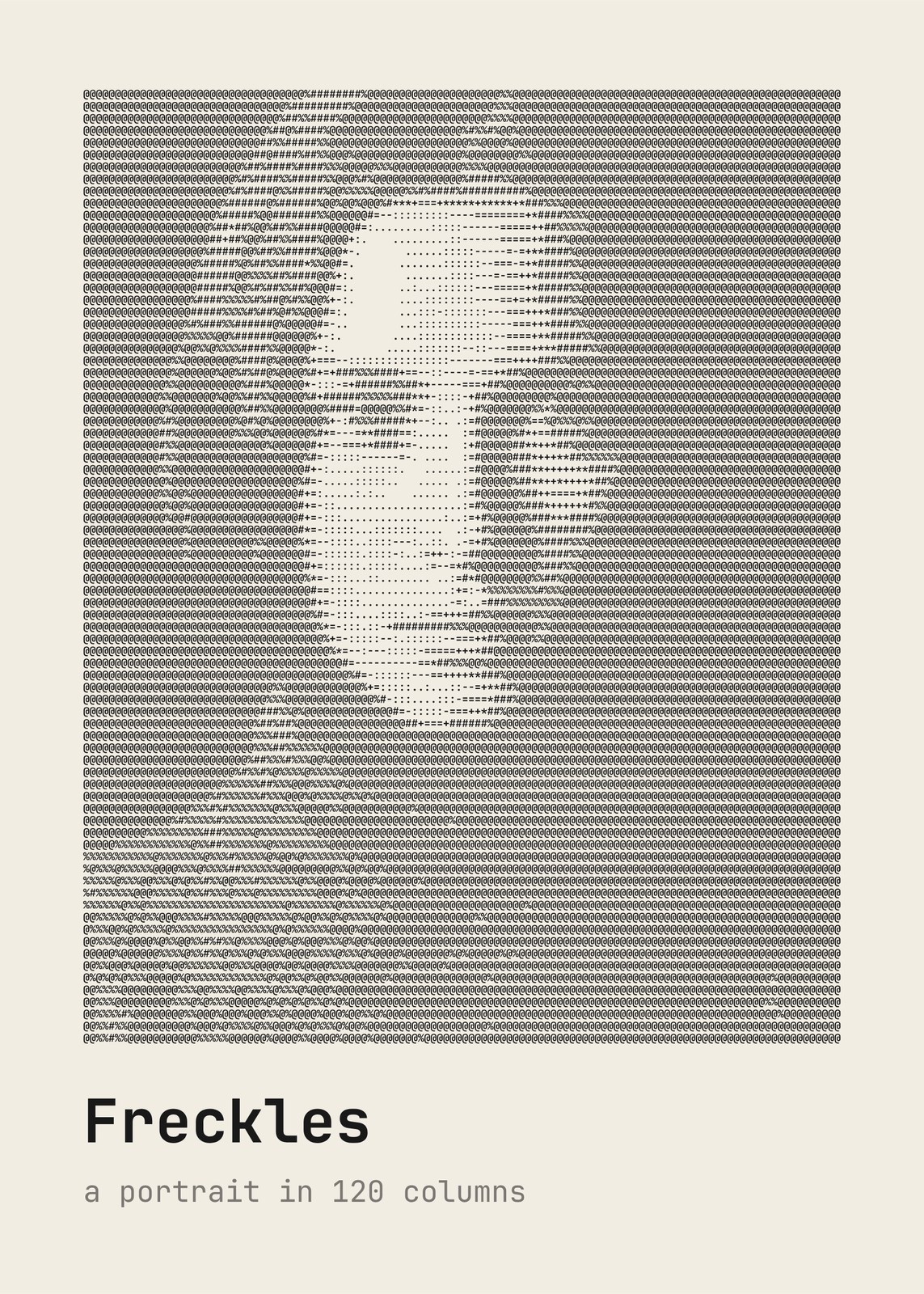
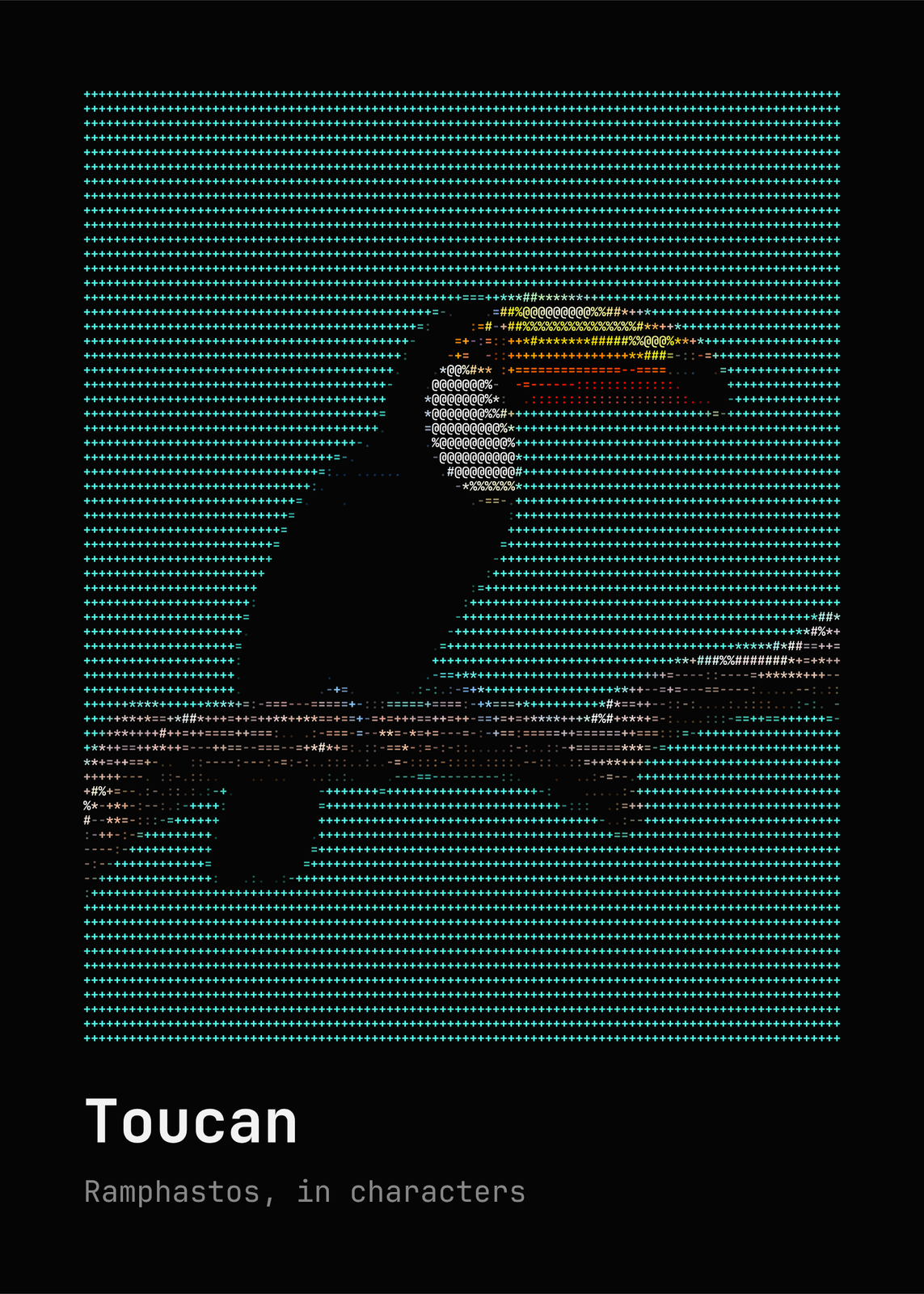
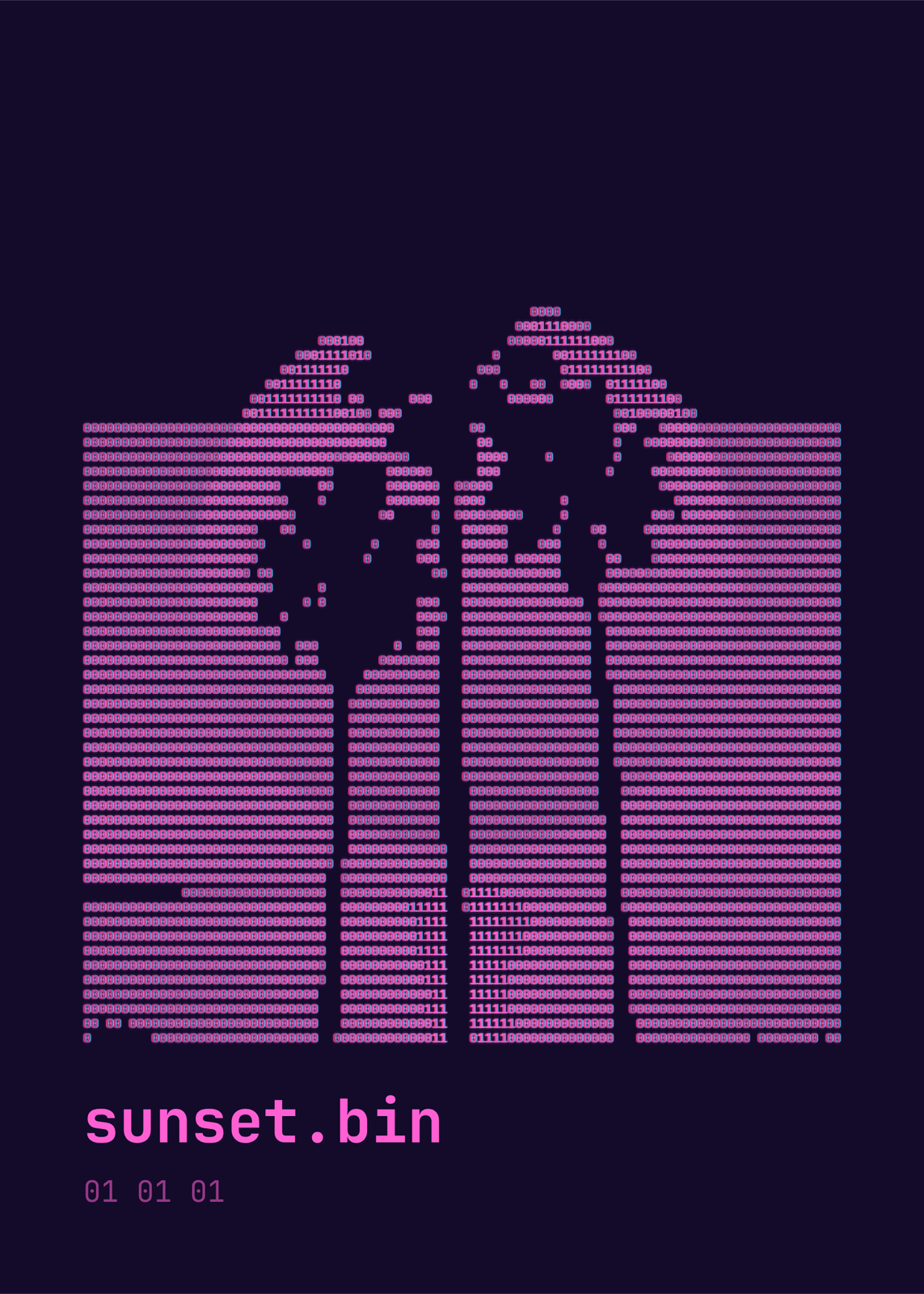
Upload a photo and every small patch of it becomes one character: a dense one like @ or █ where it needs the most ink, a dot or a space where it needs none. Start from one of six looks, among them an amber CRT, a green terminal and black ink on paper, then pick the characters and how many fit across. The characters are drawn as type, so they stay crisp in the print.
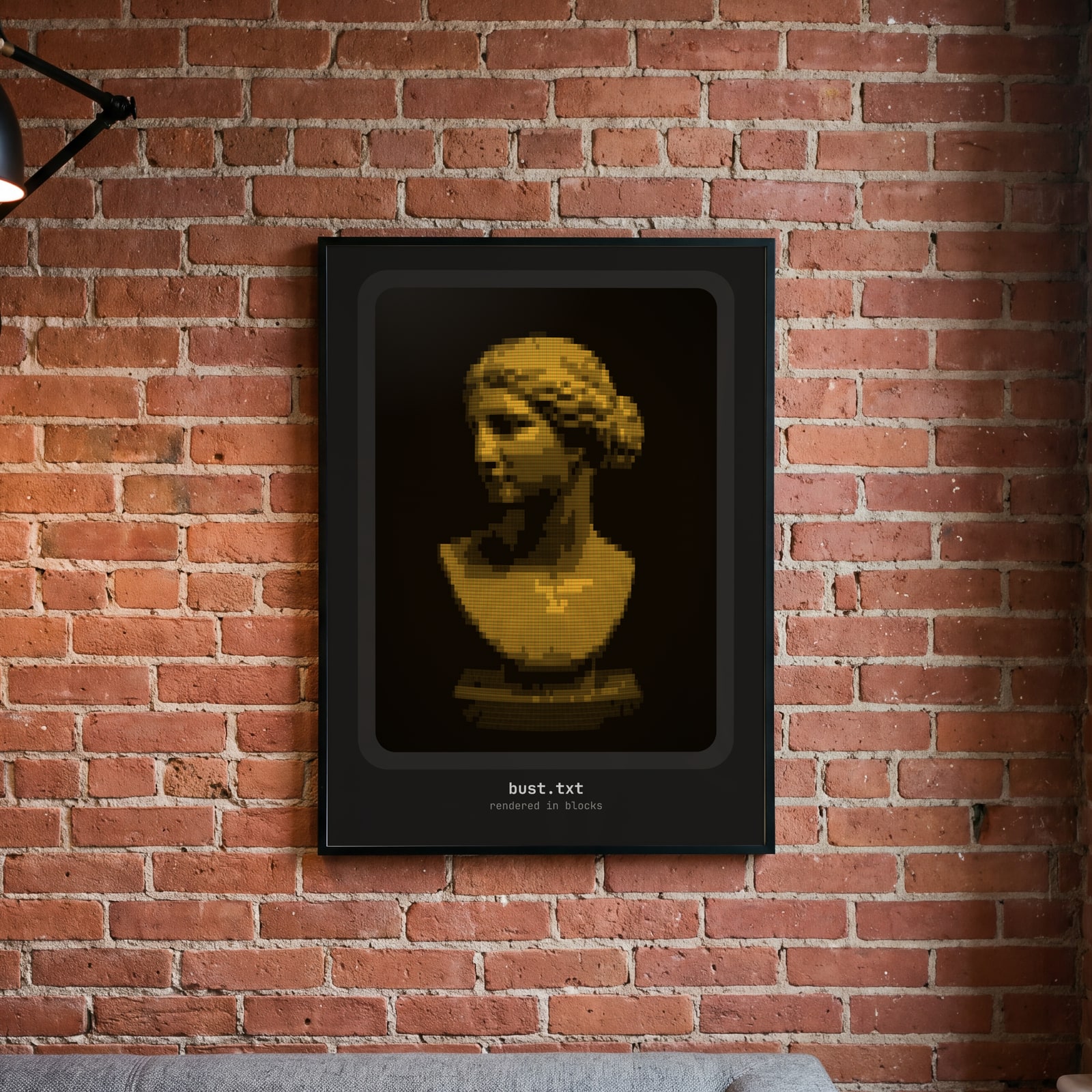
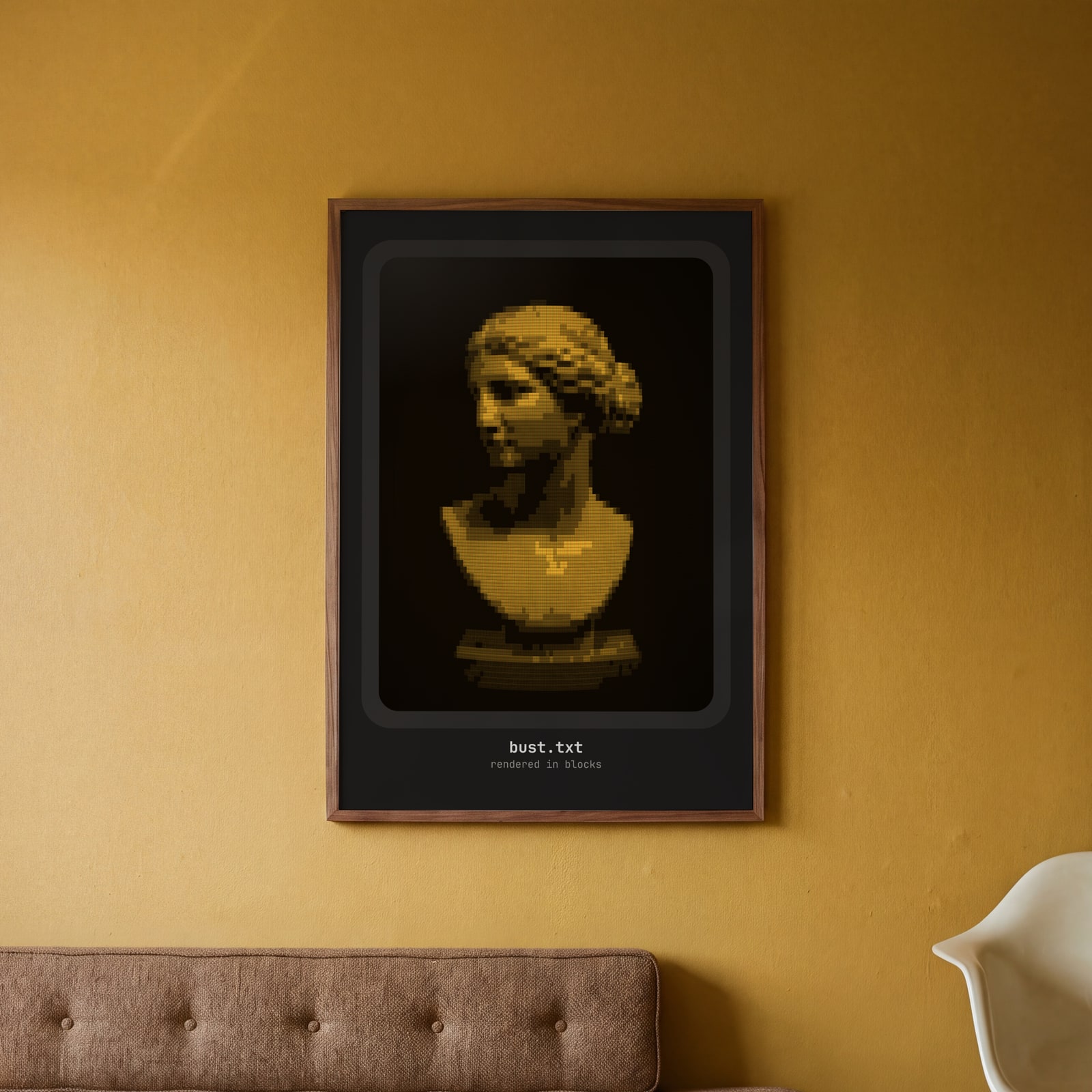
On the wall
A few of them framed at home. Open any one to make it yours.
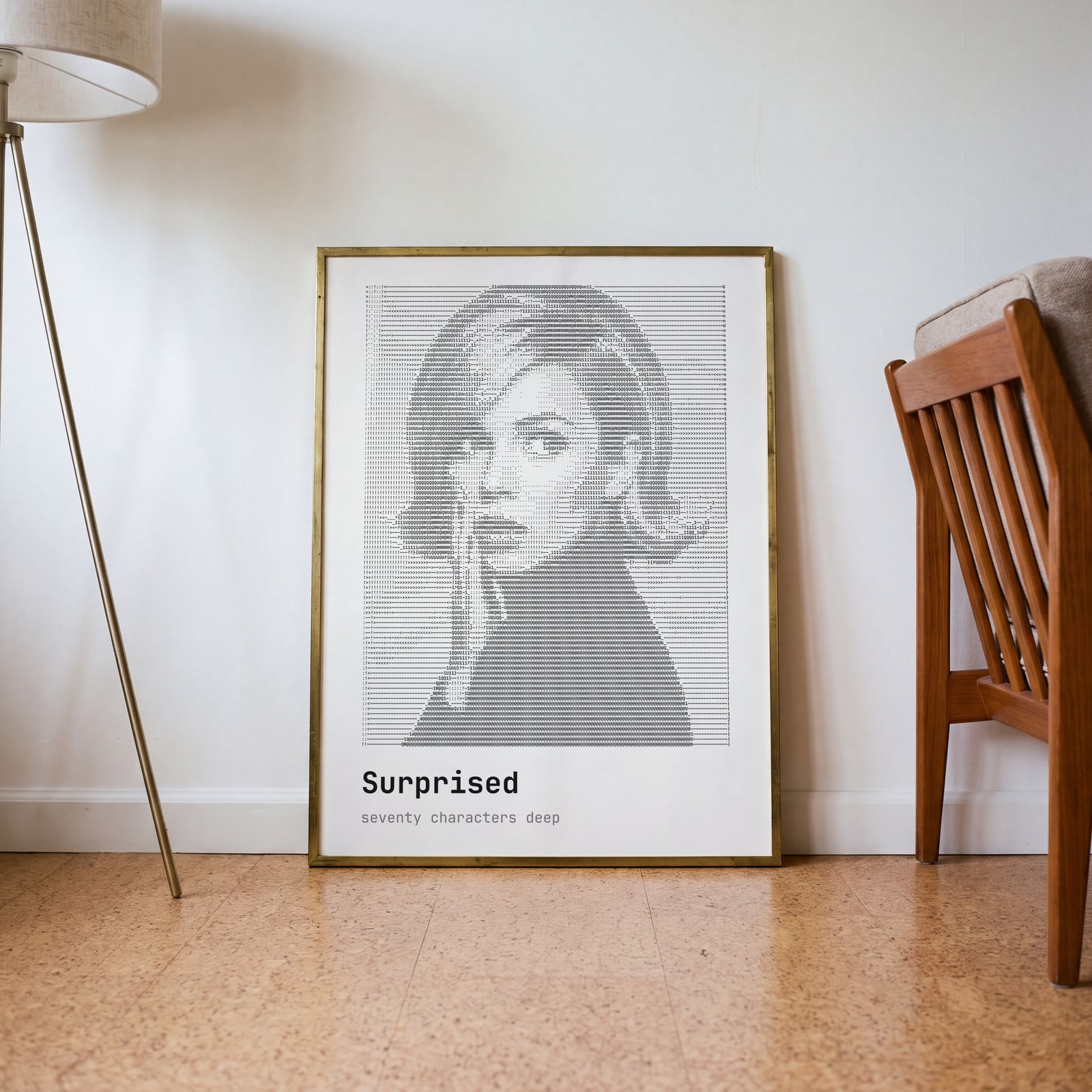
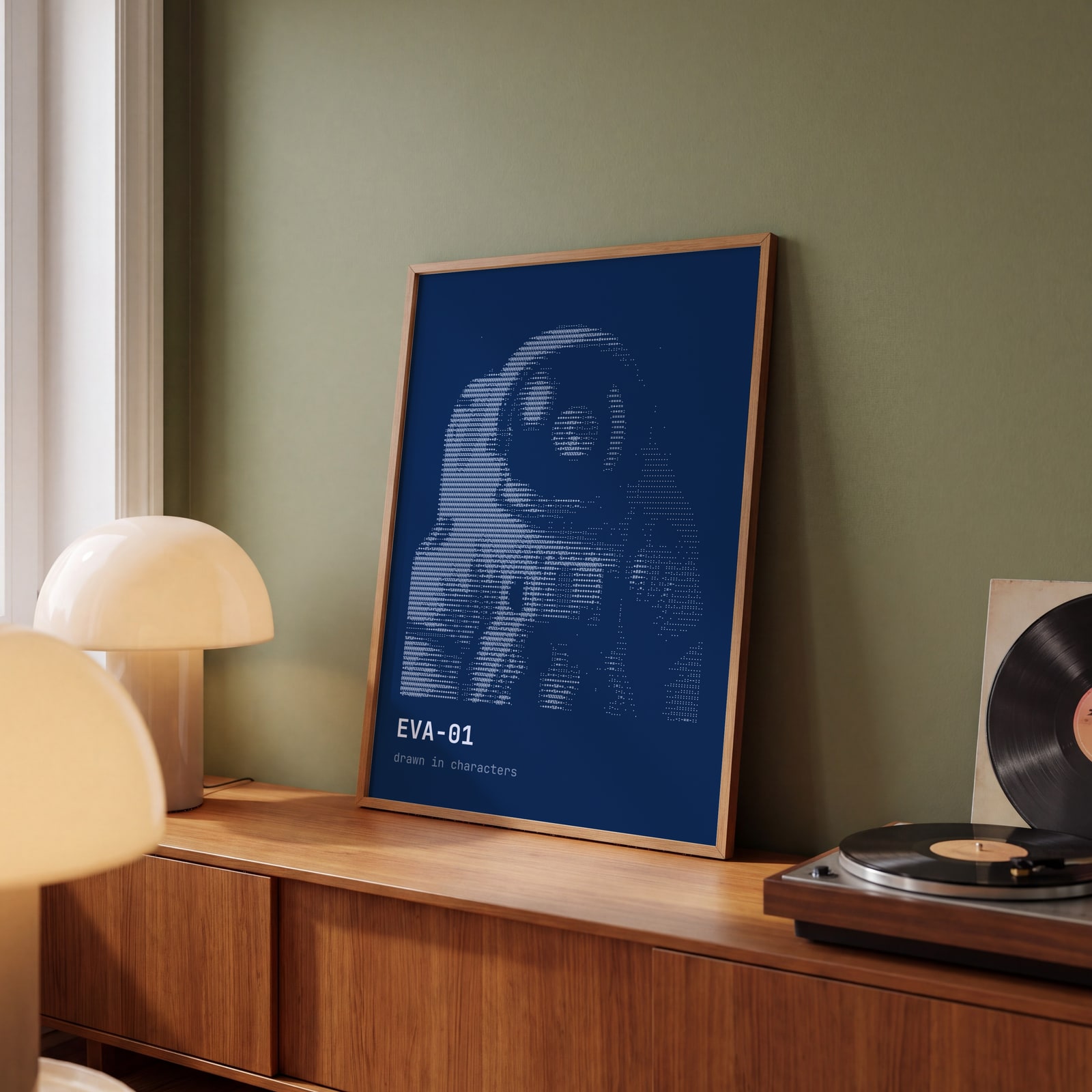
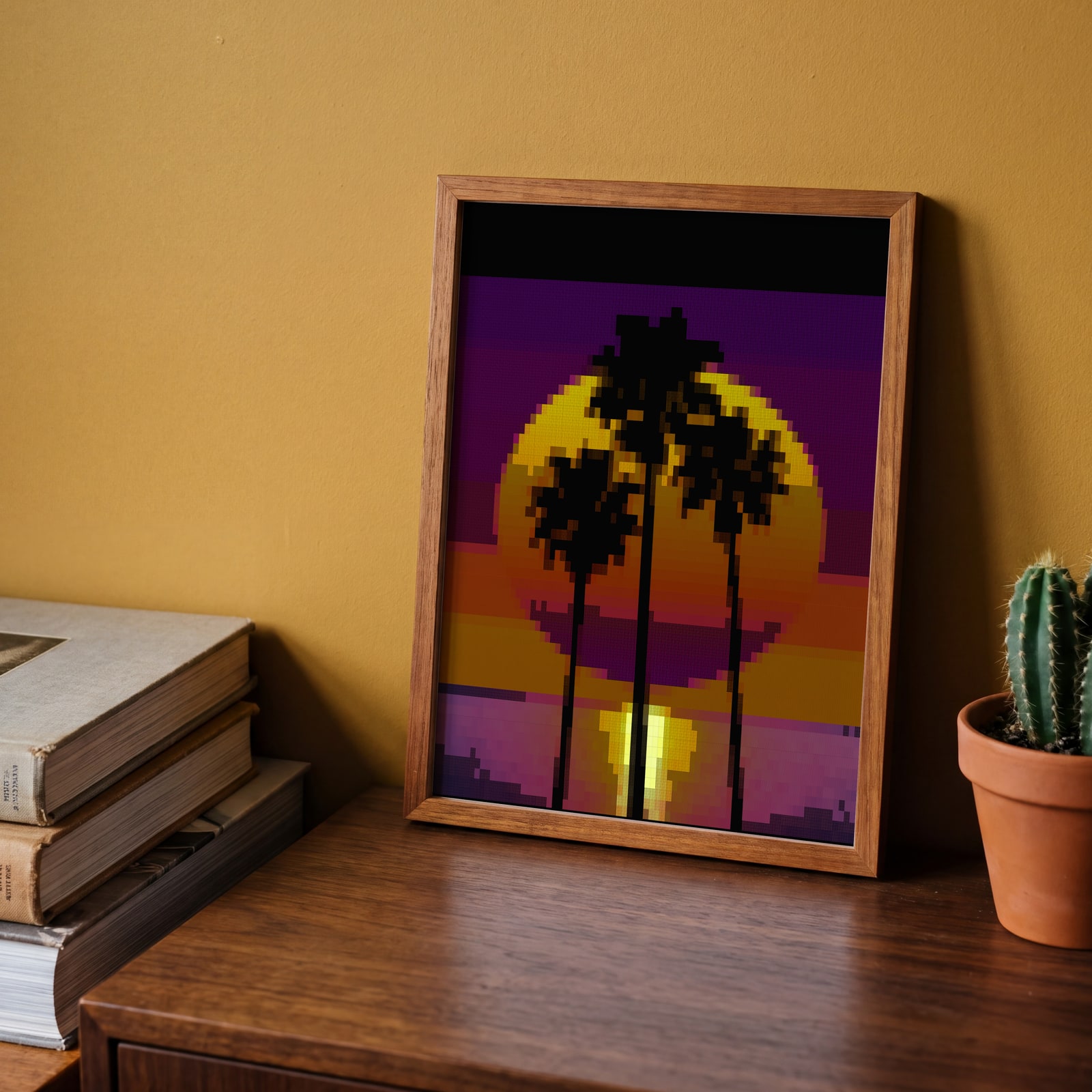
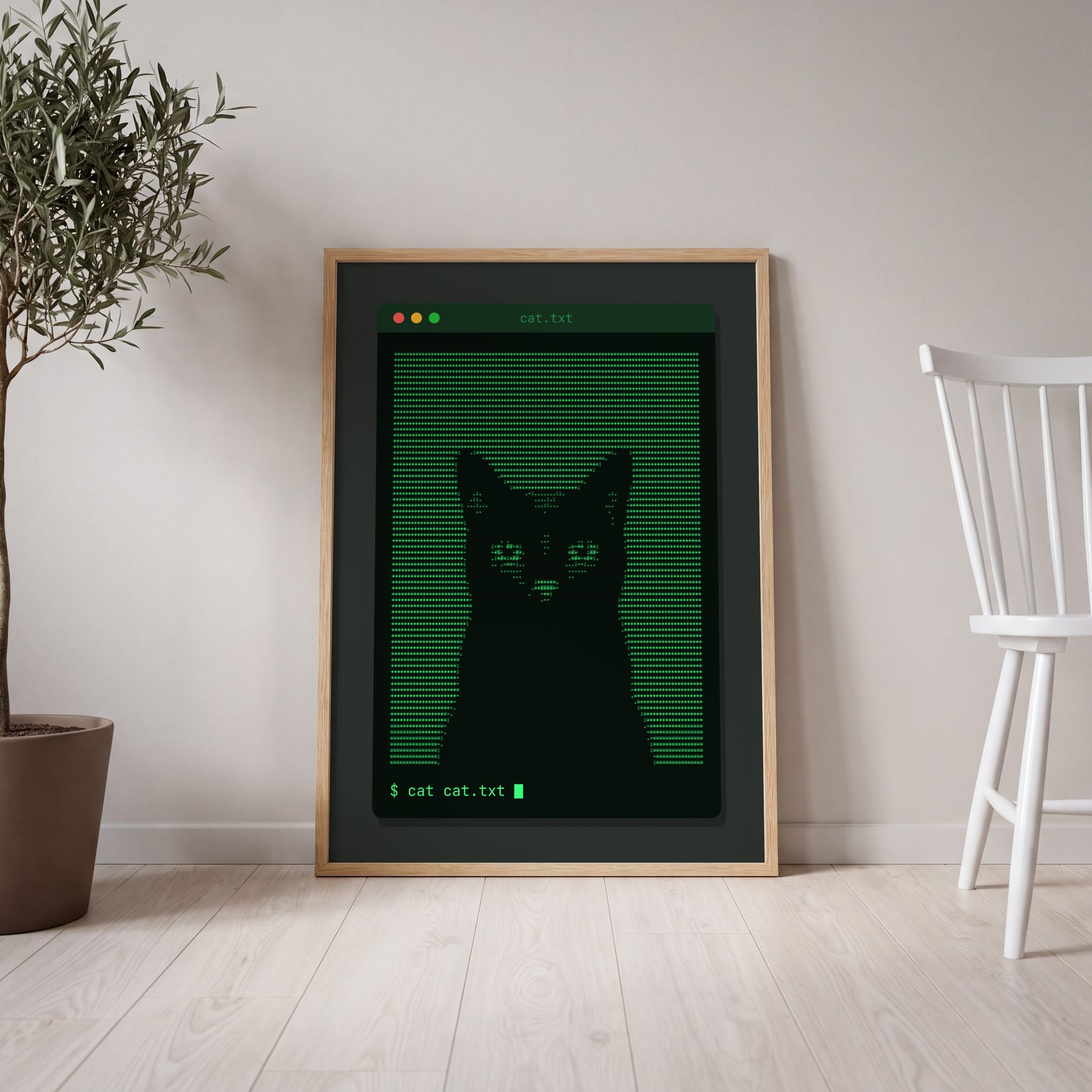
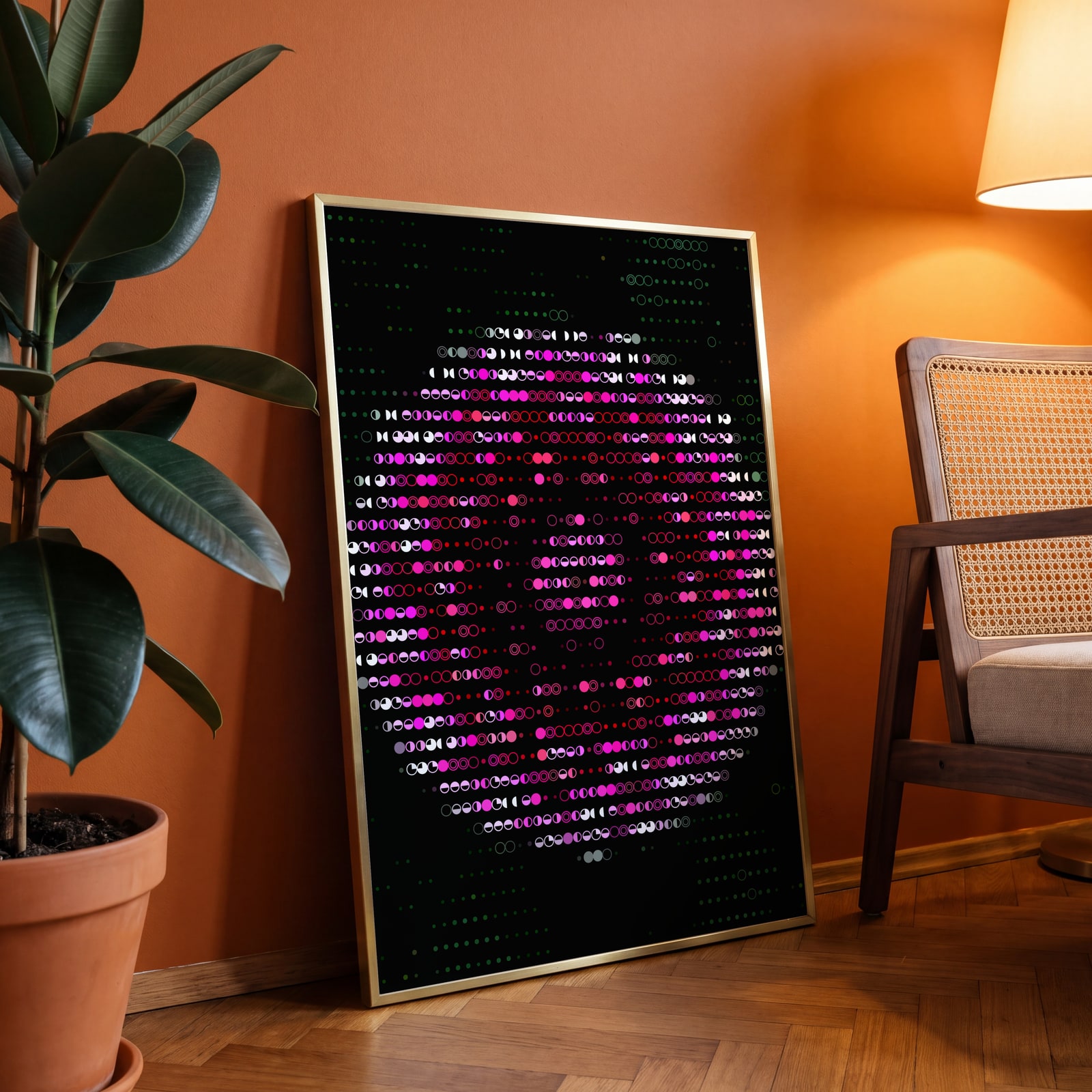
Examples
Open any of them to change the words, the place, the date and the style, then download the print file.
Looks
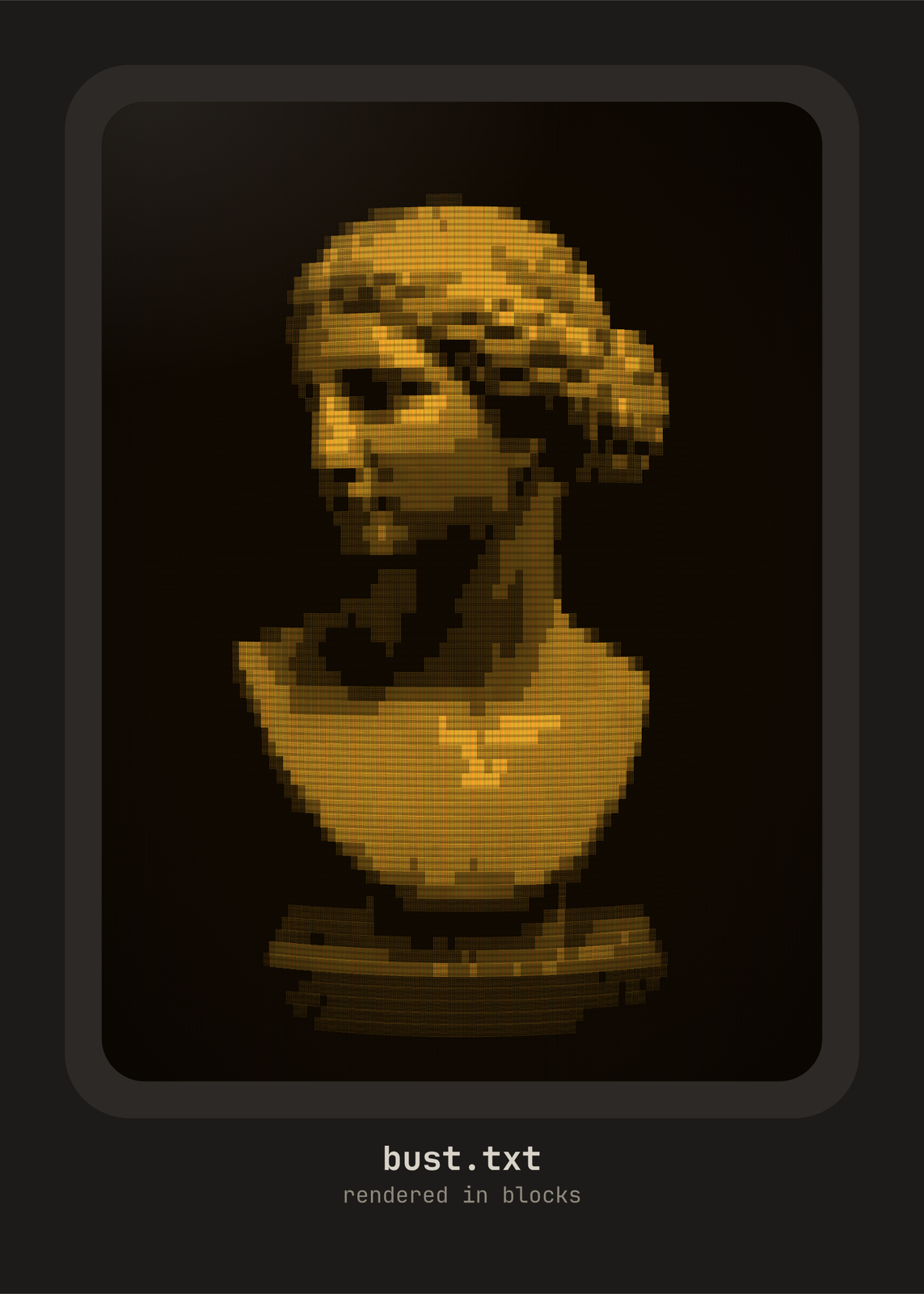
Characters
Colors
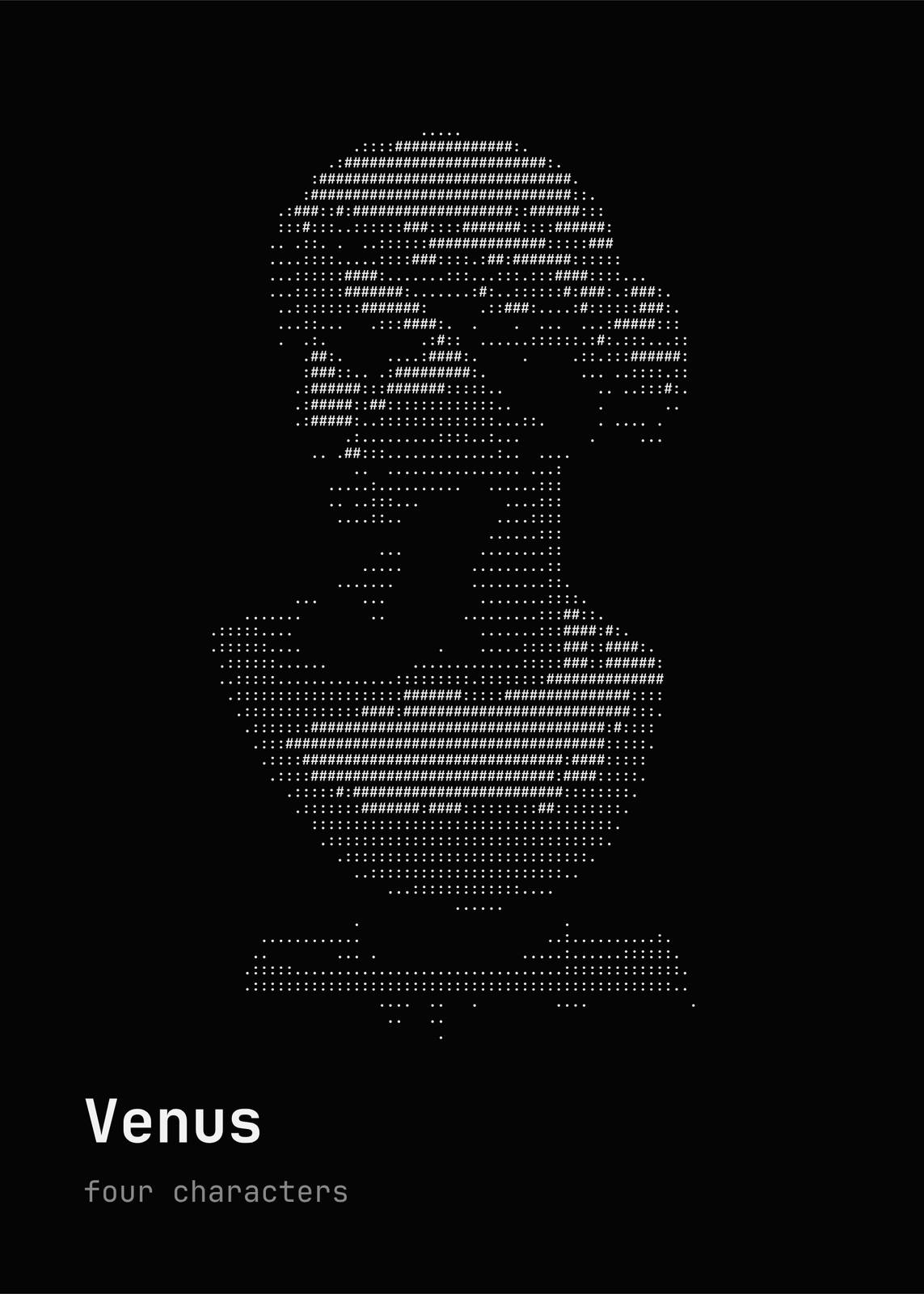
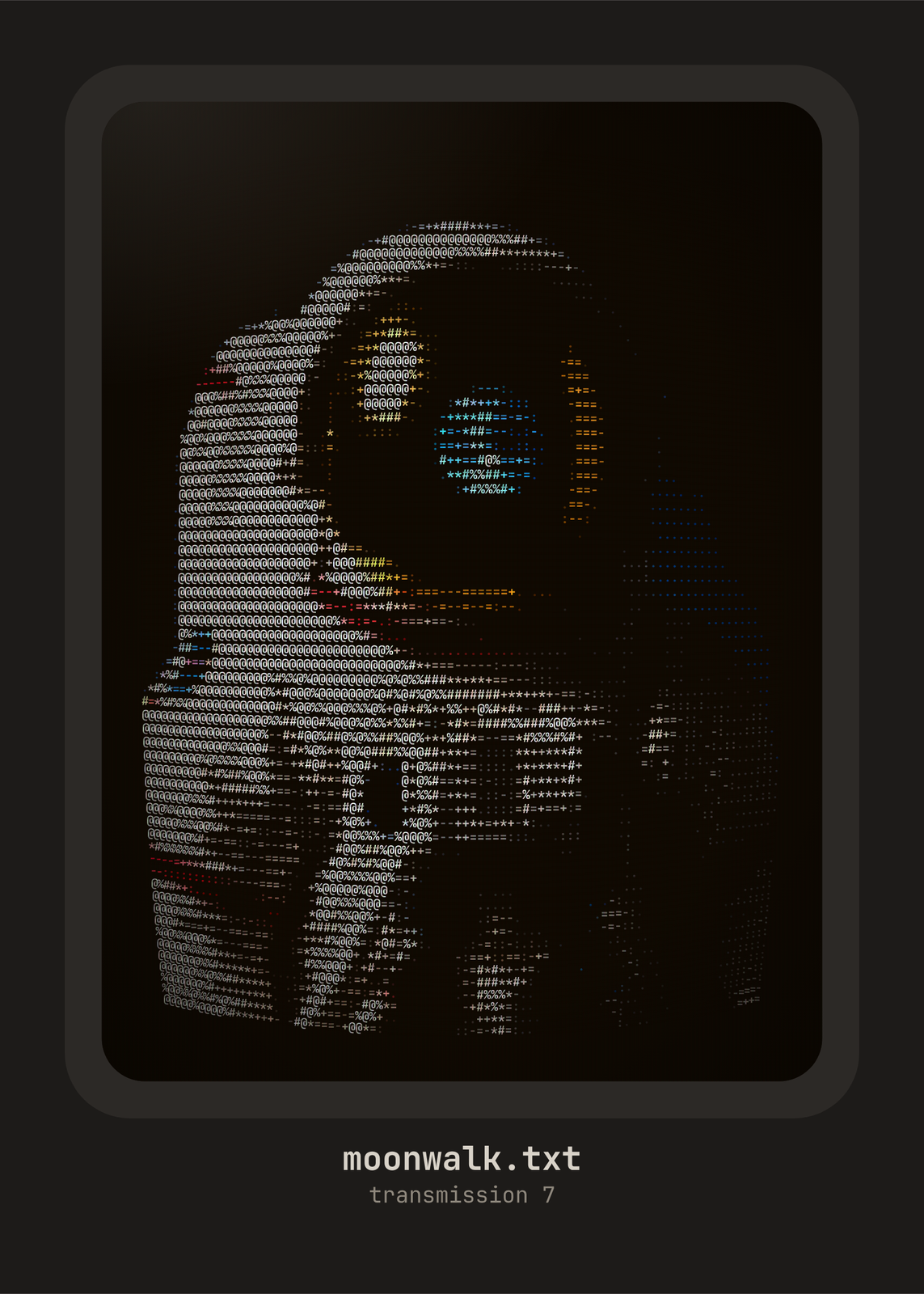
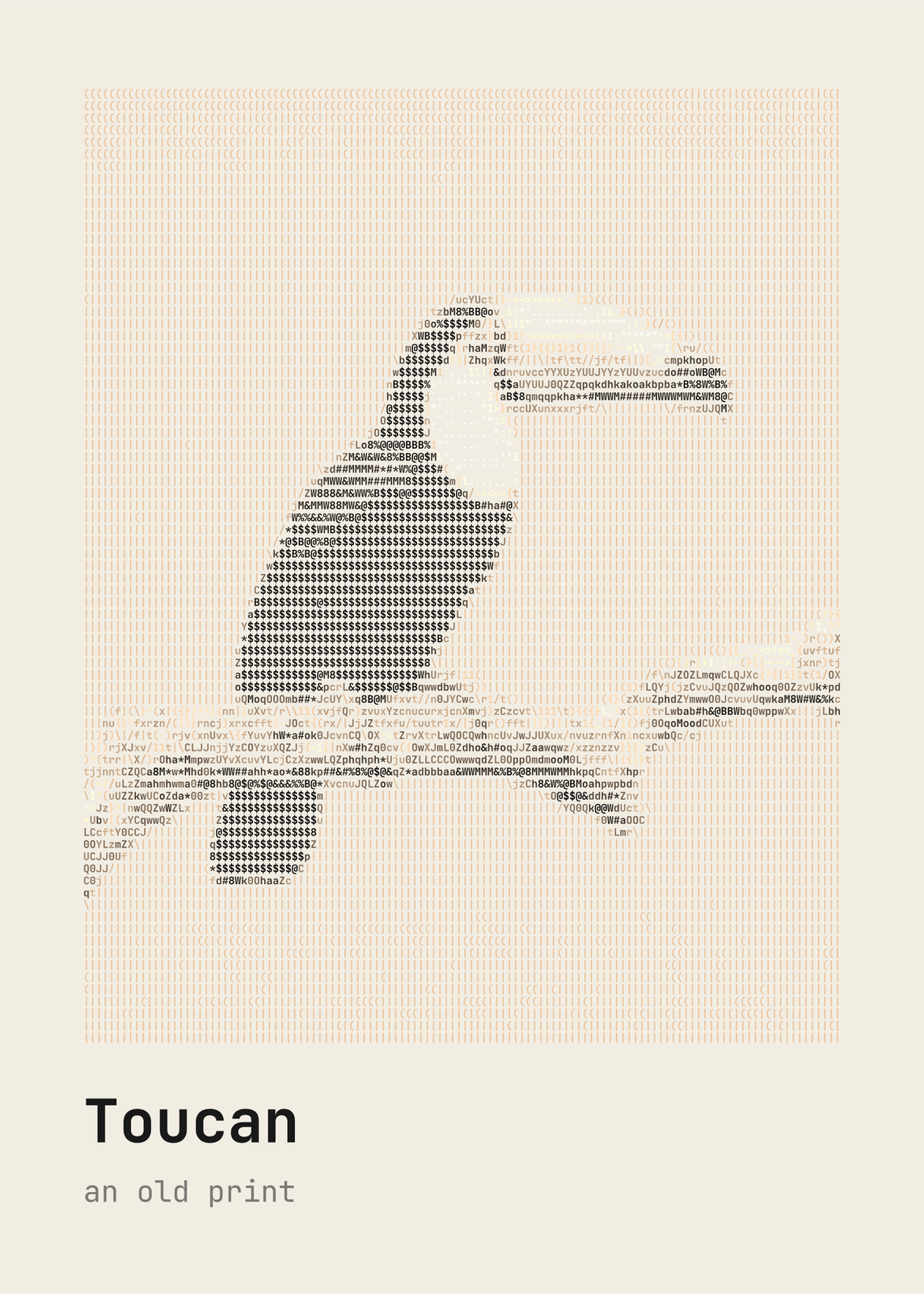
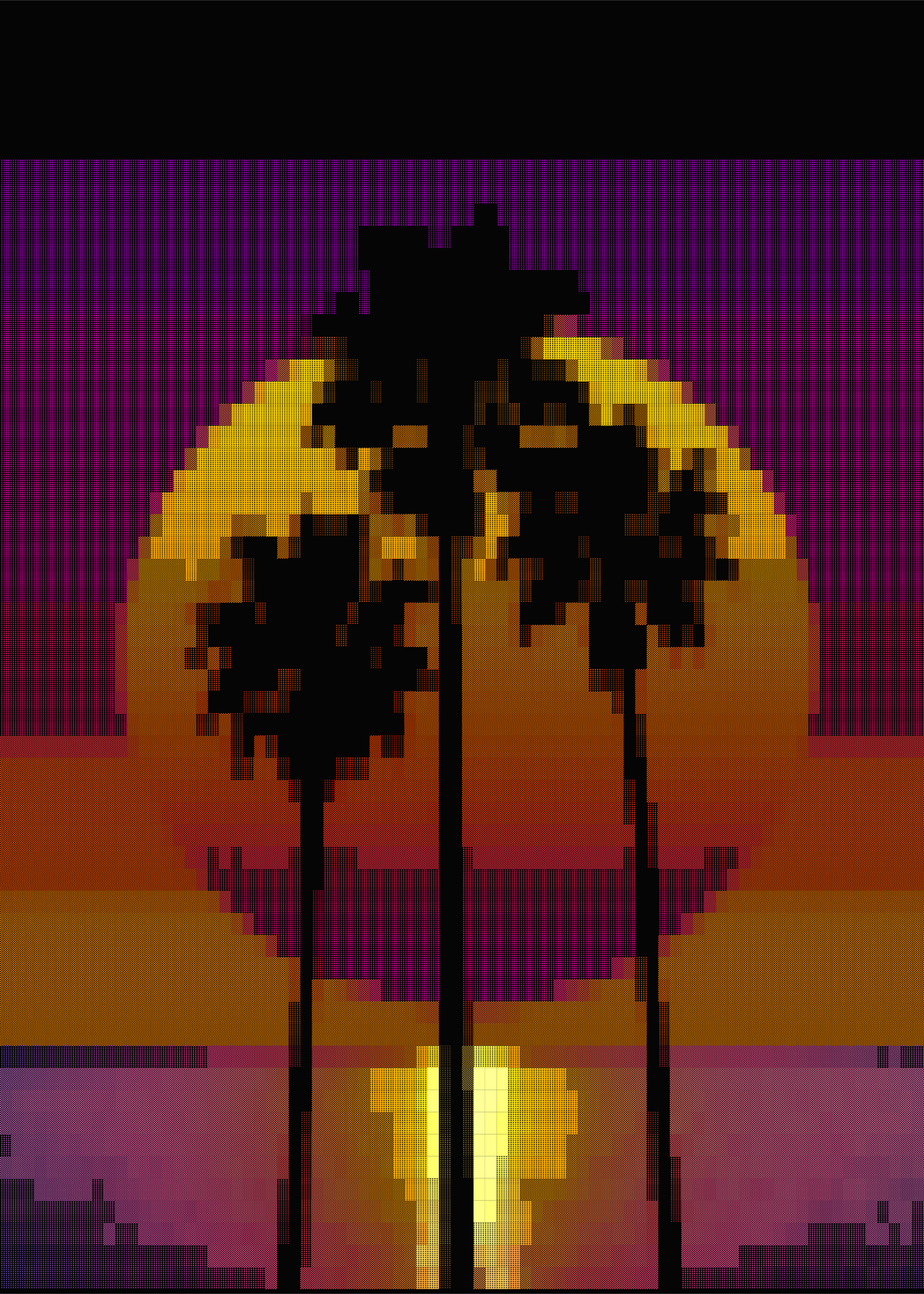
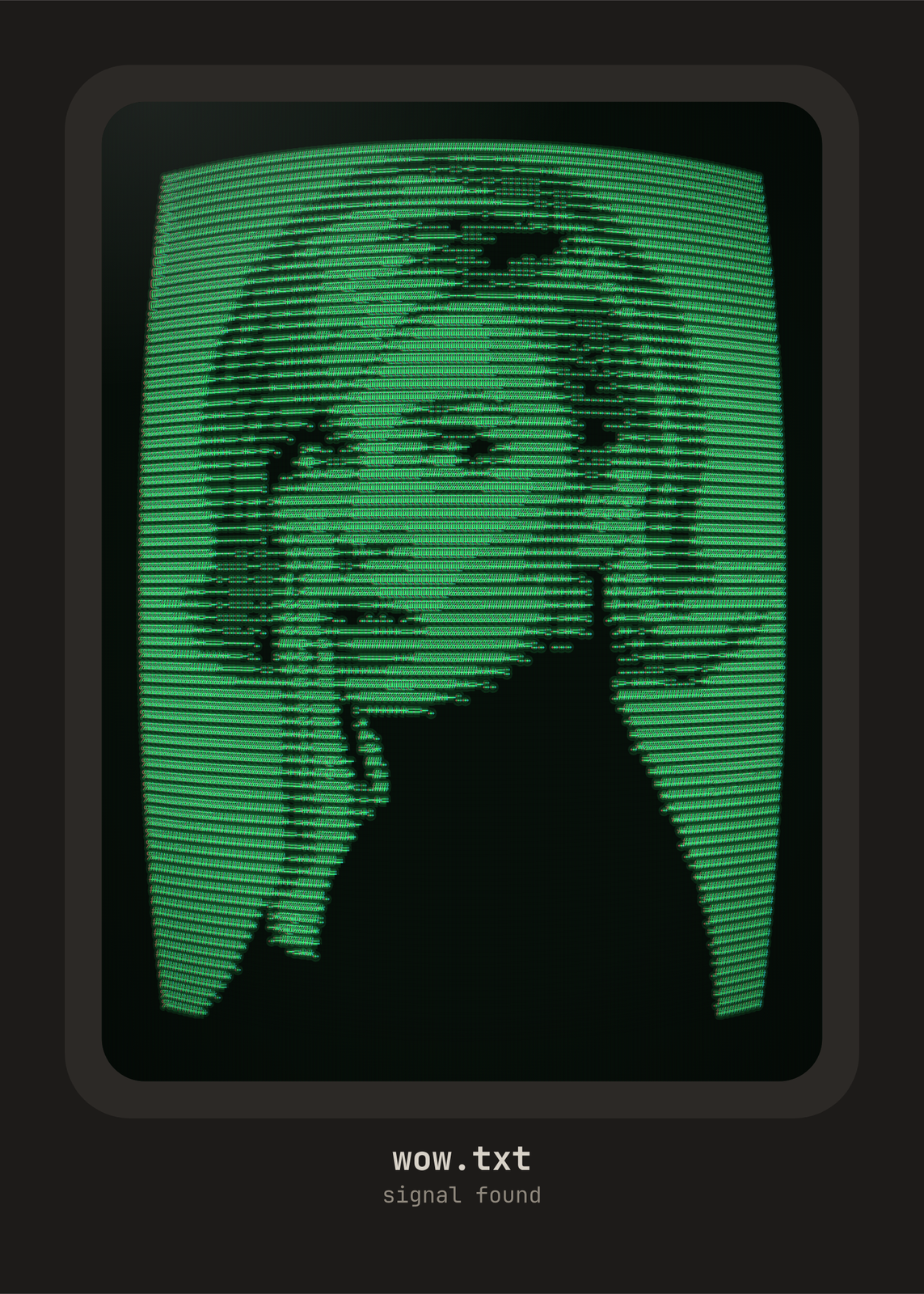
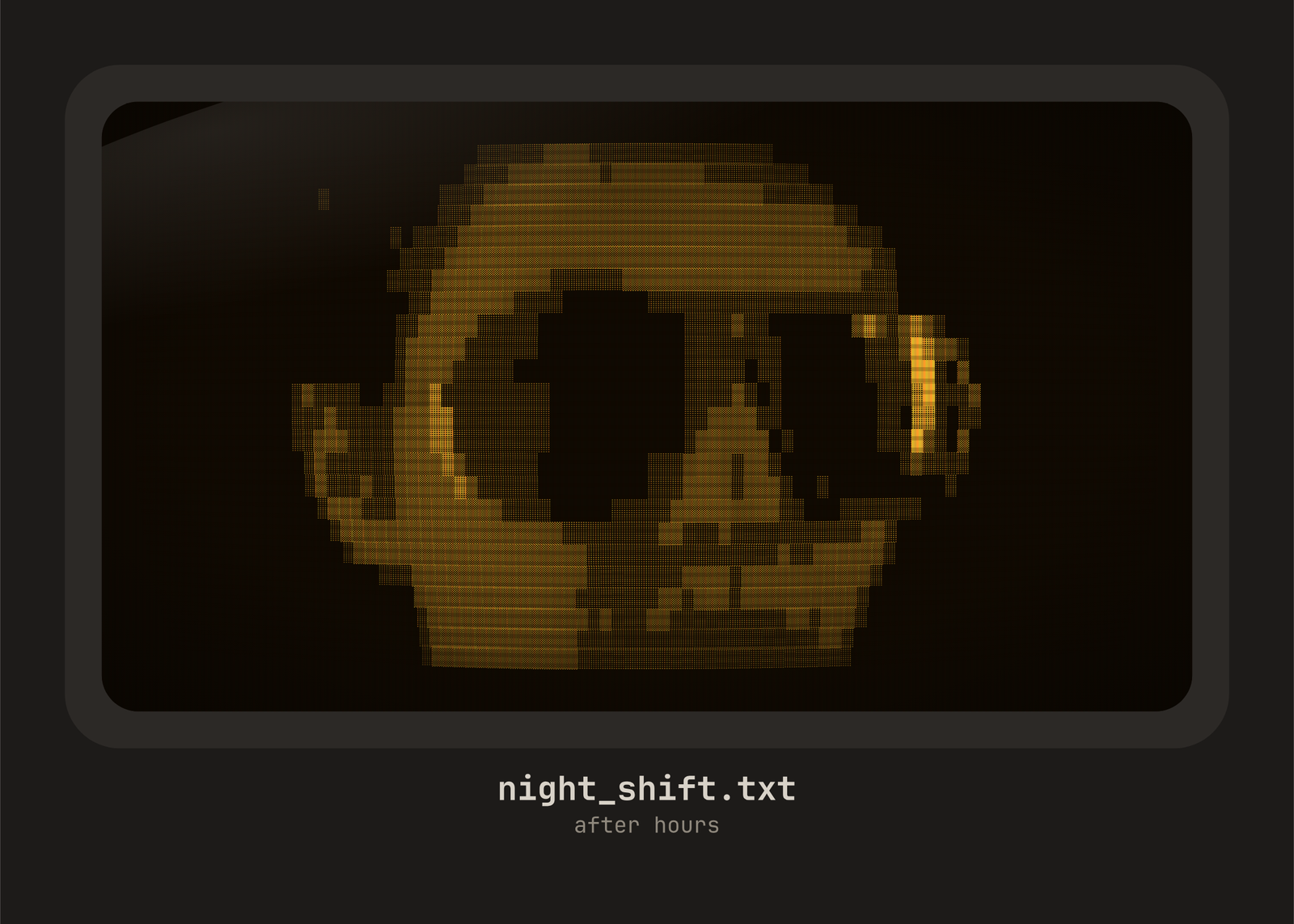
Six looks to start from
- Amber CRT: amber blocks on a curved monitor, with scanlines, glass and a dark vignette.
- Terminal: green characters in a terminal window, prompt and cursor included.
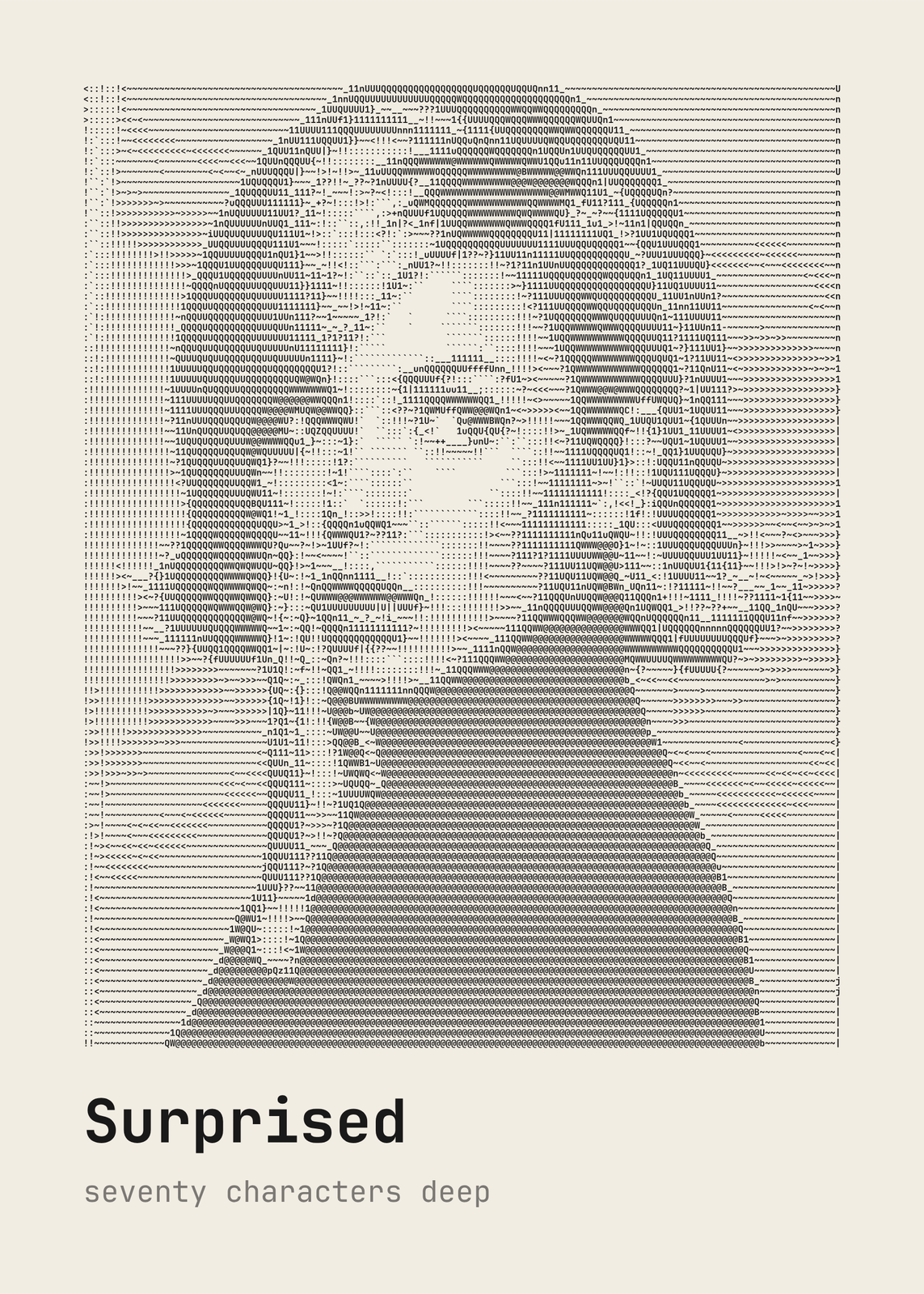
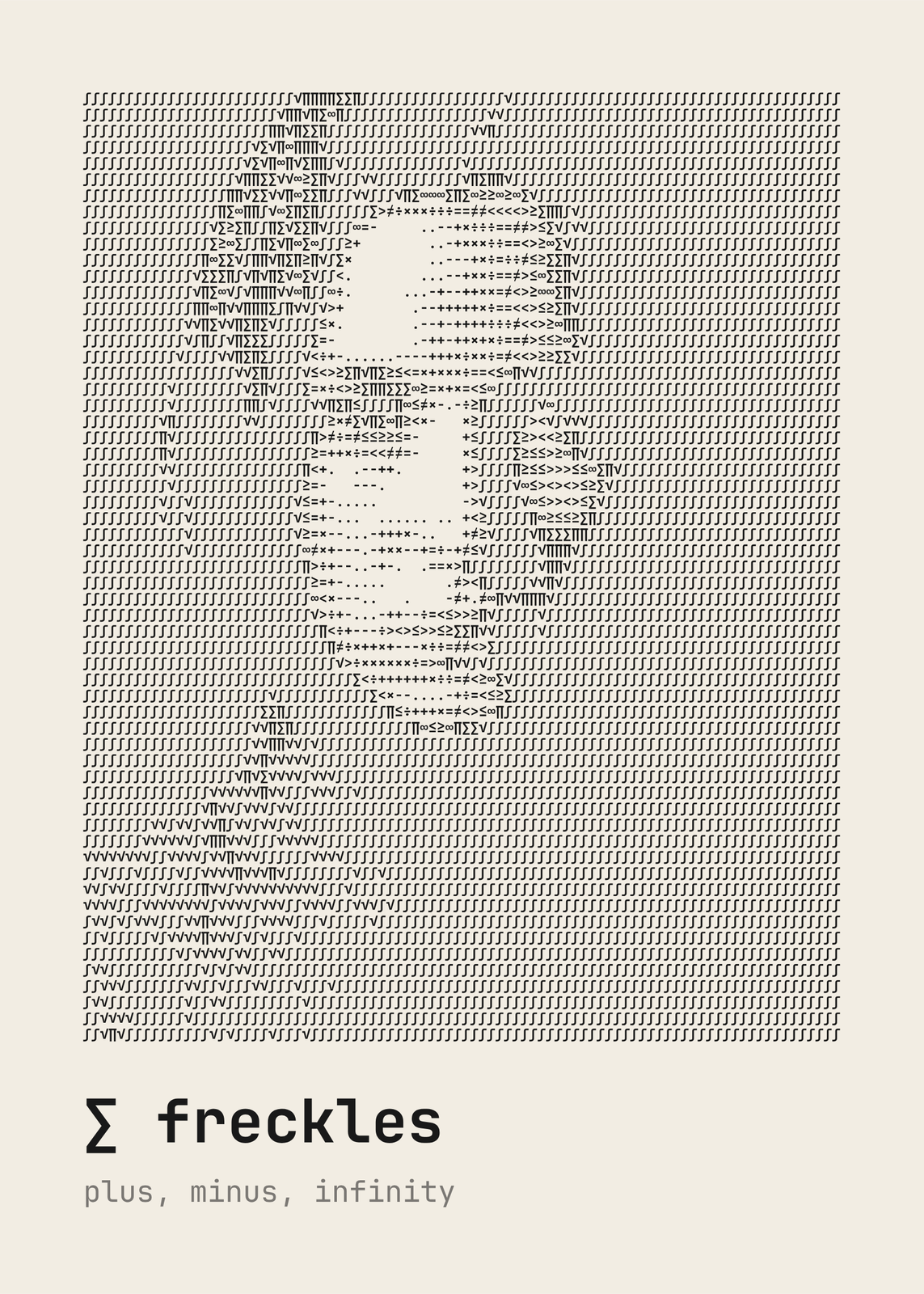
- Ink on paper: black characters on cream, chosen partly by shape to follow the photo's edges.
- Photo: every character in the photo's own color, on black.
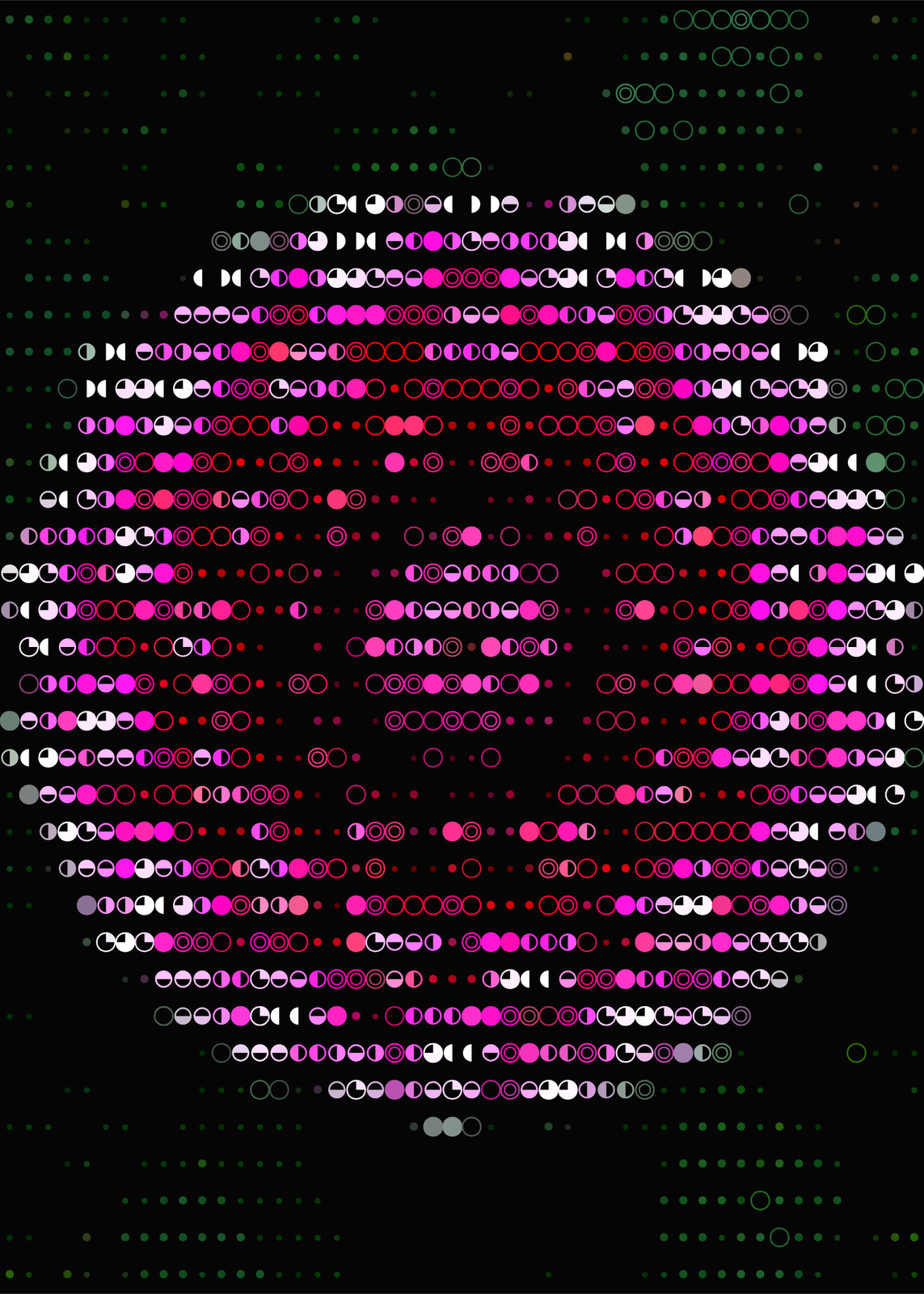
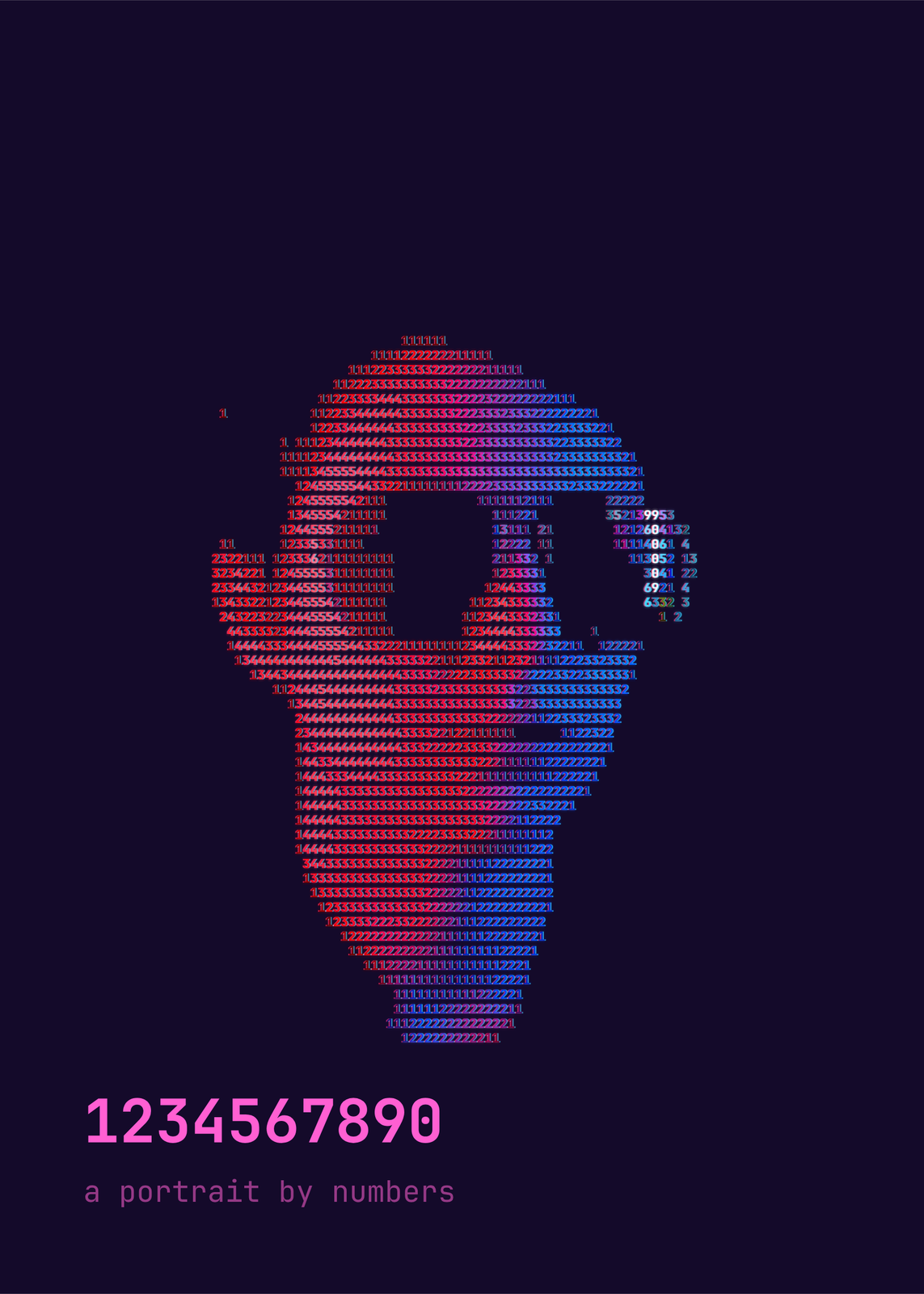
- Synthwave: ones and zeros in glowing pink, with color fringes.
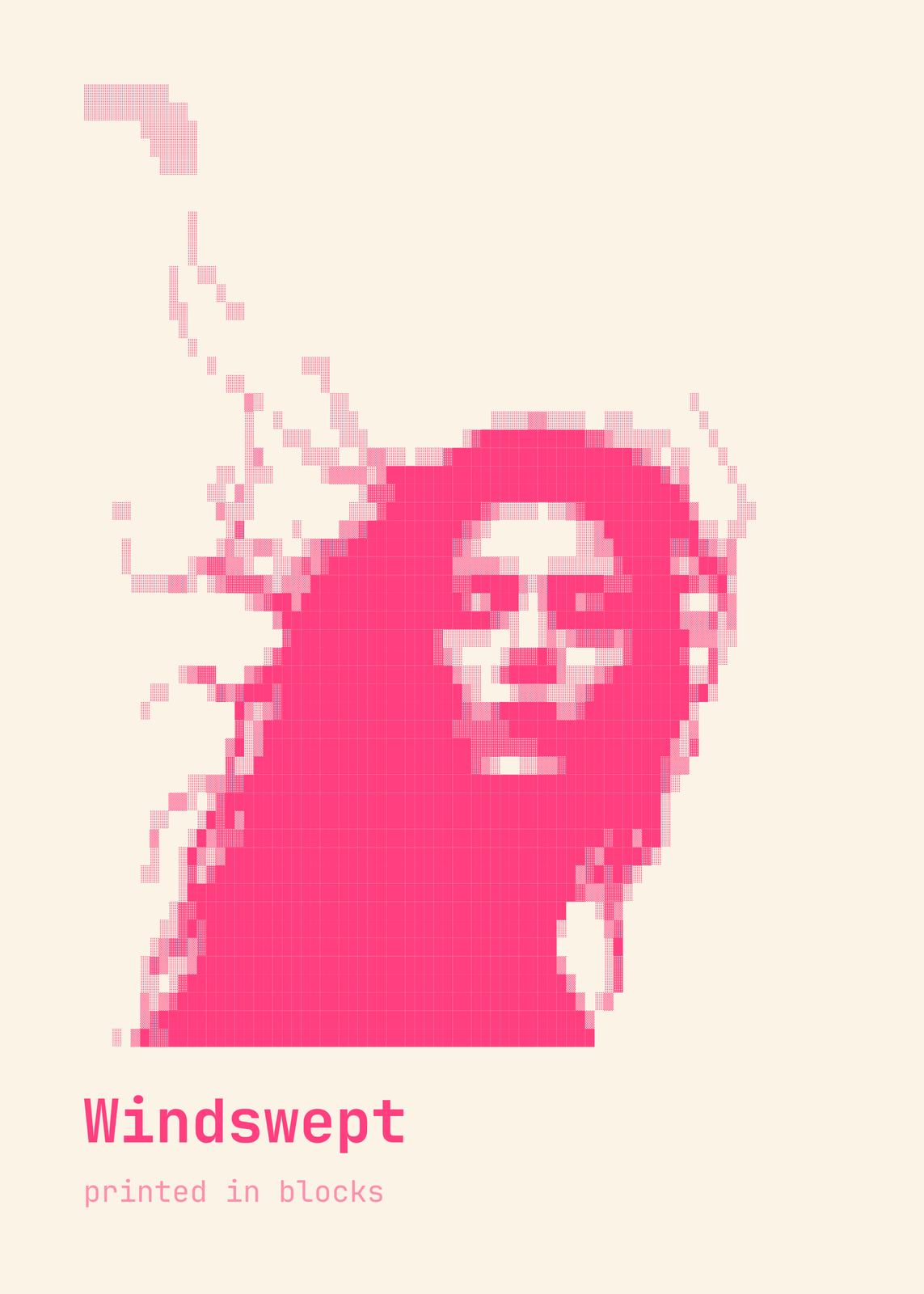
- Riso: pink blocks on cream.
Ten character sets
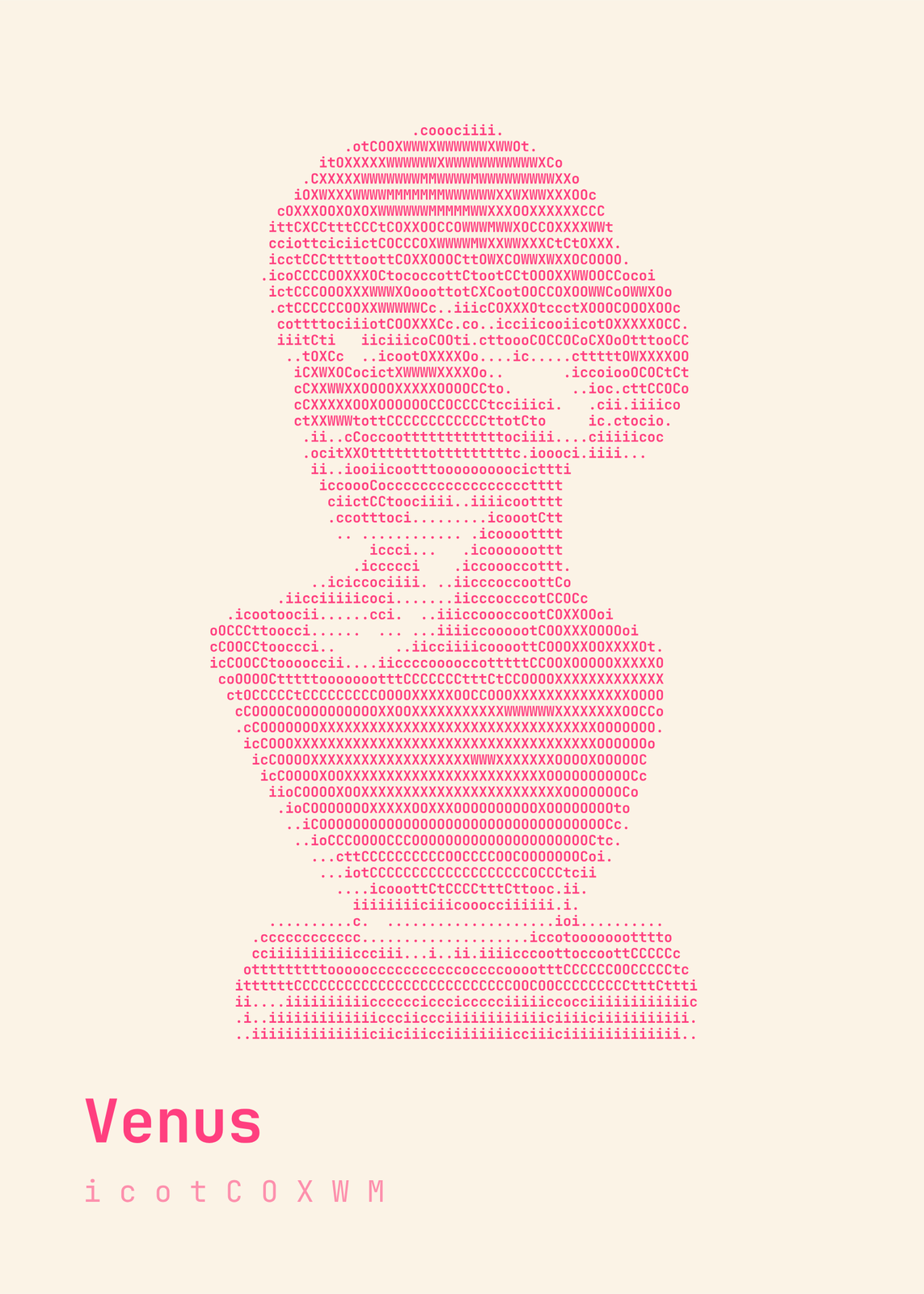
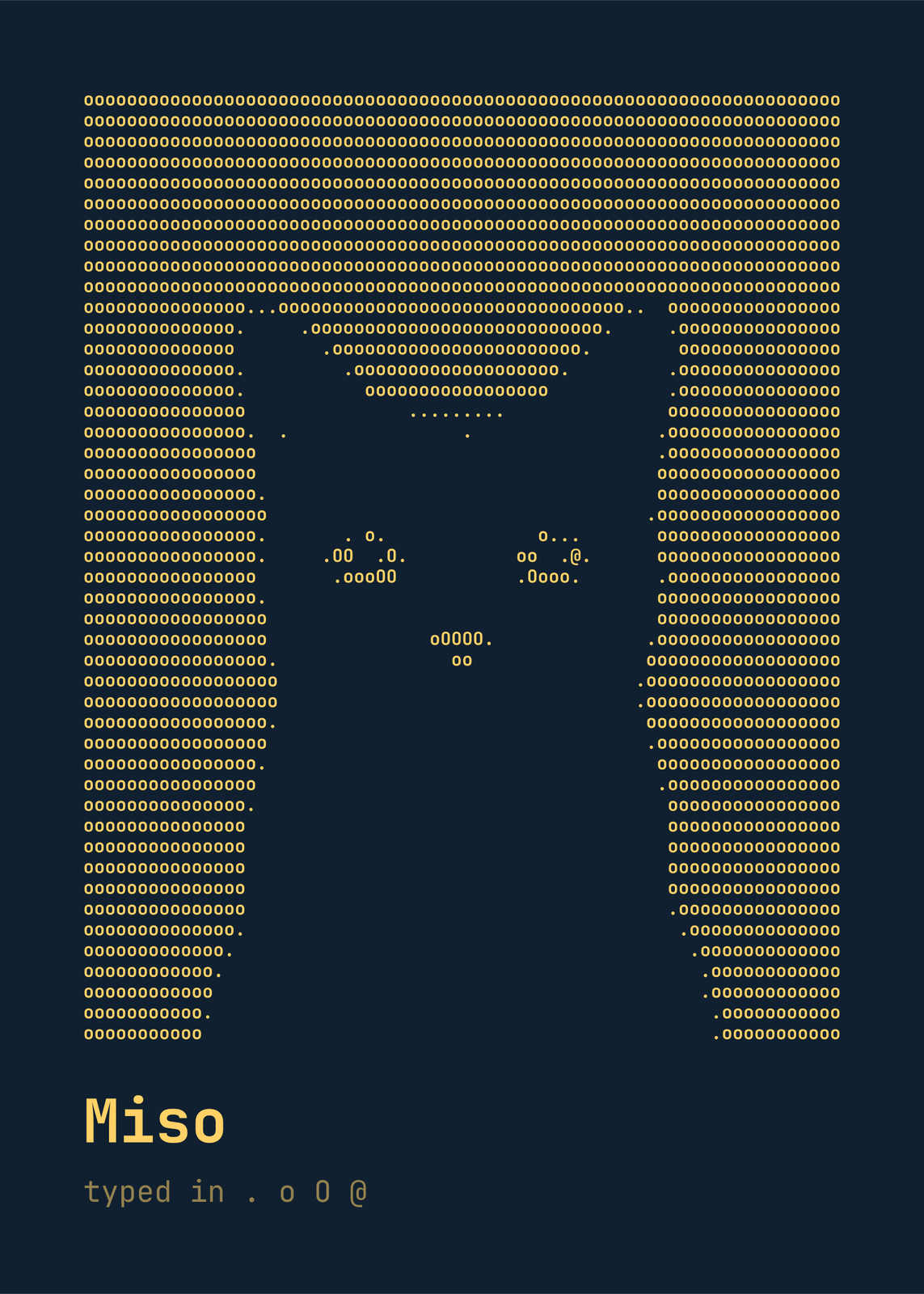
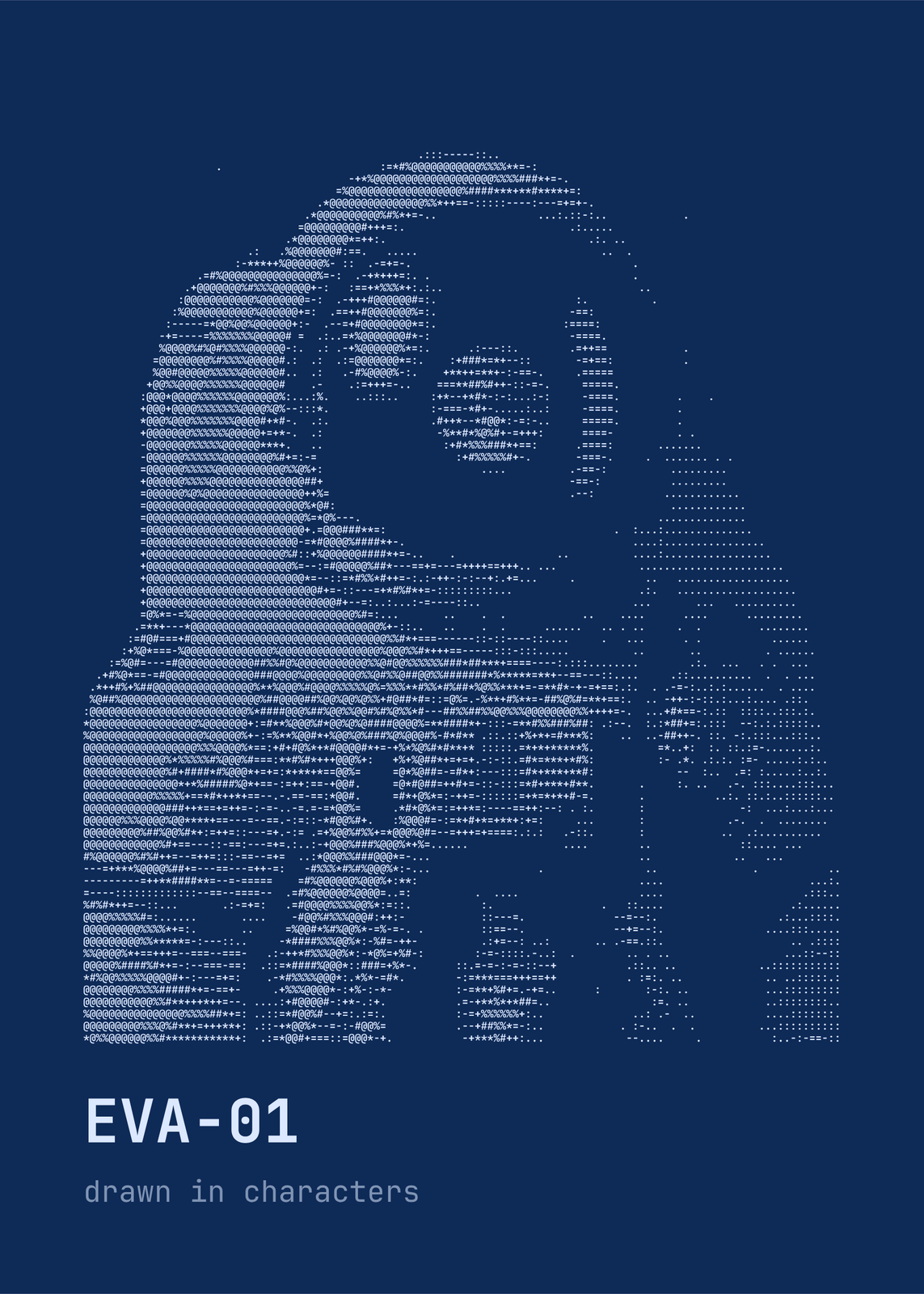
Standard, Blocks, Binary, Detailed (seventy steps from blank to dense), Minimal, Alphabetic, Numeric, Math, Symbols, or your own, typed from empty to dense. Characters across runs from 24, big and bold, to 180, small and fine. Under Character fine-tuning, Match character shapes picks characters whose shape follows the edges in the photo instead of going by brightness alone.
Screens and colors
Seven screen colors: Black, Green phosphor, Amber monitor, Blueprint, Ink on paper, Riso pink on cream and Synthwave, or any two of your own. Character colors keeps them all one color, fades the sparse ones toward the background, or takes the photo's colors. Lay it out edge to edge, with a caption, in a terminal window or on a CRT monitor with curved glass and phosphor stripes; glow, color fringes, scanlines, vignette and film grain are under Screen effects.
Questions
Can I copy the ASCII art as text?
No. This makes a poster: the characters are drawn into a picture you download as a print file, not text to paste. The title is lettered like a file name, but it's part of the print too.
Which photos work best?
A clear subject on a plain background: a face, a pet, a flower. Every character stands for one patch of tone, so contrast does most of the work; under Adjust photo, raise Contrast, Sharpen edges or Posterize if yours is flat. “Remove the background” leaves blank space, or faint characters, behind the subject.
What is ASCII art?
Pictures made from the letters, digits and symbols of a keyboard. ASCII is the character code American computers standardized on in the 1960s, and people typed pictures from it on teletypes and line printers, then on screens.
What sizes can I print?
US Letter, 8 × 10, 11 × 14, 12 × 16 and 12 × 18 in, A4 and A3, free. You download a 300 DPI JPEG drawn at the size you pick. Larger prints, up to 24 × 36 in, are coming soon.
Related
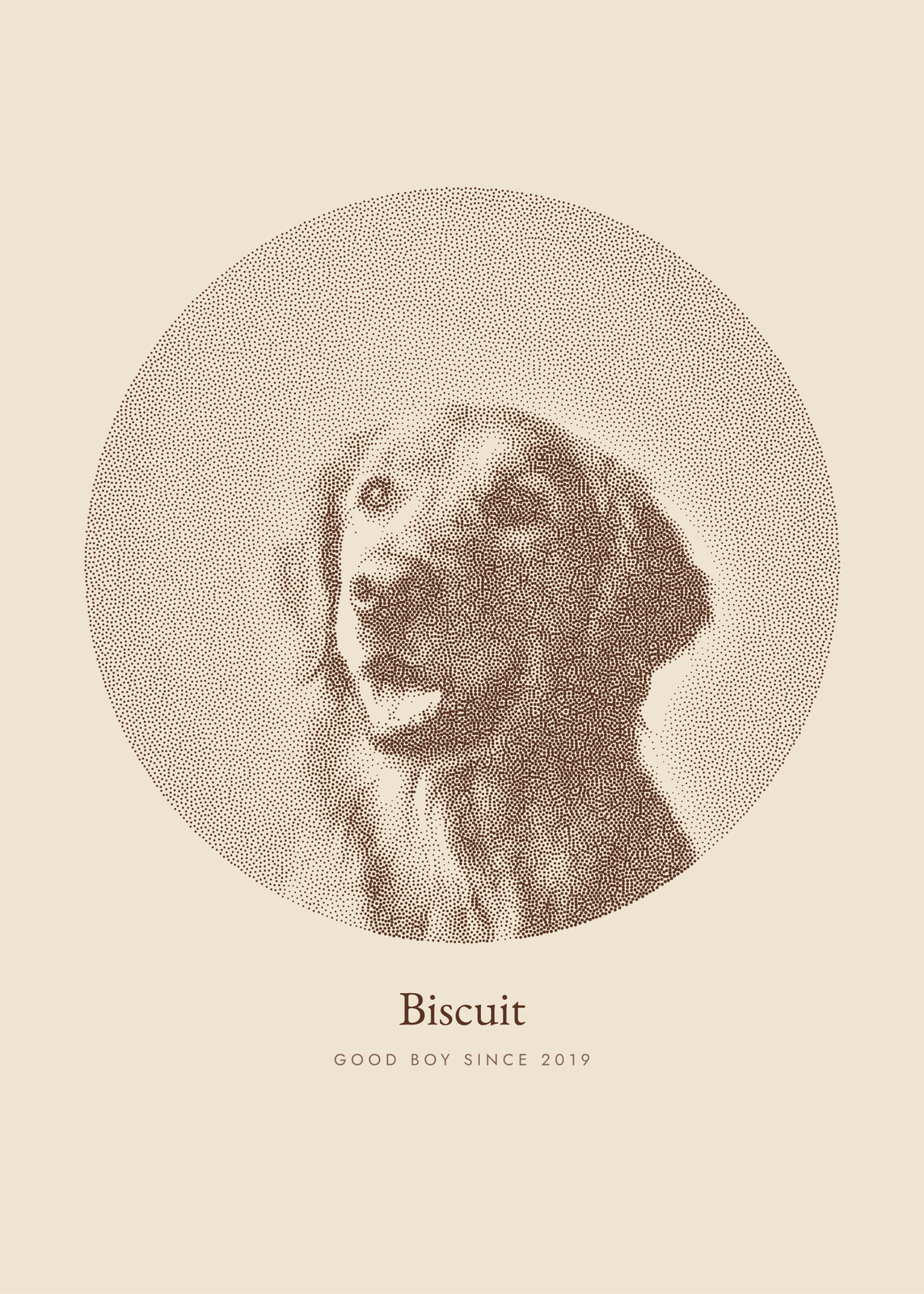 Photo to artyour picture redrawn in ink dots, characters, thread, pen lines or carved blocks
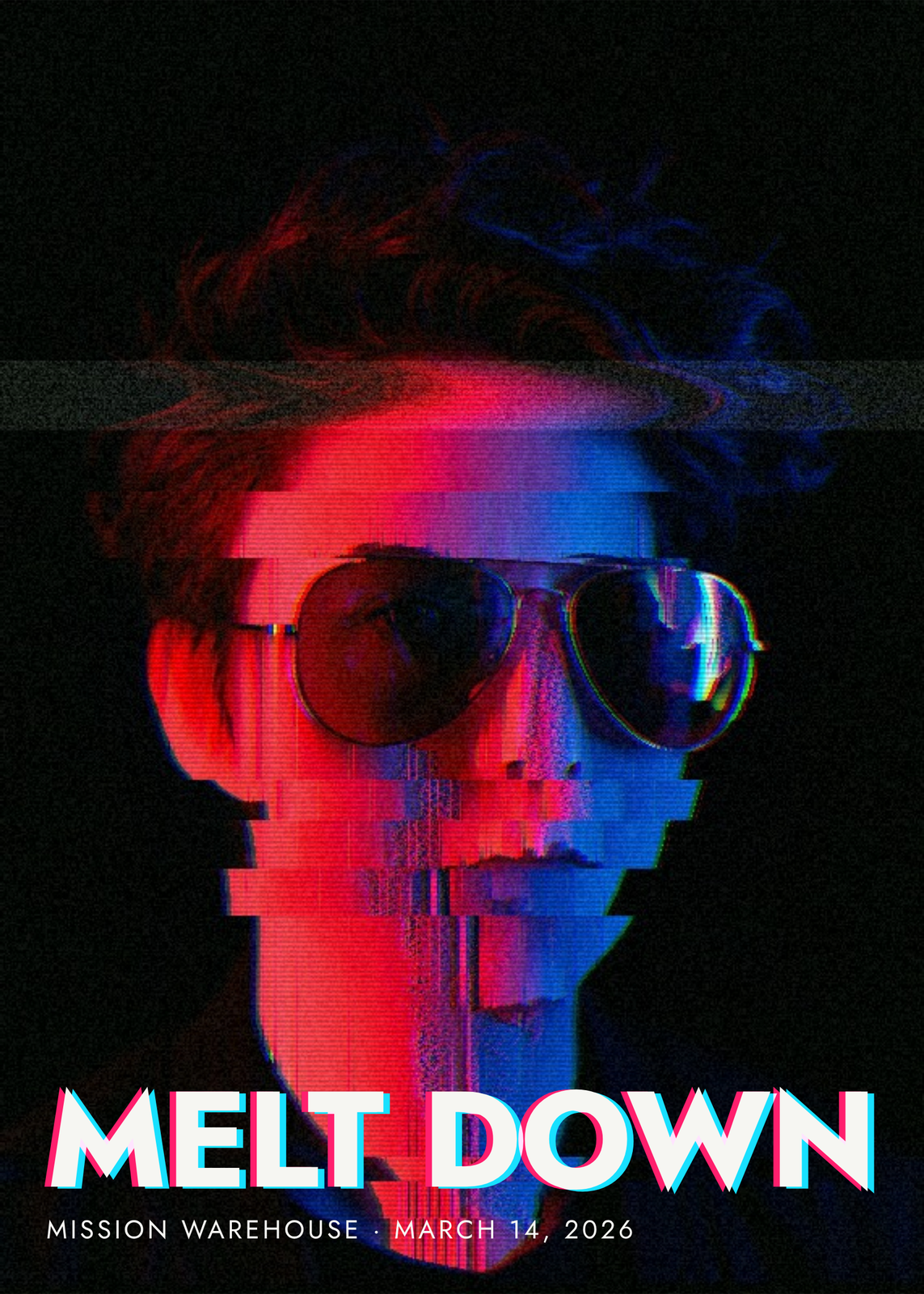 Glitch artyour photo sliced, sorted, split and scrambled, under a title that glitches too
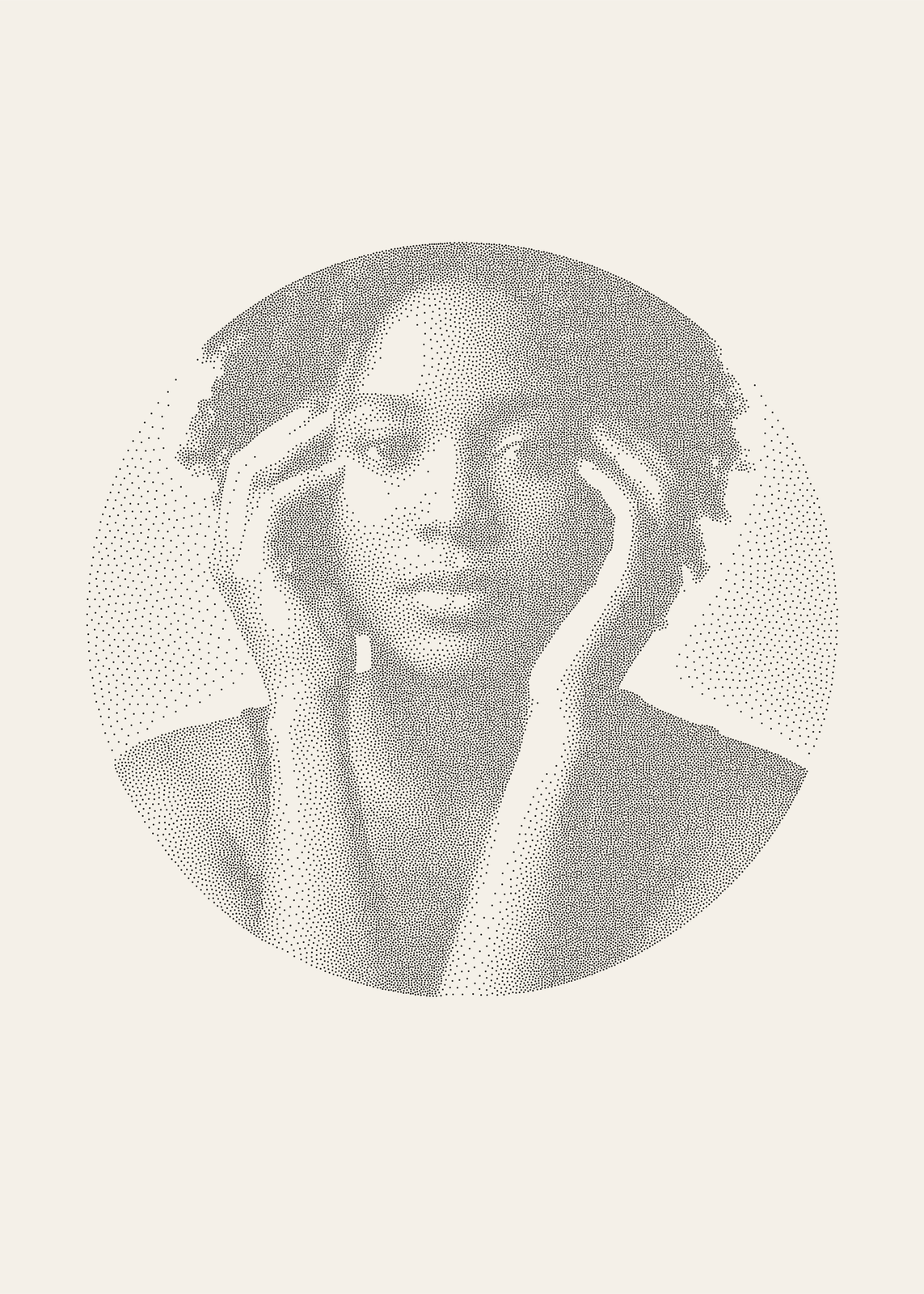 Stippling artyour photo in thousands of ink dots, crowded in the shadows and sparse in the light
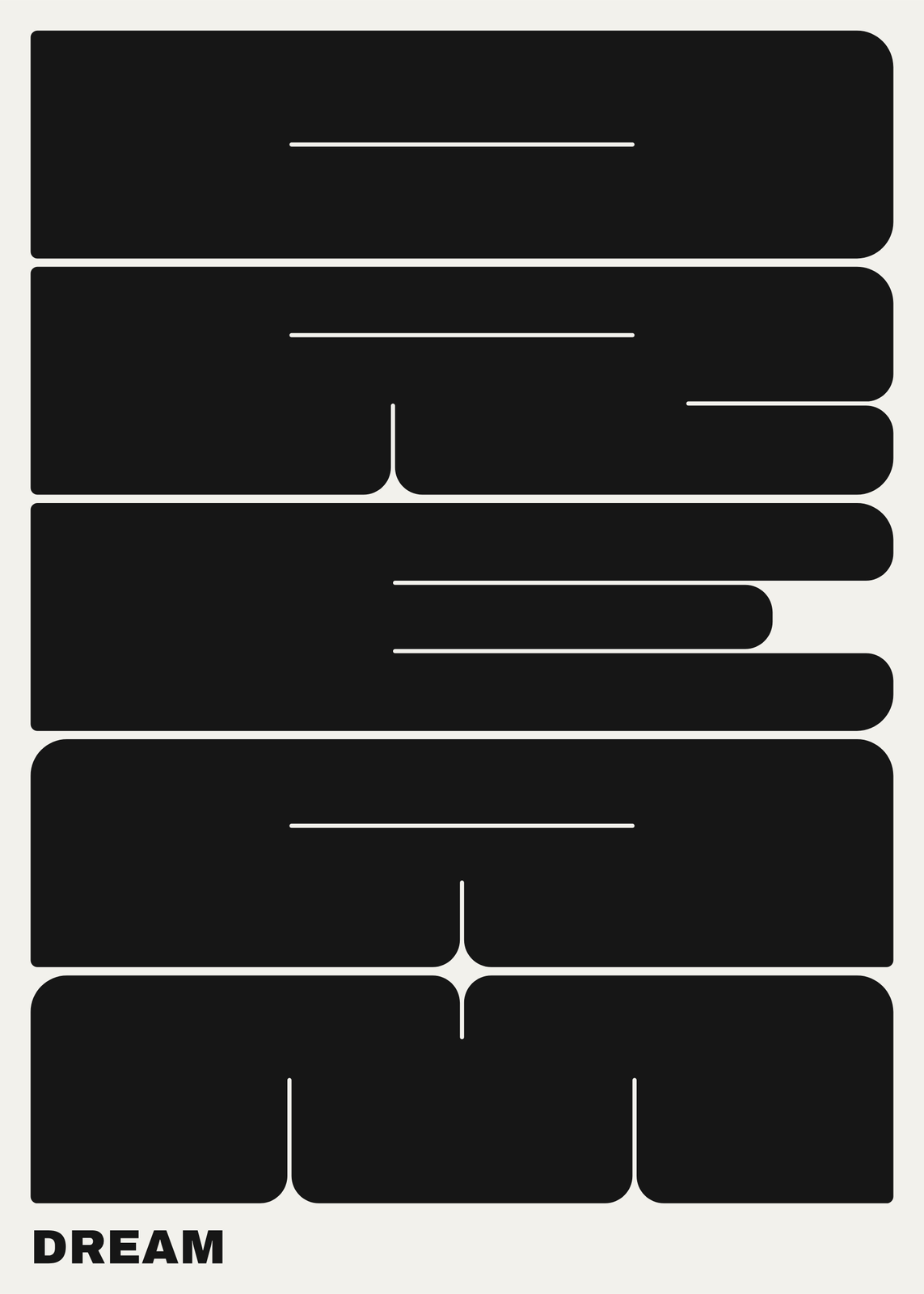 Typography posterone word in giant slabs, a wood-type bill or a typeface named after you
Gift ideas by occasion
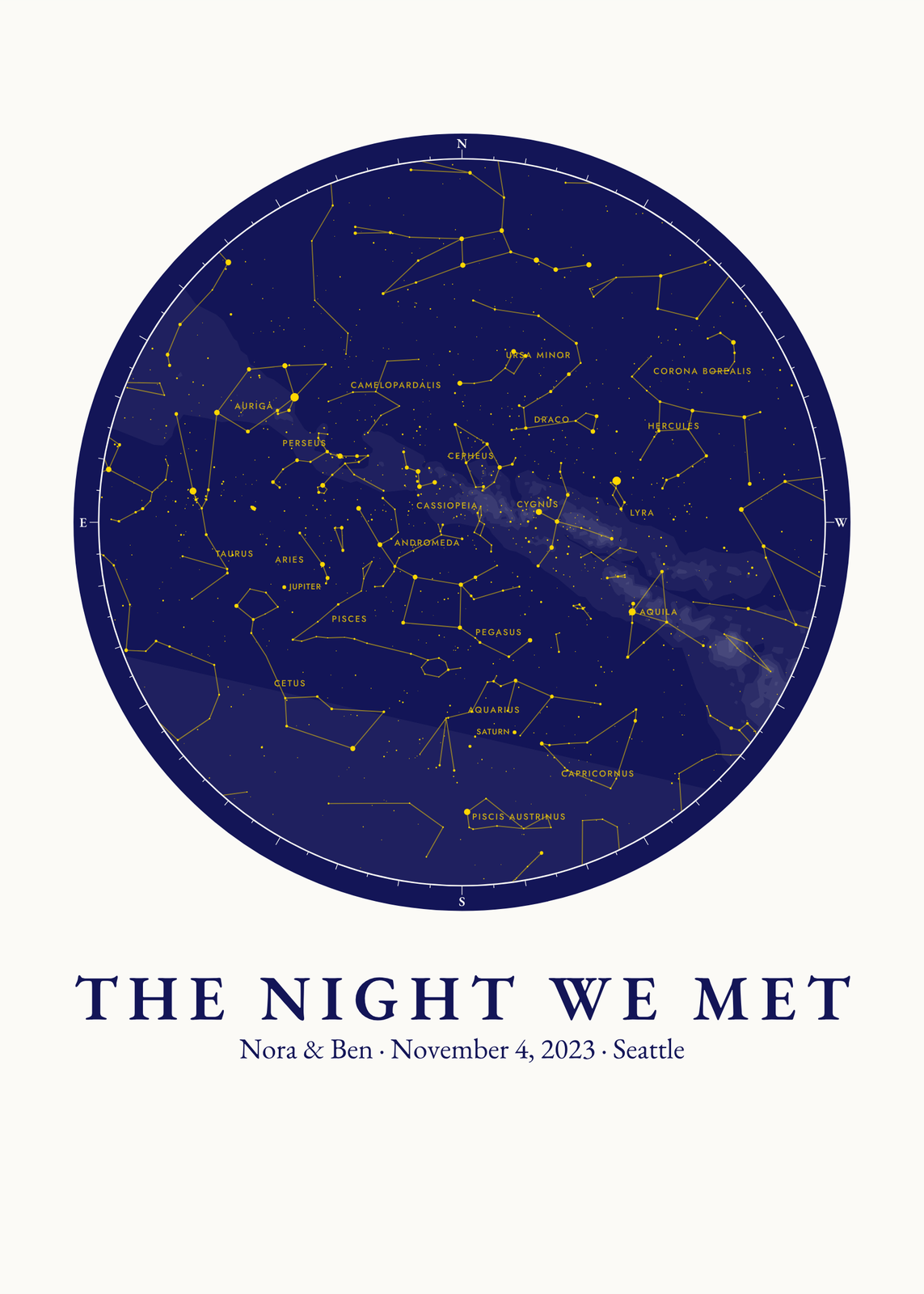
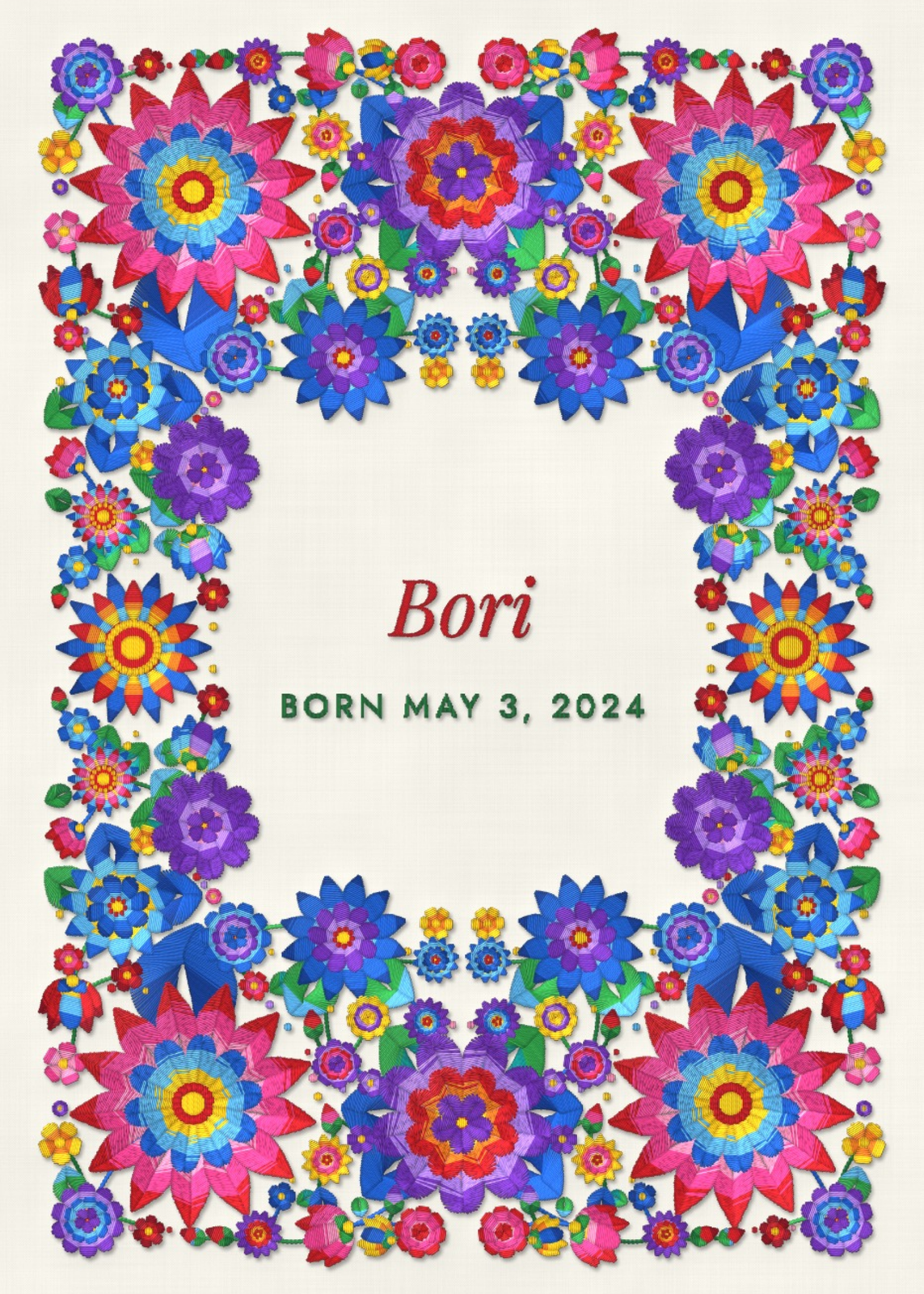
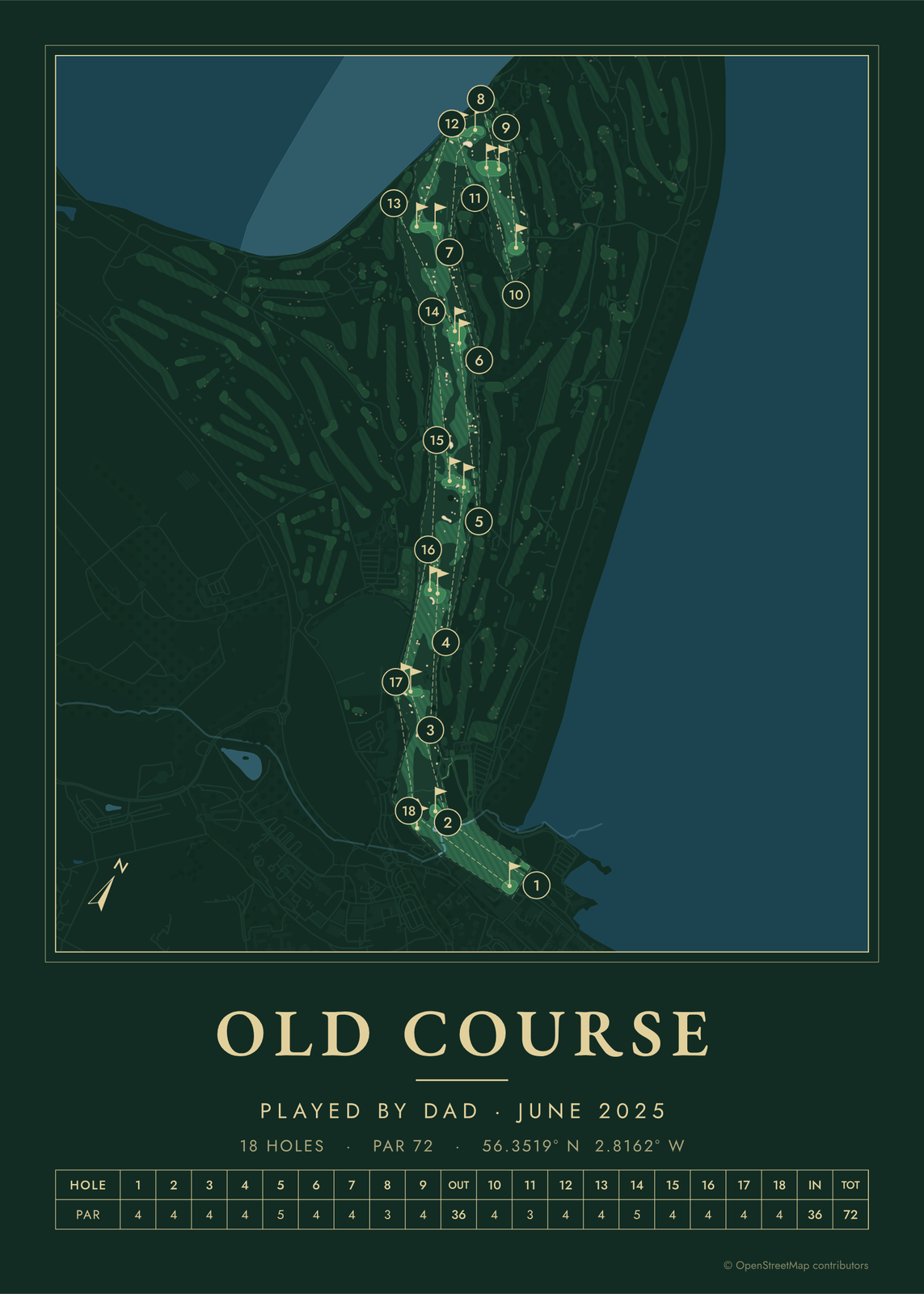
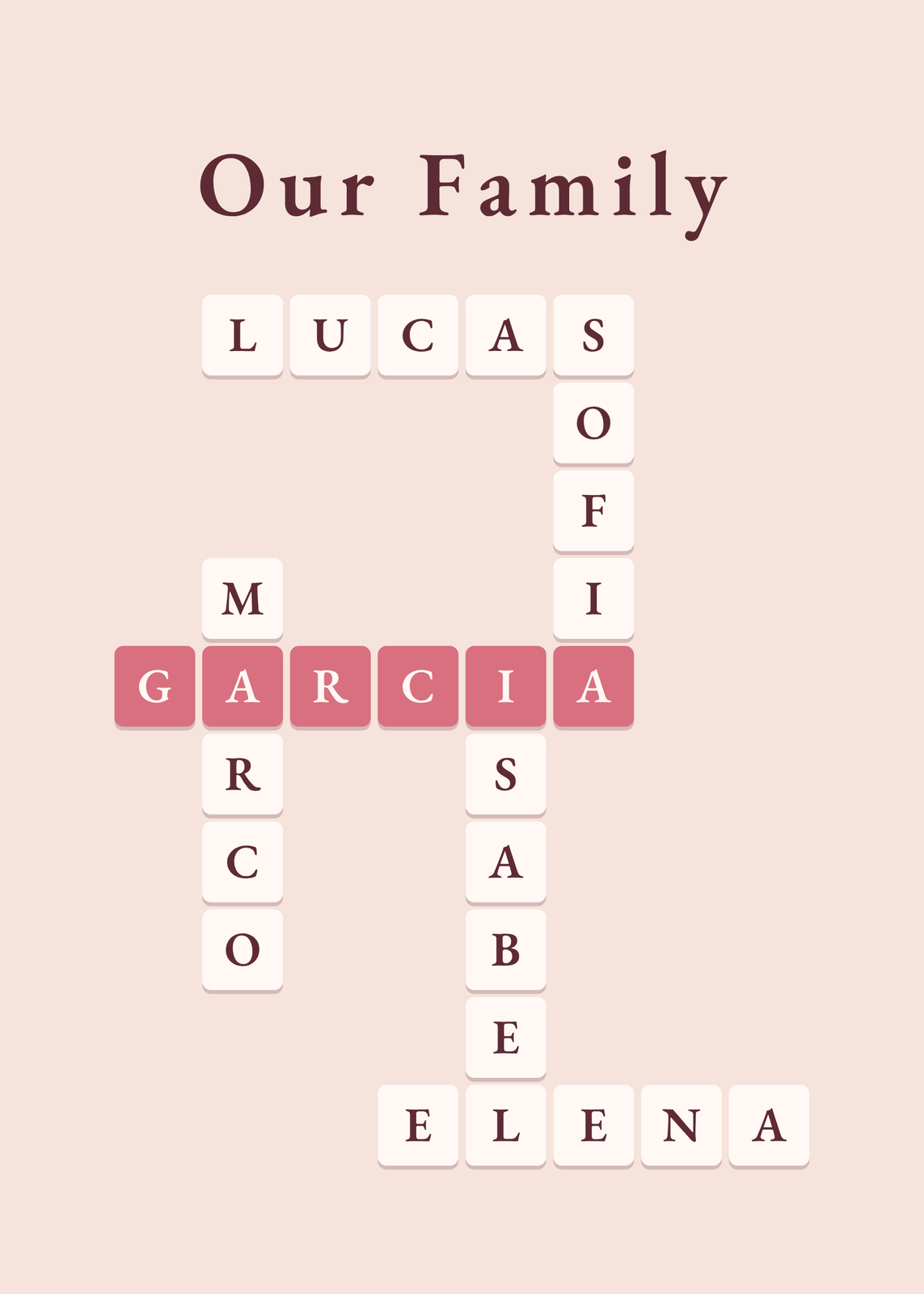
Every example is made with the Posterage generators. Change anything, then download it as a 300 DPI JPEG.