Linocut print your photo carved into a key block and one or two flat colors, gouge marks and all
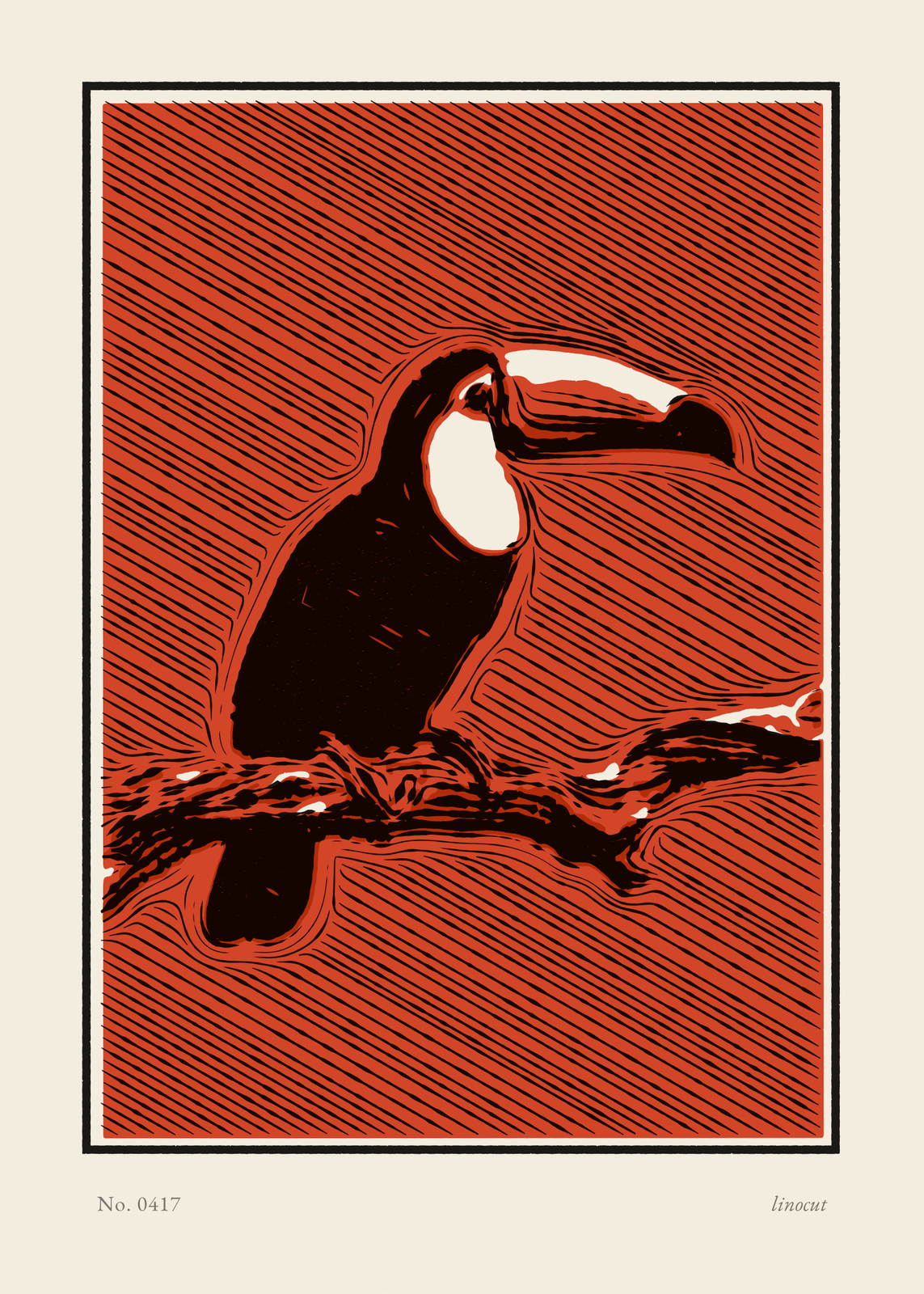
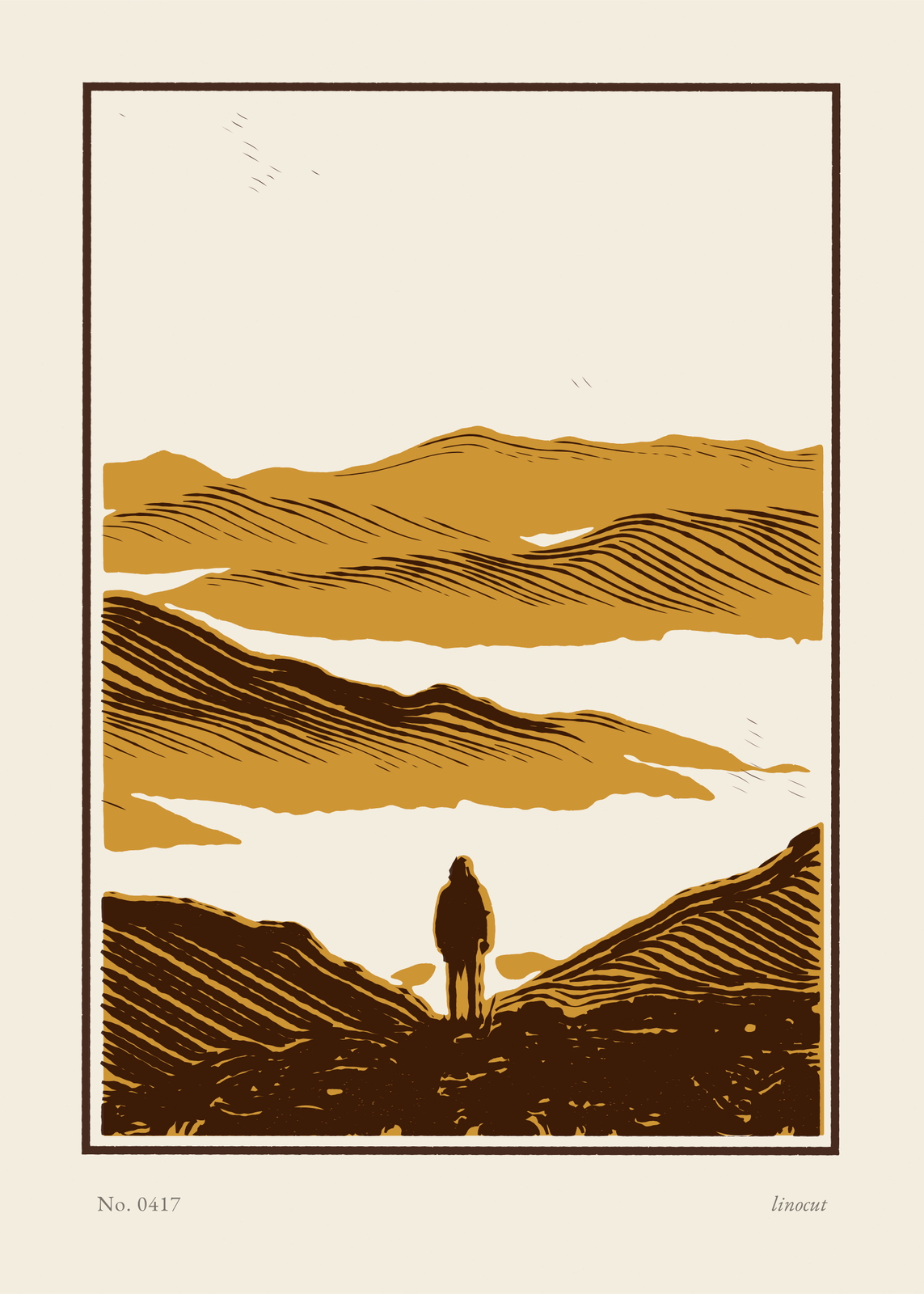
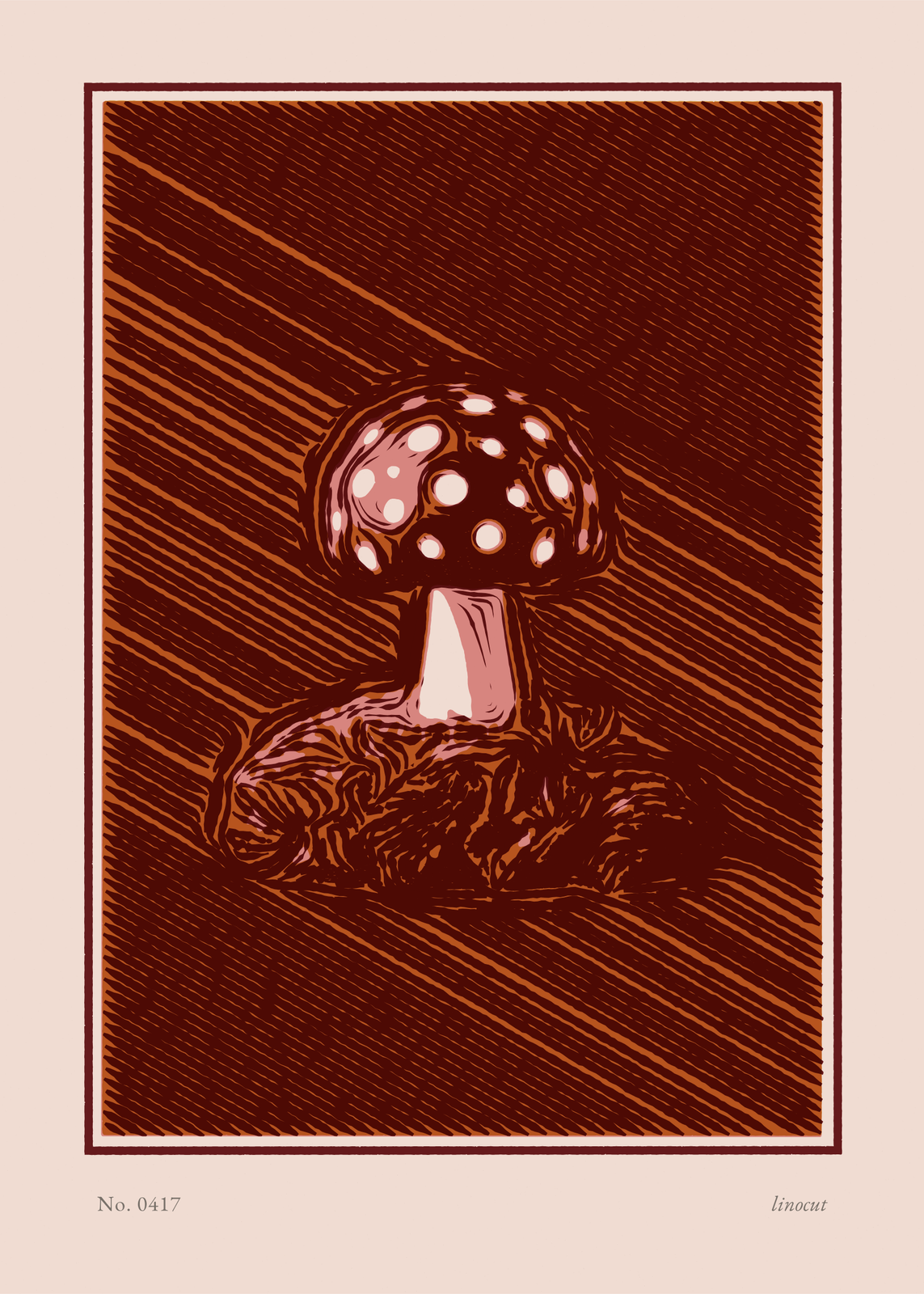
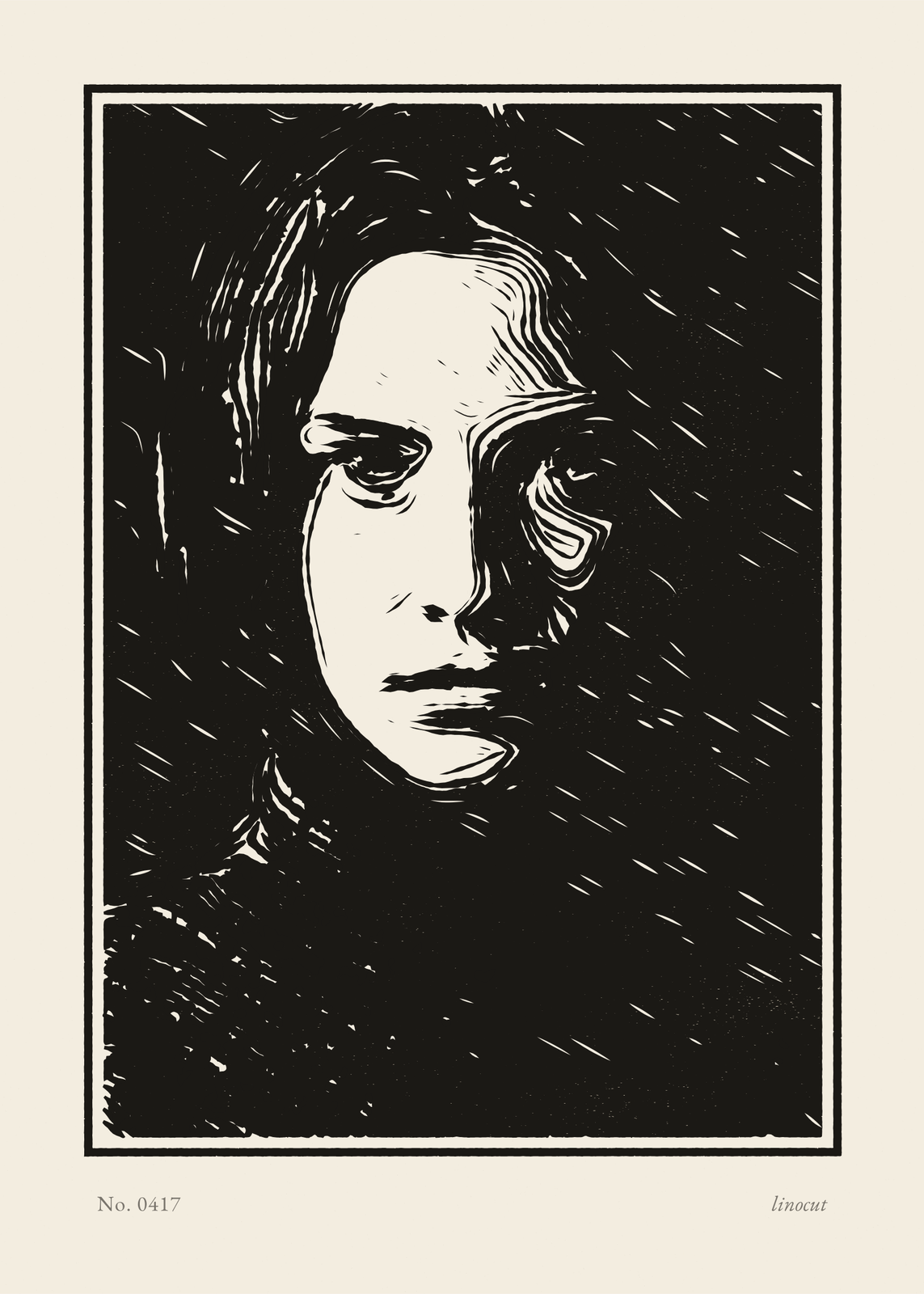
To make a linocut, a printmaker gouges away everything that should stay paper from a sheet of linoleum, rolls ink over what's left and presses paper onto it, one block per color. This maker carves your photo the same way: a key block whose cuts follow the forms of the picture, with up to two flat color blocks printed under it, each a little off register. The edges come out rough, the solids a little starved of ink, and a pencil line under the print numbers it.
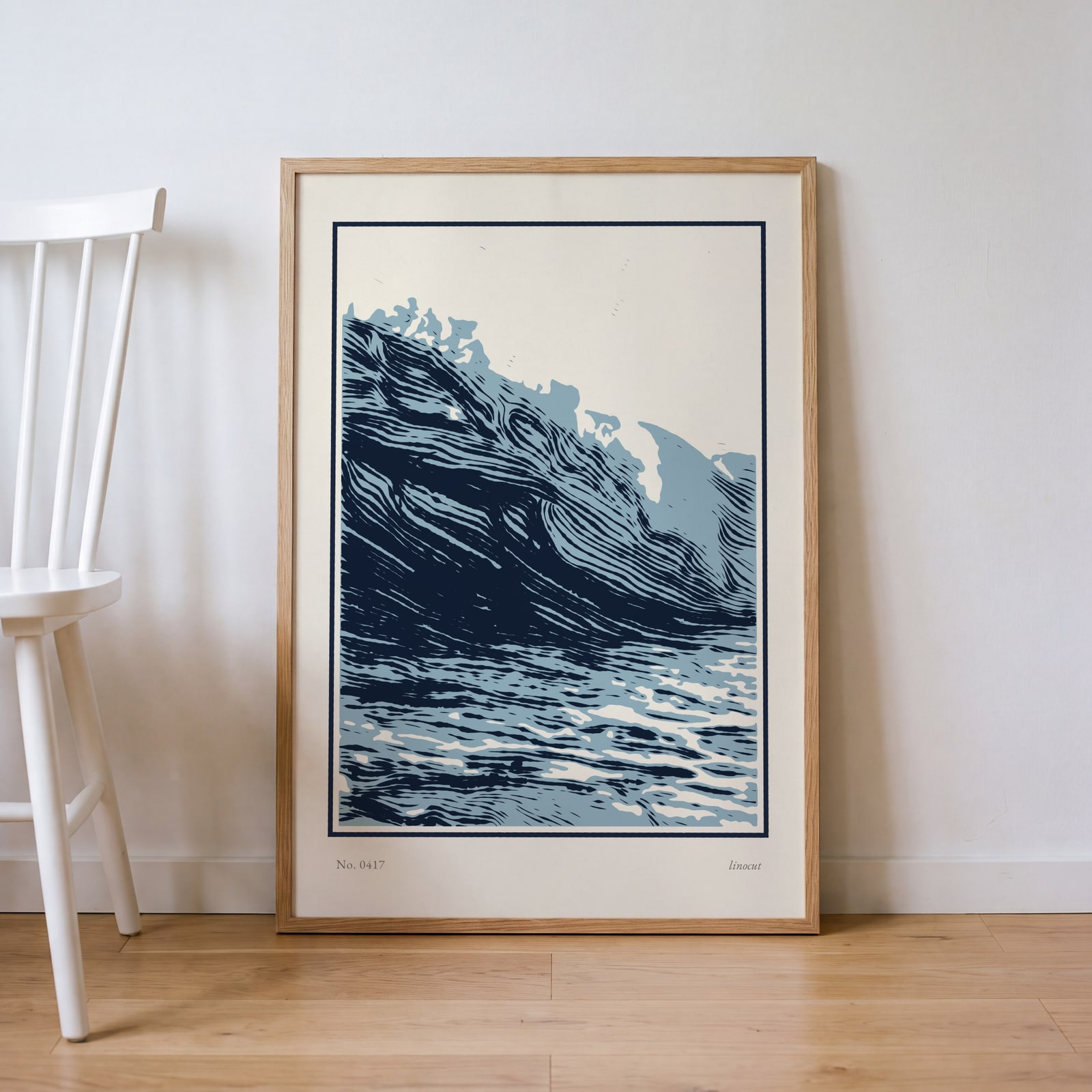
On the wall
A few of them framed at home. Open any one to make it yours.
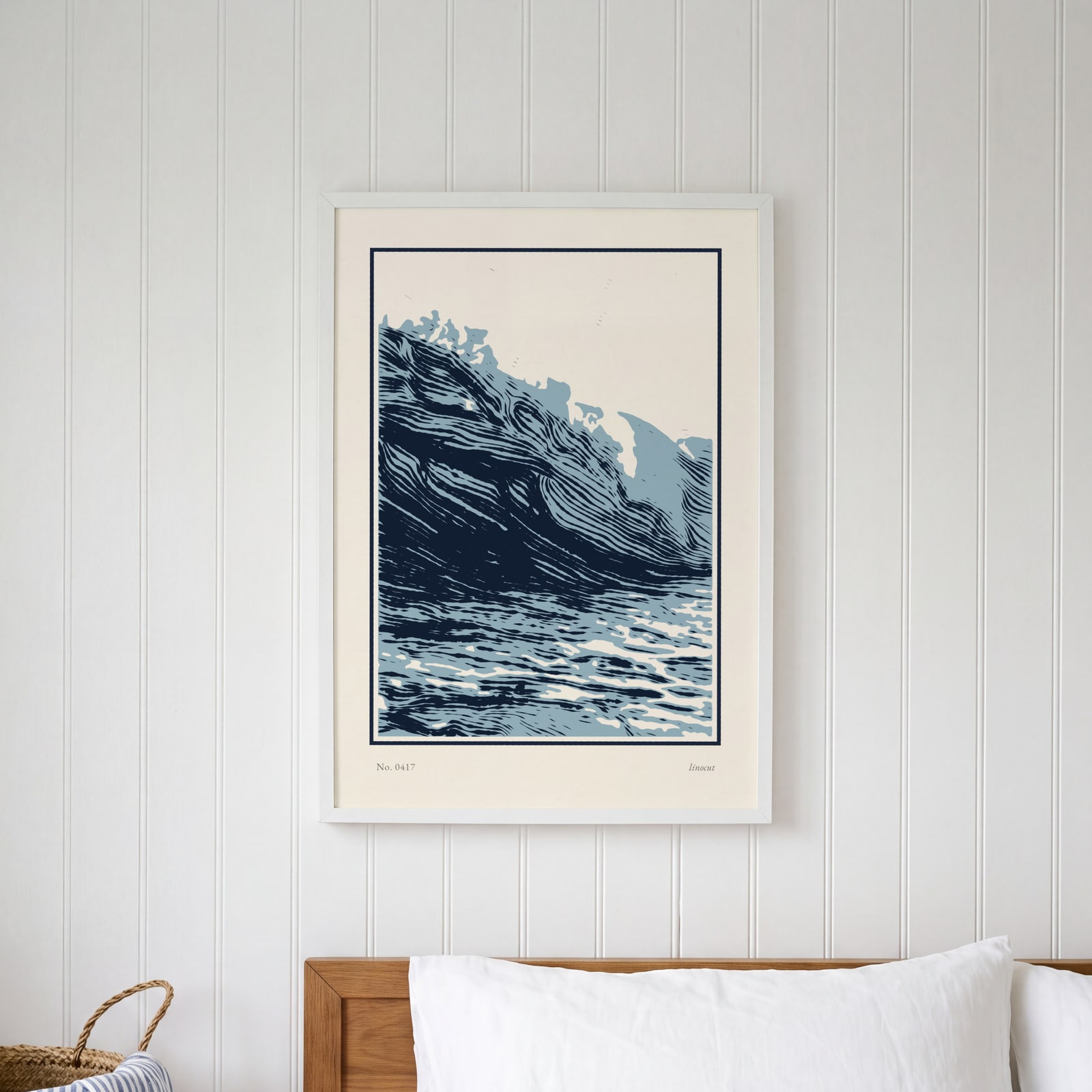
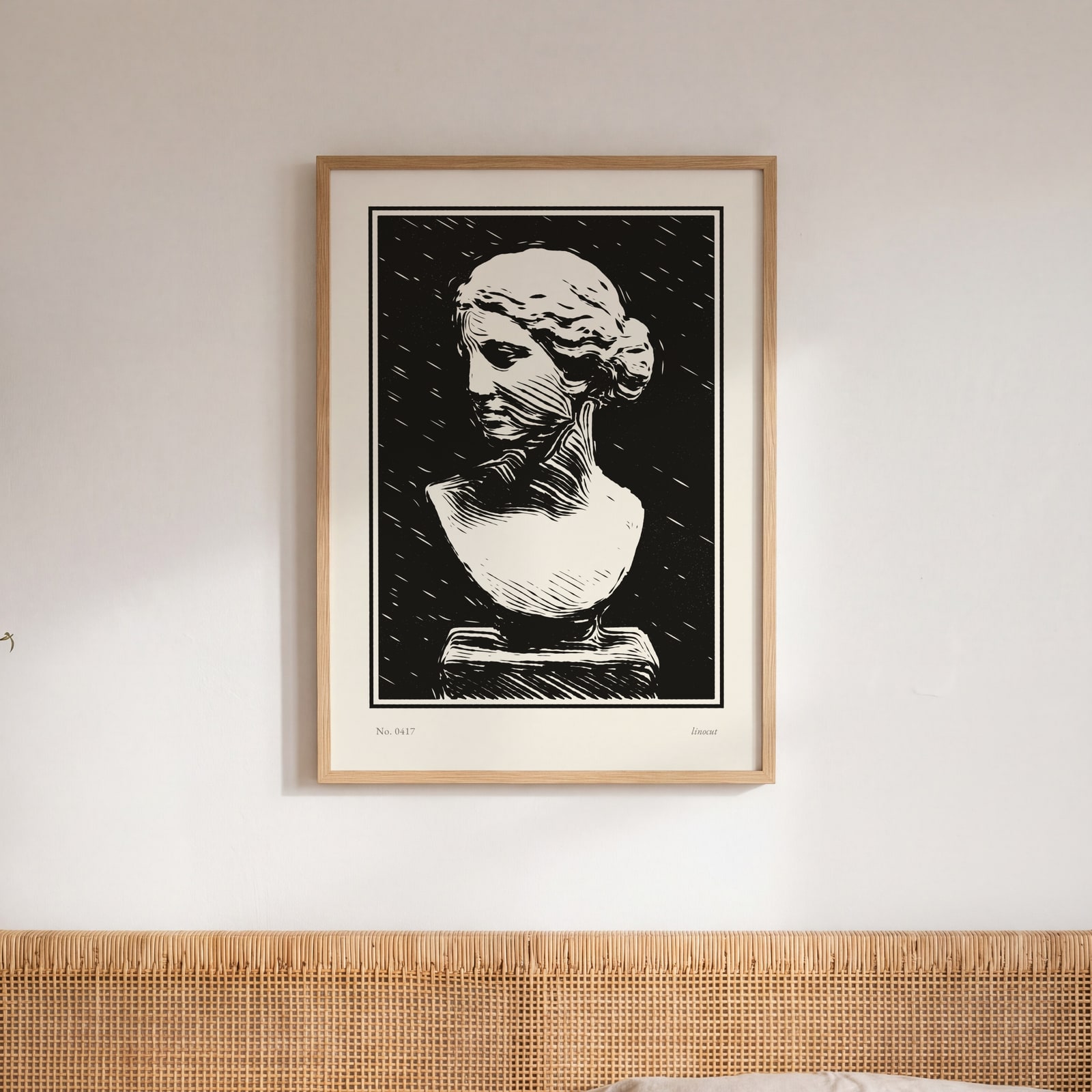
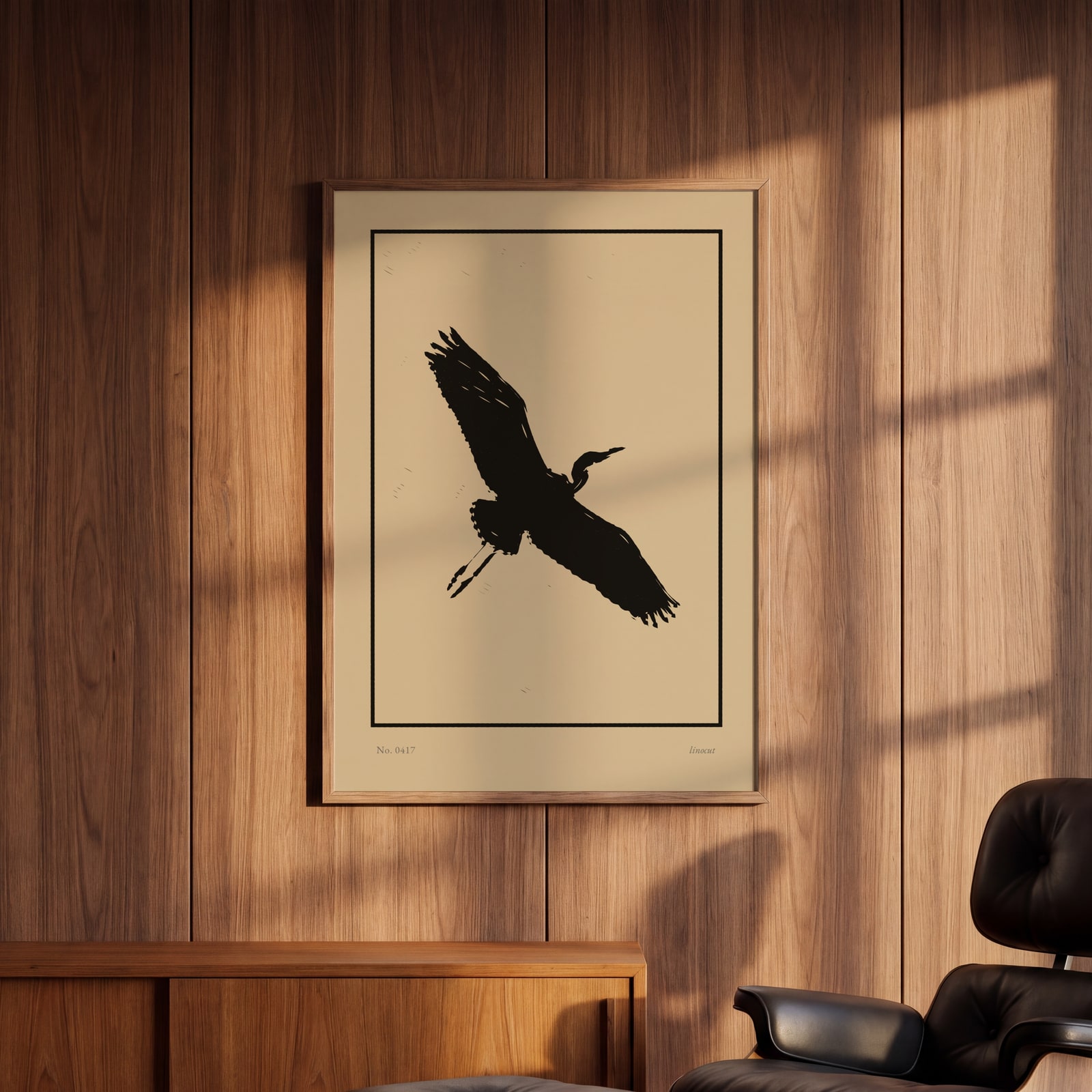
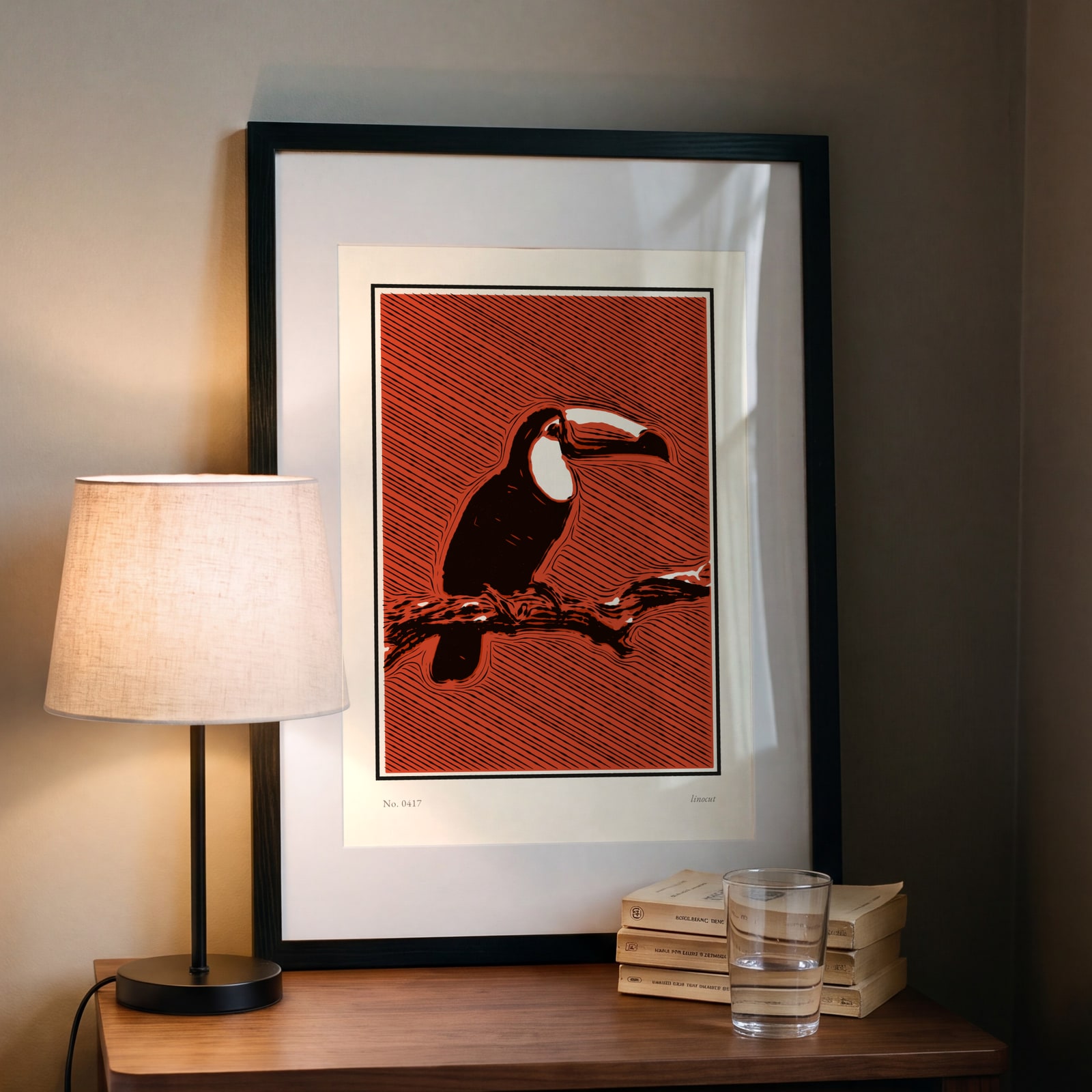
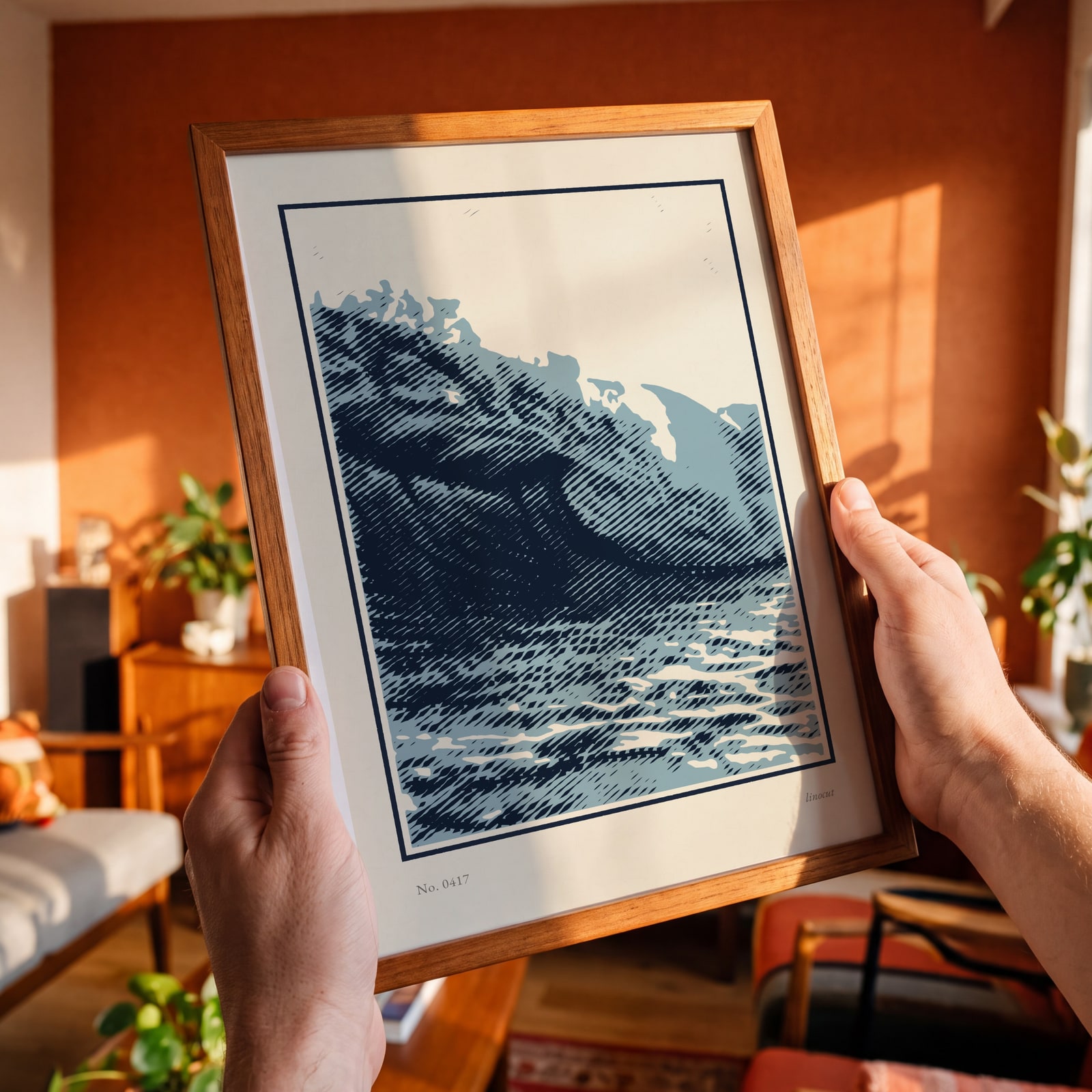
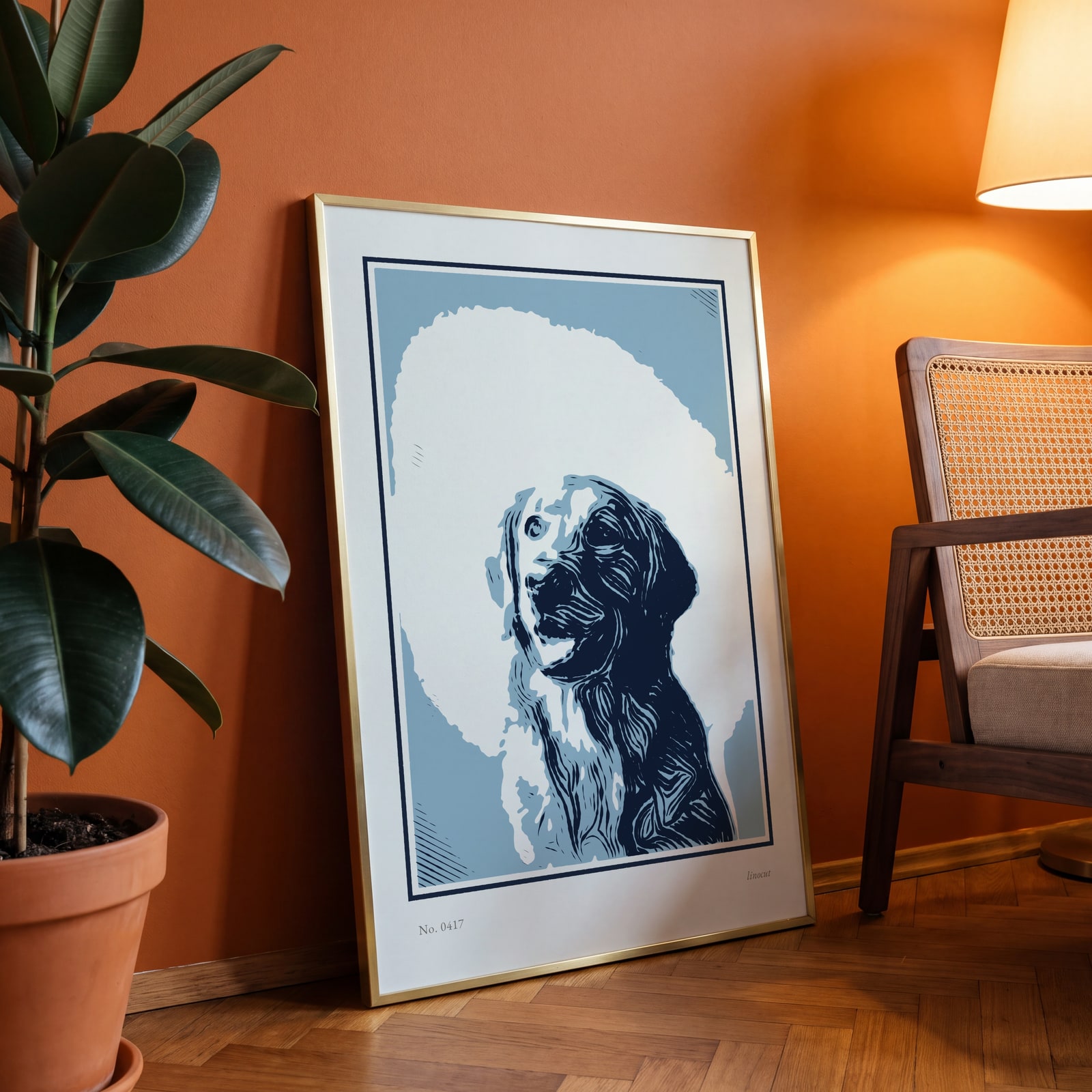
Examples
Open any of them to change the words, the place, the date and the style, then download the print file.
Ink sets
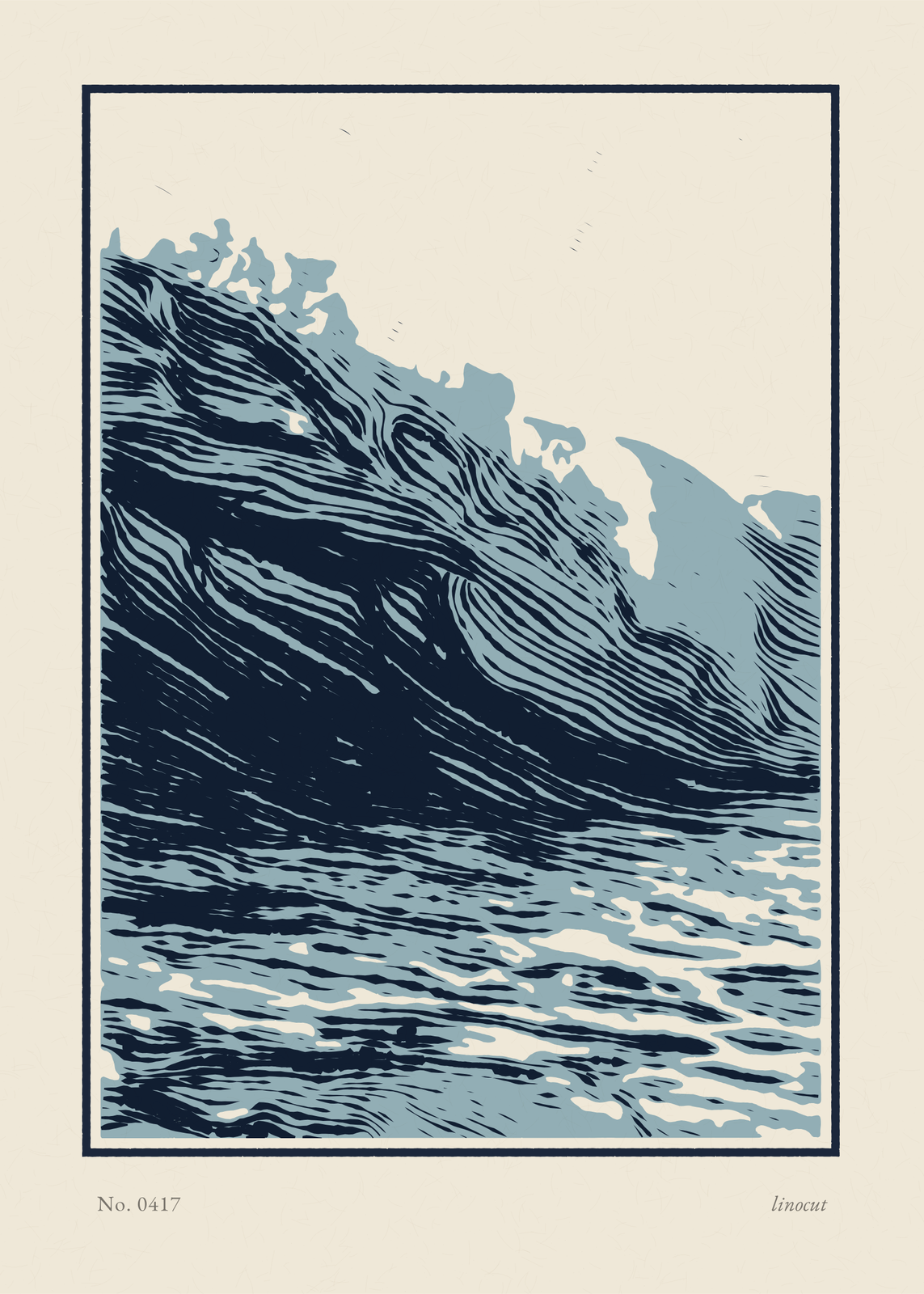
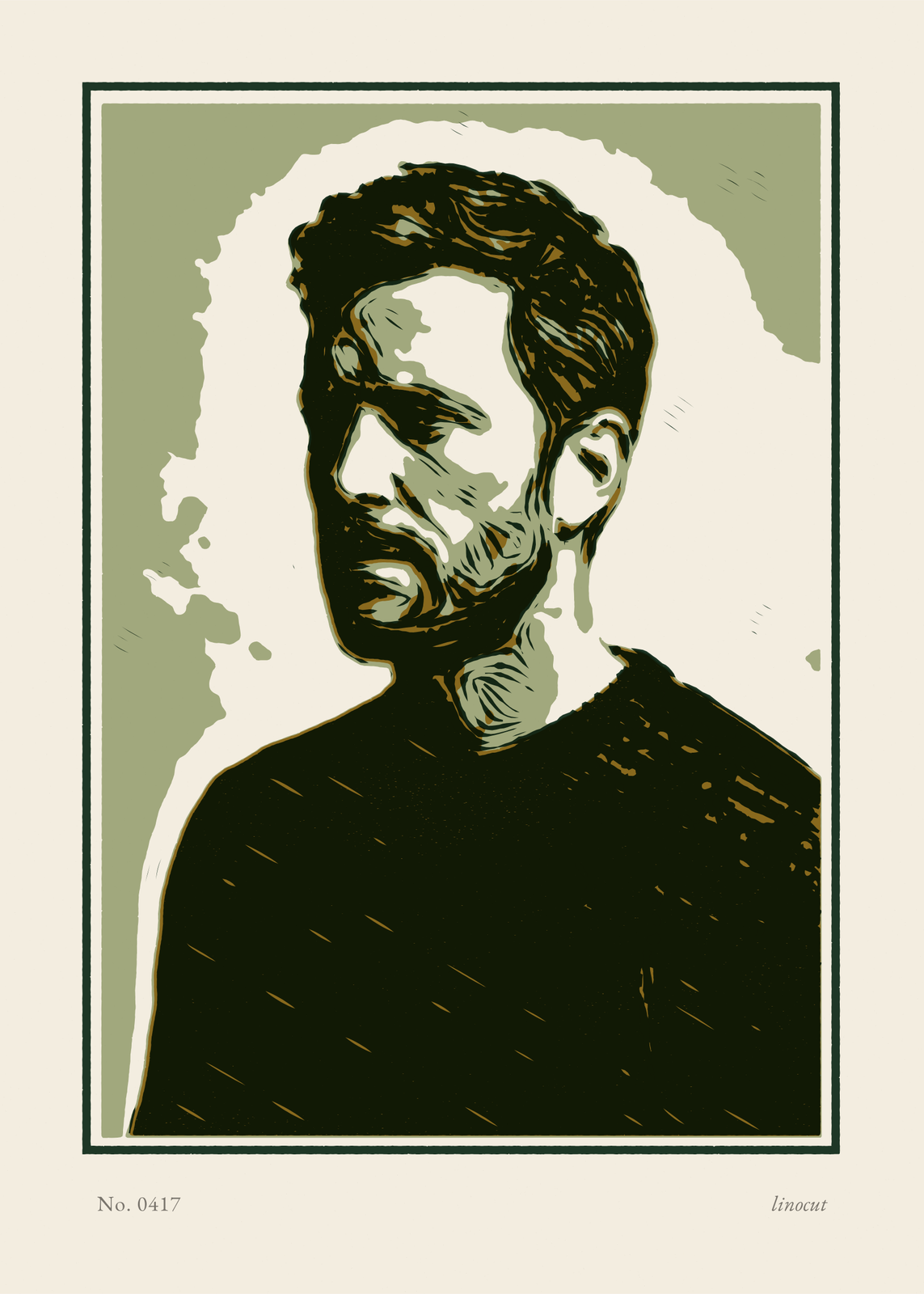
Carving styles
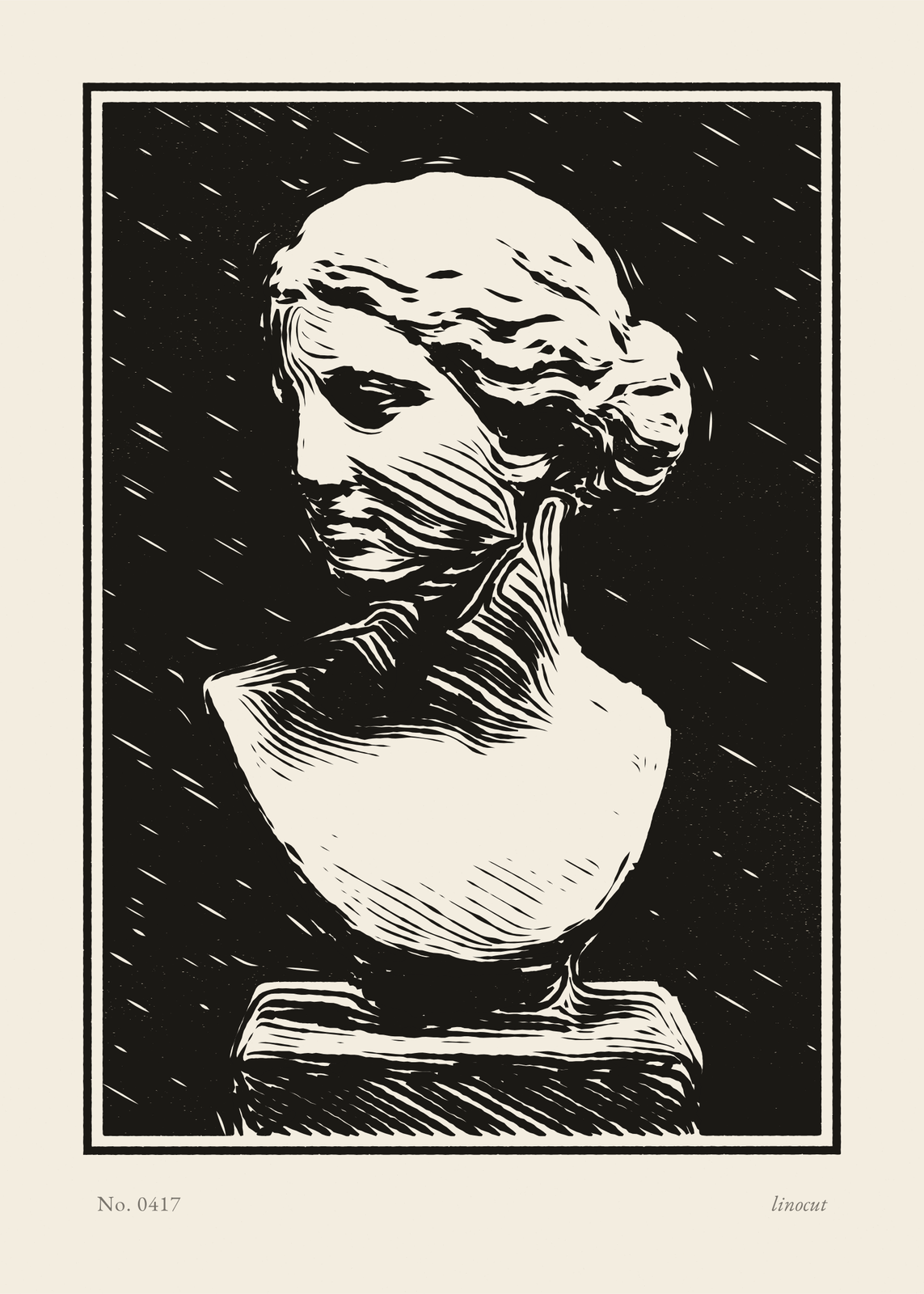
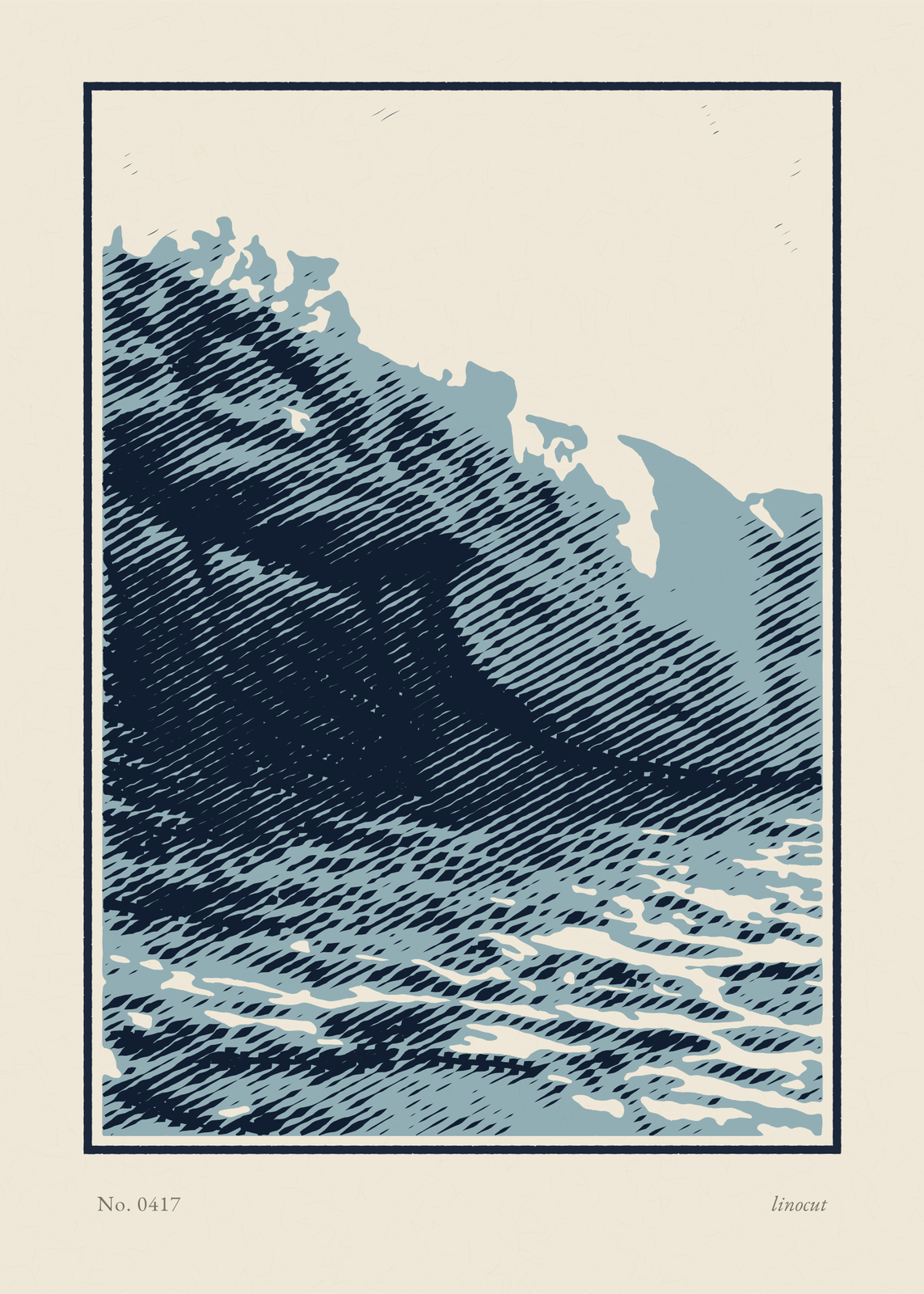
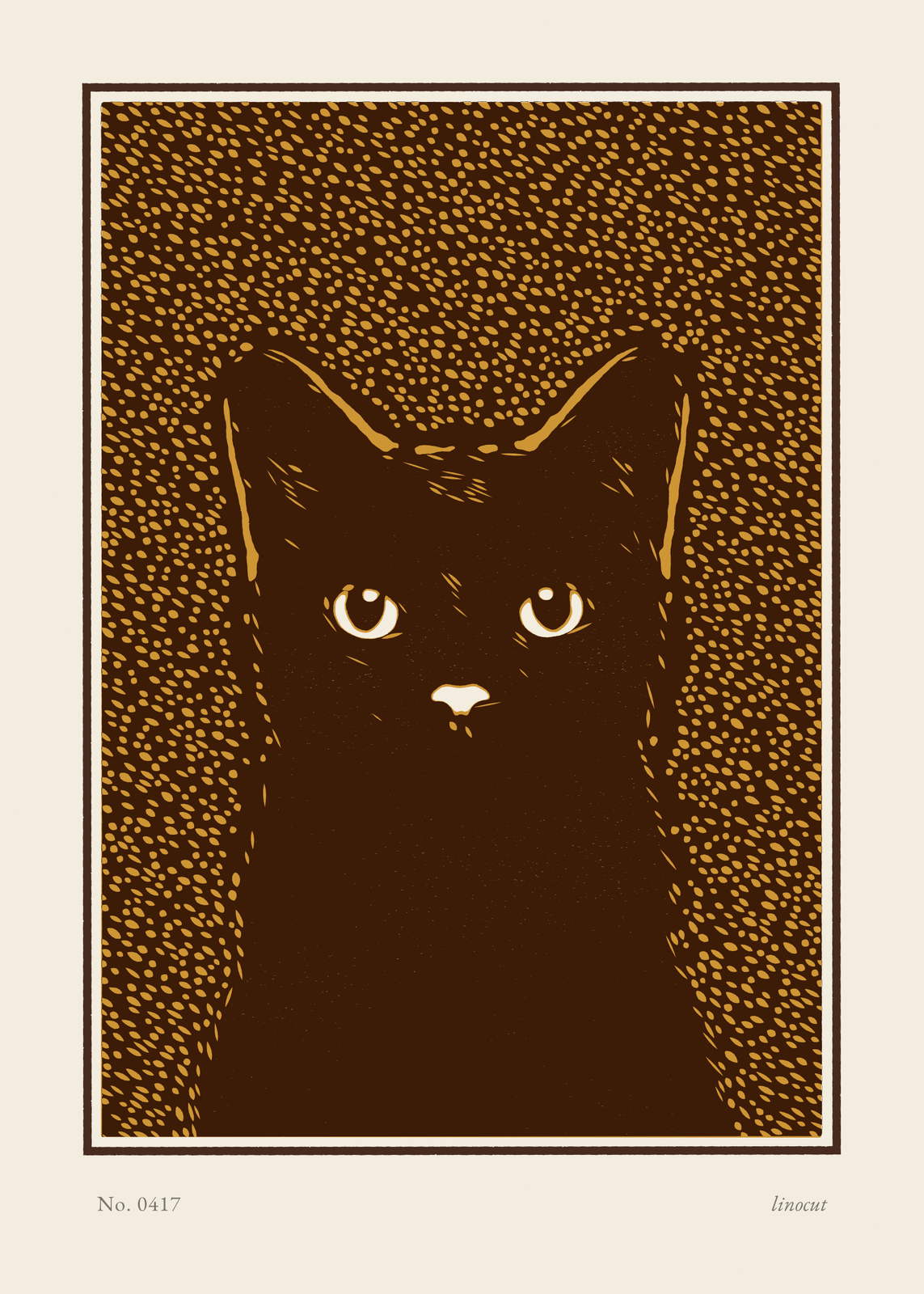
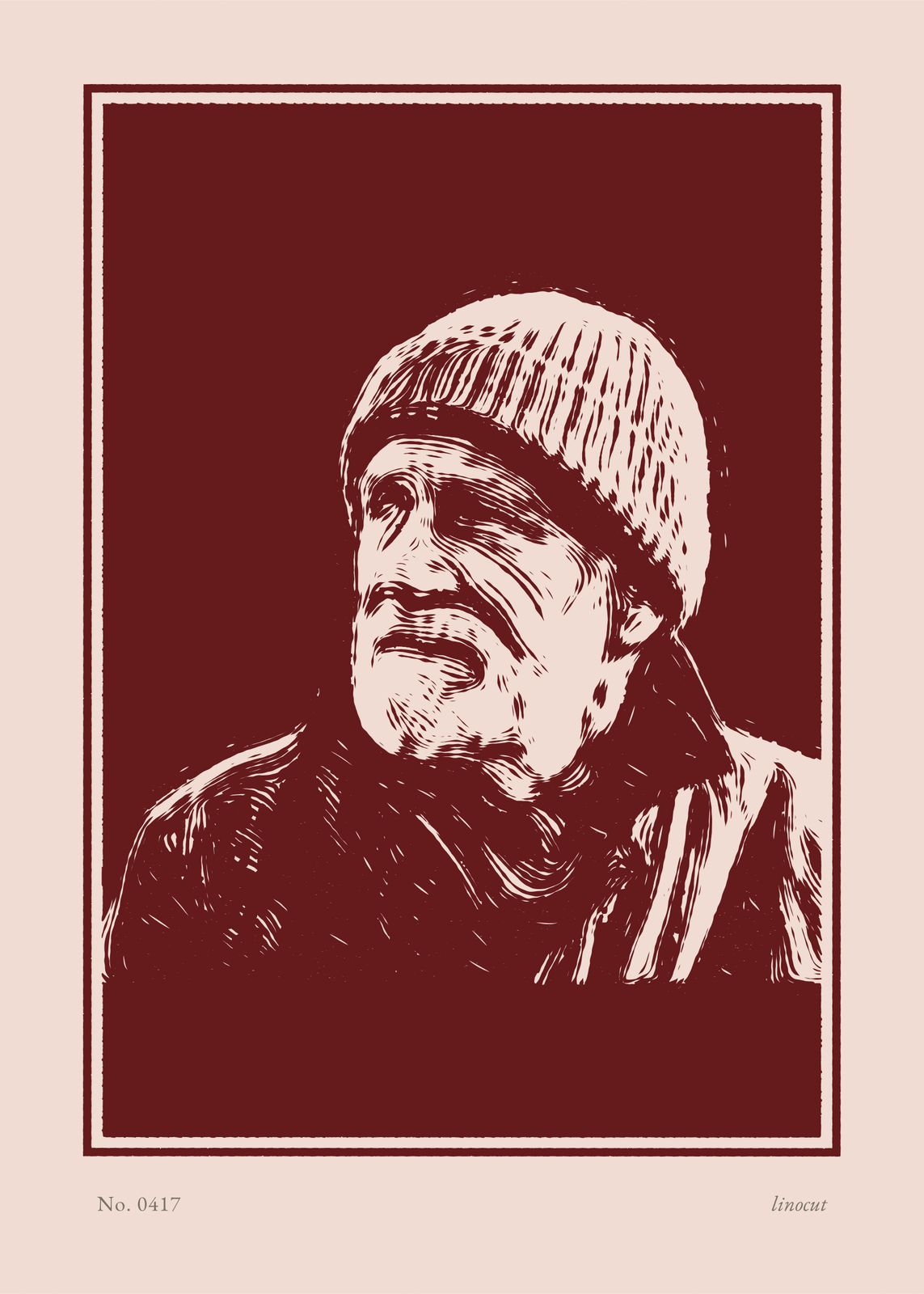
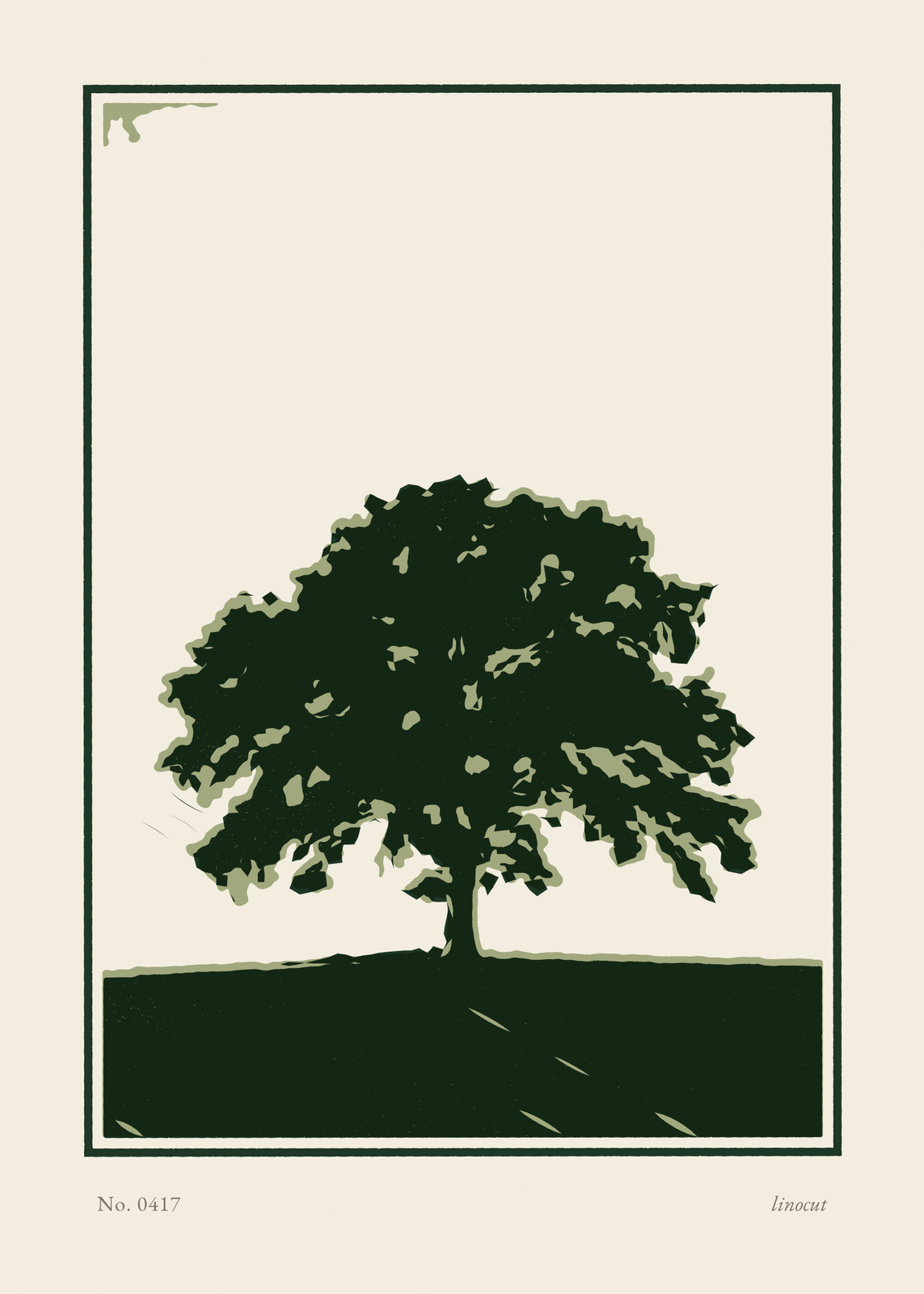
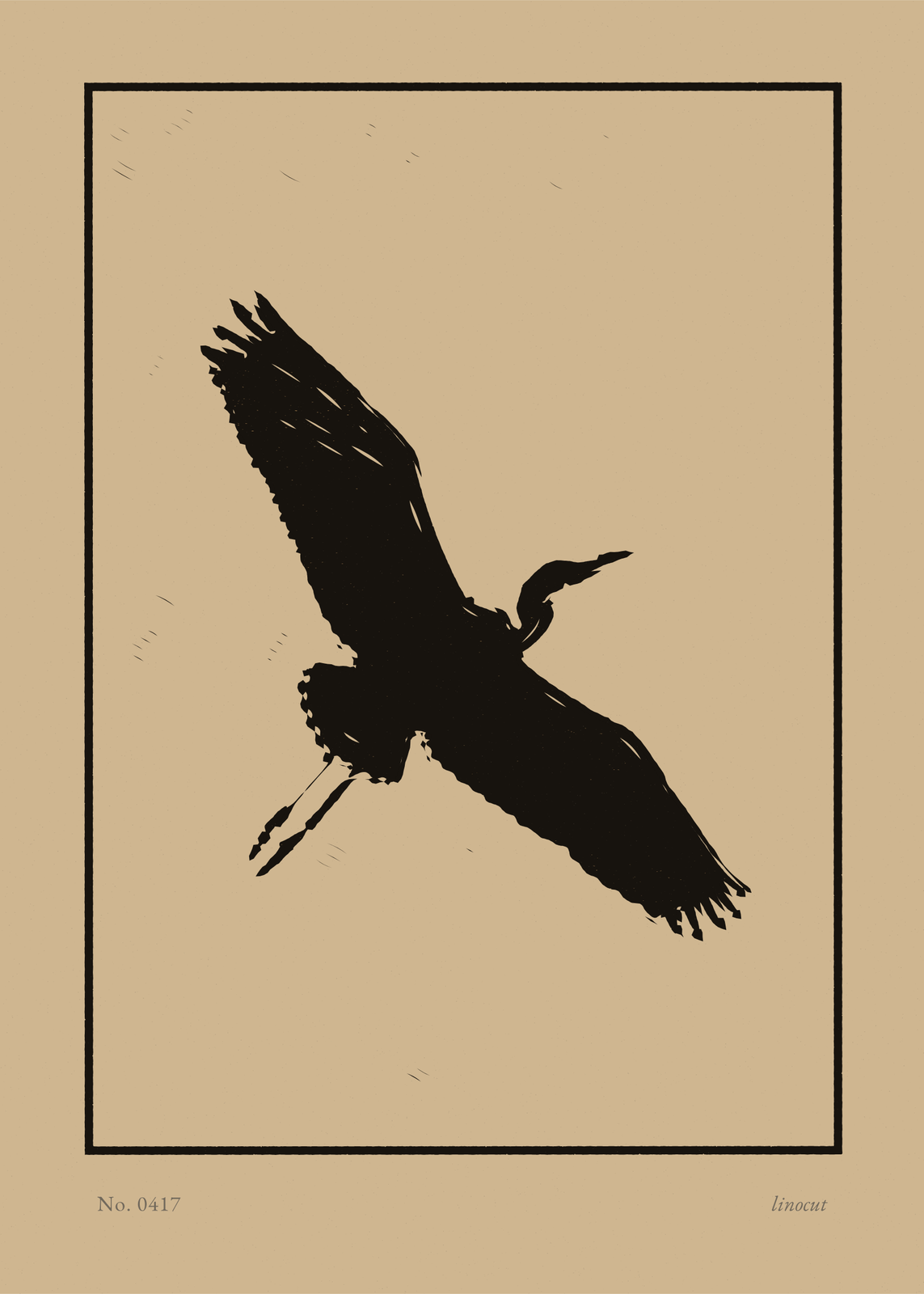
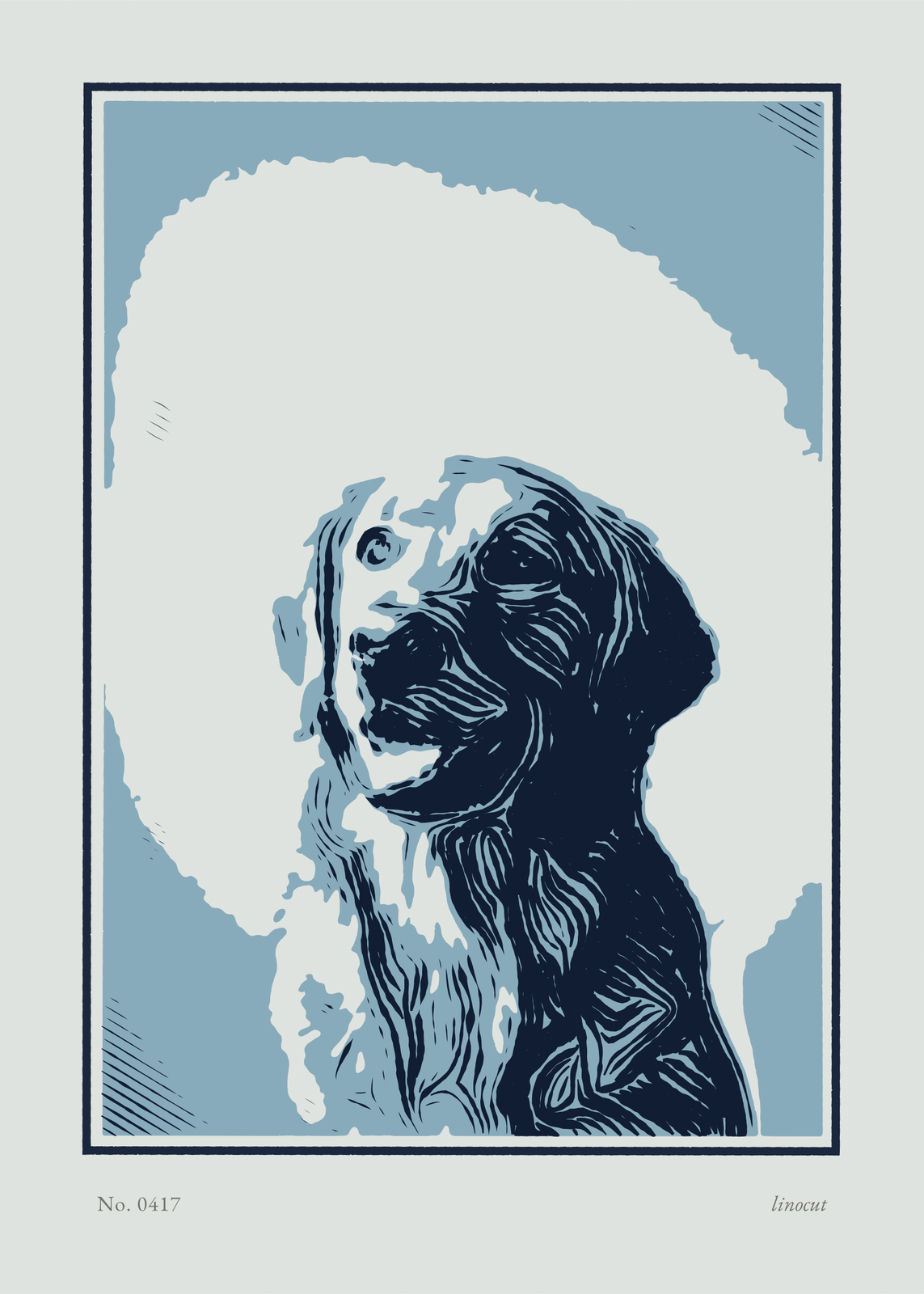
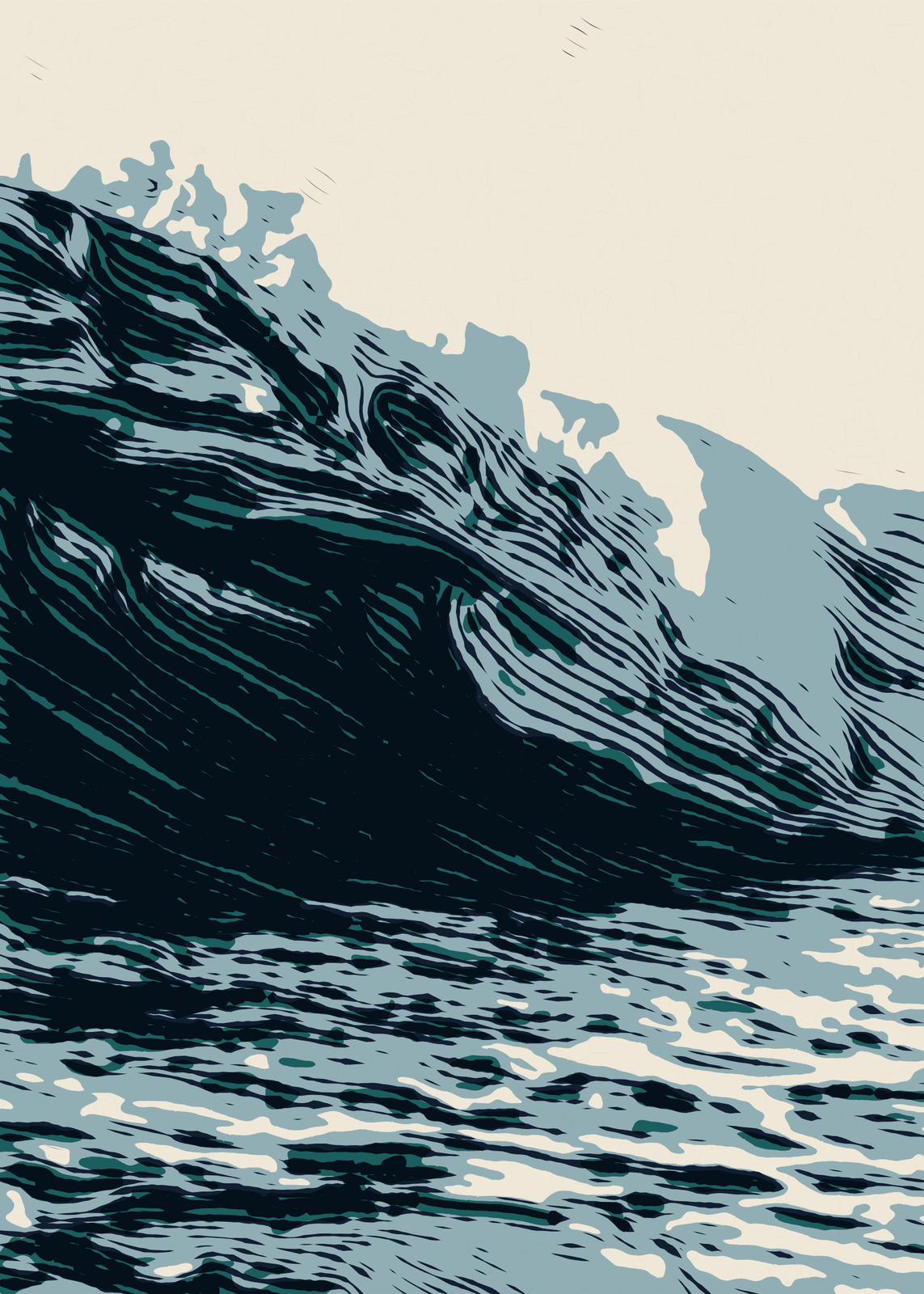
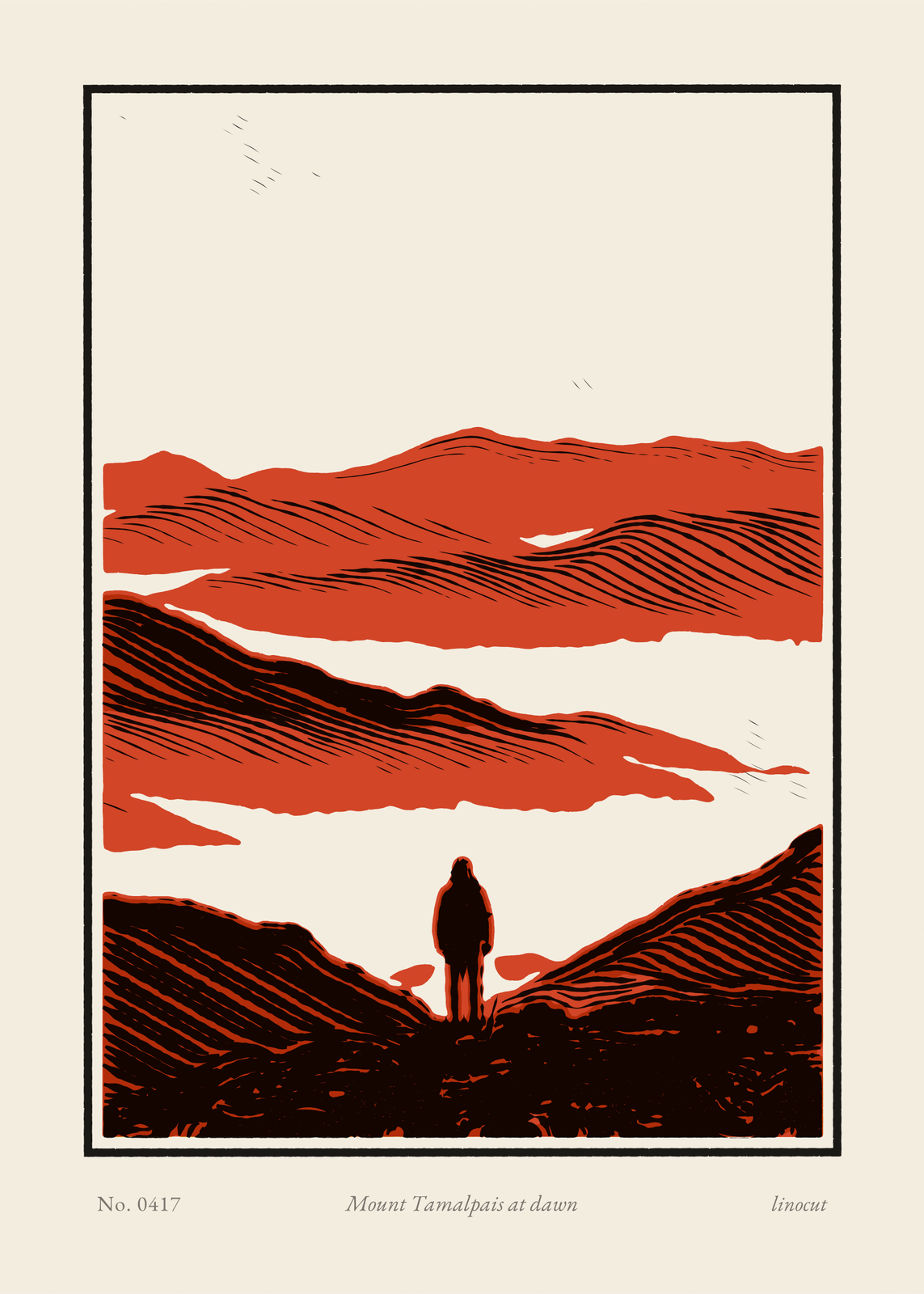
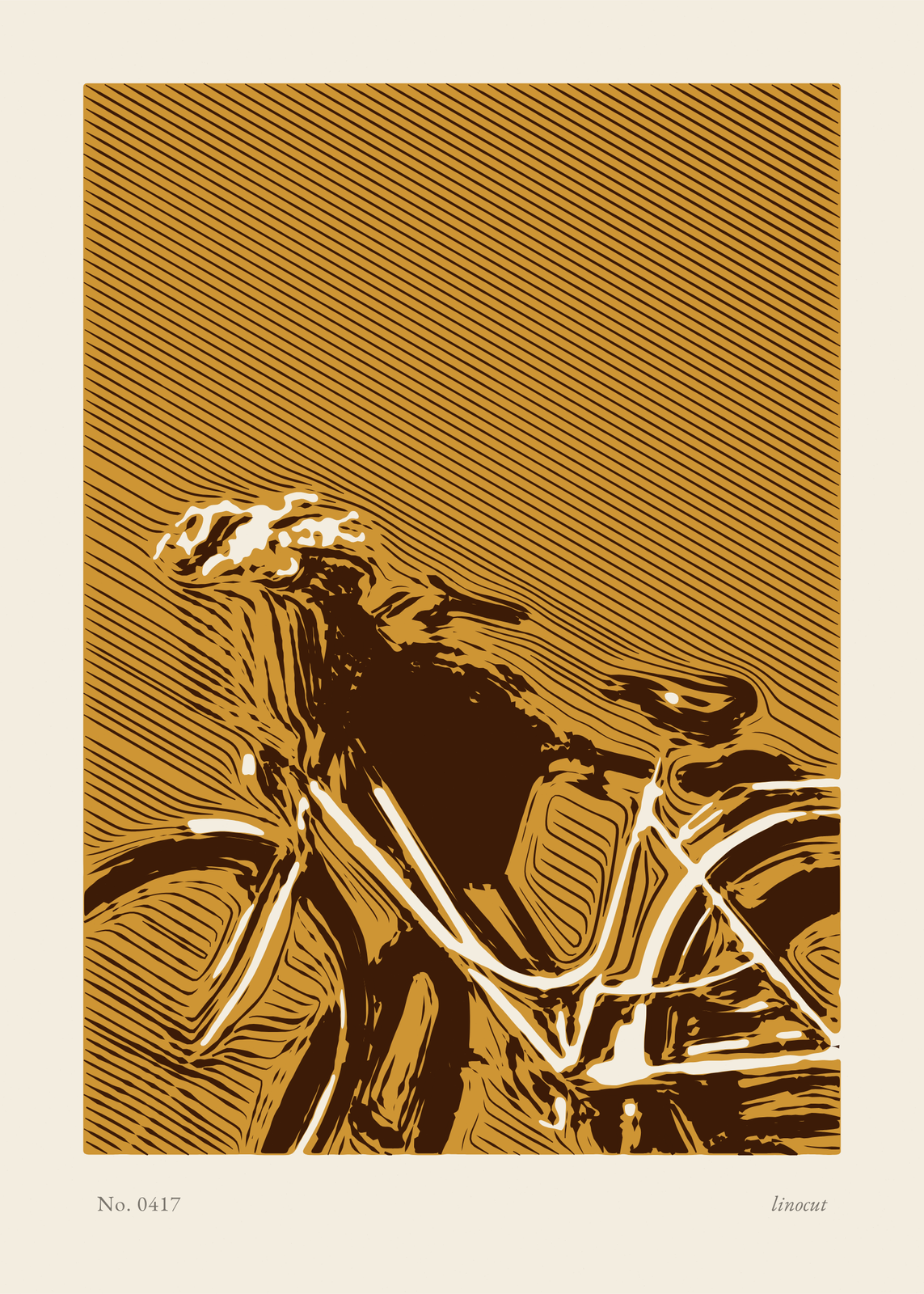
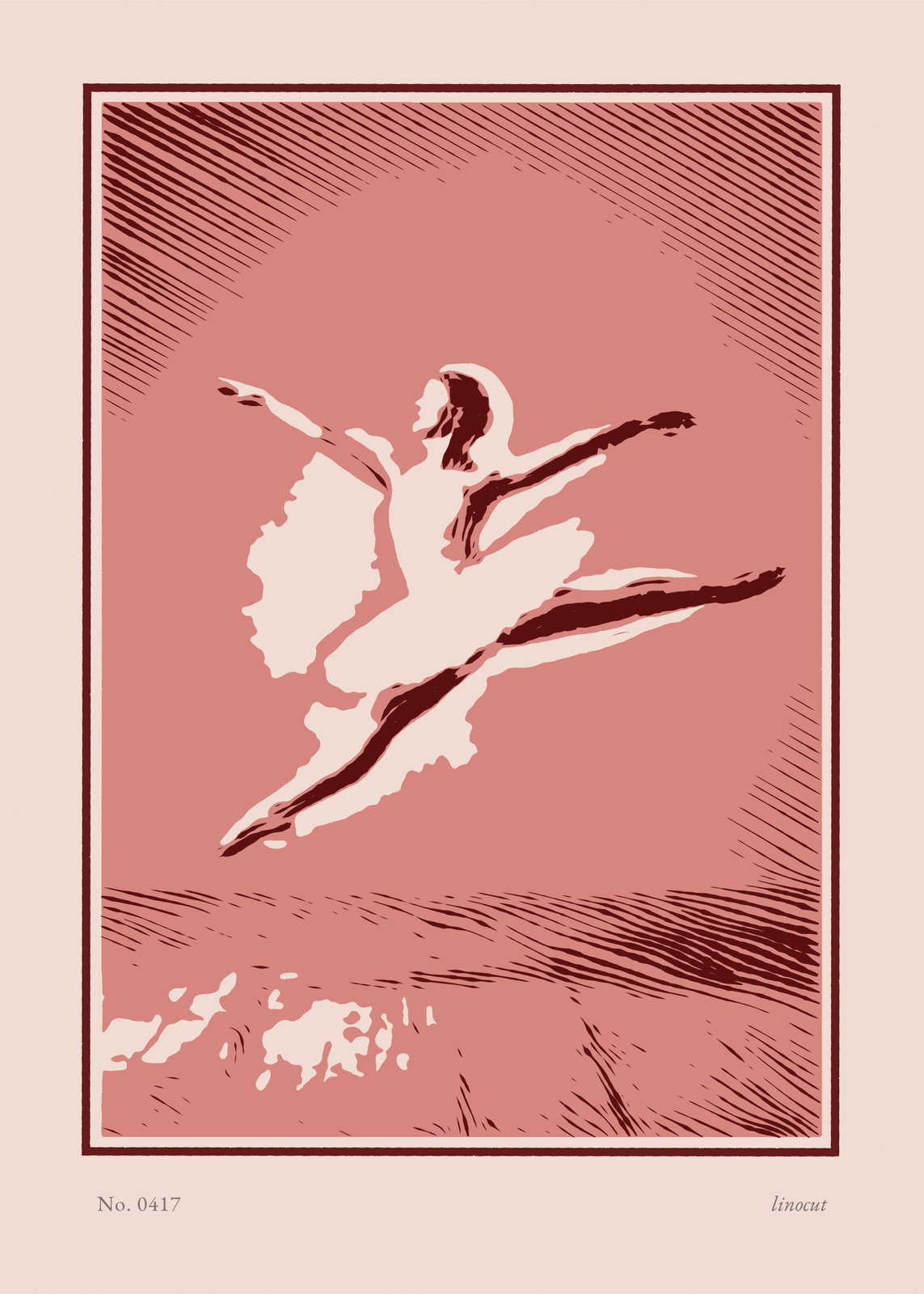
Three ways to cut
Cut density sets how close the cuts run, from bold to fine, in every style.
- Contour: the gouges follow the forms of the picture, round a cheek or along a wave.
- Parallel: straight cuts all one way, set by Cut direction.
- Stipple: small slits and scoops punched out of an uncarved block.
Inks and paper
Blocks prints the key alone, or with one or two color blocks. Five ink sets pick the colors and the paper at once: Prussian & sky on washi, Black & vermilion, Umber & ocher, Oxblood & rose on blush, and Forest & sage. Or pick each ink from eleven relief-ink colors, and the paper from warm white, washi with its long fibers, kraft, blush or mist gray.
The finished sheet
A block border frames the print with a margin around it, and the pencil line under it carries a number, your title in italics and the word linocut, as on a hand-pulled edition. Turn on Edge to edge to run the block off the sheet instead. Under Print finish, Edge roughness and Off-register set how hand-pulled it looks; at zero, every color sits exactly in place.
Questions
Is it a real linocut?
No, it's a print of one. The gouge marks, the ink and the paper fibers are drawn, and you download a file to print; nothing is carved or pressed.
Which photos cut best?
Bold subjects with clear lights and darks: a wave, a bird, a tree, a face lit from one side. The lightest tones are cleared to paper and the darkest stay solid ink, so a flat, gray photo loses its shape; raise Contrast, or move Ink coverage toward lighter or darker.
Can I leave out the pencil line?
Yes. Turn off Pencil edition line for a clean margin, or keep it and add a Pencil title: a place, a name, a date.
What sizes can I print?
US Letter, 8 × 10, 11 × 14, 12 × 16 and 12 × 18 in, A4 and A3, free. You download a 300 DPI JPEG drawn at the size you pick. Larger prints, up to 24 × 36 in, are coming soon.
Related
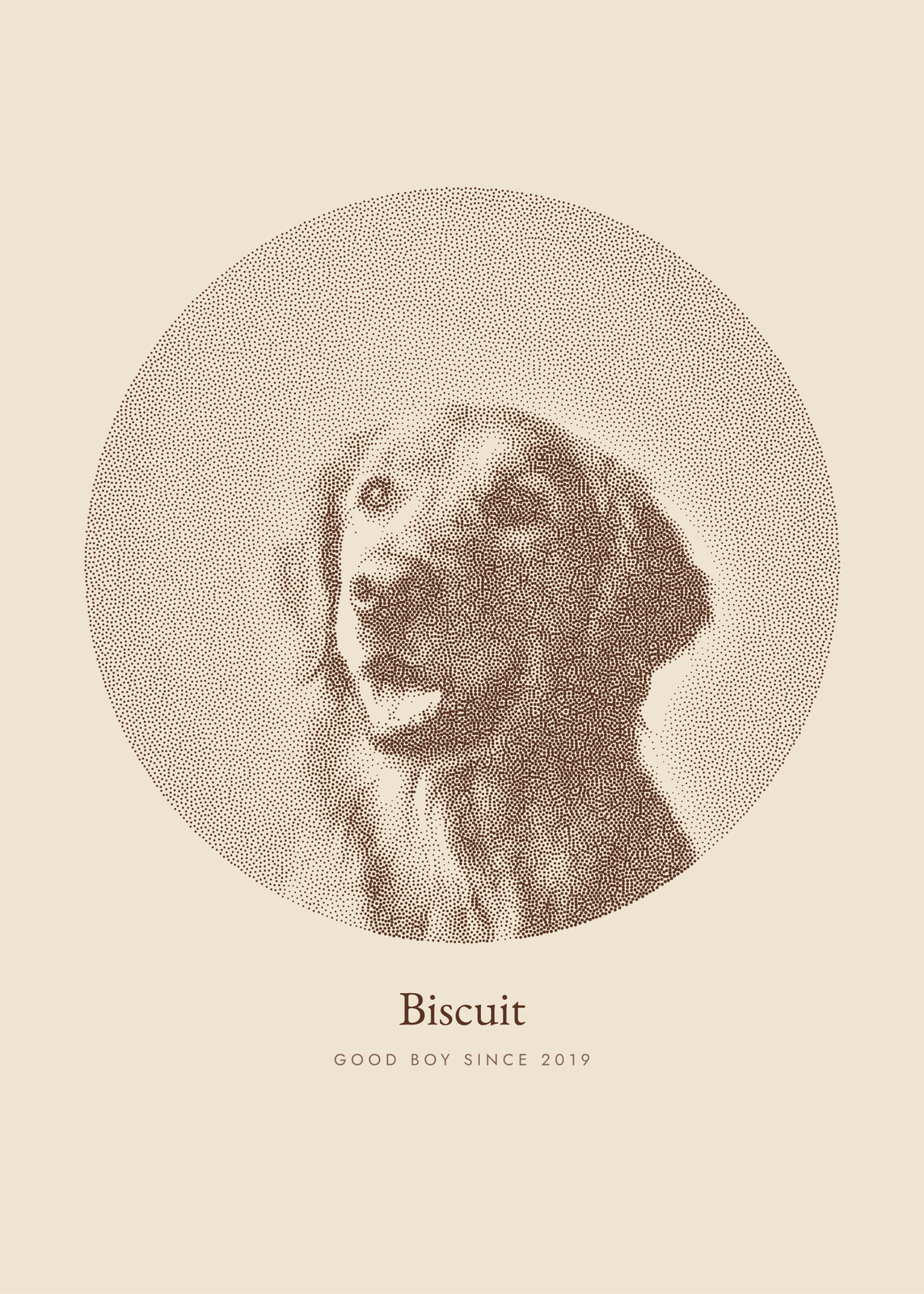 Photo to artyour picture redrawn in ink dots, characters, thread, pen lines or carved blocks
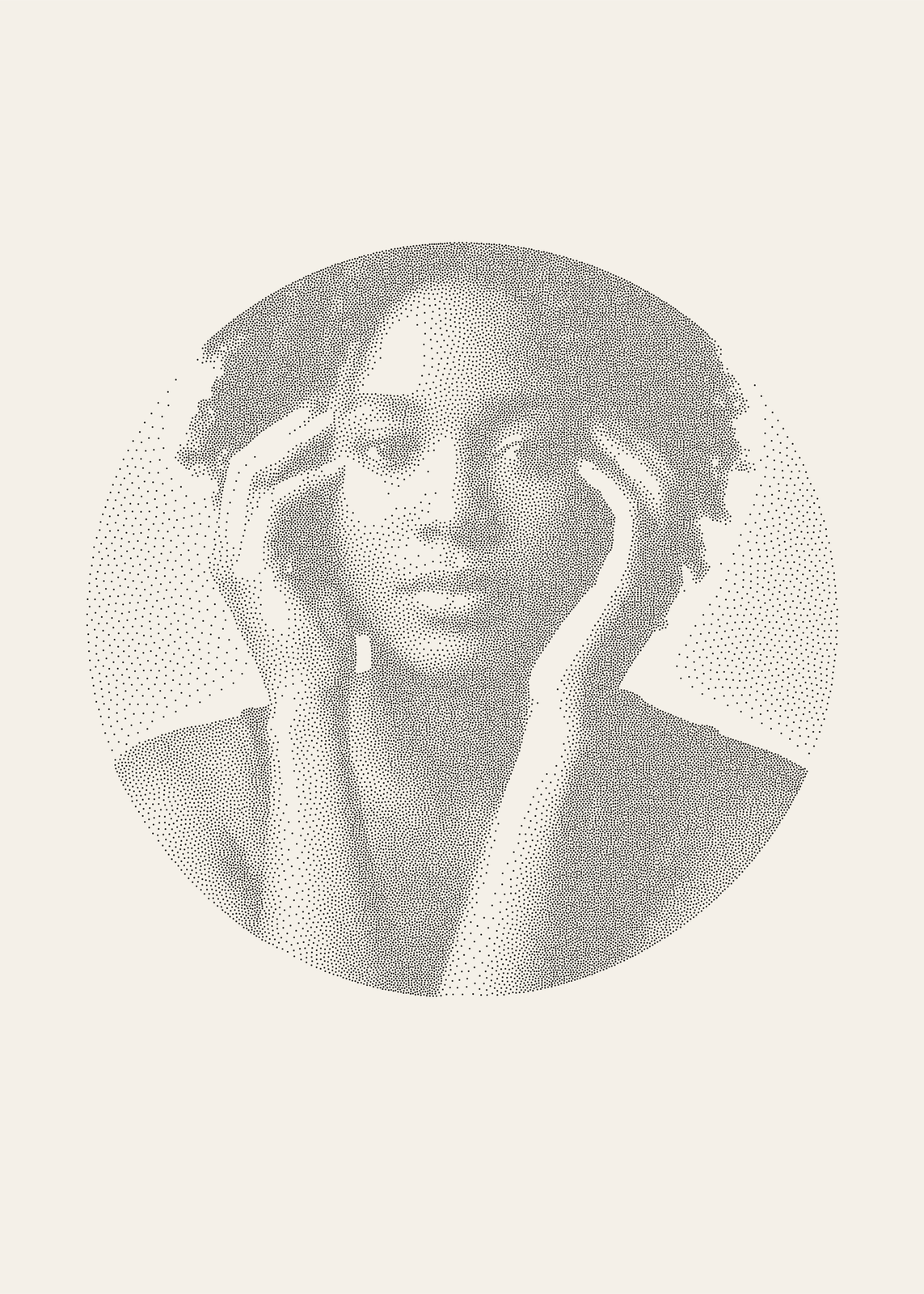 Stippling artyour photo in thousands of ink dots, crowded in the shadows and sparse in the light
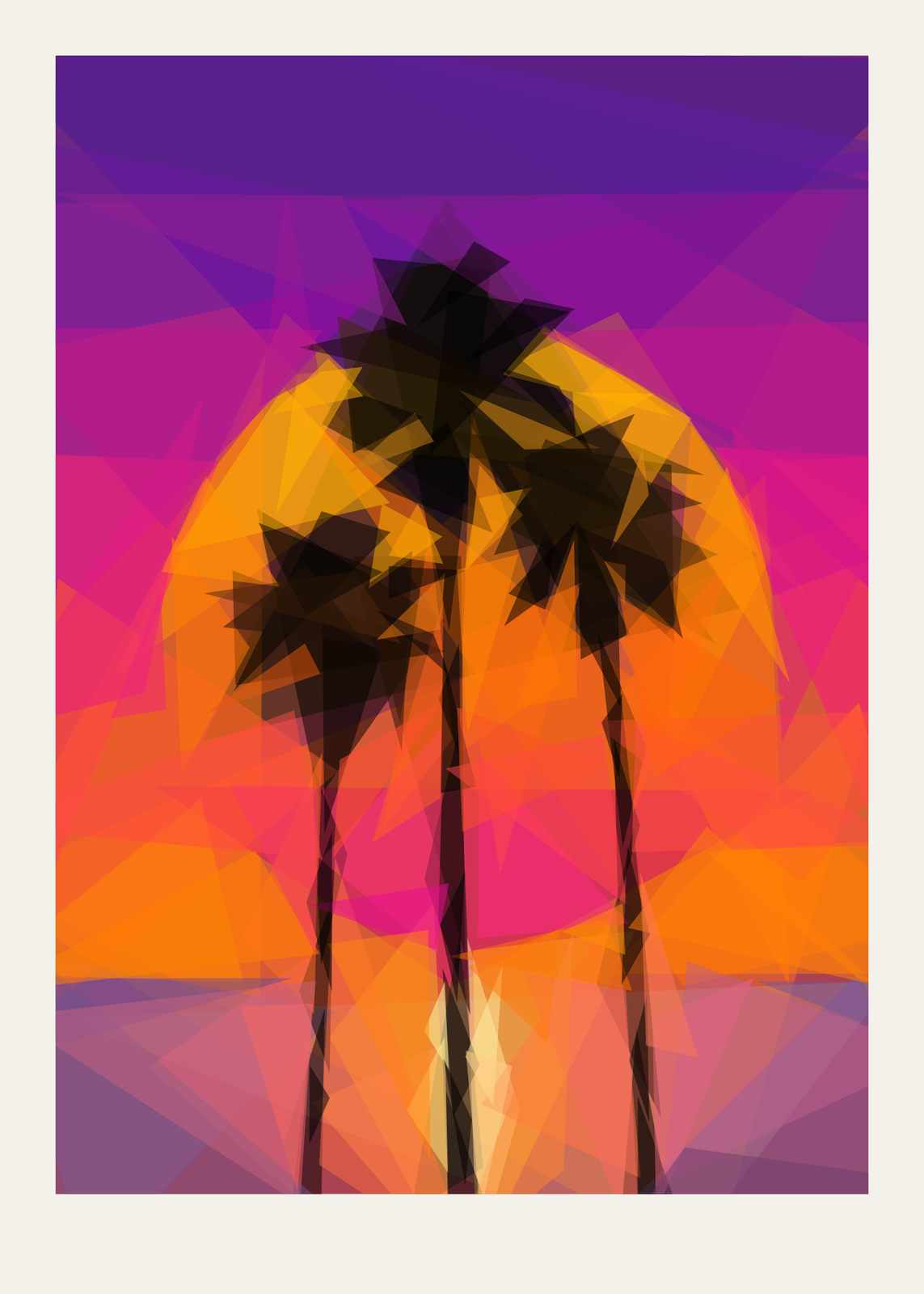 Low poly artyour photo rebuilt from a few hundred translucent triangles, shards or circles
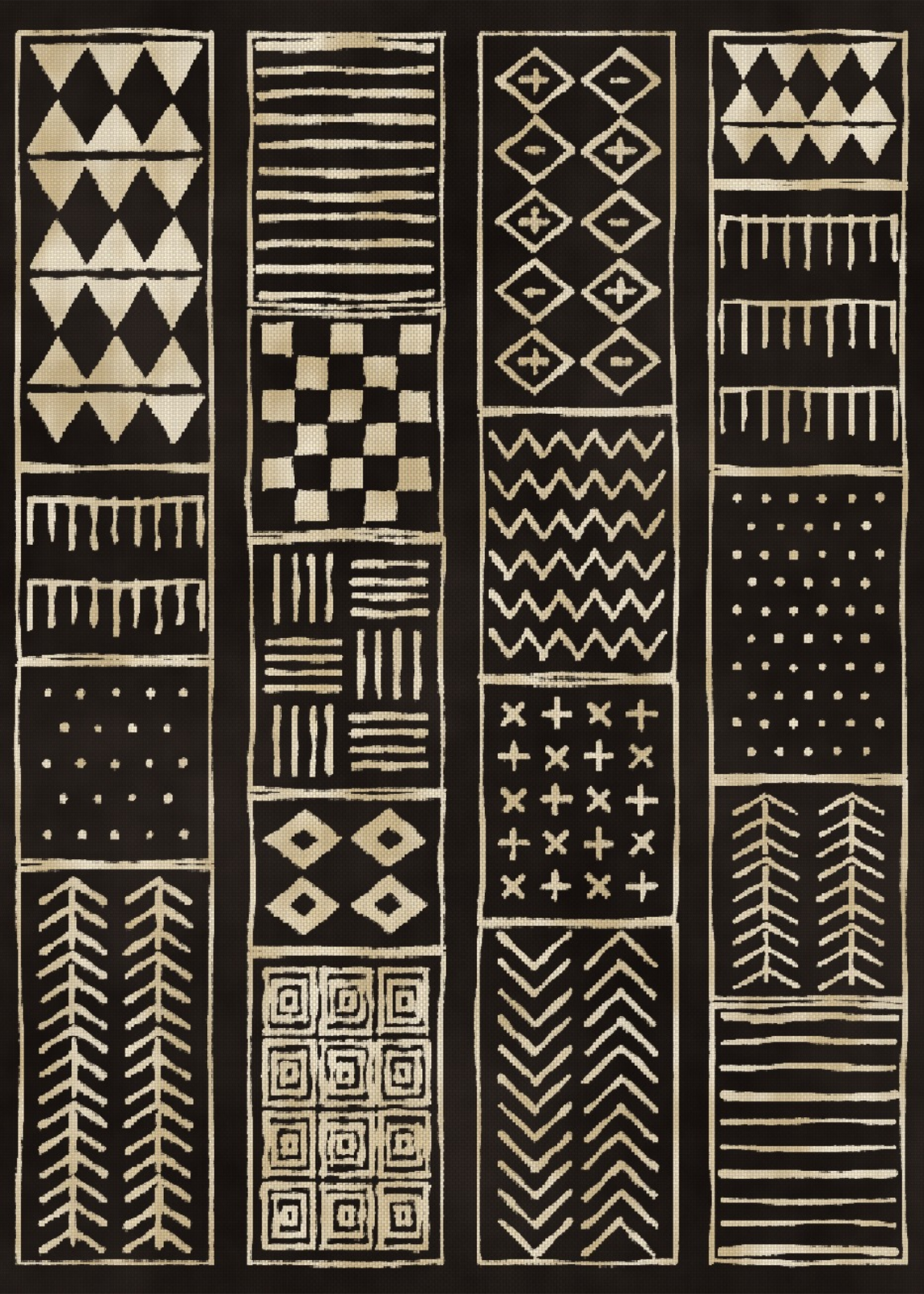 Boho wall artmade-up cloth, printed down to the thread
Gift ideas by occasion
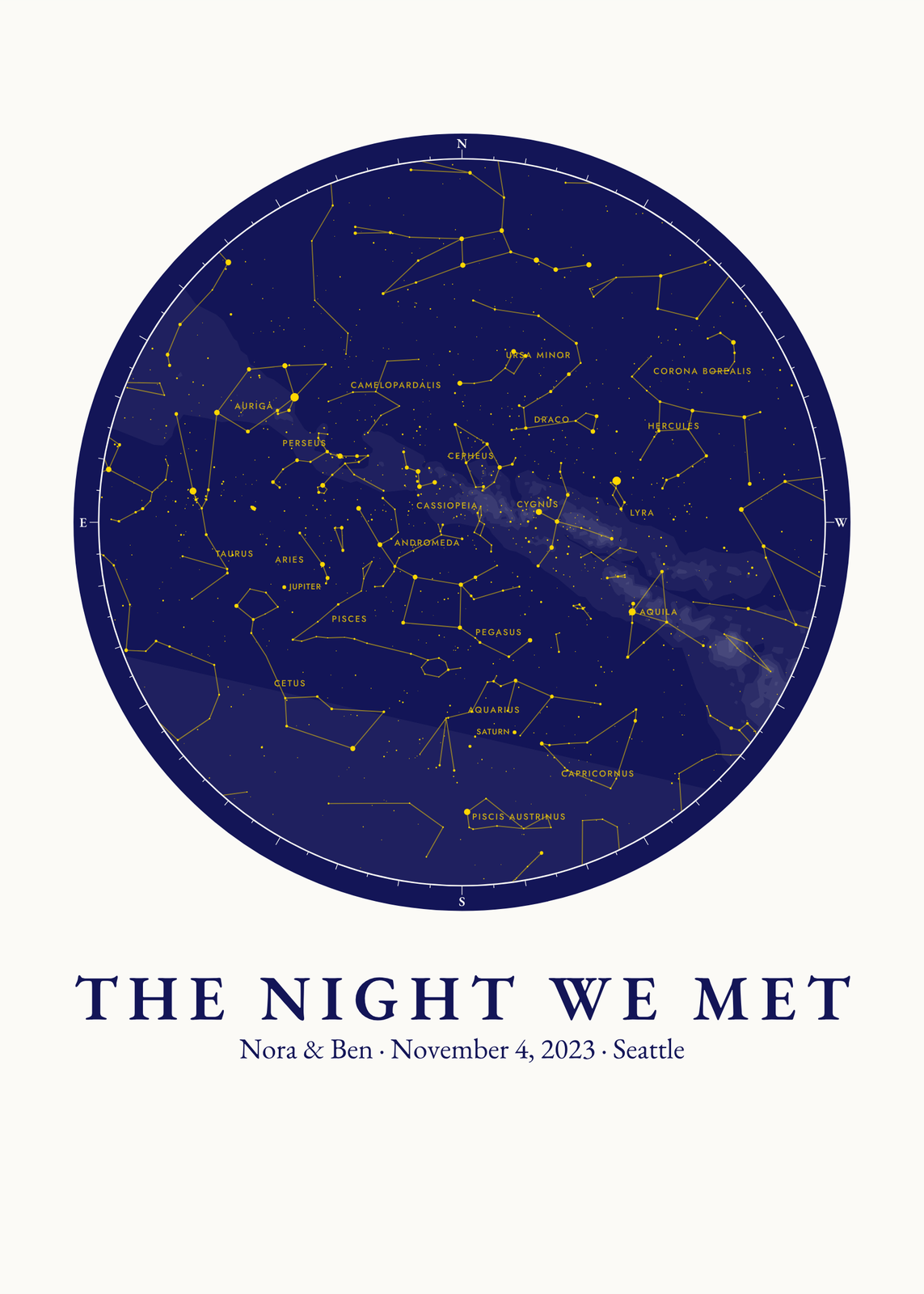
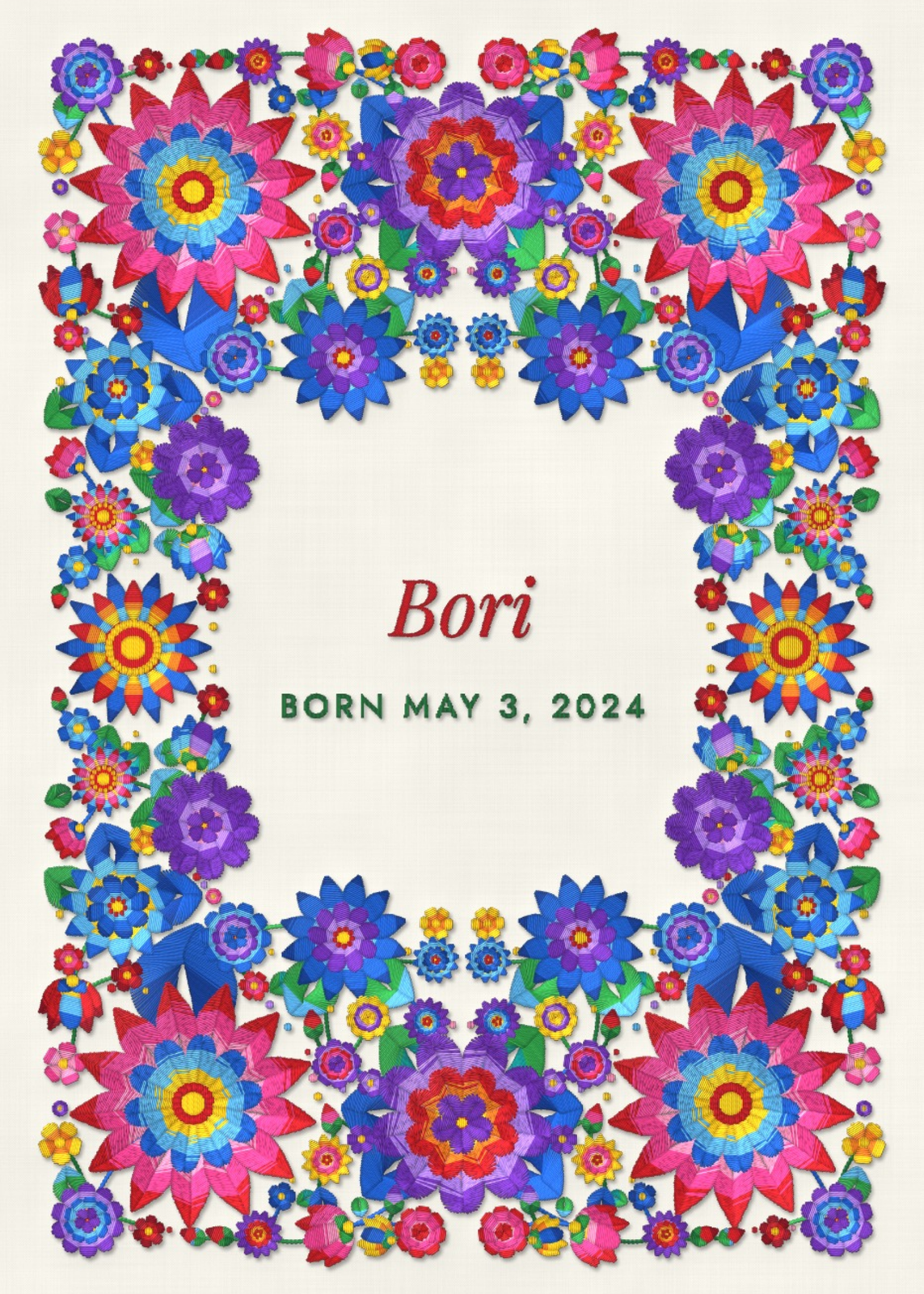
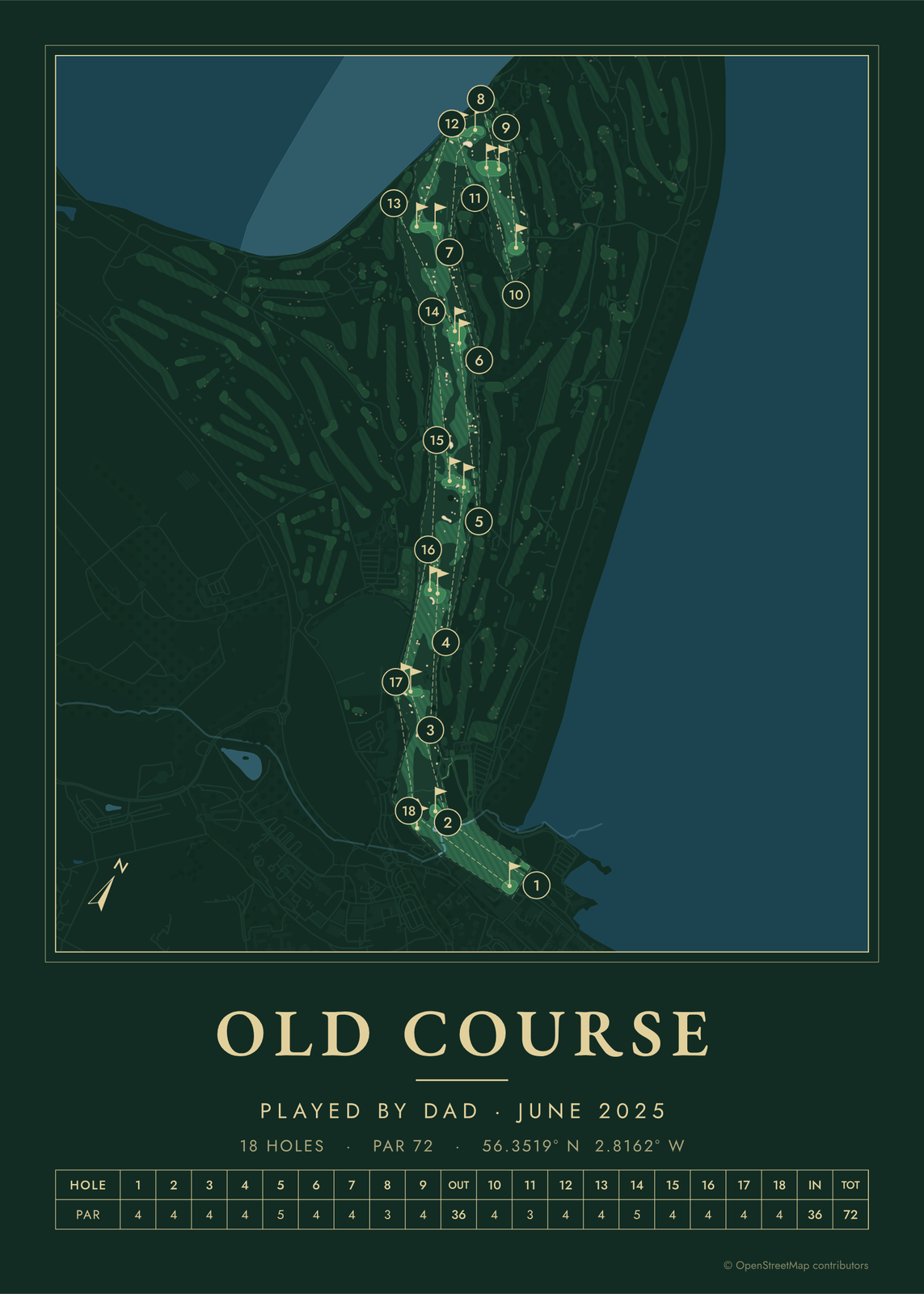
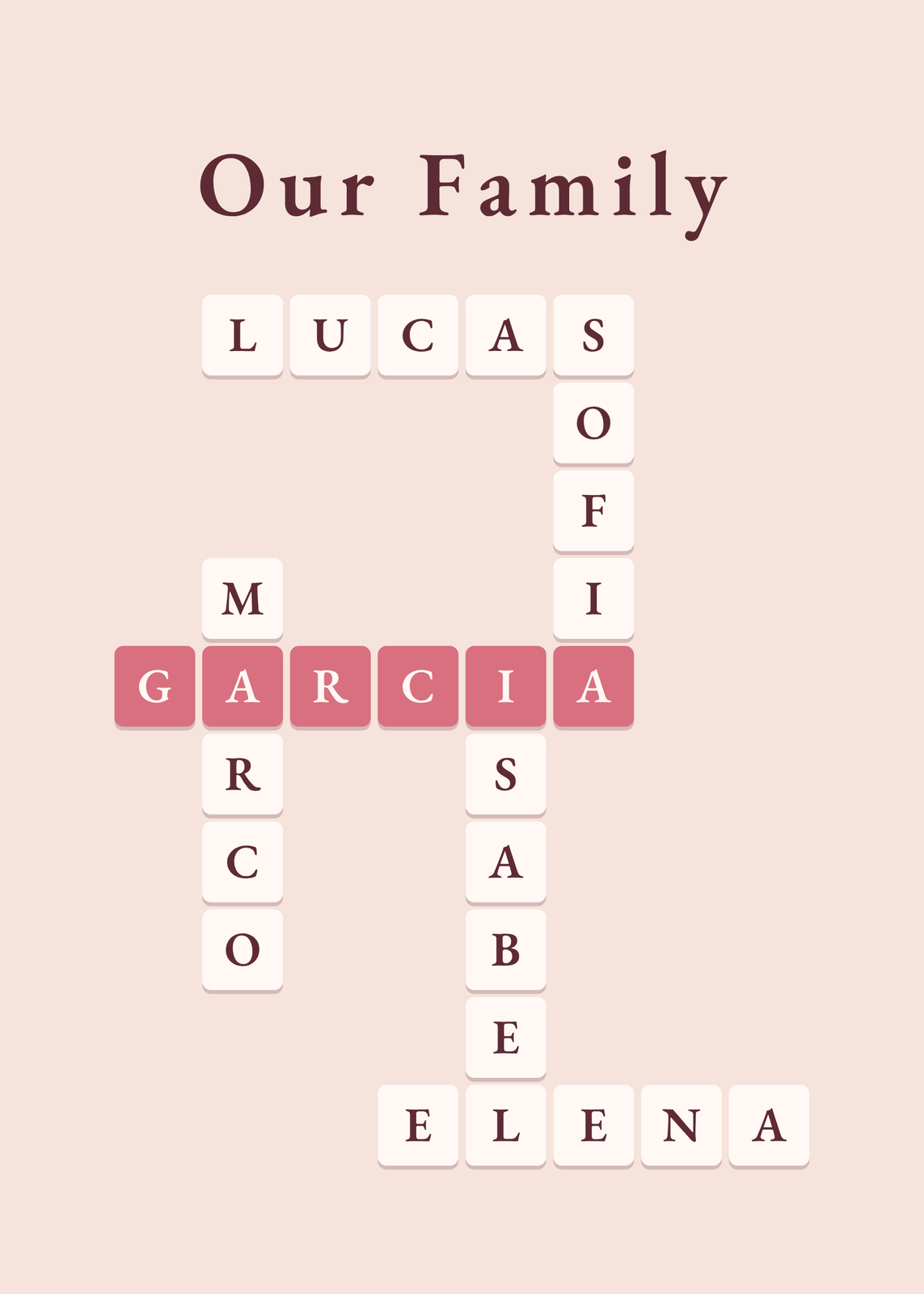
Every example is made with the Posterage generators. Change anything, then download it as a 300 DPI JPEG.