Stippling art your photo in thousands of ink dots, crowded in the shadows and sparse in the light
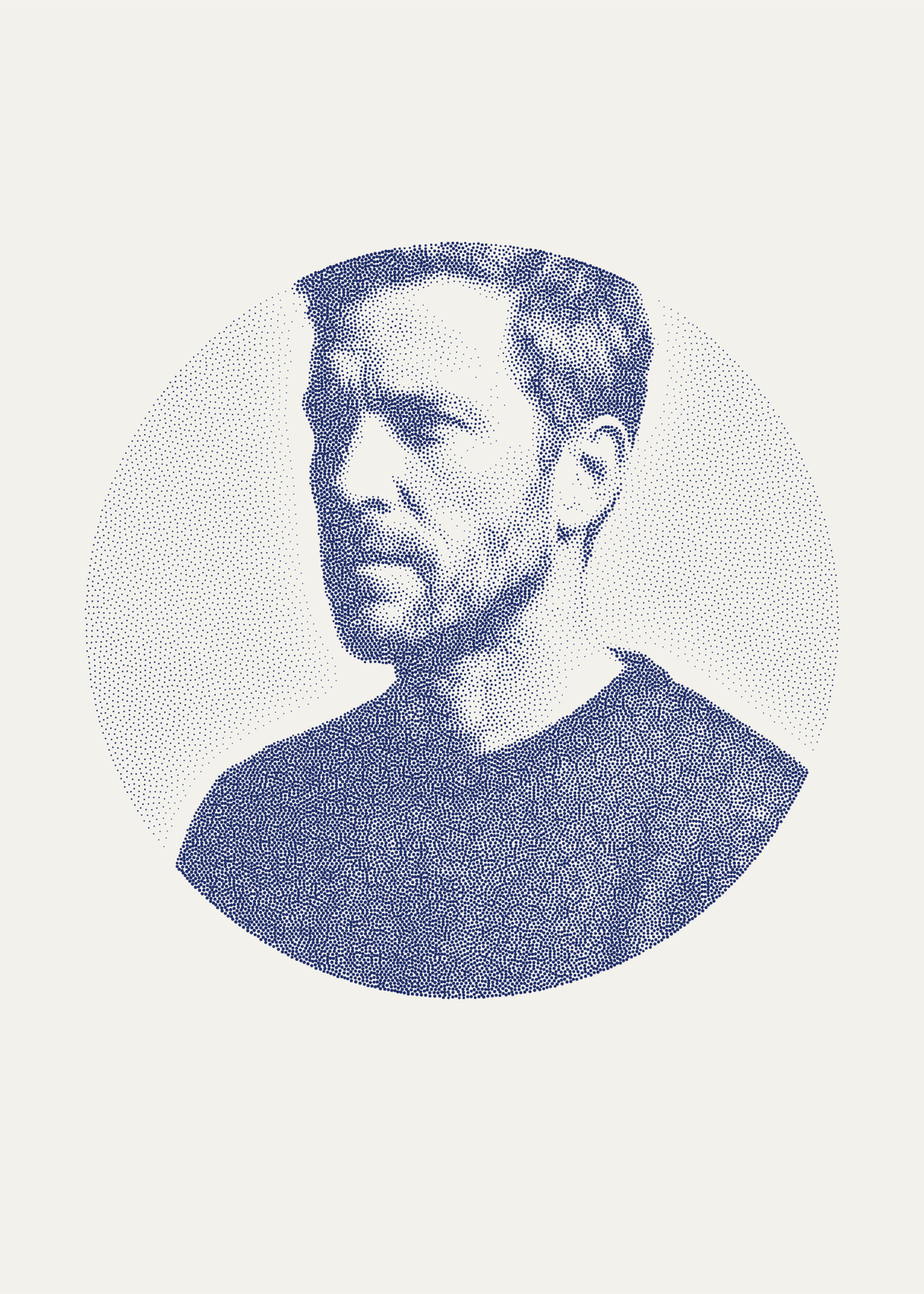
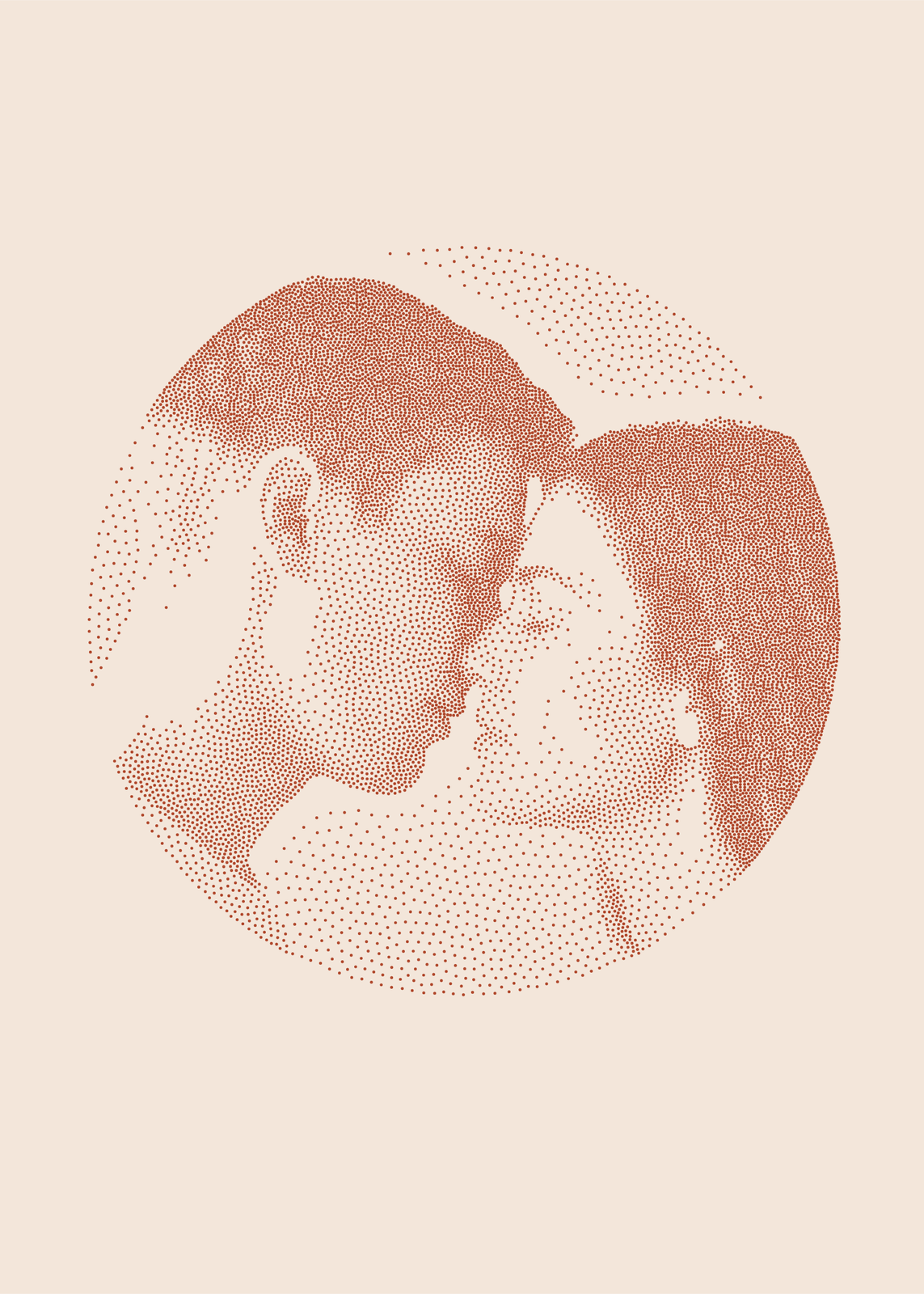
Stippling shades a picture with dots alone: many and close where it's dark, few and far apart where it's light. Here the dots come from your photo, up to 60,000 of them, each moved until it sits evenly among its neighbors, so the shading reads smooth from a step back and turns to dots up close. Pick classic or engraved dots, the ink and paper, and a circle, a rectangle or the whole sheet.
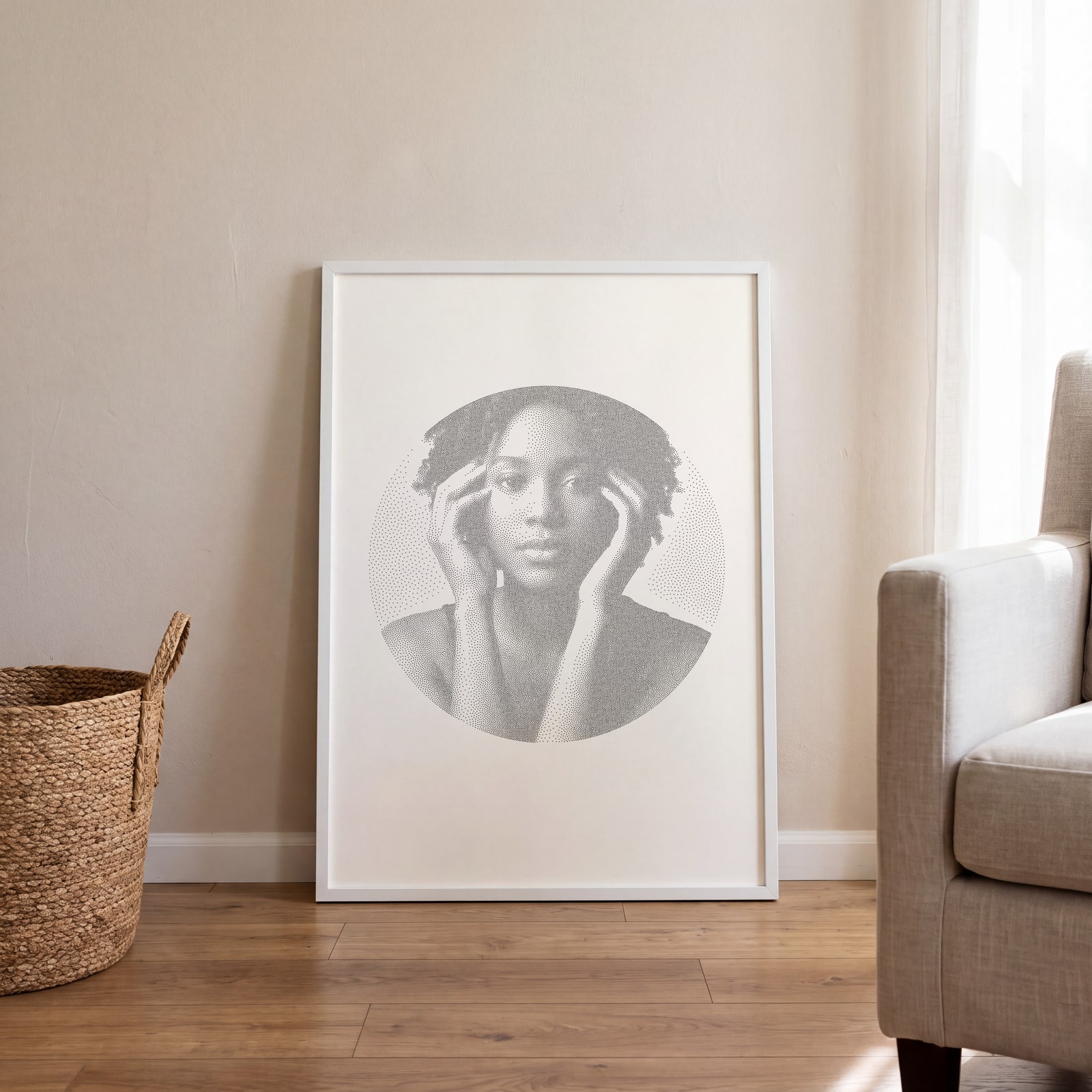
On the wall
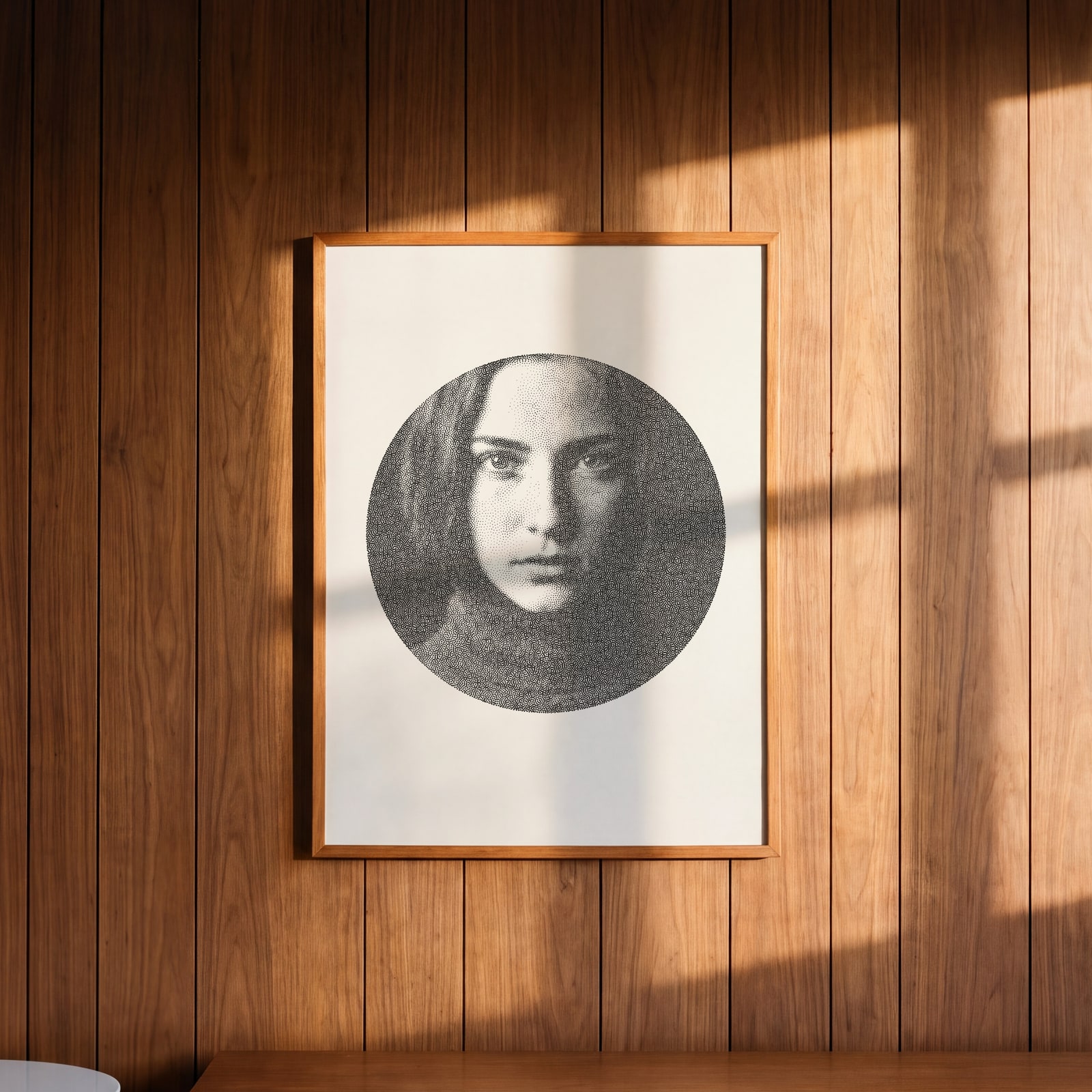
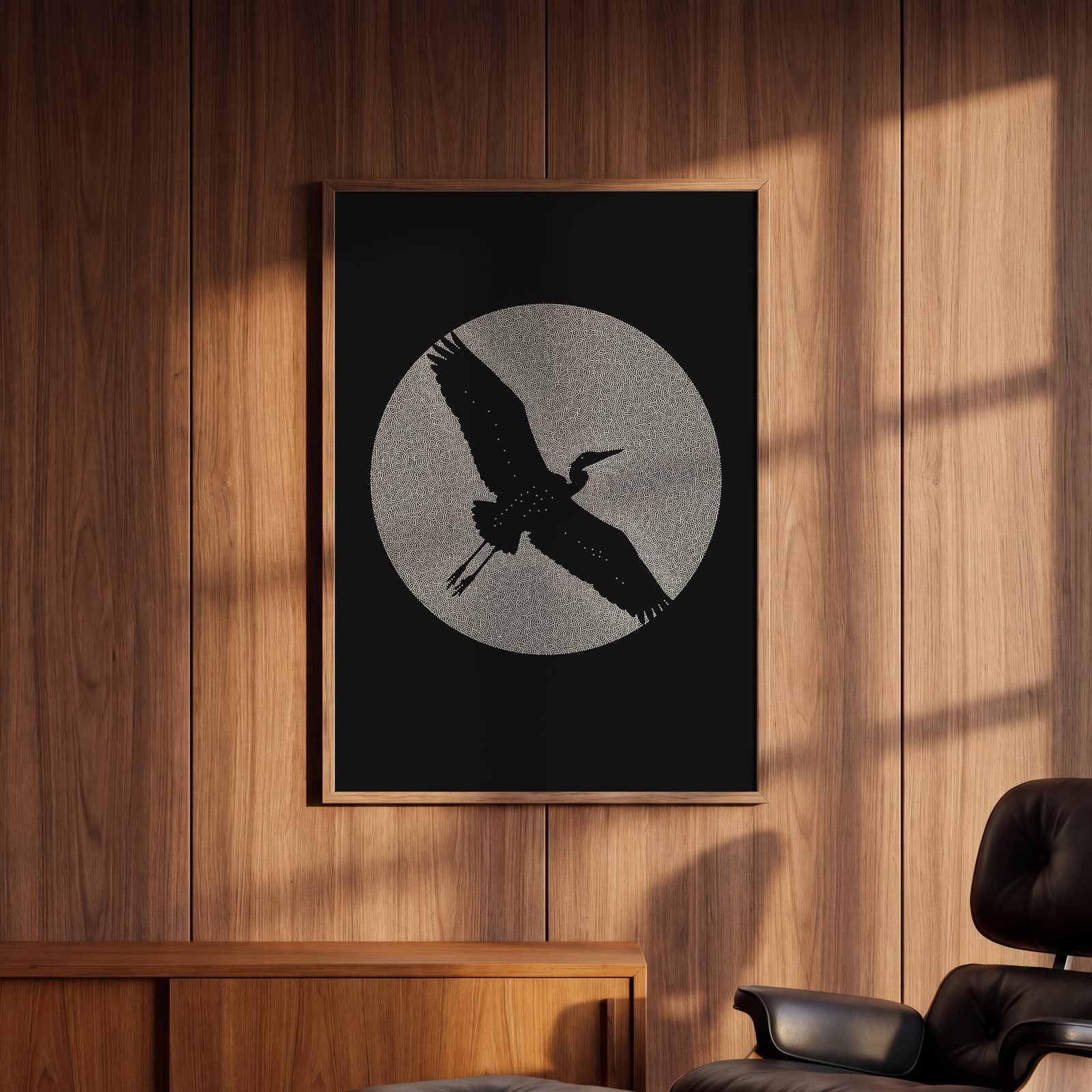
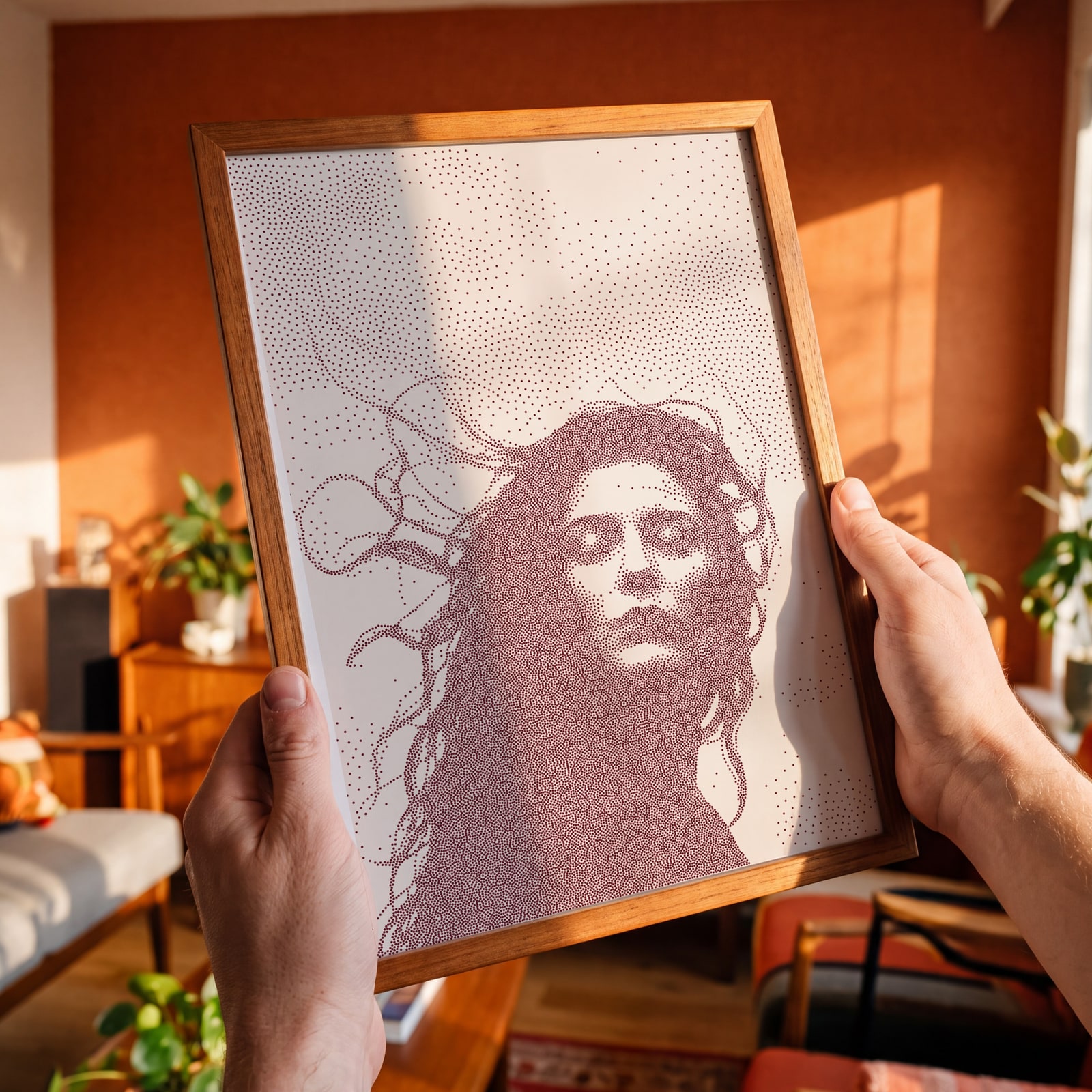
A few of them framed at home. Open any one to make it yours.
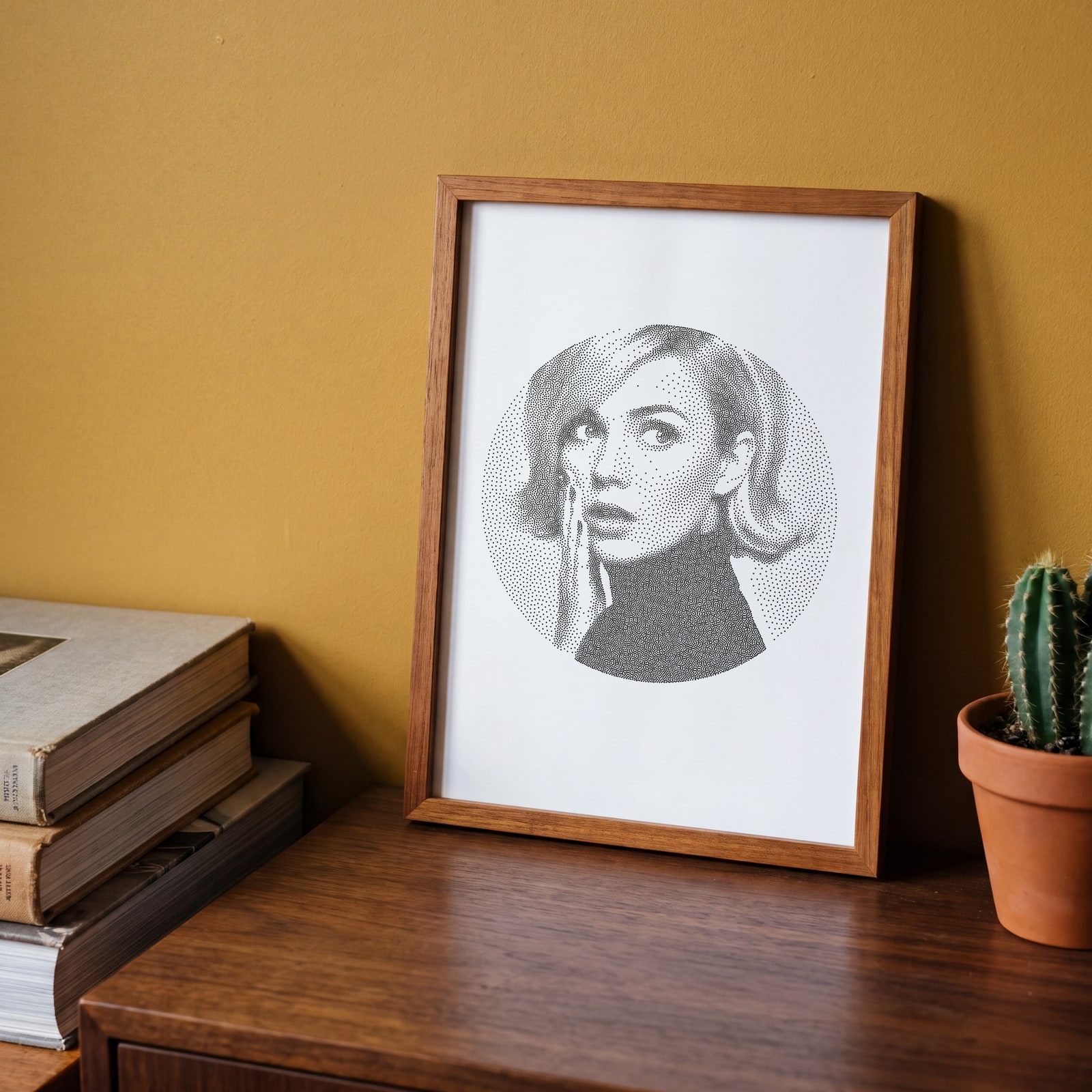
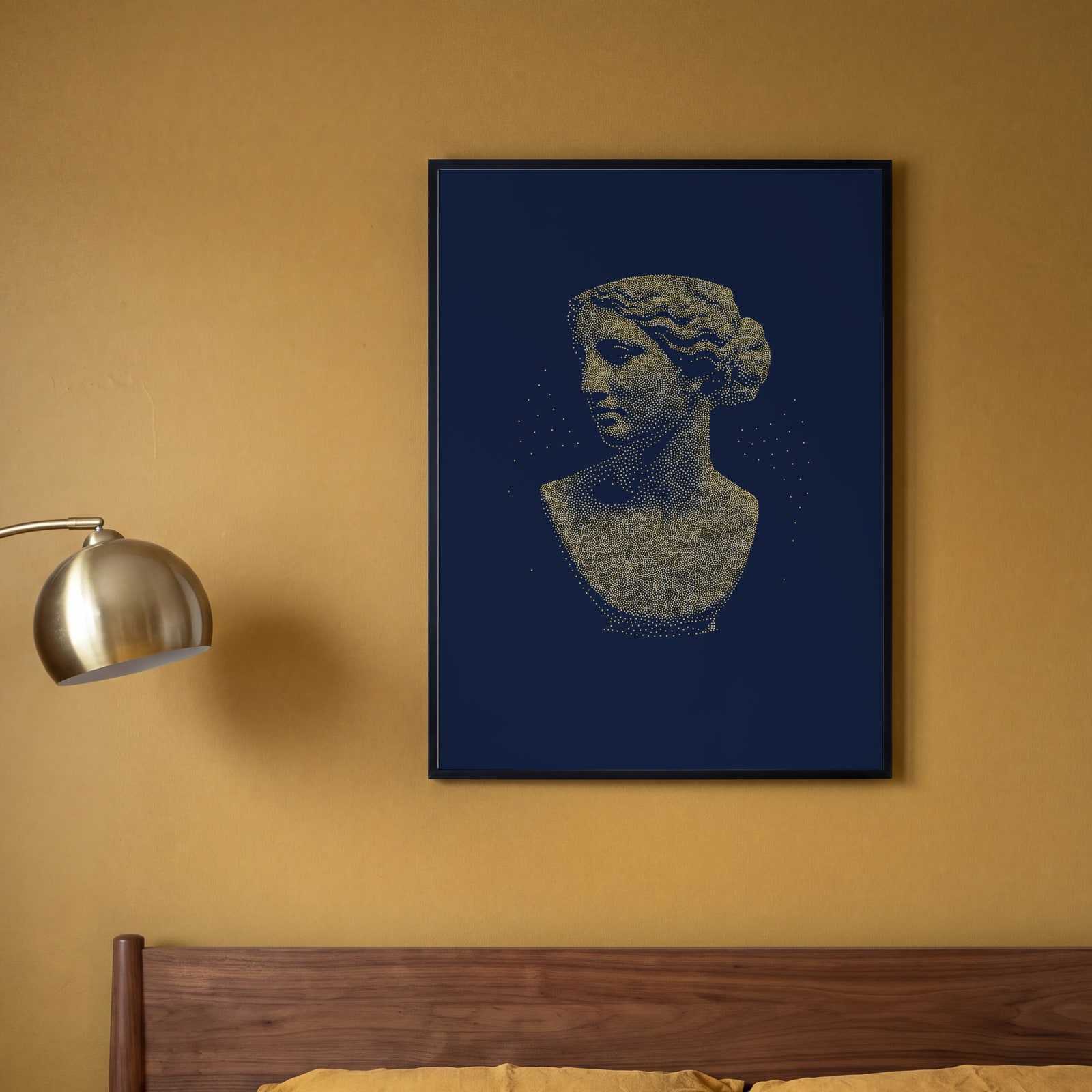
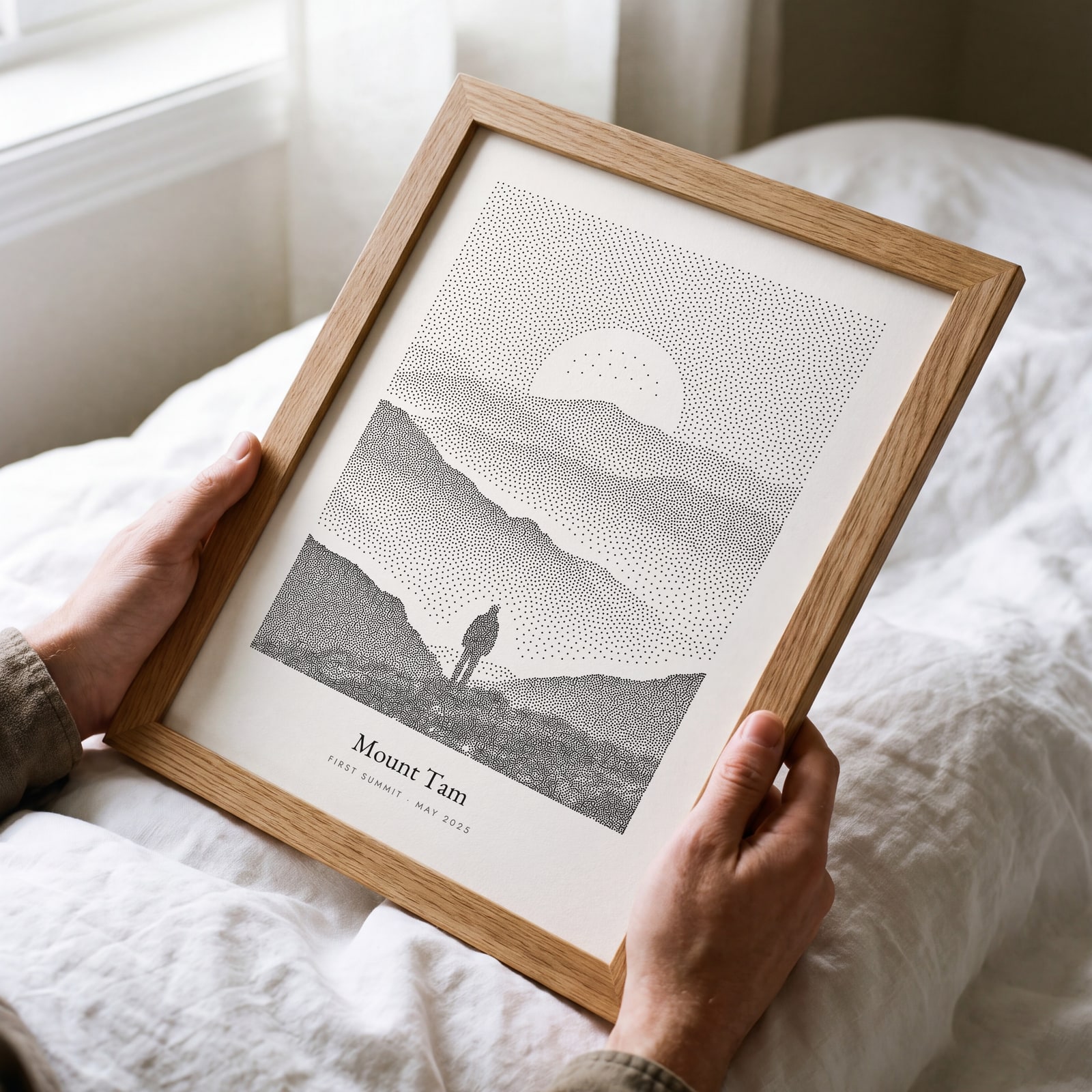
Examples
Open any of them to change the words, the place, the date and the style, then download the print file.
Classic and engraved
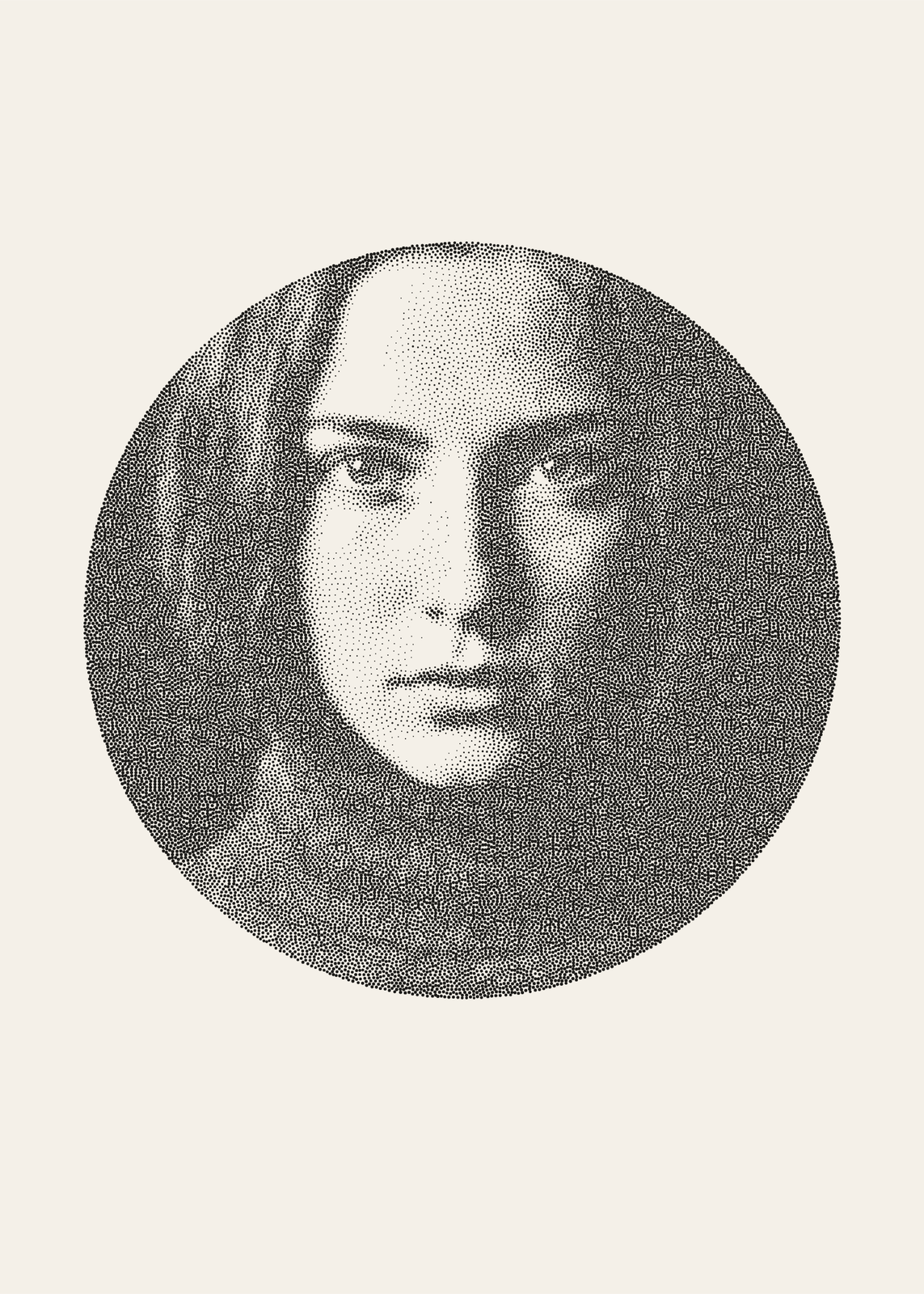
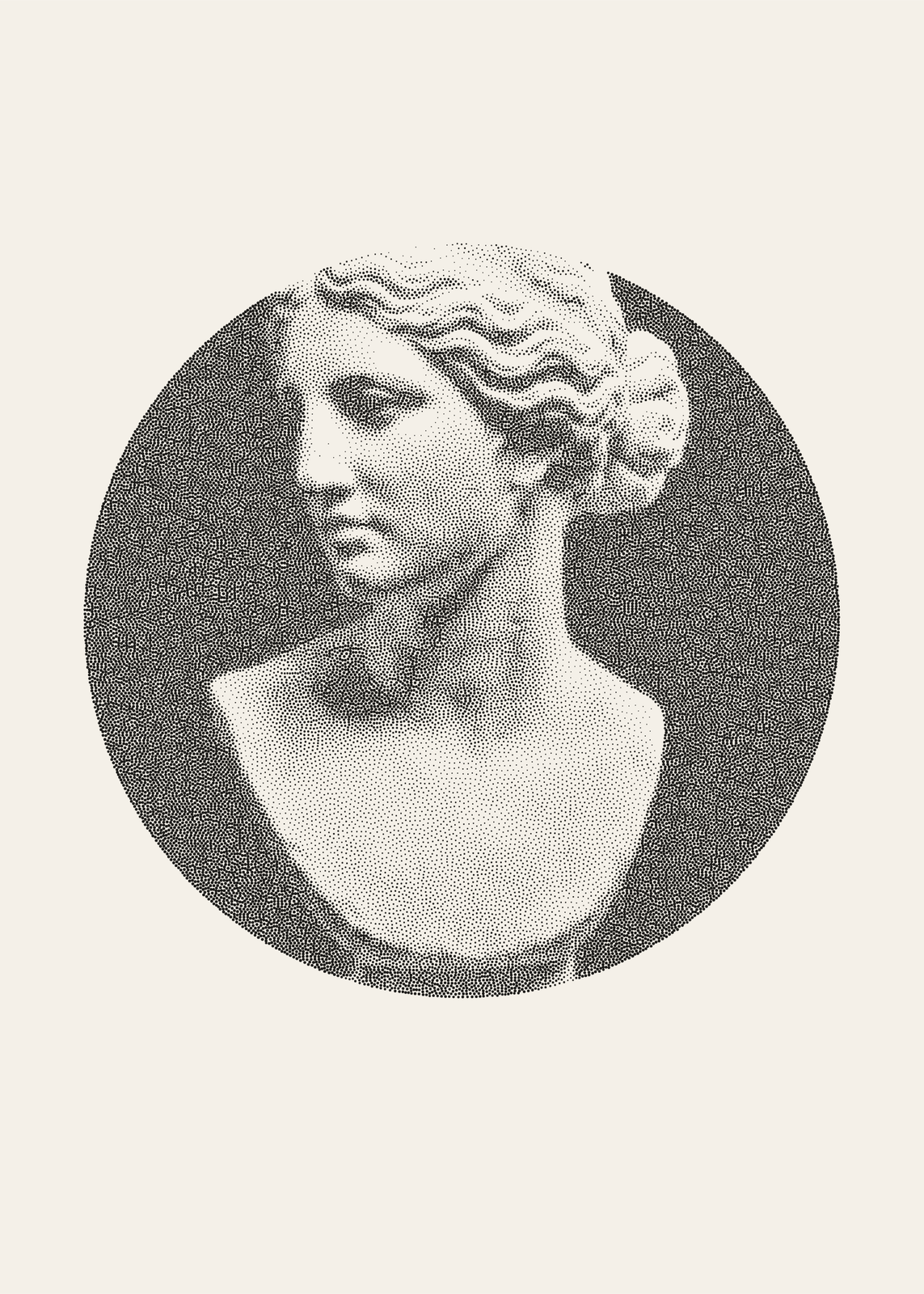
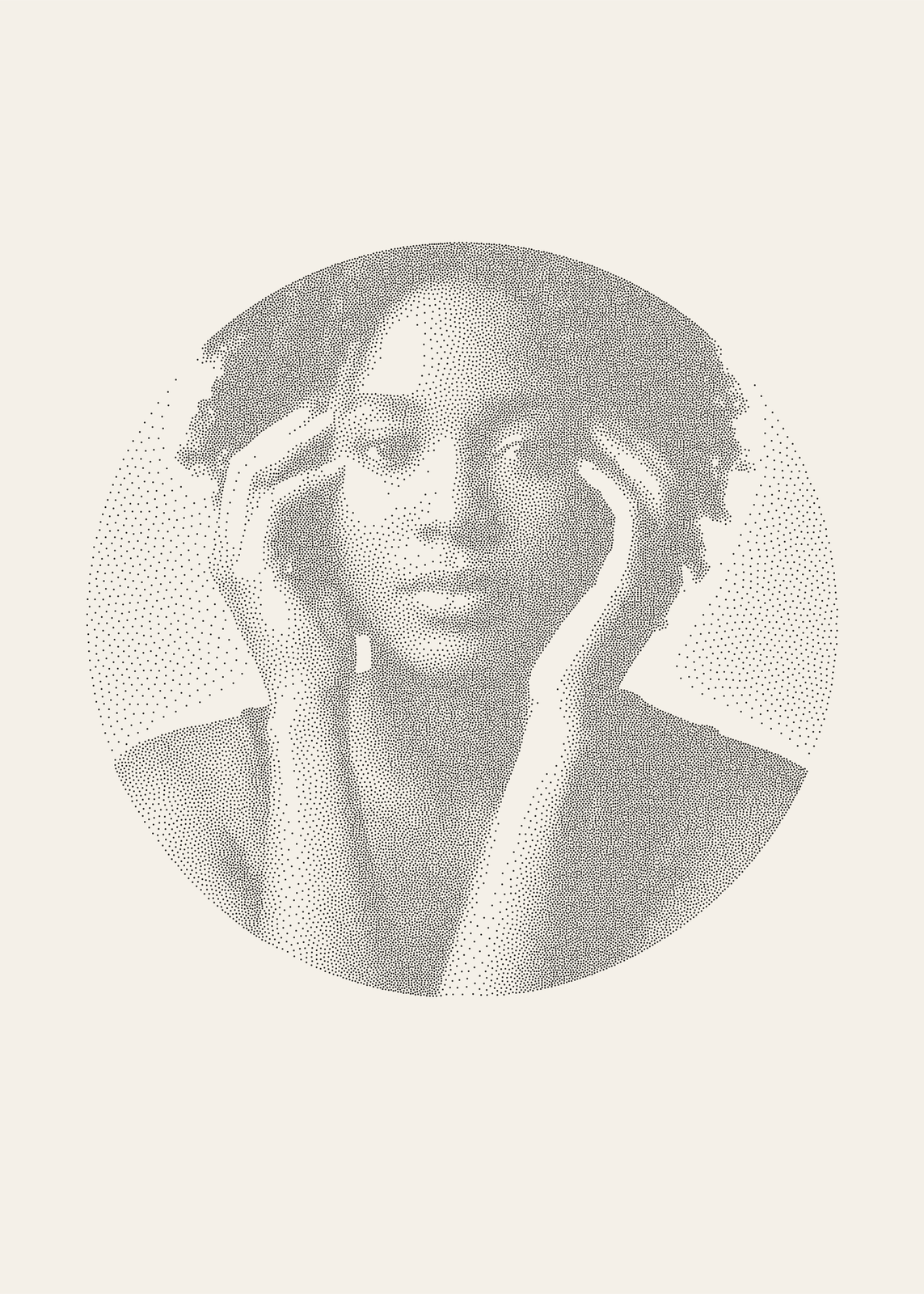
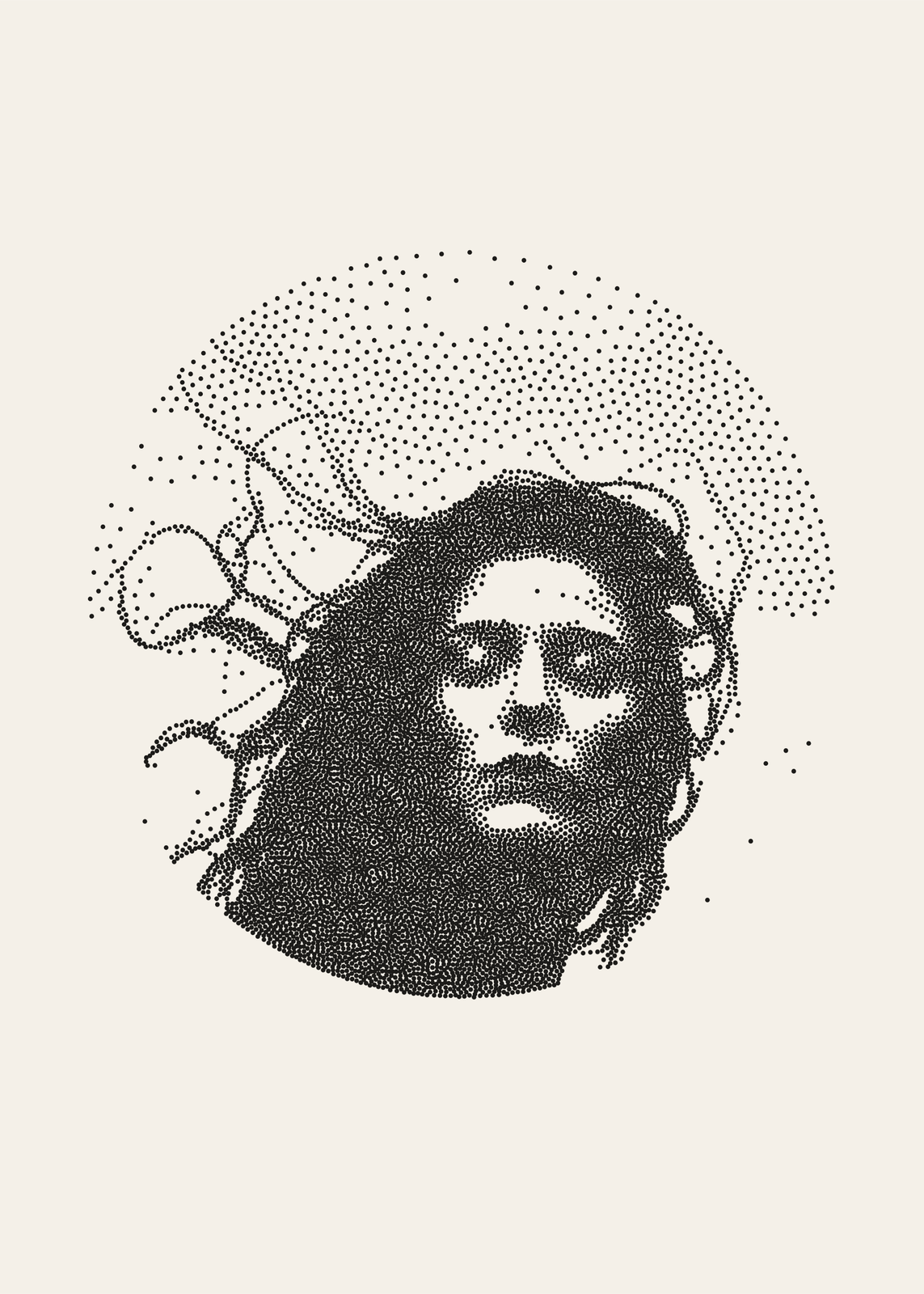
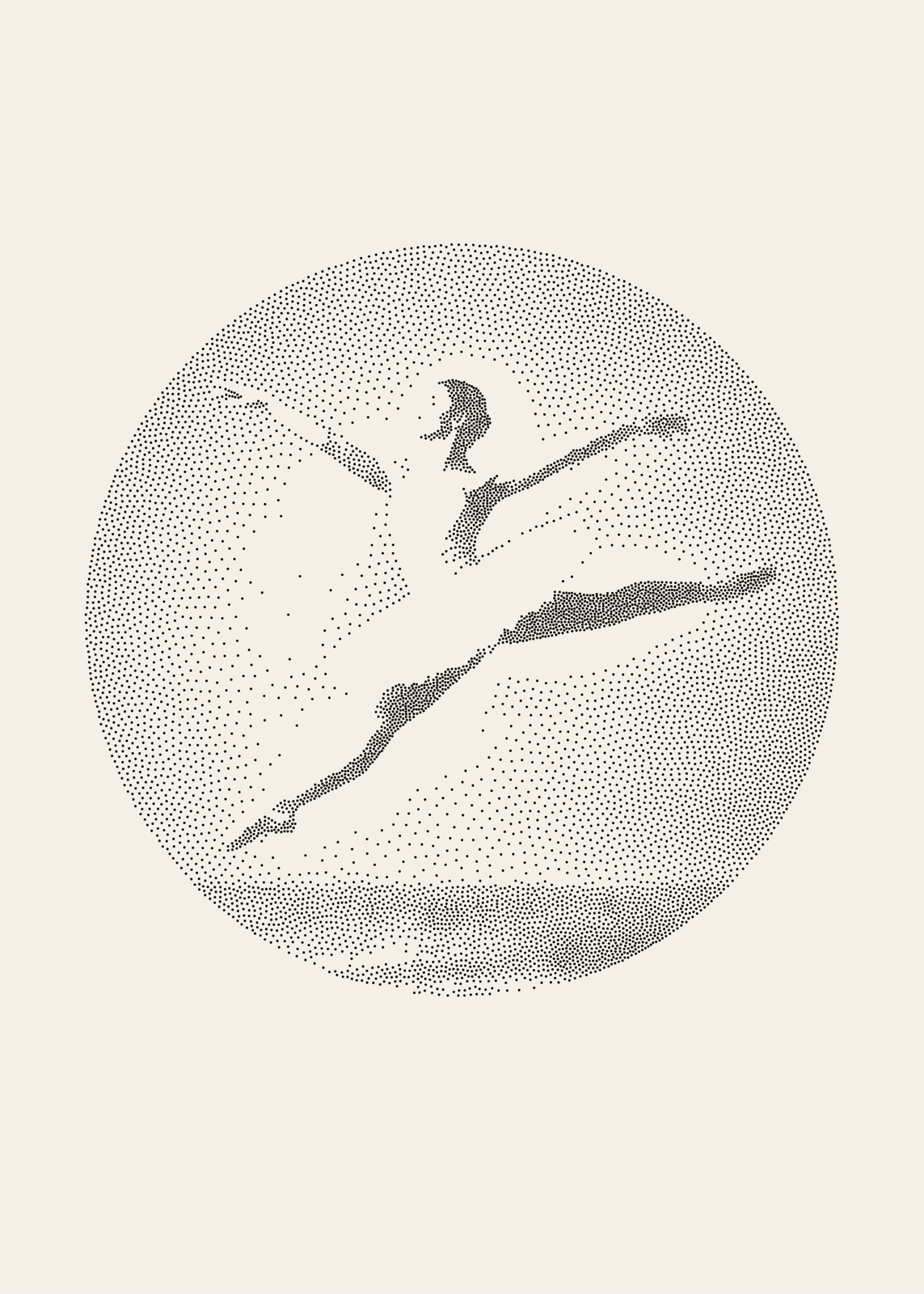
Ink and paper
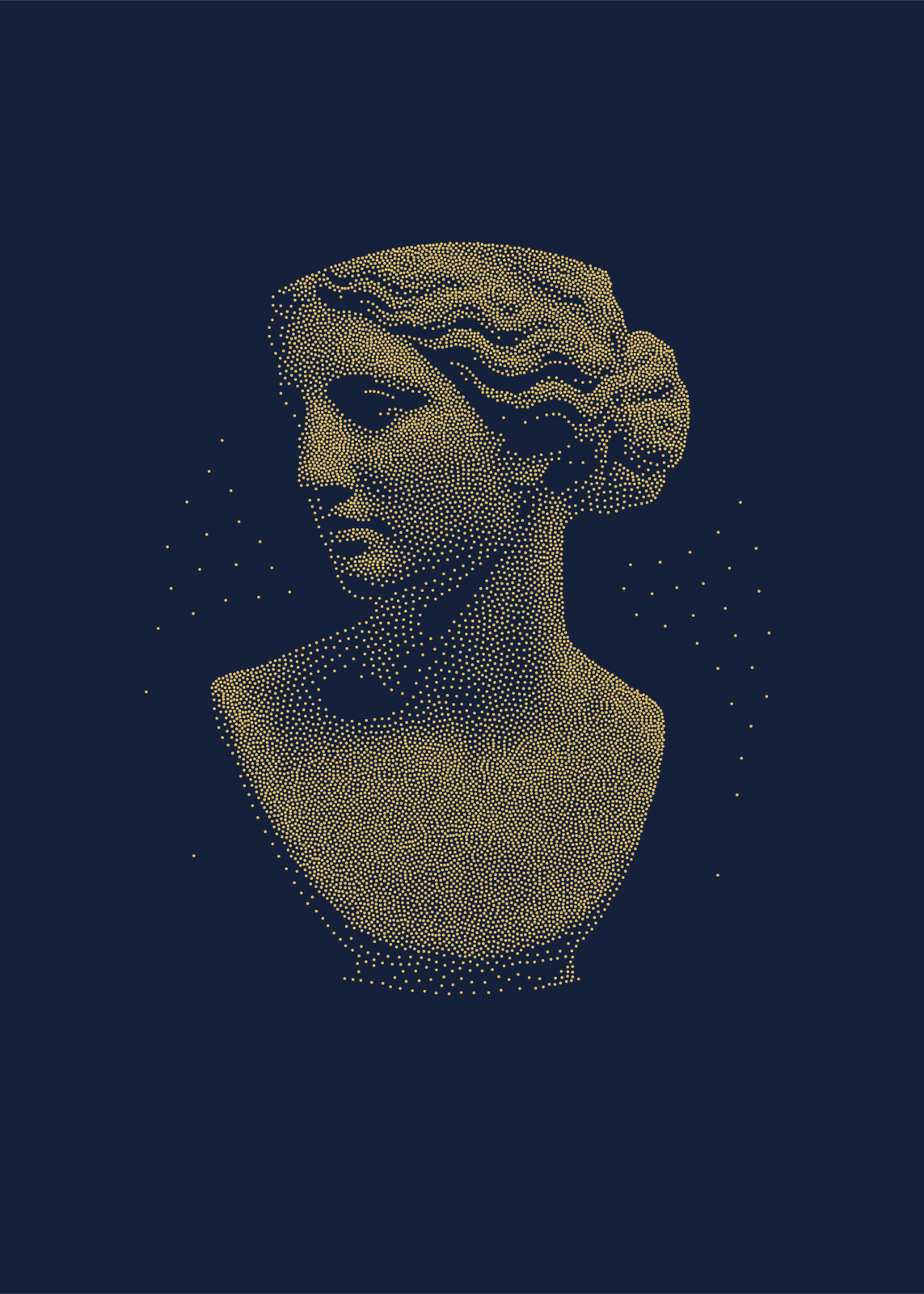
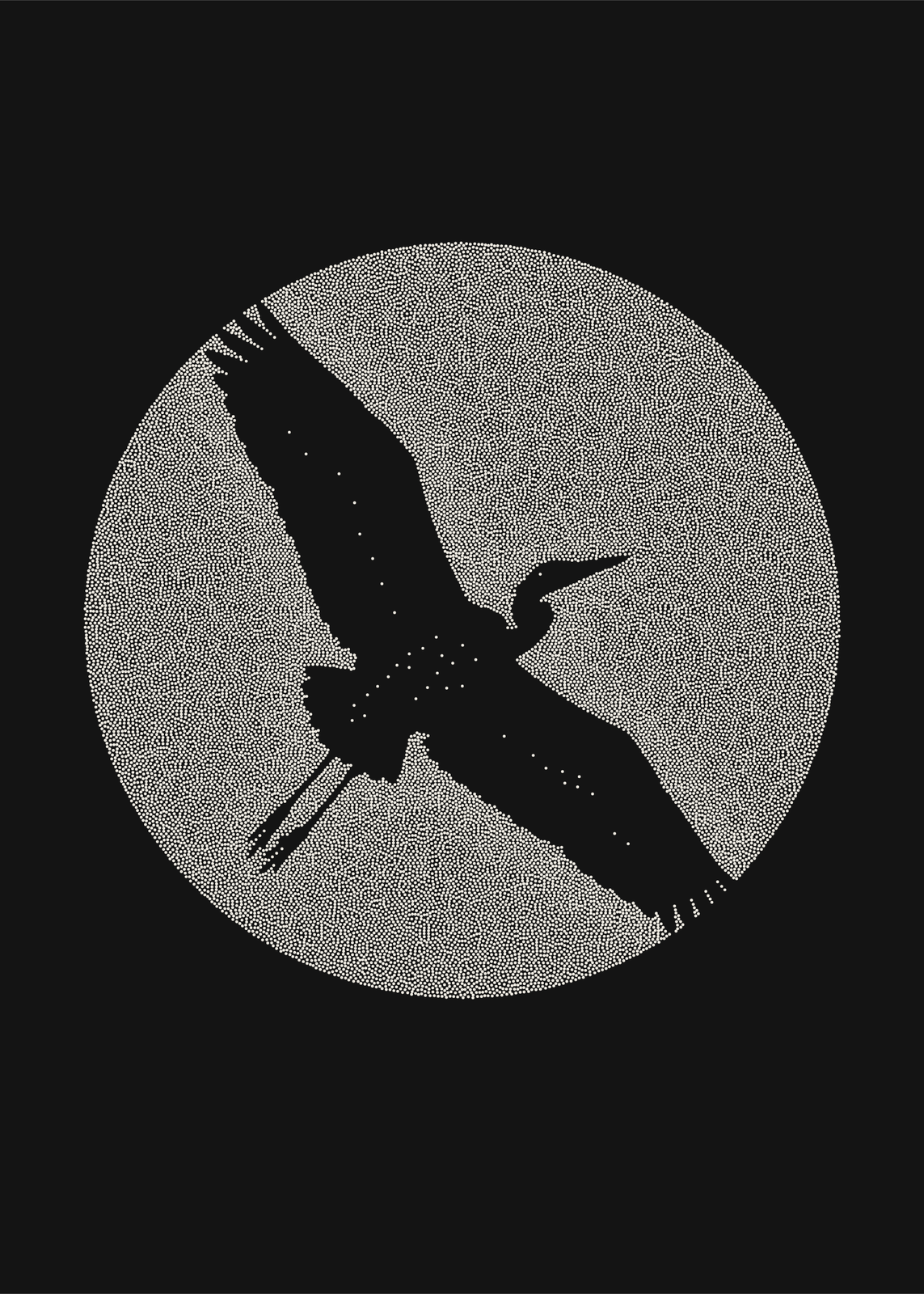
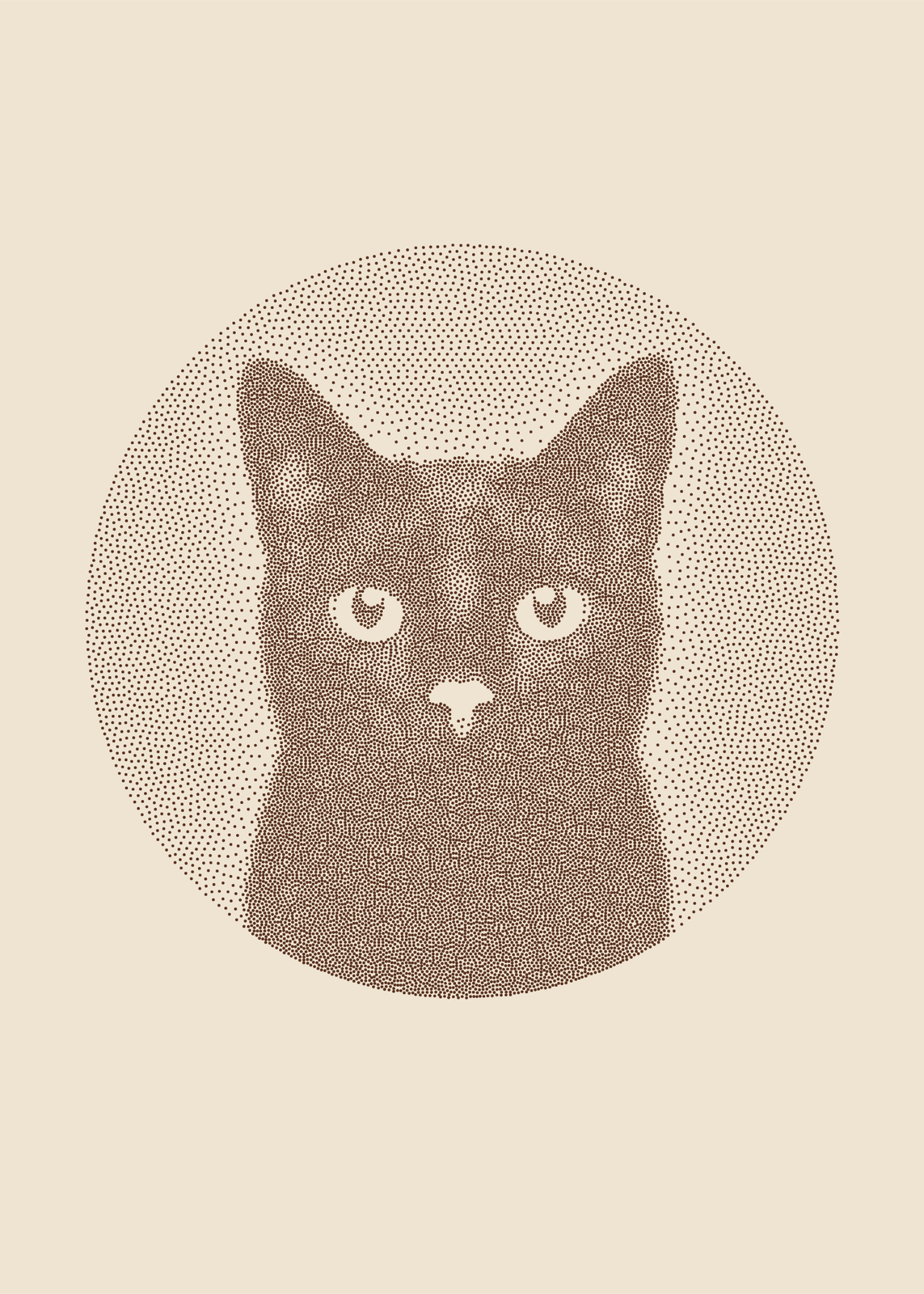
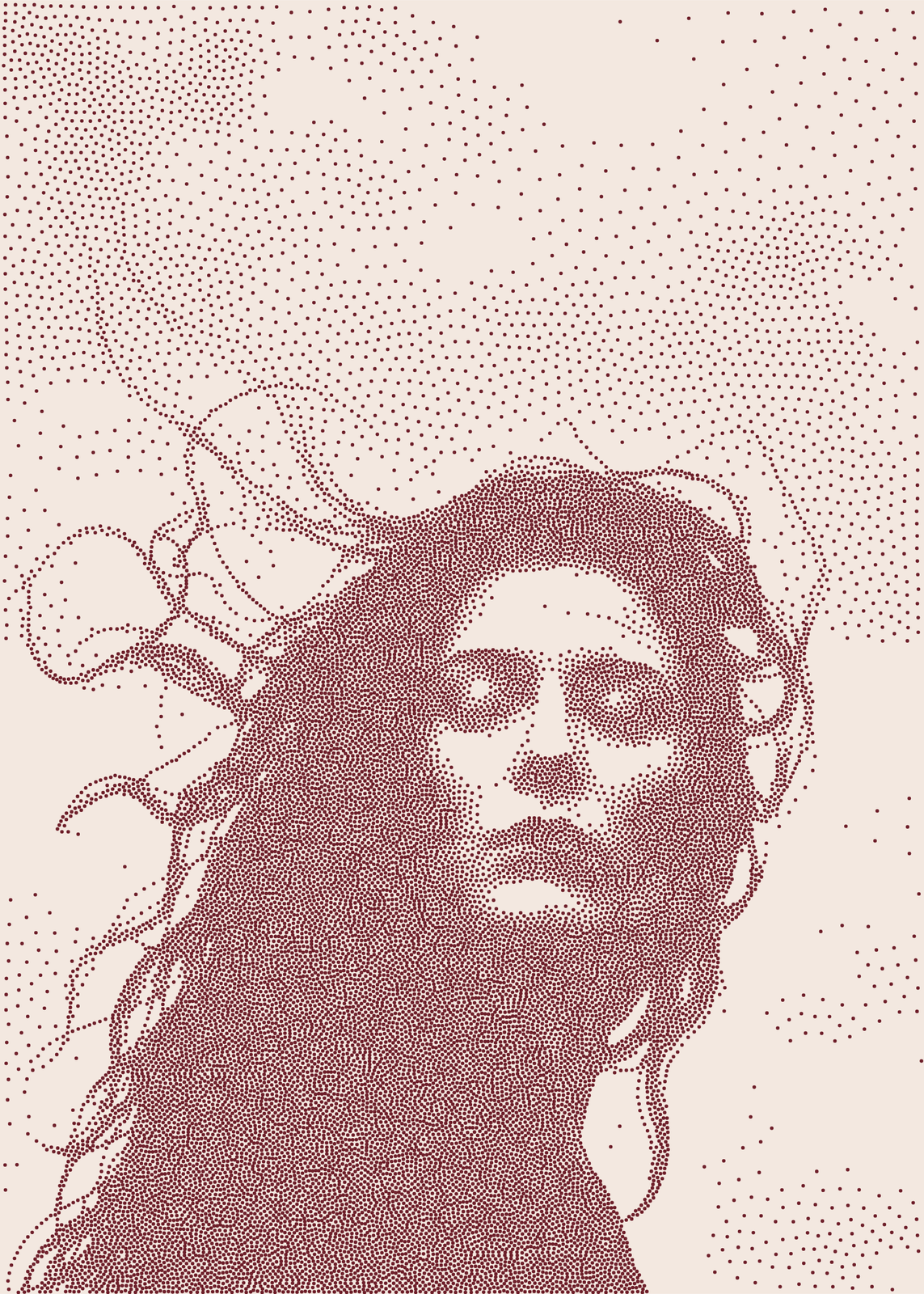
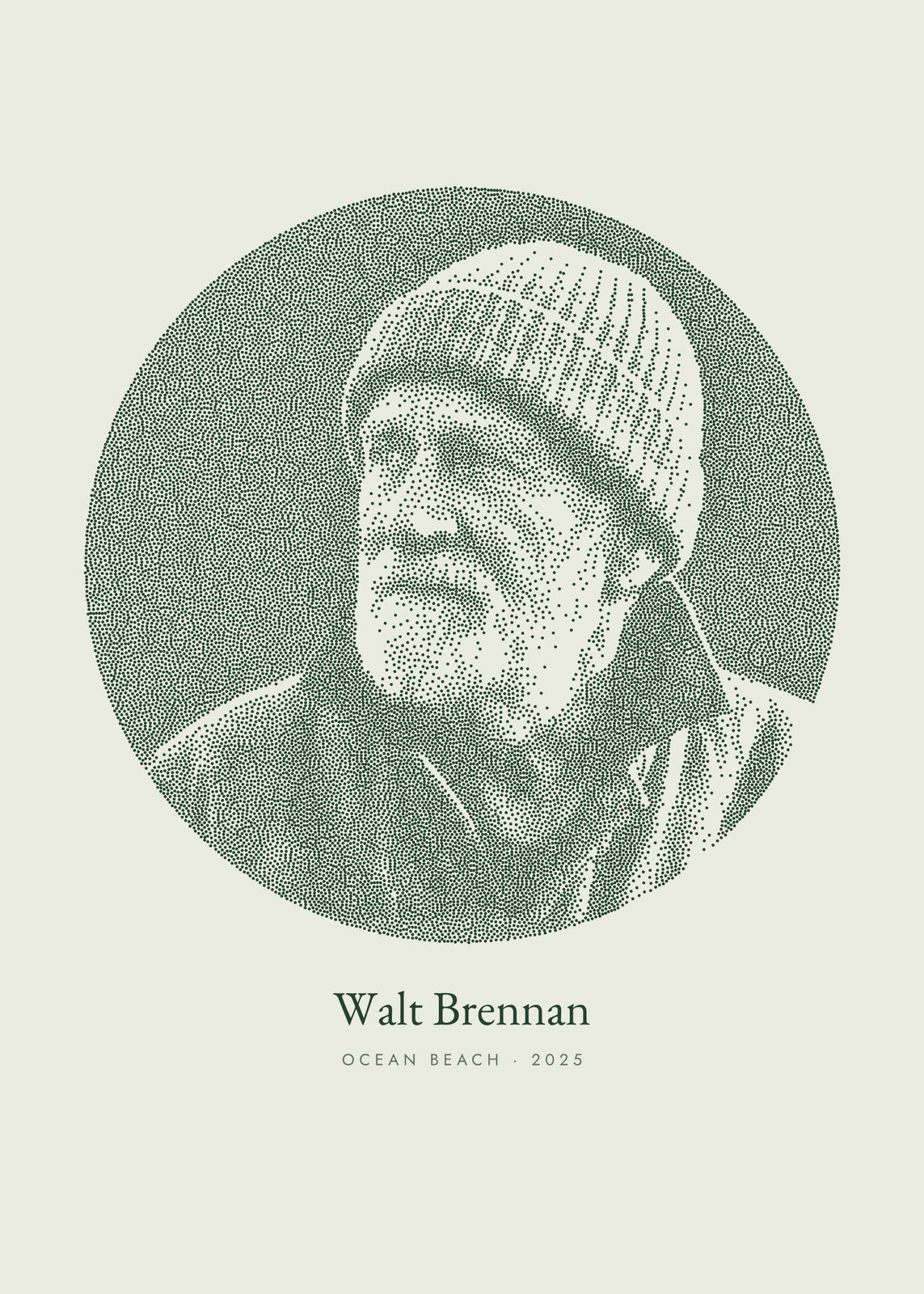
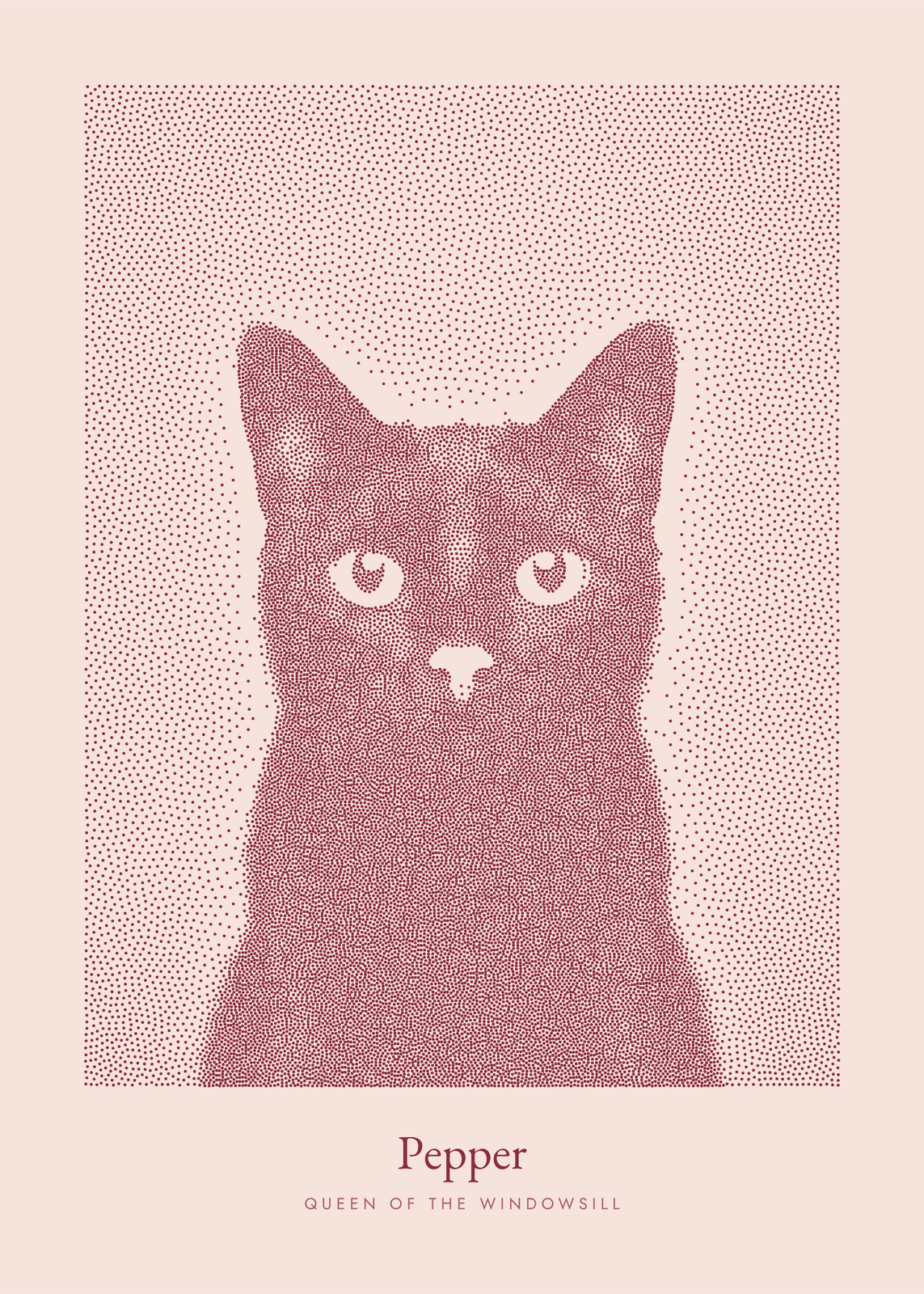
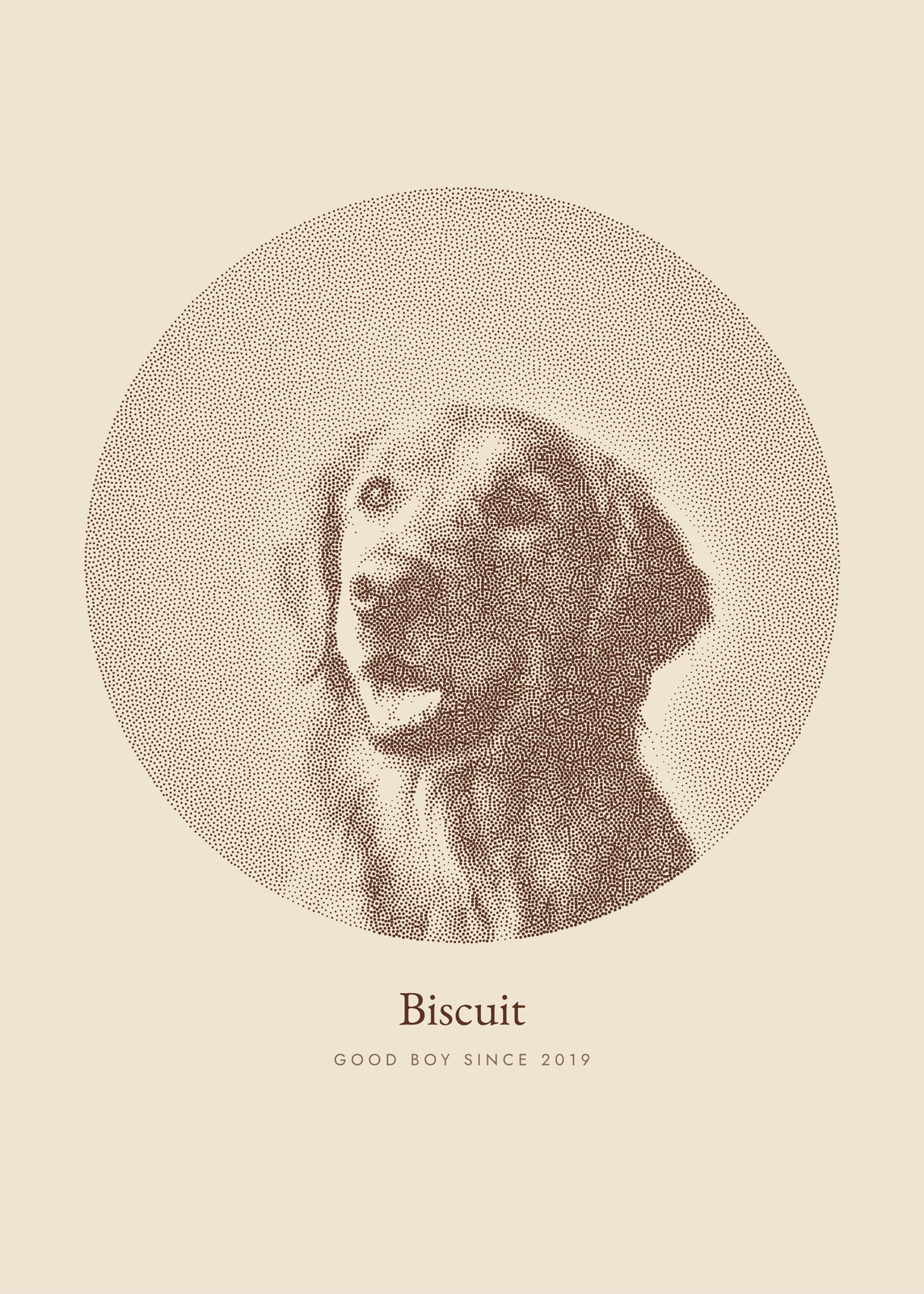
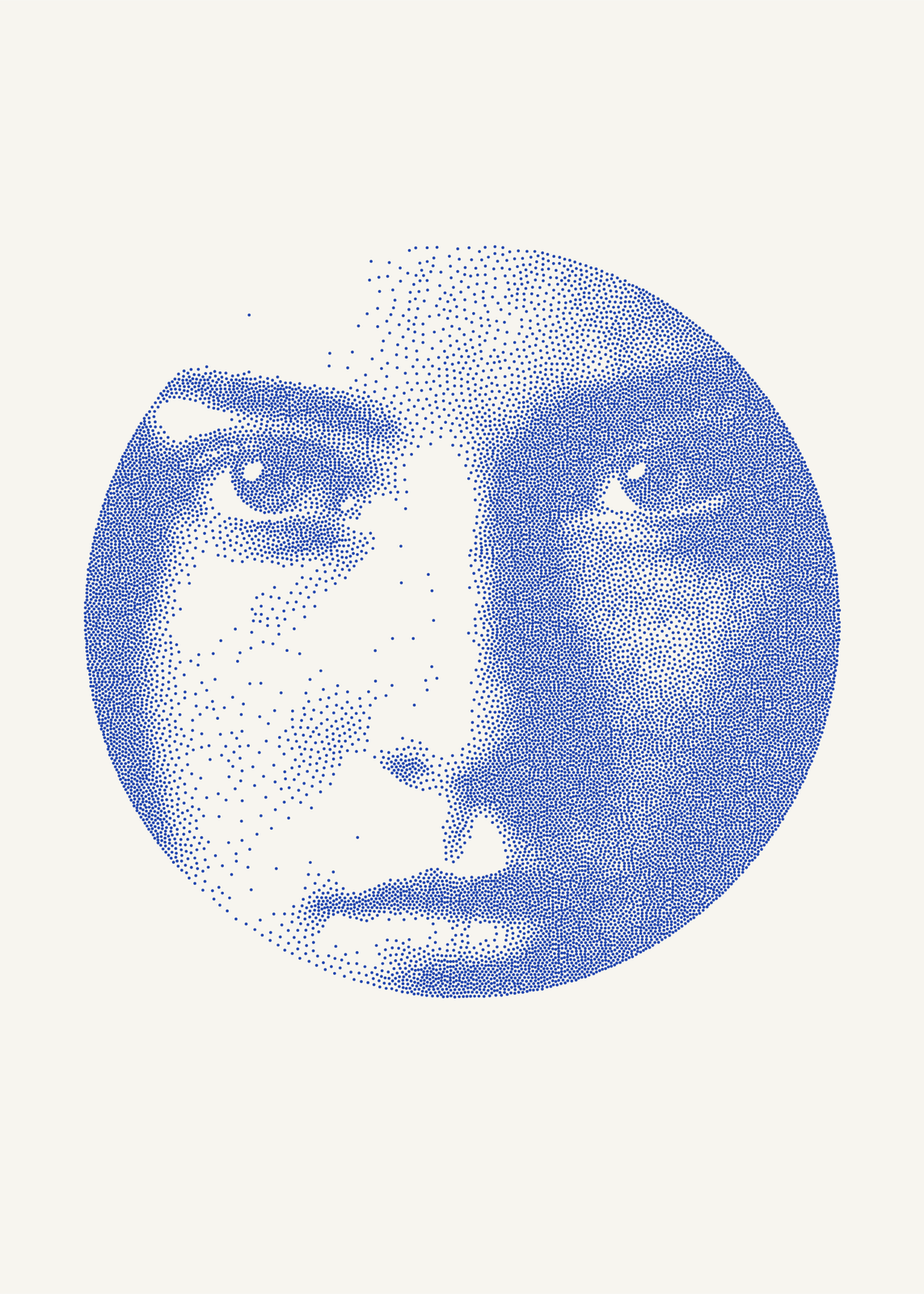
Classic or engraved
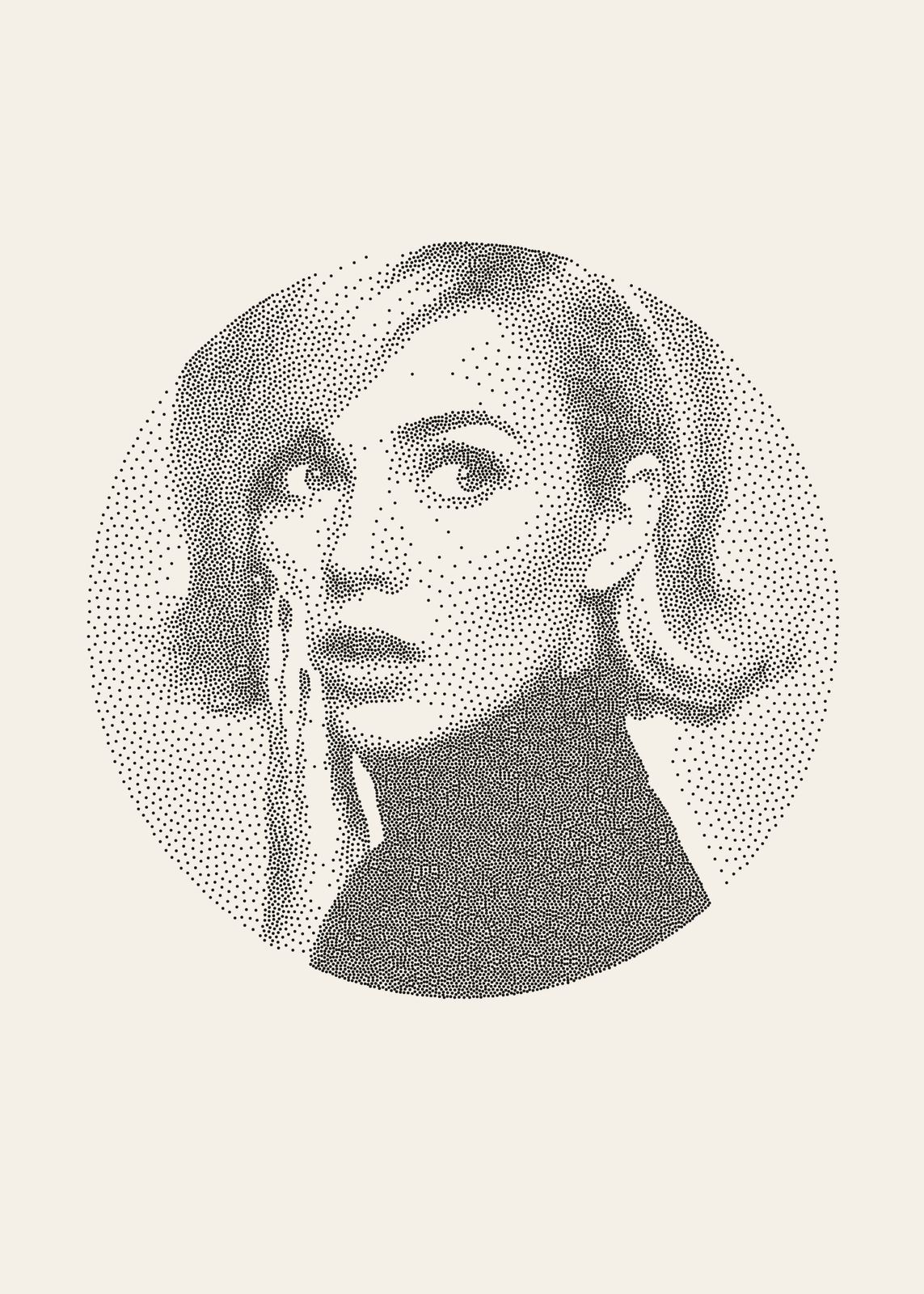
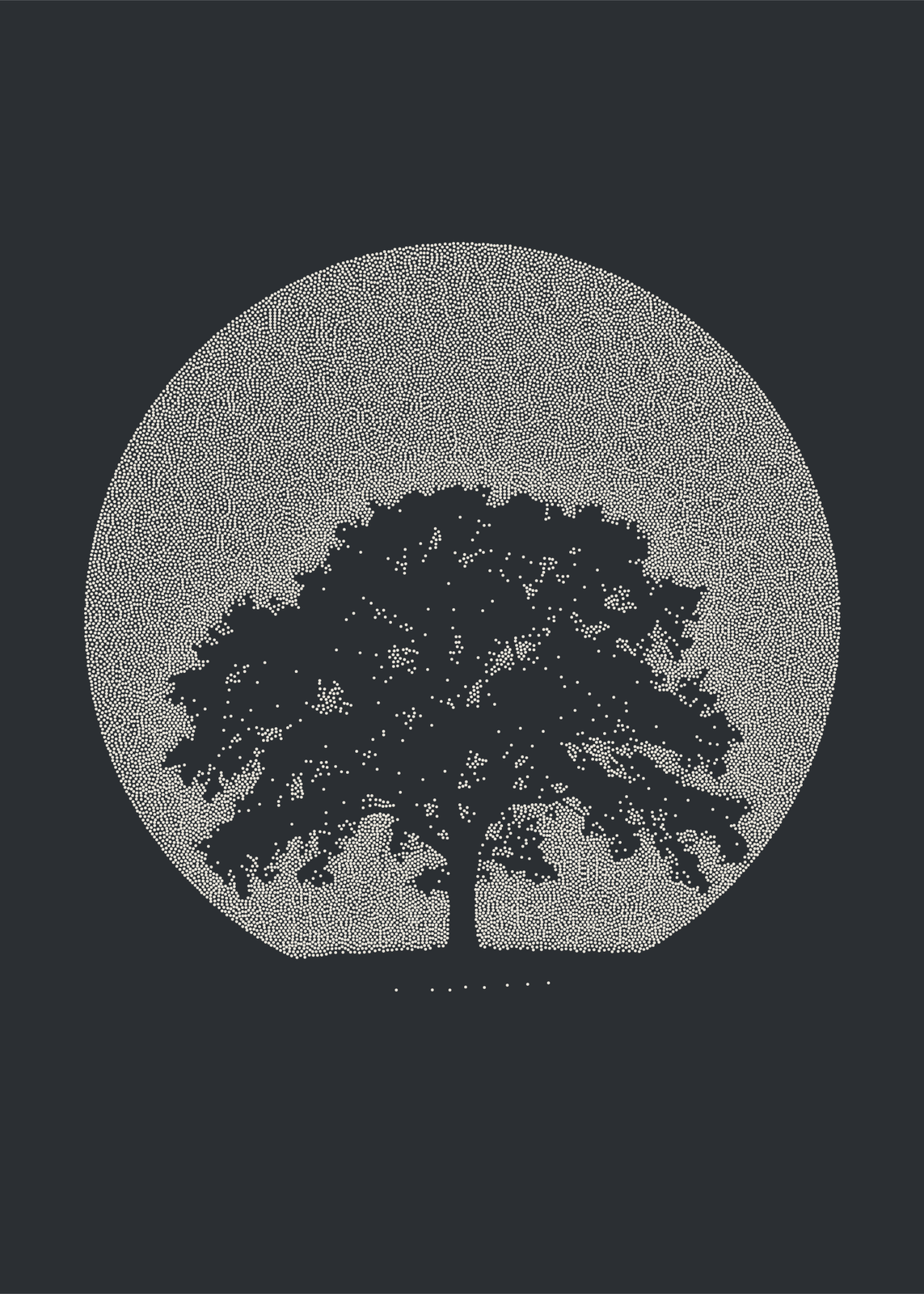
Style picks Classic dots, all one size, so only their spacing carries the shade, or Engraved dots, which also swell in the darks, like an old engraving. Detail sets how many: fewer, bigger dots for a bold print, or tens of thousands of fine ones for a soft, close likeness. Dot size sets how big each one is.
Eleven inks
Ink on paper, White on black, Ballpoint, Sepia, Indigo, Terracotta, Oxblood, Forest, Blush, Gold on navy and Chalk on slate. Each is one ink on one paper, like a print pulled from a single plate. On the three dark papers the dots draw the light instead of the dark, so a bust in gold on navy glows out of the sheet.
Circle, rectangle or edge to edge
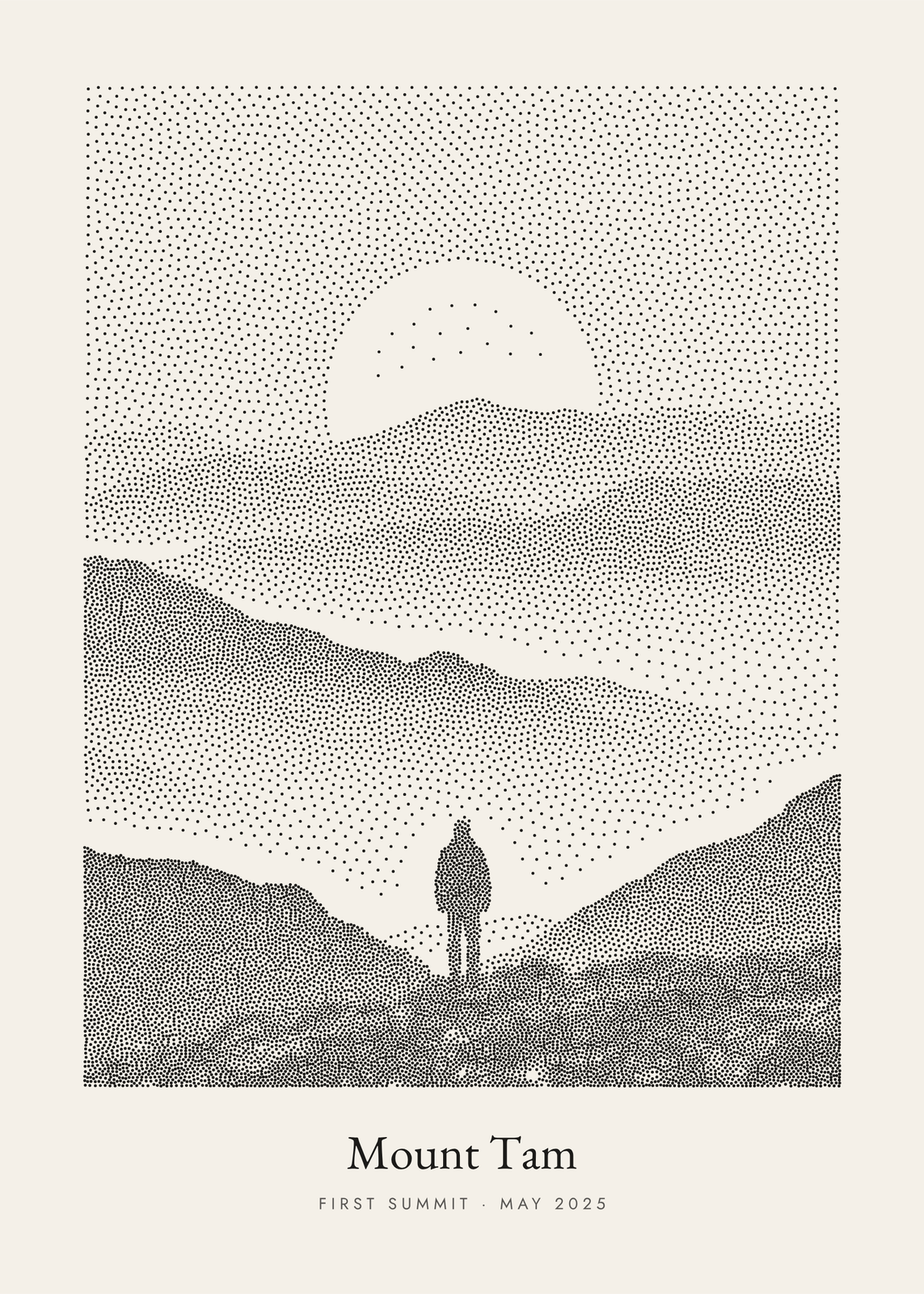
Set the dots in a circle or a rectangle, with a title and a line under them, or run them edge to edge with no margin. “Remove the background” leaves bare paper, or a few faint dots, around the subject, and under Framing and tone you can zoom in on the eyes, move the focus and set the contrast and brightness.
Questions
What is stippling?
Drawing with dots alone, the tone carried by how close they sit. Engravers and scientific illustrators have long shaded that way by hand. This maker places the dots by computer, moving each one until the dots spread evenly through every shade of the photo.
Which photos work best?
Portraits in strong light. The dots keep only the light and dark, so a face lit from one side, a pet against a plain wall or a bird against the sky reads clearly, and a cutout leaves clean paper around it.
Why is there no “Surprise me”?
The seed would only reshuffle the dots, which no one could see, so the same photo and settings always give the same poster. For a different texture, change Detail, Dot size or Style.
What sizes can I print?
US Letter, 8 × 10, 11 × 14, 12 × 16 and 12 × 18 in, A4 and A3, free. You download a 300 DPI JPEG drawn at the size you pick. Larger prints, up to 24 × 36 in, are coming soon.
Related
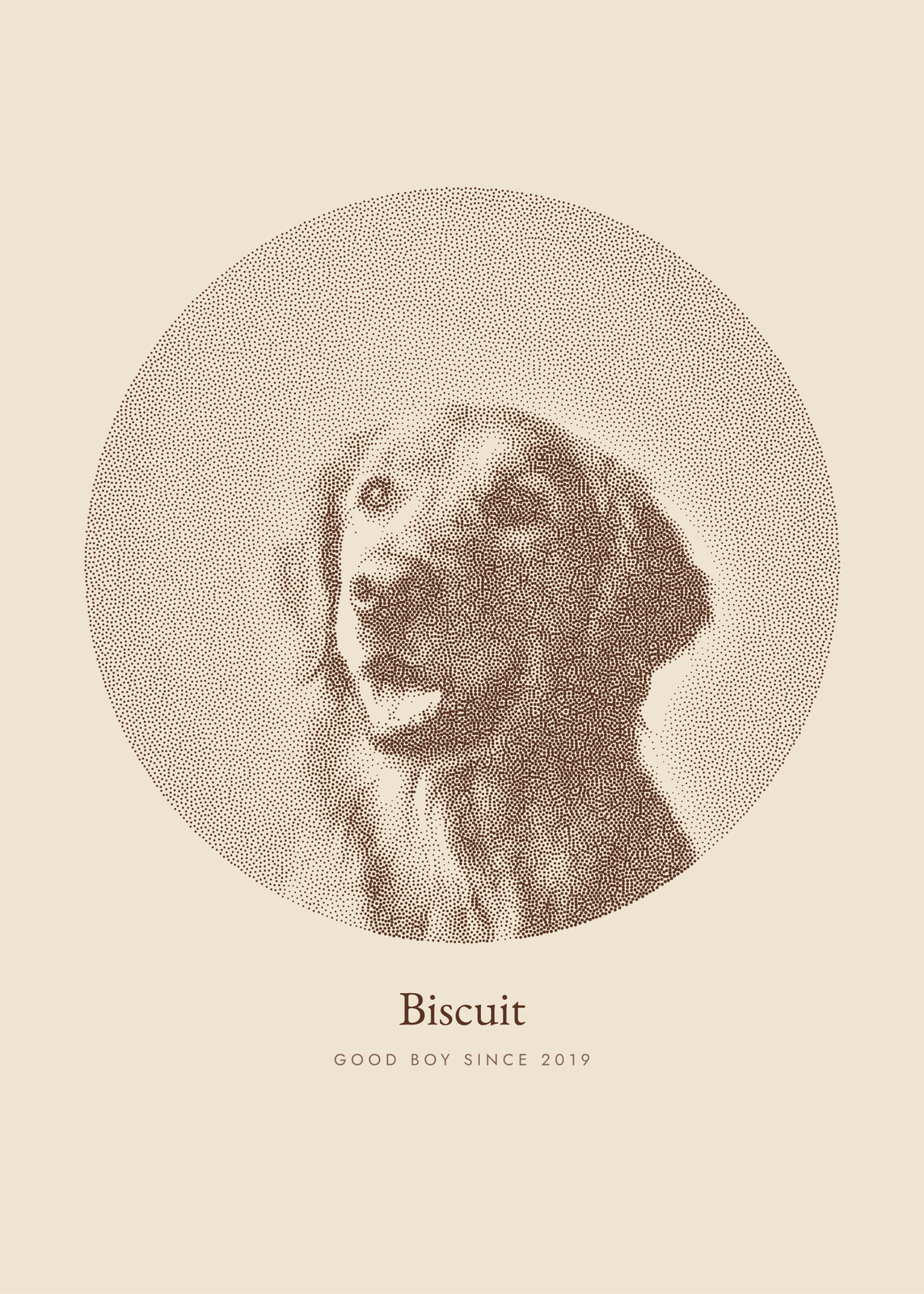 Photo to artyour picture redrawn in ink dots, characters, thread, pen lines or carved blocks
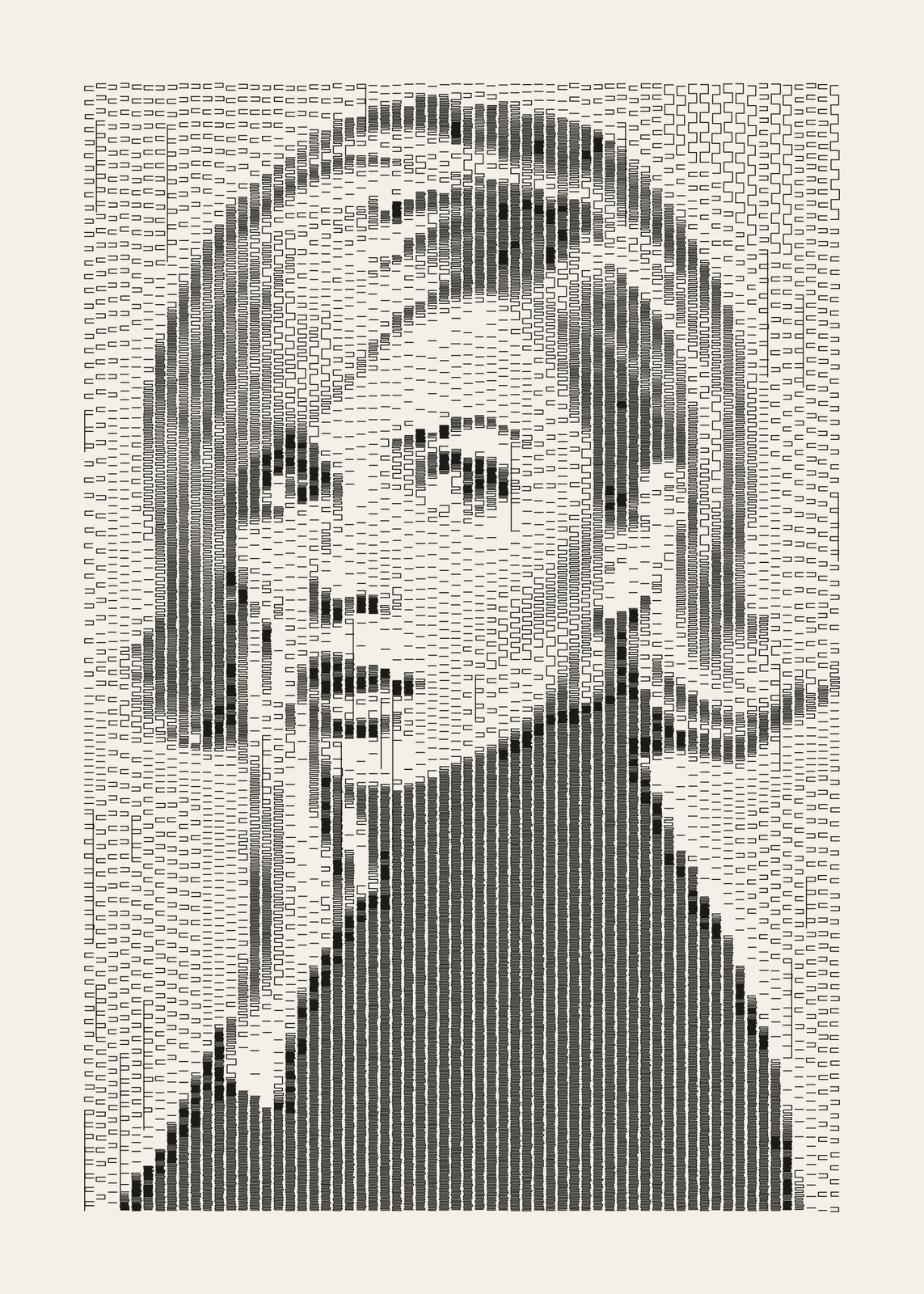 Plotter artyour photo drawn like a 1960s plotter print, in columns of pen marks
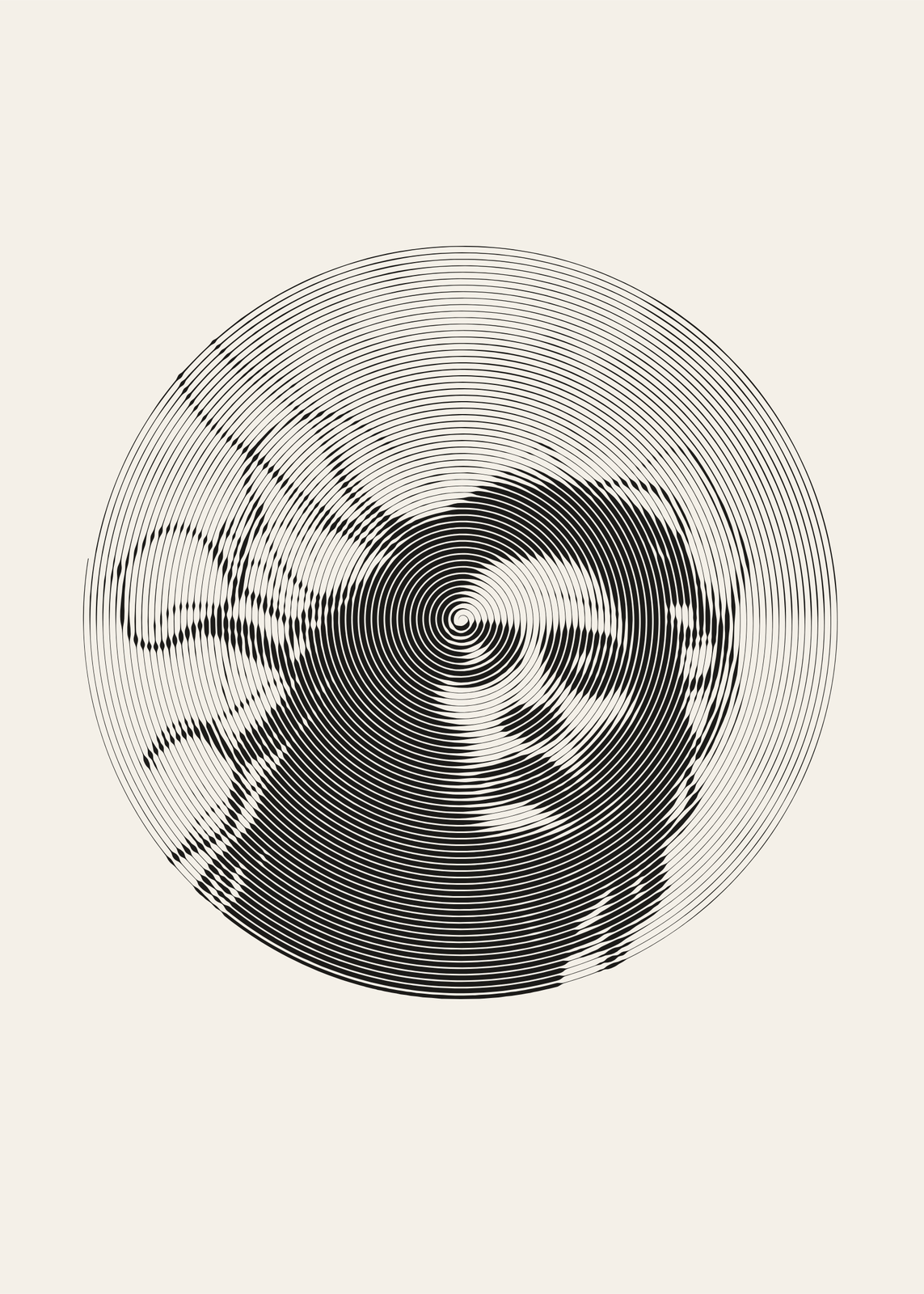 One line drawingyour photo drawn in a single pen line: a spiral, a scribble or waves
 Anniversary gift ideaspersonalized gifts for any year together
Gift ideas by occasion
Every example is made with the Posterage generators. Change anything, then download it as a 300 DPI JPEG.