Halftone generator any photo as big printed dots, in one ink or four
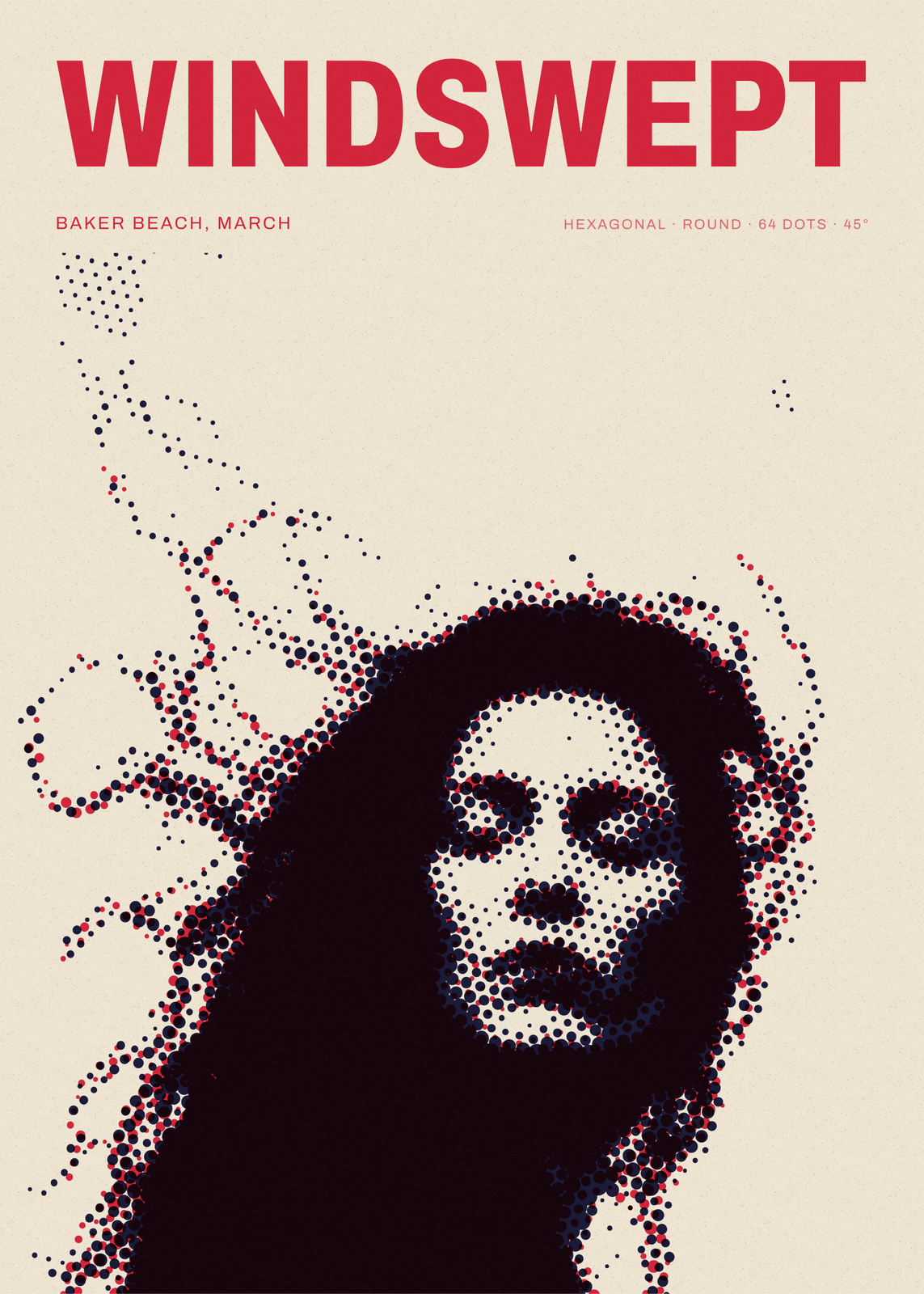
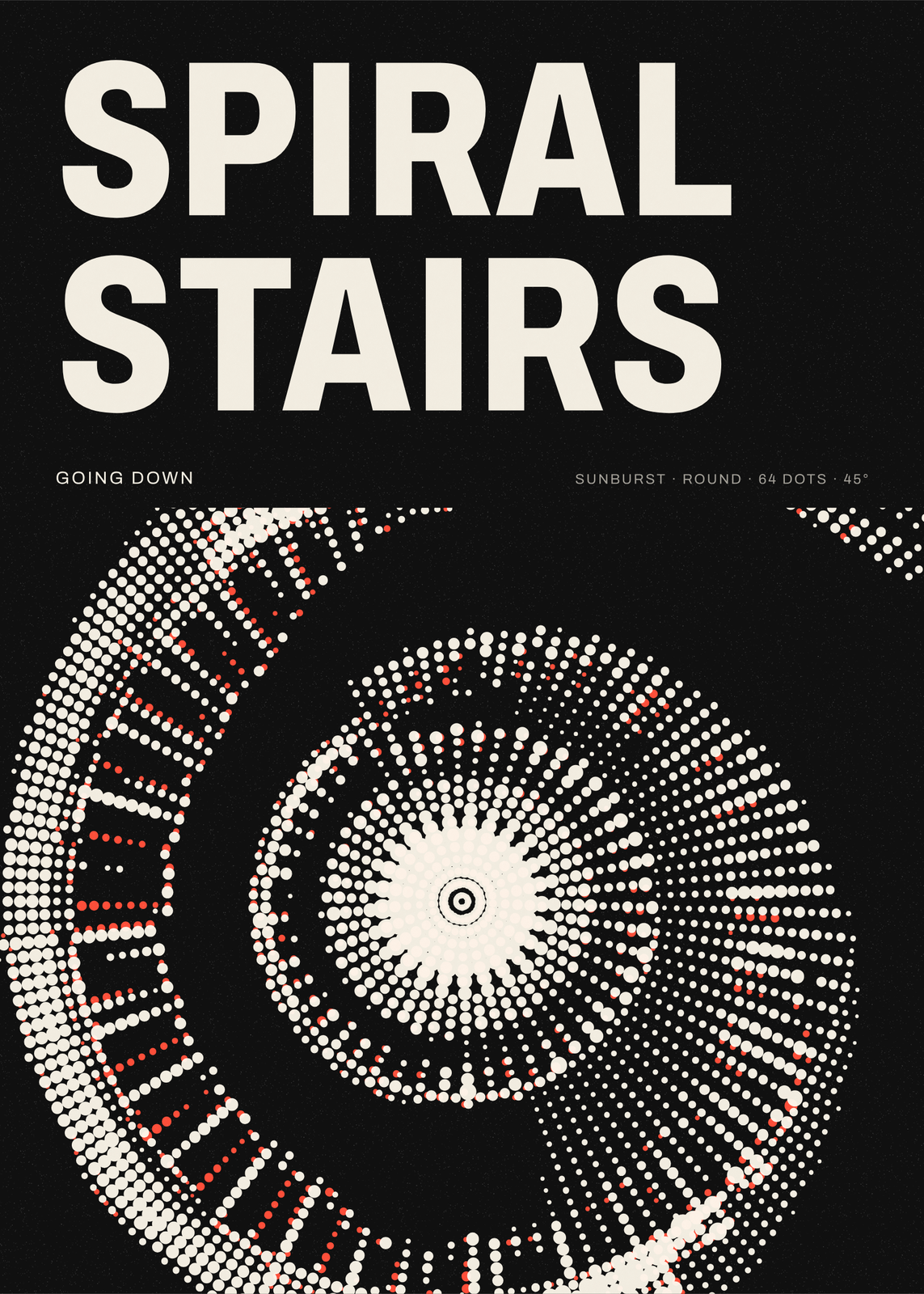
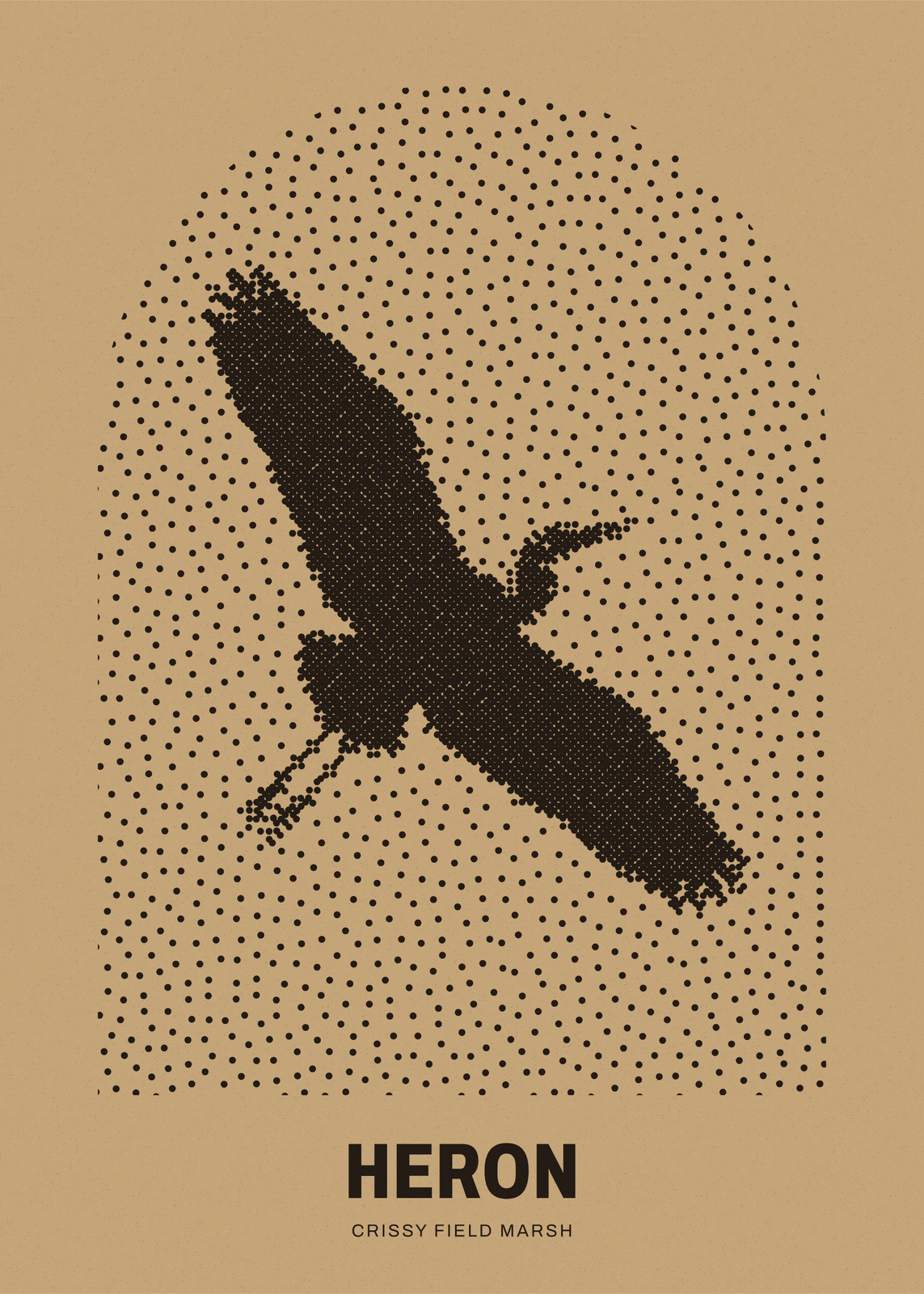
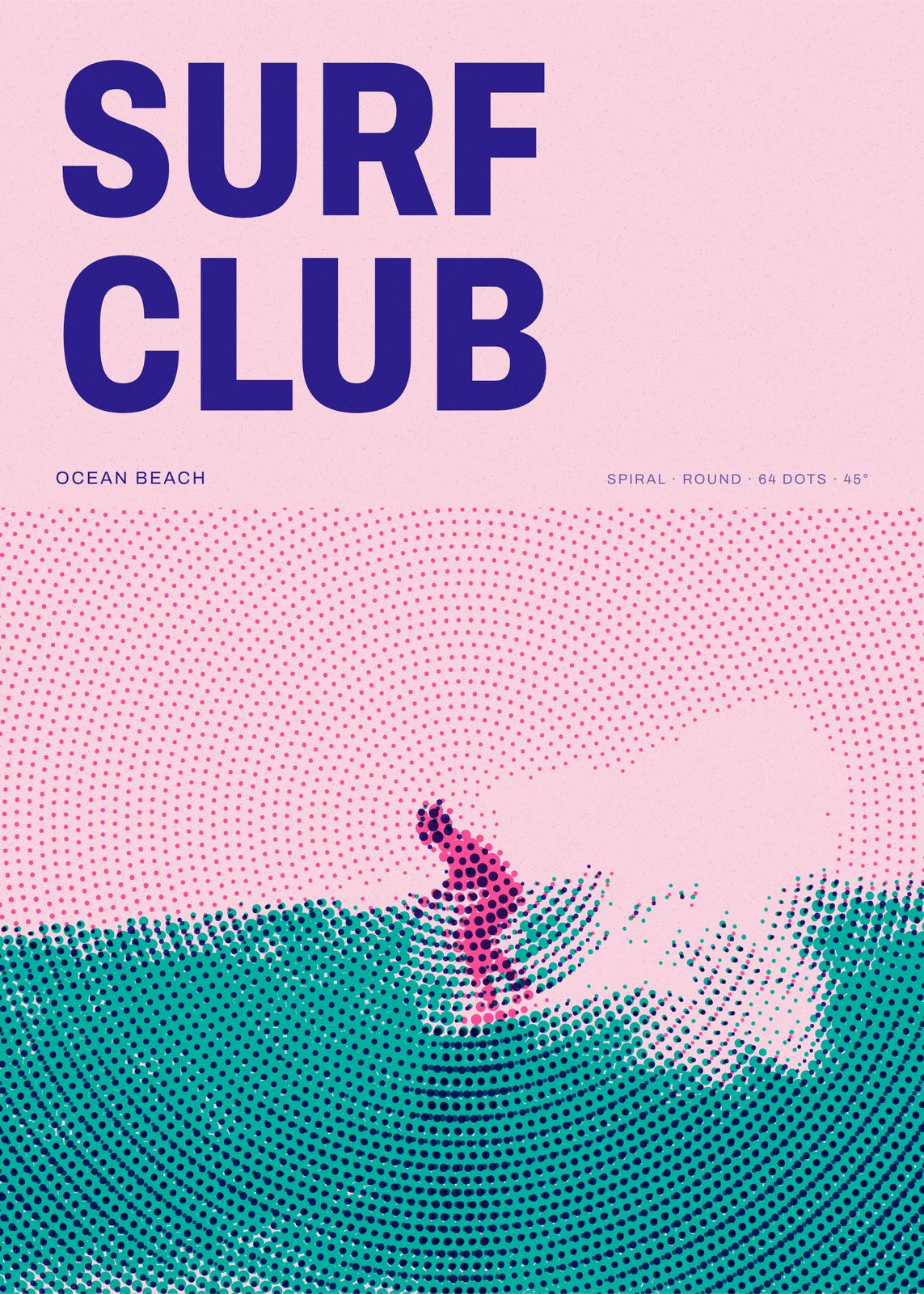
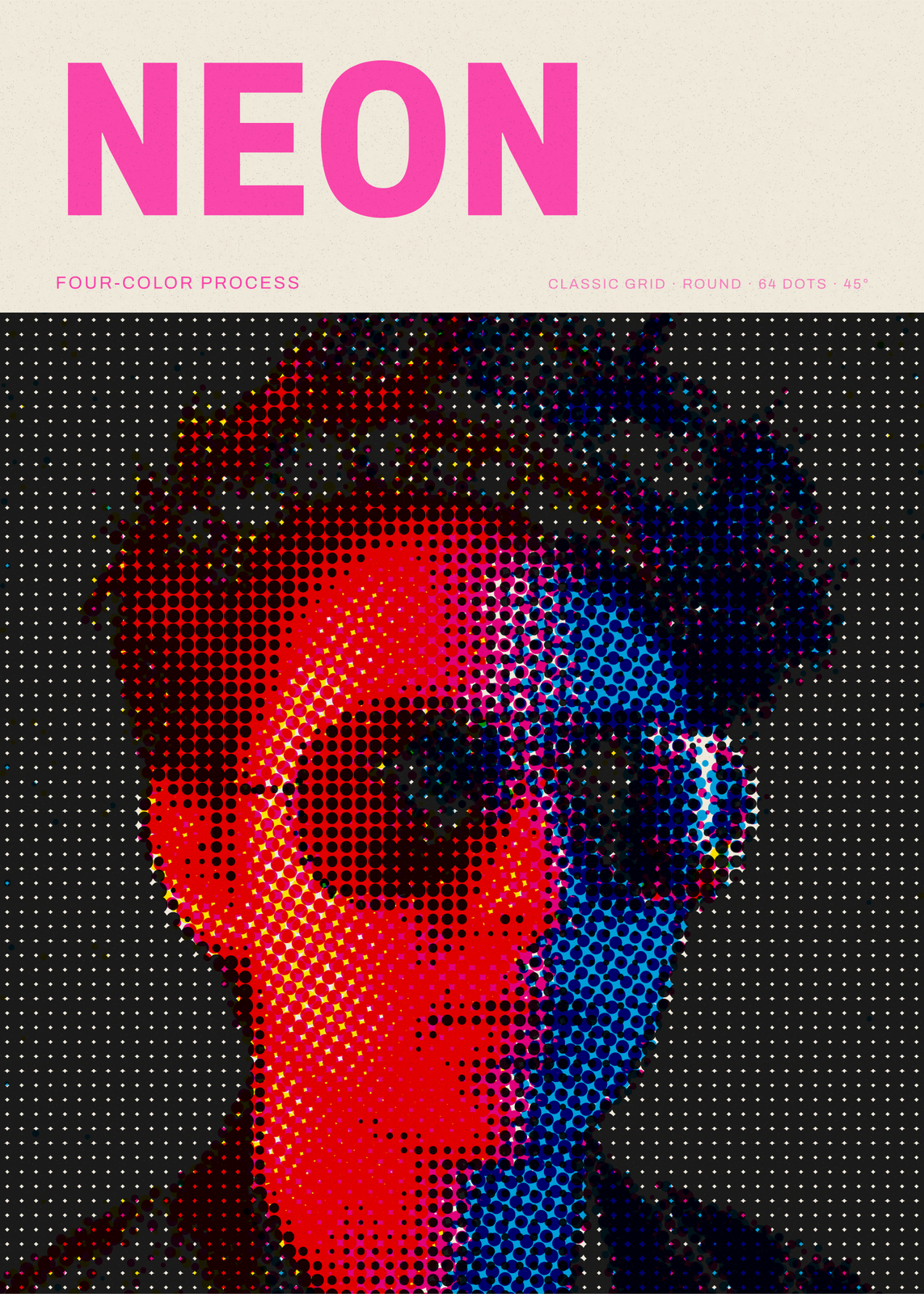
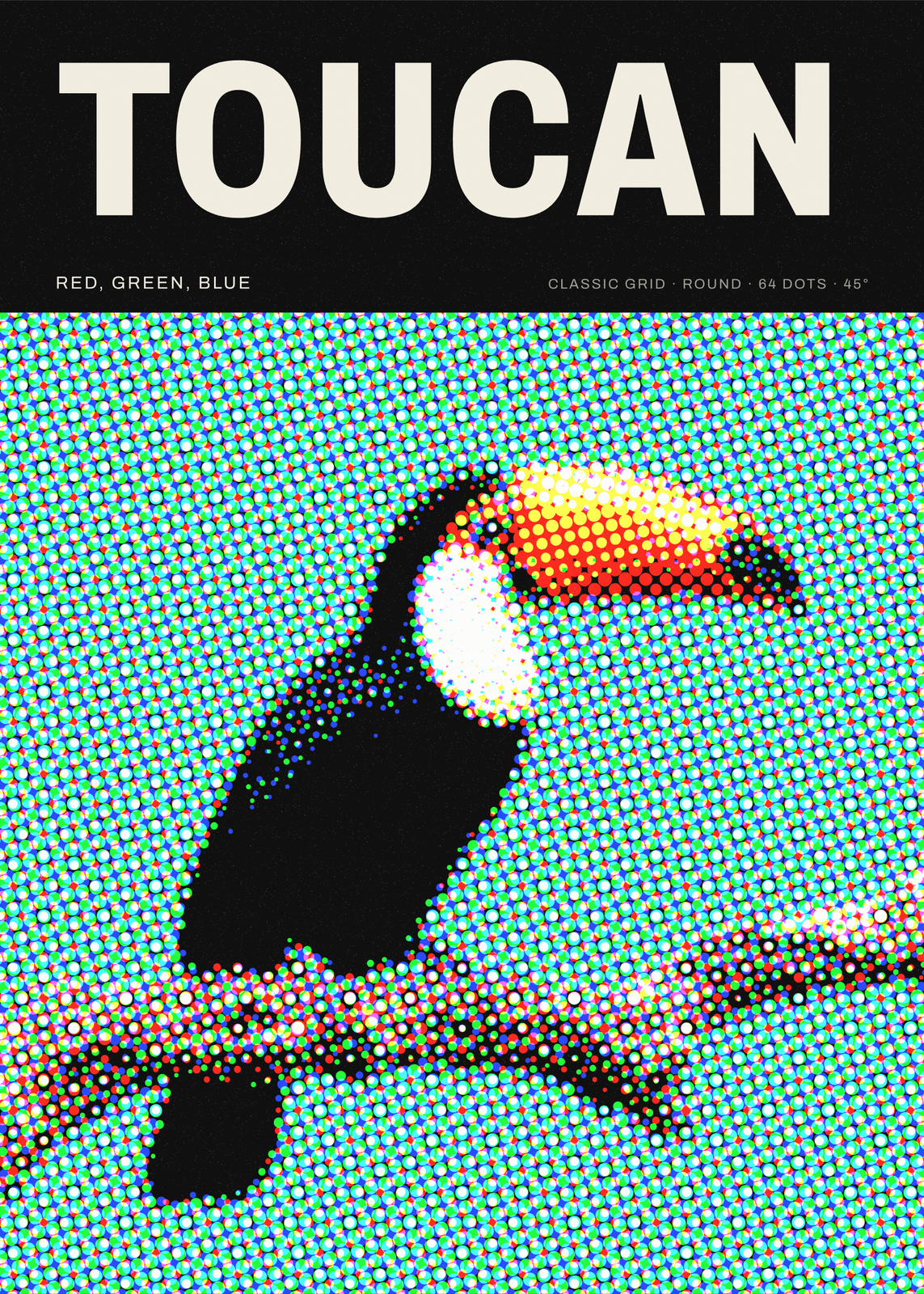
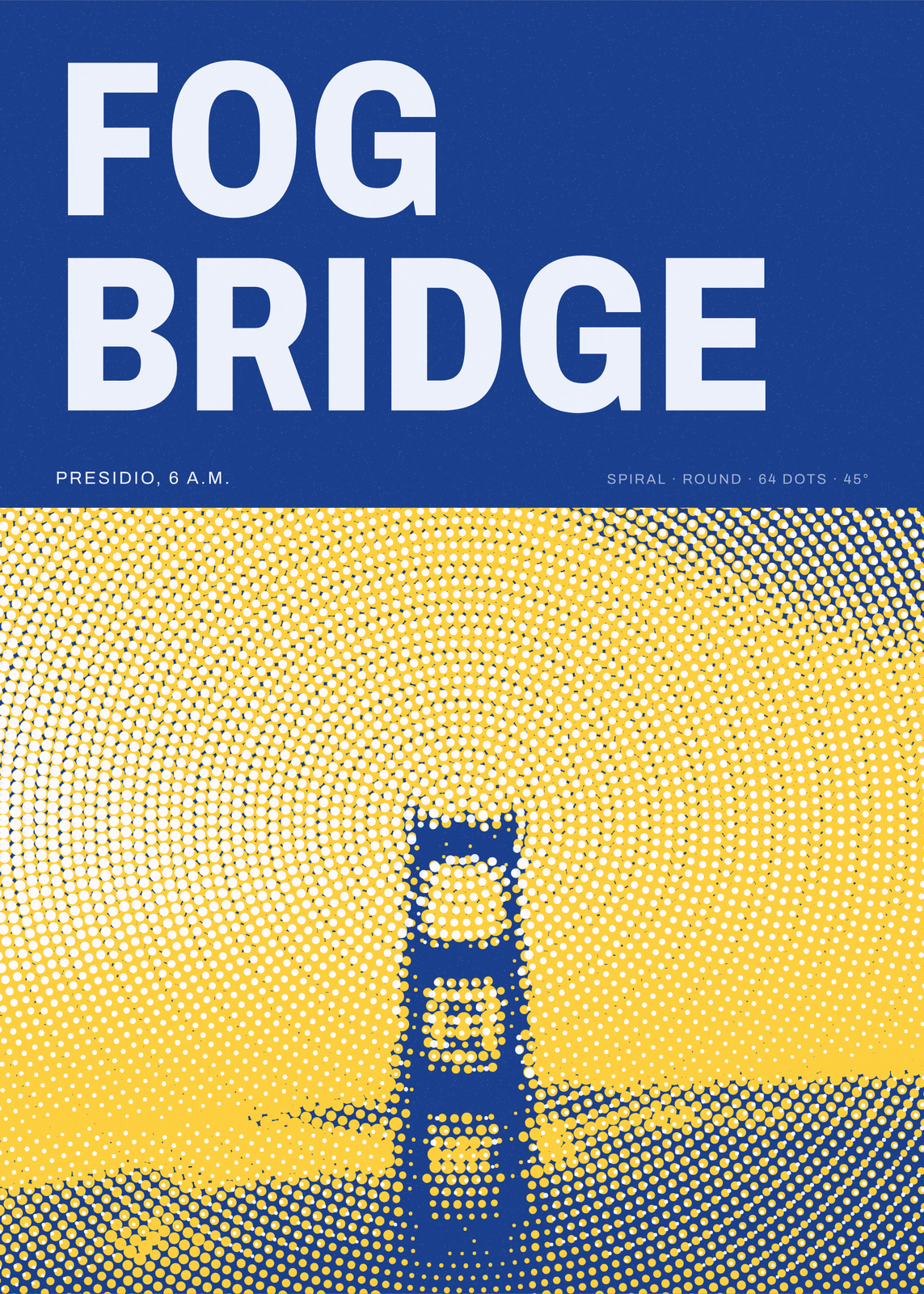
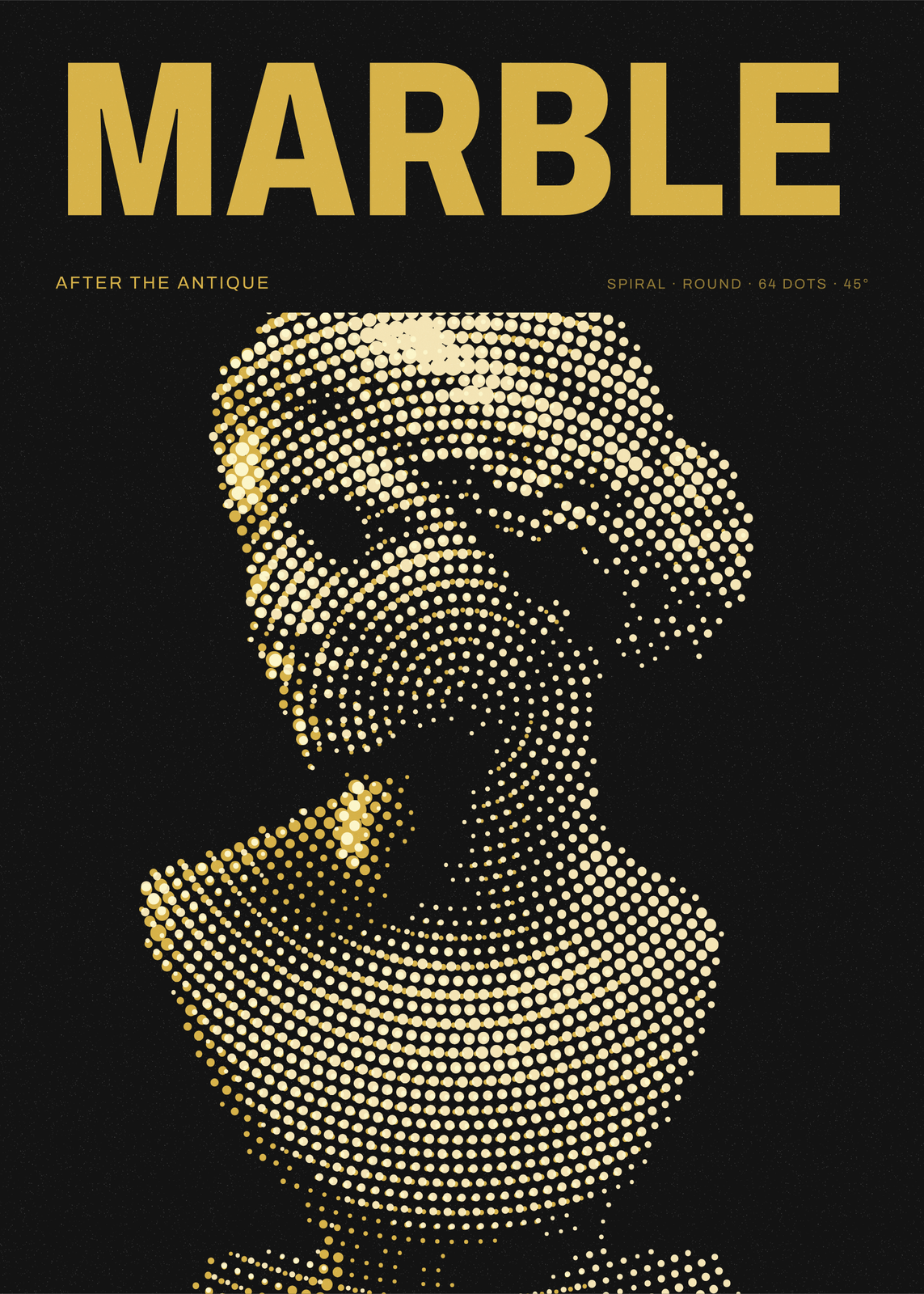
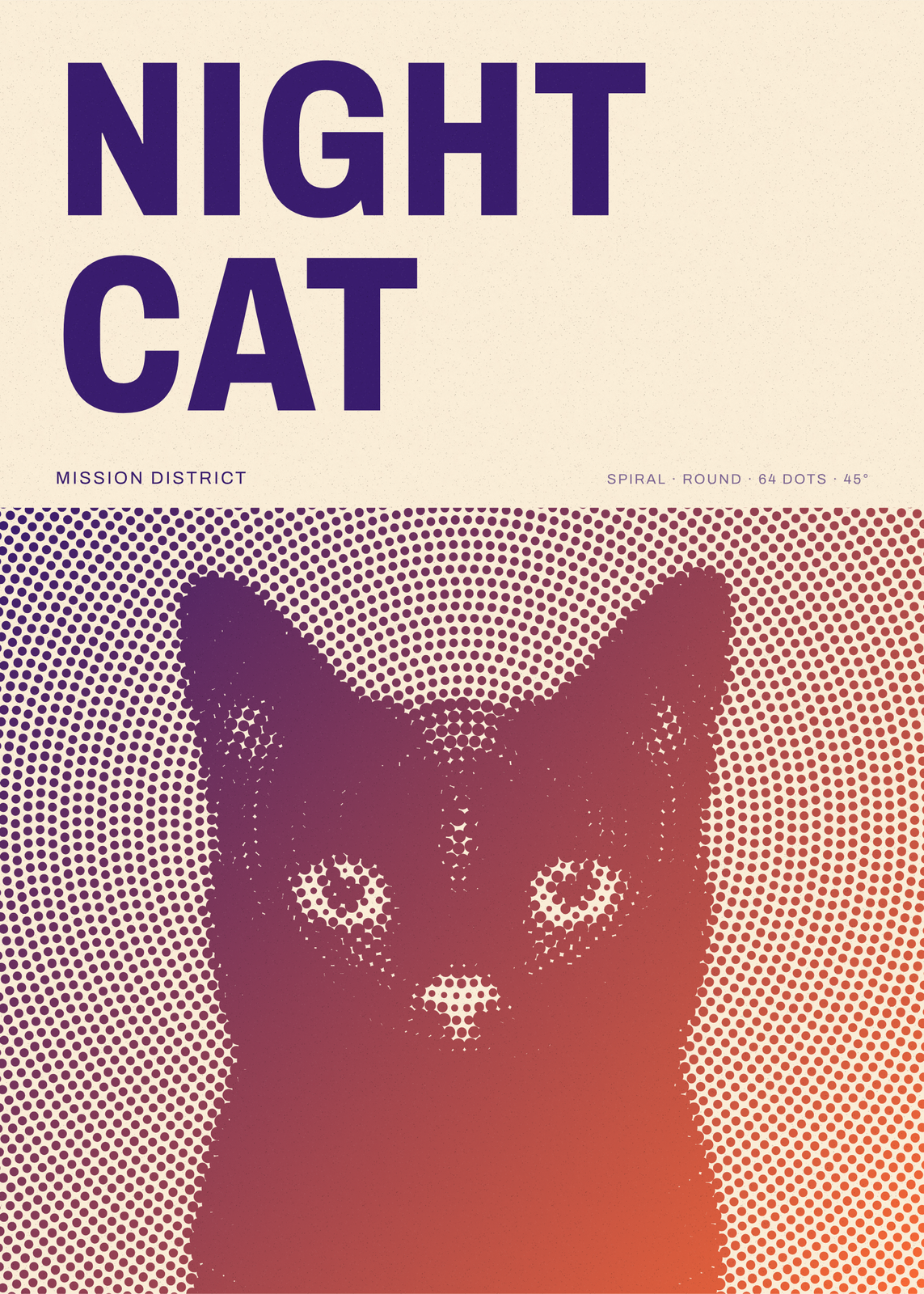
A halftone prints the grays of a photo as dots: big where it's dark, small where it's light, so from across the room the eye blends them back into a picture. Upload yours and pick the screen, from a classic grid to waves, rings, a spiral or a sunburst, and the dot itself: round, diamond, star or plus. Print it in one to three inks, in full-color CMYK or in RGB light on black, and set a headline over it.
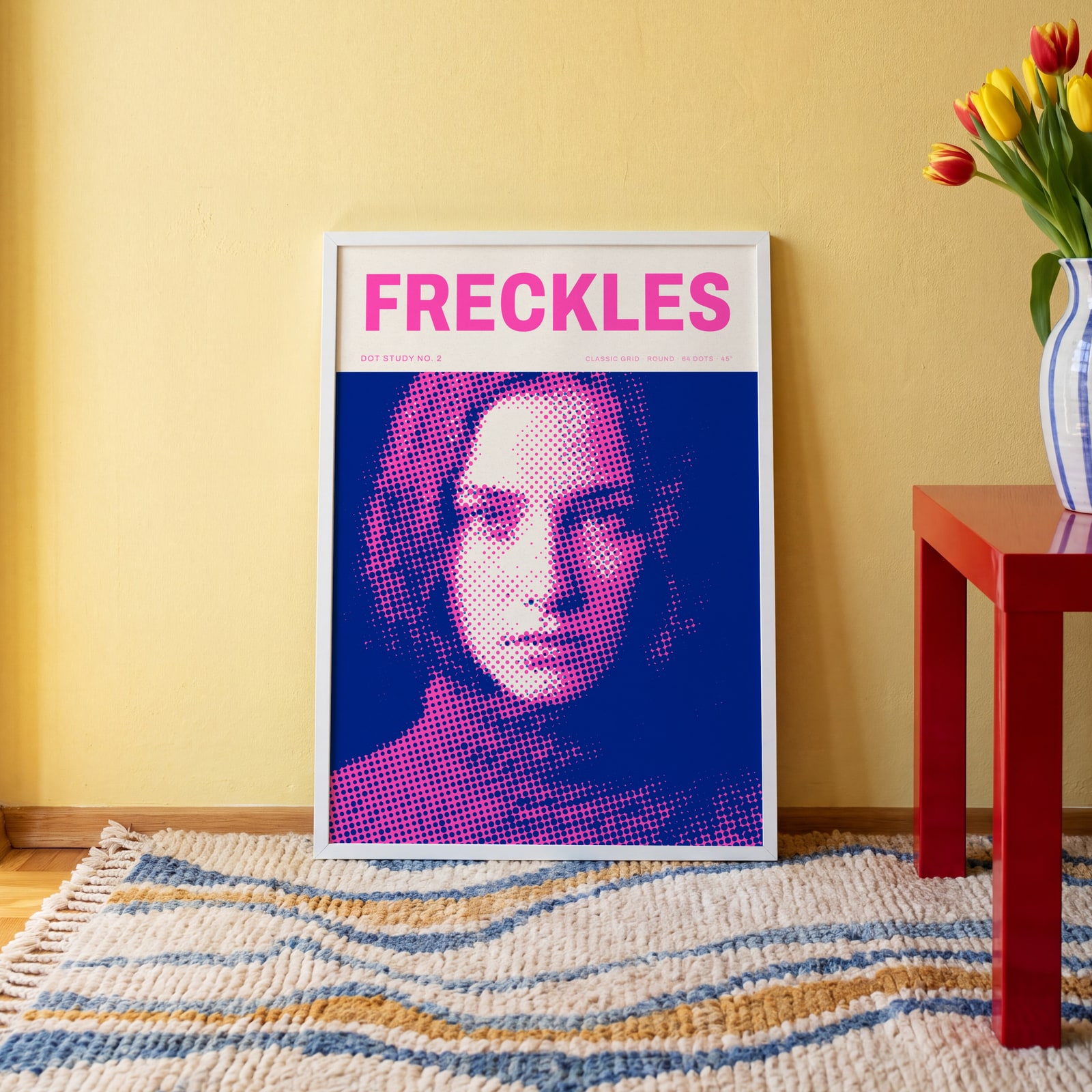
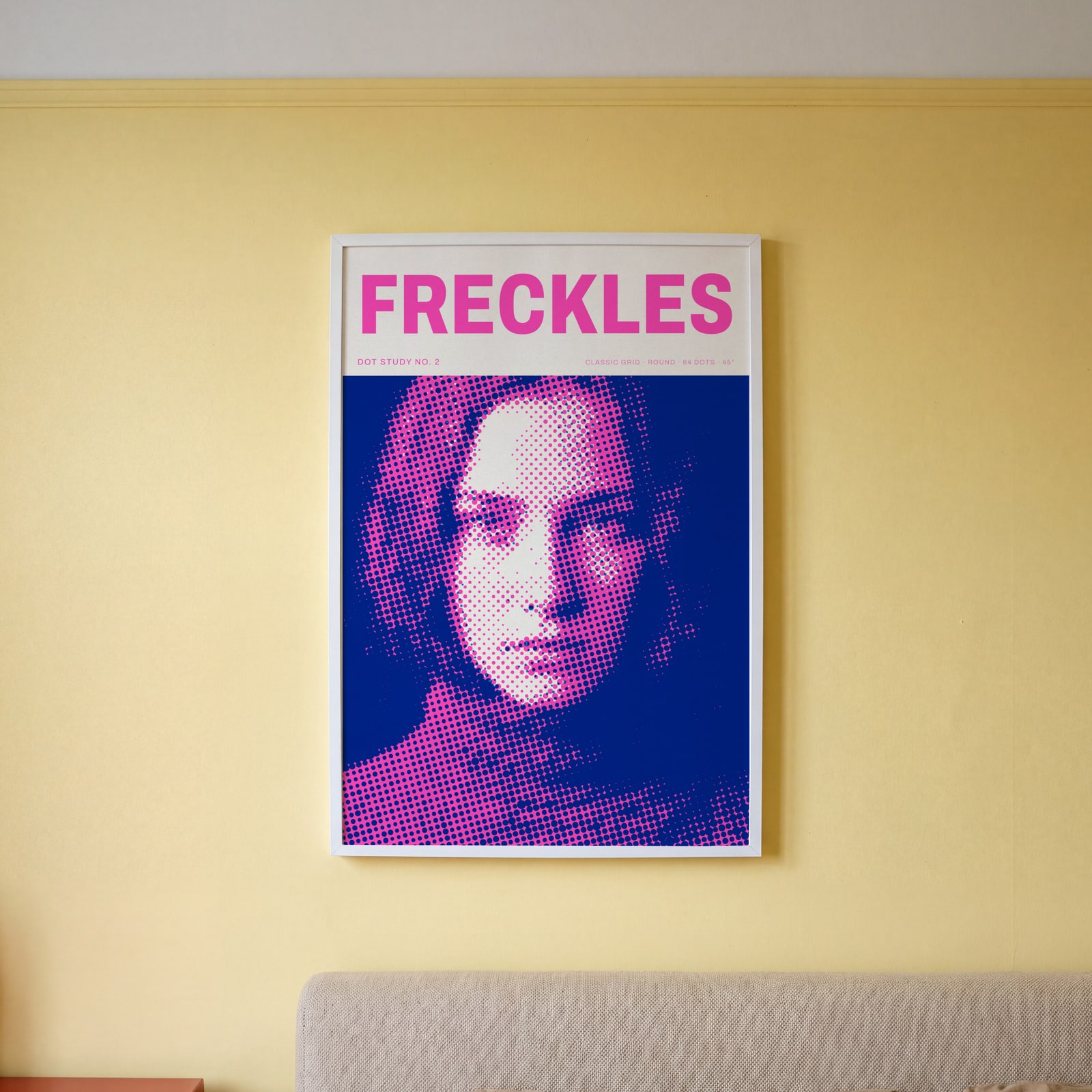
On the wall
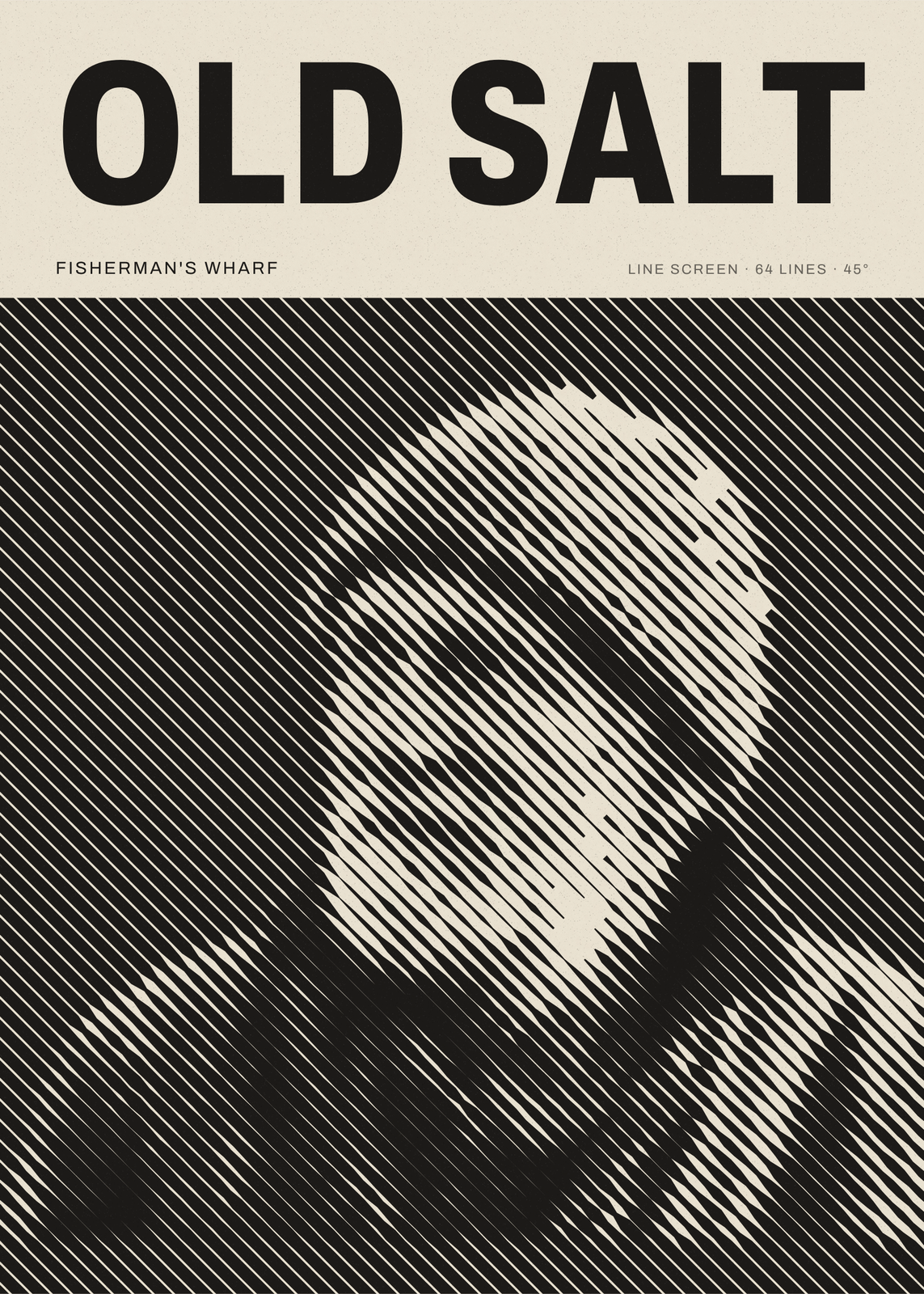
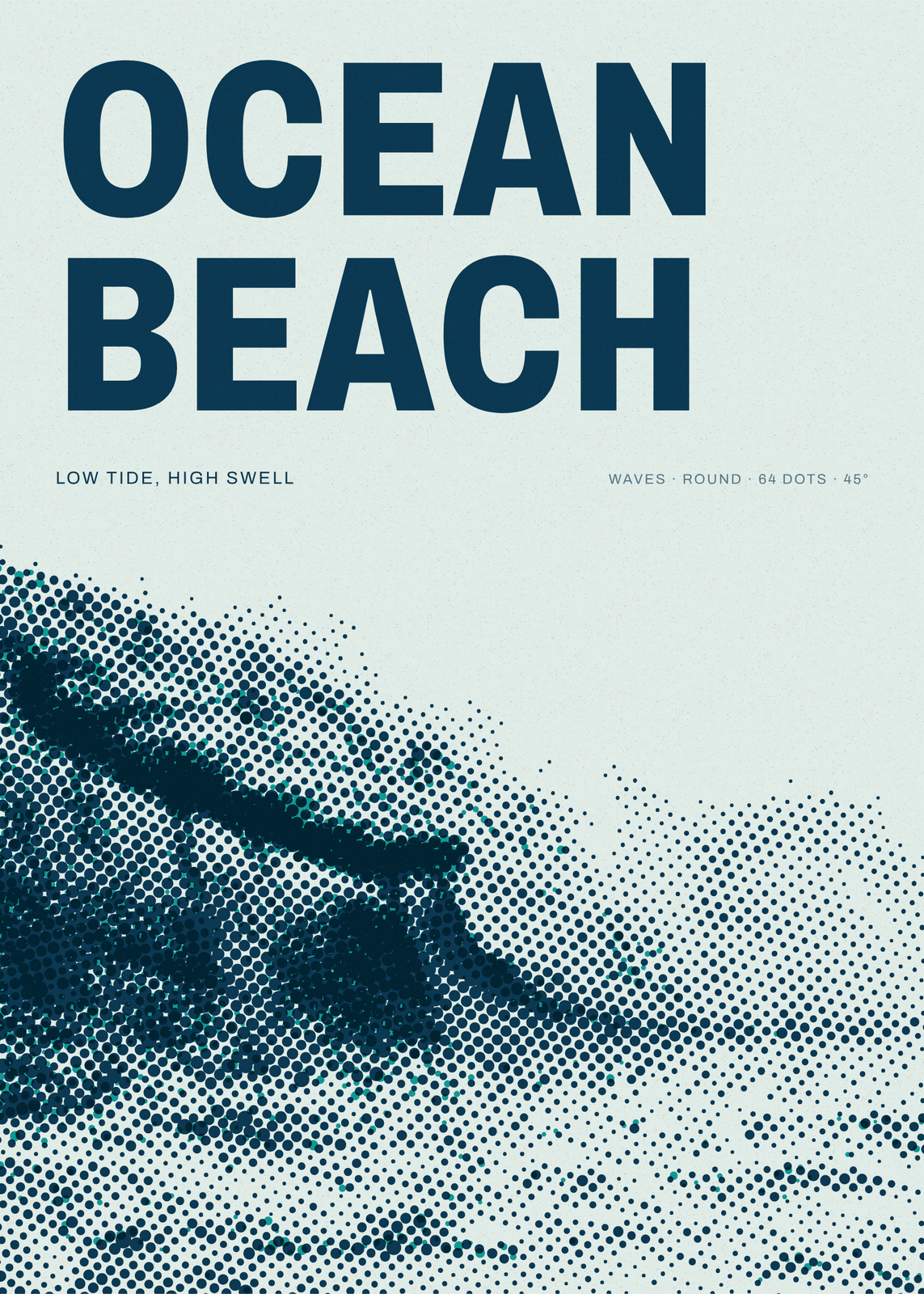
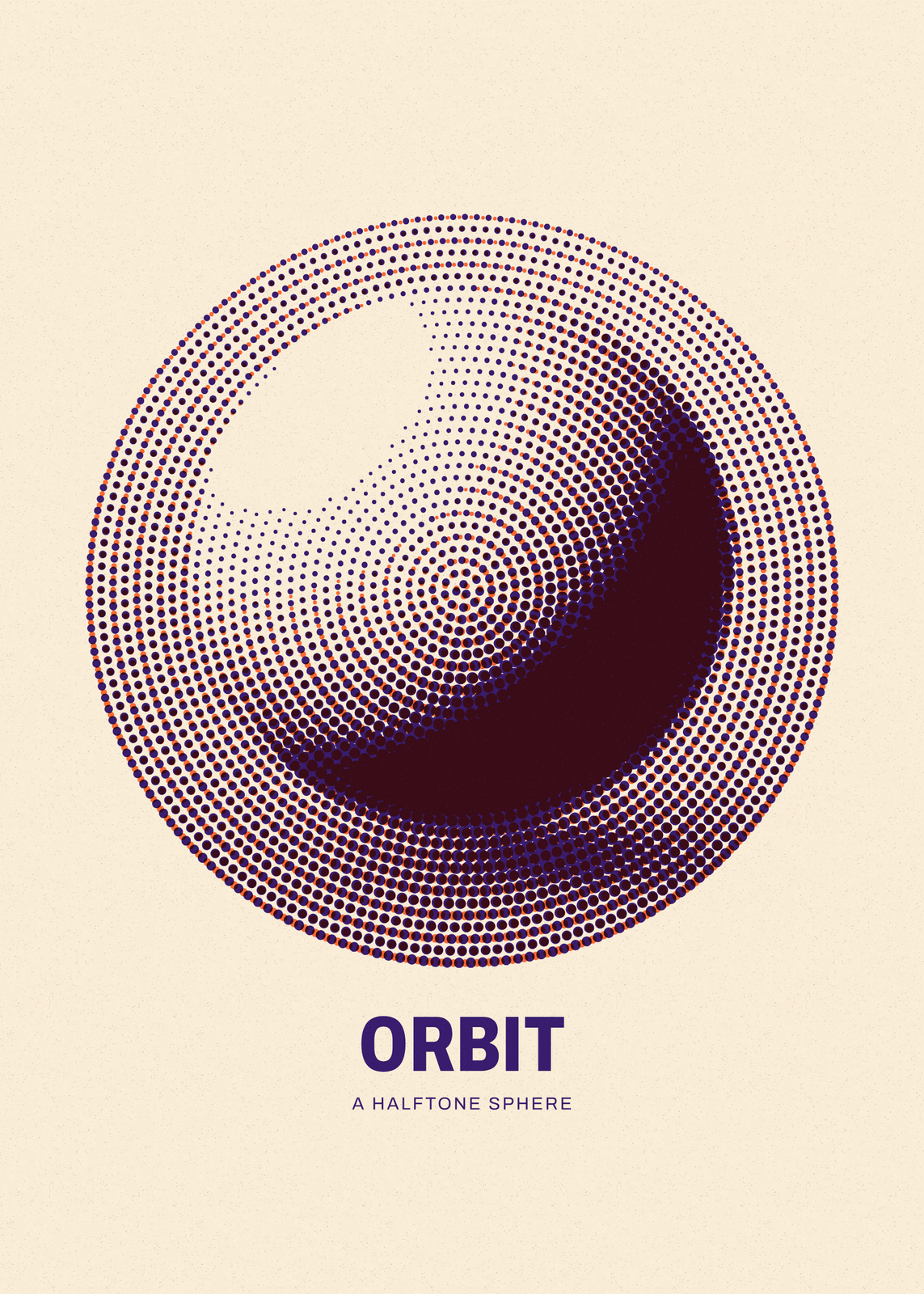
A few of them framed at home. Open any one to make it yours.
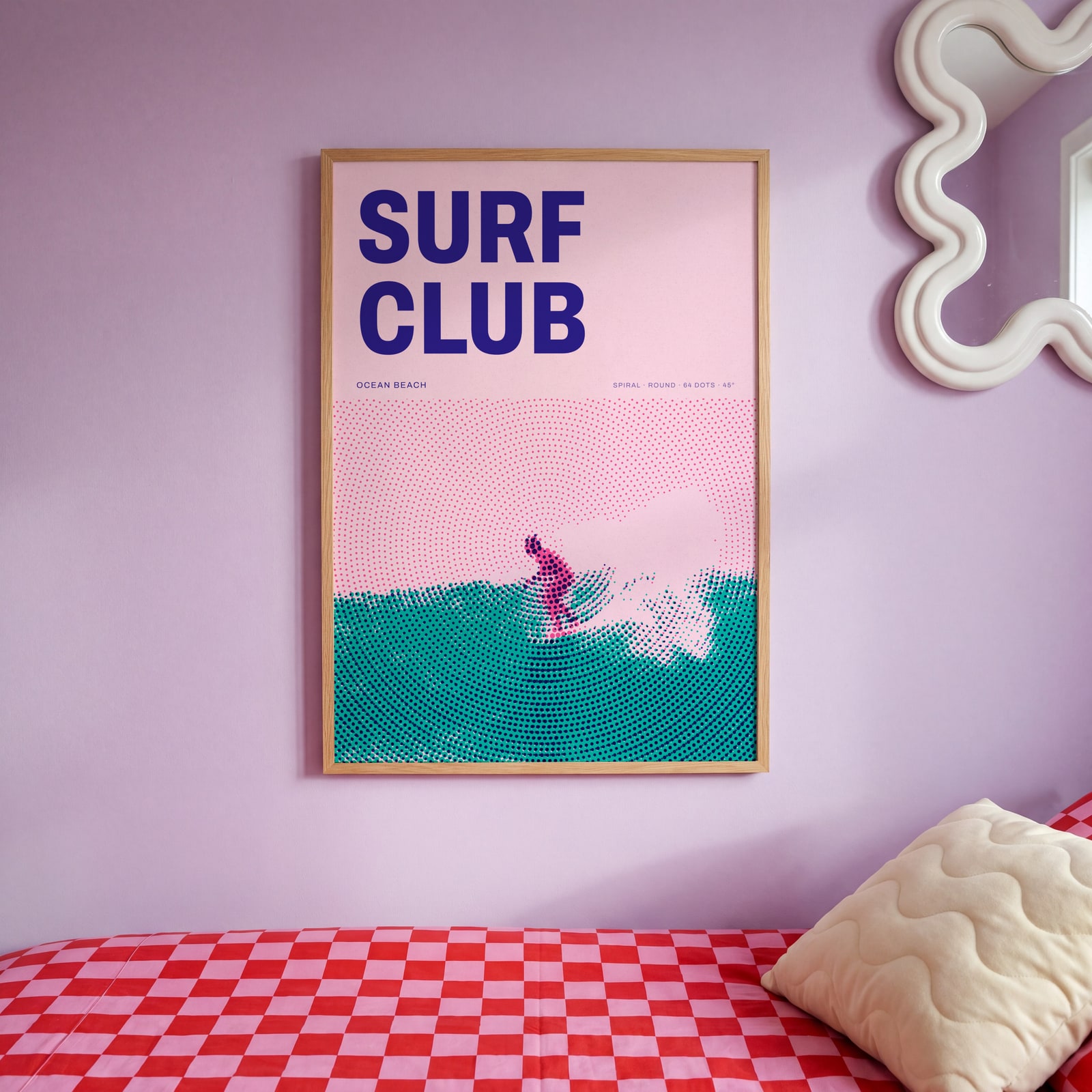
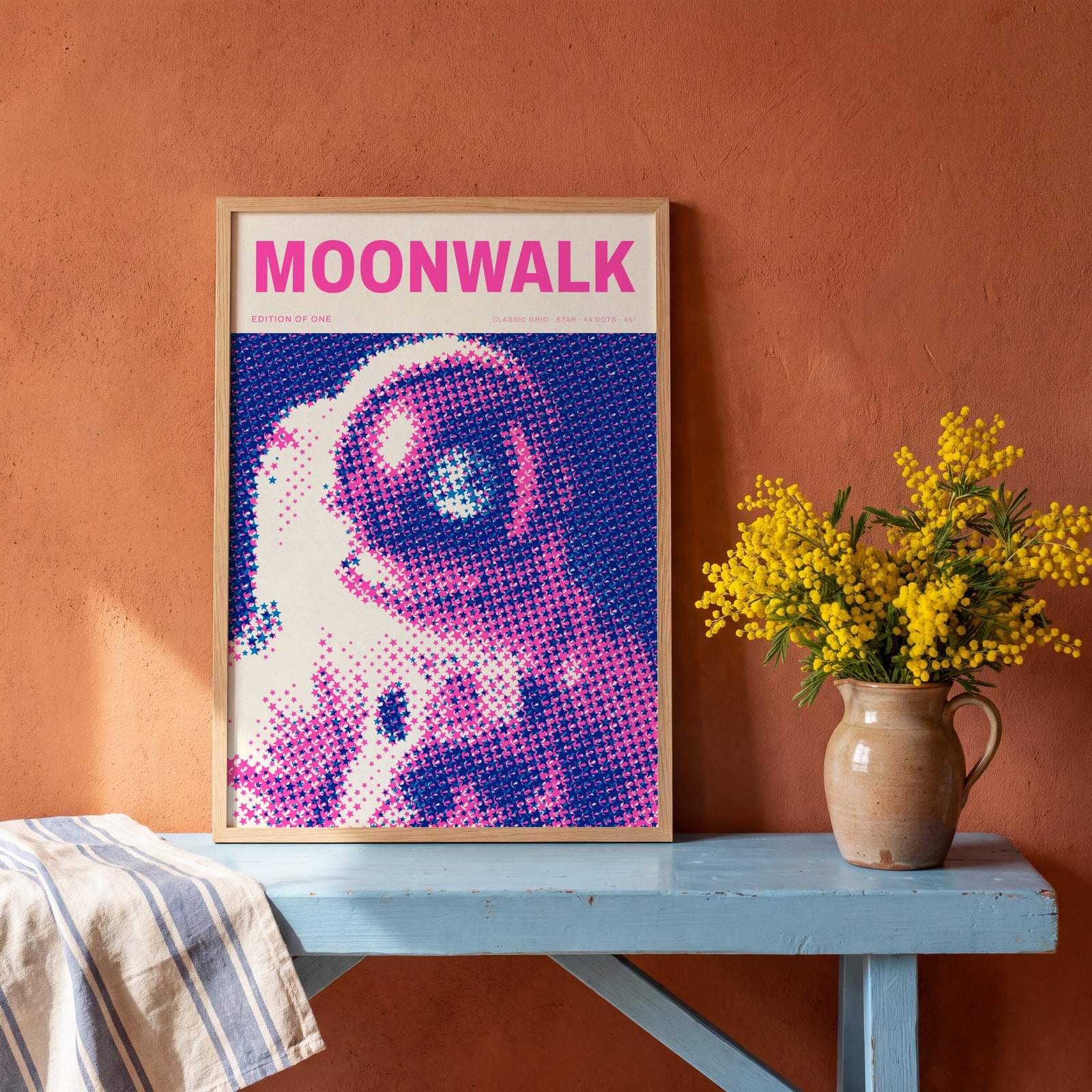
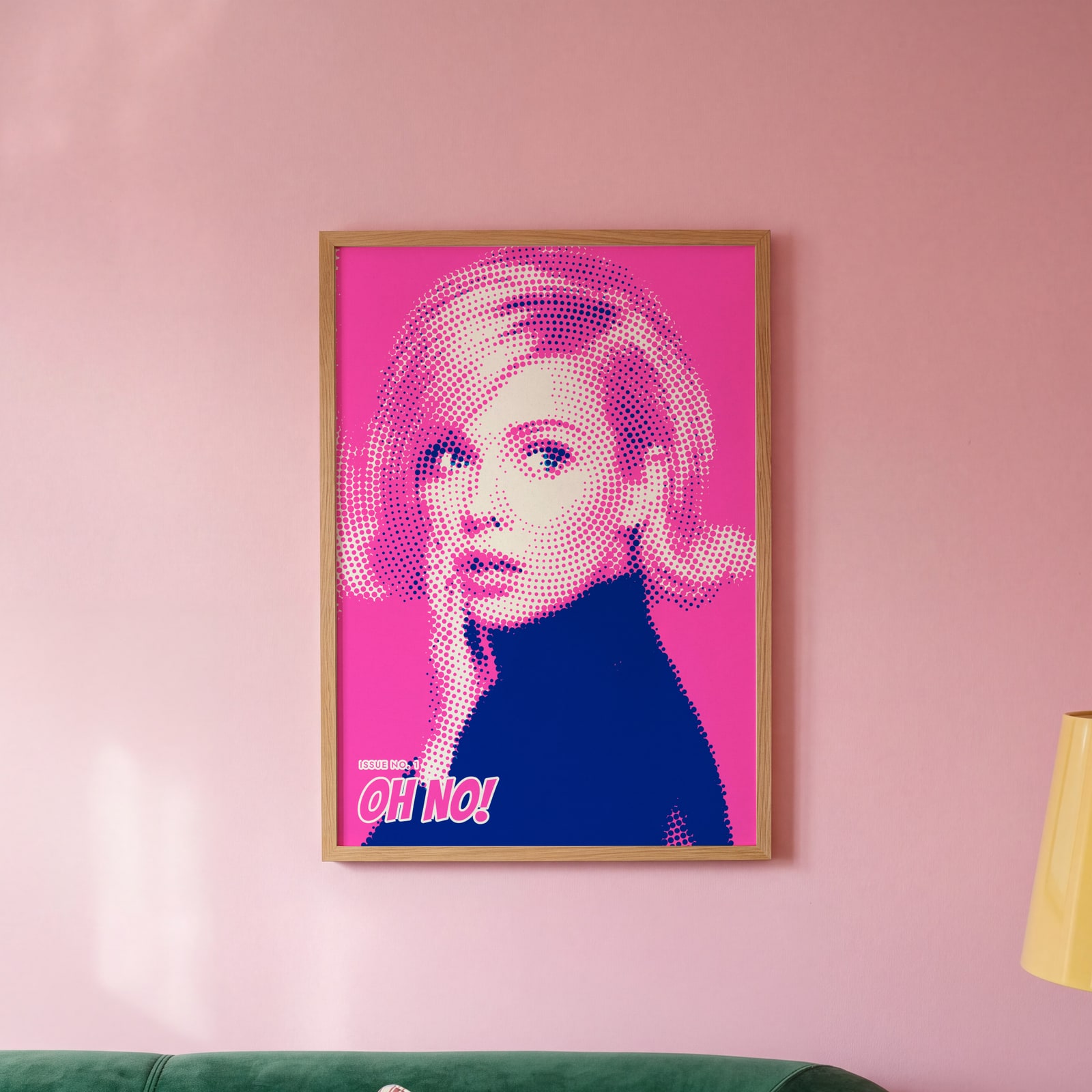
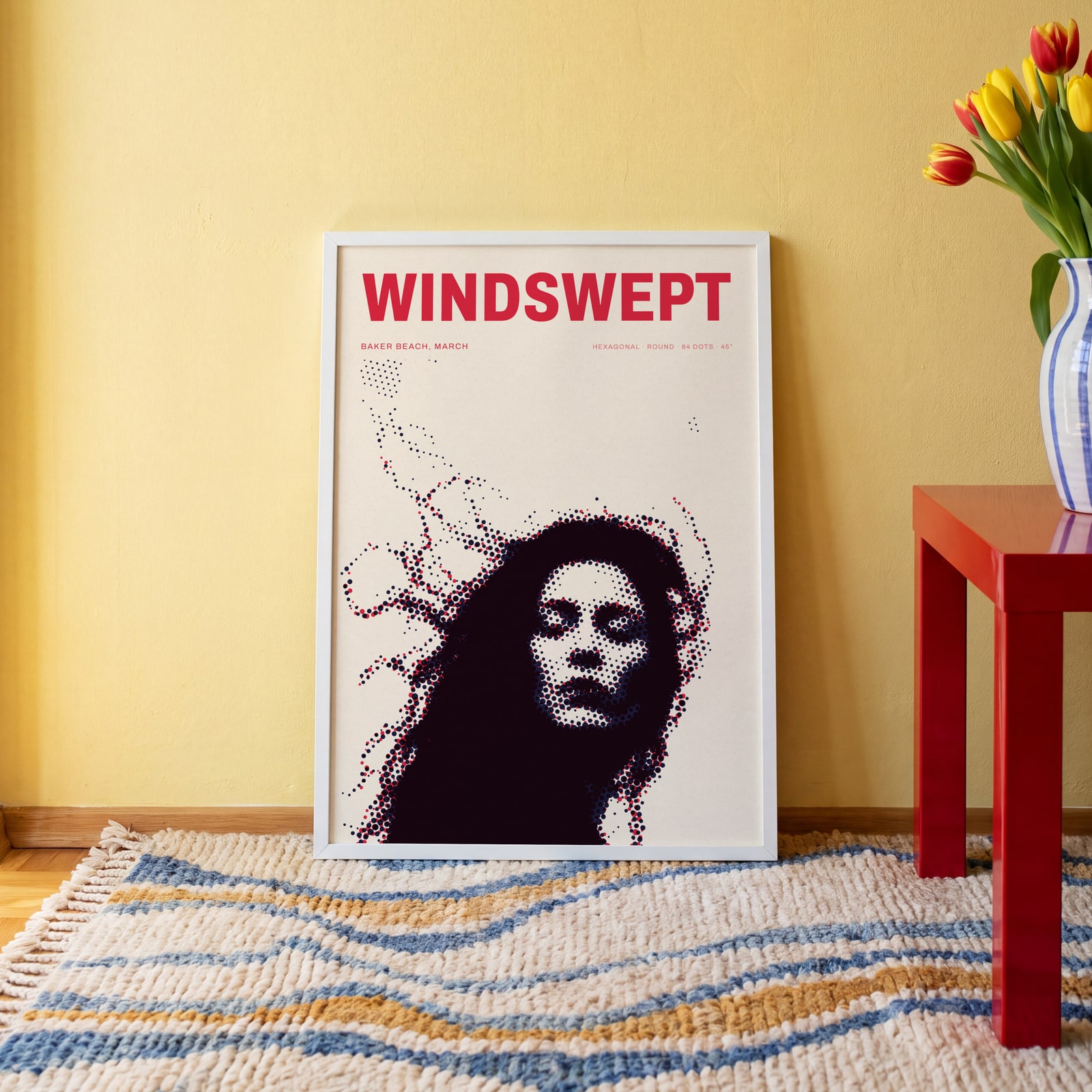
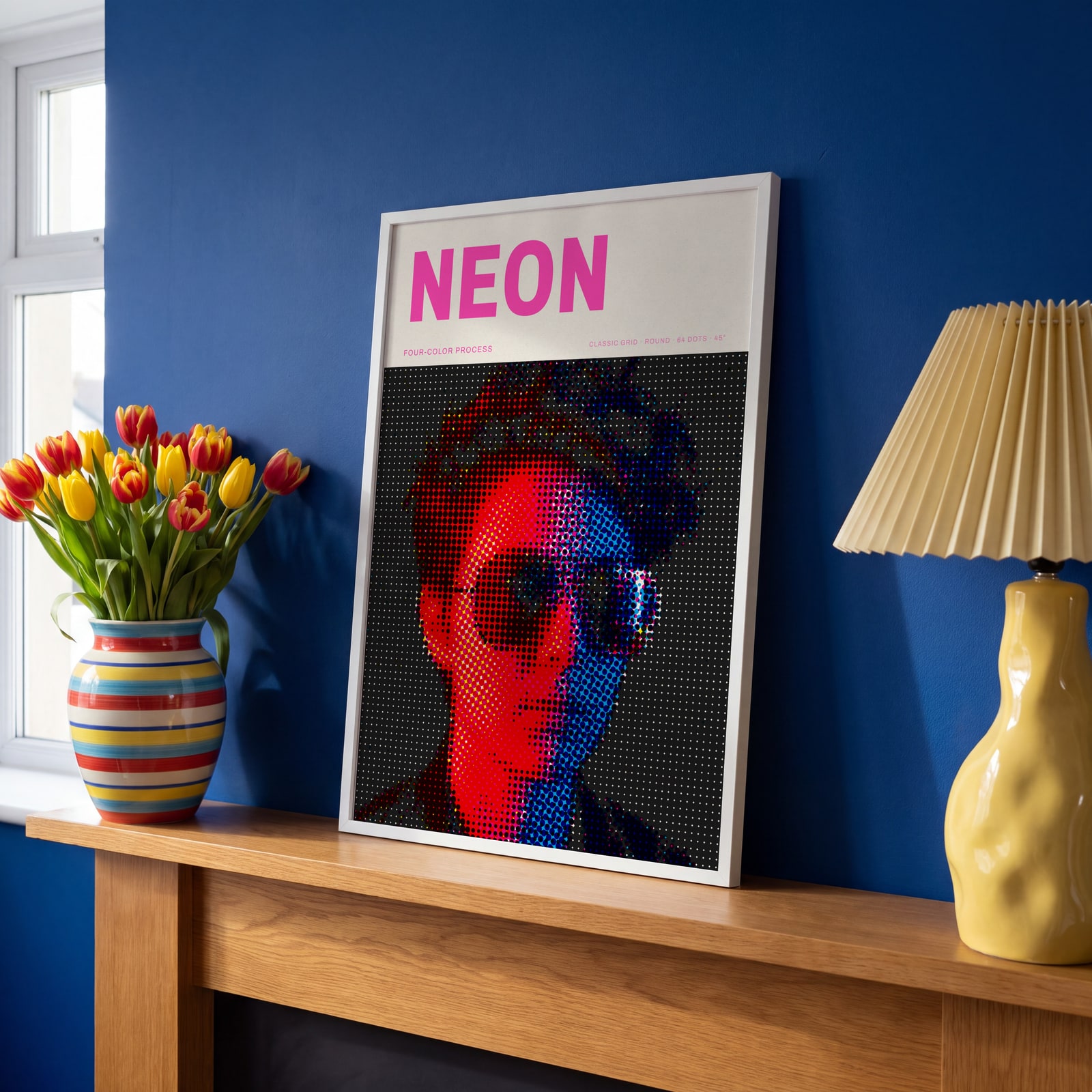
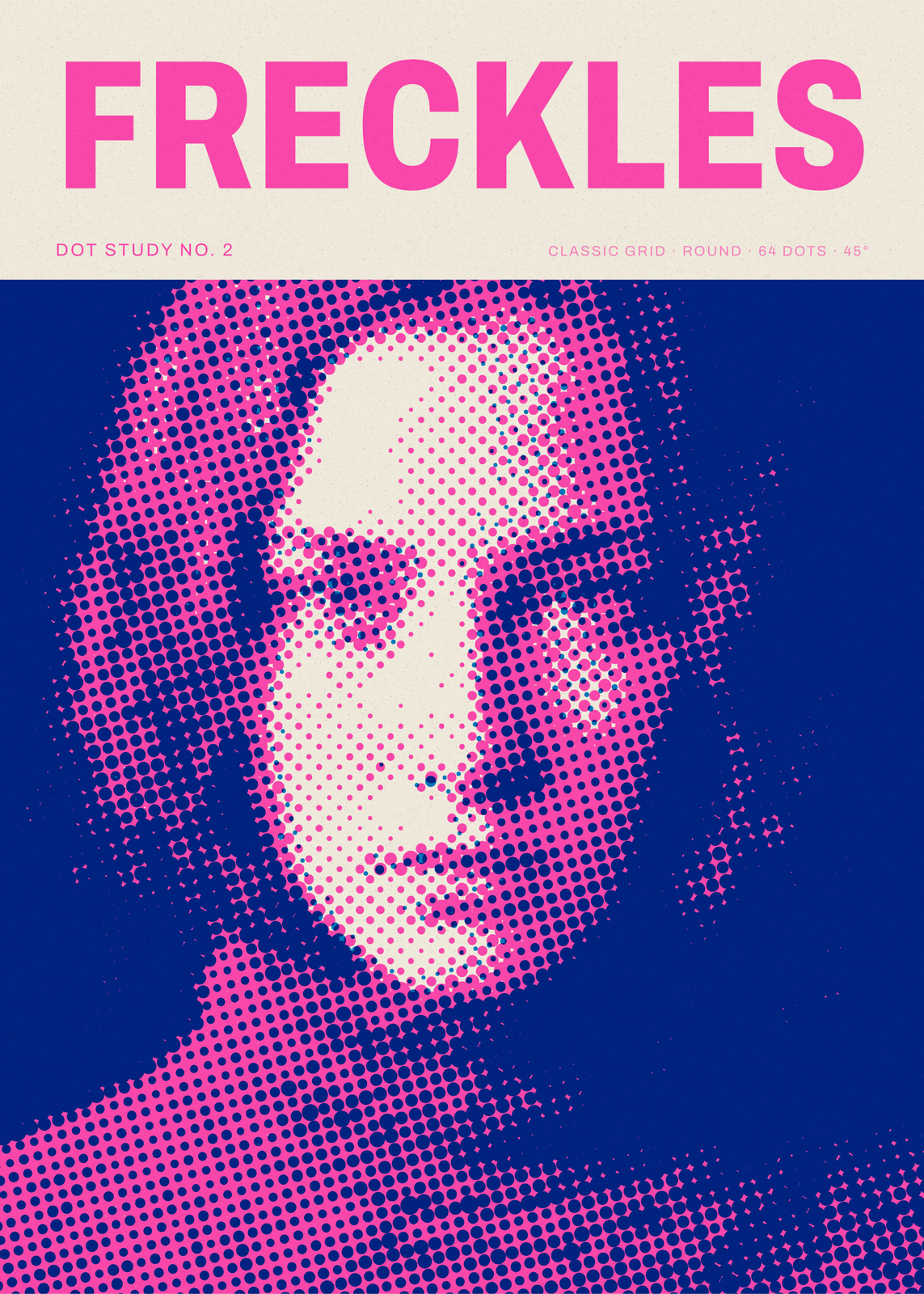
Examples
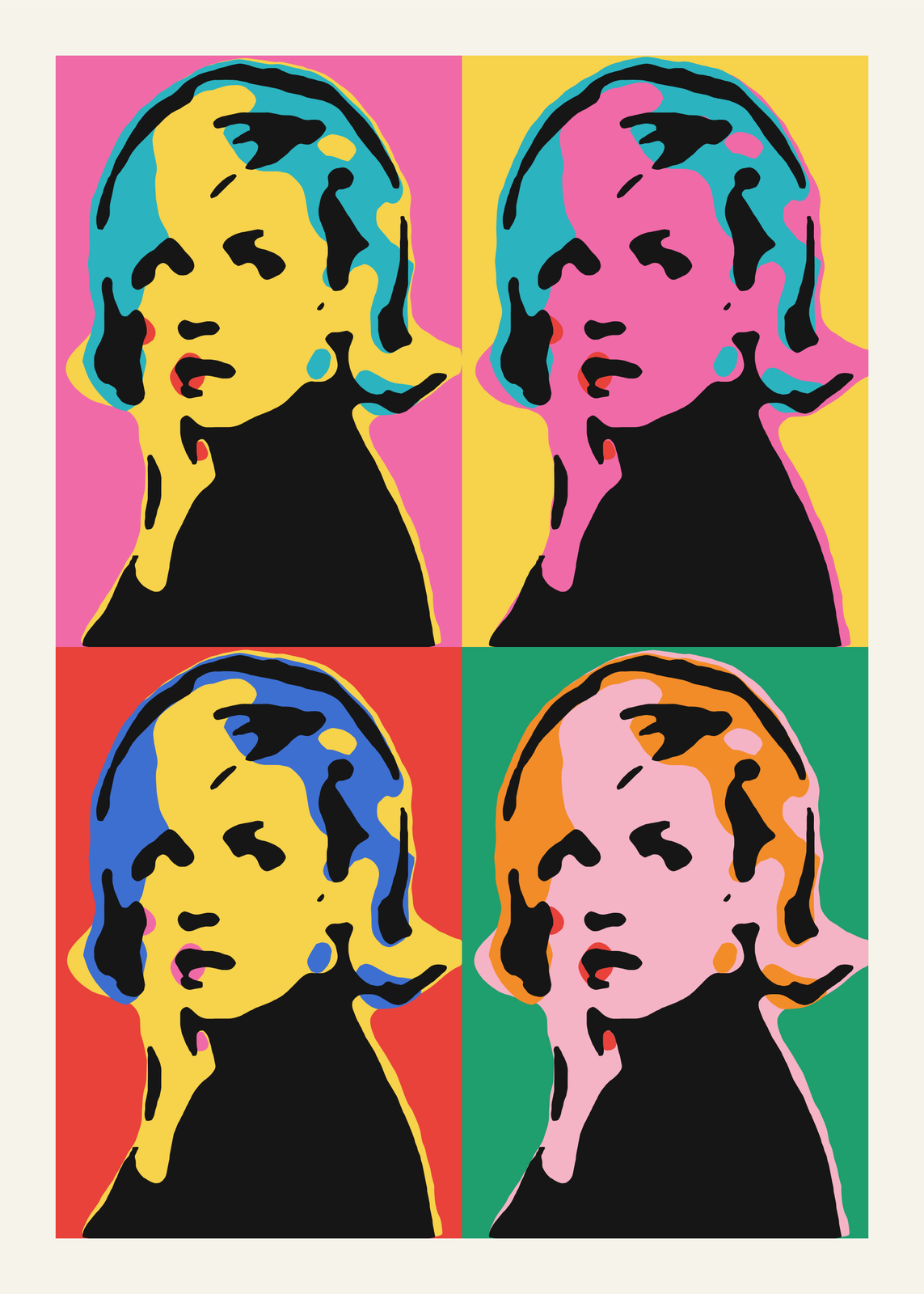
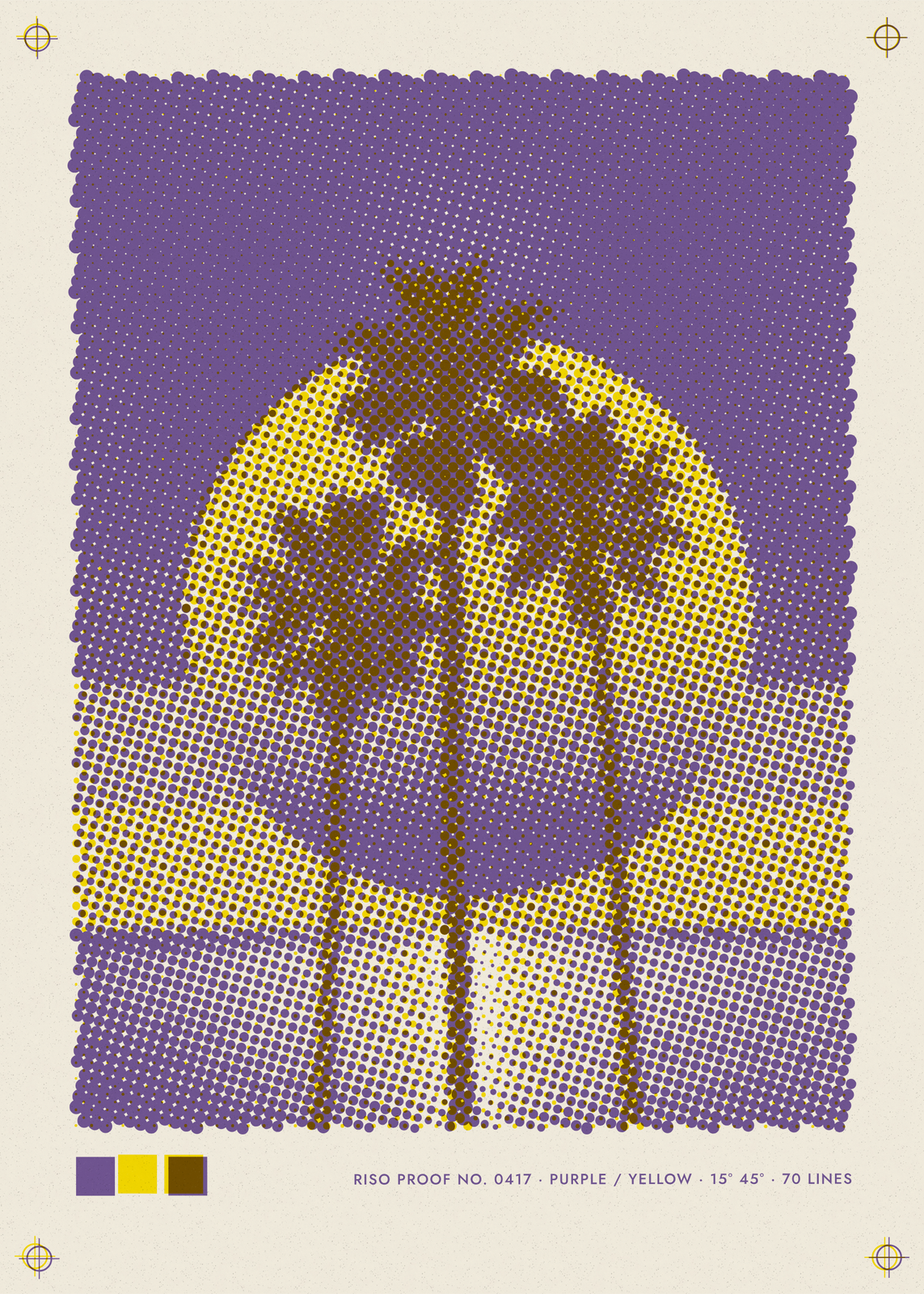
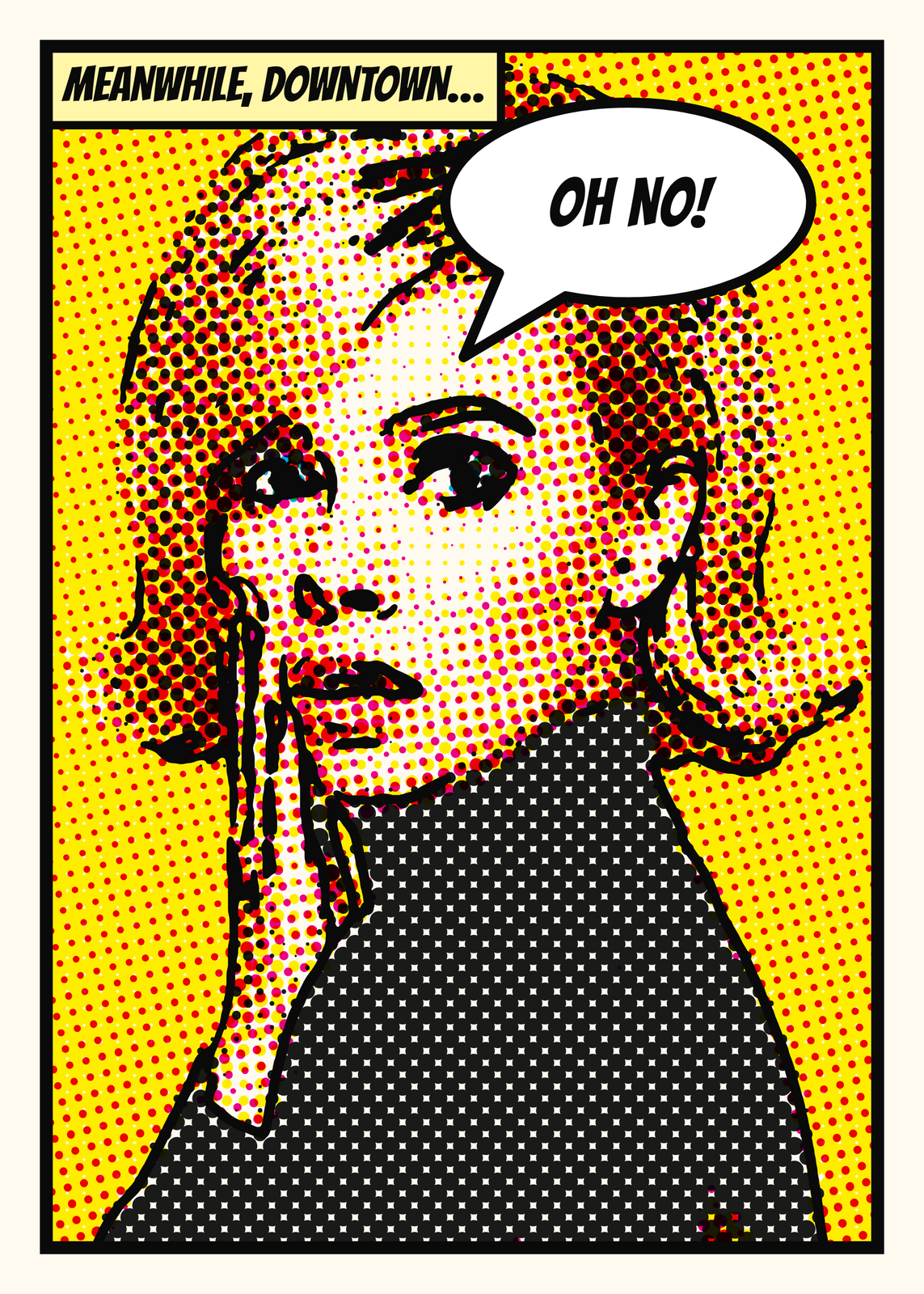
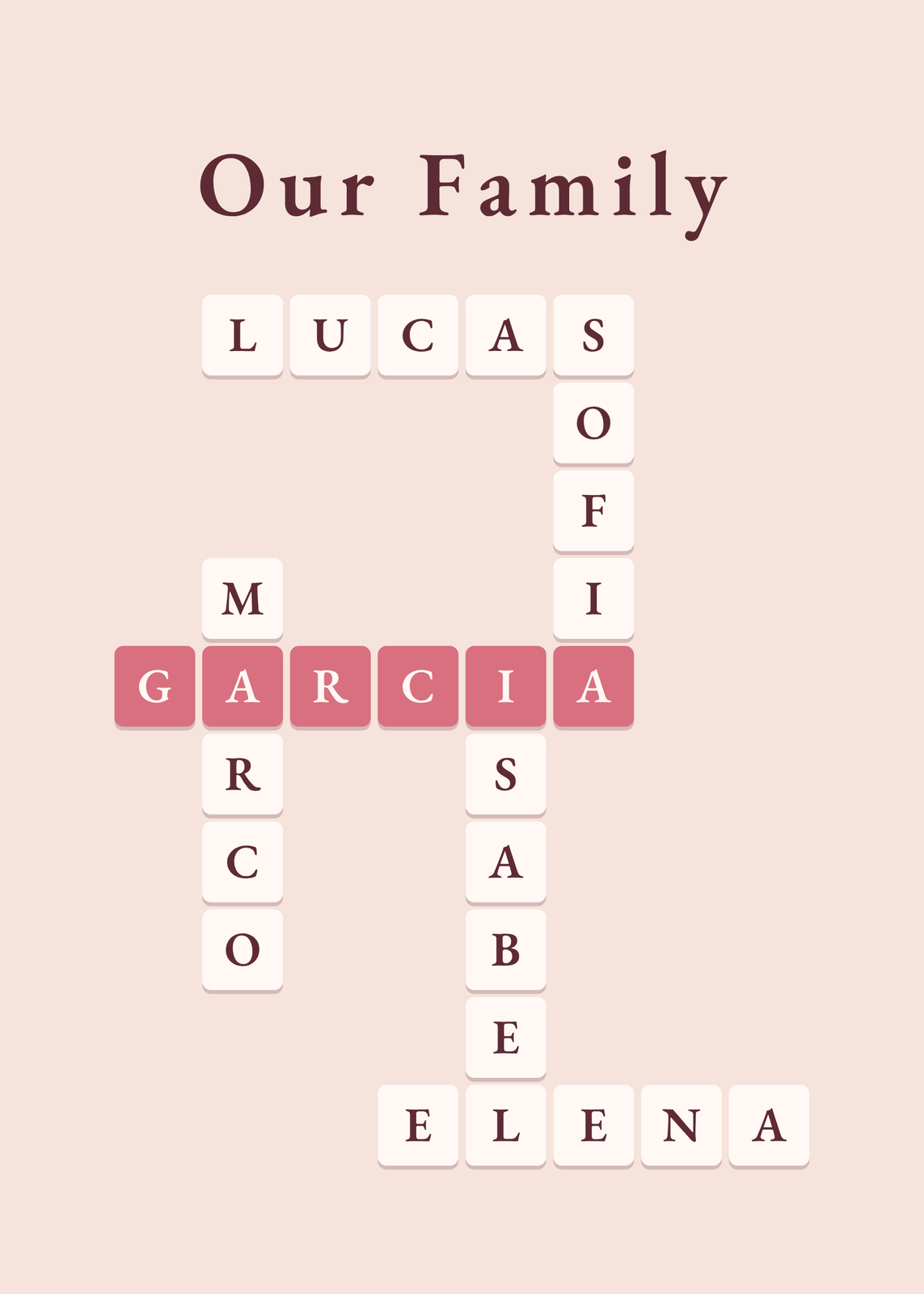
Open any of them to change the words, the place, the date and the style, then download the print file.
Screen patterns
Inks
Dot shapes
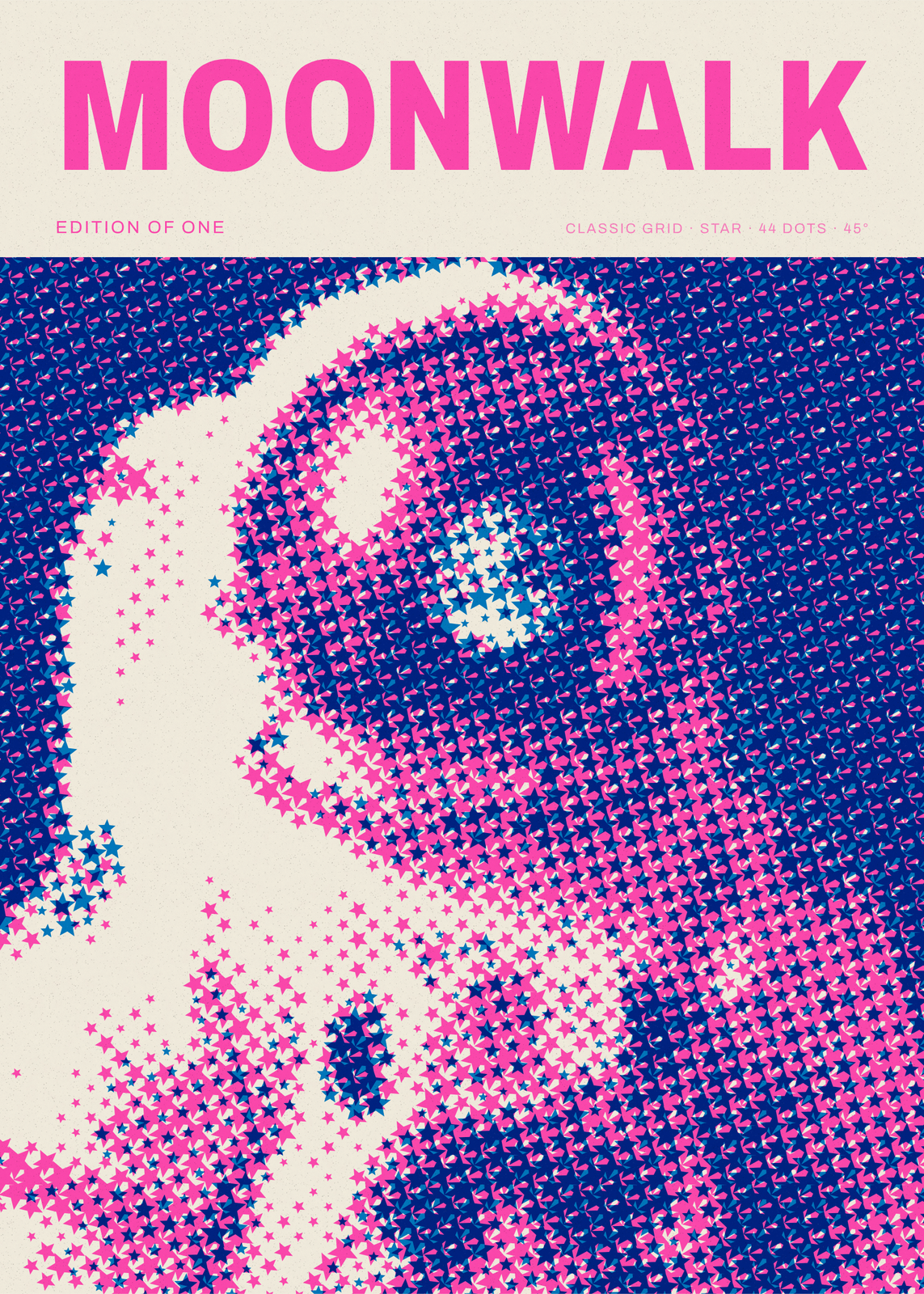
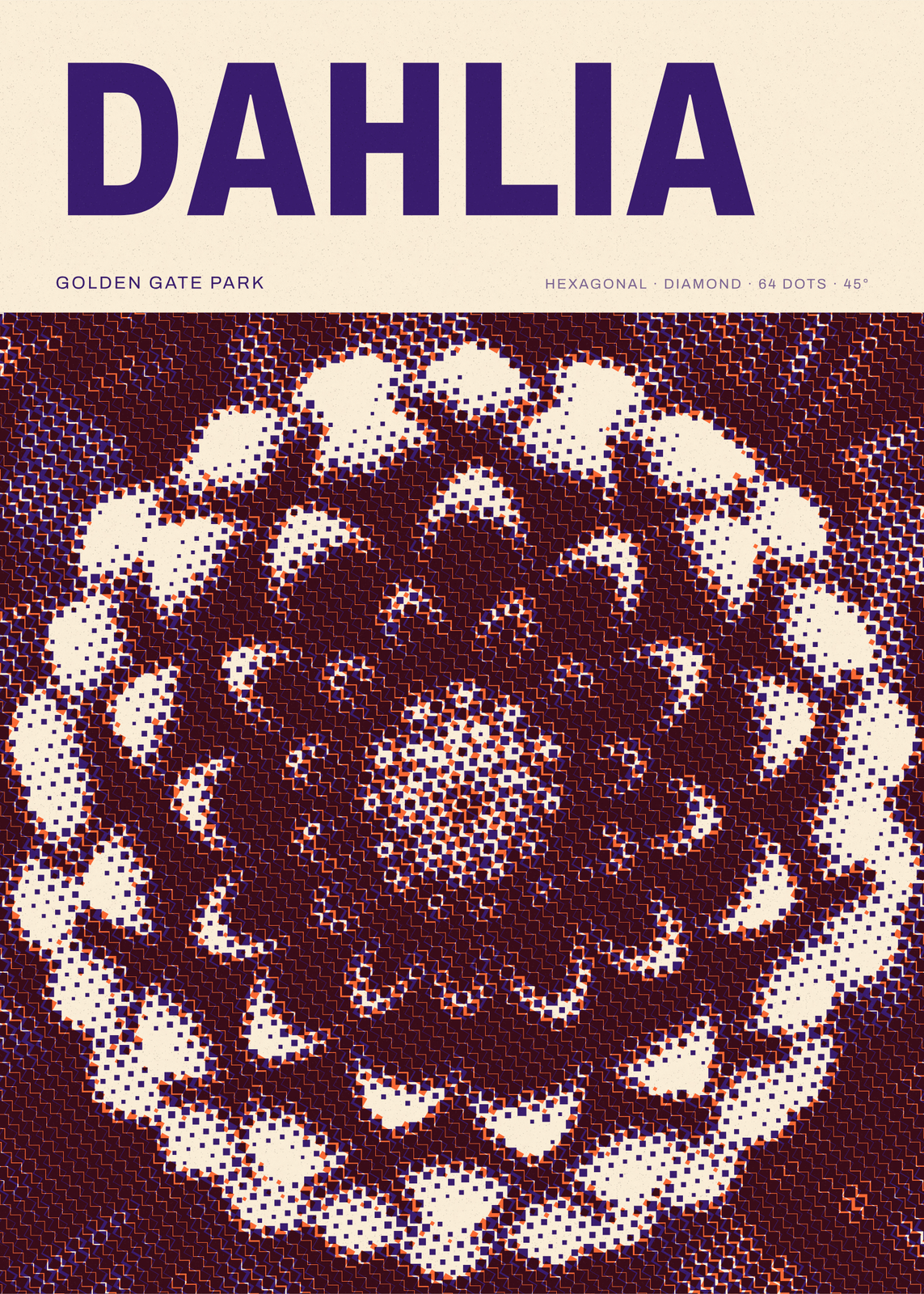
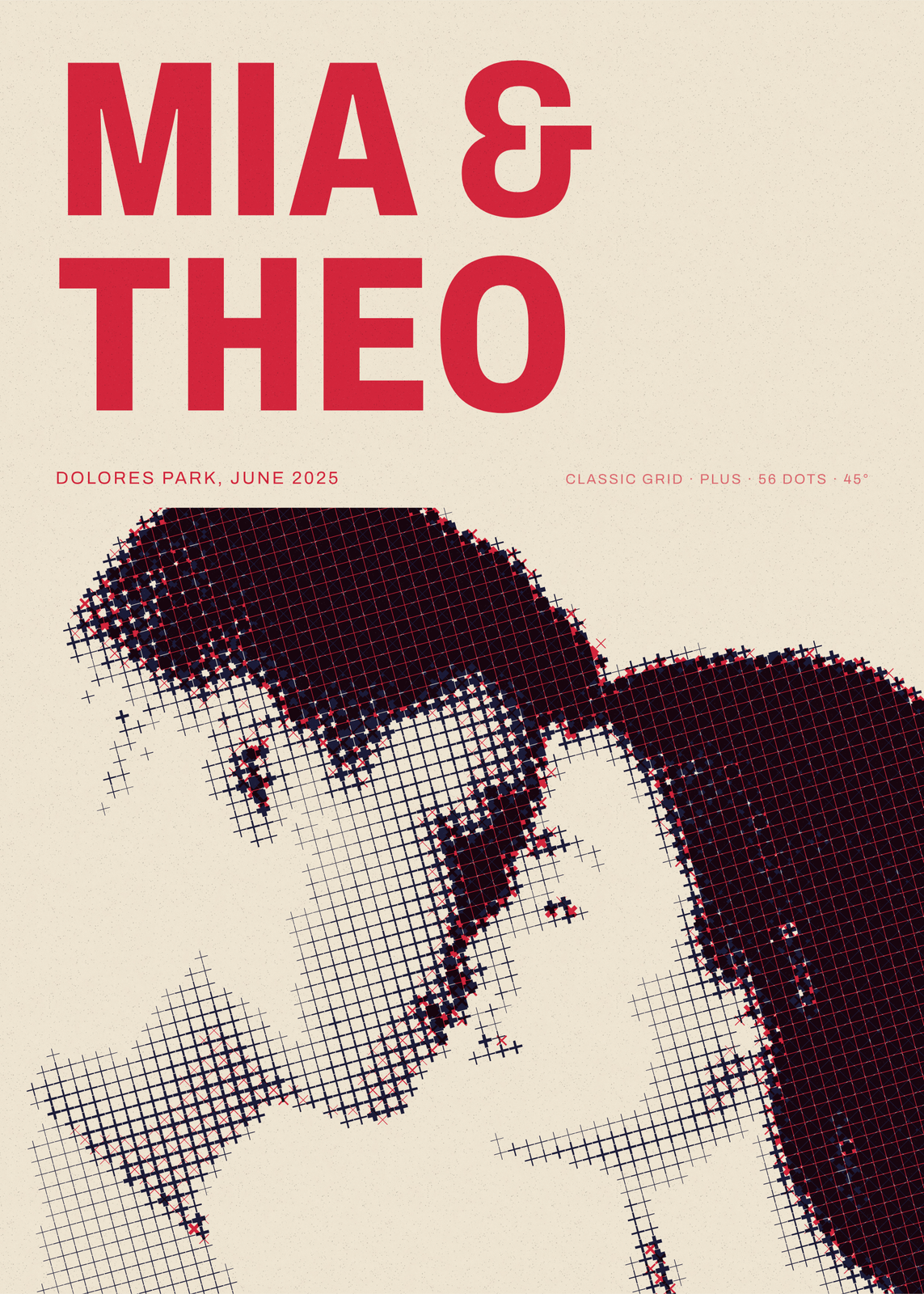
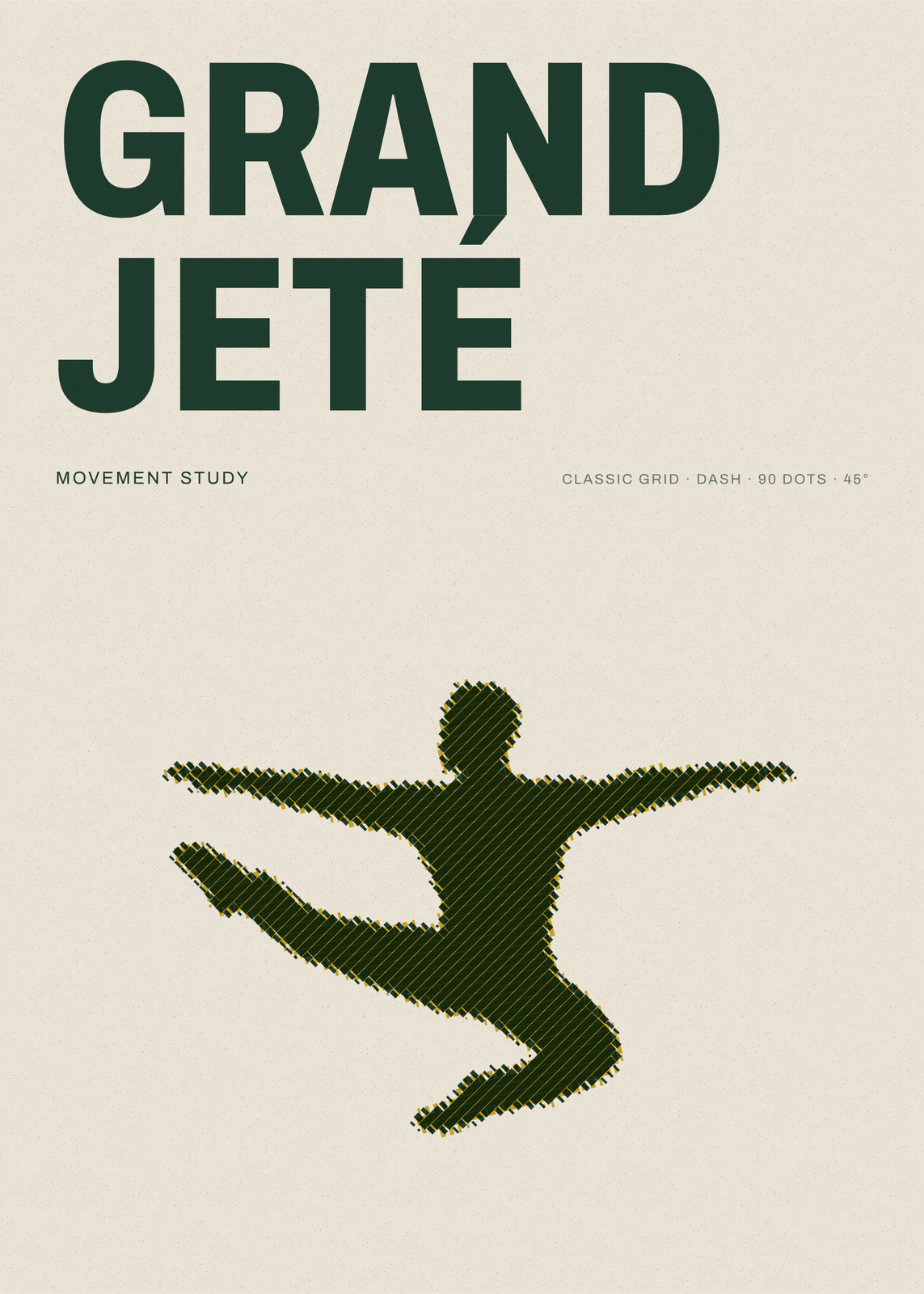
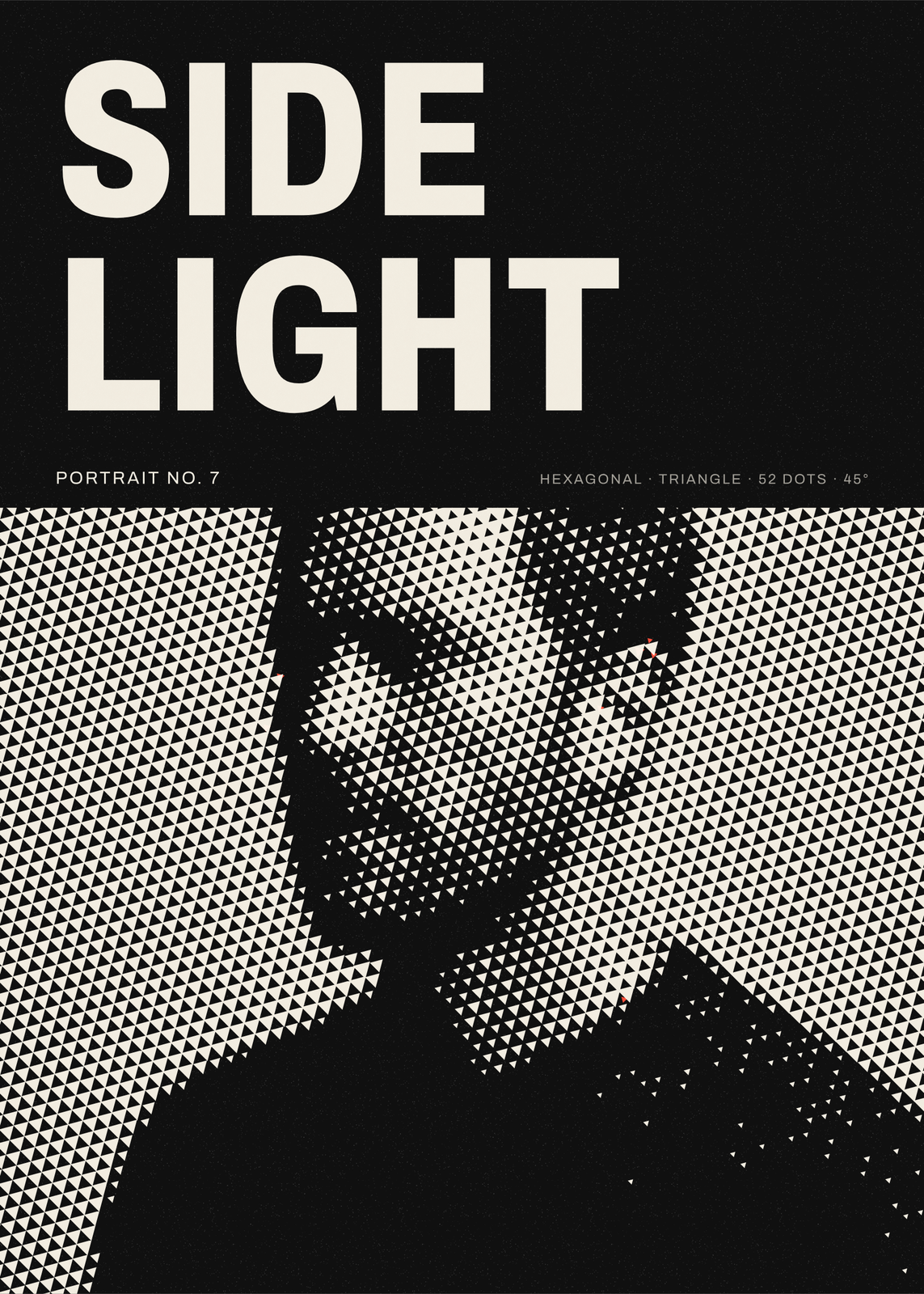
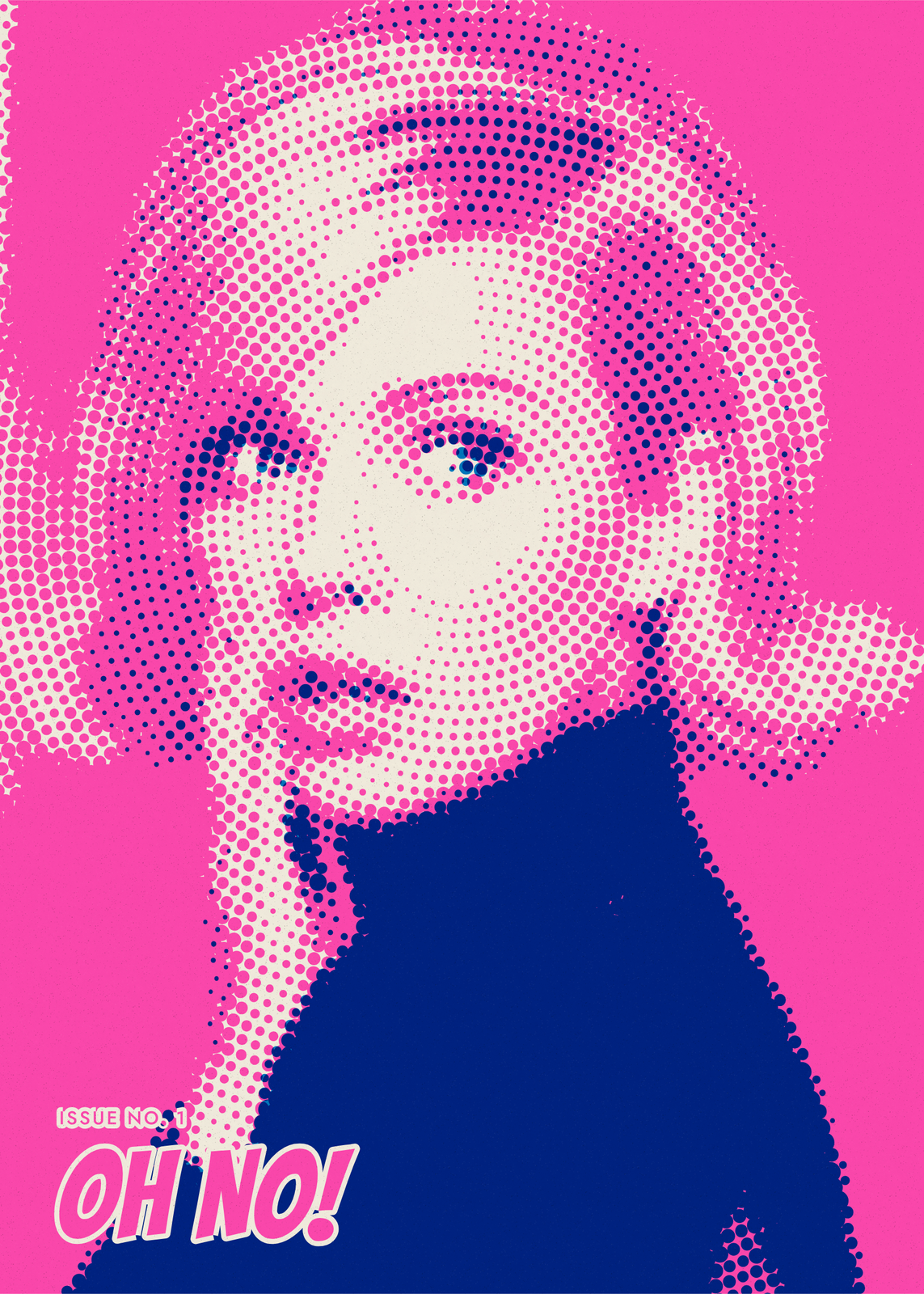
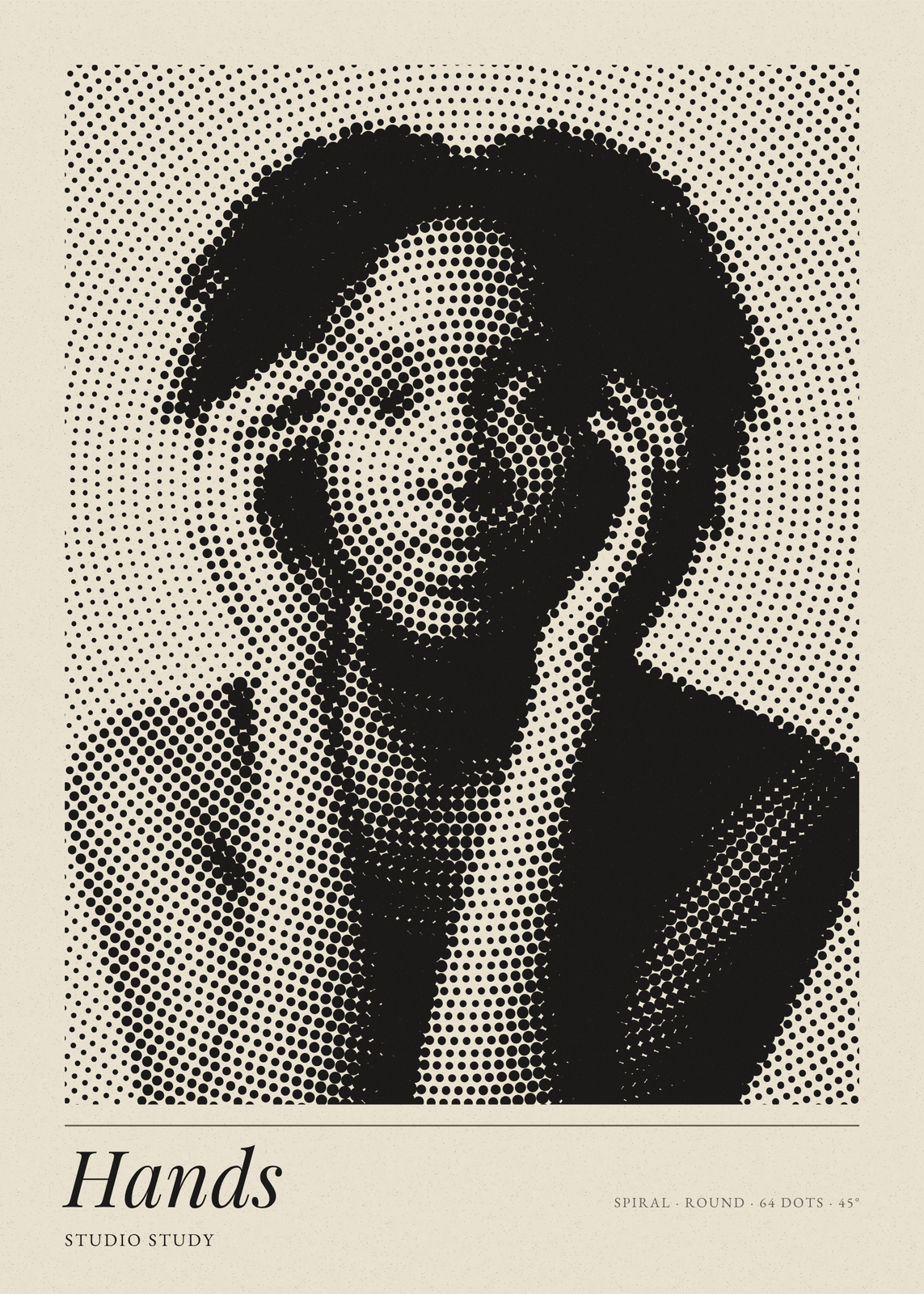
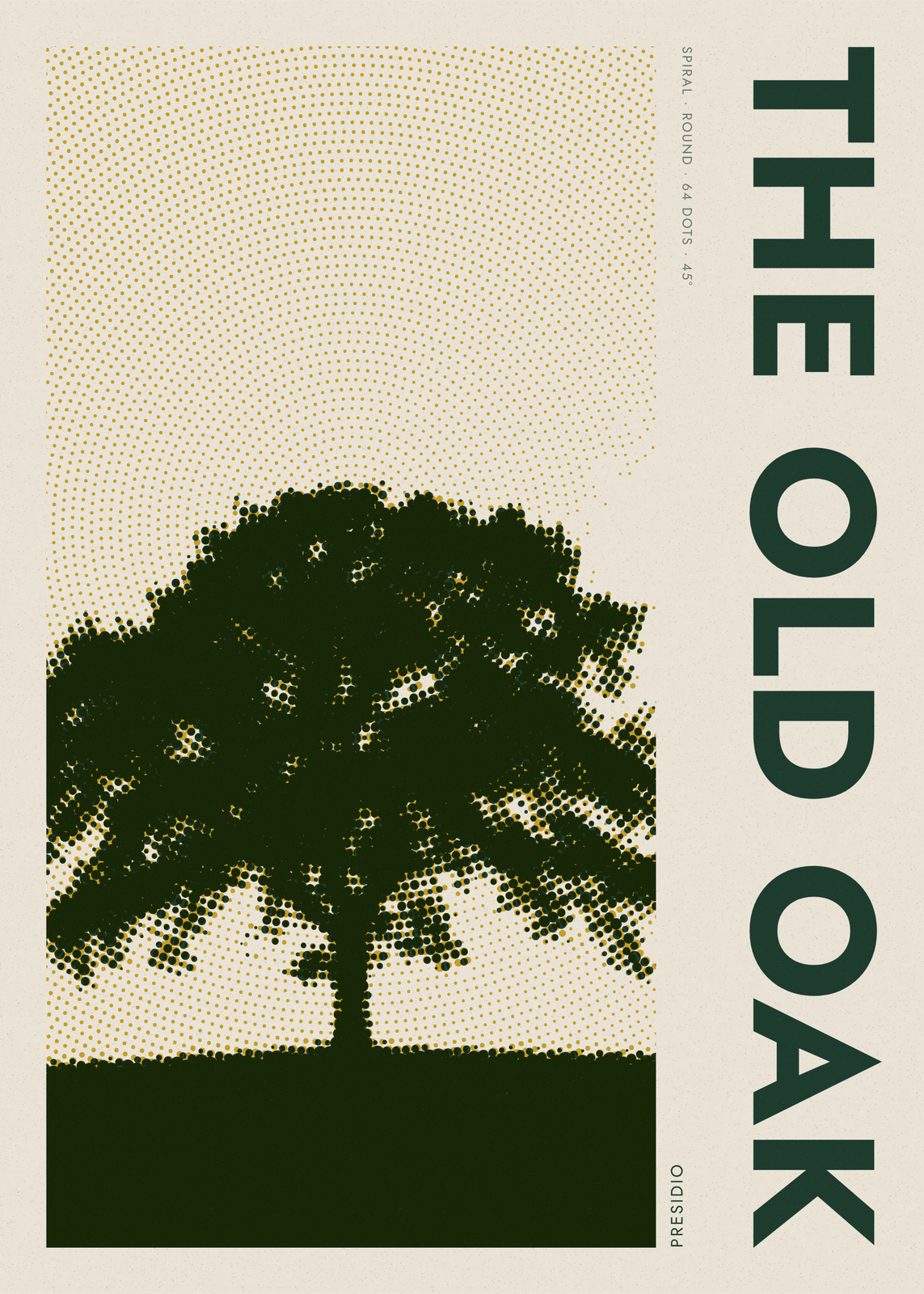
Eight screens, eleven dots
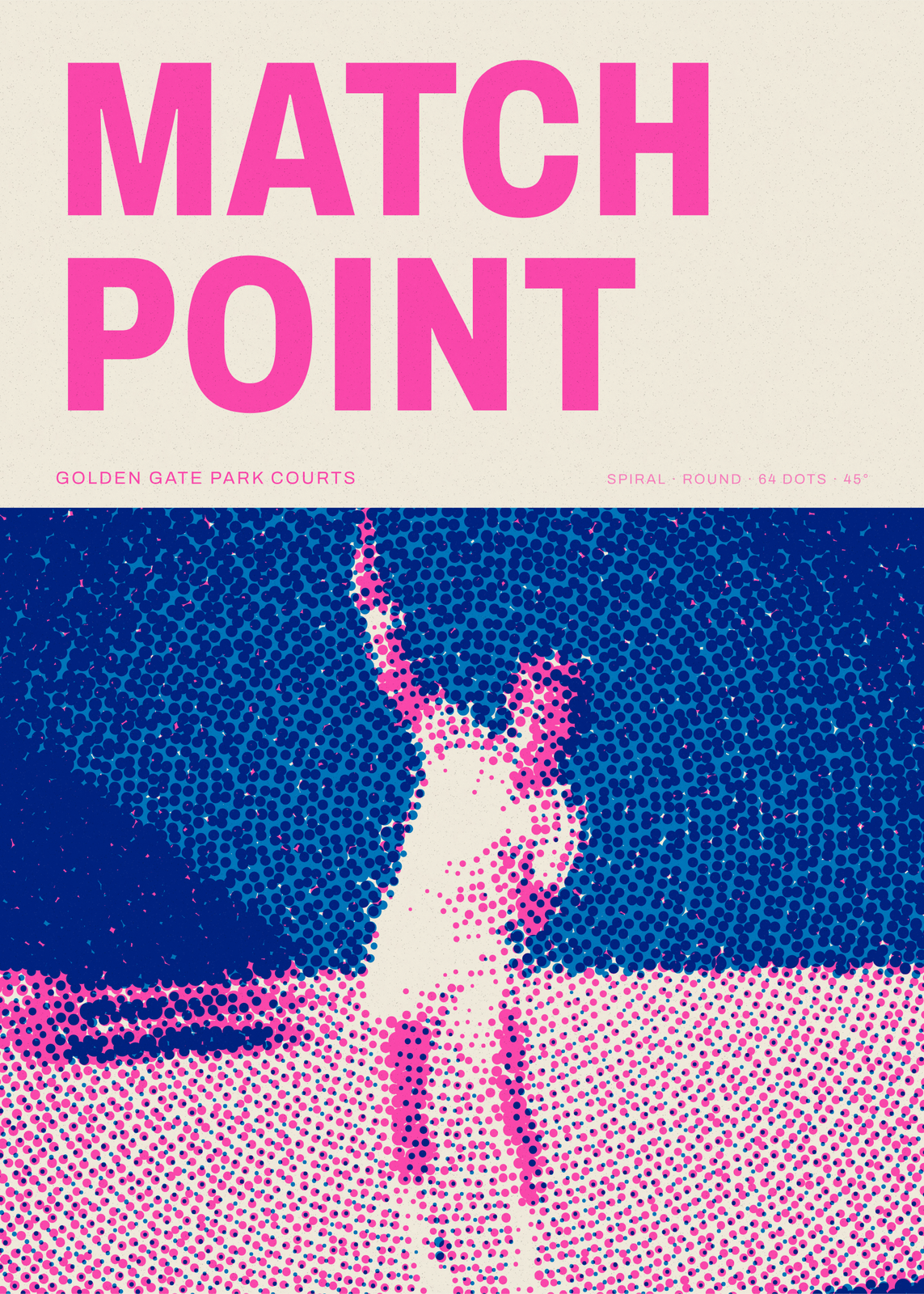
Pattern lays the dots out: Grid, Hex grid, Lines, Waves, Rings, Spiral or Sunburst, or Stipple, which scatters them like a diffused print. Rings, Spiral and Sunburst turn around a center you can move onto a face or a flower. Dot shape picks round, oval, square, diamond, triangle, hexagon, plus, star, ring or dash dots, or one long line per row. Dots across runs from 16, coarse enough to count, to 160, fine enough to read as a photo.
One ink to CMYK
Number of inks splits the photo into 1, 2 or 3 inks, into the four of CMYK for full color, or into red, green and blue light on black. Pick one of fourteen color sets, from Newsprint and Blueprint to Bubblegum and Black & gold, or Custom colors of your own. With one ink, Dot color can fade the dots into a second ink, downward, diagonally, from the center or by tone. Off-register slips the inks apart like a hand-pulled print, and changing colors never moves a dot.
Headline and small print
Layout sets the photo edge to edge, as a gallery print with a caption, under a big headline, in a circle, under an arch or beside a side title, in six letterings from Heavy sans to Comic. The small print fills itself with the screen's recipe, such as “Classic grid · round · 64 dots · 45°”, or takes your own words. To drop a busy background, cut the subject out and set it on bare paper, a flat second ink or a gradient of dots.
Questions
What is a halftone?
A way to print shades with a single ink. The picture is broken into a screen of dots, large in the shadows and small in the highlights, and the eye blends them back into tones. Newspapers, comics and screen prints have long been printed this way.
Can I use my own photo?
Yes. Upload it in the editor, or start from one of the sample photos. A clear subject with strong light and shadow works best; Brightness, Contrast and Midtones under Adjust photo help a flat one.
Do the dots stay sharp when printed large?
Yes. Each dot is drawn as a shape, not copied from pixels, and the poster is drawn again at the size you pick, so the edges stay crisp.
How is it different from a risograph print or comic book art?
Here you design one screen: the pattern, the dot, the inks and a headline. Riso Lab copies a press, with two or three spot inks off register and print marks, and Comic Book adds black outlines and a speech bubble.
What sizes can I print?
US Letter, 8 × 10, 11 × 14, 12 × 16 and 12 × 18 in, A4 and A3, free. You download a 300 DPI JPEG drawn at the size you pick. Larger prints, up to 24 × 36 in, are coming soon.
Related
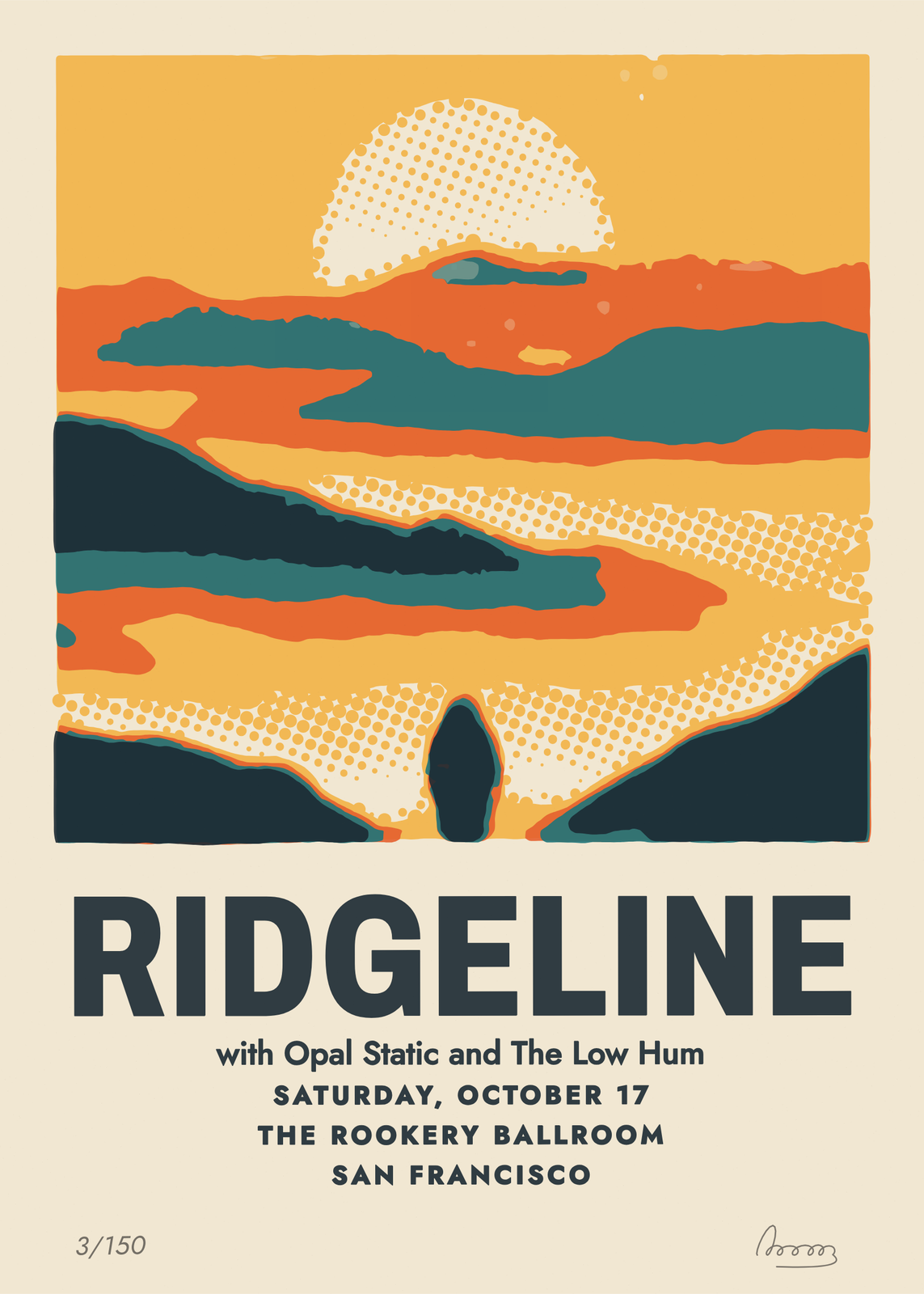
Gift ideas by occasion
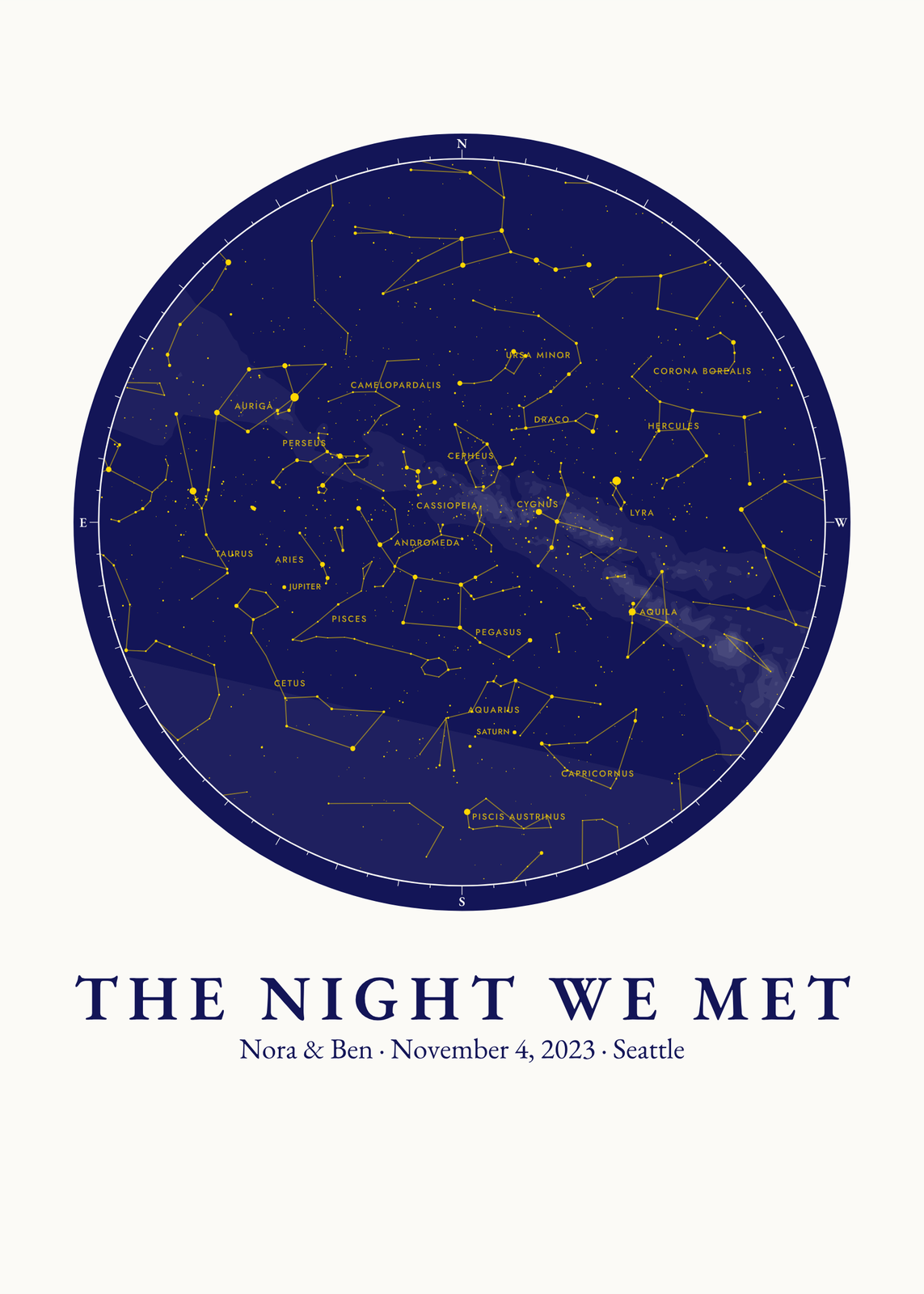
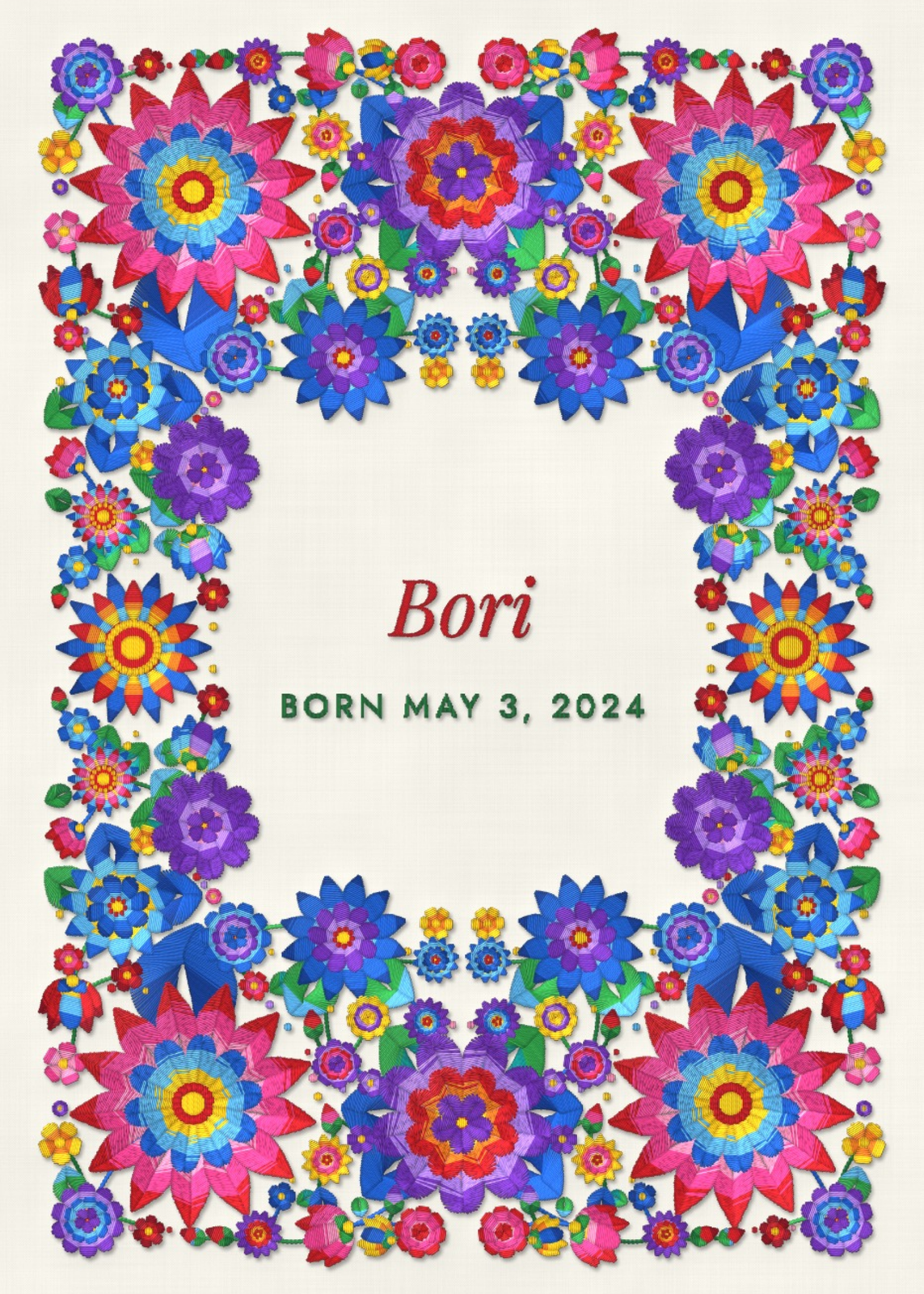
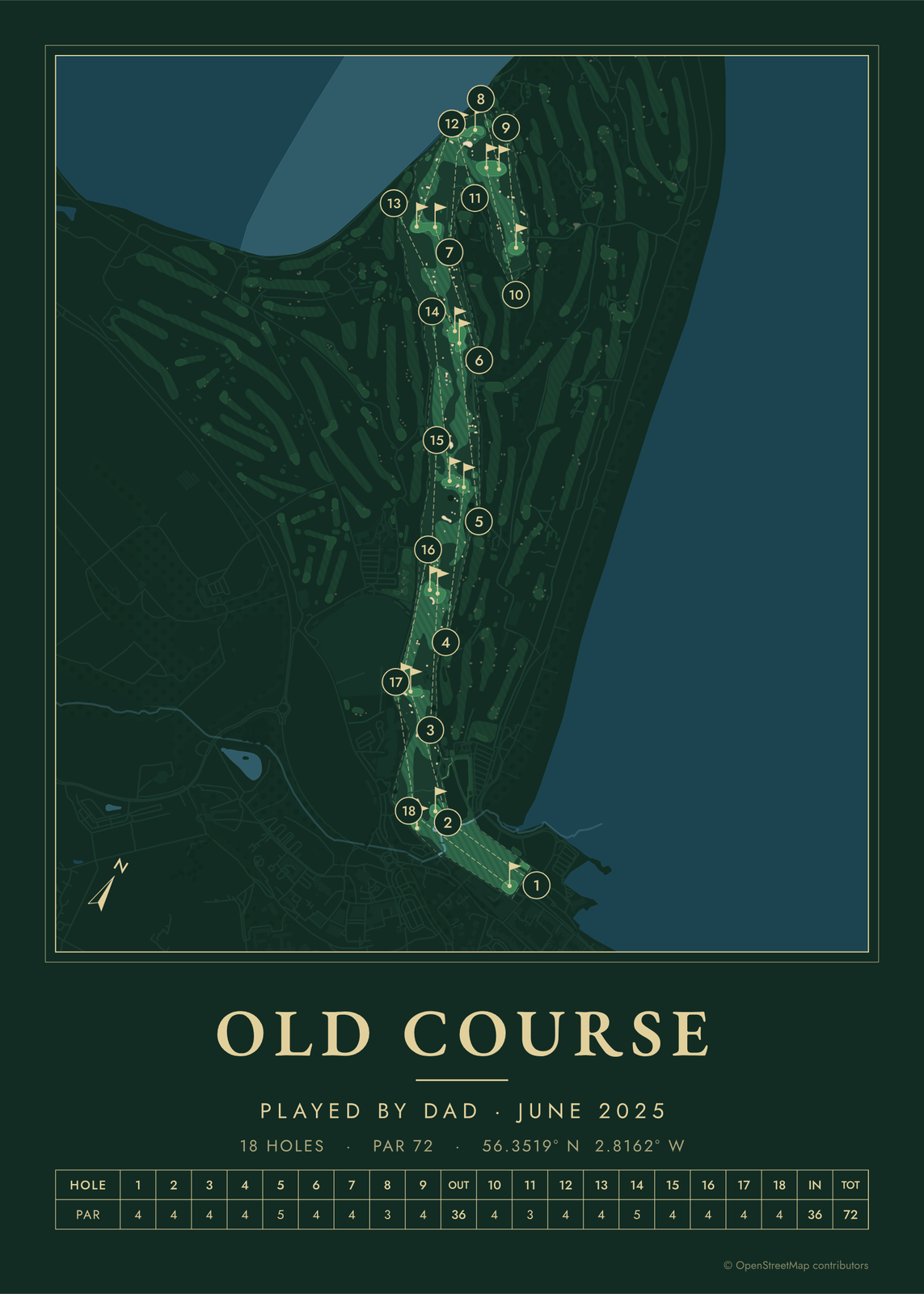
Every example is made with the Posterage generators. Change anything, then download it as a 300 DPI JPEG.