Risograph print your photo in two or three spot inks, dot by dot
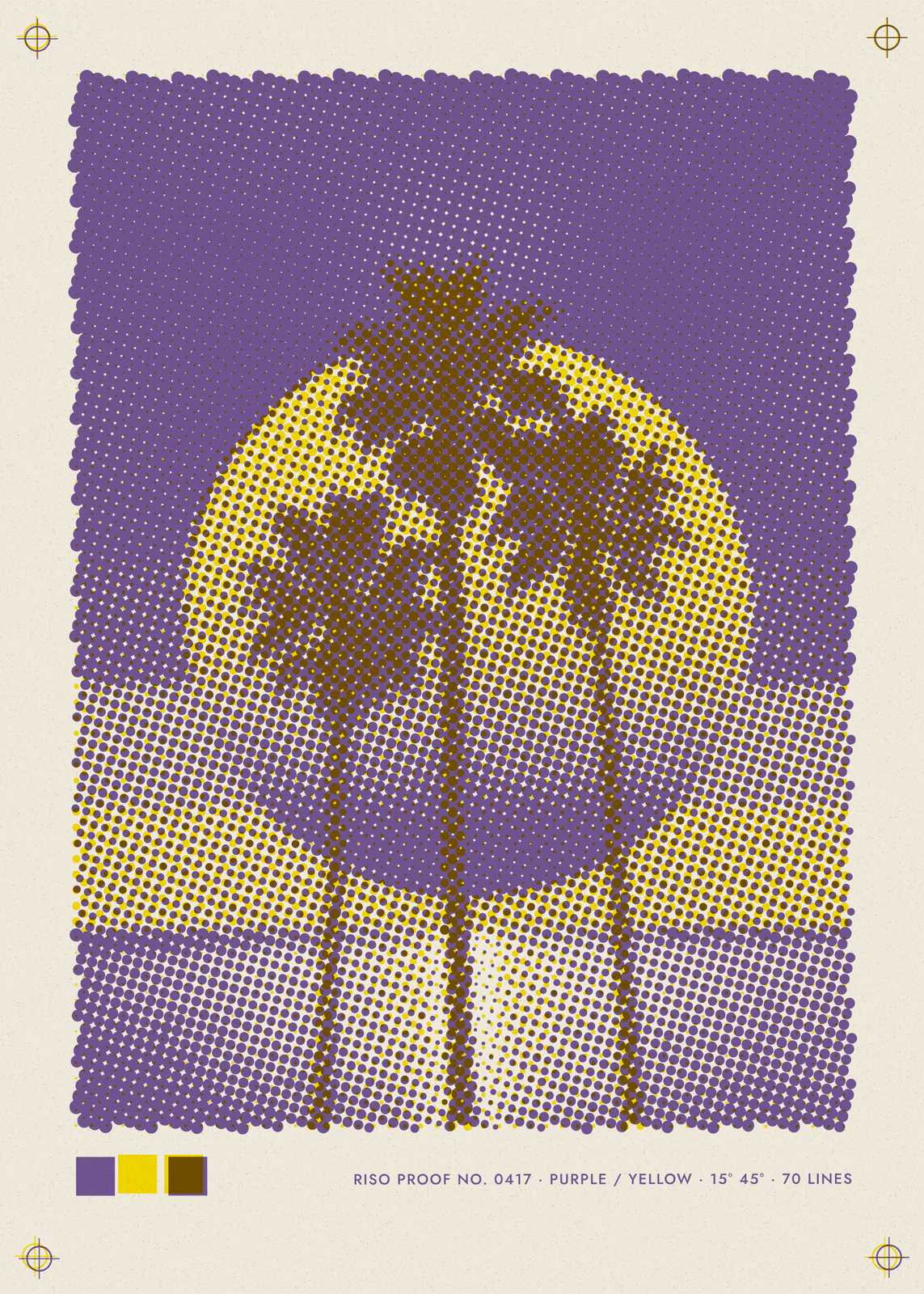
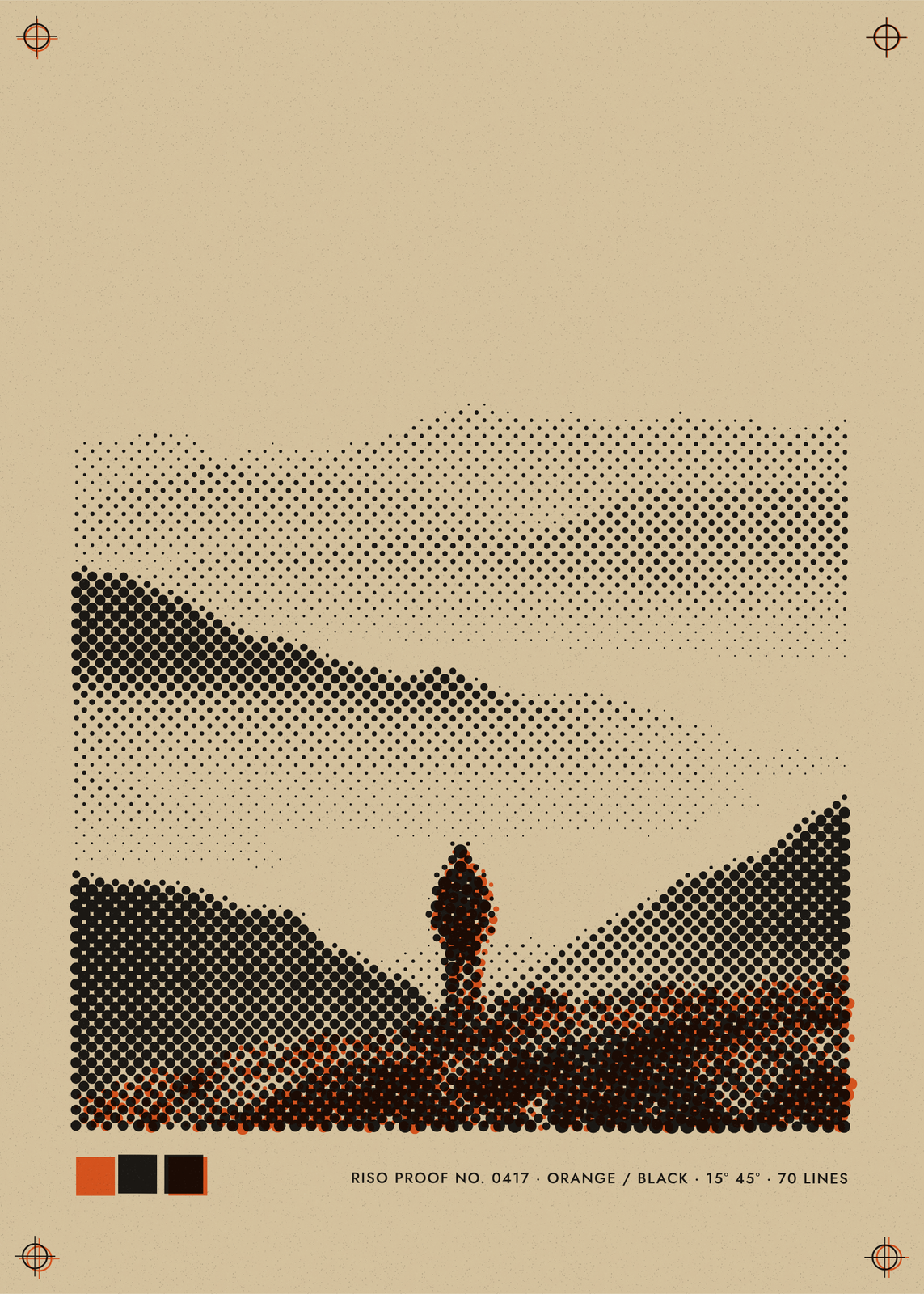
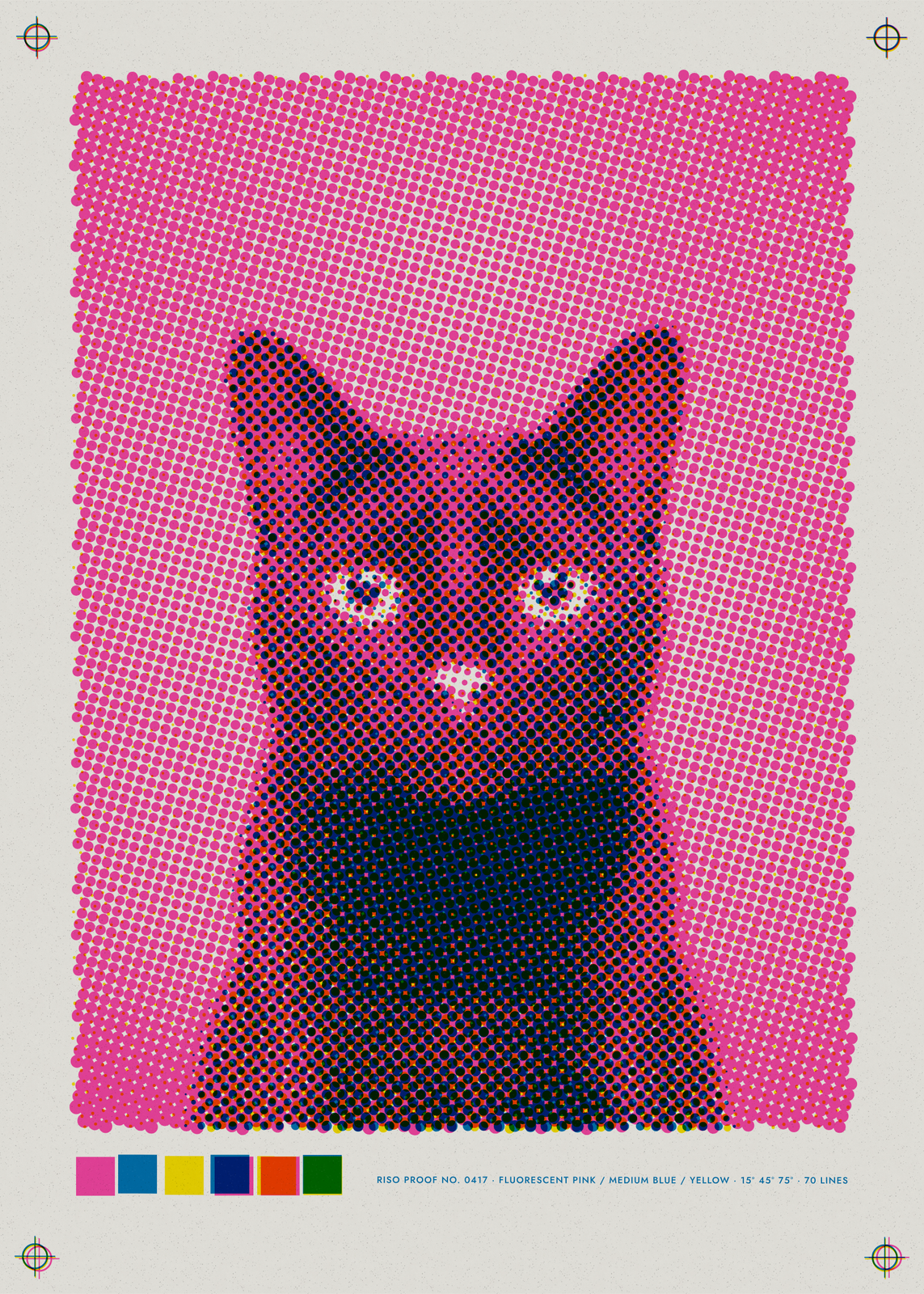
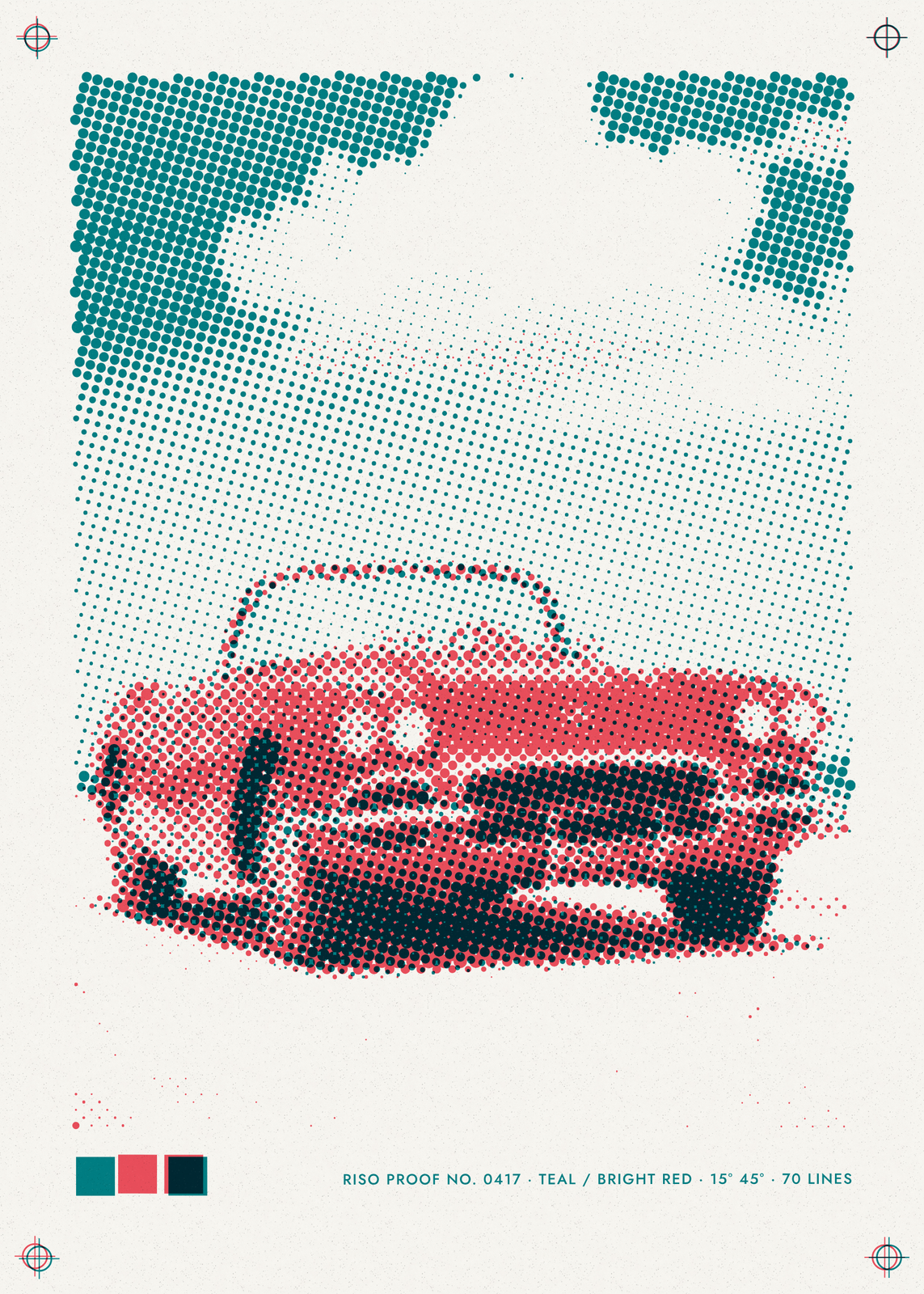
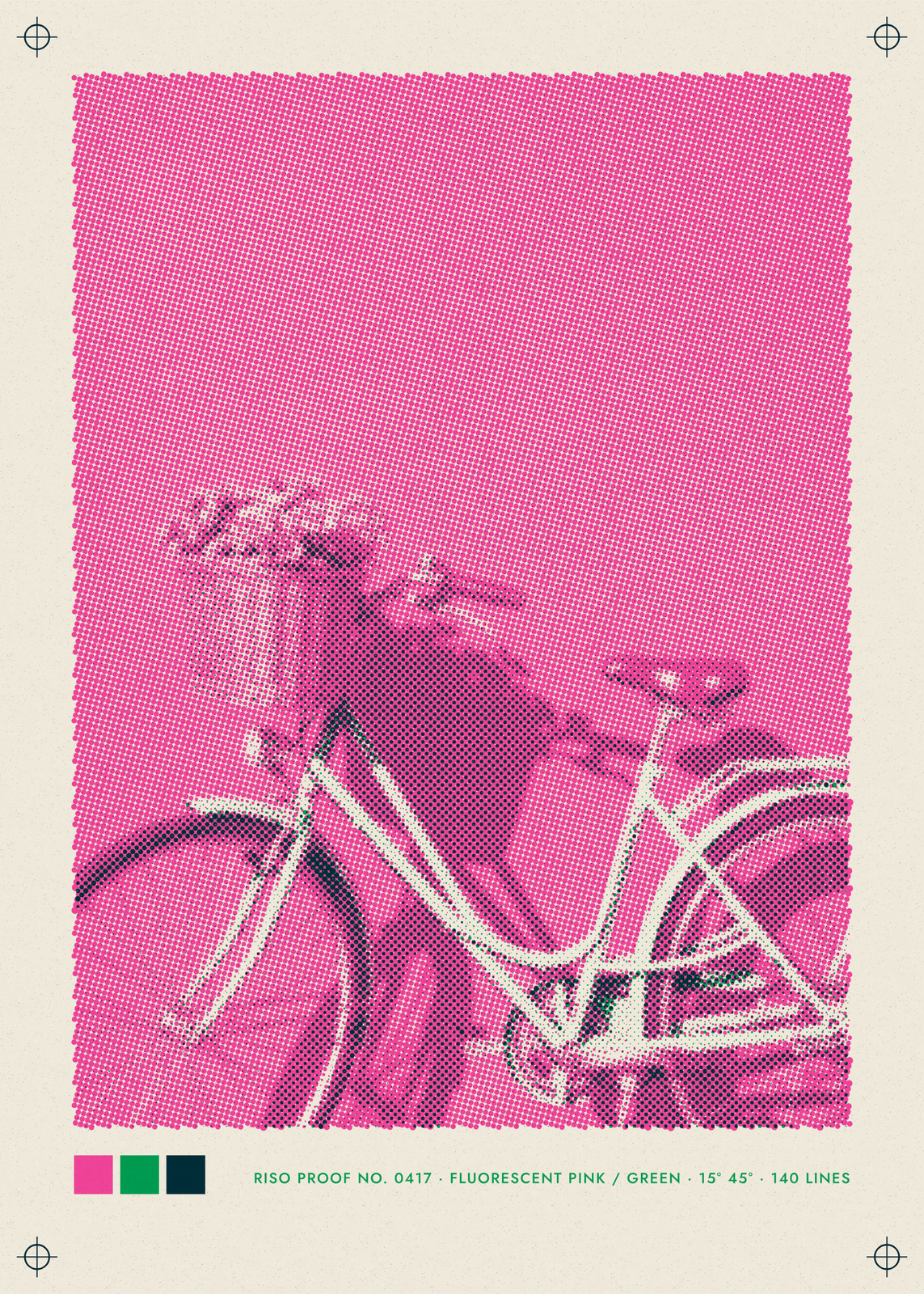
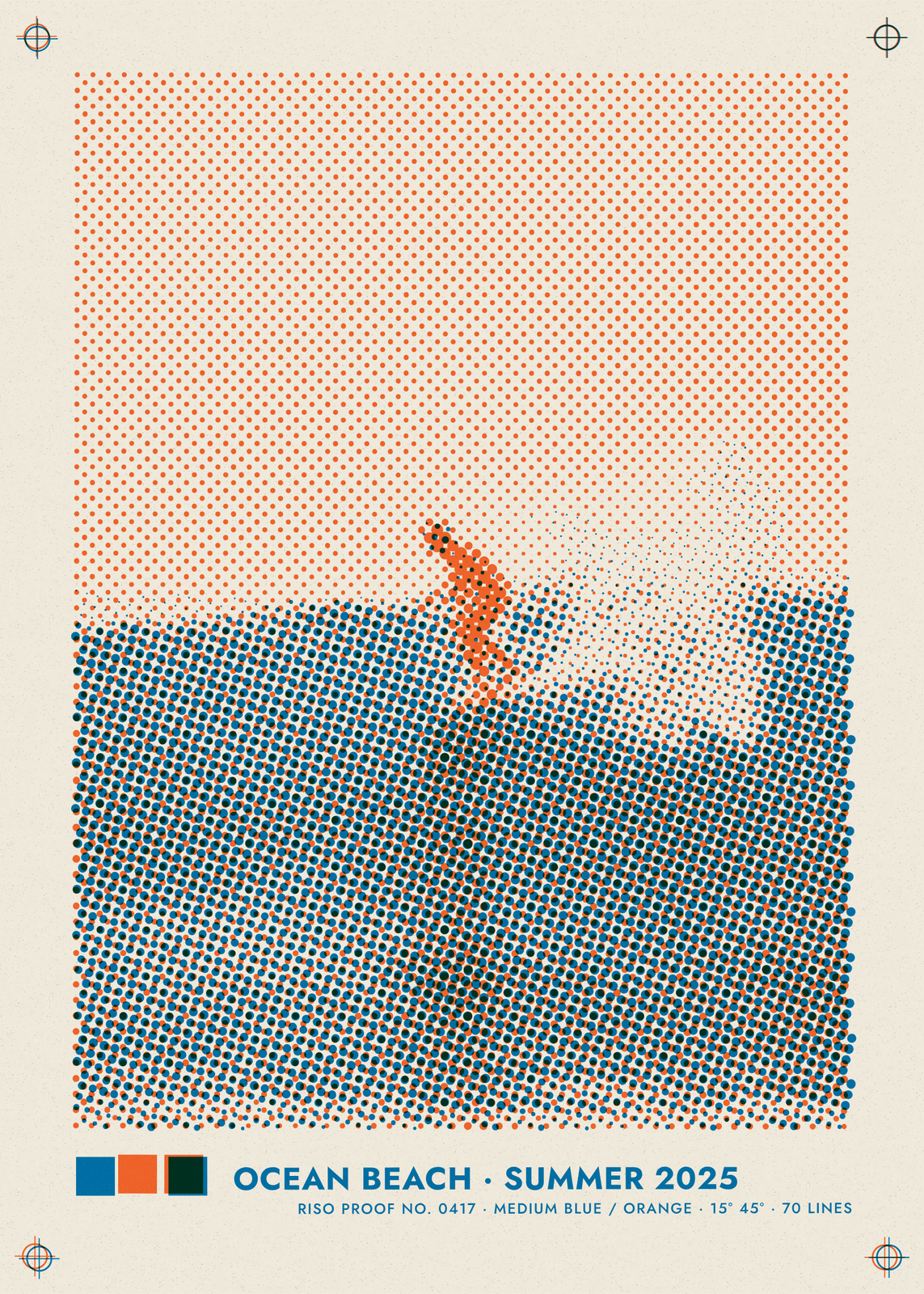
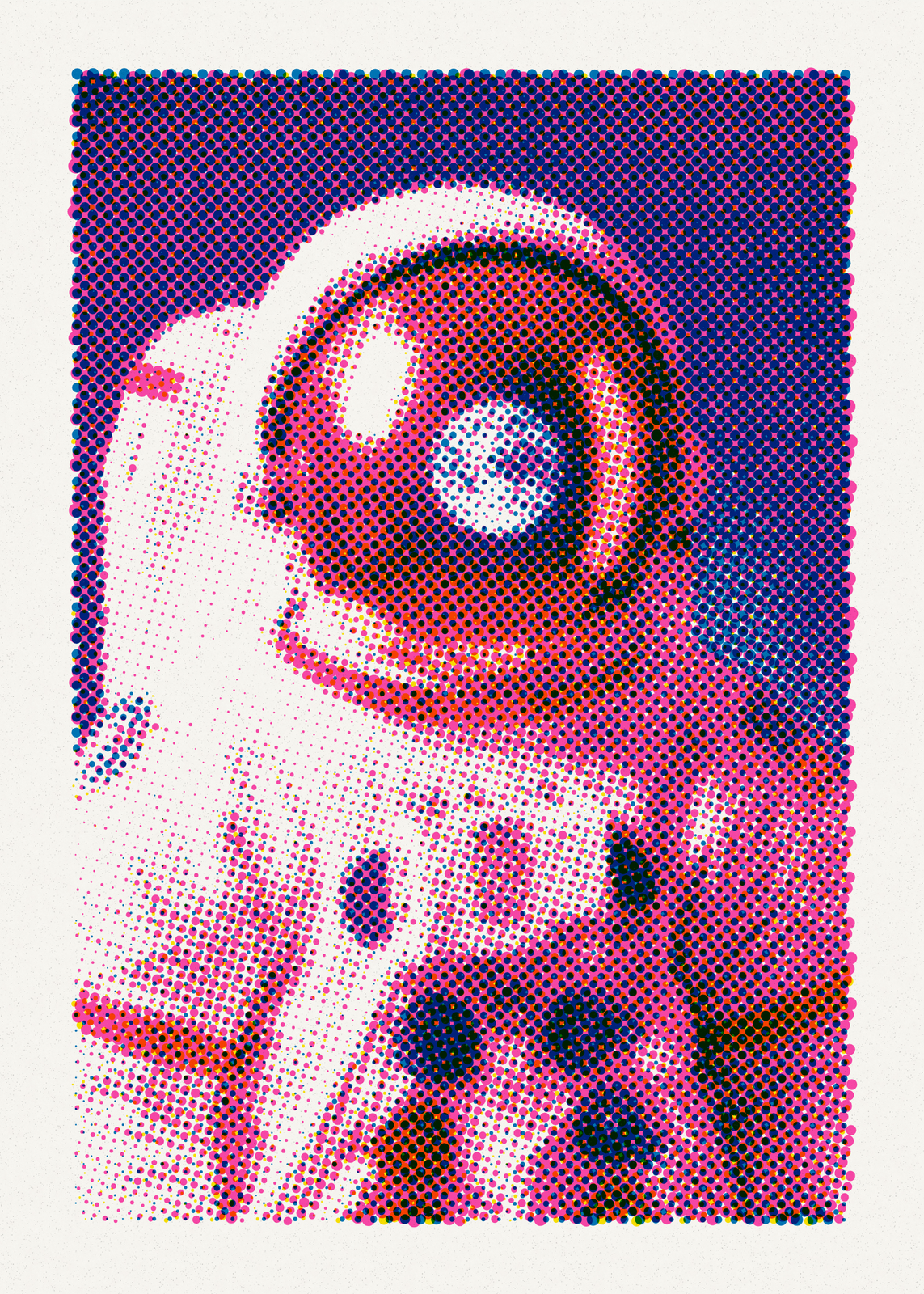
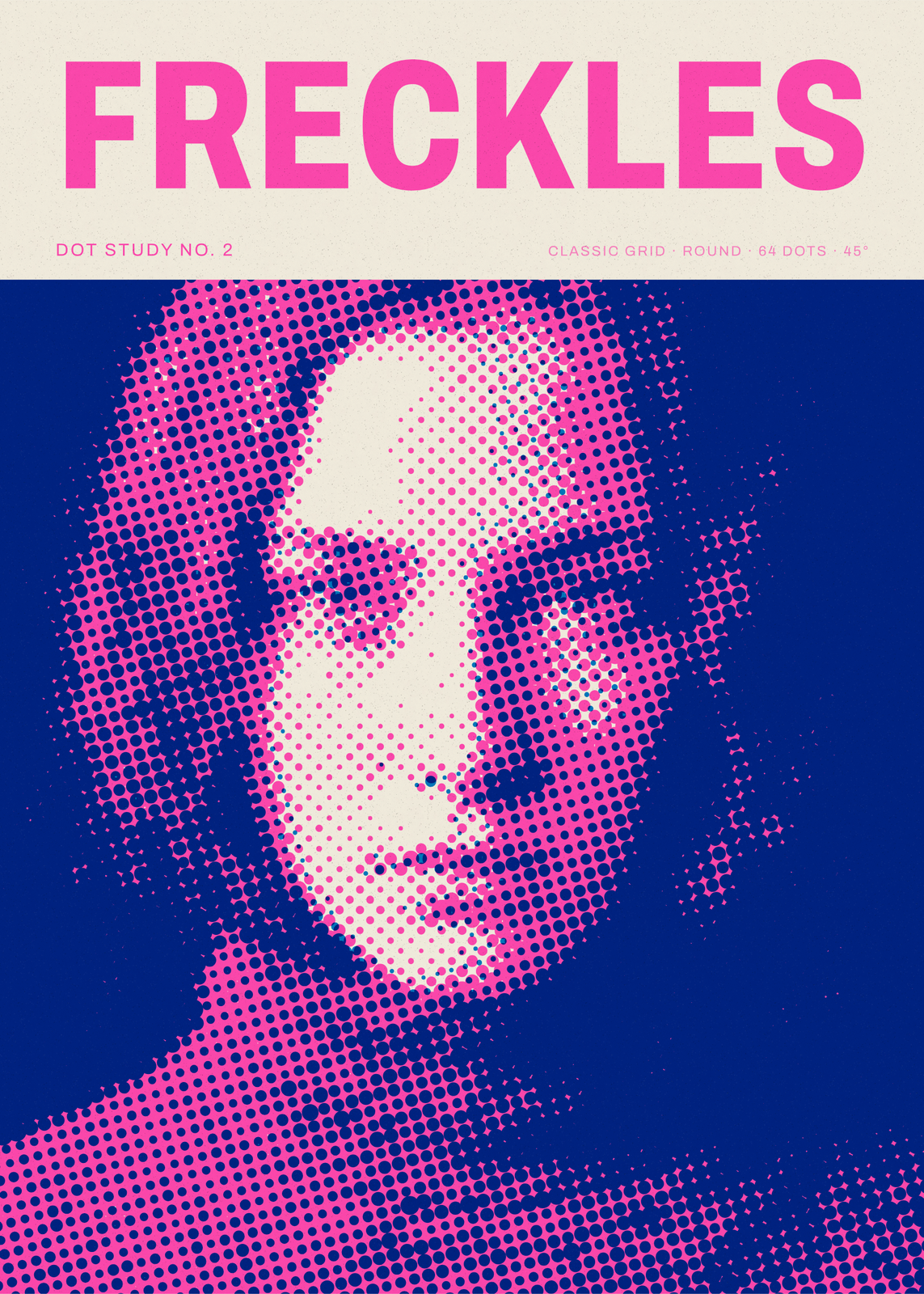
A risograph prints one flat ink per drum, so a picture comes out as screens of dots laid over each other, never quite in register. Upload a photo and it's split into up to three inks from nine riso-style colors, from fluorescent pink to teal and purple, each screened at its own angle and overprinted on warm white, bright white, kraft or pale gray paper. Registration marks, a color bar and a caption make it look like a proof pulled off the press.
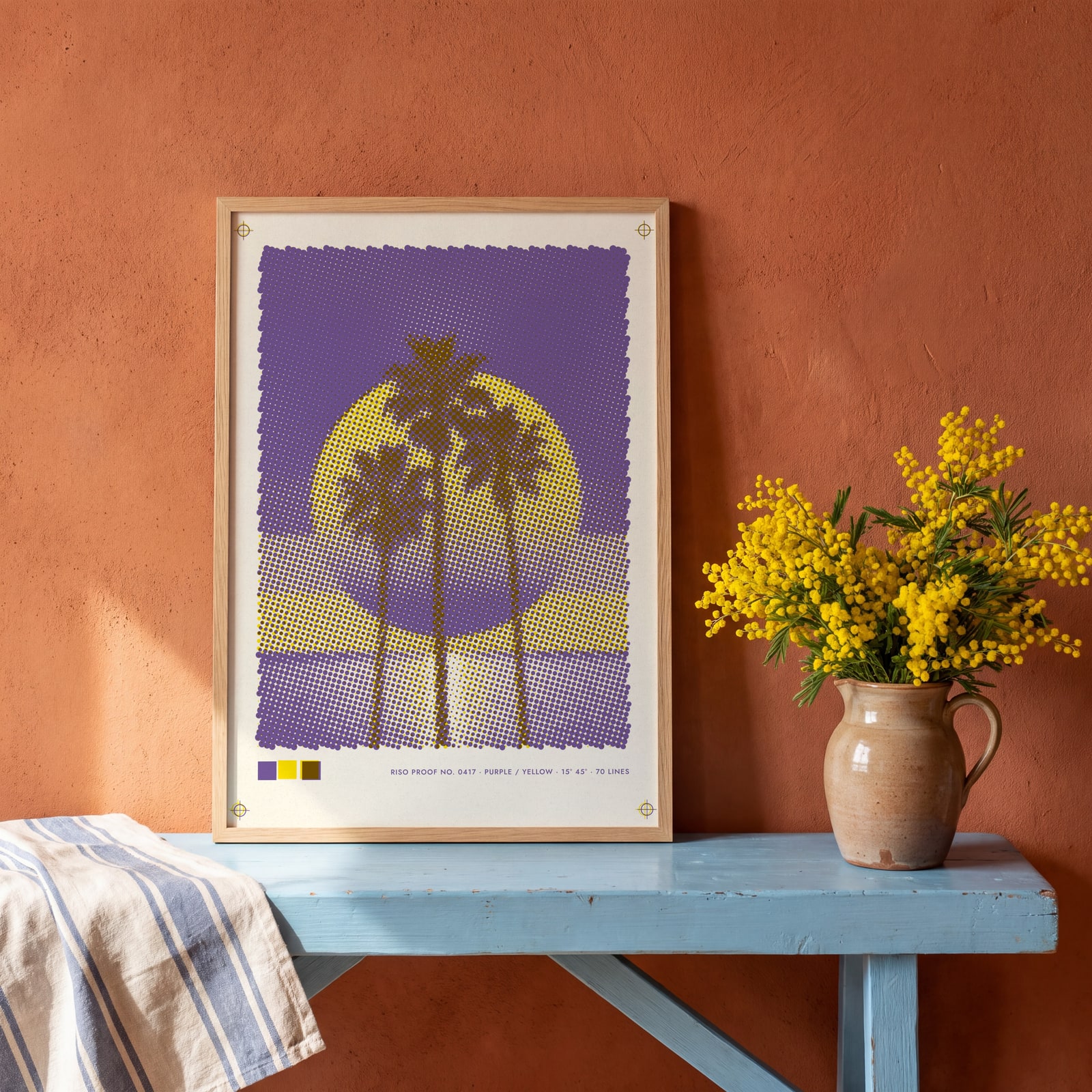
On the wall
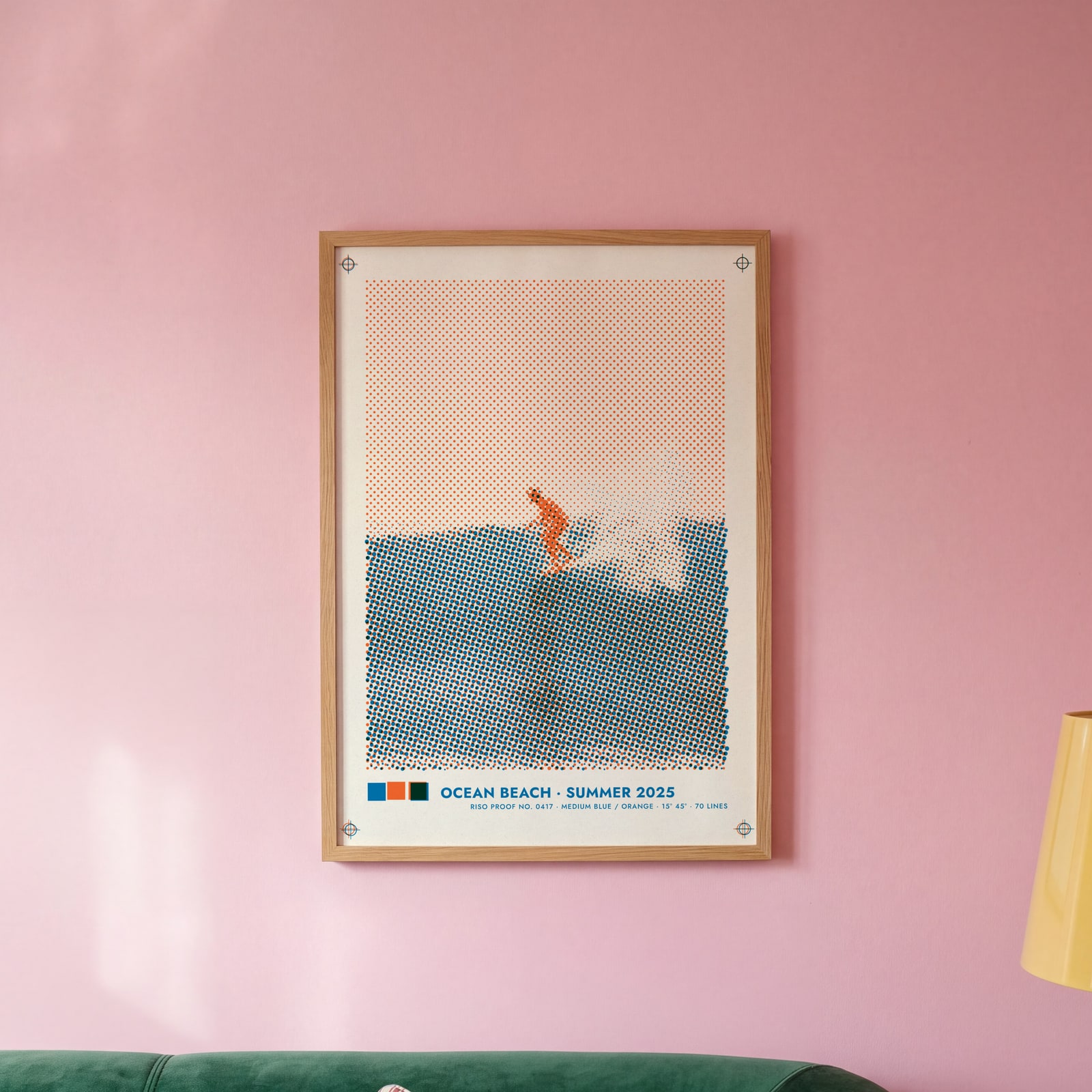
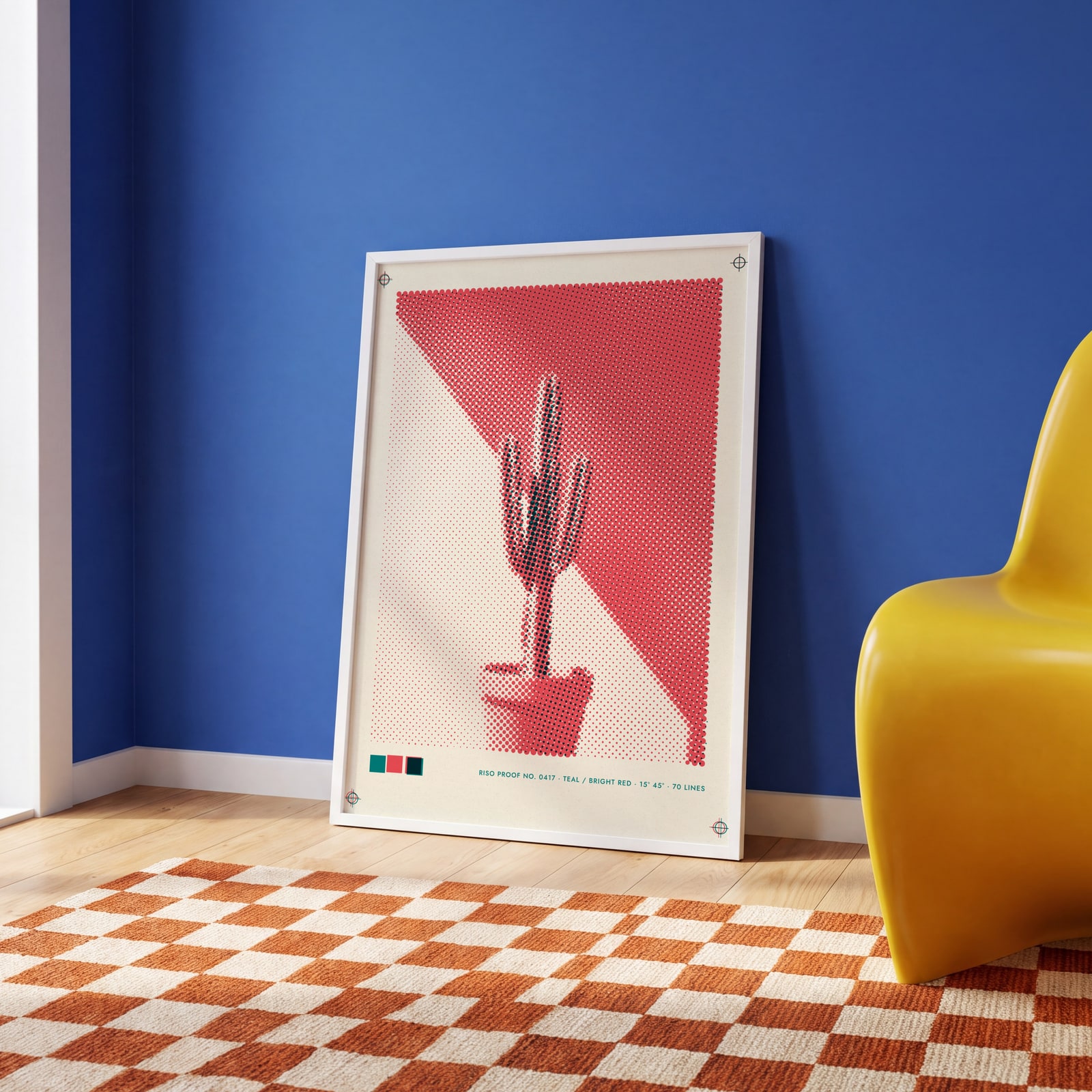
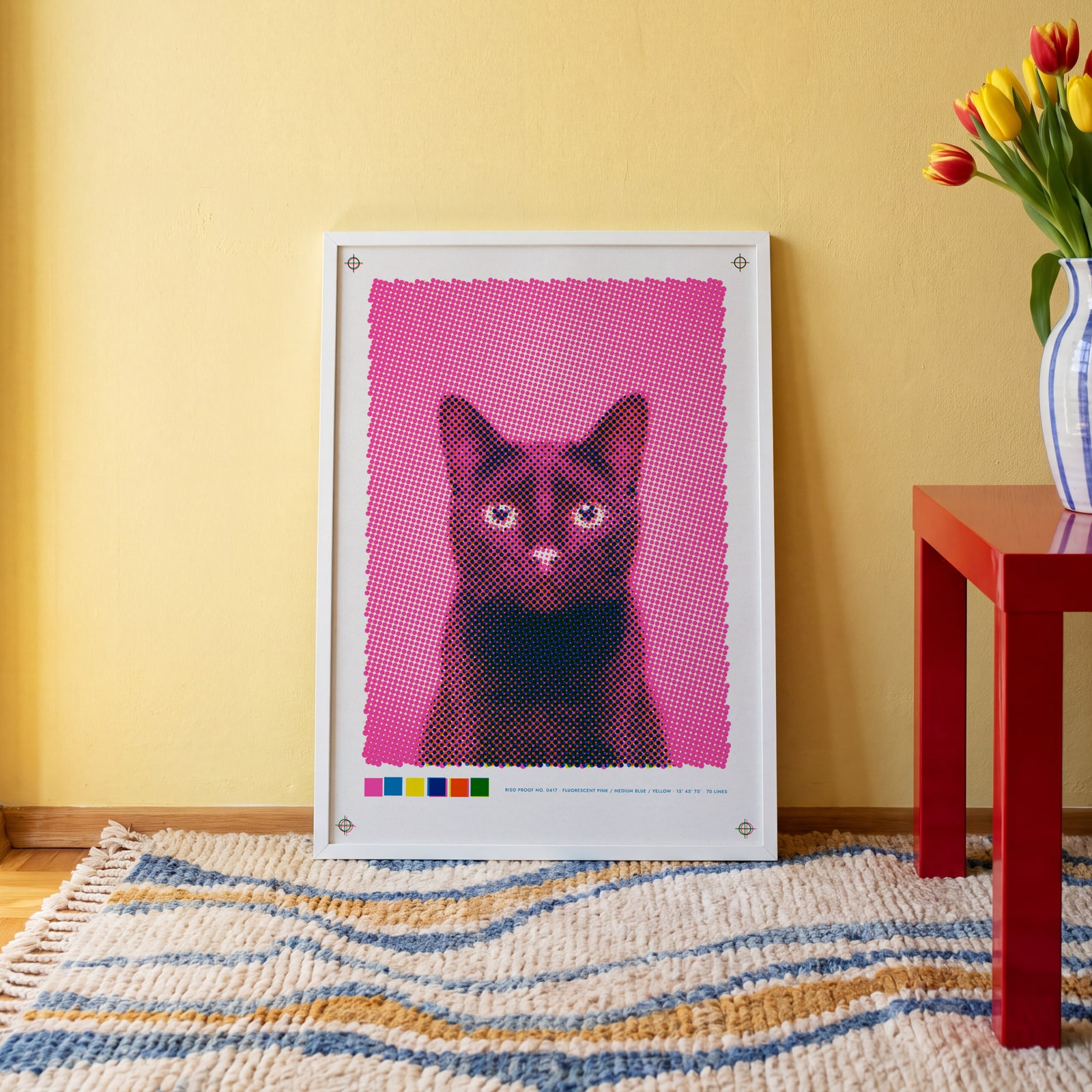
A few of them framed at home. Open any one to make it yours.
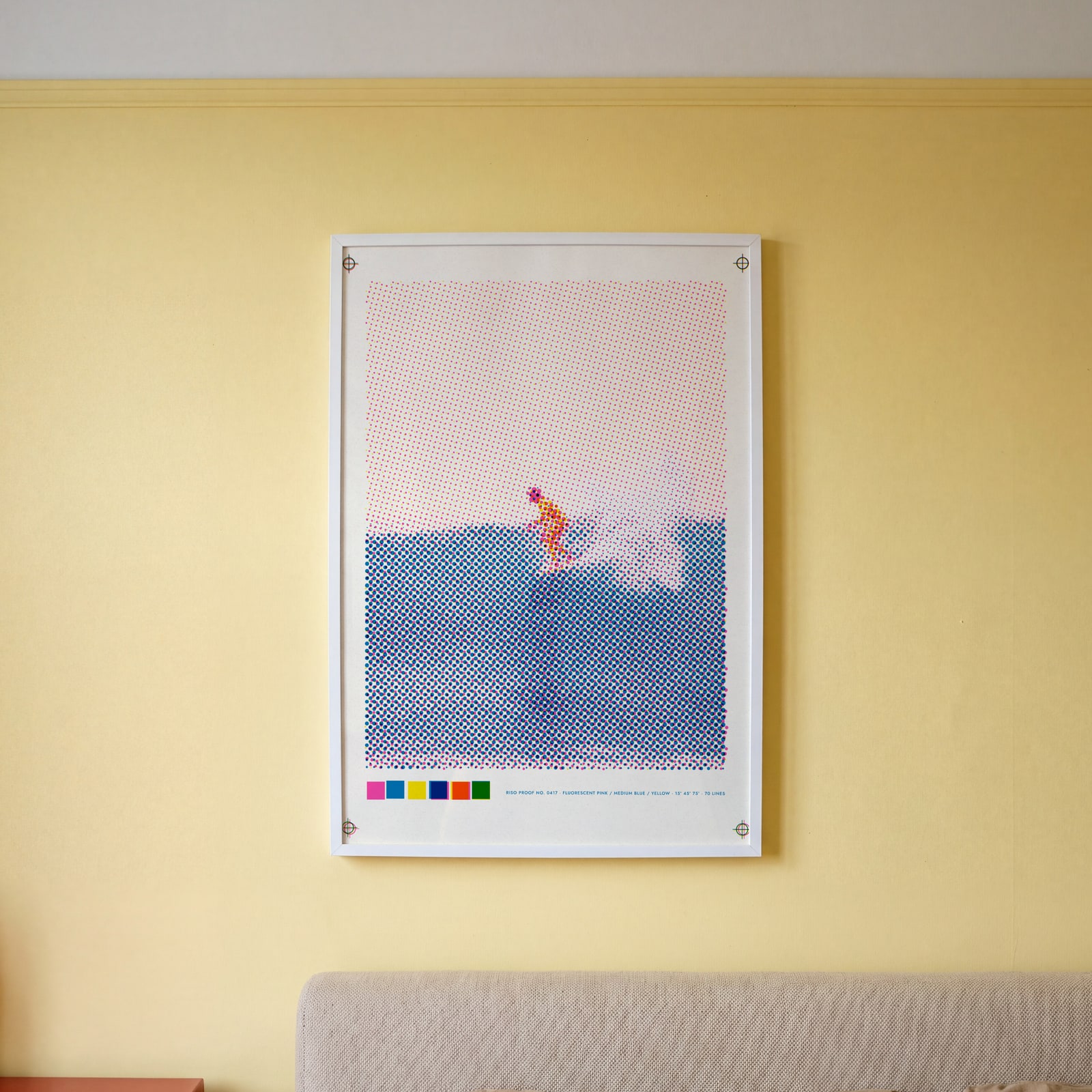
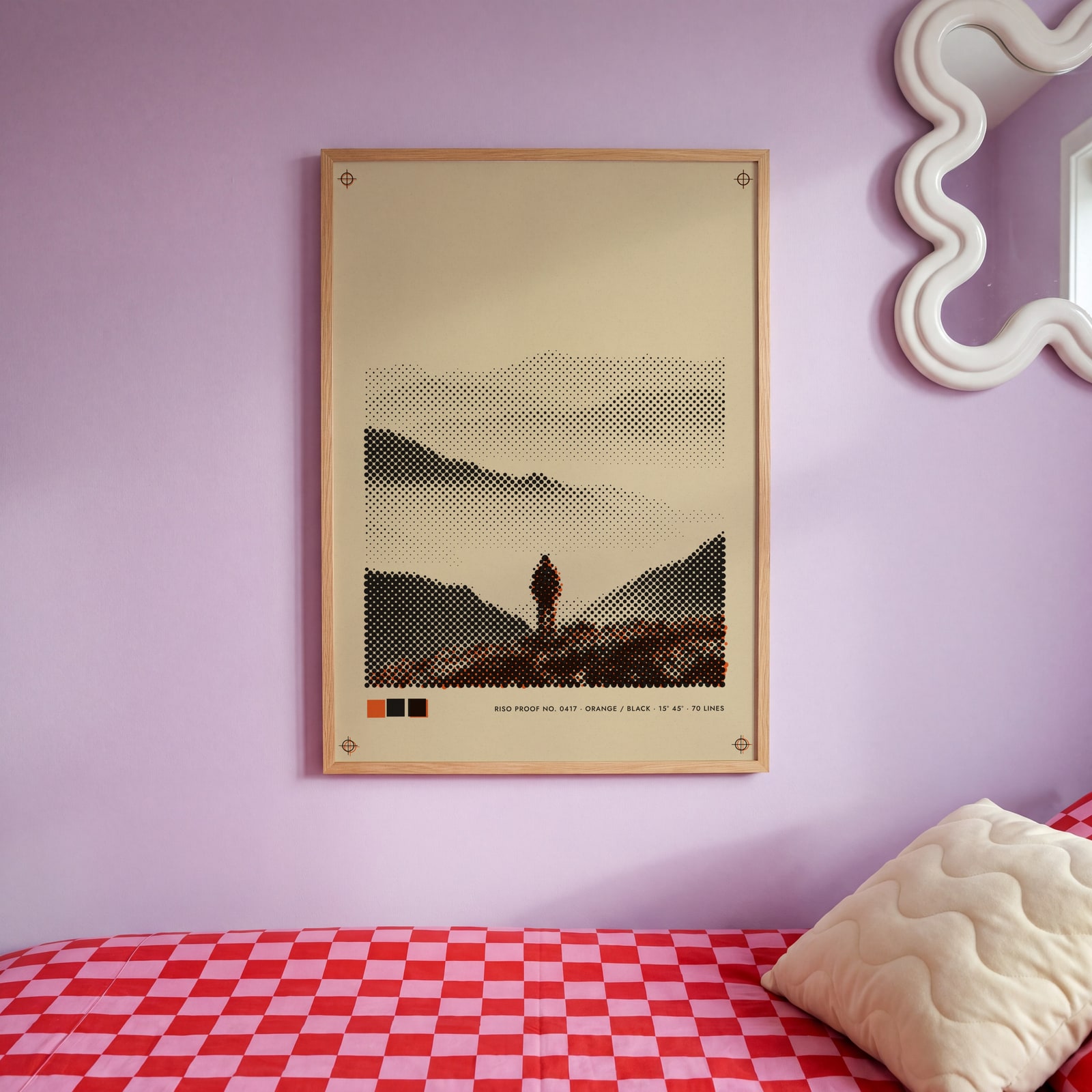
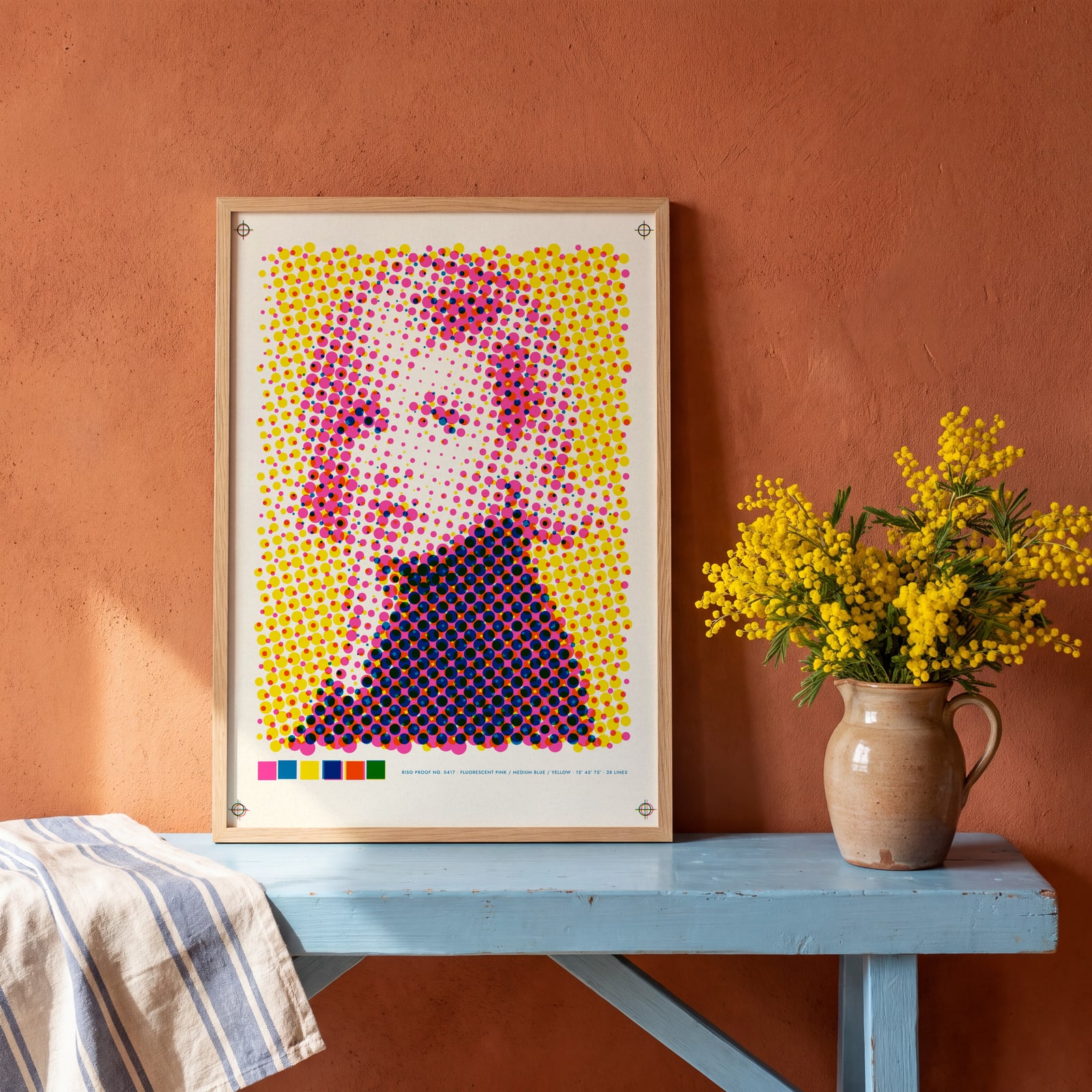
Examples
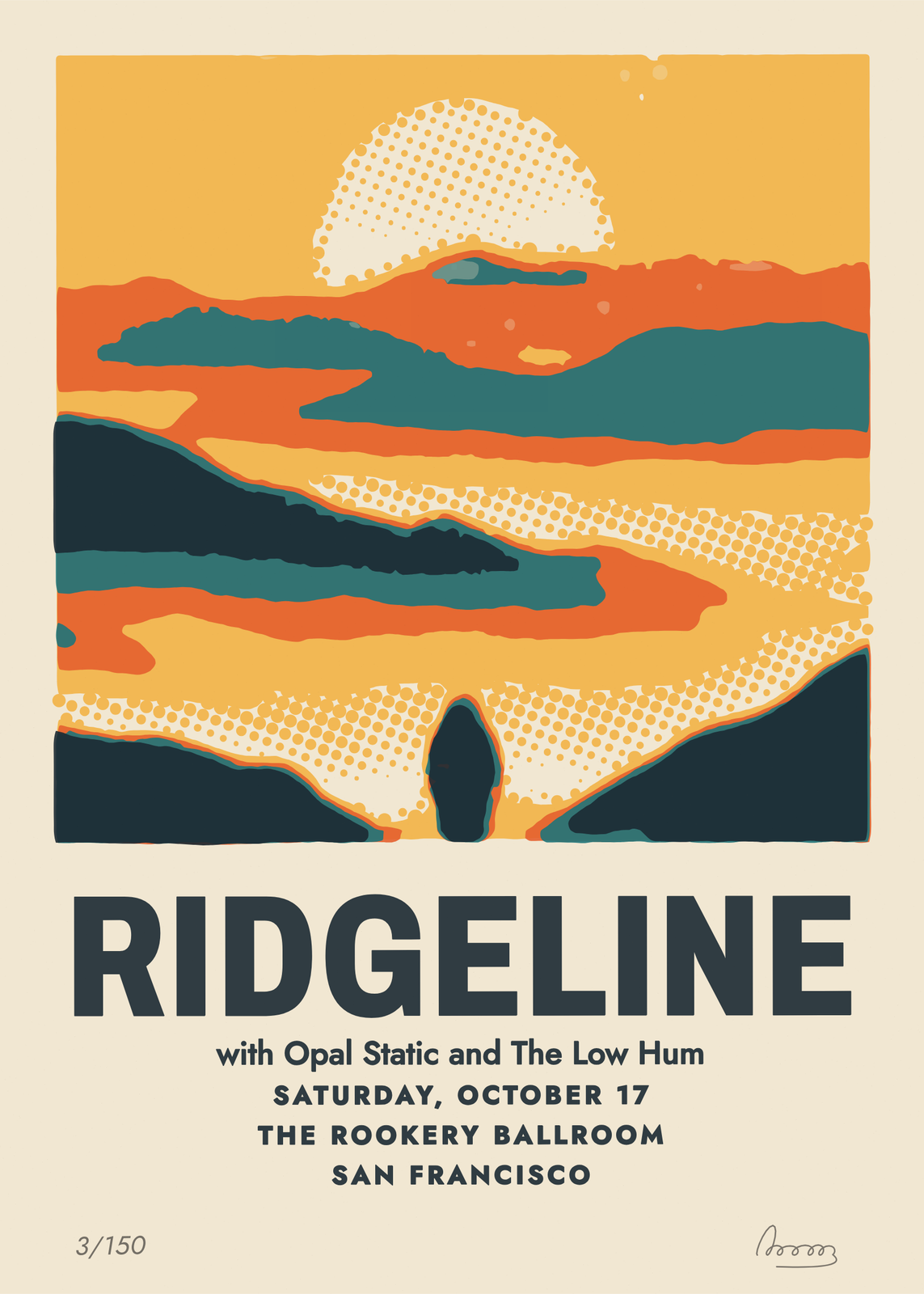
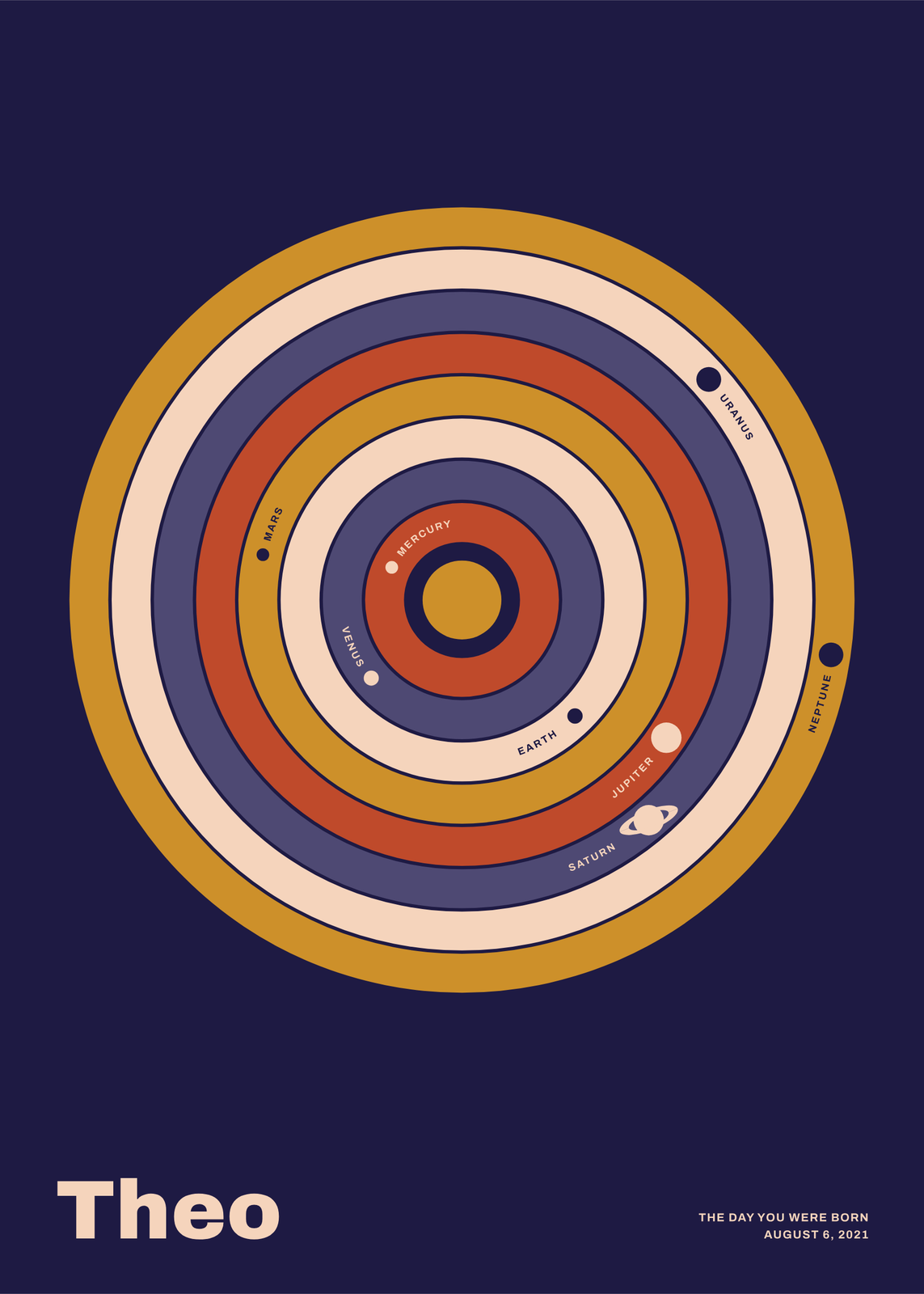
Open any of them to change the words, the place, the date and the style, then download the print file.
Ink sets
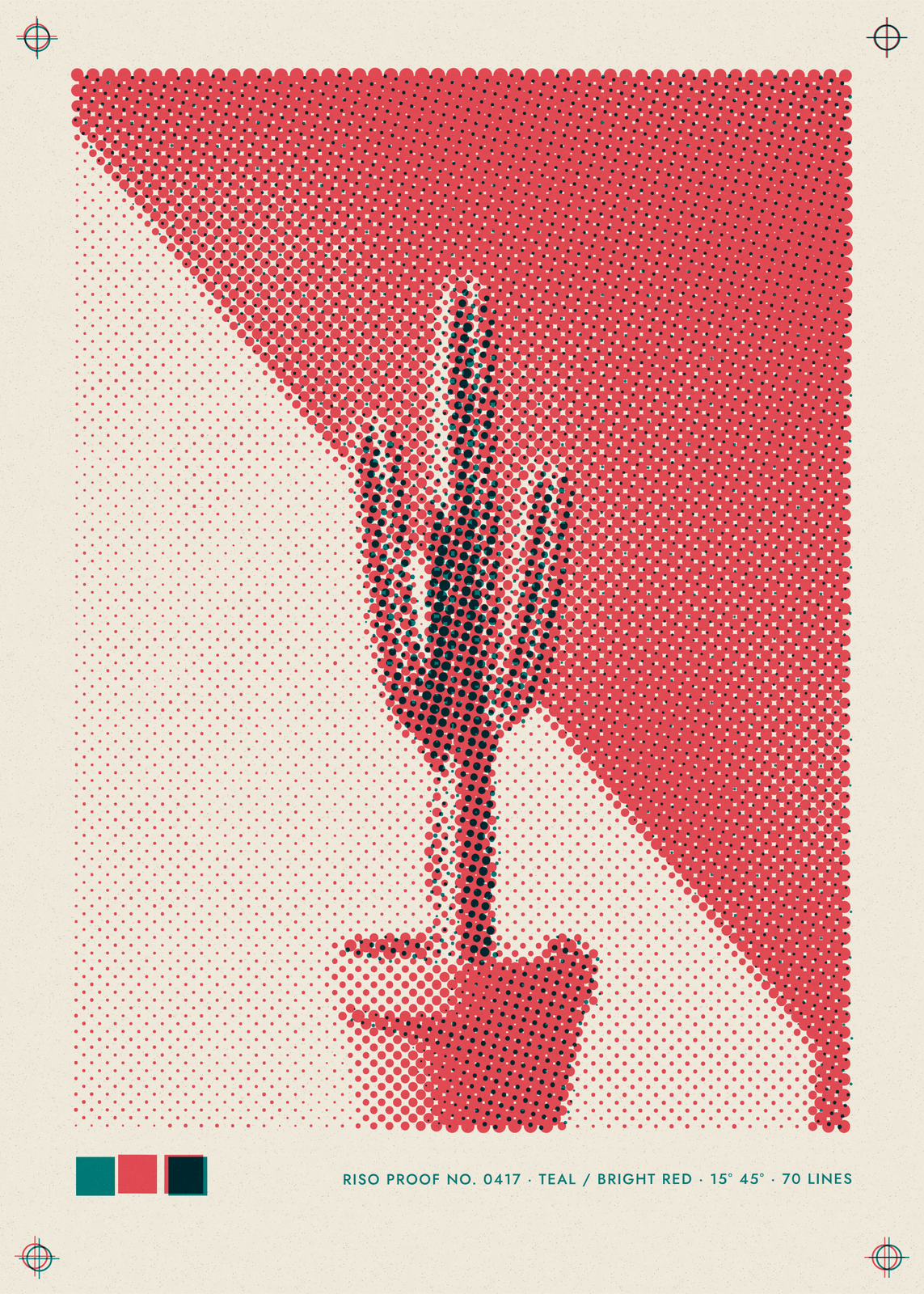
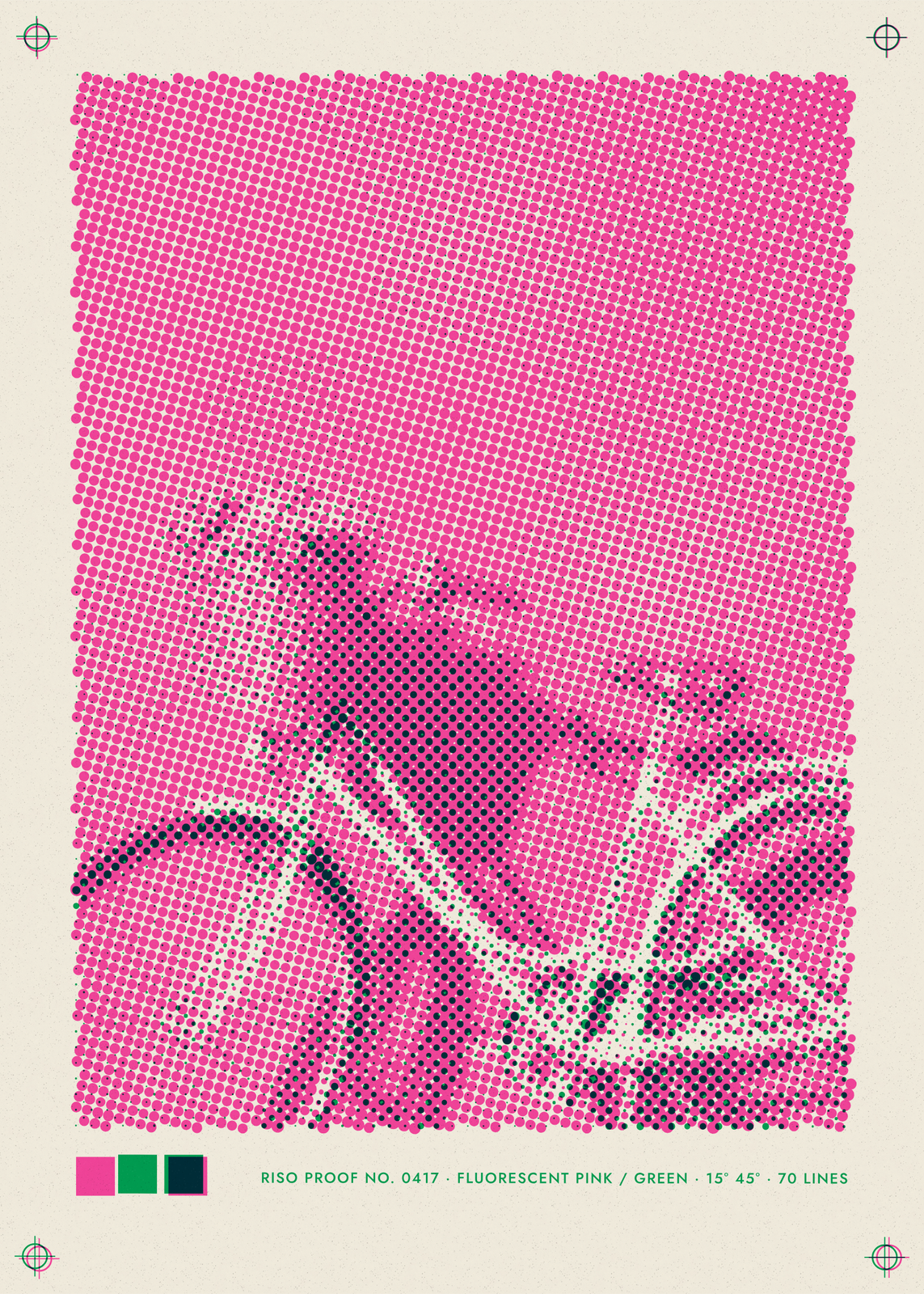
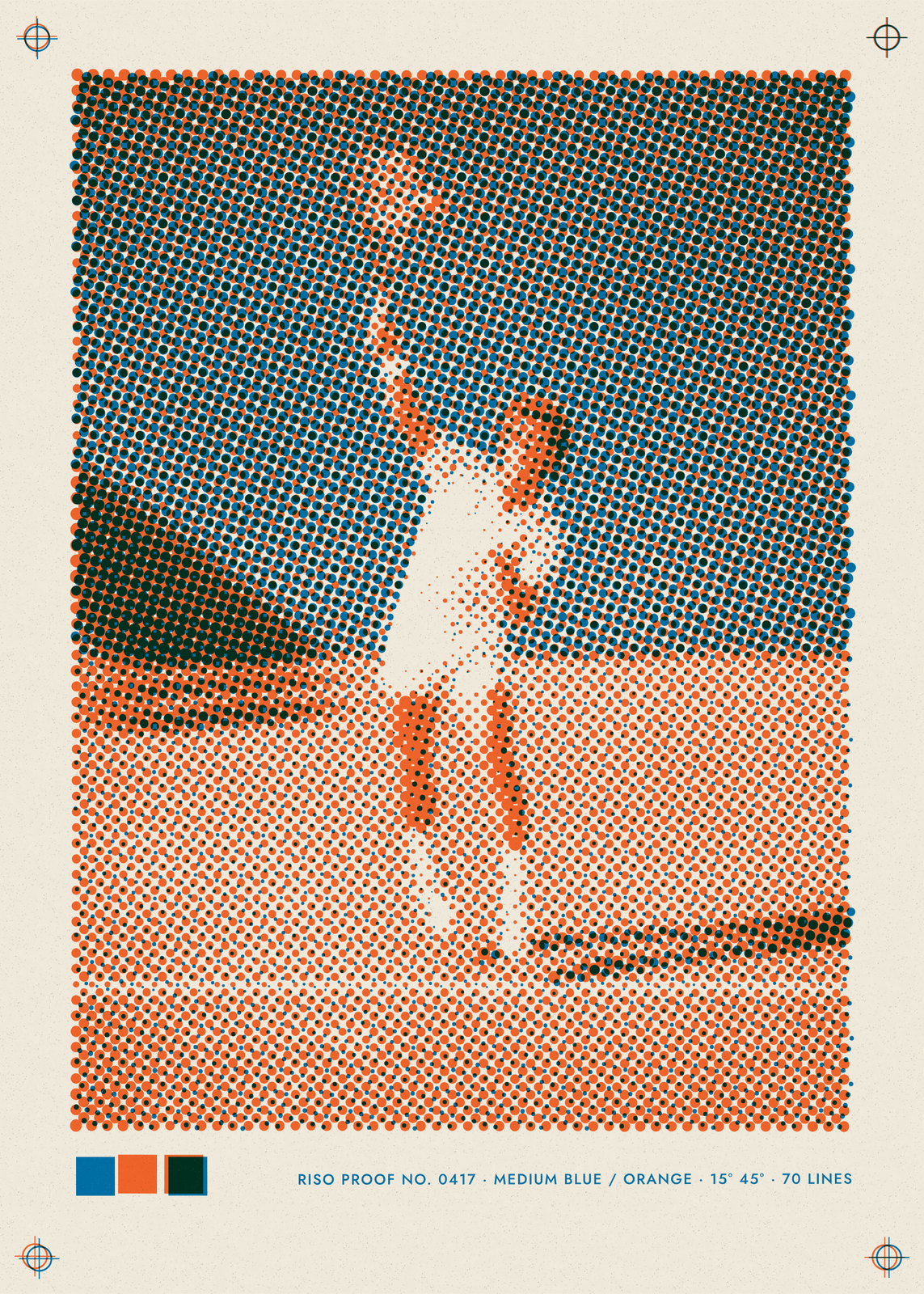
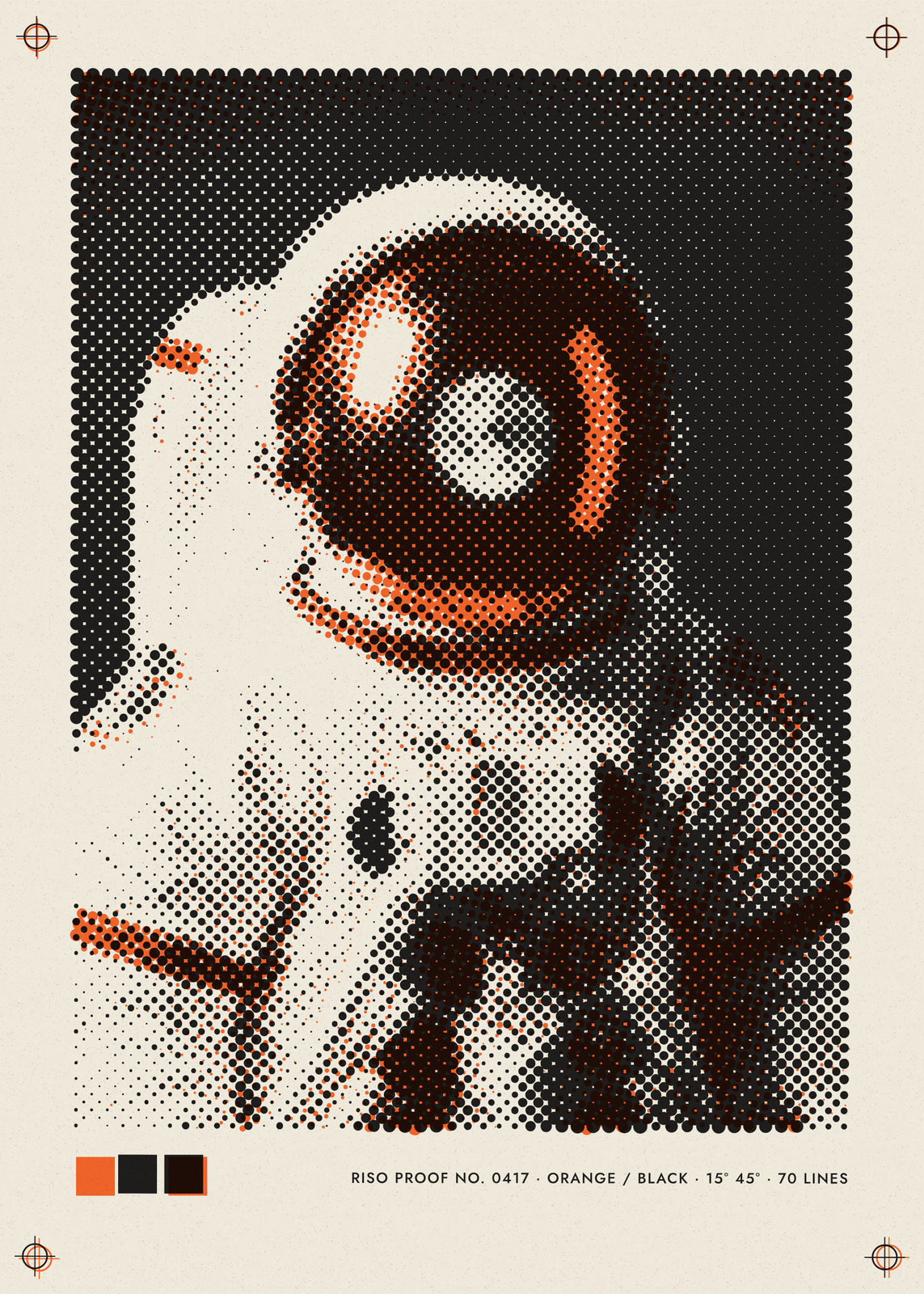
Paper
Dots and slips
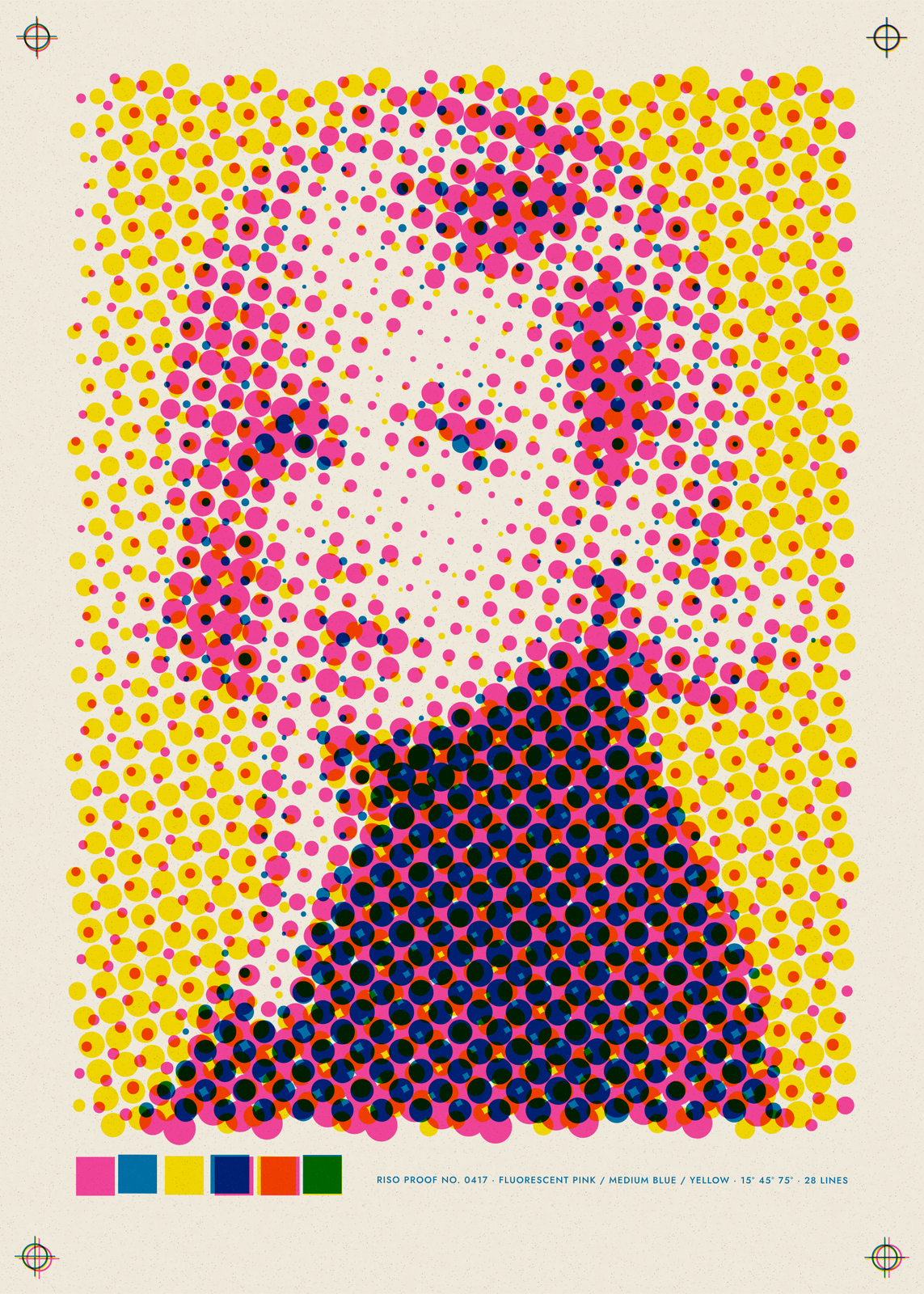
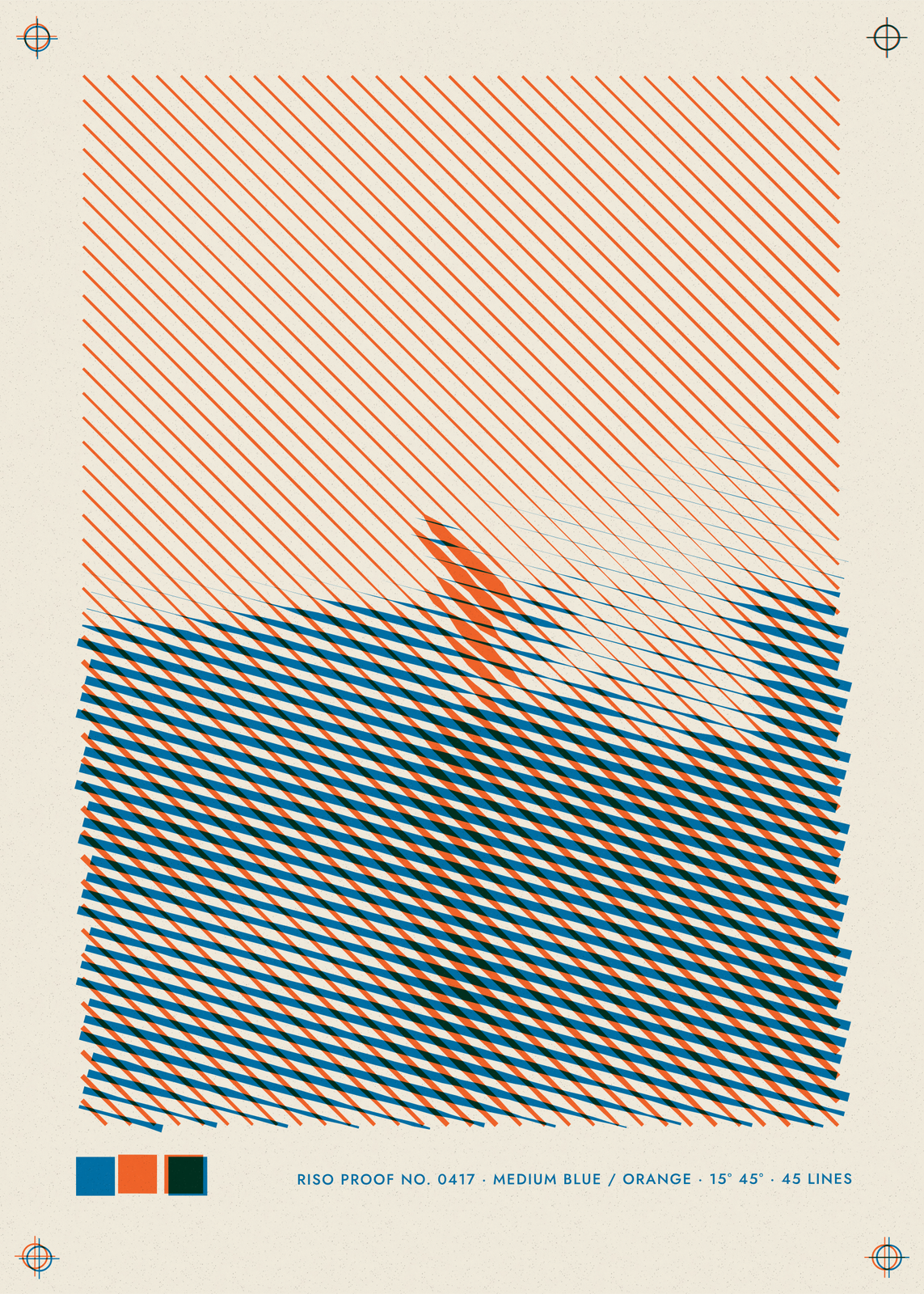
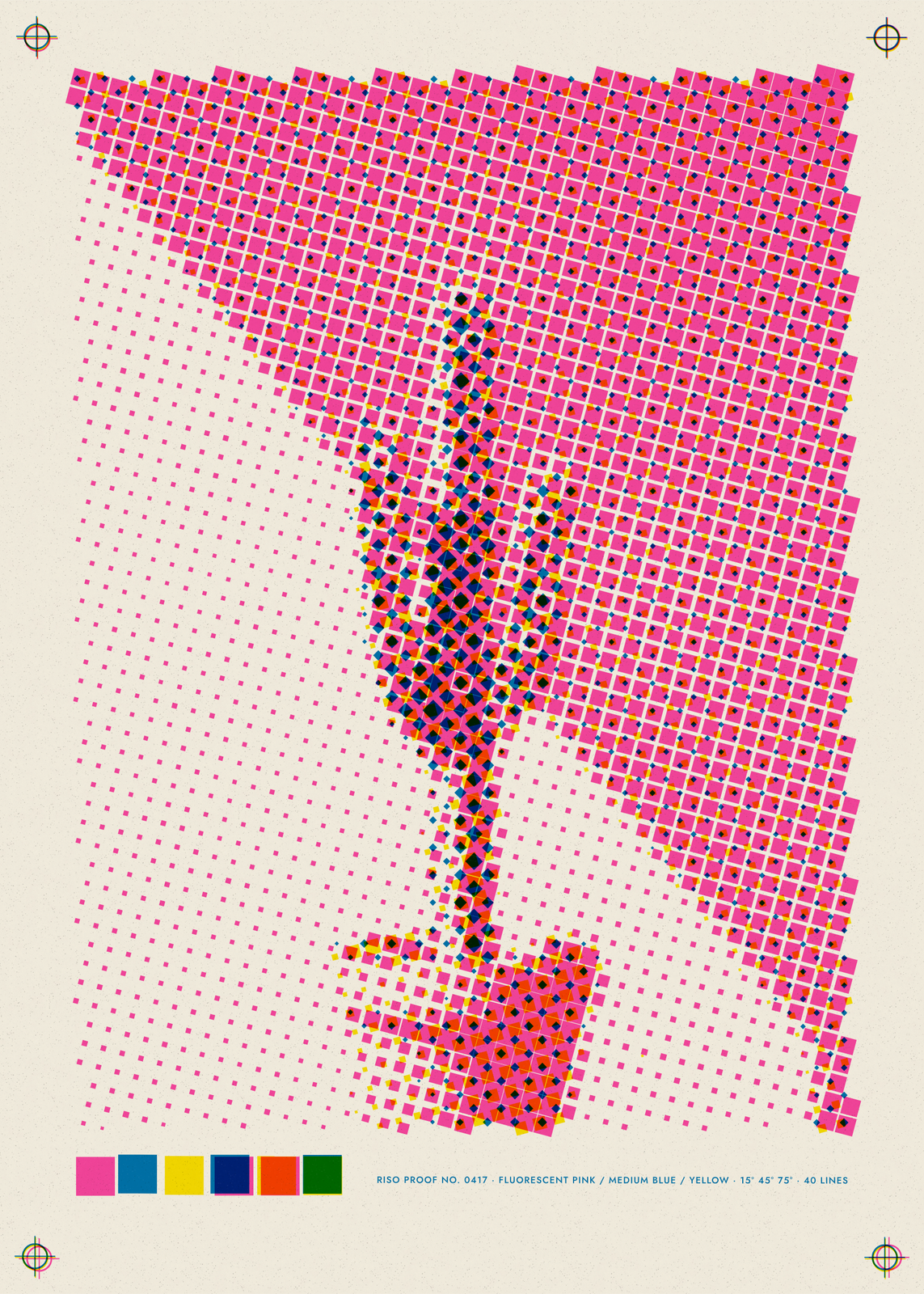
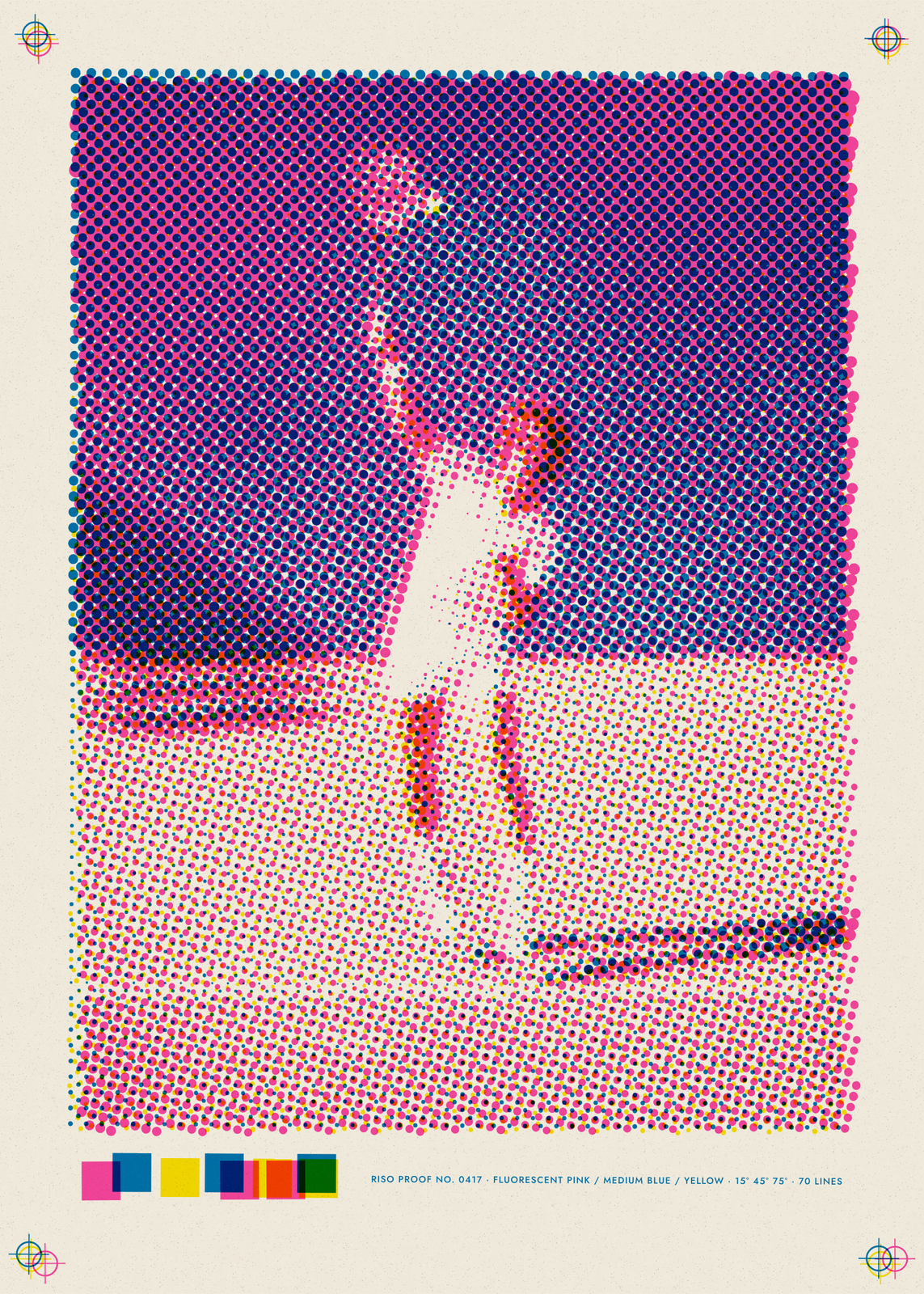
Nine inks, three drums
Colors fills the drums with a set: pink, blue and yellow; teal and red; black and orange; purple and yellow; green and pink; or blue and orange. Then change any drum, A, B or C, to fluorescent pink, medium blue, yellow, black, teal, orange, green, purple or bright red, or leave B and C empty. Where two inks cross they darken into a third color, as overprinted ink does.
Dots, slips and a tired drum
Dot shape prints round dots, square ones or lines. Dots across runs from 20, big enough to see from the door, to 160, fine and even. Off-register slips the drums up to 4 mm apart, and Ink wear gives the ink blotchy patches and a starved edge, as on a drum running low. Under Fine-tune, turn each drum's screen angle or thin its ink.
Caption and print marks
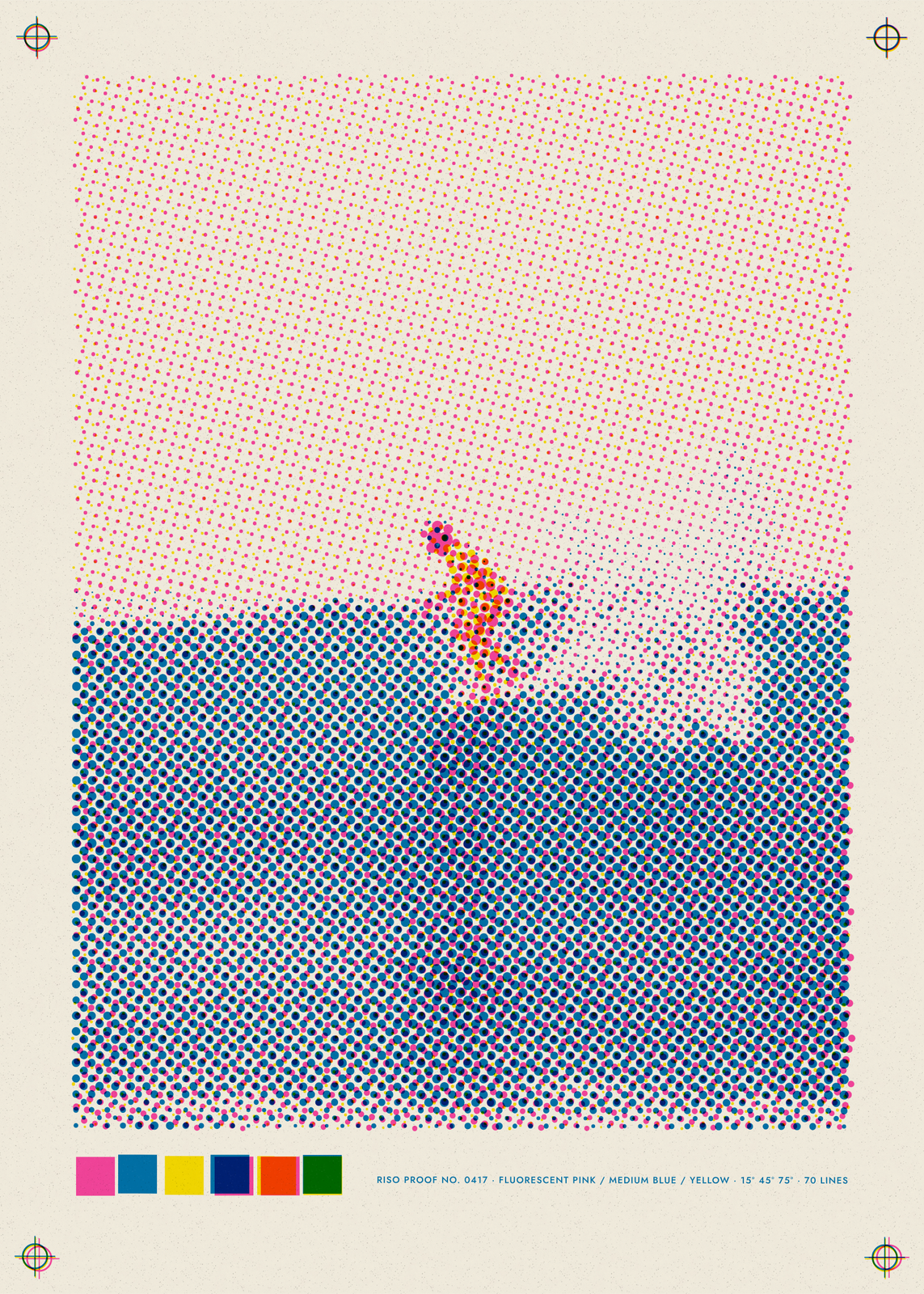
Print marks puts a registration target in each corner, a solid patch for every drum, an overprint patch for every pair, and a line of small print with the edition number, the inks, the angles and the lines. They slip with the drums, as on a real proof. Add a caption in the darkest ink, or turn the marks off for just the picture.
Questions
Is it printed on a risograph?
No. It's drawn to look like one, dot by dot, and you download a 300 DPI JPEG to print at home or at any print shop.
Which photos work best?
A clear shape against a plain background: a figure on a beach, a cactus against a wall, a pet looking at you. Fine dots keep more of the photo; coarse dots turn it into a pattern you read from across the room.
Can I print in one ink?
Yes. Set drums B and C to Empty and the photo prints in drum A's ink alone.
How is it different from the halftone generator?
Riso Lab copies a press: two or three spot inks overprinted off register, with drum wear and print marks. The halftone generator lets you design the screen itself, from spirals to star dots, and sets a headline over it.
What sizes can I print?
US Letter, 8 × 10, 11 × 14, 12 × 16 and 12 × 18 in, A4 and A3, free. You download a 300 DPI JPEG drawn at the size you pick. Larger prints, up to 24 × 36 in, are coming soon.
Related
Gift ideas by occasion
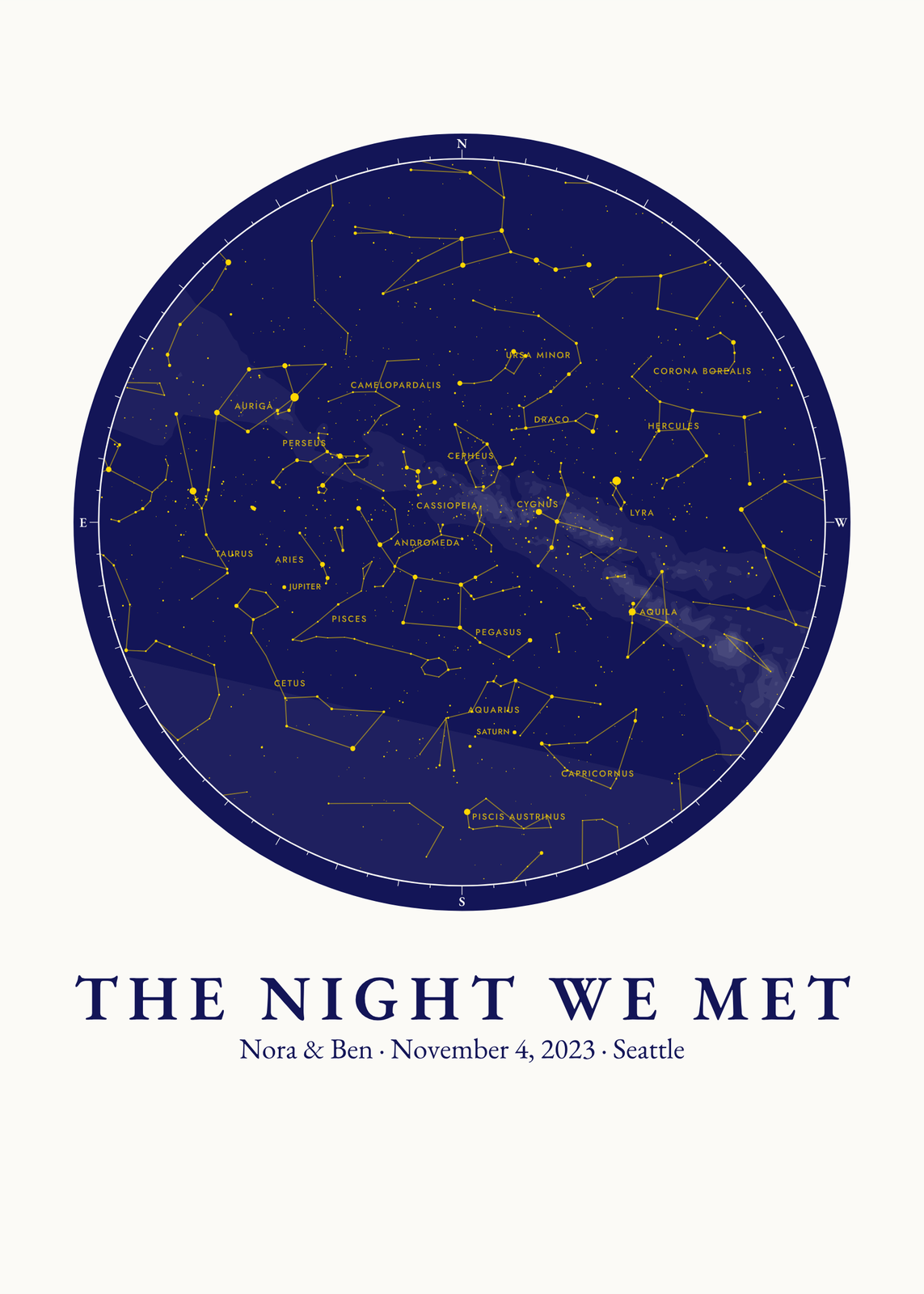
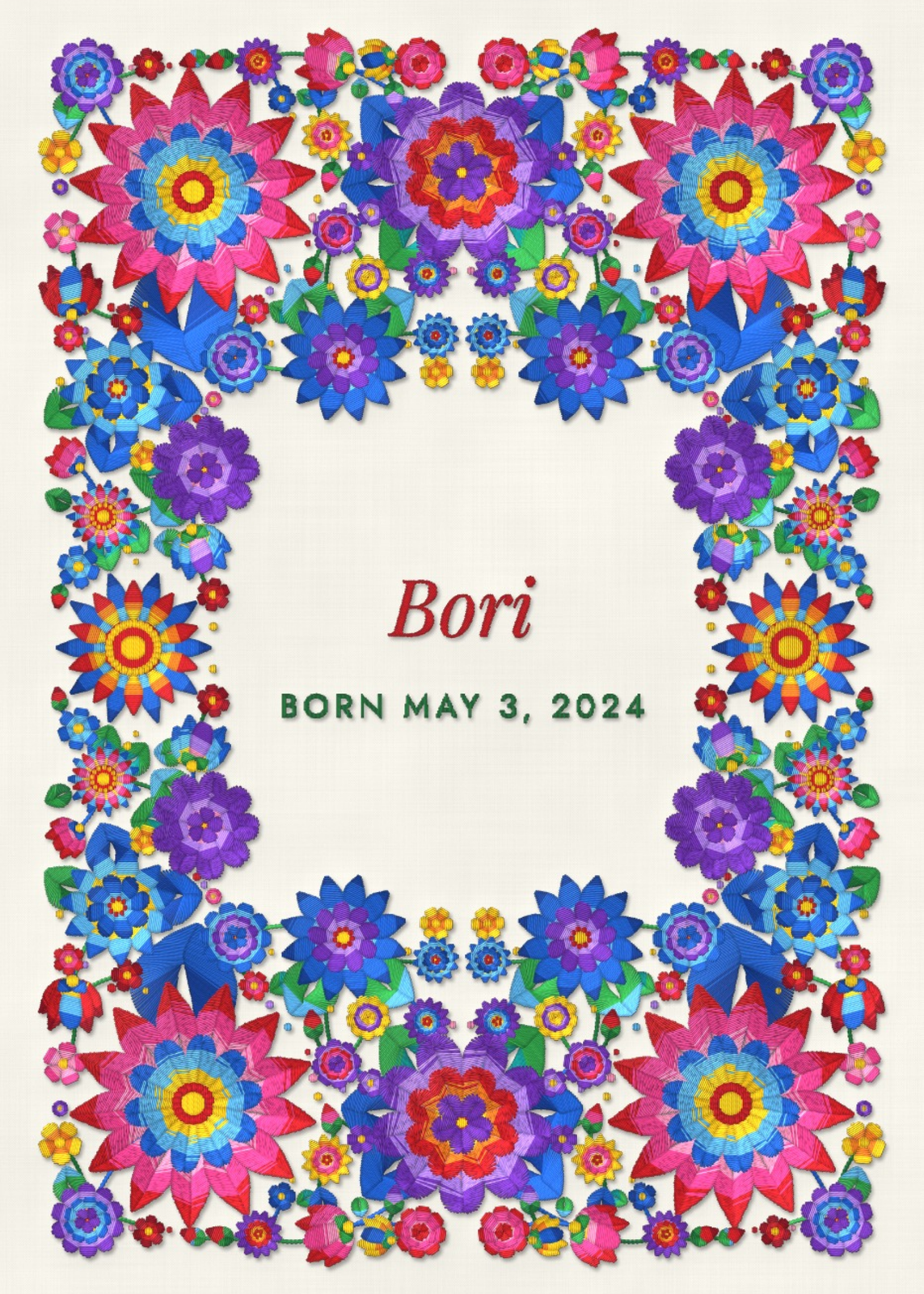
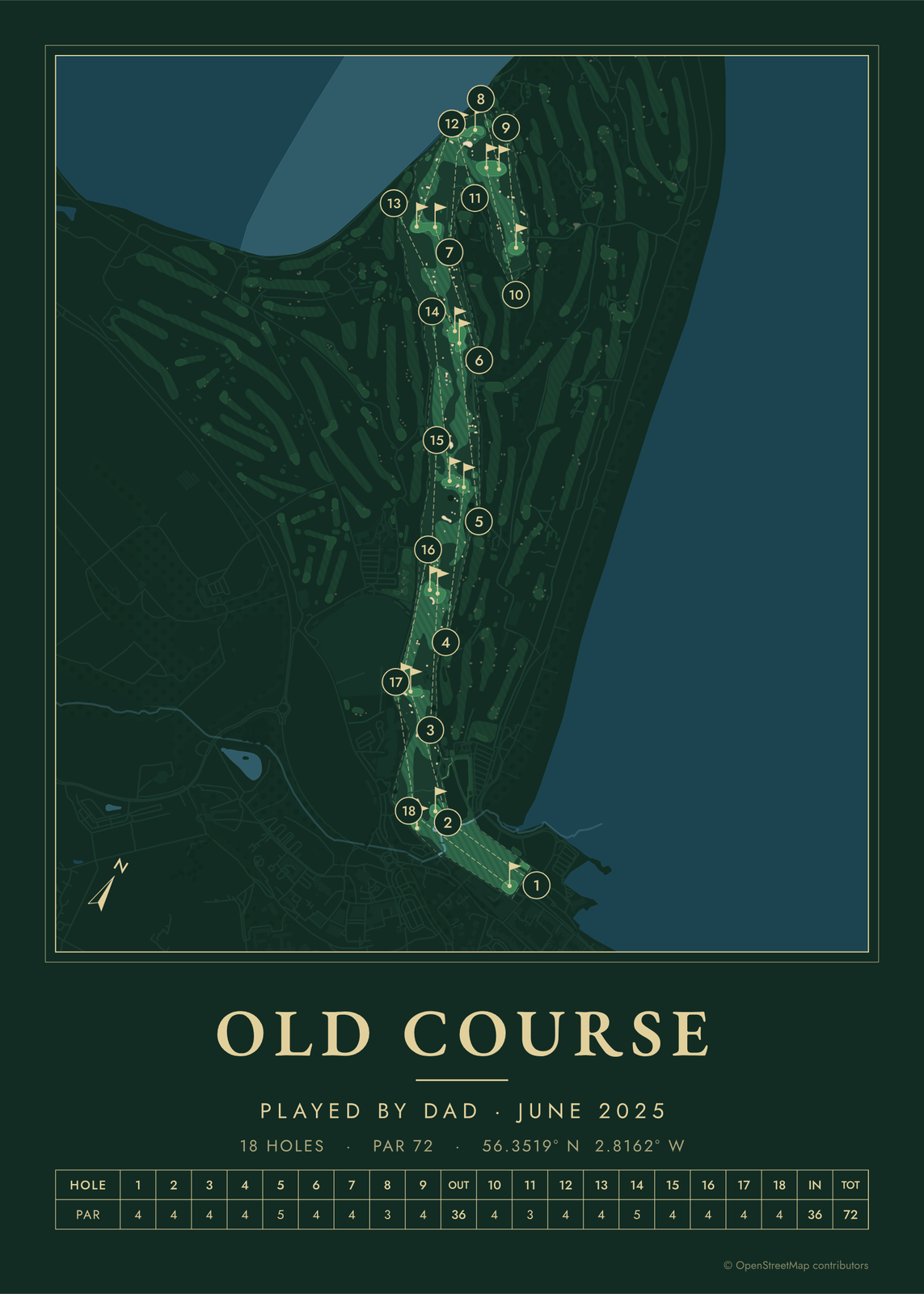
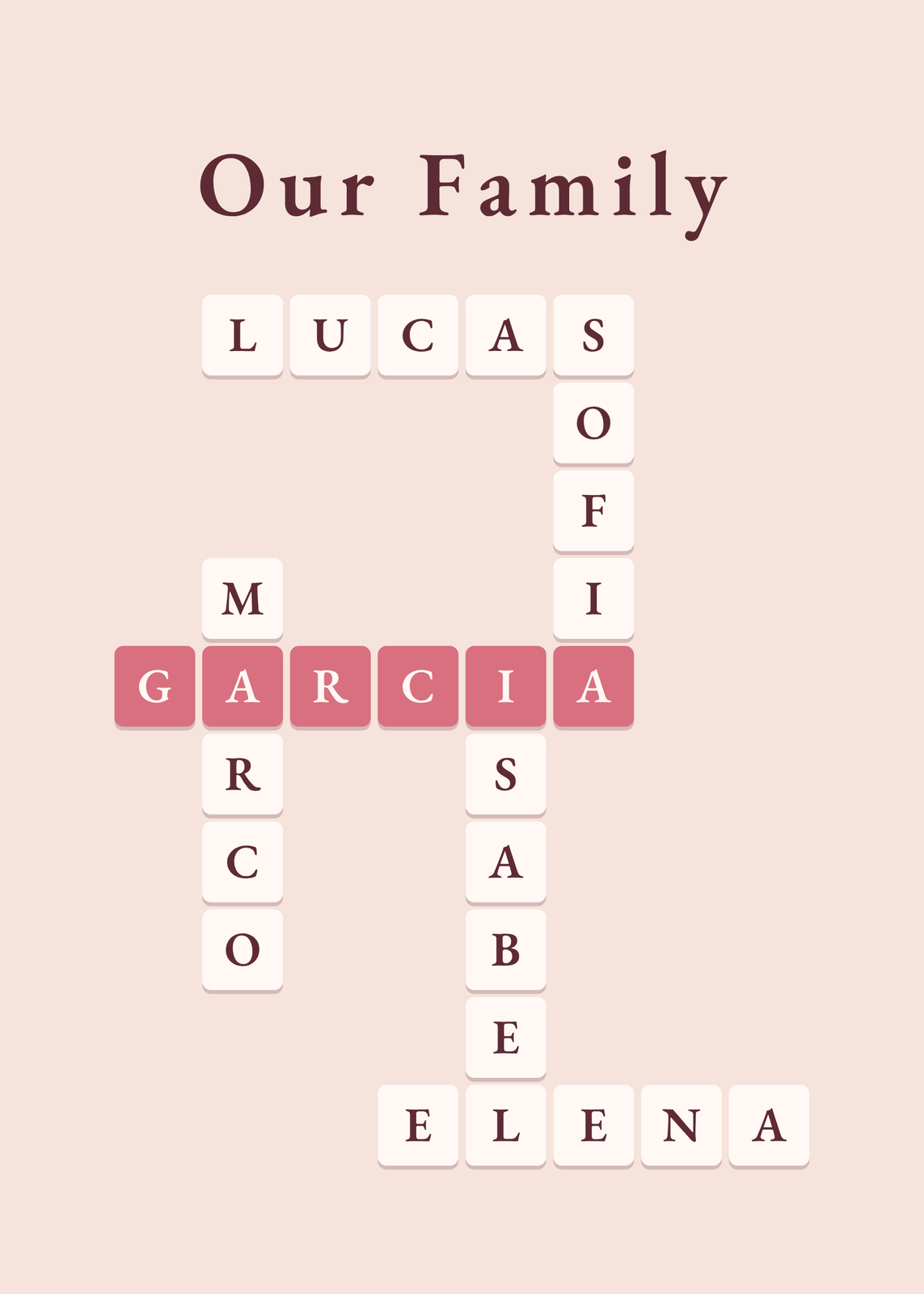
Every example is made with the Posterage generators. Change anything, then download it as a 300 DPI JPEG.